Tag: Android Launchers

  • Top 5 Android Launchers You Need To Try

    Top 5 Android Launchers You Need To Try

    Android launchers allow you to get a totally different user experience from your existing smartphone. The capabilities of these launchers are infinite ranging from theme customization to swipe gestures to battery boost by managing background apps.

    Evie Launcher: 
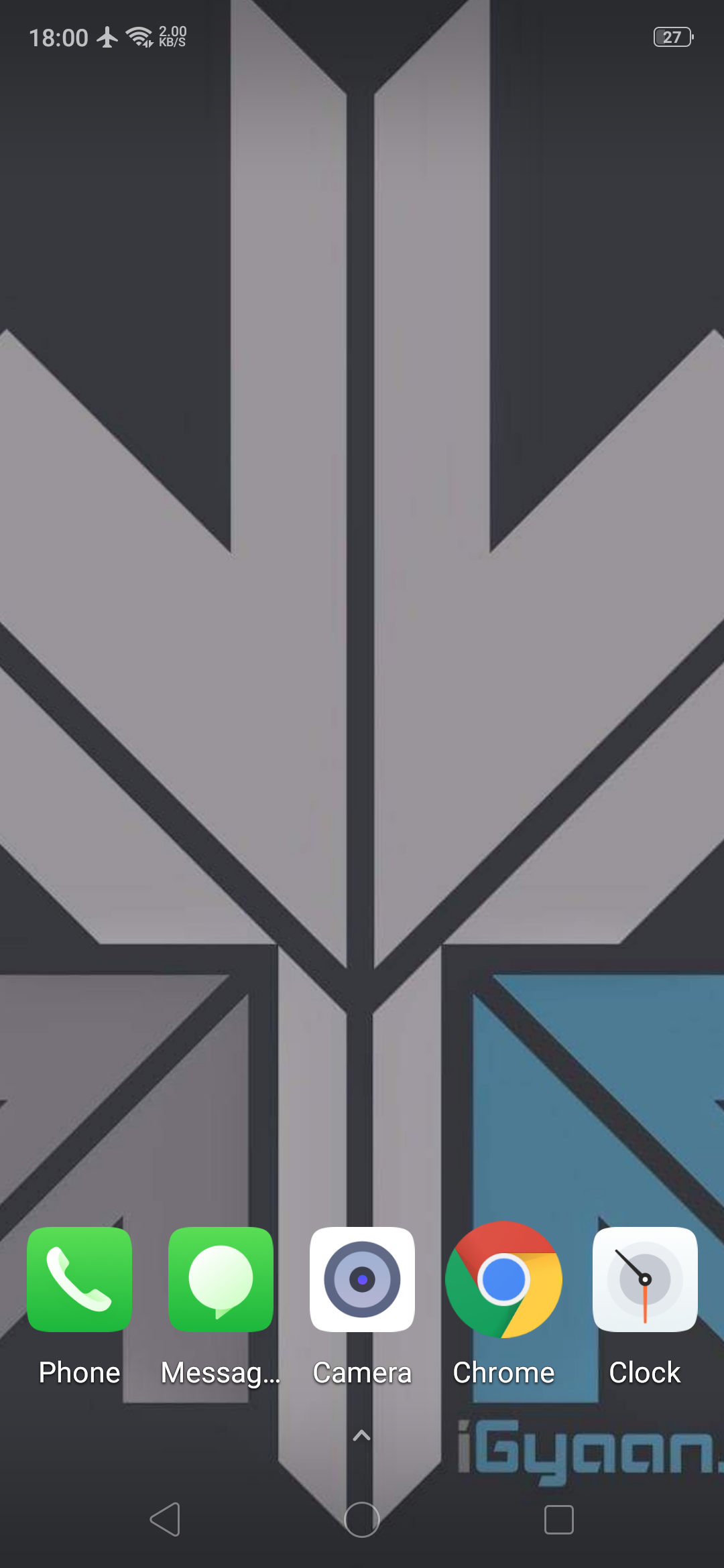
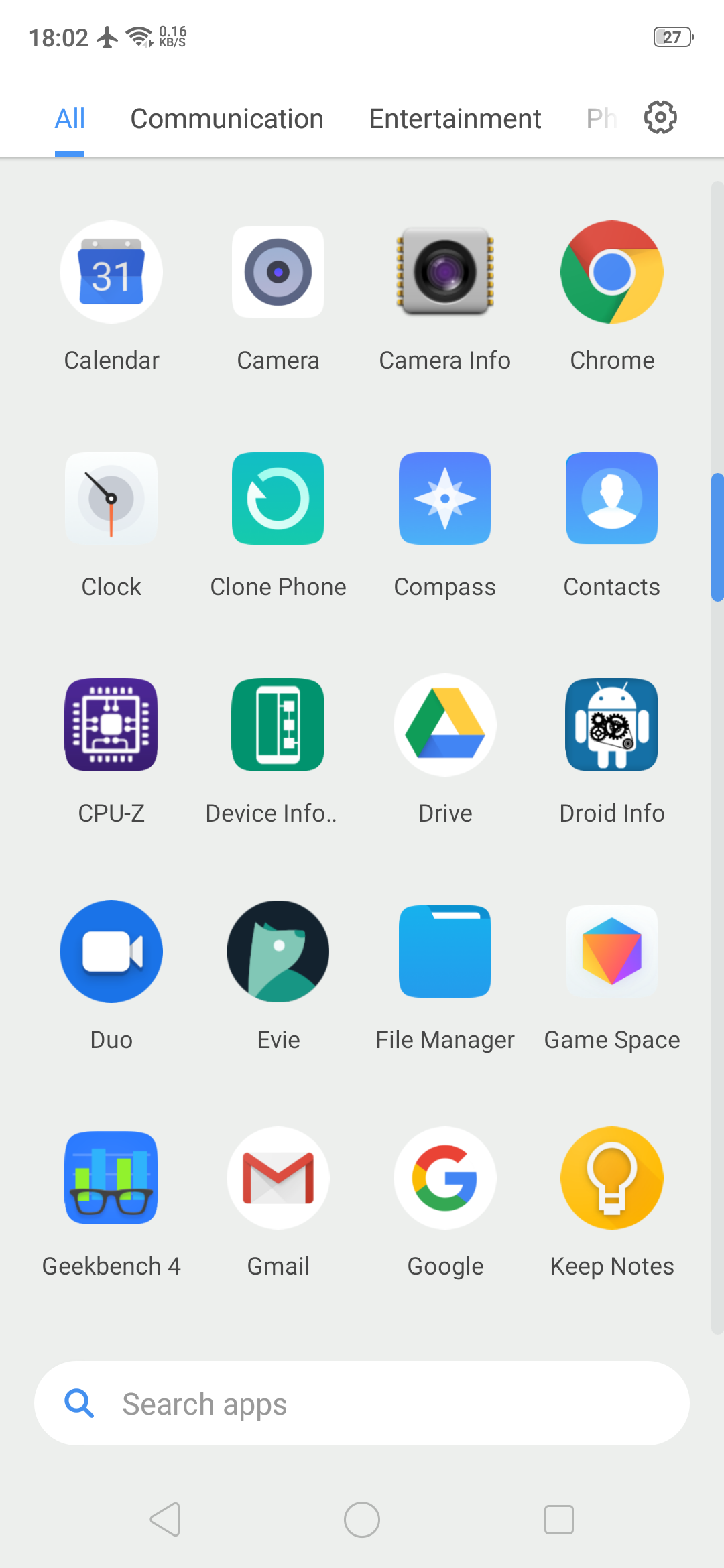
    Evie launcher is a home screen replacement that was designed with performance in mind. It has an alphabetic app drawer with a translucent background that makes it look very pretty. Apart from the looks, the key features of this Android launcher are custom shortcuts which can be user created, quick navigation that allows you to instantly access all apps with a swipe up. The launcher also supports personalization so the user can change app icons, manipulate icon size or customize the layout.

    Play store Rating: 4.7

    Nova Launcher: 
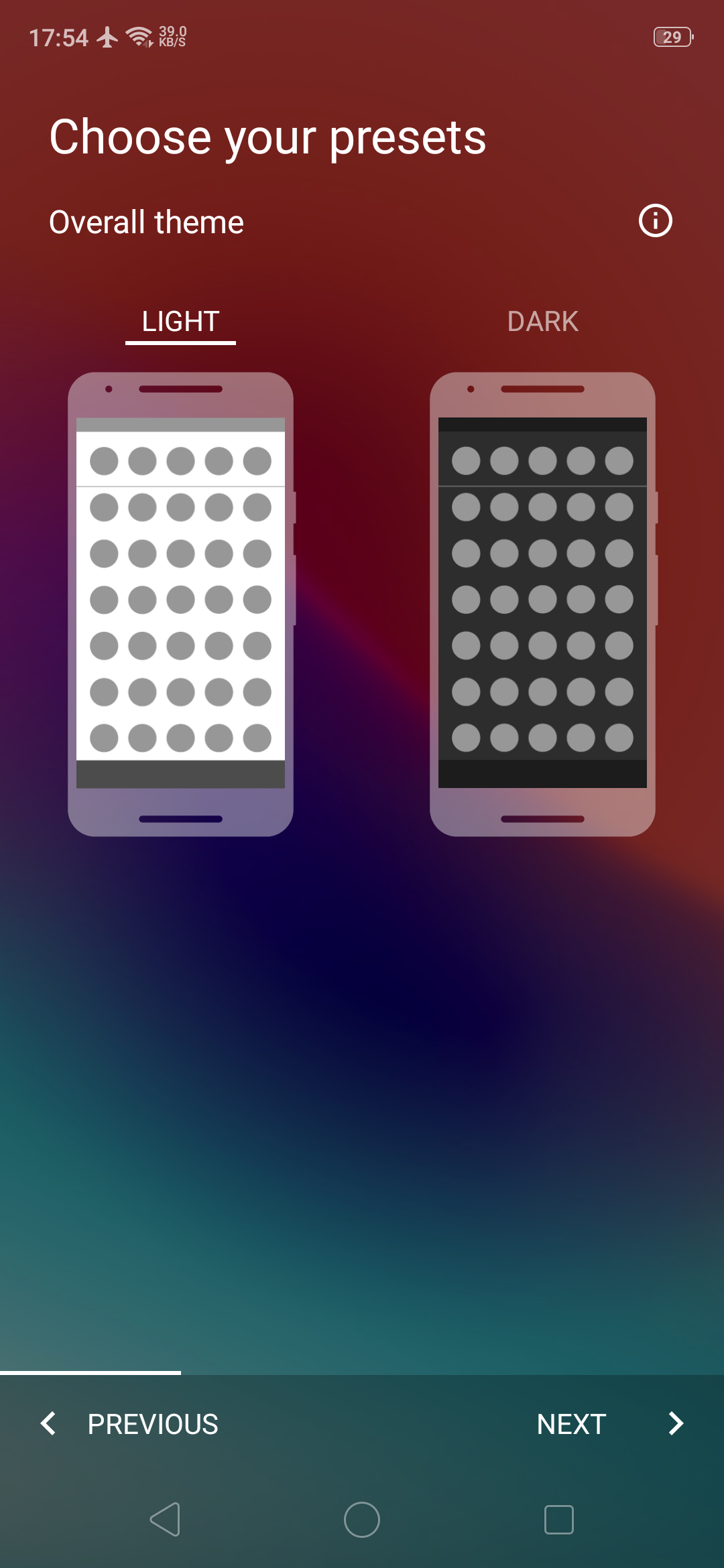
    This is one of the first 3rd party Android launchers. It is available for download as a free version or a paid version with added functionalities. The free version has a customizable App Drawer, color control for label folders and unread badges. The paid version includes gestures like swipe, pinch, and double tap to open your favourite apps, custom app drawers to create new tabs or folders, etc. Overall, it is a very robust and swift android launcher.

    Play store Rating: 4.6

    Also Read: Nokia X7 Design Revealed Ahead Of Launch

    Microsoft Launcher: 
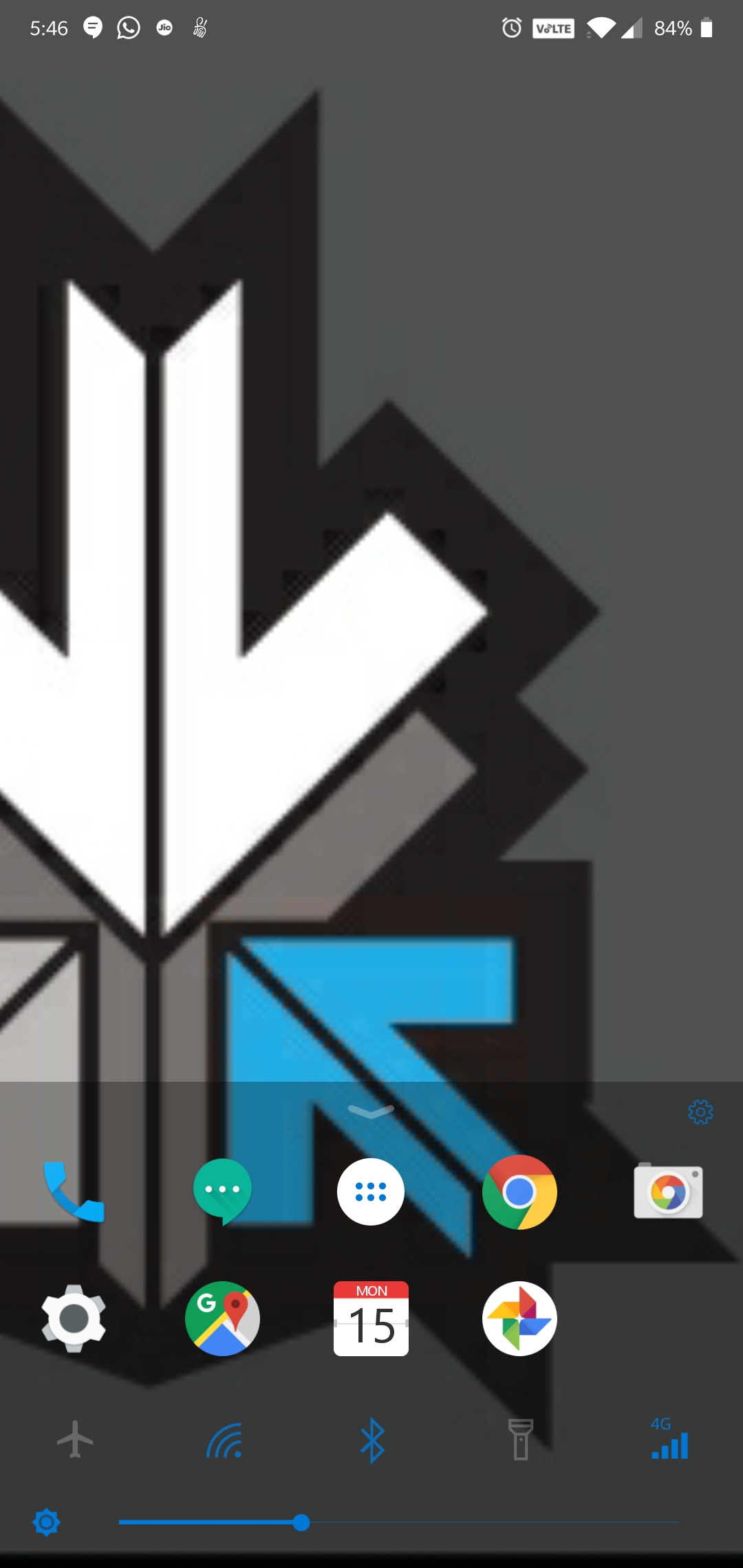
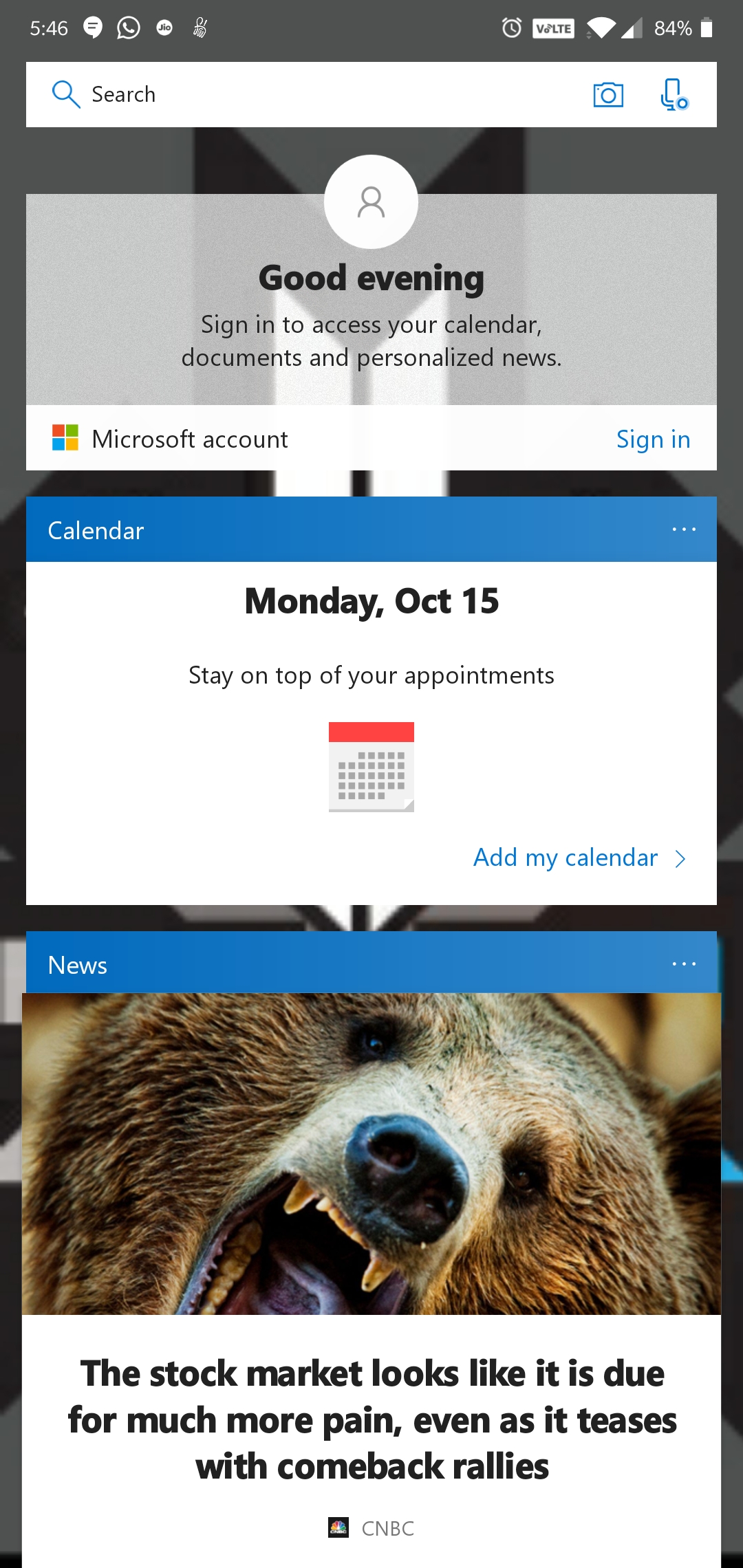
    This is Microsoft’s attempt at making an Android launcher and is surely influenced by the Windows design and themes. The launcher has a quick search bar with photo and audio search capabilities with Bing as the default search engine. It has Cortana support, which is Microsoft’s personal voice assistant. The launcher has a swipe up toggle menu for easily turning on/off options like Wi-Fi, Bluetooth, Rotation lock, etc.

    Play store Rating: 4.6

    POCO Launcher:
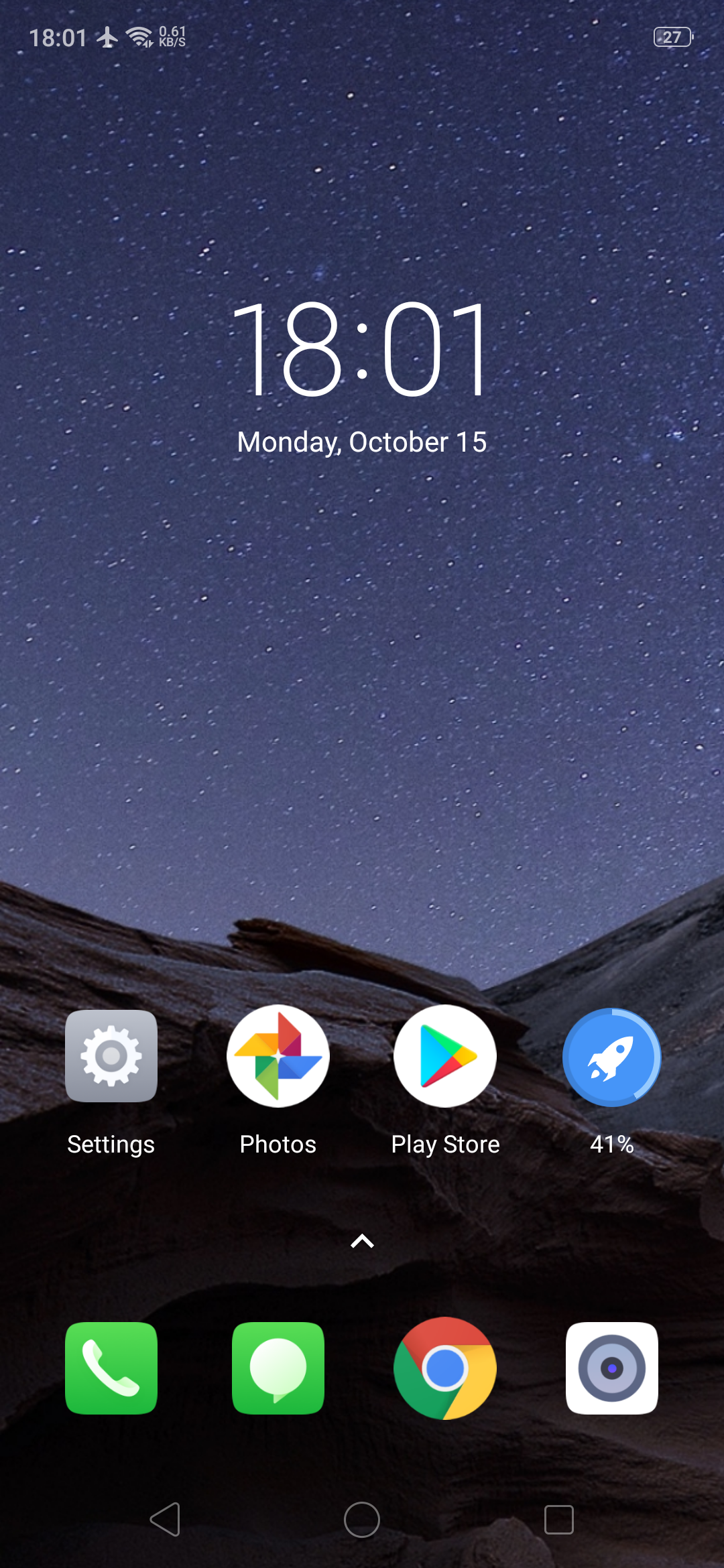
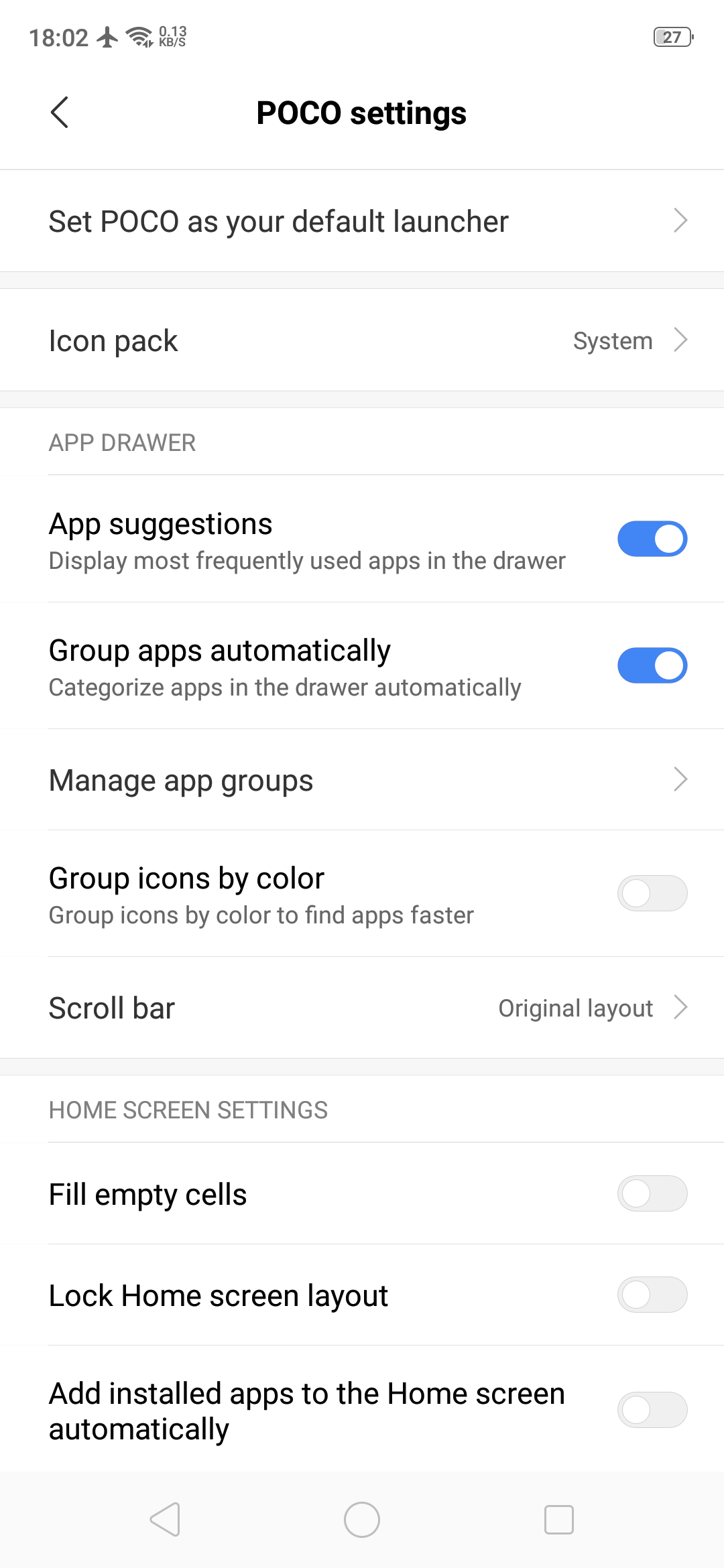
    POCO Launcher is the same launcher that the budget flagship smartphone Poco F1 has. It is fully customizable with a beautiful design and is super fast and light. Some key features include convenient search with recommended apps, easy app management by category and privacy protection by hiding private app icons.

    Play store Rating: 4.2

    Pixel Launcher: 
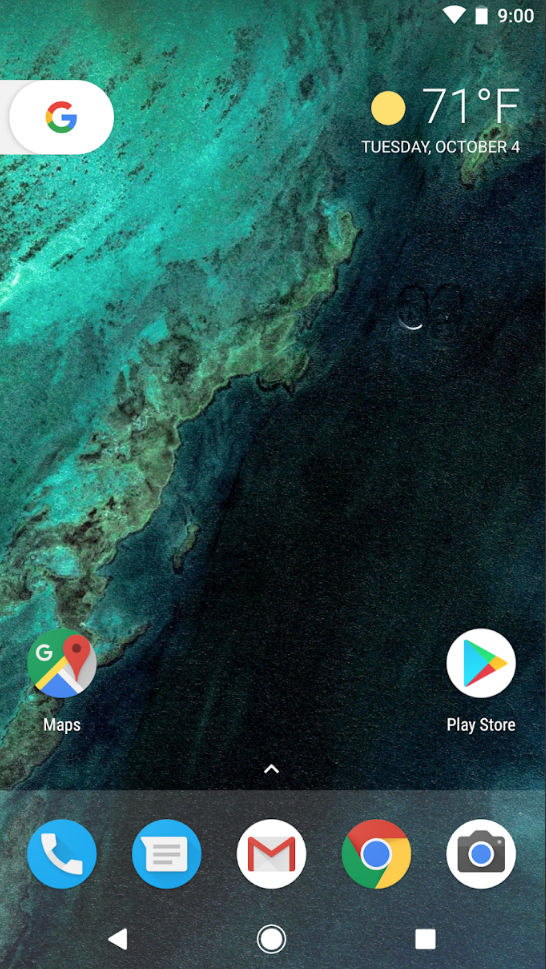
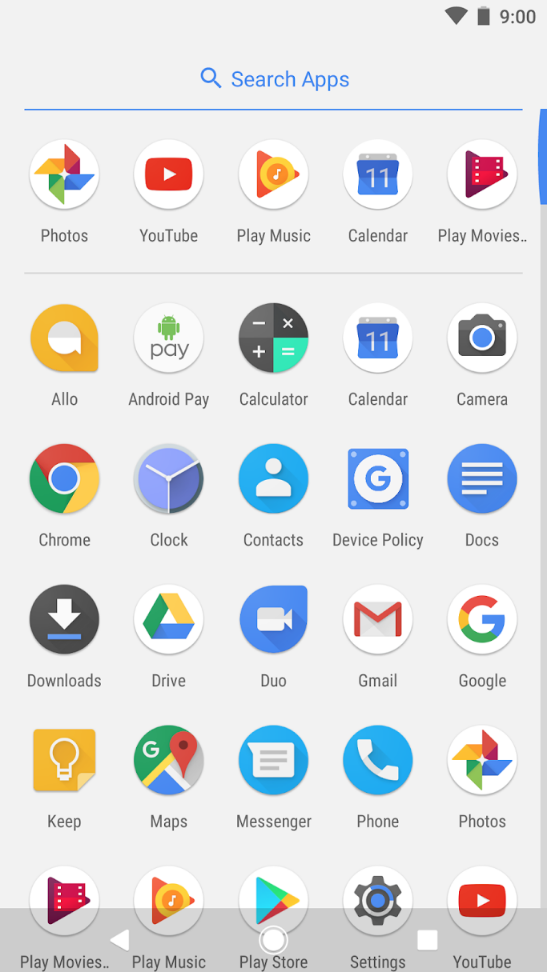
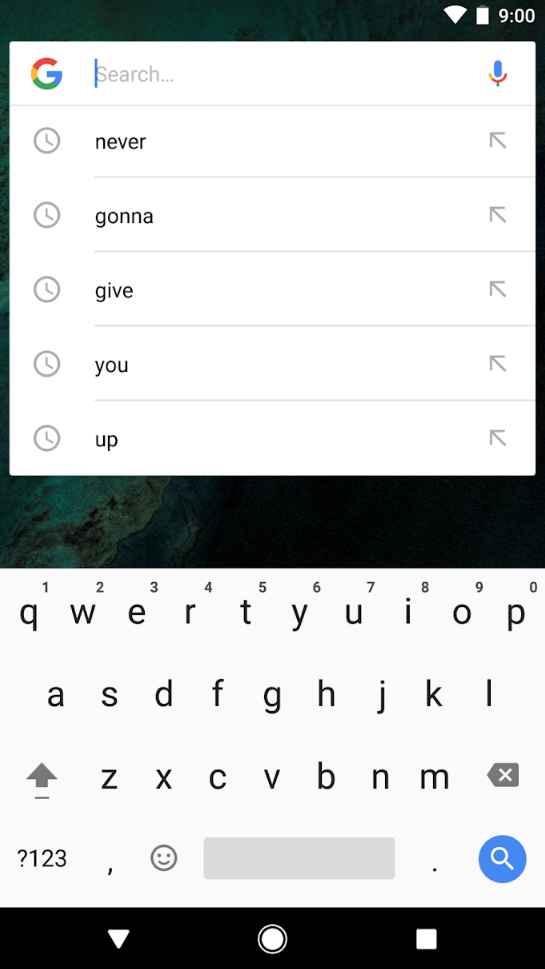
    Pixel Launcher is the home screen experience straight from the Pixel phones by Google. Key features of this Android launcher are quick access to Google search from the primary home screen, app suggestions, swipe right from home screen for Google news cards and personalized information like upcoming birthdays of friends. The Android launcher is very simple and easy to use which is synonymous to Google’s vision of using technology.

    Play store Rating: 4.2
  • Top 5 Android Launchers For Free

    Top 5 Android Launchers For Free

    Different smartphones come with different UI. Luckily, in Android, the UI can be changed by just installing a third party app. The possibilities of making your smartphone unique are unlimited. You can make it look like an iPhone, or like the new Pixel 2 with stock Android user interface.

    The support for custom themes, icon packs, and font styles are the major ingredients of a good launcher. These launchers will help to customise your smartphone without rooting or installing custom ROMS. Here are the top 5 Free Android Launchers:

    Nova Launcher:

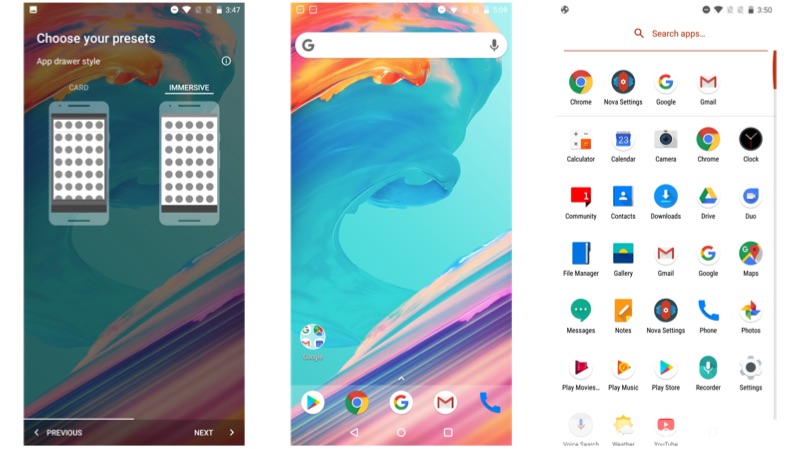
    Nova Launcher is our first pick, which offers unlimited possibilities of customisation. However, if you want to get most out of this launcher try to purchase the pro version, which will be available for Rs 99. You can choose between stock Android like UI or with a UI with no app drawer.

    Pros:

    • Ability to choose between Light or Dark theme
    • Ability to choose app drawer action to customise the style of app drawer
    • Search Bar on the top of app drawer

    Cons:

    • No gesture support in the free version
    • No option for group and hide apps in free version
    • Limited scrolling effect
    Buzz Launcher:

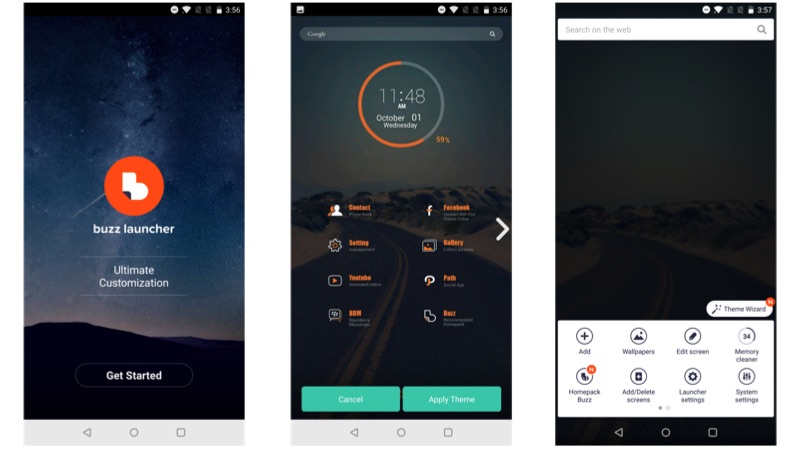
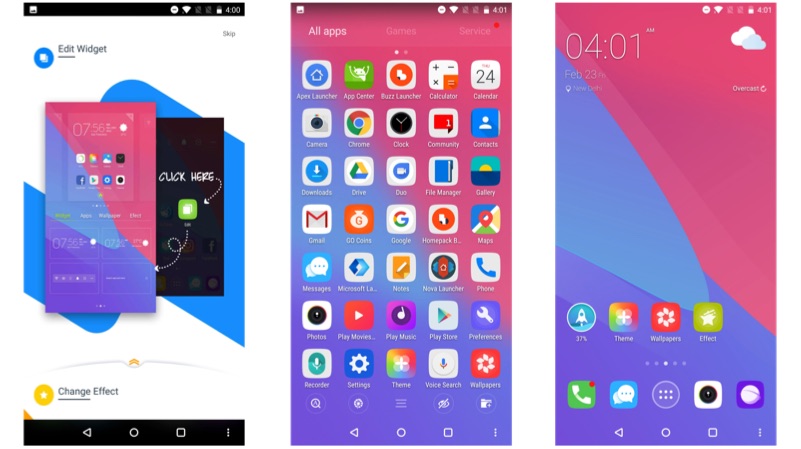
    Buzz launcher is the most different looking launcher of the lot. The UI has different elements with a new way of the organisation of apps and widgets.  In the app drawer, the apps automatically arrange themselves into a pre-defined folder, which gives a more clean look.

    Pros:

    • One of a kind user interface
    • Support for social media widgets
    • Clean UI design

    Cons:

    • Might confuse some users on the setup page
    • Ads show up as promoted apps
    • Ad-free version is not available
    Z Launcher:

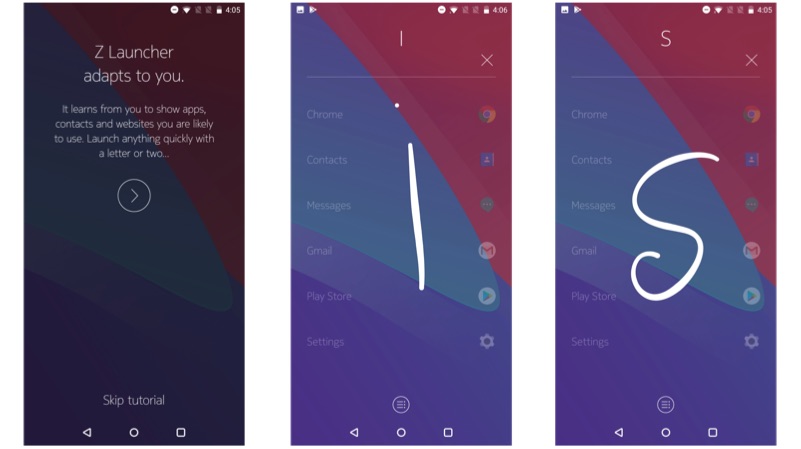
    The implementation of Z launcher is based on gesture support. The launcher looks minimalistic with easy to use user interface. The app drawer has a unique way of stacking up the apps vertically.

    Pros:

    • Easy to user interface
    • Gestures work almost all the time
    • Ability to change icon pack or theme pack

    Cons:

    • No third party theme support
    • Still in beta version
    • No support for widgets
    Microsoft launcher:

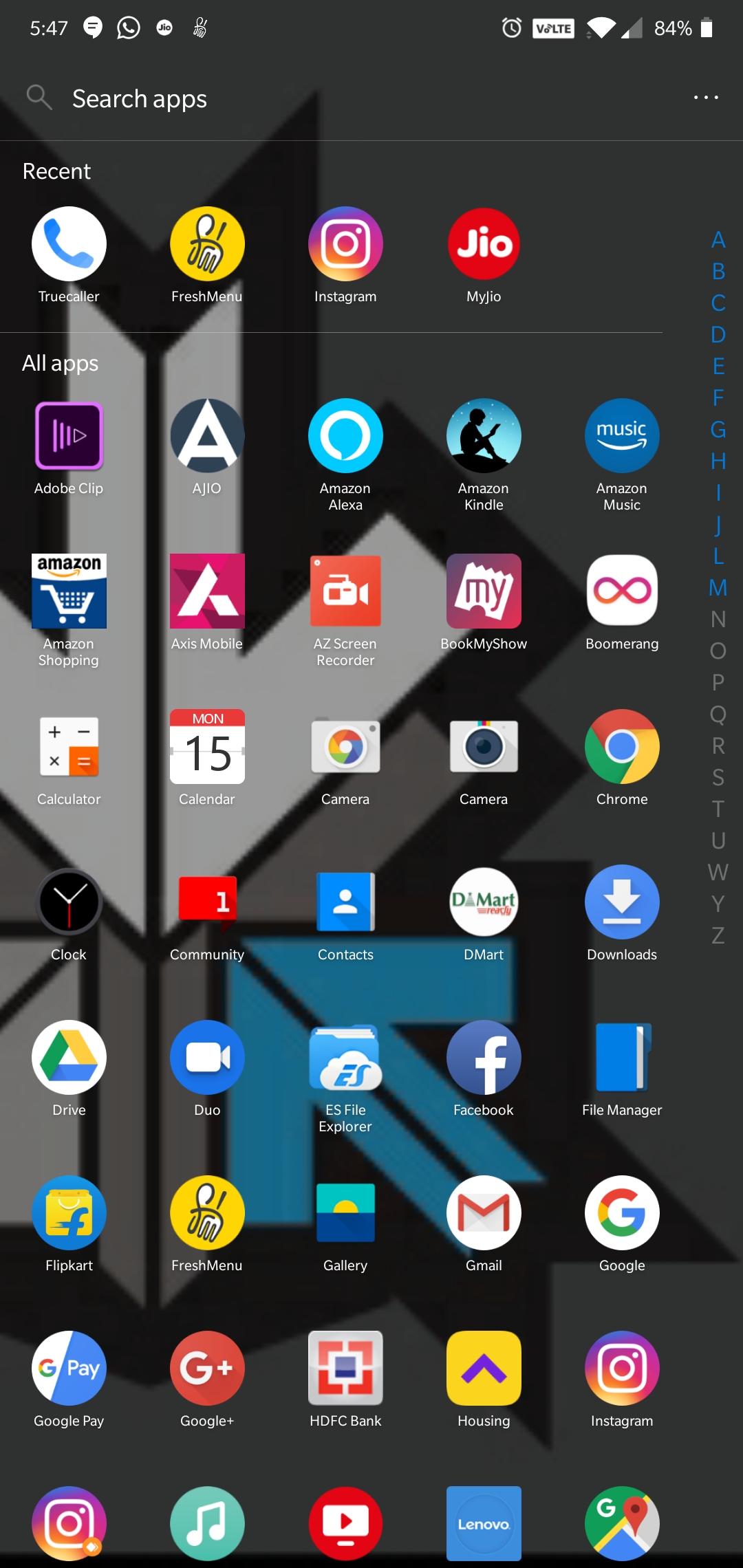
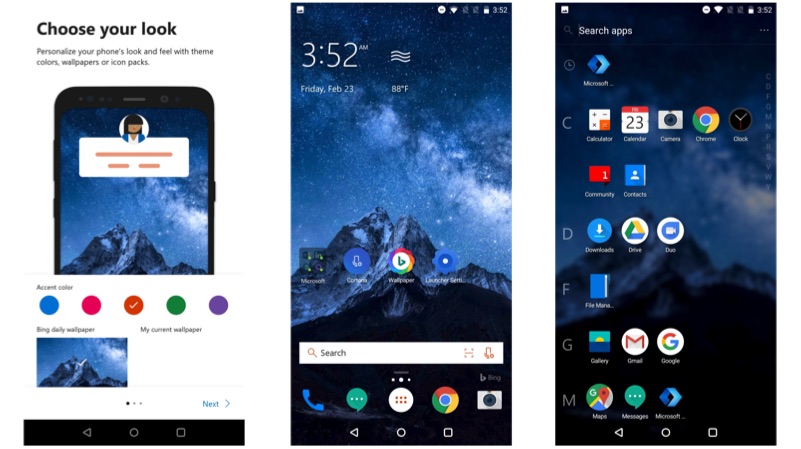
    Microsoft launcher is one of the lightest launchers that we found. It uses simplistic user interface with an overall black and orange theme. The apps in the app drawer are arranged according to alphabetic order.

    Pros:

    • Custom window with latest news information depending on the region
    • Built-in Cortana voice assistant
    • One touch wallpaper change support from Bing

    Cons:

    • No ad-free version
    • Replaces Google search with Bing
    • Requires Microsoft account for additional features
    Go Launcher Z:

    This is a retro looking launcher with 3D style animations. The launcher comes with custom icon pack, which is customisable. The online library offers an unlimited supply of wallpapers.

    Pros:

    • Retro looking launcher
    • Customisable 3D animations
    • Support for third-party icon packs

    Cons:

    • Looks bit dated
    • Comes pre-installed with third-party apps
    • Ad-free version costs Rs 300
iGyaan Network
Privacy Overview

This website uses cookies so that we can provide you with the best user experience possible. Cookie information is stored in your browser and performs functions such as recognising you when you return to our website and helping our team to understand which sections of the website you find most interesting and useful.