Tag: android lollipop

  • Here’s How You Can Get Android Lollipop 5.0 Right Now on Your Nexus 5

    Here’s How You Can Get Android Lollipop 5.0 Right Now on Your Nexus 5

    Google has started rolling out Android Lollipop 5.0 update for Nexus 5. You can expect the new update soon on your device via OTA in the coming days. However, there are some of us who don’t want to wait anymore. It is true that the OTA method is the most convenient way to upgrade your phone. However, we don’t mind doing some hard work to get the new upgrade.

    So, here is how you can get Android Lollipop 5.0 right now on your Nexus 5.

     Things you’ll need:

    • A Windows computer installed with ADB and Fastboot.
    • Android Lollipop ROM for the Indian version of the Nexus 5. Download it Here.
    • USB drivers for Nexus 5. Download it Here.

     How to do it:

    1. Go to the phone Settings and make sure the Developer mode is enabled.

    2. Put the downloaded Lollipop Zip file into a new folder in the desktop and rename it according to your preference.

    3. Make sure the USB debugging option is on; you can find it under Developers option in your phone’s ‘Setting’ window.
    Nexus 5 Lollipop3

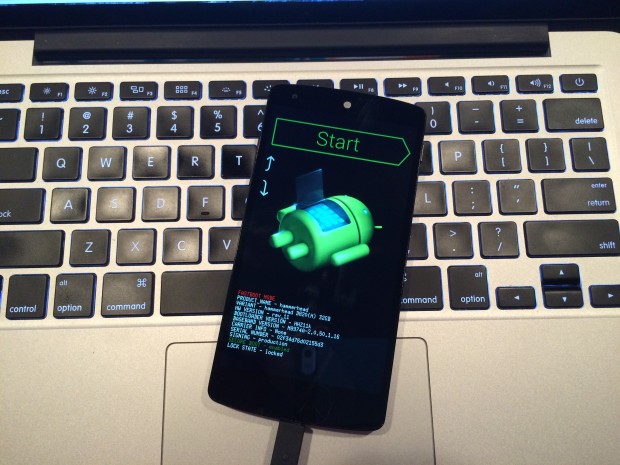
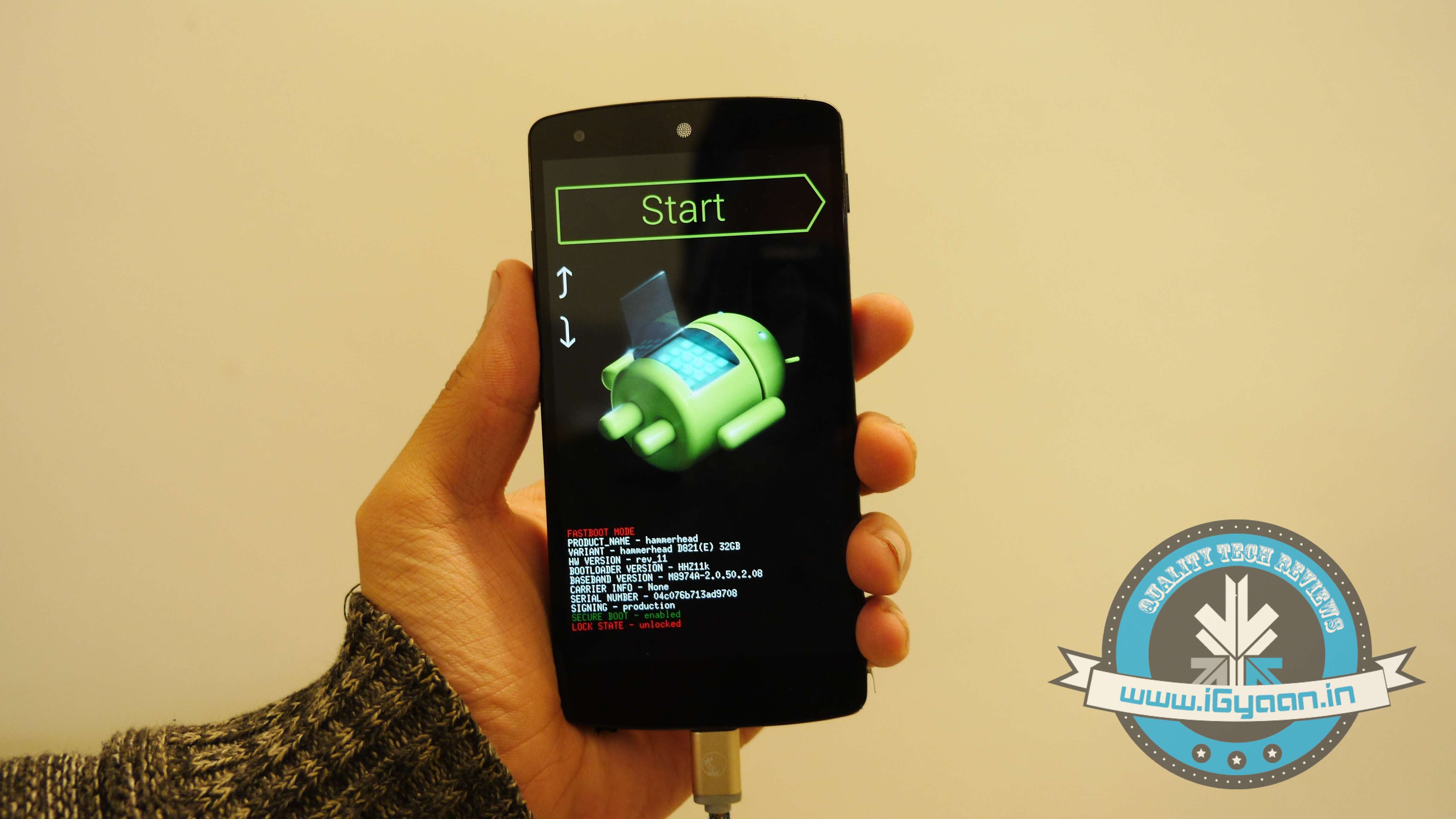
    4. Switch off your phone. Now press Volume Down + Power button simultaneously. This will switch on the phone in Fastboot. You will see Start written in big letters on the top of the screen. Use volume buttons to navigate to Recovery Mode. Once found, select it using the Power button.
    Nexus 5 Lollipop2

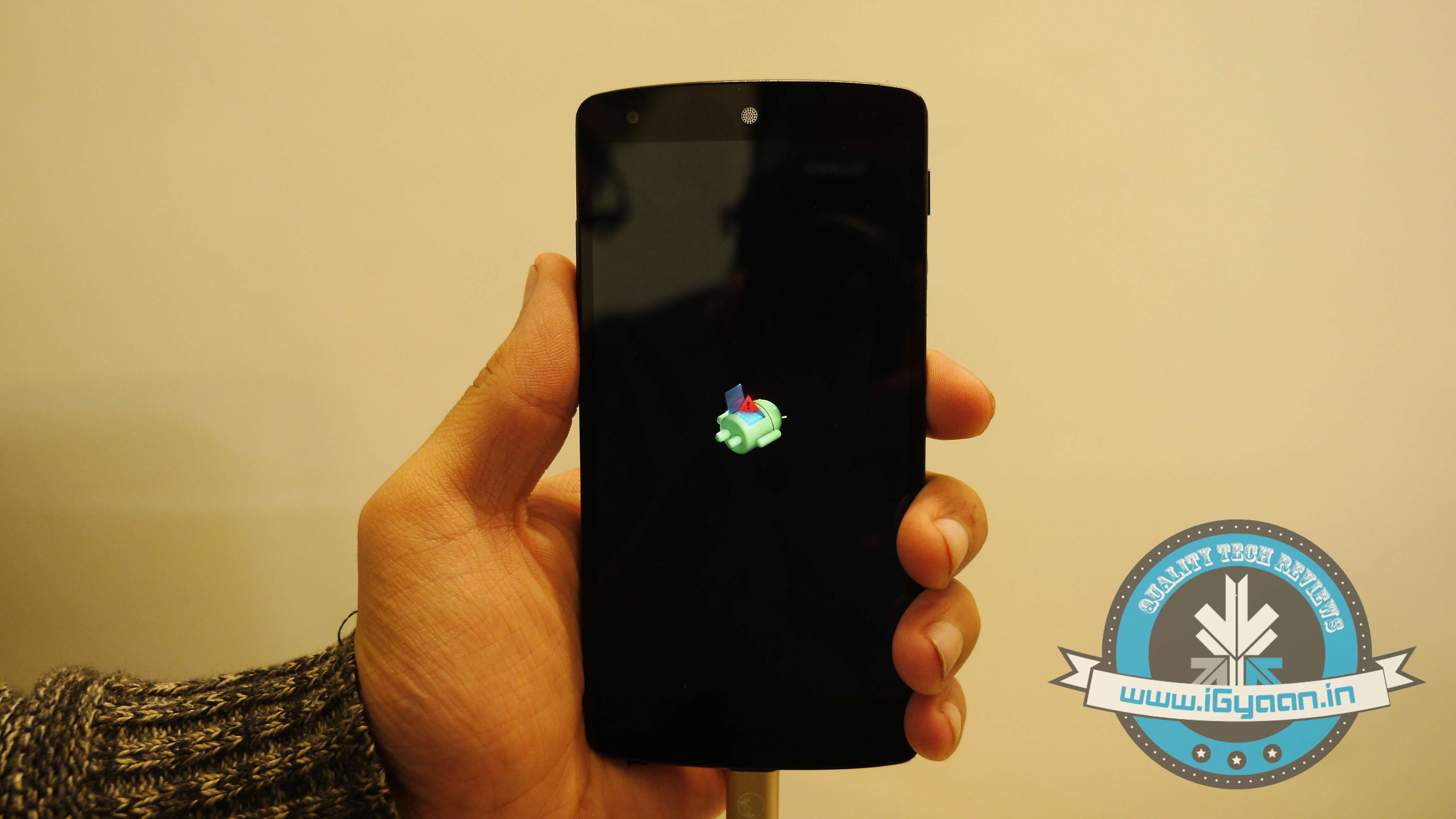
    5. You’ll see small Android robot lying flat with a red mark over its belly. Now press the Power button for a couple of seconds and press the Volume Up button once while holding the power button. This will turn on the ADB mode in your device. If it doesn’t, try it again starting from step 4.

    6. Once the phone is in Recovery Mode, use volume buttons to highlight ‘apply update from ADB’ and press Power button to select it.

    Nexus 5 Lollipop5

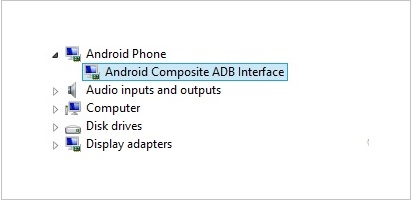
    7. Connect your phone with the PC via USB. Make sure the PC recognises the device as Android phone with Android Composite ADB Interface functionality in your computer’s Device Manager. If not, uninstall the drivers and install them again.
    Nexus-5-Driver-Installation-Completed

    8. Now press ‘Windows+R’ on you keyboard to launch RUN and type ‘cmd’ to open the Command window.

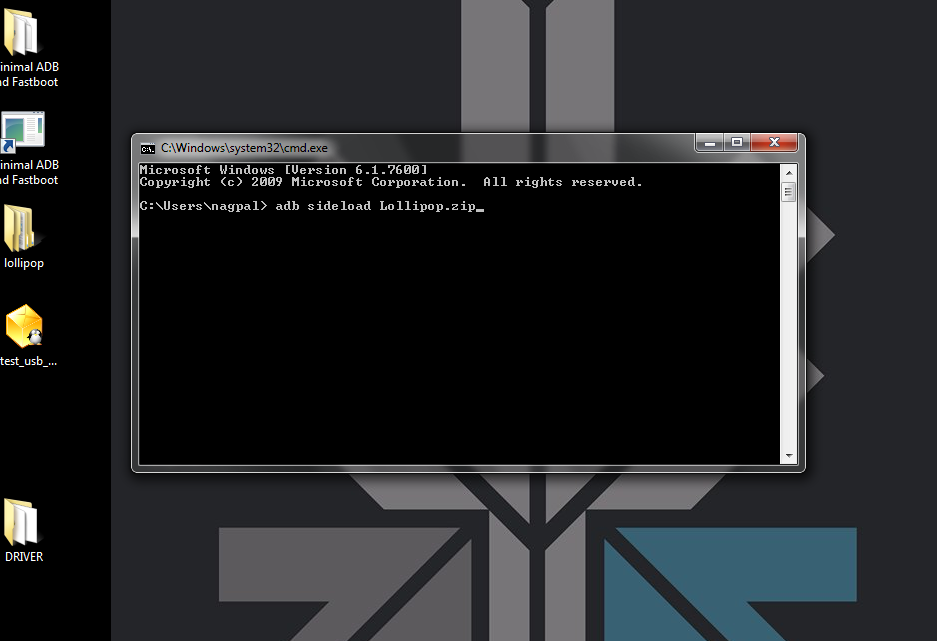
    9. Type ‘adb sideload <name of the Lollipop zip file>’. For example, if your file name is Lollipop.zip, then write: adb sideload lollipop.zip and press Enter.
    cdm

    10. Now,  you will see that the ROM will be copied onto your phone. This way, Lollipop will be installed. The whole process will take around 10 minutes.

    lollipop

    TIP: If you get confused or lose the track somewhere in between, press the Volume Up, Volume Down and Power buttons together to reboot the phone. And remember, never ever pull it off charging.

  • Asus Confirms Android 5.0 Lollipop Update for Zenfone, Padfone

    Asus Confirms Android 5.0 Lollipop Update for Zenfone, Padfone

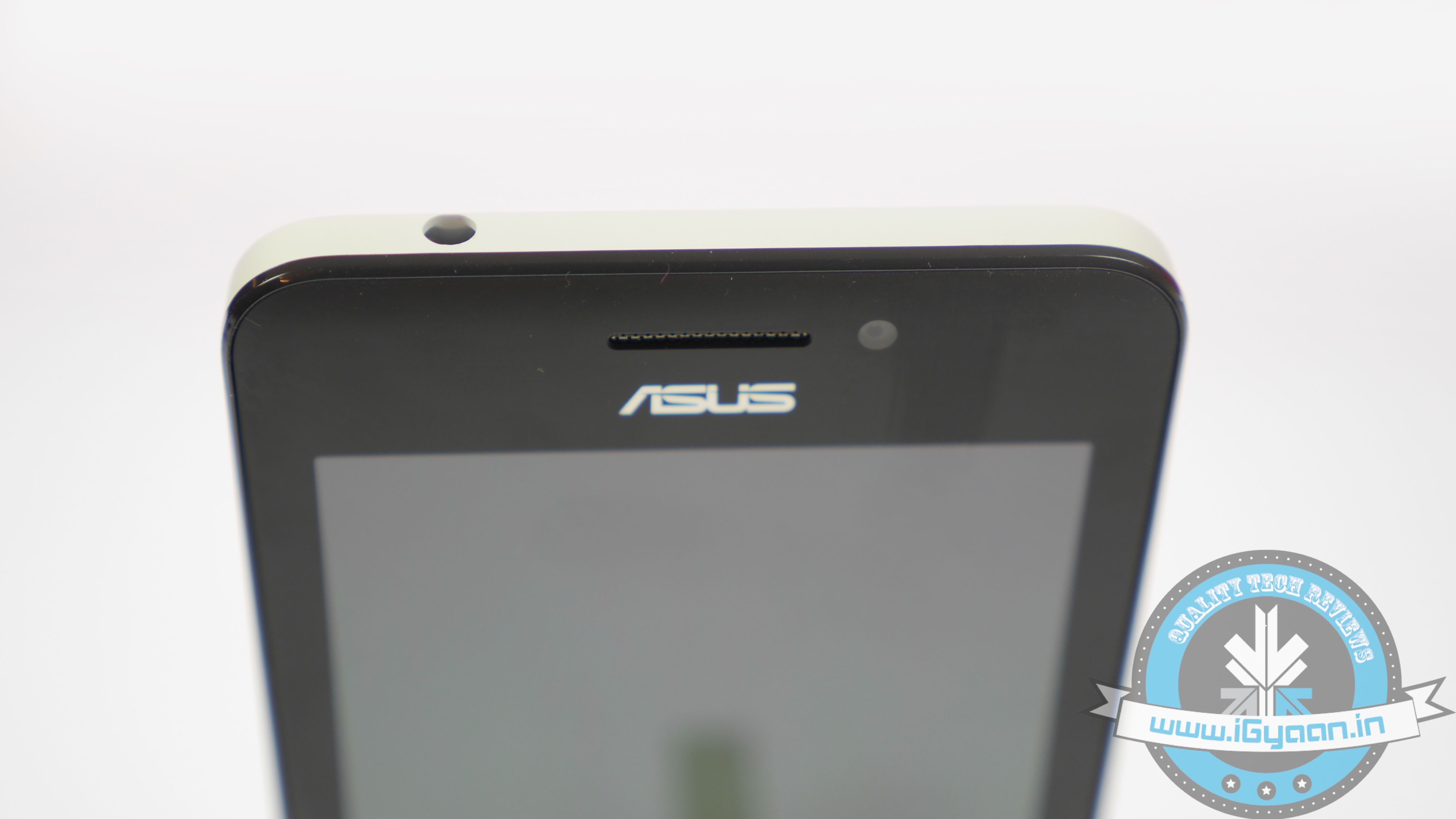
    Taiwanese manufacturer Asus has joined the list of manufacturers officially confirming the Lollipop update for its smartphones. The company has officially announced the Android 5.0 update for the Zenfone 4, Zenfone 5 and Zenfone 6 smartphones. Also receiving the update would be the Padfone S and Padfone Infinity (A86) devices. Meanwhile, the LTE version of the Zenfone 5 will also receive the update.

    However, the updates will take a long time to arrive. According to Asus, the update will come to Zenfones in April 2015, which makes it highly possible that Asus is working on the next version of the Zen UI for Android.

    Asus_Zenfone_4_3

    Asus now joins the likes of Motorola, Sony and HTC with this announcement, who have also confirmed the update for a select few devices. Being the Nexus manufacturer, Motorola was the first to confirm the update, followed by Sony announcing the update for the entire Xperia Z series.

    While Samsung also teased the update for the Galaxy Note 4, though it is rumoured to be working on a revamped version of its TouchWiz UI for Android 5.0. For more information, check out our article on a complete list of devices that will get the Android 5.0 Lollipop update.

  • Google’s Nexus Player , Plays Games and Runs Apps for US $99

    Google’s Nexus Player , Plays Games and Runs Apps for US $99

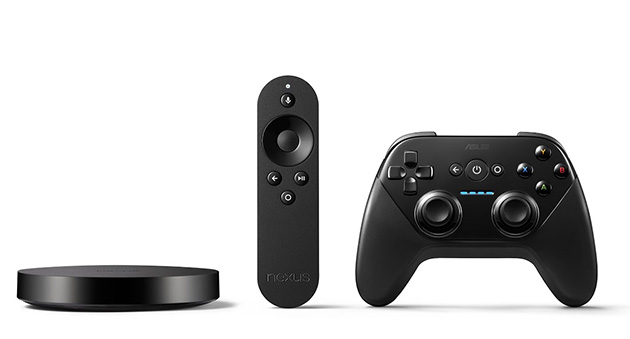
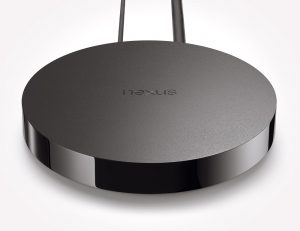
    Google has announced the Nexus player along with its launch of the Nexus 6, the Nexus 9 and Android 5.0 Lollipop. The Apple TV-esque box is a lot more. It handles streaming, games and run Android apps all for US $99 as the price tag.

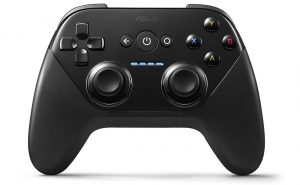
    The gaming controller however, is an extra $39 at the time of purchase, and a must for any and all gaming fans. Just like the chrome cast , the Nexus Player can stream and function with Android devices, however you can also load apps and the player will natively work with Google’s Android TV. For options you get Netflix, Hulu, Food Network, Travel Channel and few more, however Sports Packages and HBO Go have been left out. What this also means is that most con tries apart from the US and UK may not get the Android Player.

    The device goes for pre-order on the 17th of OCT, however will not be available until November 3rd. Stay tuned for India bound news.

  • Android 5.0 is Lollipop

    Android 5.0 is Lollipop

    After monte of initial release the Android 5.0 version has been made official and its called Lollipop (sorry not ladoo). The OS was mostly known as Android L since its announcement and now it has finally been named along with the launch of the three flagship products, the Nexus 6, the Nexus 9 and a $99 Nexus player.

    Google has been kind to confirm that Android 5.0 Lollipop is coming to the Nexus 5, Nexus 7 and Nexus 10 along with Google Play edition devices, in the coming weeks.

    Motorola gets dibs on first lineup, as Motorola’s most new launches will get Lollipop almost as soon as Nexus devices.these include both generations of the Moto X and Moto G (including the US LTE model), Moto E, and US based Droid Maxx, Droid Mini and Droid Ultra.

    Expect to hear from other companies in a while, although HTC’s new launches including the HTC Desire 820, new Desire Eye will ship with Android L out of the box later this month, hence the delay in launch.

iGyaan Network
Privacy Overview

This website uses cookies so that we can provide you with the best user experience possible. Cookie information is stored in your browser and performs functions such as recognising you when you return to our website and helping our team to understand which sections of the website you find most interesting and useful.