We often get similar questions from multiple users, this new section is to address exactly that, and we begin with the most asked question in recent times.
User Question :
Bharat Addresses to “ppi” in his videos, what does this mean? and does it have any relation to the camera resolution?
iG Answer :
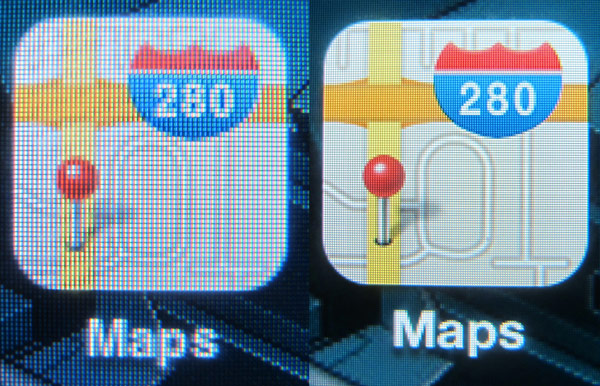
PPI (pixels per inch), often referred to as pixel density is a measurement of the resolution of display of the device in question. this can also be the density of the images captured by a camera, but in Bharat’s reference it is always in terms of the display of the device in question.
PPI, is an actual count of the number of pixels found in one inch of a display, which varies depending on the resolution of the display and the overall size of the display.
Lets clarify further:
1. Calculate  .
.
-
2. Calculate PPI:
where
- is diagonal resolution in pixels,
 is width resolution in pixels,
 is height resolution in pixels and
 is diagonal size in inches.


The HTC One M9+ has a screen resolution of 1440×2560 px
So, = [underoot of = (2073600 + 6553600)] =2937.2 (approx)
The diagonal size in inches is 5.2 inch, therefore / = 2937.2/5.2 = 564.84
Therefore the pixels per inch (ppi) of the HTC One M9+ = 565 (rounded)