Tag: Google I/O 2018

  • Android 9 P: Google I/O 2018 New Features

    Android 9 P: Google I/O 2018 New Features

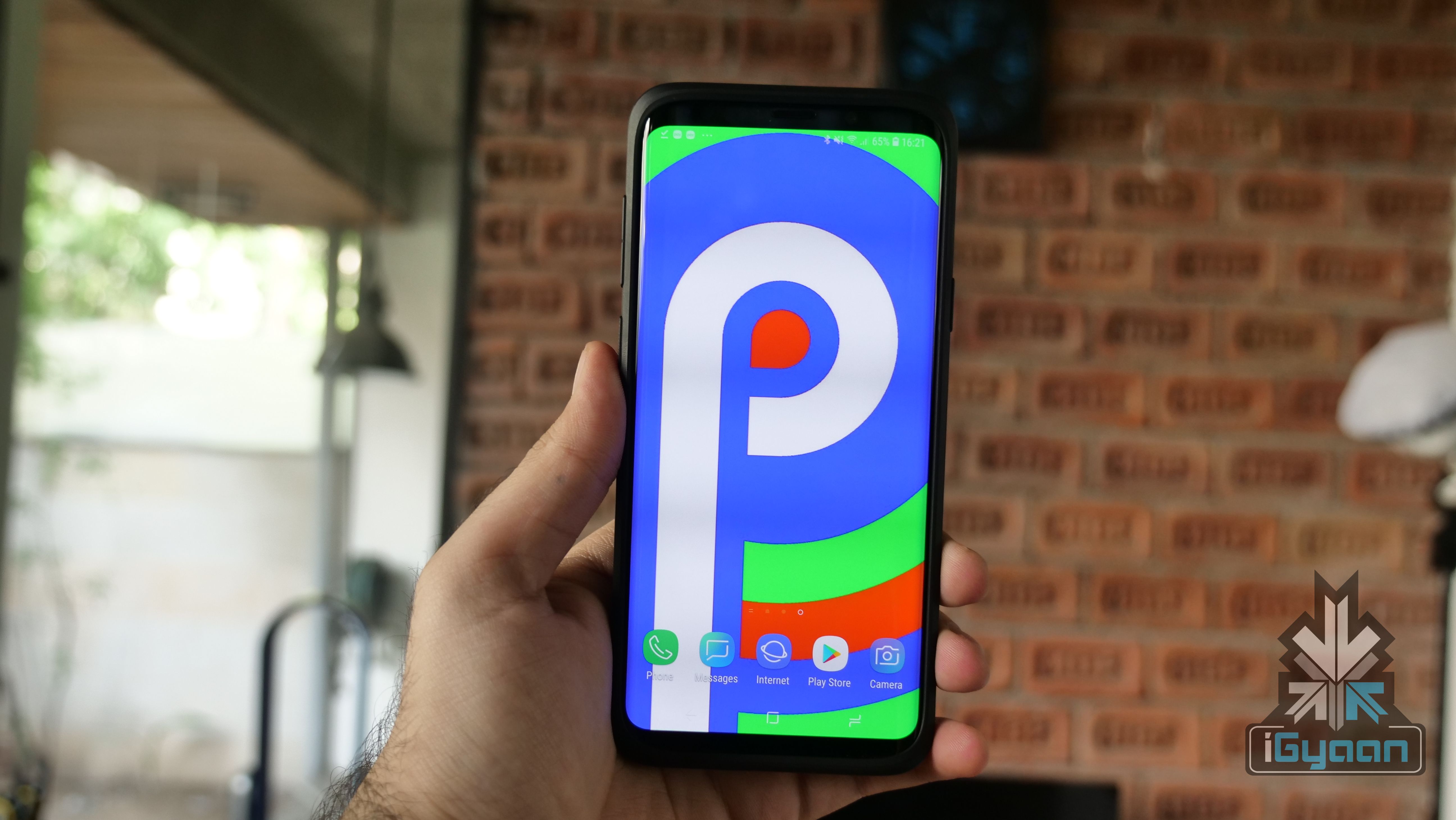
    The Google I/O 2018 conference has concluded and hands down, the biggest unveiling was Android P. The new iteration of the largest mobile OS in the world, Android 9 P will be made available to all Android smartphones later in the year but, Google gave us a glimpse of what’s in store for Android users around the globe.

    The new Android Developer Preview version is now out for a lot of smartphones other than just the Google Pixel devices. Owners of Sony Xperia XZ2, Xiaomi Mi Mix 2S, Nokia 7 Plus, Oppo R15 Pro, Vivo X21, OnePlus 6, and Essential PH1 can enroll for the Android Beta program here.

    With Android P, Google is doing a lot to address the global conversation about distractions caused by smartphones. Android P will have a lot of features built around this theme, that Google is calling “Digital Well Being.” However, Google has claimed that this was not a contingency plan and that the company has been working on curbing this growing issue for years now.

    Wind Down is one of the features as part of Google’s efforts to reduce the use-time of smartphones. It is essentially an automatic Do Not Disturb mode that switches on Night Light when it gets dark. If a user has set their bedtime, the smartphone will turn all the colours on the screen to grayscale, once the clock hits the specified time. This should make using the phone a lot more boring, in turn making the user use their smartphone a lot less.

    Another feature called Shush was unveiled at the conference as well. It is a new gesture that lets users turn their smartphone screen-down and automatically enable the “Do Not Disturb” mode. As is with the Do Not Disturb mode, users can still choose certain contacts to continue to get messages and notifications from.

    There is no longer the circular home button and the square multitasking button is gone as well. What started out with the iPhone X has now been adopted by Google as well (sort of). With Android P, Google is changing the way users interact with the OS. The home button is replaced by this little pill sort of button that has a few functions. One little swipe up will open all the recent apps. What is interesting here is that the apps are live, which means that if you’re in WhatsApp and want to copy a phone number from the call log, you don’t have to open the specific app. By swiping up and opening the recent apps window, you can simply navigate to the Phone app and copy a number from the window itself, without opening the particular app. This feature will come in handy for serious multi-taskers. When on the home screen, a second swipe up will open the apps tray which will have all your installed apps laid out. You can also slide the pill button in the recent apps window to navigate through different apps which looks very cool and simple to use.

    The back button makes a return when you’re within an app and goes away once you’re no longer in an app, simple as. This use of gestures is very different from iOS’s. There is still a navigation bar at the bottom which means you’re still losing a bit of screen real estate. However, this change will be difficult for Android users than it was for iOS users. iOS has traditionally had a few gestures within the UI, while Android, so far, has solely relied on three buttons to navigate from anywhere within the UI.

    More changes are expected to be added to Android P before its final release later this year. The new changes are definitely eye-catching and we will be investigating the new Beta build in detail to find out all that is new with Android P. Google appears to have a lot of answers for questions raised against the growing overuse of smartphones. The only mystery that remains unanswered after the Google I/O 2018 conference is what does the “P” stand for? Maybe Google Assistant can tell us.
  • Google I/O 2018 : Google Assistant Gets New Conversational Skills

    Google I/O 2018 : Google Assistant Gets New Conversational Skills

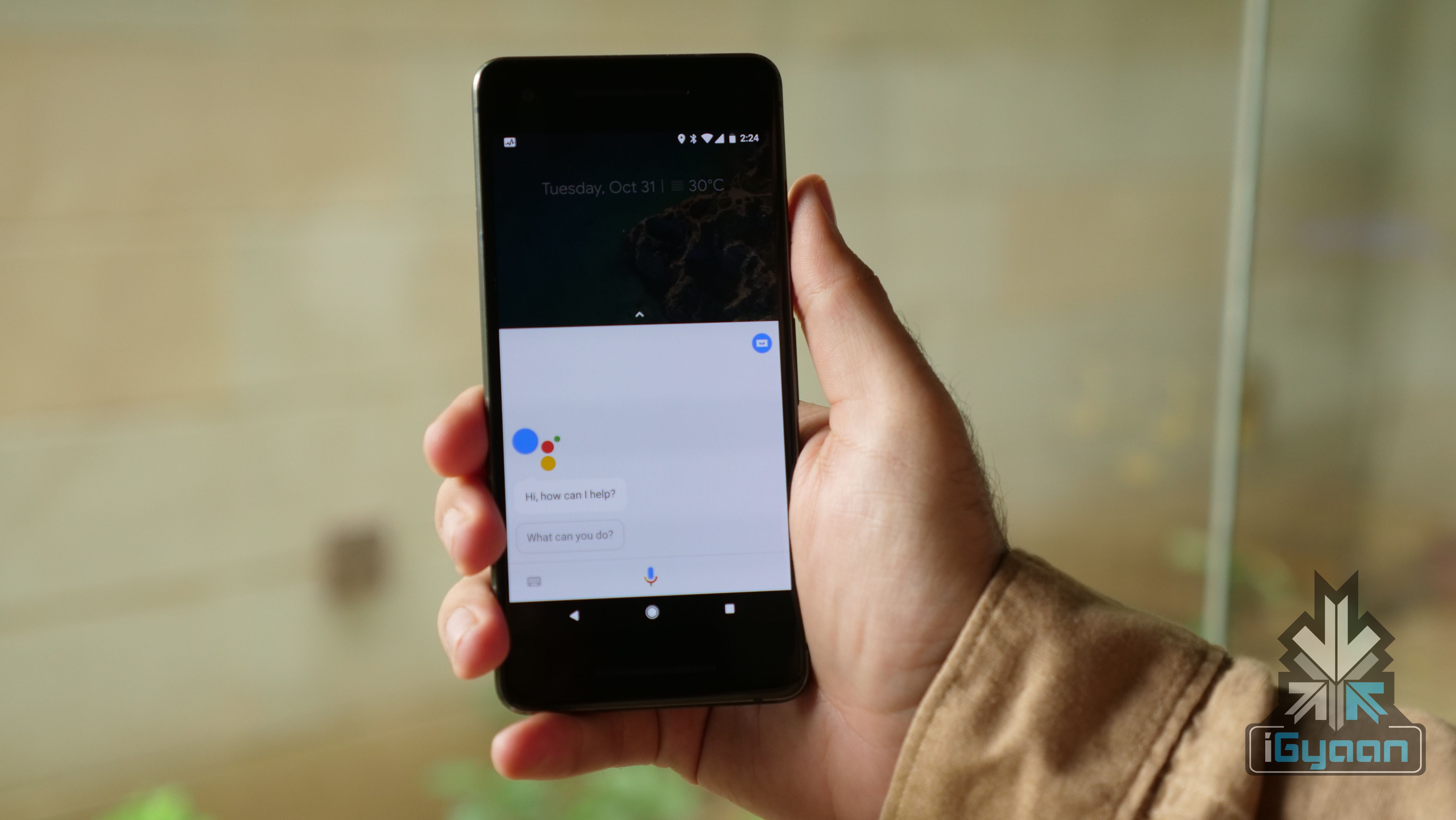
    Artificial Intelligence is a general theme at the 2018 Google I/O conference. Ever since the Google Pixel 2 devices were launched, the company has talked up AI a lot and its Google Assistant is about to become much smarter than it already is. At the conference, Google demonstrated the Google Assistant’s ability to have a human-like conversation with other humans in a non-controlled environment and it was nothing short of impressive. The technology is called Google Duplex and the company has been working on it for years.

    Sundar Pichai came on stage and talked a bit about Google Assistant’s integration with many services. He then mentioned that Google Assistant can now set up appointments and make restaurant reservations. The catch here is that it can do this even if a certain outlet is not listed on a restaurant booking app. Sundar Pichai said:

    We’ve been working on this technology for many years. We’re still developing this technology, and we want to work hard to get this technology and the expectations right.

    He then demonstrated a real conversation between the Google Assistant and a salon rep for a “women’s haircut appointment.” The conversation did not sound staged and that is what made it even more impressive. The Google Assistant was able to recognise where the conversation was headed and gave absolutely normal responses, never once making the “human” feel like they are talking to an AI assistant and not a person.

    The blog post from the company reads:

    The technology is directed towards completing specific tasks, such as scheduling certain types of appointments. For such tasks, the system makes the conversational experience as natural as possible, allowing people to speak normally, like they would to another person, without having to adapt to a machine.

    Fair to say that, going by the demos, the company appears to have got the tech absolutely right. It will be interesting to see how Google localises this technology for other countries. It will be great to see Google Assistant have the same abilities and be integrated with Indian services and maintain the Indian accent as well.

  • Smart Compose For Gmail Will Help Users Write Better Emails

    Smart Compose For Gmail Will Help Users Write Better Emails

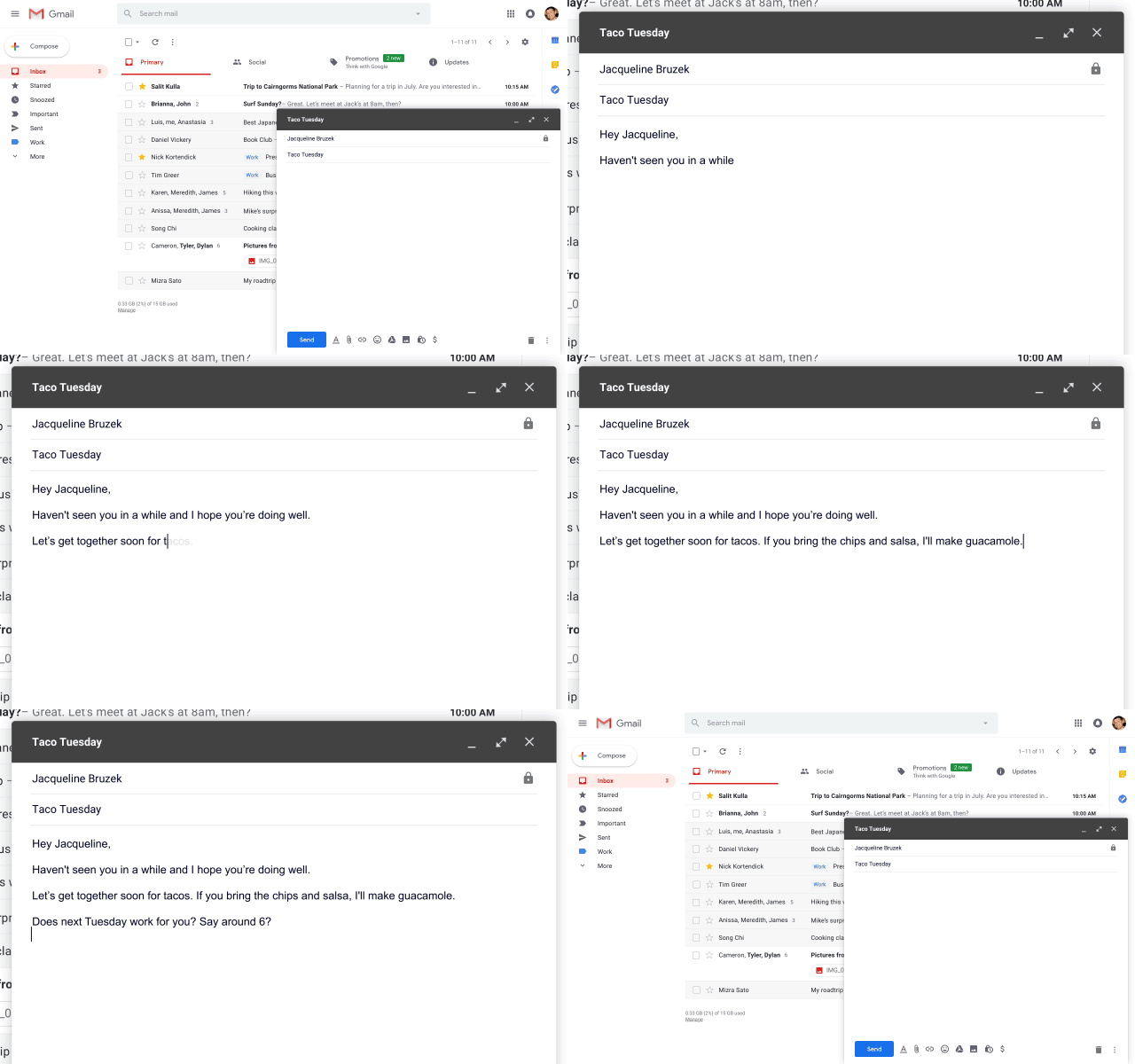
    Google has been trying really hard to make Gmail, the world’s largest email service better, for both mobile and web. At the Google I/O conference 2018, Sundar Pichai, CEO of Google announced a new Smart Compose feature for Gmail. The new feature, as expected, depends a lot on AI and machine learning and will essentially help users write better emails.

    The Smart Compose feature, from the looks of it, appears to be similar to the Auto Complete feature that Google uses for online searches. Smart Compose will use AI to suggest words and phrases as a user is typing an email to make the email look and sound better. To use a suggested word, users can simply hit the “Tab” button and the word will autofill.

    Google claims that not only will this help save time when writing emails, it will help reduce the chance of users sending an email with a grammatical error. In the world of smartphones and autocorrect, this could be a lifesaver for people who predominantly use Gmail on their computers. Nobody is immune to a grammatical error and AI appears to be ready to help us out. Although, Grammarly might feel hard done here if Gmail becomes self-sufficient in this area.

    Interestingly, Smart Compose will also understand context. For example, if a user is talking about tacos in an email, the feature will understand the conversation and suggest the word, “Guacamole.” The company has said the feature will roll out to users within the next few weeks and will be integrated for G Suite customers within the next few months. For the Smart Compose feature to work, users will have to be updated to the Gmail for Web that was introduced a few weeks ago.

    The Google I/O conference 2018 has kicked off and Smart Compose appears to be a very nifty feature. With autocorrect taking over many people’s typing habits, it was about time something like this was made available for PC users as well.

iGyaan Network
Privacy Overview

This website uses cookies so that we can provide you with the best user experience possible. Cookie information is stored in your browser and performs functions such as recognising you when you return to our website and helping our team to understand which sections of the website you find most interesting and useful.