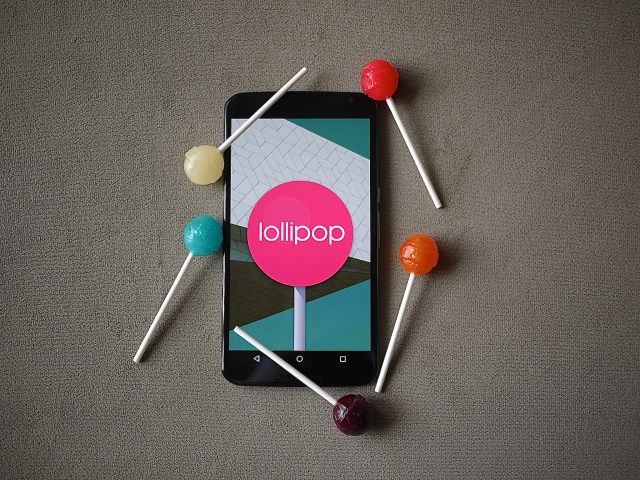
Tag: Lollipop 5.0

  • Android Lollipop Now Available for Indian HTC One M8 Users

    Android Lollipop Now Available for Indian HTC One M8 Users

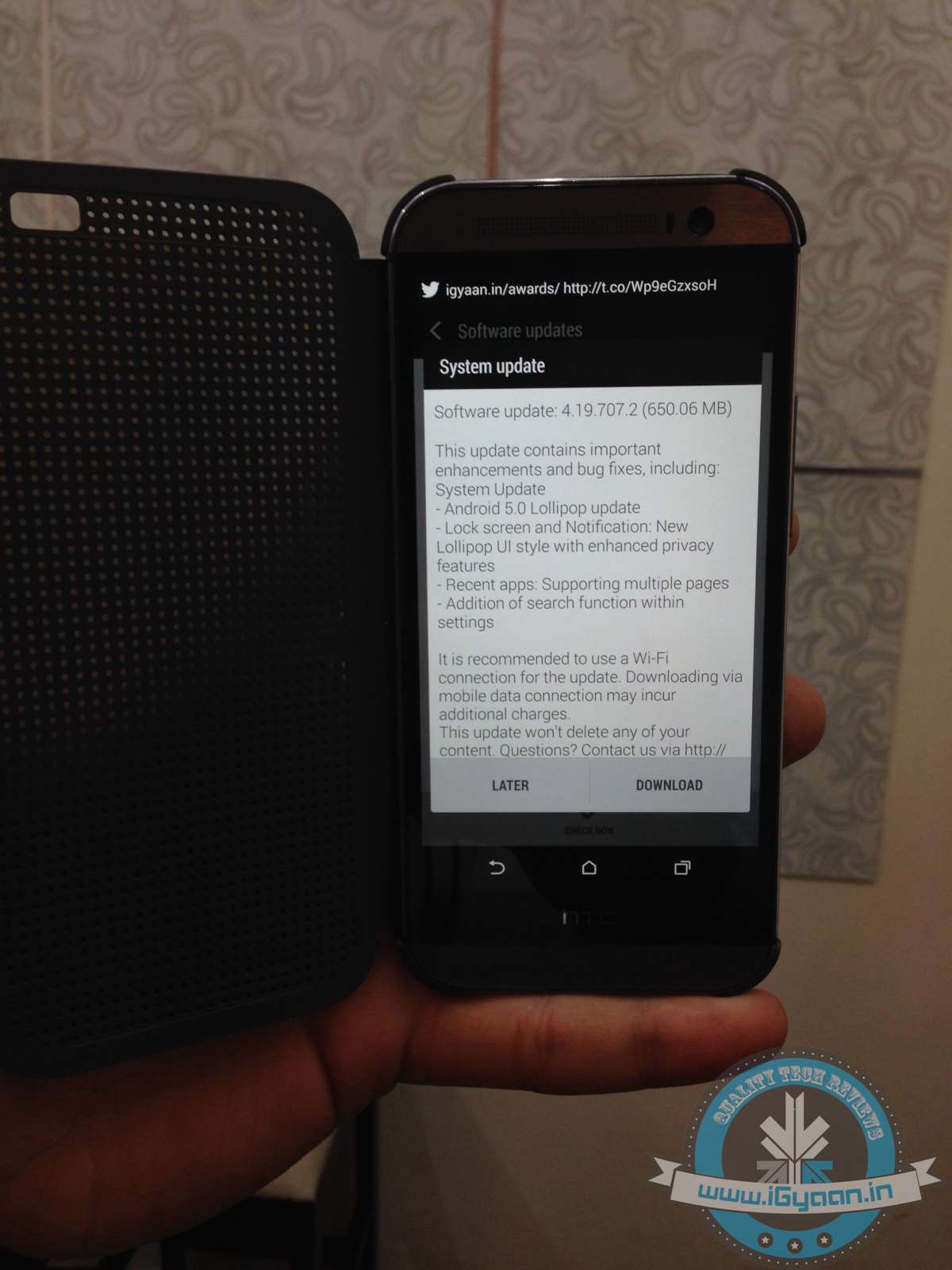
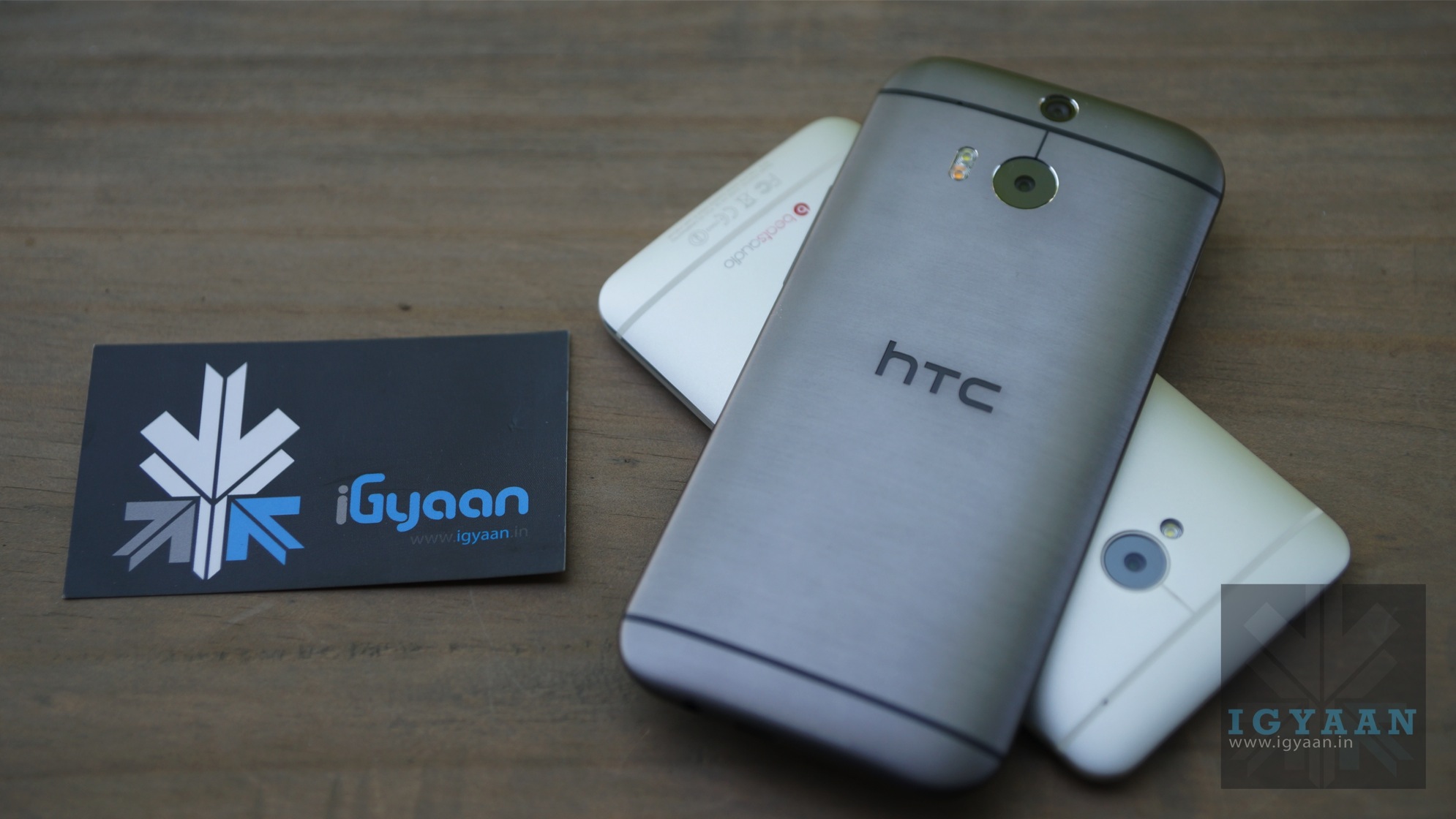
    Few days ago, it was announced that HTC One M8 users of Europe had received the Lollipop update. Now, without any further delay, the company has started rolling out the same for Indian users as well.

    The update will automatically pop up if you are connected to Wi-Fi. But if you’re not on a Wi-Fi connection, you can still do it manually. Go on to Settings > About Phone > System Update.

    HTC ONE m8 Lollipop 0

    With the news of Android 5.0 Lollipop coming for European users, Indians were anticipating it to come out within a span of days. The users can now enjoy the added fluidity, improved natural touch screen interactions, Material Design and lot many other features.

  • HTC Rolls Out Lollipop for One M8 Users in Europe

    HTC Rolls Out Lollipop for One M8 Users in Europe

    Good news has arrived for HTC owners; the company has started rolling out Android 5.0 Lollipop for its M8 users. The confirmation has come from many reliable sources including HTC Senior Communications Manager Jeff Gordon and prominent ROM Developer LlabTooFer, who took to Twitter stating –

    Users can check for the same on their devices. Finding the update is very easy. Just go to Settings > About Phone > System Update and download the update.

    Lollipop is the latest operating system released by Google. It offers added fluidity through a new user interface (UI) and users will experience improved natural touch screen interactions. The Material Design adds bold colours to the screen. Along with that, the new Android update lets you have a look at the notifications on the lock screen itself and facilitates dismissing them without unlocking it. In all, it offers users a pure, bloatware-free and seamless Android experience.

    Lollipop was released in November last year. We hope that India, as well as other nations, get the  soon.

  • CES 2015 : Sony Set to Roll Out Lollipop to Xperia Z3

    CES 2015 : Sony Set to Roll Out Lollipop to Xperia Z3

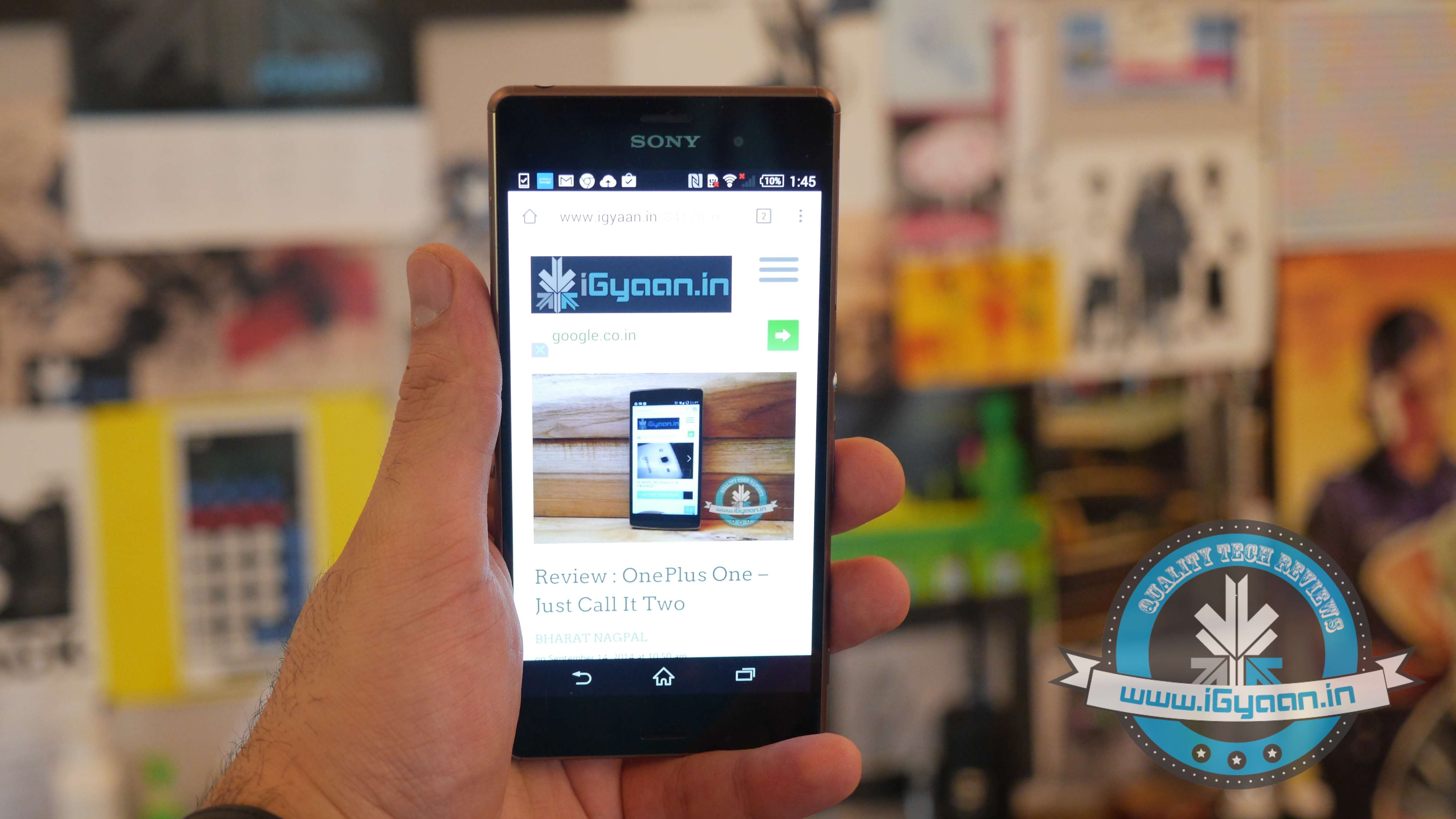
    During CES 2015 at Las Vegas, COO of Sony, Michael Fasulo, announced that the company is all set to roll out Android 5.0 Lollipop to its Xperia Z3 lineup starting next month. Sony had earlier revealed that Android 5.0 Lollipop would come to the “core” Xperia Z2 and Z3 lines in early 2015.

    The company confirmed the previous rumours in December, but the Japanese electronic giant hasn’t been too specific on exactly when this rollout will happen. However, Fasulo revealed that the update will begin rolling out to the Xperia Z3 next month.

    Google released Android Lollipop 5.0.1 to the masses in December 2014 and the wait began as manufacturers optimised the code before pushing it out to their flagship devices. Till now handful of devices like Moto G (Gen 1 and 2), Galaxy S4, Galaxy Note 2 have got the lollipop update.

    Sony’s announcement follows the company’s promise last October to eventually deliver Lollipop to its entire Xperia Z range of devices.

  • Top 5 Apps That Already Feature Android’s Material Design

    Top 5 Apps That Already Feature Android’s Material Design

    Back in Google I/O 2014, we first learned about Google’s Material Design language. Since then, we have slowly but surely seen bits and pieces of it rolling out to various Google and 3rd-party apps. And now with Lollipop rolling out gradually, Google has been pushing hard to bring Material Design to all its possible apps while encouraging developers to do the same. Third-party developers are already moving forward with the help of Google’s guidelines.

    We are listing top 5 apps that already feature Material Design.

    1. Wally

    wally

    One of the first to adopt Material Design, Wally offers a database of wallpapers, which is sorted by category and colours. This app has provided an example how Material Design can be achieved without the Android 5.0 Lollipop update, after which many developers adopted this strategy.

    2. Androidify

    Google recently updated the Androidify app to version 2.0. The update has more to do with branding and avatars related to the Lollipop version of the Android. The surface of the app has also been improved with a flatter design that Material Design inspires.

    3. Numix Calculator

    Yes, even calculators have been given a makeover with Material Design. The updated Numix Calculator will make you love Algebra more. Well, we guess so.

    4. Local Cast

    local-cast-material-design

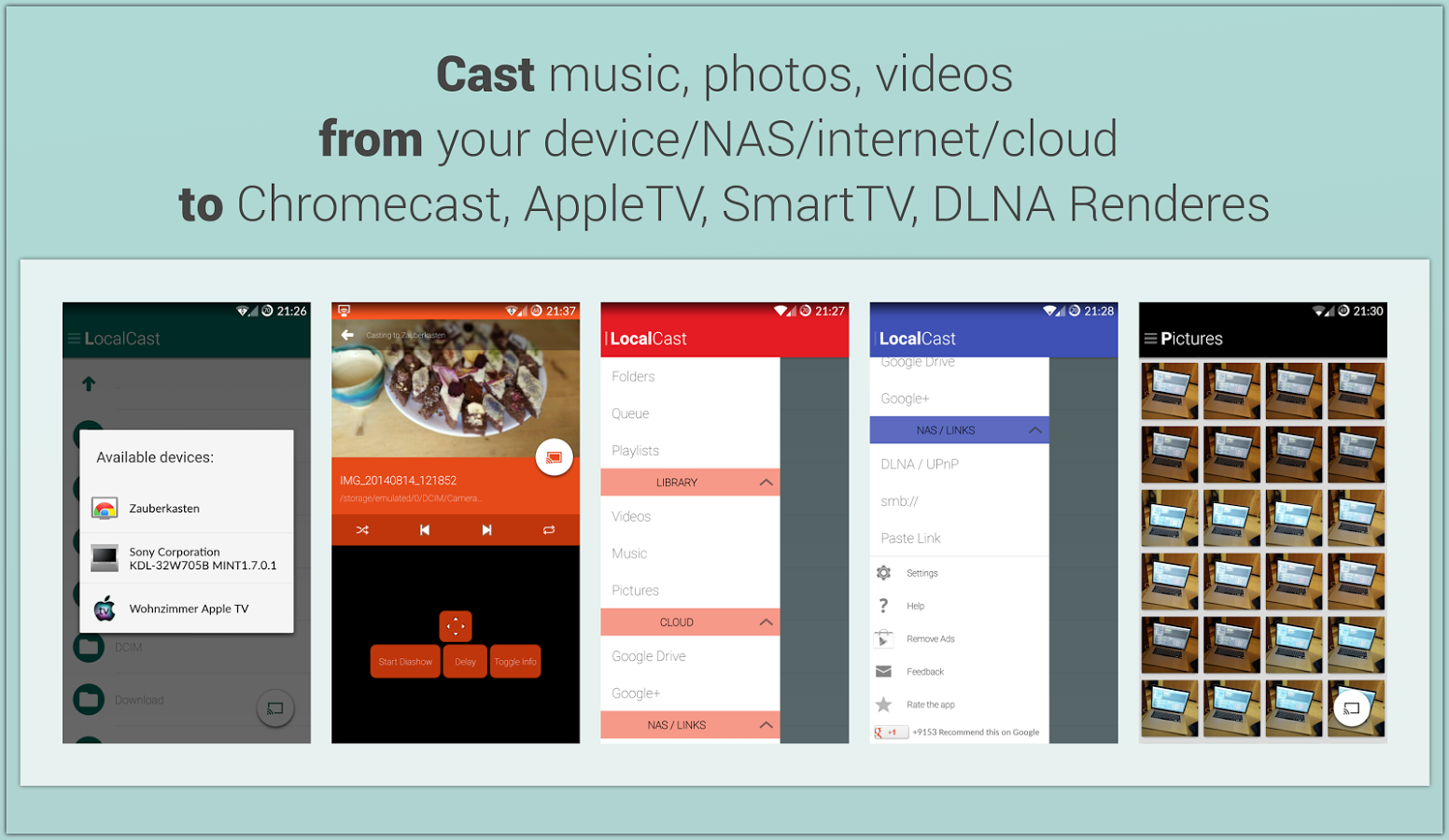
    This free ad and donation-supported app offers services of streaming PDFs, images, videos and music locally from one Android device to other. The developers are clearly paying close attention to not only the Material Design, but also to the current Google+ app, which shares the ever-present floating circular button. This button gives it a very Google-like look.

    5. Reddit News Free

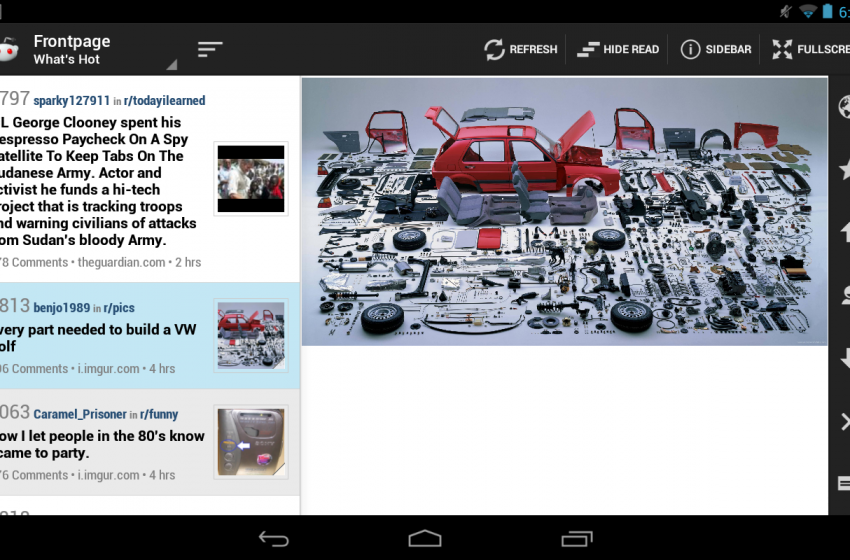
    redditnewsscreencap-850x560

    Reddit News Free has updated their app to include Material Design elements and it has been for the best so far. It’s a highly-rated Reddit app with a bunch of features and a lot of happy users. If you’re looking for a modern Reddit experience, this is it!

  • Top 5 Android Lollipop Features That Will Change the Way You Use Your Smartphone

    Top 5 Android Lollipop Features That Will Change the Way You Use Your Smartphone

    Google’s new Android platform Lollipop 5.0 has already got rave reviews. The OS has begun rolling out to select Nexus and Motorola handsets and tablets. You must be preparing yourself for your Android Lollipop update, or you’re just getting the grip of the OS on your new tablet or smartphone. Let us tell you, the new update makes you feel like you own a new device altogether.

    We are listing top 5 features of Android 5.0 Lollipop that will change the way you use your smartphone.

    1. Project Volta
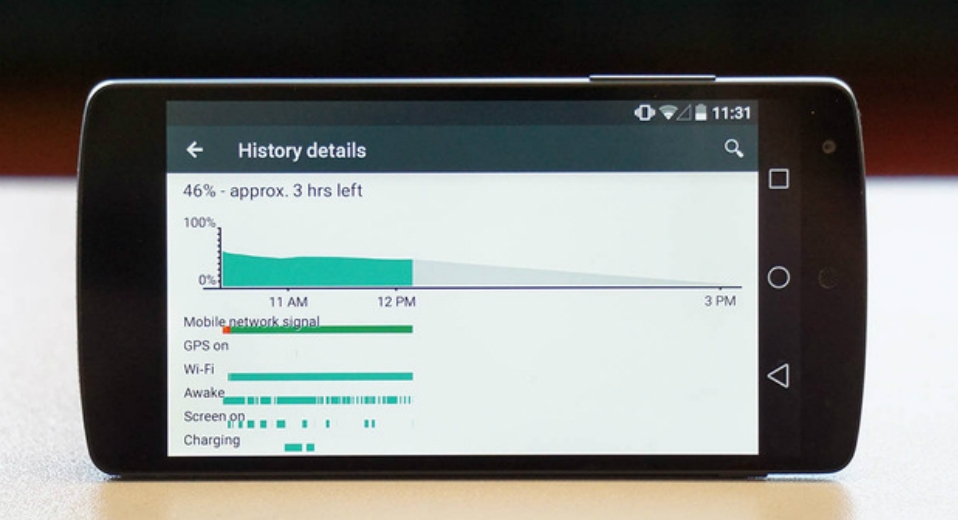
    2014_07_03_12_49_50

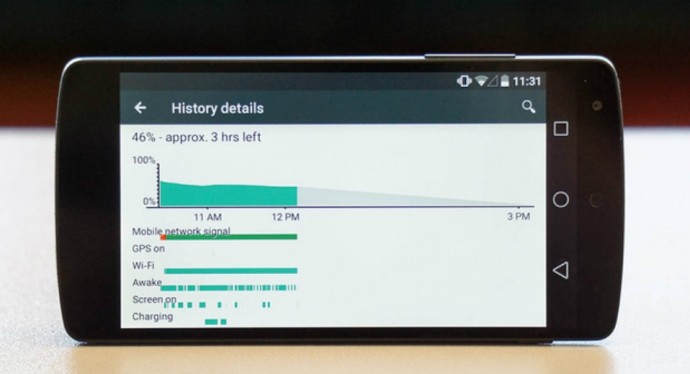
    Android smartphones have a bad reputation for short battery life. The amount of juice sucked by the apps and screen has forced Android phone makers to fit larger batteries than iPhone and other rivals to get through the day, but all that may change, thanks to ‘Project Volta’. At its core, Volta represents a concerted effort by Google to address one of the biggest problems affecting smartphones today: battery life. Project Volta is Google’s new initiative for improving battery life. It’s weaved deep into the Lollipop coding. It reorganises background app activity into batches to save unnecessary battery drain. It also automatically detects when you are in an area of weak or no signal to stop the continual network data requests, which is a major source through which your phone’s battery churns out.

    2. Interactive Notification
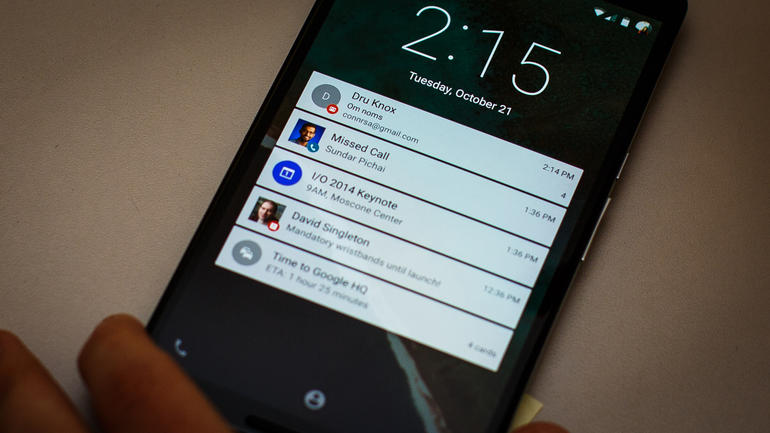
    google-android-lollipop-9093-010

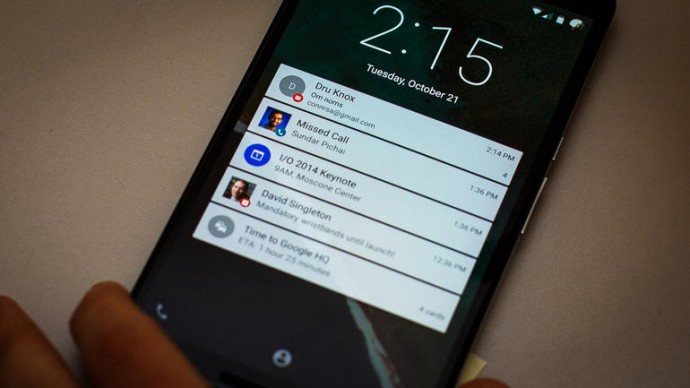
    With the new Material Design, notifications do look different. But, the change is not just a cosmetic accessing your updates and interacting with alerts from emails, your social feeds have become more intuitive. It also brings notifications to the lock screen and lets you use them right there, so you can perform tasks without even unlocking your phone. And if you don’t want some of them to bother you every second, you can just put them to your ‘redacted’ list of private notifications. Alerts not only offer quick actions and quick access to settings, but they are incredibly dynamic. They can be expanded or contracted to see more or less information, individually muted for a specific period (e.g. stop Facebook Messages, but not SMS) and prioritised according to your privacy requests.

    3. Super Easy Multi-tasking
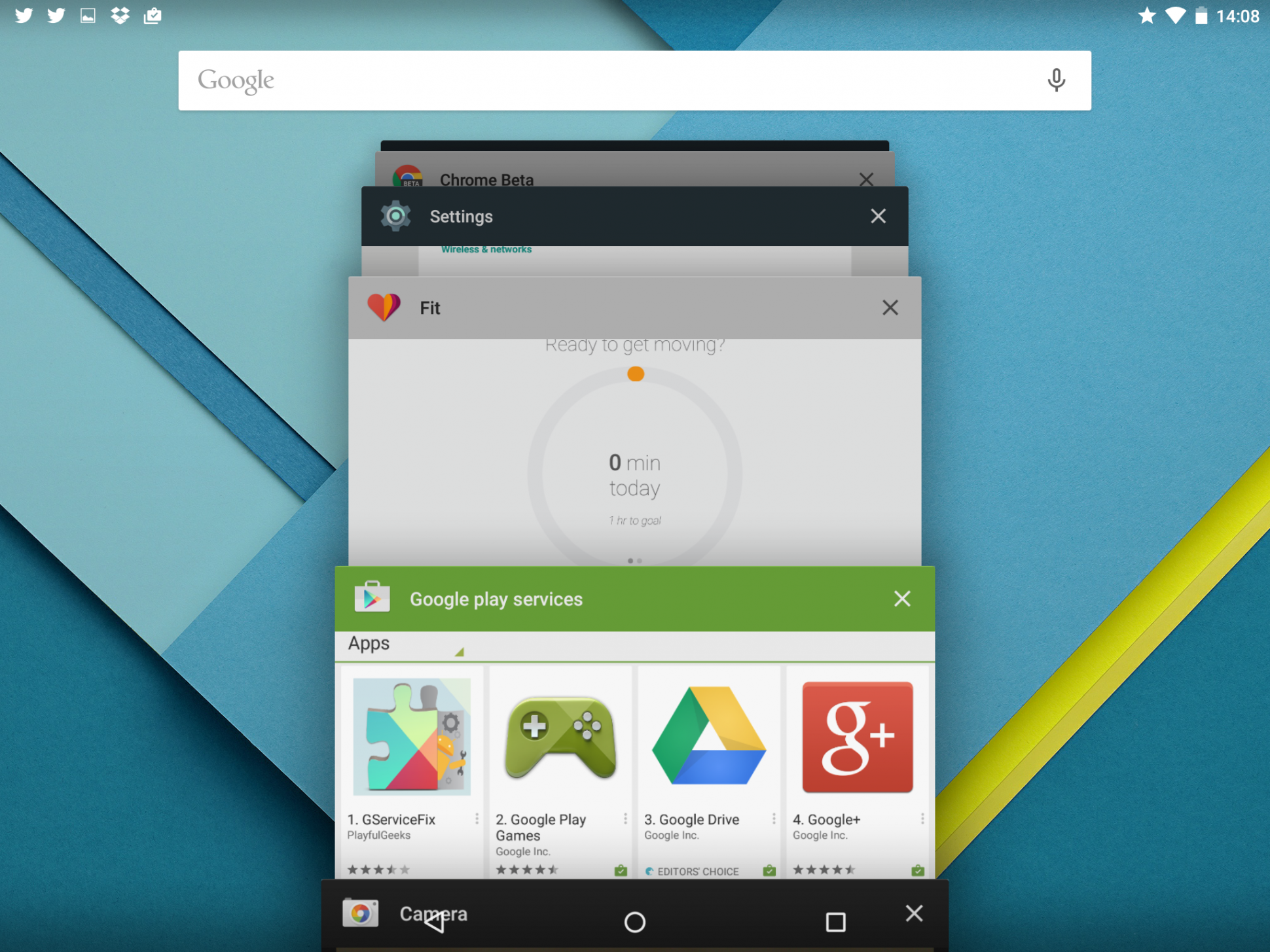
    2014-11-07-14-08-50-1940x1455121111111111

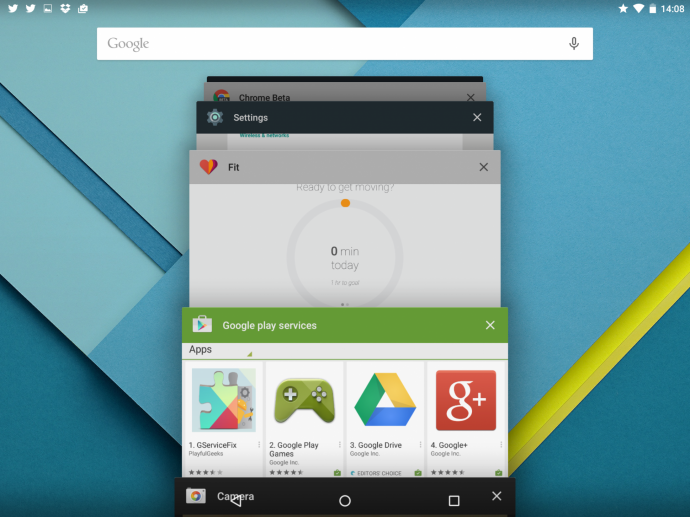
    With the new update, multi-tasking feature in Android has gone some fundamental changes. Mostly, the new changes catch up with the trends set by iOS. However, this time around, Google has actually stepped ahead of Apple. Now, instead of just switching between apps, your phone can now switch between operations within the same app. This means you can now switch between two different documents you were working on and also between different browser tabs in Chrome. This basically changes the fundamentals how you use your Android device.

    4. Pin Apps
    image

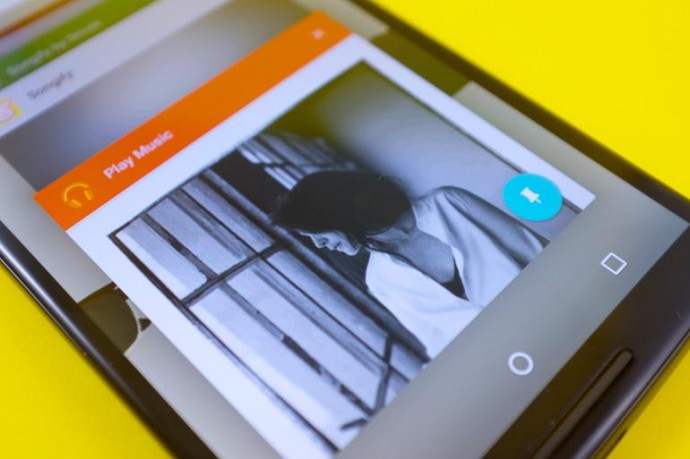
    If your phone is borrowed several times a day by friends and family, then this feature will be your favourite one. Pin Apps mode is a simple and very useful addition to Android Lollipop that lets you add an extra layer of security to your phone when somebody borrows it. When enabled, you can lock down your device so that the person using it only has access to one app. Undoubtedly, a convenient feature for those who often offer a device to a child to play games or  a friend to check his or her e-mails. Once the app is pinned, the user can navigate anywhere within the app, but he or she can’t leave it. So if you pin Chrome, the user will be able to browse the Internet, but that’s it. Exiting a pinned app requires you to touch and hold the back and overview buttons at the same time. After a couple of seconds, your device will switch to the overview screen.

    5. Faster App Response – ART

    Android RunTime (ART)

    Earlier, Android used the Dalvik engine to run third-party and core Google applications. Now, the company has switched to ART with Android Lollipop. ART provides larger install footprint and can, as Google says, operate in an ‘always ready’ mode. So when you select it, the application will spring into life faster than it would with the old engine. According to the company, ART is 4x faster than Dalvik and will improve the performance of any Android handset it runs on.
iGyaan Network
Privacy Overview

This website uses cookies so that we can provide you with the best user experience possible. Cookie information is stored in your browser and performs functions such as recognising you when you return to our website and helping our team to understand which sections of the website you find most interesting and useful.