Tag: macOS

  • WWDC 2018: macOS Mojave With Dark Mode Unveiled

    WWDC 2018: macOS Mojave With Dark Mode Unveiled

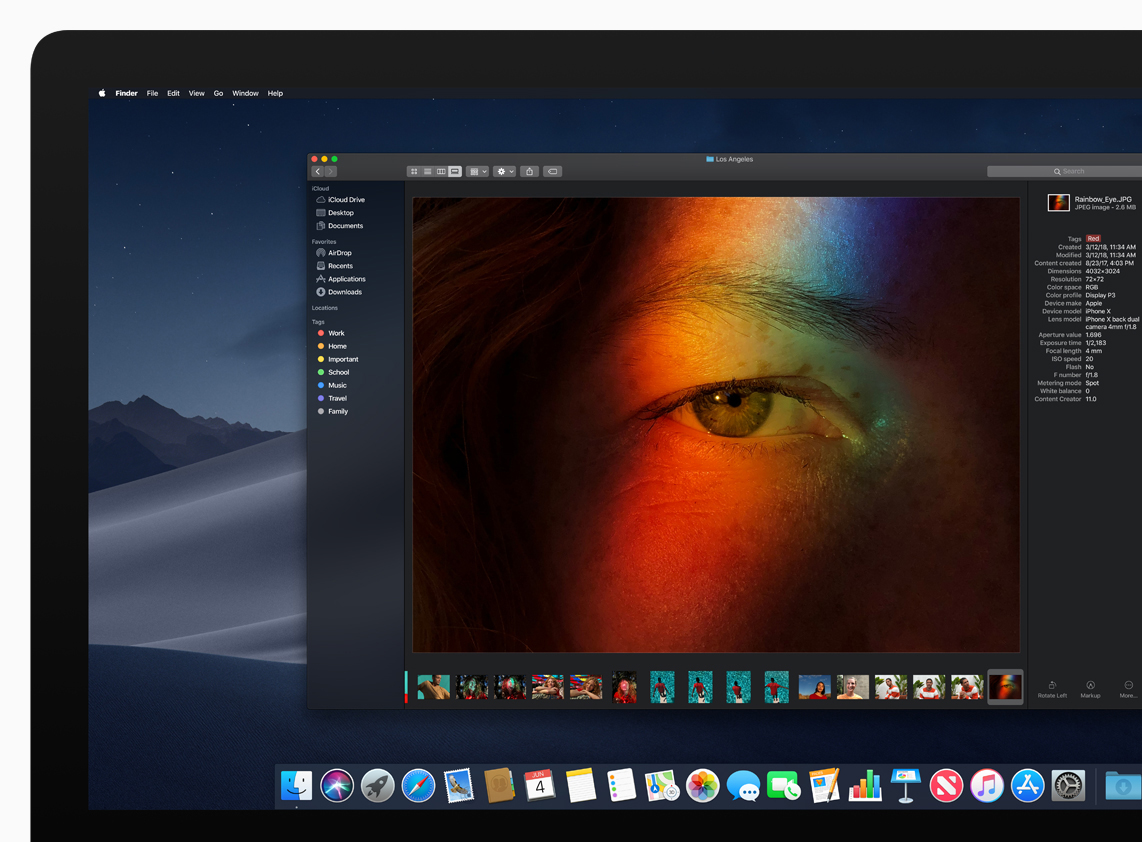
    Apple’s annual World Wide Developer’s conference has mostly focused on software. This time around, there was a lot of chatter around some hardware products being launched at WWDC 2018. Devices like the iPhone SE 2, AirPower were expected to be unveiled, however, that did not happen. One rumour that did get confirmed pertains to macOS. Apple unveiled macOS Mojave, the successor to macOS High Sierra which will roll out to compatible Macs later in the year.

    Dark Mode

    One of the most requested features for iOS has made its way to macOS. The Dark Mode has been on the wishlist of iOS users for many years but, iOS 12 won’t be getting it. Instead, macOS Mojave will take advantage of this famed feature. With the dark mode, the UI will become dark and it will work with all system apps. The Photos app, Pages, Keynote and all other pre-installed apps on macOS will have a dark UI once this feature is enabled.

    While this is not a performance upgrade, we expect it to be one of the most talked about macOS updates in the coming months. This also means that Apple is open to a darker UI and iOS 13, or a future iOS 12 update might bring in this feature, too.

    Desktop and Finder

    People who intensively use their Macs know the pain of a cluttered desktop. A macOS desktop can get cluttered very soon and the new Stack feature will help users sort that out. Users can customize their Stacks to sort based on other file attributes like date and tags. Finder also gets a significant update in macOS Mojave with an all-new Gallery View that lets users skim through files visually. The Preview Pane now shows all of a file’s metadata, making it easier to manage media assets.

    Group FaceTime

    The iOS feature reaches the new macOS Mojave as well. Group FaceTime makes it easy to chat with multiple people at the same time. Participants can be added at any time, join later if the conversation is still active and choose to join using video or audio from an iPhone, iPad or Mac — or even participate using FaceTime audio from Apple Watch.
  • This MacOS High Sierra Bug Lets Anyone Login Into A Mac

    This MacOS High Sierra Bug Lets Anyone Login Into A Mac

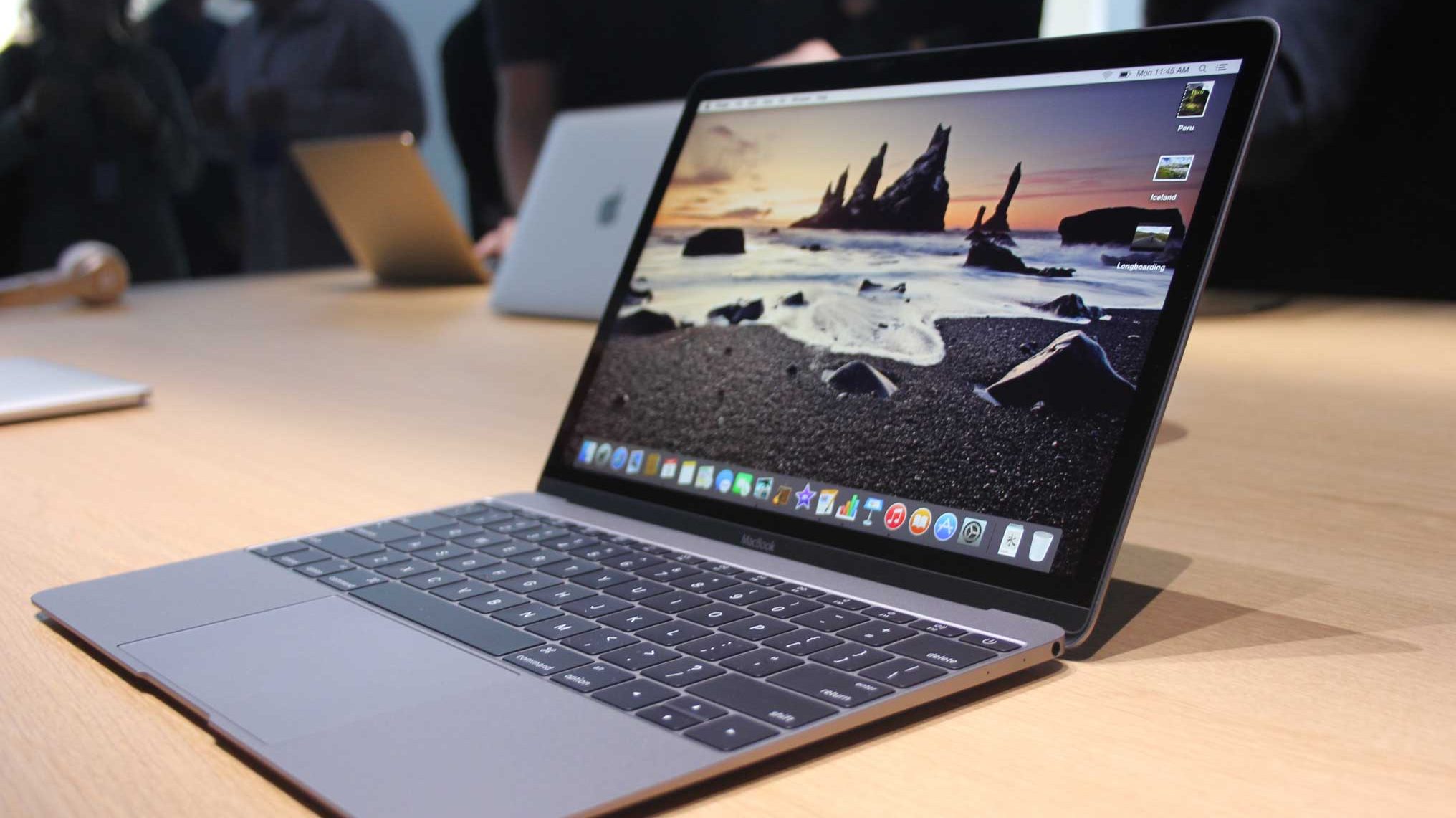
    Securing our gadgets in this day and age is of utmost priority since most of our lives are now digital. But, it appears that your Mac running MAcOS High Sierra might be susceptible to a serious security hack.

    Apple’s latest MacOS High Sierra operating system has a very serious flaw that can allow anyone with access to a Mac gain root access by simply typing “root” as the username. It appears that the flaw doesn’t even require someone to enter a password, which means that anyone with zero hacking knowledge and evil intentions can get into your Mac.

    Apple has responded to the complaints and announced that it is working on a fix.

    Patrick Wardle, a security researcher with Synack said:

    We always see malware trying to escalate privileges and get root access. This is best, easiest way ever to get root, and Apple has handed it to them on a silver platter.

    This was Apple’s response:

    We are working on a software update to address this issue. In the meantime, setting a root password prevents unauthorized access to your Mac. To enable the Root User and set a password, please follow the instructions here: https://support.apple.com/en-us/HT204012.

    If a Root User is already enabled, to ensure a black password is not set, please follow the instructions from the ‘Change the root password’ section.

    If you are one of the many people who updated their Mac machine to the latest OS, it will be sensible to follow Apple’s instructions until a new update fixes this major security bug.

  • Siri Will Now Search Google For Answers Instead Of Bing

    Siri Will Now Search Google For Answers Instead Of Bing

    Apple is dropping Microsoft’s Bing as the default search platform for Siri, Search inside iOS, and Spotlight on Macs in favour of Google search.

    According Apple. this move is to create a more “consistent web search experience” for its users, since Google is currently the default search engine on its Safari browser thanks to a reported $3 billion annual deal between the two companies. Bing, however, will continue to search for images for queries through Siri. A statement by Apple about the decision read:

    Switching to Google as the web search provider for Siri, Search within iOS and Spotlight on Mac will allow these services to have a consistent web search experience with the default in Safari. We have strong relationships with Google and Microsoft and remain committed to delivering the best user experience possible.

    Bing has been iOS’ default search engine since iOS 7 in 2013. Microsoft has since held on to this position but, it looks like the $3 billion deal between Apple and Google may have played a part in this decision swaying towards Google. However, this cannot be said for sure without knowing the terms of the deal. The new macOS High Sierra version has now rolled out for download and after the installation, Mac owners will observe that their Spotlight search will be powered by Google, and not Bing like it was before. iOS device owners should have the update, too.

    The fact that image search on Siri will still show Bing results is a little odd but it looks like this feature will also be phased out of iOS in time and Google will become the sole search engine for all iOS and macOS devices.

iGyaan Network
Privacy Overview

This website uses cookies so that we can provide you with the best user experience possible. Cookie information is stored in your browser and performs functions such as recognising you when you return to our website and helping our team to understand which sections of the website you find most interesting and useful.