Tag: Material design

  • Lollipop Out for Moto G (1st and 2nd Gen) Users in India

    Lollipop Out for Moto G (1st and 2nd Gen) Users in India

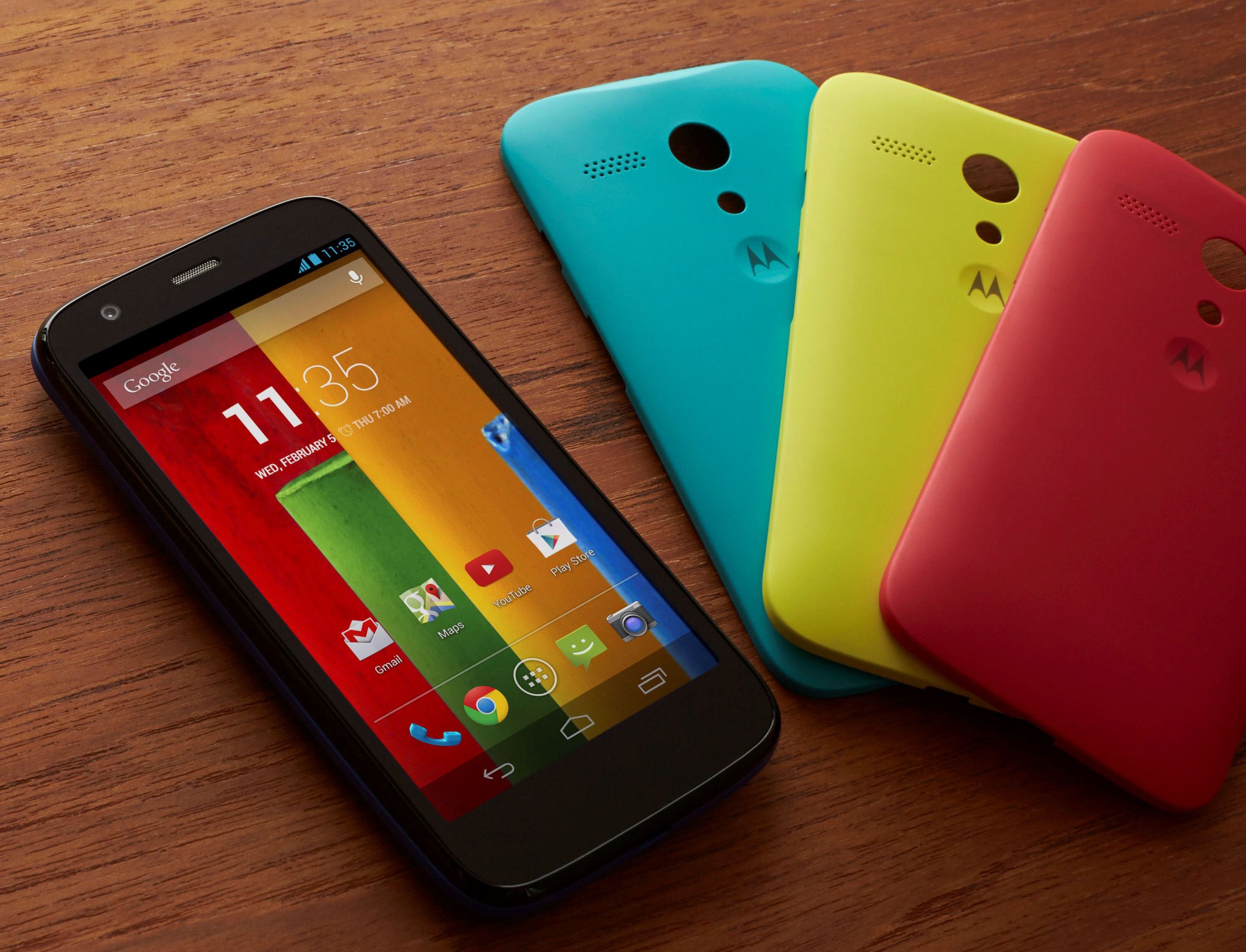
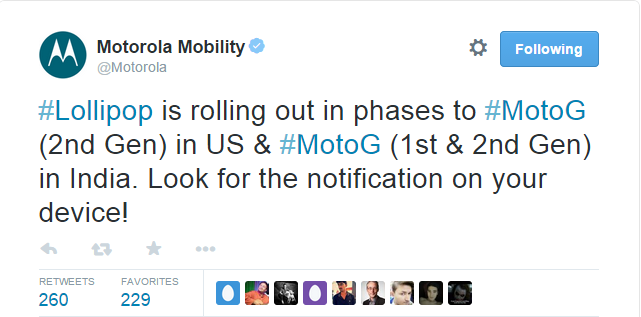
    Earlier today, Motorola announced that it has started rolling out Android 5.0 Lollipop for Moto G and Moto G (Gen 2) devices in India. The update is also out for the Moto G (2nd Gen) users in the US.

    The company stated that the OTA update is releasing in phases and users can look for it on their devices. Meanwhile, some of you may not find it instantly, and it may take a day or two.
    moto lollipop

    With added fluidity through UI of the new Lollipop, users will now experience improved natural touch screen interactions. Besides that, the new Android update lets you have a look at the notifications on the lock screen itself and facilitates dismissing them without unlocking it. In all, it offers users a pure, bloatware-free and seamless Android experience.

    To check for an update on your device, go to Settings > About Phone > System Updates. Download the same, and once it’s done, you’ll feel like you’re holding a completely different device in your hand.

    Motorola is one of the best companies out there in terms of timely updates. The devices launched by the company get proactive support from the enterprise. So, if you are a Motorola owner, the wait for your Lollipop will shortly come to an end.

  • Top 5 Apps That Already Feature Android’s Material Design

    Top 5 Apps That Already Feature Android’s Material Design

    Back in Google I/O 2014, we first learned about Google’s Material Design language. Since then, we have slowly but surely seen bits and pieces of it rolling out to various Google and 3rd-party apps. And now with Lollipop rolling out gradually, Google has been pushing hard to bring Material Design to all its possible apps while encouraging developers to do the same. Third-party developers are already moving forward with the help of Google’s guidelines.

    We are listing top 5 apps that already feature Material Design.

    1. Wally

    wally

    One of the first to adopt Material Design, Wally offers a database of wallpapers, which is sorted by category and colours. This app has provided an example how Material Design can be achieved without the Android 5.0 Lollipop update, after which many developers adopted this strategy.

    2. Androidify

    Google recently updated the Androidify app to version 2.0. The update has more to do with branding and avatars related to the Lollipop version of the Android. The surface of the app has also been improved with a flatter design that Material Design inspires.

    3. Numix Calculator

    Yes, even calculators have been given a makeover with Material Design. The updated Numix Calculator will make you love Algebra more. Well, we guess so.

    4. Local Cast

    local-cast-material-design

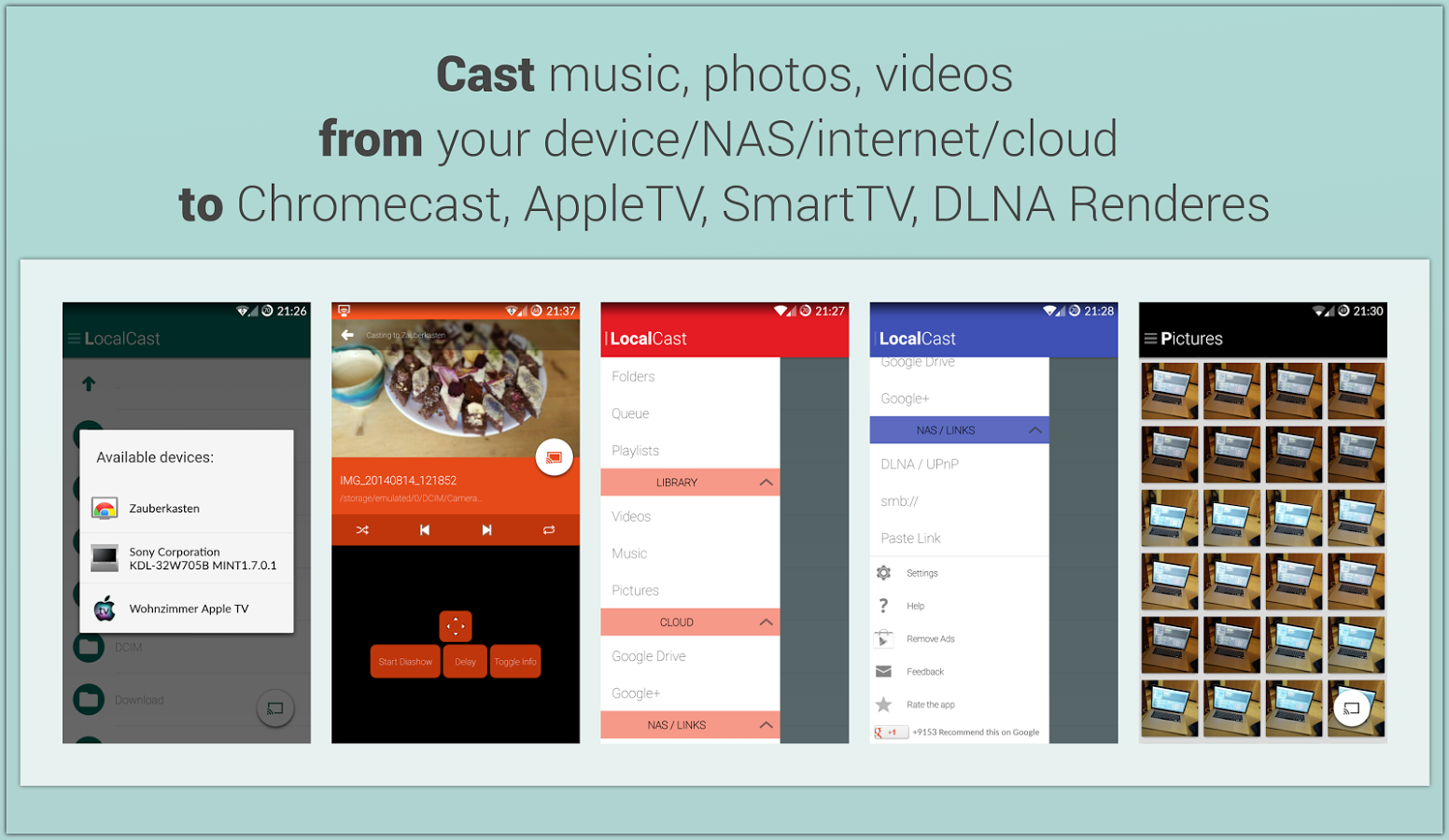
    This free ad and donation-supported app offers services of streaming PDFs, images, videos and music locally from one Android device to other. The developers are clearly paying close attention to not only the Material Design, but also to the current Google+ app, which shares the ever-present floating circular button. This button gives it a very Google-like look.

    5. Reddit News Free

    redditnewsscreencap-850x560

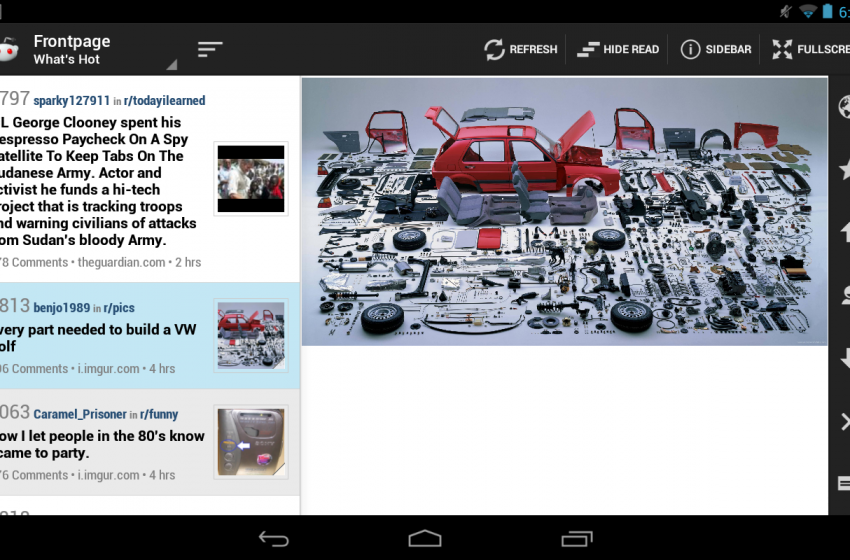
    Reddit News Free has updated their app to include Material Design elements and it has been for the best so far. It’s a highly-rated Reddit app with a bunch of features and a lot of happy users. If you’re looking for a modern Reddit experience, this is it!

  • Google App Gets Styled with Material Design Update, Features In-App Search Option

    Google App Gets Styled with Material Design Update, Features In-App Search Option

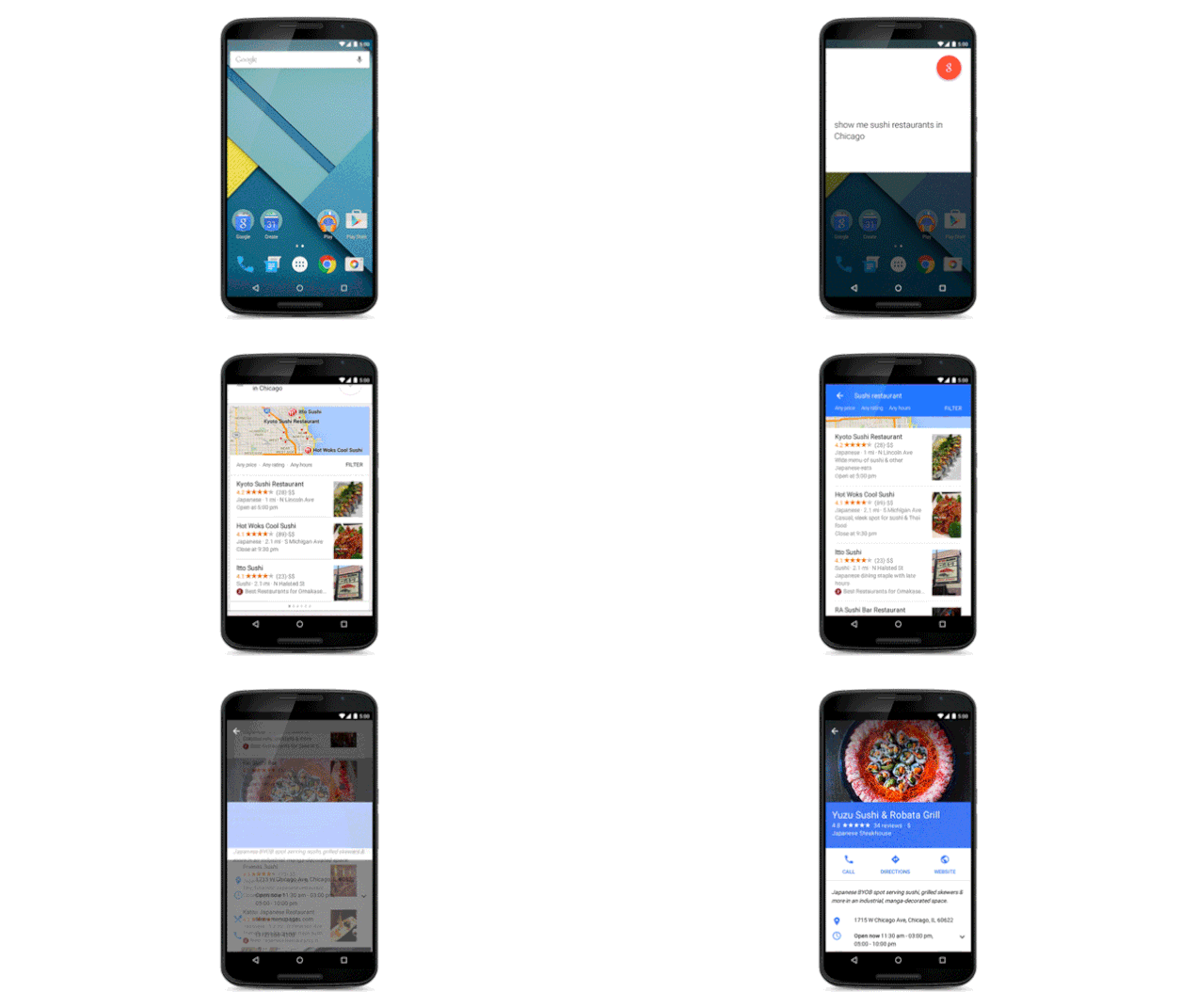
    Google’s Material Design is making its way to all the company’s services to make sure its apps look consistent once the new Android Lollipop 5.0 rolls out to the larger public. Well, recently, Google’s search for Android or Google Now has got its makeover, Material Design style.

    However, the new update doesn’t only come with a new design, but also with the ability to search within apps installed on your phone. That means if you want to play a track from your Spotify’s playlist, Google Now will do it for you. In case, you need to check the dates of your next flight, you just need to say ‘Ok Google’.

    kbik5sldtc6upibswpek

    Of course, this won’t be working with all your apps right away, developers need to tweak their apps to enable the functionality first. Apart from this, the new update gives the app better voice search and also, the app will now prompt you regarding the plans you make on your mails and Hangout. This way, it will remind you that you have to meet a friend for a coffee on Sunday morning.

    Confirming your choice will at last add the event to your Google Calendar, something we have been expecting. Interestingly,Google has added another option for when you can’t decide to go or not, Google Now will decide it for you too.

  • Google Unveils a Slick New Calendar App, Plans to Release it on iOS Soon

    Google Unveils a Slick New Calendar App, Plans to Release it on iOS Soon

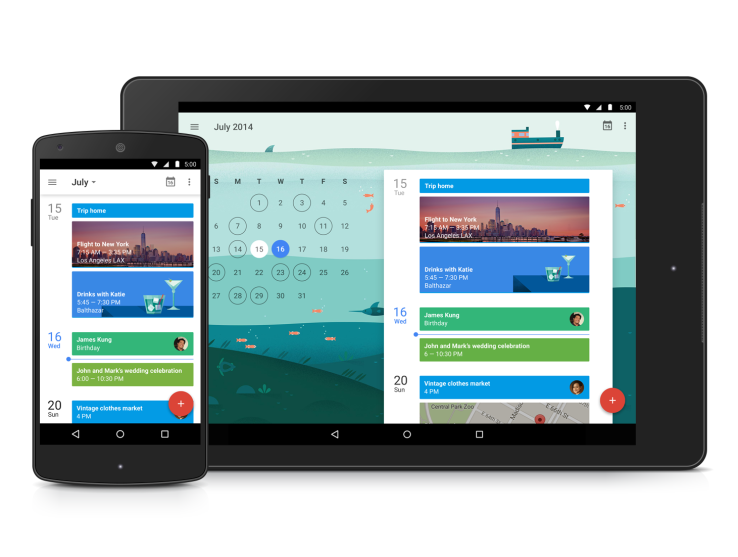
    Same as all the other official Google apps, the company has totally reworked on the Calendar app as well for the new Android 5.0 material design. According to the company, the upgrade of the Calendar app is smarter, more colourful, and all-around more helpful.

    This new app has been reinvented in the ‘Material Design’ style that’s working its way across all Google apps. The major part of the new upgrade is all about making, adding and viewing events much easier.

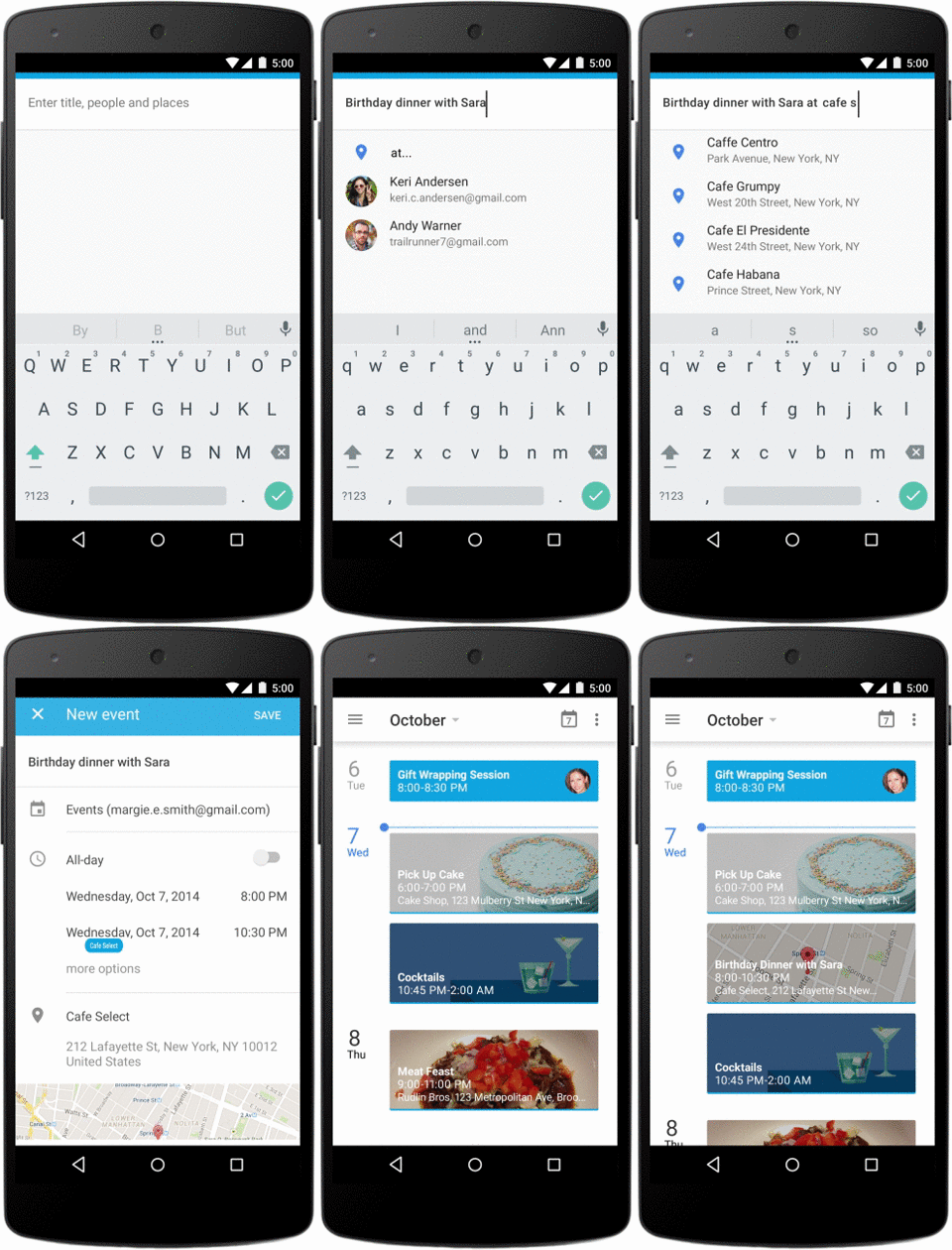
    With the new upgrade, Calendar will automatically pull events, such as booked reservations, flights, or concerts, out of your inbox and add them to your calendar. This new upgrade will also help you enter events by automatically filling in the information as you type, such as your contacts and nearby locations.

    quickcreate_timely_110114_v03_nexus5-1

    There is a new feature onboard with the new upgrade called ‘Schedule View,’ which just displays your upcoming appointments. They’re all given big, colourful backgrounds, often with images that are contextual to the events, which should make them easier to browse through. Third-party calendar apps that plug into Google have continued to add new and more intelligent features, and this release in many ways feels like Google has left no stones unturned.

    Apart from this, another surprising news is that this new Google Calendar app will be available for iOS devices too. While there have been a good number of ways to access your Google Calendar on the iPhone and iPad, including through Apple’s Calendar app, this will be the first time Google has actually released a proper Calendar app for iOS.

    The app is already available on the devices running on Android 5.0, however, the company will roll it out to the Play Store over the coming weeks for everyone running Android 4.1 and above.

iGyaan Network
Privacy Overview

This website uses cookies so that we can provide you with the best user experience possible. Cookie information is stored in your browser and performs functions such as recognising you when you return to our website and helping our team to understand which sections of the website you find most interesting and useful.