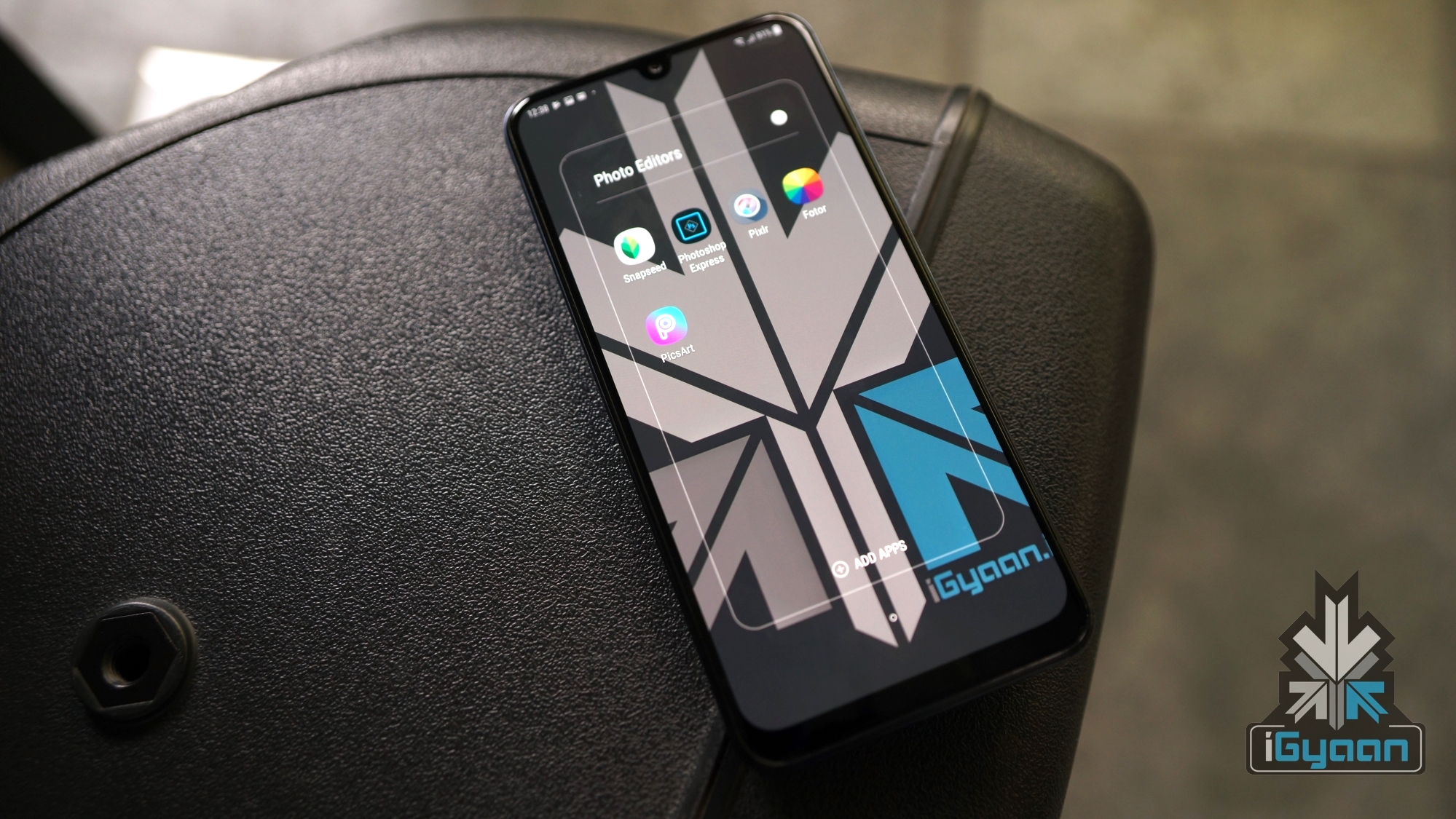
Tag: Photo editor

  • Top Five Free Photo Editing Apps For Android Smartphones

    Top Five Free Photo Editing Apps For Android Smartphones

    Smartphone cameras have developed drastically over the past few years. What was once a secondary, optional camera option for most, has now become the primary shooter for many people. But even the best images can need a bit of touching up to make them look better. If you’re using an Android smartphone, the choices of which Photo editor to choose can be overwhelming, with so many options around. We have compiled a list of the five best photo editing applications available on Android.

    Snapseed
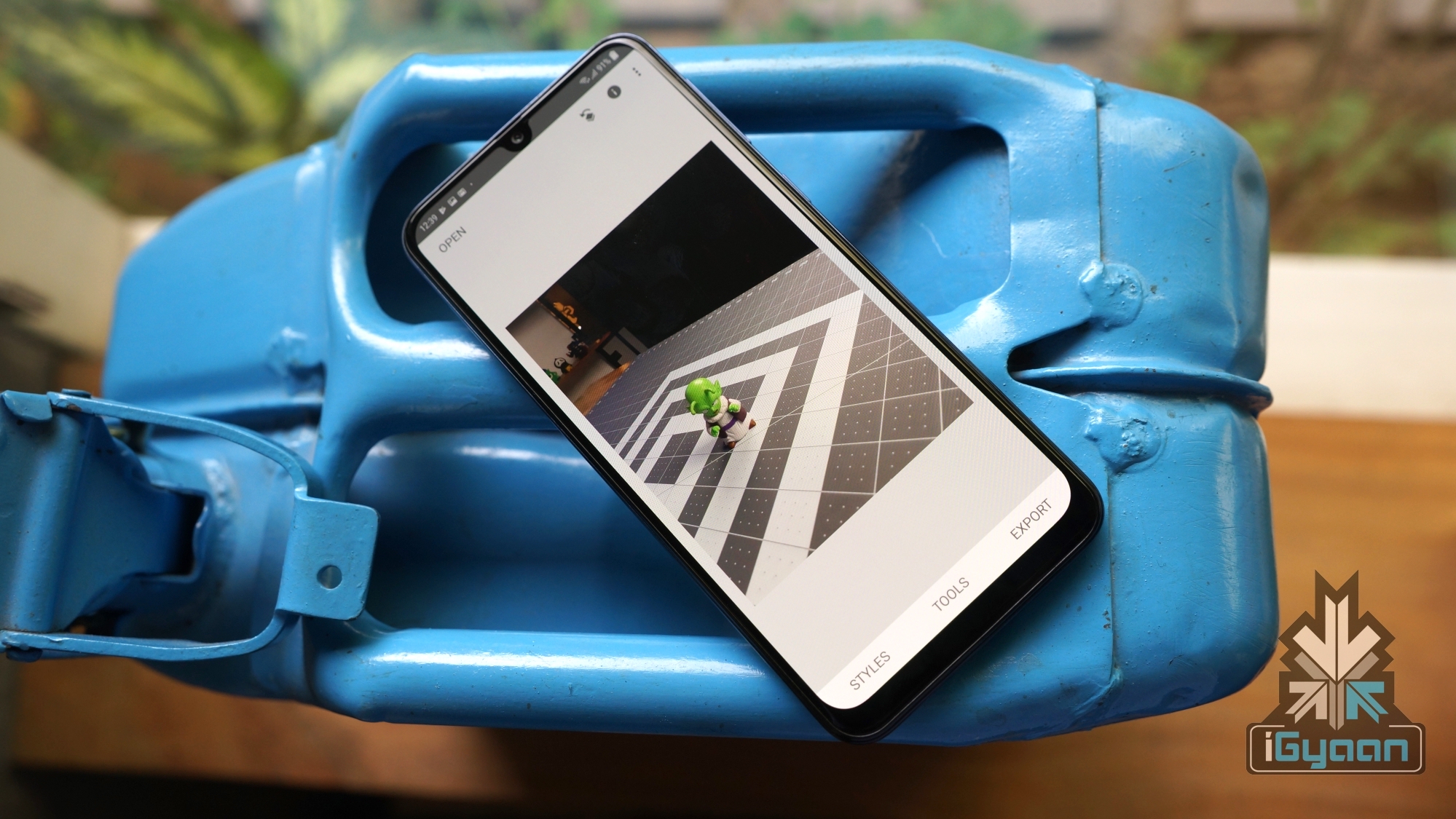
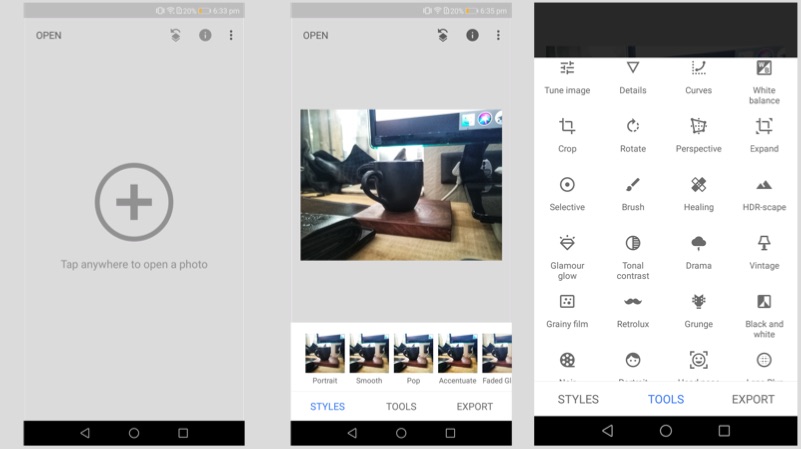
    Google’s photo editing app for Google’s Operating System. There are many reasons why Snapseed is a great and powerful editing tool. The application is simple to use, the UI is minimalistic and good looking. What’s more, the AI capabilities of the app is unmatched, with options like changing perspective and adding background blur. Snapseed is completely free to download and use and does not offer any in-app purchases or annoying ads. You can download Snapseed from here.

    Pixlr
    Another great option if looking for powerful photo editors on Android. While it is free to download, users looking for more options can buy certain elements like frames and effects for a fee. However, most of the tools are free and do a great job of giving users the results they might be looking for. The biggest selling point of the app is the crazy 25 photos in one collage feature; with a variety of layouts, backgrounds and spacing between the images. You can check out the app on Google Play by clicking here.

    Adobe Photoshop Express
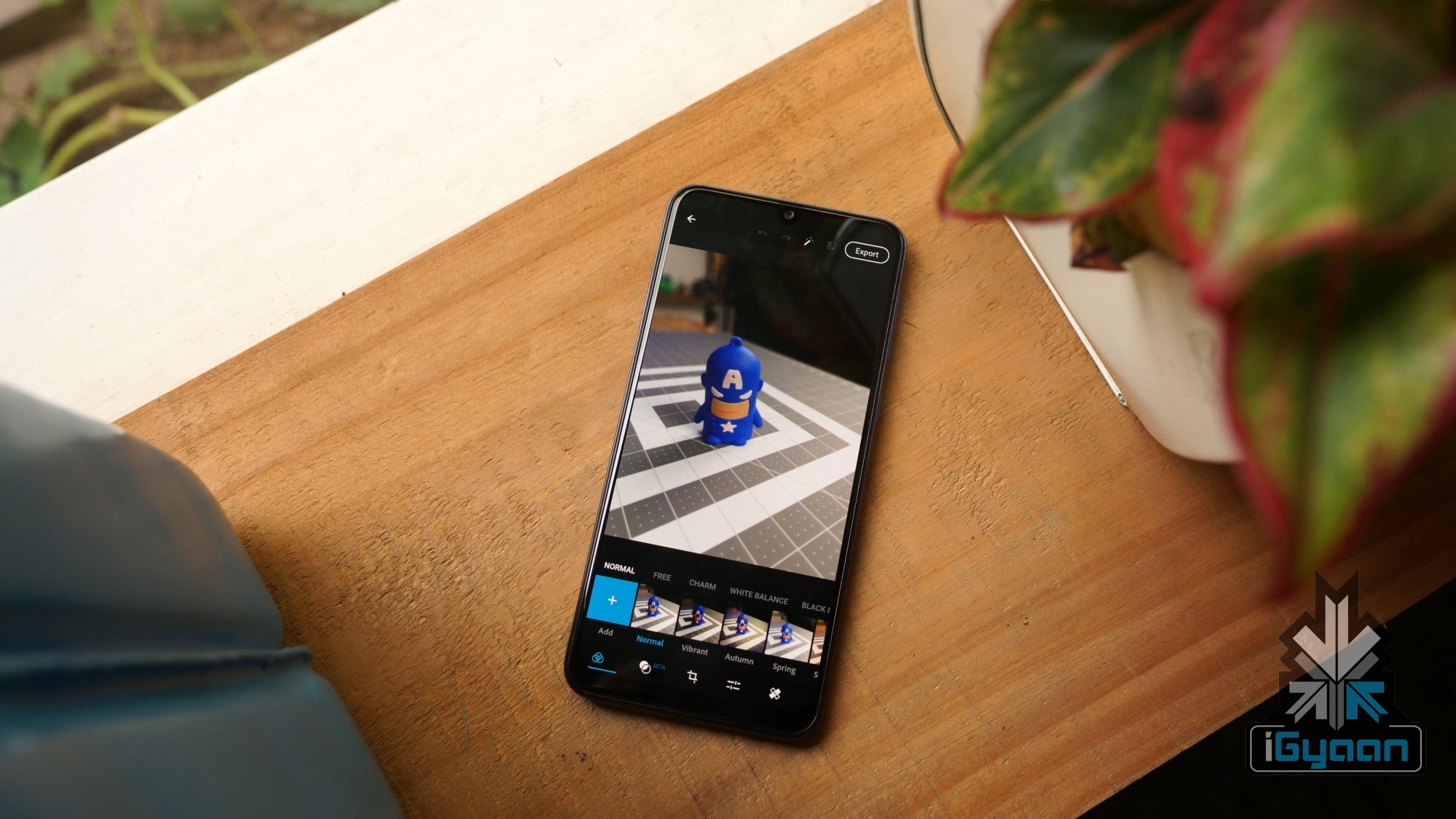
    Adobe Photoshop is already a well-known name when it is about photo editing softwares on PC. The Photoshop Express app for smartphones might not be as powerful as its PC counterpart but is still useful in its own might. It is completely free to download and use and does not have any advertisements inside the application. The application has many worthy tools to edit images and can sync with other apps like Lightroom on the platform. Furthermore, users can sync with the cloud account and save their progress. Interested users can check out the app here.

    Fotor Photo Editor
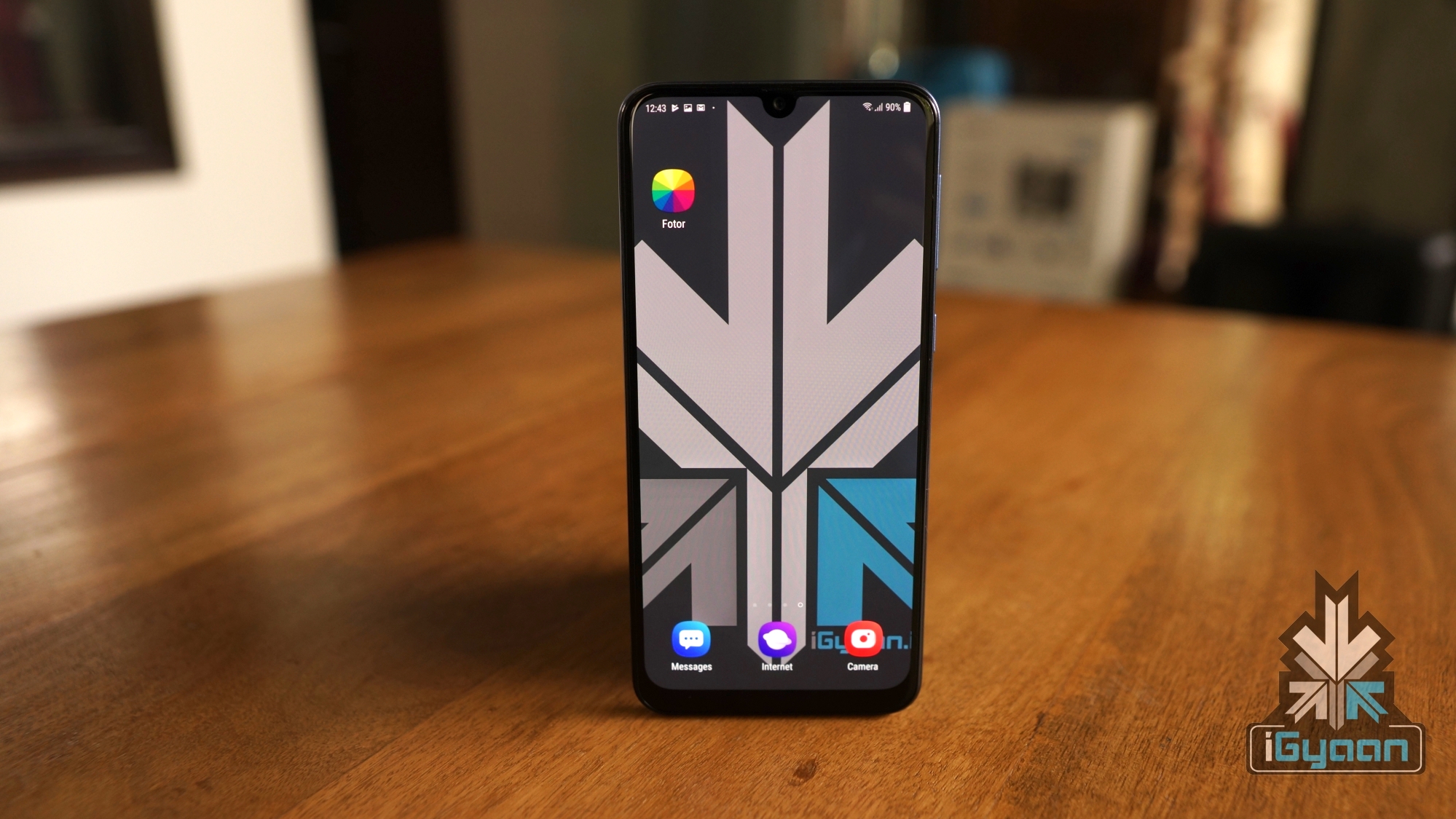
    The clever wordplay in the name aside, Fotor is a great photo editing application in its own might. Also an image licensing platform on the side, the app features a scrollable feed, quite like Instagram where the artists can showcase their work. They also can license their work through Pxbee, a stock photo licensing platform and use it to make money. This doesn’t mean the photo editing tools doesn’t have many tools inside. Offering more than 300 photo effects and some professional grade editing tools, Fotor is one of the best free to download apps available for smartphones. Interested users can check Fotor by going on the link here.

    PicsArt Photo Studio
    Also read: Google Store Accidentally Leaks The Upcoming Pixel 3a Smartphone Duo

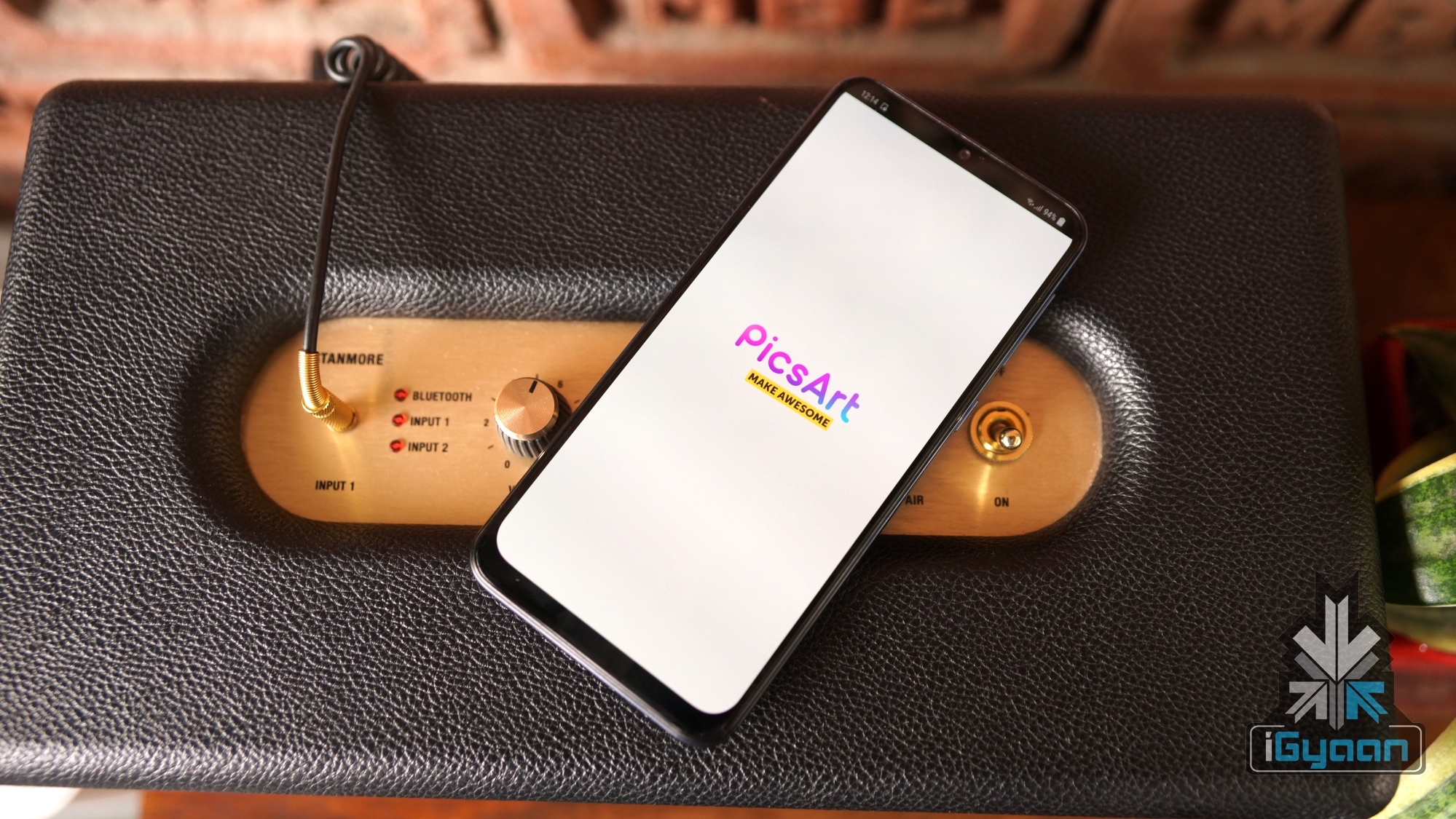
    Another popular application when looking in the market for great photo editors is PicsArt Photo Studio. Claimed to be installed over 500 million times on smartphones, it is one of the most popular softwares around. The app features over 3000 tools to edit images according to one’s needs. While it is completely free to download, there are certain in-app purchases and advertisements inside the app itself. If you want to check out PicsArt on Google Play, you can do that by going on the link here.
  • Top Three Photo Editing Apps For Android

    Top Three Photo Editing Apps For Android

    Smartphones, nowadays, are judged on their camera capabilities. Devices like the Google Pixel had a lot of shortcomings which were overlooked thanks to its brilliant camera performance. However, there is always scope for a bit more beautification of images that go on our social media accounts.

    Here are the top three photo editing apps for Android. All three apps are free to download and offer different sets of features to enhance the photos on your smartphone in no time.

    Snapseed

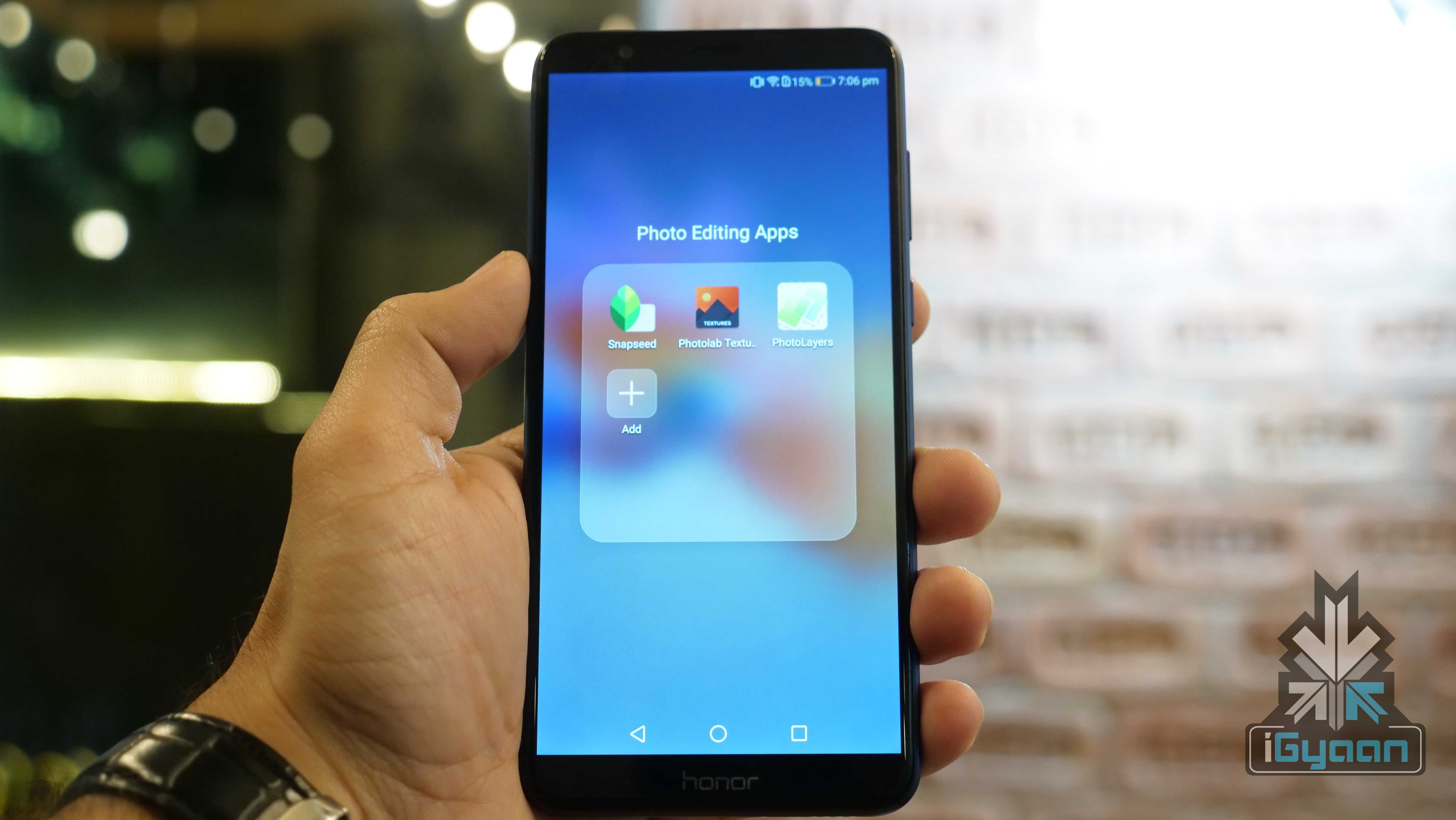
    Snapseed is a professional photo editing app developed by Google. The app offers multiple tools, including selective focus, HDR Landscape, changing the tonal contrast. The app also offers Portrait mode, which converts a normal photo into a Portrait photo with a varied depth of field. One can double the exposure, add frames and texts for the images. The app also directly social media sharing.

    Photo Editing

    Photolab Textures

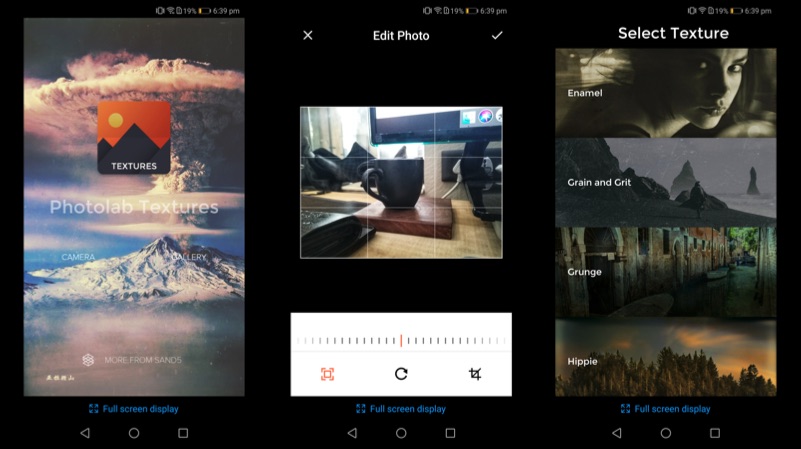
    Photolab Textures offers a simpler function compared to Snapseed. In fact, the app can be used to convert your photo into an art piece. The app offers a different selection of textures, including Enamel, Grain and Grit, Hippie, and Landscape Enhance. Each of these textures gives a completely different output, which changes the entire photo into a masterpiece.

    Photo Editing

    PhotoLayers

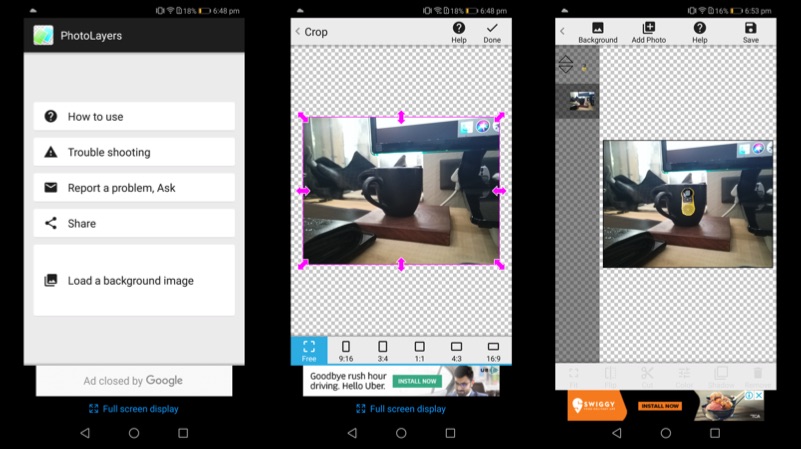
    PhotoLayers is a unique app, which helps to create photomontages. The app has a built-in tool, that converts the un-needed arear into transparent. The app can be used to combine up to 11 pictures to create a collage. One can also play with the colour tone to make the photo more attractive. Import a photo as a background and then import the photo, that you want to highlight, select the edit tool and erase the background. The app even has a tutorial for the first time users, which explain the different functions of the app.

    Photo Editing

  • Google to Shut Down Picasa This March

    Google to Shut Down Picasa This March

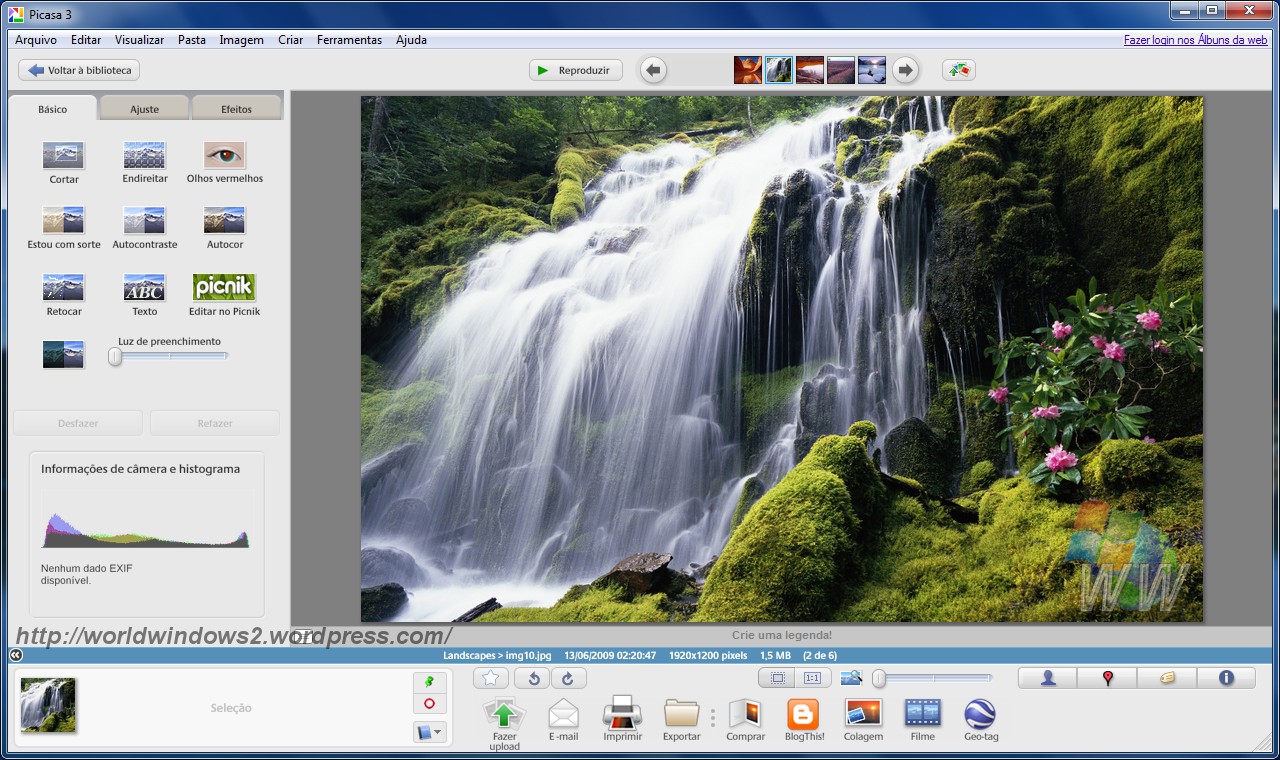
    It’s time to say good-bye to one of the most popular photo editors of all times. Google has announced in an official blog post that Picasa would no longer work come this March. Following which, users would no longer be able to edit Picasa web albums post May. Google plans to shift its focus to Google Photos by shutting down the application.

    “After much thought and consideration, we’ve decided to retire Picasa over the coming months in order to focus entirely on a single photo service in Google Photos.”

    Picasa

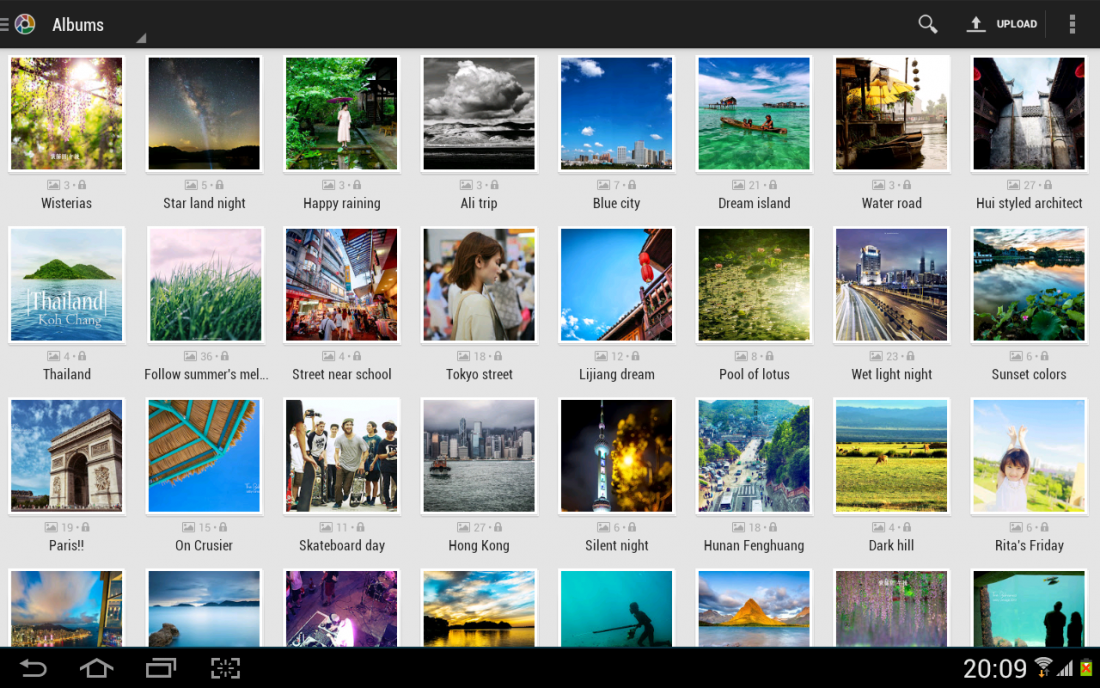
    Users with a Picasa account can access their pictures using the Google Photos app. People who are not using this app can still access their albums and delete or edit them. The company will withdraw support for the Picasa desktop app on 15th March, 2016. For those who have the application on their systems already -it will continue to run just as it does right now, but there will be no further updates or developments.

    Google ended the blog-post by way of an apology, “We apologize for any inconvenience this transition causes, but we want to assure you that we are doing this with the aim of providing the best photos experience possible.” Time to bid adieu indeed.

    Source

iGyaan Network
Privacy Overview

This website uses cookies so that we can provide you with the best user experience possible. Cookie information is stored in your browser and performs functions such as recognising you when you return to our website and helping our team to understand which sections of the website you find most interesting and useful.