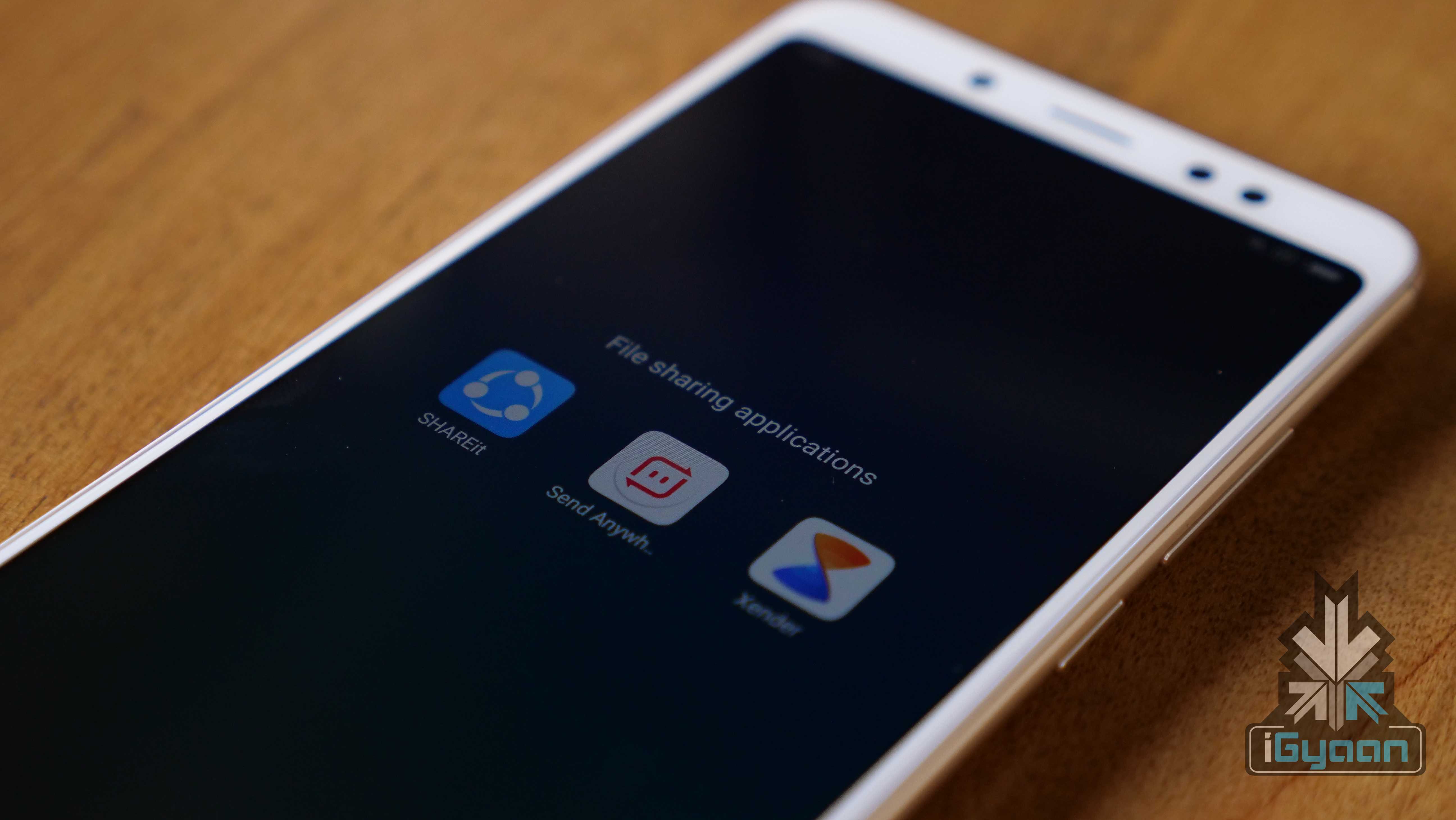
The Bluetooth technology has come a long way but, it is still not the best way to send large files. Users share different file types across different devices, including smartphones, tablets, computers etc. Sometimes, sharing a large sized file like an HD movie over Bluetooth might be cumbersome. So, here are the top three apps that can be used to share files across the devices with the touch of a button.
SHAREit
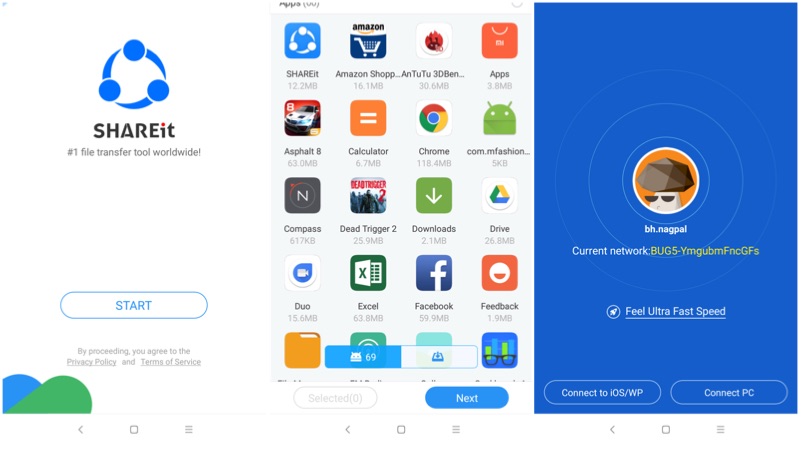
If you are a smartphone user, then you would have heard this name at least once in your life. SHAREit has been in the file-sharing business from last few years. This application is mainly used to share files between closely located devices (~10 meters). Both the users have to have the application to either send or receive a file. The app supports Android to Android, Android to iOS, iOS to iOS files transfer. This works on the principle of Wi-Fi and Wi-Fi Hotspot. Usually, receiving device will create a secure hotspot and the sender has to join the network. The files transfer happens via Wi-Fi with an average data transfer speed of 5 MBPS.
Sendanywhere
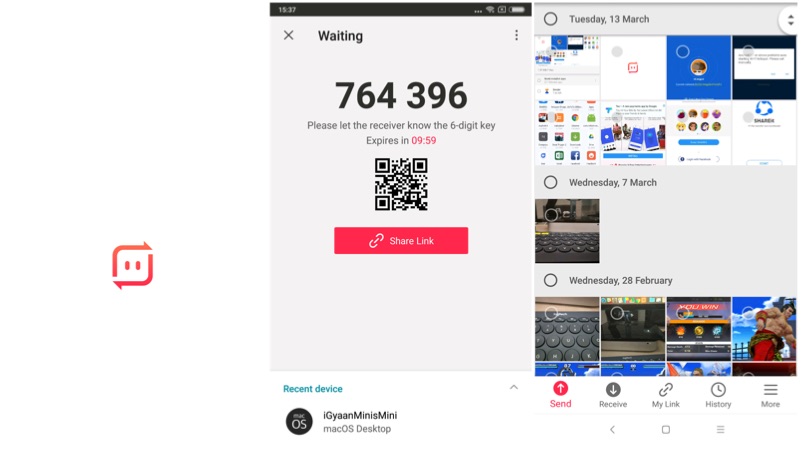
At iGyaan, we use sendanywhere application. This is a cross-platform app and connects well with Android, iOS and, macOS in no time. The working procedure is a bit different compared to SHAREit. A user has to select the files, which he is interested in sharing. Then, the application generates a unique 6 digit key, which has to be entered on the receiver’s end. Unlike SHAREit, this even with the remotely located devices. However, both the parties should have an active internet connection to initiate the transfer.
Xender
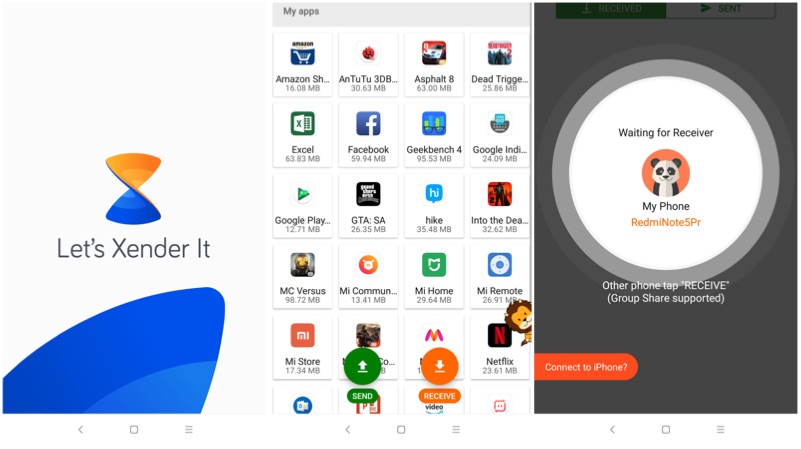
The working principle behind Xender is similar to SHAREit. However, Xender’s UI looks better than the SHAREit. The applications work on iOS and Android devices. In fact, when you are sharing a file, the app specifically asks to connect to an iPhone. The app comes with different menu buttons, which has an option to select apps, photos, music files, and videos.