The new Surface Pro 3, launched today in the USA, is Microsoft’s third attempt at “the tablet that can replace your laptop.” Earlier, Microsoft had introduced its first two Surface tablets, the Surface RT and Surface Pro, in a surprise media event in June 2012. The tablets were initially received well, with curious online commenter’s praising the design, the built-in metal kickstand, and its split-screen feature. However, by the time the Surface went on sale months later, the enthusiasm had waned, and Microsoft failed to capture much foothold in the tablet market. Currently, that market is dominated by Apple’s iPad and various devices running Google’s Android operating system, including Amazon’s Kindle Fire.
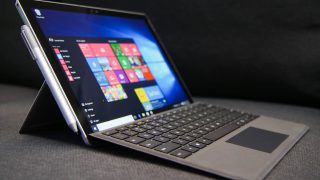
The brand new Surface Pro 3 runs a full version of Windows 8, which only means that owners can run desktop Windows apps such as the Microsoft Office suite, as well as apps made solely for tablets. Buyers can also purchase an attachable keyboard and mouse to transform the Surface into a more traditional laptop.
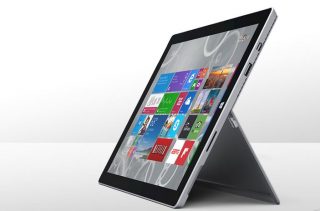
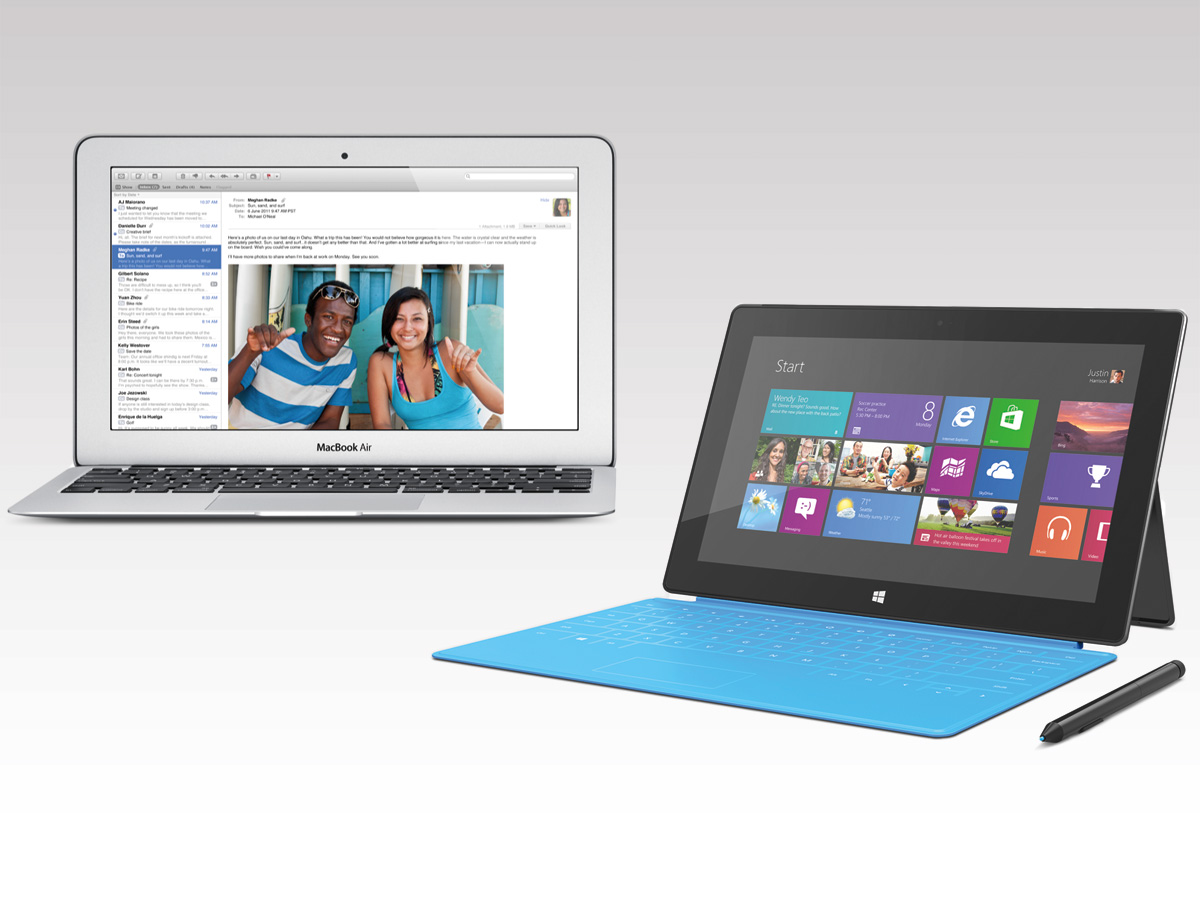
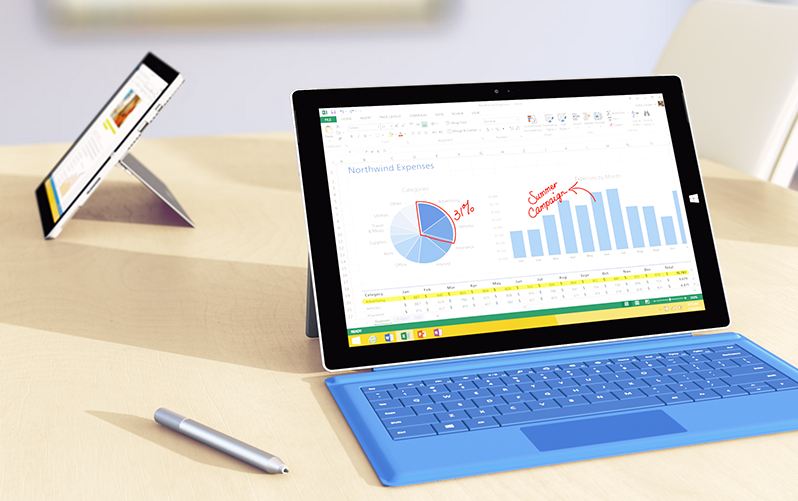
The new hinge on Surface Pro 3 helps it adjust to an angle between 22 and 150 degrees, making it handy and super adjustable. And while it may be tempting to compare the Surface Pro 3 to the iPad, it was clear from today’s onstage remarks by Microsoft officials that they’d like to view its competitor as the MacBook Pro and other laptops. The company hopes that Surface Pro 3 will be viewed as an all-in-one device, serving the function of both a laptop as well as a tablet,without compromising on any features. The Surface Pro 3 sports a 2,160-by-1,440 display, which according to Panos Panay, Head of Microsoft’s Surface division, provides the “highest contrast ratios in the industry.”
Along with the Surface Pro 3, the company introduced several add-ons which are built keeping in mind the needs of its users.
The new Type Cover keyboard add-on, priced at $130, has a much-improved trackpad. The new design has a 68 percent larger area than the Type Cover 2, and 78 percent less friction. It’s better for lap use as well; you can lock it in the cover so that it doesn’t wobble when you perch the device on your lap. During the demonstration, Microsoft’s representatives admitted that the old version of the trackpad was “unforgivably bad”. The upgraded Type Cover’s trackpad is better responsive and larger than its predecessor.
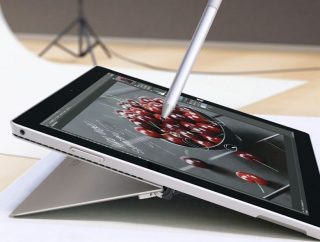 The second major add-on available is the accompanying stylus. It is built to look and feel like a proper pen with a comfortable heft, bringing its own realm of functionality. For example, a single click of the top button turns on the pen and turns on the tablet for immediate use.
The company has also unveiled a docking station for those who want to use the new Surface as a makeshift desktop. Besides adding a bevy of extra connections (three USB 3.0, two USB 2.0, Ethernet and audio) to the tablet, the dock also lets you output video at 4K through its Mini DisplayPort. Both the station and the new Type Cover should be available when the Pro 3 launches in North America on June 20th, and there are promises of extra peripherals in the future.
Another key-feature is the new touch-based version of Adobe Photoshop CC. Adobe worked closely with Microsoft to tailor Photoshop for the Surface Pro 3. It’s all set to use the power of the screen, pen and touch. The earlier Photoshop tablet versions were restricted to the use of the pen, this version boasts a touch-optimized interface which means you can now use your fingers to zoom, pan, and edit. Michael Gough, VP of design experience for Adobe at the launch said, “when you take the power of Photoshop and put it on this powerful device, it’s a creatives dream come true.”

The U.S. release is slotted for June 20 with a worldwide release in late August. Starting price at $799, the tablet will be available in three configurations: with an Intel Core i3, Core i5, or Core i7 processor. The i3 version will be on sale in June, with Core i5 and i7 arriving in August.