Tag: unicode

  • Apple Showcases New Emoji Heading To iOS and Mac

    Apple Showcases New Emoji Heading To iOS and Mac

    To celebrate World Emoji Day, Apple has shown off some of the new emoji heading to iOS, MacOS and WatchOS later this year. The new emoji set include some interesting emojis, including a zombie emoji, a “mind blown” emoji, a new puke emoji and for overtime you needed to express a dinosaur in your conversations the new T-Rex dinosaur emoji.

    Emojis have become popular of the past few years, and while every company showcases emojis differently, the essence of the conversation remains the same, and allows people to express what they are feeling in an otherwise bland textual conversation.

    But Emoji also keeps up with the trends now days as Apple will also add Daenerys Targaryen, aka the Mother of Dragons, from the Game of Thrones as an emoji.

    Apple is also celebrating World Emoji Day in the App Store. By highlighting a number of emoji-themed apps available for download for emoji lovers in the App store, including

    Emojily, which helps you create your own characters

    Swiftmoji-Emoji Keyboard, which is essentially an emoji search

    Gymoji, which promises to. Perfect for those Gym selfies.

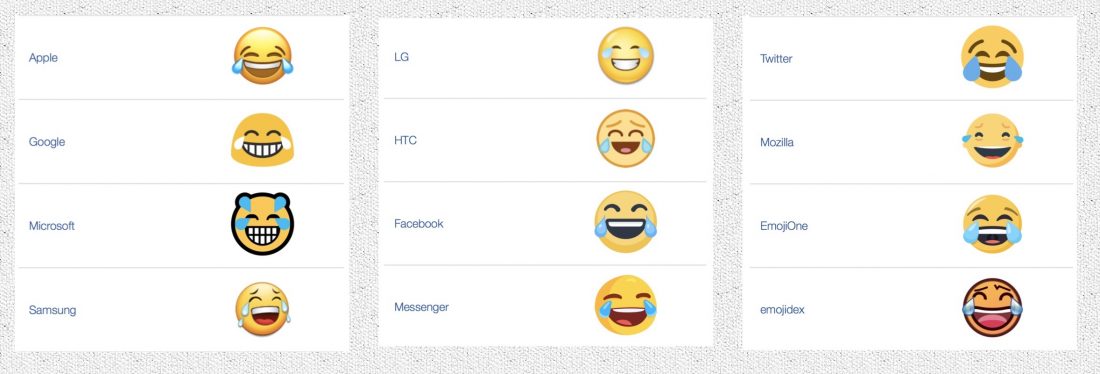
    The Emoji Movie, a Sony pictures Animated comedy production hits theaters on July 28, only to show how mainstream emoji has become. In total there are 2,666 emojis in the Unicode Standard as of May 2017. This includes some sequences for gender or skin tone, flags, and the components that are used to create keycap, flag, and other sequences. On iOS alone an estimated billion emojis have been shared on iOS alone. The most popular emoji used by people is the “Face With Tears of Joy ” emoji also known as the “lol” emoji. Here is how the emoji looks on different platforms.
     

  • Here’s How to Fight the ‘Bug’ Infestation That Has Taken Over iPhones

    Here’s How to Fight the ‘Bug’ Infestation That Has Taken Over iPhones

    As of yesterday, the internet was in a frenzy with people saying how fed up they were with a code that shuts down their iPhones, Macs and Apple Watches. The hardy giant that is known for its immunity against any virus, witnessed an obstinate bug take over its OS.

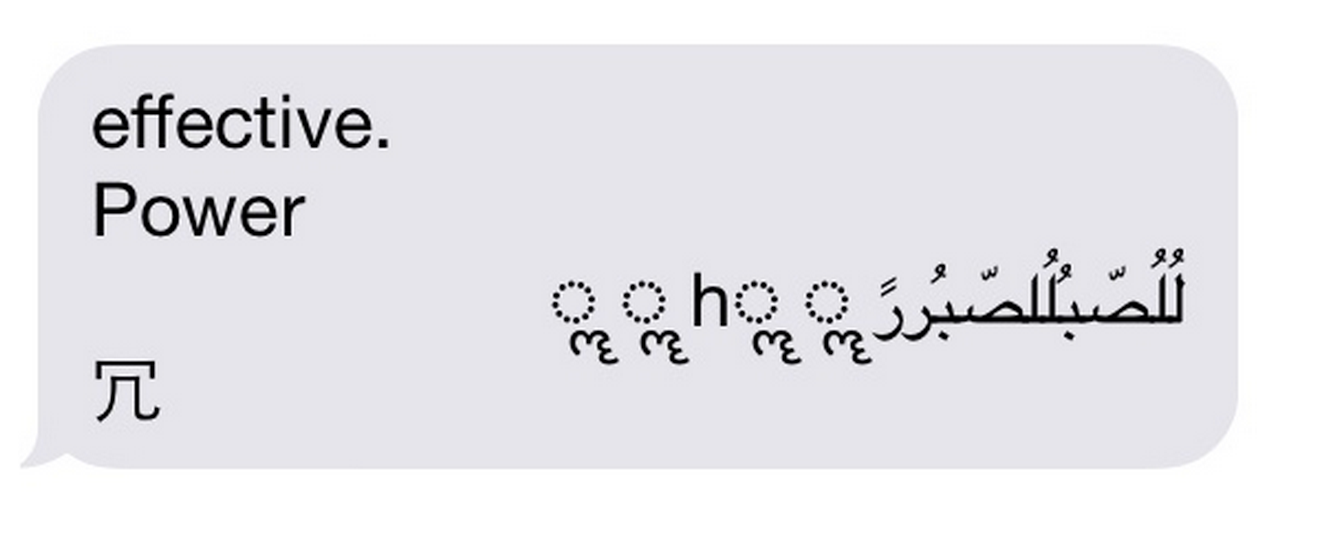
    The ‘Unicode of Death’ as it is called, is said to have a code that contains Marathi and Arabic symbols. When sent as a text message, it shuts down your iPhone, causing it to reboot without prior notice and even crashes apps. The bug is so effective that it can even work when the message shows up on your home screen. code

    The crashing seems to occur in iOS 8.1, iOS 8.2 and iOS 8.3 versions and can be transferred from Android to iOS.

    We are aware of an iMessage issue caused by a specific series of unicode characters and we will make a fix available in a software update.

    While Apple issued a statement acknowledging the problem, they also gave tips for a temporary solution.The company even promised that an upcoming software update will fix the problem permanently. Until then, here are the official instructions from the company:

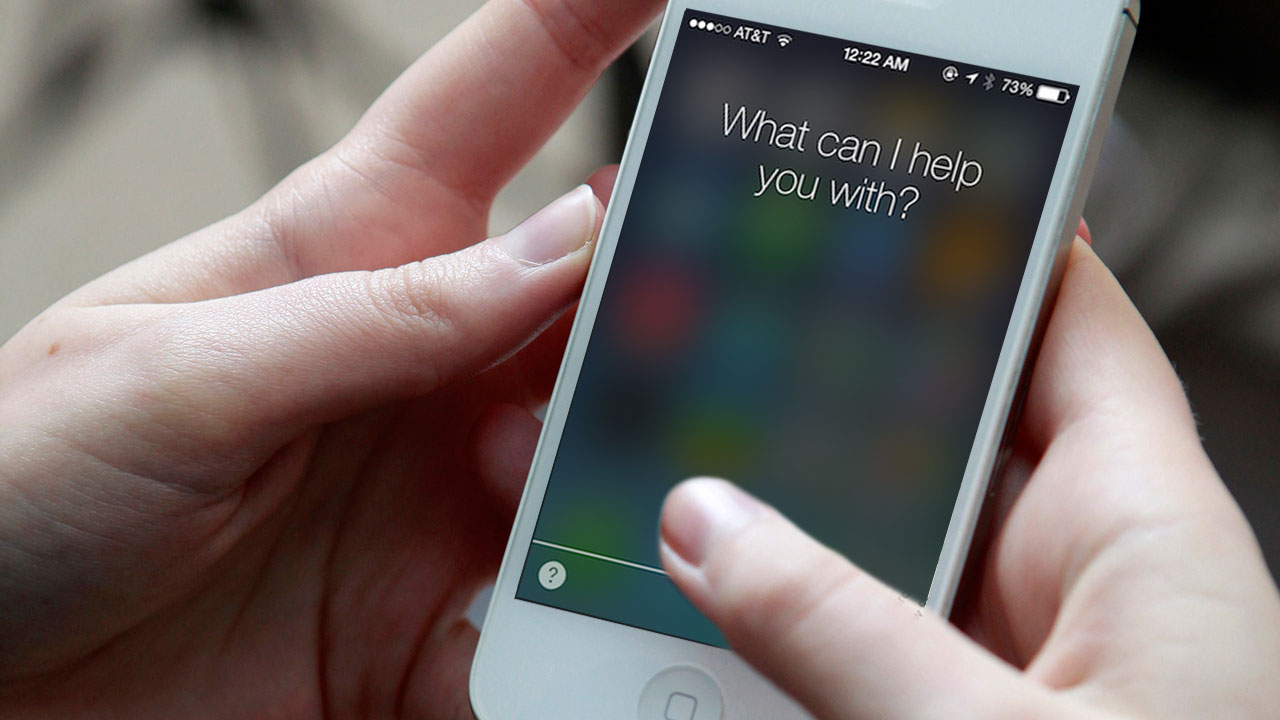
    1. Ask Siri to “read unread messages.”
    2. Use Siri to reply to the malicious message. After you reply, you’ll be able to open Messages again.
    3. In Messages, swipe left to delete the entire thread. Or tap and hold the malicious message, tap More, and delete the message from the thread.

    9to5Mac, an online magazine dedicated to Apple, also suggested three more ways to combat the bug. Keep yourself armed with these tips:

    1. Tell the offender to immediately send another message thereby cancelling the effect of the initial strand.

    2. Send yourself a message via Siri, the share sheet or your Mac.

    3. Some users said that sending a photo via the photo app can allow them to access the message history and delete the conversation.

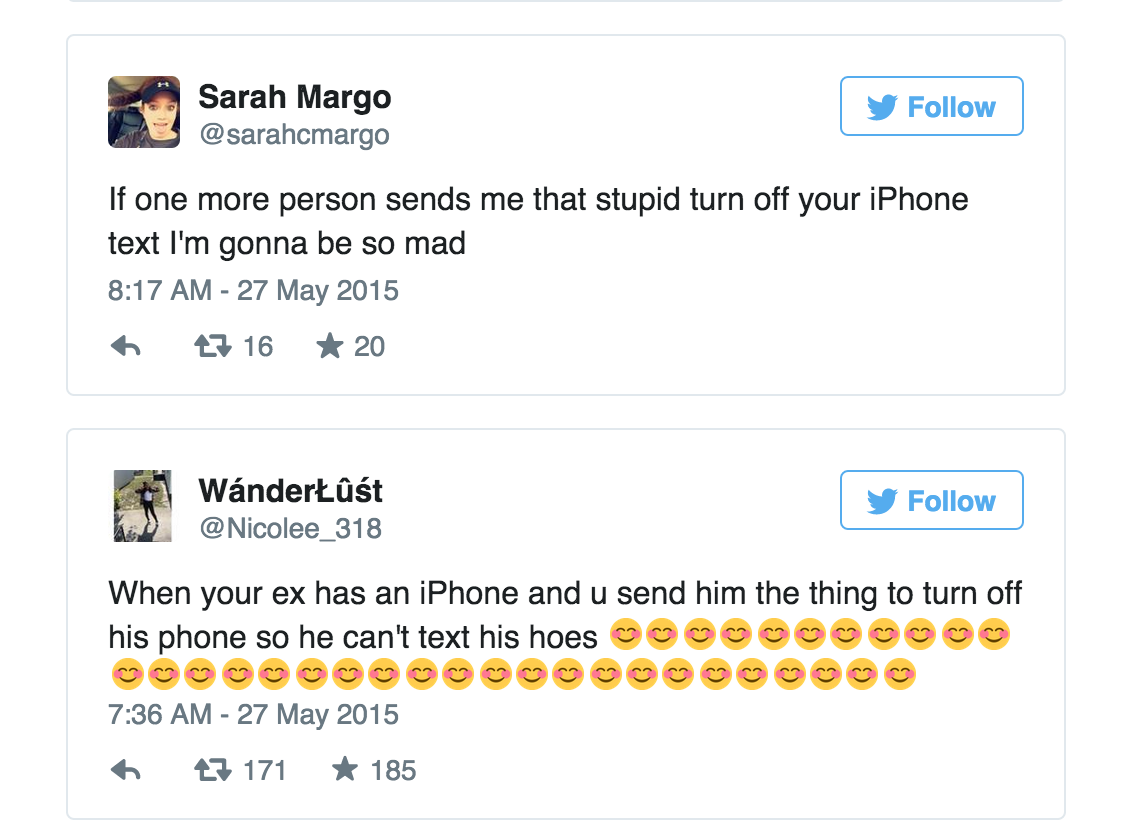
    Most people are using the code as a revenge tool against their ex-boyfriends and girlfriends and some are enjoying pranking their friends. While the problem seems to annoy some, it’s leaving others amused.

    tweet

    However, The ‘Unicode of Death’ can adversely affect your device if not handled with caution. Beware.

iGyaan Network
Privacy Overview

This website uses cookies so that we can provide you with the best user experience possible. Cookie information is stored in your browser and performs functions such as recognising you when you return to our website and helping our team to understand which sections of the website you find most interesting and useful.