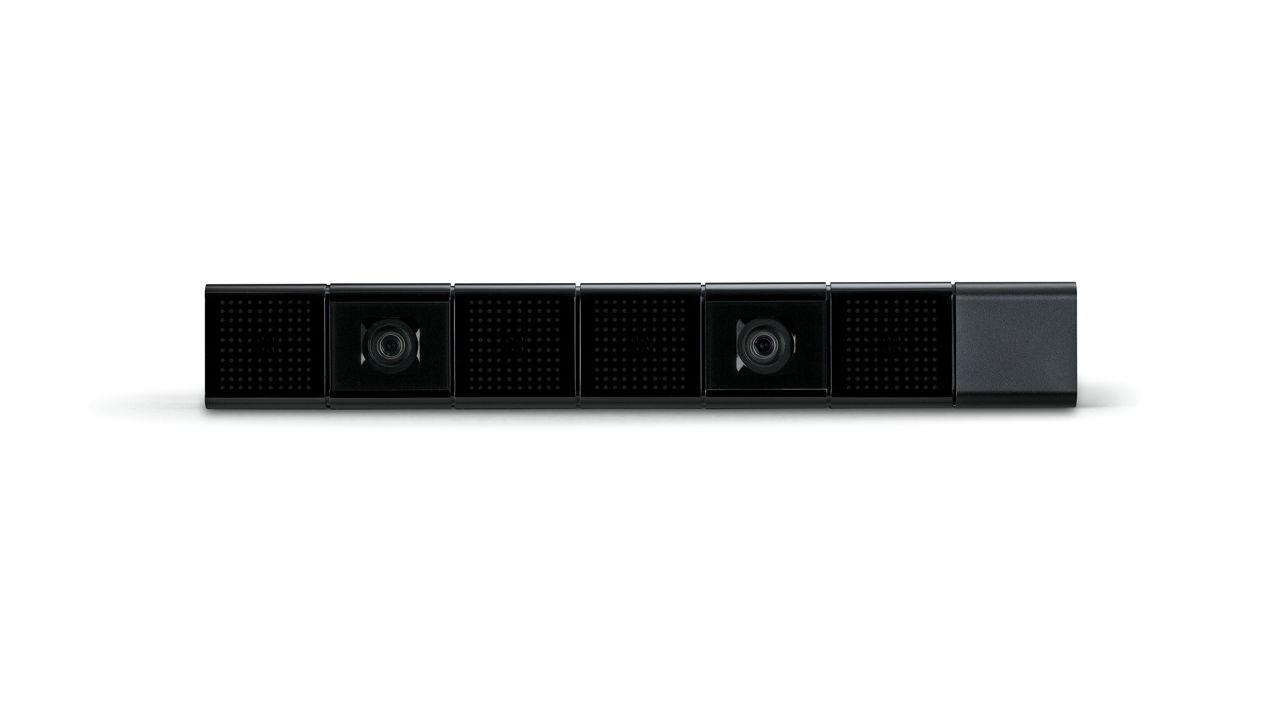
Sony on August 20 at Gamescom revealed the launch dates for the PlayStation 4, which will launch in North America on November 15 and in European regions on November 29.
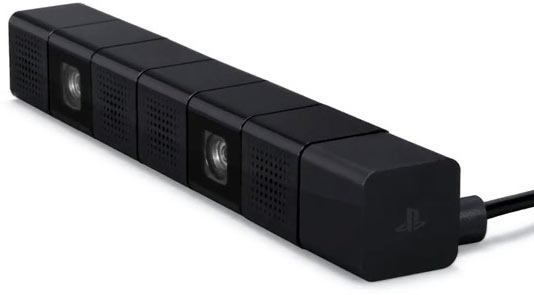
The Sony’s Keynote at the Tokyo Game Show cleared some of the question related to the the PlayStation 4, to start with, the PS4 Camera will support voice and gesture controls with its dual cameras and built in four mics. The PlayStation 4 will allow unencrypted HDMI output for games which can be used to record your games and will be great for recording game-plays in iGyaan style for you guys to watch.
I think we just announced that we’re going to allow video capture of games over HDMI! “Details will follow soon.” said Sony’s representative Brad Douglas.
After Apple and Samsung transformed the Voice features on their flagship products, LG must’ve felt left behind. So enter ‘Quick Voice’ for its Android phones (time for more lawsuits). Just announced in Korea and rolling out soon for various members of the Optimus family like the Vu and Optimus 3D Max and L7, it brings natural voice recognition to commonly used functions like searching, setting up appointments or pulling up videos on YouTube.
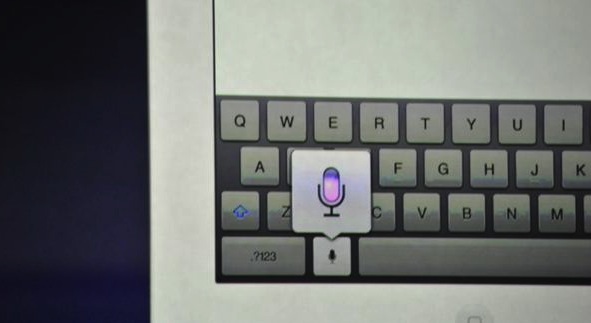
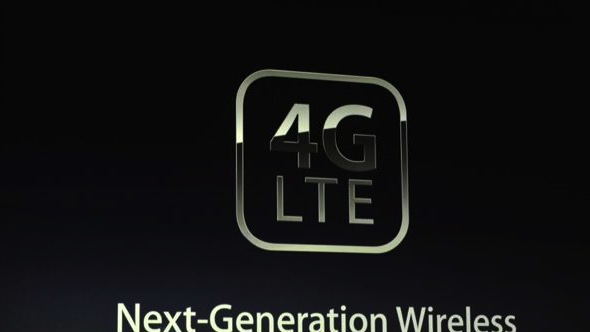
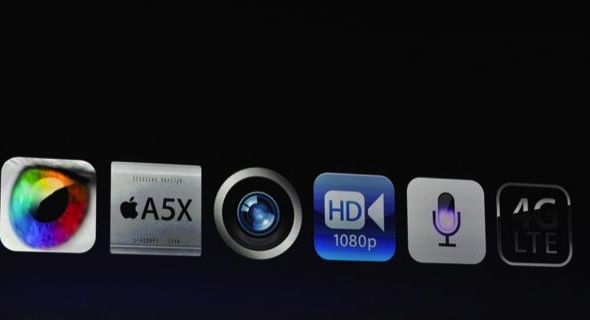
The next iPad has faster network capabilities 21Mbps HSPA+ and DC-HSDPA at 42Mbps, with LTE at 73Mbps. Also in the mix is the voice dictation feature from the Siri we saw and love from iPhone 4s.
The iPad can now be a personal hotspot too dependent on the network service provider.
Do you love airplanes? Are you an air fanatic? Do you want to shoot down enemy fighters while you’re partnered up with your best friend? If you answered yes to those questions, then you HAVE to try this game.
Metalstorm: Wingman is the successor to the highly successful game Metalstorm: Online. It is a highly addictive flight combat simulator which offers a wide range of gamers the ability to pilot their very own fighter jet. The game is fairly simple to play. At the very basic level, you have to shoot down enemy planes with missles and cannons. You control your aircraft by tilting your iDevice in the desired direction of flight. The on screen controls allow you to fire your weapons, control the speed of your jet, change the camera view and pause the game. You can also swipe the screen in any direction and have your plane perform an advanced evasive maneuver in that direction.
The game offers players a variety of aircraft to purchase, as well as a detailed tech tree for each. Players also have the option of equipping their aircraft from a wide arsenal of missles and cannons.
While these features alone would have made the game quite nice, what makes it truly amazing are its multiple game modes. You have the standard campaign and single player modes but there is also a multiplayer ‘verses ‘ mode as well as a ‘Co-Op survival mode’. What this means is that you can play a game verses your friend and blow his plane to bits, or you could team up with them and see how many waves you can survive as wingmen together. Did we happen to mention that there’s a little icon that pops up in the corner of your screen in multiplayer games? It lets you talk to your wingman/opponent while you’re in-game. Multiplayer in Metalstorm is achieved through the Game Center. It works flawlessly (during numerous tests) over both WiFi and 3G, with players in the same room or across the world.
But wait! There’s More! Do you have a nice, big, shiny and sleek TV in your room? Yes! Ever wanted to play a game from your phone on that big TV? Yes! Do you happen to also have an Apple TV? Yes! All you have to do is connect the Apple TV and your iPad 2/iPhone 4s/iPod Touch and start AirPlay Mirroring. Congratulations. You’re now ready to play Metalstorm: Wingman in 720p on your TV. While the screen is being mirrored, the game shows the inside of a cockpit on your device’s screen, which adds to the coolness of the entire experience.
The only feature of this game that we did not like was the fact that you have to be online to play it, either over WiFi or 3G. You cannot play this game without a connection. Not even single player mode. We can hope that they will disable this feature in a future update.
So how much does this game cost? Nothing. Its free to download and free to play. There are various in-app purchases available for various coin packages to easily help you to upgrade your plane, restock your weapons and even buy an all new plane.
Here’s hoping to see you in the skies someday. God speed. And Good Luck.
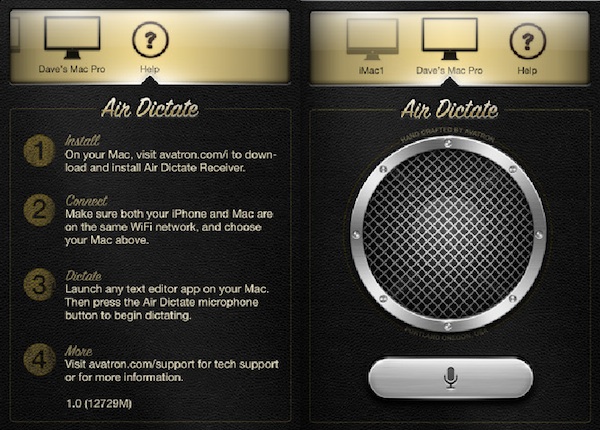
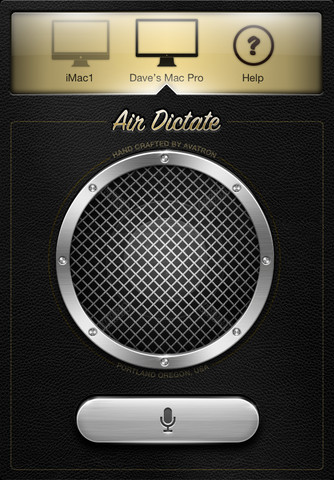
A clever App from a seasoned developer Avatron Software, Air Dictate, allows users to use voice dictation on their Mac’s using Apple’s own Siri. This app does not bring the great conversation you can have with Siri off and on, but it does bring the excellent voice recognition engine to you Mac, and first reports suggest that it works great. We are downloading the App as we write this, expect a full test soon.
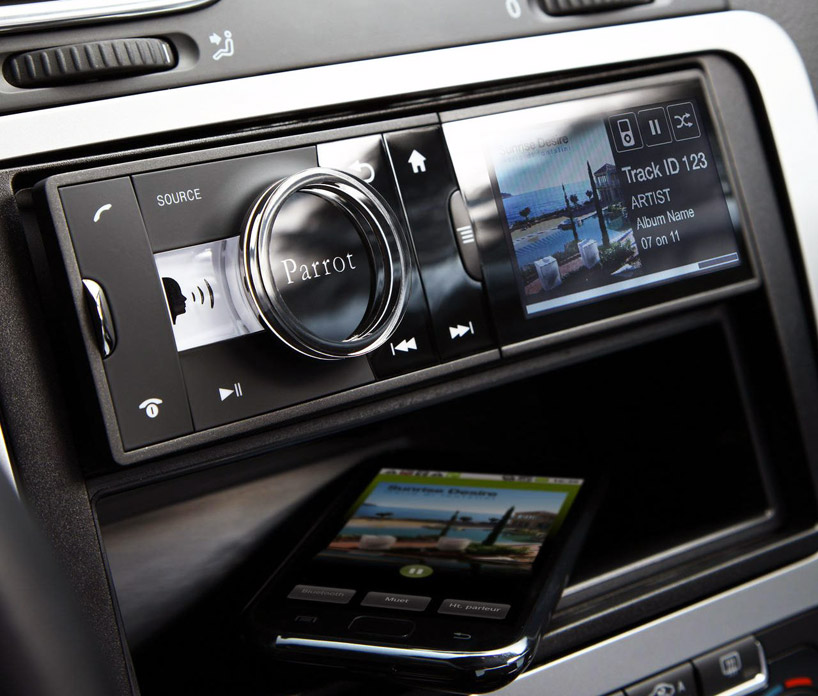
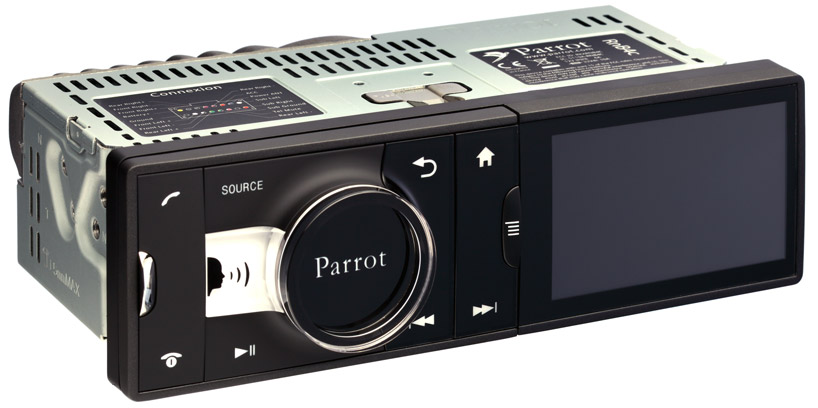
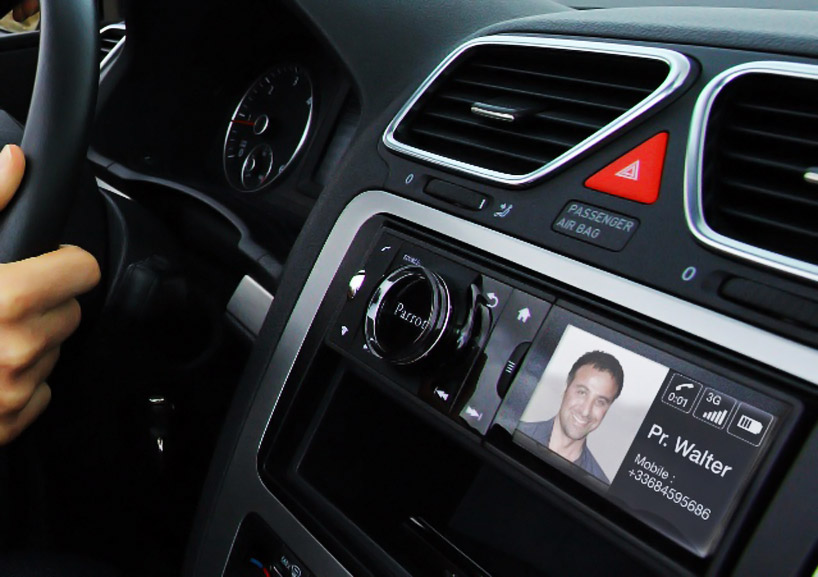
From the makers of the much acclaimed Parrot AR Drone, a quadricopter for the iPhone, comes a new product for your car. They have designed an Android powered in car entertainment system supporting maps and attractions, voice calling, weather, and other applications in addition to providing radio and music playback.
The device fits into the head-unit of a standard 1-DIN car, and features a 3.2 inch LCD as well as tactile buttons and a jog dial to control the various features of the device. Many of the Asteroid’s features can also be controlled via voice input. It is able to connect to the Internet via your smart phone or a separate 3G dongle, and the device can also connect to an external GPS to provide its location based services. With the help of the Fuel for Less app, the Asteroid can display the nearest petrol pump, and can also display the prices of the various fuels offered. The device has another app called iCoyote which can warn users of upcoming speed and red light cameras as well as traffic jams and accidents.
For music playback, the device integrates with iPod, iPhone, USB or SD card sources, analog players, bluetooth stereo, and FM and Internet radio and is equipped with a built-in amplifier and sub-woofer. For digital sources, all music can be accessed by voice with the ‘vocal music search’ that responds to the names of artist or albums in users’ music libraries.
The Asteroid will be available from October 2011 and will retail for around $200.
The most anticipated update for Skype has been finally released. Skype for iPad is now official and brings voice and video chatting with others on Macs, PCs or other Skype clients. The app is not an add-on in the Skype for iPhone app but a separate iPad app available to download now from the App-Store. The app will let you enjoy the Skype goodness over Wifi or your data connection.
[toggle title_open=”Collapse” title_closed=”Read the Press Release” hide=”yes” border=”yes” style=”default” excerpt_length=”0″ read_more_text=”Read More” read_less_text=”Read Less” include_excerpt_html=”no”]Skype for iPad
Bring your Skype contacts closer with full screen video at your fingertips. Beautiful and simple, this is Skype built especially for the iPad. Call, video call, or instant message anyone on Skype. Plus, if you add a little Skype Credit, call landlines and mobiles at really low rates.
Simple to use: • Join Skype on your iPad in a few moments or just sign straight in to your account. • If you already have a Skype account, your Skype contacts will automatically be there on your iPad. • We’ve made adding new Skype contacts really easy. • Once they’re in your Contact list, call, video or instant message them in one touch. • Flick through recent calls and instant messages in your Skype for iPad history. • Skype for iPad works over Wi-Fi or 3G (operator data charges may apply). Call Skype contacts on their iPhone, iPod touch, iPad, PC, Mac and even Skype enabled TVs.
Access free Skype features: • Talk face-to-face or show what you’re seeing with front and back-facing cameras. • Use Skype for iPad to call anyone else on Skype – and enjoy near CD quality (SILK) sound. • Instant message and add emoticons to personalize your messages.
Then unlock even more features when you pay a little: • Make cheap calls to landlines or mobiles from your iPad. • Get an Online Number from Skype so people can call you on your iPad.
If you want to unlock these extra features, you can pay in a way that suits you. • Pay As You Go with Skype Credit – great for when you’re using Skype every now and again. • Pay monthly with a subscription – best if you use Skype a lot.
System requirements: • Skype video calling requires iOS 4.0 or above. • Send and receive video using front or back camera on iPhone 4, iPad 2nd Generation, and iPod touch 4th Generation. • Send and receive video using rear camera on iPhone 3GS. • Receive video only on iPad 1st Generation and iPod touch 3rd Generation. • Works with any H264 compatible devices, including TVs.[/toggle]