So, its here, the moment you were all waiting for, the 25th edition of the Apple Developers conference. The WWDC 2014 brought out the Big Boy Mac OSX Yosemite. Now I should let you know I took incredible amount of pain to bring you this, battling through the laggy video on an Indian internet speed.
Lets see some of the most innovative new features of the new Yosemite.
The Looks:
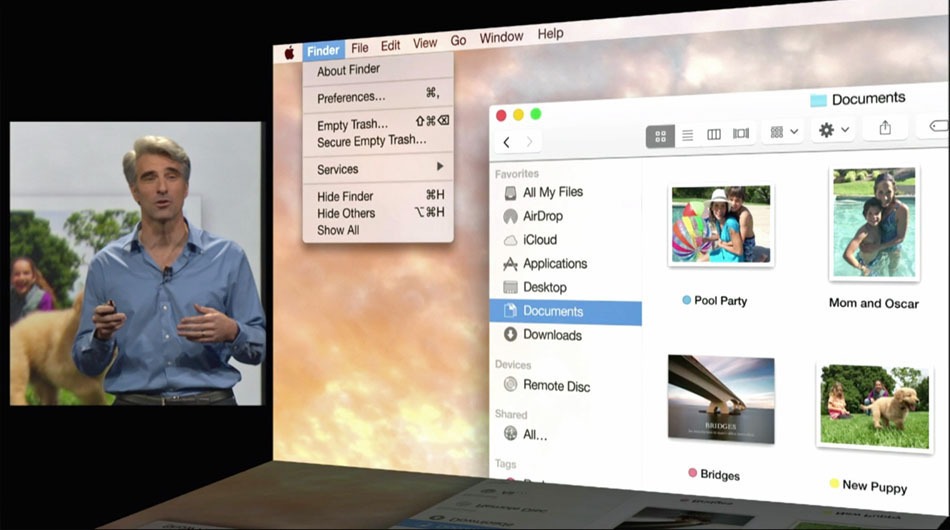
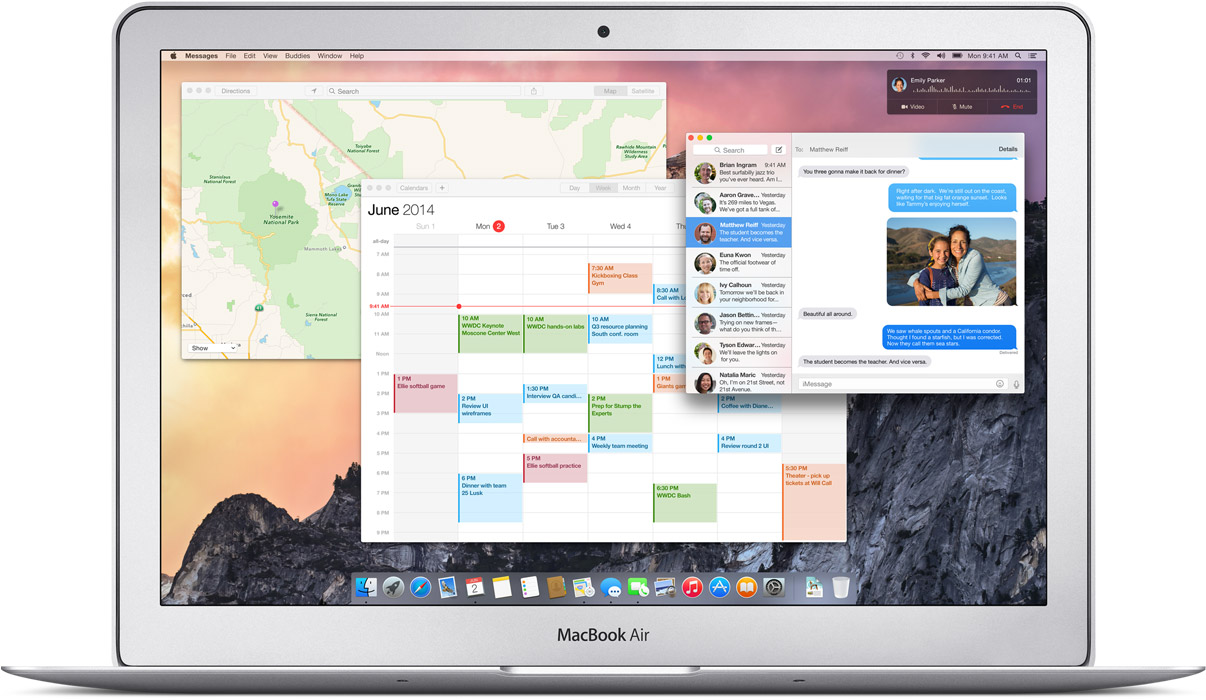
A lot of translucence added to the new OSX, it is especially noticeable in the drop down menus and the Dock. New toolbars and windows are giving it a fresh new look. The notification center brings it closer to a mobile device experience.
The new Today view in Notification Center gives you a quick look at everything you need to know now — upcoming events, reminders, stocks, weather, and more. You can also add widgets from the Mac App Store to customize what you see.
Search Feature:
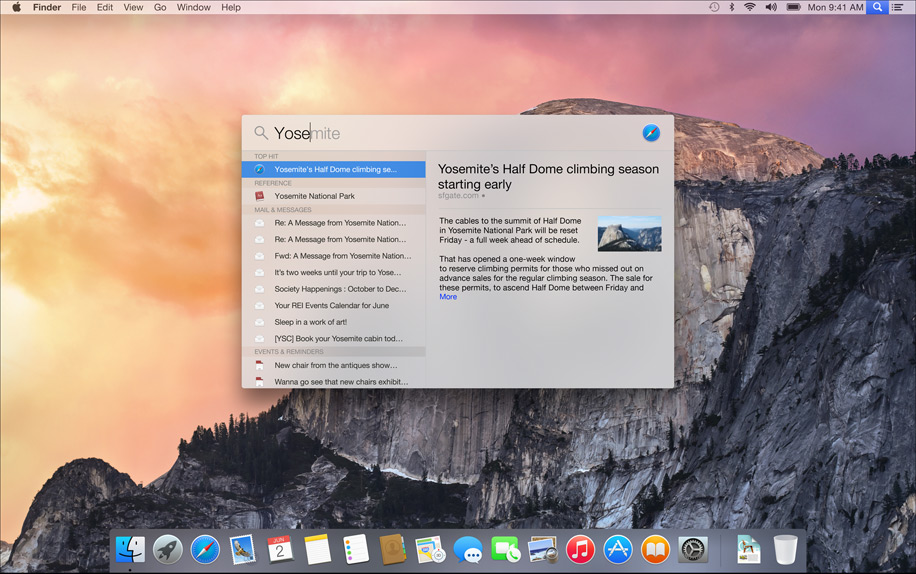
It seems like spotlight got an adrenaline shot. A Search bar is provided at the center of the screen. The search gathers information from the internet thereby giving you more in-depth results in terms of newsfeeds, Wikipedia and maps. It also adds better scrolling ability through the results.
Apple has gone out of its way to make Google obsolete for Mac users.
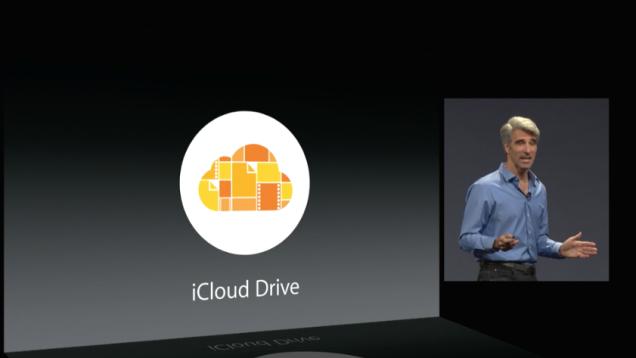
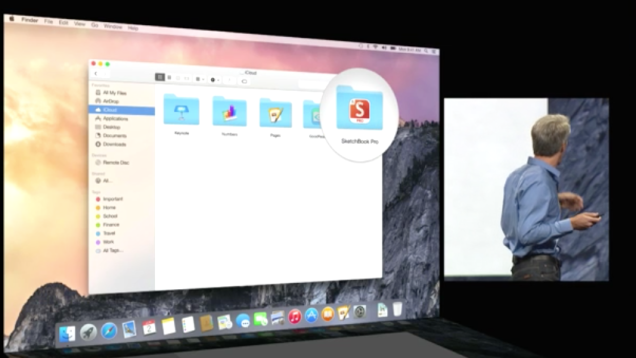
iCloud Drive-
iCloud Drive gives you more ease of access to the files on the cloud. It is now capable of 5 GB attachments and will work with any type of files. Now that’s some cloud storage we can get back on.
Safari:
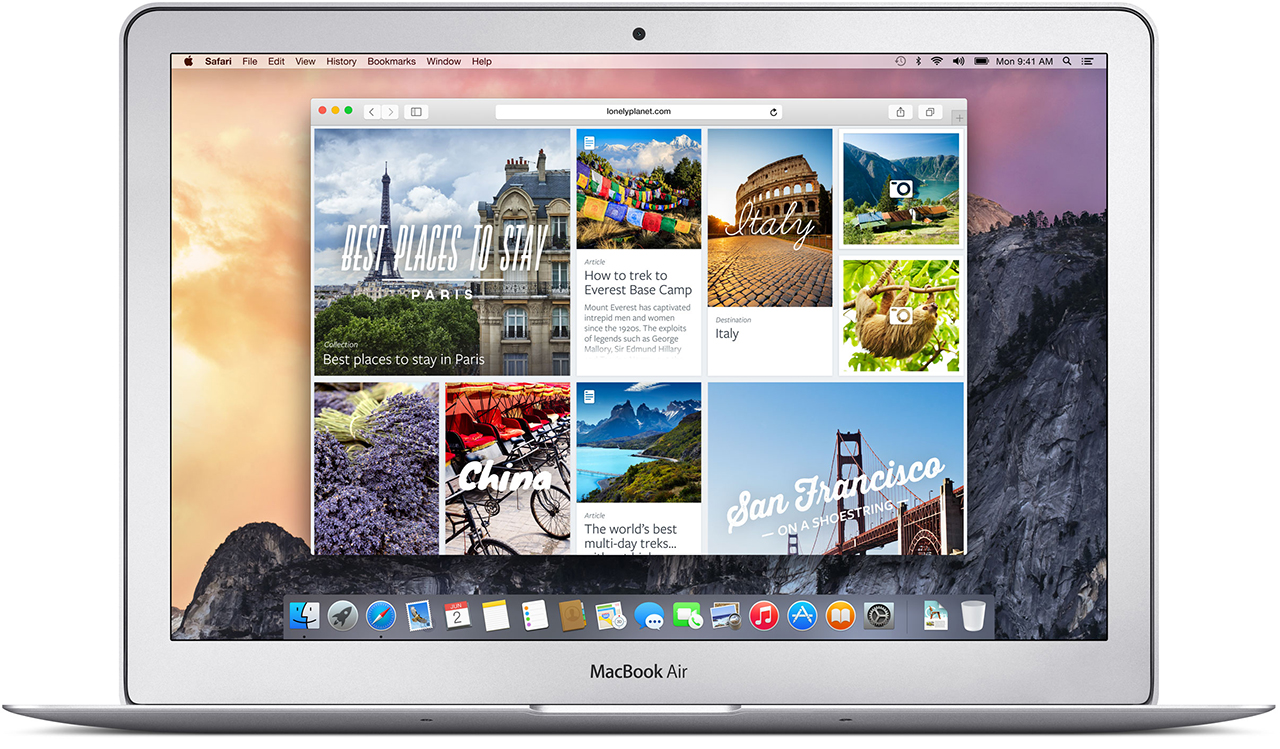
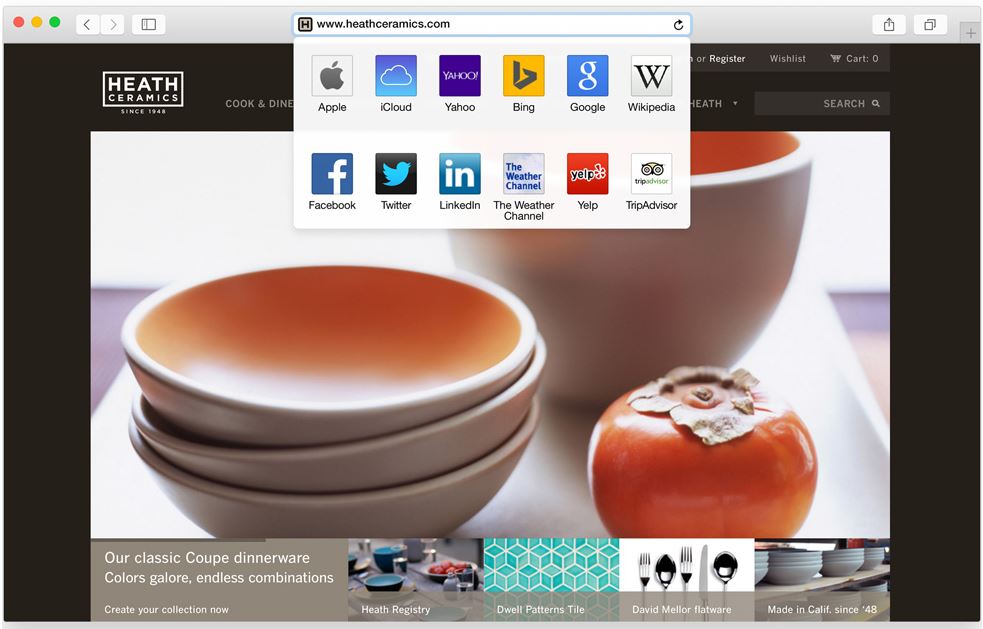
Safari has also got a visual renovation with a sleeker look. The browser now has a slimmer address bar to maximize browsing area. Safari is stated to give 2 hours longer battery life on streaming video from Netflix. Apart from this, it gives more efficient tabbed browsing performance. You also get the ability to browse through all your open tabs more efficiently.
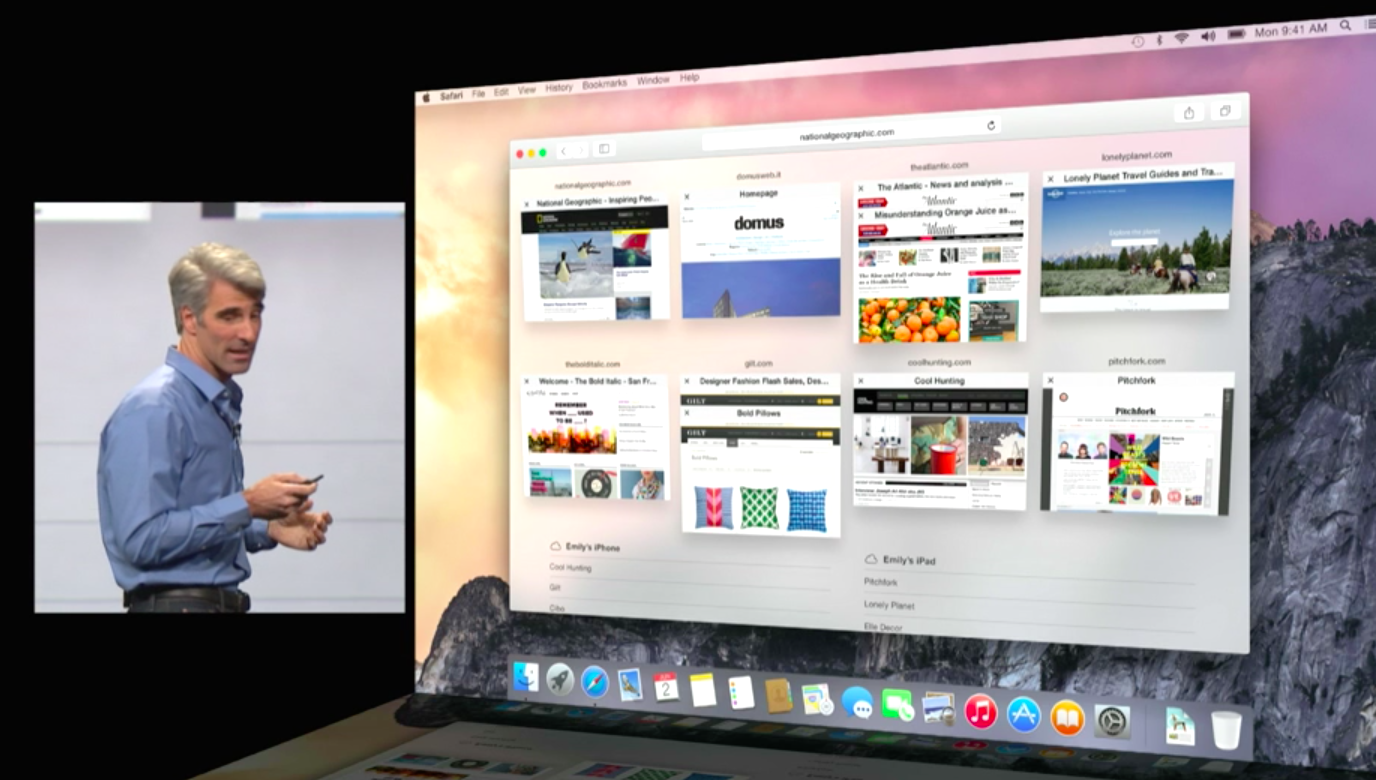
They have also powered Safari with better search capabilities; it reaches wider and includes sourced information from Wikipedia, Bing, Maps and iTunes. It has added a tab which gives easy access to favorite links without looking too cluttered.
Handoff:
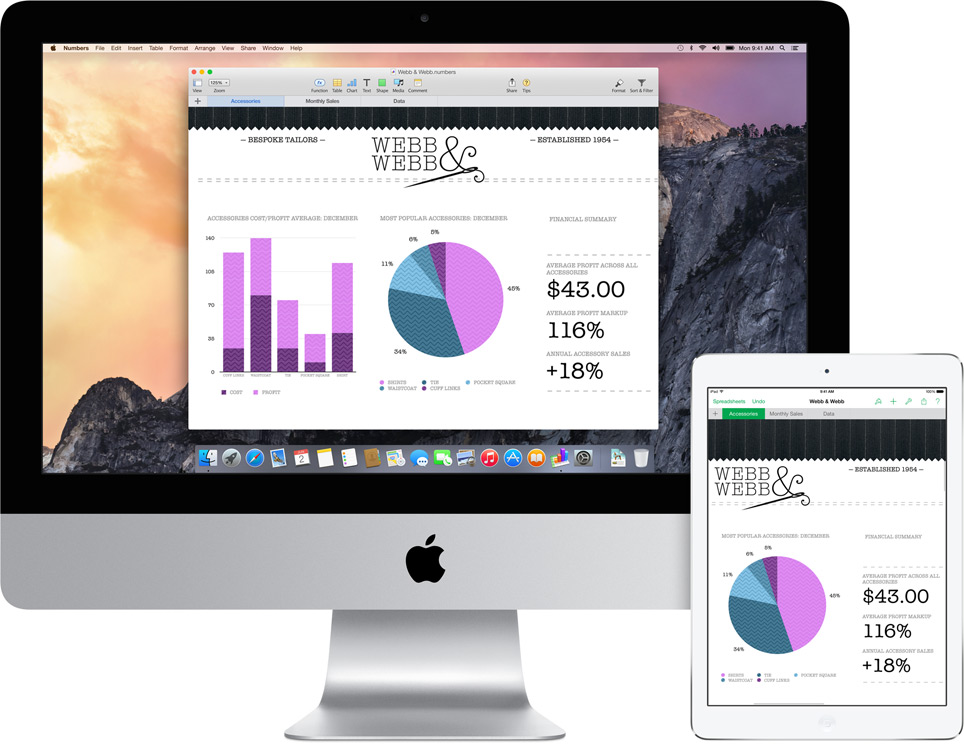
Apple has recognized the value of “Continuity” amongst the many screeens we posses now. Yosemite and even iOS 8’s primary function is to provide greater inter-connectivity amongst the devices. So here is this cool new feature that lets you do just that. It allows you to work on the same file from the Mac as well as your iPad while on the move. You can also work on an email from multiple devices. This is definitely one of the feature that all hardware and software makers should take notice of.
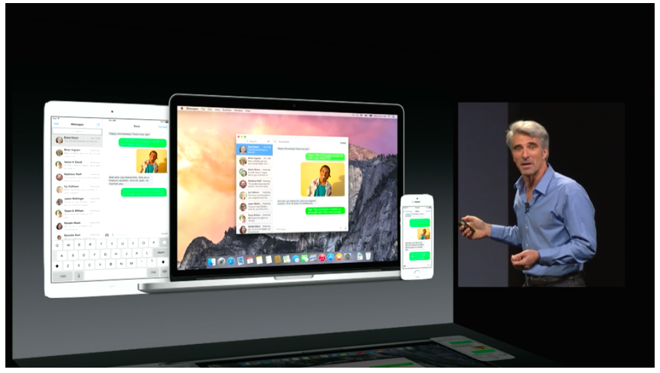
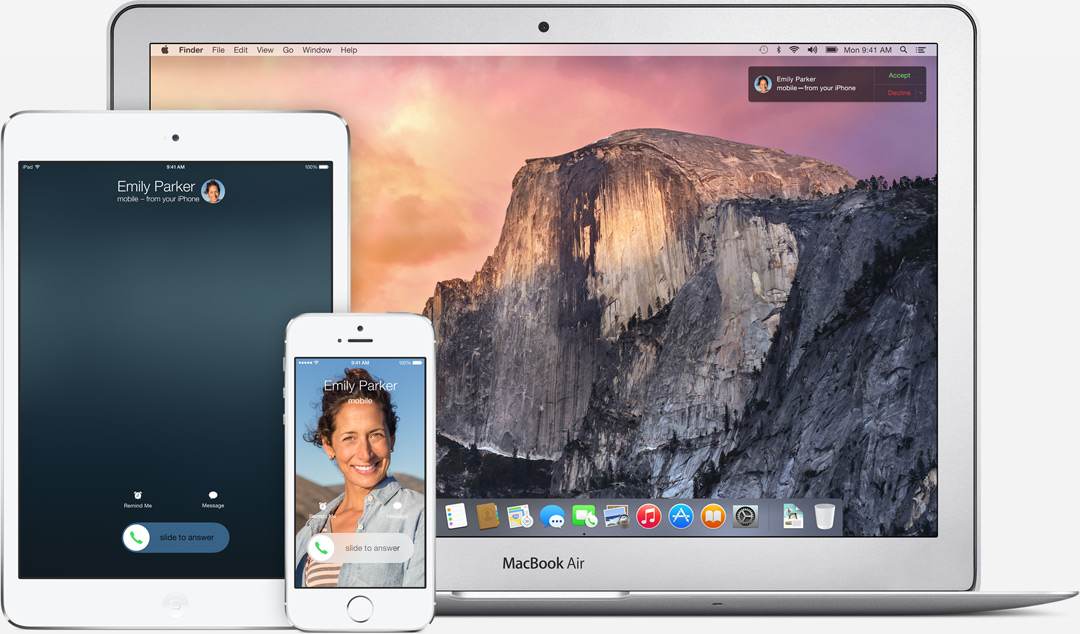
It is also a part of this increased inter-connectivity that the Yosemite now allows you to receive SMS texts on you Mac and iPads. By connecting to iCloud all your devices act as extentions of each other. You can get phone calls on these devices too. Also your Macs can now recognize your iPhone and give you the option of making it a hotspot.
There is also an update thats gonna get a lot of people excited. Apple will let you be a part of the Public Beta program for the OS X Yosemite. For Free. Though there will be some glitches but it will give the fan-boy’s a feel of being an Apple developer.
Conclusion
At the 25th installment of the most awaited tech conferences of the year, Apple seems to have found its groove back. The clean OS coupled with multiple new ease of access features makes Yosemite a better upgrade over the last few outings.