
Thanks to apps like WhatsApp and Hike, sharing images, music and videos between iOS and Android devices has become easy. Still, there are some files that cannot be sent over through WhatsApp and even if we e-mail the files, the large size of the file will eat most of the internet data. There are some apps which will allow you to send files between Android and iOS devices without any hassles:
1. Instashare:
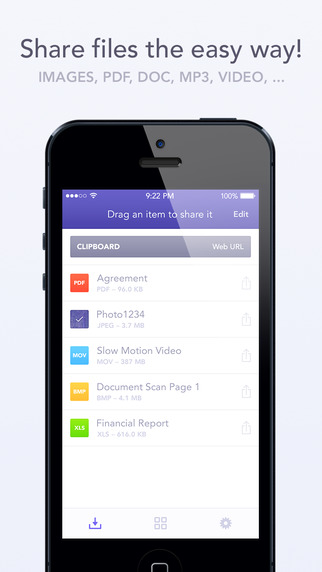
The Instashare app works on a simple principle- drag and drop the file onto your nearby contacts list and the app takes care of the rest. It works on the same principle of Apple’s AirDrop. Instashare supports all types of file formats and works easily on both Android and iOS.
2. Fast File Transfer:
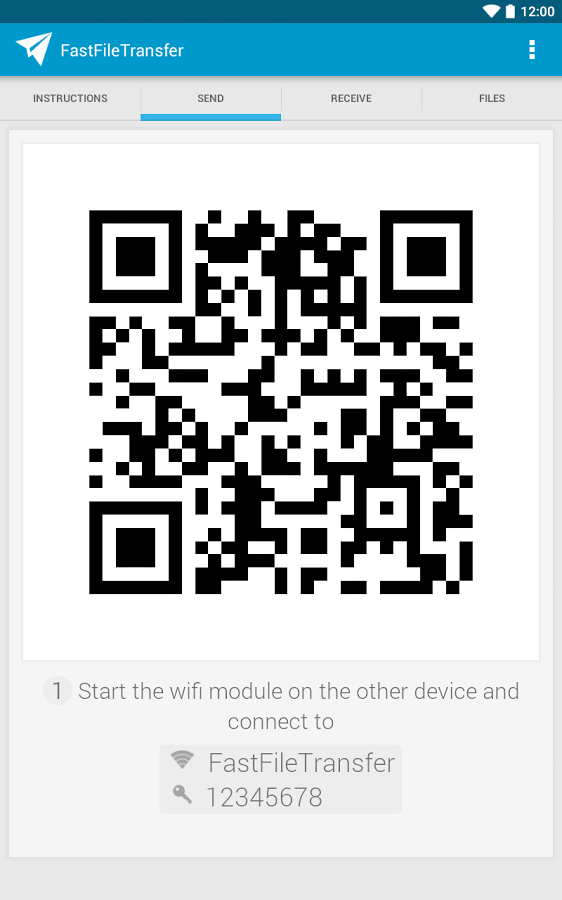
The app, available for Android users, creates a local Wi-fi network and allows iOS devices to log into them. The user can then send large files over small distances through the local Wi-Fi network created. The network is unique to the Android device and allows the iOS device to log into it. It’s faster than Bluetooth and easy to use.
3. Feem:
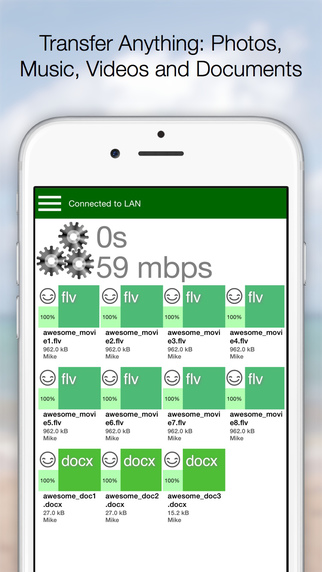
Feem works just like Fast File Transfer, sending files over locally created wi-fi networks. The app has to be installed in both iOS and Android devices, though. Once the users enter their partner’s username, they can easily exchange the files.
4. Sharable:
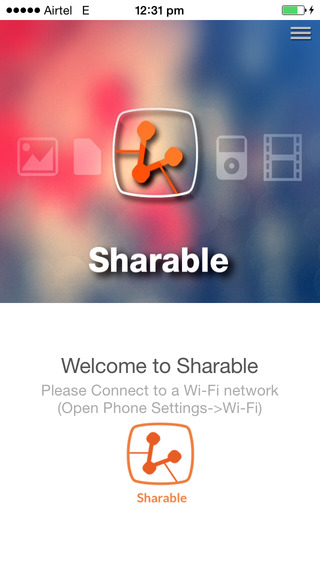
Sharable works just like Instashare, except it’s completely free, without any advertisements and restrictions on file size. The device connects users through their device’s local wi-fi.
5. File Transfer For iOS / Android:
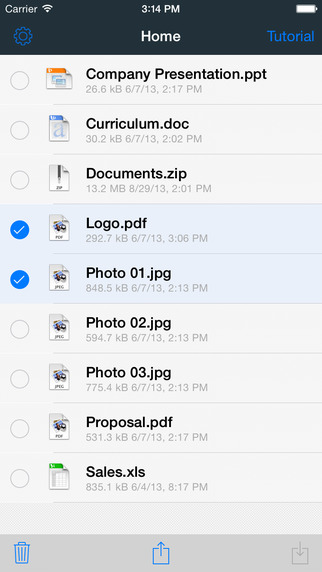
File Transfer for iOS, along with the companion app File Transfer for Android, allows users to transfer files between their different devices. It uses Bluetooth when possible, making the process of sending files through Wi-Fi, unnecessary. The software automatically detects nearby devices.

Leave a Reply