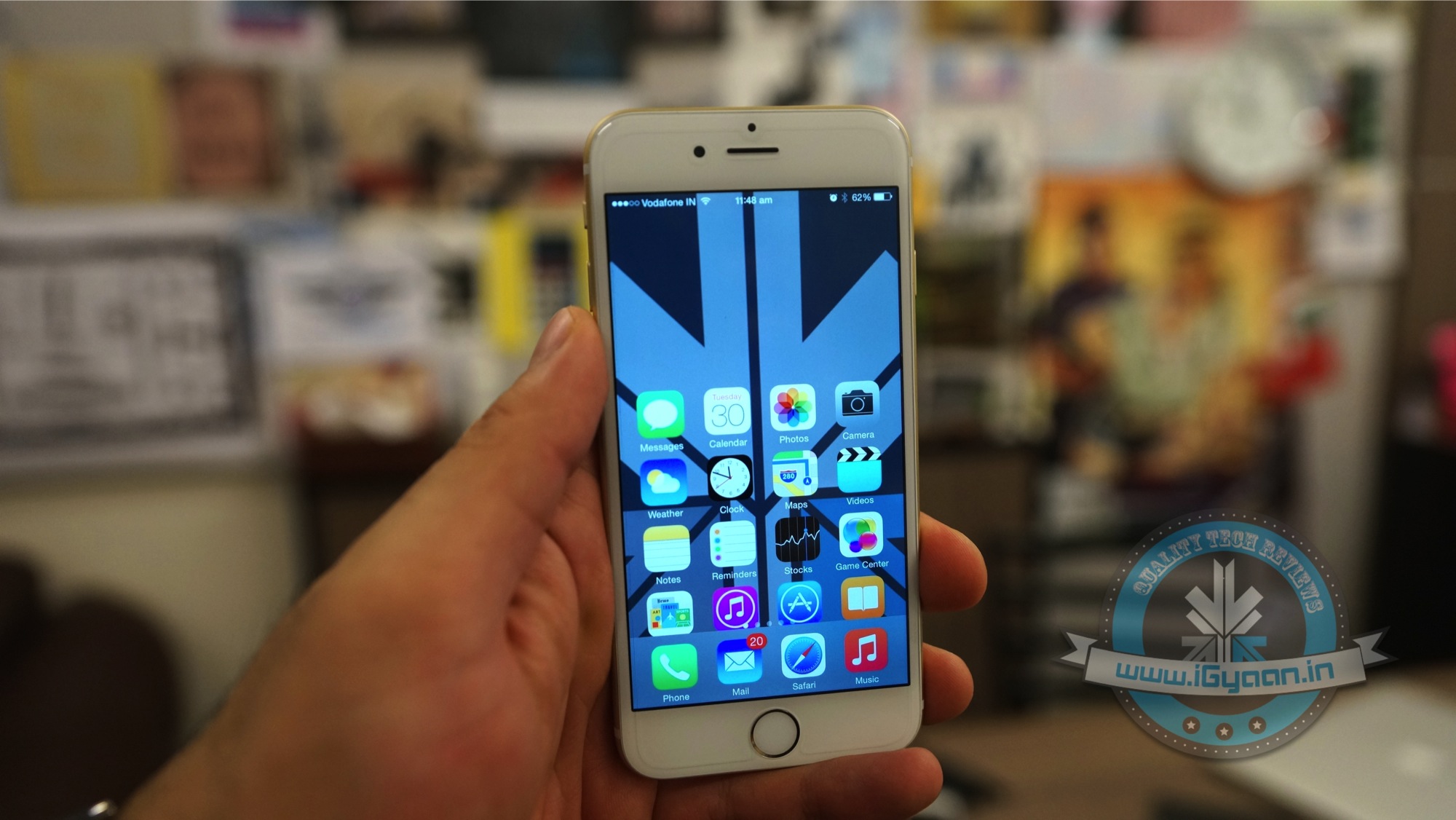
Telecom companies in India are putting us through a lot these days. If it’s not the ever increasing bills we face monthly, it’s the incessant call drops. We now know a trick for iPhone users that will help detect the amount of network you have, other than the signal bars. Field Test Mode makes things slightly easier.
How to initiate Field Test Mode on an iPhone:
1. Open the phone’s keypad, as if making a call.
2. Add *3001#12345#* and hit the call button.
3. Now on the top left corner you will see a number indicating your network strength.
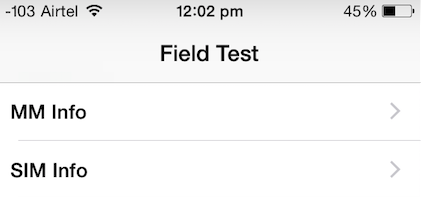
If you hit the home button, the sign will return to signal bars. Here’s how you can retain the number:
Follow the earlier three steps. Once the page appears on your screen, hold your power button till “Slide to Power Off” comes on the screen. Release the power button, and hold the Home button until Field Test Mode quits. You can now tap on the signal bar, to switch between the bar and numbers. To opt out of this, you can simply restart your iPhone.
How to Read the Numbers : It’s simple – the lower the number, the more likely you are to experience bad signal. Anything lower than -110 is a problem, and anything above -80 is considered good. With this feature, you’re more likely to know when you would be experiencing problematic call drops.

Leave a Reply