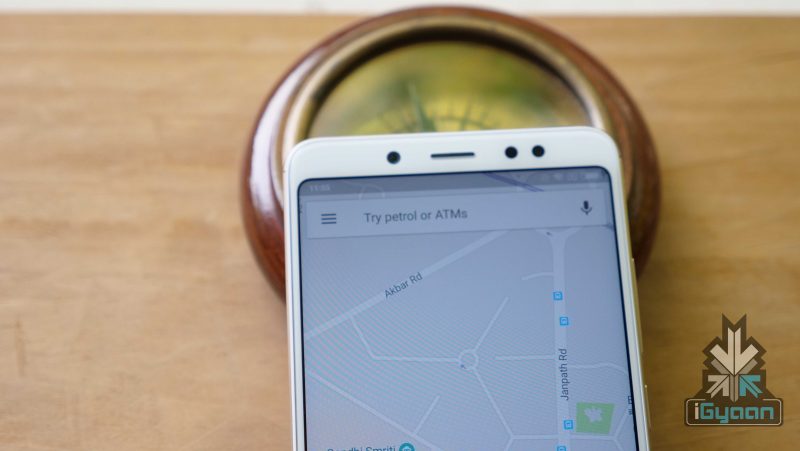
Google Maps recently announced a bunch of new features for India. These new features ease the process of searching or sharing an address. The company has combined area code with the local code to generate a unique “Plus” code for every geographical area. The Google Maps Plus code can be broadcasted across social media platforms for sharing.
Google Maps Plus Code
The Google Plus code is a combination of GPS location details and the local area pin code. Up until now, Google Maps let the users share direct GPS locations. However, with the Google Maps Plus Code, the sharing of location is a lot easier. This feature is available for both Android and iOS operating systems.
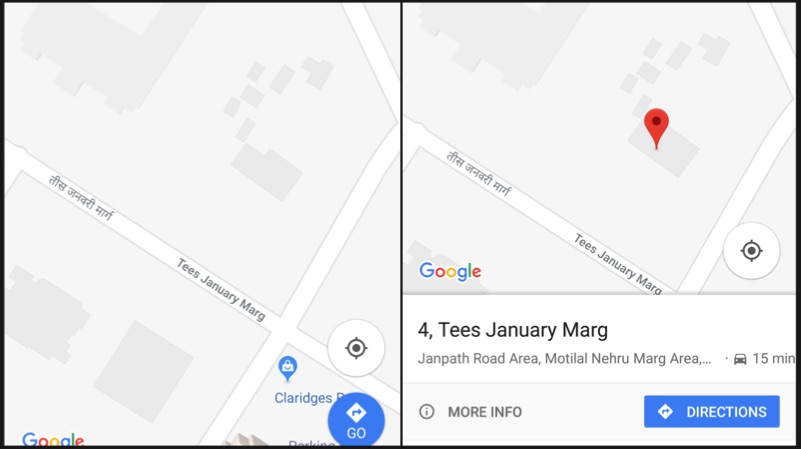
How to add missing Address
- Open Maps
- Touch and hold the place to select the marker
- Click on the description of the place
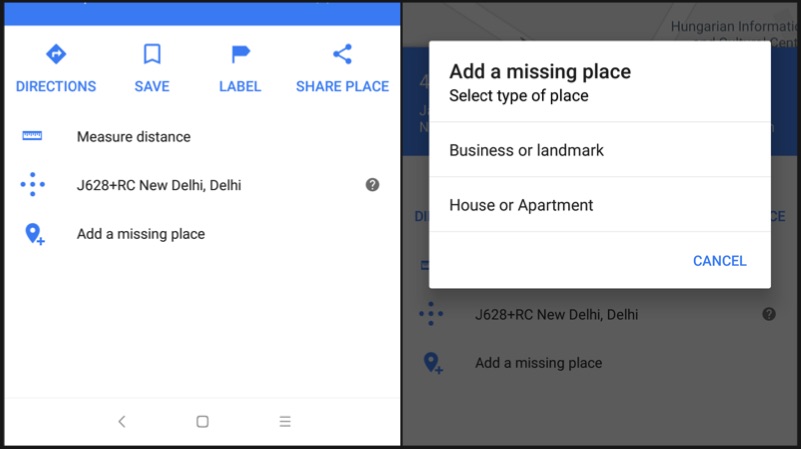
- Click on “Add a missing place” option
- Enter the details such as name, website etc and press the arrow mark on the top right corner
How to generate Plus Code
- Open Maps on your iOS or Android device
- Touch and hold the place to select the marker
- Click on the description of the place
- Scroll down to the bottom to find the Plus code
- Copy the code by pressing on it
How to search an address using Plus Code
- Copy and paste the code into Google Maps search bar and hit enter to find the navigation for the address
- Or simply, copy paste the code into Google search, and the address will be shown in the search results
Leave a Reply