
WhatsApp in an update today has redesigned the settings menu for Android users. The update is now available for WhatsApp Beta users and has the build number v2.19.45. The update brings about significant design changes in the settings menu for the popular messaging app. It should be available in a stable update to the rest of the users soon.
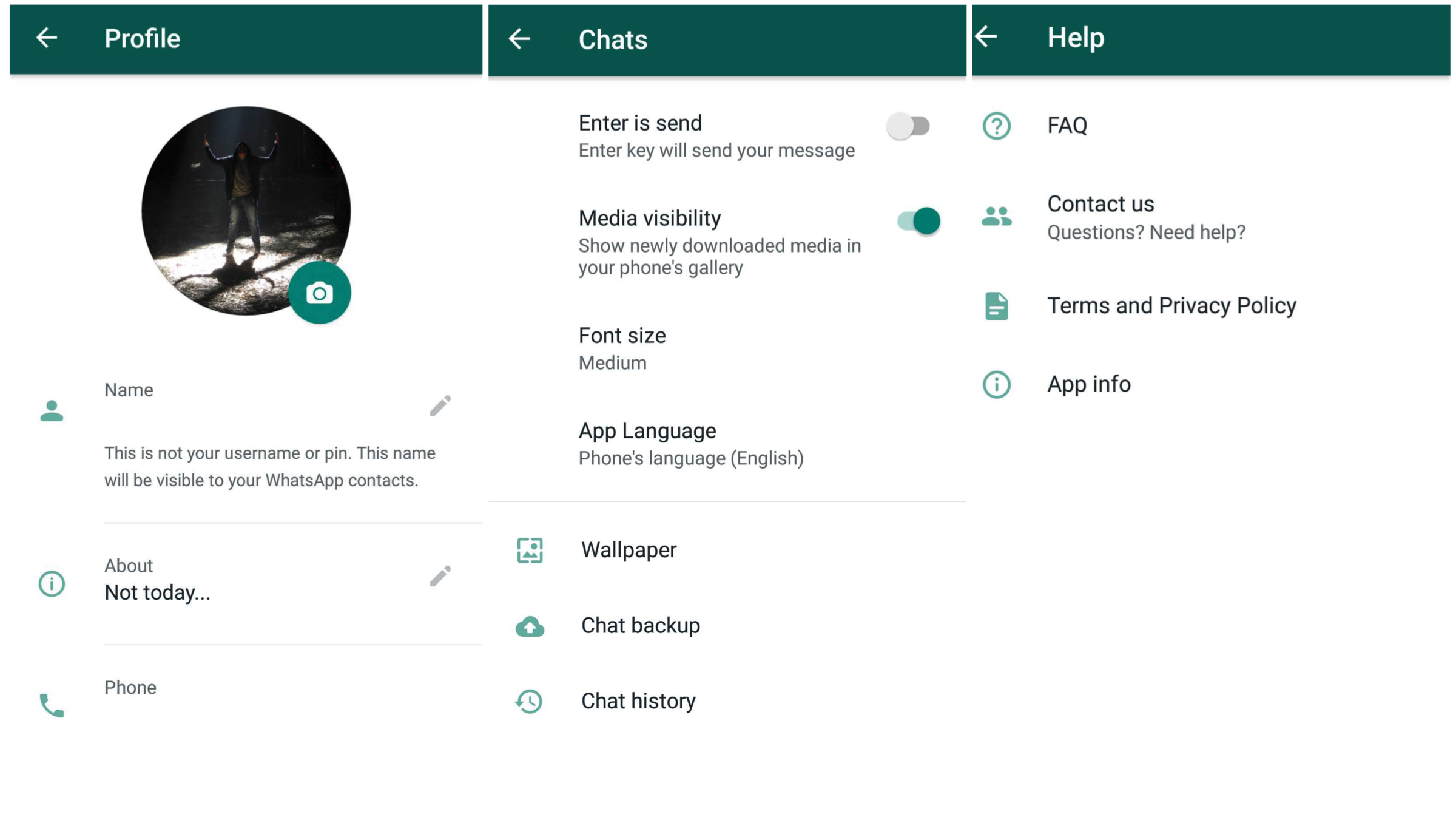
The update doesn’t introduce a new feature or settings altogether, but rather tries to beautify certain aspects of the menu. There are now icons to each option in the settings menu and the network usage page is also redesigned completely.
WhatsApp v2.19.45: What’s New?
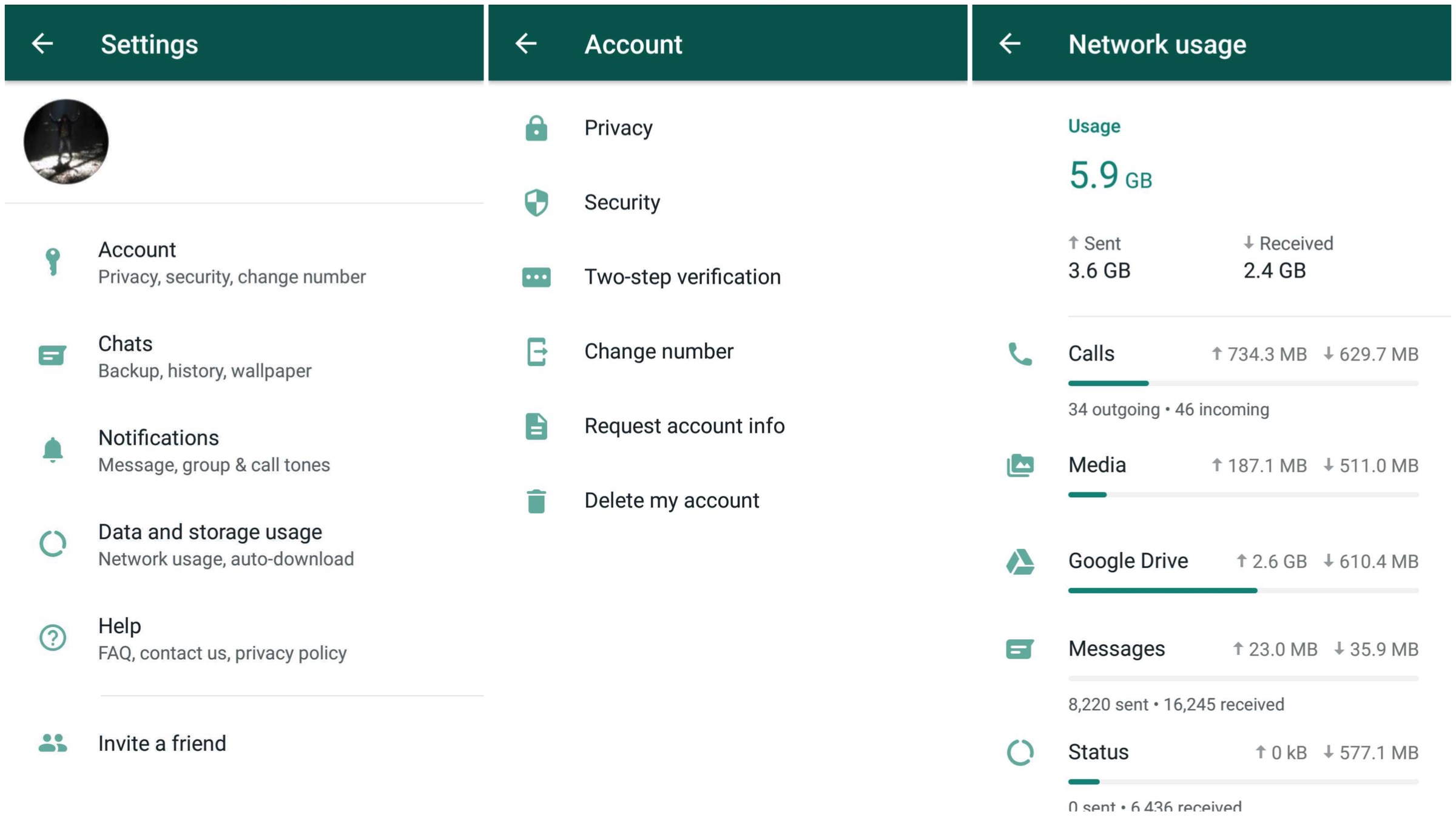
The beta version of this update focusses on giving the settings menu of the app a design overhaul. ‘Accounts’ section now has a dedicated icon for each of the submenu. Options like ‘Security’, ‘Change number’, and ‘Two-step verification’ have also gained redesigned icons. The layout of all options in the ‘Notifications’ section remains the same though. All the tools in the ‘Help’ section have also been updated with dedicated icons.
Also read: Xiaomi Speaks Out Loud About Its Foldable Smartphone
You can now see the net amount of data sent and received in the ‘Network Usage’ option and the memory usage in the ‘Storage’ section. These are absent on the app’s stable version. Also, the menu’s have a very different layout than what existed before and each parameter having an icon of their own. The release date of this update for the stable version hasn’t been announced yet, but it may be available shortly.
Leave a Reply