Category: iGyaan

Everything Exclusive to iGyaan

  • Tech 101: Modern LCD Displays

    Tech 101: Modern LCD Displays


    Displays have come a long way since the old CRT monitors and TVs. Advancements in display technology have made many modern devices possible such as mobile phones, mobile gaming platforms like the Sony PSP, thinner Televisions and Monitors. We use them everyday, for a variety of tasks but do we really know how they work? What is an LCD? What is a TFT Screen? How do they display so many millions of colours? This article will answer these questions and many more.

    What is an LCD?

    The term LCD stands for Liquid Crystal Display. But what exactly are Liquid Crystals? The term is quite confusing. A substance can either be a crystal, like quartz, which is hard as rock, or it can be a liquid which is obviously different. How can it be both? We all learned that matter can exist in 3 states, solid, liquid and gas. Solids have their molecules in a very rigid orientation while liquids and gasses are exactly the opposite. There are a few substances that have properties that are like solids and liquids at the same time. What this means is the the molecules of the substance tend to maintain their orientation, like a solid, but they also tend to move around, like a liquid. This is why they are called Liquid Crystals.

    It takes a lot of energy to convert a solid into this state, and only a little more to convert it into a liquid. This is why LCD’s are so sensitive temperature changes. This property allows them to be used in the making of Mood Rings and Thermometers. There are many types of liquid crystals. The major type used in monitors and other displays are called Twisted Nematic Liquid Crystals. These type of crystals twist and untwist at varying degrees to allow light to pass through when a voltage is applied.

    What is a TFT?

    A Thin Film Transistor LCD or TFT-LCD is named after a very thin layer of transistors that are applied to the back of a Liquid Crystal Display. These transistors allow only one row of pixels to be updated at any given point in time. The speed with which this updation takes place fools your brain into thinking that its viewing a static image.

    In small LCDs such as the ones used in calculators and other devices, a voltage can be applied across one segment without interfering with other segments of the display. This is impractical for a large display with a large number of pixels, since it would require millions of connections, two for each one of the three colors (red, green and blue) of every pixel. To avoid this issue, the pixels are arranged in rows and columns, reducing the connection count from millions to thousands. The column and row wires attach to transistor switches, one for each pixel. The one-way current passing characteristic of the transistor prevents the charge applied to the pixel from draining between refreshes, which creates the persistence of vision.

    What is a Pixel?

    A single pixel is the smallest addressable screen element in a display device, or it is the smallest unit of picture that can be represented or controlled. Each pixel has its own unique address which corresponds to its coordinates on the screen. Pixels are normally arranged in a grid pattern. Each pixel is made up of three Sub-Pixels which have a different color, Red, Green and Blue. The voltage applied to each subpixel decides its colour intensity. There are 256 possible gradations for each subpixel and together all three give a combination of 256 x 256 x 256 = 16,777,216 colours to each pixel on the screen.


    How it Comes Together

    A simple LCD monitor has many layers of technology that make it function. The basic principle behind these types of monitors is the Polarization of Light. What this means is that light is strategically allowed or not allowed to pass through any given point on the screen.

    At the base of a monitor, you have a single line of white LED’s that provide a backlight. There are many layers of films placed on top of these LED’s to create even lighting across the back panel. The next layer consists of a plate of glass. At the back and front of this sheet of glass are two polarization films. Light passes through the back film and is twisted by the glass to be ‘in sync’ with the front film. If the light is ‘in sync’, it passes through, if not, it is blocked by the film.

    The sheet of glass is an amazing piece of technology. It basically consists of a layer of TFT’s and a Liquid Crystal array that is arranged in a grid format. Each point or pixel of the grid consists of three subpixels. These subpixels are what give the pixel its colour. They have a maximum intensity of 255. What this means is that if we set the intensity of the red subpixel to 0, then no light passes through, and it appears black. If the intensity is set to 255, then all the light passes through and it appears bright red. If we wanted to create a single pixel of sky blue colour, the red subpixel would be set at 135/255 intensity, the green subpixel would be set at 206/255 intensity and the blue subpixel would be set at 250/255 intensity. This is how each pixel of your display is updated 60 times a second. Thereore, for a display of 1024 x 768 resolution, the monitor is making 141,557,760 updates per second. If it takes you half a second to flip a switch, making these many updates would take you 819.2 days or 2.24 years. Thats a LOT of updates (and finger cramps).


    To conclude, we would like to point out how much all of us take technology for granted. We have really got no idea what goes in to making most things we use everyday. We bicker and complain about our Tech being too slow or too old. We cant wait for the next big thing. At iGyaan, we have decided to start this section to demystify the basics of technology, so that the end user/consumer understands the true nature of the products that he/she is buying. We hope that you enjoy this section and learn something new from it. We’ll continue to bring you updates on the basics of technology. If you have something specific that you’d like us to talk about, please leave your requests on the comment section below.

    Stay tuned for the next update, continuing along the display line on OLEDs and AMOLEDs.
  • Blackberry Playbook Hands On Preview

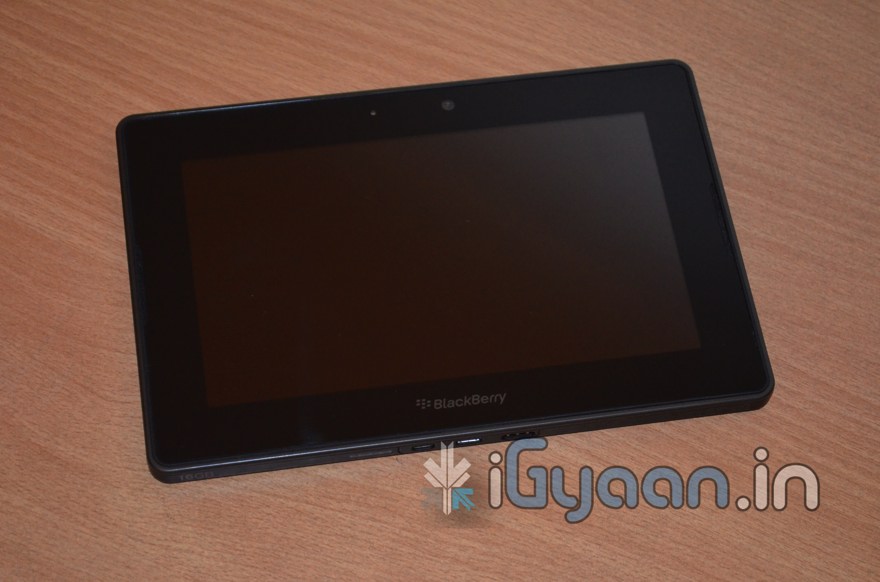
    Blackberry Playbook Hands On Preview

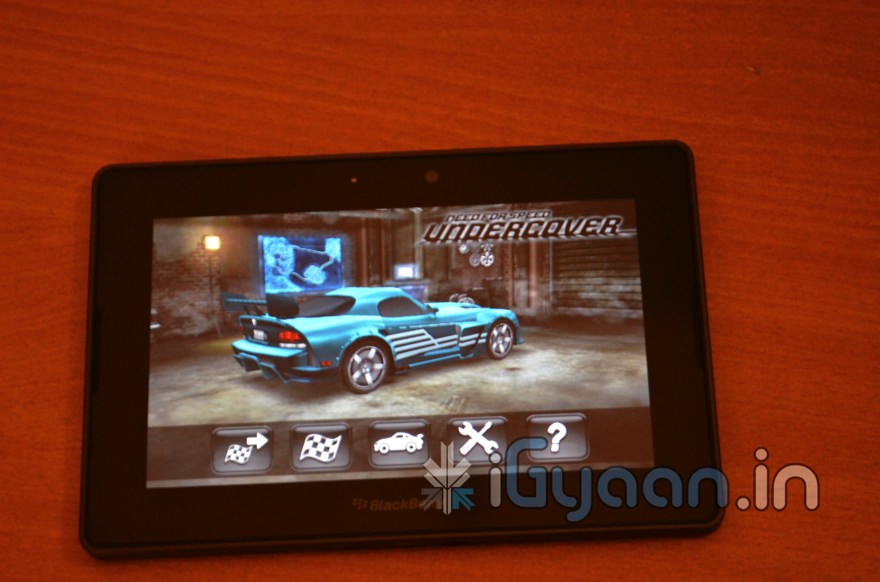
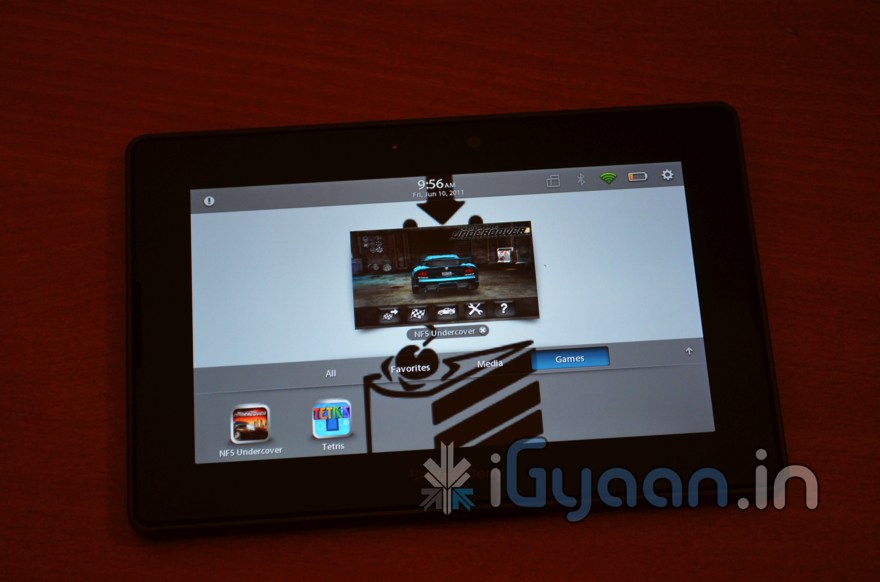
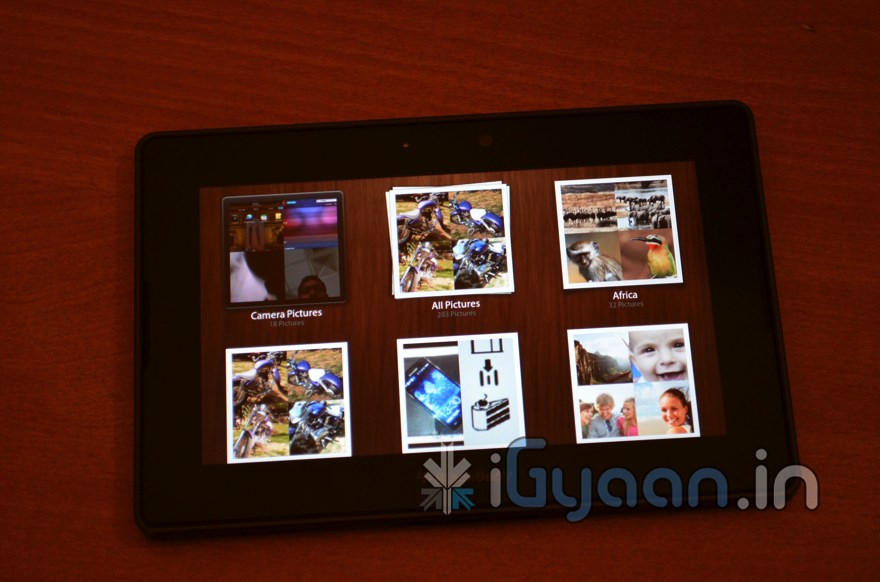
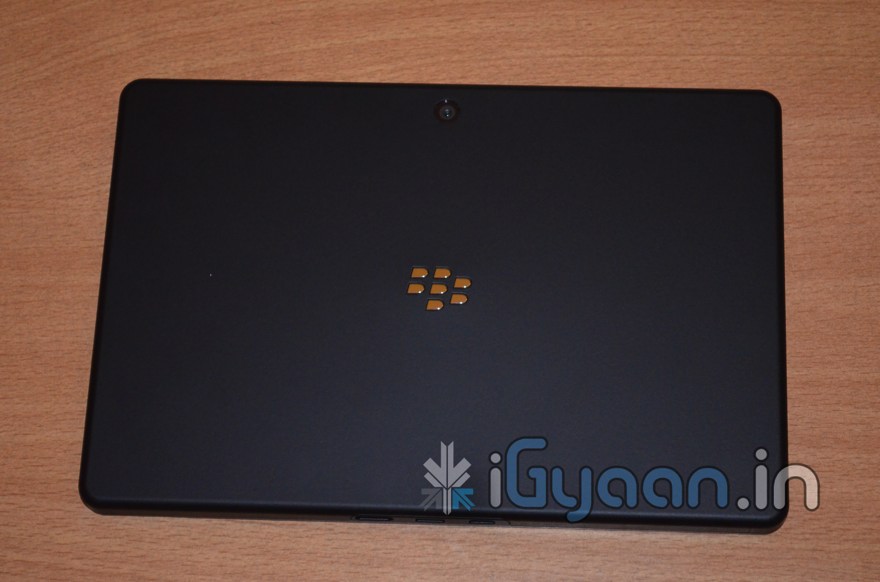
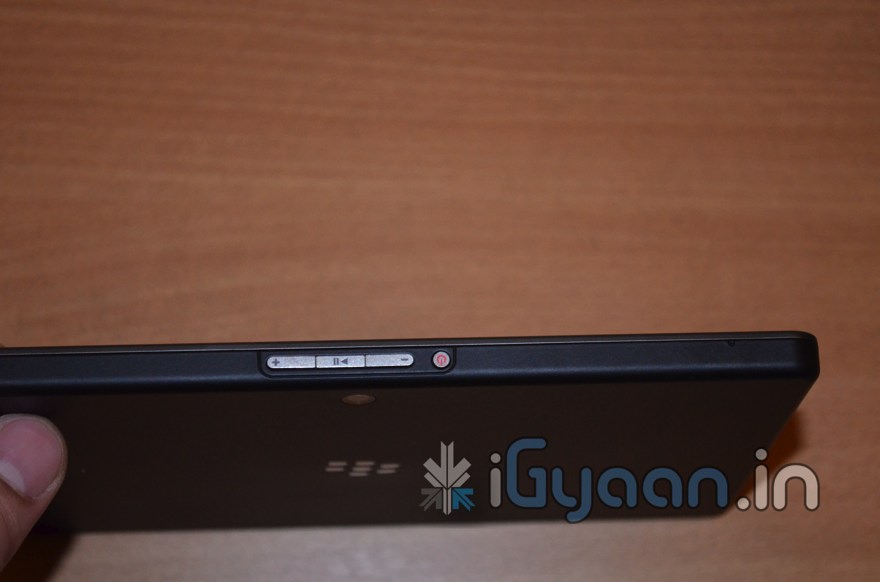
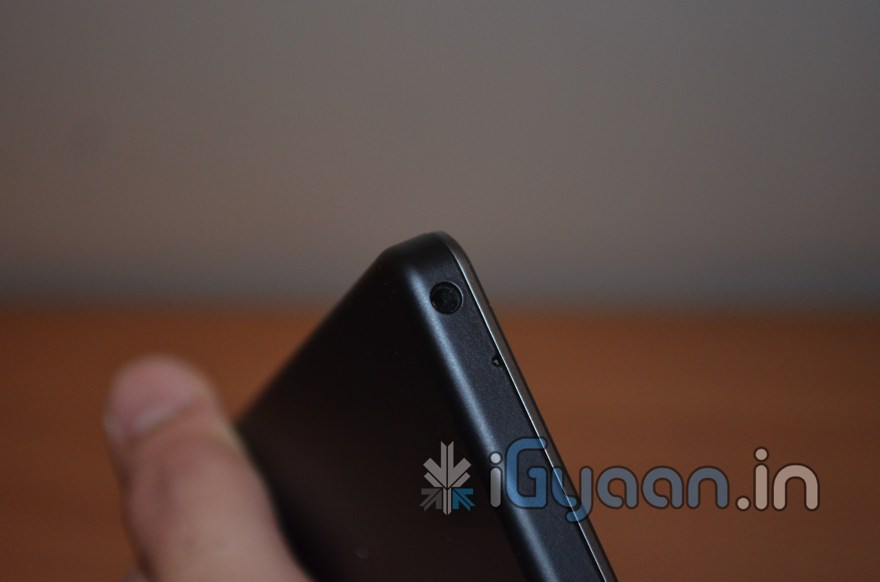
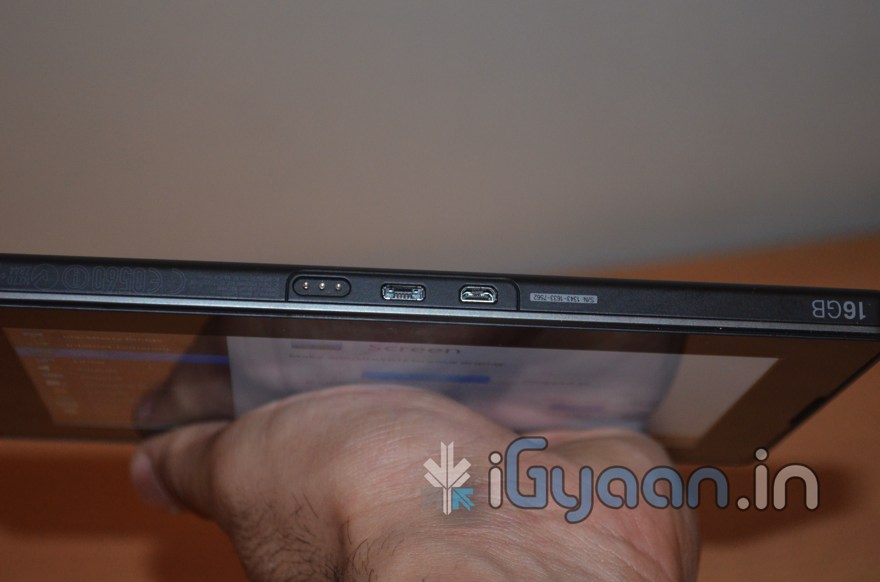
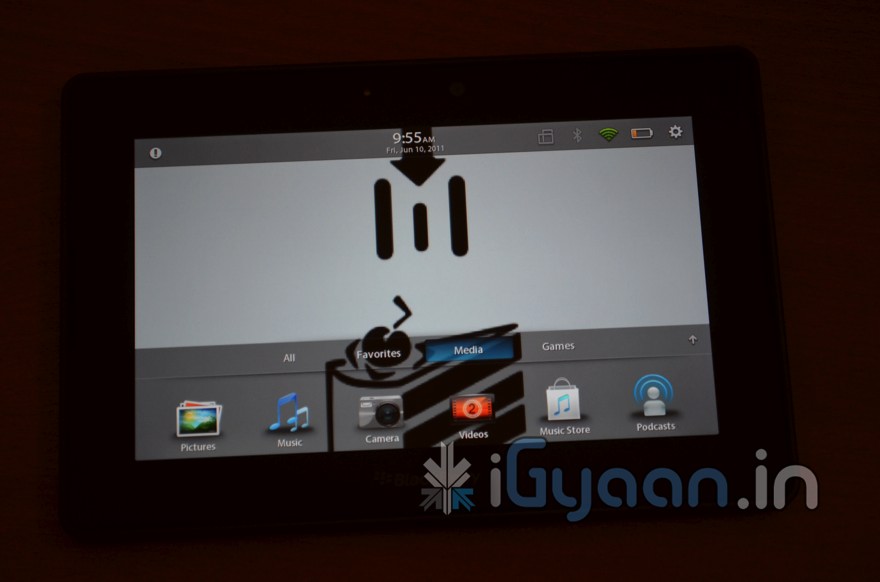
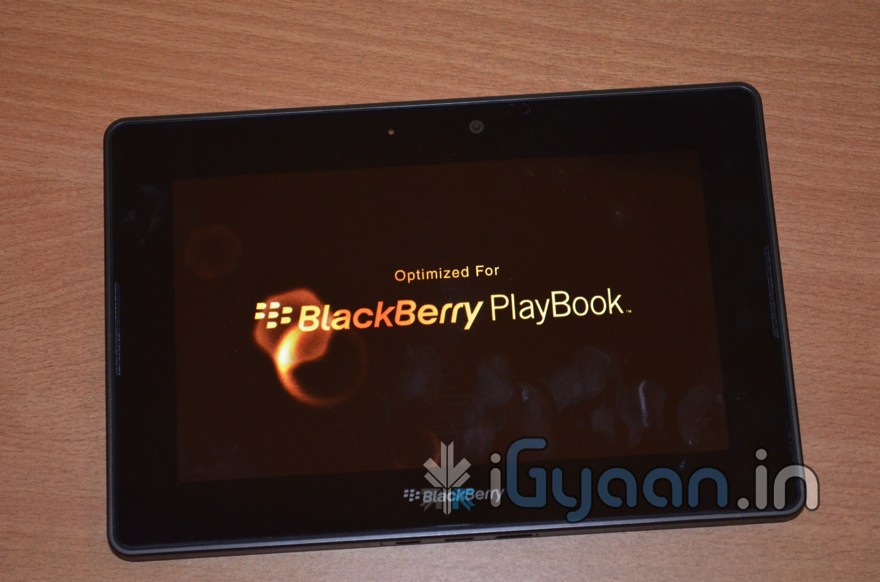
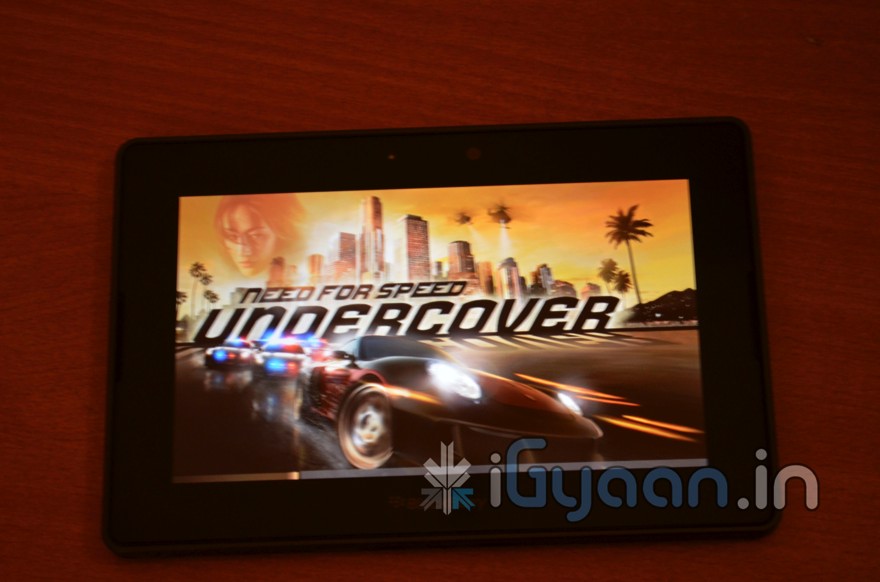
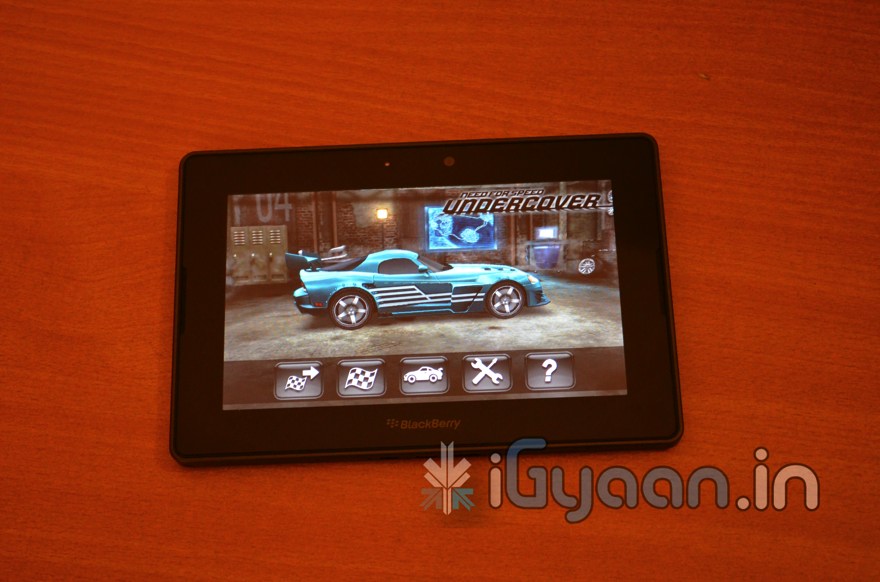
    The Blackberry PlayBook, contrary to popular belief, is quite an interesting and a fun to use device. We demonstrate basic functionality of the PlayBook in a quick preview and hands on video . In the meantime check out the hands on Pictures along with the full spec list of the upcoming Blackberry PlayBook for India.


    Blackberry Playbook Specs

    • 1 GHz Dual Core Processor
    • 1 GB RAM
    • 7 inch LCD  display with 1024 x 600 screen resolution
    • Multitouch capacitive display
    • Dimensions : 130mm x 194mm x 10mm
    • Weight : 400g
    • microUSB , micro HDMI and DLNA connectivity
    • Wi-Fi 802.11 a/b/g/n
    • Bluetooth 2.1 + EDR
    • Powered by QNX platform with multitasking
    • Full Adobe Flash 10.1 support
    • Built-in support for HTML 5
    • Video Conferencing with HD Quality and Stereo sound
    • 5 MP Rear Camera
    • 3 MP Front Camera
    • Video playback : 1080p HD video – H.264, MPEG4, WMV , DivX formats
    • Audio Playback :MP3, AAC, WMA
    • Pair with any Blackberry Device ( min OS 5.0 device)  via Bluetooth for Push Email , Calendar , Docs and BBM

    There is also a special offer for those interested in purchasing the playbook, if you order the PlayBook before launch, you get an exclusive gift set from Blackberry.

    You get a free Bluetooth Headset and a premium leather bag. (we will try and get more information on this offer asap

    Prices start at . Rs. 27,000/-
  • iGyaan Exclusive : HTC Flyer now Available, Price, Specs detailed with Unboxing Coming soon

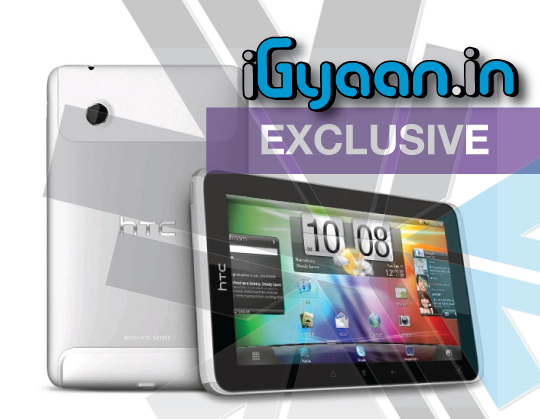
    iGyaan Exclusive : HTC Flyer now Available, Price, Specs detailed with Unboxing Coming soon


    Here is some great news for Tablet fans, The HTC Flyer is now available and selling at exclusive HTC vendors across the country. We already have a unit headed to us for unboxing and review. So expect a full coverage to follow suit.
     

    Technical Details

    • Dimensions (width x height x depth): 122 x 195.4 x 13.2mm
    • Weight: 420g with battery
    • Display: 7 inch touch-sensitive screen with 1024 X 600 resolution
    • CPU speed: 1.5 GHz
    • Platform: Android with HTC Sense
    • Memory:
      • Internal storage: 32 GB
      • RAM: 1 GB
    • Connectors:
      • 3.5 mm stereo audio jack
      • Standard micro-USB
    • Camera:
      • 5 megapixel color camera with auto focus
      • 1.3 megapixel front camera
    • Sensors:
      • Ambient light sensor
      • G-Sensor
      • Digital compass
    • Audio supported formats:
      • Playback:.aac, .amr, .ogg, .m4a, .mid, .mp3, .wav, .wma
      • Recording:.amr, .aac
    • Video supported formats:
      • Playback:.3gp, .3g2, .mp4, .wmv , .avi .xvid (MP4 ASP and MP3)
      • Recording:.3gp
    • Wi-Fi: IEEE 802.11 b/g/n
    • Bluetooth: Bluetooth® 3.0 with A2DP for wireless stereo headsets
    • GPS: Internal GPS antenna
    • Battery:
      • Battery type: Rechargeable battery
      • Capacity: 4000 mAh
      • Standby time3: Up to 820 ~1470 hours
      • Video playback: Up to 4 hours
    • Network:
      • HSPA/WCDMA: Europe/Asia: 900/AWS/2100 MHz
      • Quad-band GSM/GPRS/EDGE: 850/900/1800/1900 MHz
    • Box content: Pouch PO S580, Data cable, Magic Pen ST D500, AC Adapter with ExtMicro USB Connector

    Price Seems expensive for a 32GB version : Rs. 39,000/-

  • iGyaan Exclusive : HTC Salsa now Available, Price, Specs and Unboxing Soon!

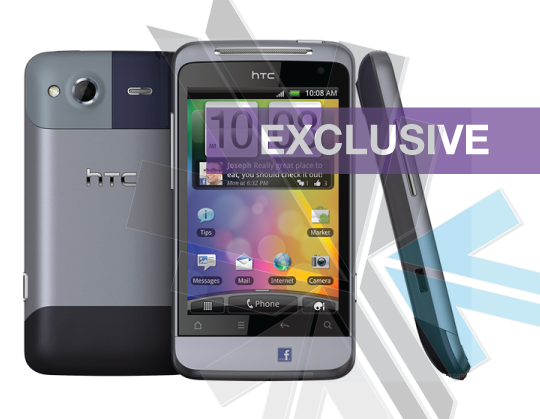
    iGyaan Exclusive : HTC Salsa now Available, Price, Specs and Unboxing Soon!


    Okay so here is the exclusive HTC new for iGyaan. HTC Salsa the dedicated Facebook phone from HTC is now shipping and in stock at most HTC dealers.

    Check out the Details

    Technical Details

    • Dimensions (W x D x H): 58.9 x 109.1 x 12.3mm
    • Weight: 120 grams with battery
    • Display: 3.4-inch touch screen with 480 x 320 resolution
    • CPU speed: 600 MHz
    • Memory: Internal phone storage: 512 MB RAM: 512 MB
    • Connectors: 3.5 mm stereo audio jack Standard micro-USB
    • Network: HSPA/WCDMA: Europe/Asia: 900/2100 MH
      z Quad-band GSM/GPRS/EDGE: 850/900/1800/1900 MHz
    • Platform: Android™ with HTC Sense™
    • Camera: 5 megapixel color camera with auto focus and flash VGA front camera
    • Sensors: G-Sensor, Digital compass, Proximity sensor, Ambient light sensor
    • Multimedia: Audio supported formats:
    • Playback:.aac, .amr, .ogg, .m4a, .mid, .mp3, .wav, .wma (Windows Media Audio 9)
    • Recording:.amr Video supported formats:
    • Playback:.3gp, .3g2, .mp4, .wmv (Windows Media Video 9),
      .avi (MP4 ASP and MP3), .xvid (MP4 ASP and MP3)
    • Recording:.3gp
    • Internet: 3G: Up to 7.2 Mbps
    • 802.11b/g/n
    • Bluetooth®: Bluetooth® 3.0
    • Battery: Battery type: Rechargeable Lithium-ion battery Capacity: 1520 mAh
    • Talk time:
    • WCDMA: Up to 474 minutes
    • GSM: Up to 540 minutes Standby time:
    • WCDMA: Up to 530 hours
    • GSM: Up to 445 hours

    PRICE :  Rs 21,500/-

    Stay tuned for a quick unboxing and hands on followup.

  • Philips Ear Gear SHL5000 Noise Cancellation Headphones, Unboxing and Hands on !

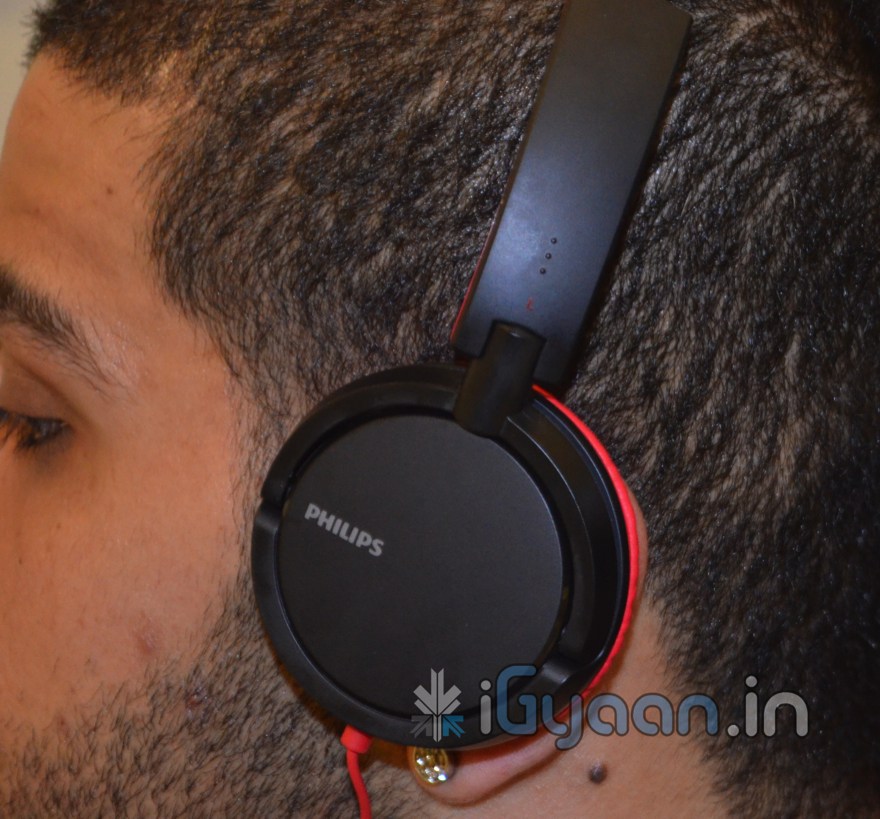
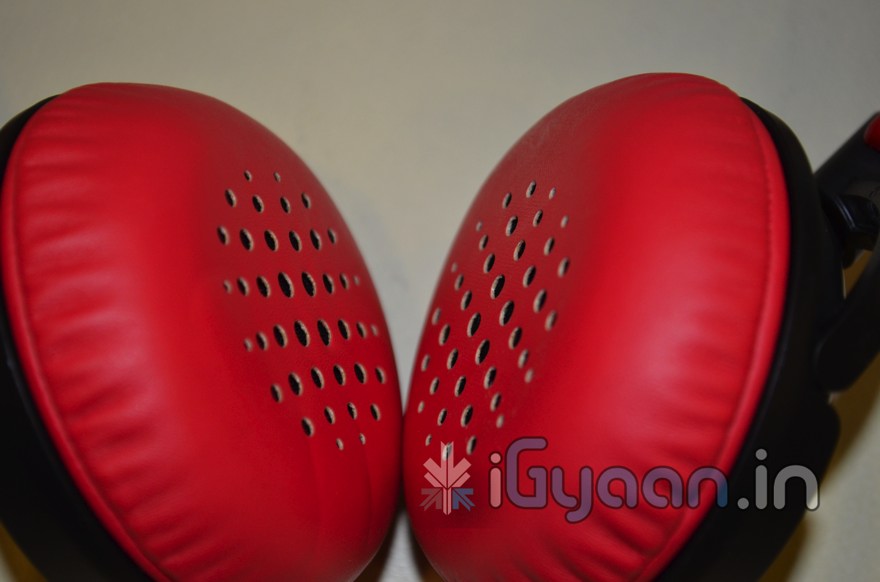
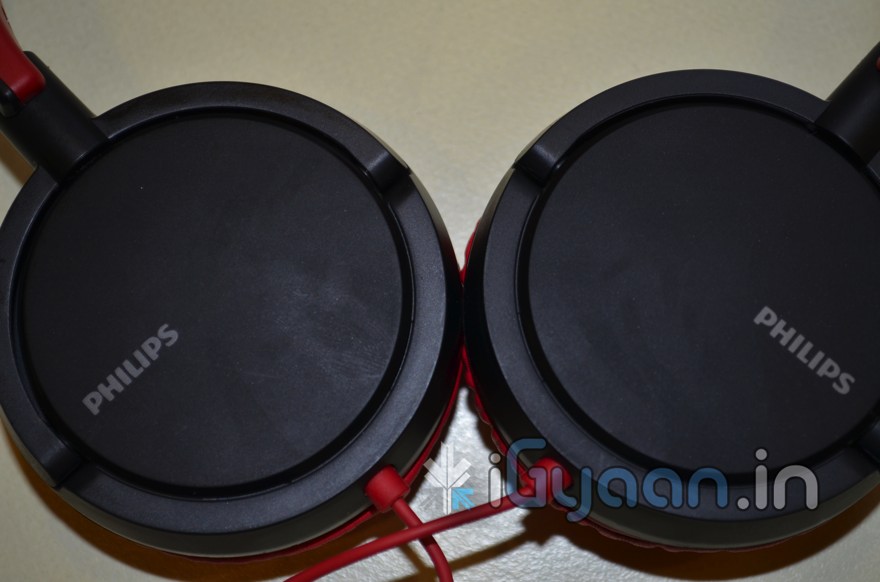
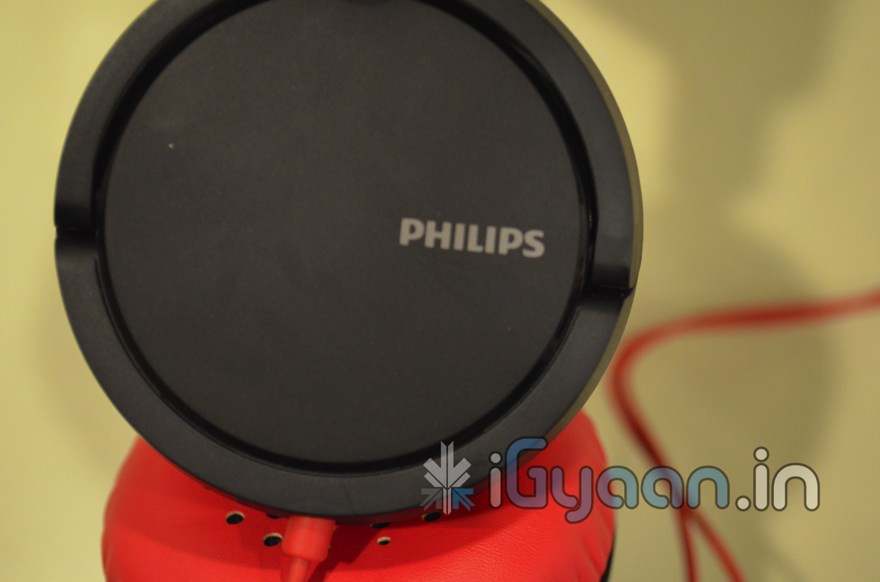
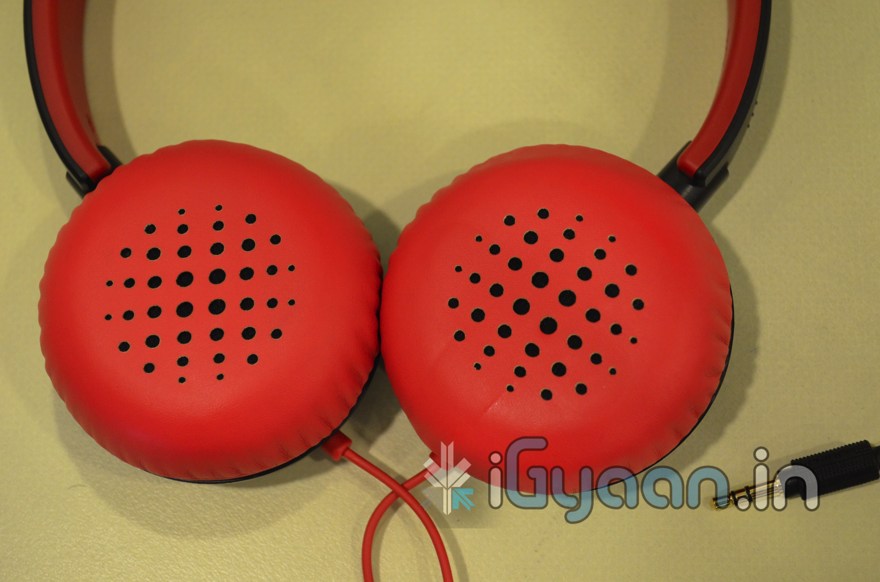
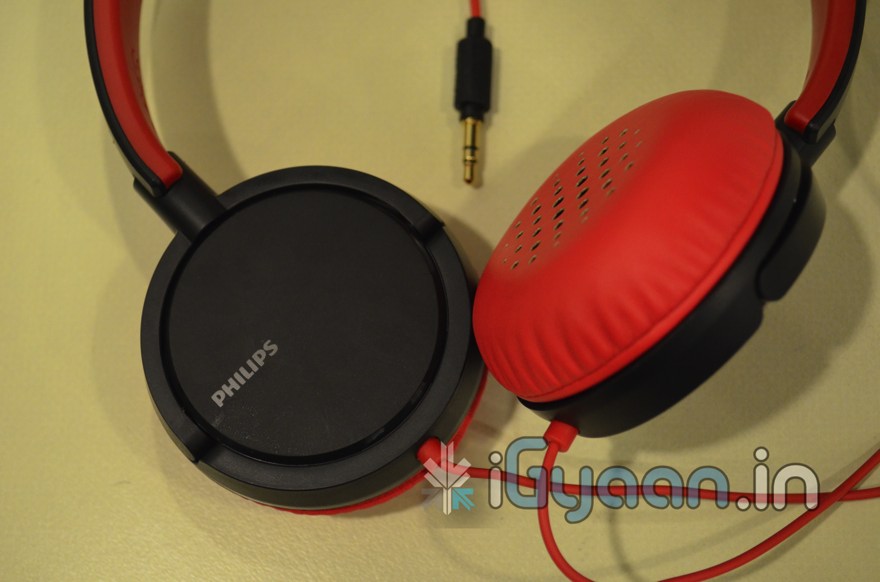
    Philips Ear Gear SHL5000 Noise Cancellation Headphones, Unboxing and Hands on !


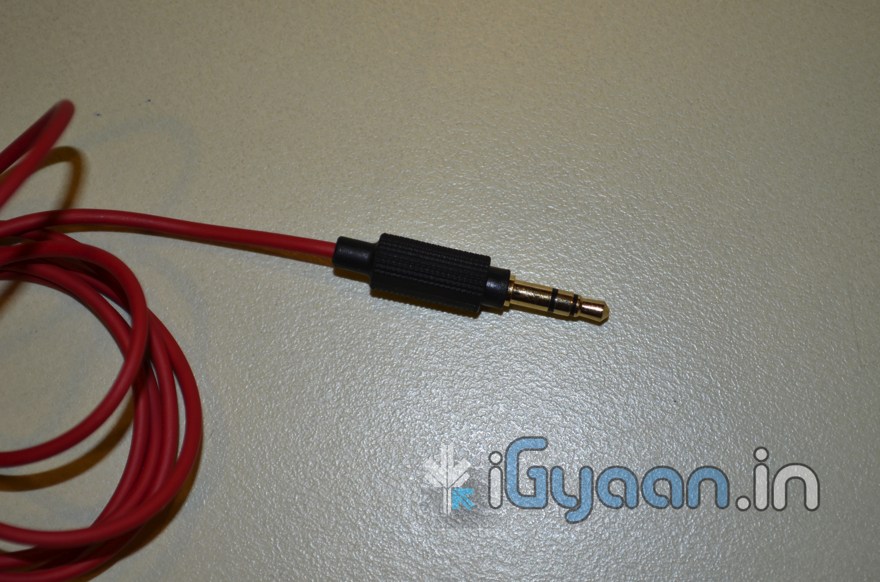
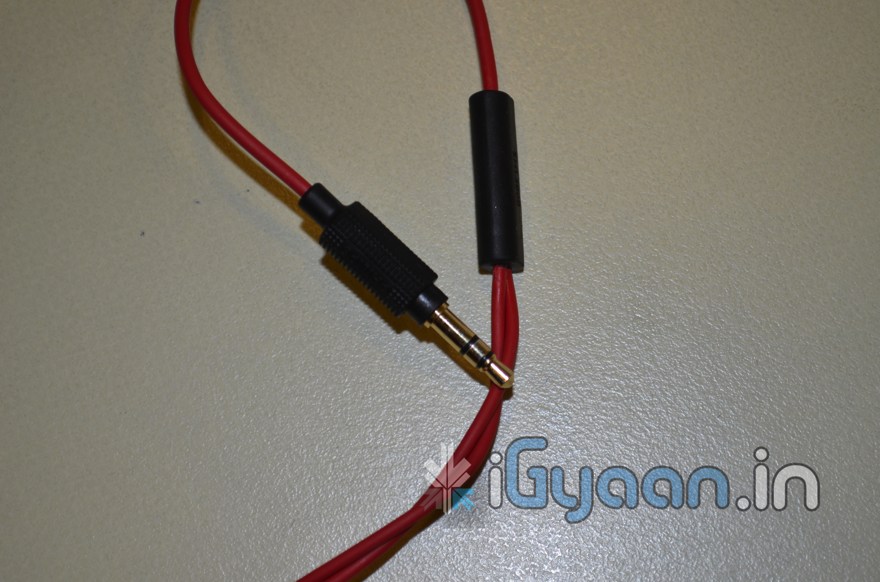
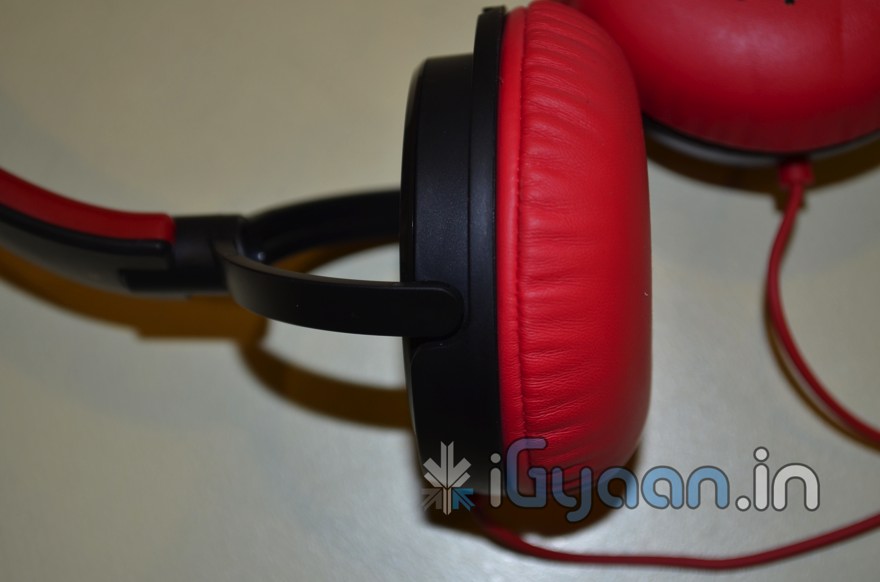
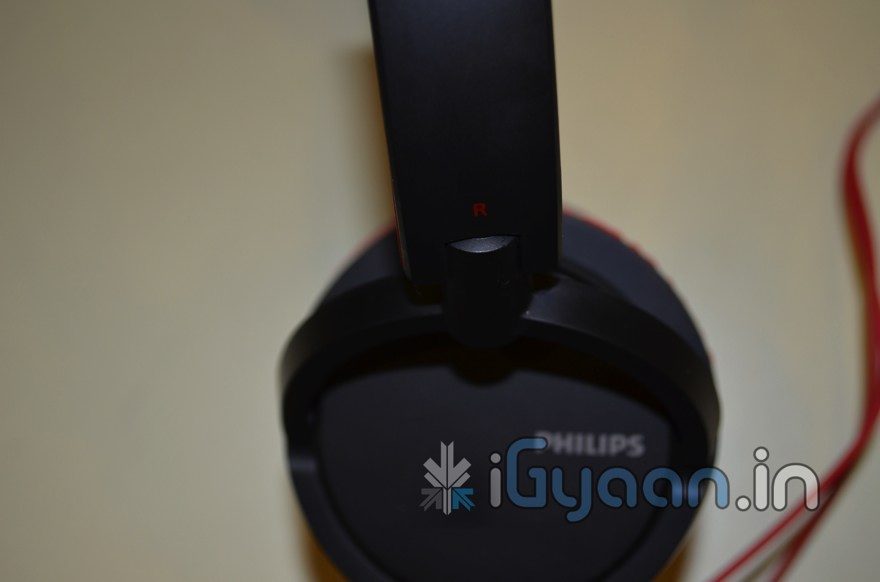
    So this is an iGyaan First, The Philips SHL5000 Ear Gear Headphones are comparatively easy on the pocket but deliver great value for money. Check them out.


    Highlights:

    • Open design headphones with neodymium magnet and Mylar-dome Membram
    • Soft and portable leather ear pads
    • Collapsible for easy storage
    • 30mm drivers for a first-class sound reproduction with strong bass
    • Excellent noise isolation
    • Lighter, steel reinforced bar bracket for perfect fit and durability


    Features:

    • Connector: 3.5mm stereo plug
    • Sensitivity: 106dB plus minus 3dB
    • Driver diameter: 30mm
    • Impedance: 32 Ohm
    • Frequency response 10Hz to 28 kHz
    • Maximum input power: 50 mW
    • Hinged shells
    • Two-way cable
    • Connector: gold plated (24k)
    • Type: dynamic
    • Voice coil: CCAW
  • Samsung Galaxy S2 BenchMarks !!

    Samsung Galaxy S2 BenchMarks !!


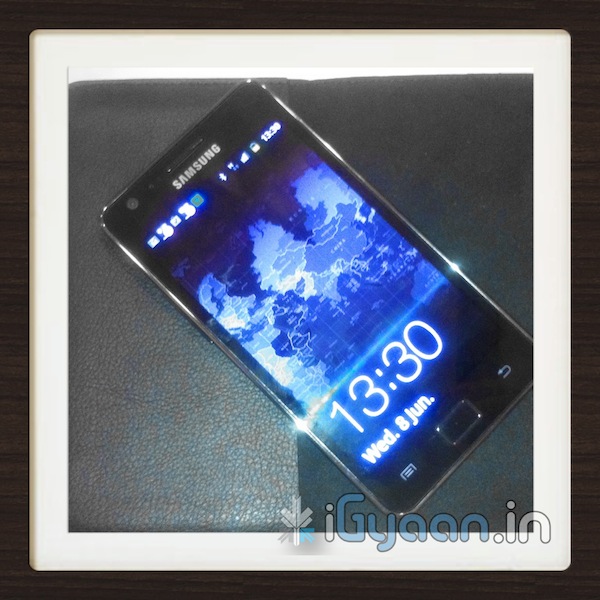
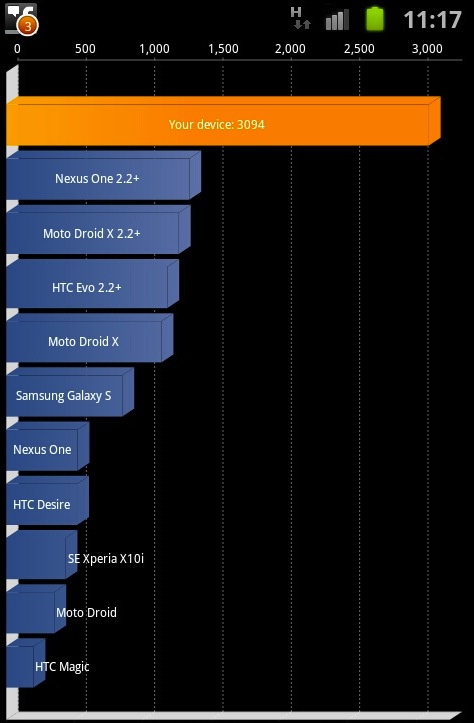
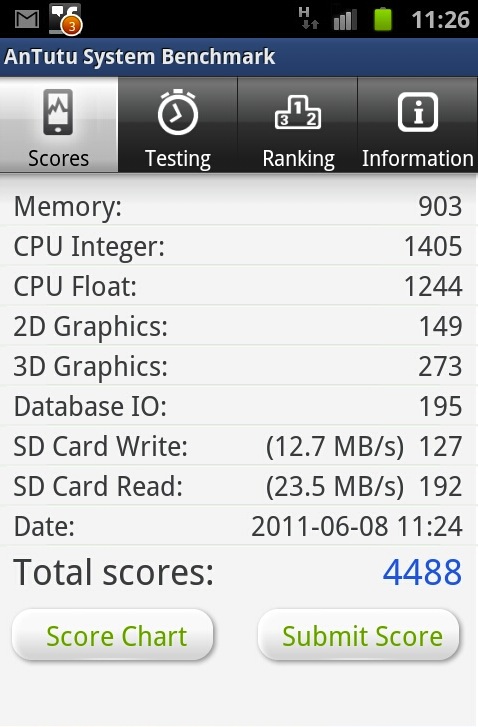
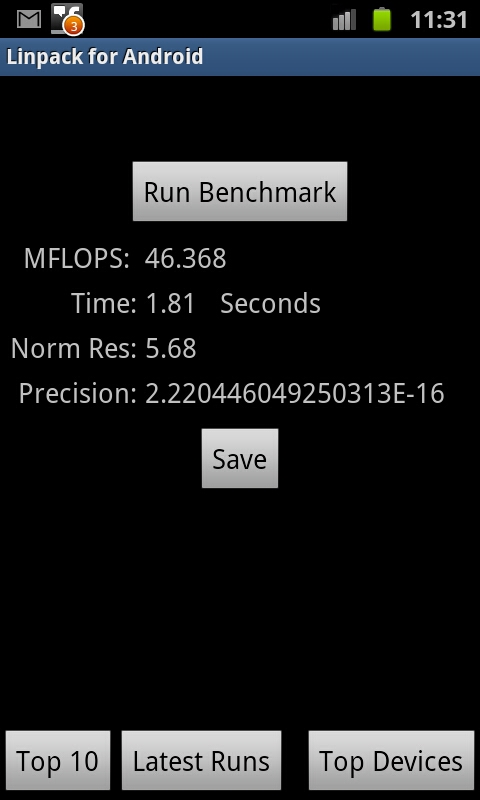
    So while we were playing around with the new Samsung Galaxy S2 and found a great screenshot feature so we decided to show you benchmark screenshots: take a look at the amazing scores from Samsung Galaxy S2


    Quadrant Benchmark

    AnTutu System


    NeoCore

    Linpack

  • Reminder : Tonight Apple Keynote, Possible iPhone 5 Launch : We will cover it Live !


    There is a lot of information pointing to the fact that a new iPhone may just be released today evening at the WWDC (morning in USA) . We will cover the even live from all aspects on our Live Blog.


    CLICK HERE FOR LIVE BLOG

    So be sure to bookmark the page as you may never know what secrets Apple might have up its sleeve.

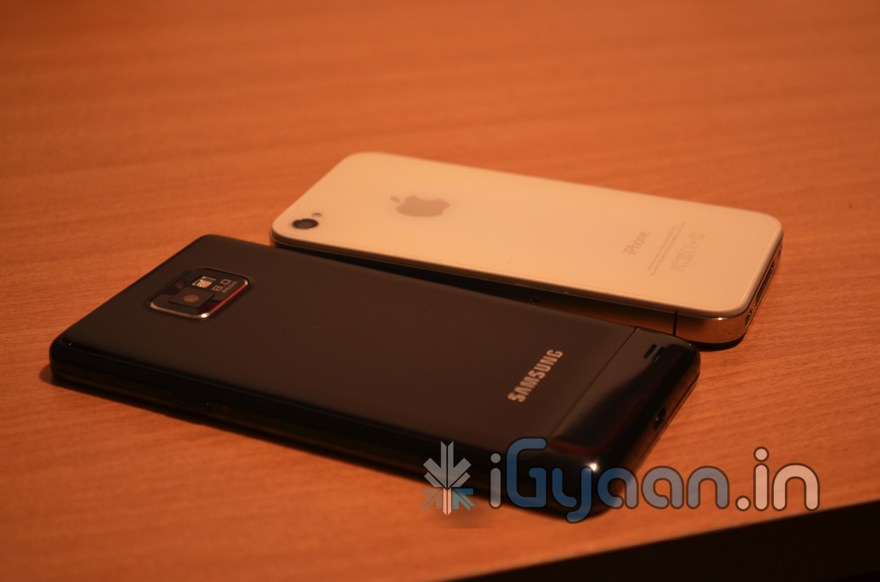
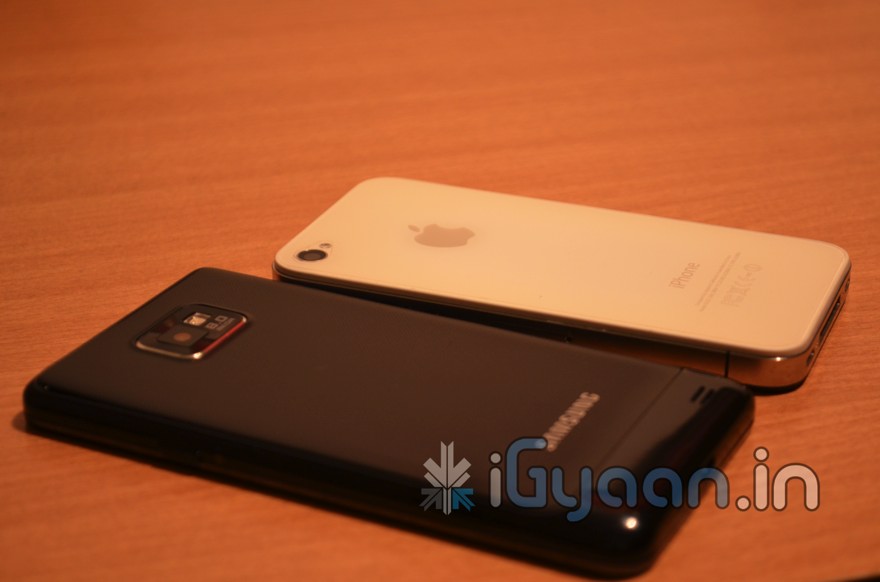
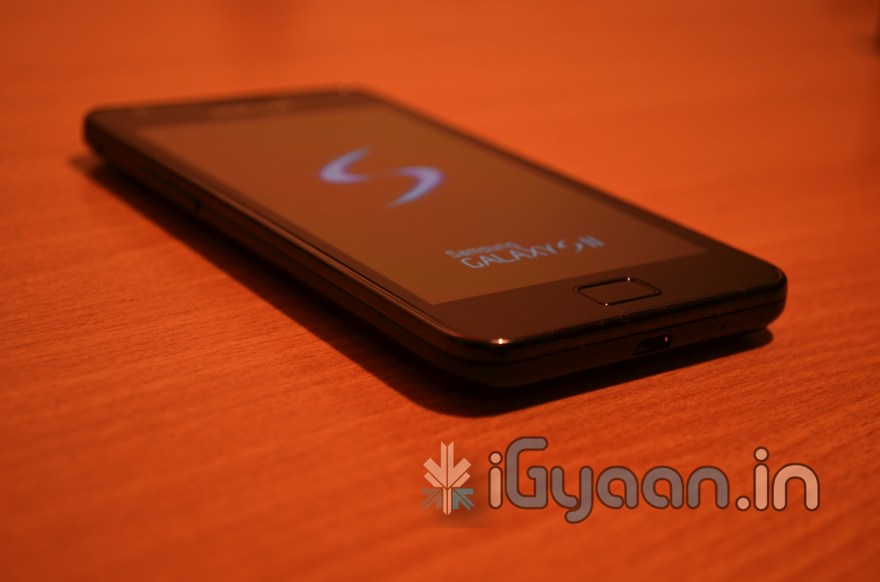
  • Epic Sunday Treat : Samsung Galaxy S2 Unboxing and Hands on Pics , feat : iPhone 4 | Update : Video LIVE!


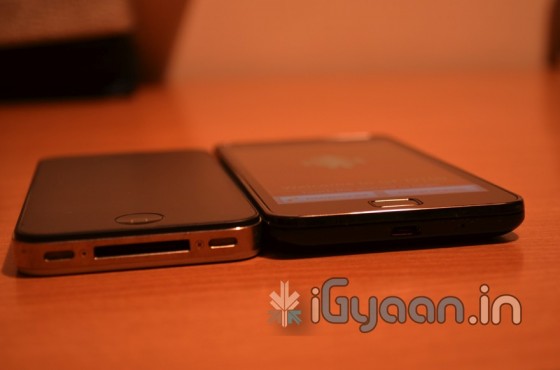
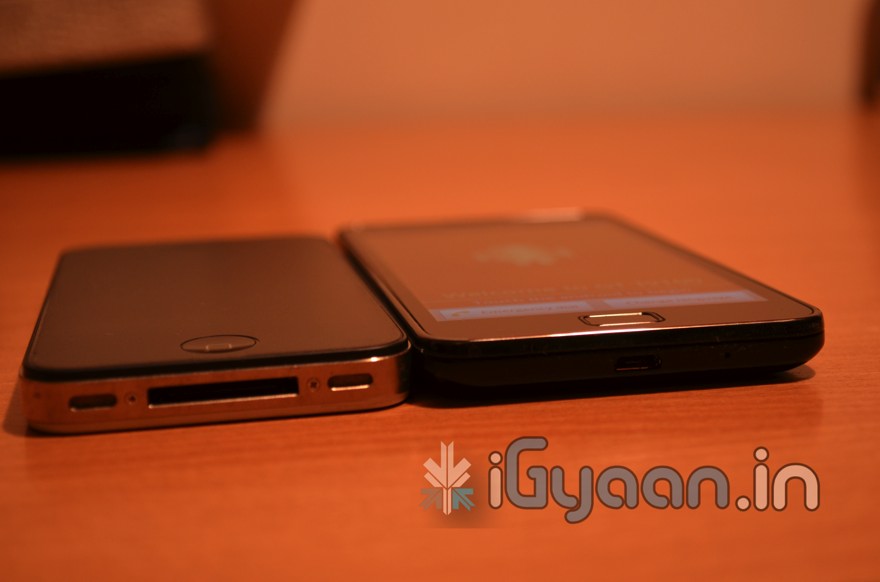
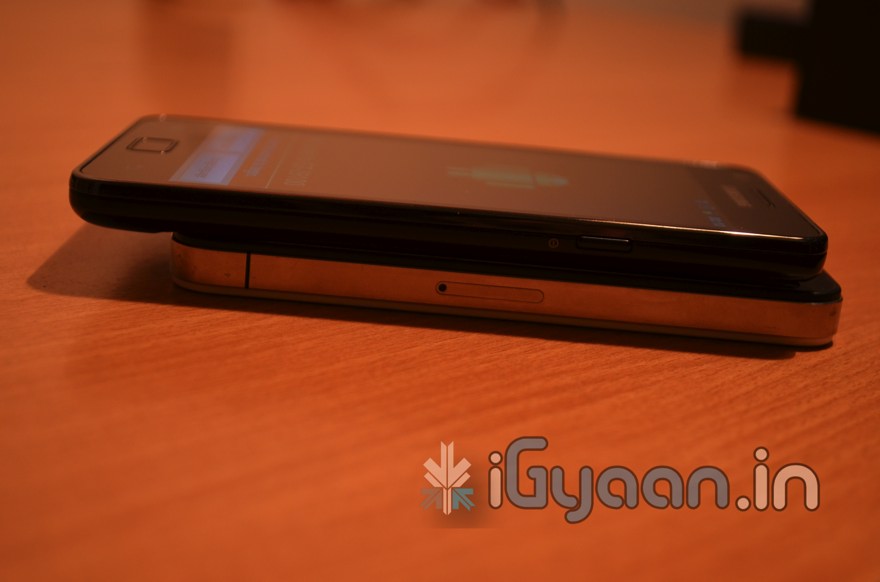
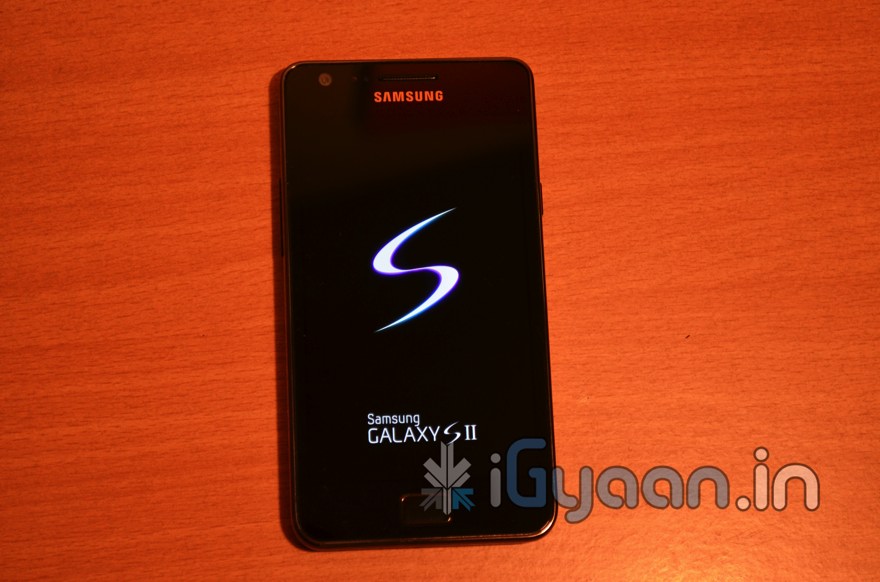
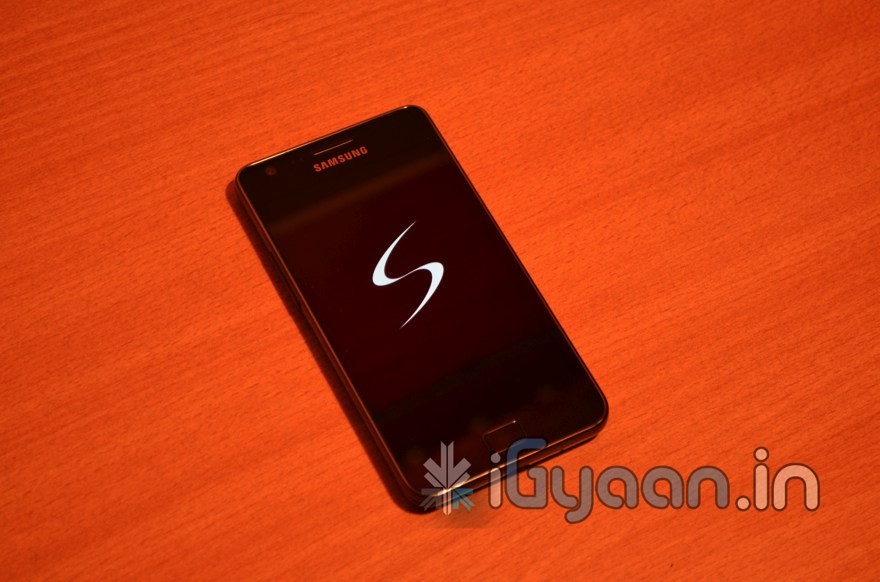
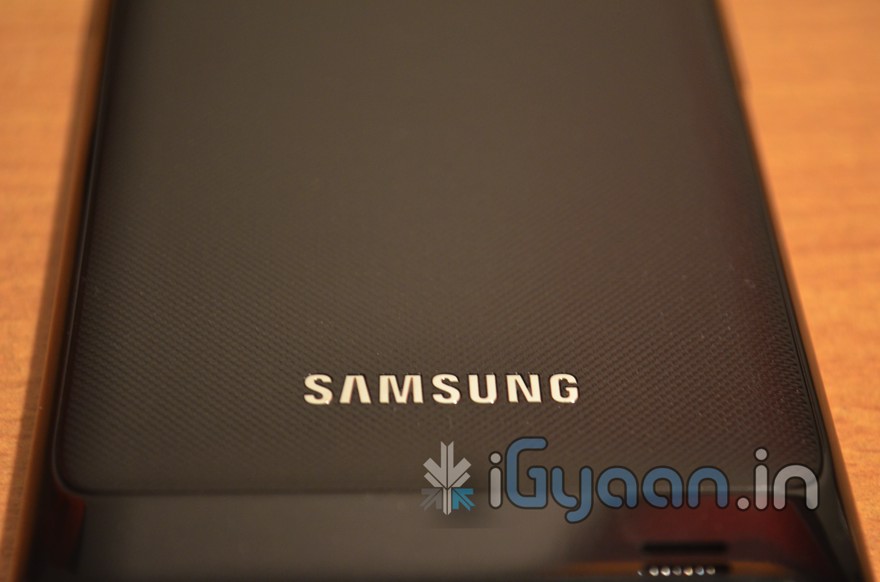
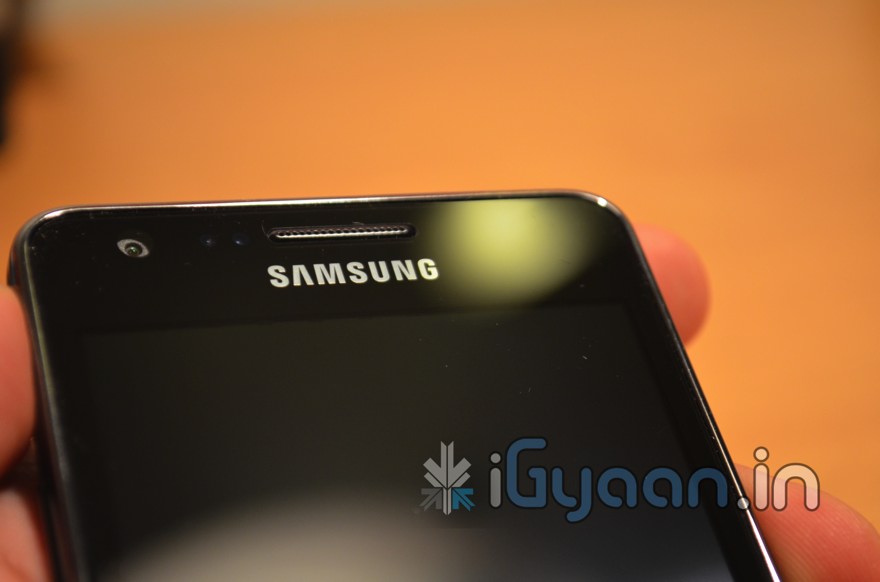
    Is it here Finally? Yes it is, the new Samsung Galaxy S2, The Epic Smartphone of the Year! (Till now Anyway)  While we unbox the beauty check out the Hands On Pics below. Remember you got all exclusive news on the Samsung Galaxy S2 here at iGyaan.in.


  • Apple WWDC Keynote on iOS 5, Mac OS X Lion and iCloud is on June 6th, We will Cover it Live!

    Apple WWDC Keynote on iOS 5, Mac OS X Lion and iCloud is on June 6th, We will Cover it Live!

    Who knows whats going to happen at this keynote, iOS 5 , Mac OS X lion and iCloud are already known facts. A lot of speculation on the iPhone 5 and possibly the iPhone Nano. We will just have to wait till Mr. Jobs shows up in his Black turtle neck and blue jeans.

    In the mean time bookmark this page to get unrestricted access to our live coverage of the event.

    10:30PM – INDIA / New Delhi/Mumbai/Kolkatta/Chennai/Bengaluru

    06:00PM – London
    07:00PM – Paris
    09:00PM – Moscow
    02:00AM – Tokyo (June 7th)

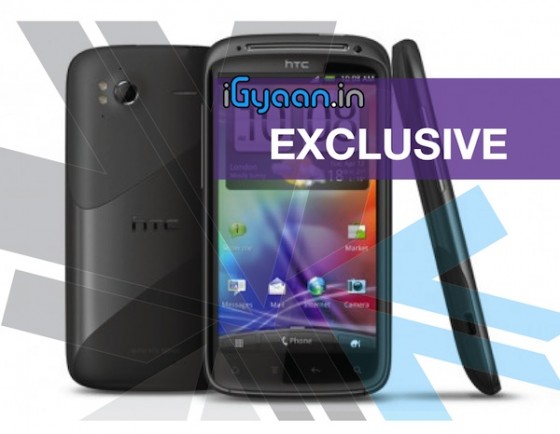
  • HTC Sensation 4G will Launch in the US on June 15th, India later this month

    HTC Sensation 4G will Launch in the US on June 15th, India later this month

    HTC and T-Mobile will be launching the HTC Sensation 4G powerhouse by 15 June in the United States. The Sensation 4G for $199 (after a $50 mail-in rebate) on a 2-year contract. It will be available country-wide in the US from June 15th.

    The HTC Sensation 4G features –

    • 4.3” qHD screen
    • 1.2GHz dual-core CPU
    • Android 2.3 Gingerbread
    • MHL
    • 8MP camera with 1080p
    • “4G” (HSPA+)

    We got you exclusive new of HTC launch in India last month and it still holds true check it out here.  We are trying to get in touch with HTC for a confirmed view of weather or not the launch dates are still the same.

    According to this High Level Manager (who refused to be named) :

    “The HTC market in India has grown tremendously after the launch of the new range of Android Handsets including the Desire HDDesire S and Incredible S. We are seeing a continuous uptrend in market sales and earnings from the smartphone segment. The company sees the demand and has decided to make the handset available as early as June 22nd.”

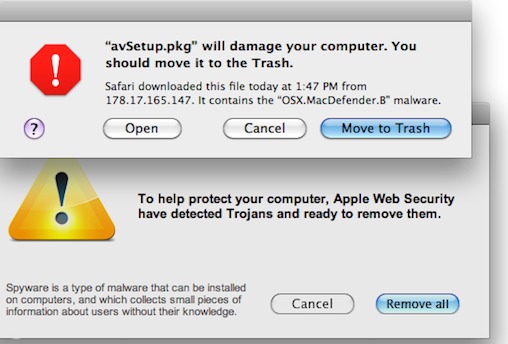
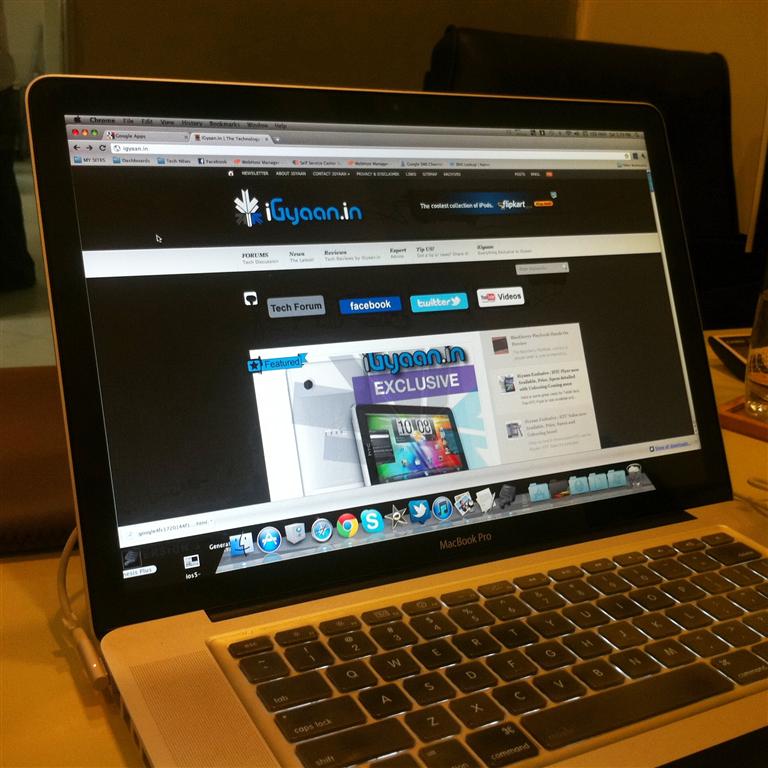
  • Apple Releases Update to Detect and Delete MacDefender ‘Scareware’: UPDATE

    Apple Releases Update to Detect and Delete MacDefender ‘Scareware’: UPDATE


    Yesterday, Apple released an update for Snow Leopard  to detect and warn useres if they have installed a fake Mac security software called MacDefender. The term ‘Scareware’ basically means that the software will plague users with popups and alerts warning them that their computer is infested with trojans, worms and other malware. To get rid of these popups users have to fork over $60 to $80 to purchase the registered version of the useless software.

    The update, labelled 2011-003, adds a new definition to the rudimentary virus detection engine embedded in Snow Leopard, and also increases the requency with which it checks for definition updates to daily. This brings the total tally of antivirus definitions on the Mac AV engine to 6.

    This update was only offered to users running OS X 10.6 aka Snow Leopard. Macs powered by the older 10.5 Leopard OS will not recieve the same anti-MacDefender protection. Users can download the update from the apple website or update their system using the regular ‘Software Update’.


    UPDATE:

    The people responsible for the fake Mac security software has already updated their “scareware” to evade defenses Apple put in place late Tuesday, a French security company Intego confirmed today. “Apple’s [antivirus] did not detect the new sample,” said Peter James, a spokesman for Intego. According to James, the new malware file is identified as “mdinstall.pkg” and if installed, plants the phony MacDefender software on the victim’s Mac.

    Intego confirmed  that the scammers had created a new version that wasn’t detected by Apple’s new defenses. “This isn’t surprising, that there’s a new variant out almost as soon as Apple released its security update Tuesday,” said James. “[The attackers] are following the news, they’re efficient.”

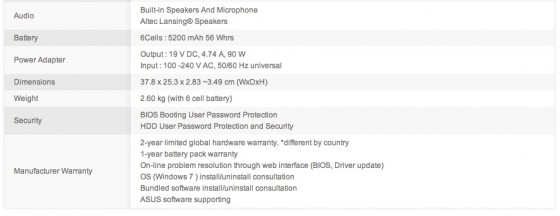
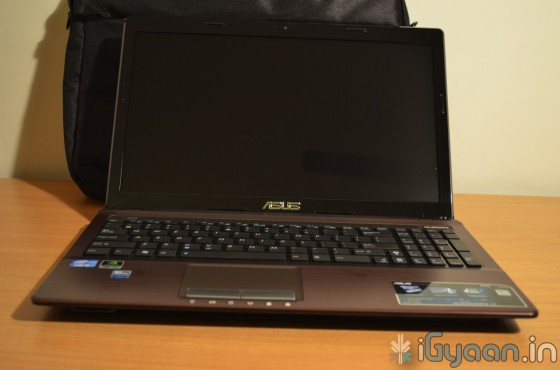
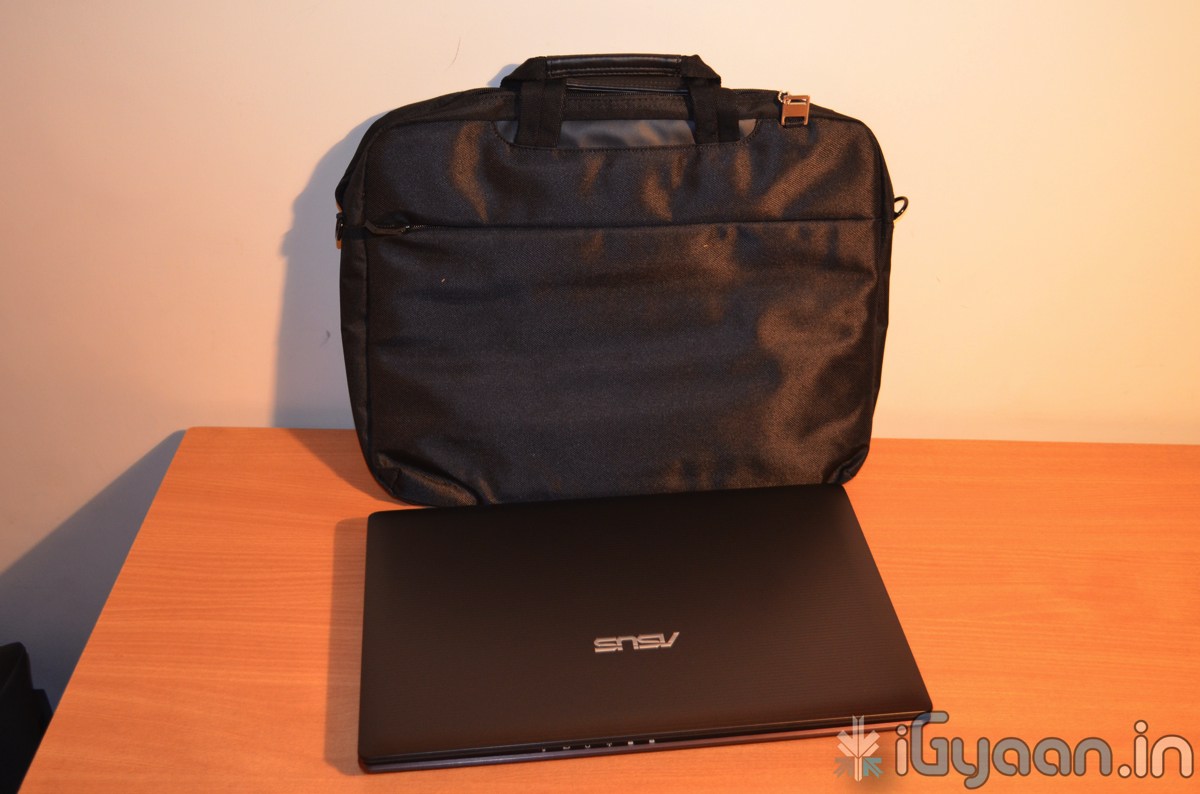
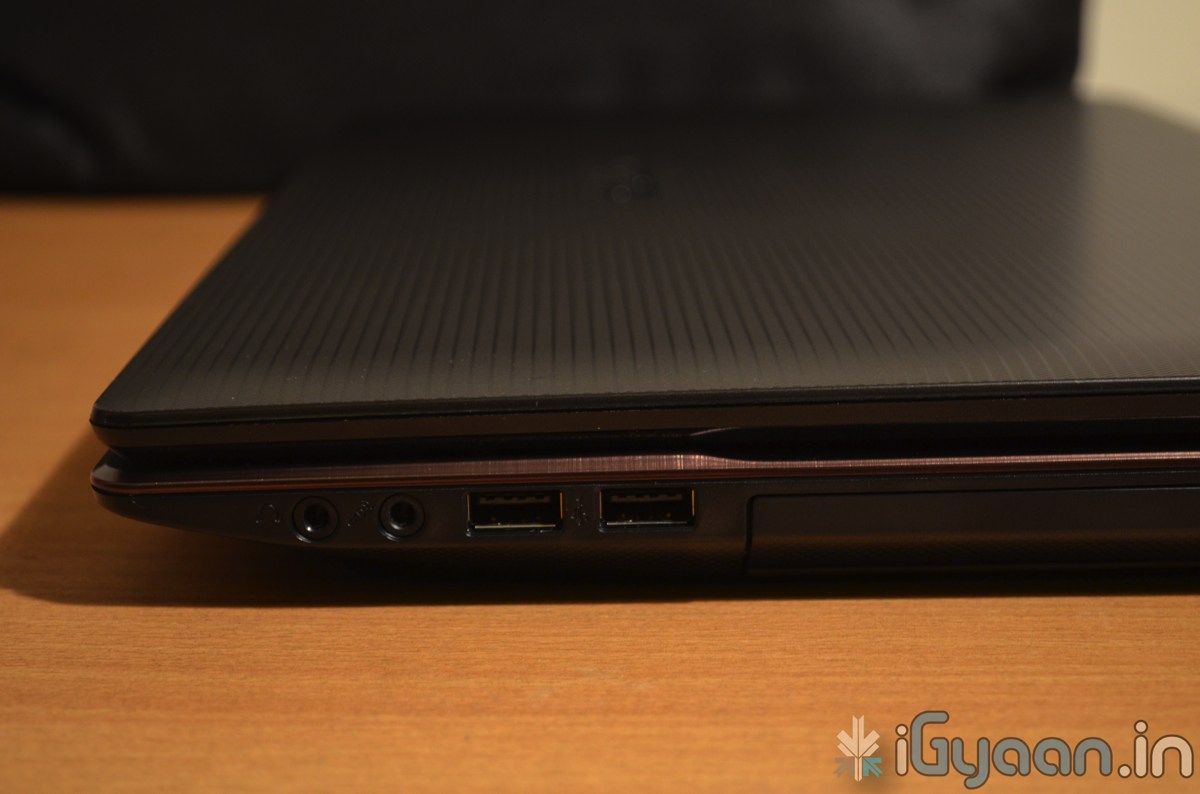
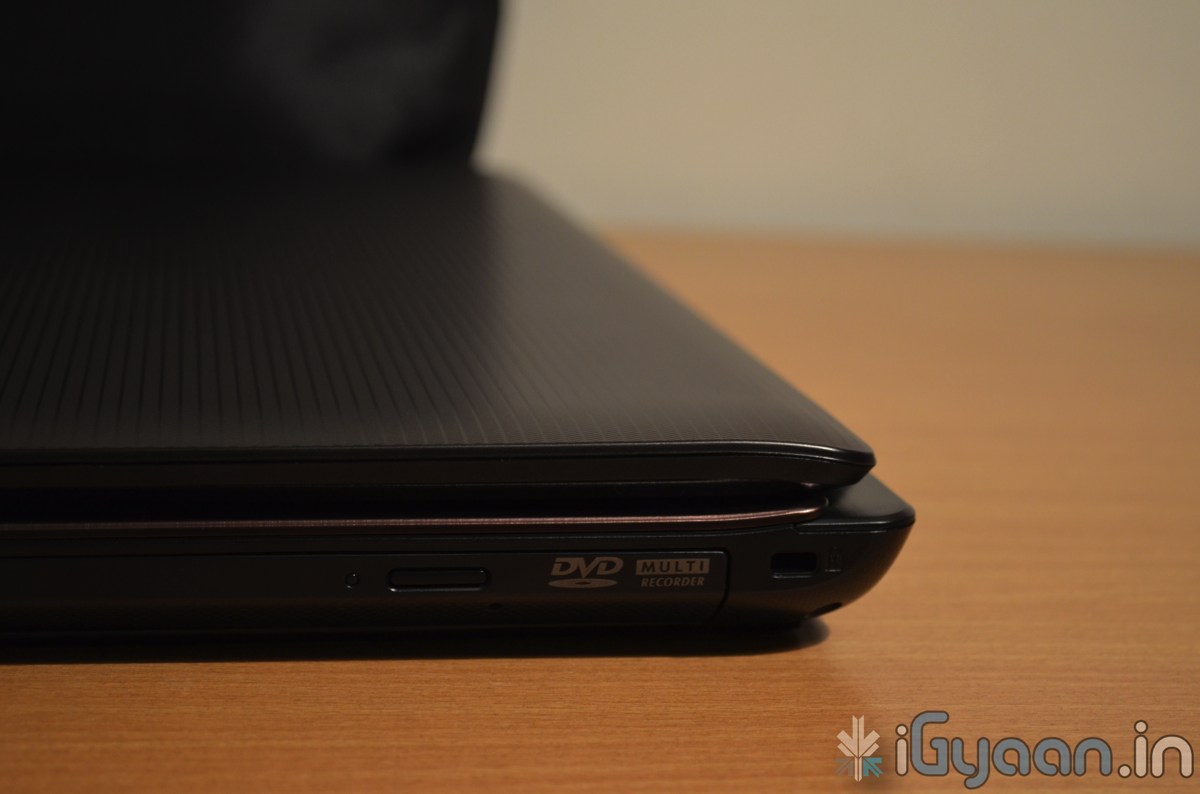
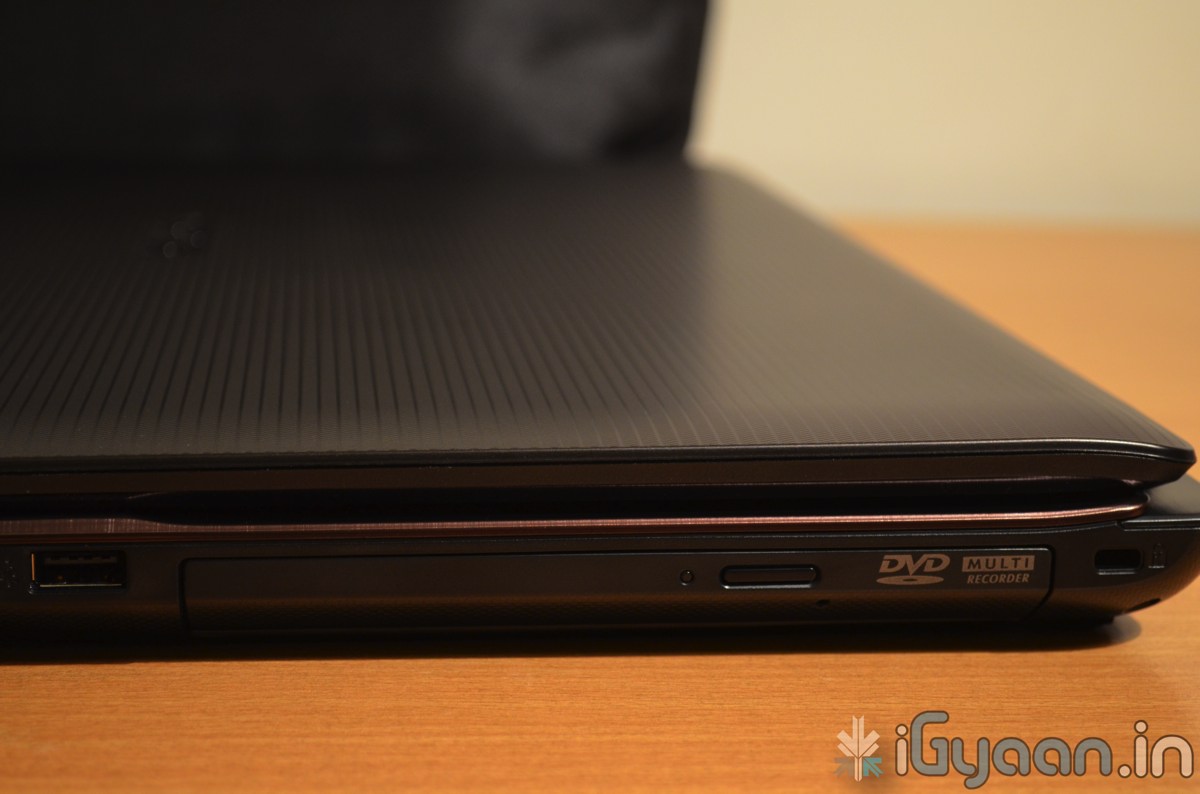
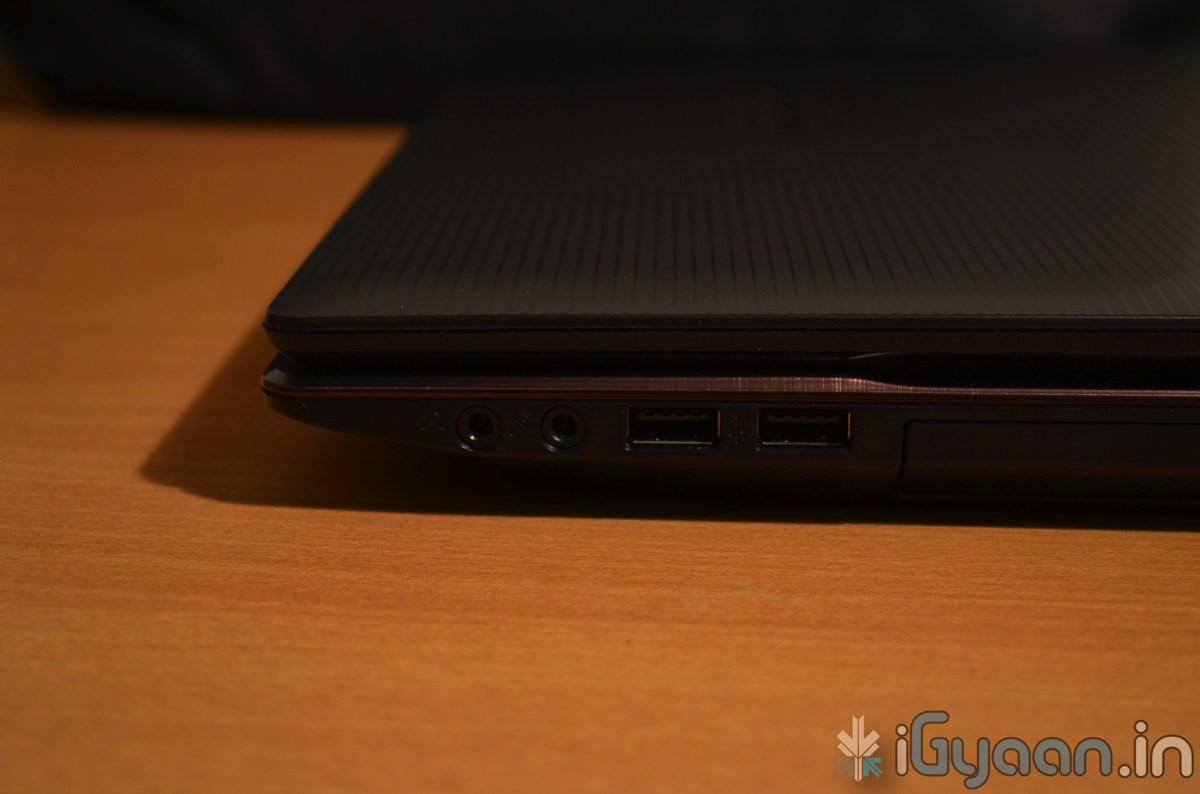
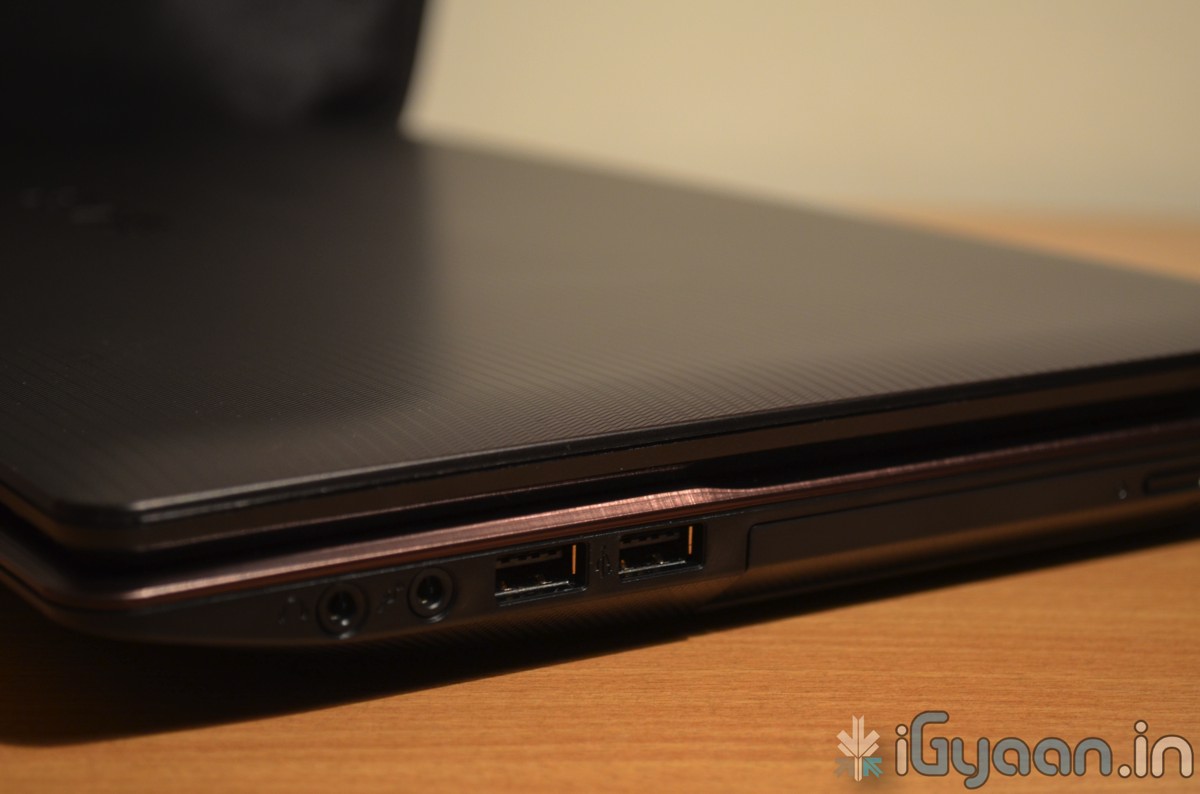
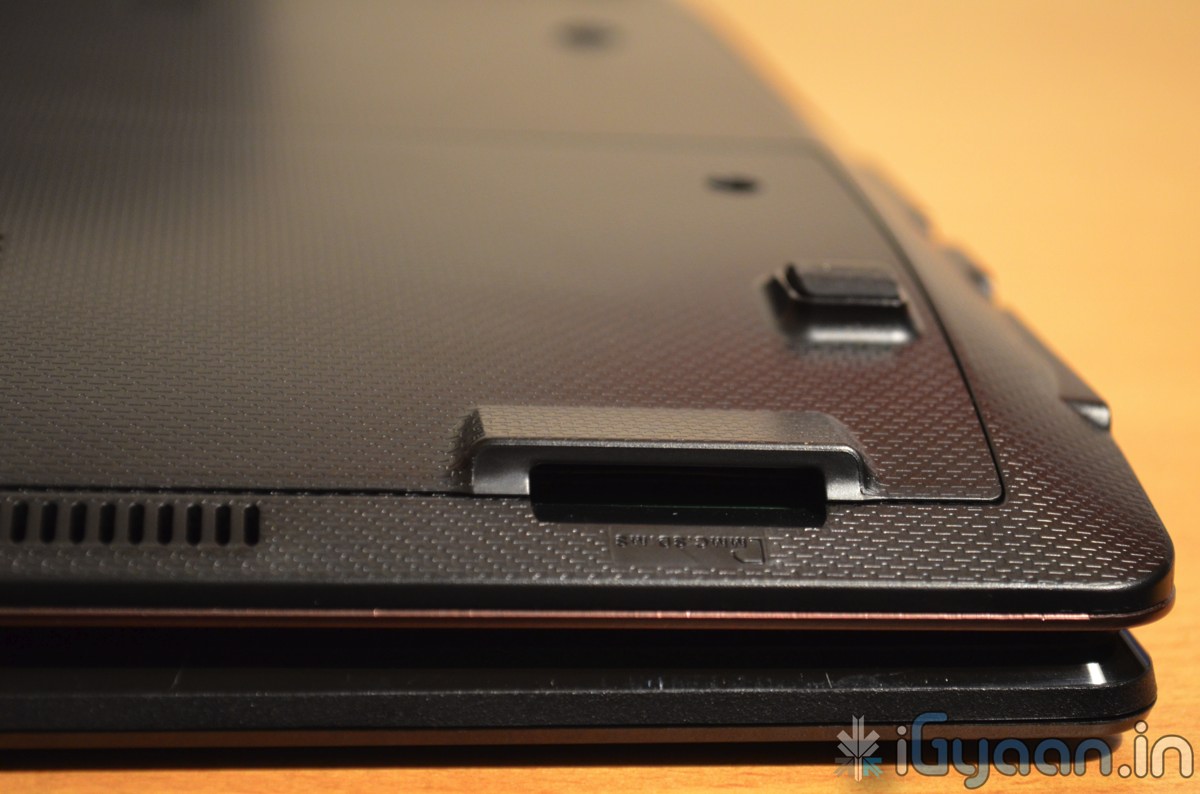
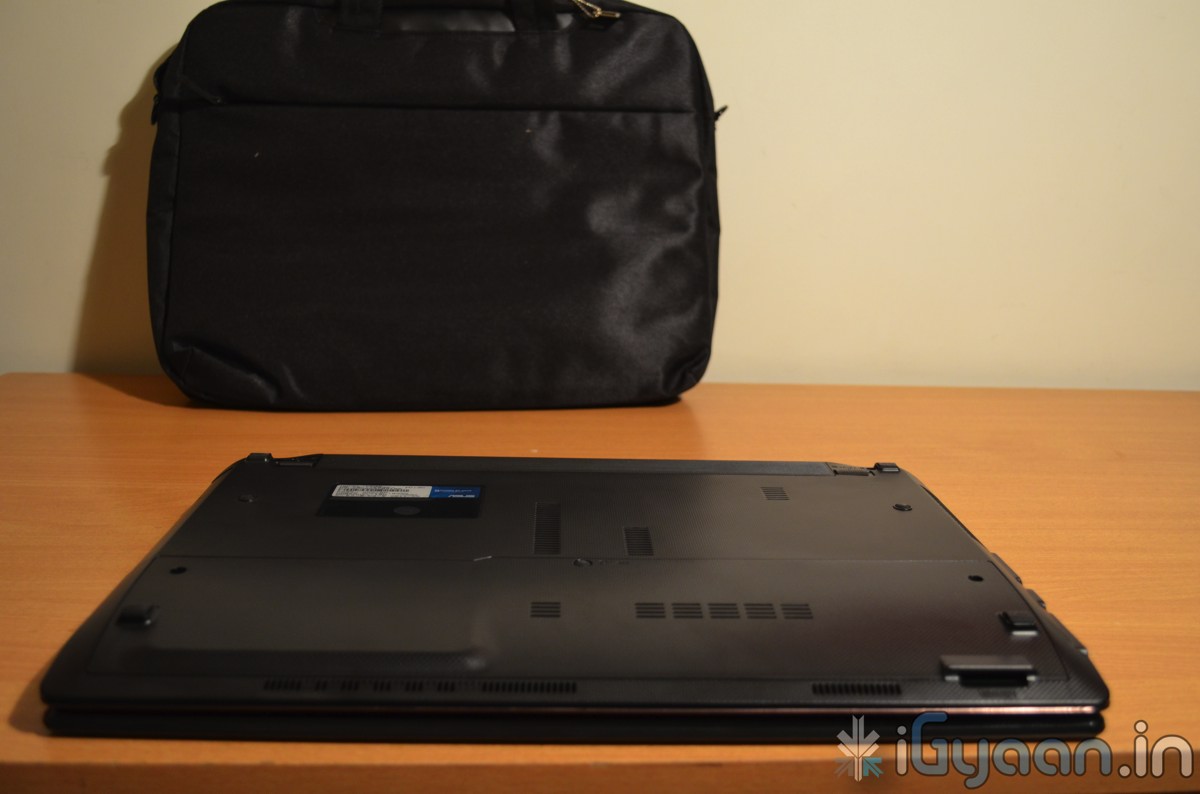
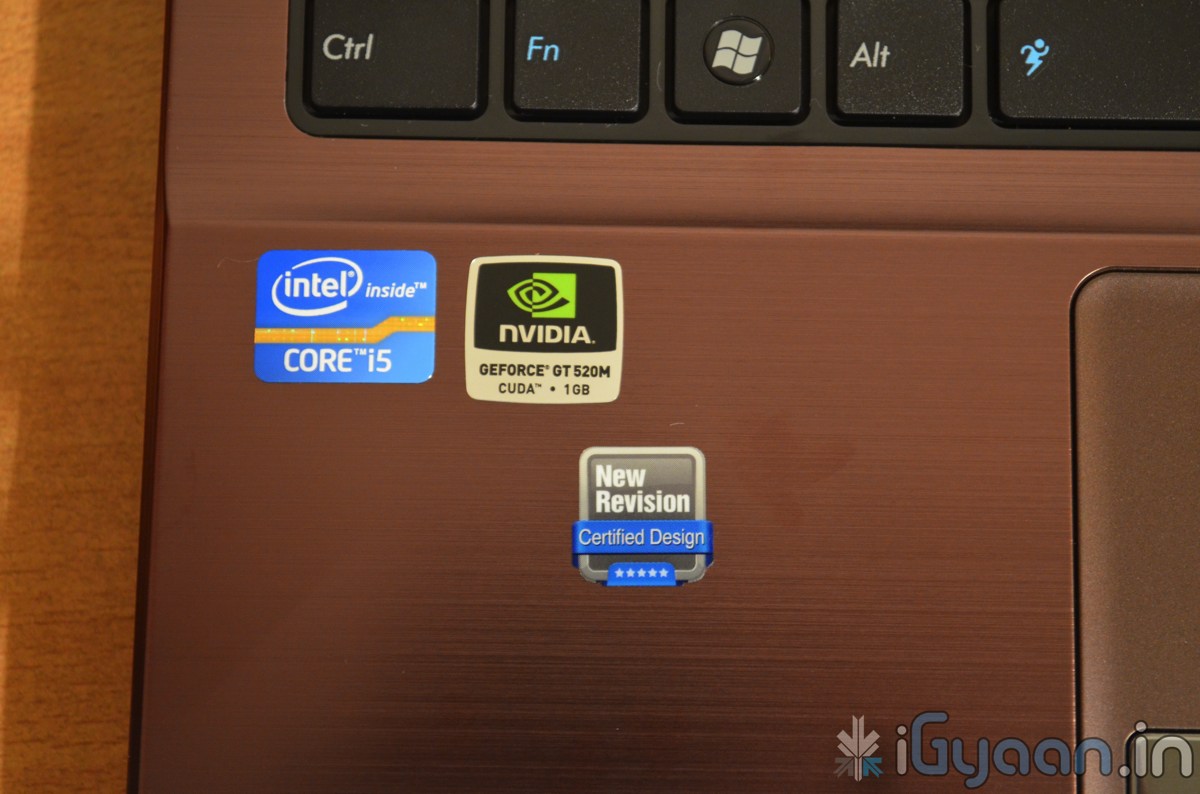
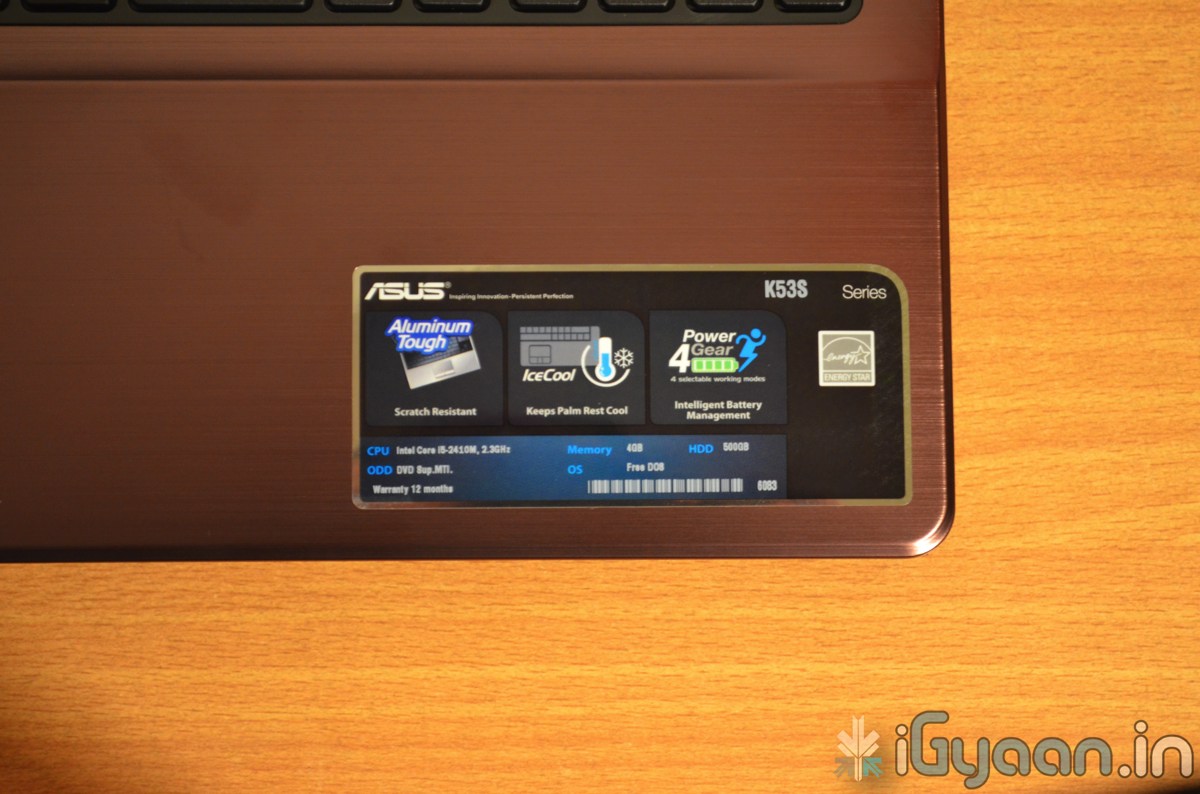
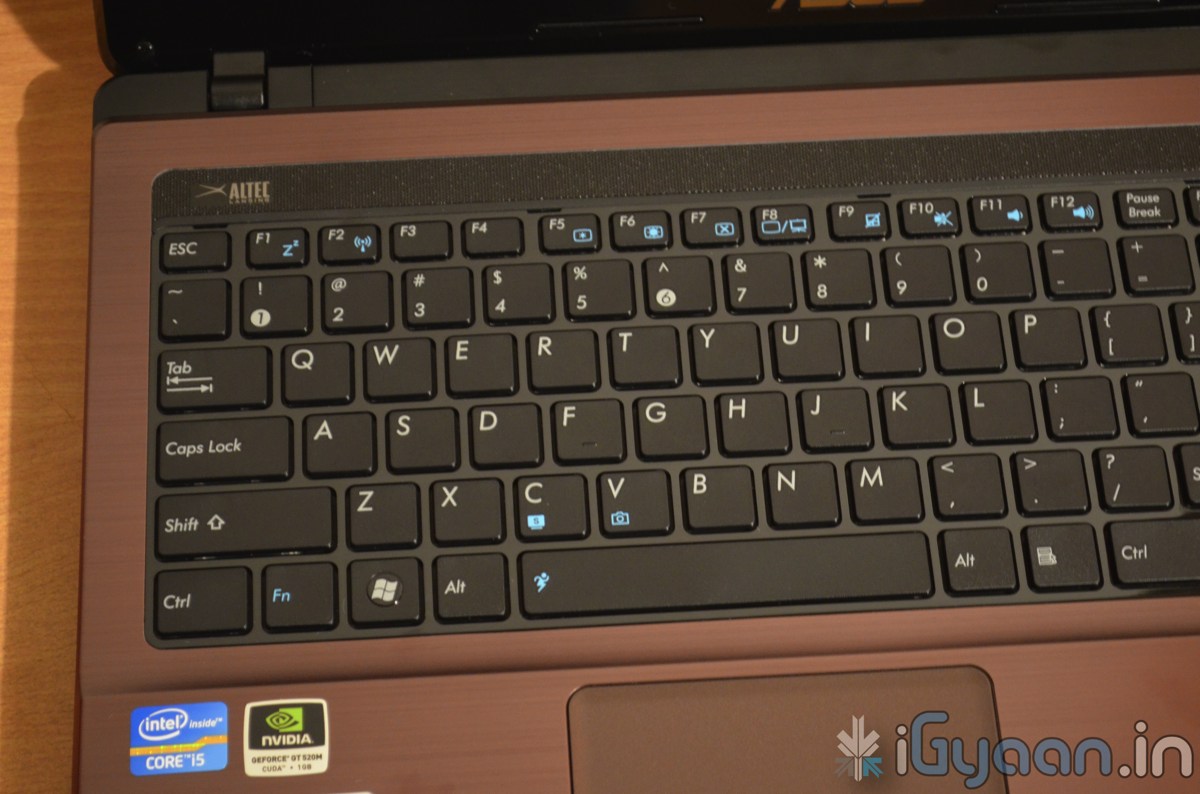
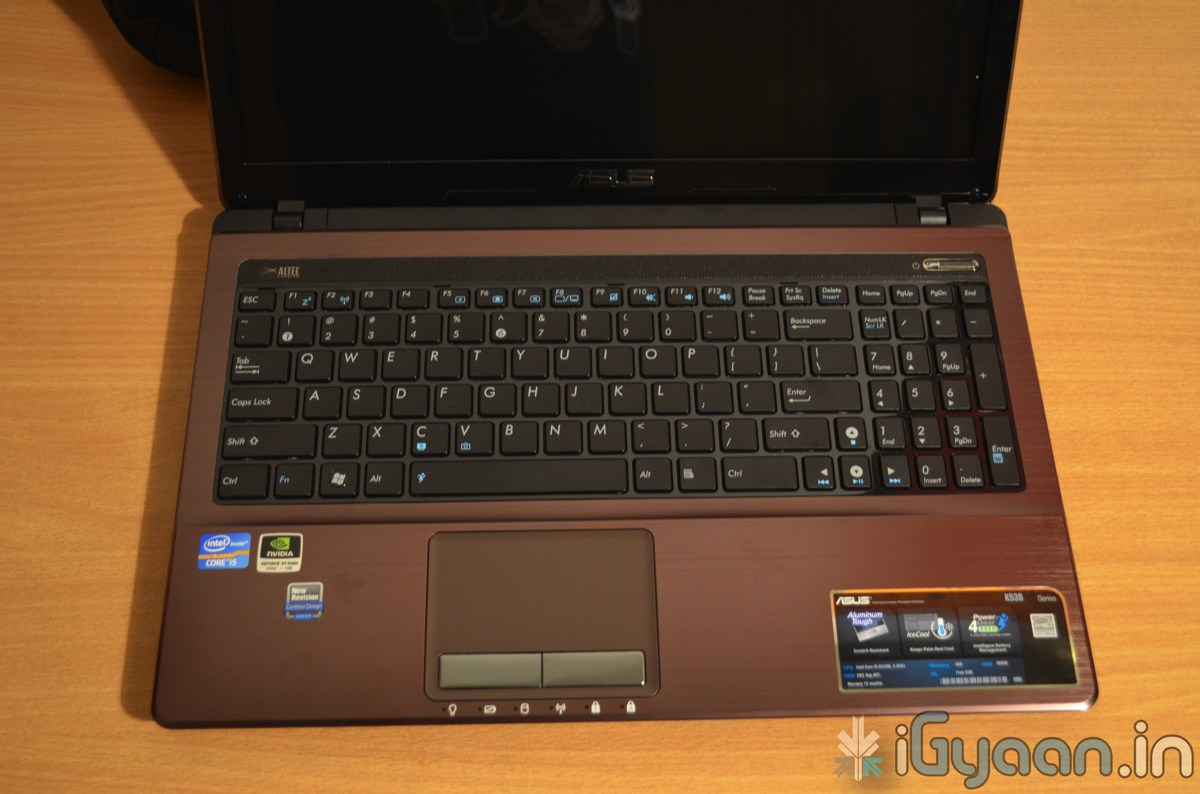
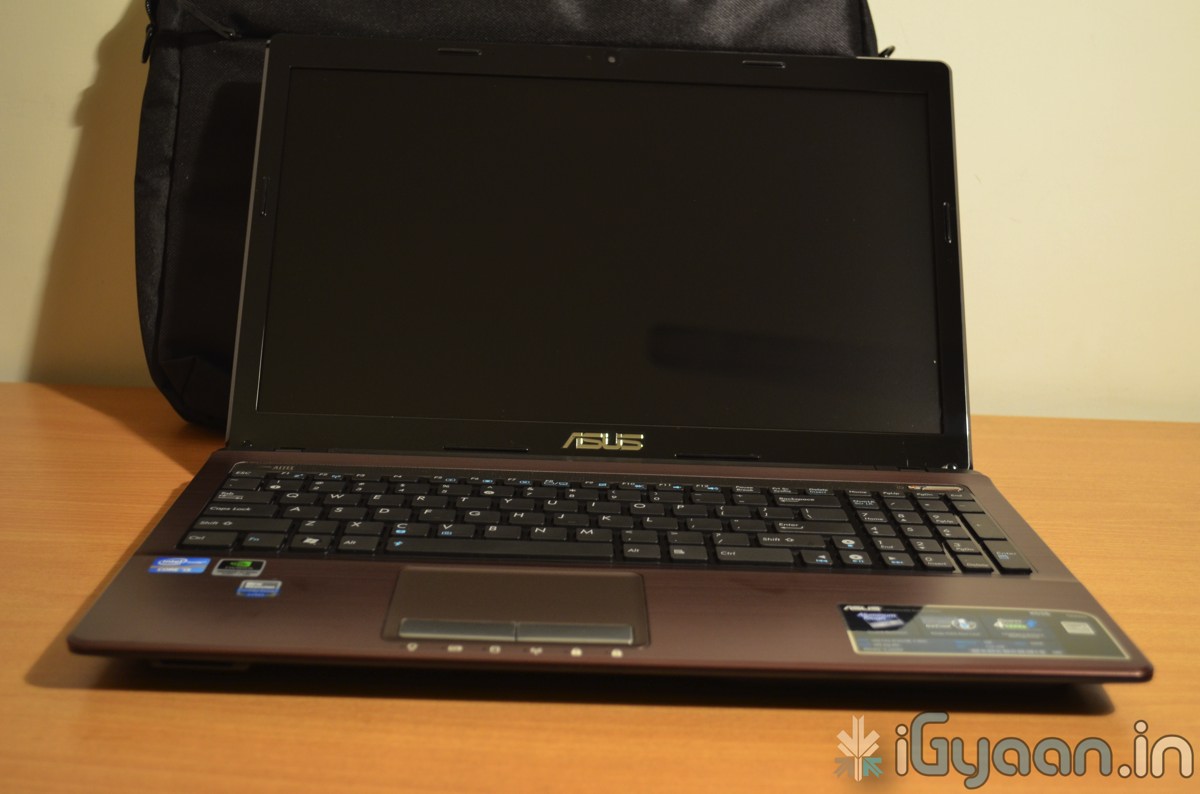
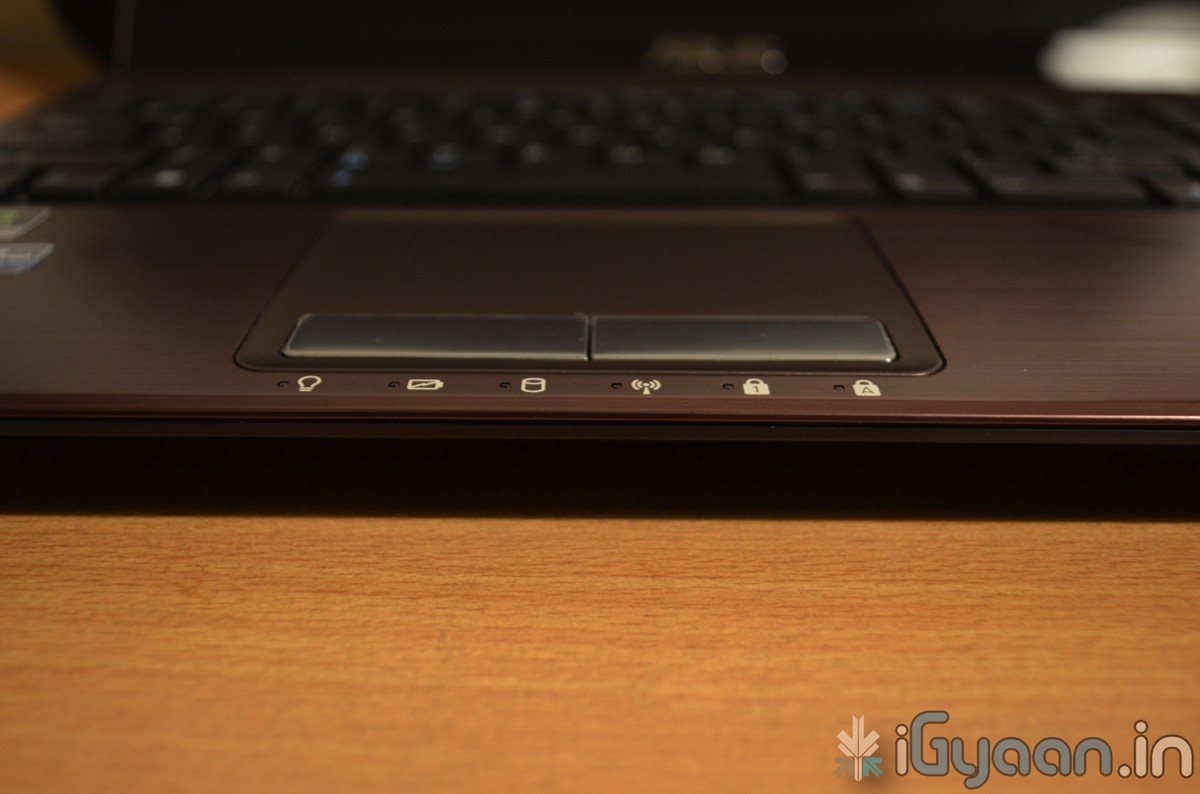
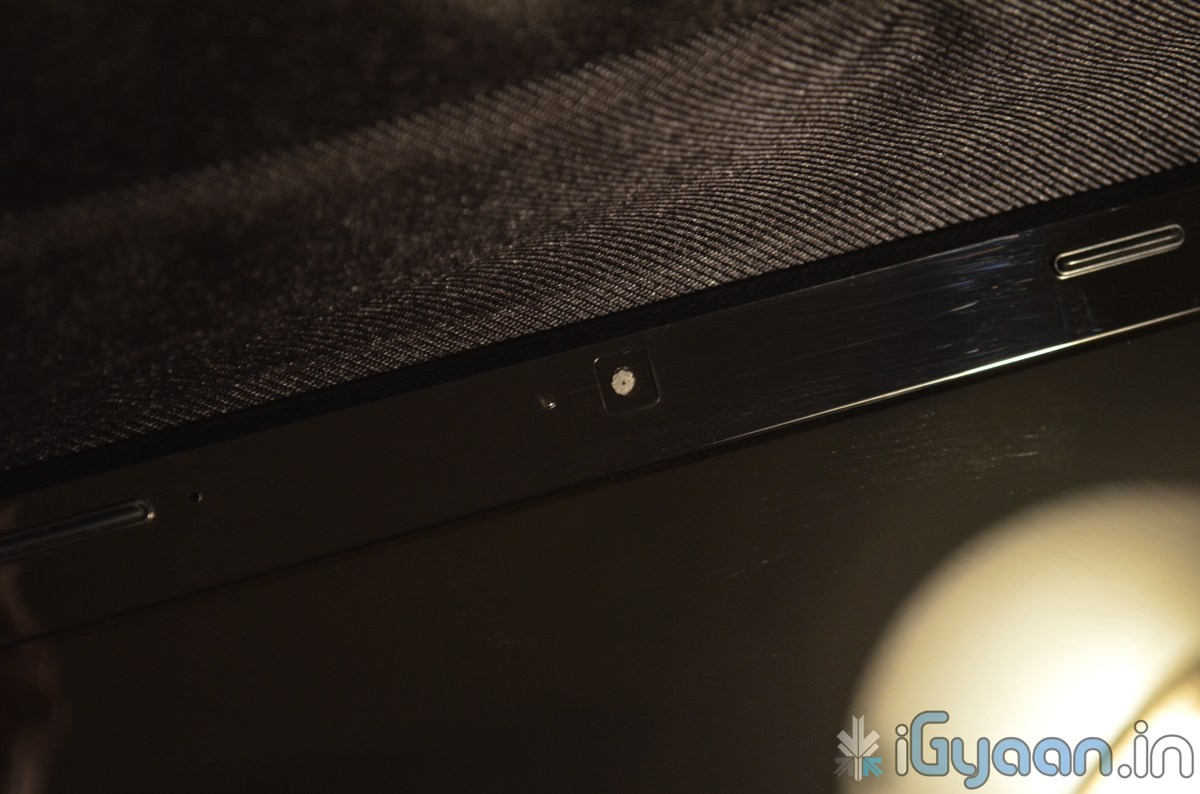
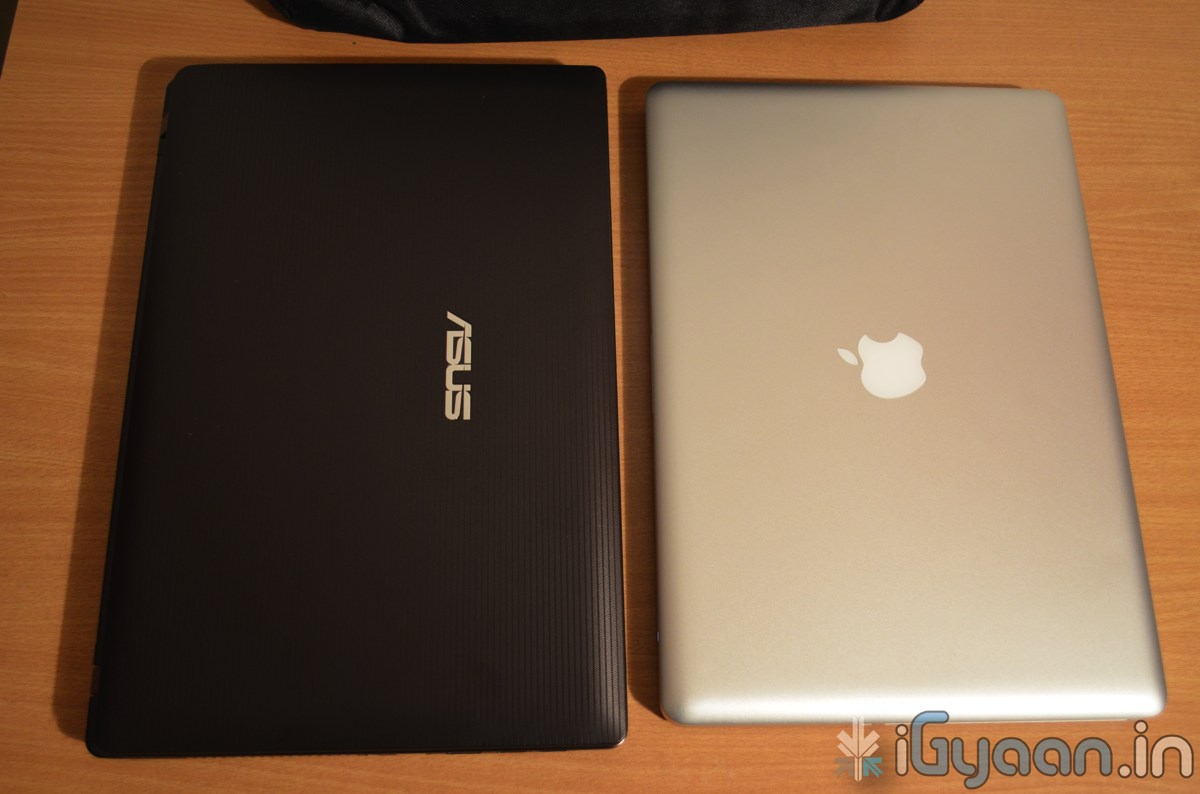
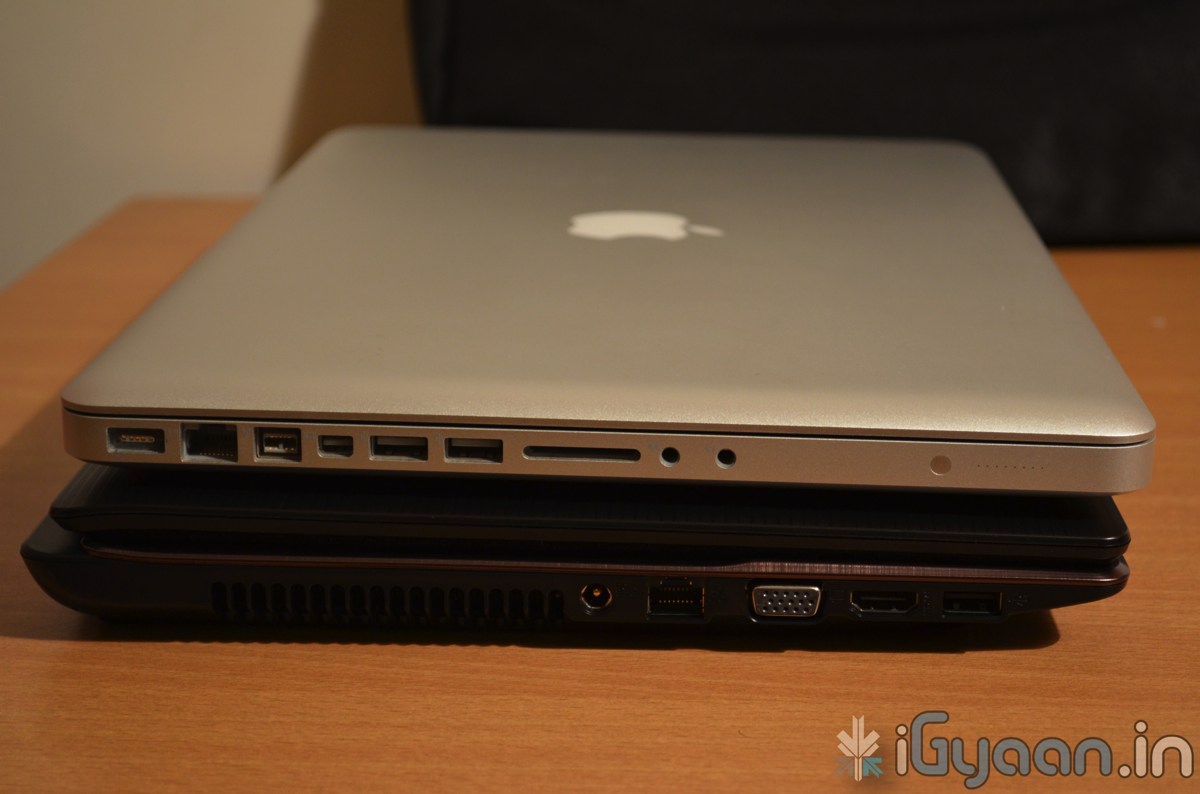
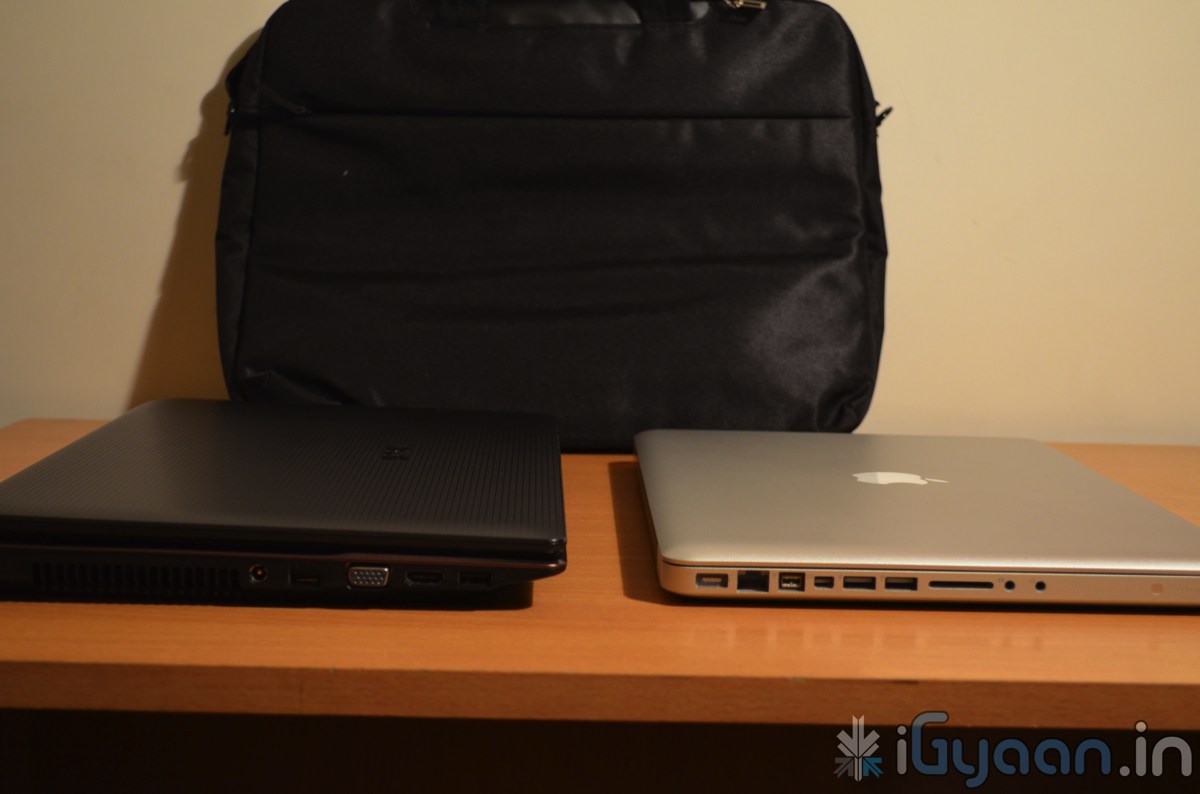
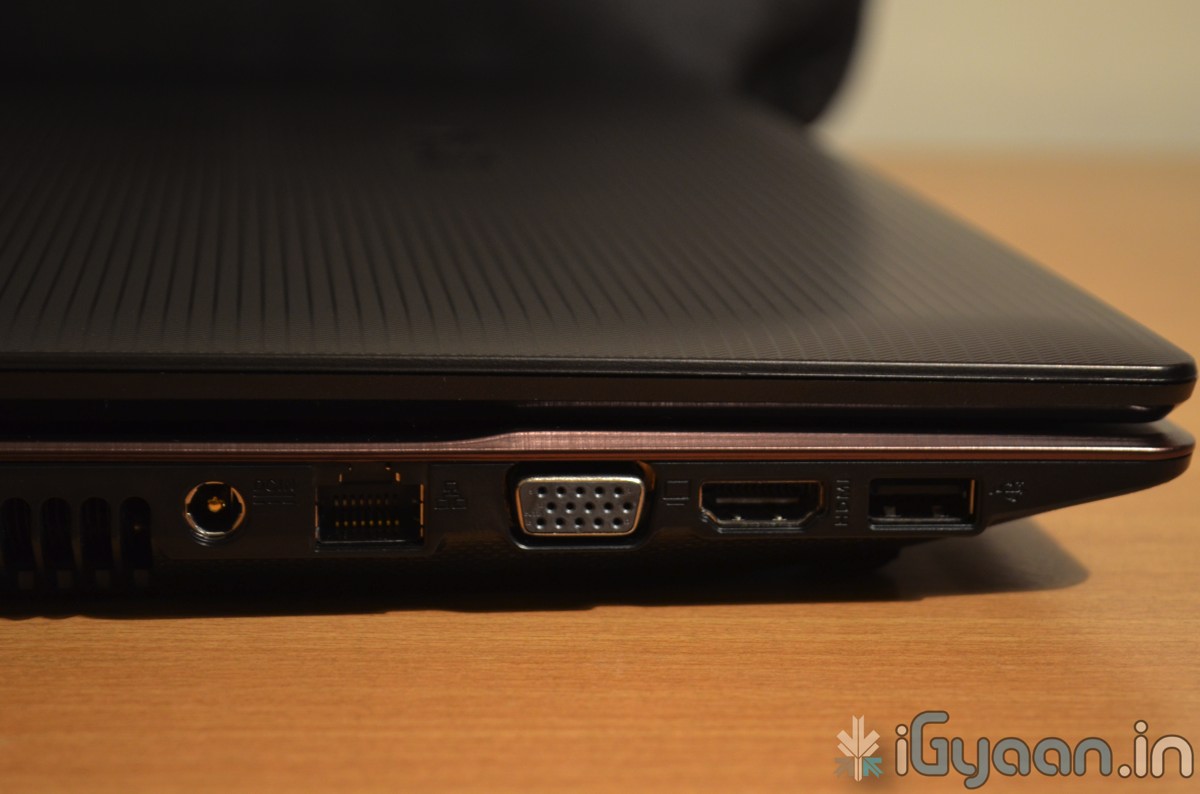
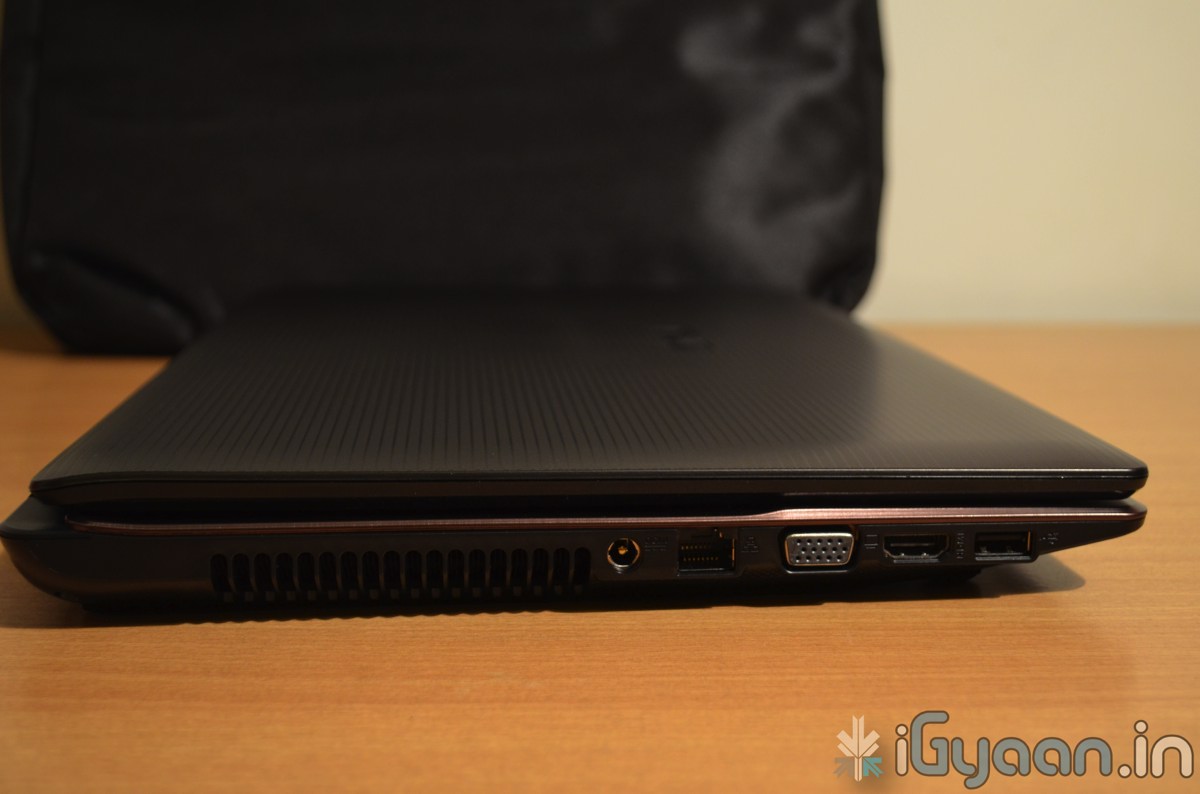
  • Asus K53SJ Core i5 Sandy Bridge Laptop Unboxing, With Pics and Video

    Asus K53SJ Core i5 Sandy Bridge Laptop Unboxing, With Pics and Video

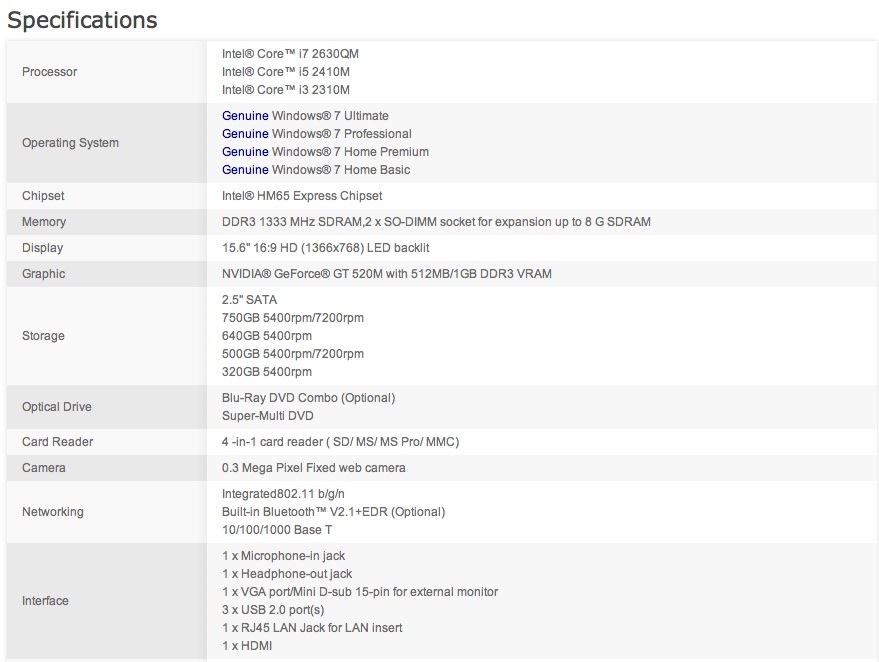
    The Asus K53SJ is one great laptop with great specs and a really affordable price point.

    Priced at 36,000/ INR in the Market. Check out the specs and Unboxing video below.


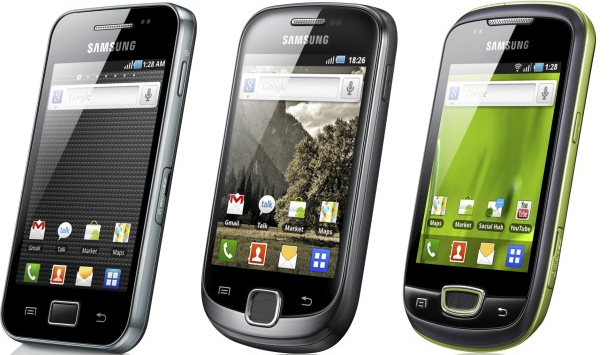
  • DIY: HOW TO : Fix Battery Drain in Samsung Galaxy POP / Fit / POP CDMA

    DIY: HOW TO : Fix Battery Drain in Samsung Galaxy POP / Fit / POP CDMA

    If you have a Galaxy POP / FIT / POP cdma or even a Galaxy Ace

    You are probably complaining of the poor battery life! SO were we.


    But iGyaan has found a quick fix for all your woes. It seems that something in the devices is causing the chipset to overheat and cause the battery to drain. Sometimes enough to drain the battery in a few hours of NON-USE.


    So here is what you need to do ( incase you didn’t already know)

    • Make Sure you remember to turn off Wifi / GPS  and Location services
    • Turning off Background Data will also improve the battery life considerably.


    But we found that the above steps, may improve battery life, but do not improve it to an extent where the device is still usable. And a simple uncheck helped us resolve this predicament.

    Go to Settings < Wireless And Networks < Mobile Networks

    And turn of Cellular data / Phone data / Mobile data ( whatever it is called on your device)

    You will see a 10x improvement in battery life to say the least. And guess what ? No more overheating of the device. We found that the processor and chipset are constantly struggling to maintain a connection with the IP provided by the cellular network. In India the Cellular data is not stable and hence causes a change in IP every few minutes, Causing the device to go into a constant loop to resolve itself on the network. Hence leading to processor overload and battery drain.

    Please tell us if turning data off improved your battery life. We tested with several devices and were quite happy with the results.

    If you use cellular data often you can place a quick widget on the home screen which will toggle Cellular data when you need it.

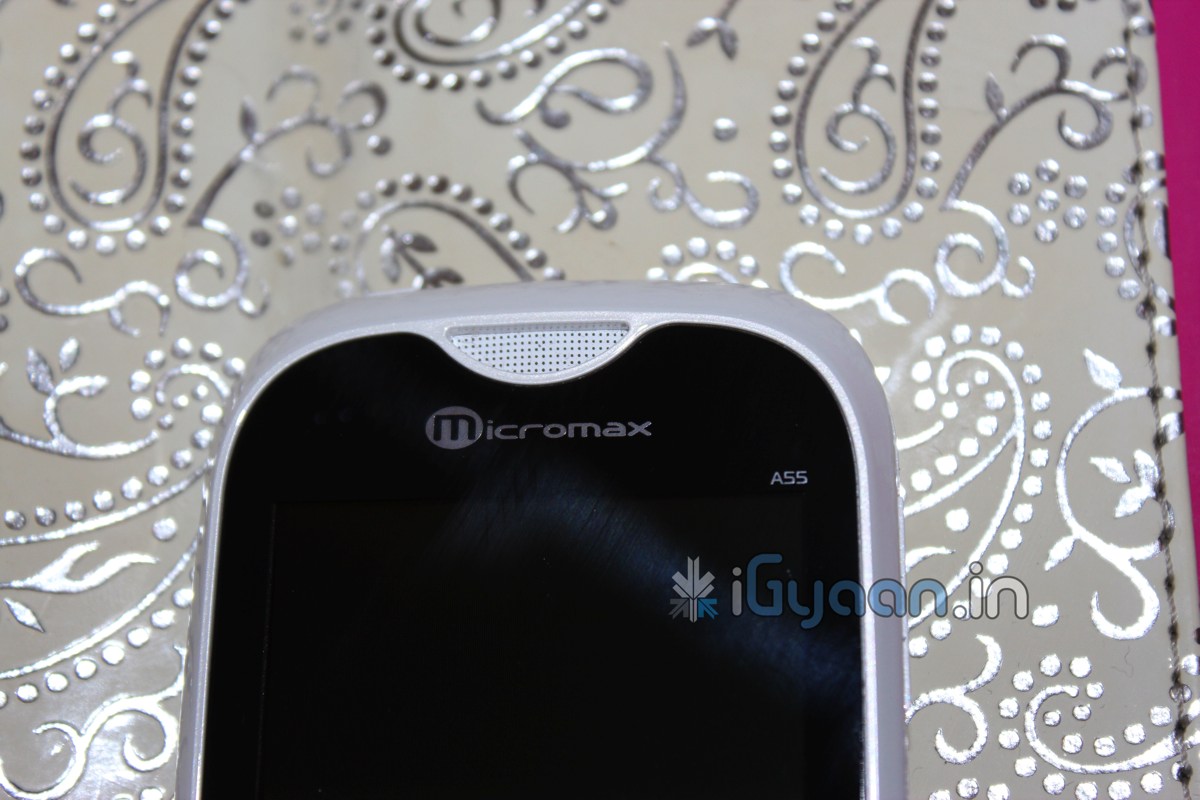
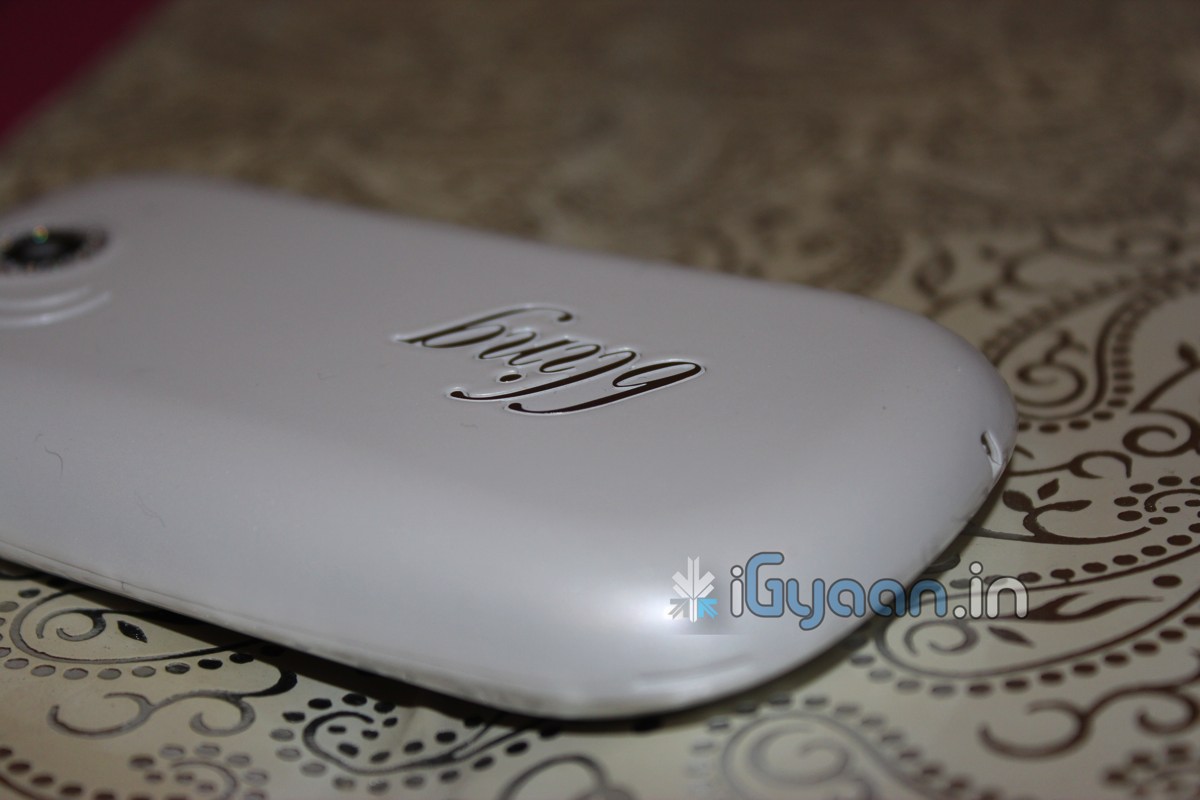
  • iG Exclusive : Micromax Bling 2 Unboxing and Hands ON

    iG Exclusive : Micromax Bling 2 Unboxing and Hands ON

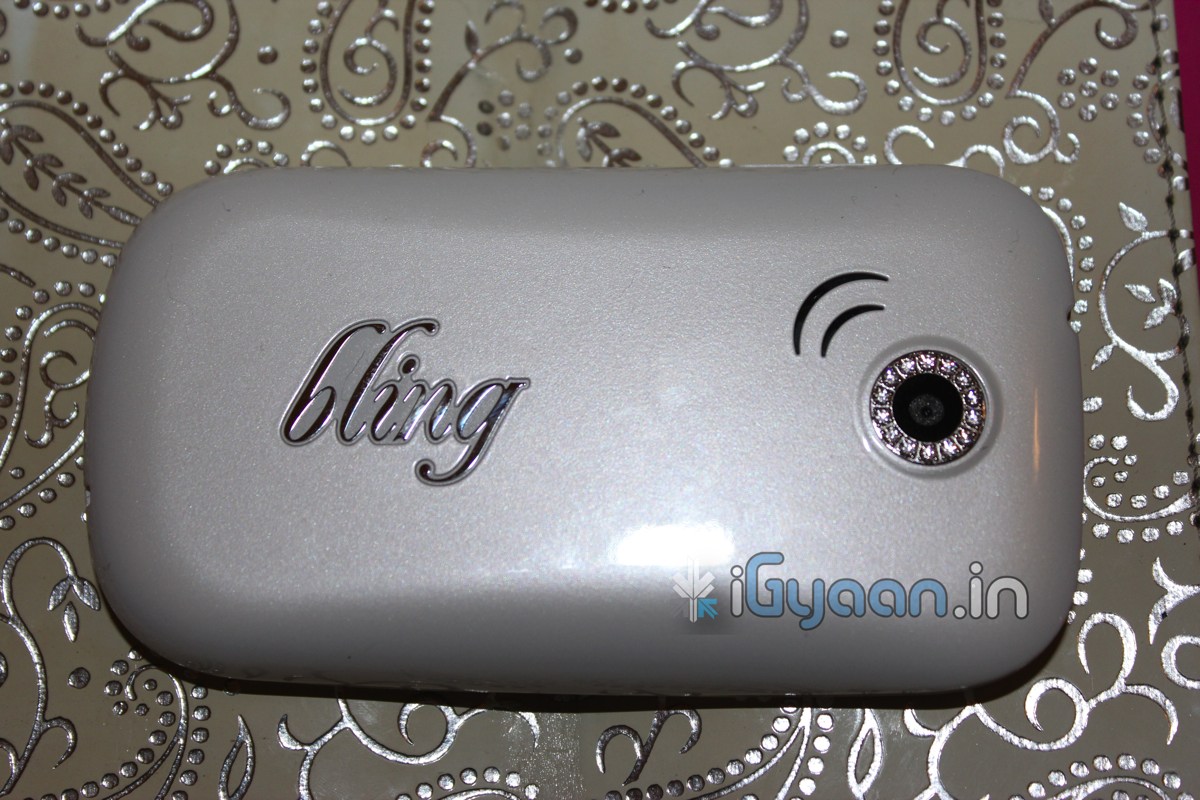
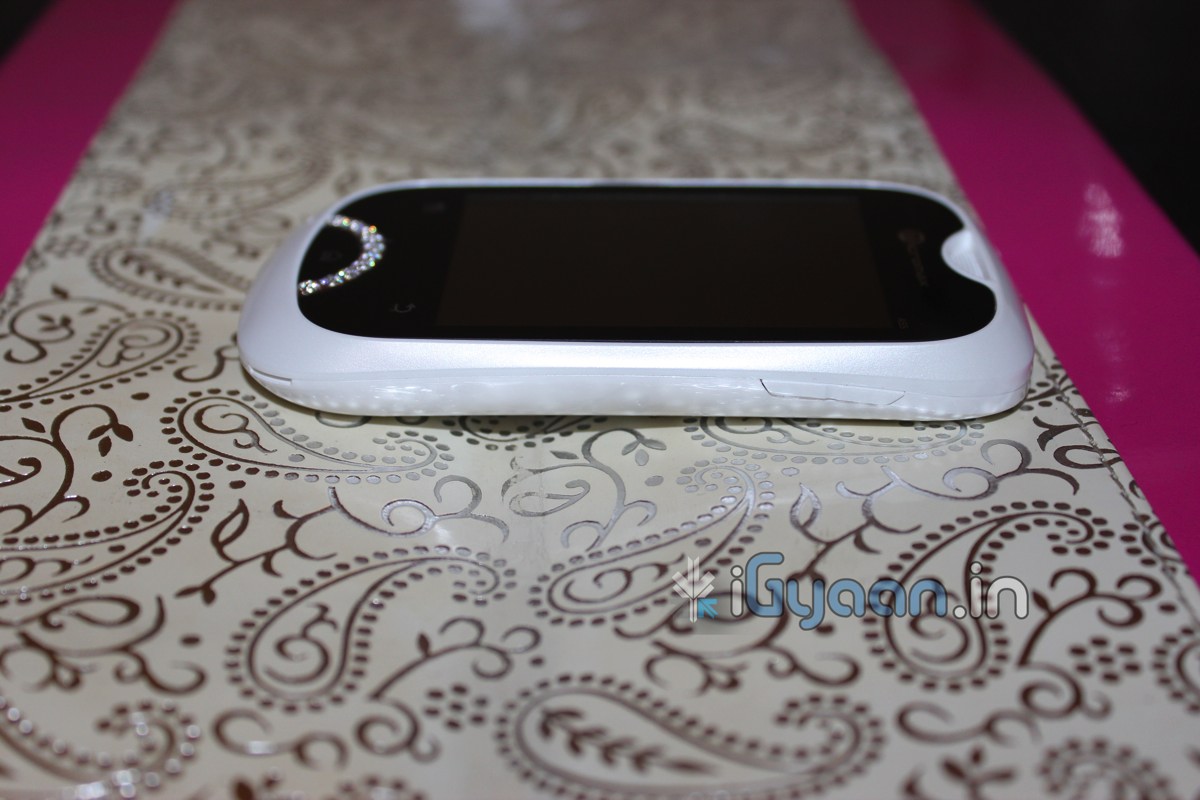
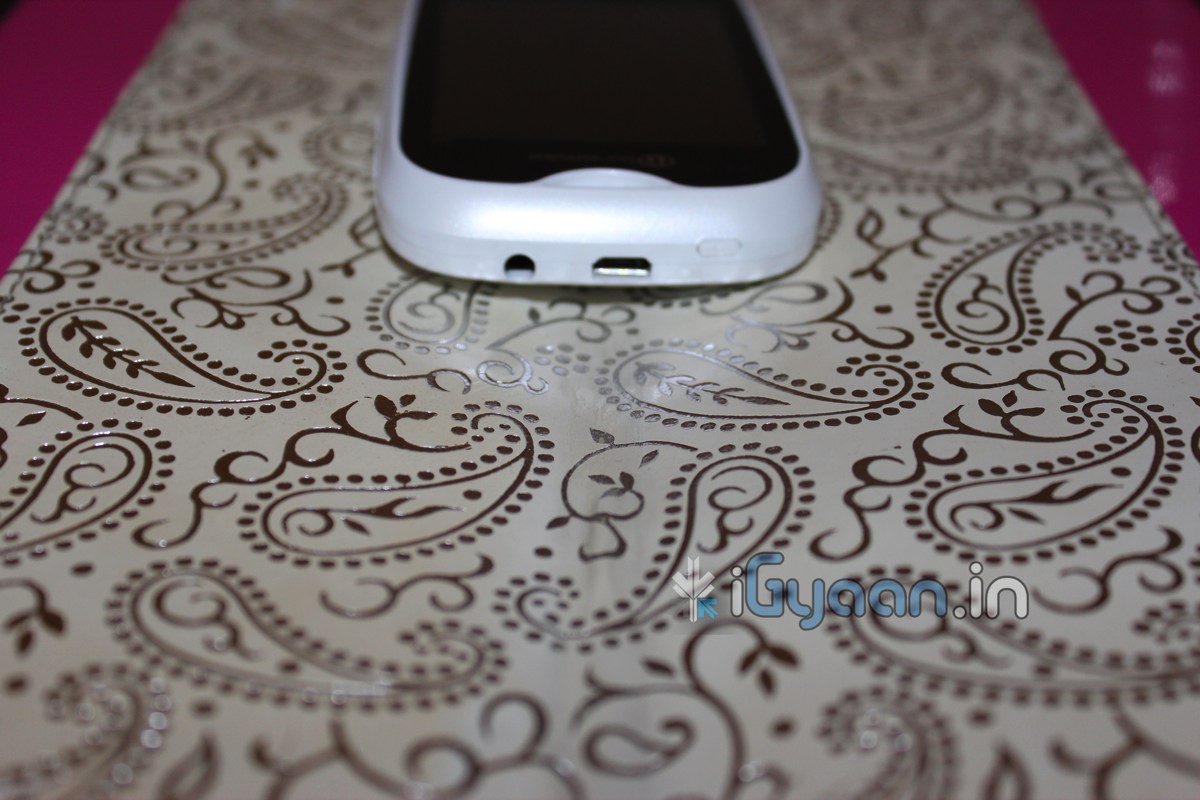
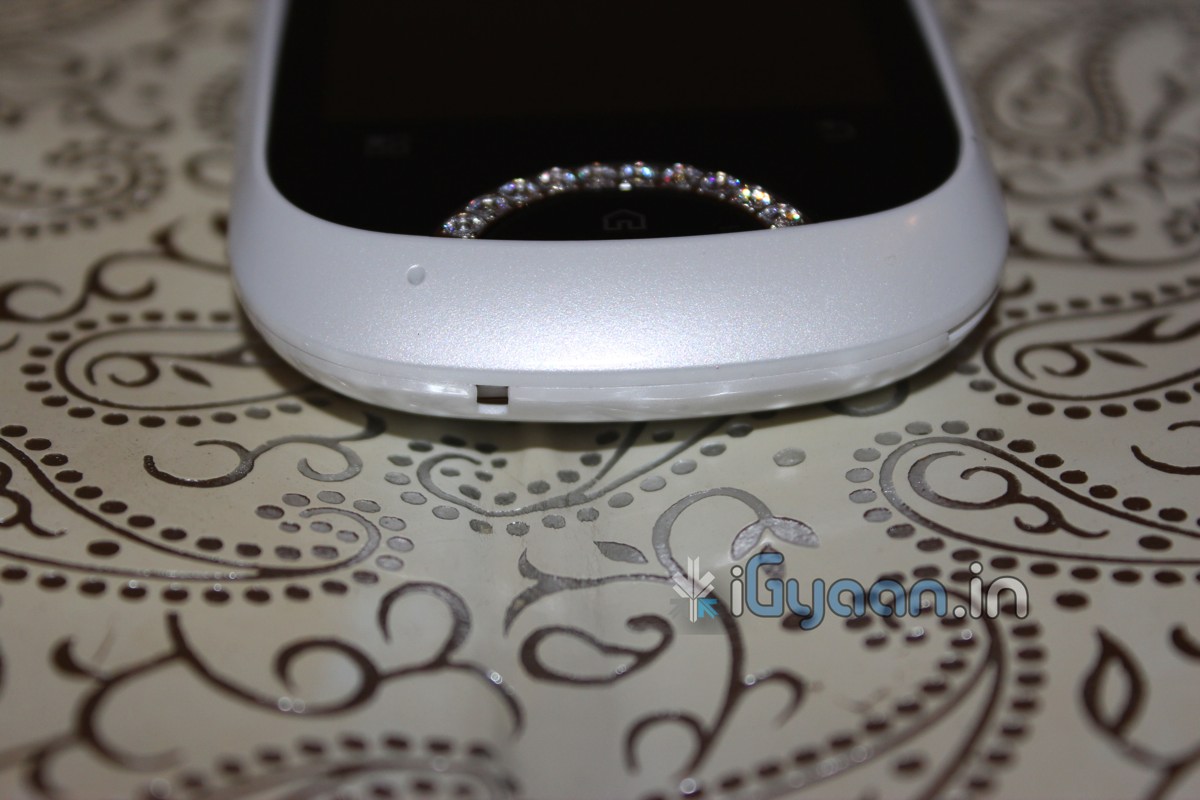
    Check it out guys, We finally got a full box of the new and upcoming Micromax Bling 2.

    The Device has an MRP. of Rs.  11500/-. But, will sell for somewhere in the 8000-9000 bracket. Check out the Pictures below and stay tuned for the full Unboxing Video after the break.

    Specs Include

    • Capacitive TouchScreen
    • 7.112 CM LCD DISPLAY
    • Android 2.2
    • Portable Wifi Hotspot
    • 1000mah battery
    • 3 MP Camera
    • Bluetooth, Wifi
    • 3G + HSDPA
    • Accelerometer
    • 600mhz Processor
    • 107.2mm x 58.7mm x 13.5mm

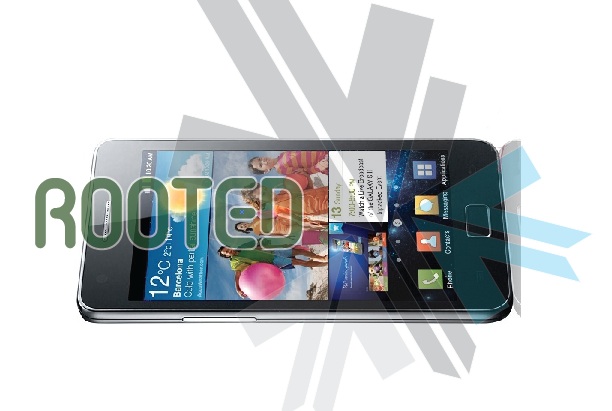
  • DIY : How To Root The Samsung Galaxy S2 i9100

    DIY : How To Root The Samsung Galaxy S2 i9100

    We show you how to Root the Dual core monster from Samsung. The Galaxy S2 has been rooted and we have easy instructions for you:

    NOTE: Rooting is not recommended for the faint of Heart, and can possibly brick your phone, Void warranty and make you feel invariably sick.


    What you need:

    • A Samsung Galaxy S2 (Duh!)
    • A Windows PC
    • A USB DATACABLE
    • Odin Downloader (Download HERE)
    • Download the attached XWKDD, but do NOT extract the .tar file (Download Here)
    • Download and extract SuperOneClick
    • Put device in USB debugging mode: Settings -> Applications -> Development -> USB debugging

    Step One


    Reboot your device into download mode Turn the device off, then power it on again by pressing and holding VolumeDown + Home + Power simultaneously.


    Step Two

    Start ODIN Downloader


    Step Three

    • Connect the device to your computer using USB
    • Wait a few seconds, the ODIN screen should show you that a device is now connected.
    • tick the checkboxes next to “Auto reboot” and “F. Reset Time” and leave everything else as is.
    • Press the “PDA” button, and select the “XWKDD_insecure.tar” file.
    • Press “Start”. ODIN you should now be flashing the kernel, and the device should reboot.
    • DO Not Remove the cable and Wait until the device is rebooted.


    Step Four

    • Once the device is rooted and while still connected via USB
    • Start SuperOneClick, and press ROOT
    • Reboot the device


    And You Are Done ! Enjoy your rooted Beast.

    The Files And Instructions are made by iGyaan with the help of information from XDA DEVELOPERS

iGyaan Network
Privacy Overview

This website uses cookies so that we can provide you with the best user experience possible. Cookie information is stored in your browser and performs functions such as recognising you when you return to our website and helping our team to understand which sections of the website you find most interesting and useful.