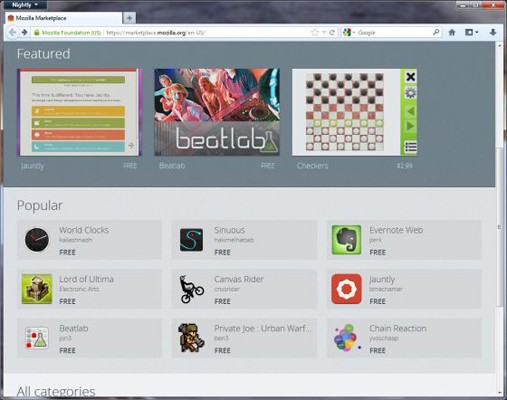
An early version of the Mozilla Marketplace is live, users of Firefox 16 Nightly build some 100-plus apps to install, including Evernote, Jolicloud and Springpad. These apps will be able to run in Desktop mode, and they show up as if they were installed in the main Windows.
First and foremost : What is tethering? Tethering refers to using a cell phone as a modem for your laptop or any other device. Creating a connection either with cables or wirelessly “tethers” your cell phone to your other mobile device.
Basically it’s using the internet on your phone for other devices.
Now, how is it done? Do you need to jailbreak/root your phone? Read-on!
[tabgroup][tab title=”iOS”]
Tethering on iDevices was more of a hassle in the past, but come iOS 5, that changed! It can be done in 3 ways. Each requiring a data package from your carrier for your iDevice. We tethered our iPhone 4s on AirTel.
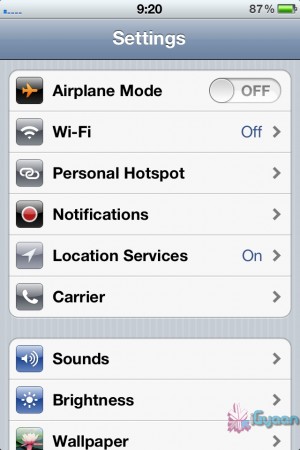
Click on Personal HotspotSet your password and turn it on
Through WiFi
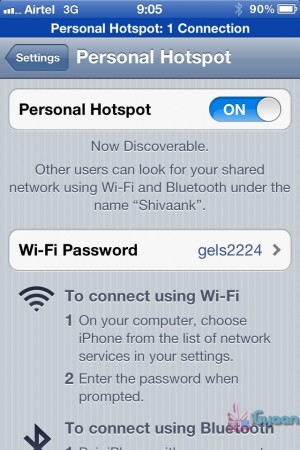
Probably the most convenient of the 3. Go to Settings->Personal Hotspot->On. Set your password and it’ll prompt you to turn on your WiFi and Bluetooth. Once this is done, your device becomes a Wifi Hotspot for other devices to connect to.
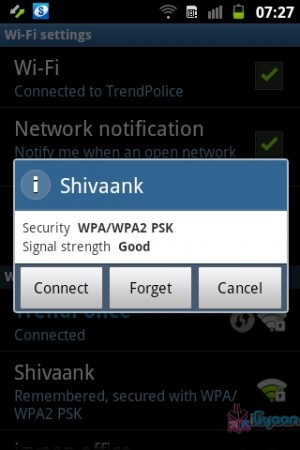
As shown in the screenshot, the name of your device, in this case “Shivaank”, shows up as a WiFi network on your other device. Just click on connect and you’re connected to the internet via your iDevice’s network.
Your device name comes up as a WiFi connection
Through USB
The basic steps for tethering through USB are the same as above. Go to Settings->Personal Hotspot->On. To save battery, turn off your WiFi and Bluetooth as you won’t be needing them.
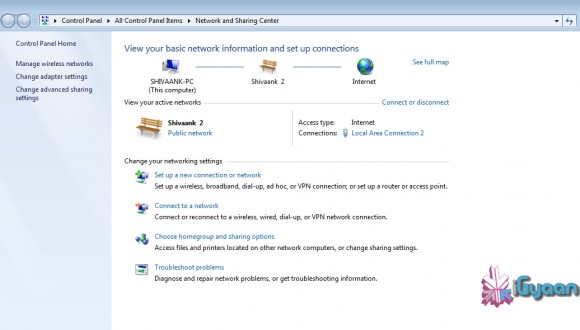
Your device serves as an Ethernet connection
Connect your device to your laptop and turn on your Hotspot toggle. Then go to your network settings of your laptop and you’ll see your devices name as an Ethernet connection. Just click on connect and you’re good to go!
Through Bluetooth
Now, we were only able to tether our device to a MacBook using Bluetooth. The name of your device simply shows up on Bluetooth devices list. Click on pair to get going!!
Apps like MiWi and Tether Me are viable options for those running an older version of iOS but these are paid apps.
[/tab][tab title=”Android”]
On Android, the tethering process is a breeze! Tethering feature is inbuilt into Android and to activate follow these steps.
Through WiFi
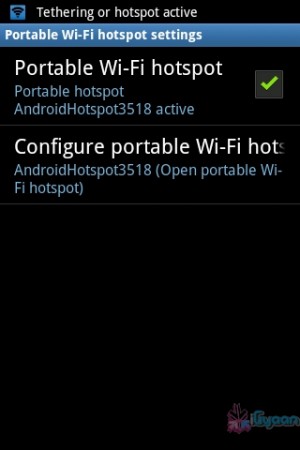
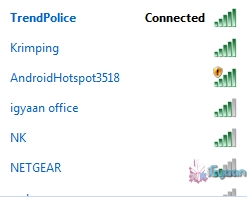
Go to Setting->Wireless and Network->Tethering and Portable Hotspot->Portable Wi-Fi hotspot and turn it on. The name of your connection (which you can configure) shows up on other device’s to connect and voila! You’re connected!
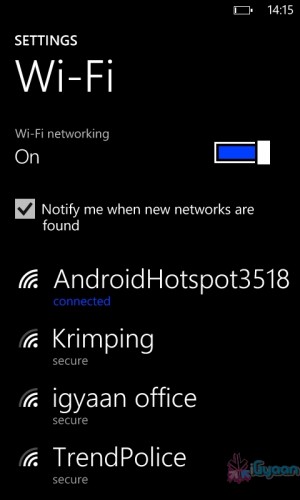
You can change the name of your WiFi by configuring it.Windows Phone connected to Android Hoptspot
Through USB
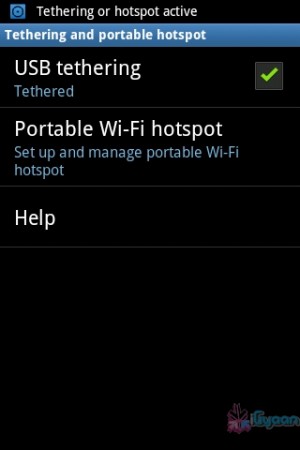
Go to Setting->Wireless and Network->Tethering and Portable Hotspot->USB Tethering. Click on it to turn it on and the computer you’re connected to shows your devices network as an ethernet connection. Click on connect to start using it.
Tethered through USBDevice comes up as Ethernet connection
[/tab]
[tab title=”Windows Phone”]
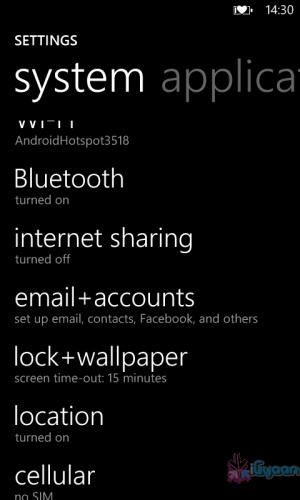
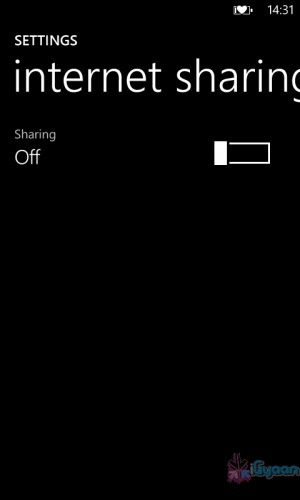
Possibly the easiest of the three! Just go to Settings->Internet Sharing and turn it on! That’s it! You’re device shows up as an internet hotspot, click on connect and you’re done.
Click on Internet sharingTurn it on and you're done!
The new version supports multi-threaded video decoding
Software giants Adobe on Saturday released version 11 of their Flash software along with AIR 3 bringing about accelerated graphics rendering support through Stage 3D. Adobe states that the new technology improves rendering times by a factor of up to a 1000 times over Flash Player 10. The capabilities of the new version of Flash allows for “console-quality” games on the Flash platform, according to their blog.
Also with version 11 comes support for 64-bit, and multi-threaded video decoding which previously was not available at all.
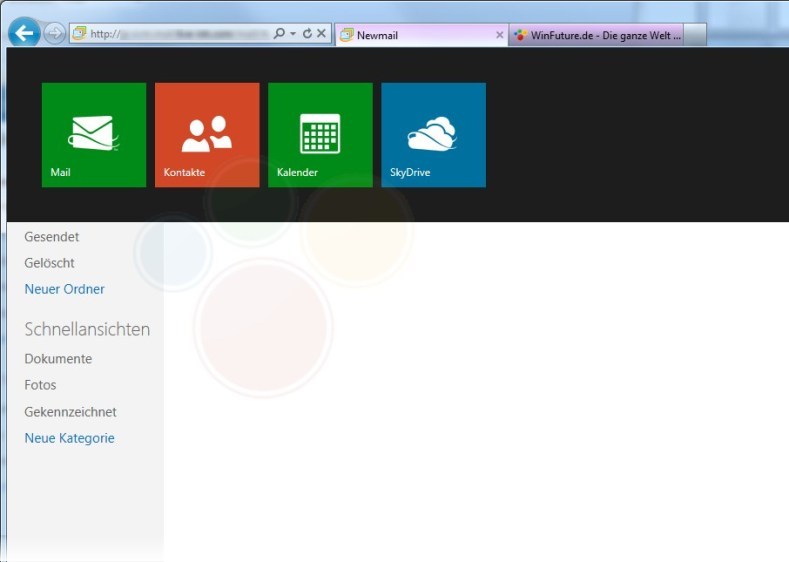
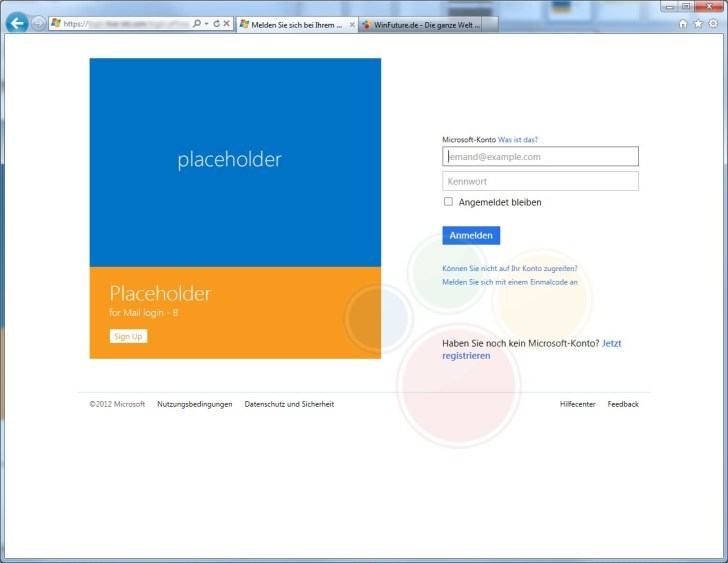
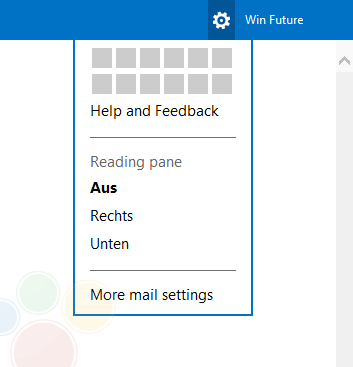
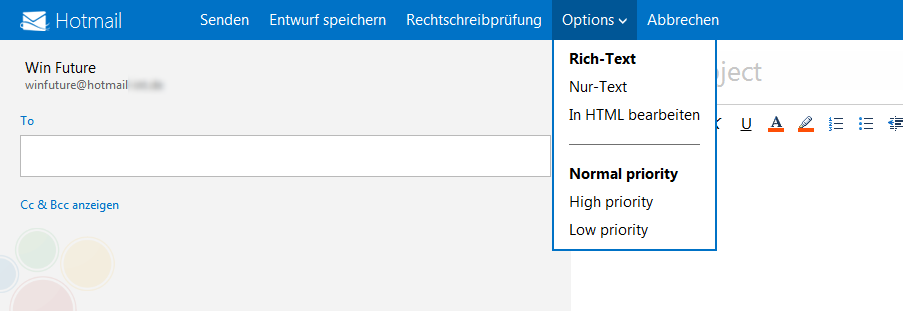
Leaked images of a future build of Hotmail suggest that Microsoft is bringing it into Metro style. It seems like Microsoft has been able to keep the development of this project under wraps, until it is almost ready to be released.
In the images you will see certain metro elements, but, also the fact that it all looks very incomplete. Certain icons aside everything else looks very bland and generic hotmail.
Details on tool out of the upgrade are still sketchy, most rumors point to alongside the final release of retail Windows 8.
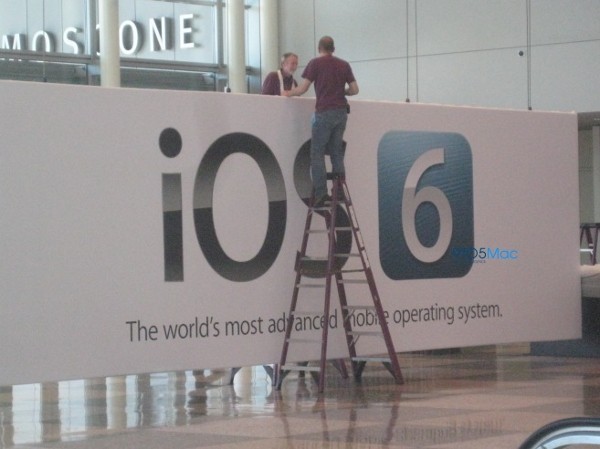
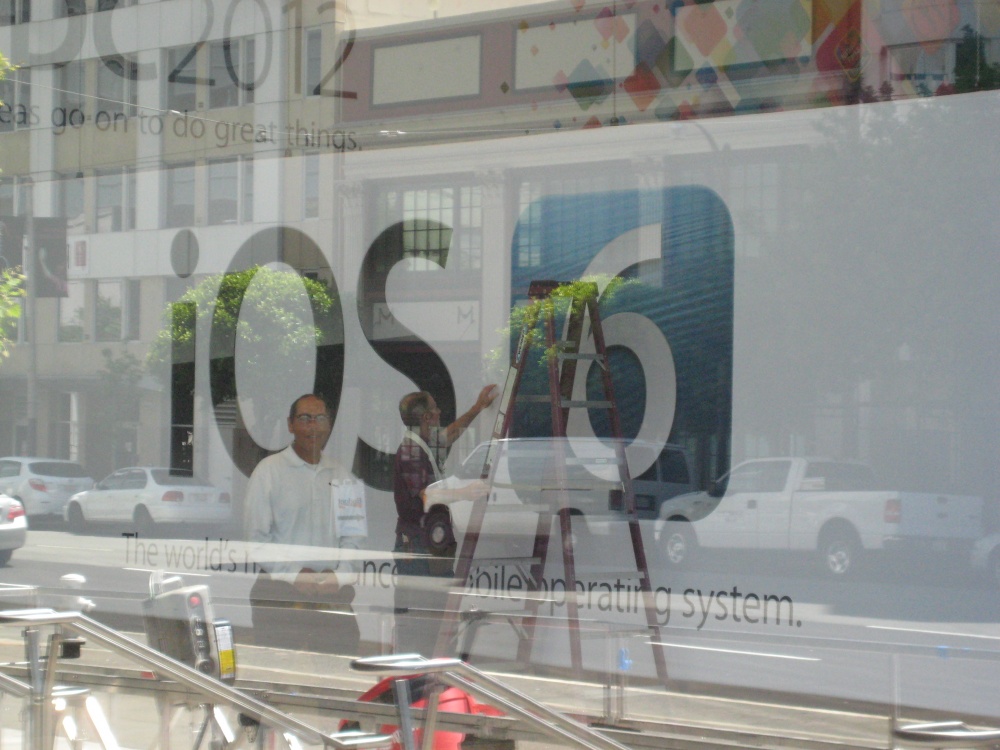
A banner being put up by ground staff at the WWDC event being held this year at Moscone West. There have been other leaks of high res MacBooks with Retina displays and a new design. But the above image pretty much confirms the announcement of iOS 6, below which if you read correctly you will find the moniker ” World’s most Advanced Mobile Operating System” (Proud much Apple? )
The event happens on Monday, so stay tuned for the whole low down.
The App Center will be made available for Android and iOS
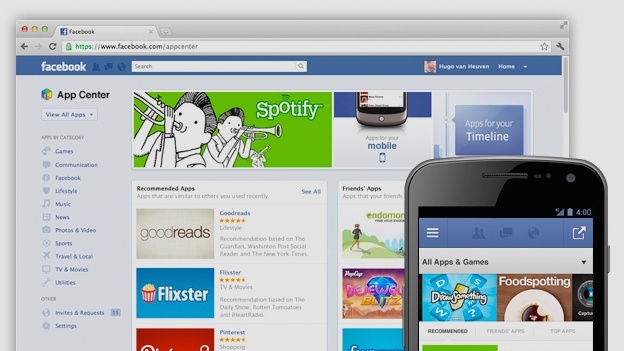
Facebook on Thursday launched it’s App Center to enable it’s billions of users to find and play games and use other apps. The App Center will be made available on it’s website and to Android and iOS, where users can send apps to their phones and then get redirected to the App Store / Google Play to download it if necessary.
Most users are introduced to new apps through the irritating requests that fill up the notifications panel, but looks like that will change now. The app center helps you find new games based on searches or your preferences.
The new App Center will initially feature about 600 Facebook apps, mostly games, which will undergo a quality check first by the company to maintain a particular standard. Games, such as Zynga’s “CityVille” and Electronic Arts’ “The Sims,” are the most popular types of apps on Facebook.
It will be made available to users from the US first, with the rest to follow later.
For all those android users using a CyanogenMod 9 or AOKP ROM (Oh yes, we know), who want their phones to run HTC’s beautiful Sense 4.0 UI, here comes the app that you’d been waiting for! This theme from BlackDub imitates the new streamlined and functional interface to perfection. A must have for spicing up your phone.
The HTC Sense UI 4.0
JetAudio Basic (Free)
This is an app worthy of replacing the default music player on your Android Smartphones.
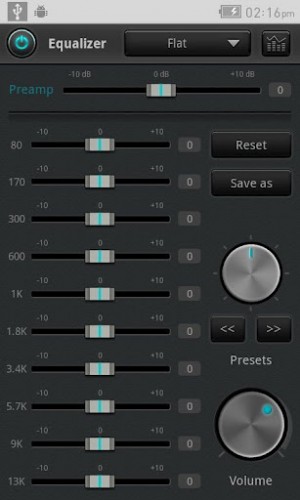
It comes with 32 equalizer presets that will provide a wide array of listening experience. For those who would like to customize their own sound experience, it also allows 10 bands graphic equalizer and other advanced playback functions including playback speed control, crossfading, AGC and much more. It’s available for free on the Play Store.
There are multiple Presets and equalizer options.
[/tab]
[tab title=”iOS”]
SkyDrive (Free)
It comes as a shock, but Microsoft online storage service has been available for iOS users. The latest release adds a couple of new features such as support for Retina displays on the new share of apple devices. Features such as the option to upload multiple pictures and videos, sharing of these files via e-mail or web link help it to be the app of the week. The SkyDrive app also lets the user open files uploaded to SkyDrive using other iOS apps. So, if you fancy additional-based cloud storage, head to the iTunes store for the latest version.
Music Unlimited (Free Trial + subscription)
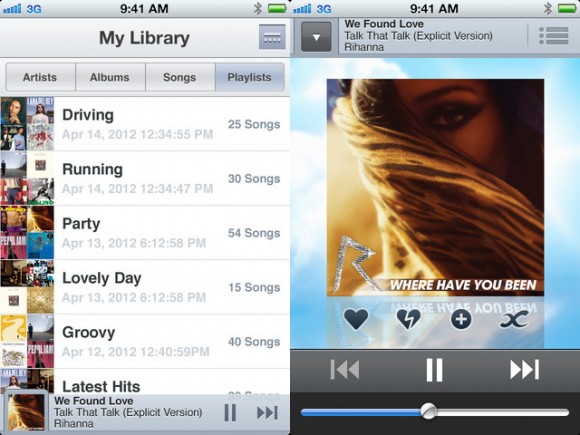
Yet another music streaming service, but this time, from Sony. It’s biggest advantage is that it is offered across a ton of Sony hardware-Android, PlayStation 3, PS Vita, and Sony TVs and Blu-ray players. It also boasts music from all the major labels, not just Sony’s own music division. If you’re interested, you can get a free 30-day trial.
The interface is smooth and flowing.
[/tab][tab title=”Windows Phone”]
WizTiles
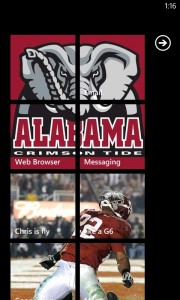
This app makes it into the list because it brings the much needed option of customizing your home screen. You can choose from images and other themes to make your home screen more lively. It is available for download in the Windows Market Place.
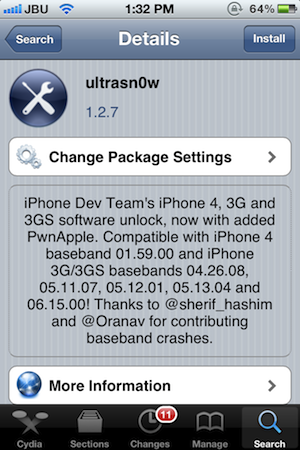
Still own an iPhone 4 or a 3Gs, and need an unlock for your device? You are in luck! The dev-team has just released the latest version of Ultrasn0w i.e. 1.2.7 which will unlock all iPhone 4s on baseband 01.59.00, while the older 3G / 3GS units on 04.26.08, 05.11.07, 05.12.01, 05.13.04 or 06.15.00. Also a new version of RedSn0w (0.9.12b1) for both Windows and Mac, was released.
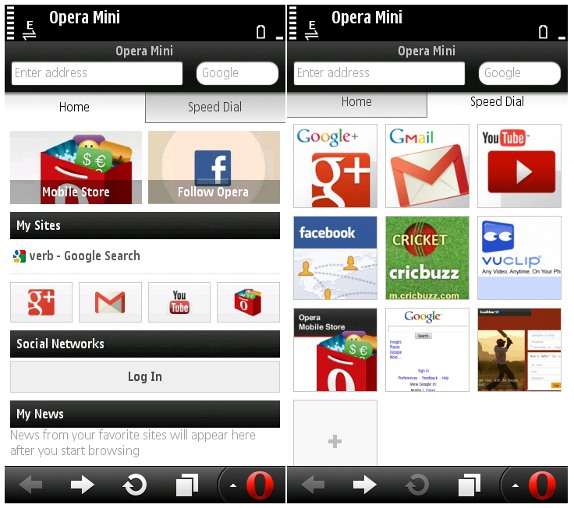
Opera on Friday releases the new version of their popular mobile browser, called Mini 7, aimed at capitalizing on the social networking wave. The biggest change that makes its way into the browser is a new feature called “Smart Page” which brings all the latest feeds from your Facebook and Twitter accounts, your favorite websites (via RSS feeds) on your homepage. The SmartPage also uses Opera’s page compression technology, which shifts a large part of user-end calculation, such as running javascript, to special servers which reduces the data charges involved in mobile browsing.
Other updates include
Better tab features
Unlimited speed dials for quick access to your favorite websites.
Direct URL’s (without “www.”)
The website made the new version available for download for free from their website, m.opera.com, for BlackBerry, Symbian S60 and Java phones. No news yet on when it’ll be made available for iOS and Android users.
The new Jailbreak called Absinthe 2.0 for all iOS devices running 5.1.1 has been a huge hit. Its simple and easy to use jailbreak method has been the biggest possible reason behind nearly one million devices being jailbroken over the weekend.
The exact number as tweeted by the Jailbreaking team is 973,086 iOS devices in a single weekend, out of which 211,401 were the new third Gen iPads. (two were ours!)
If you want your device jailbroken, you can still do it before Apple closes the window with the next update.
Absinthe 2.0 has been released, this tool developed by the “Jailbreak Dream Team” (Chronic-Dev and iPhone Dev), and will support all iPhone and iPad versions, with the exception of iPad2,4.
The jailbreak tool can also be installed on iPod3,1 and 4,1 models. Assuming your iOS device is up and running with firmware 5.1.1 , you can download the latest tool for Mac or PC from the links below.
Let us know if you want a quick tutorial video, in the comments section below.
Google Chrome has now become the world’s most popular internet browser as it leaves the long running champion the “Internet Explorer” in its dust. According to new numbers from StatCounter, last week Google’s Web browser garnered a 32.76% share, ahead of Microsoft’s 31.94% and Mozilla Firefox’s 25.47% share. At the start of this week, however, Chrome’s share began to slide, falling to 31.88%, just ahead of Internet Explorer’s 31.47% share.
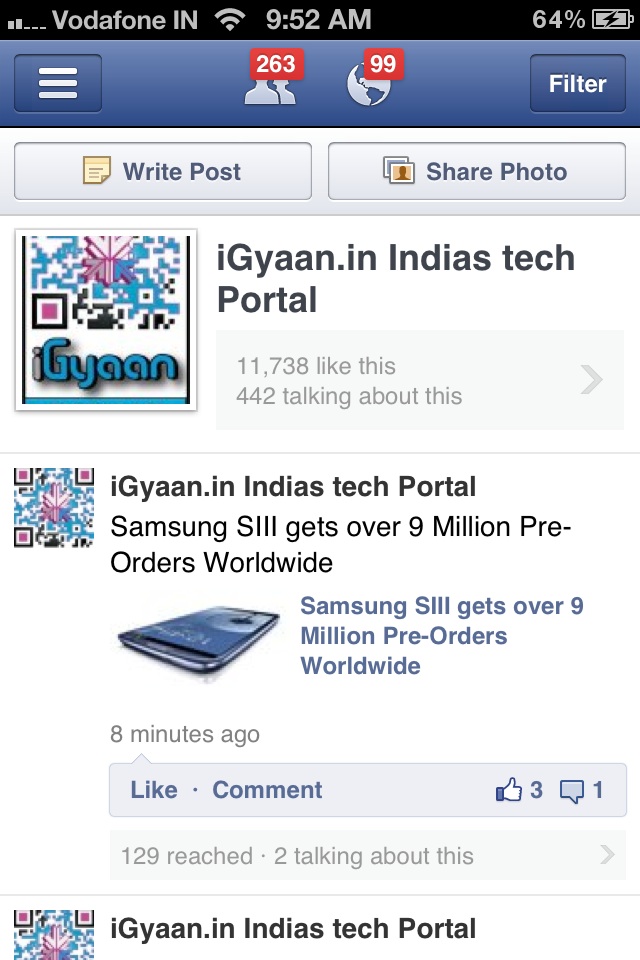
If you are a Page owner, you will know the importance of stats, then the new app from Facebook on the Apple iOS AppStore might just be what you need. If you live in Australia, New Zealand or Ireland, or have an account in any of those countries, you can download the app which was secretly launched yesterday.
Page Manager app lets administrators keep an eye on page-specific notifications and Page Insights, including likes, reach etc. The app is currently only iOS specific, and we are unaware when the app will be fully launch.
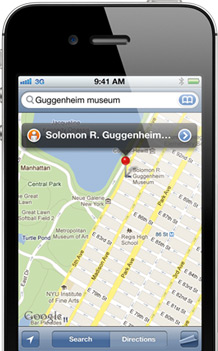
After its acquisition of a number of Map making companies, Apple may be working on a Google Map rival app for iOS. According to 9to5Mac the new maps will be based on technologies from Placebase, C3 Technologies and Poly9. Including an amazing 3D maps mode acquired from C3. The app is set to be released next mont at the WWDC when apple will also announce the next iOS 6.
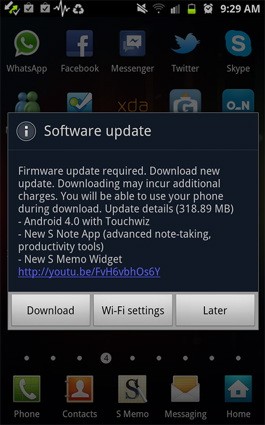
Samsung has been smart to include India in the list of countries getting the ICS update for their Galaxy Note smartphone. Owners received a surprise notification alert yesterday and were able to download the 318.89MB software update over wifi to enjoy the new Touchwiz on Android 4.0.3.
So if you have a Galaxy S2 or a Galaxy Note hit the updates section to enjoy the new official update.