Blog

  • Microsoft Launches 500GB Xbox 360 with CoD, Other Variants Face Price Cuts

    Microsoft Launches 500GB Xbox 360 with CoD, Other Variants Face Price Cuts

    A little too late or right on time, Microsoft has announced the launch of its Xbox 360 500 GB bundle for the Indian market priced at Rs.19,990. The bundle includes two popular Call of Duty titles – Black Ops and Ghosts. The bundle also includes a one month Xbox Live Gold membership.

    In addition, prices of other variants of the Xbox 360 have been slashed. The 4GB standalone version is now priced at Rs. 12,990, which gets a price cut of Rs 3,000. The 250GB Xbox 360 with Kinect now gets a price tag of Rs 29,990, while its earlier price tag was Rs. 31,990. The 4GB Xbox with Kinect price has been slashed to Rs 21,990 from Rs. 26,990.

    Xbox Variant New Price Old Price
    4GB standalone Xbox 360 Rs.12,990 Rs. 15,990
    250GB Xbox 360 with Kinect Rs.29,990 Rs.31,990
    4GB xBOX 360 with Kinect Rs. 21,990 Rs.26,990

    Meanwhile in November, Microsoft announced a new exclusive Xbox One Assassin’s Creed bundle with Kinect featuring Assassin’s Creed Unity.

  • Fresh Round of Rumours Emerge About Apple’s 12.9-inch iPad Plus

    Fresh Round of Rumours Emerge About Apple’s 12.9-inch iPad Plus

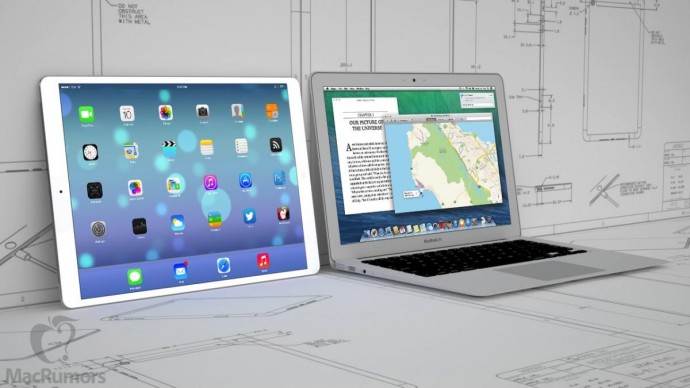
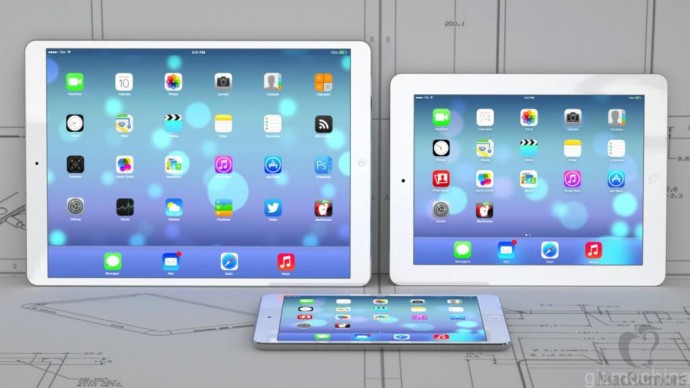
    Seeing users’ inclination towards large screen sizes, Apple is adopting the new trend and will soon launch a 12.9-inch iPad. The MacBook Air-sized iPad is named as iPad Plus. The iPad Plus was expected to debut last year alongside the iPad Air 2, but the company called off its release in view of production issues.

    iPad plus

    The online Chinese website Weibo has revealed the features of the forthcoming Apple tablet saying that the 12.9-inch iPad Plus will feature a 2K display. The device is expected to be extremely light, less than 700 grams, and as thin as 7mm.

    The iPad Plus is said to have a mammoth battery of 11,000mAh, which would be 50% more capable than the iPad Air 2.

    ipad-plus-12.9-inch

    The source also remarked that that the Cupertino-based firm may halt the sales of iPad Mini 3 for people to focus on iPad Mini 4, whereas the iPad Mini 2 will continue to sell in the market.

  • Specs of HTC’s Next Desire Series Smartphone A55 Leaked

    Specs of HTC’s Next Desire Series Smartphone A55 Leaked

    With HTC’s next flagship One M9 aka Hima lined up for release, HTC is not planning on releasing any more flagships this year. According to reports, another high-end device by the Taiwanese electronics manufacturing firm is in the making and it is not a flagship. The upcoming phone, titled A55, falls under the Desire series and boasts impressive specs, just like any other high-end phones.

    If the rumours are to be believed, then the A55 will sport a 5.5-inch QHD display. The device will be powered by the 64-bit octa-core MediaTek MT6795 chipset, along with 3 GB of RAM. Running on Android 5.0 Lollipop with the company Sense 7.0 UI on top, the phone will house an internal storage capacity of 32 GB.

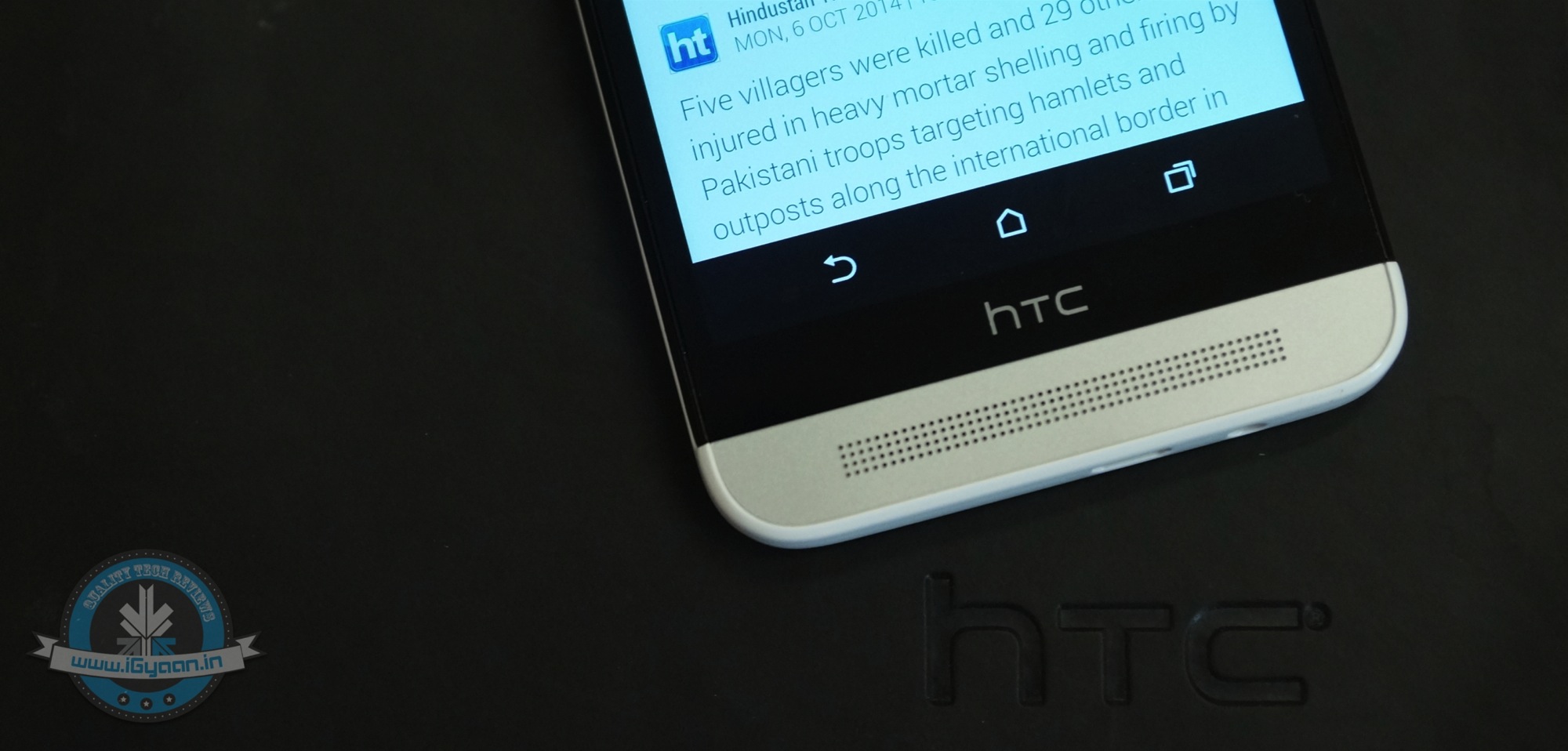
    htc-A55

    On the camera front, the A55 is expected to flaunt a robust rear camera of 20MP, together with 13MP front shooter or 4MP UltraPixel Front Camera. The BoomSound speakers infused on the handset will give users a sound quality that is loud and clear. The A55 is supposed to have Bluetooth 4.1 as the connectivity option and a battery of 3,000mAh.

    The A55 will release in two variants: Single SIM for EMEA markets (Europe, the Middle East, and Africa) and dual SIM for Asian markets. The device will be available in three colour options – White Rose Gold, Gray, and Brown Gold. There is no information about its price yet.

  • Things to Know About the New WhatsApp Voice Calling Feature

    Things to Know About the New WhatsApp Voice Calling Feature

    After launching WhatsApp on the Desktop, the instant messaging service WhatsApp has finally started rolloing out the much-awaited voice calling feature to select users for beta testing.

    Here are three things you should know about the recently added voice calling tool:

    Invite System

    whatsapp voice calling2

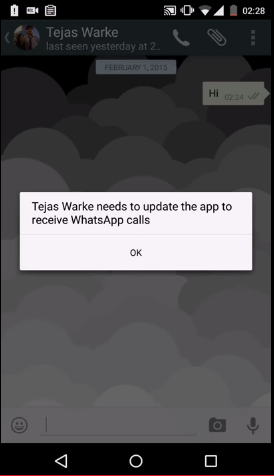
    As the voice calling feature on WhatsApp is releasing to selected customers, all the users will not be able to enjoy it on their devices as of now. The company said that there is an invite system and a person with the update can send invites to their friends by giving them a call.

    Easy calling

    whatsapp voice calling1

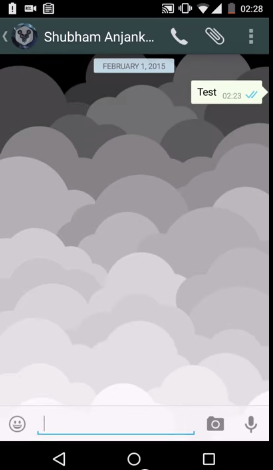
    The instant messaging service has kept things simple. Until now there was an attachment option in the chat record of every person, but now a call icon has been added to make a call. Also, there would be an option to put the phone on speaker while calling.

    Call Log

    whatsapp voice calling

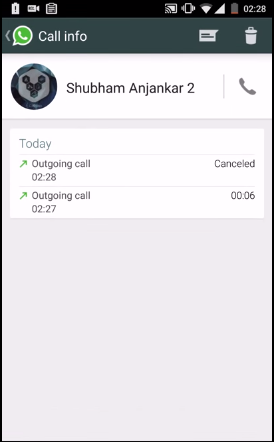
    If you think you can just make and receive a call, then this may surprise you. WhatsApp has an organised call log system where the app keeps a track of your recent calling history. That means you will be notified of the missed calls as well.

    Have a look at this video to better understand the voice calling feature:

  • Lollipop-Based CyanogenMod Update to Roll Out to Global OnePlus One Devices Soon

    Lollipop-Based CyanogenMod Update to Roll Out to Global OnePlus One Devices Soon

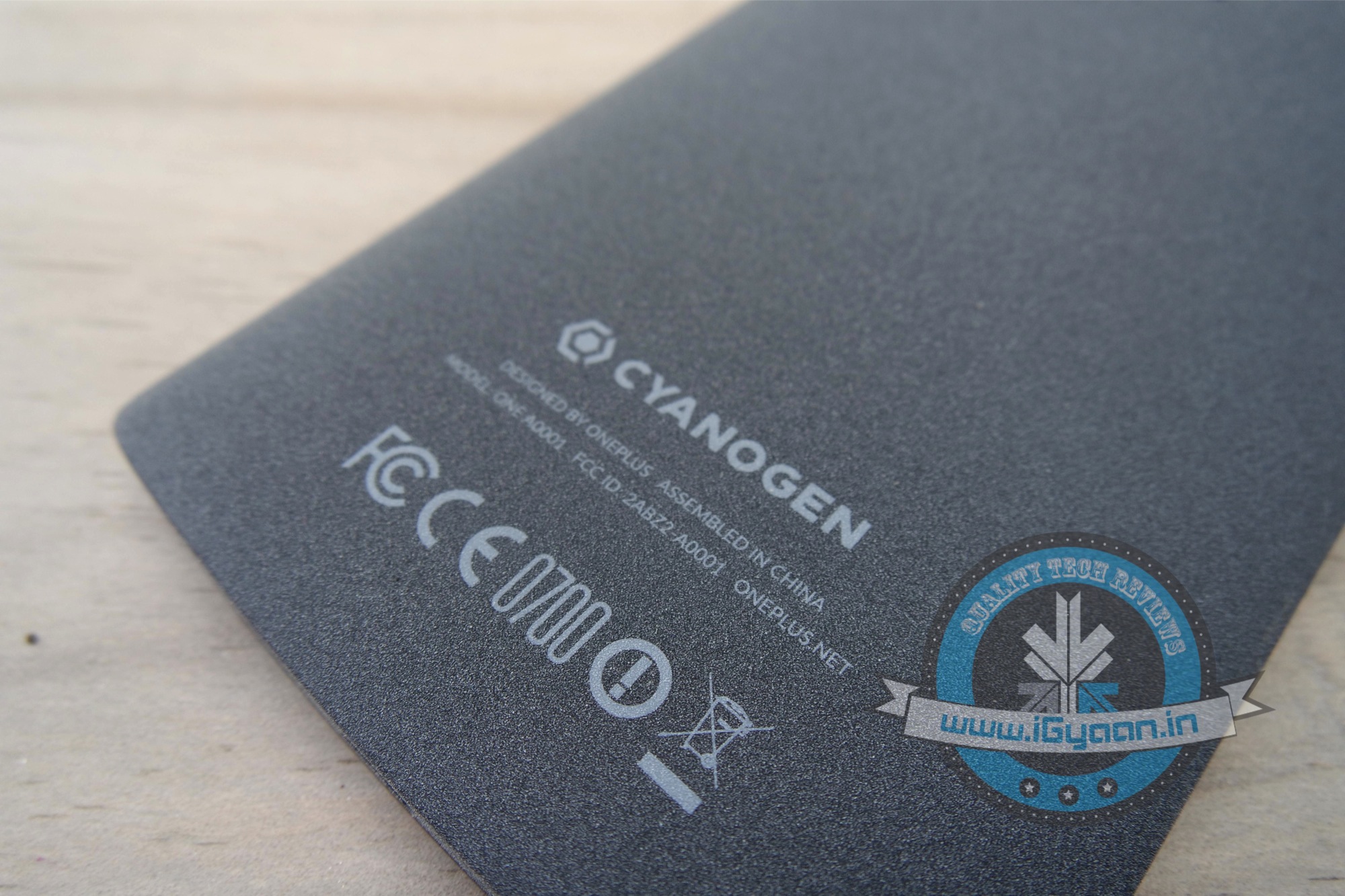
    Despite all the discrepancies between Cyanogen and OnePlus, CyanogenMod 12S is in its final stages of testing and ready to roll out for OnePlus Global devices. This implies that most of the phones shipped with CyanogenMod 11 S are still going to get updates in the future. Though an exact date has not been announced yet, since multiple parties are involved.

    This is quite contrary to OnePlus’ recent announcement that they will be developing their own exclusive software called Oxygen OS. With Cyanogen no longer the partner of choice for OnePlus, there will still be support for all phones that shipped with CyanogenMod 11S.

    As most of us are already aware, OnePlus and Cyanogen had a tiff of sorts after Micromax bagged an exclusive deal for CyanogenMod in India. OnePlus One devices purchased outside of India, will get to keep their OS, while devices manufactured specifically for the Indian market will at some point get an update to OxygenOS. Now that is a bit of a bummer for OnePlus One owners in India.

  • 5 Affordable Upgrades to Make Your Old Desktop More Efficient

    5 Affordable Upgrades to Make Your Old Desktop More Efficient

    Windows PCs slow down over time, that’s a long known fact. These day in the era of Bring Your Own Device (BYOD), your desktops must have been sitting in the corner, eating dust. However, it is also true that desktops come with better upgradation options than laptops. Meanwhile, these desktop also prove to be worthy companions to your laptop, if you want to work across multiple devices.

    Be it your personal PC or an office one, you can oomph these devices to work better without spending too much from your pocket. We are listing top 5 affordable upgrades that will make your old desktop more efficient.

    1. SSD Storage

    SSDIf your desktop is still running on a hard disk drive (HDD), the first and foremost step is to replace it with a solid-state drive (SSD). You will see a considerable speed-up in practically every aspect of your computing experience. One glitch you may experience is the high price of SSD for a large storage capacity. A simple hack to this problem is to install a smaller 128GB or 256GB SSD drive as the primary drive, and use a high-capacity HDD as a secondary drive for which you can use your existing HDD.

    2. Expand Your RAM

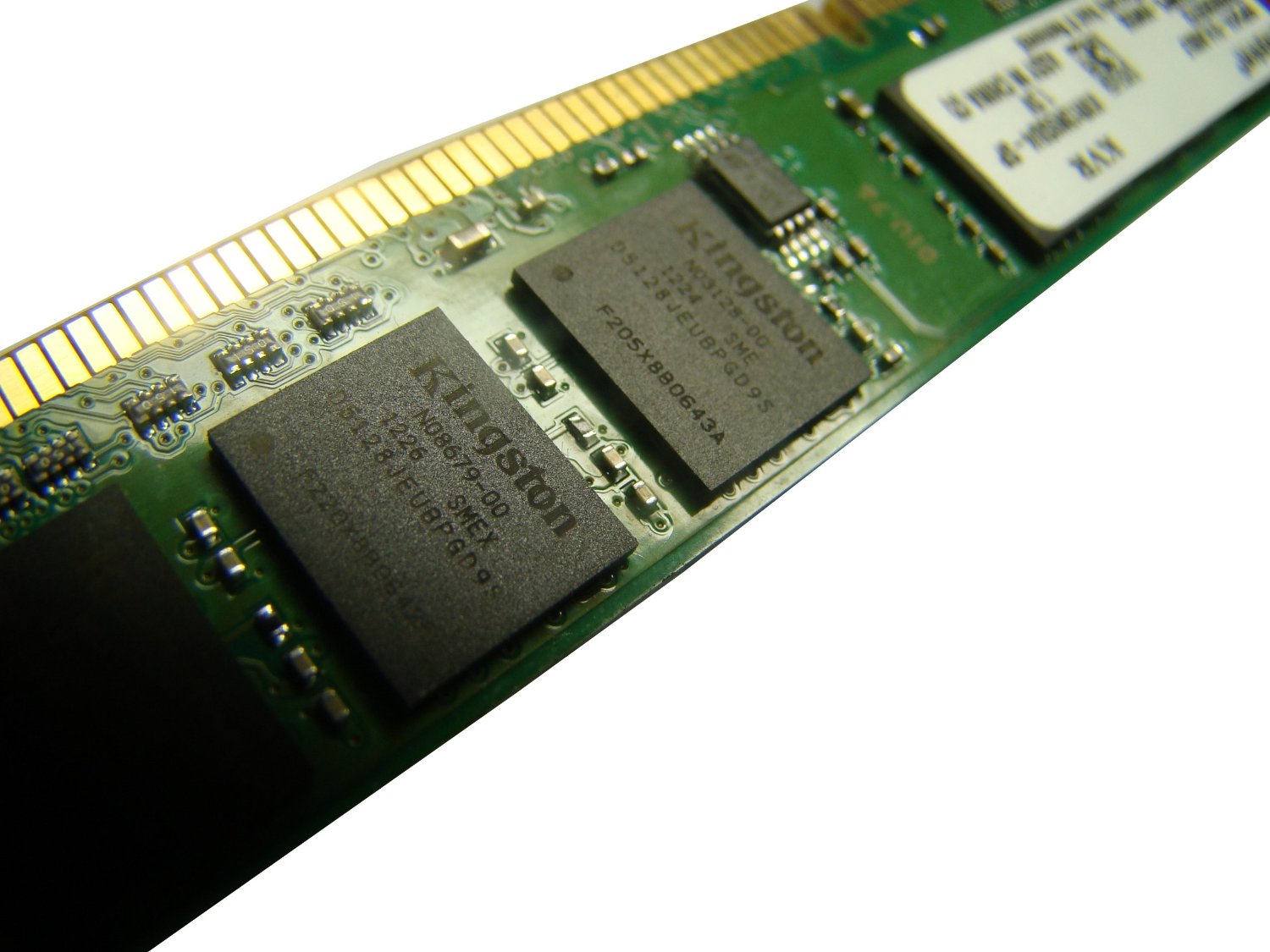
    4gb ram stick

    With a 4GB DDR3 RAM stick from Kingston costing less than Rs. 3,000, a RAM upgrade is something to seriously consider. This simple upgrade from 2GB to 4GB RAM will deliver a noticeable boost in performance.

    Most desktops have between two and four slots, and you will need to swap out lower-capacity RAM modules for higher-capacity ones if there are no empty slots available. And while most PCs should be using DDR3 RAM by now, some older machines use DDR2 RAM, which tend to be more expensive to upgrade.

    3. Speed up the Networking

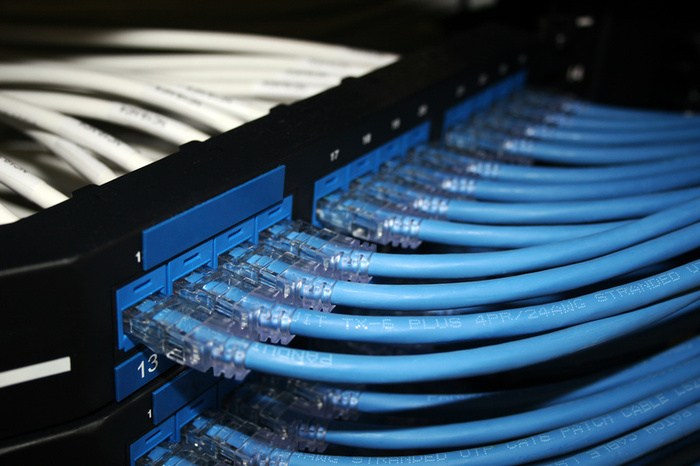
    Ethernet

    If you need maximum network performance, go for wired Ethernet connectivity instead of wireless networking. The Ethernet is far more reliable, offers dedicated bandwidth to your PC, and factors that commonly affect wireless signals such as office layout will not be an issue. You can also check weather your PC comes with Fast Ethernet (100Mbps) ports, so an upgrade to Gigabit Ethernet with an add-on network interface card (NIC) may also work on your benefit.

    4. Multi-monitor set-up

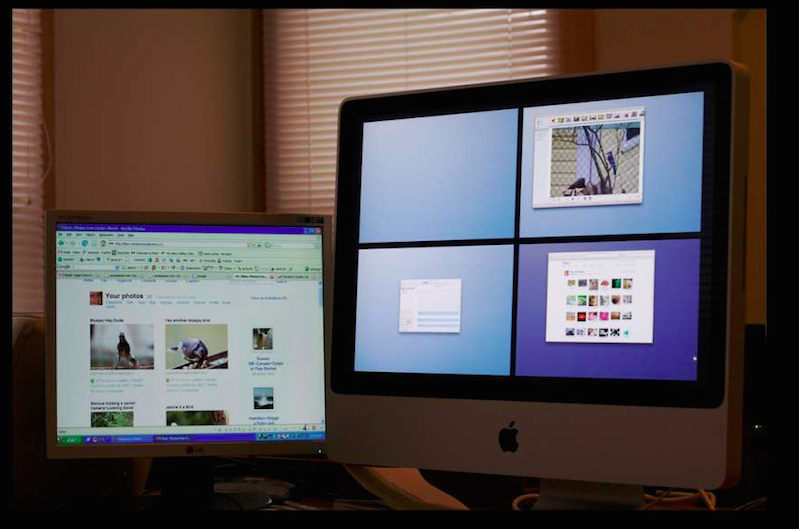
    multi-monitor setup

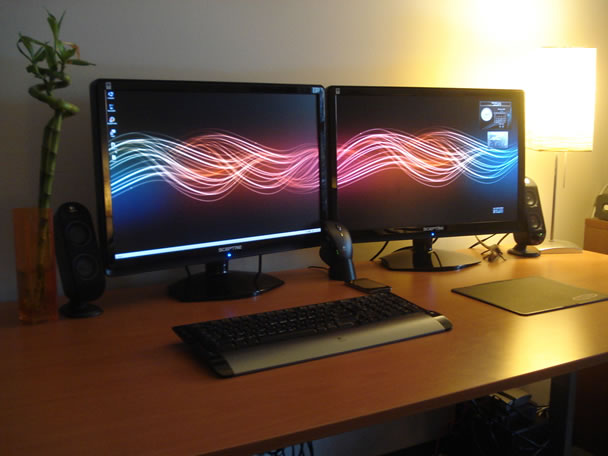
    Over the years, users and tech analysts have noted that multitasking is easier and smooth with two or more monitors. While laptops can run multiple monitors as well, it is much easier to set up desktop systems to do it. Indeed, many desktops can probably support at least two monitors without any external upgrades.

    5. Desktop casing

    desktop casing

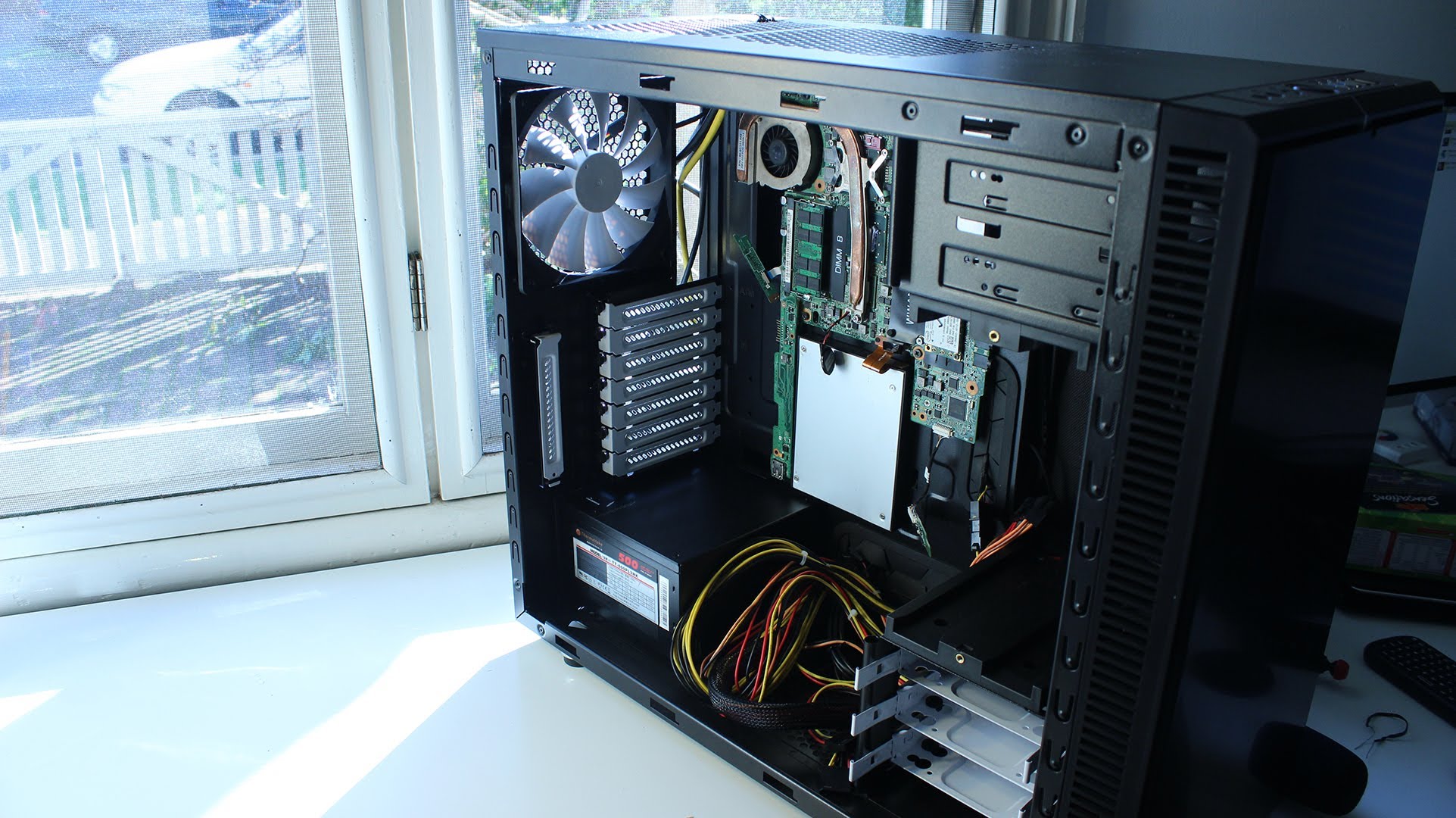
    This one will make you work a little bit. Changing your desktop’s casing will open you up to many upgradable options. You can get space for more components and more cooling. You can also make your desktop look new with some fancy features such as clear side panels or glowing fans and lights. And yes, you can also upgrade your front-panel connectors to support the latest and greatest connection types.

  • Switching from iOS to Android? Then This Guide is For You

    Switching from iOS to Android? Then This Guide is For You

    Apple has garnered a reputation for being the most genuine and reliable brand for many years. Its iOS smartphones, Macbooks and the upcoming Apple smartwatch have seized the attention of the audience. In spite of this, the fact also stands true that there are also some dissatisfactory customers who wish to switch from iOS to Android.

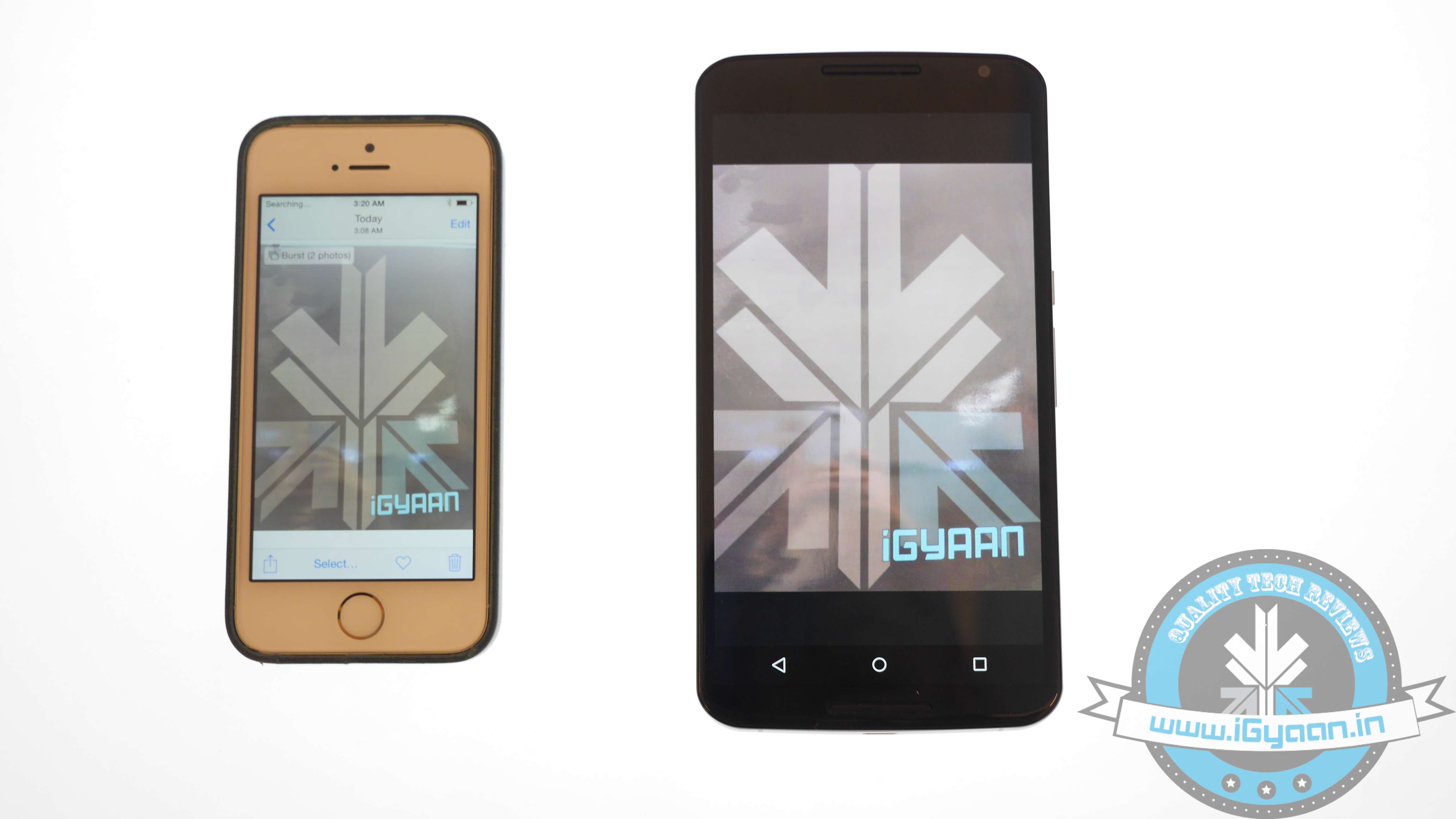
    For those who have been using the iOS platform from the beginning may find it hard to switch to Android. The operating system may intimidate first-time users as it works quite differently. Use this guide and transfer music, contacts, messages, videos and other relevant documents to your new Android smartphone.

    Transfer Contacts

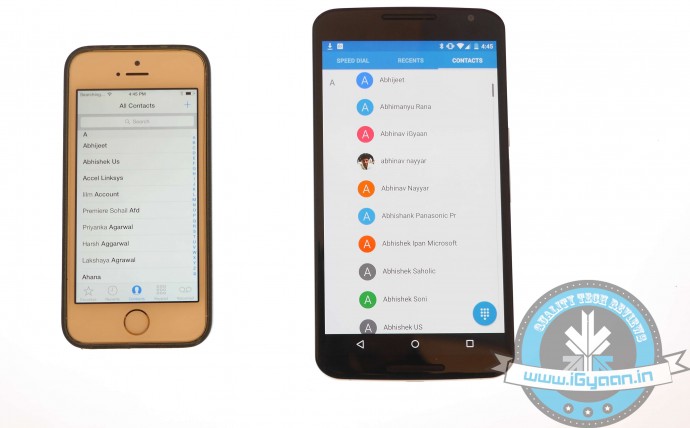
    Before you land on to the Android platform, the first thing you need to do is back up your iOS device. Contacts are important need to be saved in top priority. Transferring data through iCloud is extremely easy. Just keep in mind these simple steps:

    1. Sign into iCloud and click Contacts.
    2. Select all contacts by pressing Command+A.
    3. Go to the cog wheel icon and tap Export vCard; a VCF file with all the contacts will download.
    4. Plug in the Android device and copy the VCF file onto your Android.
    5. Import the copied contacts from the Contacts or People app.iOS vs Android 11

    Another way to copy contacts is through iTunes:

    1. Plug your iPhone via USB and open iTunes.
    2. On the Info tab on the Menu bar, tick Sync Contacts with.
    3. Choose Google Contacts.
    4. Type in your Gmail Username and Password in the new window and click Apply.
    5. All your contacts information along with numbers and email addresses will store on Gmail and Apple alike.

    As the contacts are now on your Gmail account. Your new Android smartphone will ask you for an option to sync on the first boot. Just add the Gmail account and your contacts will automatically appear in a list on the device.

    Sync Calendar
    iOS vs Android 1

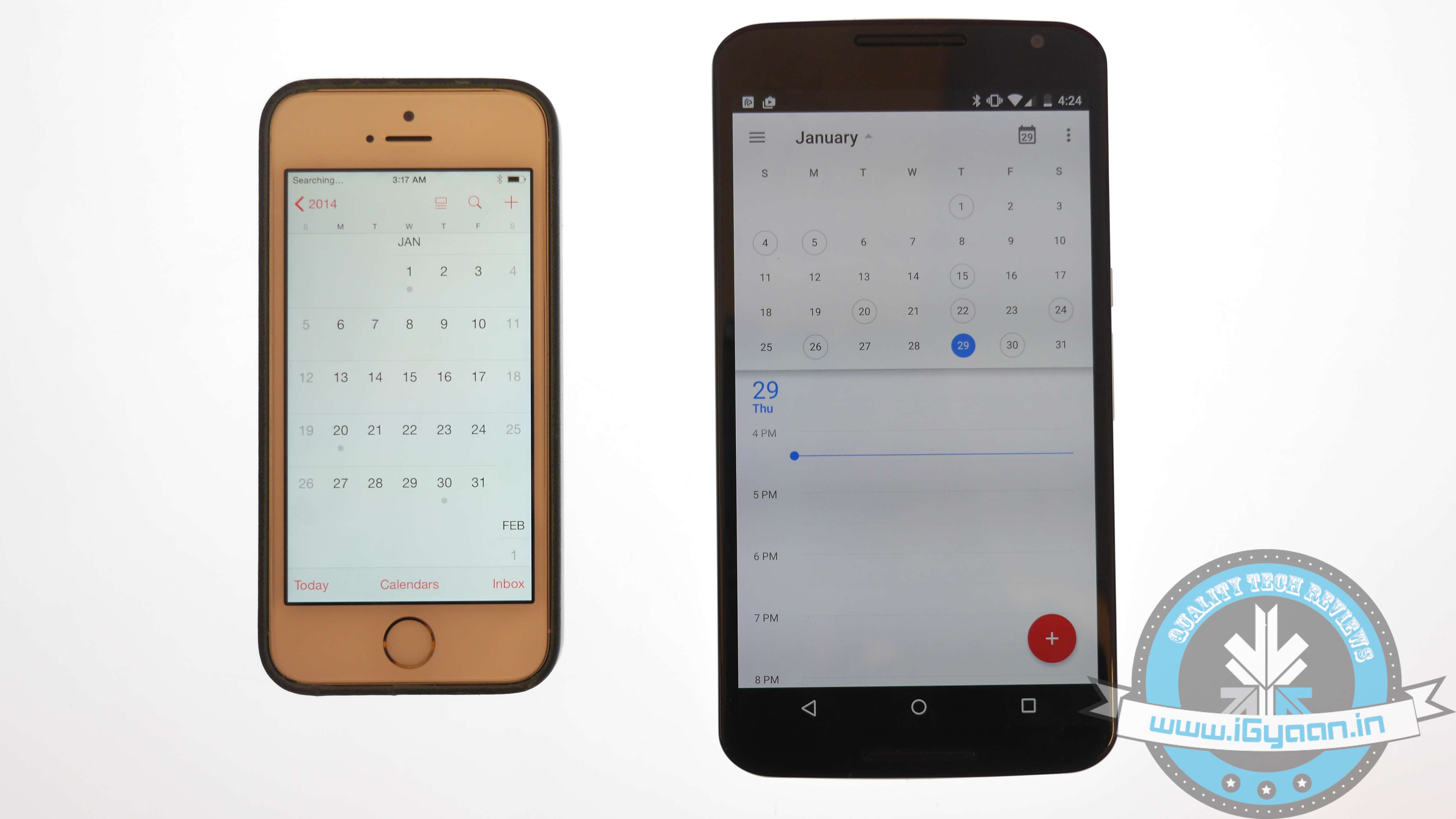
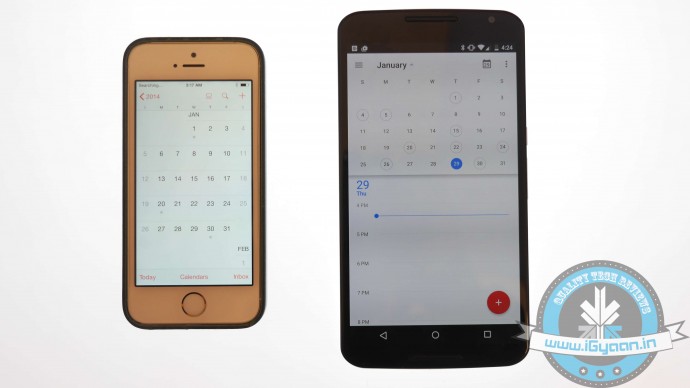
    Syncing Calendar is not an easy job, but SmoothSync for Cloud Calendar will make it convenient for you. Get started with these few easy steps on your iOS device:

    1. Open SmoothSync for Cloud Calendar and login to your iCloud account.
    2. On the next window, select calendars you wish to sync.

    Now, it will take care of the rest. All the important events and notifications will now come on your Android device.

    Transport Music
    iOS vs Android 8

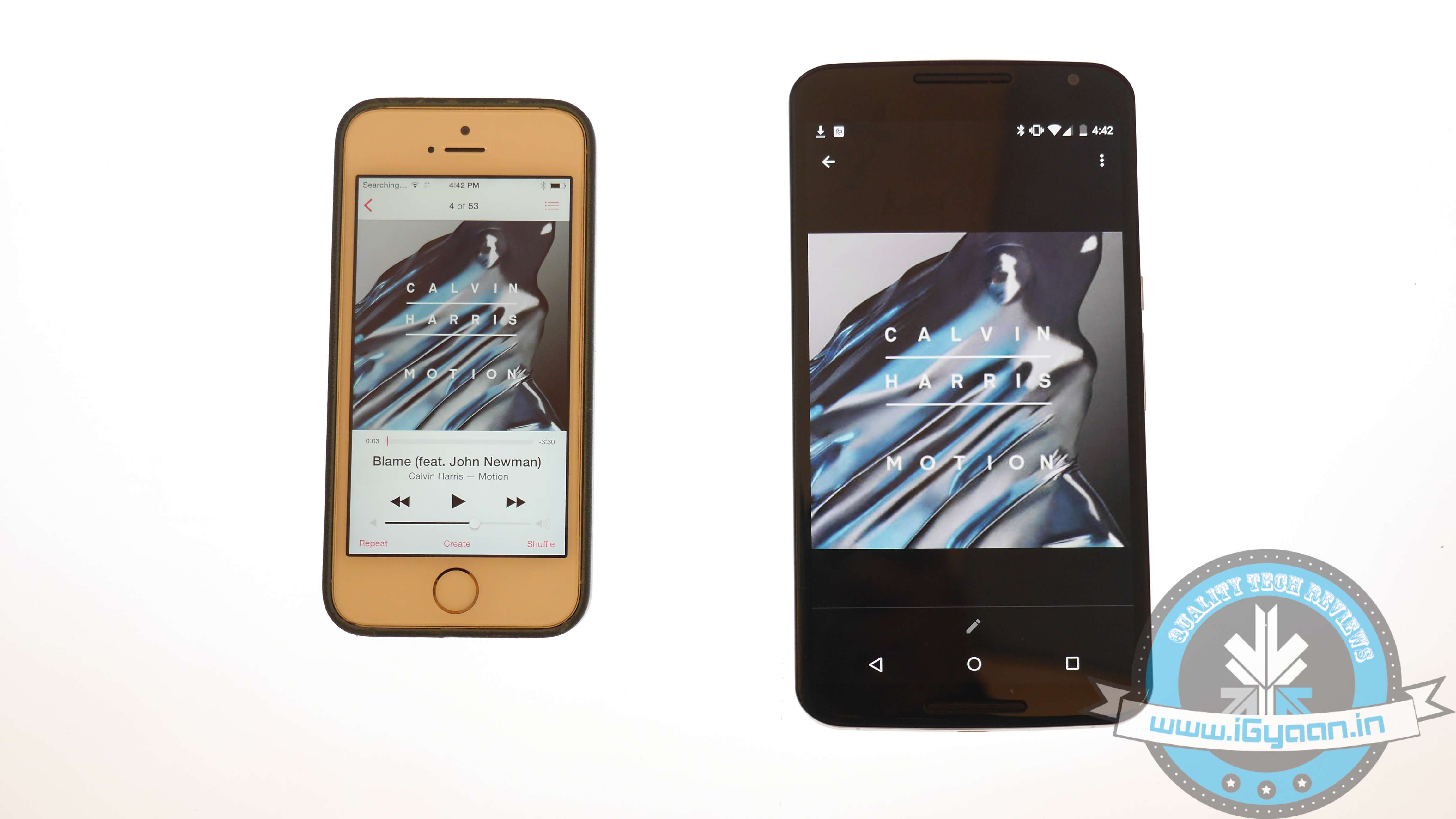
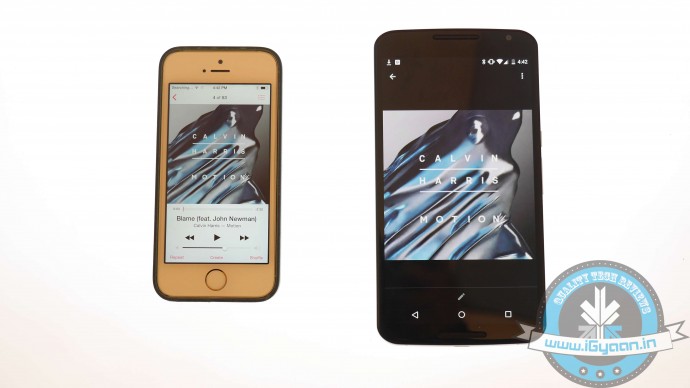
    Building a music library of your choice is a hard done effort of many years. You cannot afford to lose it. The easiest possible way to transfer music files from iOS to Android is to download Music Manager on a system that has both Google Music and iTunes.

    1. Sign in to Google Music.
    2. Once the Music Manger is downloaded and installed, select iTunes option as the present music storage option.
    3. Choose Upload all songs and playlist. The songs will then be uploaded on the app apart from your iOS handset.
    4. You can now transfer your music library to your Android device.

    Shift videos and photos
    iOS vs Android 3

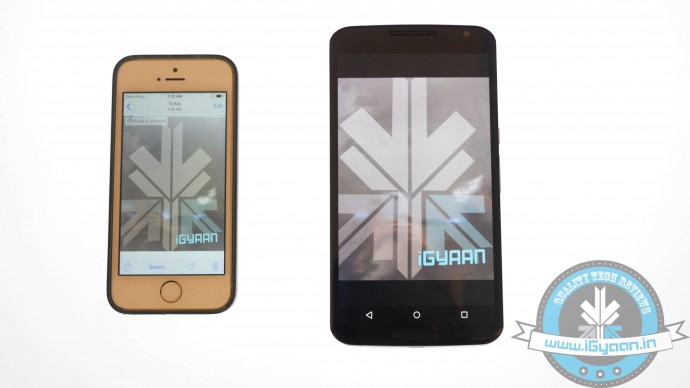
    Out of many ways of transferring pictures and videos from iOS handset to Android, the easiest one is to connect your iOS handset and Android device to a computer via USB cable.

    1. Locate both the devices in My Computer folder.
    2. Open the storage of both the devices.
    3. Locate DCIM on the iOS device.
    4. Select the images and drop them into the Android storage folder.
    5. Images of the iOS phone will now appear on your Android device.

    This drag-and-drop method is the simplest and least time consuming than the wireless transfer option.

    Relocate text messages
    iOS vs Android 0

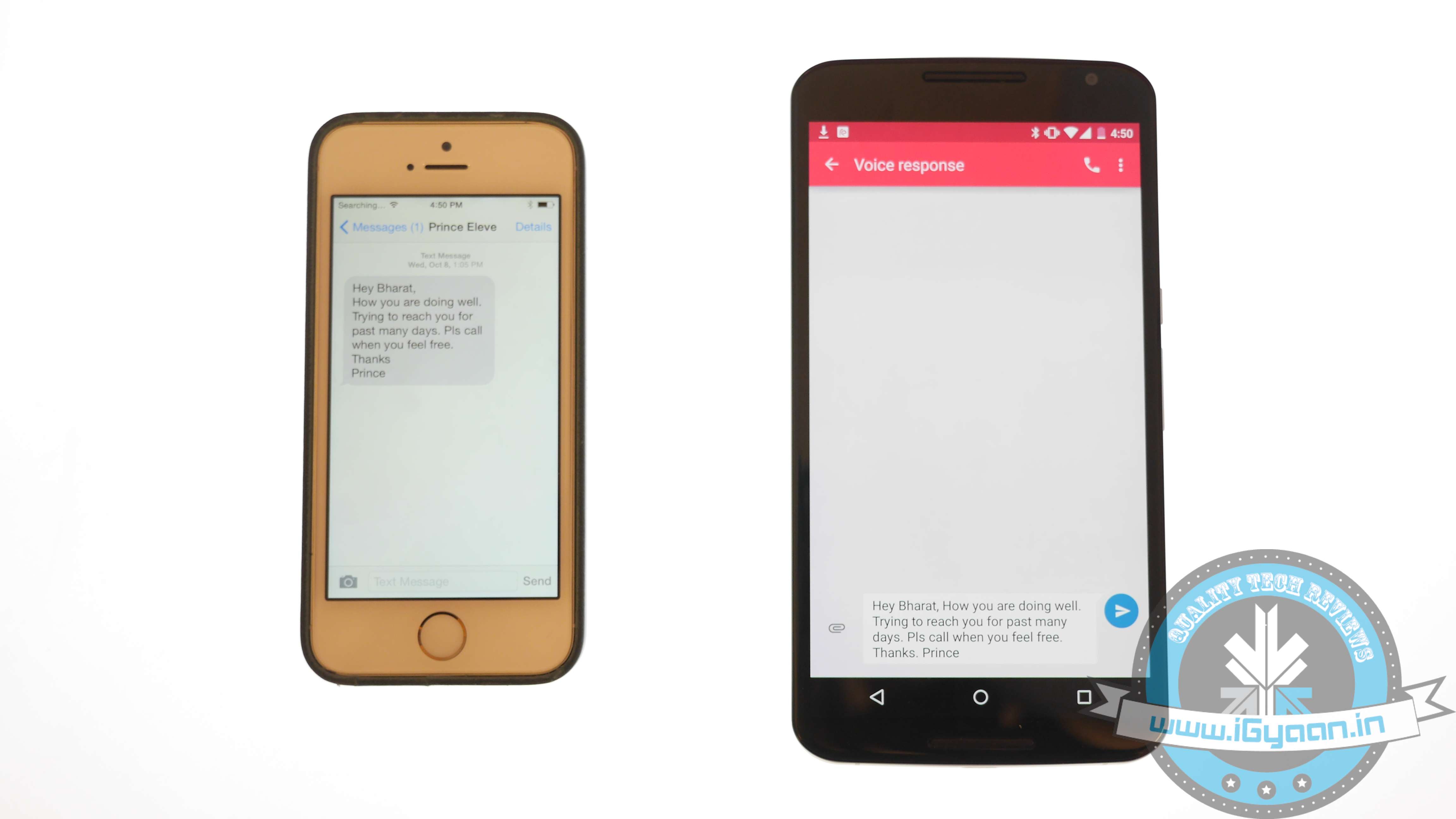
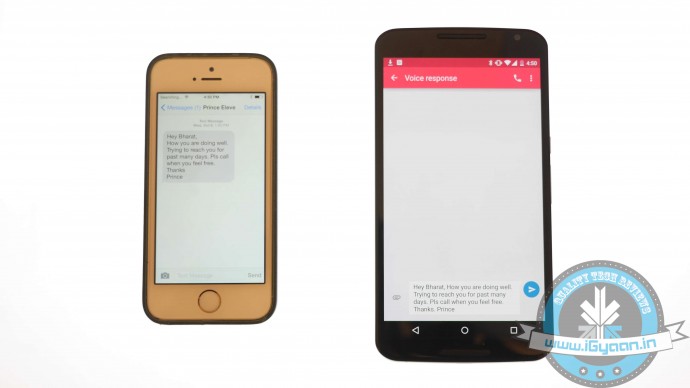
    Some of you might find it useless, but for some others messages are as important as contacts, music and photos. The transferring of iMessages to Android is not an easy job; it’s a three-step process, which is simplified below:

    1. Connect iPhone to your computer and open iTunes.
    2. On the bar at left, right click on your phone name and choose Backup.
    3. A file with random name will save on your system.
    4. Transfer this file to your Android device storage.

    The messages are in your Android device but are not yet readable. Convert them to a readable format through iSMS2droid.

    1. Download iSMS2droid and install it.
    2. Open the application and choose Select iPhone SMS Database.
    3. Locate the backup file just transferred to your phone.
    4. A pop-up will ask you for your permission to load SMS.
    5. Tap All and the conversion will start.

    Post the conversion, another app needs to be installed – SMS Backup & Restore.

    1. Open the app and choose Restore.
    2. Select the converted file from the directory and click Restore All Messages; the restoration will commence.
    3. A pop-up will show the restored message number along with those that cannot be restored.

    Once you are done with relocating your stuff, visit Google Play Store. A whole new world of apps is waiting for you!
  • Check Out Dolfi, World’s Smallest Washing Machine that Fits in Your Palm

    Check Out Dolfi, World’s Smallest Washing Machine that Fits in Your Palm

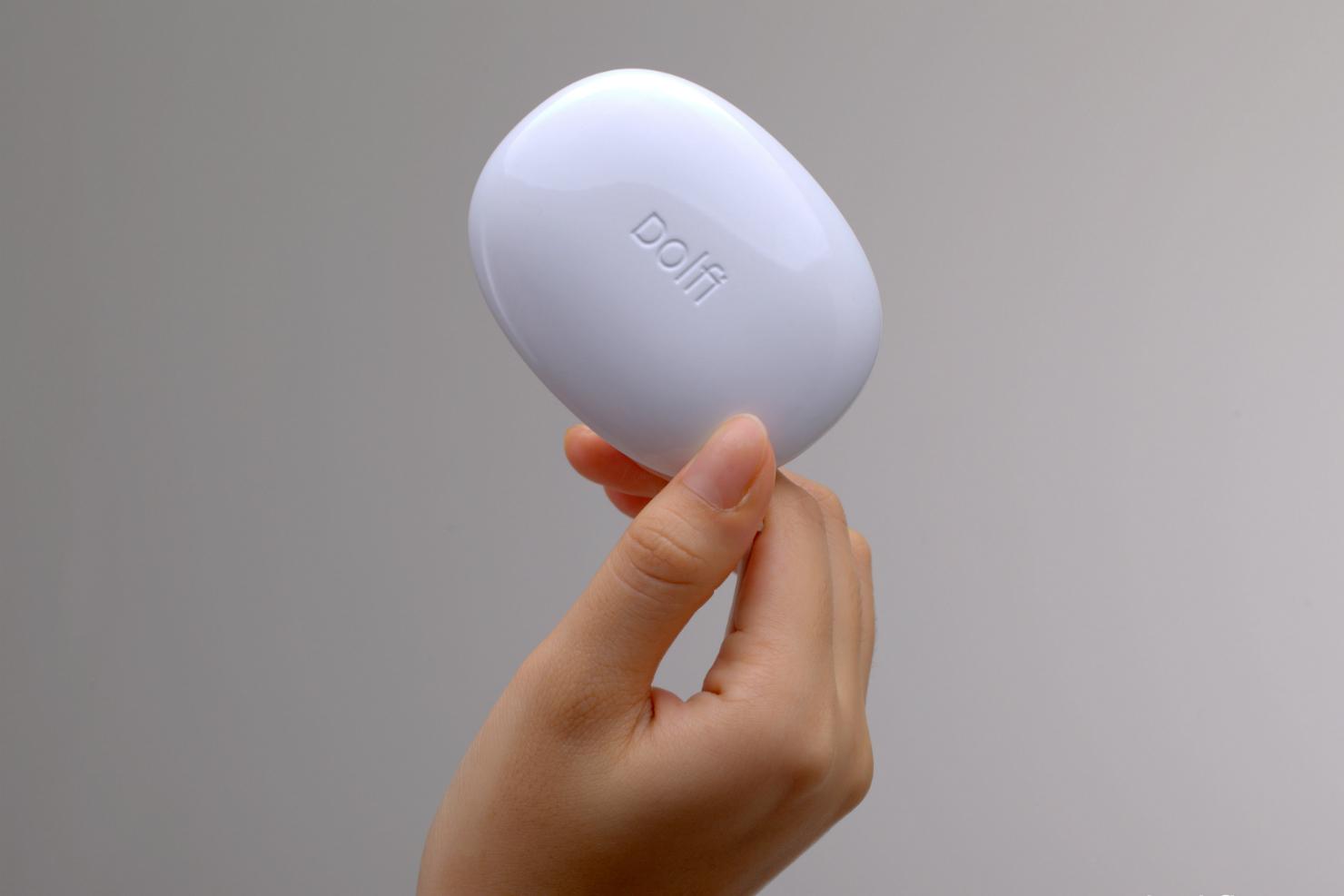
    Machine wash is comfortable; however, it isn’t always gentle. But there is a device that will wash all your clothes with the utmost tenderness and wouldn’t leave even a pinch of dirt on your clothes. Dolfi, a tiny device that is a washing machine.

    Dolfi is the next-gen cleaning mechanism and uses ultrasonic technology to wash clothes. The technique is not new and is long being used in the industry and medical practices for thorough cleaning. In the automobile industry, ultrasonic technology is used to separate oil and grease from motor parts.

    dolfi 1

    Dolfi uses multi-frequency transducer that creates modulated wideband progressive sound waves. These sound waves travel through water and even from minuscule high-pressure bubbles. These bubbles implode into millions of micro-jet liquid streams. These liquid streams are so tiny and powerful that they wash away all the dirt from the fabric.

    Because it is small like a soap bar, Dolfi is portable. Just soak your dirty clothes in water with detergent and put Dolfi in that water. With this, you are done. Dolfi will silently work on your clothes, pushing dirt out of them. The equipment has been developed and tested by a Swiss company.

    The technology, presently on Indiegogo, has gained huge popularity and has raised $212,468 till date. Check out the video below to know more about Dolfi:

    https://www.youtube.com/watch?v=0oWKr6_ttx0

  • Microsoft Announces Paid Windows 10 Service Plans for Enterprises

    Microsoft Announces Paid Windows 10 Service Plans for Enterprises

    Few days back, Microsoft unveiled the much-awaited consumer version of Windows 10. The company announced that the upgrade will be free for the buyers for one year, but unfortunately, the free deal doesn’t extend to the enterprise segment.

    The confirmation came from the General Manager of Security at Microsoft, Jim Alkove, who stated in a blog post –

    Windows 7 Enterprise and Windows 8/8.1 Enterprise are not included in the terms of free Windows 10 Upgrade offer we announced last week…

    He further added, “Windows 7 Enterprise and Windows 8/8.1 Enterprise are not included in the terms of free Windows 10 Upgrade offer we announced last week, given active Software Assurance customers will continue to have rights to upgrade to Windows 10 Enterprise offerings outside of this offer – while also benefitting from the full flexibility to deploy Windows 10 using their existing management infrastructure.”

    continuum windows 10

    The company wants to attract more business for upgrade and has rolled out two new operating system service plans for firms to get updates. These are Long Term Servicing Branch and the Current Branch for Business.

    The Long Term Servicing Branch is designed for the companies who don’t require all the features and plan for long-term installation. To such firms, Microsoft will dispatch security and critical updates. On the other hand, Current Branch for Business, is what Microsoft hopes most companies will opt for. In this, critical patches and security fixes will be installed automatically, and IT people will be able to experience many new features.

    The news is no surprise as Microsoft aims at making profit from Windows 10 and business sector is the primary source from which it produces maximum revenue.

  • Google Creates Fake Human Skin to Test Cancer Fighting Nanoparticles

    Google Creates Fake Human Skin to Test Cancer Fighting Nanoparticles

    Science fiction has for long imagined an idea of a wonder pill that takes on all the diseases at once. Now Google is attempting to transform that idea into reality. The project is being undertaken at Google’s secret research facility known as Google X.

    The Silicon Valley giant had reported last year that it was working on magnetic nanoparticles that would locate cancer cells in the bloodstream. Once they’ve located the cancerous cells, they’d report back to a wrist-worn wearable. Now to test the technology, Google is also working on creating synthetic human skin.

    The nanoparticles can be introduced into the body through a pill. These particles are so tiny that over 2000 of them can be stuffed inside a red blood cell. The nanoparticles will transmit the information they possess to the wristband through light signals, and this is where the need for the skin arises. The scientists at Google will study various types of skin based on color, thickness and other features to resemble real human skin. They have already created a pair of arms that have “the same autofluorescence and biochemical components of real arms.”

    The study still has a long way to go. According Andrew Conrad, the head of Google’s Life Sciences department, the path ahead is long and hard but they envision it becoming a reality in years and not decades. If successful, this can be a great step ahead in the field of medicine. The nanoparticles can be later programmed to detect all forms of illnesses before they come to the surface. With this, Google once again impresses us with its world-changing research efforts.

  • India Successfully Test Fires Agni 5 for the Third Time

    India Successfully Test Fires Agni 5 for the Third Time

    India’s Agni 5 is the star of the nuclear-capable missile arsenal. With a claimed range of 5000km, the missile is capable of hitting targets across China and parts of Europe. Agni 5 has been tested successfully two times before and today it again took to the skies.

    At 8.06 am today, Agni 5 lifted off from Wheeler Island, off the coast of Odisha. The 17-meter tall rocket that weighs 50 tons witnessed a flawless ‘auto launch’ from its mobile launcher. All three stages performed optimally. The missile can carry a nuclear bomb weighing 1000 kilograms and can travel faster than a bullet. It can be launched from anywhere on land.

    The missile is capable of launching MIRV’s (Multiple Independent Re-entry Vehicles) through which it can drop 2-10 nuclear bombs at multiple locations. This will strengthen India’s second strike capability in case of a nuclear attack on its soil. India hopes to make the Agni 5 a weapon of peace and act as a deterrent for nations considering a nuclear attack on the country.

    The development of the Agni 5 began in 2009 followed by tests in 2012 and 2013. Now with the third test, this intercontinental ballistic missile(ICBM) is expected to get inducted into the military by later this year.

  • HTC Brings Out an Upgraded Desire 816G with Octa-Core Processor and 16GB Memory

    HTC Brings Out an Upgraded Desire 816G with Octa-Core Processor and 16GB Memory

    HTC launched the refreshed version of Desire 816G with an upgraded processor and more internal storage space. The phone will now sport a 1.7GHz octa-core processor and 16 GB of internal memory, it was earlier restricted to 1.3GHz quad-core MT6582 processor and 8 GB internal memory. The remodeled device will cost you Rs. 19,990, which is a 1000 Rupees more than the last year’s offering.

    The Vice President and Country Head of HTC India, Faisal Siddiqui, commented at the event:

    The new offering under the HTC Desire series is our next step towards a power-packed combination of beautiful design and flagship performance all backed by a powerful 1.7GHz octa-core processor. The HTC Desire 816G is the best buy amongst big screen devices, packing a powerful performance and innovative design perfectly at a great price.

    htc-desire-816-81

    Keeping all the other specifications same, the Desire 816G touts a display of 5.5 inches and has 1 GB of RAM. It runs on Android 4.4.2 KitKat with HTC Sense UI on top. As mentioned above, the internal memory storage has been doubled to 16 GB, which can be further expanded up to 32 GB via a MicroSD card. Sporting a rear camera of 13 MP and a 5MP front snapper, the camera quality is superior. The battery, also unaltered, stands at 2,600mAh.

    With improved processor and memory, the HTC Desire 816G can compete with Huawei Honor 3X that falls in same price bracket.

  • New Update Brings Third-Party Integration to Google Now

    New Update Brings Third-Party Integration to Google Now

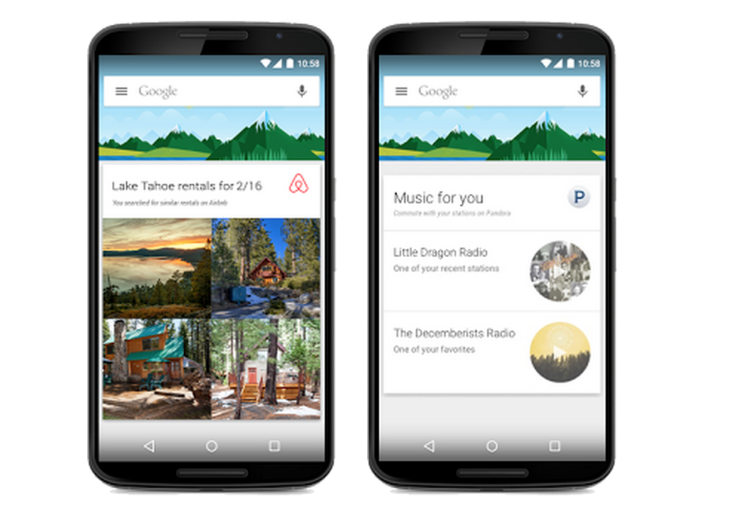
    Google Now, the service which focuses on bringing real-time information to your mobile device including traffic updates, scores, stock changes, travel times, your flight status, got a notable update today.

    The new update brings the information from over 40 Android applications, in order to show things like last-minute hotel deals to home-buying tip. The update integrates popular apps like Trip Advisor, Book My Show, CricInfo, Lyft, Ford, Runtastic and many more.

    google nowThe integration is optional, too, and you’ll be able to disable it from Google Now’s settings once the update is available on your device. Earlier, Google Now could pull lots of data from other apps through the email notifications they send you, but this direct app integration is new.

    The new card-based feature only comes with a third-party app download, of course. You wouldn’t see a Lyft  notification without the Lyft app installed. If you’re curious what you might end up seeing, Google has a full list of the new cards which is linked in teh source below.

    The update makes Google Now very powerful. Google’s idea behind all of this is that you should get the information you need when you need it, without even having to ask for it. Obviously, there are some privacy concerns related to this update, but Google assured that no private information will  be shared with third-party applications.

  • Netflix-Competitor HOOQ to Launch a Video Streaming Service in India

    Netflix-Competitor HOOQ to Launch a Video Streaming Service in India

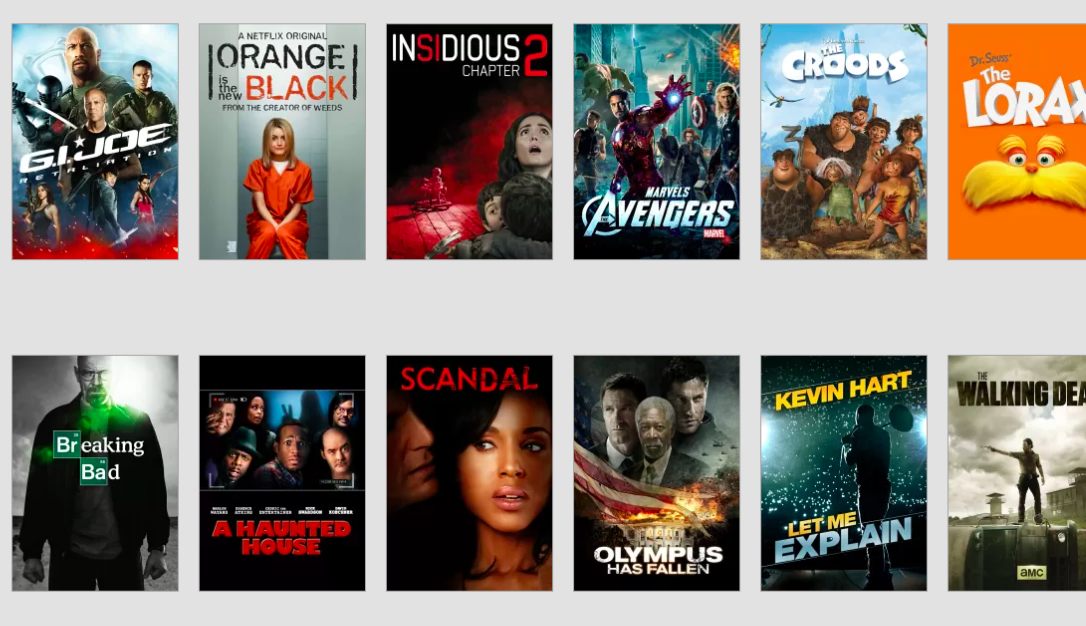
    Singtel, owner of Australian Telecom giant Optus, is planning to beat Netflix to push video streaming in Asia with its new partners, Sony Pictures’s AXN network and Warner Brothers.

    The new service which is called HOOQ, will work with Warner Brothers and AXN to buy, sell, market and produce films and TV products through an over-the-top (also called OTT, and sends TV and movies over any internet connection) service across a range of markets.

    It will offer Hollywood movies and U.S. TV shows alongside domestic content from India, China, Thailand, Philippines, Indonesia, Korea and Japan. In total, HOOQ will begin with an initial catalog of over 10,000 shows and movies.

    Best-media-streaming-services
    HOOQ will be the first video streaming service in Asia. Its biggest competitor is obviously is Netflix, but its expansion into Asia has been slow.

    HOOQ will be rolled out aggressively in the Singtel Group’s Asian footprint. First in the line is Indonesia, the Philippines, India and Thailand, in the first quarter of 2015.

    The company at the launch said that the service won’t be limited to credit card holders. Singtel said it will use its “billing capabilities” in countries where credit card ownership remains low.

    This will be the first video streaming service in Asia. Its biggest competitor, obviously, is Netflix, but its expansion into Asia has been slow. Netflix ventured into Australia and New Zealand last year, but there’s no word on when it’ll hit the other markets.

    Piracy and lack of awareness are often cited as major barriers for licensed streaming services in Asia. With peer-to-peer file sharing as well as VPN services at any user’s fingertips, people can easily access the latest shows as they are released. Even as local versions of Netflix become available, it sometimes fails to draw in audiences due to the limited range of programs caused by licensing issues.

  • Xiaomi Rolls Out MIUI 6 Update for Mi 3 Devices in India

    Xiaomi Rolls Out MIUI 6 Update for Mi 3 Devices in India

    A couple of days back, Xiaomi launched its flagship device Mi 4 which comes with the latest MIUI 6 update. The company announced that it would soon roll out the update for Mi 3 based on Android 4.4 KitKat in India, and the company has kept up its promise.

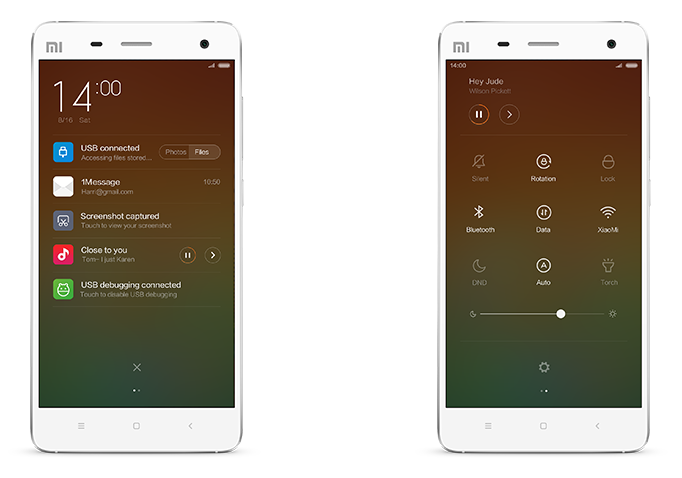
    Xiaomi has released the update for the Indian Mi 3 users, and one can download it from the official Forum page of Xiaomi. It will take some time for the OTA update to appear on the device. Meanwhile, other models like Redmi Note 4G will receive the update by February, while it will reach the Redmi 1S and Redmi Note 3G by March.miui 6 notifications

    The new MIUI 6 has some fantastic features that are simple yet beautiful. The key features of the new Mi User Interface are Motion, Colour Content, Customisation and Security. Also, it introduced animation to apps like Clock, Weather, and Device unlock, etc.

    The Dialler has been tweaked to give it a clean look. Now, users can identify unknown numbers, and avoid fraudulent and sales calls. There is a brand new notification panel that has toggles for convenient on and off. Also, the Notifications is divided; so one can classify important and unimportant as per preference. Also, it facilitates you to access notifications through the Lock Screen itself.

    The MIUI 6 adds more than 5,000 themes and powerful tools to achieve more in less time. The Calendar has been improved to subscribe your interests ranging from games, holidays to TV shows and more.

iGyaan Network
Privacy Overview

This website uses cookies so that we can provide you with the best user experience possible. Cookie information is stored in your browser and performs functions such as recognising you when you return to our website and helping our team to understand which sections of the website you find most interesting and useful.