Blog

  • Intex V.Show Mini Theatre IN 8809 Projector Phone Launched

    Intex V.Show Mini Theatre IN 8809 Projector Phone Launched

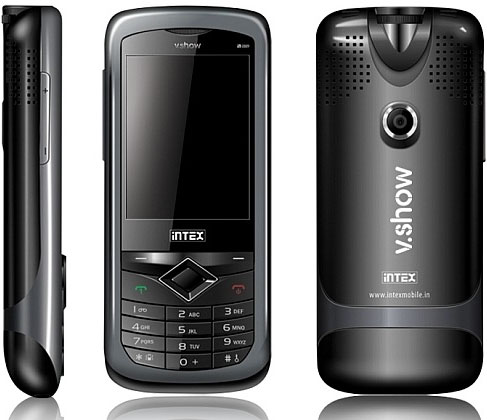
    Intex is the next in line to draw a similar projector phone after we reviewed the GFive Projector phone, Spice recently launched the popkorn (which is headed for testing to us). The  the V3Show Mini Theatre IN 8809 has similar styling when compared to the GFive phone, infact they almost look identical. We wouldn’t be surprised if the companies were using the same base Chinese Handset.

    Specs include

    • 2.4 inch 262K color QVGA screen
    • Dual GSM SIM
    • Dual band
    • WAP, GPRS, JAVA
    • 2 MP camera
    • 87 MB internal memory
    • 16 GB MicroSD card support.
    • Social networking
    • Motion sensor and mobile tracker
    • Hindi language & English
    • Opera Mini and Bolt
    • 118 mm x 51 mm x 17.5 mm
    • Weight 142 g
    • 1000 mAh
    • Standby time up to 168 hours.

    MRP. 6499/-

    Check out the review video of the similar GFIVE Projector Phone

  • Sony Vaio S revision Launched in India, Brings Sandy Bridge goodness among others

    Sony Vaio S revision Launched in India, Brings Sandy Bridge goodness among others

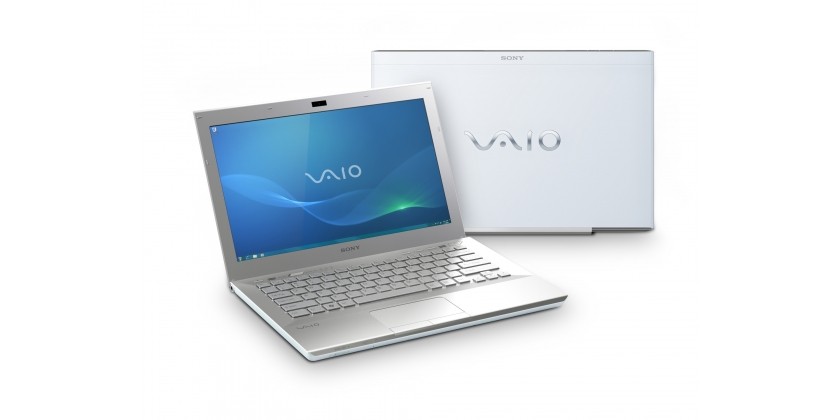
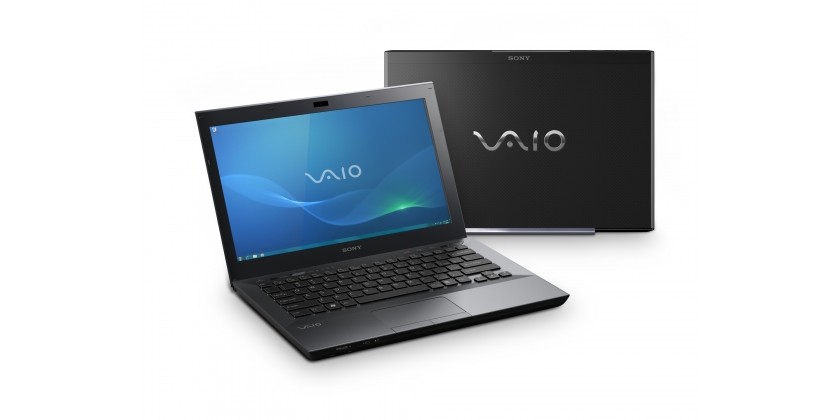
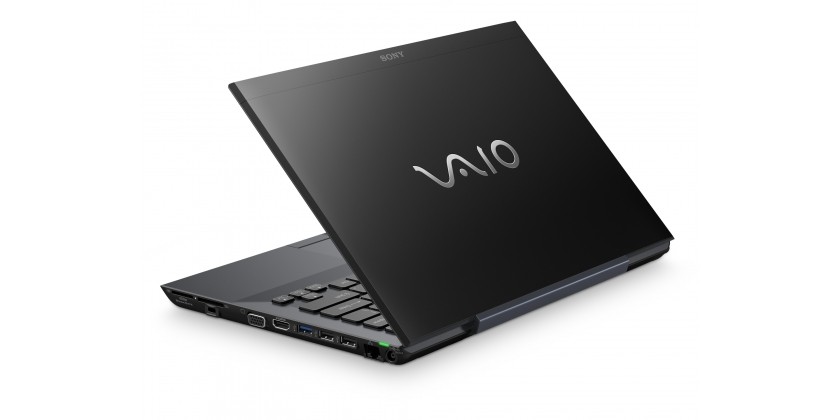
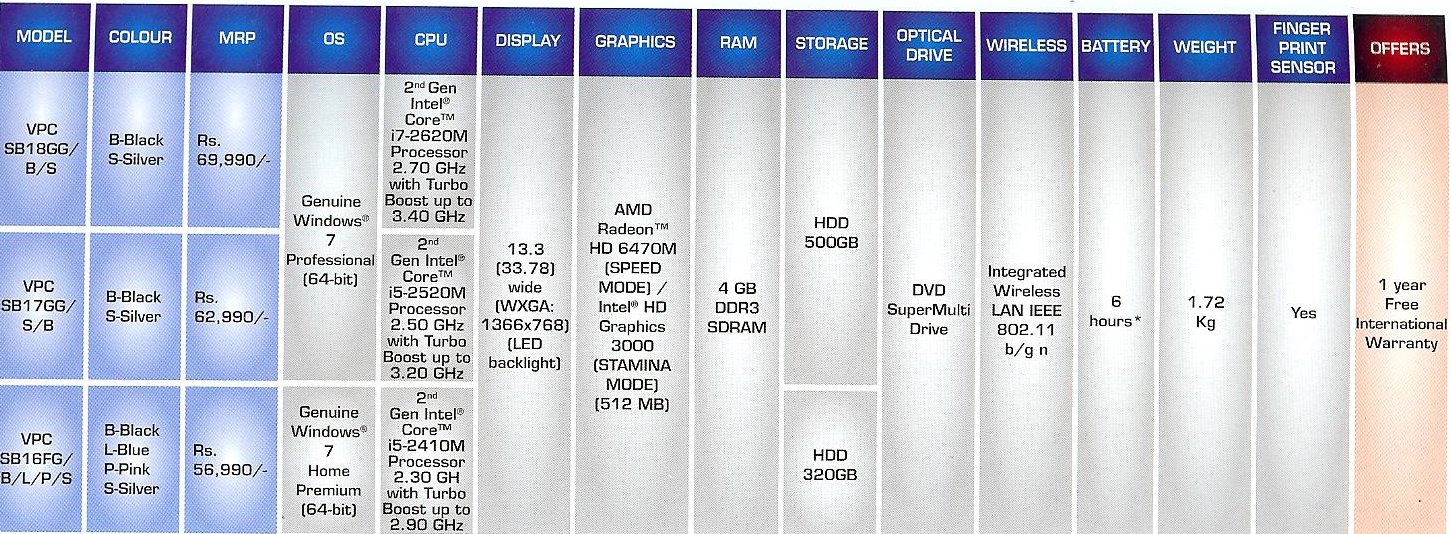
    Sony today in India launched the New Vaio S Series Laptops. These laptops were announced back in Feb 2011, and as promised have been launched in India end of MarchThese laptops carry a new structured design along with the latest in tech specs. The Design of the new Vaio S changes from a rounded to a flat type design, following a minimal yet gadget look of 2011.

    • 13.3” screen
    • 1.71kg
    • 23.9mm thin
    • 2nd generation Intel Core i7 and i5 Processors
    • AMD HD 6630M GPU
    • 1GB of RAM
    • 6 hours of battery life
    • 1366 x 768 resolution


    • VPCSB19GG: Rs. 1,09,900
    • VPCSB18GG: Rs. 69,990
    • VPCSB17GG: Rs. 62,990
    • VPCSB16FG: Rs. 56,990

    All the Above models are available now.

  • HTC HD7 gets the NoDo update for WIndows Phone 7, Copy Paste is a Go

    HTC HD7 gets the NoDo update for WIndows Phone 7, Copy Paste is a Go

    Looks like here it is, we just had a Phone Update POP-UP on our HD7 and it looks like copy paste is now available on the HD7. To simply get the update, sync up your phone with Windows or Mac computer and enjoy!

  • Acer Iconica 6120 Dual Screen TouchBook Gets a Price – PreOrder

    Acer Iconica 6120 Dual Screen TouchBook Gets a Price – PreOrder

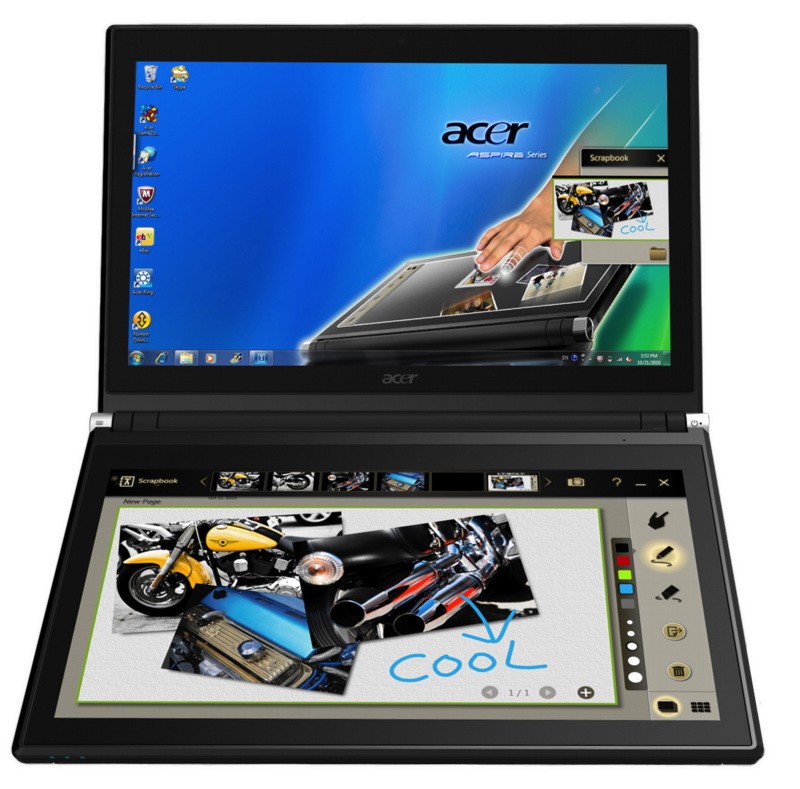
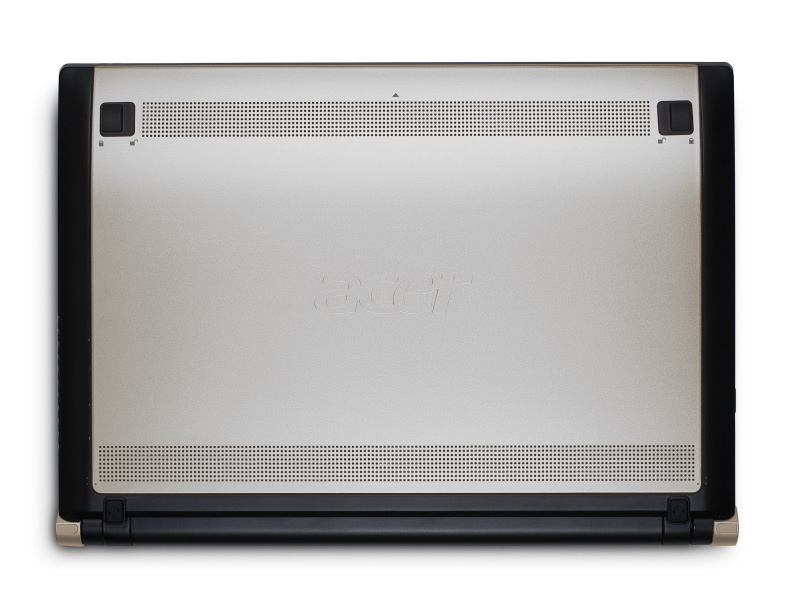
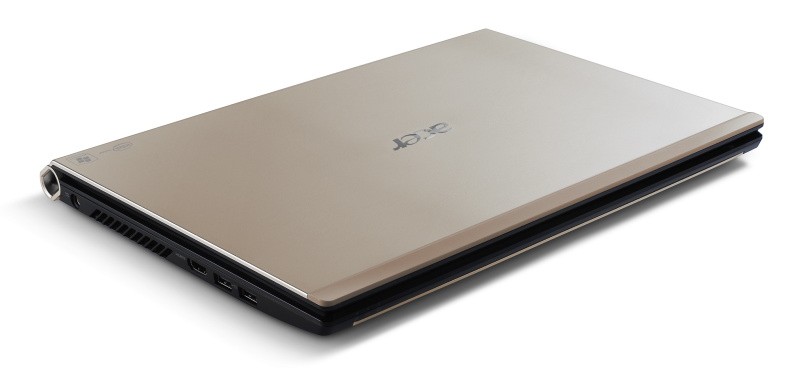
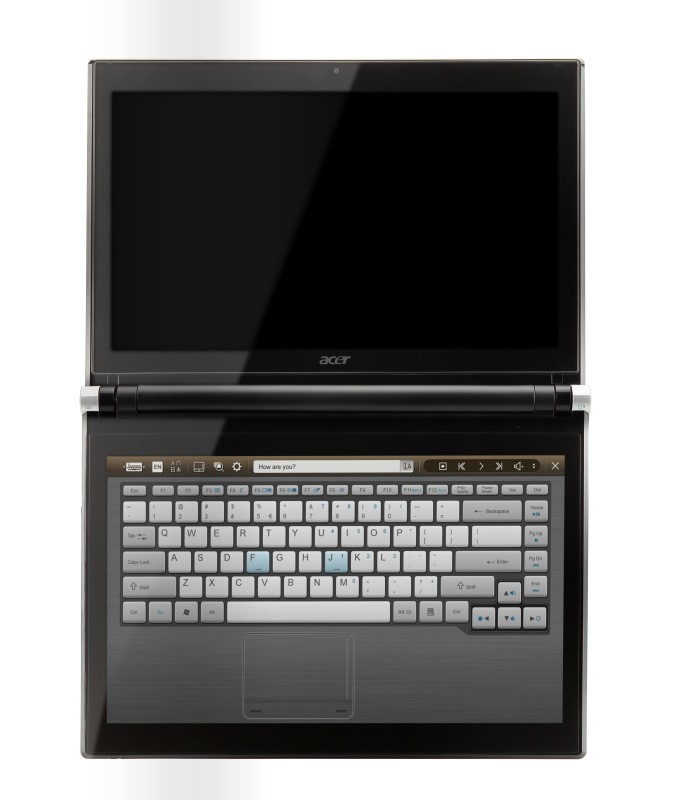
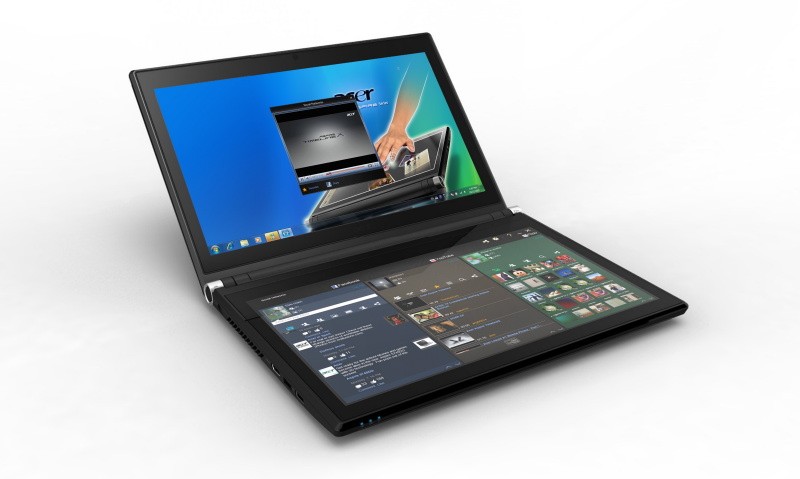
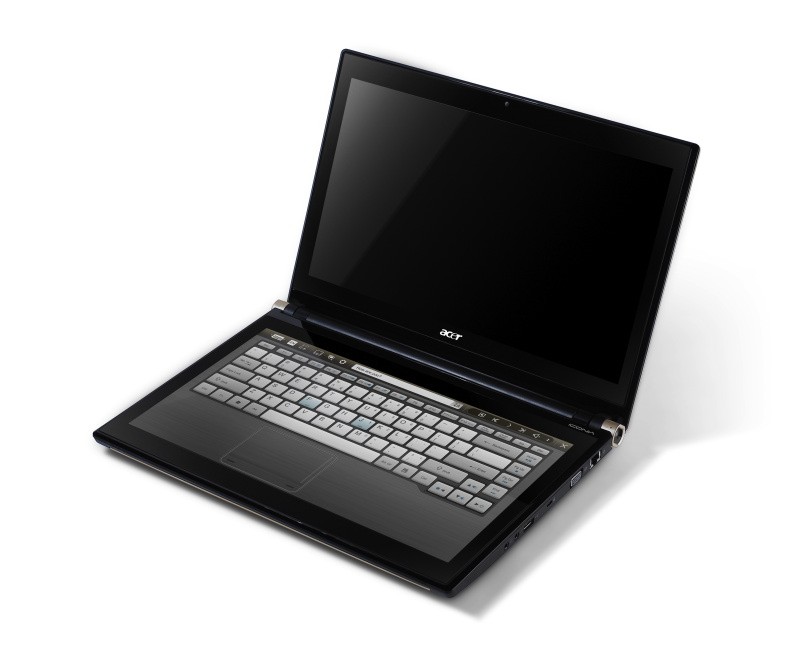
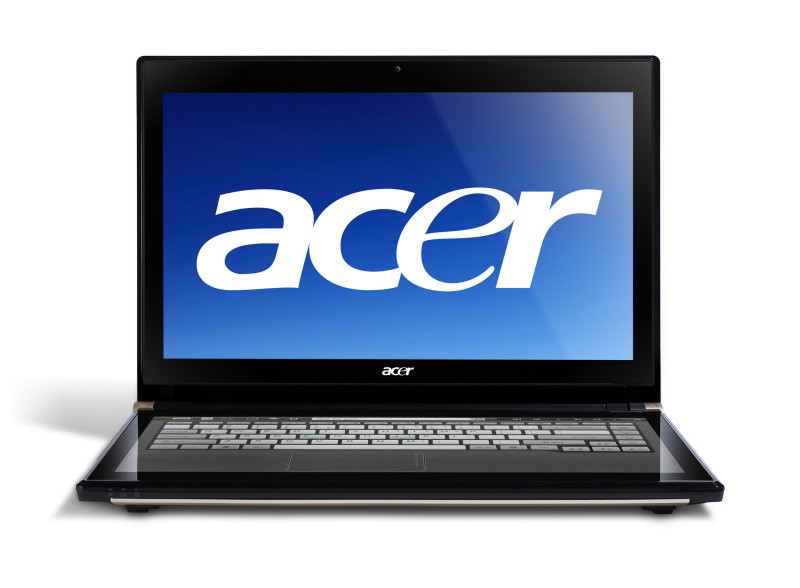
    Acer has announced the Pre-Order of its new Iconica Dual Screen Touch Notebook .

    • Price $1,199.99 ( US and CAD)
    • Dual 14-inch Gorilla Glas TouchPanels
    • Core i5 CPU
    • 4GB of memory
    • Intel HD graphics
    • 64-bit
    • Windows 7 Home Premium
    • USB 3.0 support
    • 640GB hard drive
    • 1.3 megapixel camera
    • 802.11b/g/n WiFi
    • HDMI output
    • Gigabit Ethernet
    • Weight 5.95 Pounds or 2.7KG (thats heavy!)


    Acer Iconia Touchbook Dual-Screen Tablet
    Provides Engaging, Natural Way to Interact with Digital Data

    World’s First and Only Tablet Featuring Two 14-inch Touch Screen Displays
    Now Available for Pre-Sale in the U.S. and Canada

    SAN JOSE, CA – March 29, 2011 – Acer today announced that its much anticipated dual screen tablet, the Iconia-6120 Dual-Screen Touchbook is now available for pre-sale in North America. Providing a powerful, immersive touch experience like no other, it is the world’s first and only tablet to offer two touch-enabled 14-inch high-definition widescreen LED backlit LCDs.

    Intuitive to use and customizable to individual needs, it combines the power of Intel Core i5 processing with the familiarity of Windows 7, and is destined to change how people use technology to engage with the world. A winner of this year’s prestigious “Last Gadget Standing” award at CES, the Iconia was noted for incorporating the best features of any notebook or tablet device.

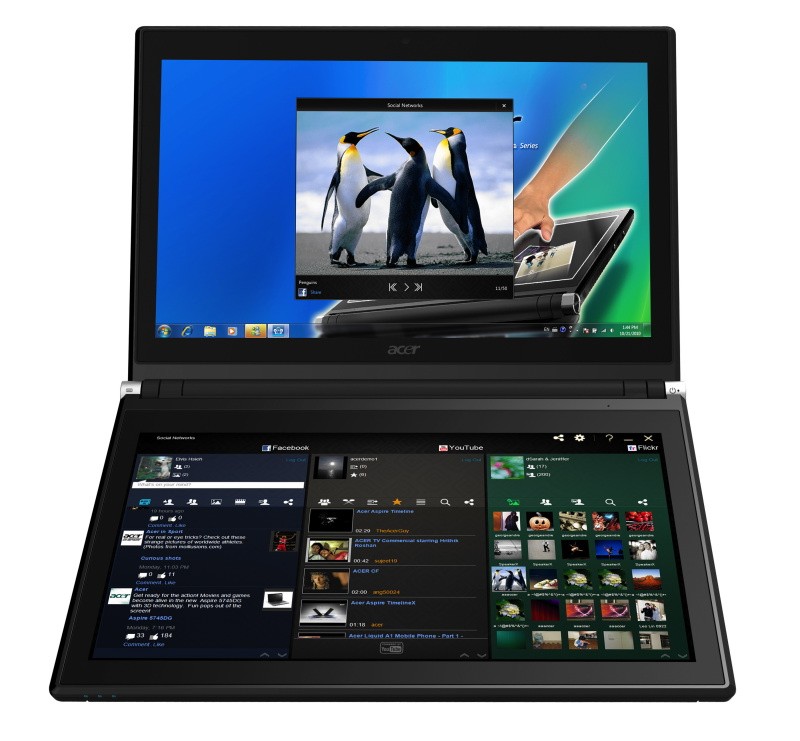
    With the flexibility to use a finger, type on a virtual keyboard, or use a combination of both, the Iconia Touchbook provides many ways to make the computing experience a truly personal one. Consumers can customize what is shown on each screen, allowing them to watch a video on the top screen and browse their multimedia library on the bottom one, or view a single web page across the two displays. Using the bottom screen to manage and control the action on the top screen keeps presentations, movies or web pages free of icons and other navigational tools.

    Extremely durable and scratch resistant, the Iconia’s 14-inch LCDs are made of ultra-thin Gorilla® Glass from Corning, a renowned manufacturer of extremely durable glass. With a wipe and clean coating, it’s easy to keep the displays shiny and smudge-free.

    “The Acer Iconia Touchbook delivers a computing and visual experience like no other,” said Eric Ackerson, senior product marketing manager, Acer America. “Whether the Touchbook is used by a small business owner or a student, its unique dual screen design enhances the interaction they will have with their digital data. Our compelling design and applications will let them discover new and much more personal ways to communicate and enjoy the computing experience, regardless of whether it’s work related or for personal enjoyment.”

    The Heart of Iconia – the Acer Ring Control Interface
    The unique Acer Ring Control Interface makes navigating by touch simple and intuitive. By placing five fingers in a circular pattern on the bottom display, the Acer Ring appears, providing instant access to favorite applications and features. From this point, consumers can use their fingertip or launch the virtual keyboard to change the tablet’s settings, surf the web, capture screen images, post photos and status updates to a social network, watch a movie and more, all in the manner most comfortable and natural to them.

    AppCards Provide Quick and Easy Access to Productivity and Entertainment-Based Applications
    Appearing on the either side of the Acer Ring is a unique set of Iconia touch-based applications, called AppCards. Using a finger, users can scroll to the one they want, and simply tap it to have instant access to a range of compelling programs ideal for either business or home use.

    • TouchBrowser is specifically designed to offer a more comfortable web surfing experience when using touch input. Upon launching, web content will flow across both screens. A toolbar at the bottom of either screen provides easy control over the open pages. To enter a website address, consumers can use the virtual keyboard or enter it using handwriting gestures. A pinching action will zoom in on the content on the page. Pages can be added to Favorites by simply tapping the Add Favorites icon.

    • MyJournal is a handy place to keep clippings of websites and other information. Images can be captured from any web page and organized onto a single, easy-to-view page. It includes pre-set tabs for News, Sports, Entertainment, Politics and Business. The selected website content on the tabbed pages is automatically updated each time it’s opened. A toolbar at the top of the page makes it easy to edit, resize, rename and move clips to other pages. In a business environment, a professional will find this feature useful in tracking news on competitors or to keep an eye on the stock market. A consumer can follow a local news story, their favorite sports team or keep an eye on their favorite celebrity’s latest antics.

    • Social Jogger simultaneously connects to three of the most popular social networking sites — Flickr, Facebook, and YouTube, presenting them a simple interface on one screen. Users can check posts and updates on one screen at a glance, and use the other screen to view one of the sites in more detail, surf the web, view photos or work on a spreadsheet.

    • Scrapbook is a convenient place to store website and photo images and other content. It includes a pen tool for drawing or entering handwritten text, such as adding comments or reminders. From there, images can be exported to the clipboard for insertion into other applications, or saved as an image file.

    • TouchPhoto, TouchMusic and TouchVideo provide direct access to multimedia files stored on the tablet.

    “The Acer ICONIA Dual Screen is a great demonstration of how hardware and software together enables new ways to interact with your PC,” said Soren Lau, senior director of marketing in the Original Equipment Manufacturer Division at Microsoft. “With Windows 7, you get the familiarity of Windows with support for multi-touch, so you can flick through videos and files with a fingertip, or use the touch-based on-screen keyboard.”

    Easy-to-use Tools Make Navigating Intuitive and Fun
    Appearing directly on the Acer Ring are a number of useful functions and tools, including Virtual Keyboard, Gesture Editor, Capture, Webclip, Window Manager and Device Control. Tapping the desired tool’s icon brings it up for immediate use.

    • The Virtual Keyboard gives users the ability to enter data and navigate in a familiar fashion. Combined with its touch capabilities, the Iconia Touchbook is a flexible and powerful tablet designed for maximum efficiency and productivity. When both palms are placed on the bottom screen, the virtual full-sized keyboard instantly appears. Adaptive typing and predictive text allows for quick data entry and minimizes mistakes. A numeric touchpad with handwriting recognition converts handwriting to text. The palm rest area can also be customized with any image on the computer – a company logo or a scenic background — so users can personalize the tablet even more.

    • Gesture Editor is a simple and quick way to instantly launch specific applications, access favorite websites, or even to lock the computer with a simple finger motion. A set of pre-defined gestures is included, but customized gestures can be created in just five easy steps. For example, simply drawing a $ (dollar sign) on the screen can launch a financial or accounting application, or a (checkmark) can open a to-do list.

    • The Capture tool allows users to clip parts of an image (a photo, illustration or a webpage) and save it to the Scrapbook application for further editing. It’s a great way to collect images for use in a PowerPoint presentation. And it couldn’t be easier to do. With the picture on the top screen and the Scrapbook page opened on the bottom display, users just tap the Capture tool, run their finger around the desired image and then tap the area to open a menu that will allow them to drag and drop it onto the Scrapbook page. The captured image will automatically be added as a thumbnail image above the scrapbook page for quick and easy viewing. They can then drag and drop the desired thumbnail onto the page, where it can be rotated or resized with pinching actions.

    • The Web Clip tool is specifically for clipping parts of web pages to save to MyJournal. Tap the screen, select the area to crop, tap and drag on any of the corners of the selected area to size it, and then tap the area again to open a menu to paste the content into MyJournal, Scrapbook or copy it to the clipboard. It can also be saved as a bitmap file.

    • Window Manager provides a touch-friendly interface for controlling the various open windows on the displays. Users can customize which screen the application appears on as well as its size.

    • Device Control is an easy way to access and adjust power, display and volume settings, wireless connections and various devices connected to the HDMI, VGA and USB ports.

    Clear.fi makes data sharing convenient in small office environment or the home
    Making it easy to share multimedia content, the Acer Iconia Touchbook features clear.fi, Acer’s digital media sharing solution. Clear.fi automatically connects all Acer devices on a network (smartphones, notebooks, desktops, HD media players and storage devices) and then gathers and organizes media files by type (video, music, photo, pre-recorded TV). Users can browse the categories and then drag and drop the media to any of the connected PCs or devices for playback.

    No-Compromises Tablet Features Leading Technology for Maximum Productivity and Fun
    A super charged tablet filled with enough leading technology to rival many desktop and notebook PCs in performance, the Iconia-6120 Dual-Screen Touchbook is powerful enough to handle demanding applications and graphic intensive multimedia files. Featuring an Intel® Core™ i5 Processor with Intel® Turbo Boost Technology(2), 4GB of memory and Intel® HD graphics, the Touchbook is equipped for heavy lifting. In addition, Dolby® Advanced Audio™ v3 brings vibrant sound to business presentations, movies, music, and games.

    Windows 7 Home Premium 64-bit provides a familiar computing environment and is compatible with today’s most popular applications and media formats, and supports full web browsing with Adobe® Flash® Player 10.1. For professional environments, customers can upgrade using Windows Anytime Update to Windows 7 Professional to attain business-class PC: manageability, security and the ability to run the applications used within most organizations today, including Microsoft Office.

    To maximize productivity, the Touchbook includes the new USB 3.0 standard with a top speed that’s 10 times faster than standard USB 2.0; a 25GB high definition video file can be transferred from an external USB 3.0 storage device in just 70 seconds and stored on the roomy 640GB SATA hard drive(3). Two 2.0 USB ports and an HDMI port are also included.

    A 1.3 megapixel HD webcam is ideal for face-to-face videoconferencing or for staying in touch with business associates, friends and family. Connect reliably with 802.11b/g/n Wi-Fi CERTIFIED™ or Gigabit Ethernet LAN from work, home or while on-the-go. Weighing in at just 5.95 pounds(4), it’s as convenient to carry as any notebook computer, and fits comfortably in a briefcase or backpack.

    U.S. Configurations, Pricing and Availability
    With an MSRP of $1,199.99, the Acer Iconia-6120 Touchbook is available for pre-sale now and will be available in April at leading retailers nationwide.

    Canada Configurations, Pricing and Availability
    With an MSRP of $1,199(CAD), the Acer Iconia-6120 Touchbook will be available in April through authorized Canadian resellers.
  • Nokia E6-00 Leaked, Pics and Video !

    Nokia E6-00 Leaked, Pics and Video !

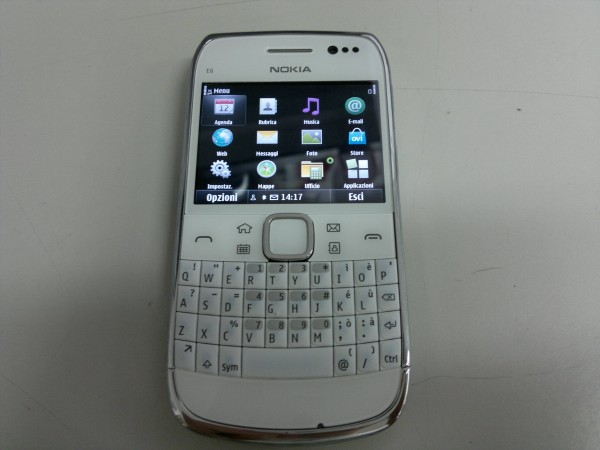
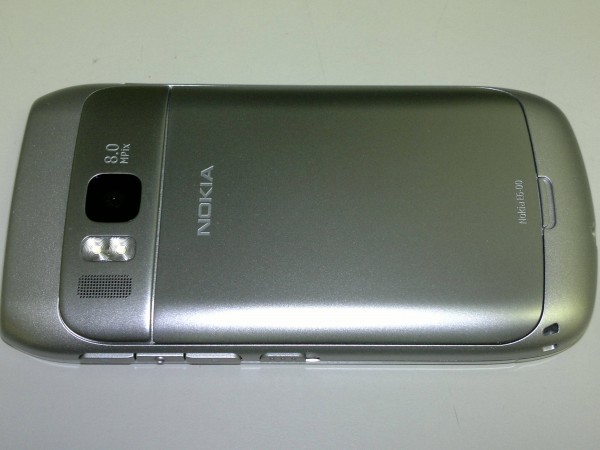
    E6-00, a new, candybar-style smartphone with a full QWERTY keyboard, has been leaked by a member of the NokiaTeco forums.

    Specs Include

    • VGA resolution touchscreen
    • 8 megapixel camera
    • dual-LED flash
    • front-facing camera,
    • Symbian operating system specifically designed for the device

    Look at the leaked Video Below, the Device looks pretty solid and is quite a looker for the E series.

    [NokioTeca]

  • Samsung Galaxy S II motion zoom and rotate shown off on Video

    Samsung Galaxy S II motion zoom and rotate shown off on Video

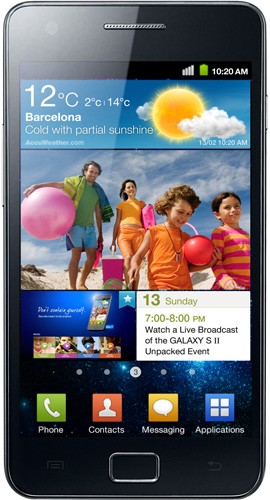
    While its still a long way from launch, the super slim and sleek new Galaxy S 2, was recently making an appearance at CTIA and folks from AndroidCommunity took a quick video of the devices accelerometer based zoom functionality.


    Check it Out

  • Rumor: Lg to release Optimus Big 4.3 inch Smartphone

    Rumor: Lg to release Optimus Big 4.3 inch Smartphone

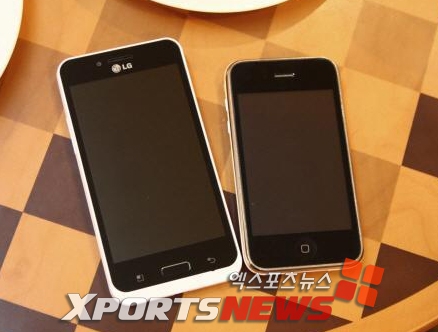
    According to some leaked images and specs, LG has a new phone in the works codenamed “Optimus Big”. This device is all set to take on the likes of HTC with their humongous displays. The Optimus Big sports

    • 4.3-inch screen
    • Single-core 1GHz processor
    • T-DMB TV tuner
    • LG’s NOVA display.
    • Forward-facing camera for video chats
    • Android (version unknown)

    [hankyung]

  • Nokia ready for a Revamp – Starts with font

    Nokia ready for a Revamp – Starts with font


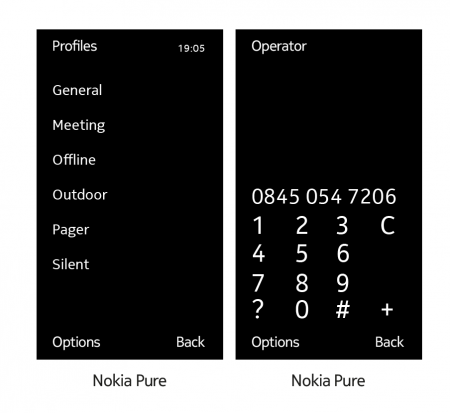
    Nokia is all set to revamp its brand image, with the coming of a new era for Nokia it is a great move to change the looks of this legendary mobile phone brand. For starters Nokia has replaced its famous Nokia Sans font with a new “Nokia Pure” typeface.

    “the letters [of the new font] flow into each other somewhat, creating the impression of forward movement.”

    The new typeface will be used throughout the user interface — in areas such as the user menu and dial pad — on future Nokia phones, hopefully on their much awaited and upcoming Windows Phone 7 Series.

    [Nokia]

  • Apple WWDC will start June 6th, iOS , Mac OS and possible new iPhone (PR)

    Apple WWDC will start June 6th, iOS , Mac OS and possible new iPhone (PR)

    Apple has just confirmed that it will kick off the yearly Worldwide Developers conference on June 6th like last year. Hopefully we will get the announcement for the iPhone 5, apart from the new iOS announcement and the obvious MAC OS X LION.

    Either way we will be covering all key events for you guys, and if there is a KeyNote by Apple (and Mr. Steve Jobs) we will cover it LIVE!

    PRESS RELEASE

    Apple Worldwide Developers Conference to Kick Off June 6 at Moscone West in San Francisco

    CUPERTINO, California-March 28, 2011-Apple® today announced that it will hold its annual Worldwide Developers Conference (WWDC) June 6 through June 10 at San Francisco’s Moscone West. At this year’s five-day conference Apple will unveil the future of iOS and Mac OS®, including exciting demonstrations of the new kinds of apps that developers can build using Apple’s advanced frameworks and more than 100 technical sessions presented by Apple engineers.

    “At this year’s conference we are going to unveil the future of iOS and Mac OS,” said Philip Schiller, Apple’s senior vice president of Worldwide Product Marketing. “If you are an iOS or Mac OS X software developer, this is the event that you do not want to miss.”

    Mobile developers will be able to explore the latest innovations and capabilities of iOS and learn how to greatly enhance the functionality, performance and design of their apps. Mac® developers will see and learn how to develop world-class Mac OS X Lion applications using its latest technologies and capabilities. Developers can even bring their code to the labs and work with Apple engineers, applying development techniques and best-practices to enhance their apps.
    Activities at Apple’s WWDC 2011 include:

    more than 100 technical sessions presented by Apple engineers on a wide range of technology-specific topics for developing, deploying and integrating the latest iOS and Mac OS technologies;
    over 1,000 Apple engineers providing developers with code-level assistance, insight into optimal development techniques, and guidance on how they can make the most of iOS and Mac OS technologies in their apps;
    the opportunity to connect with thousands of fellow iPad®, iPhone® and Mac developers from around the world; and
    Apple Design Awards which recognize iPad, iPhone and Mac apps that demonstrate technical excellence, innovation and outstanding design.
    Go to the Apple Worldwide Developers Conference 2011 website (developer.apple.com/wwdc) to purchase tickets, as well as for updates and more information.

    Apple designs Macs, the best personal computers in the world, along with OS X, iLife, iWork and professional software. Apple leads the digital music revolution with its iPods and iTunes online store. Apple has reinvented the mobile phone with its revolutionary iPhone and App Store, and has recently introduced iPad 2 which is defining the future of mobile media and computing devices.

  • Lg will make the Nexus Tablet for Google

    Lg will make the Nexus Tablet for Google

    stock image

    According to information gained by Mobile Review, LG has been chosen by Google to produce the Nexus branded Tablet. According to Mobile Review the device will be used as Google’s base for development, run the latest Honeycomb (Android 3.0) and will be ready in “mid-summer or early autumn.”

    What is also Interesting, the device may be a test unit for Google’s internal purposes. But, that also means that LG has in-fact upped it production quality standards enough to impress the likes of picky engineers at Google.

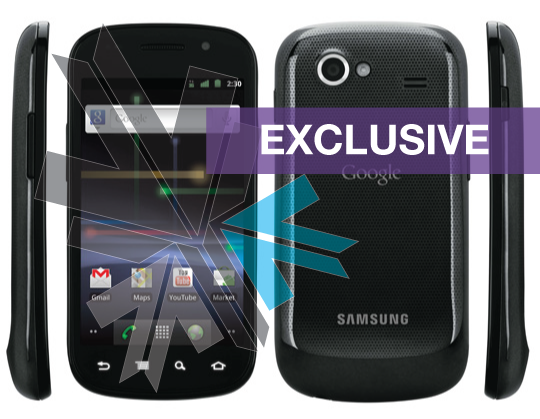
  • iG Exclusive : Google/ Samsung Nexus S Coming to India in 1st half of April: Update

    iG Exclusive : Google/ Samsung Nexus S Coming to India in 1st half of April: Update

    Whats up , Exclusive News fans? iGyaan is here with more relevant information to feed your brain cells. The Samsung made, Google Branded Nexus S is coming to India in the second week of April anywhere from 7th to 10th of April. This news comes from a reliable insider at Samsung, But, we are still trying to get an official word on exact release strategies and pricing.

    The Google Nexus S is the first handset to have officially been shipped with Android 2.3 GingerBread. So stay tuned for more on this including pricing, a full featured Unboxing to follow once we can get hold of the device.

    There is speculation that it will be priced between 27,000 and 30,000 INR. The funny thing is that the company may launch the Nexus S for India in Bangkok!

    Go Figure! Either way it should be here in April.


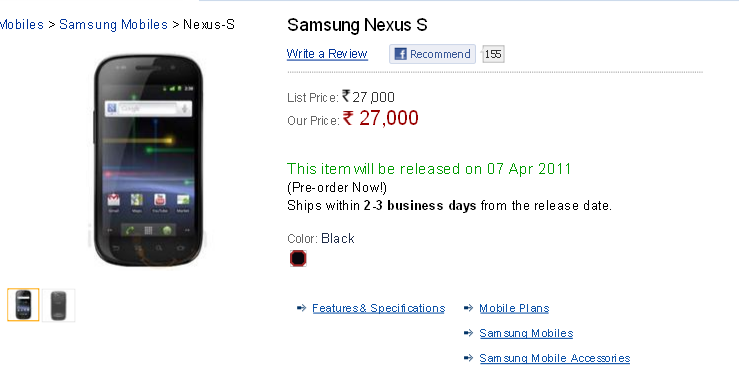
    Update : We just got news that the device is available for pre-order on various Indian websites.

    Our Recommendation is to stay away till proper pricing is announced. We expect it to be lower than quoted on these websites


  • Kingston Launches new Class 10 MicroSDHC Cards in India

    Kingston Launches new Class 10 MicroSDHC Cards in India

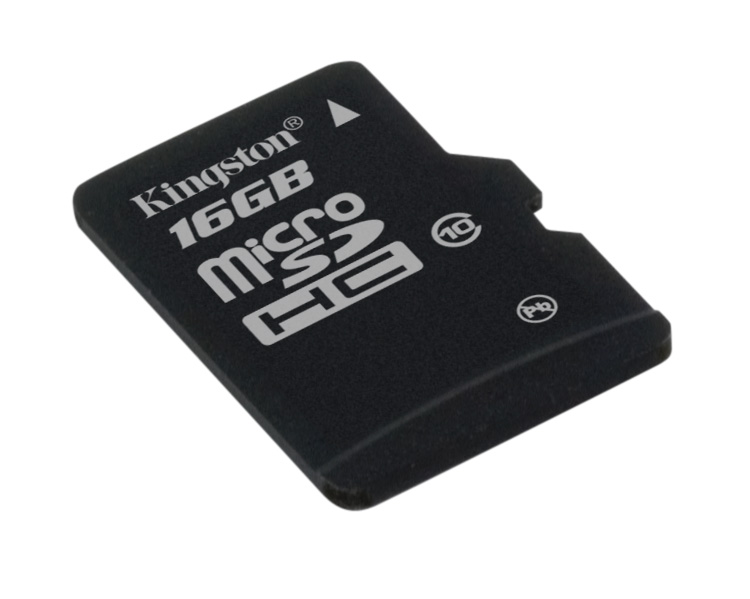
    Kingston Digital, has announced the launch of its 4GB and 8GB Class 10 microSDHC card, joining the previously released 16GB Class 10 card.


    “Kingston’s Class 10 microSDHC cards are compatible with many of the latest mobile phones including Android smartphones and BlackBerry devices, hi-def cameras and the increasingly popular tablet PCs,” said Nathan Su, Flash Memory Sales Director, APAC Region, Kingston. “The Class 10 speed provides faster data transfer rates and the various capacities help satisfy storage needs for users with both light and heavy memory needs.”

    In addition to the Class 10 cards, Kingston currently ships the microSDHC card in a Class 4 specification as both a standalone and part of the Mobility/Multi-Kit in capacities up to 32GB.


    Kingston microSDHC Class 10 Features and Specifications:

    • Compliant: with the SD Card Association specification
    • Versatile: when combined with the adapter, it can be used as a full-size SDHC card
    • Compatible: with microSDHC host devices; not compatible with standard microSD-enabled device/readers
    • File Format: FAT32
    • Reliable: lifetime warranty
    • Capacities*: 4GB, 8GB, 16GB
    • Dimensions: 0.43″ x 0.59″ x 0.039″ (11mm x 15mm x 1mm)
    • Speed: Class 10 – 10 MB/s. minimum data transfer rate
    • Operating Temperature: -13°F to 185°F (-25°C to 85°C)
    • Storage Temperature: -40°F to 185° (-40°C to 85°C)
    • Weight: .1 oz. (2.7g)

    We are happy to see that all future Smart phones in India will be welcome with a barrage of already compatible accessories.

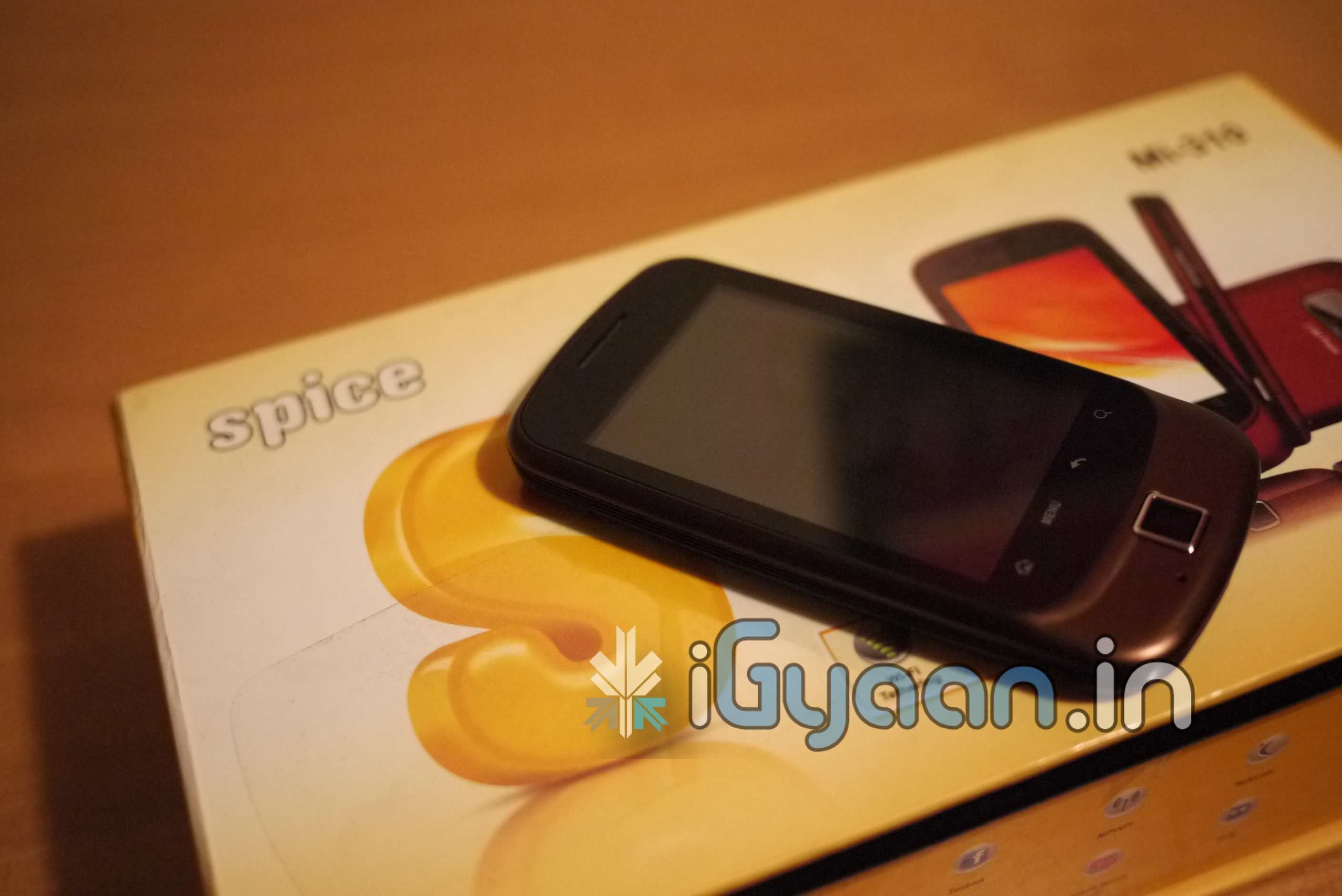
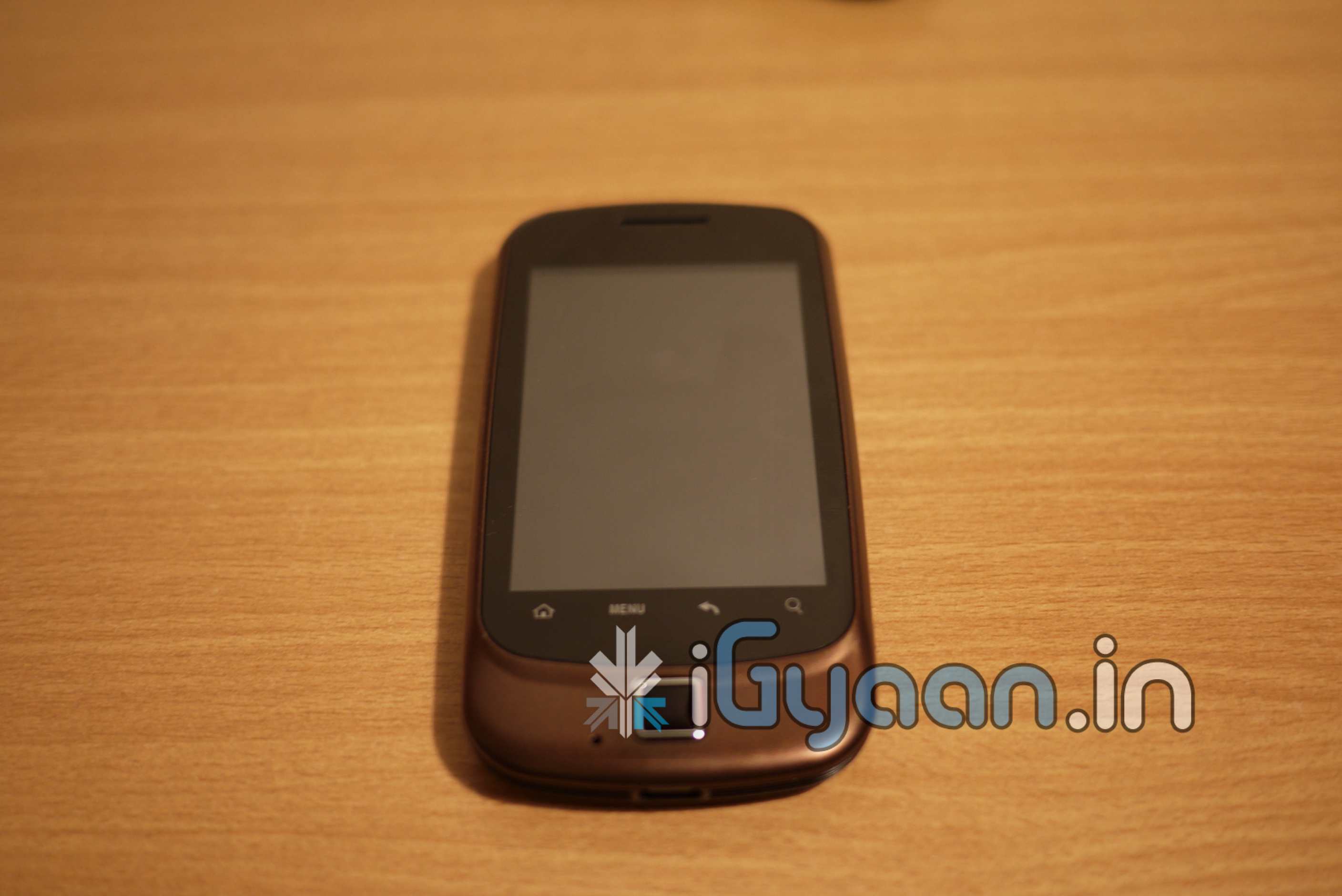
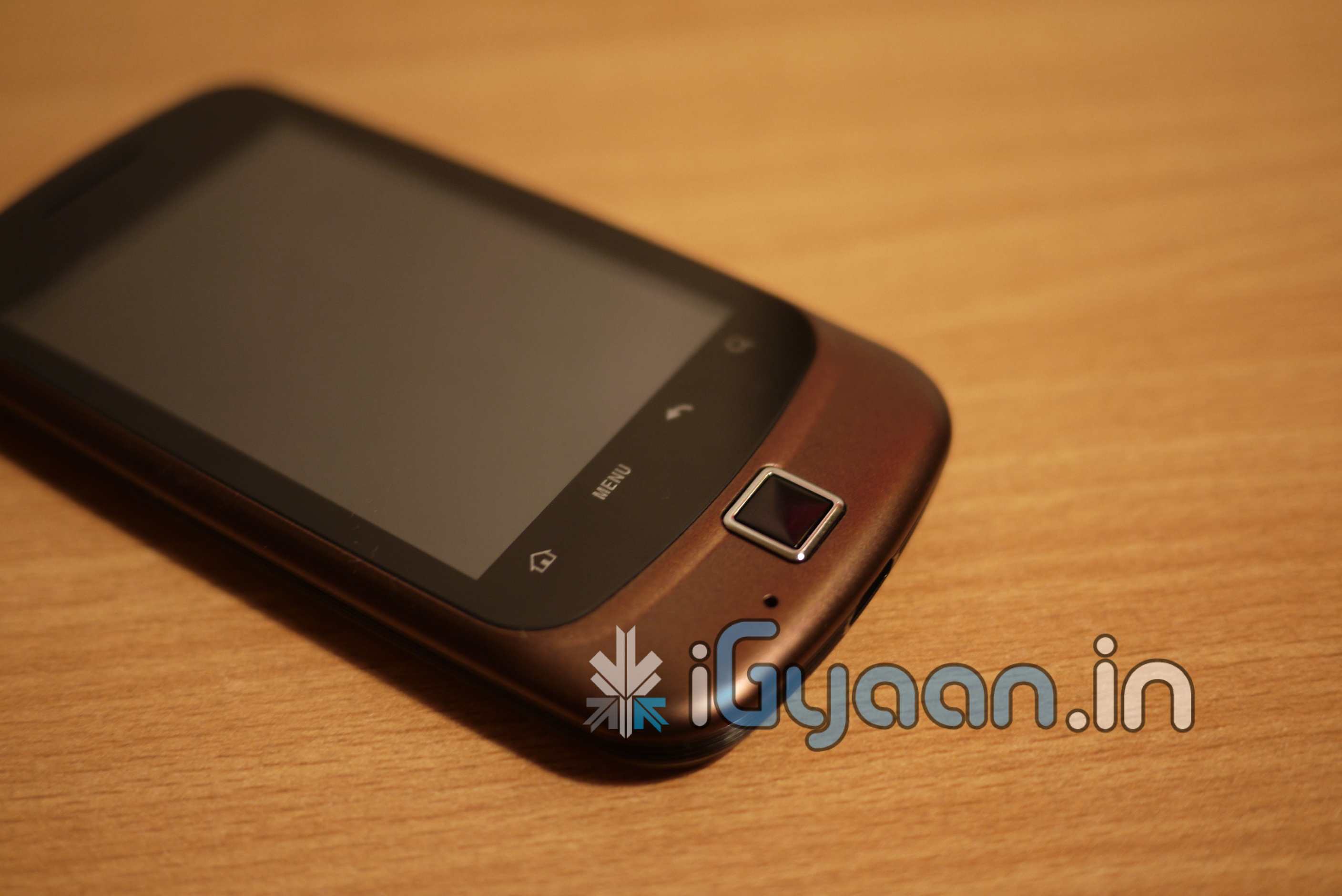
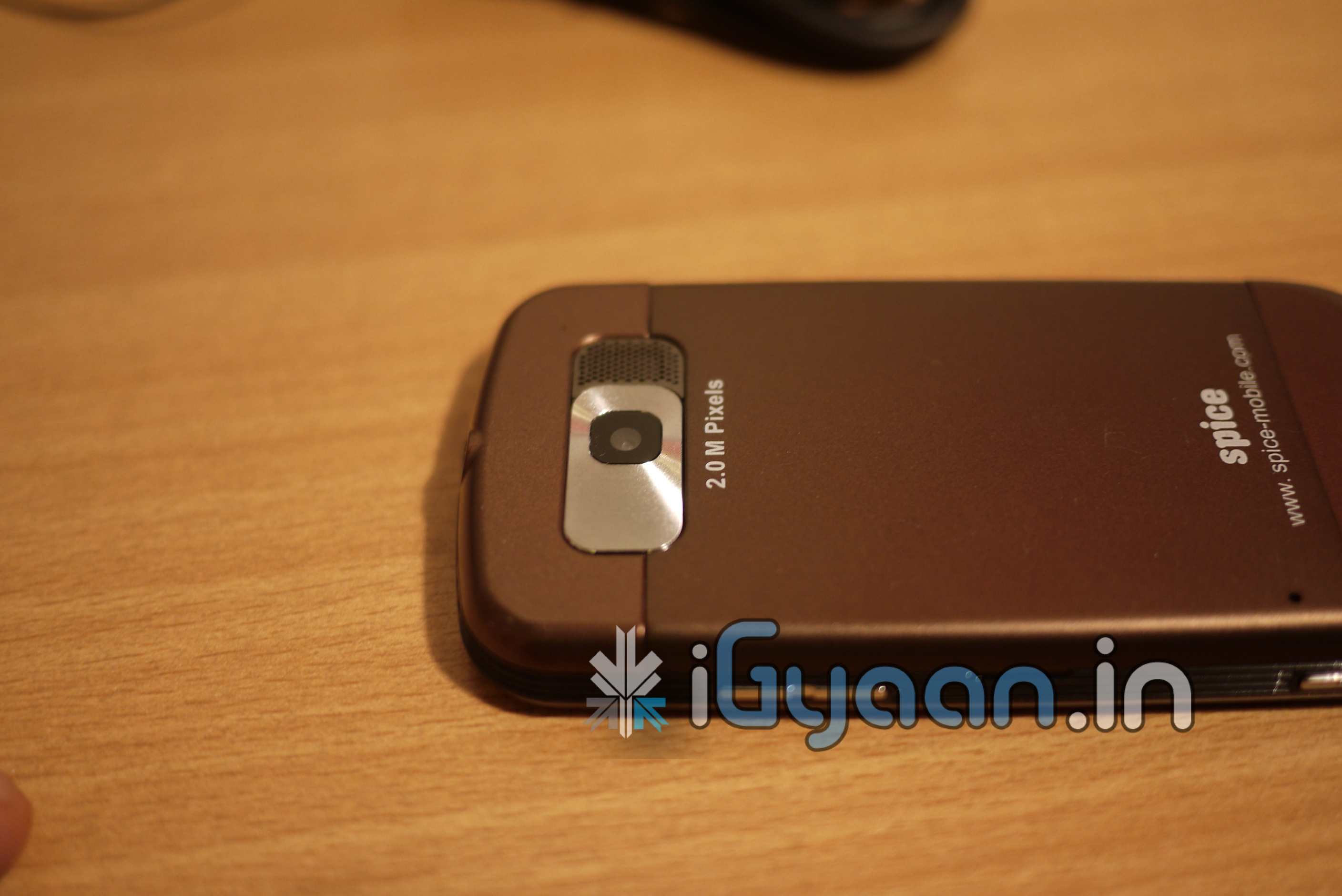
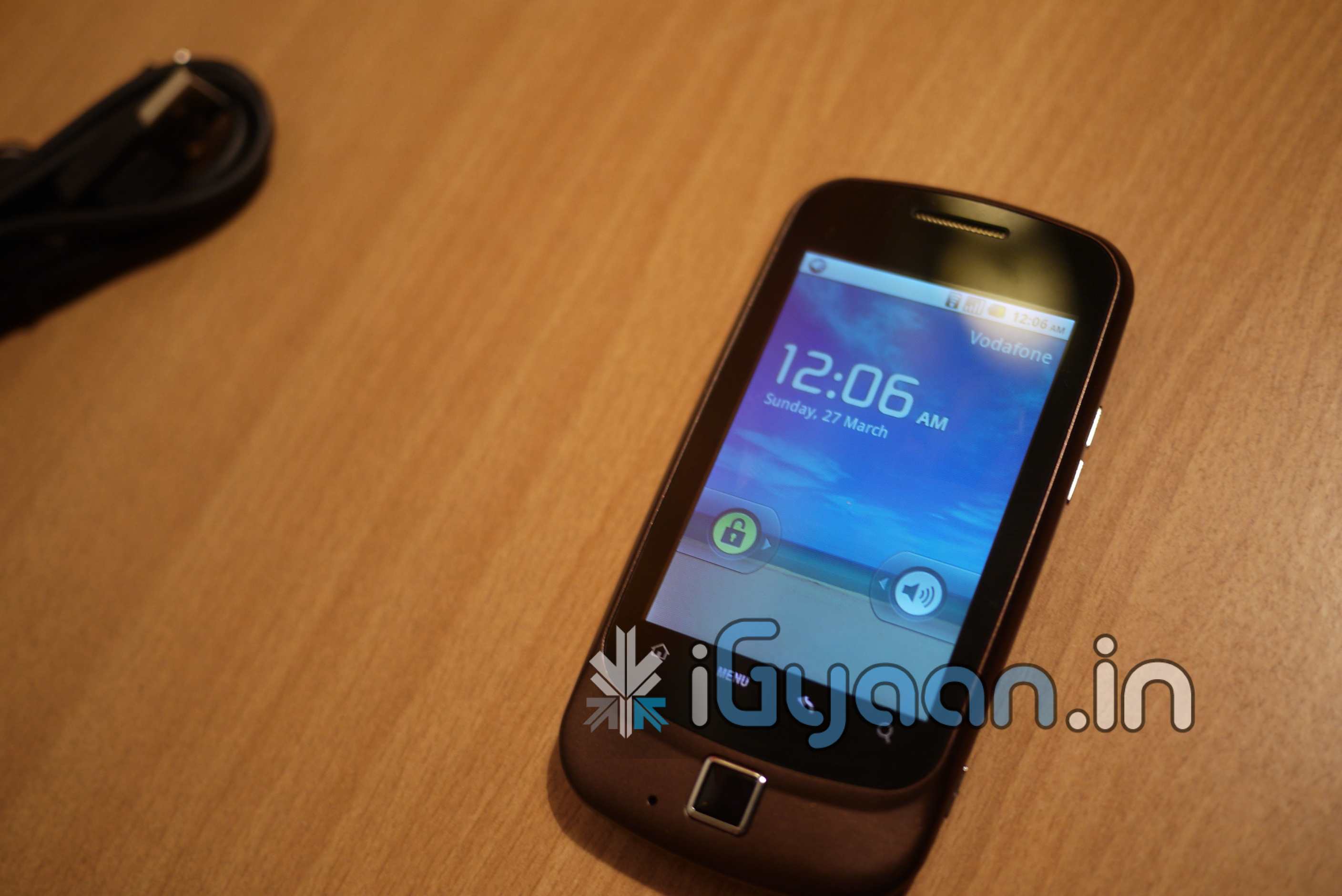
  • iG Exclusive : New Spice Mi 310 – Unboxing Video + Hands On : Updated

    iG Exclusive : New Spice Mi 310 – Unboxing Video + Hands On : Updated

    Spice was one of the first Indian companies to launch an Android OS based handset in the Indian Market, The Spice Mi 300. Now the successor of the very popular Mi 300 – the new Mi 310 is here it promises a lot more functionality at a lower price and a better build.

    We will be reviewing this device in-depth and giving you a full run down soon.

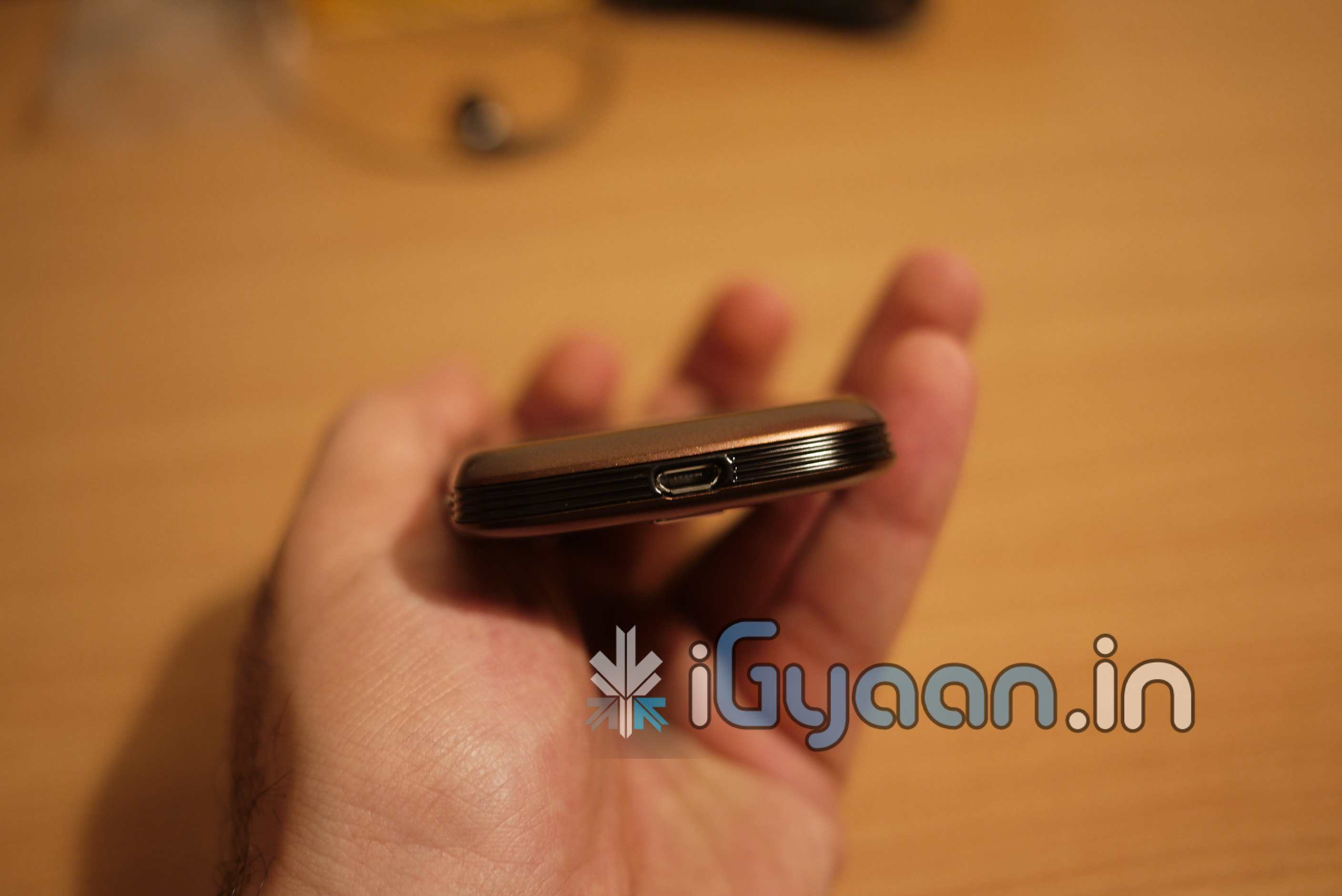
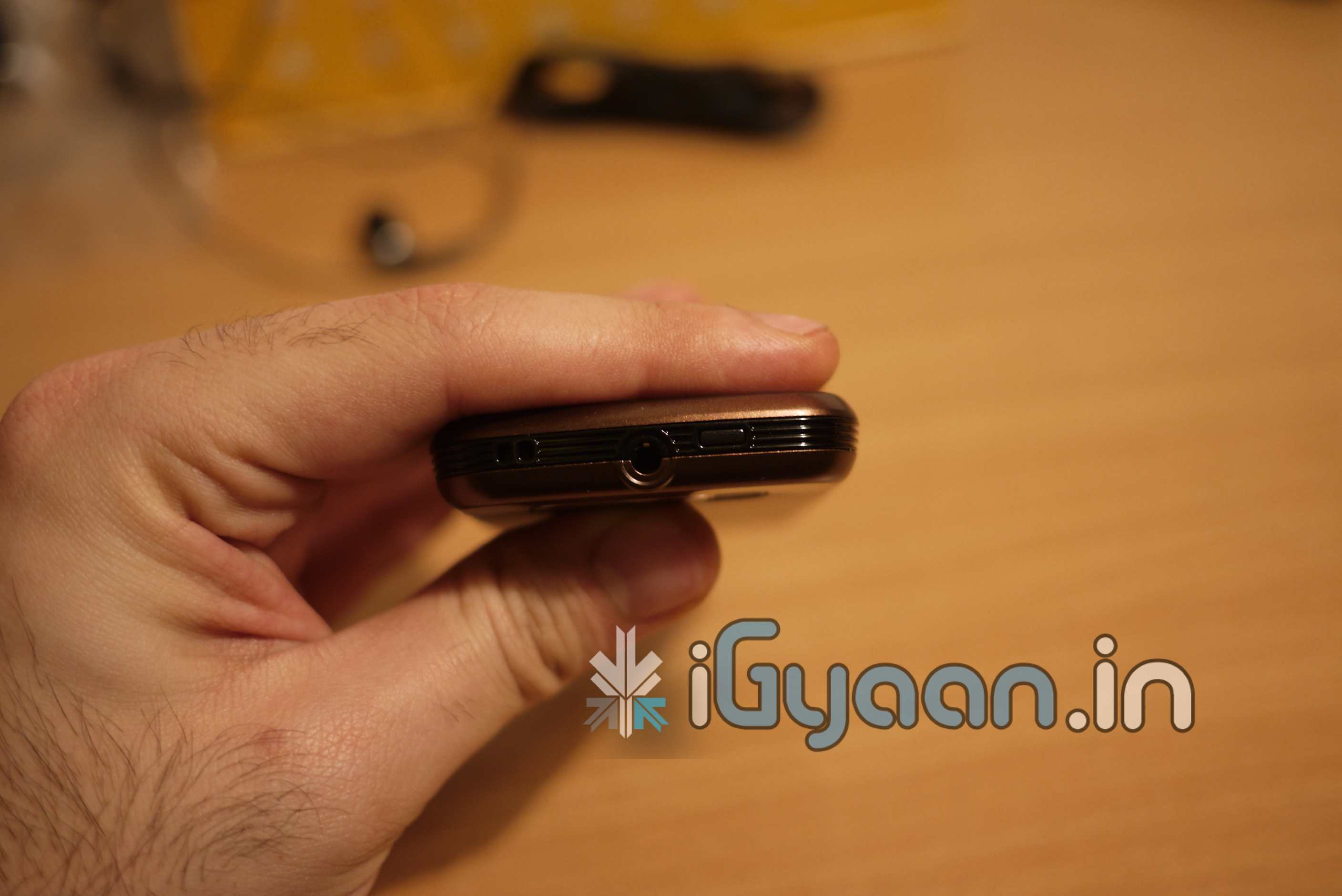
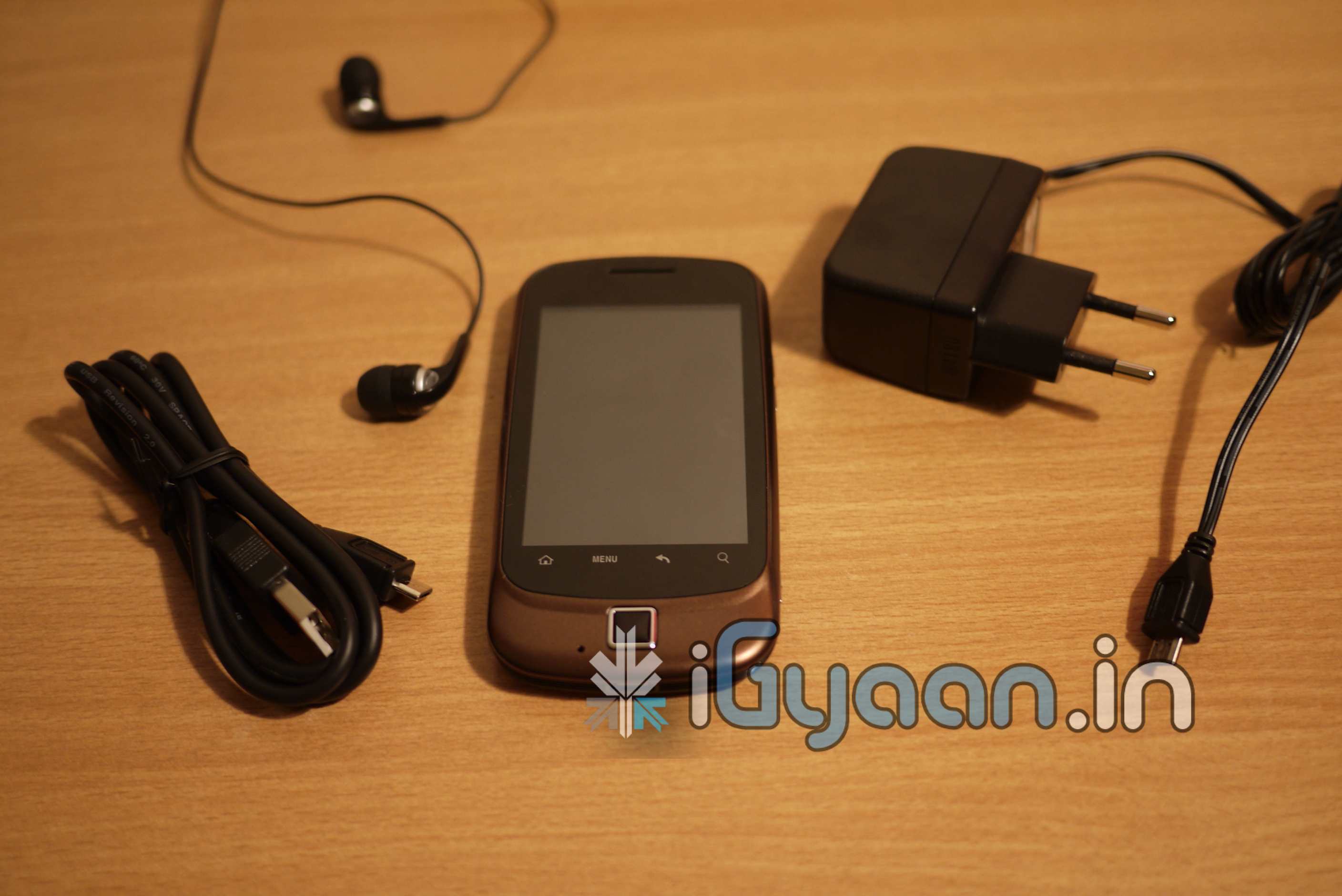
    Right now, we go hands on with the device, so check out the full specifications along with Hands on Pictures. The unboxing video will be up shortly.

    Model Name Spice Mi-310
    Price Rs. 8,999 MSRP
    Network (MHz) 900/1800 MHz, UMTS 2100 MHz
    Phone Style Android Touch Phone + Optical Trackpad
    OS Android 2.2 Froyo
    Talk time Up to 2.5 hours (review pending)
    Standby time Up to 150-200 hours (review pending)
    Battery Power 1200mAh
    Memory Card Type T-flash / Micro SD
    Memory Card Support Up to 16 GB (no card included
    Phone Memory 85 MB (approx.)
    Phonebook Capacity Unlimited (based on memory card)
    Screen Capacitive Touchscreen
    Screen Size (Pixels) External 8cm, 320×480 pixel
    Speaker phone Yes
    Ring Tones Multiple formats
    Language Support Multiple Languages
    Applications Android Marketplace Apps
    FM Radio Yes
    Connectivity WAP, GPRS, Bluetooth 2.1, Data cable, Wi-Fi
    Camera Yes
    Camera Resolution 2 megapixel
    Games From the Android Marketplace


    FULL UNBOXING VIDEO


    iG Tech Labs

  • Photowall Android app turns your Facebook friend’s pictures into a live wallpaper

    Photowall Android app turns your Facebook friend’s pictures into a live wallpaper


    This cool app for all Android devices pulls up all your and your friends’s pictures from Facebook and sets it as your live wallpaper. You can play around with a bunch of settings and effects can be added to the pictures aswell. This is real nifty especially to get pictures automatically. Make sure you set the update feature to once a day or you will be dropping battery life like dead birds out of the sky.

    [Android Market]

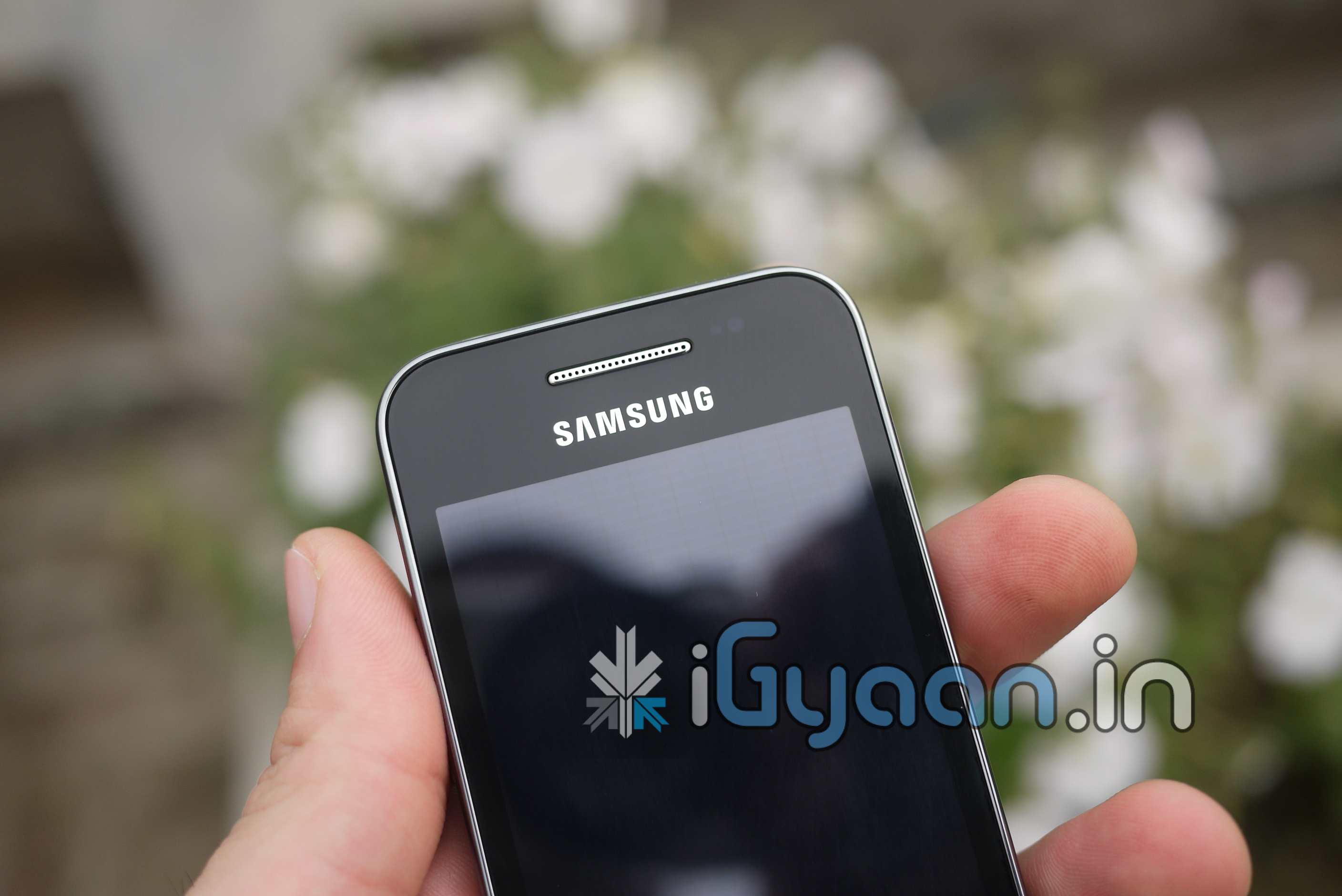
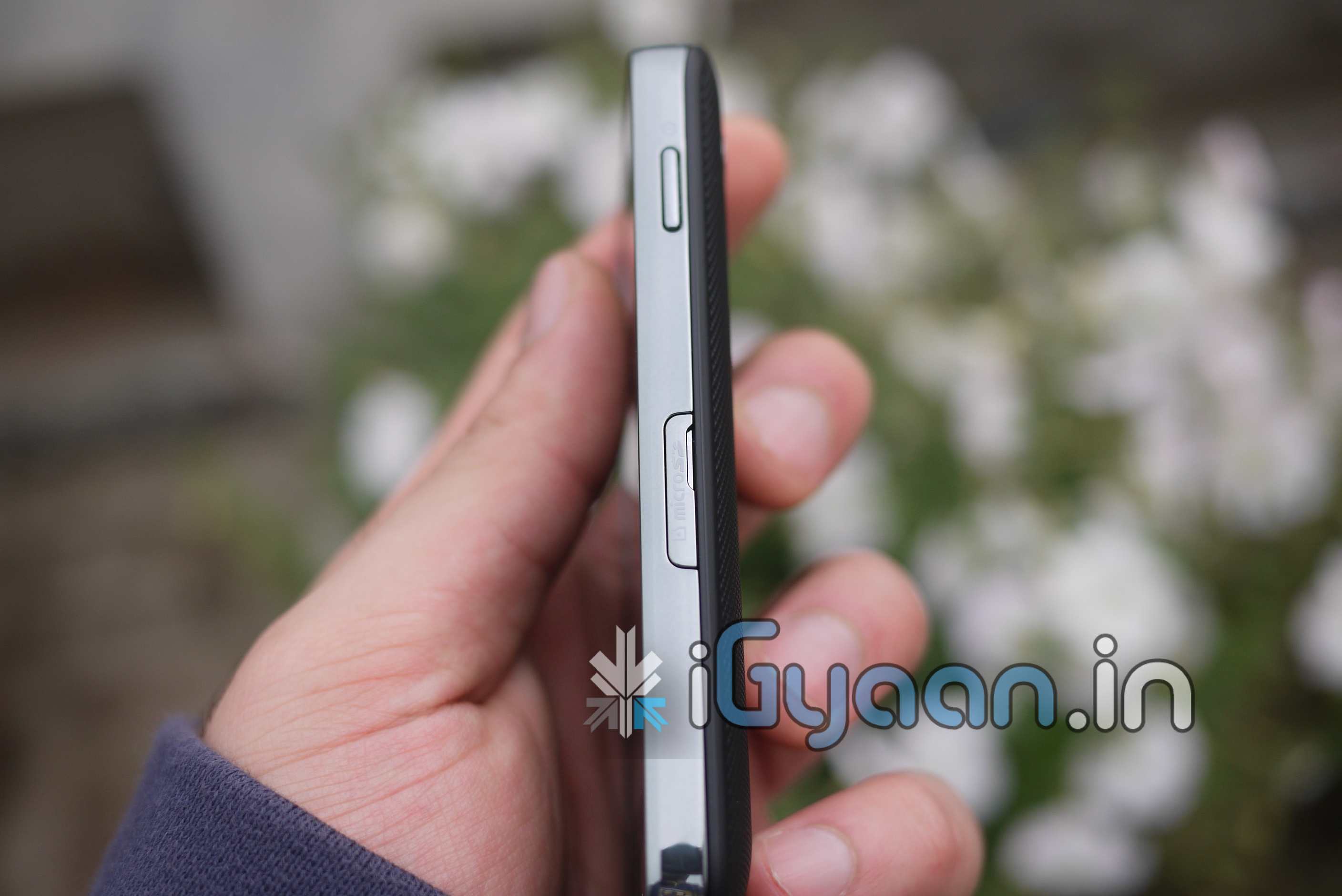
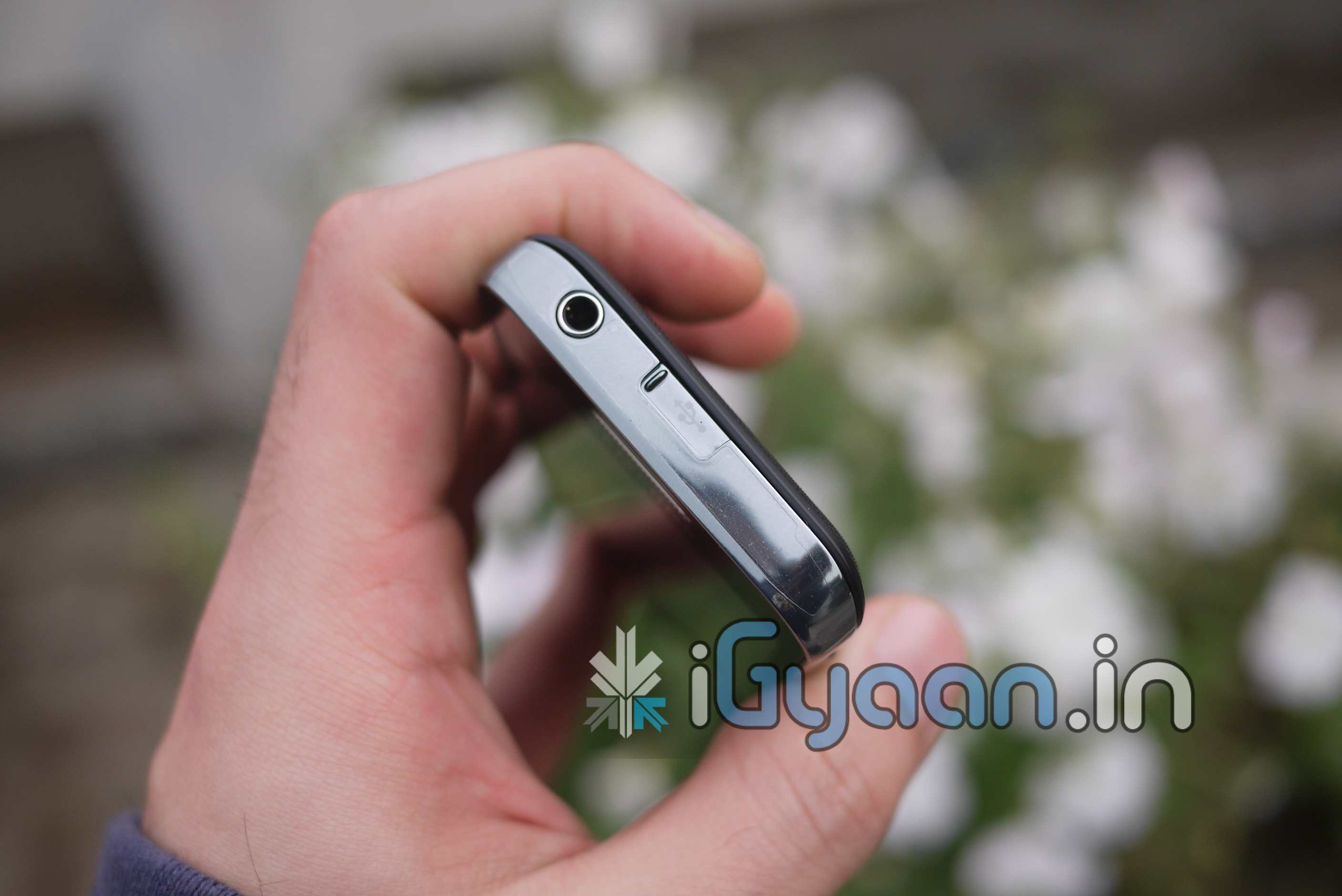
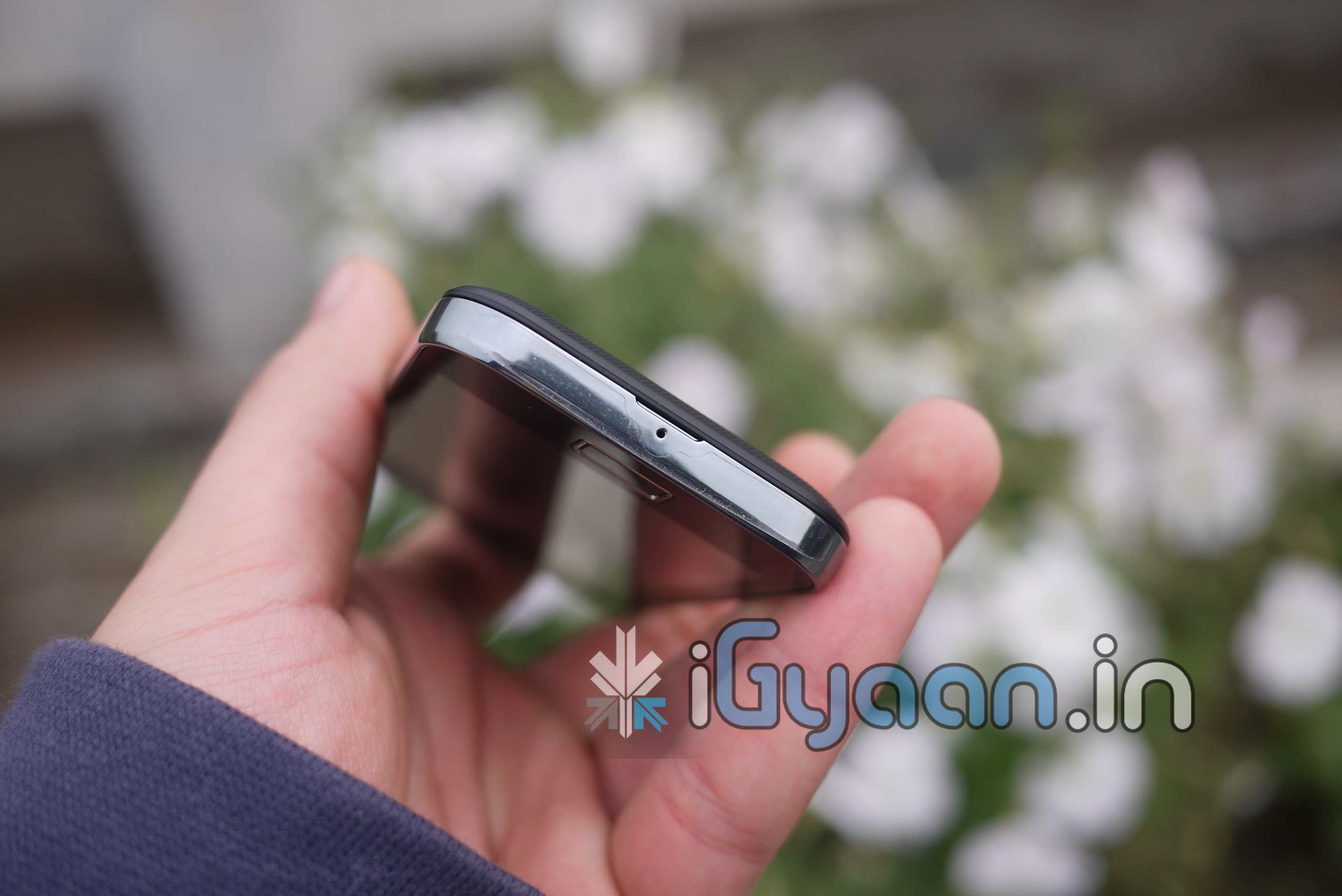
  • Samsung Galaxy Ace Full Review – Video, Pictures and Video Review

    Samsung Galaxy Ace Full Review – Video, Pictures and Video Review

    We have had this device for quite some time, and we are now ready to tell you how this device fares in the market.

    Lets start with the usual suspects

    BUILD QUALITY and HARDWARE

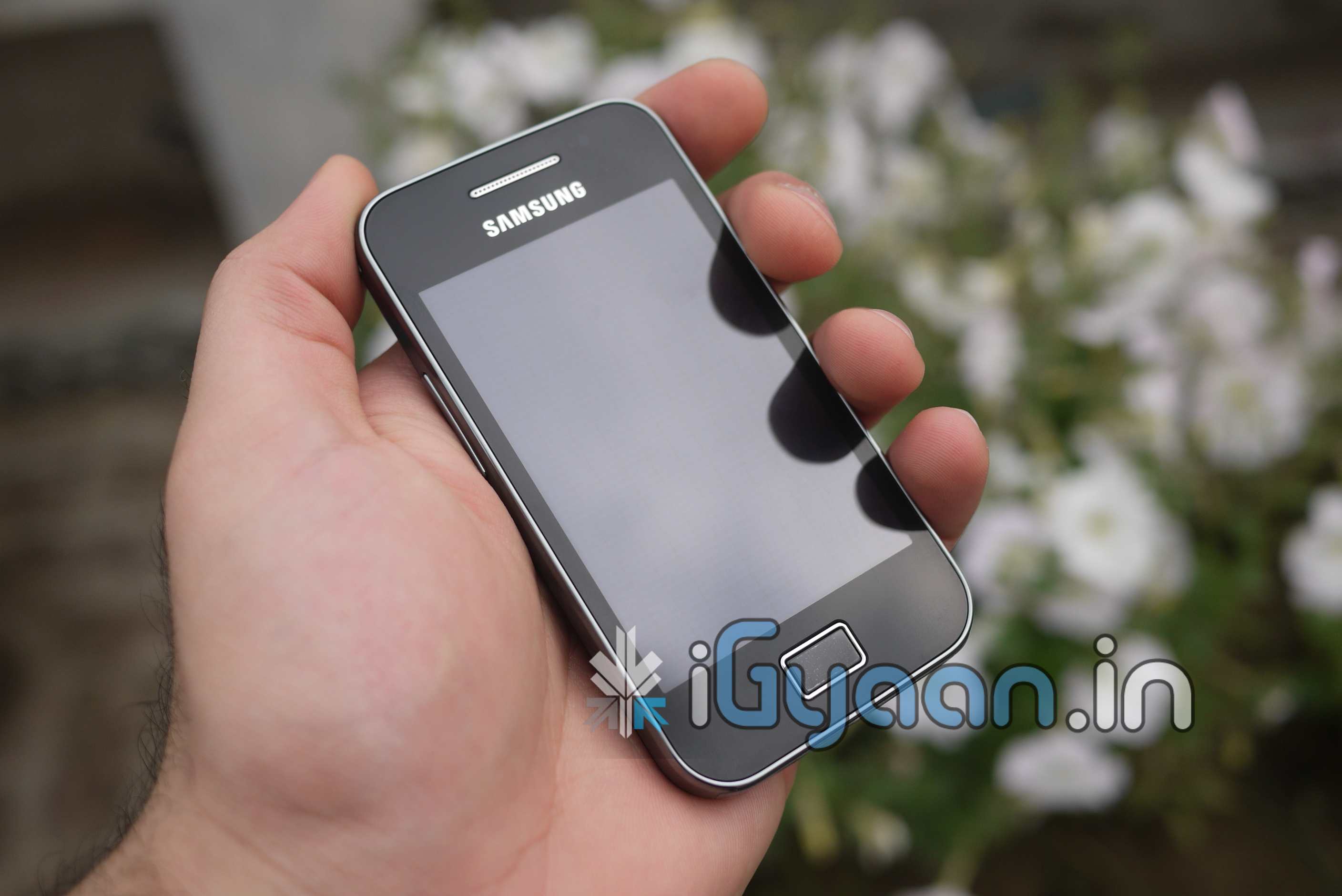
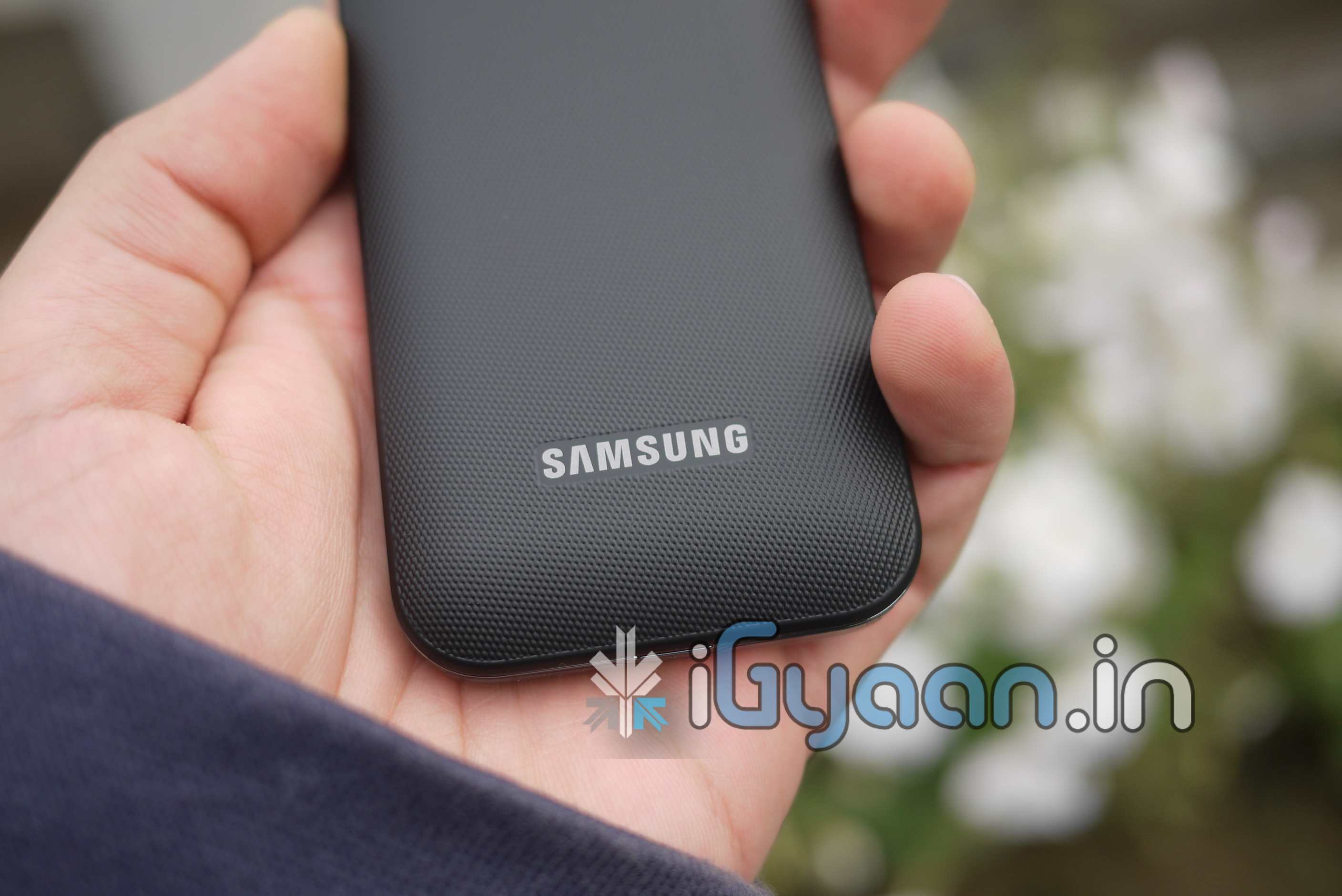
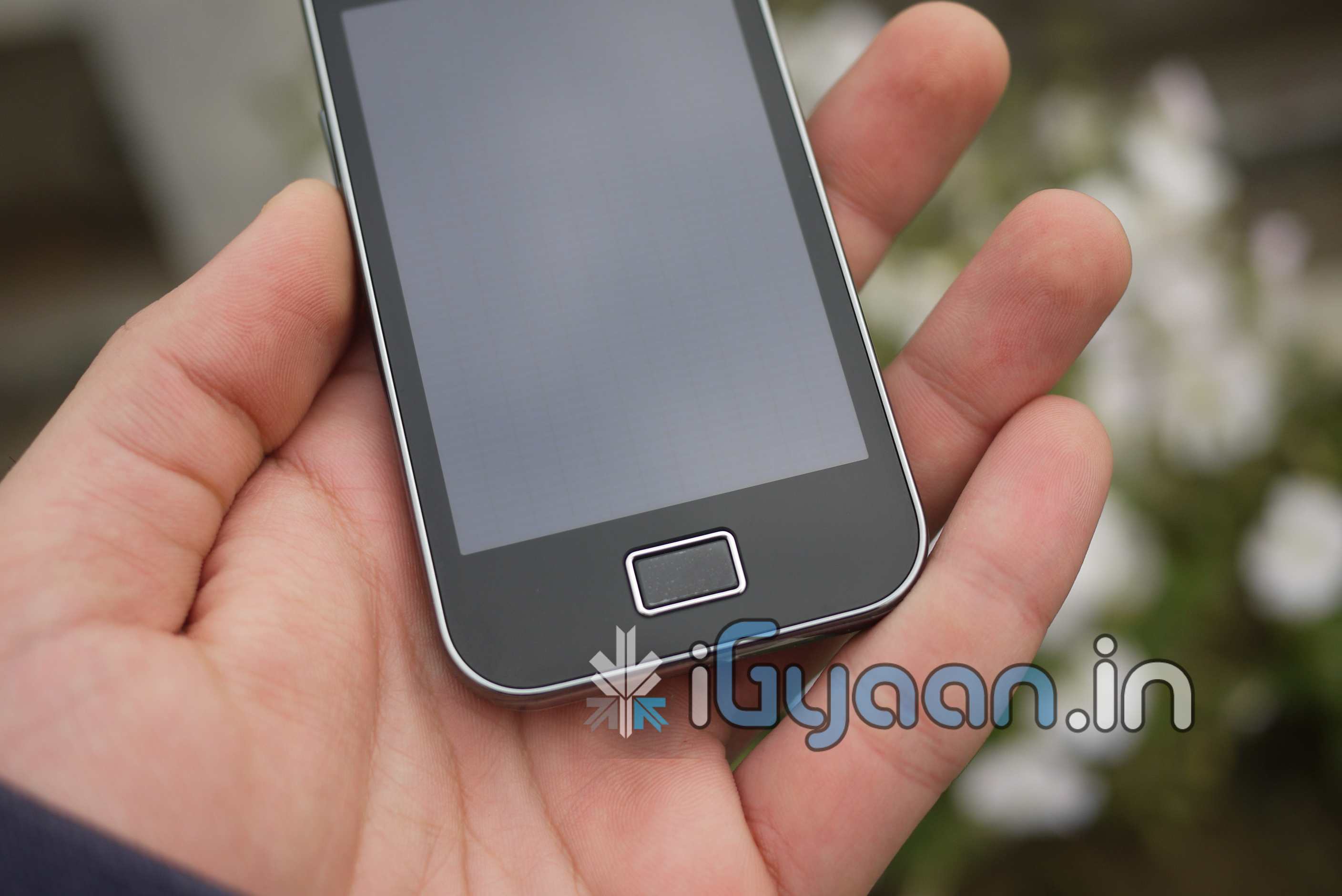
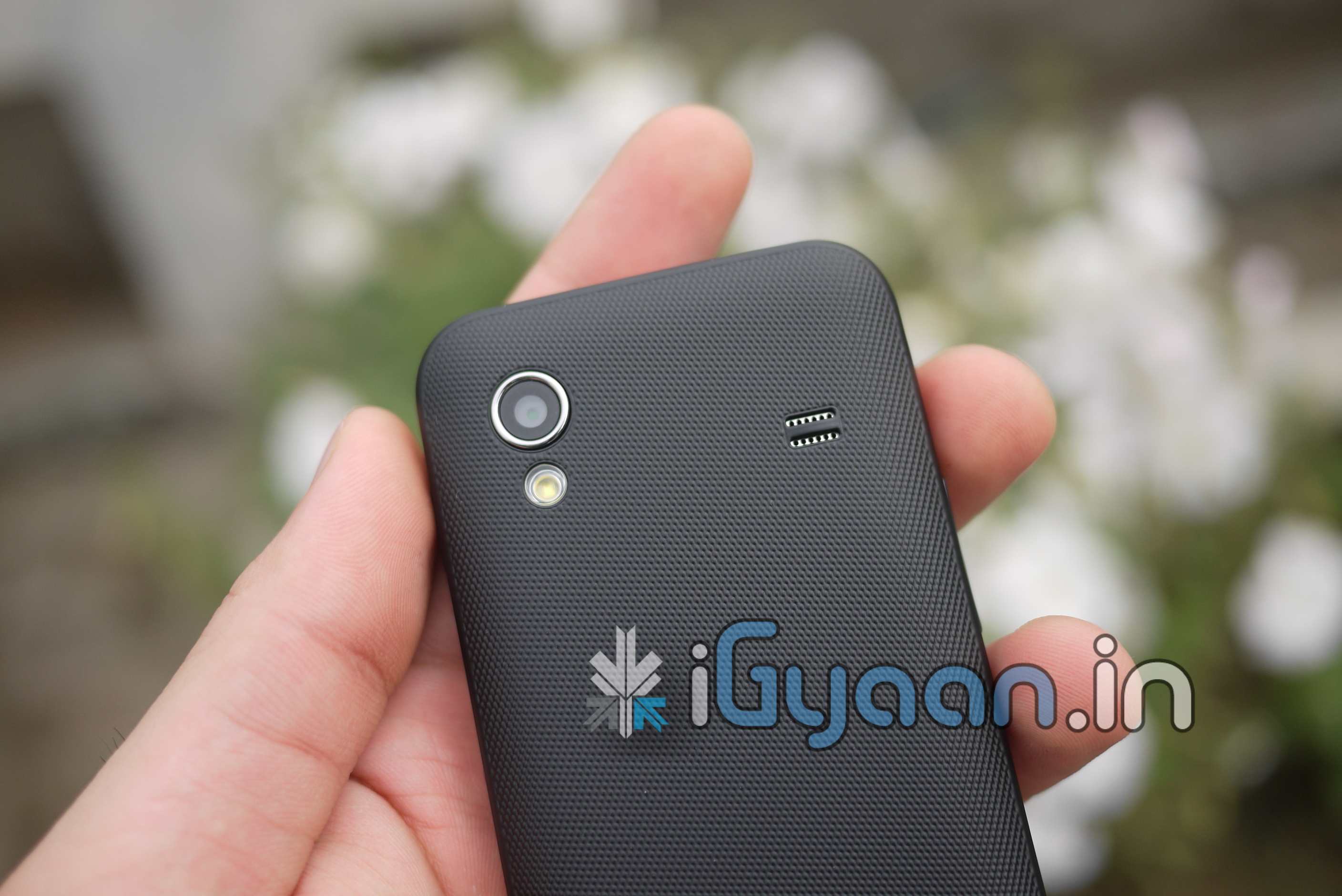
    The Galaxy Ace is possibly the best built Samsung Galaxy phone in India, till date. We feel, that the device is better built than the Galaxy S /Sl and all the lower end Galaxys put together (3,5, pop, etc). The back panel of the Galaxy Ace is the best texture we have seen on any device and the chrome metal side bezel squares off the phones looks with the likes of the iPhone 4. Solid and rigid, beautiful glass front and great styling.

    In terms of Hardware the device features a whole bunch of interesting specs including a 320 x 480 pixels, 3.5 inches Capacitive touch screen which is very-very responsive. A snappy 800 MHz ARM 11 processor, Adreno 200 GPU, Qualcomm MSM7227 chipset which is quite capable of handling the phones processing and delivers good gaming and graphic performance. A 1350 mAh which despite its size fared out well.

    The device is missing the standard Android search button like the FIT and the POP.

    Quadrant Score : 595


    DISPLAY and MULTIMEDIA

    Although 320 x 480 is no Retina display and is nowhere near high resolution, the display is simply stunning and the less pixel count is actually no problem, the text is clear and vivid the 16m color resolution does the display justice and in this price bracket, delivers a whole lot more than one can expect. The touch screen is also super smooth and performs excellently. Kinetic scrolling and pinch to zoom in and out, all of which are displayed in the video review, work great.

    The sound quality from the loudspeaker is not as great as the sound volume. You can really blast the audio from the speaker.  The speakers are great if the volume is  moderately controlled.

    The bass is well matched along with mids, but, start to clip at high volumes and you are left with a squeaking sound. This will also only happen on audio files which are tweaked to sound louder, regular music plays fine. Video quality is excellent, with a tiny bit of shuttering when the video clip loads, everything after that is as smooth as butter.

    Video looks good and there is no denying the fact that every Android user will watch atleast a video per week on his phone, and you will love it on the Samsung Galaxy Ace.

    CAMERA

    The Device is missing a dedicated camera shutter button! Why Samsung? why is it so difficult?

    The camera is a performance star, the auto focus is good and the light density on the sensor is excellent. Low light compositions are pretty decent, not as great as they could have been if Samsung had placed the flash a little further away from the camera, a surge of white crosses the camera , and the pictures come out faded when the led is on. When its offa low light compositions look passable. So either way the pictures are average in low light, Impressive in daylight / Apt lighting.

    Video however is poor and HD video is missing from the whole circuit. 320×240 (QVGA) (20 fps) video is just as bad as the numbers look, and we are sorry to say you will not be making any videos with the camera. We also tried several other Camera apps from the Android marketplace, but to no avail video quality was poor throughout. we will soon have a sample video up.


    PHONE, MESSAGING and BATTERY

    The Samsung Galaxy Ace handles Cellular networks beautifully and with 3G connectivity we got good download speeds up to 2.5Mbps (network constrained) in prime areas of Delhi. No relative call drops , actually one in about 3 weeks of testing. The call quality was superb, a whole lot more than we expected this device to deliver. Earpiece and mic are well balanced and perform brilliantly.

    Messaging is fast with the built in Swype Keyboard, If you don’t like it well you can download literally a dozen other keyboards from the marketplace and test them. Choose the one you like and keep it. The key factor however here lies in the touch sensitivity of the screen. The accuracy with which the device handles touch inputs is far superior than the likes of HTC wildfire and Dell XCD 35. But, those are last gen phones anyway. Keyboard performance is excellent mainly because of the touchscreen.

    Battery life on the Galaxy Ace was also shocking, with tweaked performance the device gives about

    • 4 Hours Talk time 3G
    • 5.5 Hours on 2G
    • Audio Playback (screen off) 12 hours
    • Video Streaming – 2 hours
    • Video Playback (offline) 4 Hours
    • Internet Wifi/3G    4-5 Hours

    Conclusion

    With the market flooded with Android devices we are yet to see a device in the 15k bracket that will live up to our expectations. But, then again our expectations are ever increasing and the market always fails to deliver. The Samsung Galaxy Ace however comes pretty close, and then falls back. The lack of a simple dedicated camera button, no HD video, a missing dedicated search button are simple things that could have been included.

    Price : INR 15, 499/-

    In an ideal scenario this device would have all the above and a bit more juice.

    [xrr rating=3.75/5 label=”We Rate it” imageset=shiny_yellow_star display_as=fraction_stars]


    Check out remaining pictures and FULL REVIEW VIDEO


iGyaan Network
Privacy Overview

This website uses cookies so that we can provide you with the best user experience possible. Cookie information is stored in your browser and performs functions such as recognising you when you return to our website and helping our team to understand which sections of the website you find most interesting and useful.