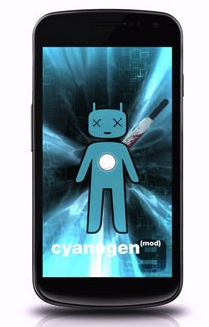
 The CyanogenMod team has uploaded a video of an LG Optimus 4x HD running CyanogenMod 10 with Jelly Bean Android 4.1. The build is still in early production and has trouble with Google’s new Search dynamics, but considering the Jelly Bean Source code just came out, the progress is quite impressive.
Tag: Android 4.1
-
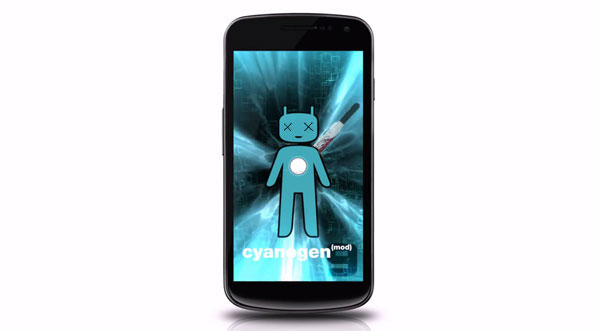
LG Optimus 4X HD gets Jelly Bean courtesy CyanogenMod Team
-
CyanogenMod 10 will bring Android Jelly Bean 4.1 to all those on it faster than ever.

Steve Kondik and the CyanogenMod team usually are really quick in bringing latest updates for Android to existing users. According to the team a few minor tweaks are needed to merge Google’s latest with the custom Android code, making CyanogenMod 10 easy to release.
According to the team any device that runs CyanogenMod 9 will also run CyanogenMod 10 easy. Stay tuned for more updates.
[CyanogenMod ]
-
iGyaanTV WTF Episode 2 – Nexus 7, Nexus Q, Jelly Bean and lots more
iGyaanTV Weekly Tech Focus http://iGyaanTV.com
Stories:
Google Nexus 7 : http://bit.ly/Oxkqw0
Google Nexus Q :http://bit.ly/N5MXTs
Android Jelly Bean : http://bit.ly/MCXdnZ
Sony Xperia ICS Update : http://bit.ly/KOk2be
HTC EVO 3D ICS : http://bit.ly/KOlFpo
Chrome on iOS : http://bit.ly/QvQleO
ACI Rs. 4999 Laptop : http://bit.ly/MEFLSO
Http://iGyaan.in Check out our new Channel http://youtube.com/trendpolice and Subscribe.
http://Facebook.com/iGyaan catch us on facebook
http://twitter.com/iGyaan follow us on twitter
http://facebook.com/igyaanin – like our facebook page!
http://facebook.com/iGyaanTV iGyaanTV on Facebook
http://gplus.to/igyaan – Catch us on Google PlusAll content used is copyright iGyaan, Use or commercial display or editing of the content without proper authorization is not allowed.
-
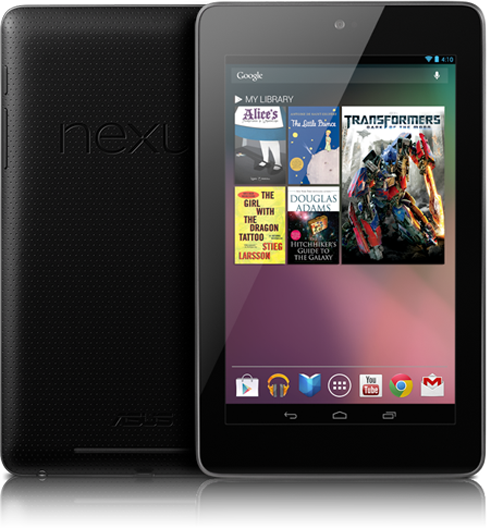
Everything you need to Know about the Nexus 7 Tablet from Google
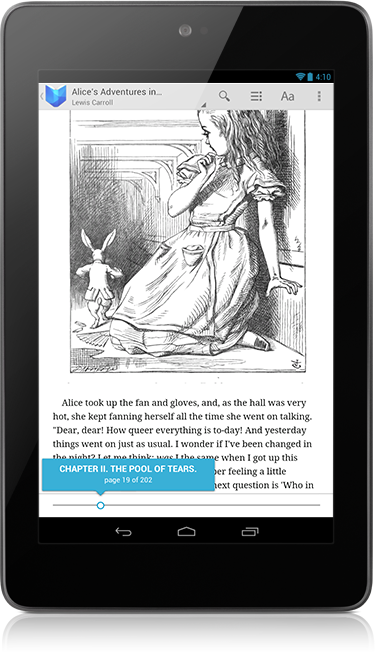
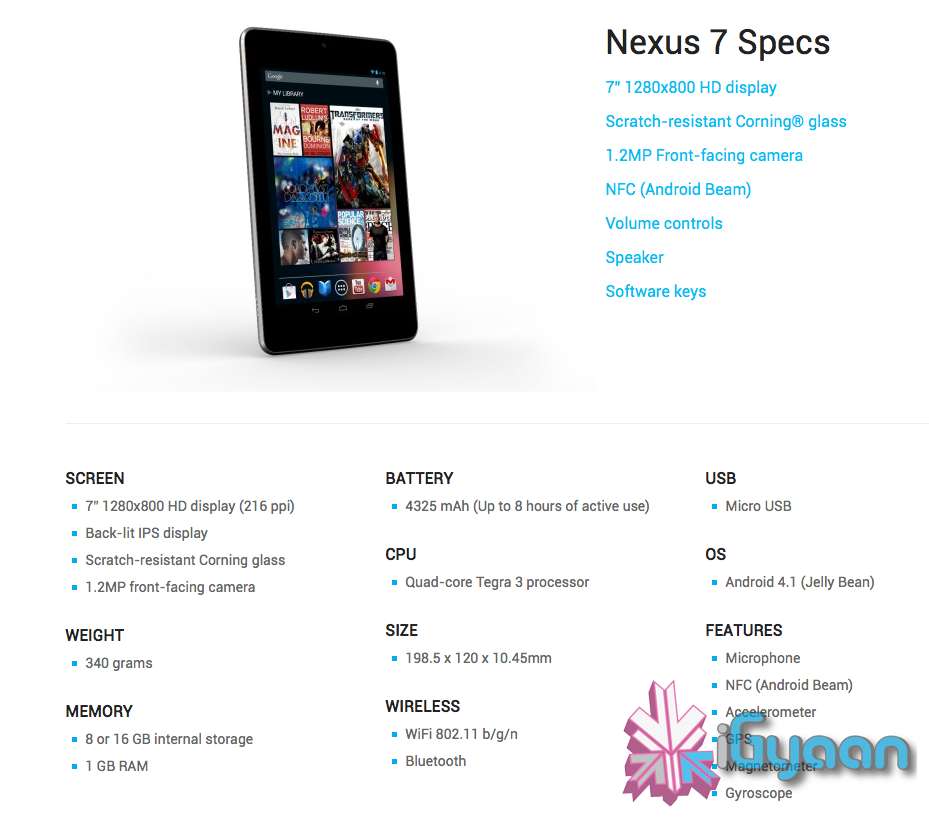
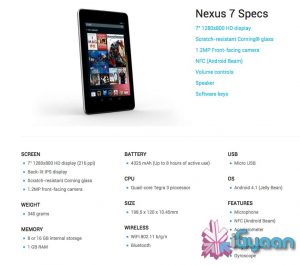
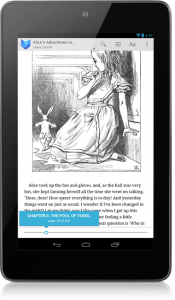
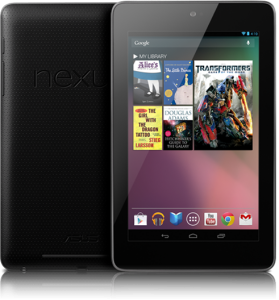
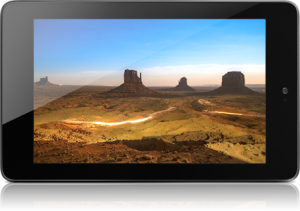
Google has launched their first official Tablet dubbed the “Nexus 7”. Priced aptly or in-fact cheaply at US $ 199 the Tablet will ship with Jelly Bean Android 4.1 out of the Box . The Nexus 7 is made by ASUS and has a 7” 1280×800 HD display (216 ppi), which is a Back-lit IPS display, and has Corning Gorilla Glass front.
The Nexus 7 is powered by a Quad-core Tegra 3 processor and has a 4325 mAh battery, it has a 1.2MP front-facing camera and weighs only 340 grams.
You get two storage options 8 or 16 GB internal storage and Nexus 7 comes standard with 1 GB of RAM. At just 10.4 mm thick the Tablet is pretty slim and has the standard features like, WiFi 802.11 b/g/n and Bluetooth. Apart from that the Nexus 7 also has Microphone, NFC (Android Beam), an Accelerometer, GPS, Magnetometer and a Gyroscope.

Dimensions of the Nexus 7 are 198.5 x 120 x 10.45mm and there is a micro USB for charging + Data Sync.
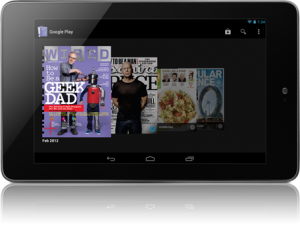
 With the Music Manager, you can easily import your entire iTunes music library* into Google Play. Once your music is imported it automatically becomes available on Nexus 7. Take your music anywhere with Nexus 7. When you upload your existing music library to Google Play (up to 20,000 songs for free ) you can stream all your tracks and playlists from the cloud.
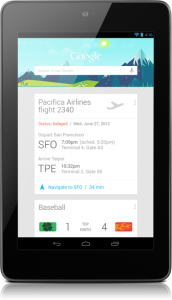
Google Now will also come to the Nexus 7, it tells you today’s weather before you start your day, how much traffic to expect before you leave for work, when the next train will arrive as you’re standing on the platform, or your favorite team’s score while they’re playing. The Knowledge database build around your likes and wants and build your phone to become more and more personal over time.
Your Standard Google Apps come preloaded on the Nexus 7, and the Chrome Browser finally exits Beta to come into final release. Everything is designed to work seamlessly on the Nexus 7. Excited Yet? We Are!

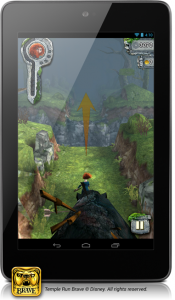

[Nexus 7]
-
Everything you need to know about Android 4.1 Jelly Bean
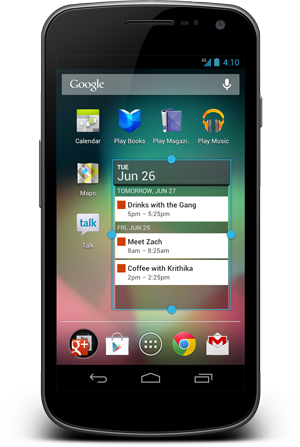
 Google has officially taken the curtain down from what is the next big mobile OS for the company. Android 4.1 Jelly Bean brings to Android what ICS missed out on. The biggest change according to Google is something they like to call “project butter” which now allows the the whole interface to run at 60fps. While the difference in speed is a few milliseconds, you will notice the difference when a Jelly Bean device is placed next to a ICS device.
 The home screen has been tweaked, adding features like dynamically resizing widgets,that resize and move unwanted apps and icons out of the way. The camera app, which was already a highlight of ICS, has gotten even better in 4.1. Now, the gallery is slickly integrated, allowing you to quickly pull up the photo you just took with a swipe to the left. Something like what you would see in the Windows Phone Camera app.
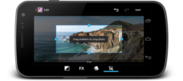 Deleting images is as simple as swiping a pic off the screen. The unique undo button allows you to recover a photo you might have accidentally deleted. Google Android Jelly Bean 4.1 brings something that most smartphone users have asked for in the past year, voice to text without data. The language model in Jelly Bean adapts over time, and the keyboard even guesses what the next word will be before you’ve started typing it. With improved text-to-speech capabilities, voice typing on Android is even better; it works even when you don’t have a data connection, so you can type with your voice everywhere you go.
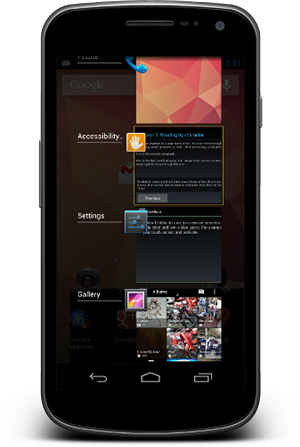
 Jelly Bean also bring advanced Accessibility to the mix, With Jelly Bean, blind users can use ‘Gesture Mode’ to reliably navigate the UI using touch and swipe gestures in combination with speech output. Jelly Bean also adds support for accessibility plugins to enable external Braille input and output devices via USB and Bluetooth.
Taking note from the Galaxy S3 the new Jelly Bean OS for Android brings Android Beam to every smartphone running it, with just a simple tap, in addition to sharing contacts, web pages,
 YouTube videos, directions, and apps. Just touch two NFC-enabled Android devices back-to-back, then tap to beam whatever’s on the screen to your friend. Instantly pair your Android phone or tablet to Bluetooth devices like headsets or speakers that support the Simple Secure Pairing standard by just tapping them together – no more syncing or searching required.
Android 4.1 Jelly Bean also Improves Google Search on the phone OS, it has a new look-and-feel, and has faster and more natural Voice Search.Predictive input lets you select your search criteria, before you even ask. The new Knowledge Graph is used to show you search results in a richer way. It’s easier to quickly get answers and explore and browse search results.
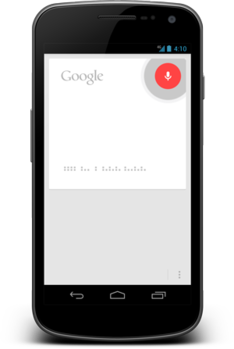
With JB 4.1 and the new “Google Now” tells you today’s weather before you start your day, how much traffic to expect before you leave for work, when the next train will arrive as you’re standing on the platform, or your favorite team’s score while they’re playing. The Knowledge database build around your likes and wants and build your phone to become more and more personal over time.
-
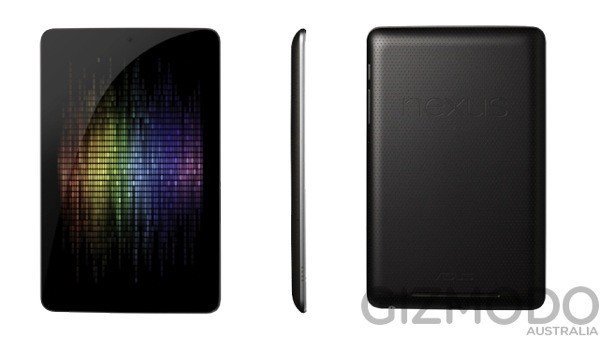
Google Nexus Tablet ready to be sold US $ 199 or Rs 11,000

Google’s long rumored Nexus tablet has been rendered and now has a price, $199 to be precise. Specs of this upcoming tablet are expected to be a 7-inch, quad-core Tegra 3 slate with a front 1.2-megapixel camera, NFC, 8GB to 16GB of storage and a 1280 x 800 IPS-based LCD.
Google’s I/O conference should reveal more information about this elusive device, especially wen it is finally showcased.
-
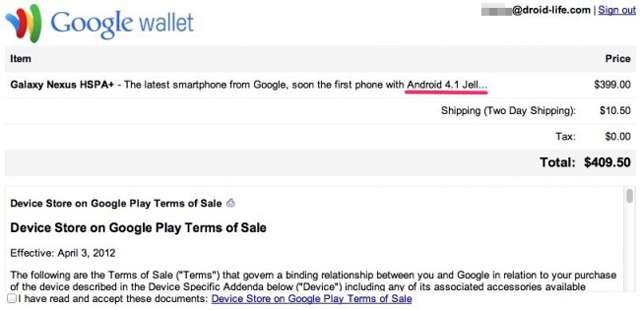
Google Wallet Slip reveals Android 4.1 as Jelly Bean Moniker

When the Android Jelly Bean name came out, it was rumored to be given to Android build 5.0 and beyond. But a recent slip on the Google Wallet, while someone was purchasing the Galaxy Nexus reveals that in-fact the Jelly Bean Moniker will go to Android 4.1.
This information might get confirmed at the Google I/O next week. However the slip up has been corrected and does not show on the checkout page anymore.
[quote]While the Galaxy Nexus is still available through Google Play, it no longer makes mention of Android 4.1. A shot of the Galaxy Nexus sporting a new pink and green wallpaper and what looks like a new search box still shows up (as seen above) on Google Play when the Galaxy Nexus is in a user’s shopping cart.Google declined to comment on the Google Play mishap, or on the Jelly Bean nickname. One bit of detail not disclosed on Google Play or by Google is when the next iteration of Android will arrive. A good time for such a launch would, of course, be Google I/O, the company’s massive developer conference taking place June 27-29 in San Francisco.[/quote]