Tag: android update

  • OnePlus 6 Starts Receiving OxygenOS 9.0.2  Update With Nightscape And Screen Gestures

    OnePlus 6 Starts Receiving OxygenOS 9.0.2 Update With Nightscape And Screen Gestures

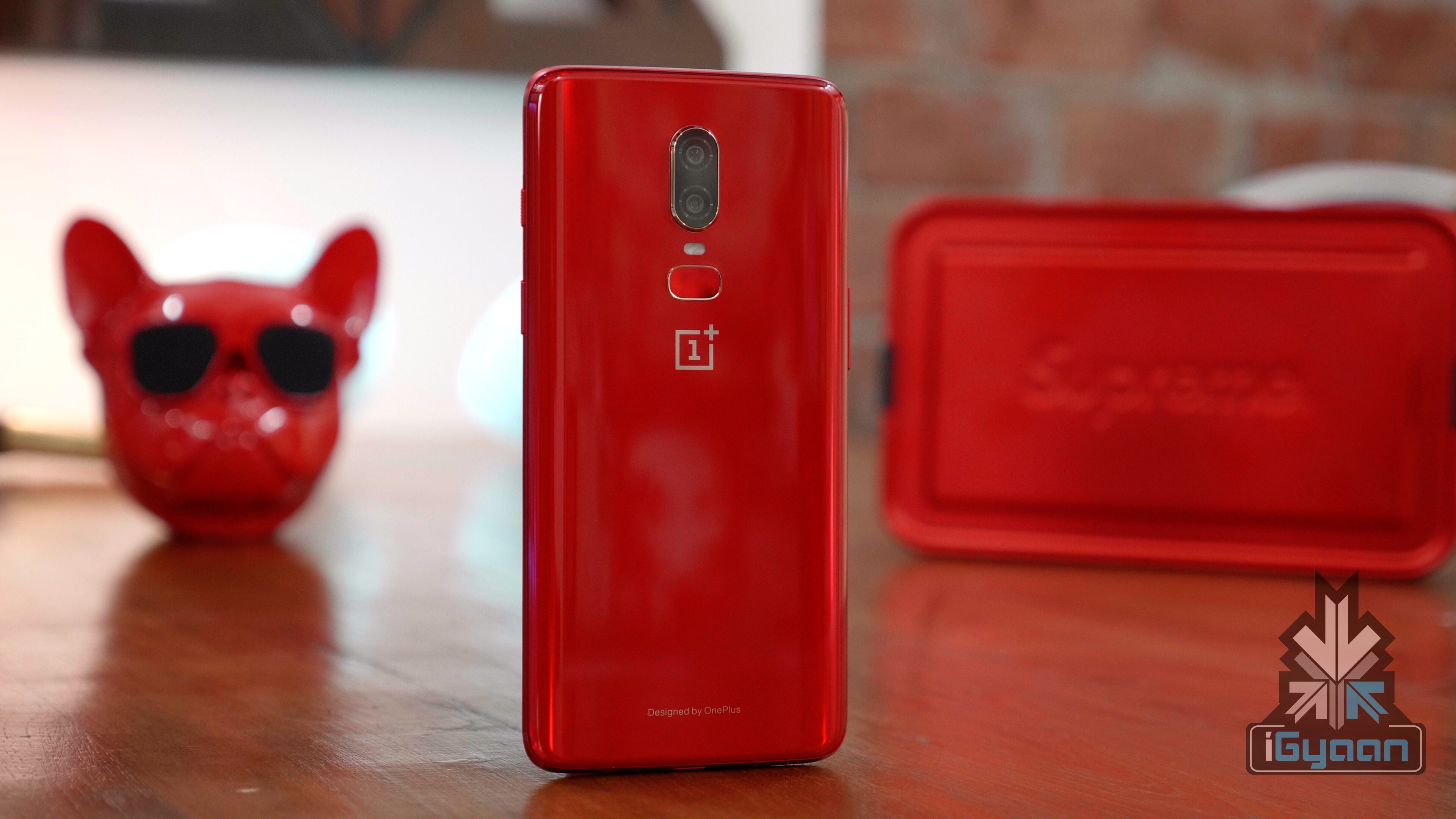
    Oneplus 6 users were wary of whether the new software updates on the OnePlus 6T will bleed to the older model or not. At the launch the company declared that all the new software features will arrive at the Oneplus 6 as well. Now the new update is here and lets go over the features once more!

    New Navigation Gestures
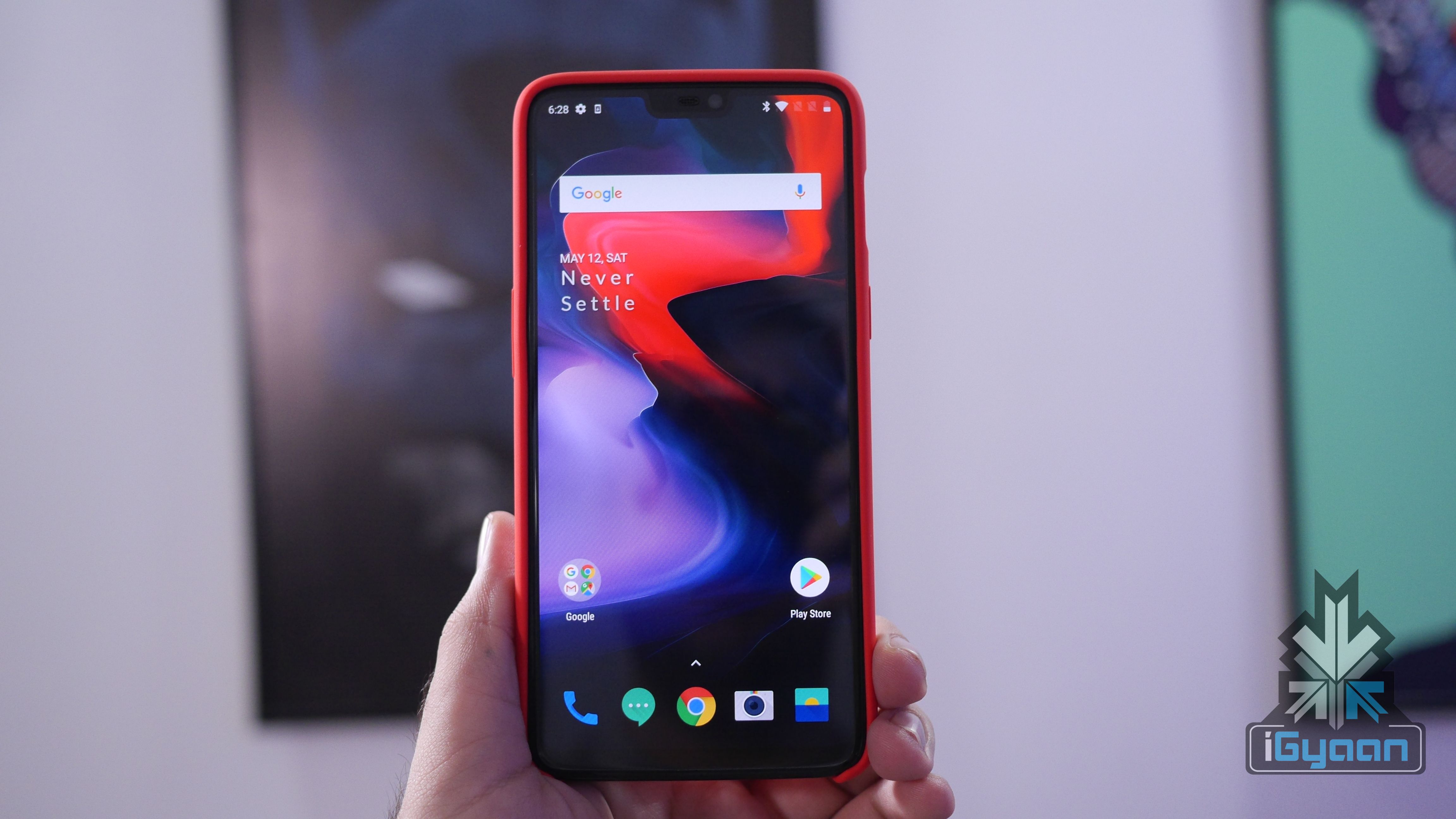
    In the last update, there were several issues that users complained about. Using the Gesture Navigations made it difficult for the user to summon the Google assistant. Now with the new update, you can access the Google Assistant using the power button. Many new gestures are also added. The gestures are now much more fluidic and looks better. The overall experience is completely different. Switching between apps is also quite different.

    Improved UI
    OnePlus 6

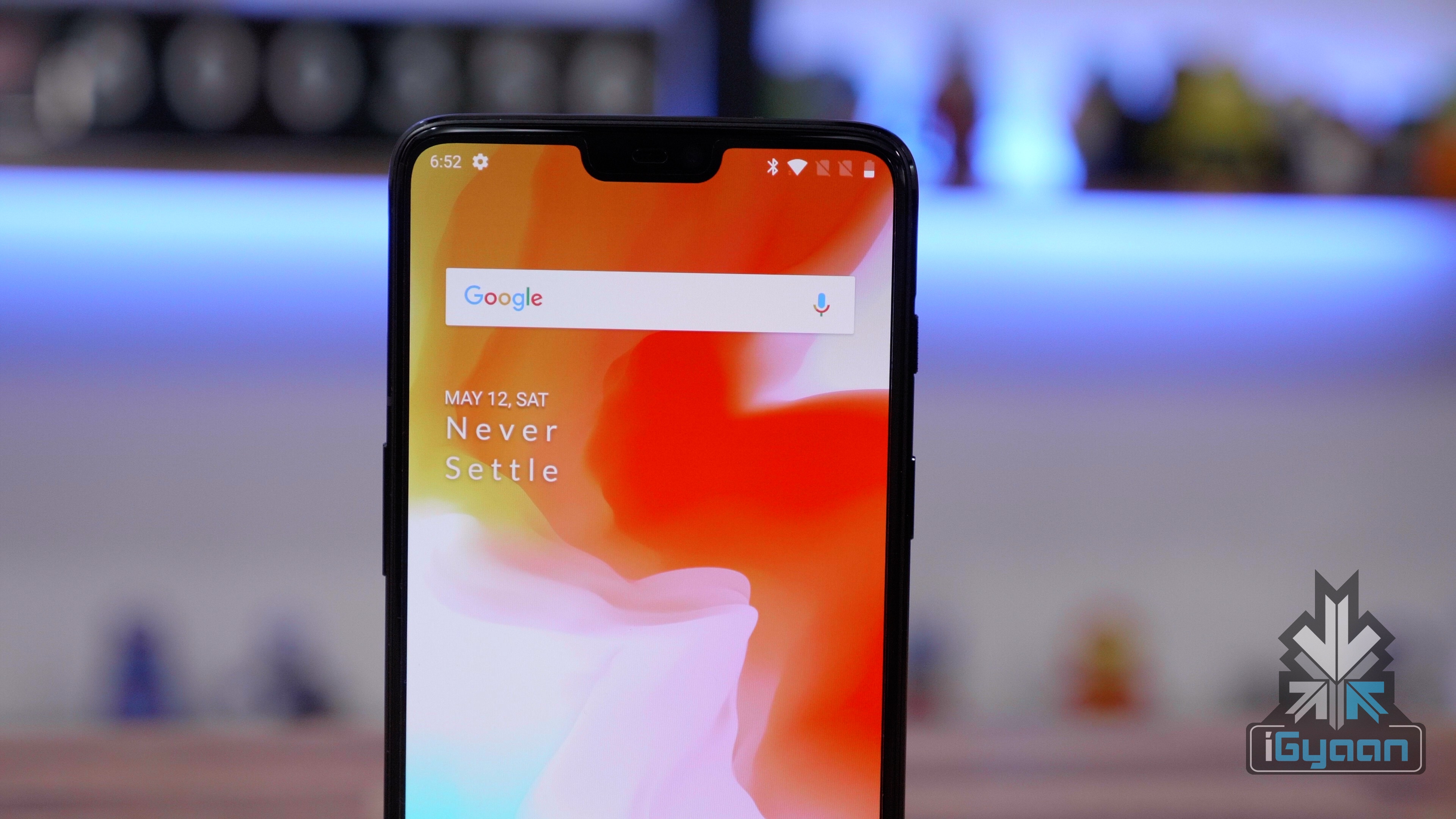
    The user interface has been changed quite a bit. Although it is not apparent at first glance, the User Interface has smaller changes that make using the Oneplus 6 on a day to day basis much easier and smoother. According to the company, it has a dedicated team that solely focusses on making the machine Fast, Stable and Efficient and this team is aptly named Team FSE. This includes a Reading mode that makes the screen darker and makes it look like it has a matt finish. The dark mode now also darkens the notification panel, menu and everything else to go dark. For the reading mode, specific applications such as Google Play Books and Kindle can be preset to open in reading mode only.

    Night Mode and Studio Lighting
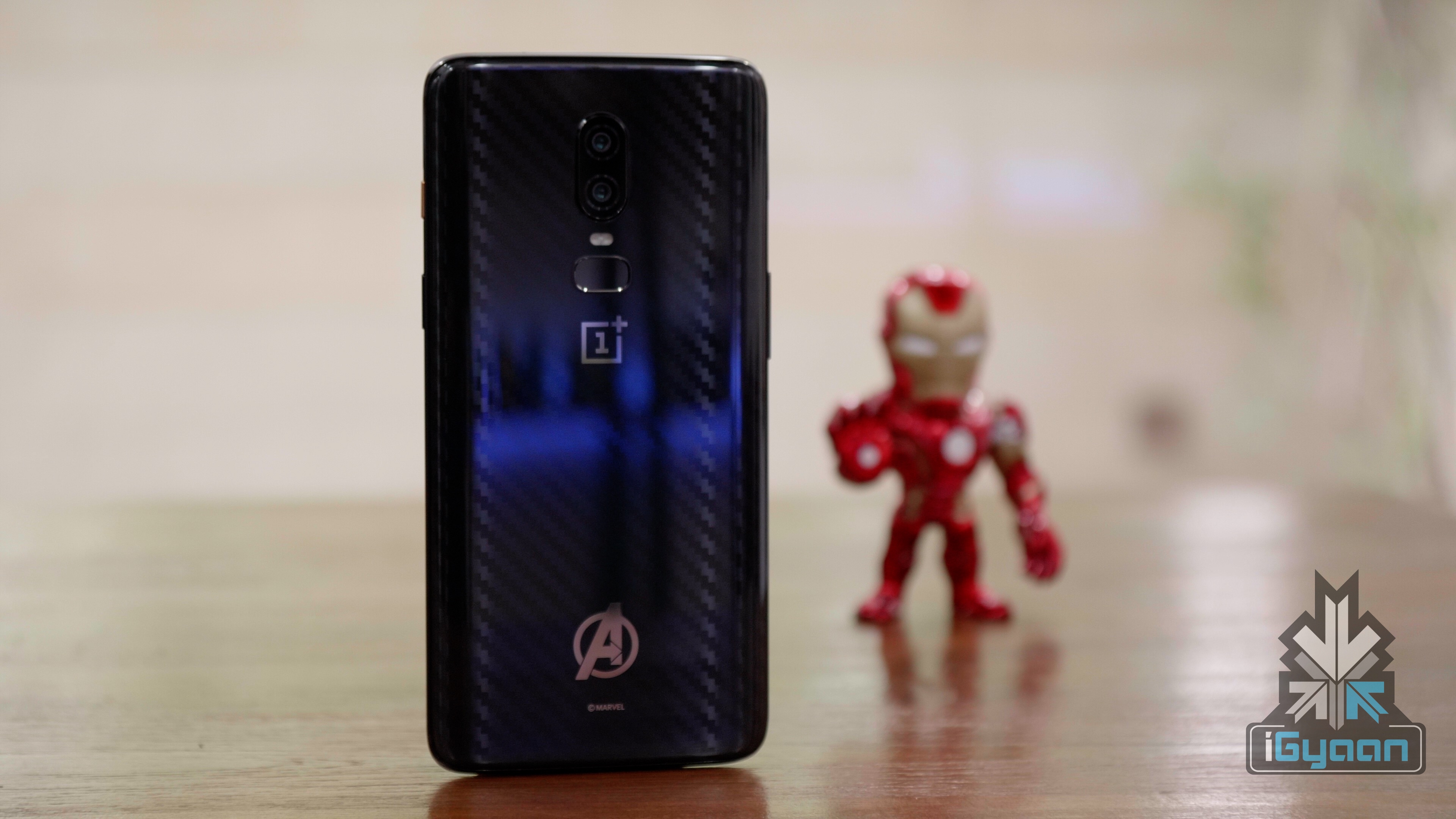
    A massive change in terms of the camera include the addition of Night Mode and Studio Lighting. The night mode, through software changes, enables better night mode photography. The improved night time camera capabilities will enable the Oneplus 6 to take better low light images. The nightscape reduces the ISO and the shutter speed and compared to the usual 5 seconds required to take a night shot, the Oneplus will take 2 seconds thus reducing the chance for camera shake.  The studio lighting enables normal portraits to get a better lighting that does not make it look unnatural. This mode accentuates the facial features and allows for better portraits.

    Also Read: OnePlus 6T Receives Oxygen OS 9.0.4 Update
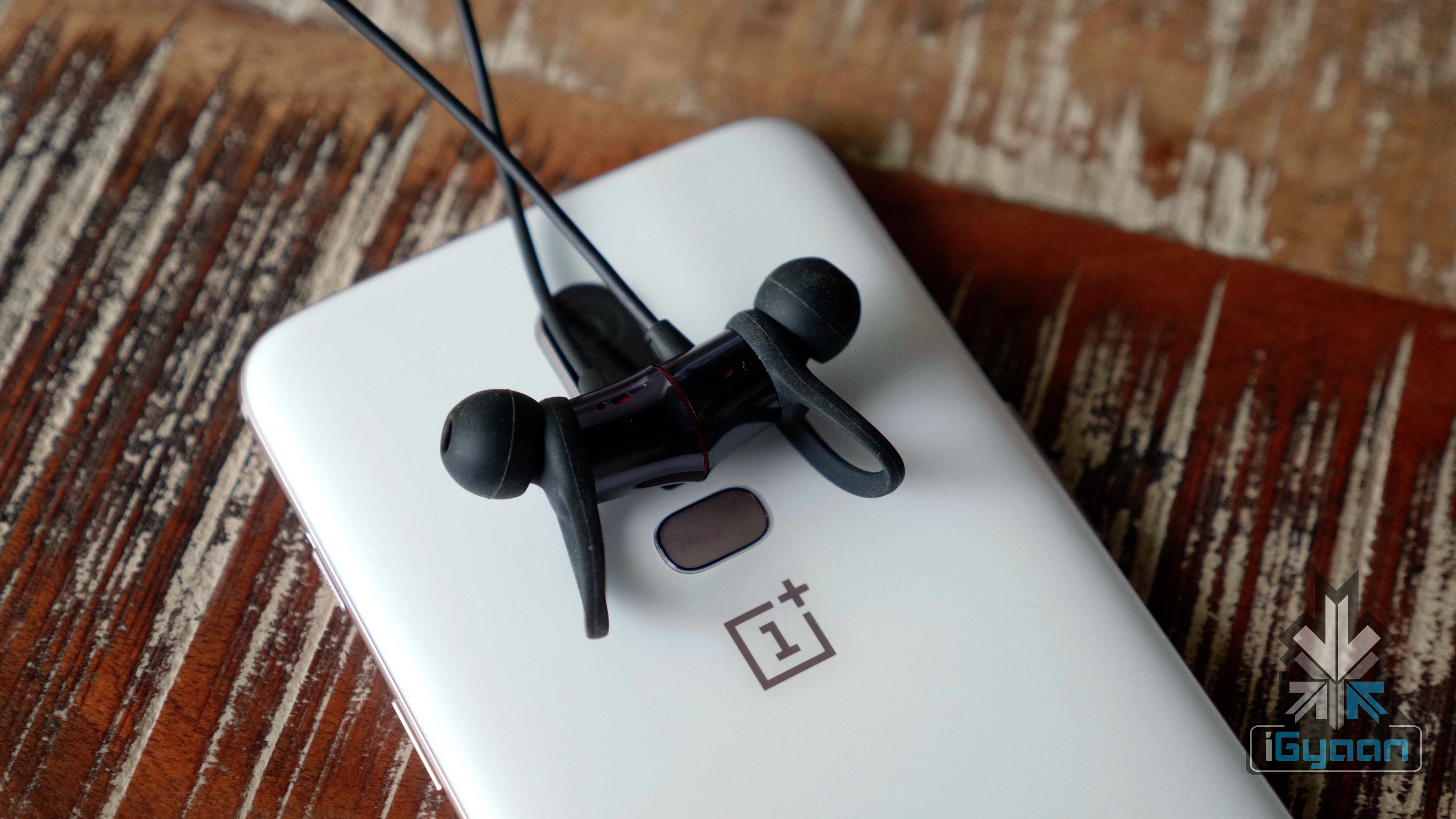
    OnePlus 6T

    Other changes include the usual updated Android security patch which OnePlus is quite regular with. The screenshot experience has also received an update. The update also implements a  new Google quick search box design. The zooming gesture and magnification in the gallery also improves with this update.

    According to OnePlus, the update will roll out in stages. A few users will receive the update today while a broader rollout will begin in the next few days.
  • iOS 12 Now On 50% iPhones and iPads

    iOS 12 Now On 50% iPhones and iPads

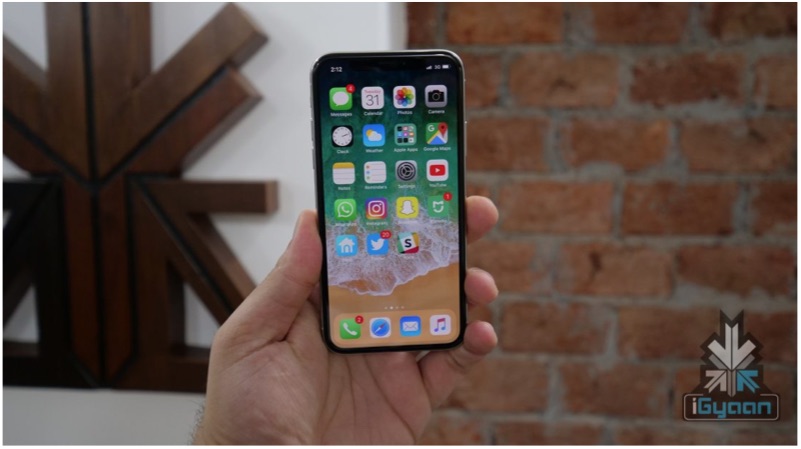
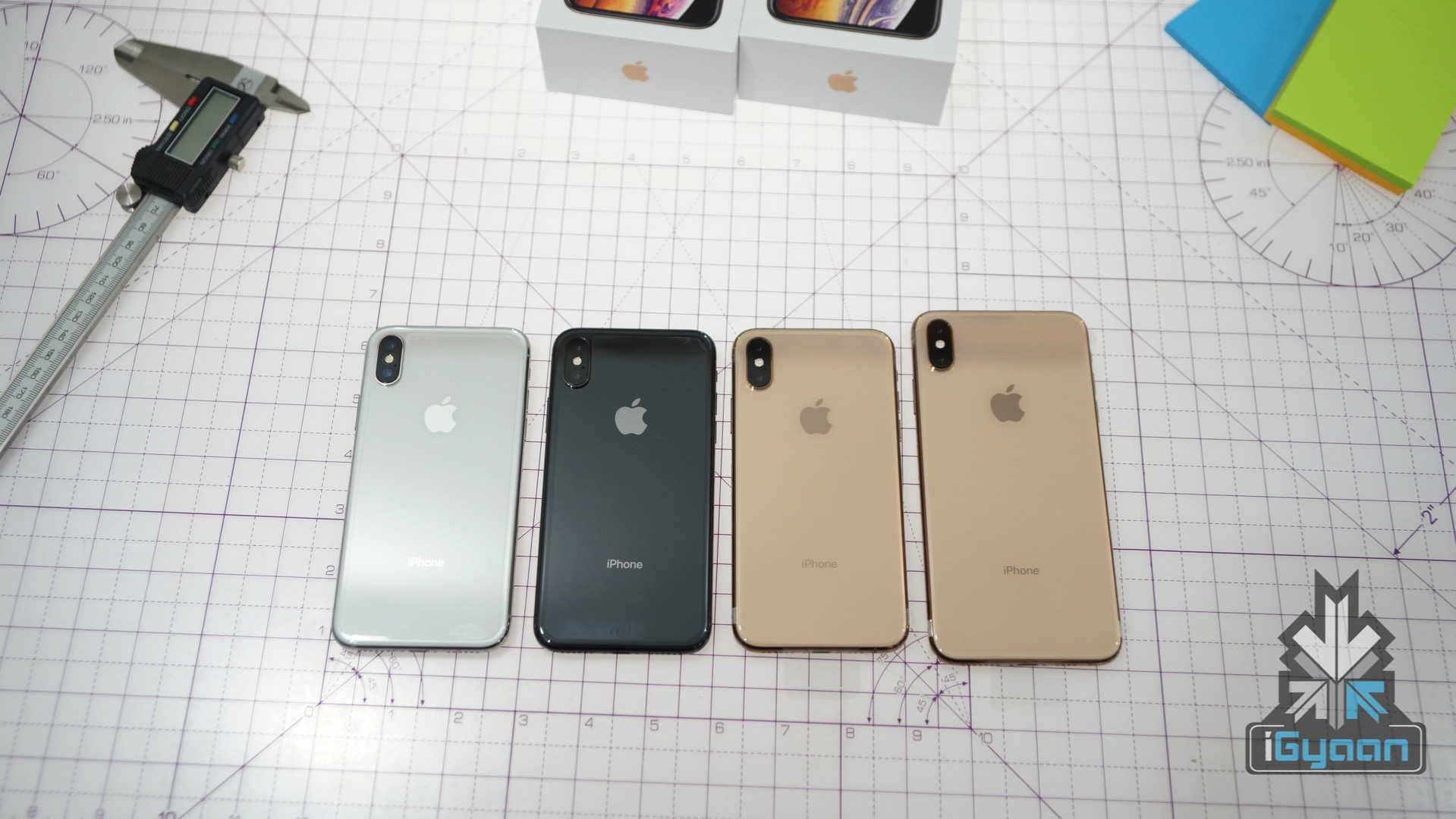
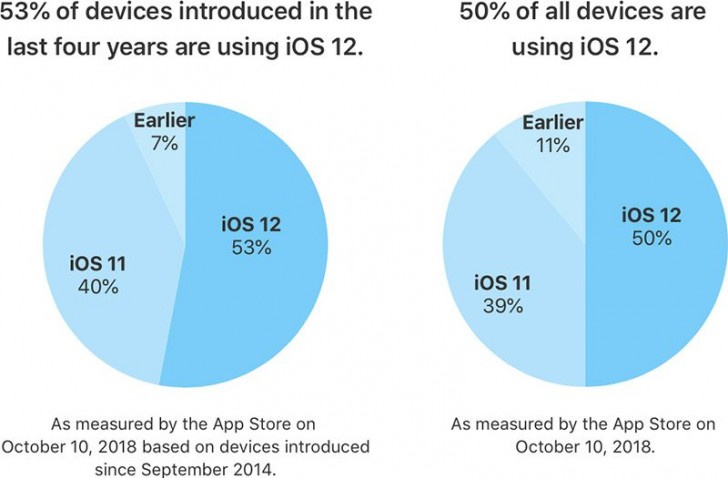
    Apple has revealed that 50% of users are now running iOS 12 on their devices. This is a comparatively good number as opposed to the iOS 11 which had seen a slow start and lesser acceptance. Apple also adds that on only counting the devices launched in the last four years, the number shoots up to 53%.

    Also Read: New Apple iPad Pro And Apple Pencil 2 Set To Launch

    While iOS 12 is running on 50% of the devices, iOS 11 takes the second place with 39% share of all the devices. This is a much faster adoption rate as compared to many of the previous versions of iOS. The ribs because the latest version offers an improvement in performance for older devices, which makes them faster than before. This is seen on the iPhone 6 Plus, for example.  After the update, apps launch upto 40% quicker and the keyboard appears over 50% faster on the iPhone 6 Plus. Along with this, animations are smoother and more responsive, along with scrolling in apps or entering the multitask view.

    iOS 12 does bring along a few minor bugs which were a topic of discussion for many. The ‘charge gate’ and ‘beauty gate’ issue was a problem but a fix was provided by the iOS 12.1 update. However, a few issues have popped up due to the update. Apparently, devices are now sending iMessages to the wrong people, cellular reception is poor and some users are not able to receive calls. Additionally users are also complaining about the lack of Bluetooth and Wi-Fi connectivity. Users are also reporting increasing battery drain with the iOS 12.1 update.

    2018 Apple iPhone new iphoneHowever, iOS 12 is being widely accepted by all its users and is available for almost all the devices released in the past few years. The Android OS on the other hand, is not doing so well in this sphere. As per last months reports, only 0.1 percent of Android Devices are running the latest Android 9 Pie. This means that over 99% of Android devices do not run the latest version of the OS. Only 19.2 percent of the devices are running Android Oreo. The slow spread of Android maybe due to the large number of devices present in the market. Additionally, manufactures continue to launch smartphones that are not running the latest variant of Android.

  • The OnePlus 2 Will Not Get The Android Nougat 7.0 Update

    The OnePlus 2 Will Not Get The Android Nougat 7.0 Update

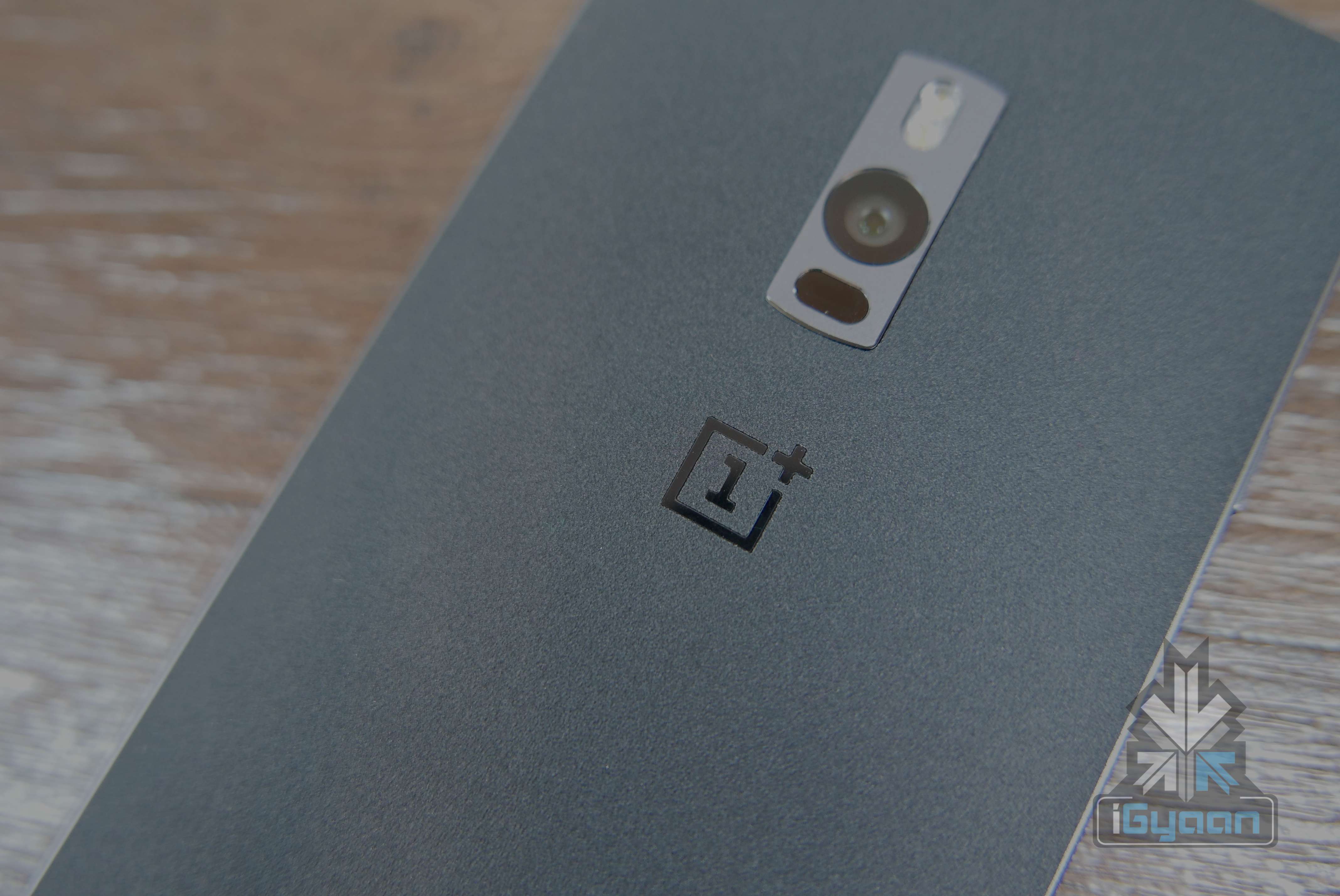
    Oneplus has confirmed that the OnePlus 2 will not officially get the Android Nougat 7.0 update. This will leave a lot of bitter taste in the mouths of OnePlus 2 owners. The device which was supposed to get software updates for at least 24 months only received one incremental update before it was abandoned by the company.

    OnePlus has reportedly confirmed that Android Nougat isn’t new, and the company is happy with what they are doing with software, so it won’t be pushing official Nougat update to the OnePlus 2.

    “When we built the OnePlus 2 we didn’t have the software infrastructure team in place we do now.”  said OnePlus in an interview.

    This is becoming a usual standard for most manufacturers who are constantly promising updates but are unable to deliver. OnePlus has, however, claimed that the company will ensure that both the OnePlus 3 and OnePlus 3T do not fall under the same umbrella, ensuring updates to Android O builds when they release later this year.

    For those who were impenitent lots of third part methods of getting the latest builds of Android are easily available, including installation of custom ROMs. And while it may not be the best and the most popular way, looks like owners of the OnePlus 2 will only be left with few options; ignore the lack of updates, install bootleg software, or shift phones.

    Do Check out:


  • Pebble 2.0 Beta App Updated And Available For Developers

    Pebble 2.0 Beta App Updated And Available For Developers

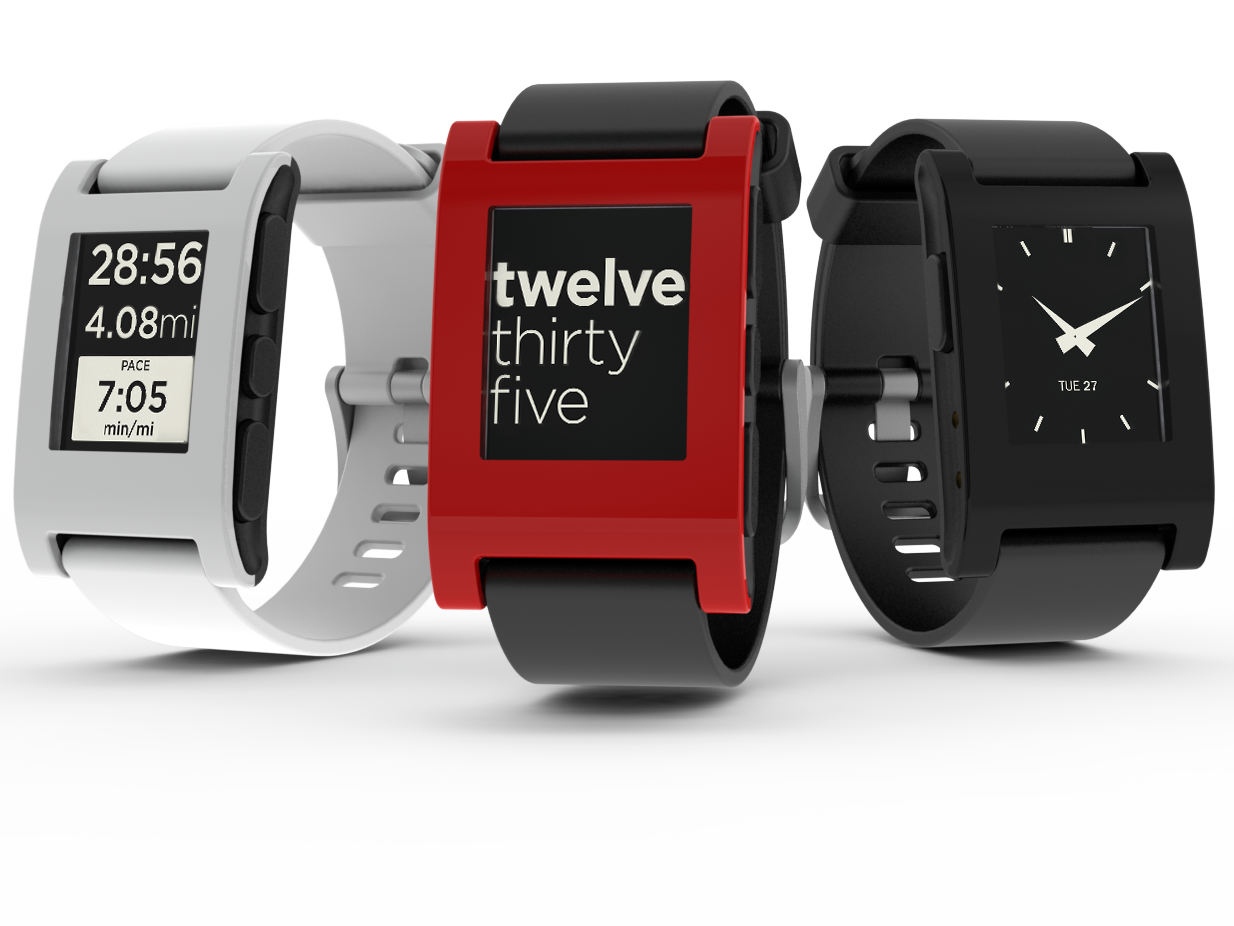
    Today Pebble officially pushed out version 11 of the Pebble 2.0 Beta app for Android. The update brings with it fixes that are said to offer “considerably” improved stability as well as firmware installation enhancements, fixes for sideloading issues and tweaks to make MyPebble load faster. 

    For those users who have the smartwatch, the company notes that you’ll need to remove previous Beta versions and install this one.

    • PebbleKit JS localStorage is now sandboxed for each app
    • Many improvements to onboarding and FW installation
    • Issues with sideloading apps in some circumstances have been fixed
    • Some issues with loading JS configuration views after the app has been quit have been addressed
    • JavaScript app logs printed via ADB are cleaner
    • MyPebble now loads faster
    • Known issue: Pairing a Pebble during onboarding may not succeed. If you run into problems, exit the Pebble app. Remove the pairing entry from Android BT settings & your Pebble. Then pair manually using BT settings.

    You’ll need to uninstall version 10 before you install this one, and any javascript-based apps will need manually reinstalled. 

  • Sony Working To Give its Users Some KitKat Treat

    Sony Working To Give its Users Some KitKat Treat

    Google just launched the Nexus 5 along with the latest Android OS 4.4 KitKat, the same day of launch it was said that device like Nexus 4, 7, 10, HTC One and Samsung Galaxy S4 will soon have the latest update.

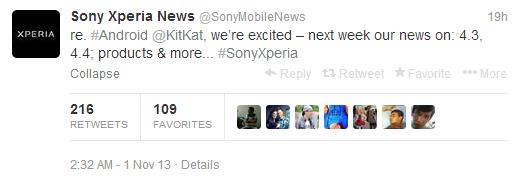
    Sony’s flagship device is still away from the Android update, and the users are confused if they will get the latest OS to update or not. It seems that Sony recognizes its need to update the customers and therefore tweeted its plans to give further details at some point next week. The tweet said news on: 4.3, 4.4; products & more. Stay tuned for more news on this!

    sony


  • Samsung Galaxy S3 and Note 2 to Get Android 4.3 and Galaxy Gear Support Soon

    Samsung Galaxy S3 and Note 2 to Get Android 4.3 and Galaxy Gear Support Soon

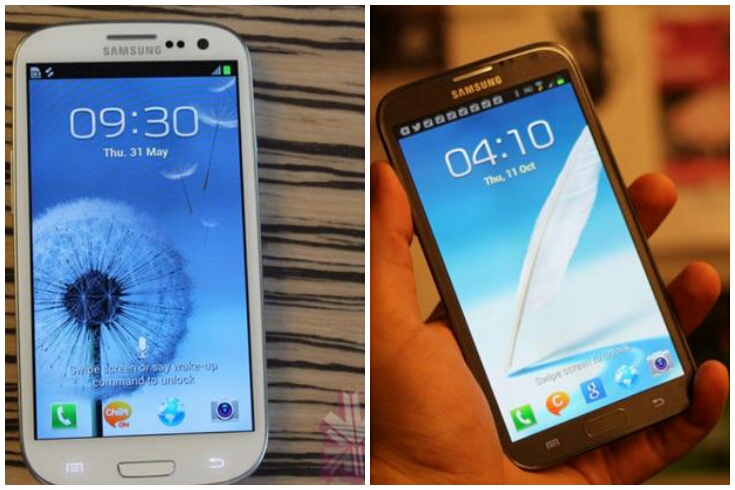
    After the much awaited Android update for the Samsung Galaxy S3 and Galaxy Note 2, Samsung has now confirmed that both these phones will now get the Galaxy Gear support along with the Android update which will be out soon depending on what country you are in.

    Recently the Android update was out for the Galaxy S4 and now it will be applied to the Galaxy S3 and Galaxy Note 2. The Galaxy Gear support will not be limited only to Galaxy S4, Galaxy S3 or Note 2 as the Gear support will also be available for Galaxy S4 mini, Galaxy S4 Active, Galaxy Mega 5.8, Galaxy Mega 6.3 and Galaxy S4 Zoom. All these devices would be able to access the benefits of the Galaxy Gear with time. However, Galaxy S3 and Galaxy note 2 will get the earliest access to the Galaxy Gear.

    Extending Galaxy Gear compatibility to more Galaxy devices reflects our deep commitment to continuing to deliver enriched mobile experiences to our consumers,” said JK Shin, CEO and President of IT & Mobile division, Samsung Electronics. “Through a significant effort to enhance and enrich the Galaxy experience, Samsung continues to empower our users in their mobile lives and enable smart freedom with Galaxy Gear.”

    Press Release 

    Samsung Extends Galaxy Gear Compatibility to Galaxy S III, S4, Note II, and More

    October 23, 2013

    Samsung provides more users with enhanced flexibility and freedom via extended Galaxy Gear compatibility

    Seoul, Korea – Oct 23, 2013 – Samsung Electronics Co. Ltd. today announced that more Samsung devices will be compatible with Galaxy Gear, a perfect companion device that makes mobile communication easier and more enjoyable.

    Galaxy Gear will be available for use with Galaxy S4, S III, and Note II through the Android 4.3 (Jelly Bean) update. The update came first to Galaxy S4 devices in Germany in October. Samsung will also extend Galaxy Gear compatibility to other GALAXY devices – including Galaxy S4 mini, S4 Active, Mega 5.8, Mega 6.3, and S4 zoom – through a separate software update beginning at the end of October. Software update schedules for each device will vary by country and carrier.

    “Extending Galaxy Gear compatibility to more Galaxy devices reflects our deep commitment to continuing to deliver enriched mobile experiences to our consumers,” said JK Shin, CEO and President of IT & Mobile division, Samsung Electronics. “Through a significant effort to enhance and enrich the Galaxy experience, Samsung continues to empower our users in their mobile lives and enable smart freedom with Galaxy Gear.”

    Samsung Galaxy Gear
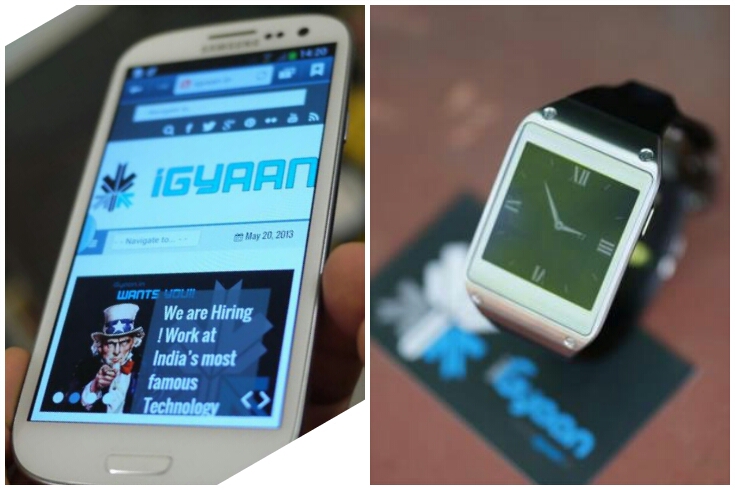
    Galaxy Gear will enable Galaxy S4, S III, and Note II users to make and answer calls and view incoming messages and notifications with just a glance. For a closer look at more important messages, users can simply pick up their master device and the Smart Relay feature instantly reveals the full content. Users can also find major social apps on Samsung Apps to maintain connections to their social networks via Galaxy Gear.

    With a 1.9 Megapixel camera, users can snap a visual memo by simply tapping Galaxy Gear’s screen. Photos are then easily and automatically saved in the master device’s gallery. Users can enjoy a built-in Pedometer app and use Galaxy Gear to control the music played on their master devices. Of course the device also functions like a watch, with the option to change the face with 10 different clock options and even more options available via Samsung Apps.

     
  • Samsung Galaxy S4 Gets Android 4.3 and Gets Support For Galaxy Gear

    Samsung Galaxy S4 Gets Android 4.3 and Gets Support For Galaxy Gear

    Samsung’s Galaxy S4 just got a change with the Android 4.3 update recently and now the device adds compatibility with the Galaxy Gear.

    Samsung has also bundled its own Wallet app, reading mode, updates to the imaging software, as well as a new keyboard and browser. You will only get the update if you have an unlocked model of the Galaxy S4. The latest updates adds various new features and changes like: Galaxy Gear Support, Samsung KNOX Implementation, Samsung Wallet comes pre-loaded, Improved RAM management, Improved Display colour reproduction, Improved TouchWiz, New Samsung Keyboard, New Samsung Browser, New Reading Mode and New Camera firmware

    The report also claimed the devices getting the Android 4.3 update were the 2013 flagship, the Galaxy S4 in October while the 2012 flagship device, the Samsung Galaxy S III was expected to get the new Android update by October end or even November. The report further revealed that the Galaxy Note 2 will also get the update to the new and last update for Jelly Bean, but that would only be by the end of November, or early December.

  • HTC Butterfly gets Android 4.2.2 upgrade

    HTC Butterfly gets Android 4.2.2 upgrade

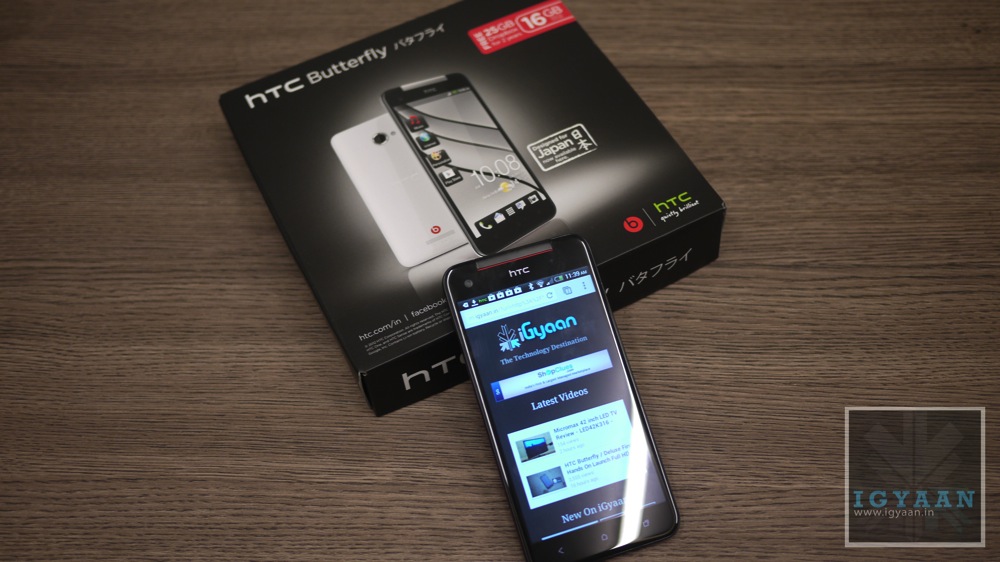
    The HTC Butterfly is ready to get the Android 4.2.2 update according to the company. The phone was released in late January in India, is now getting the firmware update along with the updated HTC Sense 5.0 UI.

    The sense 5.0 will bring the BlinkFeed homescreen, first seen on the HTC One. The company confirmed the news on Twitter, saying, “Upgrade to the BlinkFeed on your HTC Butterfly! Android 4.2.2 is out now. Announcements for other handsets to come soon.” Which further hints that other devices can get update soon.

    Android_Update_Screen

    The Android 4.2.2 and HTC Sense 5.0 UI update will also add some other features, like a new gallery layout, new camera apps, automatic video highlights and improved battery endurance. 


  • Android 4.3 Jelly Bean Announced

    Android 4.3 Jelly Bean Announced

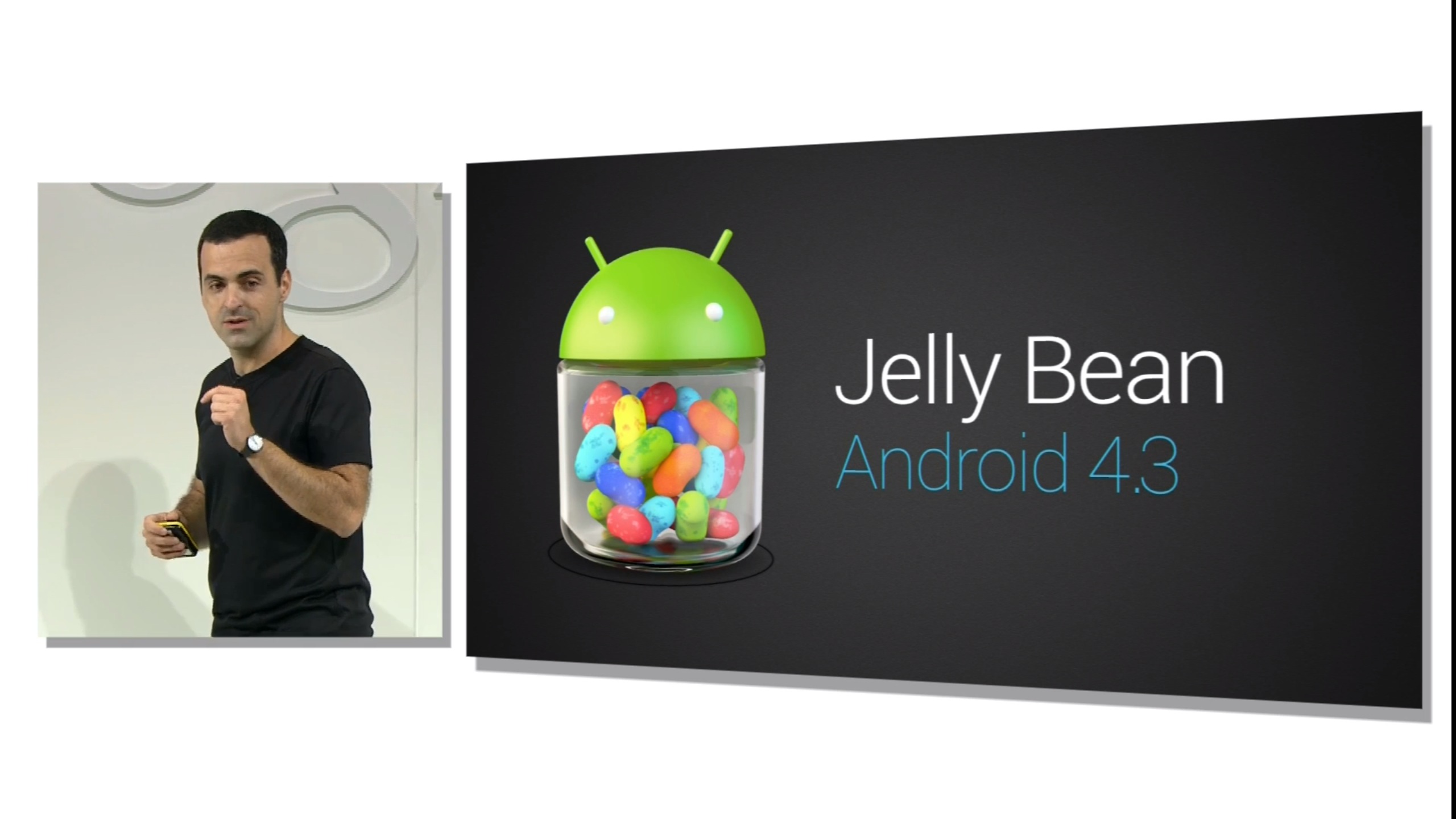
    Google today announced the latest iteration of Android – Android 4.3 Jelly Bean during a press breakfast in San Francisco.

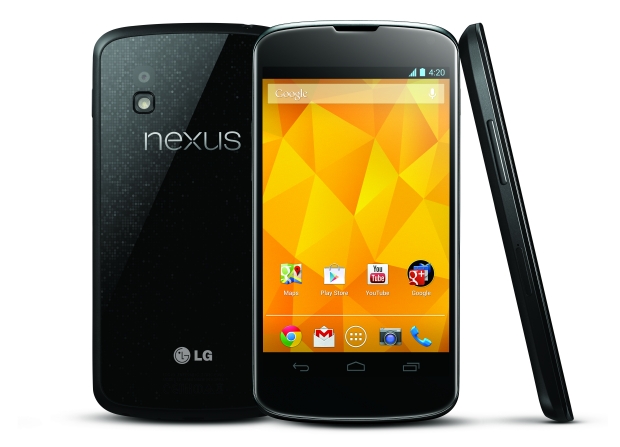
    The long-awaited OS update will be coming to Android device users based on their devices. The Android 4.3 Jelly Bean update will start rolling out today to the Nexus 4, Nexus 7 and Nexus 10. The “Google Play Edition” versions of the HTC One and Samsung Galaxy S4 can expect it soon, most likely August or September.

    As ArsTechnica reports, the new operating system will feature multi-user restricted profiles. This will let users control access to contents and apps per user—so parents, for example, can control which applications their kids can access. When accessed from restricted profiles, applications behave differently. On stage, Hugo Barra demonstrated this by showing a puzzle game whose in-app purchase functionality was automatically disabled when it was accessed on the kid’s restricted profile.

    Other features include built-in OpenGL ES 3.0 support, DRM APIs for providing hardware-based encryption for protecting content, which will allow it to provide 1080p video to its tablets. The first partner is Netflix, which supports 1080p HD streaming. The Nexus 7 is the first device to support it.

    Android 4.3 also introduces many other features, including support for Bluetooth Smart devices, background Wi-Fi location, more language support and “easier text input.”

    We’ll bring you more on the new release as it comes. In the meantime, share your thoughts down in the comments. 

  • Asus Transformer Pad To Get Android 4.2 Update Today In The US, Will Roll Out Globally This Month

    Asus Transformer Pad To Get Android 4.2 Update Today In The US, Will Roll Out Globally This Month

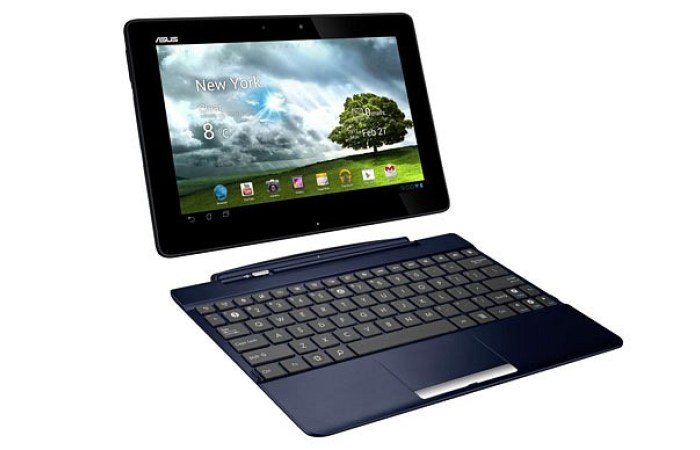
    Asus has started rolling out an update to Android 4.2 Jelly Bean for its Transformer Pad TF300 tablet.

    The software update means that the Transformer Pad 300 is the first tablet to get Android 4.2 Jelly Bean aside from Google’s Nexus 7 and Nexus 10. Asus is rolling the firmware out in the US from today and other regions during March.

    In a time where Android 4.2 is still a rarity for those who don’t own a Nexus device, ASUS has come along and, once again, put a lot of OEM to shame with swift action on the latest version of Android.

    Along with all of the goods Jelly Bean 4.2 brings, including widgets on the lock-screen and user profiles for multiple users, ASUS will also have significant updates in tow for its App Locker, its virtual keyboard, the lock-screen and setup wizards. Users can grab the upgrade over-the-air so be sure to take a quick trip to the Settings > About Tablet menu where you’ll be able to pull this one down.

    In related news, ASUS has confirmed several other tablets in its lineup that will get Android 4.1 in the second quarter of this year. These tablets include the Transformer Pad Infinity, the ASUS MeMO Pad Smart 10, and the MeMO Pad.

    Good going Asus!

    [toggle_box title=”Press Release” width=”Width of toggle box”]

    Android 4.2 released for the ASUS Transformer Pad TF300

    Improvements include enhanced performance, stability and multiple user account logins

    Fremont, CA (March 4, 2013) — ASUS is excited to announce Android 4.2 is now available in the US region for the ASUS Transformer Pad TF300T. Android 4.2 will be released to Transformer Pad owners via a free over the air update starting today in the United States and will be available in other regions during March. This new version of Android enhances performance and stability, improves the user experience with new features as well as providing multiple user account logins.

    The ASUS Transformer Pad TF300 is one of the most successful ASUS tablets to date and offers a full notebook PC experience when attached to the innovative mobile dock. ASUS is committed to providing the best customer experience, and is the first manufacturer to receive Android 4.2 for partnered tablets. The ASUS Transformer Pad Infinity, ASUS MeMO Pad Smart 10”, and ASUS MeMO Pad will receive Android 4.2 in Q2.

    [/toggle_box]

  • Android 4.2.2 Rolling Out For Nexus Devices

    Android 4.2.2 Rolling Out For Nexus Devices

    Nexus owners may have a reason to stay up tonight, as a couple of Reddit users report that Android 4.2.2 has begun rolling out to the GSM Galaxy Nexus and the Nexus 7. This is a release Google was rumoured to start shipping in Brazilian Nexus 4?s over a month ago, but nothing ever came of that assertion.

    The report mentions that the update is being rolled out to select devices, carrying the JDQ39 build number. 

    We had earlier reported that the update is expected to roll out by the mid of February, so it doesn’t really come as a surprise that Google has started seeding it out.

    The update comes in at little over 46MB and considering the fairly significant size may feature plenty more under-the-hood changes. Android 4.2.2 is currently rolling out in waves and will likely hit the Nexus 4 in the following days if previous deployments are of any indication. For Galaxy Nexus owners there is an OTA Android 4.2.2 update file that can be manually downloaded and installed afterwards using ADB Sideload in the recovery.

    Unfortunately, there’s nothing too exciting to report, as the update provides mainly performance and stability fixes, and allegedly fixes a bug related to streaming music over a Bluetooth connection.

    It’s not surprising that the update doesn’t deliver many new features, as Google is widely expected to announce the next major release of its Android mobile operating system, which is likely to be named Android 5.0, at its Google I/O conference in May.

    Via: Reddit

  • Android 4.1.2 rolling out to Nexus 7 with landscape mode

    Android 4.1.2 rolling out to Nexus 7 with landscape mode

    Google announced today that it is rolling out a minor update to Jelly Bean in the form of Android 4.1.2. This minor bump brings performance and stability improvements to the Android Open Source Project, on which many custom ROMs are based, as well as specific improvements to devices like the Nexus 7.

    The software update also adds a key feature to devices running the Jelly Bean software: home screen rotation support. Prior to this update, all Android 4.1 devices use portrait mode for the home screens, even when the smartphone or tablet is in landscape mode, making for a disjointed experience.

    In fact, upon the announcement it was discovered that the update is already being pushed to Nexus 7 devices all over the world, with the added bonus of bringing landscape support to the stock launcher.

    According to Google’s resident AOSP guru, Jean-Baptiste Queru, the update is especially important for the Nexus 7 as it corresponds with a slight hardware change.


    [quote]

    We’re releasing Android 4.1.2 to AOSP today, which is a minor update on top of 4.1.1.
    As a note to maintainers of community builds running on Nexus 7: please update to 4.1.2 at the first opportunity. Future variants of  the grouper hardware will have a minor change in one of the components  (the power management chip) that will not be compatible with 4.1.1.


    The build number is JZO54K, and the tag is android-4.1.2_r1.


    Jean-Baptiste M. “JBQ” Queru
    Technical Lead, Android Open Source Project, Google

    [/quote]

    It’s expected that Android 4.1.2 will roll out to other Nexus devices, including Galaxy Nexus, Nexus S and Motorola Xoom, over the next few weeks.

  • CyanogenMOD 10 Back With Over-The-Air Update Support

    CyanogenMOD 10 Back With Over-The-Air Update Support

    The quest for mainstream acceptance is a difficult one for CyanogenMOD and its open-source peers. Users have to sift through countless forums and lists of instructions to learn how to root and hack their Android phones, often with disastrous results. While the initiation process is getting easier, it’s still not as easy as we’d like.

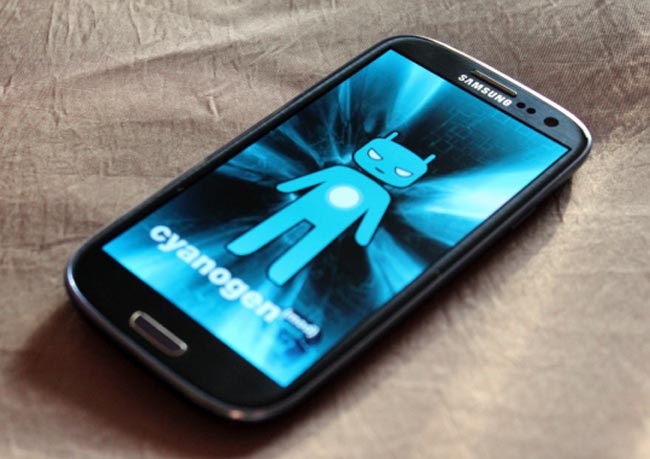
    CyanogenMOD has been great about installing features for existing users that make their lives easier. They had a Do Not Disturb mode long before Apple or Samsung, and integrated quick settings into the notification bar long before HTC. Now, they’re bringing back a feature from CM6, over-the-air updates, with a hardier back-end server to provide the speed and reliability users expect from their ROM downloads.

    The menu is available from the Settings/About/CM Updater screen, and while the app won’t push updates to your device, it can be set to check once daily or several times a day, and is granular enough to search only for stable versions, or download nightlies, too.

    The feature is available in the latest CM10 nightlies based on Android 4.1.1 Jelly Bean.

  • HTC One X Android 4.0.4 update rolling out

    HTC One X Android 4.0.4 update rolling out

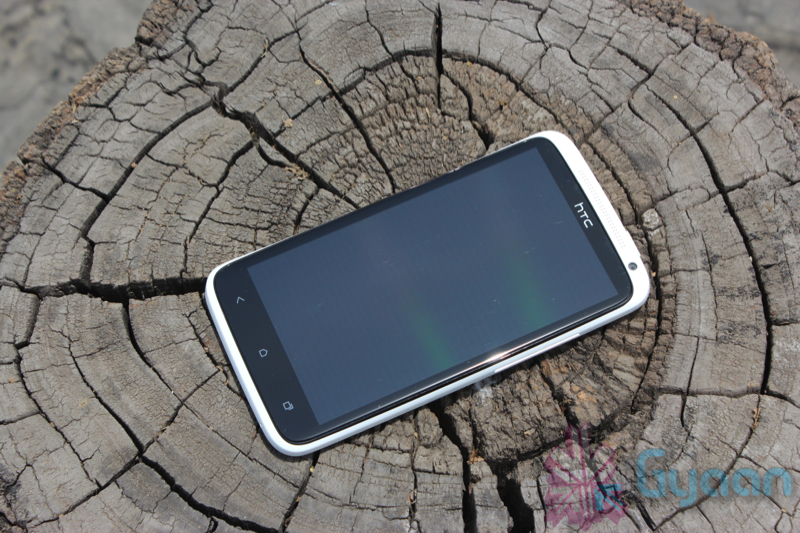
    The international version of the HTC One X will be getting its Android 4.0.4 Ice Cream Sandwich update today, the same update that began rolling out for the AT&T version of the device just a short time ago.

    HTC has announced, courtesy of Engadget, that the HTC One X’s Android 4.0.4 update will begin to roll out today and that it will be bringing a number of enhancements along with it.

    Owners of the international HTC One X will now be able to map a menu function to the ‘recent app’ key in the lower right hand corner of the device. This will improve presentation in applications that currently do not support Ice Cream Sandwich. So obviously, this makes the button more useful than it already was.

    The update will also new abilities to the device’s camera including white balance and continuous autofocus, both of which will be welcomed improvements.

    HTC has also included a dedicated tab switching button in the browser to make it easier for owners to switch between tabs in the browser.

    The update for the HTC One X will also bring better overall browsing, more stability to the device, and more. So, it’s a pretty substantial update and one that users will want to take advantage of as soon as they possibly can.

    Of course, the update is not Android 4.1 Jelly Bean, Google’s latest piece of mobile software that is all the rage right now in the Android world.

    HTC has promised Android 4.1 for the HTC One XL, HTC One X, and the HTC One S at some point down the road but first, it needs to take care of some devices that are still limping their way to Android 4.0 Ice Cream Sandwich.

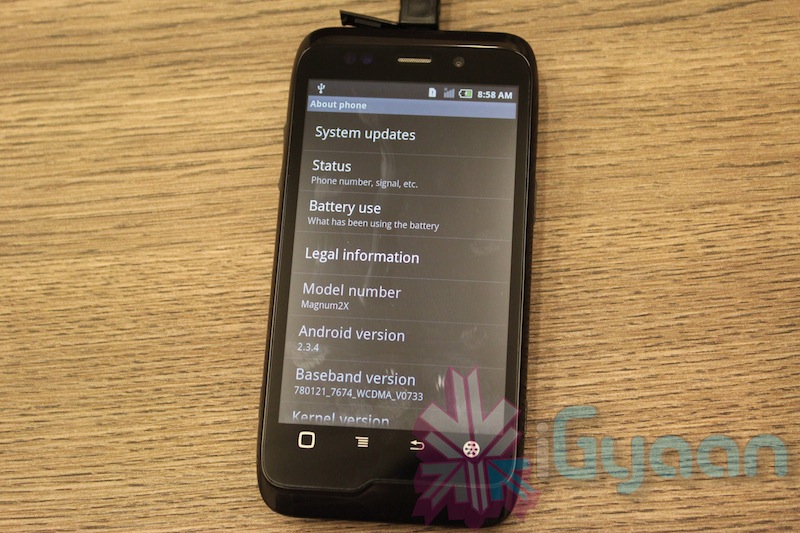
  • How To : Upgrade Micromax A85 to Android 2.3.4 Gingerbread, Step by Step ( iGyaan Version)

    How To : Upgrade Micromax A85 to Android 2.3.4 Gingerbread, Step by Step ( iGyaan Version)

    Happy March 2012 people, since we promised a stable workable rom for the A85/ cherry Magnum / K Touch k700 with Android 2.3 , we are here to deliver in time. 

    Before we begin with the update process there are a few things we would like to clear out few important things with you people.

    Important Notes 

    1. We do not take guarantee that this rom will work perfectly and could crash / damage / brick your device. So proceed with your own caution.


    2. This ROM has been cooked by iGyaan but is majorly based on the official Cherry Magnum 2x update (you will see once you flash your phone)
    3. We have added bug fixes and tweaks from the Micromax Android 2.2 rom and K-touch K700 Rom to this upgrade.


    4. Unfortunately during the update you will loose all data/ apps and most importantly gesture features from the Micromax 2.2 stock rom. So Please Backup Accordingly.


    Here are our finding with this rom.

    (Based on 3 test units)

    1. Its very stable = Little or no crashes.
    2. Audio quality is excellent and networks are solid.
    3. Battery performance seemed better / depends on usage.
    4. Very fast and snappy.


    Okay now that you are aware of the above lets begin with the process.

    Tutorial

    What you need

    • Micromax A85/ Cherry Magnum 2x / KTouch K700 (either will do).
    • Windows PC.
    • RAR expander ( winRAR etc.).
    • USB-MicroUSb Data Cable.
    • iGyaan Update Bundle : [button link=”https://rapidshare.com/files/1042248031/igyaan_a85_bundle.rar”]Download Here[/button]
    • Finally , A strong heart and lots of patience.


    Step One 

    • Make sure you downloaded the iGyaan Update Bundle : if not then [button link=”https://rapidshare.com/files/1042248031/igyaan_a85_bundle.rar”]Download Here[/button]
    • Extract the RAR on your desktop.


    Step Two 

    • Extract vcredist_x86.rar and install the software within ( its Visual C++ redistributable)


    Step Three

    • Power off your A85/ Cherry Magnum 2x / KTouch K700
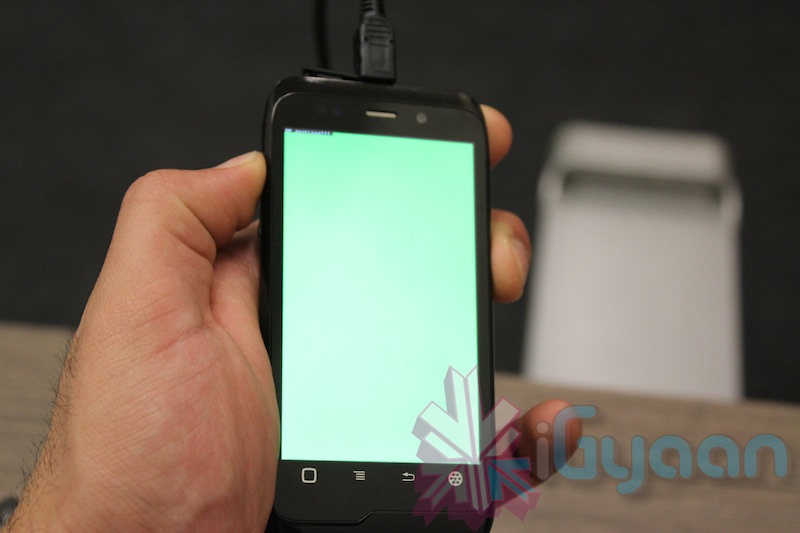
    • Once OFF : Hold the Power + Volume Up button till you see a Green Display 
    • Let go immediately after you see the green screen on the device

    Step Four

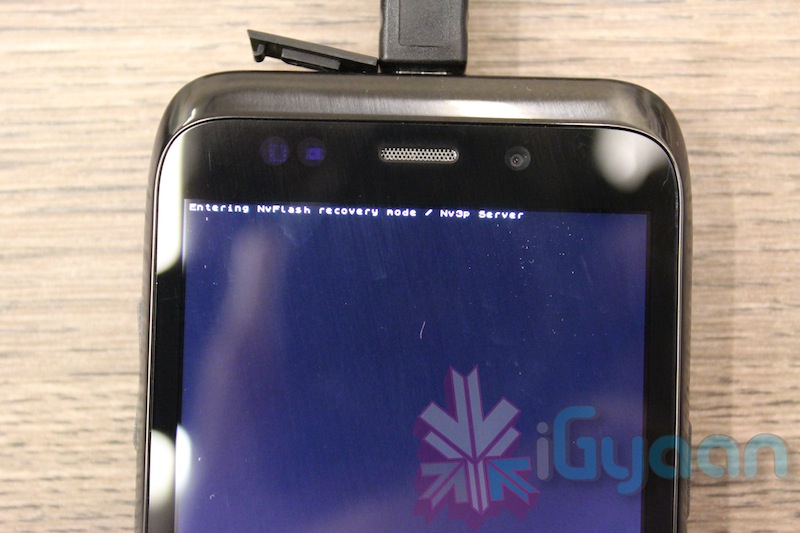
    • Plug in the USB cable into the PC and attach it to the A85/ Cherry Magnum 2x / KTouch K700
    • Windows will try and install the drivers but will not be able to.
    • Manually select the drivers ( included in the igyaan bundle in a folder called usbpcdriver)
    • Once the drivers are successfully installed Reboot you pc

    Step Five

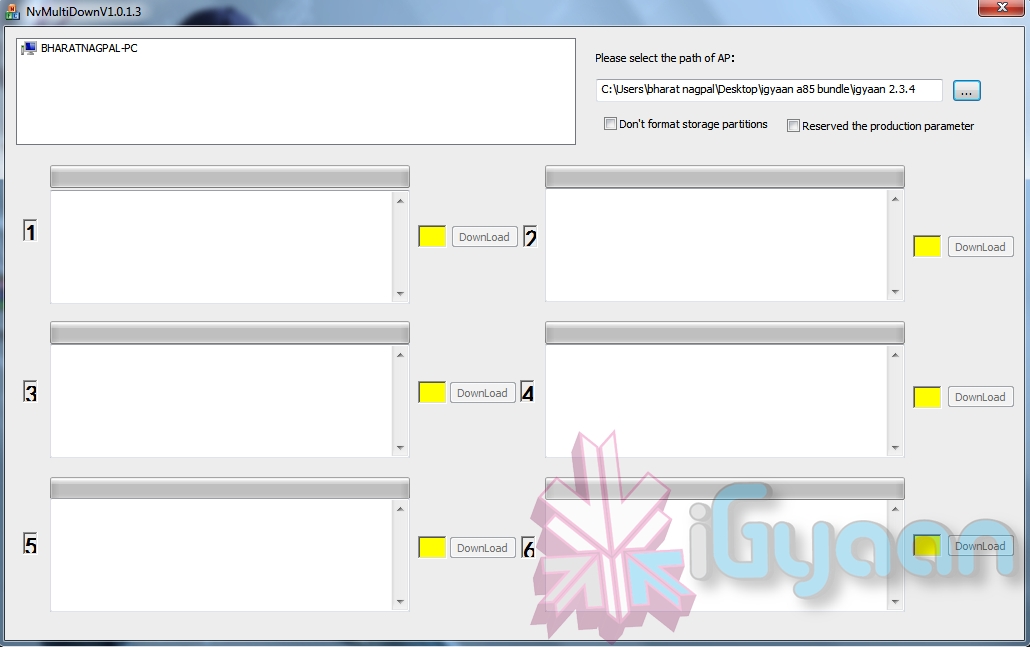
    • Once rebooted Navigate to the iGyaan bundle and then folder NvMultiDown
    • Now run the NvMultiDOwn.exe


    Step Six

    • Once the program is running On the right side select the “iGyaan 2.3.4” update folder 
    • Uncheck the 2 boxes below the file location. (if they are checked.)
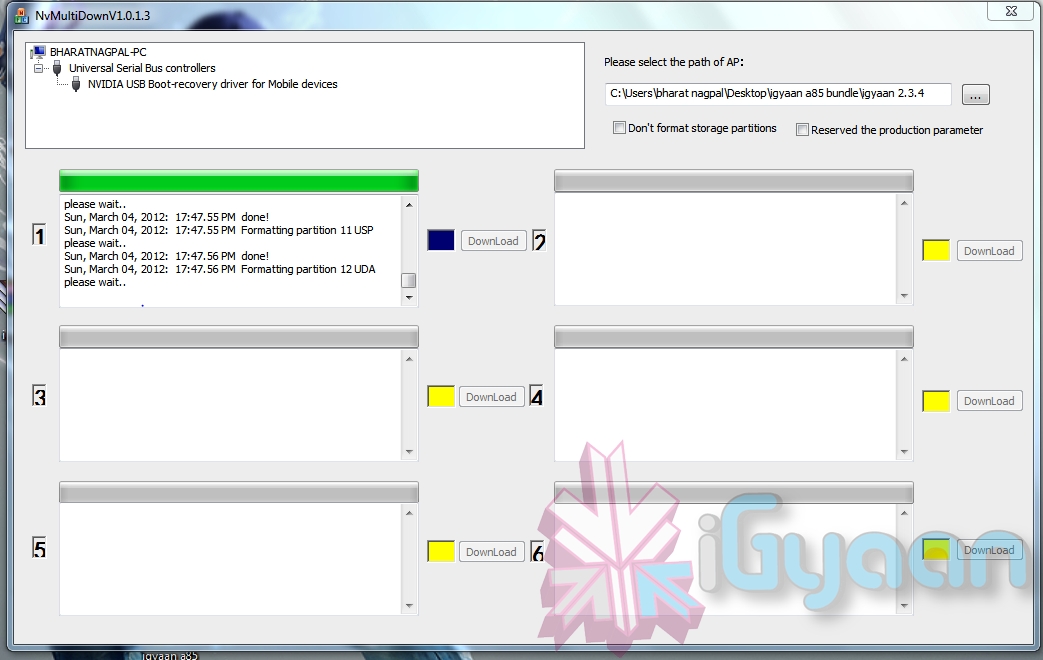
    • Remove the battery and usb cable from you A85/ Cherry Magnum 2x / KTouch K700
    • Repeat Step 3 from above and connect the Device to the USB cable
    • Once you connect the device will show up in the NvMultiDown program
    • Your device will start to update.

    Step Seven

    • Once Update finishes your device will boot with Android 2.3.4
    • Enjoy!


    Now a lot of you may face problems with the update, so those who figure out answers to the problems please help each other out in iGyaanForum.com in the discussion thread : [button link=”http://igyaanforum.com/showthread.php?t=541″ bg_color=”#bcc483″ border=”#7a097a” text=”dark”]Discussion Thread[/button]


    Please don’t mirror the downloads and keep the original link intact.

    If you create instructions don’t forget to link back to this page and don’t copy our links.


    Micromax Android 2.2 Stock Rom

    Incase you are facing problems with the 2.3 build that you cannot find a fix for, we have instructions to revert to the original rom. in our update bundle we have also included the stock rom.

    The stock Rom also includes the gestures app and all stock applications , incase you have warranty issues you can revert to the stock ROM aswell.

    Tutorial to revert to Stock 2.2

    Follow Step 1 – Step 5 Above

    Step Six

    • Once the program is running On the right side select the “Stock mmx 2.2” folder 
    • Uncheck the 2 boxes below the file location
    • Remove the battery and usb cable from you A85/ Cherry Magnum 2x / KTouch K700
    • Repeat Step 3 from above and connect the Device to the USB cable
    • Your device will start to downgrade to 2.2

    Step Seven

    • Once Update finishes your device will boot with Stock Micromax Rom.
    • Enjoy!


    Video Coming Shortly!

iGyaan Network
Privacy Overview

This website uses cookies so that we can provide you with the best user experience possible. Cookie information is stored in your browser and performs functions such as recognising you when you return to our website and helping our team to understand which sections of the website you find most interesting and useful.