Tag: Customisation

  • YouTube Home Feed Update Provides Better Control Over Recommendations

    YouTube Home Feed Update Provides Better Control Over Recommendations

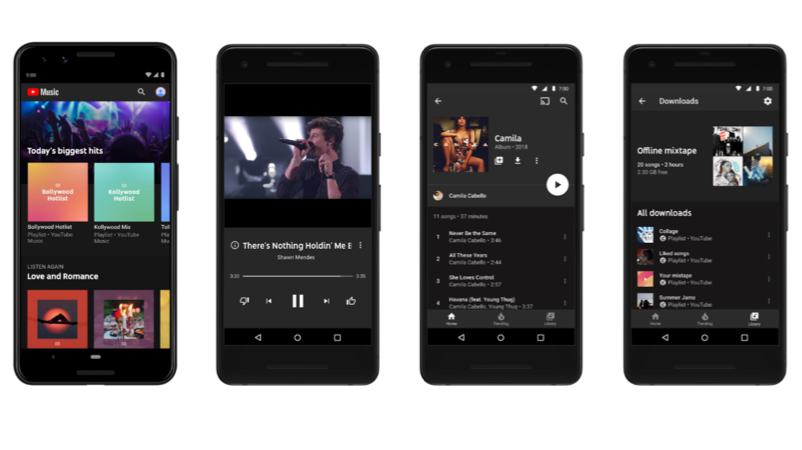
    YouTube is one of the largest and most recognisable platforms for viewing online content. However, the company has been a target of various criticism over the past couple of weeks. The media giant has faced multiple critiques regarding it’s Home Feed and recommendations column.

    Now, YouTube has sought to give users more control over which videos that may possibly show up on their Feed.
    YouTube

    The Problem

    Users are shown a collection of videos when browsing YouTube which is cleverly provided based on their preferences and browsing history. YouTube uses an algorithm to cater to its millions of visitors every day in a personalised fashion. Advertising strategies and paid artificial boosting from content creators have unfortunately caused an issue. Users have started receiving recommendations of videos that they have neither subscribed or would likely never see. The problem lies in the implementation, not the system itself. Artificial boosting offers a healthy growth to any channel but not if it is received by a person that is not inclined to watch their videos.
    YouTube

    New Suggestions

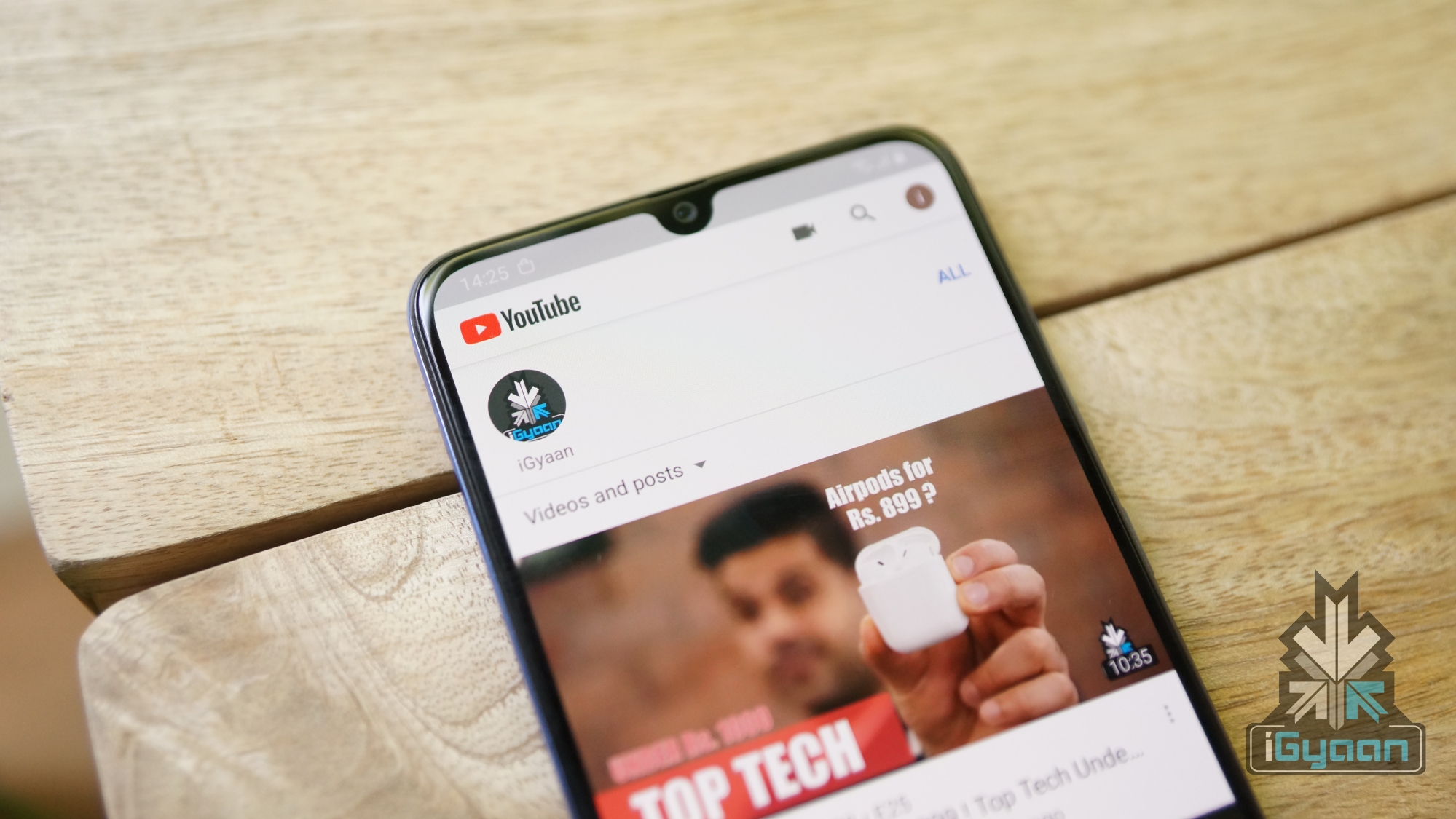
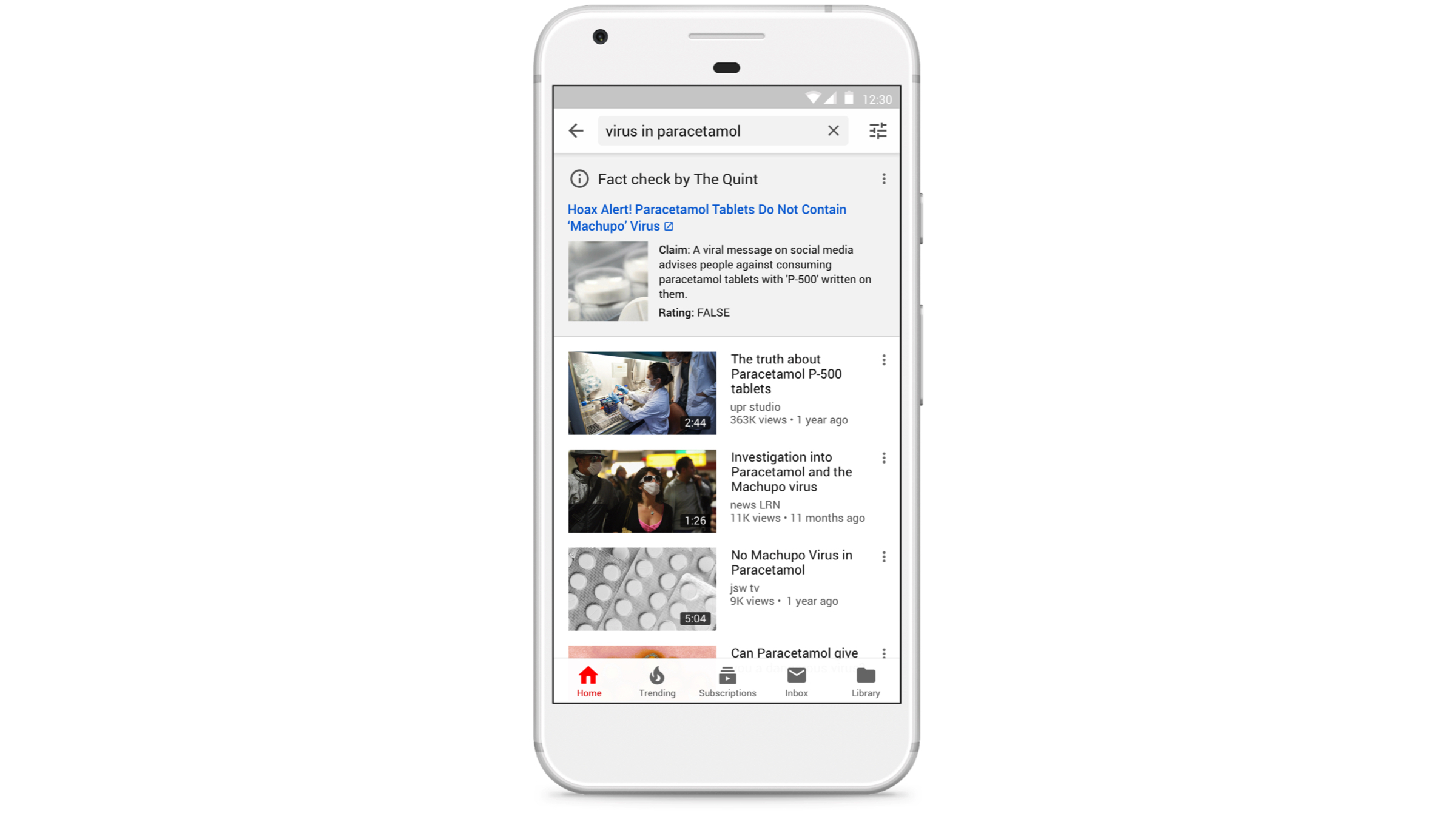
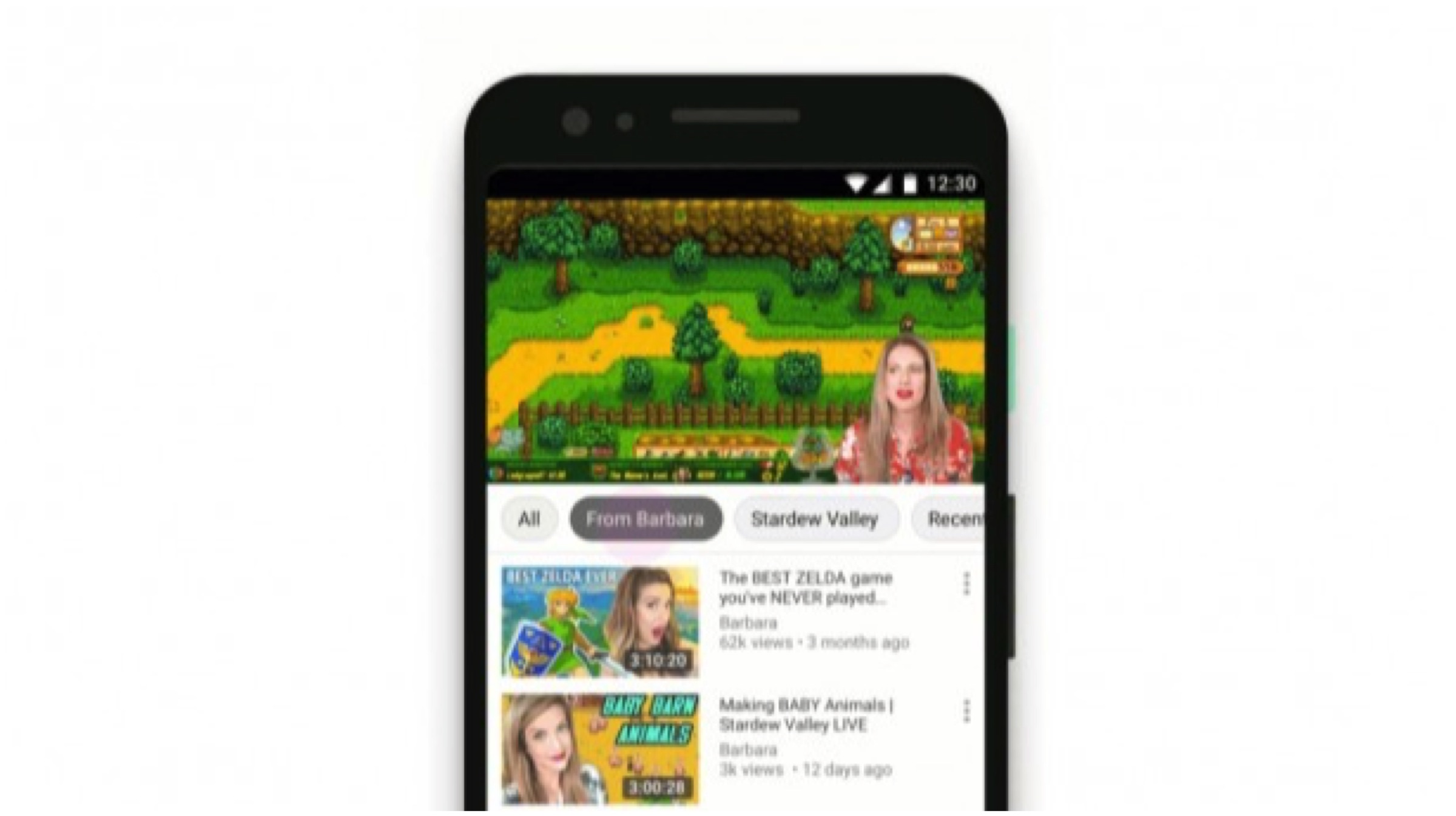
    After numerous backlash, YouTube is finally offering more choices to its consumers. People who wish to stop receiving unwanted content can remove suggestions from their Home Feeds. Users can do this by tapping the three-dot menu next to a video on the homepage or Up Next, then “Don’t recommend channel.” The option, once activated, removes any unnecessary videos that one might end up receiving via notifications or in their feeds. Furthermore, users can still look up the dismissed channel by simply searching for it or their videos.
    YouTube

    Explore Topics & Videos

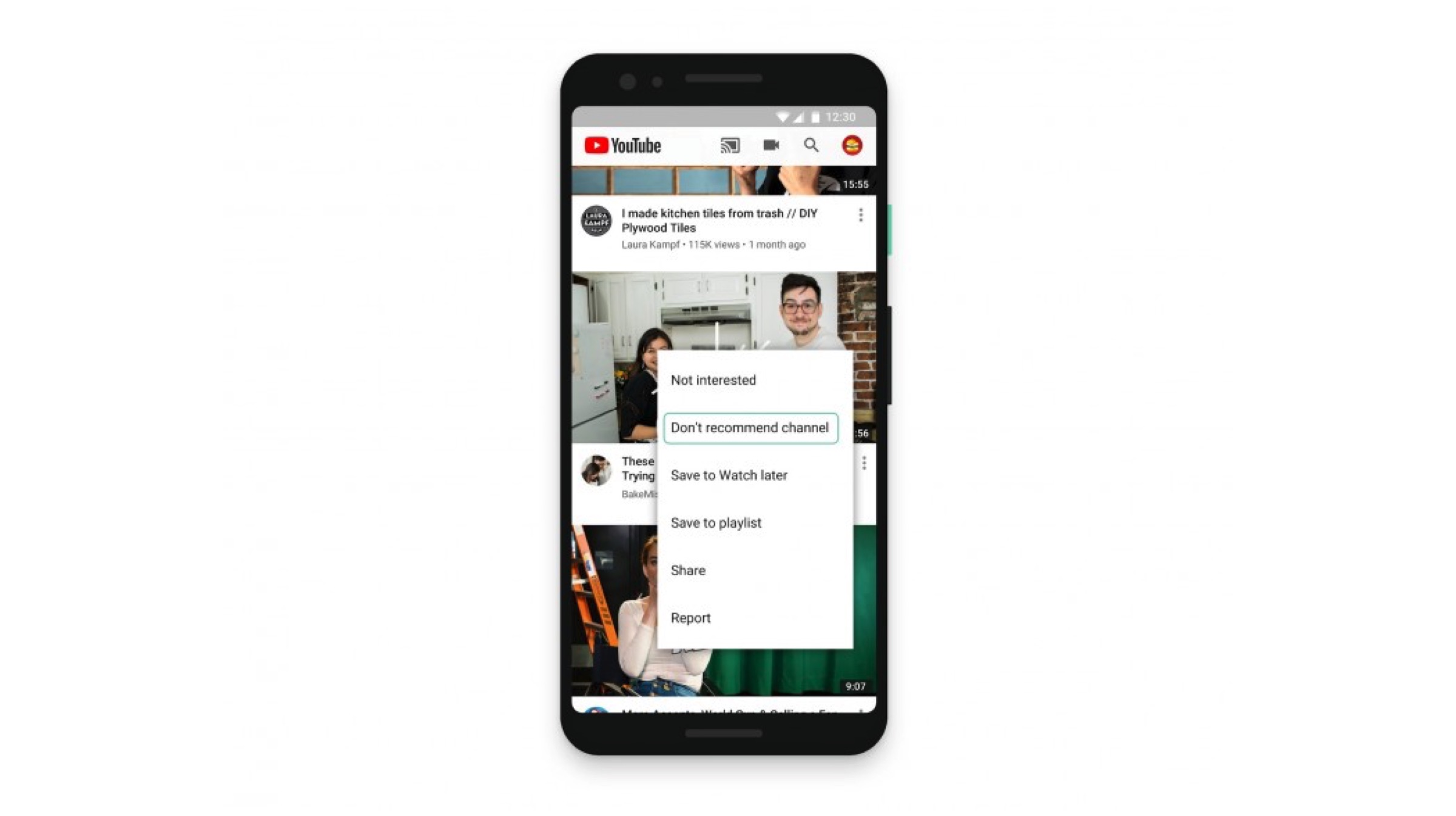
    The addition of the new explore topics and related videos options now allows one to browse more videos of their preferred genres. The suggestions could be related to the video a person is watching or more from the same channel. The options presented are based on users existing personalized suggestions and are meant to help them quickly find what they are looking for. Explore feature can be found on the homepage when you scroll up or on the Up Next when browsing.
    Transparency

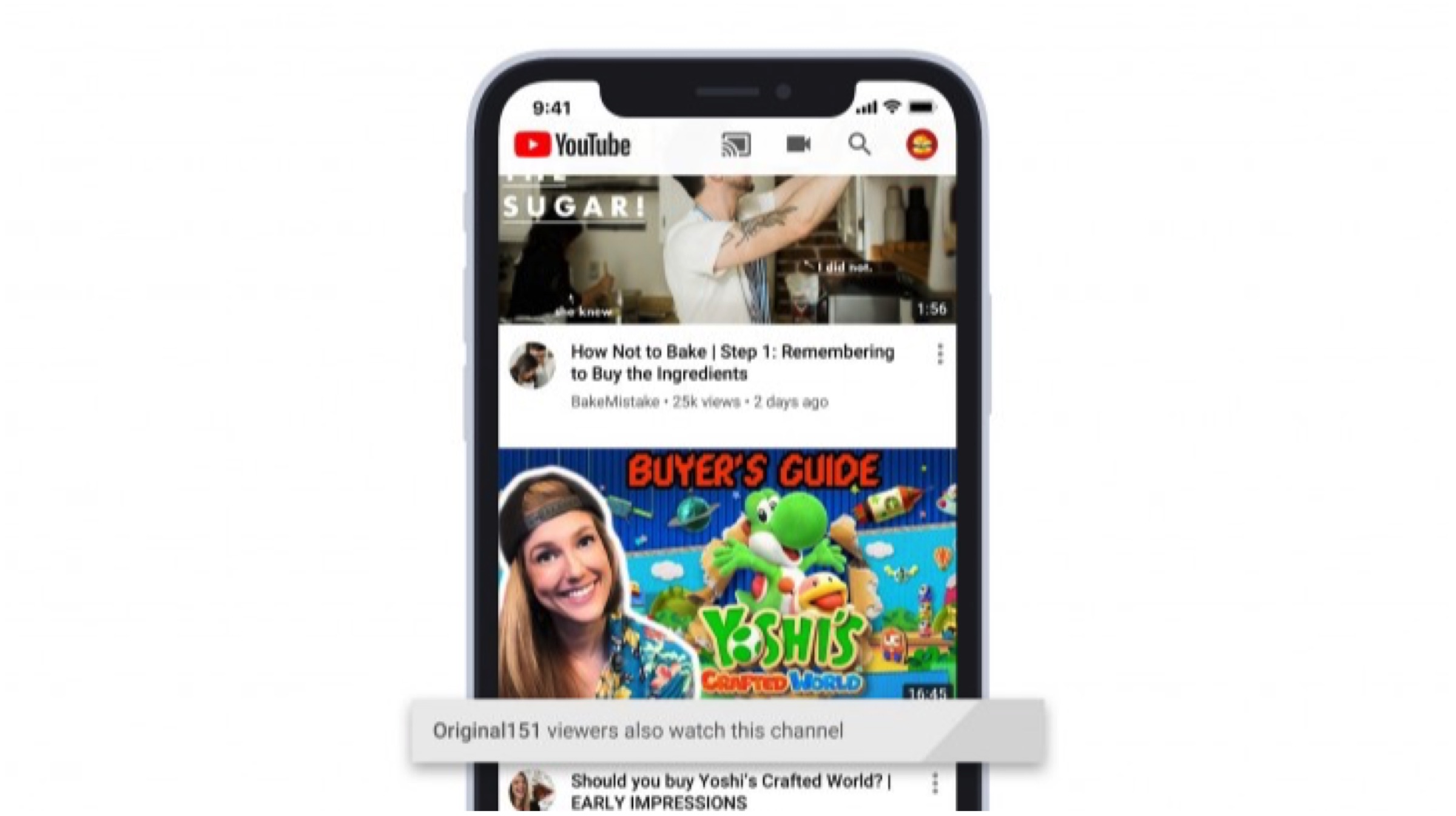
    YouTube has stated that it uses the data collected via the channels a person visits and their similar interests to recommend videos. The company now plans to include a small box underneath a video that provides more information when recommending similar content. For example, a cooking video recommended might carry a tag of baking in the small box. This is done to explain why certain videos from unfamiliar new channels may end up on the homepages.
    Also ReadLenovo India Introduces “Made To Order” Customisable Laptops

    The new features will be made globally available. An update for the YouTube app on iOS will be released prior to the Android counterpart and even the desktop main website. The company has added a great new feature which is a pro-consumer move. It should help the company regain lost reputation over past mishaps and pave the way for a user-friendly business model. It is also likely to ensure YoutTube’s long-standing reign in the online multimedia segment.
  • Lenovo India Introduces “Made To Order” Customisable Laptops

    Lenovo India Introduces “Made To Order” Customisable Laptops

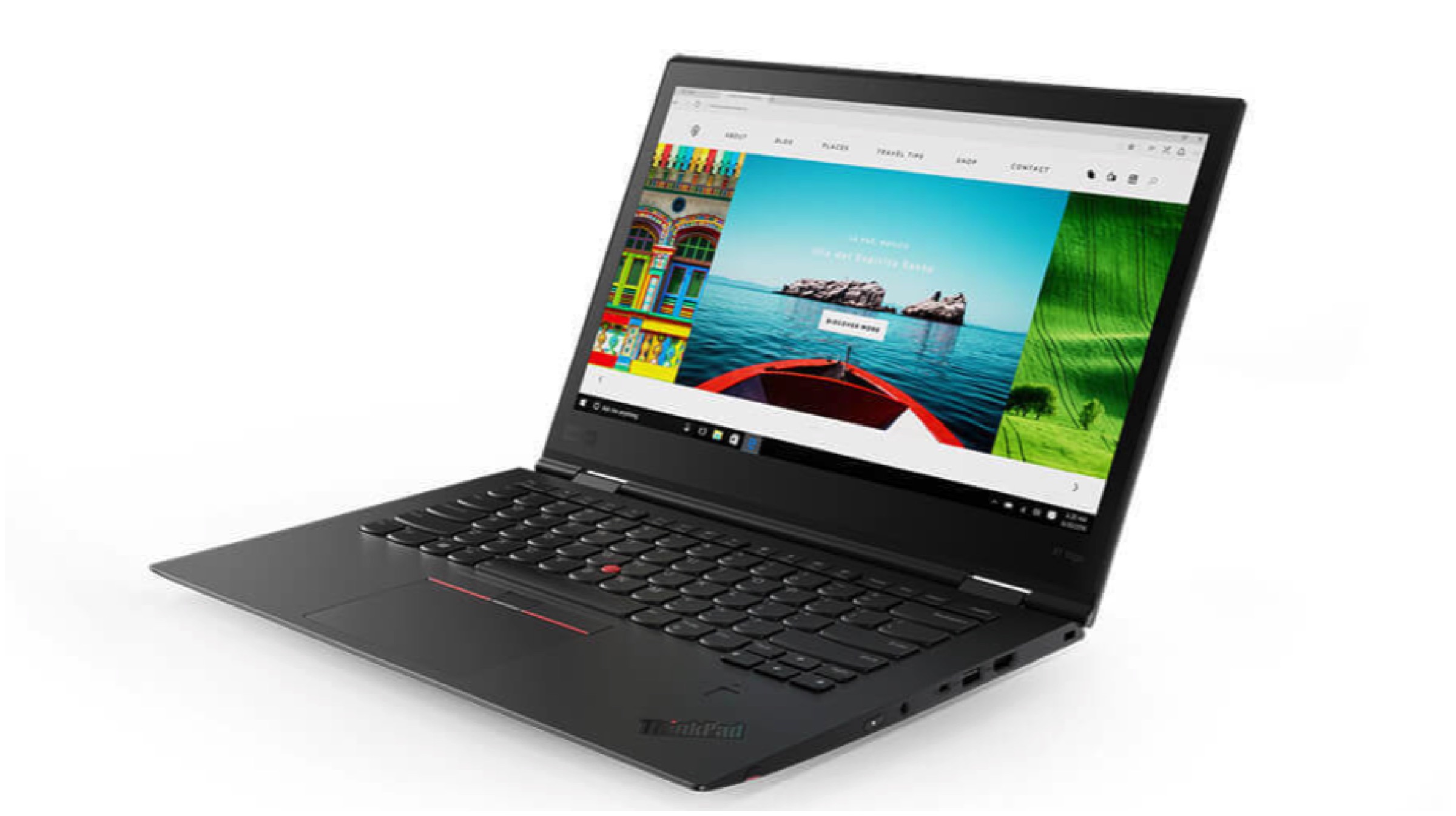
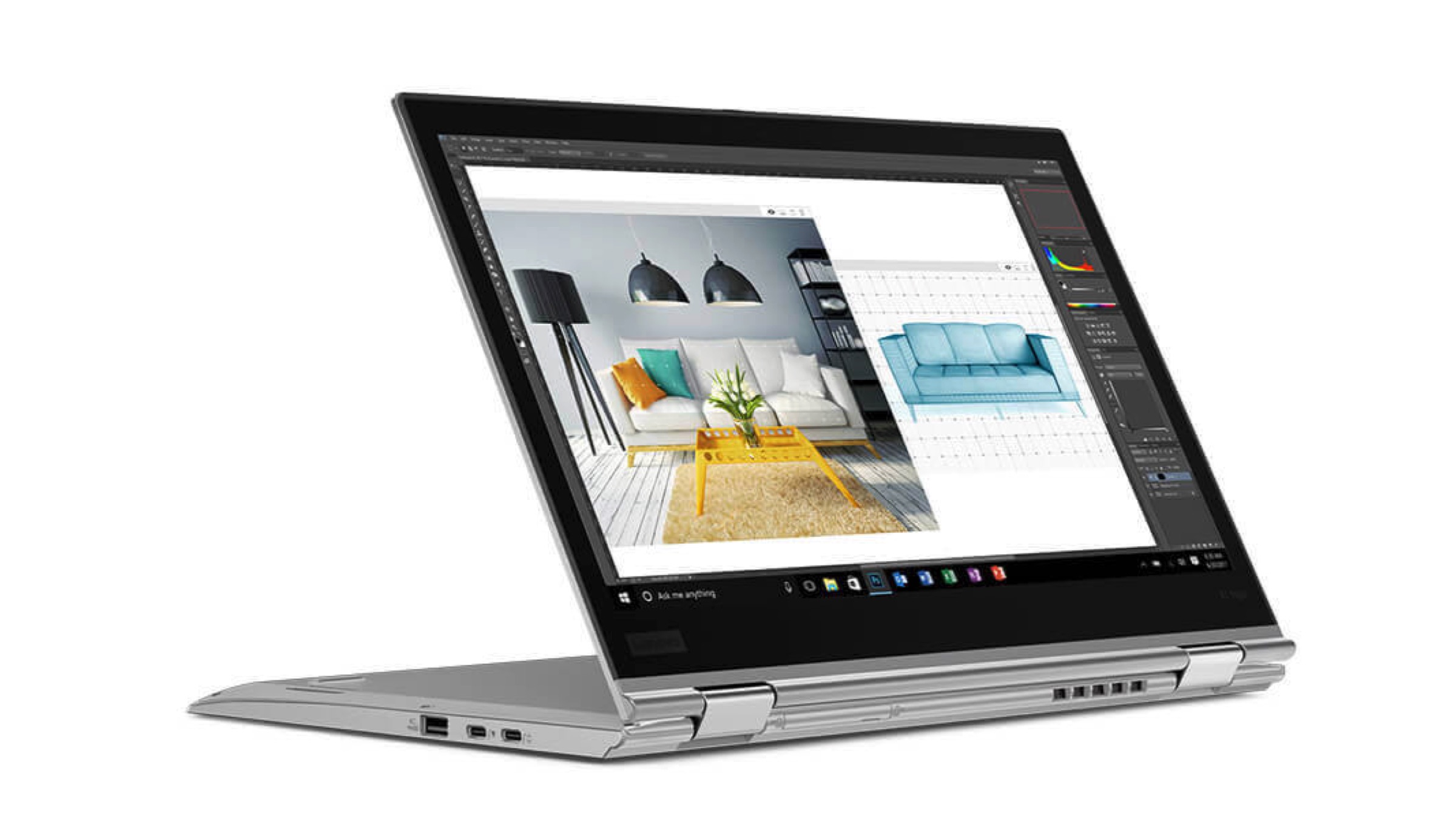
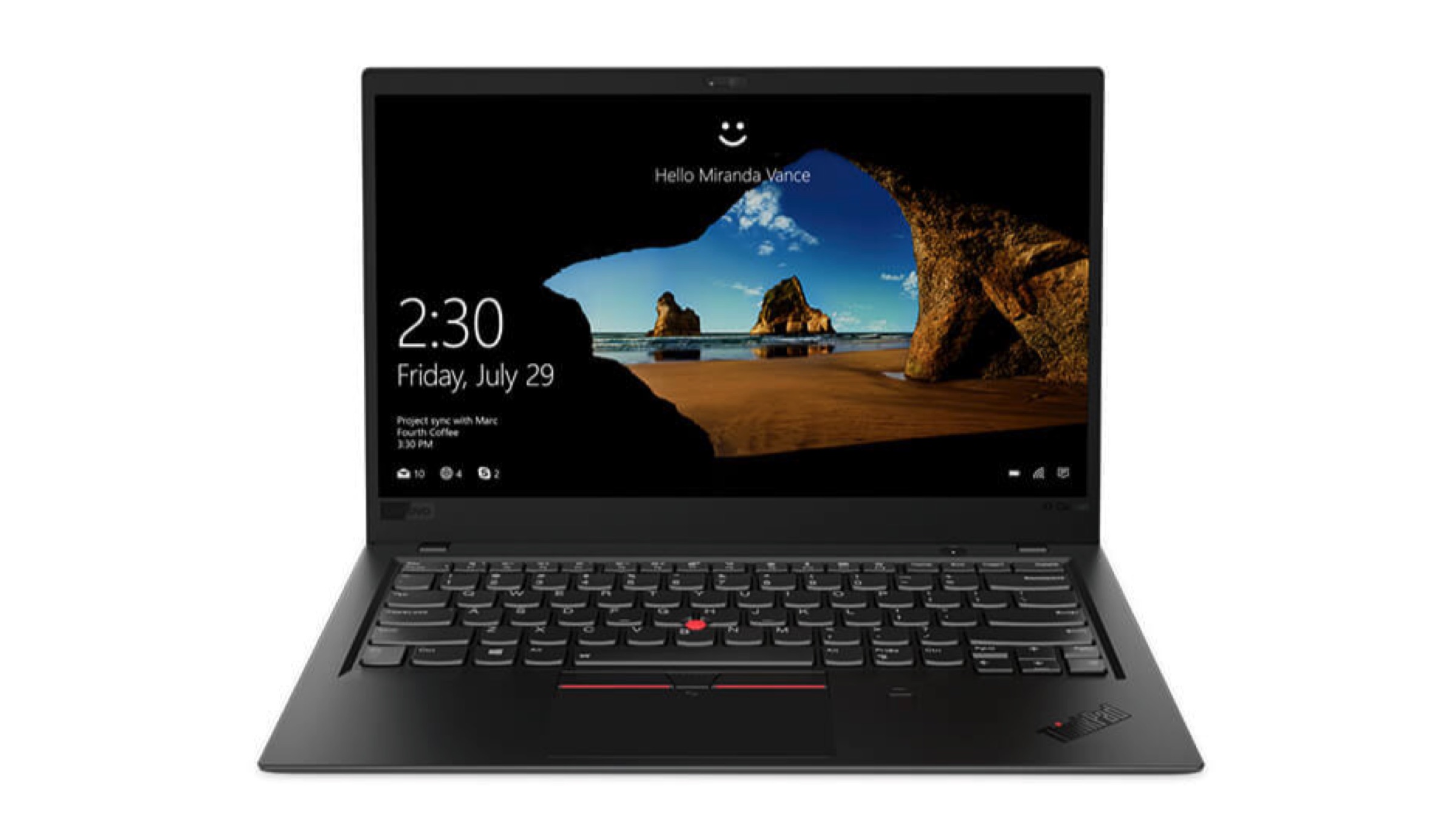
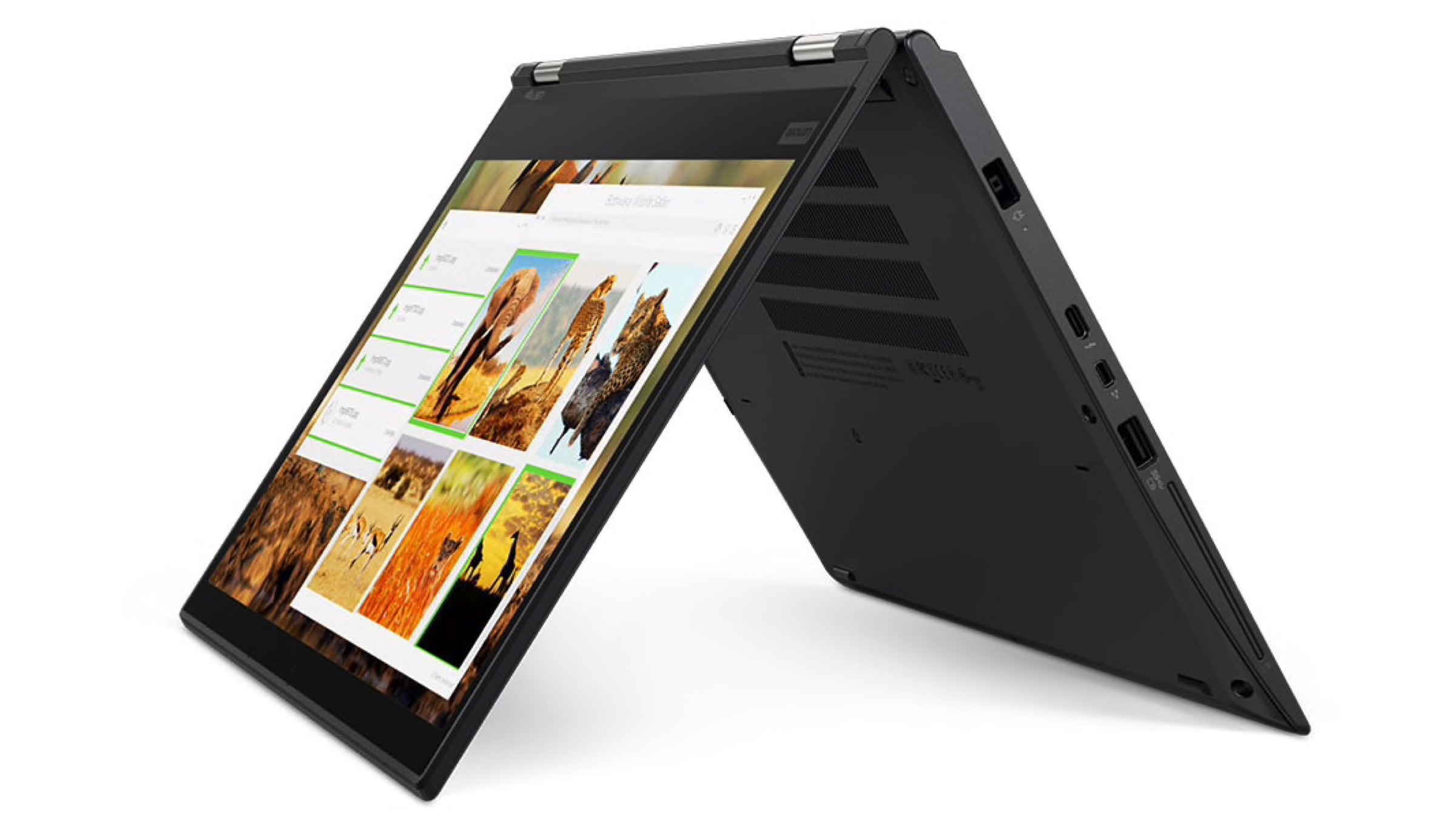
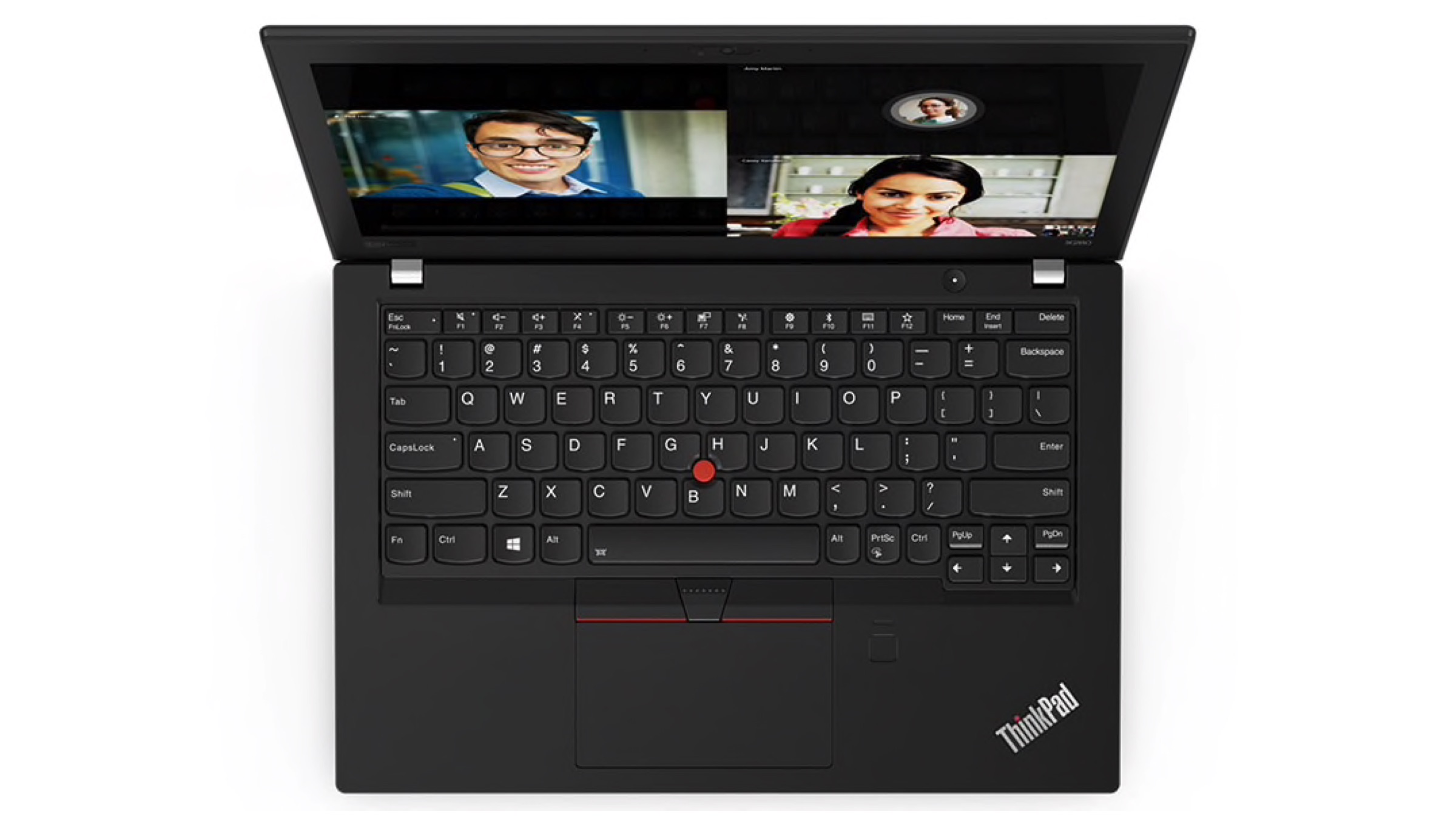
    One of the key benefit desktop PCs have had over laptops is choice in the configuration. Apart from pre-built computers, most users or even enthusiasts have always chosen which parts they needed for their desktops. Laptops have generally almost always sold with set internal hardware as specified by various electronic companies. However, Lenovo has now started a new ‘Make Your Own’ initiative that offers users the ability to customise their laptops before purchase.

    Lenovo

    How It Works

    The new ‘Made To Order’ service for ThinkPad laptops is currently available in India and will soon expand to other laptop lineups within 90 days. Options for customising laptops is available on Lenovo’s official website. The company is claiming to offer over 100,000 configurations. Lenovo has stated that the custom ordered laptop will be made in its automated facilities which promise to deliver in two weeks time.

    Lenovo

    According to the company, users with varying needs are being taken into account. Growth has been observed in the demand for personalised laptops and Lenovo plans on delivering. The launch of the service will mark a pro-consumer focused business model being adopted by the tech giant. 

    Configurations Offered

    Lenovo

    • CPU: Intel and AMD options will be available although only the former is currently listed with options between Core i3, i5, and i7.
    • Storage: Standard hard disk drives can be swapped out for the much faster solid state drives.
    • Graphics: Customers can choose between the integrated graphics provided or the dedicated graphics card from AMD and NVIDIA.
    • Screen: Options vary from Full HD displays panels to the vibrant 4K displays with a touch screen option.
    • Pre-Installed Software: Users can opt for certain softwares such as the MS Office, Abode Suite, Anti-Virus applications and much more.
    • Accessories: Additional items such as an upgraded extra battery, Ethernet Dongles, Expansion Docks and External monitors are being provided on the side.
    • Premier Support: Lenovo is offering extended warranty and Accidental Damage Protection service to those interested.

    Lenovo

    Also ReadOppo Showcases A Smartphone With Invisible Selfie Camera

    All-in-all, Lenovo has offered a great option for its potential customers. Currently, there are very few options for customising laptops to cater to users specific needs. For example, users may need a powerful CPU but not the expensive GPU that ships with it. Hence, the option of opting out is a good deal. Lenovo’s pro-choice move is a welcomed change to the formula that is prevalent in the mobile computer industry.

  • Top 5 Android Launchers You Need To Try

    Top 5 Android Launchers You Need To Try

    Android launchers allow you to get a totally different user experience from your existing smartphone. The capabilities of these launchers are infinite ranging from theme customization to swipe gestures to battery boost by managing background apps.

    Evie Launcher: 

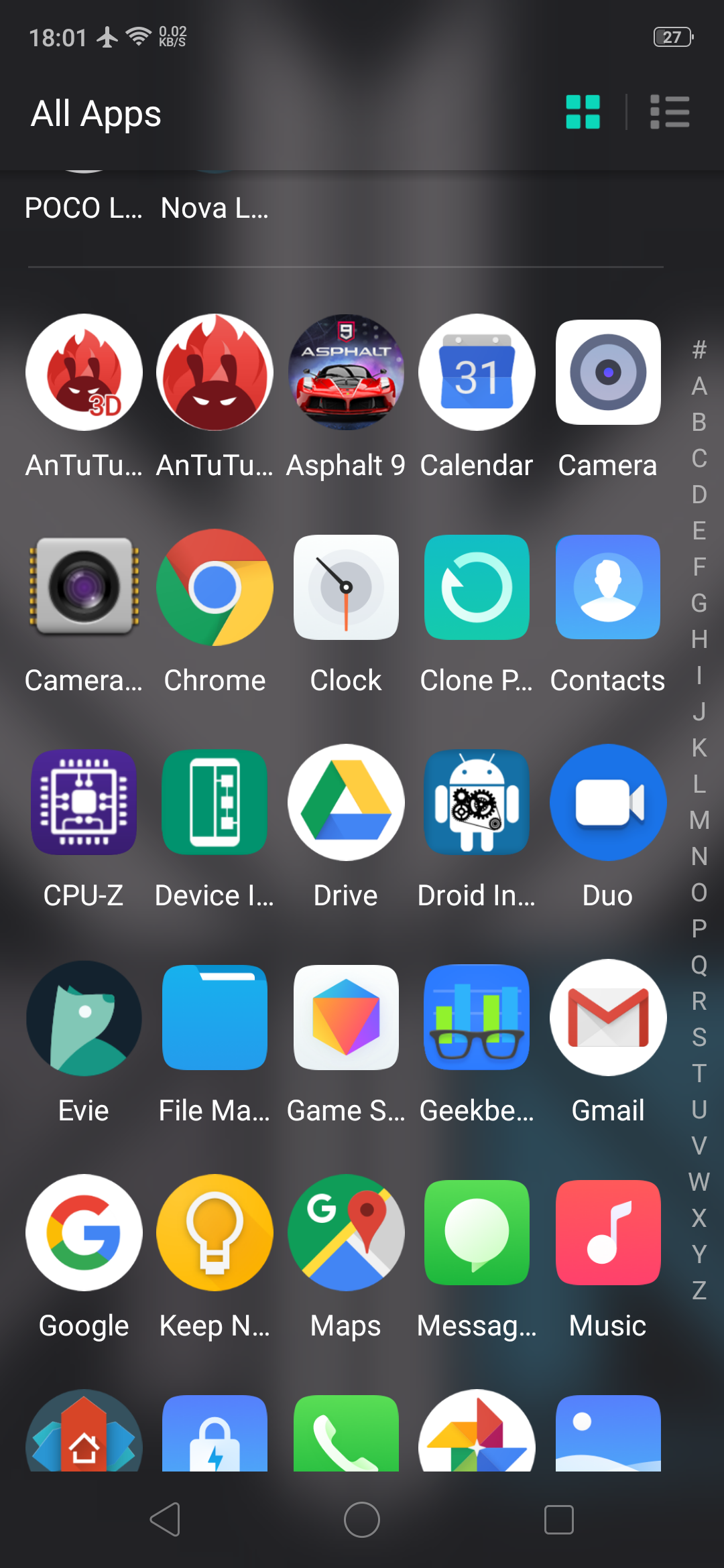
    Evie launcher is a home screen replacement that was designed with performance in mind. It has an alphabetic app drawer with a translucent background that makes it look very pretty. Apart from the looks, the key features of this Android launcher are custom shortcuts which can be user created, quick navigation that allows you to instantly access all apps with a swipe up. The launcher also supports personalization so the user can change app icons, manipulate icon size or customize the layout.

    Play store Rating: 4.7

    Nova Launcher: 

    This is one of the first 3rd party Android launchers. It is available for download as a free version or a paid version with added functionalities. The free version has a customizable App Drawer, color control for label folders and unread badges. The paid version includes gestures like swipe, pinch, and double tap to open your favourite apps, custom app drawers to create new tabs or folders, etc. Overall, it is a very robust and swift android launcher.

    Play store Rating: 4.6

    Also Read: Nokia X7 Design Revealed Ahead Of Launch

    Microsoft Launcher: 

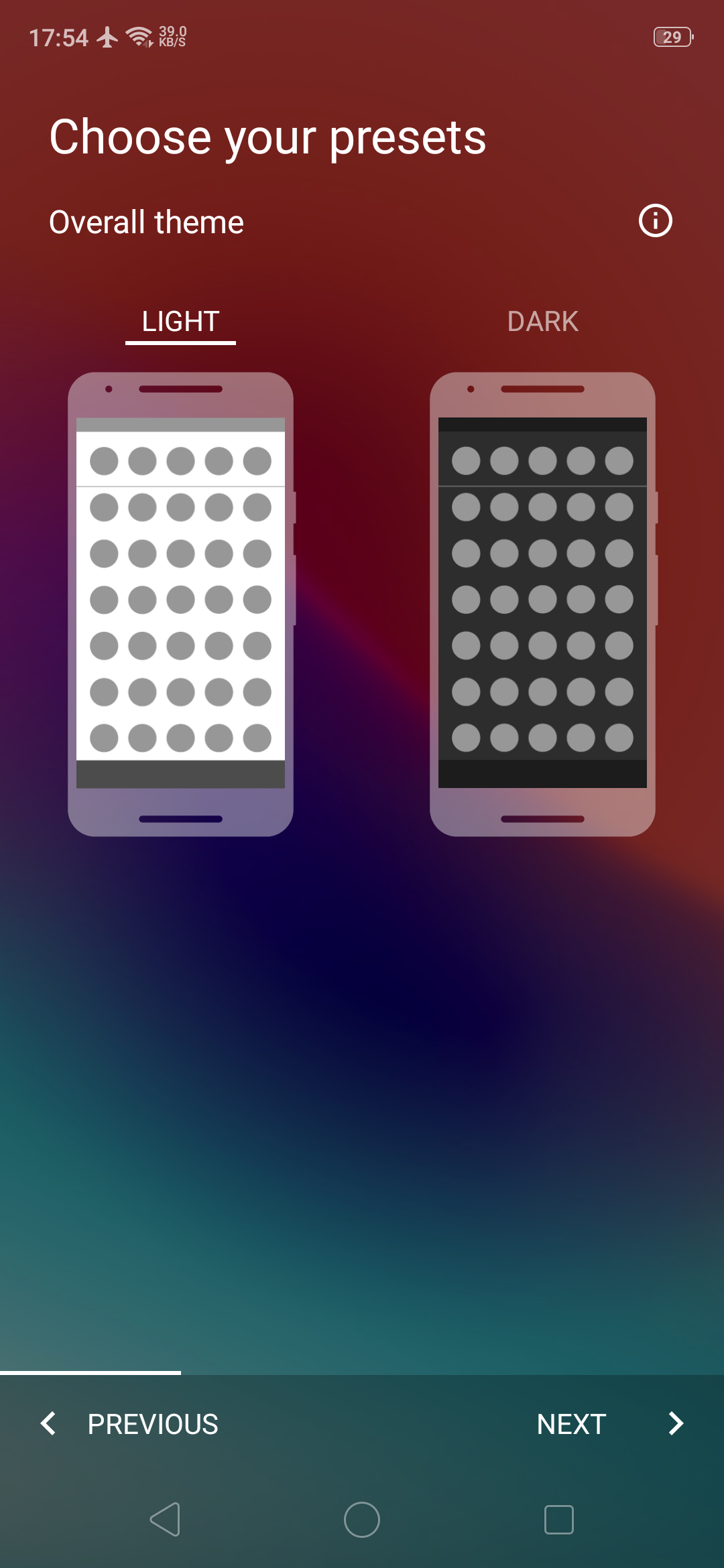
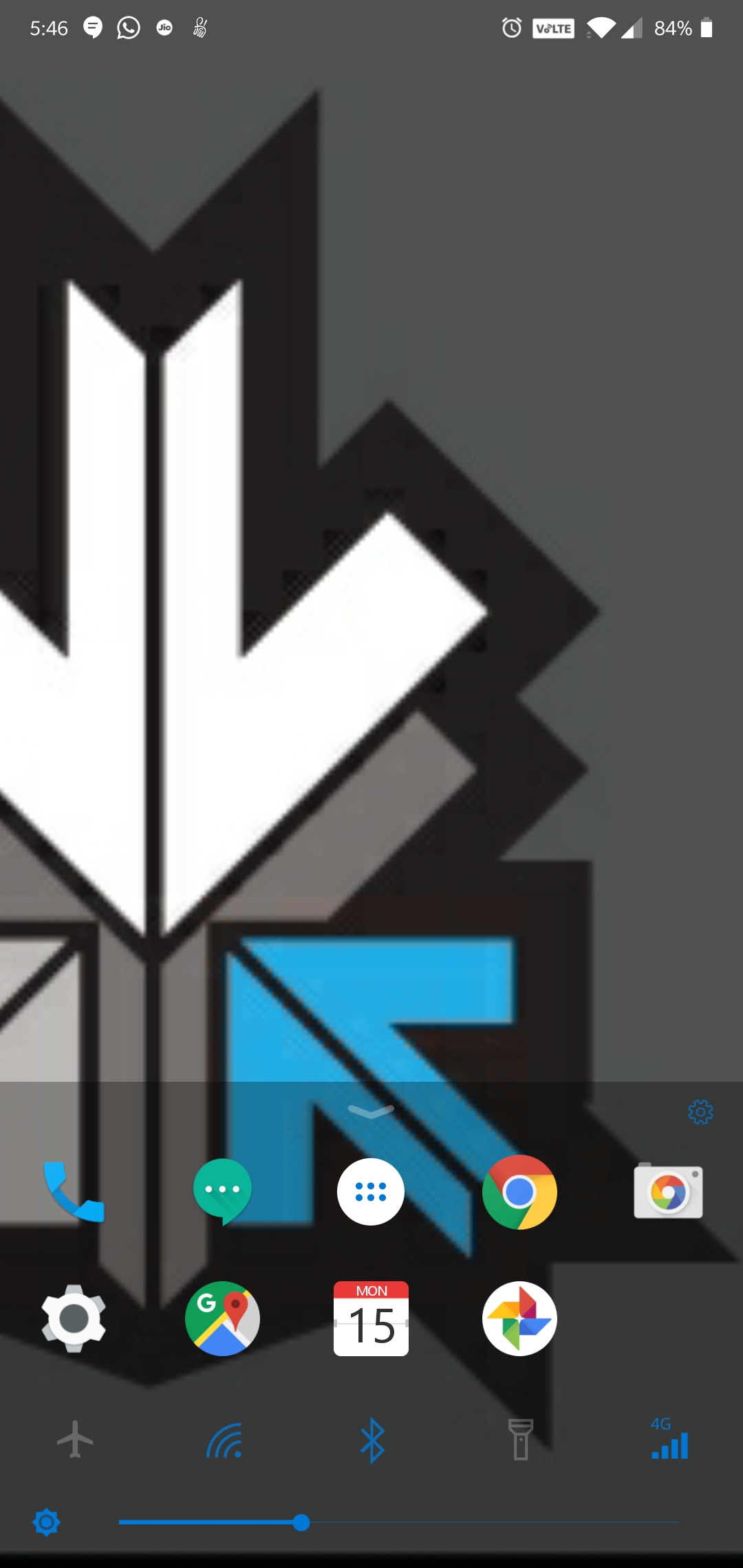
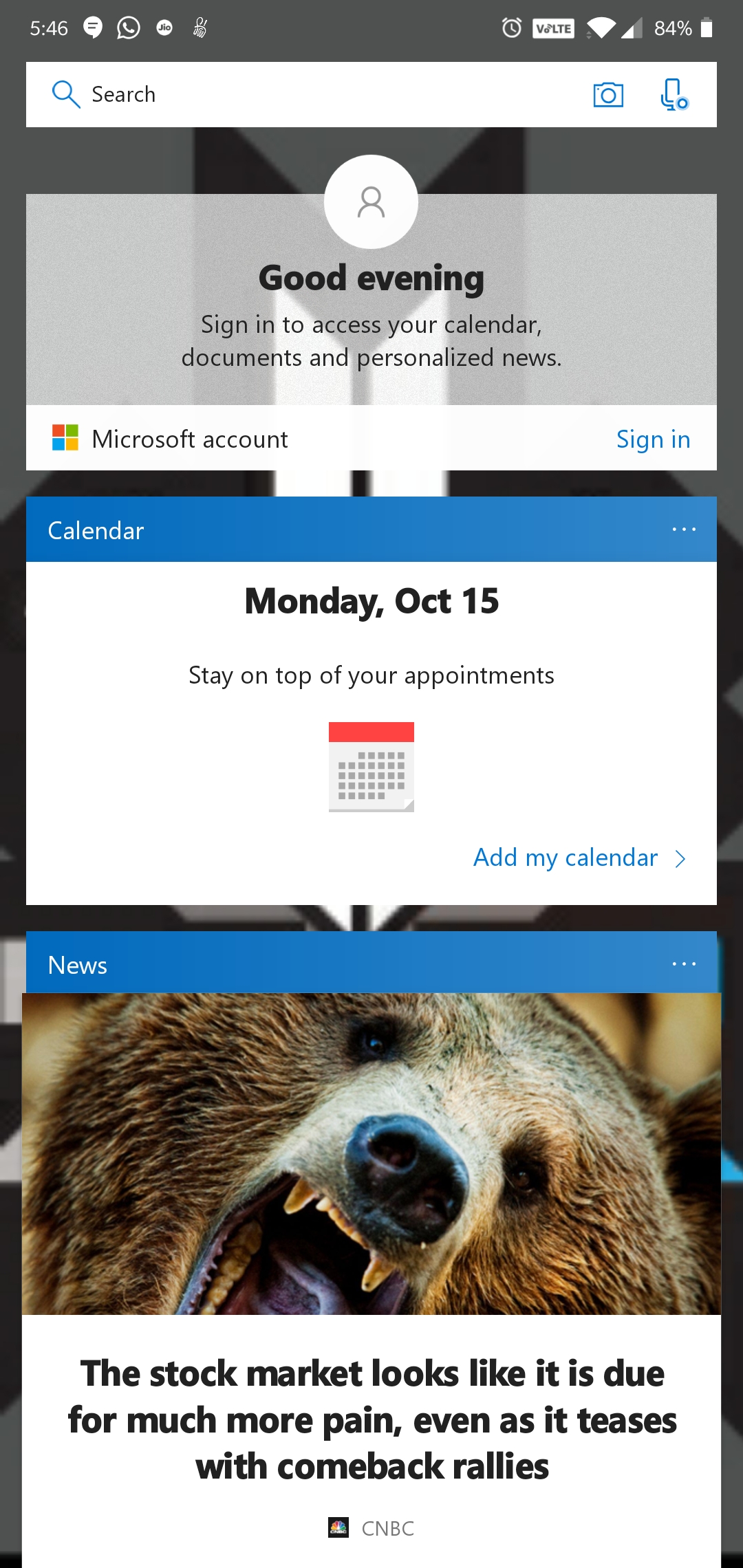
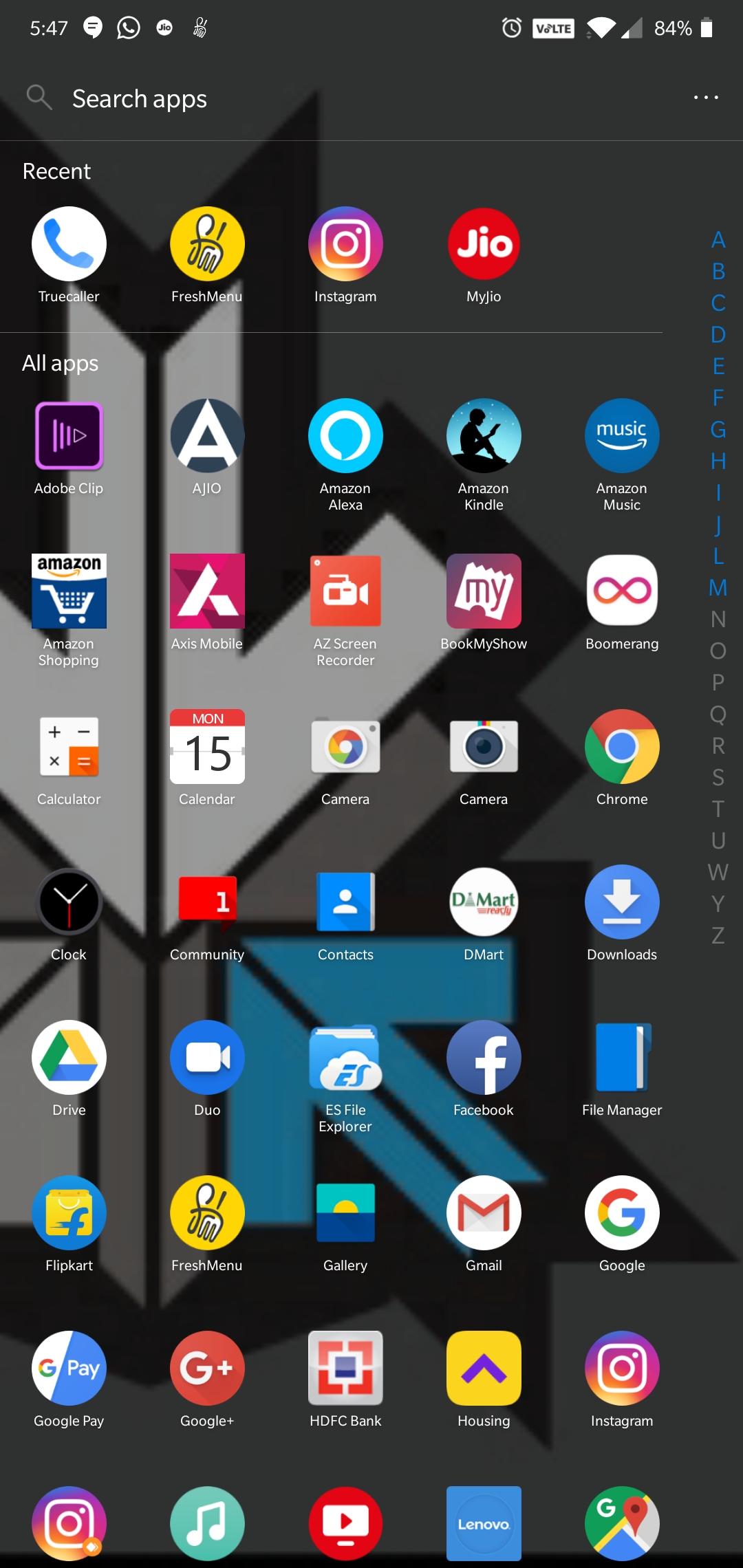
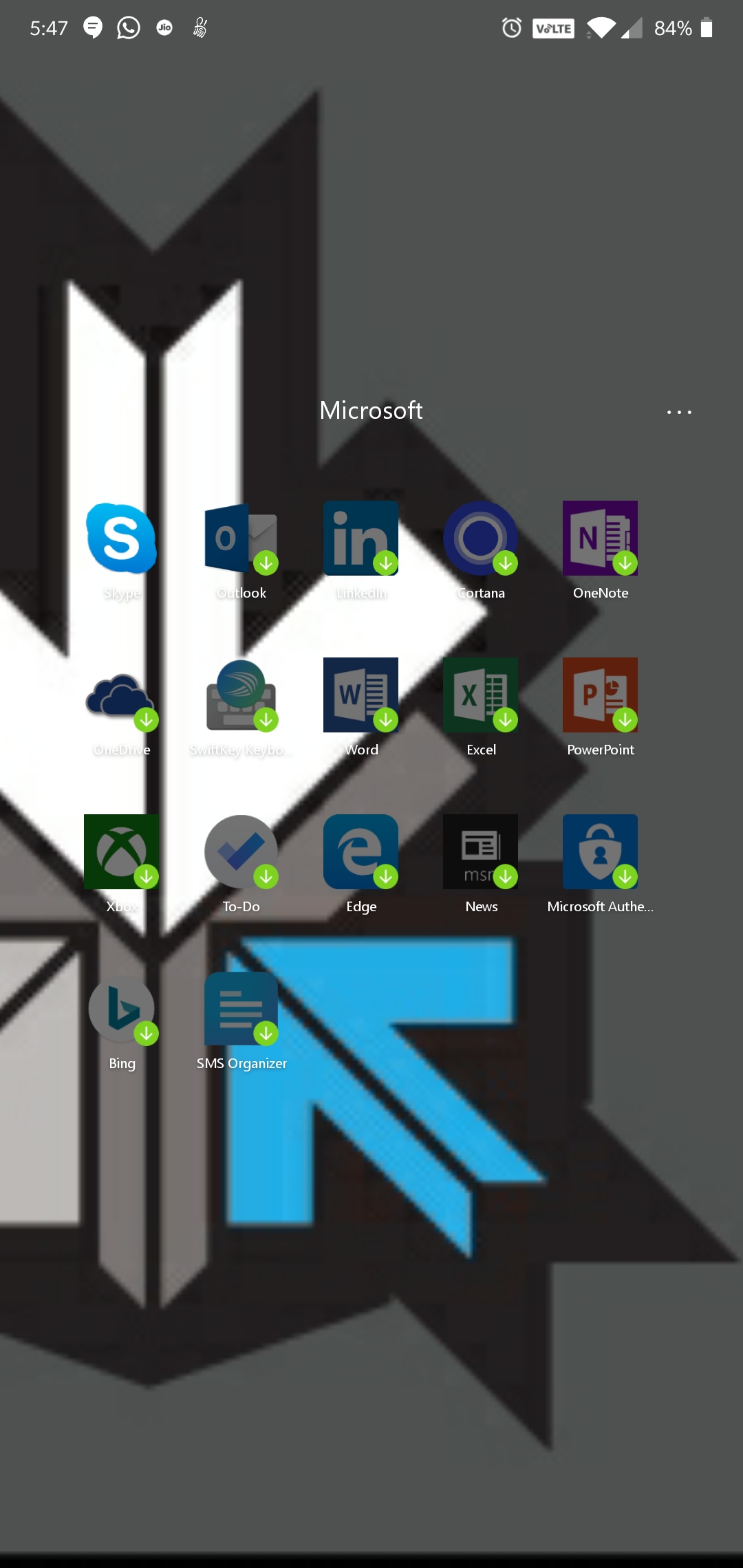
    This is Microsoft’s attempt at making an Android launcher and is surely influenced by the Windows design and themes. The launcher has a quick search bar with photo and audio search capabilities with Bing as the default search engine. It has Cortana support, which is Microsoft’s personal voice assistant. The launcher has a swipe up toggle menu for easily turning on/off options like Wi-Fi, Bluetooth, Rotation lock, etc.

    Play store Rating: 4.6

    POCO Launcher:

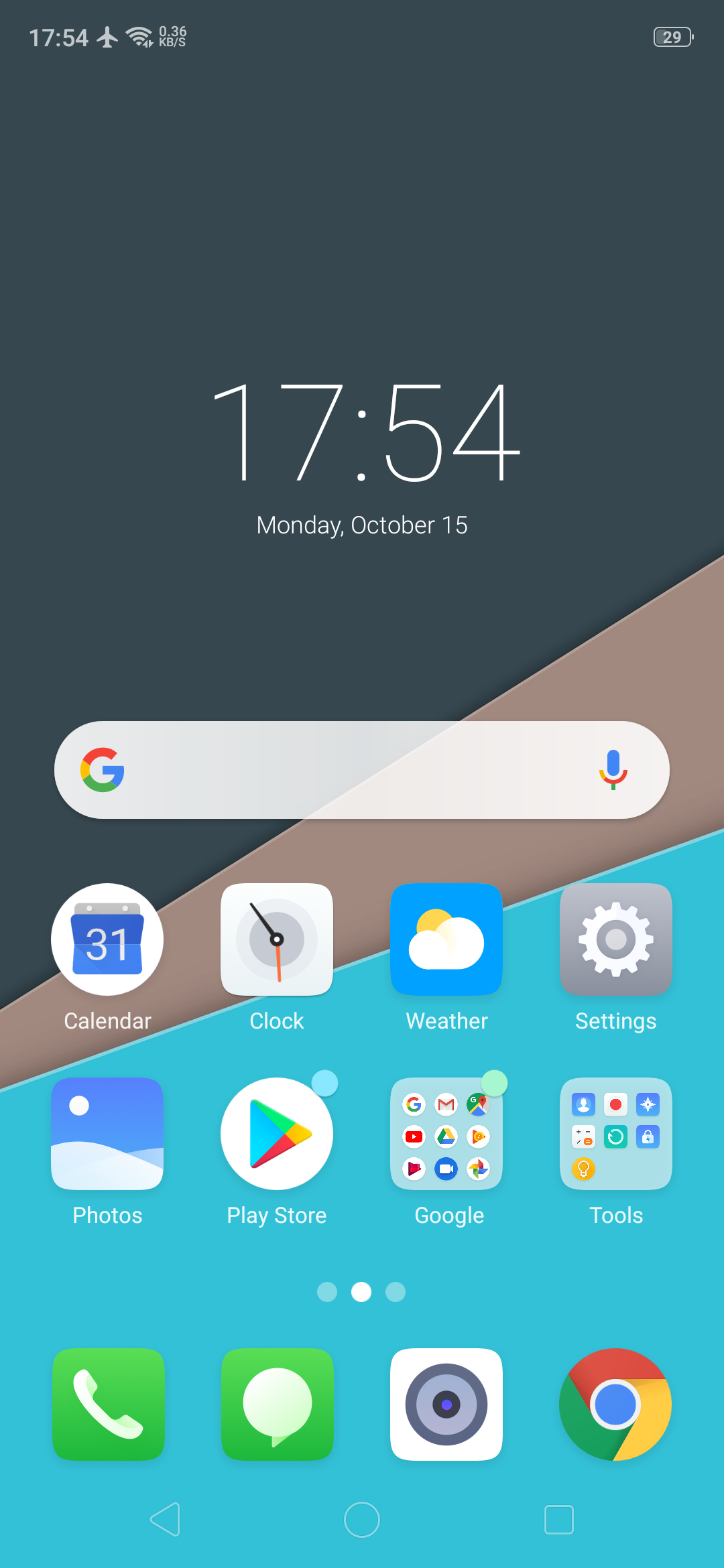
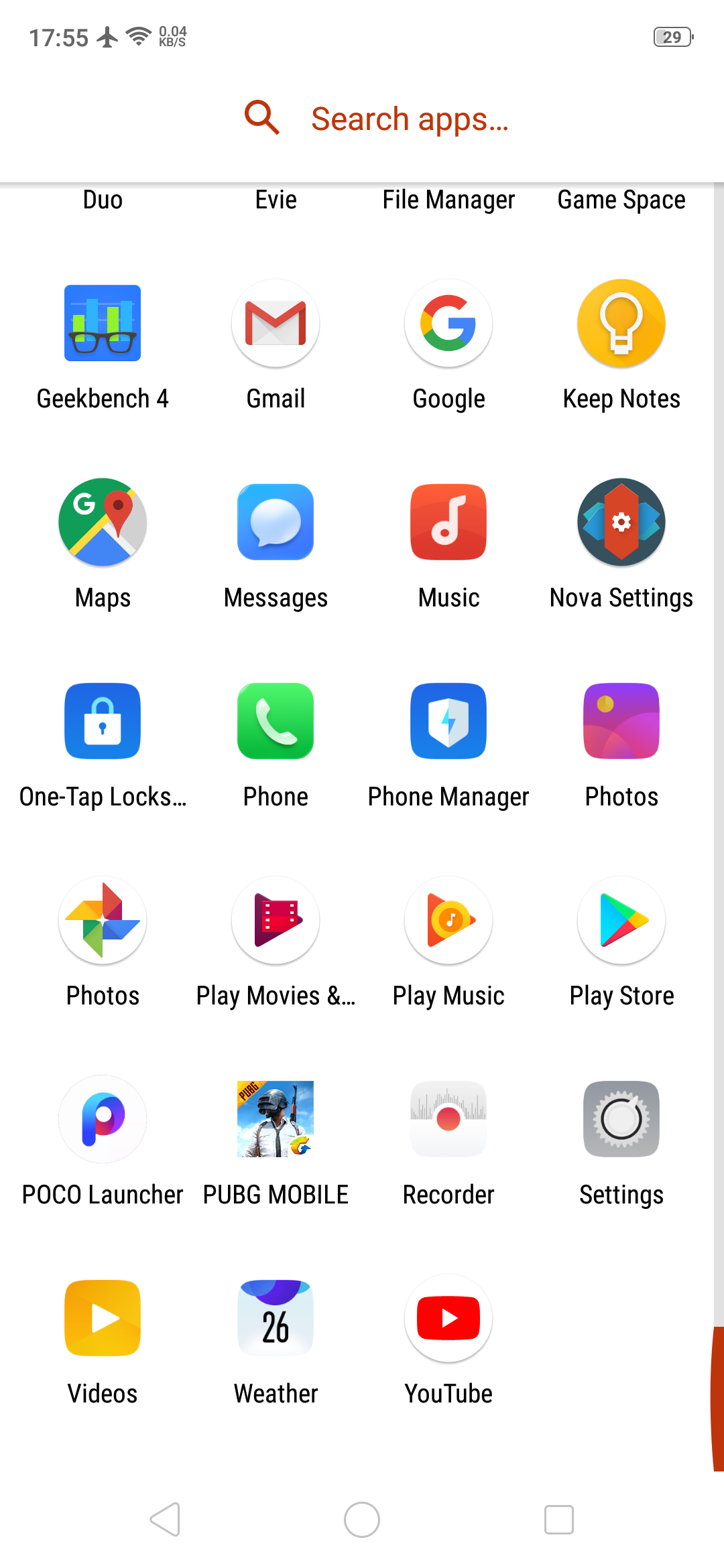
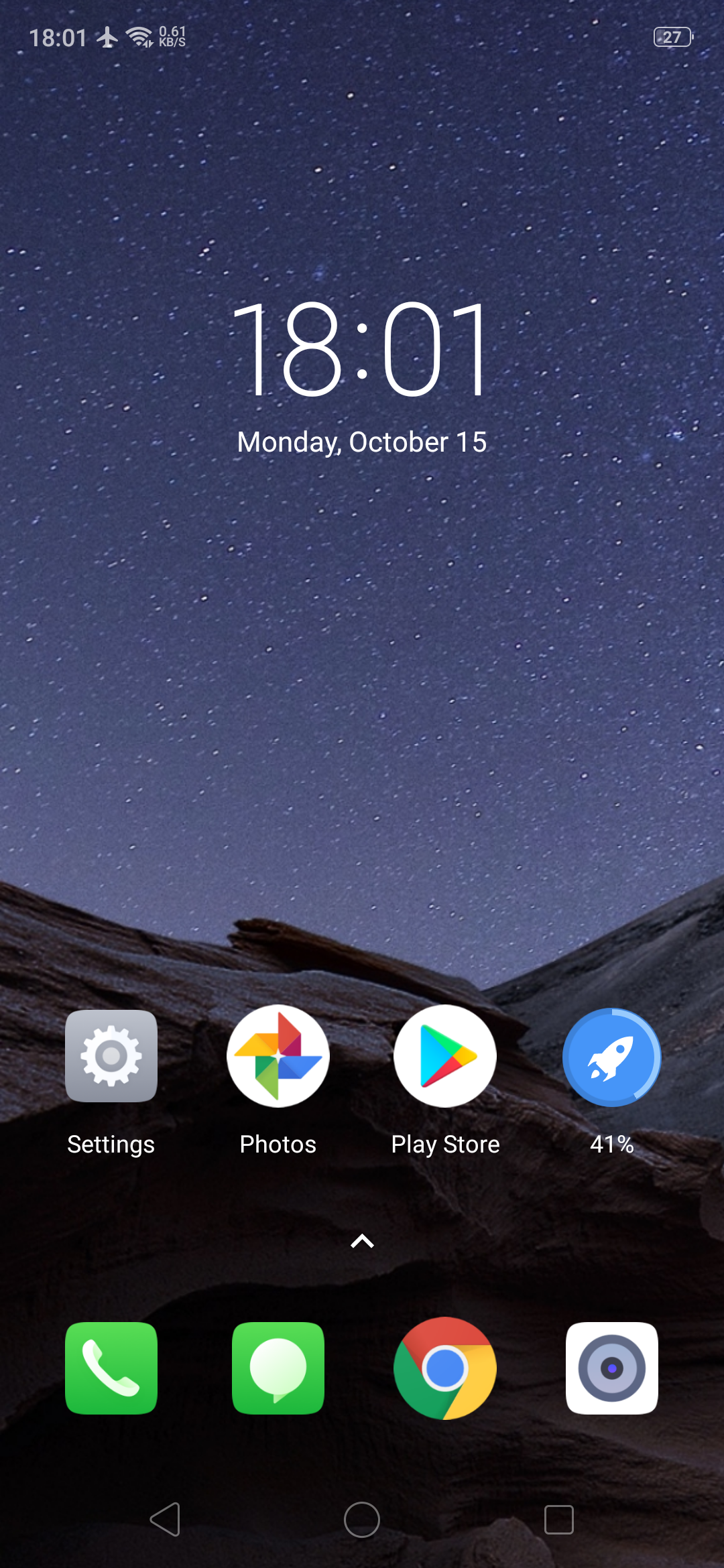
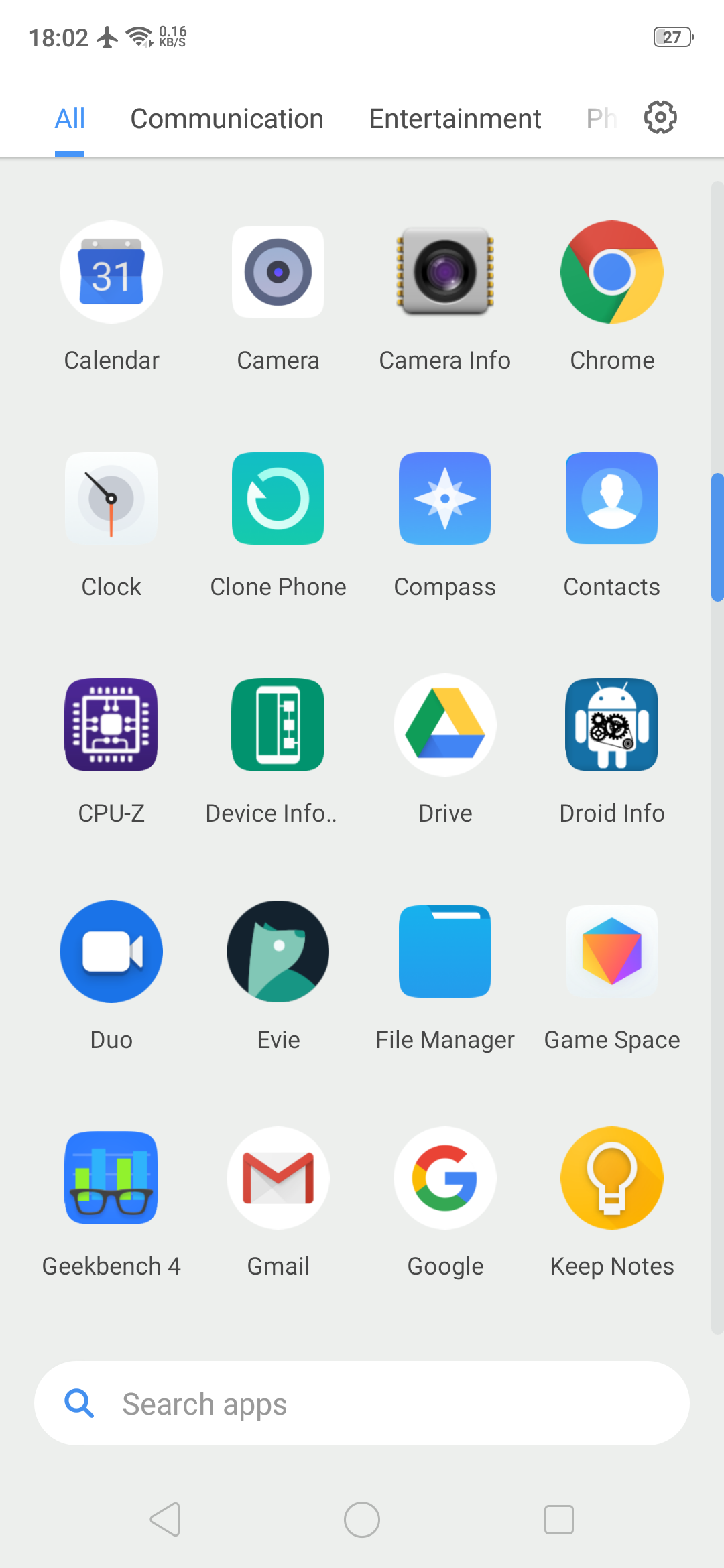
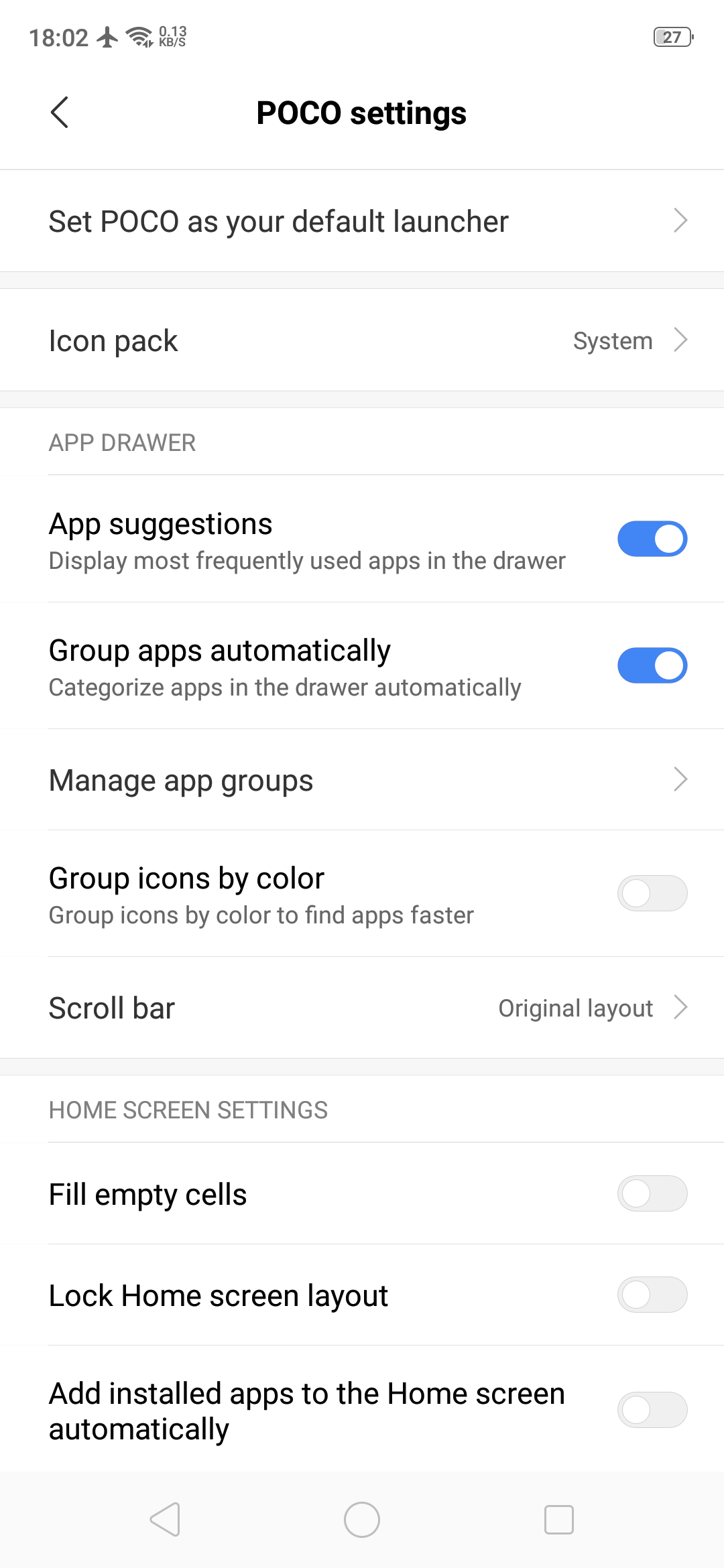
    POCO Launcher is the same launcher that the budget flagship smartphone Poco F1 has. It is fully customizable with a beautiful design and is super fast and light. Some key features include convenient search with recommended apps, easy app management by category and privacy protection by hiding private app icons.

    Play store Rating: 4.2

    Pixel Launcher: 

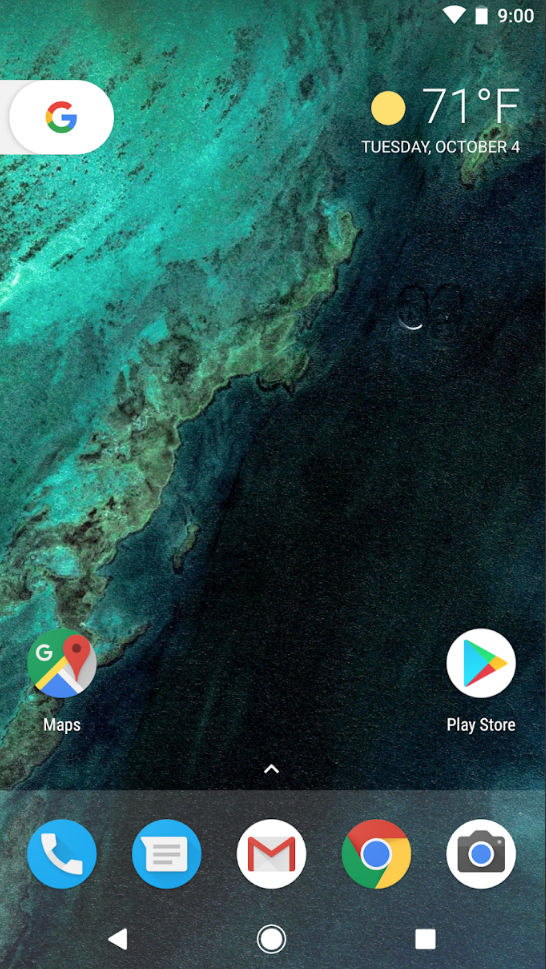
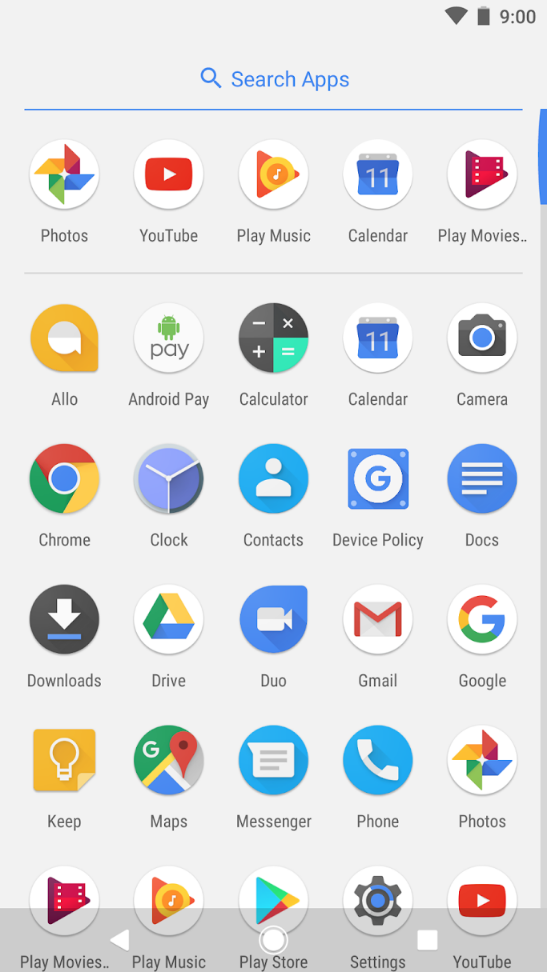
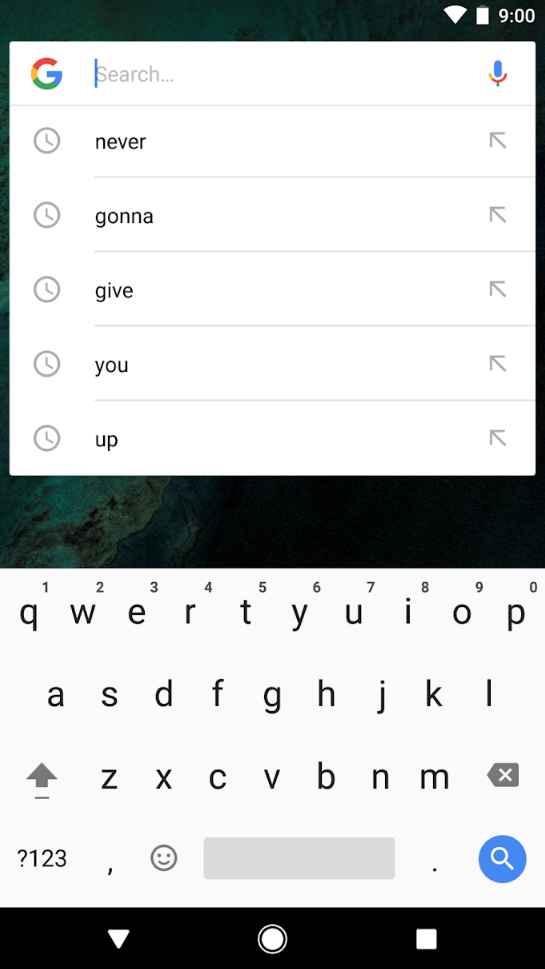
    Pixel Launcher is the home screen experience straight from the Pixel phones by Google. Key features of this Android launcher are quick access to Google search from the primary home screen, app suggestions, swipe right from home screen for Google news cards and personalized information like upcoming birthdays of friends. The Android launcher is very simple and easy to use which is synonymous to Google’s vision of using technology.

    Play store Rating: 4.2

iGyaan Network
Privacy Overview

This website uses cookies so that we can provide you with the best user experience possible. Cookie information is stored in your browser and performs functions such as recognising you when you return to our website and helping our team to understand which sections of the website you find most interesting and useful.