Tag: el capitan

  • Apple’s Next Macbook To Launch On 27th November

    Apple’s Next Macbook To Launch On 27th November

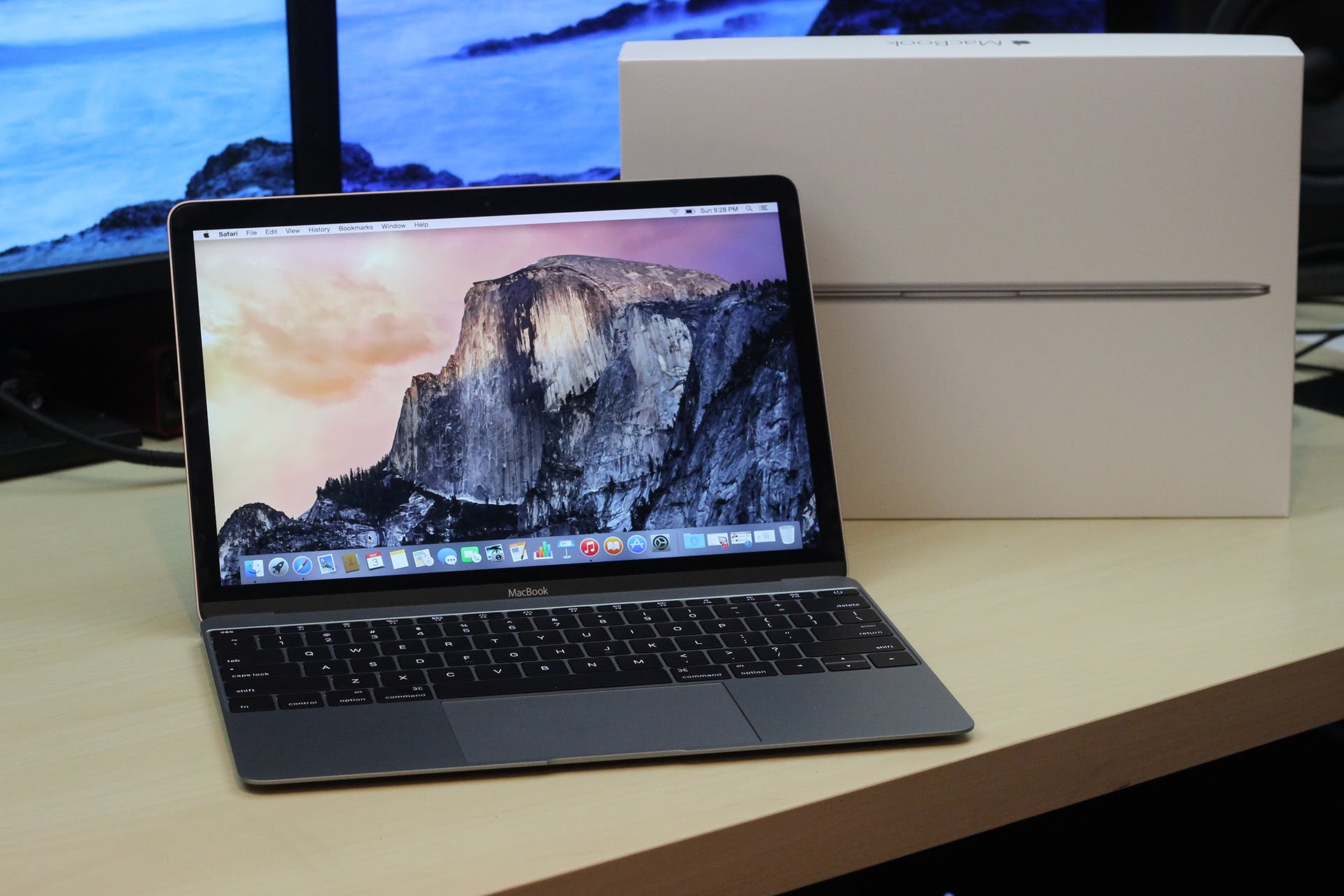
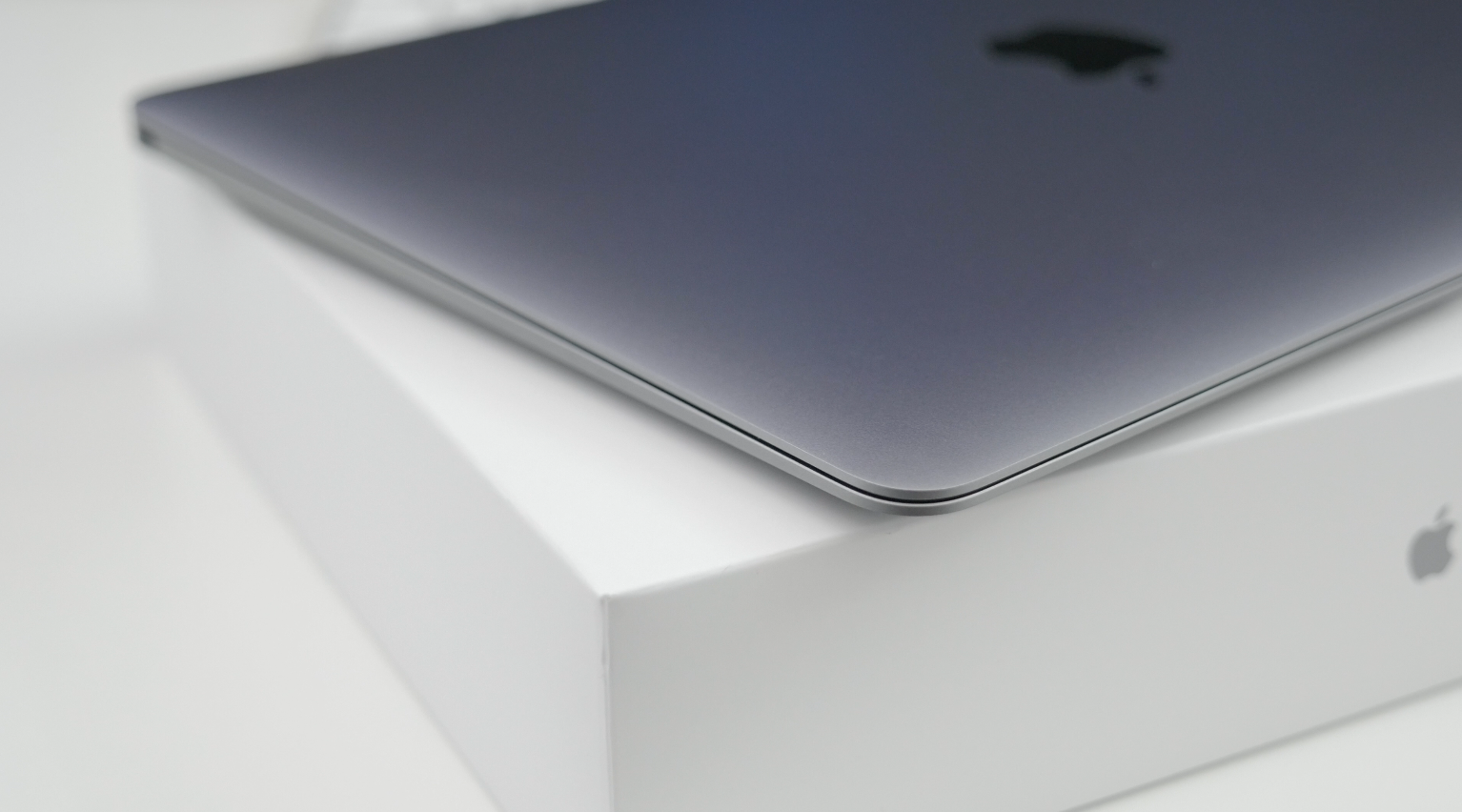
    New reports suggest that you can expect Apple to launch the Macbook Air 2016 on the 27th of November 2015. This date has been chosen strategically in order to coincide with the annual Black Friday extravaganza.

    Macbook

    The only fear is that the Macbook 2016 might not get the attention it deserves if launched on Black Friday as most people would be looking for budget deals instead of buying a new laptop at its launch price. Reports also suggest that the launch of the Macbook Air and Pro were delayed so as not to take away the limelight from the iPad Pro. Let’s just hope their decision won’t cost them a fortune.

    maxresdefault

    The Macbook Air 2016 will come with an Intel Skylake U-chipset under the hood and will run El Capitan, the latest version of Apple’s desktop OS. Would you buy a Macbook Air 2016 on Black Friday?

  • 9 New Features of the OS X El Capitan

    9 New Features of the OS X El Capitan

    Apple released the latest upgrade to its desktop operating system on Wednesday. The OS X El Capitan is now available as a free upgrade for all Mac users using a 2009 model or newer, and also for some 2007 models as well.

    Apple has tried to redefine the Mac experience with a host of new improvements, both big and small, that adds a little something extra to your Mac. From Notes and Safari to Spotlight and Split View, there’s something to be found everywhere.

    Find the cursor

    This is perhaps the smallest improvement, but an improvement nonetheless. Mac users have found it a bit of problem when it comes to locating the little mouse on the screen. However, with the new upgrade, all you have to do is quickly move your fingers across the trackpad or shake the mouse quickly and the cursor grows in size so that you can spot it easily on screen.

    Split View
    splitview-mac

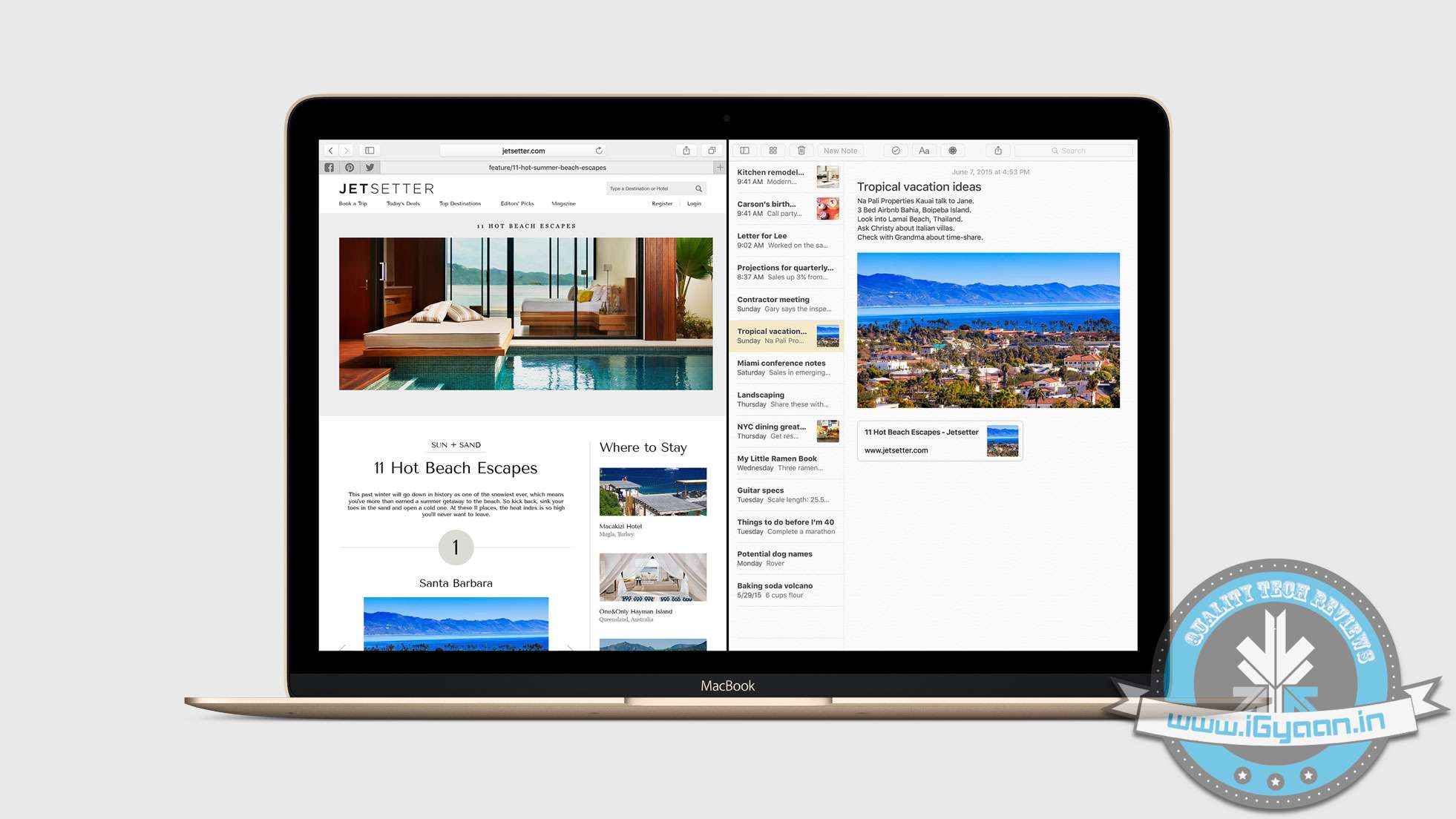
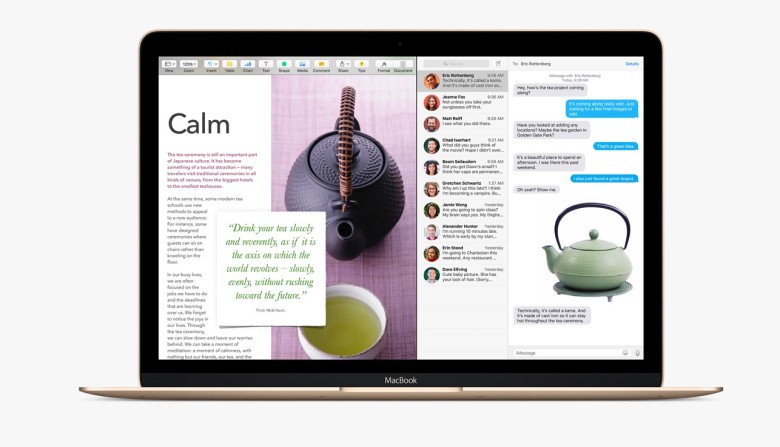
    Apple has already introduced the Split View feature with the iOS 9 for the iPads, now El Capitan OS follows suit. Split view allows two applications to run side by side. There are two ways you can get the split screen activated. You can click and hold the green zoom button of a window and then drag it into place, or open up Mission Control (F3) and drag the two apps of your choice into the same thumbnail at the top.

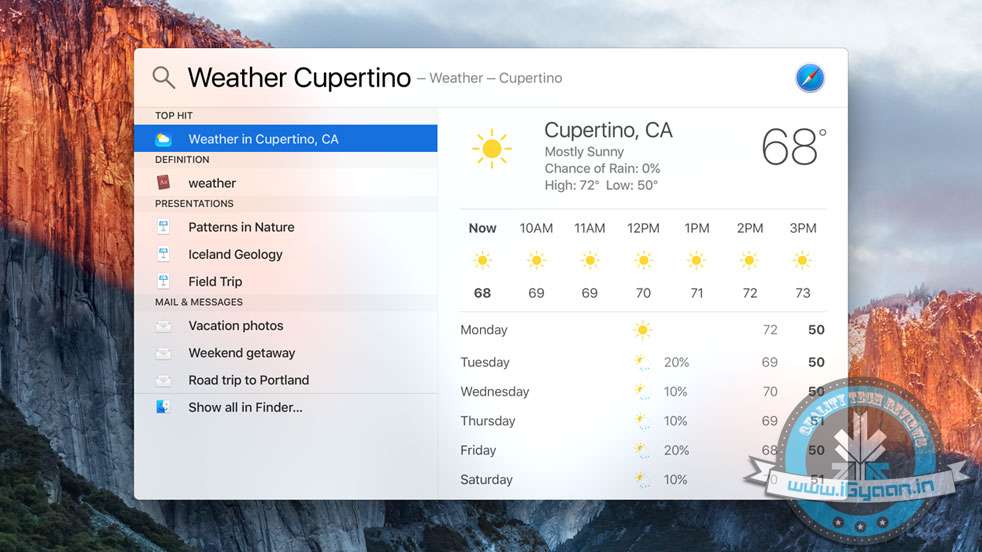
    Spotlight search with natural language

    By natural language we mean the way you would naturally speak when looking up something. For example, you could enter “find mail from Sam regarding flight details” and you will get exactly what you were looking for. Basically, Spotlight now has a better grasp of language.

    New Mail gestures
    mail-gestures

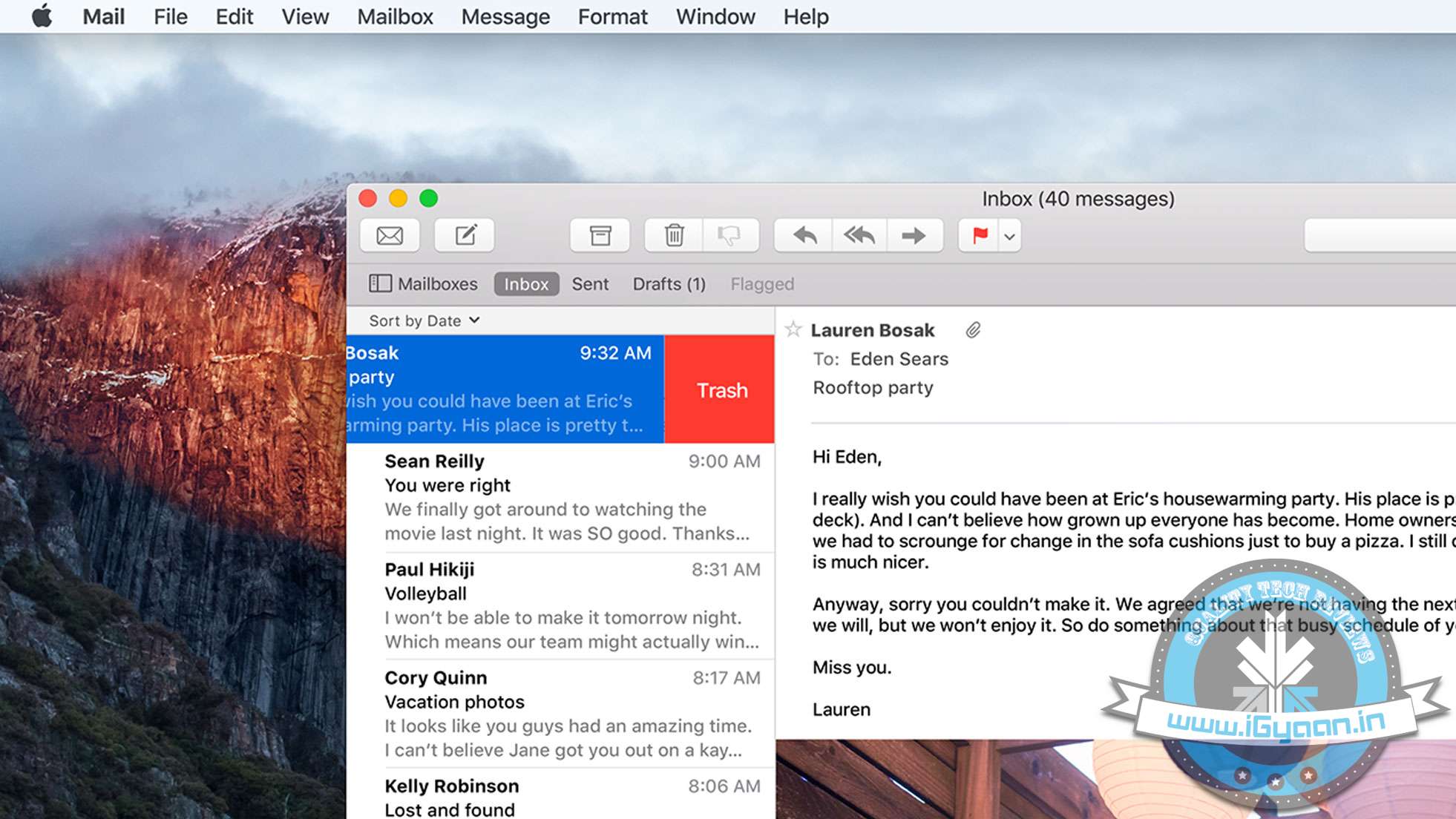
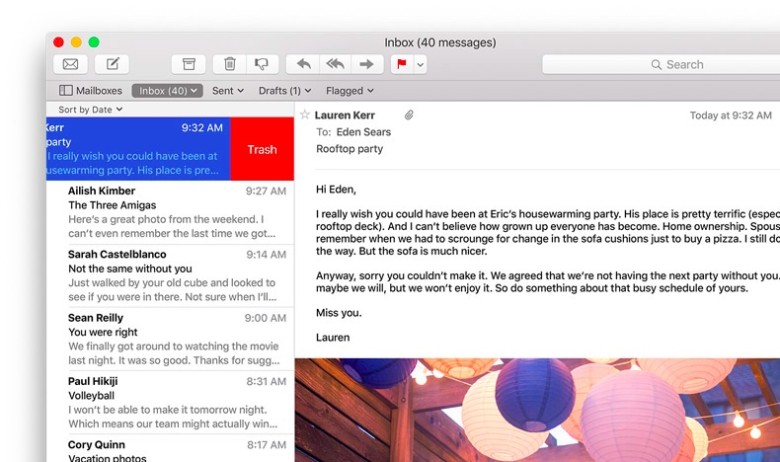
    Like the Split View, Apple has borrowed from iOS for the Mail app as well. OS X El Capitan can now allow you to delete mails and access other options by using two fingers to swipe on an item. Mail also recognizes contacts and events in you messages and helps you call or add events to your calendar.

    More to do with Notes

    The latest iOS 9 brought a whole bunch of changes to the Notes app. The same changes can now be found in the Mac. You can create checklists, import maps and pictures, or insert text formatting. The improvements are still short of Evernote, but the company is getting close.

    Send individual videos via AirPlay

    Earlier, if you wanted to send a video from Safari to your friends or to the AppleTV, you would have had to share your entire browser window for that. With the new upgrade you can now send just the video. In Safari, click on the AirPlay option just below a YouTube video and you can select your desired destination. It works with YouTube right away, with support for other services to come soon.

    Pin tabs in Safari

    pintab-safari

    You can now pin sites that are most frequently visited to a new browser tab at the left-hand side of the tab bar. This allows you to quickly access them with just a click. Pinned sites automatically open when the browser is opened.

    Skip the Trash
    Trash-Mac

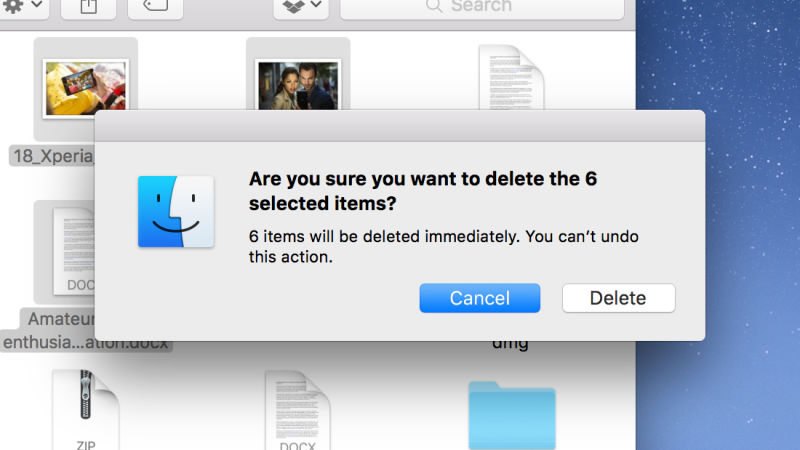
    This gives you the option to permanently delete any file you like rather than temporarily deleting them. It saves you the trip of having to go to the trash bin. Press Option+Cmd+Delete to erase files immediately. You can find the option in the Files menu once you select the files you want deleted.

    Hide menu bar

    The new update gives you more screen space by making the menu bar disappear at the top of your interface automatically the same way as the bottom dock. Go to System Preferences via Apple menu, then go to General heading, and select Automatically hide and show the menu bar.
  • Details About Upcoming Apple Products Revealed by El Capitan’s Beta Version

    Details About Upcoming Apple Products Revealed by El Capitan’s Beta Version

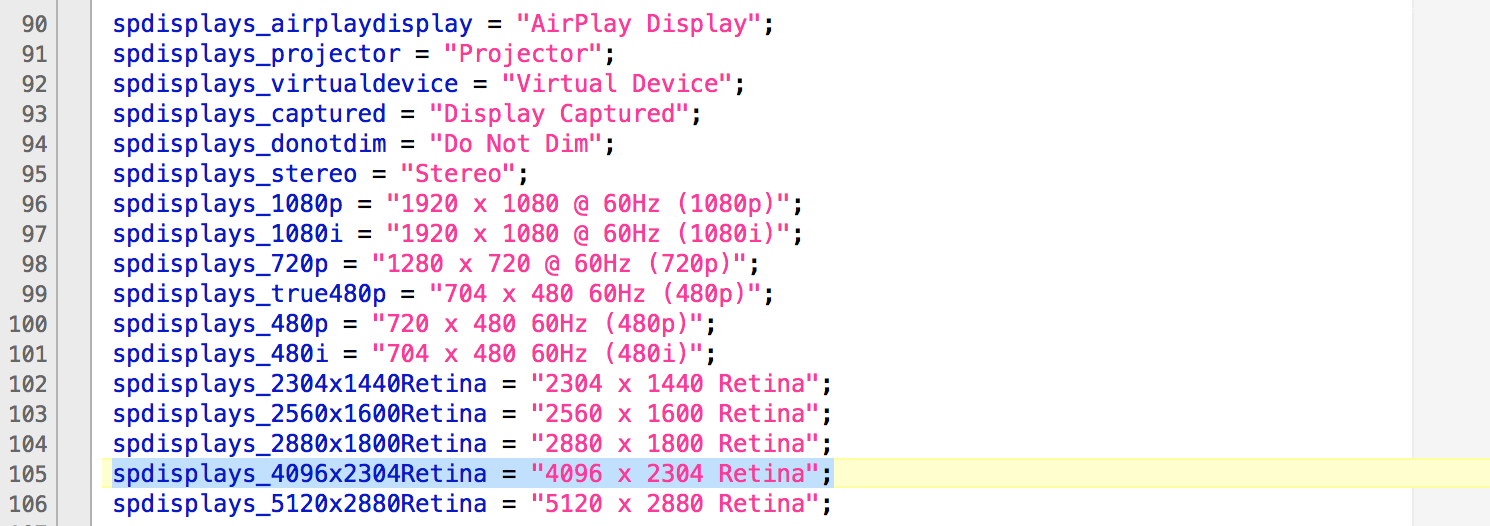
    A new beta version of OS X El Capitan has revealed a new line of Apple products. According to a report, the beta version references for future products include a 21.5-inch 4K Retina display and a Bluetooth remote control.

    Source: 9To5Mac.com
    Source: 9To5Mac.com

    Apple introduced the 27-inch iMac with 5K Retina display last year. It is only logical that if Apple wants to introduce a smaller version of Retina display with 4K resolution, it would upgrade the 21.5 inch Mac for it. The new beta version references Mac support for Apple-made display panel with a 4096 x 2304 resolution.

    A new Intel graphics chipset, Iris Pro 600 was referenced in the El Capitan beta version. Along with that, four new AMD Radeon processors – M380, M390, M395 and M395X – were mentioned. It is possible that these chipsets would power the 4K iMac and the new models.

    Source: 9To5Mac
    Source: 9To5Mac

    A new file inside El Capitan has revealed the possibility of a Bluetooth Remote Control being developed at Apple. The report says that ” this new piece of hardware integrates a dedicated Bluetooth wireless chip, can connect with devices via an infrared sensor, and includes a Multi-Touch trackpad with inertial scrolling support”. The device also seems to support audio, which means it could be integrated with Siri.

    The report suggests that the new remote could be a part of an upcoming revamped Apple TV. However, there is no mention of Apple TV and the file doesn’t exist in public versions of OS X and OS X Yosemite Beta release.

  • Apple Launches Mac OS X El Capitan

    Apple Launches Mac OS X El Capitan

    The new OS for Apple’s personal computers is out and it’s called El Capitan. The new update numbered 10.11 brings not only new visual and usage changes, but also performance improvements.

    Mac OS X El Capitan features a newer Safari web browser, which allows you to pin windows with web addresses that you visit frequently. The websites that you pin to Safari will remain active and consistent on the same page.

    mac os x el capitan 2
    Pinned Sites
    New Spotlight features allow you to do custom searches that work for you. These searches can be based on what is in your documents, current events or even weather conditions. mac os x el capitan 5


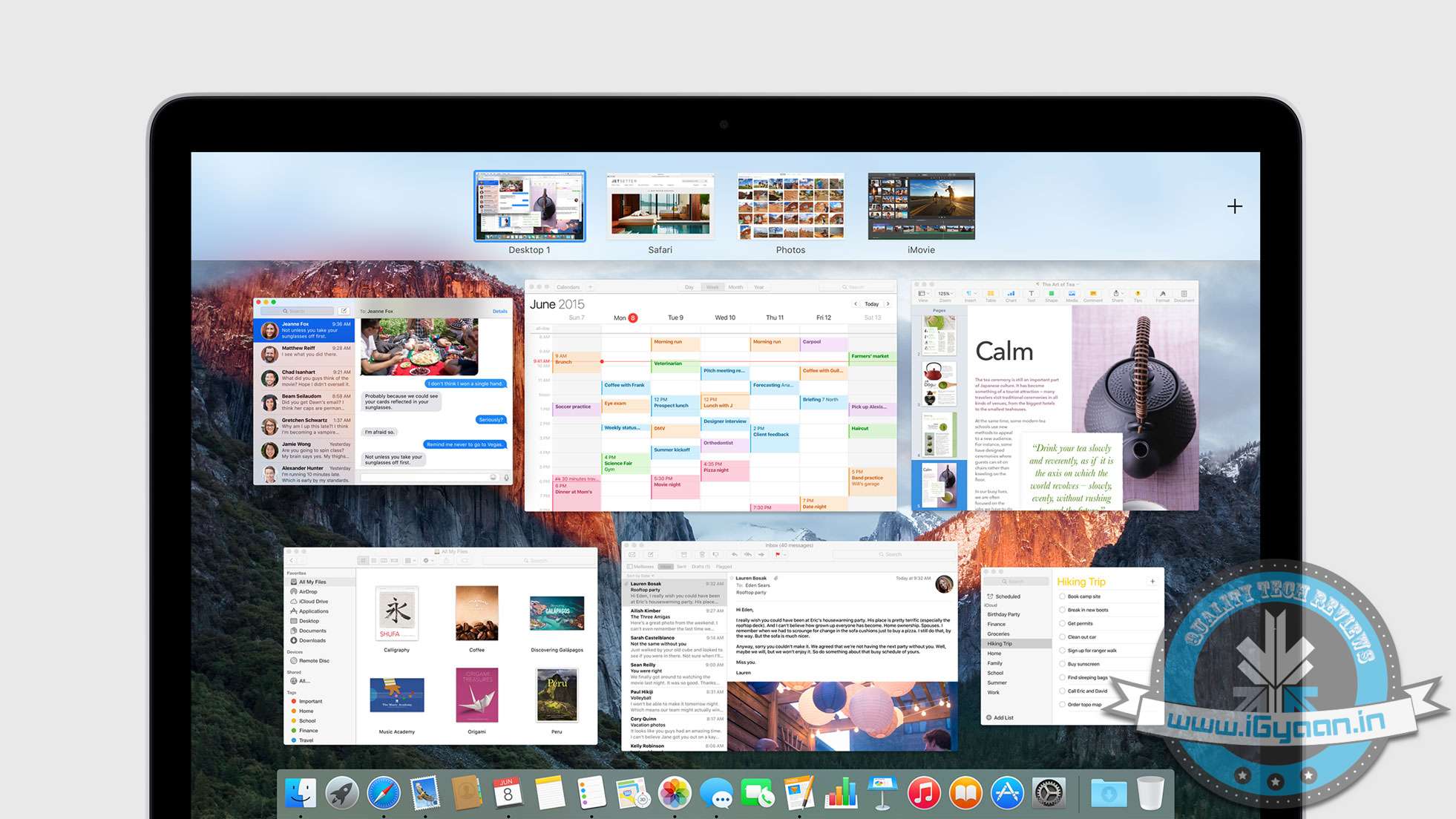
    Enhancements to mission control and the way windows are laid out improve productivity. Pulling windows to the top right allows them to be added to a new desktop. If you want to make a window full screen, dragging it in between two active desktops will launch a full screen desktop for that particular window.

    new Mission Control
    New Mission Control
    Adding another app/window to the fullscreen desktop will allow split screen.

    Full Split Screen
    Full Split Screen
    The mail app gets gestures to archive or trash emails with two finger swipes on the Mac trackpad. New Spotlight search capability will also be available on the new mail app in OS X El Capitan. Left you perform conversational searches like : “Mail that I ignored from Jack”.

    New Mail App
    New Mail App
    When you put the Mail app in fullscreen mode, you can actively pause your drafts, just like in iOS. You can also drag and drop attachments between mail windows.

    mac os x el capitan 4

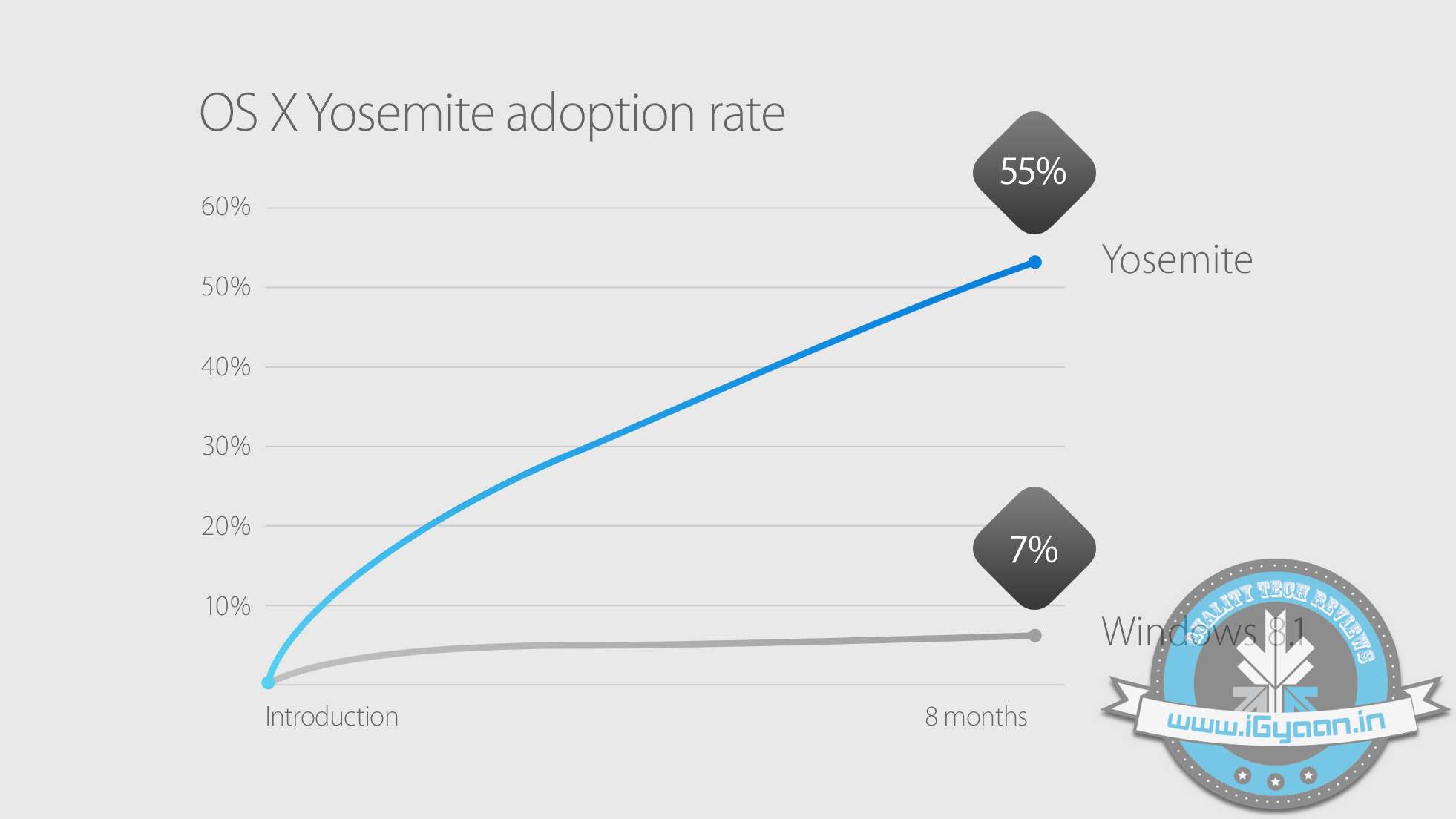
    Mac OS X Yosemite was the most adapted OS for personal computers. With over 55% Mac users shifting to Yosemite since its launch in Oct 2014. Apple has included Mac OS X El Capitan in their public beta in July and will ship as a free update to all Mac users later this year.

    mac os x el capitan 8

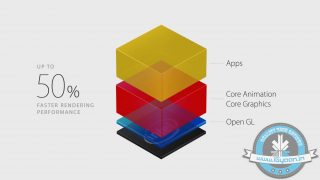
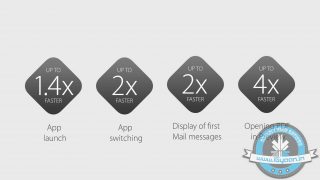
    On the performance front,  Apple claims that opening windows or apps is considerably faster on El Capitan due to the reduction in processes that are performed before executing an action. Bringing Metal to Mac from iOS has allowed Apple to replace OpenGL and enable enhanced graphics for developers and gamers while reducing the CPU overhead by upto 70%. This will also considerably improve battery life on portable computers.


iGyaan Network
Privacy Overview

This website uses cookies so that we can provide you with the best user experience possible. Cookie information is stored in your browser and performs functions such as recognising you when you return to our website and helping our team to understand which sections of the website you find most interesting and useful.