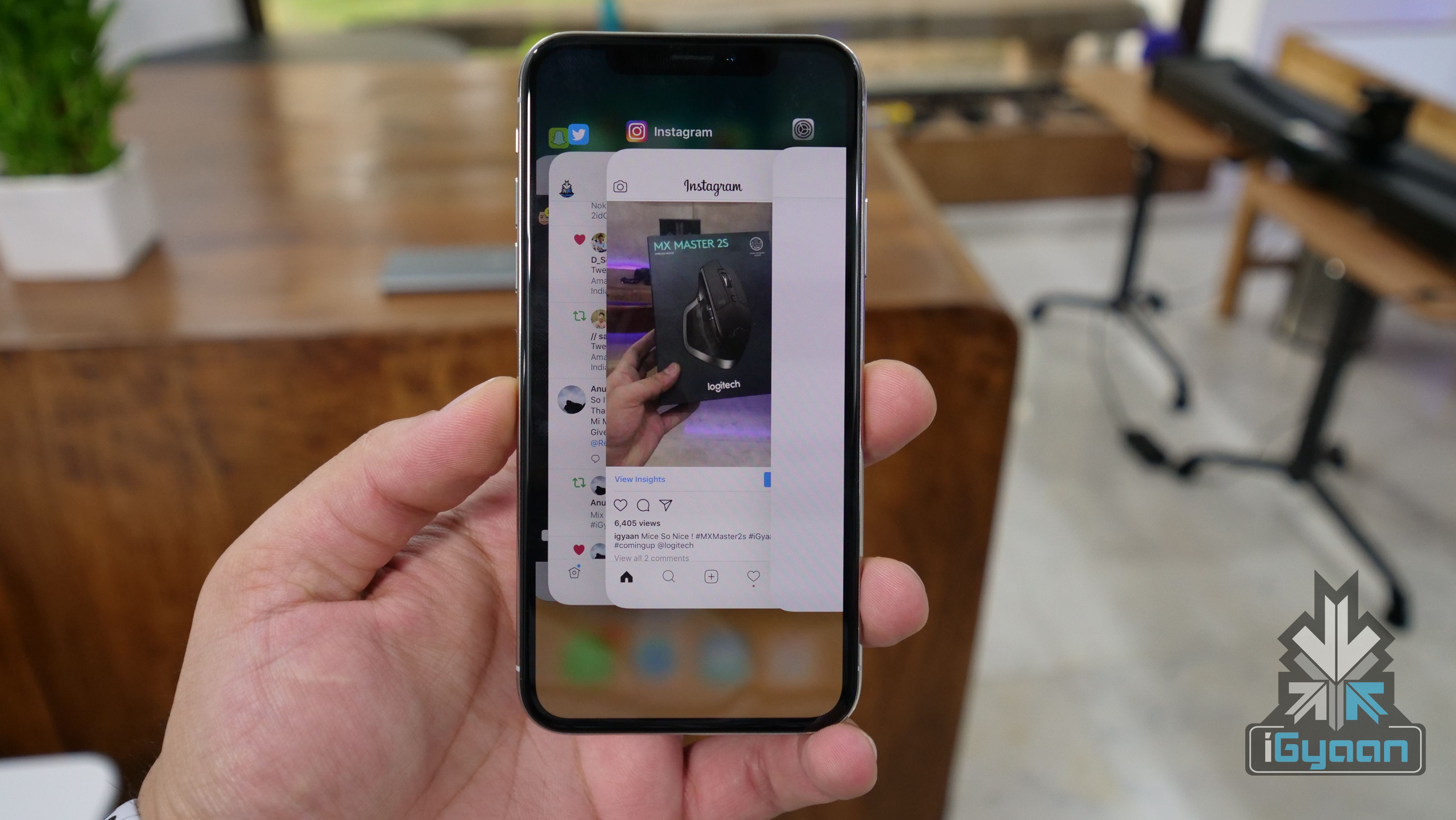
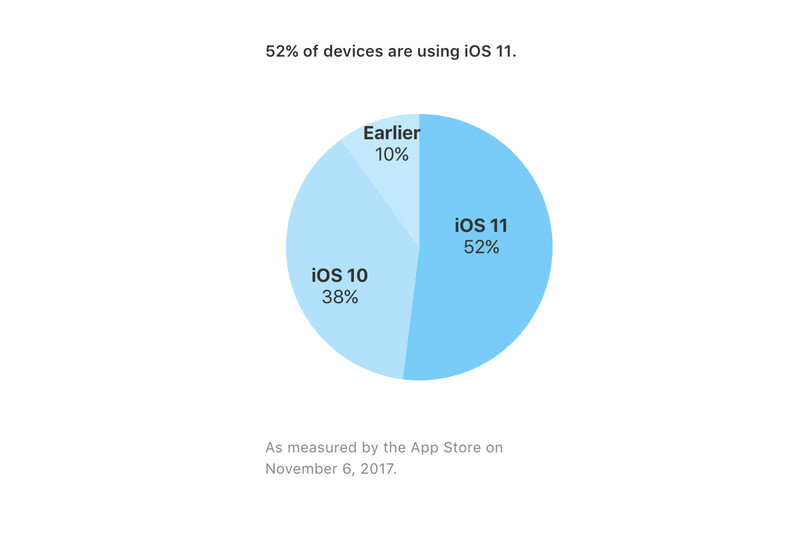
The latest version of Apple’s operating system for iPhones and iPads, iOS 11, has now been adopted by 52% users. The information was updated on Apple’s App Store support page for developers. The iOS 11 was released for all users on the 19th of September and has had its fair share of hiccups so far.
The adoption rate of iOS 11 at 52% is less than what it was for previous versions. Last year, Tim Cook, at the “Hello Again” Mac event on October 27th, 2016 announced that iOS 10 had reached 60% of devices, while iOS 9 had been adopted by 67% of devices by November 16th, 2015. This adoption rate is significantly higher than Google new OS version, Android 8.0 Oreo. Google’s developer portal estimates that about 0.2% of devices are running Android 8.0 Oreo as of 2nd of October.
iOS 11’s slow rate of popularity or acceptance can be due to the issues found in the new OS. There have been several bugs that have hampered the growth of iOS 11 and a lot of people have refrained from updating their devices to iOS 11. Users have complained that ever since they updated to iOS 11, they have had issues battery draining, UI jitteriness, and random force restart.
In a new bug reported, some users can’t type the letter “I.” Reddit user TheCravin documented the bug and said that Apple’s predictive keyboard feature suggests a random character like “A,” “#,” or “!” followed by the unicode symbol, and then automatically replaces the “I” unless the user takes corrective action.
Apple will seed the final release iOS 10 to all those who own supported Apple iPhone and iPads. The release marks many improvements in design and performance, and is also considered to be really secure.
For those who decide agains the update will get nagging, popup windows up unlit you update. However, our recommendation for those using iPhones older than iPhone 6 and 6 Plus, is to avoid the update, as it will eventually slow down the performance on those iPhones. The iPhone 7 and iPhone 7 Plus ship wit iOS 10 out of the box.
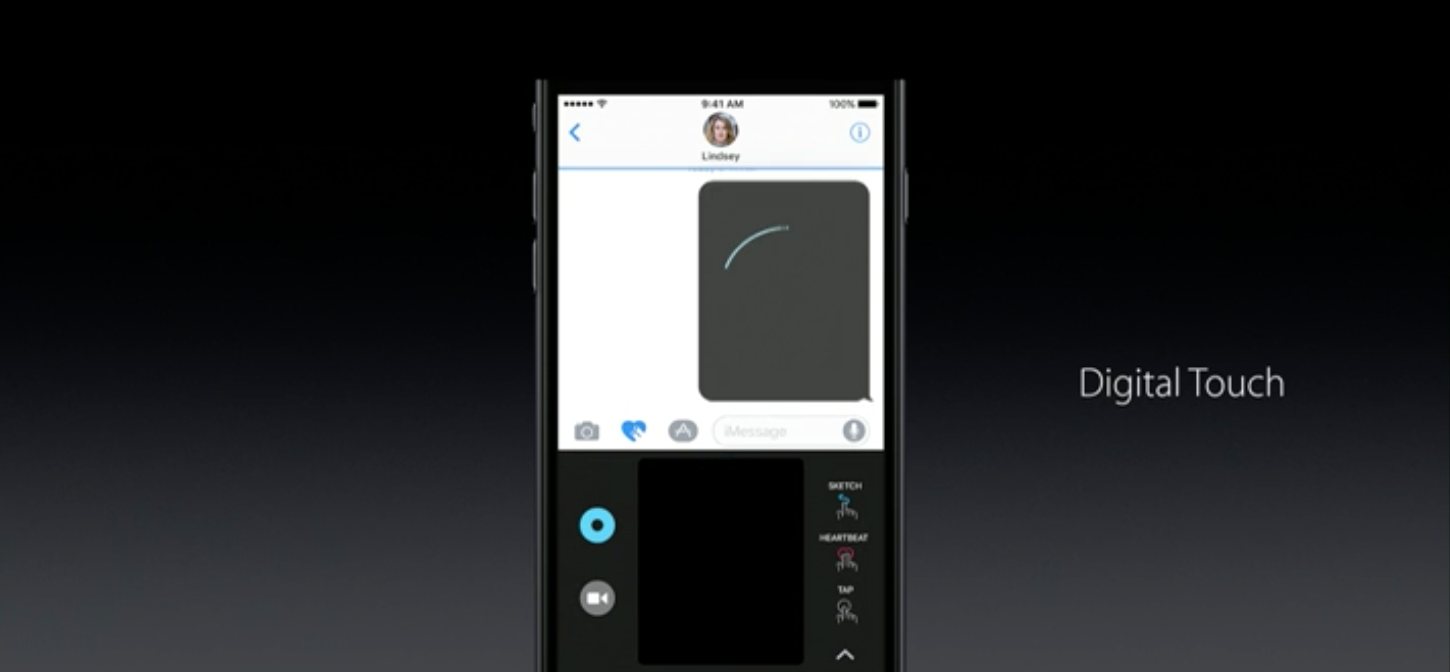
iOS 10 comes with many new features, including the new iMessage app, with digital touch, and scribble features. You will also get new design and look emoji along with stickers and gifs.
Many improvements to 3D touch, apps like Music and photos get an overhaul too. The new Bedtime mode in the Clock app will remind you to hit the sack and wake you up with a soothing sound of your choice.
Interesting new overhaul to the control centre and notifications in general along with a big boost to battery life. Apple iOS 10 will be available to all iOS devices in India by 2230 IST.
The new iOS 10, which ships this fall, possibly after Apple releases a new iPhone, will enable a bunch of new features and also the new iMessage. But, in a move not expected from Apple, you will finally be able to delete 23 of the Apple Apps that come on the iPhone, that you may not use ever.
Apple will allow the removal of 23 Apps that come pre loaded, iso you can finally get rid of that annoying “Stocks” app and even apps like Tips, Compass, Music, Maps, and FaceTime.
Getting rid of these apps may give you upto 150MB of space, which might be crucial for those still on a 16GB iPhone and not using any of these apps.
All these apps will be downloadable from the App Store, incase you feel guilty for getting rid of them.
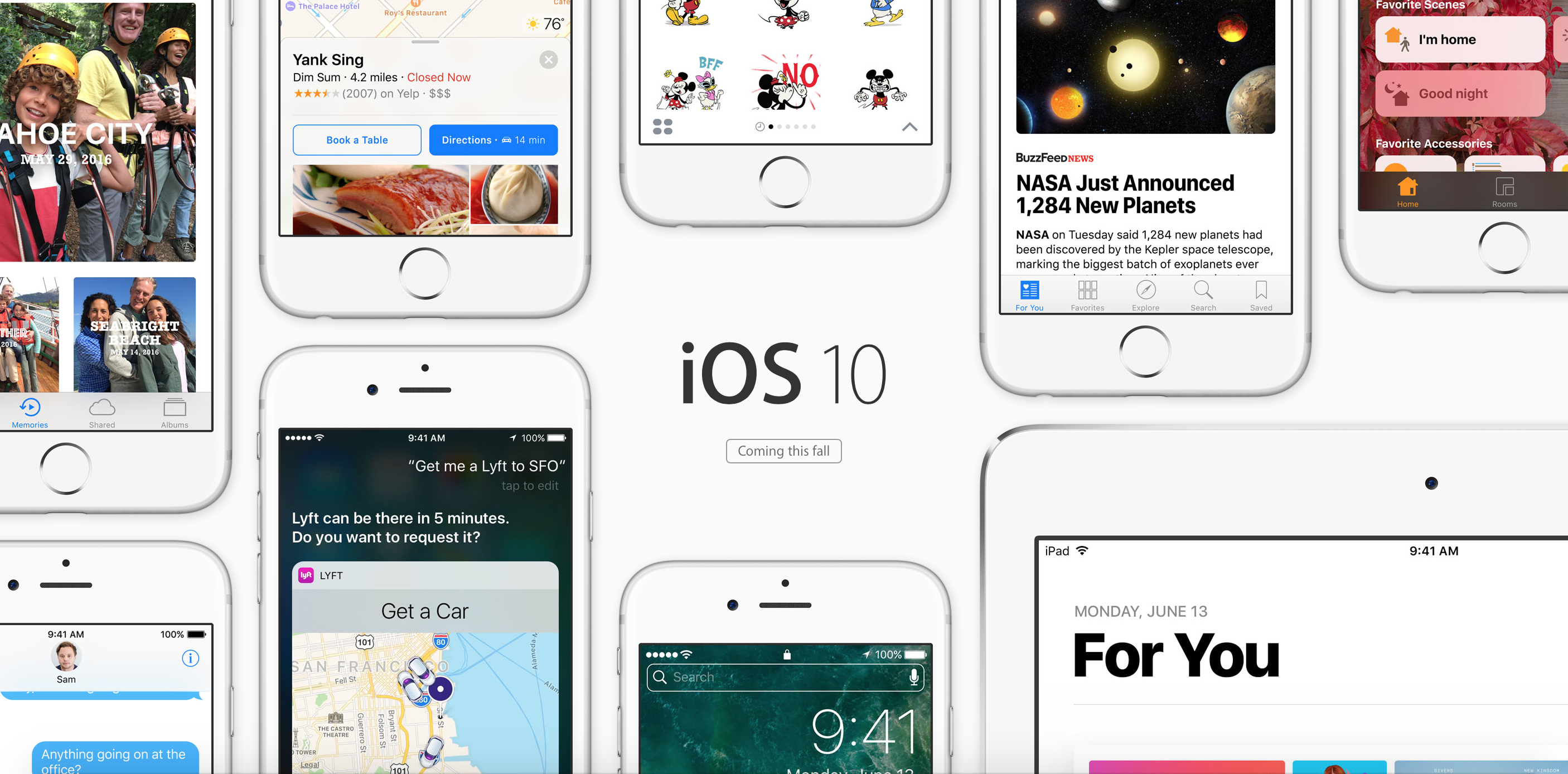
Apple has updated iOS to iOS 10, and now it focuses big on user experience.
Lock Screen
Apple has improved the look of the lock screen, with the support for 3D Touch, you can now swipe right to access the camera and swipe left to get to the today screen.
Apps will now be able to showcase their live content in widgets including images and video streams on the today screen.
You can 3D touch to reply and have conversations from lock screen which will include media responses.
Siri
Siri gets a big update and gets open to developers, now allowing you to book rides, and respond to messages on WhatsApp or book tickets using your favorite app. You can also initiate Skype calls among many other things you will be able to do later on thanks to developers utilizing this entirely.
QuickType
Using a new, predictive long type, algorithm the keyboard can predict what you are trying to say. The keyboard will share your location or automatically fill out calendars for you using your recent messages. Even remember addresses you were browsing and fill out a new address entry for you.
Photos
Photos now will use billions of algorithms on each picture to find out what is in the picture to help you organize them quickly. You also get instant montages for your memories. You can also change the mood and music to these montages, much like what we have seen in Zoe from HTC.
Maps
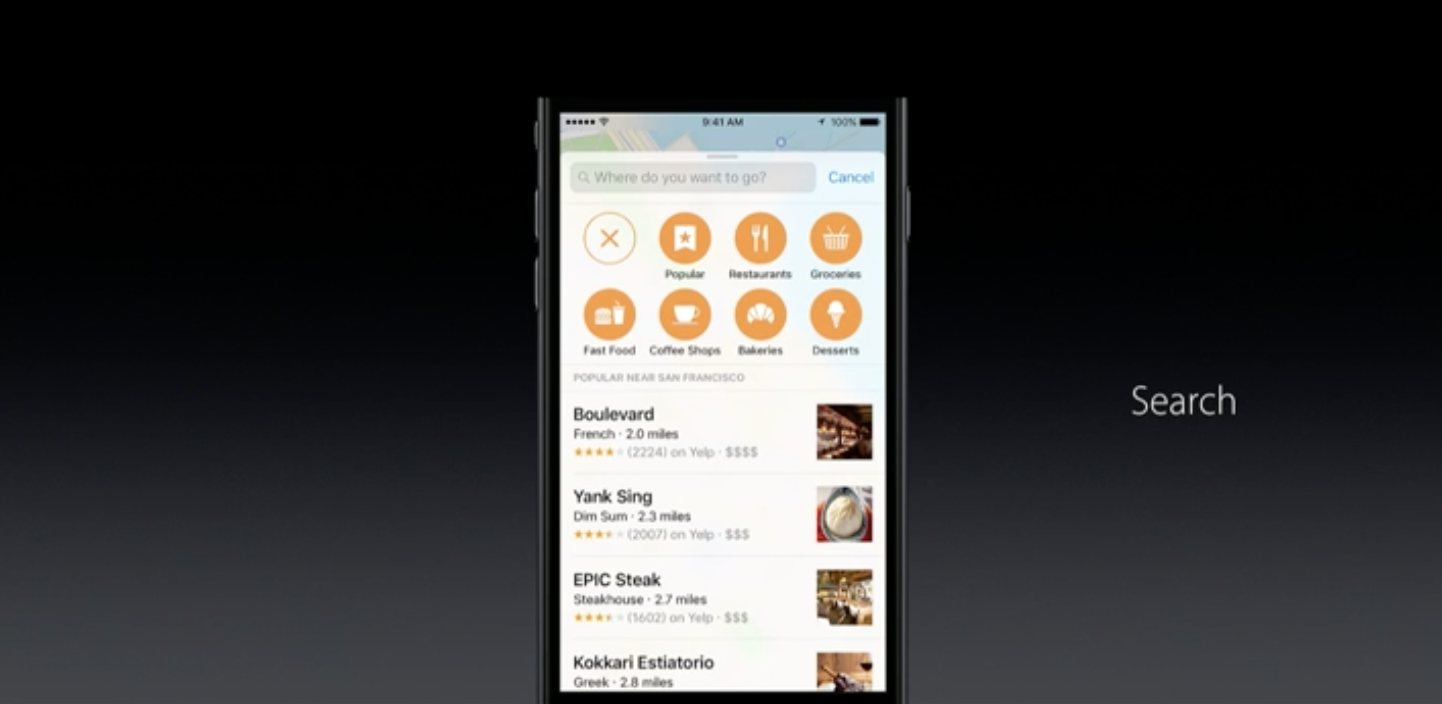
Maps get a big update with respect to look and functionality. Maps now understands your schedule and suggests locations. You can also sort searches for the type of cuisine if you are searching for restaurants, or you can see suggestions on your route for cafe’s in case you are feeling sleepy. Apple is opening Maps to third party developers to allow usage of Maps within their apps.
Apple Music
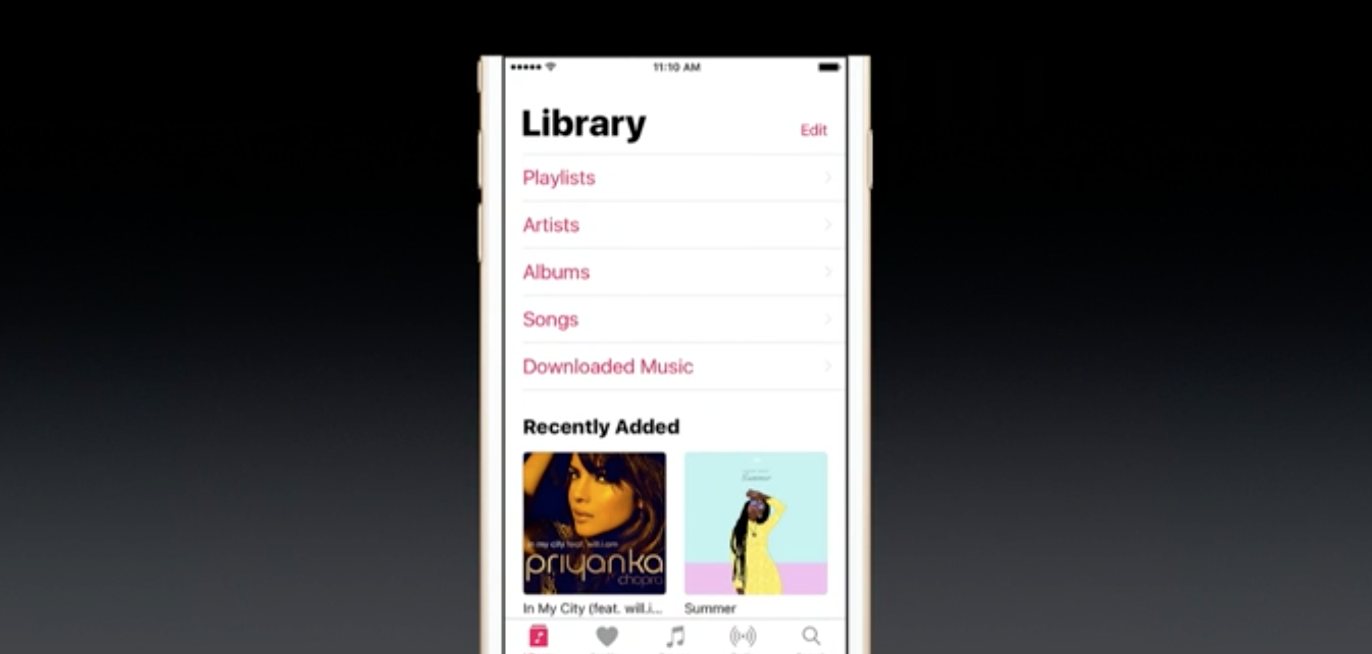
Apple music app gets a redesign, and it reminds us a lot of Windows Phone’s UI. The newly downloaded music tap allows users to look at all their music downloaded from Apple Music and sort it in their preferred order. The now playing tab includes lyrics of every song on Apple Music, and you can read as the song plays.
News
Apple News gets a redesign as well; you can also get new breaking news notifications. The App will also allow for Subscriptions from your favorite publications.
Apple Home
Apple Home is the first major all-new app today. It builds on Apple’s HomeKit infrastructure to let you manage and control all your connected and compatible accessories around the home.
Phone App
The new phone app gets VOIP support so you will no longer see notifications, but a full fledged call for your VOIP calls.
Messages
Messages gets a big update, with bubble effects, digital touch photos, and videos much like Snapchat. You can now play music directly from the messages app. You can also reply to images by double tap and send a small heart. The Emoji feature allows you to convert words to Emoji. Emoji is also three times bigger in the new Messages app. Replies can now have effects too. You can also send handwritten messages. Apple Messages almost similar to Google’s Allo allowing you to collaborate over dinner orders or movie screenings primarily using apps to communicate with friends.
Finally, Apple is opening Messages to Developers.
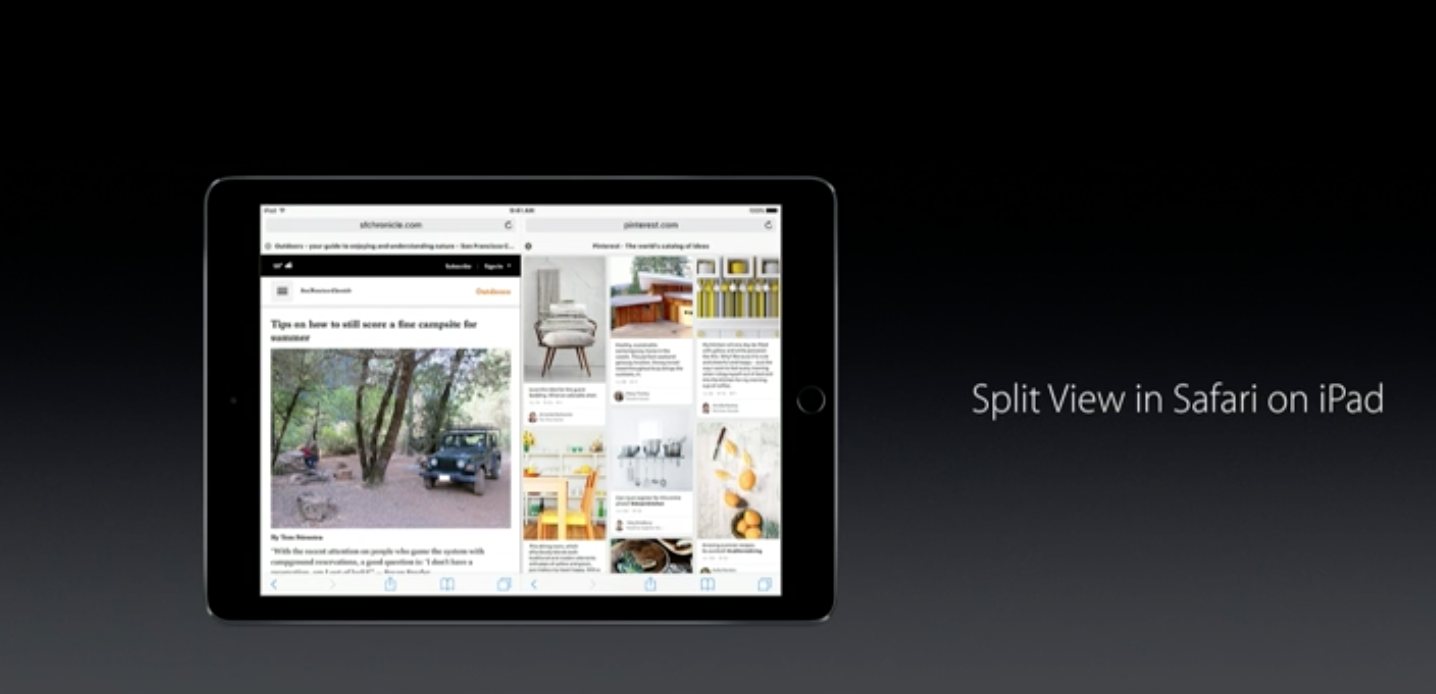
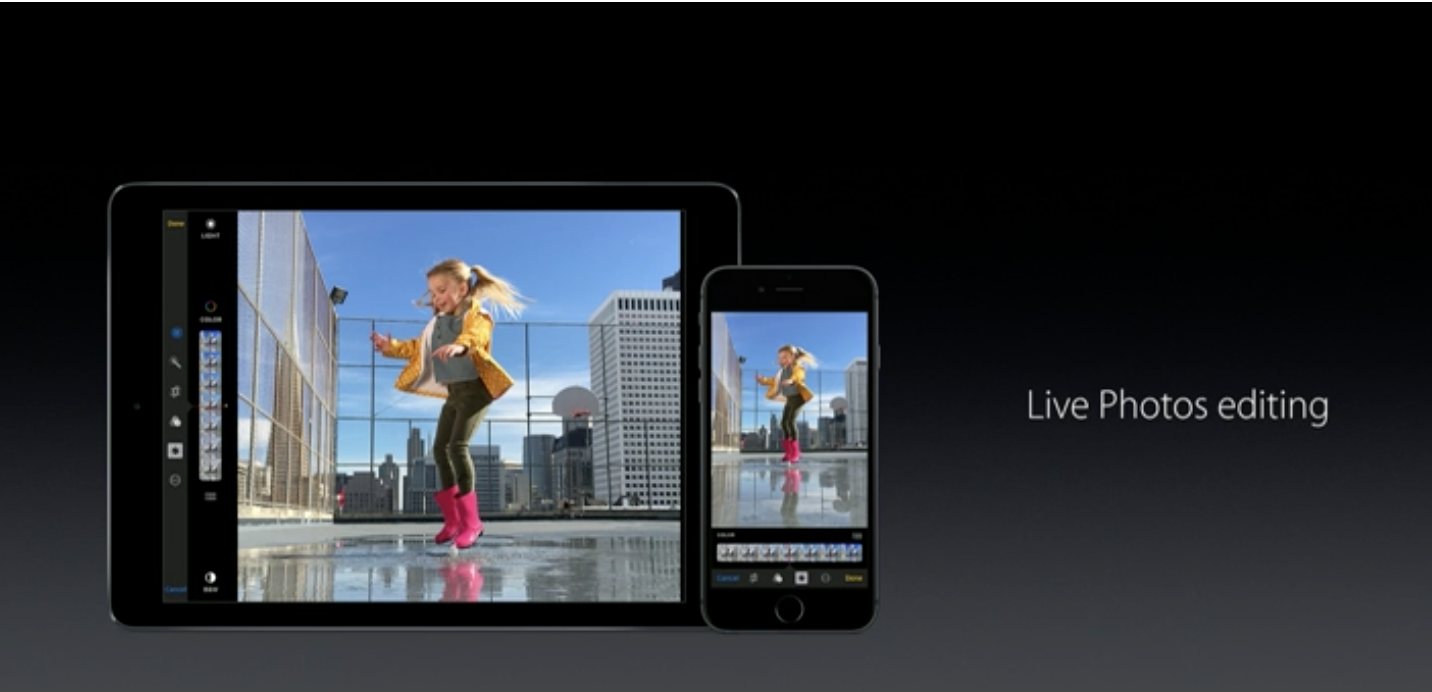
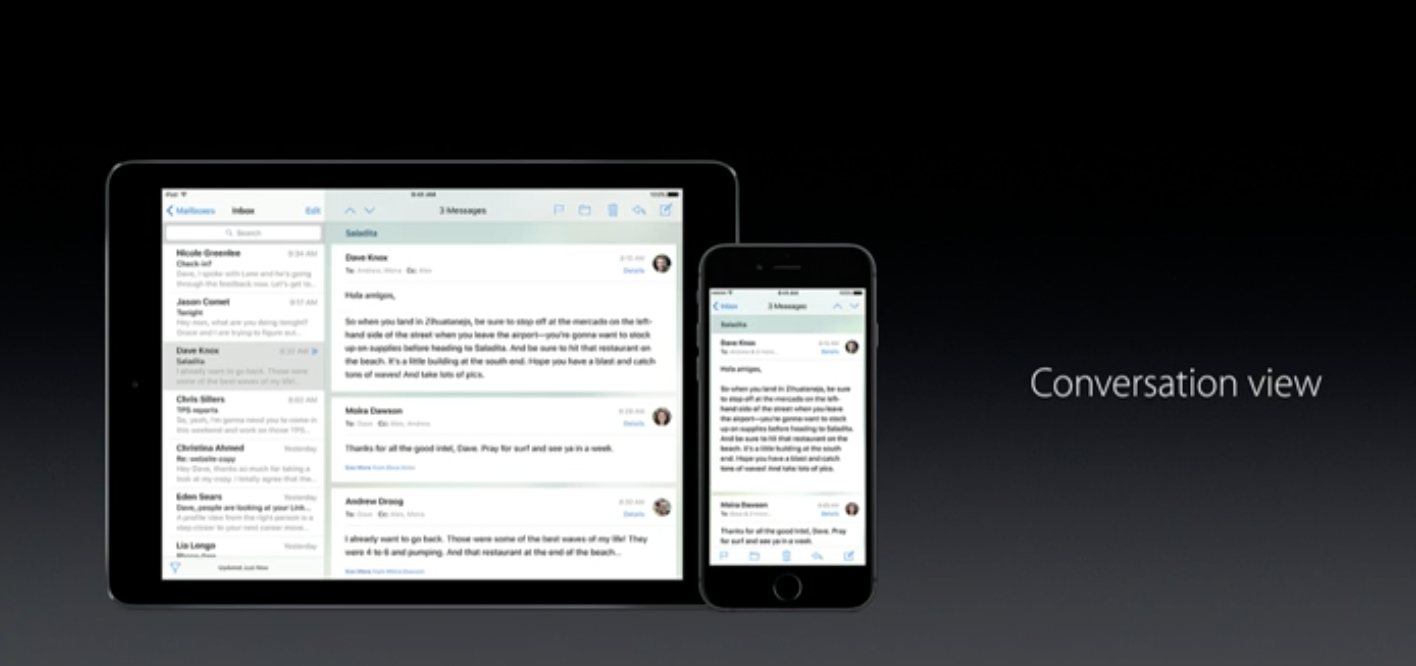
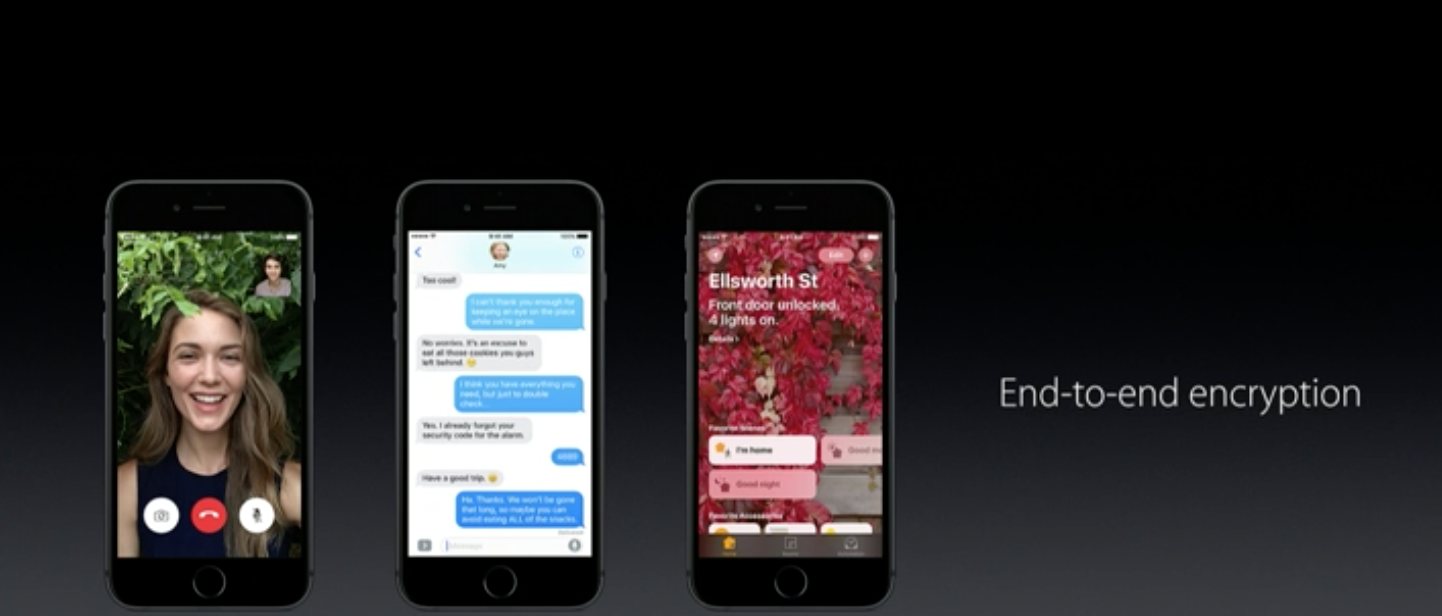
Other features include Split View on the iPad to allow browsing two safari windows at the same time. You will get live photos editing, Conversation view on Mail and the whole eco system gets end to end encryption.