Tag: Linux

  • Top 5 Linux Distros That Are Worth Your Attention

    Top 5 Linux Distros That Are Worth Your Attention

    Just like Windows and MacOS, a third operating system that has been in existence for a very long period is Linux. The operating system was originally developed by Linus Torvalds in the year 1991, who till date remains a key contributor to the patform. 

    For users who do not know, Linux is a family of open source operating systems which is available in a large number of variations which are often referred to as “distros”. The word “open source” means that every Linux user holds the right to alter or redistribute their very own customised version of Linux with or without a charge.

    To make it easier to understand, the core of the OS which is the “Linux Kernel” can be referred to as a universal engine. While users have the option to choose the type of car body or the features that they desire, as per their wants and requirements. Due to its open source nature, the Linux Core is picked up by several organisations or even small group of computer nerds that have developed their very own “distro’s”. Out of hundreds of registered Linux flavours, we have compiled a list of top 5 options that you must check out.

    Deepin OS
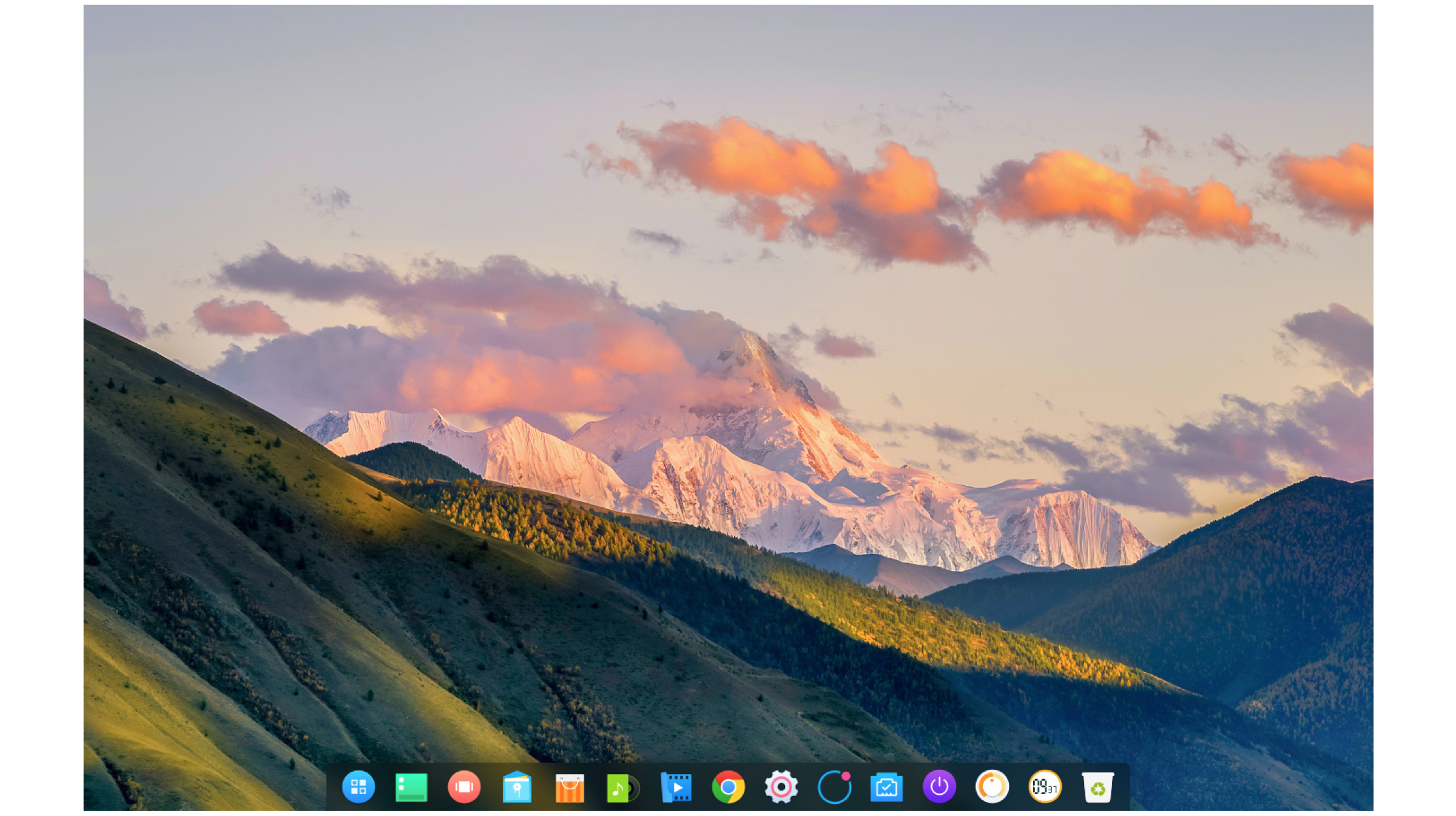
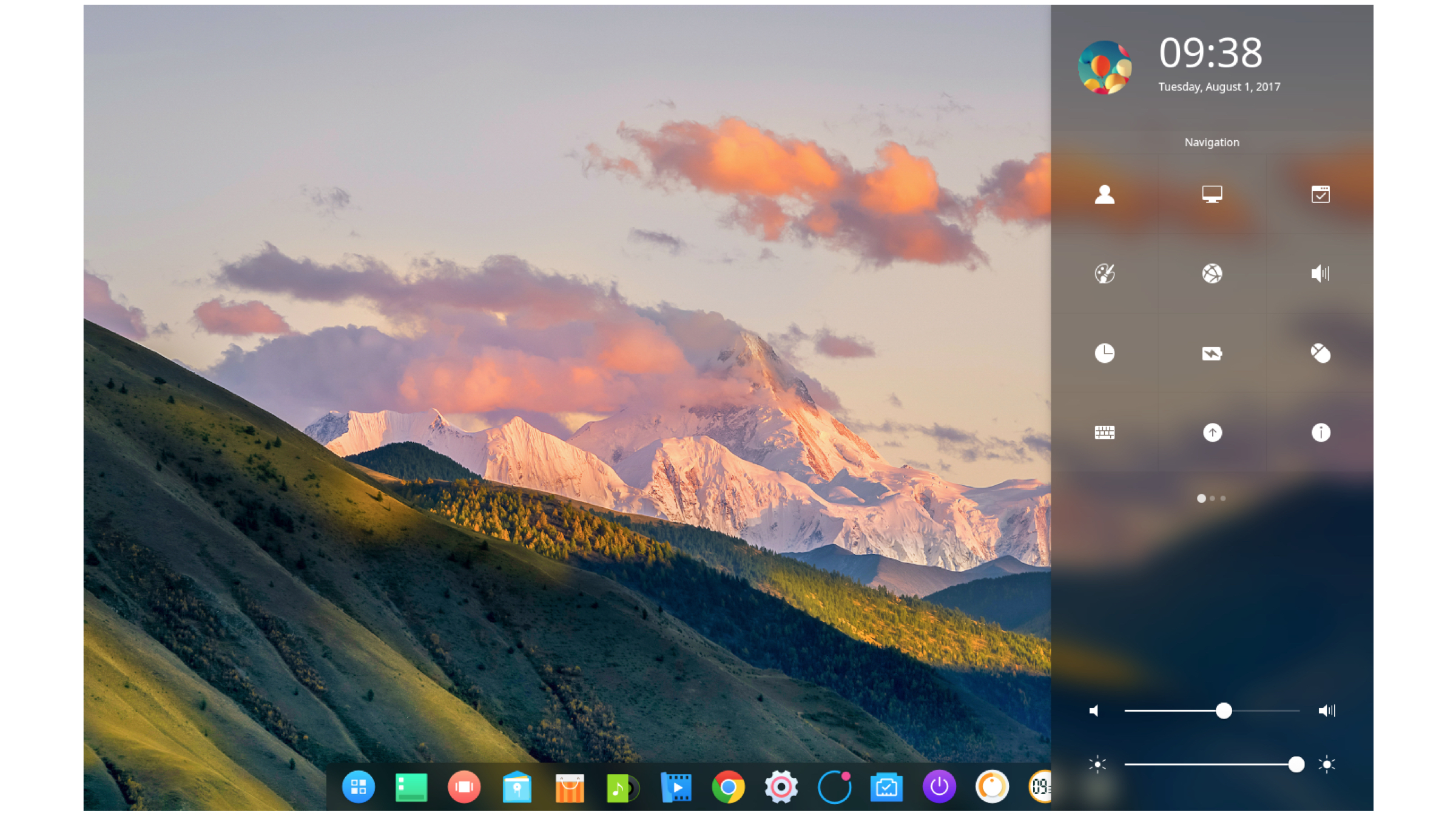
    Right off the bat, Deepin OS is one of the most elegant looking Linux distros. It makes use of translucent animations and panes which provide very appealing aesthetics. The development of the OS is led by Wuhan Deepin Technology co which is a Chinese software organisation. 

    Besides having a refined user interface, it is also very easy to install. Out of the box, it has a variety of native applications built in which include Deepin package manager, Deepin terminal, Deepin Movie, Deepin font manager, Deepin System Monitor, etc. 
    Minimum/Recommended Hardware:

    • CPU: Intel Pentium IV 2GHz or higher
    • Memory: 1 GB (recommended 2 GB)
    • Disk: 10 GB disk space

    Focuses On: Aesthetics and Visual Appeal

    Alternate: Feren OS

    Download Link & Instructions: Click here

    Manjaro Linux
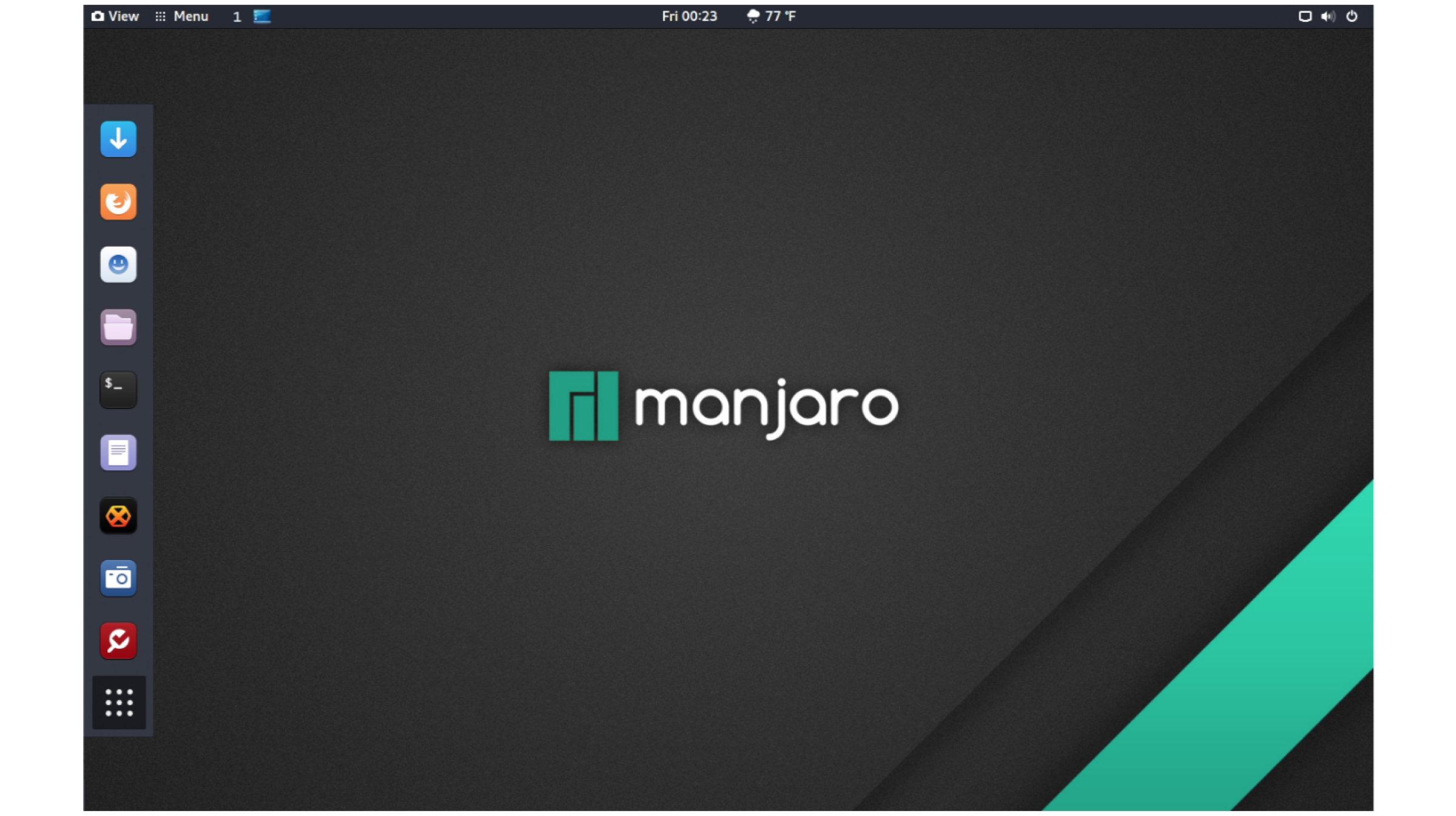
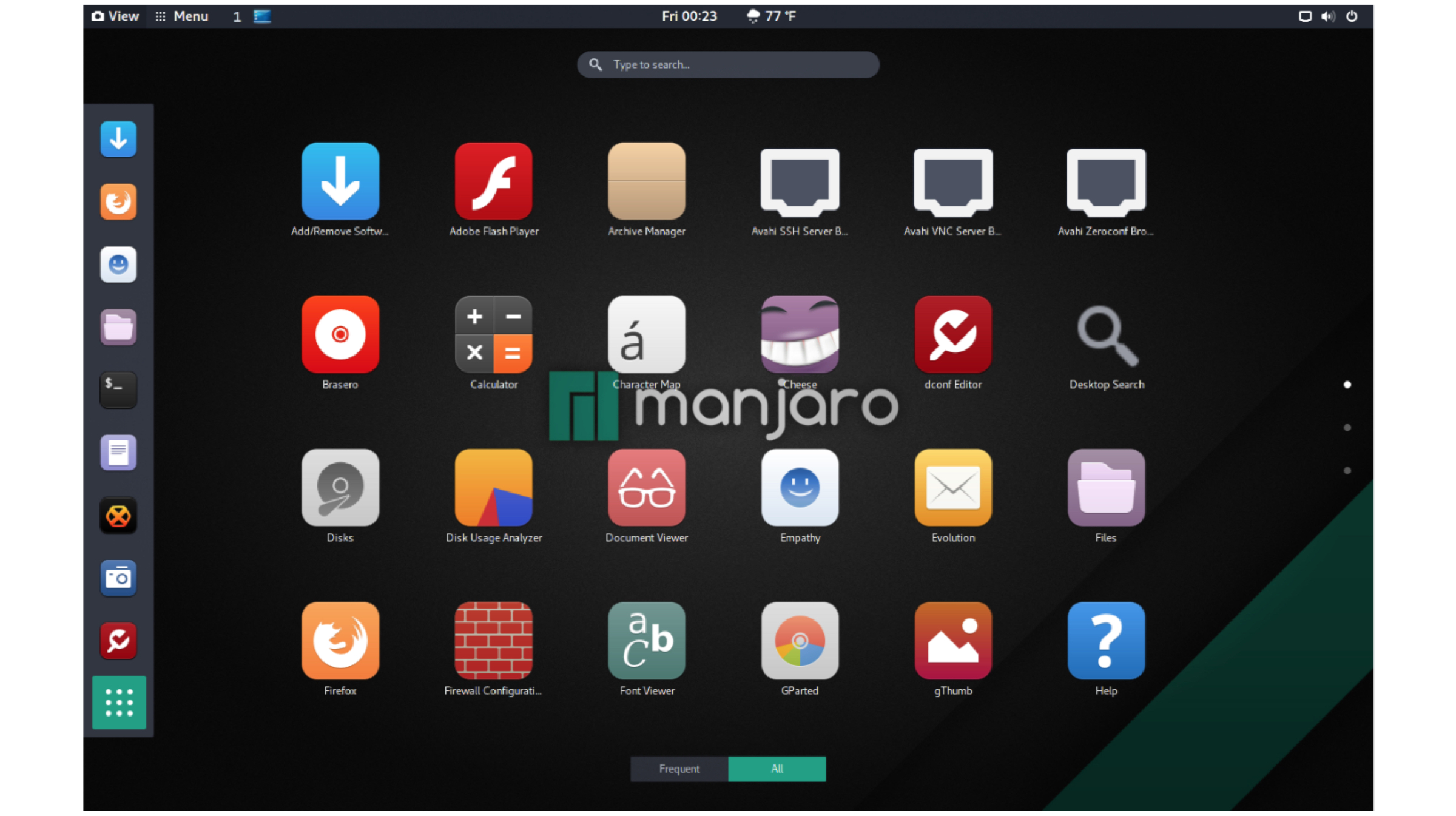
    Manjaro is one of the most used Linux distro right now. It is based on Arch Linux and mainly focuses on user friendliness and stability. Manjaro is feature rich distro that comes with a wide variety of tools and software applications pre-installed. 

    Manjaro Linux is offered in a variety of desktop environments which the user can choose as per their liking. The list of desktop environments include Cinnamon, Gnome, KDE and XFCE. 
    Minimum/Recommended Hardware:

    • CPU: 1 GHz Processor, (recommended HD Graphics)
    • Memory: recommended 4 GB)
    • Disk: 30 GB free disk space

    Pros: Fast and Reliable

    Alternate: Ubuntu

    Download Link & Instructions: Click here 

    Elementary OS

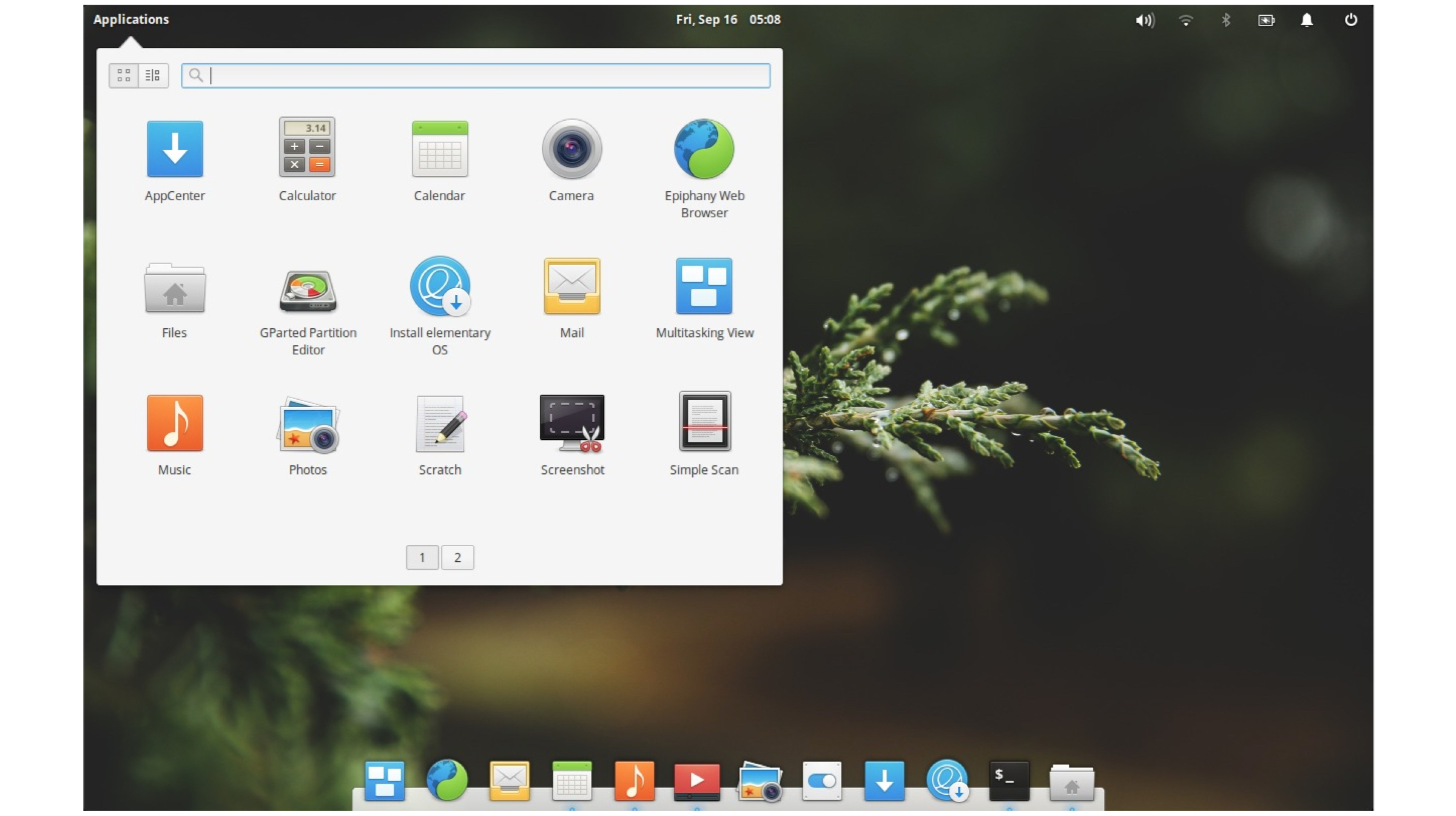
    If you have ever used a Mac computer, you will feel right at home with Elementary OS. The OS was first released in the year 2011 with the codename “Jupiter” and has now reached its fifth stable iteration which is called “Juno”.

    In addition to a simplified user interface, it has a very stable system as it is based on Ubuntu LTS. For kids or newcomers, this OS can turn out an easy to learn option. Moreover, Elementary OS offers extended parental controls settings. Hence, parents can revoke access to unwanted softwares or websites if they wish to do so. 
    Minimum/Recommended Hardware:

    • CPU: Intel i3 or comparable dual-core 64-bit processor
    • Memory: more than 2G RAM, 4G or higher is recommended
    • Disk: 15 GB free disk space

    Pros: Best For Kids (Offers High Level Of Parental Controls, Easy to learn)

    Alternate: Edubuntu

    Download Link & Instructions: Click here (enter 0 if it prompted for a payment amount)

    Parrot OS
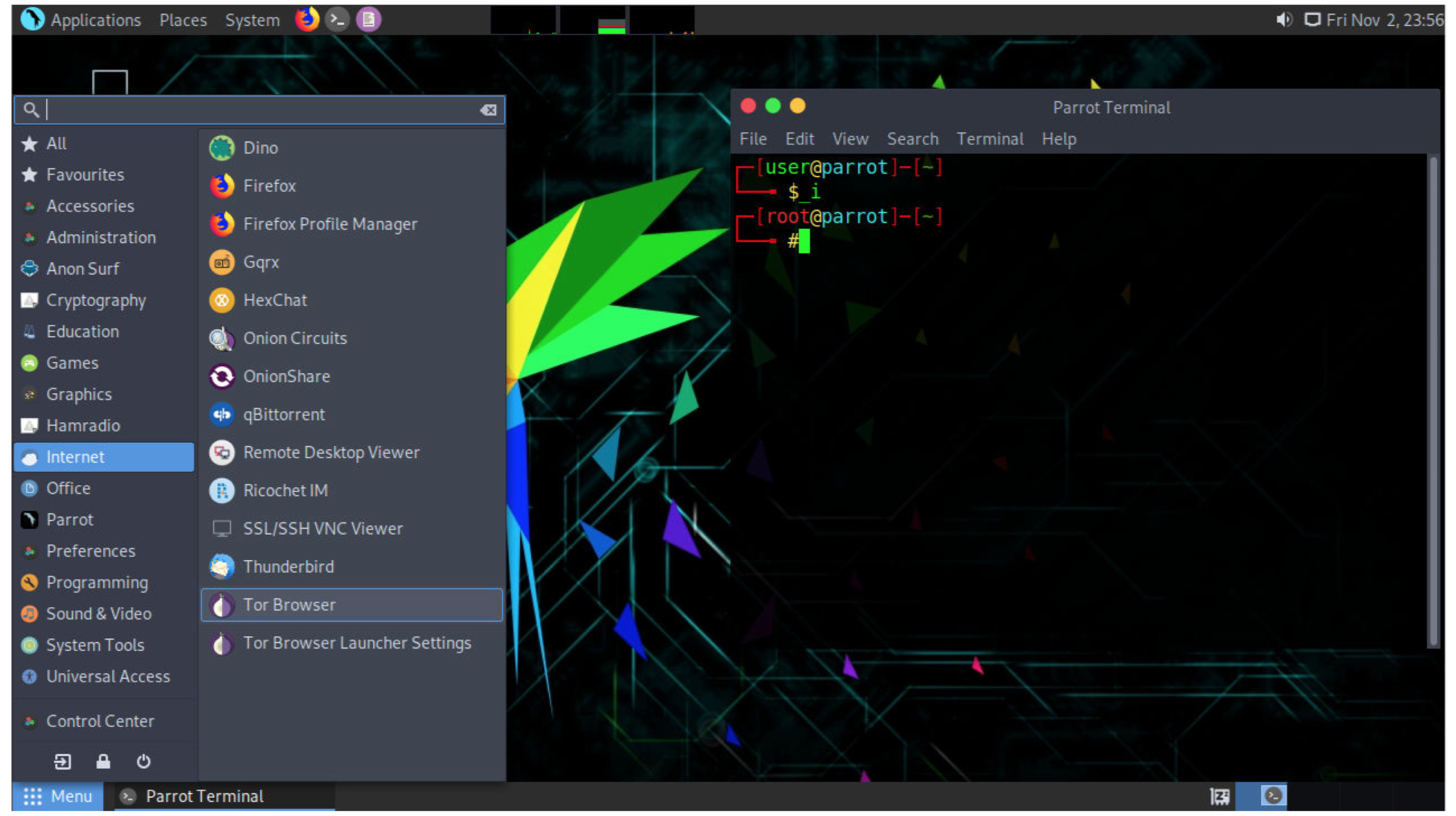
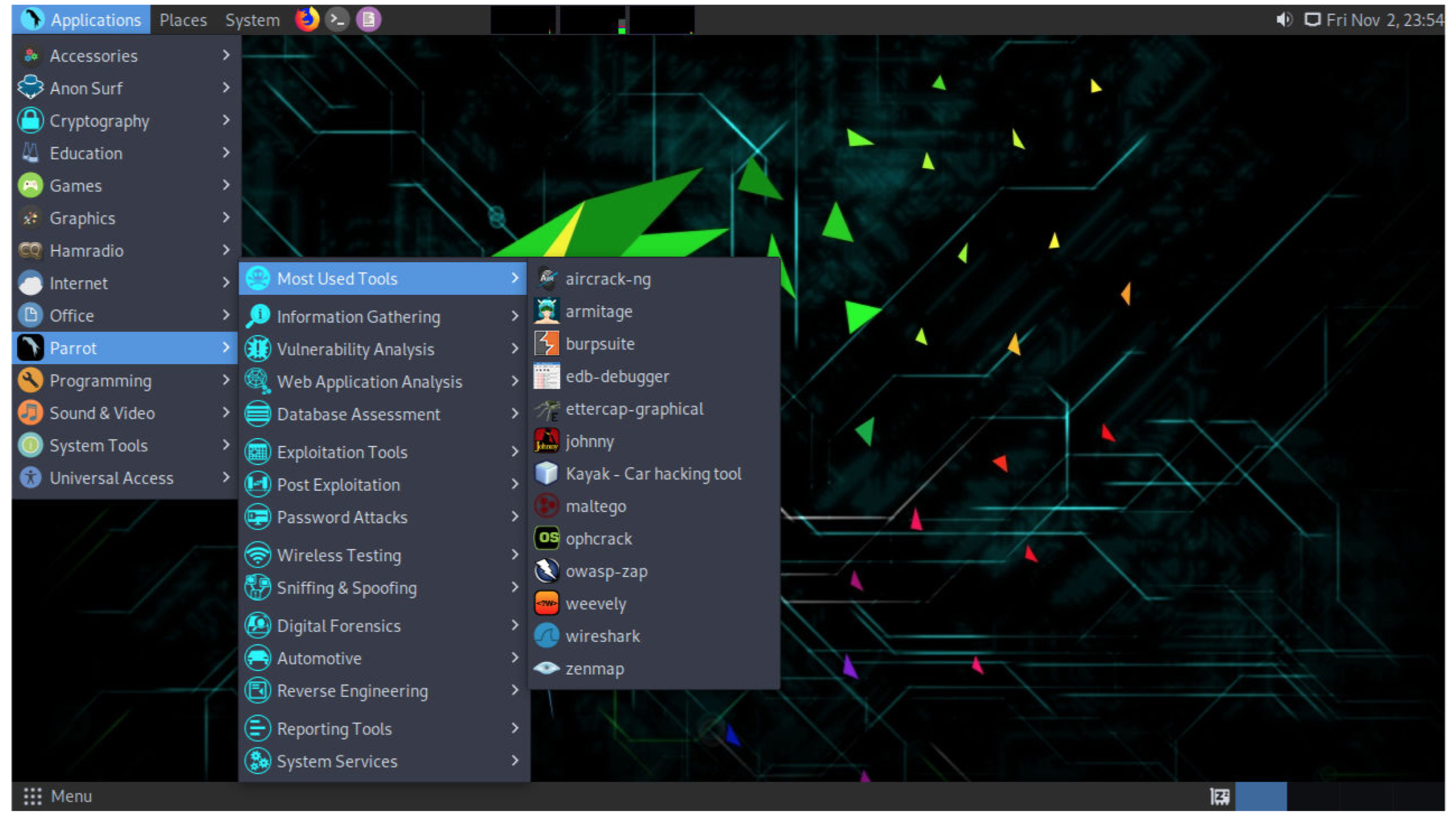
    If you have heard of the term “hacking”, you must be aware of Kali Linux that has become a staple OS for most penetration testers and cyber security specialists. Parrot OS is the new kid in town with a varety of distinguishing elements. 

    Parrot OS is designed to run on computers with less powerful components and it can even run on a machine with RAM as less as 320 MB. Noteworthy, all the processes executed in this OS are sandboxed which means one piece of code can be isolated and prevented communication from other programs. 
    Minimum/Recommended Hardware:

    • CPU: Dual core x86_64 Processor
    • Memory: 2G RAM
    • Disk: 40 GB free disk space

    Focuses on: Security

    Alternate: Kali Linux

    Download Link & Instructions: Click here

    Puppy Linux
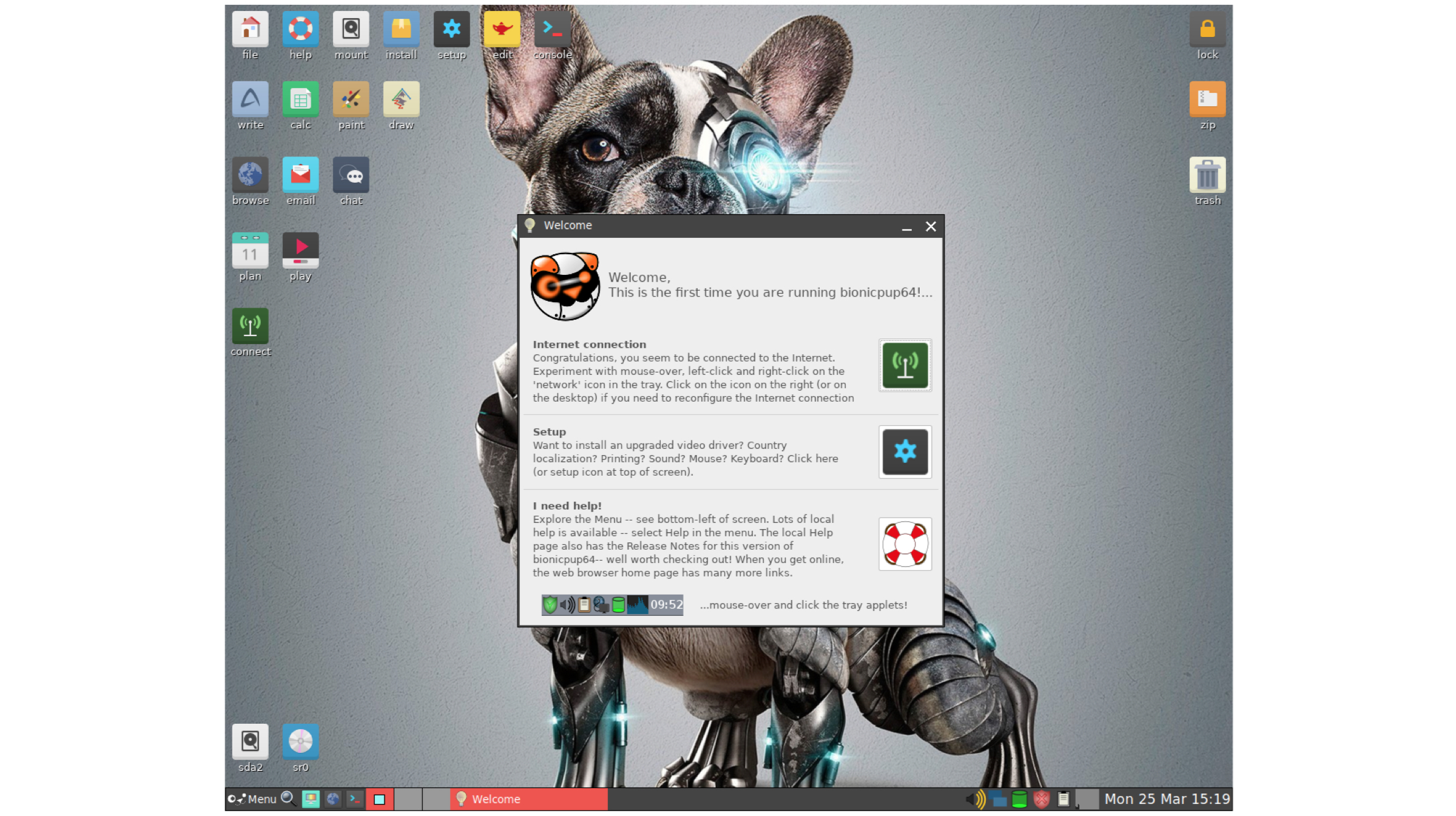
    If you have a decade old PC with outdated components but you do not want to let go off it, we recommend you install Puppy Linux OS on it. This light weight Linux distro can run flawlessly with computers that have RAM memory as low a 256 MB.

    Puppy Linux skips on a lot fancy bells and whistles like graphical animations which allows the OS to provide a refined experience in dated computer systems. Besides, you can install Puppy Linux on a pendrive or thumb drive and run it on a public computer without installation. In today’s day and age where data privacy is a huge concern, Puppy Linux can turn out to be a saviour.
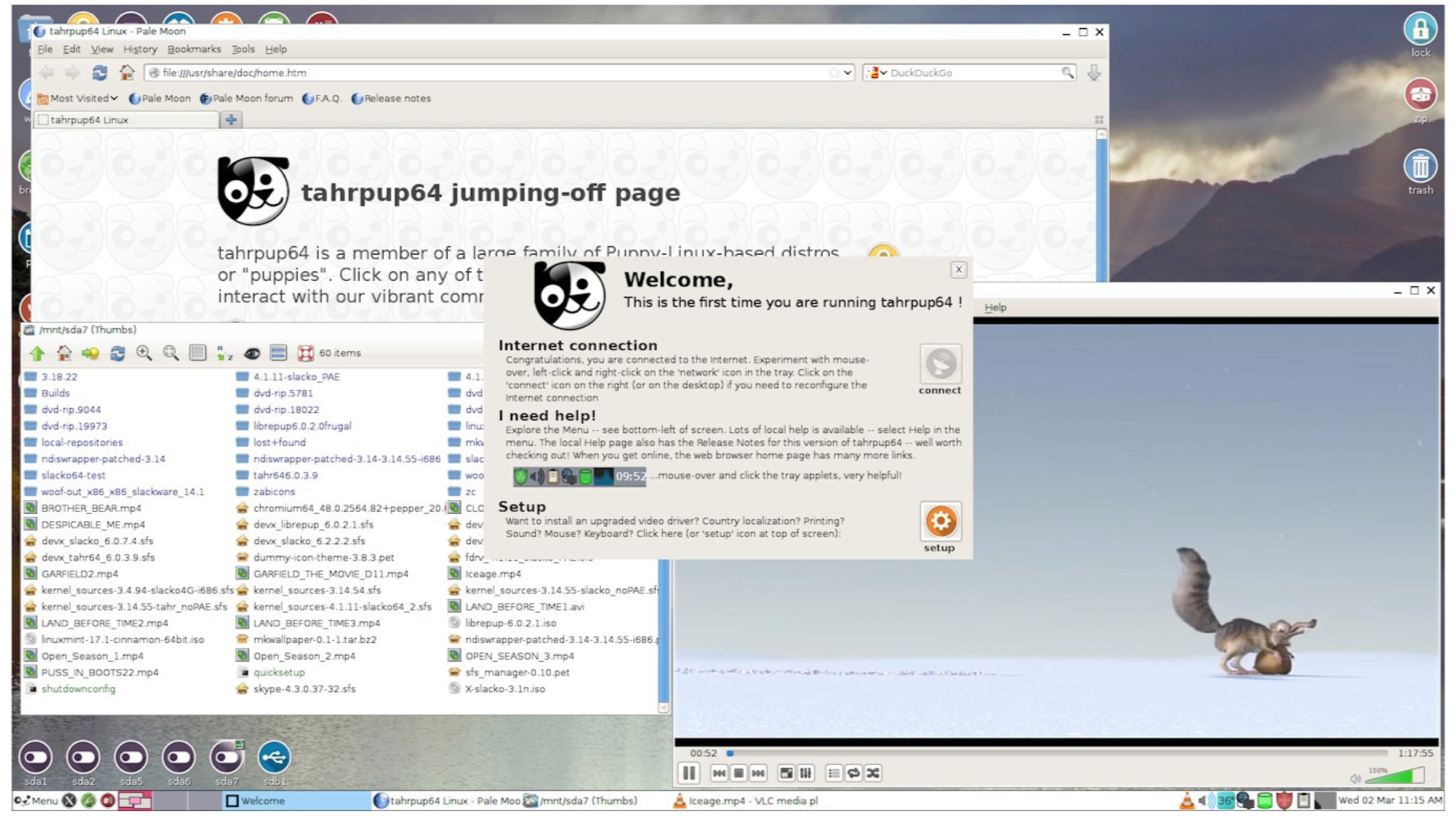
    Minimum/Recommended Hardware:

    • CPU: Pentium 900 MHz
    • Memory: 256 MB RAM
    • Disk: 6GB Disk Space Or Bootable Drive

    Pros: Light Weight

    Alternate: Lubuntu

    Download Link & Instructions: Click here

    All the Linux distro’s mentioned in the article are free to download and use. However, the organisations maintaing them do accept donations, therefore, if they provide any value to you, we recommend you leave a small donation on their respective websites.

    Also Read: Top 5 Failed Mobile Phones That Have Left A Mark On Technology History

    What is your favourite Linux distro and would you like us to cover more Linux related stories? Let us know in the comments below
  • Dell to launch Ubuntu based laptops in India

    Dell to launch Ubuntu based laptops in India

    Whoops! Something went wrong!

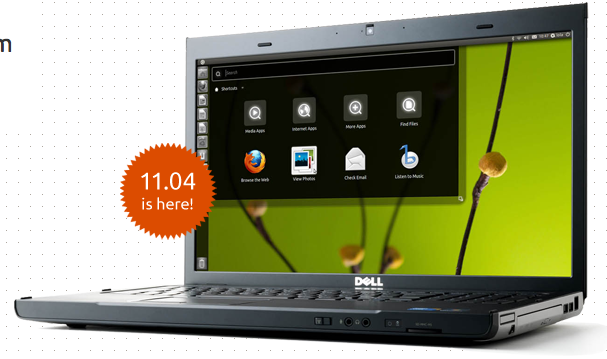
    Dell, the second-largest computer seller in India, will sell personal computers loaded with the free operating system Ubuntu.

    Ubuntu, is a widely used Linux-based open source software and Dell India, along with Canonical Ltd., the UK-based owner, has decided to sell personal computers based on it.

    [quote]The machines — including the new Inspiron 14R and 15R — will be available with Ubuntu pre-installed from June 21 and more models are slated for release later in the year, Canonical CEO Jane Silber told reporters.[/quote]

    Starting this month, the Ubuntu installed laptops and netbooks will be available in 850 Dell stores in India. Dell in India currently sells PCs loaded with Windows, the proprietary operating system, of Microsoft. 

  • Mozilla Marketplace brings web apps to Desktop mode

    Mozilla Marketplace brings web apps to Desktop mode

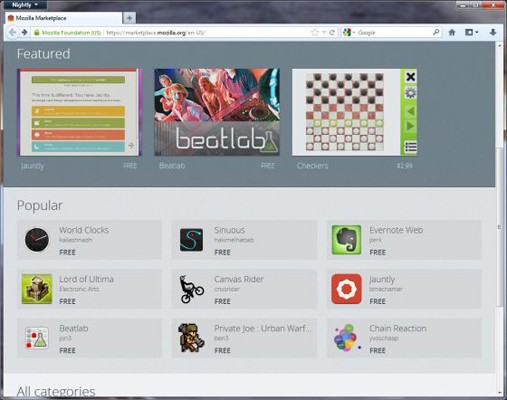
    An early version of the Mozilla Marketplace is live, users of Firefox 16 Nightly build some 100-plus apps to install, including Evernote, Jolicloud and Springpad. These apps will be able to run in Desktop mode, and they show up as if they were installed in the main Windows.

    Presently this only works with Windows.

    [Liliputing]

  • Dropbox for multiple Users/Teams start at US$795 a year

    Dropbox for multiple Users/Teams start at US$795 a year

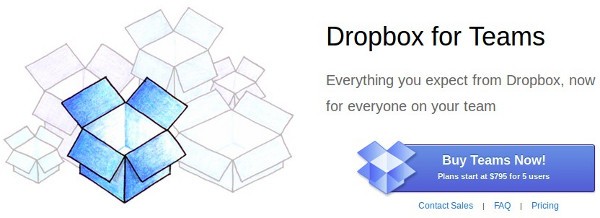
    Dropbox has just announced its plans for Dropbox for Team users. Starting at US$ 795 / Year for up to 5 users sharing a mere 1 TB of data (200GB x 5). We would rather off get our own server, But hey not everyone is capable of maintaining their own server. The price seems quite reasonable for enterprise applications, where there is more bulk to spend than required.T he business offering also includes special tools for administrators to add or delete users and dedicated phone support Check out the Full PR 

    [toggle title_open=”Press Release” title_closed=”Press Release” hide=”yes” border=”yes” style=”default” excerpt_length=”0″ read_more_text=”Read More” read_less_text=”Read Less” include_excerpt_html=”no”]Dropbox Now Open for Business

    Dropbox Launches “Dropbox for Teams” With Administrative Controls and Plenty of Space

    People Are Using Dropbox in Over One Million Businesses Globally

    SAN FRANCISCO, Calif. – October 27, 2011 – Dropbox, a free service that lets people bring their documents, photos and videos everywhere and share them easily, today introduced Dropbox for Teams. More than 45 million people already depend on Dropbox, and with Dropbox for Teams, businesses can now experience the same ease-of-use along with new administrative controls, centralized billing, phone support, and plenty of space for everyone on the team.

    “People in over a million businesses around the world trust Dropbox for its simplicity and reliability,” said Sujay Jaswa, vice president of business development and sales at Dropbox. “Now, Dropbox for Teams will give businesses the control and freedom to rethink how they work.”

    How Dropbox for Teams Works

    Dropbox for Teams delivers the same user experience as the free Dropbox service. Adding and updating files is as easy as saving any document, photo or video to the Dropbox folder. Changes sync immediately across all devices which have Dropbox installed. Dropbox is compatible with nearly every computer and smartphone operating system, including Windows, Mac, Linux, iOS, Android, and BlackBerry.

    With Dropbox for Teams, administrators get new features including centralized billing, phone support, and controls allowing them to add or delete users. Dropbox for Teams is priced at $795 annually for five
    users, with additional seats available for $125 each. The base plan includes 1,000 GB of storage, and each additional seat comes with 200 GB.

    Like Dropbox, Dropbox for Teams is a secure solution. Files are stored encrypted on Amazon S3 in secure data centers and also remain on users’ Dropbox-synced computers for added backup.

    Visit www.dropbox.com/teams for more information.

    About Dropbox

    The mission of Dropbox is to simplify life for people around the world. Dropbox lets people bring their documents, photos and videos everywhere and share them easily. The service has more than 45 million
    users in 175 countries saving one billion files every three days. Dropbox was founded in San Francisco in 2007 by Drew Houston and Arash Ferdowsi and has received a total of $257.2 million in funding.[/toggle]

  • Meego 1.2 for Laptops and Tablets is now Ready!

    Meego 1.2 for Laptops and Tablets is now Ready!

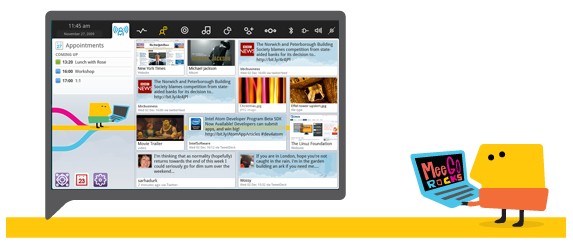
    Intel’s Linux based OS grabbing a lot of attention in the past has finally come to version 1.2. This revision adds improved Atom support and bug fixes, The newer audio and networking stacks improve overall performance and add A2DP streaming and HSPA+ support. The new Tablet UI shown off in February by Intel has also been included in the revision. Hit the link below for a complete change-log and download goodness.

    • MeeGo Reference Kernels supporting a variety of Intel Atom and ARMv7 platforms.
    • QML Application Framework and extended Qt-Mobility APIs, including additional location, system, connectivity, and sensor/haptic capabilities for rapid, rich, application development.
    • Enhanced Telephony and Connectivity capabilities, including:
      • GSM, GPRS, and HSPA+ network support
      • SIM Application Toolkit
      • Expanded Bluetooth profiles
      • Expanded VPN and wireless authentication methods
      • USB, WiFi, and BT-PAN data tethering capability
      • Enhance multimedia support, including RTSP streaming with progressive download

    This release also includes the following:

    • Netbook UX 1.2 complete set of core applications for netbooks.
    • In-Vehicle Infotainment (IVI) UX 1.2 includes a sample IVI Homescreen and speech recognition enabled Application Launcher built with QML, as well as a collection of commonly used applications.
    • Tablet Developer Preview
    • MeeGo SDK 1.2 for MeeGo Core OS and supported UXs.


    [MeeGo]

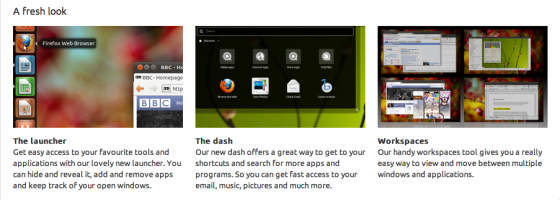
  • UBUNTU 11.04 finally out, Open Source and Linux communities rejoice

    UBUNTU 11.04 finally out, Open Source and Linux communities rejoice

    The Latest version of the most popular open-source Operating system for Computers is out. The new version adds some interesting UI changes


    Their servers are higly overloaded. We are downloading the new build right now, we will be back soon with a full change-log, tweaks and setup instructions shortly.

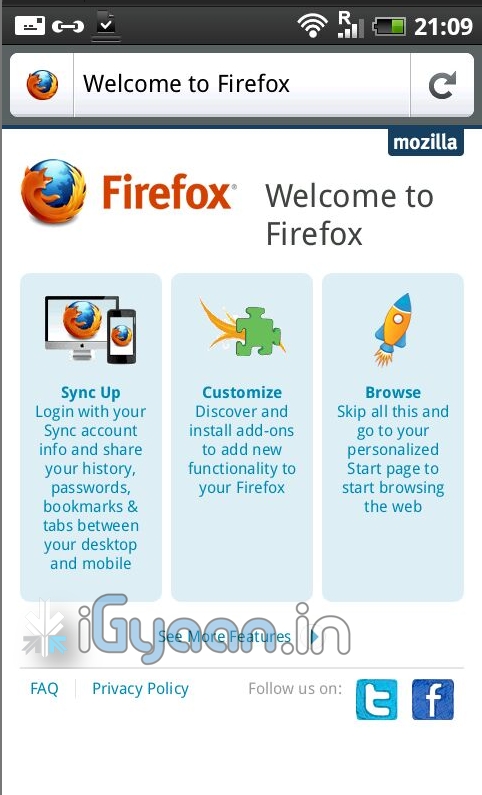
  • Firefox 4 Beta 5 , now released for Android

    Firefox 4 Beta 5 , now released for Android

    The latest beta of the world famous browser is now available on your favorite device- the price is free!. The beta comes packed with the usual — preferences, downloads, add-ons, bookmarks and Firefox Sync. The browser seems fast and efficient supports pinch to zoom as well as kinetic scrolling, has a dev mode as well. start porting your plugins for the mobile version.

iGyaan Network
Privacy Overview

This website uses cookies so that we can provide you with the best user experience possible. Cookie information is stored in your browser and performs functions such as recognising you when you return to our website and helping our team to understand which sections of the website you find most interesting and useful.