Tag: photo-editing

  • Top Three Photo Editing Apps For Android

    Top Three Photo Editing Apps For Android

    Smartphones, nowadays, are judged on their camera capabilities. Devices like the Google Pixel had a lot of shortcomings which were overlooked thanks to its brilliant camera performance. However, there is always scope for a bit more beautification of images that go on our social media accounts.

    Here are the top three photo editing apps for Android. All three apps are free to download and offer different sets of features to enhance the photos on your smartphone in no time.

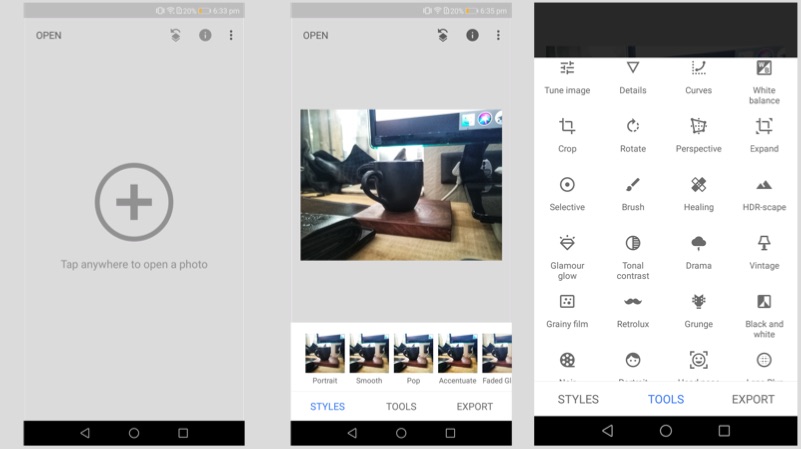
    Snapseed

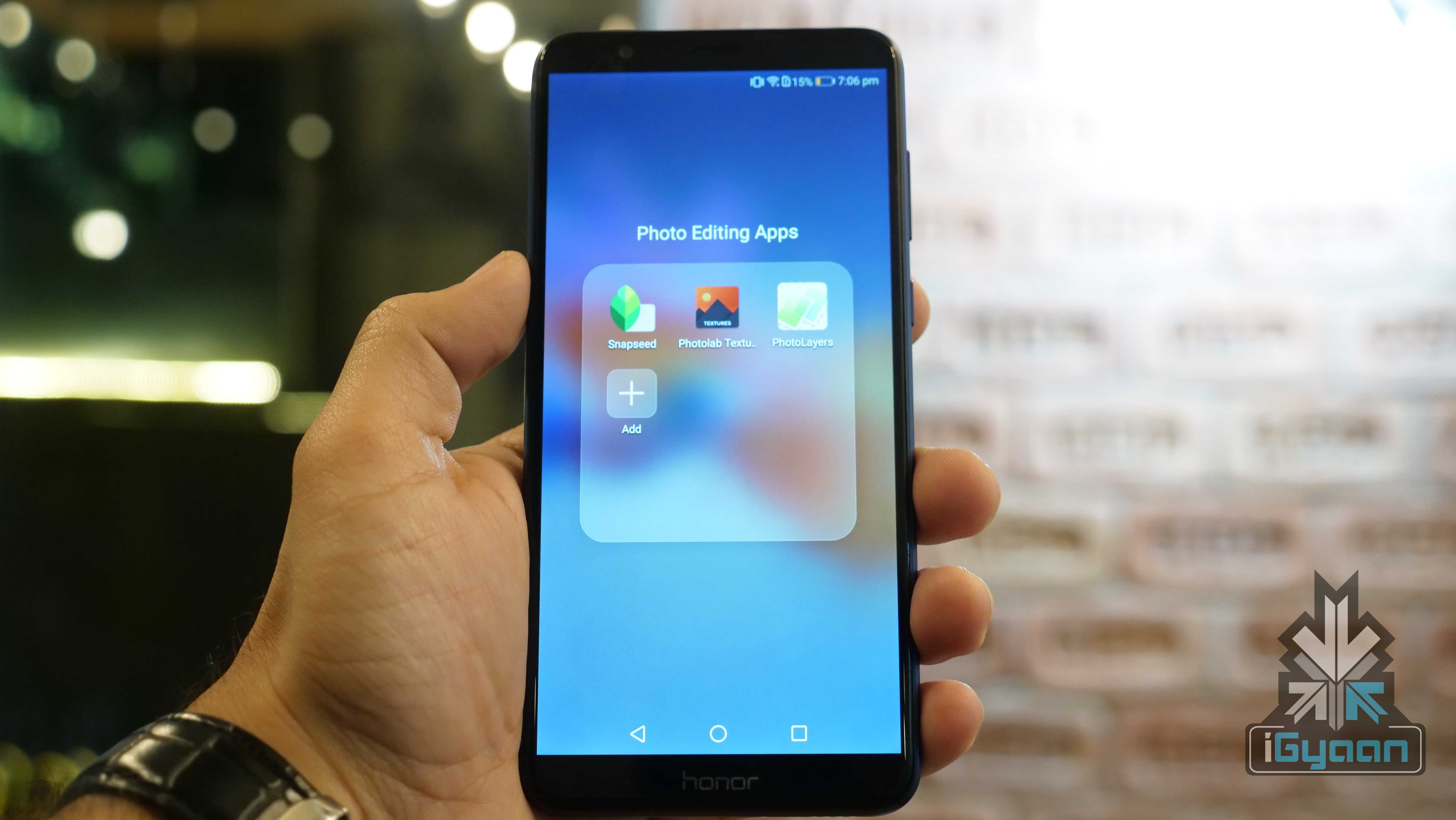
    Snapseed is a professional photo editing app developed by Google. The app offers multiple tools, including selective focus, HDR Landscape, changing the tonal contrast. The app also offers Portrait mode, which converts a normal photo into a Portrait photo with a varied depth of field. One can double the exposure, add frames and texts for the images. The app also directly social media sharing.

    Photo Editing

    Photolab Textures

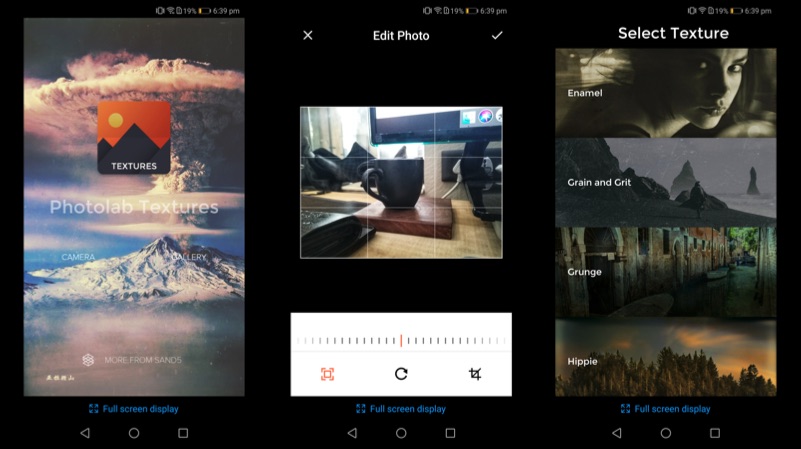
    Photolab Textures offers a simpler function compared to Snapseed. In fact, the app can be used to convert your photo into an art piece. The app offers a different selection of textures, including Enamel, Grain and Grit, Hippie, and Landscape Enhance. Each of these textures gives a completely different output, which changes the entire photo into a masterpiece.

    Photo Editing

    PhotoLayers

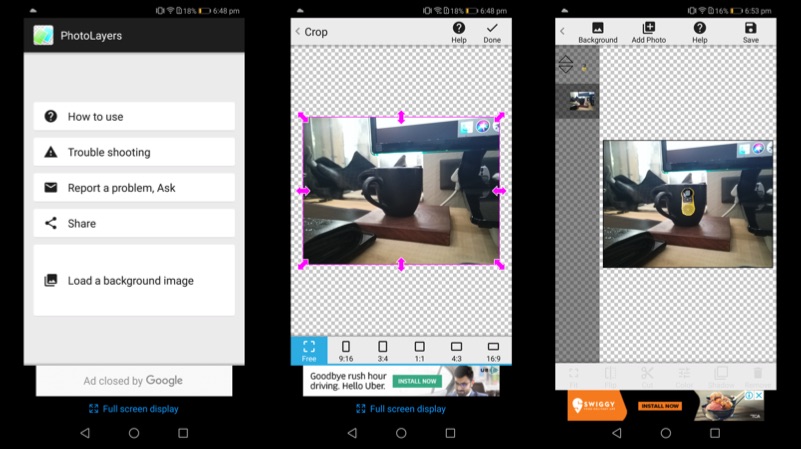
    PhotoLayers is a unique app, which helps to create photomontages. The app has a built-in tool, that converts the un-needed arear into transparent. The app can be used to combine up to 11 pictures to create a collage. One can also play with the colour tone to make the photo more attractive. Import a photo as a background and then import the photo, that you want to highlight, select the edit tool and erase the background. The app even has a tutorial for the first time users, which explain the different functions of the app.

    Photo Editing

  • Top 5 Free Web-Based Photo Editing Applications

    Top 5 Free Web-Based Photo Editing Applications

    Being in a small business, you won’t have much funds to purchase industry leading software. And these days every business, whether small or large, need good images to woo customers on a social media platform. Don’t worry, there is an alternative. There are some great feature rich photo editing applications which are capable of enhancing your images and creatively adding effects without emptying your pockets.

    Here’s a list of 5 of the very best web-based photo editing applications.

    1. GIMP (Free)
    1-gimp

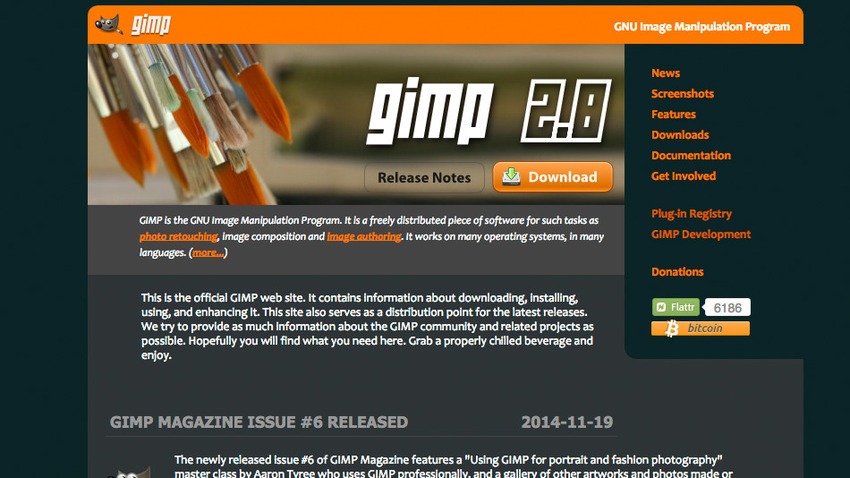
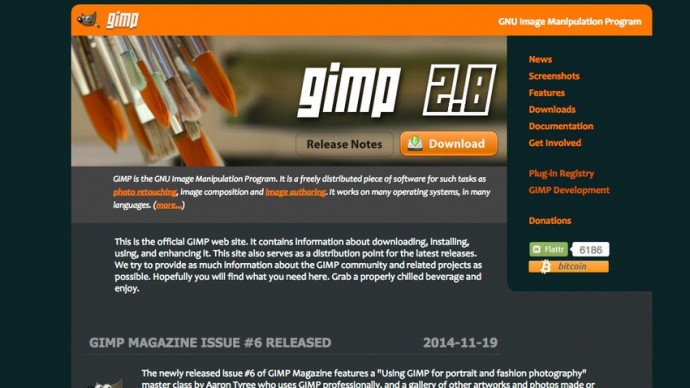
    GIMP or GNU Image Manipulation Program is a free, open-source, image editor. It has been a go-to tool for Linux users for years. GIMP is a versatile image editor that allows you to customize the application view and behavior to suit your requirements. Menus are closely parallel Photoshop’s, with File, Edit, Select, View, Image, Filters, and help serving the same functions — although in a slightly different order. GIMP is expandable and extensive, with the advanced scripting interface allowing everything from simple tasks to complex image manipulation, to be completed.

    2. Picadilo (Free)
    5-picadilo

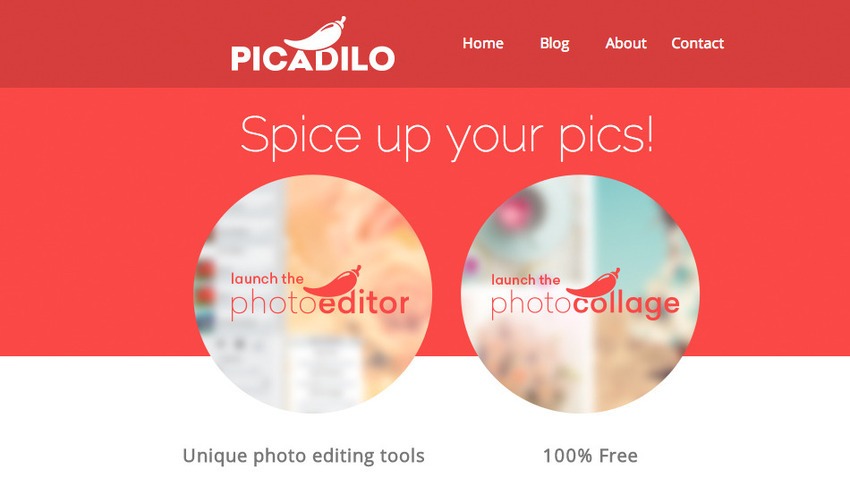
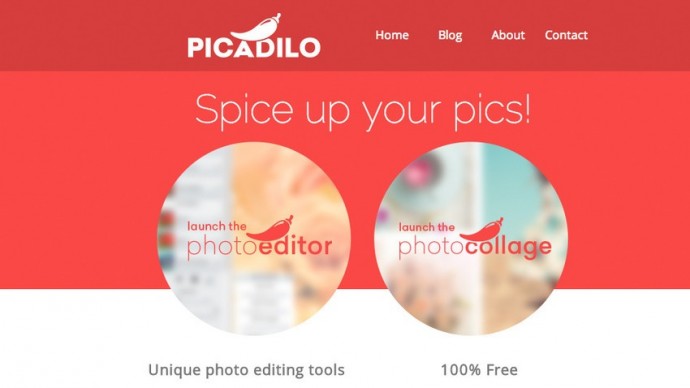
    Picadilo is a free photo editor app for the Chrome browser and requires no registration. Picadilo offers you a wide range of unique tools, including brushes, selections, text, effects and more. Once you upload an image you can resize, crop, retouch, add text and filters and even put frames around your image. With more than 100 fonts, 40 photo effects, 19 retouch tools and 140 unique stickers, there are enough features to easily edit any image.You can adjust the exposure, especially useful for either very dark or bright images and can also use the Magnify tool which lets you zoom in to any part of your image.

    3. Sumo Paint (Free or $4 per month for Pro version)
    sumopaint

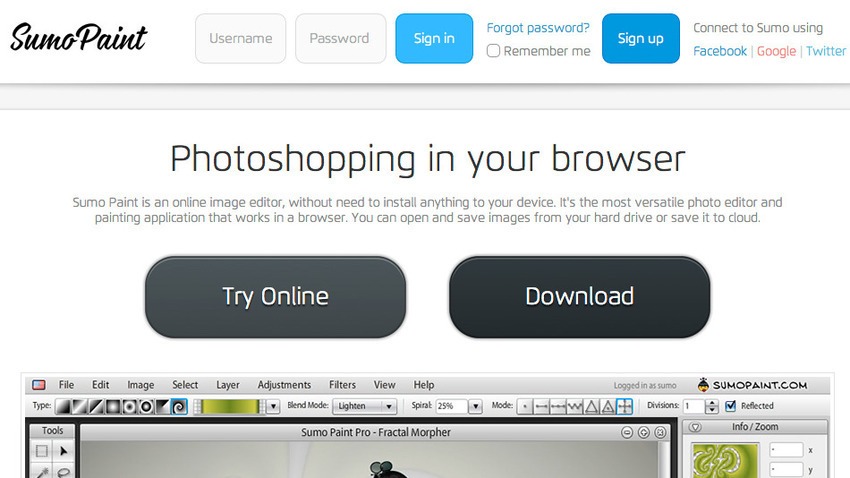
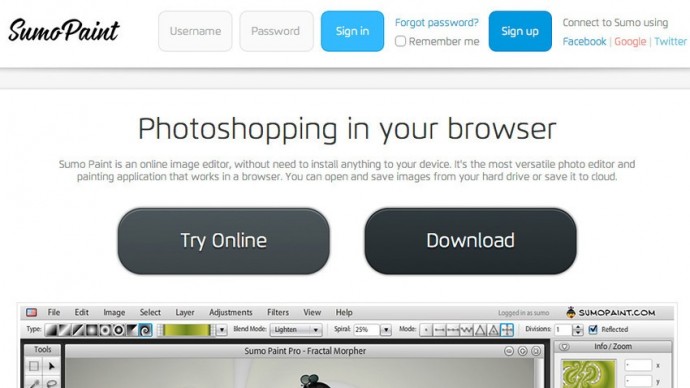
    Sumo Paint is another browser-based image editor which gives you fantastic sets of tools, ranging from the basic to an advanced level. Unlike other apps, Sumo Paint has an online community of over 4 million users who share, update, retouch and rate the artwork of other members. You can open files from your computer, Sumo Paint or a URL and edit with a range of tools, including paint brushes, erasers, shapes, pattern palettes, eyedropper, paint, text and a variety of blend modes. You can also utilize the curves tool to control colors and contrast, and levels for adjusting tones just like Photoshop.

    4. BeFunky (Free)
    8-befunky

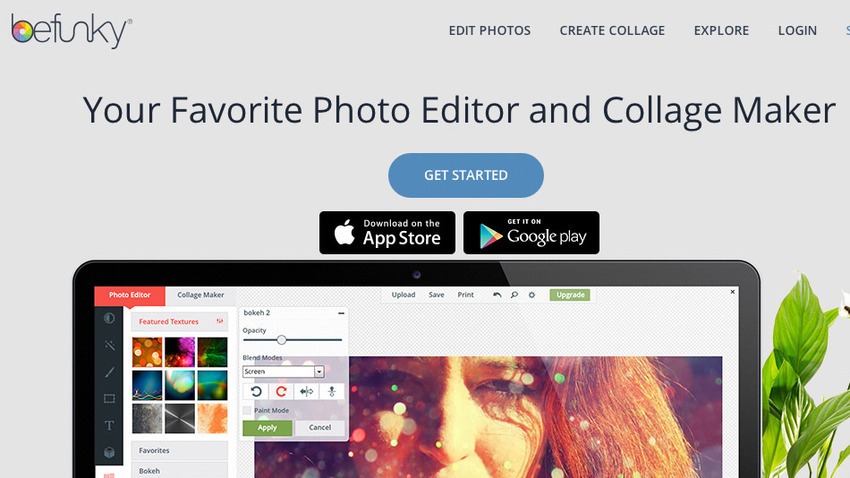
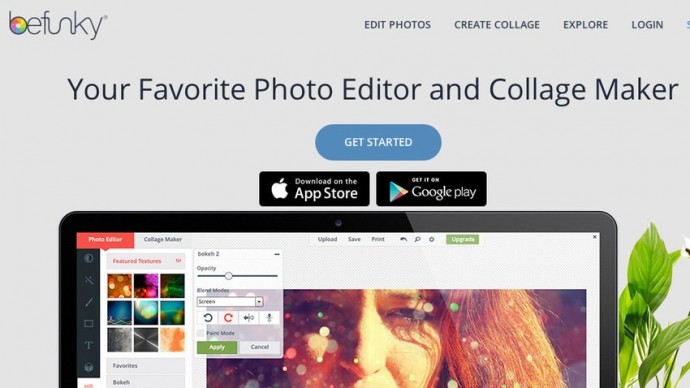
    Uploading an image to Befunky allows users to edit and create a variety of different styles from photographs including fixes and sizes. Using the basics of the flash-based tool, you can increase the colouration, sharpen the image, crop out specifics, resize and much more. You could add stamps to the images for an added touch including text in a variety of styles to fit nearly any need. Like Instagram, there are filters and social discovery, but it’s more organized, with categories for photo types, such as nature, pets, faces, and so on. Instead of spending money on expensive graphic design programs, this app could be one of your most visited websites.

    5. FotoFlexer (Free)
    11-fotoflexer

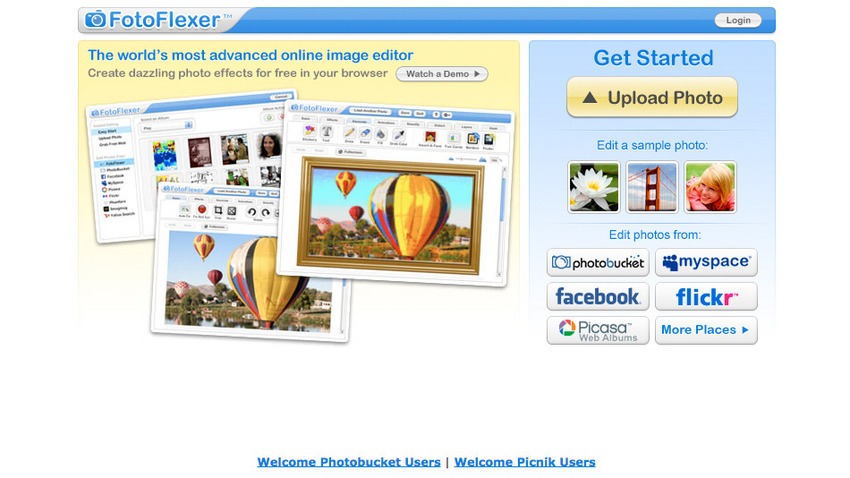
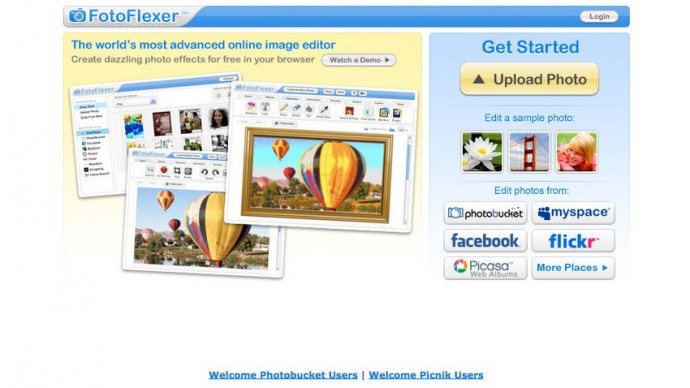
    FotoFlexer is one of the most advanced online editors offering a handful of features like red-eye removal, crop, resize and flip. There are advanced tools like smart resize, recolour, cutout, scissors, curves and morph. The interface is divided into tabs, each of which contain between eight to twenty effects that can add borders, fix mistakes and save the image in either JPG or PNG format when you’ve finished editing. With filters and effects, increased options for import and export and a visual history panel, FotoFlexer is likely to be one of the best online editor out there.
  • Top 5 Photo Filters and Editing Apps Available For iPhones

    Top 5 Photo Filters and Editing Apps Available For iPhones

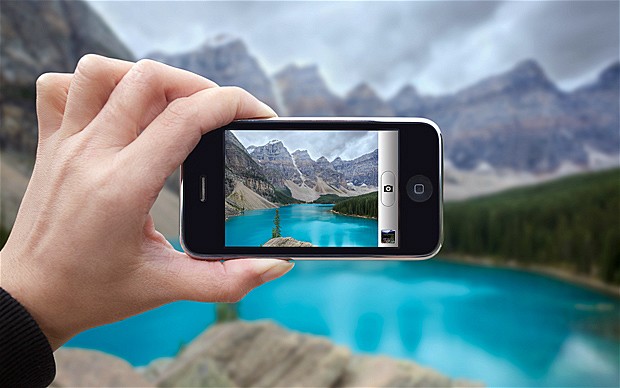
    Today’s smartphones offer image quality that is at par with point and shoot cameras. With high megapixel sensors and optical image stabilization, more and more people are taking photos with their smartphones and leaving their digital cameras behind. This has created greater demand for picture enhancement before you share them on social media or print. Having a top-notch photo editing apps in your arsenal can help you brighten your shots, crop away unnecessary details, fine tune colour and apply innovative special effects. With this massive influx of photo sharing ushered in by the iPhone and social media, photo editing and filter apps have massively grown in popularity.

    We are listing 5 of the best photo filters and editing apps available for the iPhone.

    1. Afterlight

    Afterlight

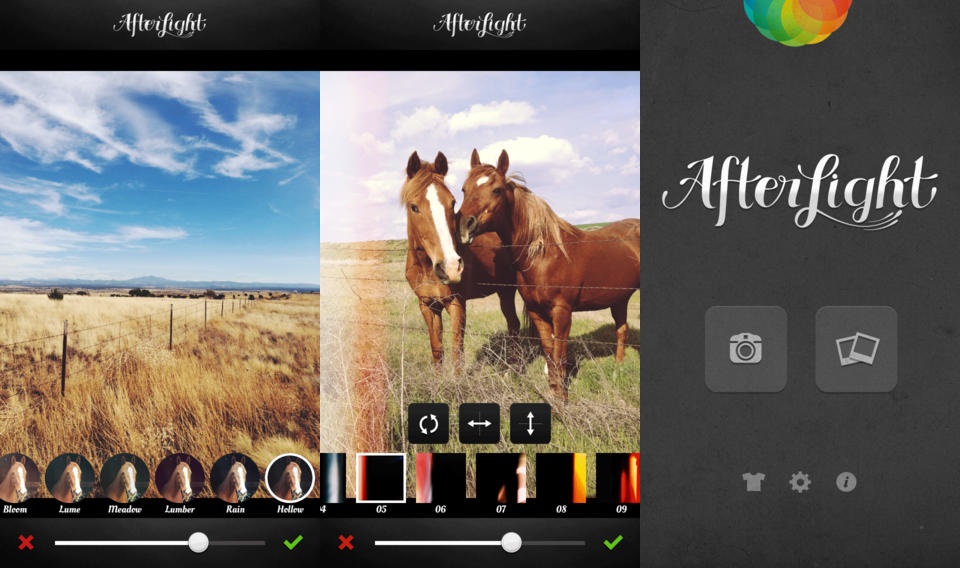
    Afterlight is a photo editing app aimed directly at the Instagram user, featuring easy to use, smooth and adjustable filters, photo frames, and other useful photo editing tools like the double exposure editor. In addition, users can also apply textures and light leaks, slider-adjustable filters, transformantion and straightening tools.

    2. FaceTune

    carousel-1-bg

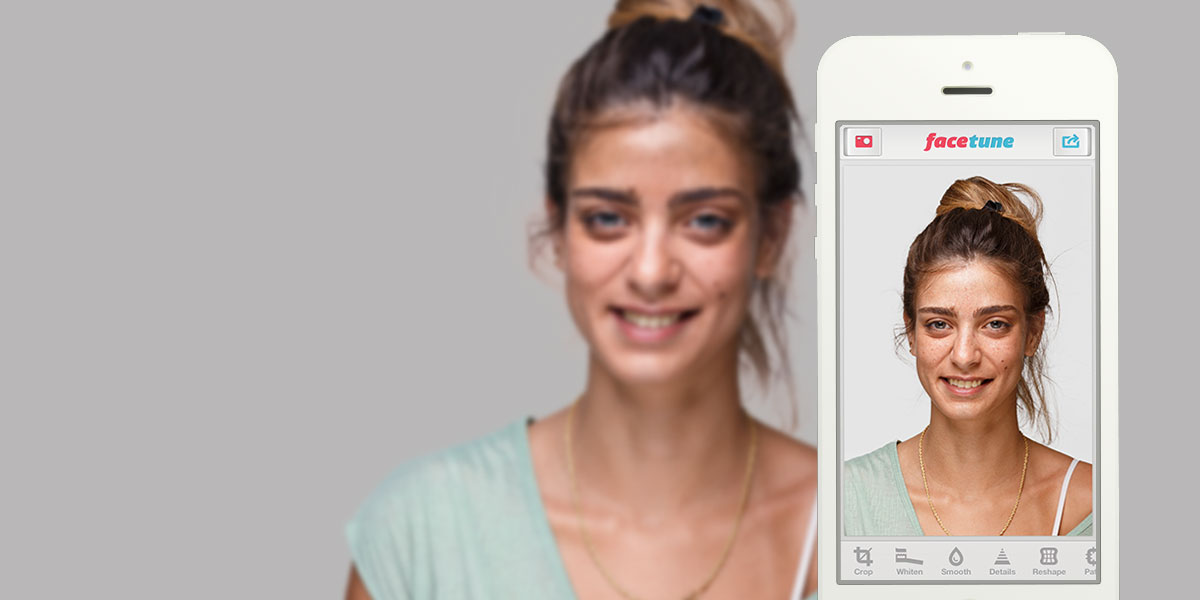
    Rather than providing a powerful set of all around photo editing features, FaceTune focuses on making your selfies and portraits look as beautiful as possible. FaceTune offers users a variety of tools for touching up your photos, which include tools for whitening stained teeth, red-eye adjustment, colourizing greying hair, and pimple and blemish removal. In addition to the photo touch ups, the app also comes with a variety of tools for tweaking lighting and focus, adding filters, rotating and flipping photos, as well as more extreme photo transformations.

    3. Retrica

    10658730_587626291360557_159281701511843000_o

    Retrica provides a slightly different take on a photo filter’s app. The app starts up in camera mode, but right from the camera you can customize your picture before you even take it. This enables you to perfectly match your photo with filters, frames, tilt shift and more. From there, you share your photo in the manner  you like.

    4. PicLab HD

    0925piclabhd

    If motivational posters or funny Internet memes are your thing, then PicLab HD is the perfect app for you. PicLab HD makes it a snap for users to edit photographs and add slick decorations and captions for your own custom image. Filters allow for quick photo effects, while fine tuning brightness, saturation etc. Layer-based editing, multiple text styles and packs, as well as numerous overlays, illustrations and other art effects then allow you to get your message across with artistic or quirky typography.

    5. Cymera

    banner-cymera-app-review

    Cymera is a multi-purpose app that is designed to be used as both a camera and photo editor. It has everything you need in a Smartphone camera and photo editor to help you capture and edit images. Cymera offers huge variety of hand-picked filters, shooting modes, face detection, collage effects and many decoration options.

  • 5 Cool Photo Editing Apps you Should Download

    5 Cool Photo Editing Apps you Should Download

     Simply clicking a photo and posting it? That’s an old story now. Smartphones are becoming smarter and so are our day to day lives with it. These days, app stores are flooded with photo editing apps that offer you range of filters and smart editing options. But choosing the best one from these option is a hard task. So, we have assembled a list of the best photo-editing apps for you to use on your smartphones.

    unnamedPhotoshop Touch

    What a surprise, Photoshop tops the list.  But before you get your hopes up too high, you should know that this app doesn’t come close to the power of its desktop counterpart.  You can do some of the basic Photoshop things like working with layers. However, it’s mixed in with more conventional mobile photo editing features like filters and mild adjustments like color correction.  There are some cool features like camera fill and using Adobe Creative Cloud, it is compatible with the desktop version Photoshop.

    vsco_camVSCO Cam

    If you’re looking for a smooth app that has gorgeous effects and features, VSCO is the one for you. VSCO has great presets, cool features like viewing before and after photos, and a wide range of filters. A lot of people seem to prefer it over Instagram. The app uses a grid scheme that allows you to publish your photos. It is sleek and easy to use. It only launched on Android recently, after premiering as an iPhone app, so there is still certain adjustments to be made. Features like separate exposure and focus locking are not yet included. Everything here is simple and works well, even if they don’t have a million extra features.


    photoshop expressPhotoshop Express

    Another one from Adobe, this app is one of the most user-friendly photo-editors I have used. Simple and spontaneous, Photoshop Express lets you make the essential adjustments to crop, exposure, color, tint, hue, saturation, contrast and levels with ease. You  can add many of the classic filters from Photoshop, including “Lens zoom,” “Grain” and “Glow.” And it’s free so, if you don’t already have it, you should be downloading it now.

    cup sliceCupslice Photo Editor

    Cupslice is a photo editor with a little more skill and buff, even if the features aren’t as heavy as some of the others I have listed. It comes with over 50 effects to start along with your basic editing tools. It also includes a number of stickers you can add to photos and that number gets updated every week. It’s a nice, simple app that should suit the needs of most people.


    aviary

    Photo Editor by Aviary

    Photo Editor by Aviary is a very specific and composed photo editor. In addition to the most popular features such as filters, stickers, frames etc. This photo editor by Aviary provides you with addition features such as red-eye correction, tooth whitening and many more. It’s fairly amazing app providing solution to pretty much every problem with your clicks. This straightforward app would be useful addition to your smartphone.

iGyaan Network
Privacy Overview

This website uses cookies so that we can provide you with the best user experience possible. Cookie information is stored in your browser and performs functions such as recognising you when you return to our website and helping our team to understand which sections of the website you find most interesting and useful.