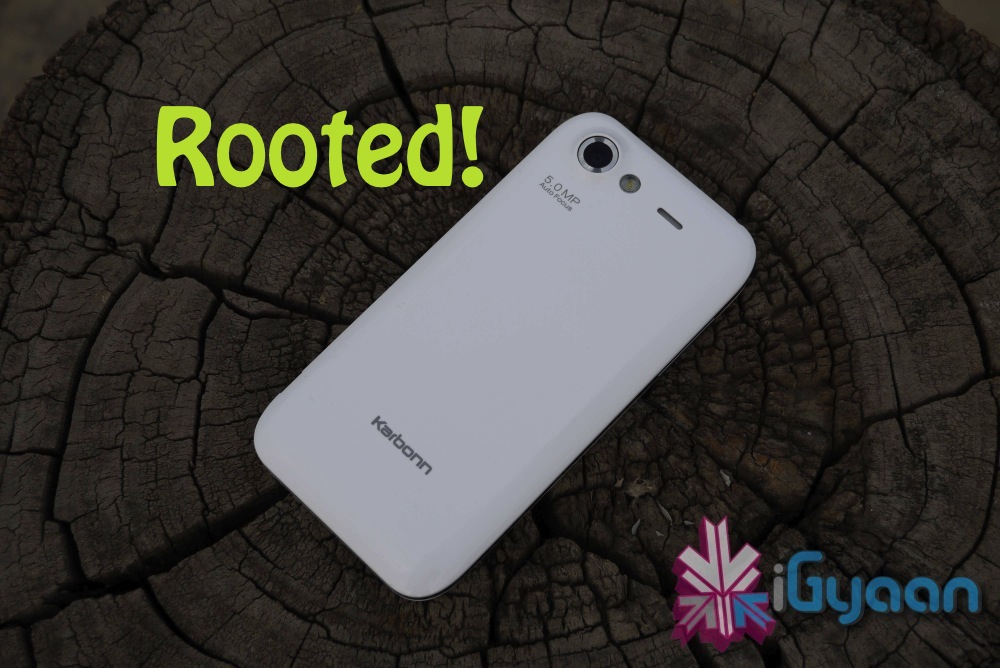
Already jumped on the dual sim Android bandwagon with a 1 GHz processor? Then you must be sporting one of these bad boys, The Karbonn A9 and Spice Mi425 essentially have the same set of hardware underneath. So they end up with the same rooting process.
A XDA-Dev forum user by the name of “fonehacker” has been able to root his Karbonn A9 and has passed along the information in the threads. All other users have then been able to successfully root their devices including Spice Mi425s with the process.
If you are sporting either of the two and feeling the urge to get root access into your Android phone, then use the process at your own risk. We are yet to test the process, and see no real advantage from it as of now. Hit the link below to try it out for yourself, be warned rooting might lead to warranty termination.
All those with the Asus Eee Pad Transformer 101 will start to rejoice as the company begins rolling out the ICS update for the tablet. The update is supposed to bring not only the latest Android version but also a lot of fixes to issues being faced by users. The big advantage is that the tablet remains rootable even after the update. The Update has started rolling out in the US for Wi-Fi tablets and will soon come to 3G versions including international UK and Asian versions.
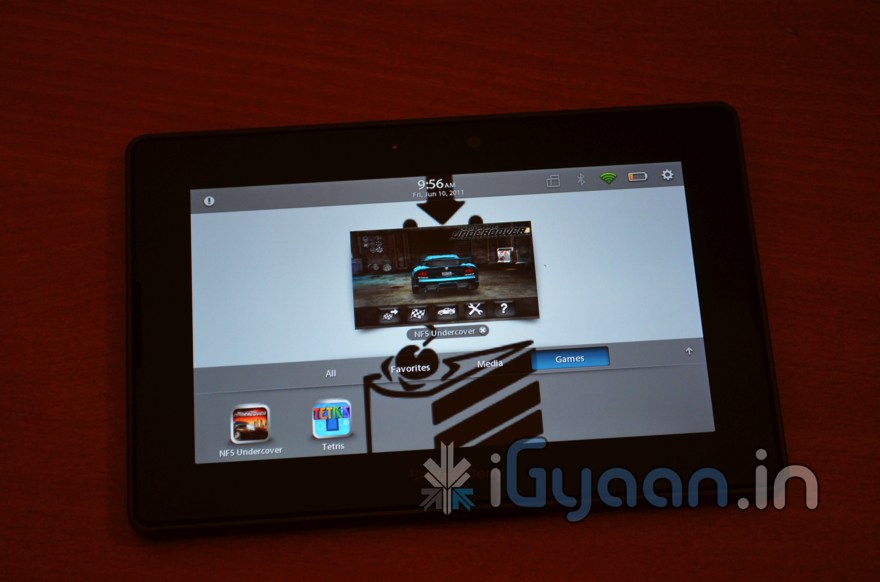
Looks like RIM is following up in HP’s footsteps, and has decided to liquidate the Playbook all over the world. The US however seems to get the best deal, RIM’s official webstore is offering the 16GB, 32GB and 64GB model for $299, the pricing is quite strange especially since no one would buy the cheaper ones. Those who have the tablet can get access to the Android market in a few easy steps detailed by the team at Crackberry. It requires a rooted PlayBook, WinSCP, the latest version of Cyanogen Google apps.
In India the Playbook has been sold out at the lower pricing, with just an asking price of Rs. 13,500 for the 16GB, Rs. 15800 for the 32 GB and Rs. 24000 for the 64Gb versions. People are going gaga over the failed tablet simply because its priced right.
We will try getting our hands on a such device for a better review.
Windows Phone developer Jaxbot is back, after a long time, to modding and developing for Windows Phone 7.5 Devices. His new Project WindowBreak seeks a universal unlock tool for all / any Windows Phone 7-7.5 devices. This just means a possibility of jailbreak, which can be unlocked using this tool. Jaxbot has already demonstrated this process on Samsung devices in his video below. He wants to get the app running for othe manufacturers including Nokia and HTC.
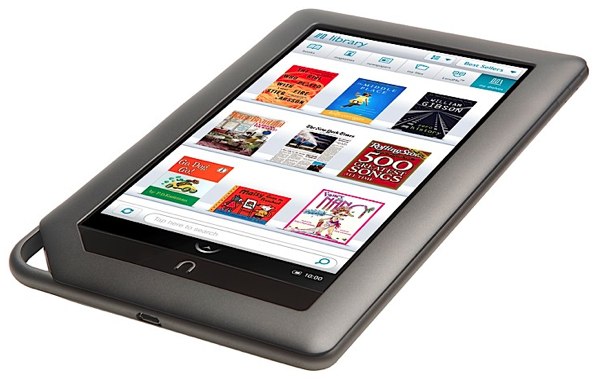
The Kindle fire is already been rooted and in an easy process at that. The smart folks at XDA-Developers have found a way to root the Barnes and Noble tablet. The root is permanent and will stay even if you reboot the device. The boot loader still remains locked but the process allows you to side load apps and possibly custom rome and kernels to boost performance.
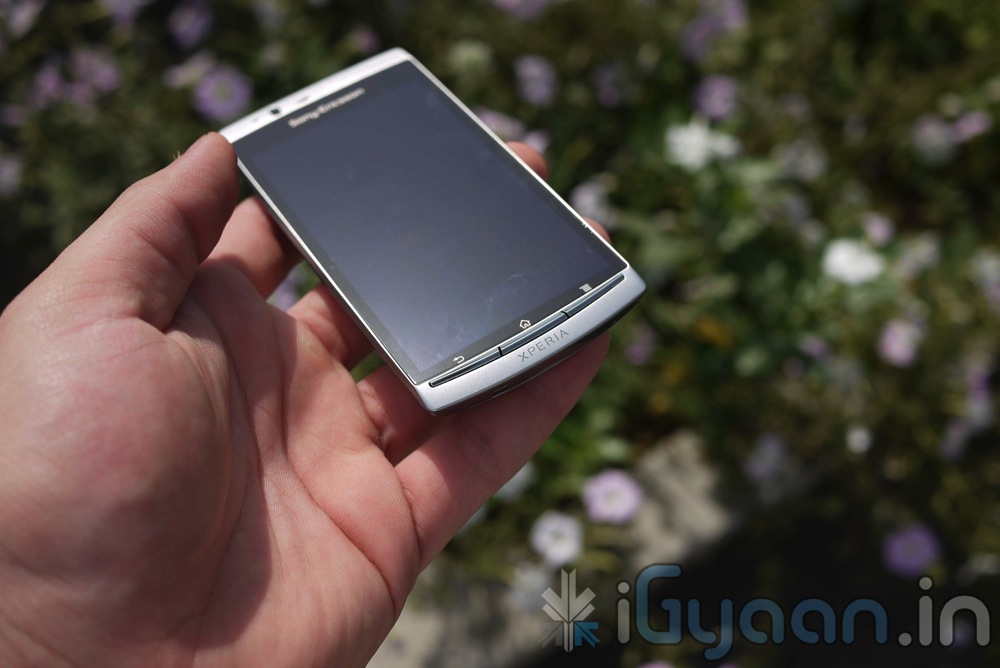
Sony Ericsson has handed its support to the FreeXperia dev team, which is dedicated to bringing CyanogenMod 7.1 .The company has donated 20 phones to the cause, realizing that “not all Android phones are alike”.
Even though Sony Ericsson do not promote the unlocking of the bootloader and developing Android software on the Xperia devices, They certainly allow you to do it and also give you a step by step.
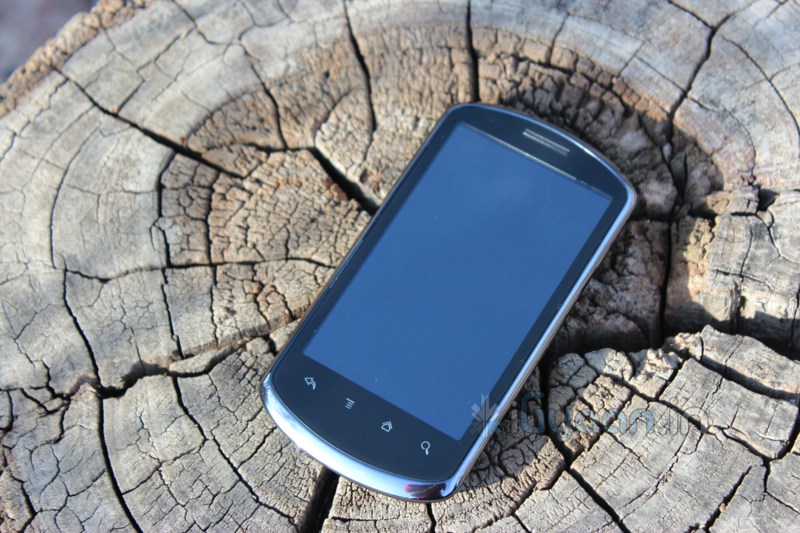
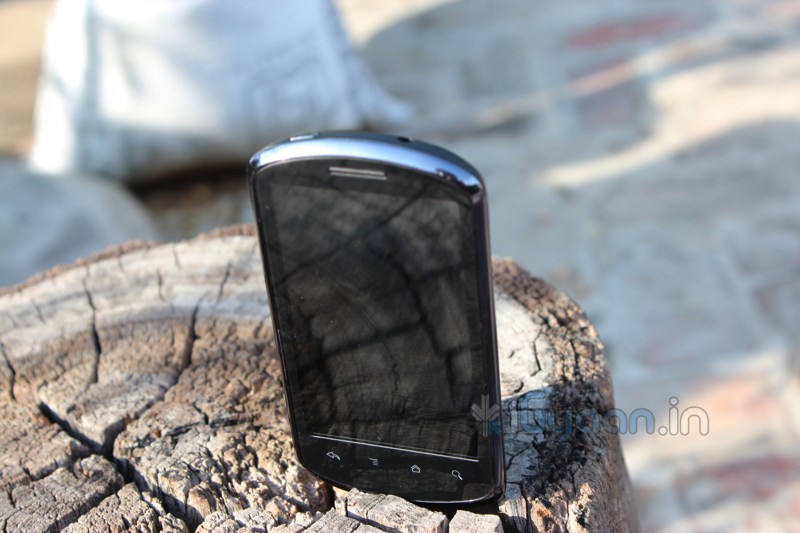
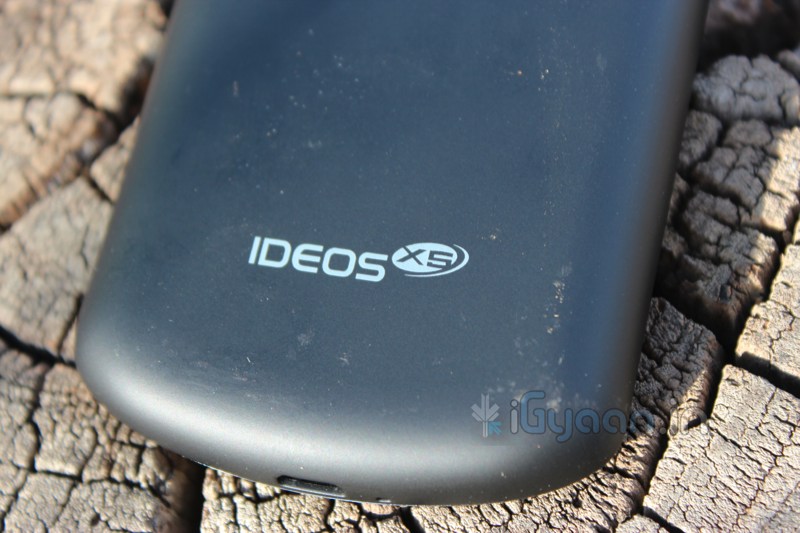
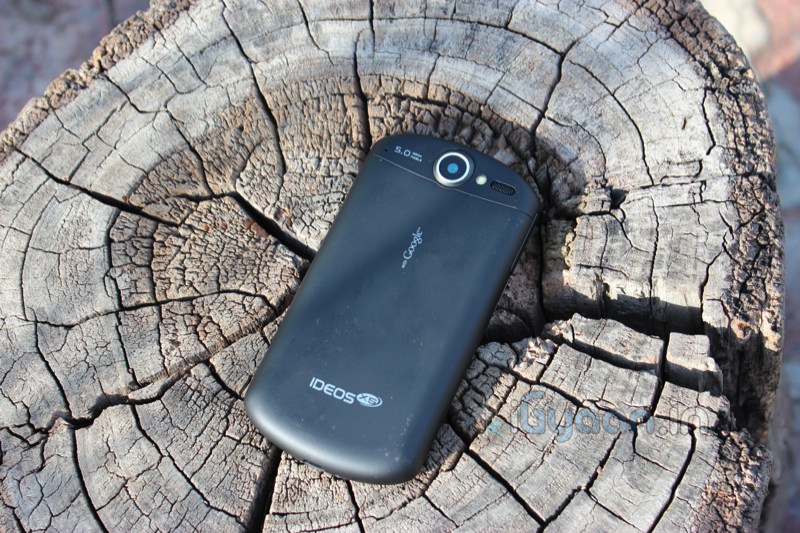
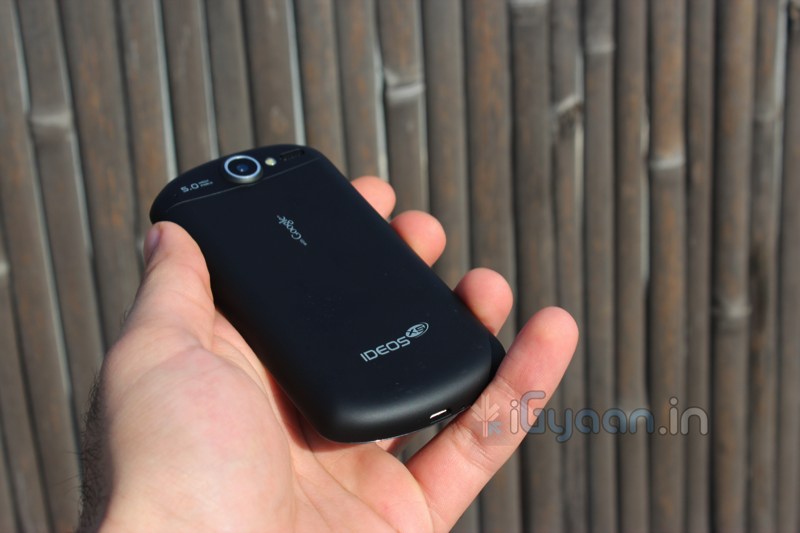
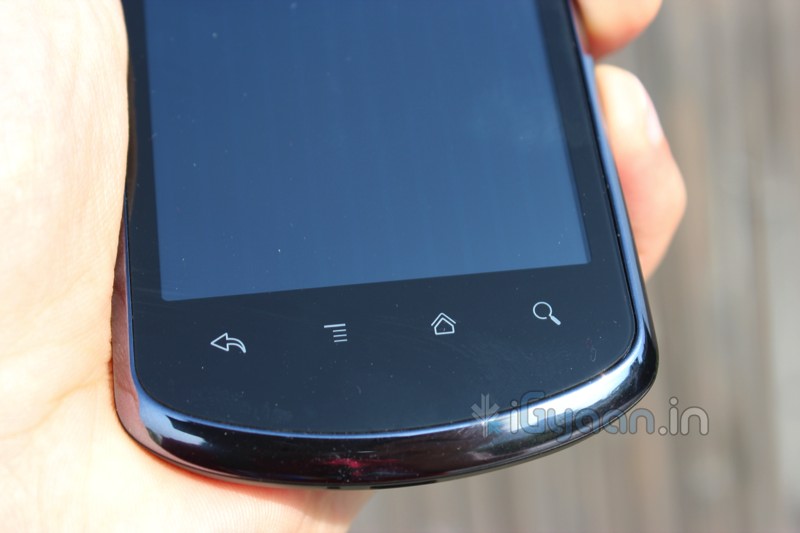
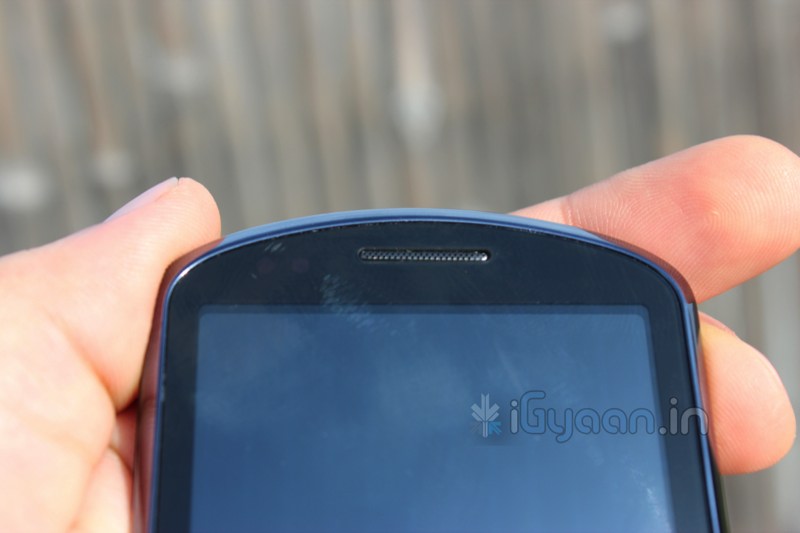
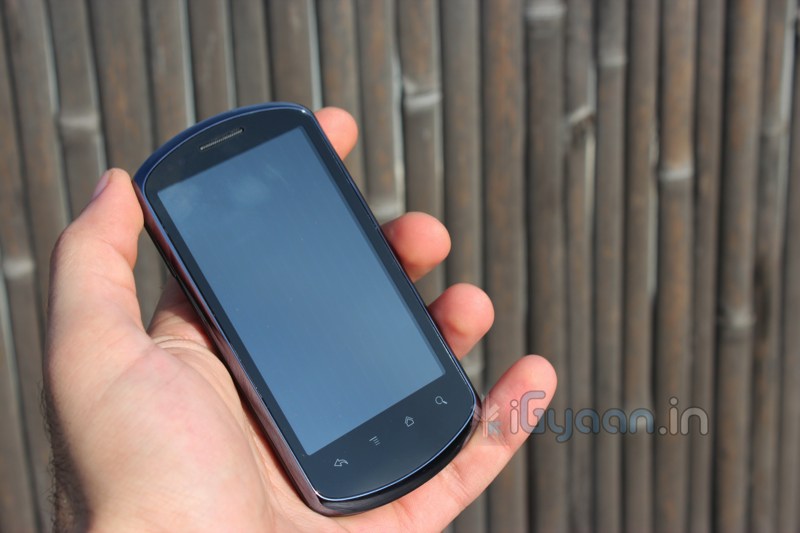
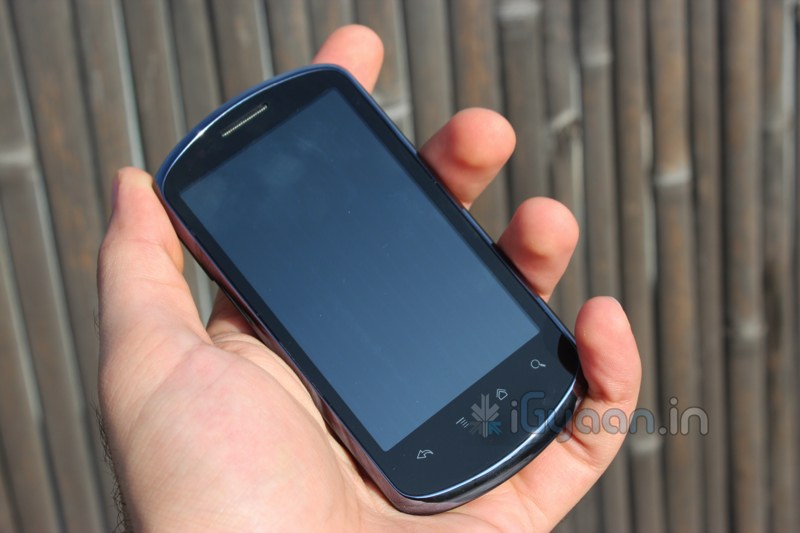
The Huawei Ideos X5 turned out to be a shocker, with the surprisingly bright and vivid display the device is a good option in the price range, lets see why.
Build Quality
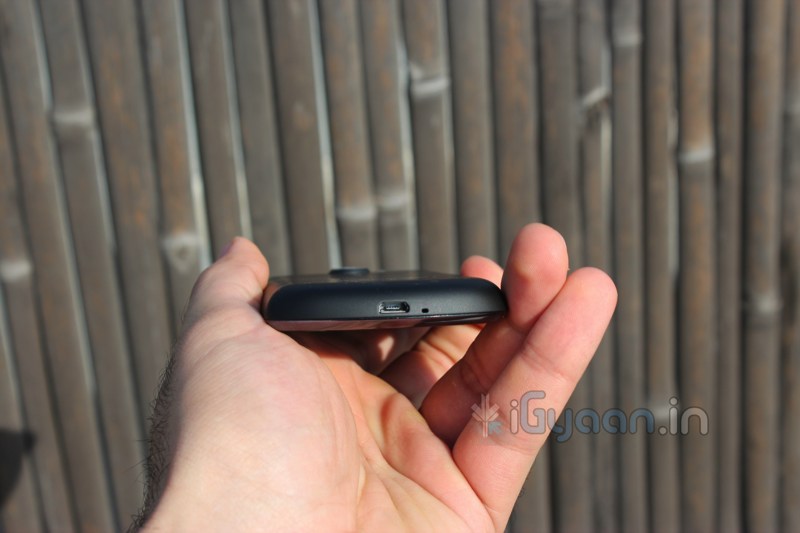
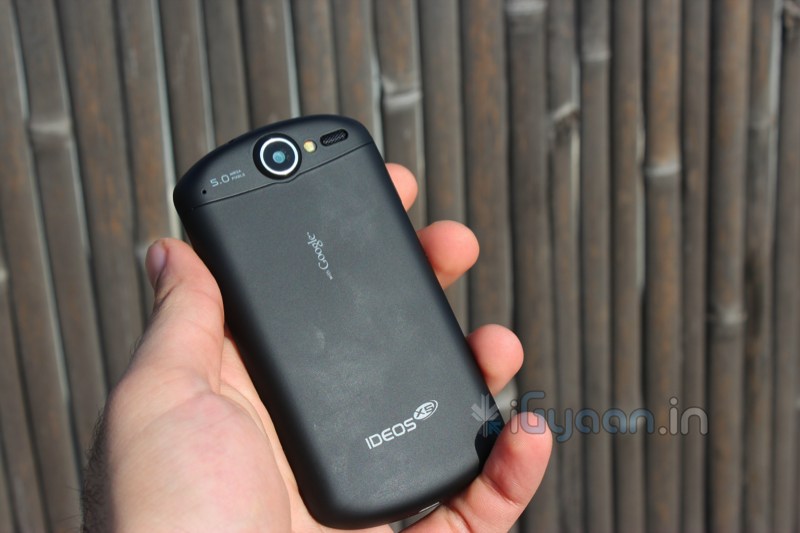
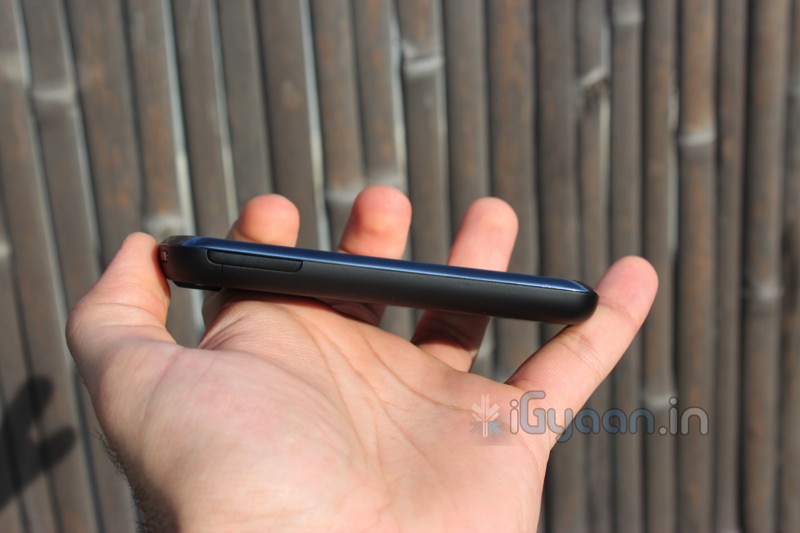
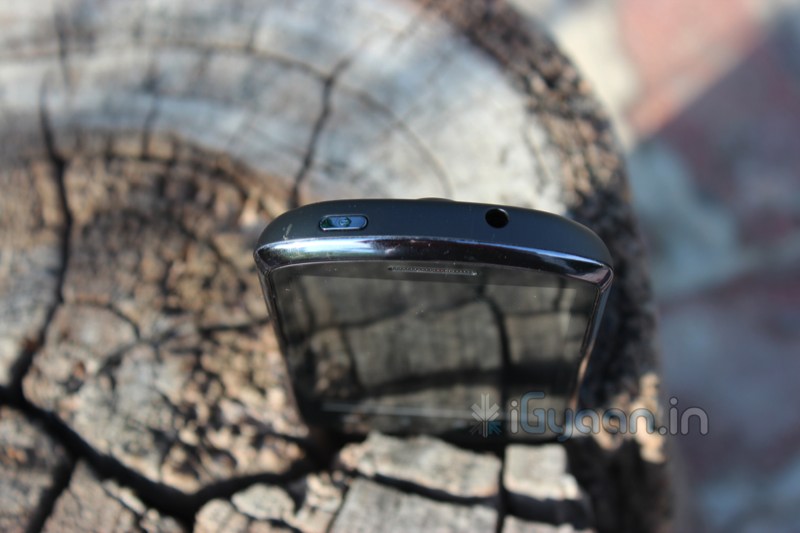
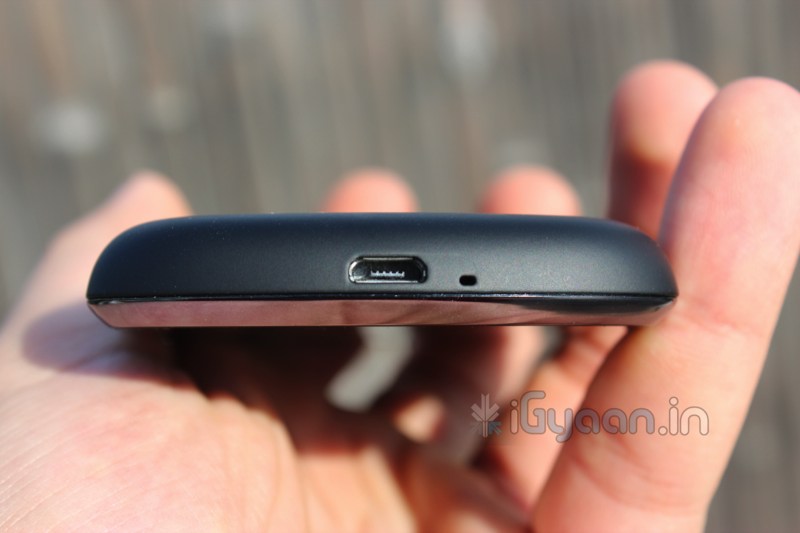
The X5 has a brilliant shape, almost a square chunk rounded on the top and on the bottom. the device has excellent rubberized plastics throughout the back and the side making it extremely robust and comfortable to hold in the hand.
Specifications
Availability
Announced on
December 2010
Release date
April 2011
Battery
Capacity
1500 mAh
Standby Time
300 hours
Talk Time
6 hours
Type
Lithium Polymer
CPU
Speed
800MHz
Type
Qualcomm MSM 7230
Camera
Main
5mp (2592×1944)
Video
720p
Casing
Colors
Black
Colors
White
Connectivity & Data
Bluetooth
v2.1 A2DP
EDGE
Class 10, 236.8 kbps
GPRS
Class 10 (4+1/3+2 slots), 32 – 48 kbps
GPS
HSCSD
HSDPA, 14.4 Mbps; HSUPA, 5.76 Mbps
USB
microUSB v2.0
Wireless
Wi-Fi 802.11 b/g/n
Display
Colors
16.8 million
Resolution
480×800 pixels
Size
3.8 inches
Type
TFT capacitive touchscreen
General
2G Network
GSM 850, 900, 1800, 1900
3G Network
HSDPA 900, 2100
Alias
U8800
Form Factor
Slate
Price Range
Memory
Call record
Unlimited
Card Slot
microSD, up to 32GB
Internal
2 OR 4 GB
Phonebook
Unlimited entries
Operating System
Type
Android
Version
2.2
Other Features
Misc Features
Accelerometer, Compass
Web Browser
HTML
Size and Weight
Width
62.0 mm (2.42 inches)
Height
120.0 mm (4.68 inches)
Depth
11.6 mm (0.45 inches)
Weight
130 grams (4.6 ounces)
Multimedia & Camera
The display on the device is simply stunning, a 3.8 inch screen with a good 480x800px display makes it a very vibrant and eye catching device. Videos play beautifully on the device and almost all types of formats are supported by the device. Audio is loud and clear from the earpiece and speaker phone with deep bass and subtle highs. The phone covers all grounds when it comes to multimedia.
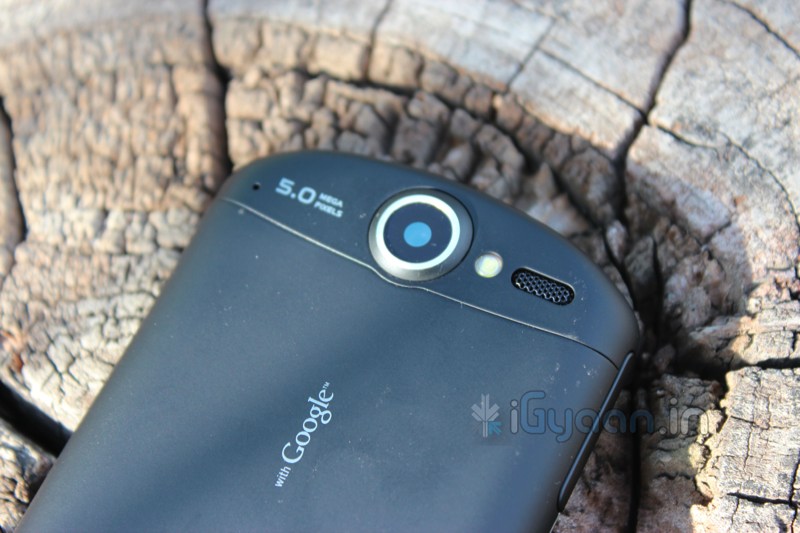
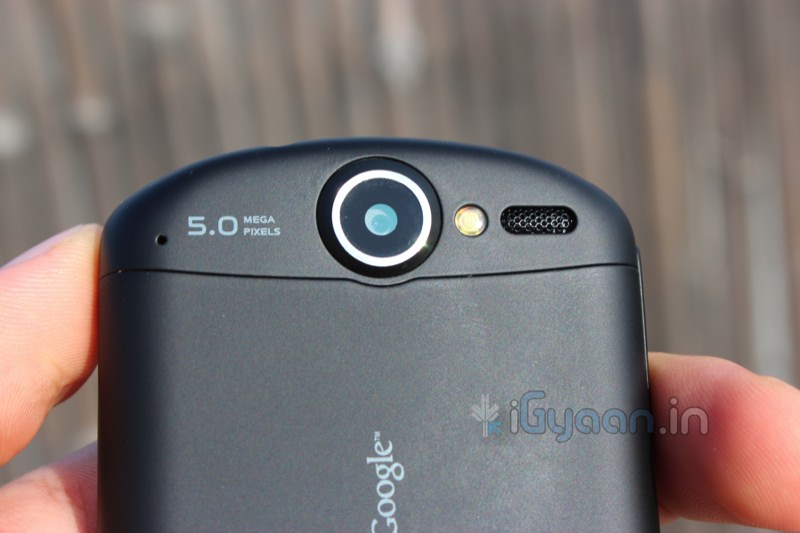
The Camera on the device is a beautiful 5mp camera which does HD video at 720p. The video fared great in comparison with other devices. The pictures from the device are crisp and clear, the camera focuses quick and get get good exposure shots , when ample lighting is available. You simply cannot ask for a better functioning camera from the device. However, we did notice that 3rd party apps improved camera output.
Root and Custom Rom
The easiest device to root, the Ideos X5 was easily rooted and upgraded to Android 2.3 Gingerbread using Cyanogen Mod 7. The device becomes snappier and much more appealing to the user. Heck you can even get the old CRT TV turn off animation when you lock the device. The benchmark scores improve by about 300 points and the overall stability of the device increases.
Phone, Messaging and Battery
The device features a brilliant antenna, we got good network strength even in places where there is usually low network, we faced no dropped calls and overall performance of the device is great. The screen is also great for messaging and features SWYPE keyboard as a standard, therefore making it an excellent keyboard.
The battery life of the device was also more than expected. The device gave us 5-6 hours of talk time on 2g and about 48 hours of standby. 3-4 hours of talk time on 3G networks.
Conclusion
There are not many devices that require such short reviews to become recommended devices, Ideos X5 is one of them. We highly recommend this device, sheer good quality materials and excellent specs, brilliant screen, the ability of root, and Cyanogen mod 7, what else could one want?. This device is sheer brilliance , but it just comes down to the poor service and support for Huawei in India. Making this device a highly questionable one for those looking for long term investments.
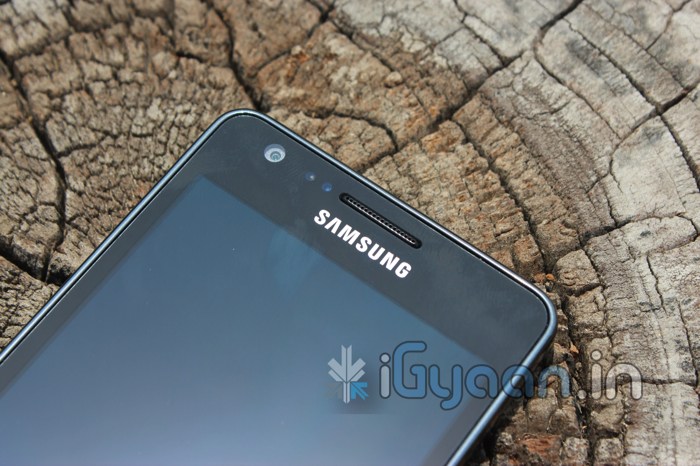
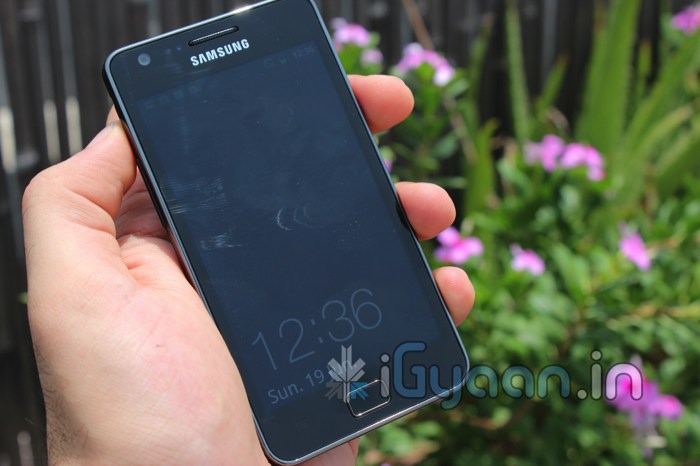
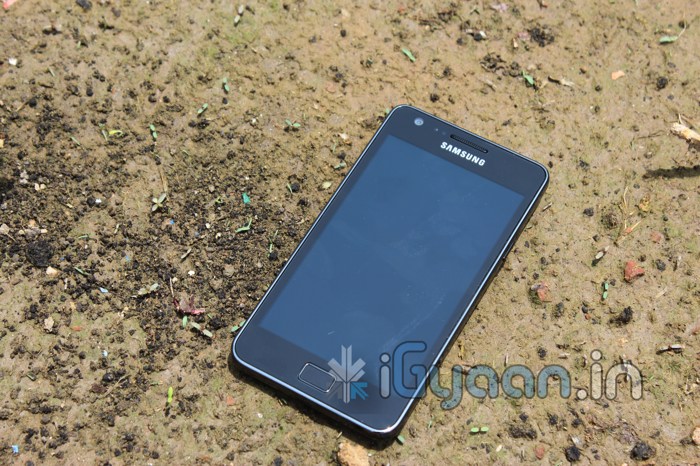
One of the Smartest Smart Phones to hit our country, The Samsung Galaxy S2 has gathered a lot of public attention. But, does it stand up to the challenge put out by Day-to-Day Smart-Phone use? Lets Find Out!
BUILD QUALITY, HARDWARE & DESIGN
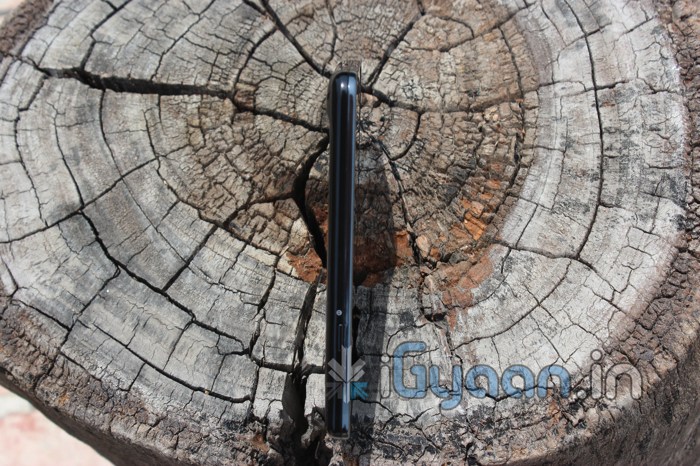
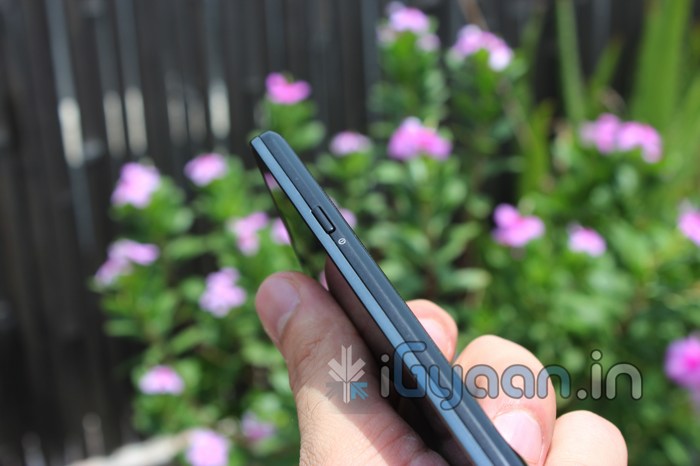
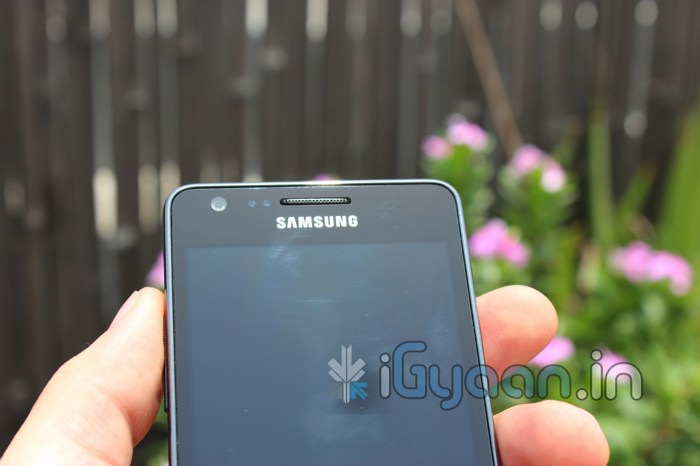
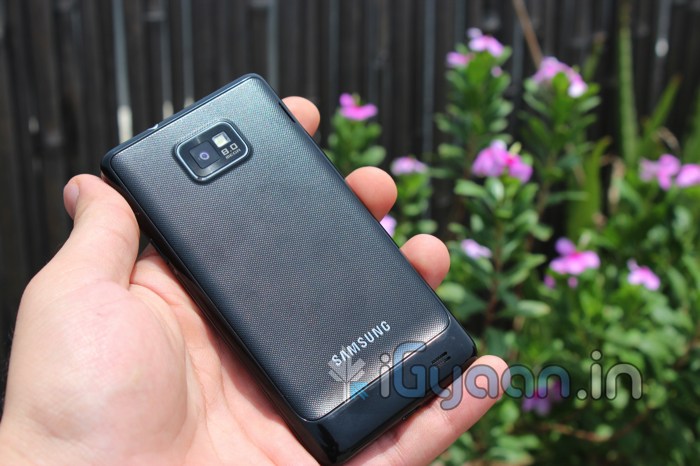
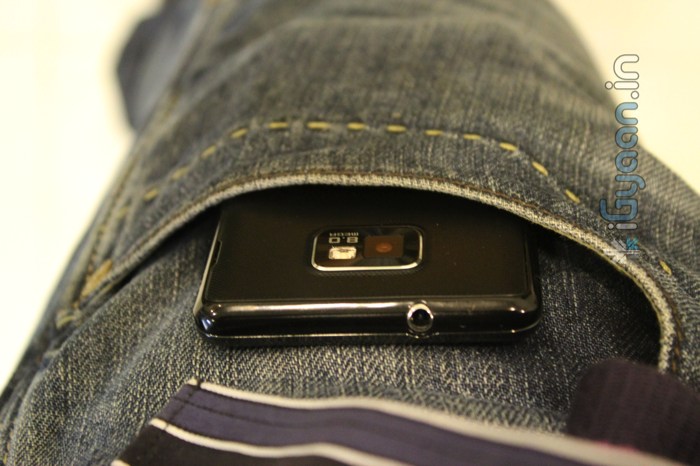
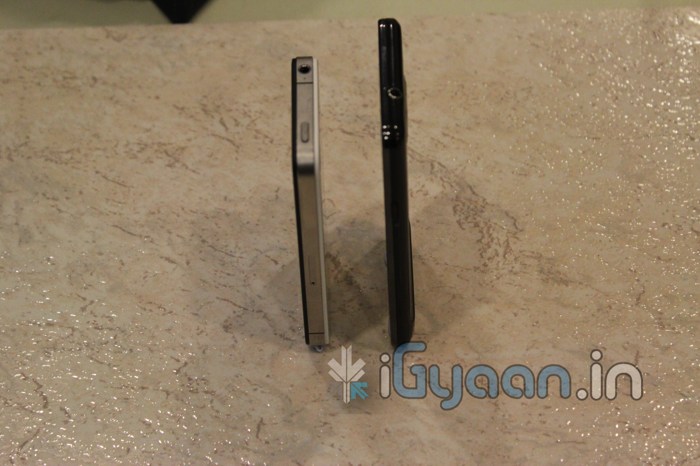
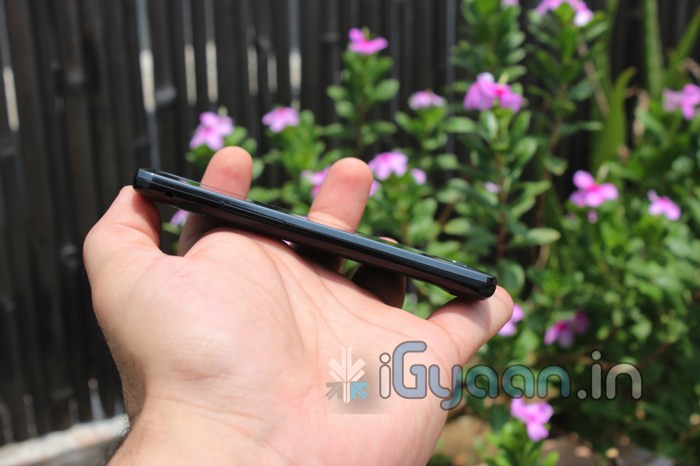
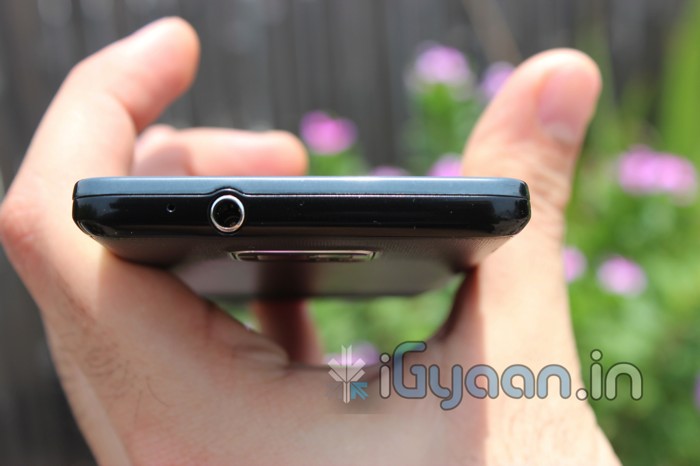
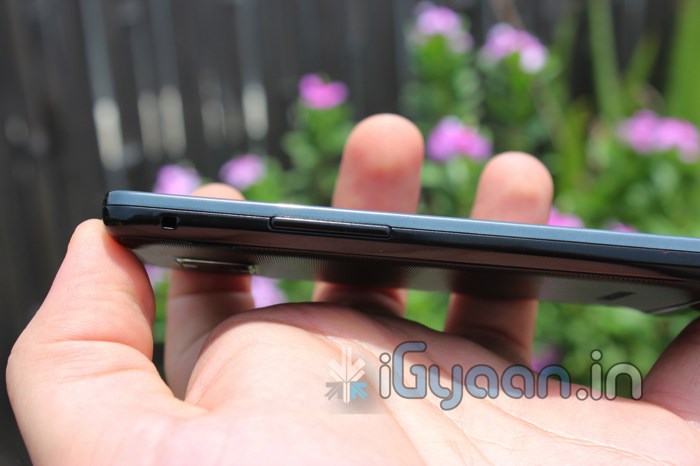
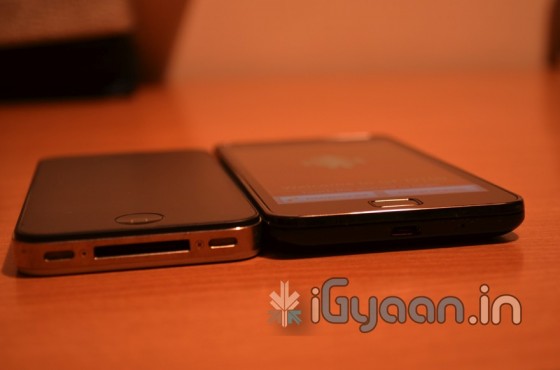
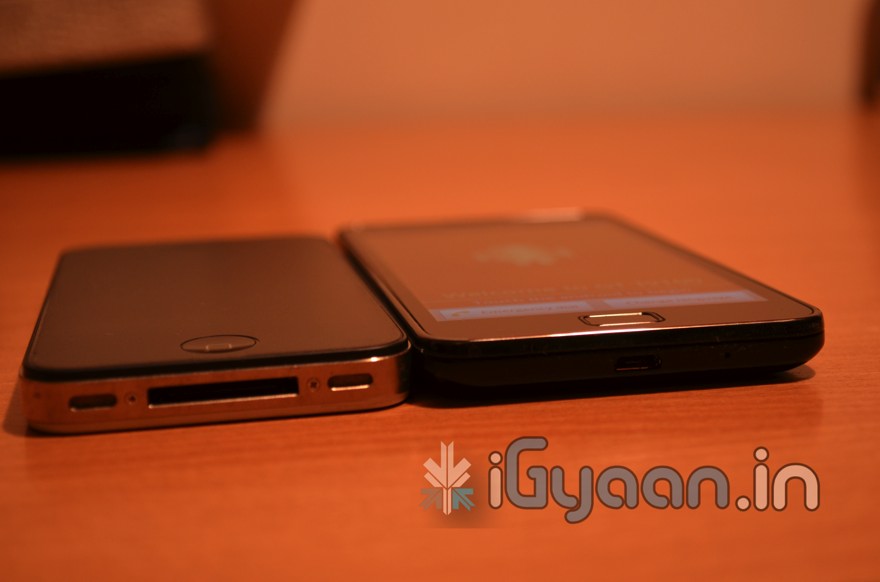
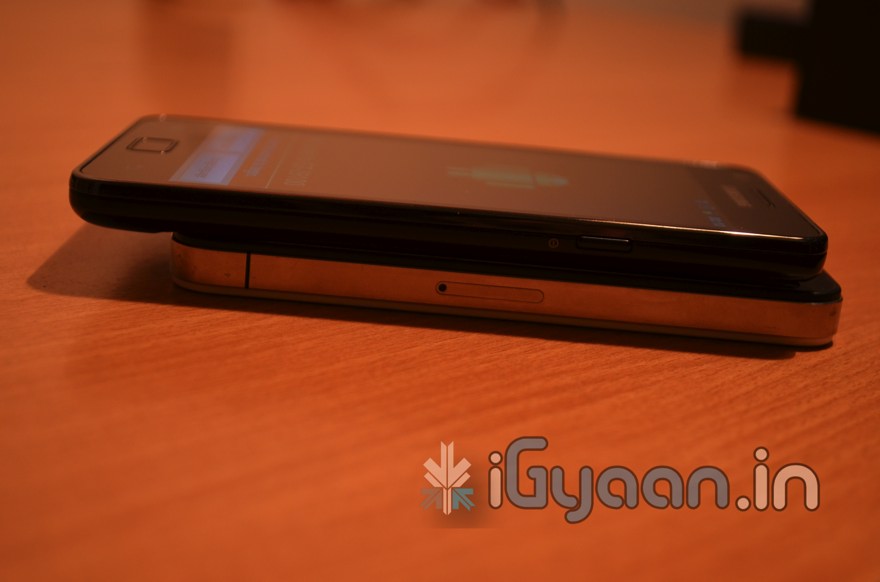
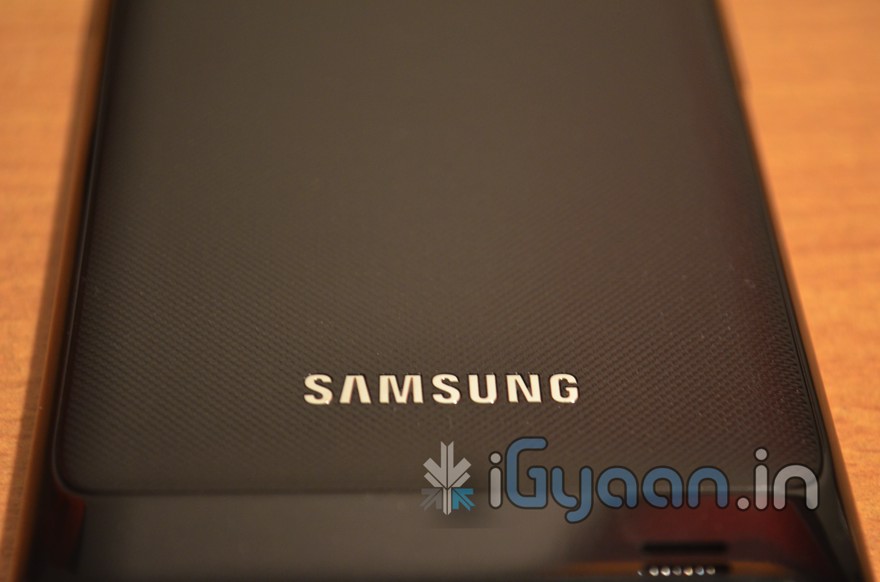
The Galaxy S2 has a nice design, a sleek body and extra tough glass. But the build quality of the phone may not be up to the mark. The device features a total plastic construction that defies all laws of mobile phone existence. At just 8.5mm thick the device boasts an extremely slim profile. The back panel/cover is a flimsy piece of plastic that is fidgety to remove and put back on and also rattles when the phone is shaken.
The screen on the other hand is extremely tough, it also resists scratches and impacts without a question in mind. Overall, the build is solid, the plastics don’t bend easily and are not cheap to look at either. But are not nearly enough when you compare it with what you pay for the device.
In terms of hardware the two major things working for the Indian version of the Samsung Galaxy S2 are
Super Amoled Plus Screen – 480 x 800 px – 4.3 inches
1.2 GHZ dual core processor
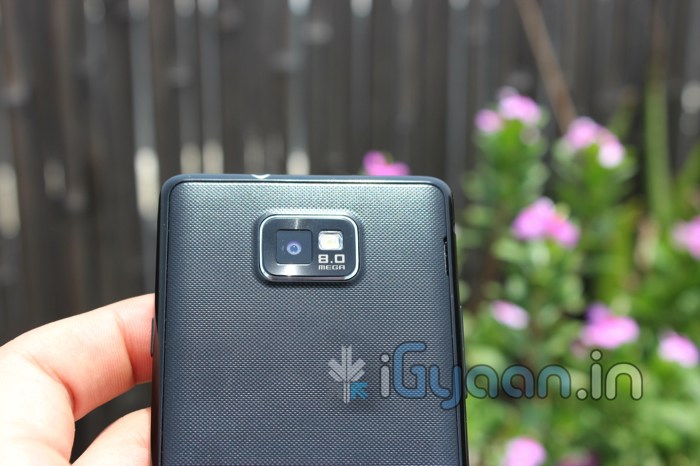
The performances of these two major hardware components can be seen from the get go, and are attracting people towards the GS2. There is also 1 GB of RAM, giving an effective 853MB for usage (we really don’t know why only 853 is there totally). There is no NFC on the Indian Samsung Galaxy S2, and why would you need it anyway? The 8 MP rear camera with full HD video recording, a 2 MP front camera, 1650mah battery. You can also check out the full Spec Sheet Here
CAMERA AND MULTIMEDIA
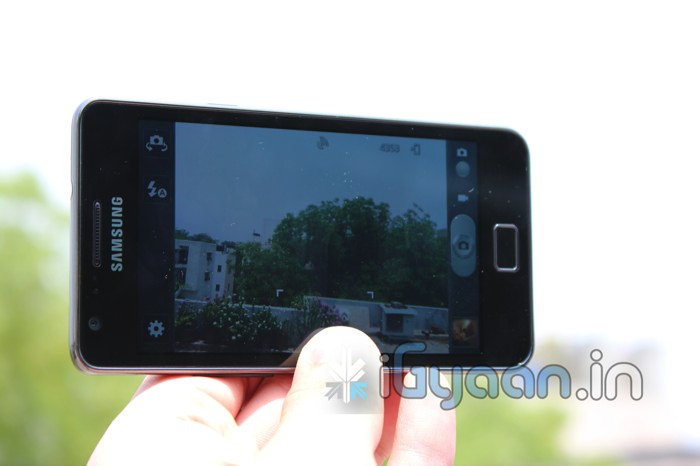
The Camera on the S2 is brilliant; the screen viewfinder makes it even better. The colors are projected to the screen as-is, and are captured beautifully with the 8MP lens. The camera is fast to focus and has great exposure values. Tap to focus lets you select you subject and one click capture brings you an experience that’s hard to replicate. The camera app is also packed with a long list of settings and effects you can tweak and play around with. Shooting modes, scene modes, effects, image size, exposure values, white balance, noise reduction and anti shake to name a few.
Macro mode is exceptionally great as it can capture close-ups with great detail. There is also a timer, ISO settings, Metering selection, blink detection and geo-tagging. The S2 has a fully loaded camera app and a great camera lens to go with it. Overall performance of the camera is easily notable and can replace your point and shoot camera for day-to-day use. The flash is bright and has a great field of coverage.
Video capture at 1080p is smooth and without frame drops, although you can notice the autofocus on the camera struggle during the video recording output. Videos are clean and the microphone picks up sound just great. Video is so good in fact we actually shot an unboxing video on full HD with the Samsung Galaxy S2 – Check it HERE
Sounds from the speaker are actually louder than we expected. Audio quality is clear and speech notions can be understood easily. Why we emphasize on speech is because you will be watching a lot of videos and movies on the STUNNING AMOLED PLUS display. It is the best possible display from Samsung to date. With amazing depths of color and a great resolution (480 x 800) the display is very vivid. Colors are bold and there is no washout even at greater viewing angles. Some may argue that the colors on the screen are not what they appear to be, and the AMOLED screen gives a heightened look to a normal display/video.
The included earphones are not a great match with the S2, the bass on the earphones is poor, watching movies or listening to music. If you enjoy good depth, you wont enjoy the included earphones. The placement of the main speaker can also be bothersome, especially when you hold the device in landscape to watch videos or play games. You will find your fingers covering up the main speaker for a total loss of sound.
PHONE AND MESSAGING
Nice large dialer, good speaker, strong mic and excellent network performance make the Galaxy S2 a great phone aswell. We tested the phone capability over extended periods of use and failed to get one reason to complain about the device. It was pure performance for the phone through out.
The Keyboard on the GS2 is well spaced out in portrait and is very responsive during those long messaging sessions. You also have a huge list of settings that you can modify to make the keyboard a complete unit for you. From auto text to auto replace, modifiers and word learning, the keyboard is simply intelligent. You can also switch to the included Swype keyboard for a faster input experience. In Landscape, typing is fast and efficient and the keys are wide enough to compile long emails without breaking a sweat.
DATA & INTERNET
Getting a smartphone like this? Expect to get a 3G data plan if you don’t already have one. This phone turns you into an “on the go data monster”. With the constant need to feed information into the device the unit comes ready to handle all sorts of online activity, from social feeds directly on your homescreen to business mails in a secret box. You get the latest news, weather information and stock prices without ever needing to install an app or setup the device. 3G / HSDPA performance is somewhat good, we found that the device would drop the connection to the server and would require a restart of the data service from the settings app. We have never faced a similar issue with any other Android device an it appears to be a glitch in the software somewhere. Another thing to note, is that when the device is in this suspended data connection mode, the back of the phone starts to heat up incredibly fast which leads to an equally fast battery drain.
Wi-Fi Hotspot, also acts up (due to the network error we presume) and you will find your self constantly struggling with the error messages on the portable hotspot window.
BATTERY LIFE
If you haven’t read the section above we suggest you go ahead and read it. The battery life is largely affected by data mismanagement.
Values
2G
3G
3G with Error
Talk Time
upto 7 Hours
4.5 hours
1 hour
Standby time
36 Hours
24 hours
6 Hours
Web Browsing
8-9 hours
4-5 hours
–
Video Streaming
4 Hours
2 Hours
–
Music Streaming
14 hours
6 hours
–
Wi-Fi Values stand more or less the same with 2G data
GAMING
We though we would include this section just to clarify a lot of questions. While the device is perfectly capable of running high graphic games, you will not find us showing you videos of any such games for one simple reason. They don’t work on the device. Most games like Fast 5, NFS shift Asphalt, Assassins creed, Settlers crash on start up and some don’t show visuals. This is possibly a software -hardware integration glitch and perhaps the games are not designed to run on dual core smart phones. Other games like Angry Birds -All, Gun Brothers and our new favorite Age of the Zombies work perfect and without any issues.
DUAL CORE
The Samsung Galaxy S2 is India’s second phone to boast a dual core processor, and after our previous let down, we a happy to say that Samsung has managed to utilize the dual core- Android combo perfectly and has made it possible for the end user to enjoy the total experience. The phone is not only fast and responsive it is a super performer. All visuals play smooth, graphics and renders are fast all of this with tons of ram to spare. The Galaxy S2 also uses Android suspend multitasking which enables you to pause your ongoing app in real time and switch to another app, and then come back to the previous app without loosing data, or in our case lives.
There is the heating issue that is causing battery loss but we believe its due to the data glitch and can be resolved by switching data modes, or turning on data as and when required (which can be troublesome, but is a quick fix until Samsung can fix it). If you haven’t already seen the benchmarks, check them out here.
CONCLUSION
The Samsung Galaxy S2 is highest spec’d phone available in India through official channels, its thin and light, its got a beautifully vivid display and a dual core processor that’s on steroids. The Galaxy S2 is ready to perform from the get-go and looks good doing it. Yes its got a flimsy looking build and some overheating issues. But why do we feel okay looking past those? Possibly because poor build usually leads to a damaged display, but in this case the gorilla glass wont let that happen. As far as the battery drain- data error issue, Samsung is already working on pushing an update that will fix these issues.
[xrr rating=4.25/5 label=”We Rate The Galaxy S 2 : ” imageset=shiny_yellow_star display_as=fraction_stars]
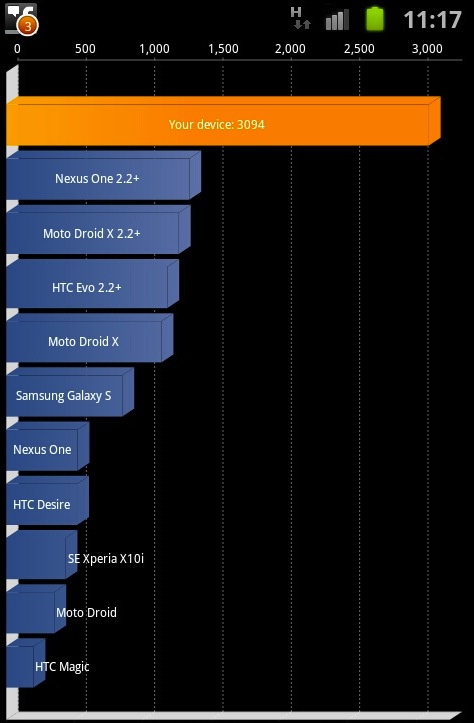
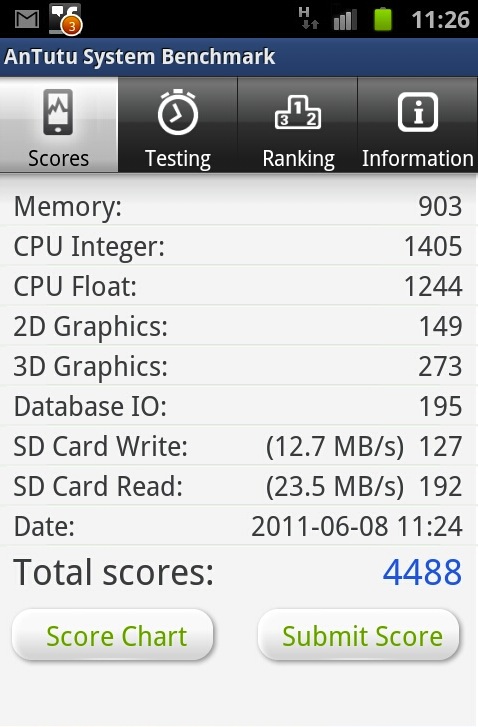
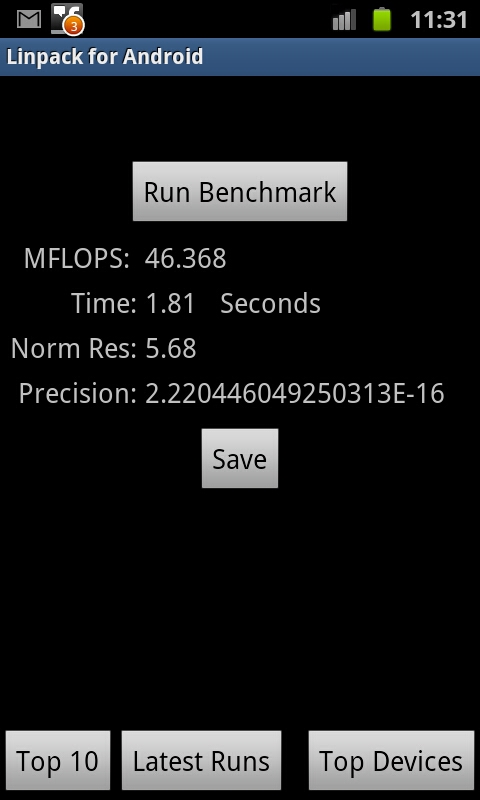
So while we were playing around with the new Samsung Galaxy S2 and found a great screenshot feature so we decided to show you benchmark screenshots: take a look at the amazing scores from Samsung Galaxy S2
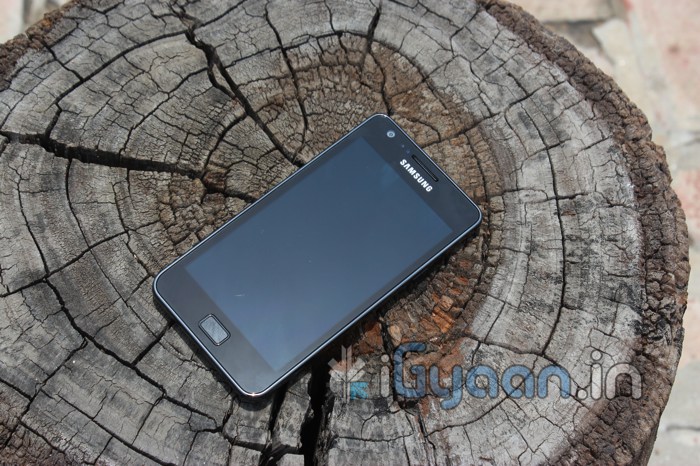
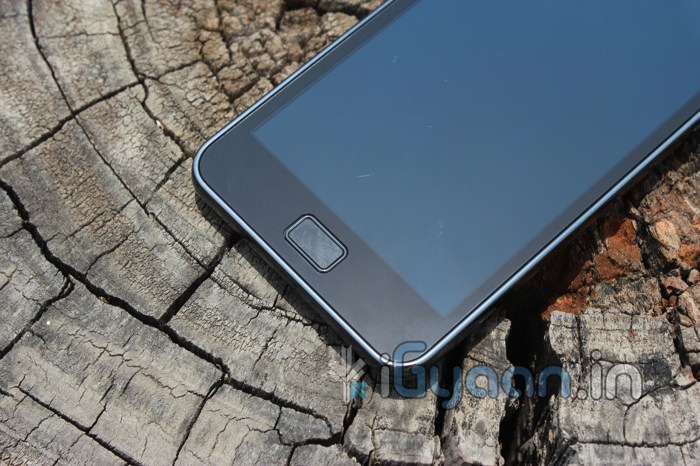
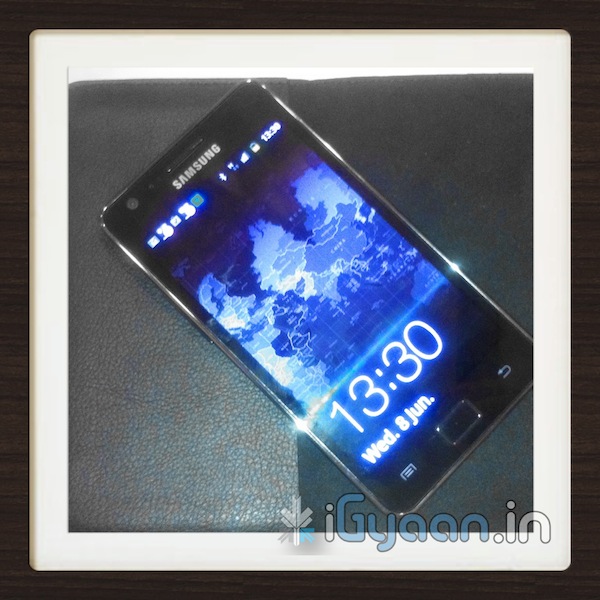
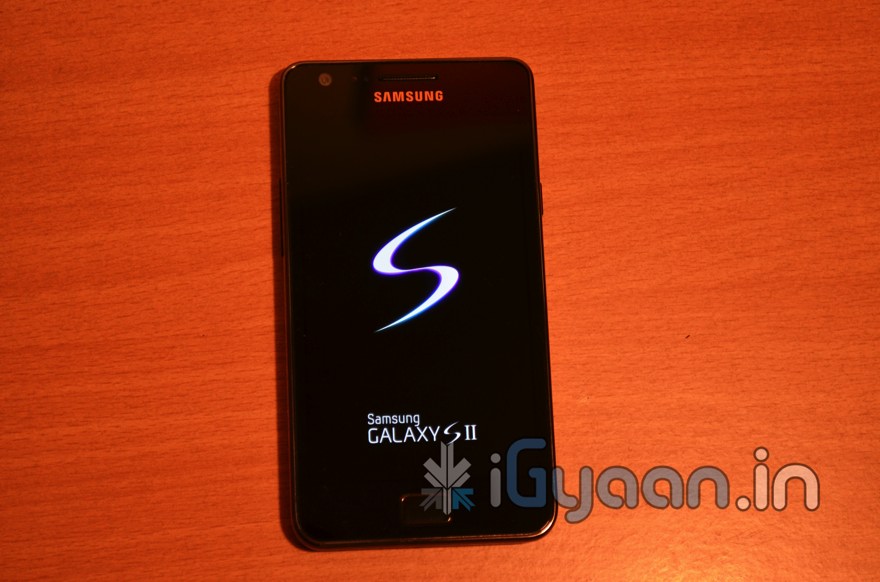
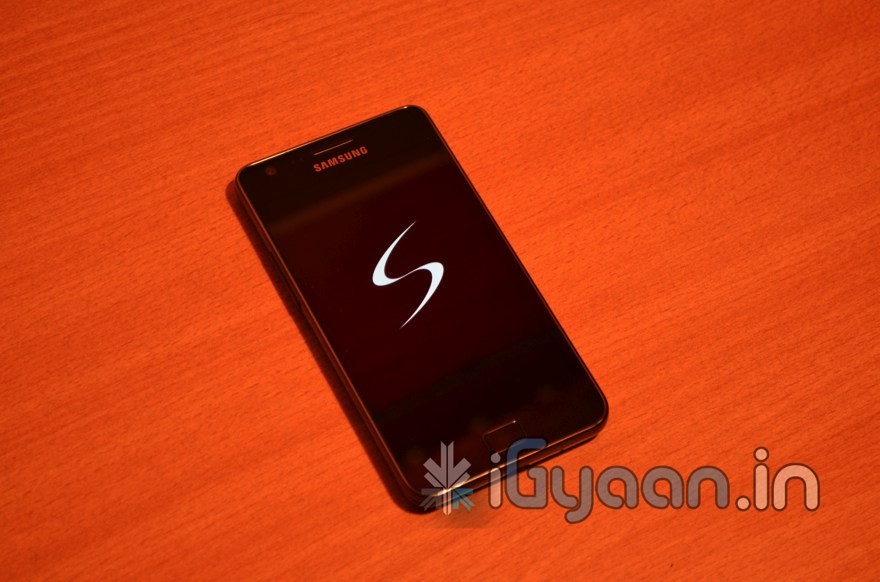
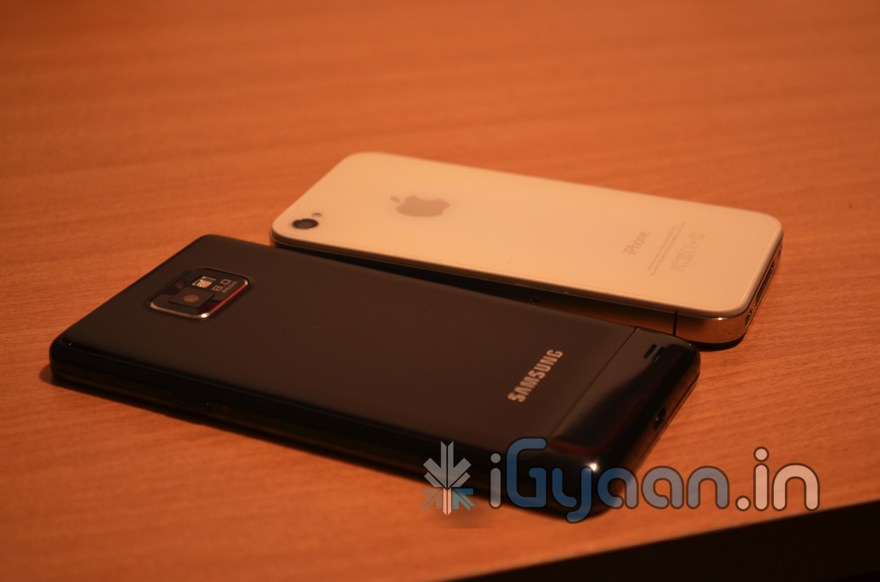
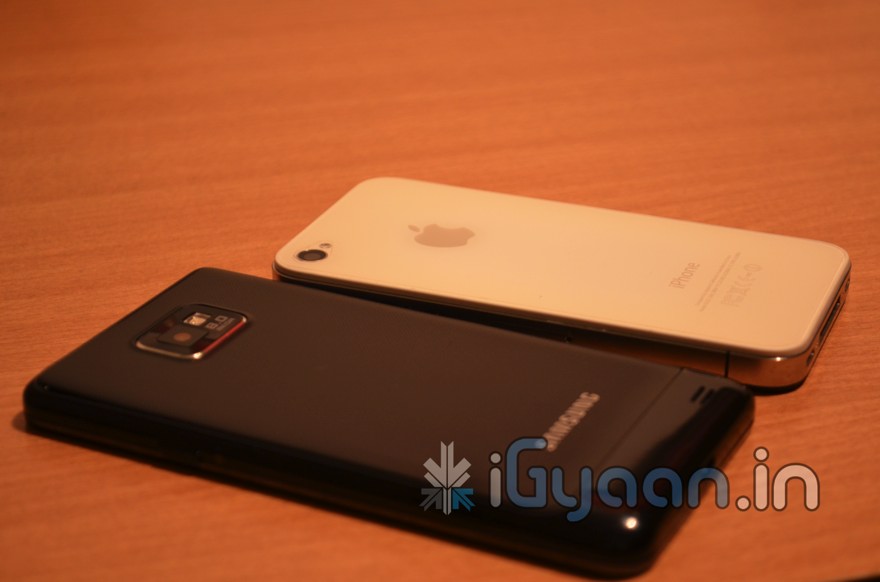
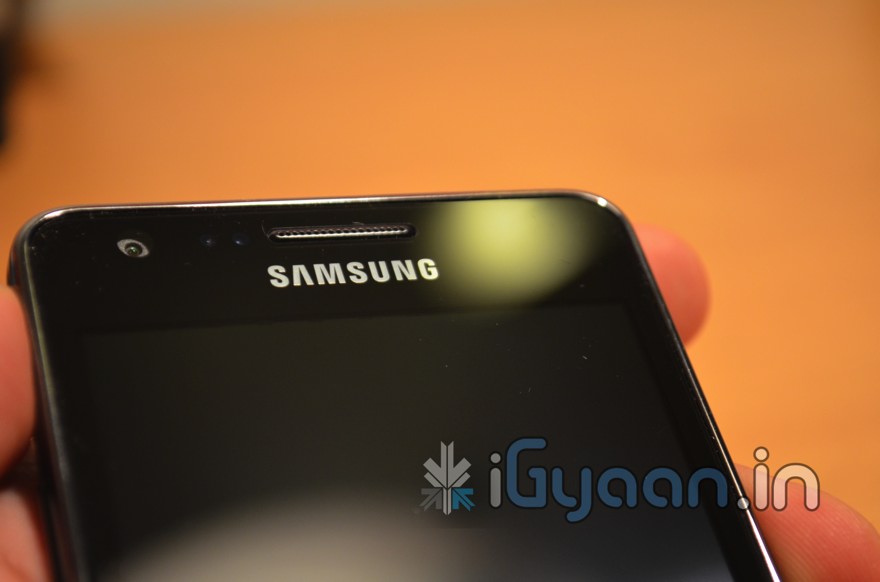
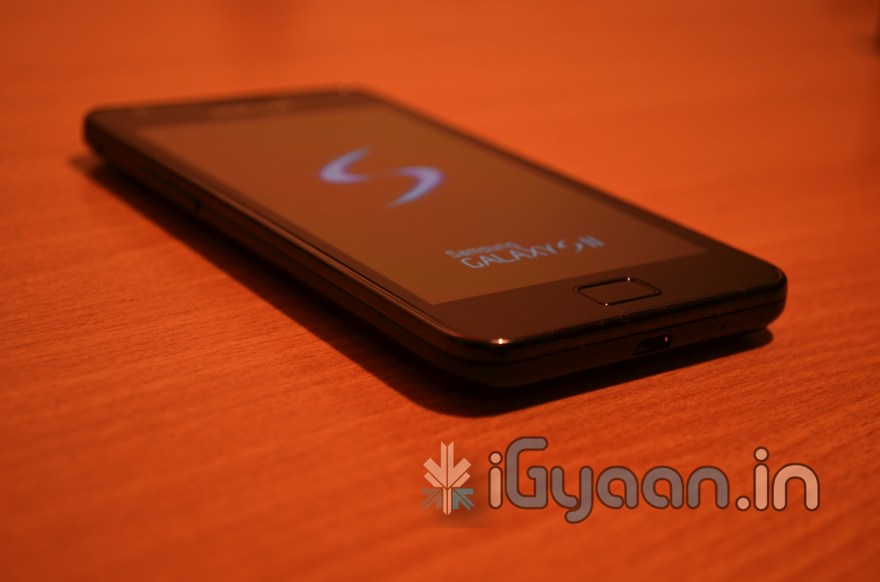
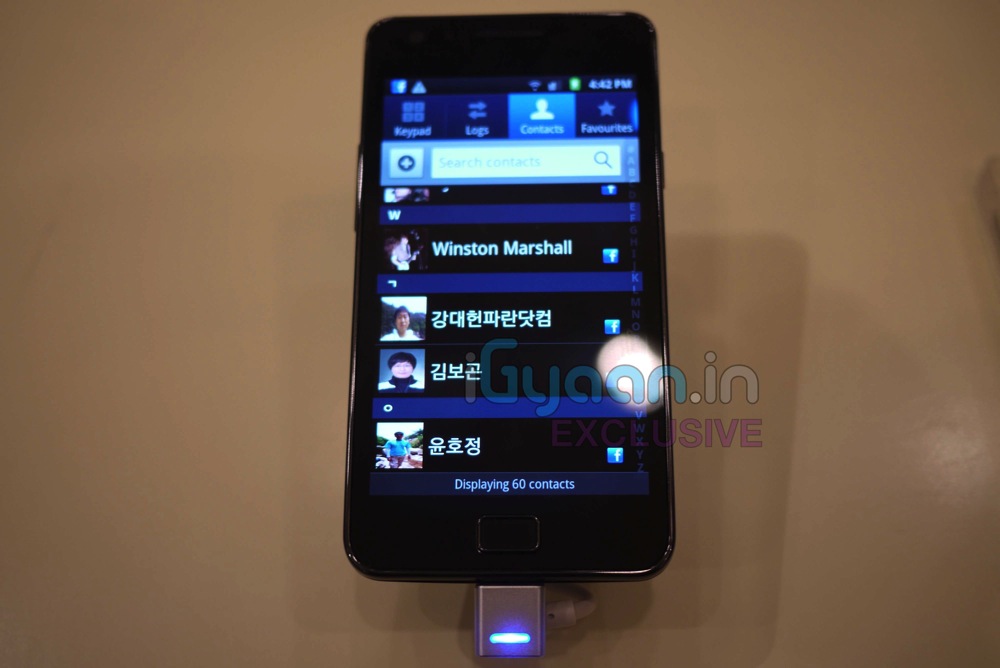
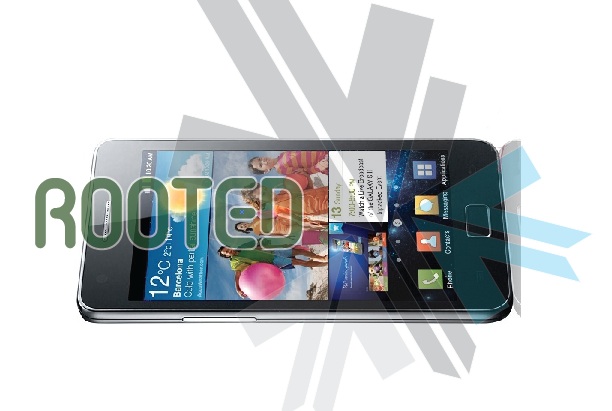
Is it here Finally? Yes it is, the new Samsung Galaxy S2, The Epic Smartphone of the Year! (Till now Anyway) While we unbox the beauty check out the Hands On Pics below. Remember you got all exclusive news on the Samsung Galaxy S2 here at iGyaan.in.
HTC in a brief message on their Facebook account stated:
“There has been overwhelmingly customer feedback that people want access to open bootloaders on HTC phones. I want you to know that we’ve listened. Today, I’m confirming we will no longer be locking the bootloaders on our devices. Thanks for your passion, support and patience,” Peter Chou, CEO of HTC
This is great news for especially those who like to play around with different roms and customizations, hopefully the Sensation will belong to this category.
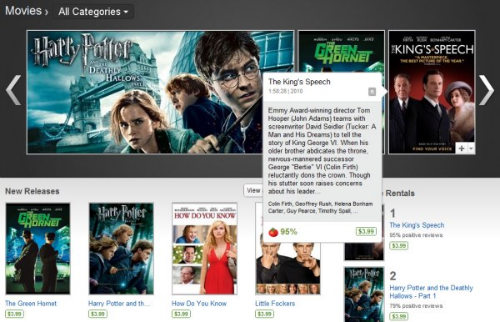
Google is blocking users with rooted Android devices from renting movies via Android Market. The reason stated is “due to requirements related to copyright protection”. Android 3.1 is only currently available on the Xoom and Android Market movie rentals aren’t yet available on Android 2.2+ devices. So not a large user base is affected with the blockages.
Now the rooting community is already furious about this fact and it looks like there might be a workaround sooner than the world gets updated to movie rentals.
So we finally found a perfectly stable way to downgrade and root the HTC DESIRE HD. All credit goes to the devolopers at XDA-DEVELOPERS.com we are just bringing this guide for our readers in a simplified manner.
Warning: Please note you are doing this at your own risk! there is a high chance that this might damage your device, or make it inoperable. ALL FILES AND TOOLS MENTIONED IN THIS WRITEUP ARE PROPERTIES OF THE DEVELOPERS
THIS GUIDE IS PURELY FOR EDUCATION
This guide has been made considering your device is factory unlocked.
Now that legalities are out of the way lets begin!
PART 1 : Downgrade
First and foremost check the version of your bootloader.
Do this by going to the about phone panel in the settings folder.
If its 1.72 and above then follow part 1 – else move to part 2
Extract the folder and run “Desire HD easy radio tool.exe”
Step two
Connect Desire HD – charge only mode + usb debugging on
Step three
In “Desire HD easy radio tool.exe” select option 3 and click “do it now”
wait for it to finish
You have now fully completed the Root process along with downgrade if applicable. If you already know how then you are ready to install custom roms on this. If not, then wait for our second update on the HTC desire HD – which will shine some light on that.
Information and files : Various articles : xda-developers, Modaco, Phandroid, android-forums – youtube