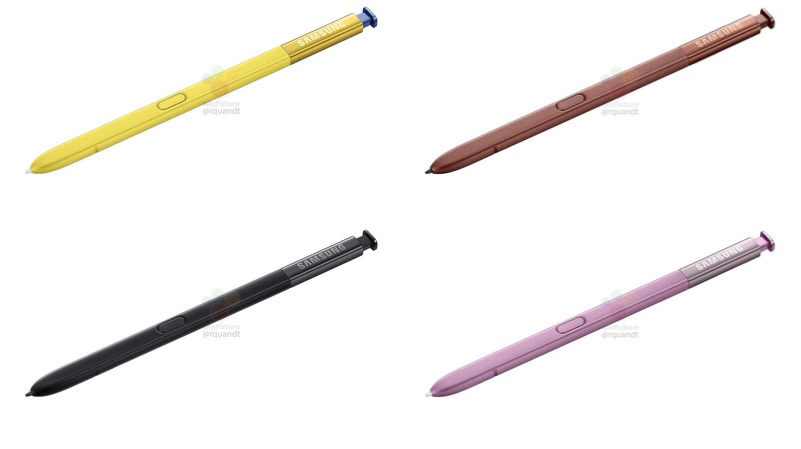
Unarguably, Samsung has been trying to be the leader of innovation in technology especially in the smartphone region. With huge success from devices such as the Galaxy S9, S9+ and the Galaxy Note 9, Samsung is now adding bluetooth functionality to its signature S Pen. This has more implications than we can think of.
Expected Features
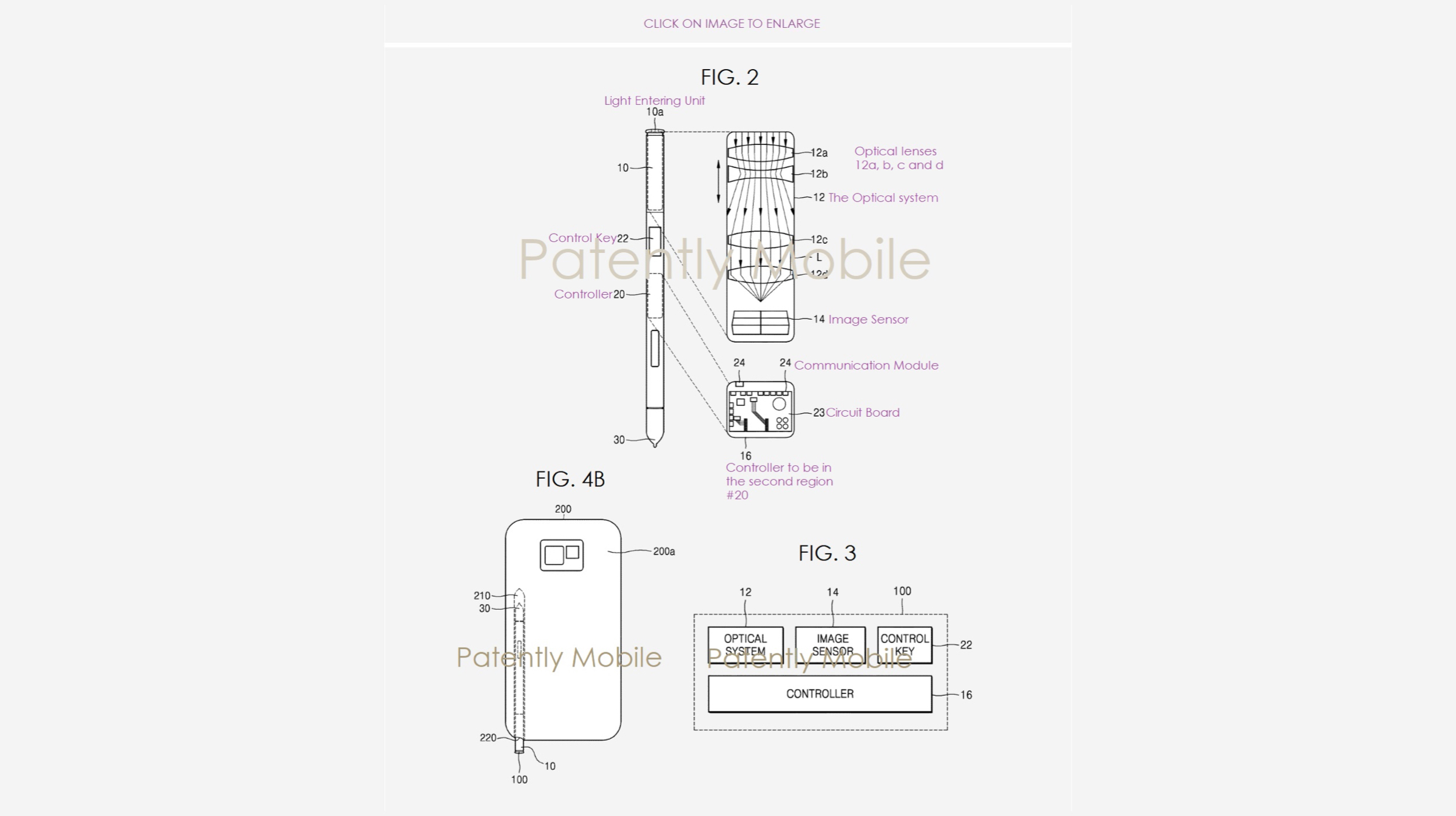
Enabling bluetooth in the Stylus previously enabled users to use it as a selfie remote, a feature that was usually availed by purchasing add-ons. This was perfect to take selfies and group pictures from a distance. It now appears that the Samsung is taking this a step further. With the inclusion of a built-in camera, taking pictures will become a whole lot easier. Samsung has now been officially granted a patent for the same by the US Patent And Trademark Office.
About The Patent
The patent was first filed in February 2017. The patent included an “electric pen device”, with “an optical system that had a lens & an image sensor”. This allowed the camera to be controlled from an external device. This means that the bluetooth functionality will be obviously retained in the new S Pen.
You can clearly see in the patent image that the optical camera lens is set in the upper chamber of the new S Pen. It also has a control key that will control the zoom-in & zoom-out feature. Its been some time since the patent was filed, so we can expect it to be implemented in the next big Samsung device. Not anytime soon though, because the optical zoom would make the new S Pen thicker than its predecessors. Guess we’ll just have to wait for Samsung to make their move then.
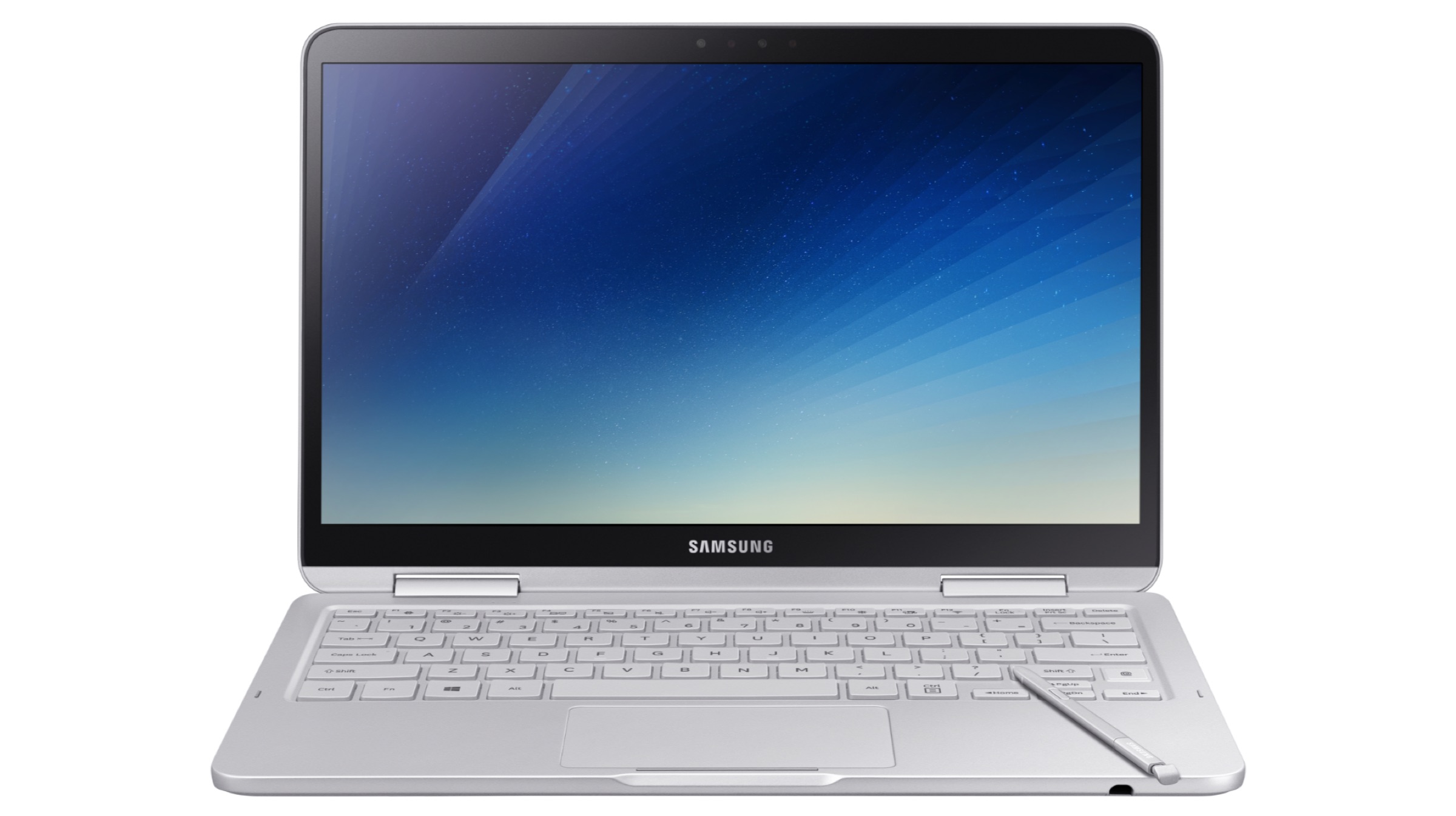
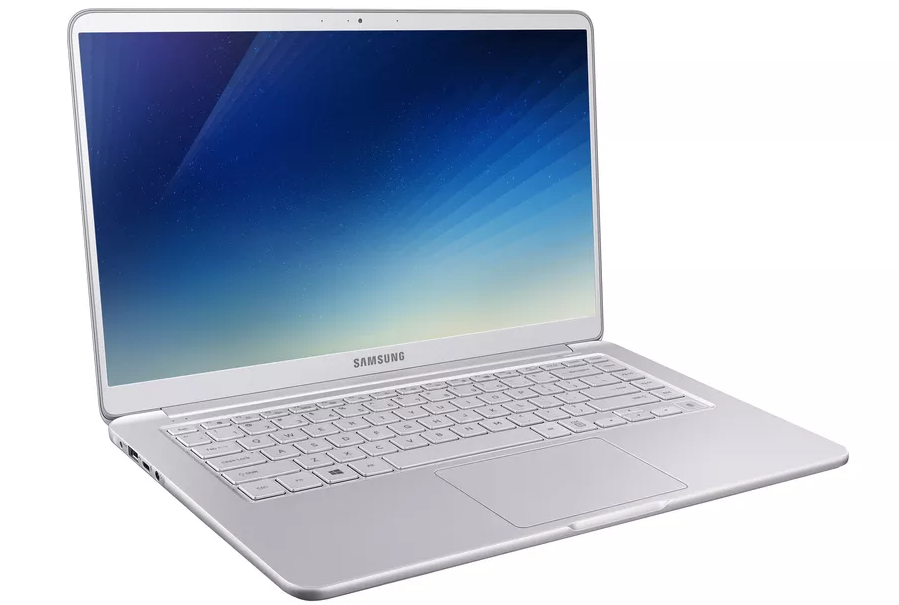
Samsung has launched its new ultrabook, the Samsung Notebook 9 Pen and three upgraded variants of the Notebook 9. The pricing all the variants and the new Notebook 9 Pen will be announced closer to the release date which is late-December. All the ultrabooks will run Windows 10 out of the box.
The Notebook 9 (2018) is an upgrade over the Samsung Notebook 9 with three variants ranging from 13.3-inch to 15-inch screen size. The Notebook 9 (2018), with a weight of up to 1.29 kg and a thickness of 15.4mm, is also one of the lightest and thinnest notebooks in its category.
The 2018 variants of the Samsung Notebook 9 have a 13.3-inch (900X3T & 900X3U) and 15-inch (900X5T, 900X5U, and Discreet Graphics 900X5T) Full HD RealViewTouch display with a resolution of 1920 x 1080 px. It will be available in two colour variants, Titan Silver and Crush White.
Under the hood, the Notebooks have the 8th generation Intel Core i7 processor, up to 16GB DDR4 RAM, up to 1TB NVMe PCIe SSD, and Intel HD graphics. The 15-inch variant offers an option of upgrading to a 2GB GDDR5 Nvidia GeForce MX150 graphics card. The Notebook 9 (2018) has a fingerprint sensor, backlit keyboard, and a precision touchpad.
Samsung claims that the 75Wh hexacell battery on the Notebook 9 (2018) is its “largest and most powerful battery placed inside a notebook.” It also supports fast charging for the company’s claimed “always on” capabilities.
In terms of connectivity, it includes two USB 3.0 ports, an HDMI port, microSD storage, and a single USB Type-C port.
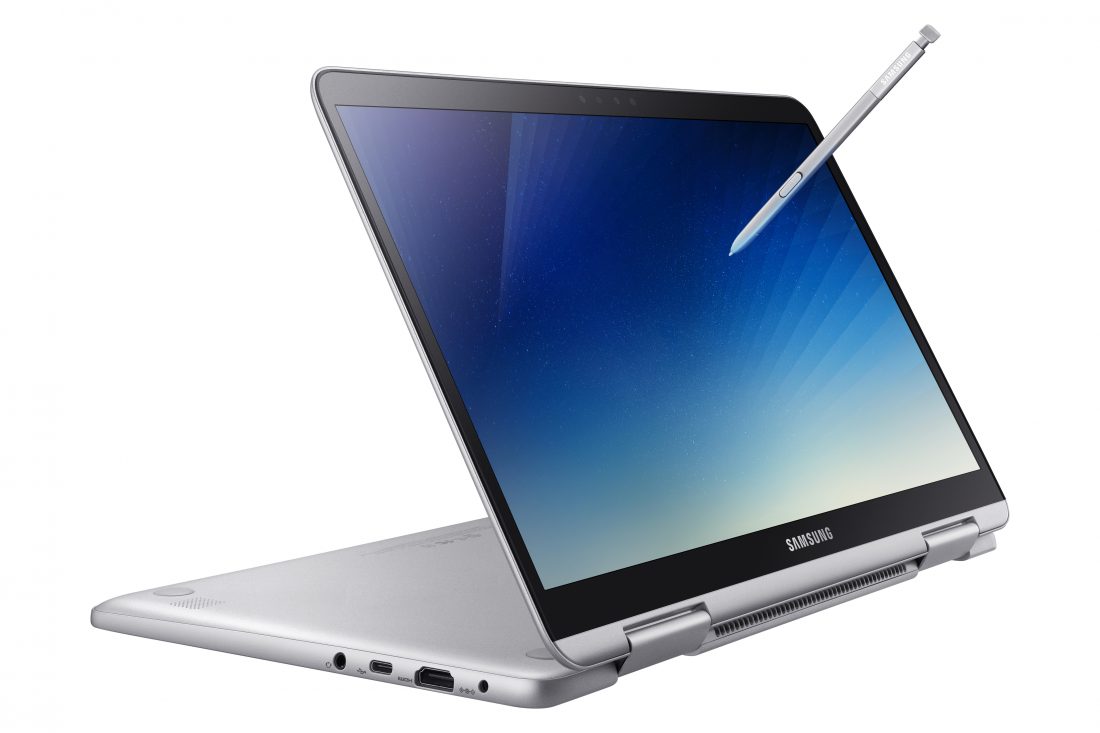
The Samsung Notebook 9 Pen has a 13-inch (930QAA) RealViewTouch display with a resolution of 1920 x 1080 px resolution. The Notebook 9 Pen will only be available in Titan Light colour variant.
The 2-in-1 ultrabook has the 8th generation Intel Core i7 processor, up to 16GB DDR4 RAM, up to 512GB NVMe PCIe SSD, and Intel HD graphics. The Notebook 9 Pen has a bundled Integrated S Pen, along with a fingerprint sensor, backlit keyboard, and precision touchpad. It also has an IR 720P camera.
The new S Pen is battery-free and built into the device for immediate use. Samsung claims it can recognise 4,096 levels of pressure with a fine 0.7mm tip and convenient tilt detection to allow a more natural writing and drawing experience.
For connectivity, it has an HDMI port, a USB Type C port, a USB 3.0 port and a microSD card slot.
Samsung has primarily focused on smartphones and tablets in the past few years. The N otebook 9 marks the return of Samsung’s notebook business, pricing will be key, stay tuned for updates on launches in India.
Samsung found itself at the centre of controversy last year owing to the whole ‘Pengate’ scandal. Apparently, users of the Galaxy Note 5 did not prove to be as smart with the stylus as their smartphone, or so Samsung claims. The S Pen on the Note 5, when inserted the wrong way, would not only get stuck inside the Note, but would also damage the sensing mechanism of the display. Basically rendering your phone into a regular non-Note Samsung device.
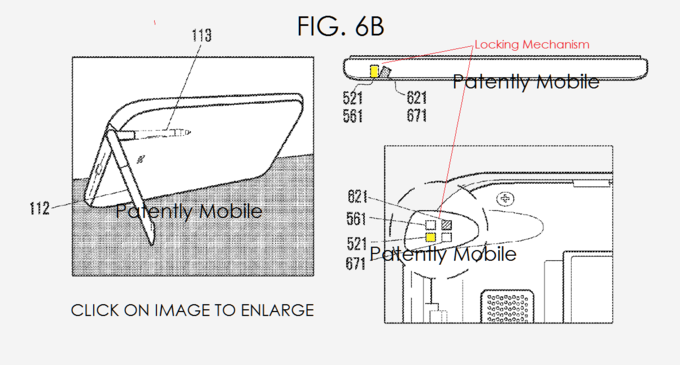
However, now, reports of a new patent suggests Samsung may have found a solution to this problem either way.
The image shows that the S-pen can be fitted at a 90 degree angle and be used as a stand if the device is needed to be kept stable for watching videos. It can also be folded and put back in its position neatly once done serving as a stand.
Whether this tech would be up for usage in the next Samsung device, or in a device which comes later is unclear at this point. Either way, it seems like an interesting development that has got us curious.
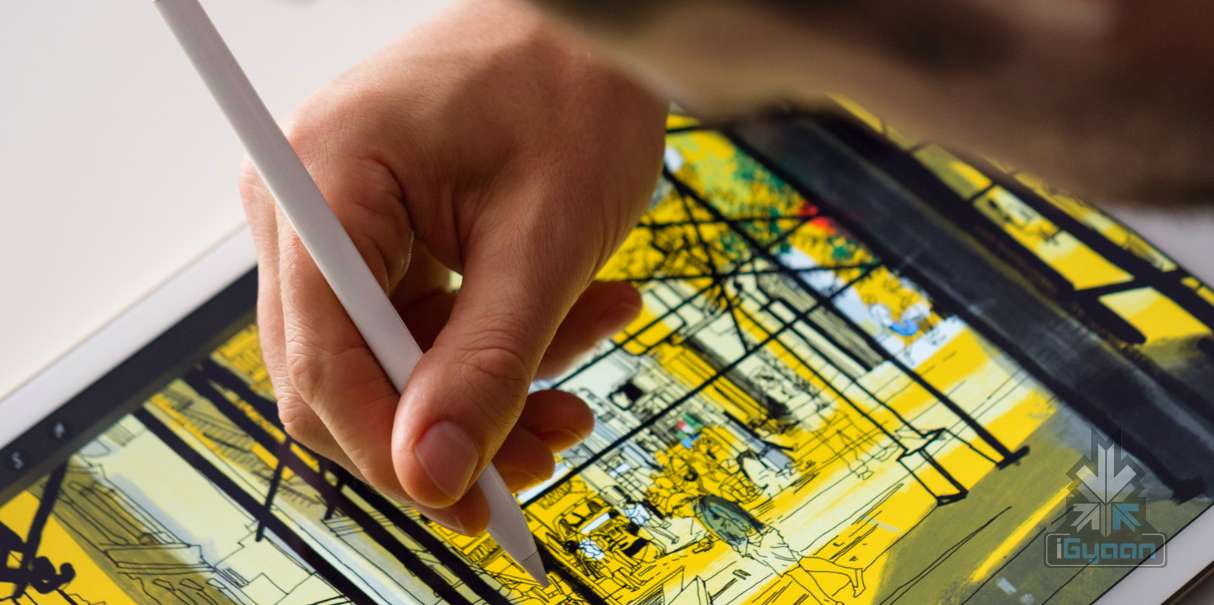
What do you do when Apple announces an Apple pencil? You write about it. Then, because it’s so similar to Samsung’s S-Pen, you compare them.
Whether you’re sketching in the park, painting a watercolor portrait, or drafting a blueprint, Apple Pencil gives you a variety of tools in a single instrument. You hold it, but it doesn’t hold you back.
The new S-Pen most recently arrived with the Galaxy Note 5. It came as a stylus on the side of the smartphone and could be used on the Note 5 even when the display was off. Sounded fancy enough.
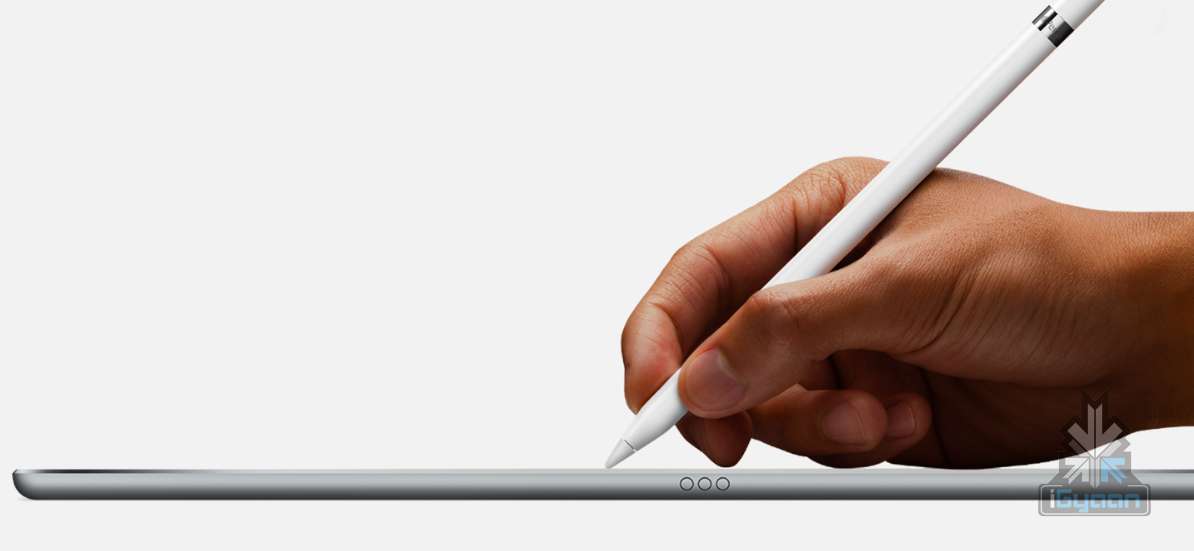
In comparison, the Apple Pencil came along with the 12.7 inch iPad Pro that was just announced at their 2015 event today. Now here’s the annoying bit about the Apple pencil – you have to buy it for $99, which is approximately Rs.5,000. It’s unfair, because they make an expensive iPad with this new stylus and then don’t even give you the full stylus in one set. It’s like buying an iPhone without the battery.
Moving on, we see that the Apple Pencil is charged by directly plugging it into the iPad Pro while the S-Pen is independent. The problem with that is, that you already have a 12.7 inch iPad and if one has to charge the pencil, that too will be attached to the length of the iPad. So how does one fit it in their bag pack? Seems uncomfortable. That being said, it has a battery life of this novel Pencil is 10-12 hours and it gives you 30 minutes of usage with just 15 seconds of charge. That seems grudgingly, impressive.
The Apple pencil doesn’t really have a ‘wrong side’ either, so you can write using both side. Whereas, you can use the S-Pen only on the ‘right side’. Not just this, you can draw lines of varying thickness depending on how much pressure you apply and you can even shade if you tilt the pencil and use it at a slant.
Now all we’re waiting for is to get our hands on the Apple ‘Stylus’ (and the iPad Pro) to tell you if it really lives up to the hype.
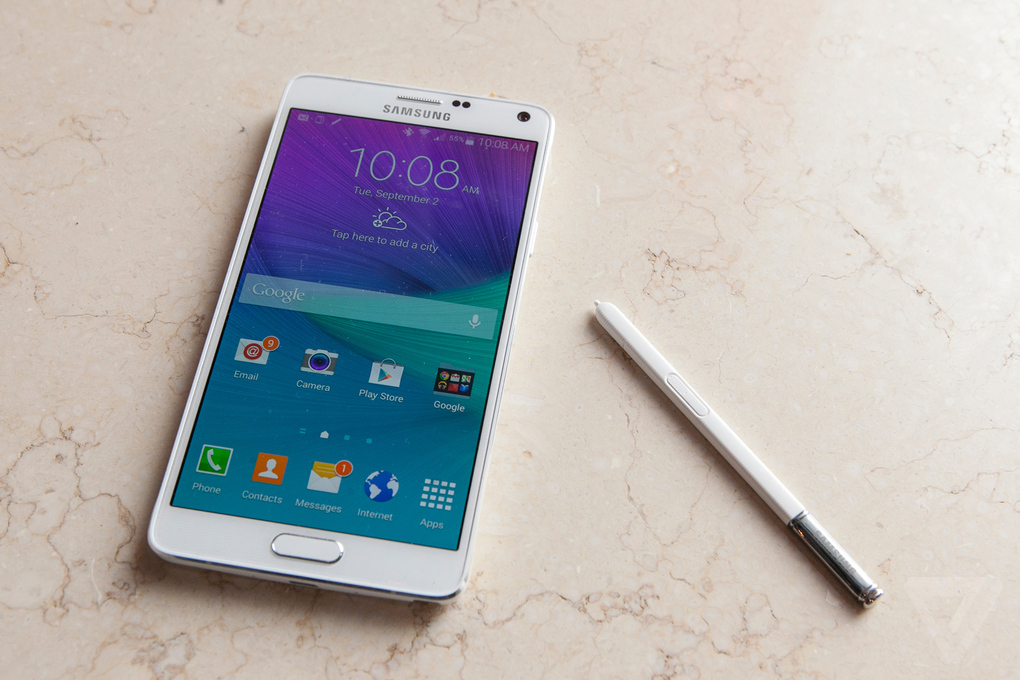
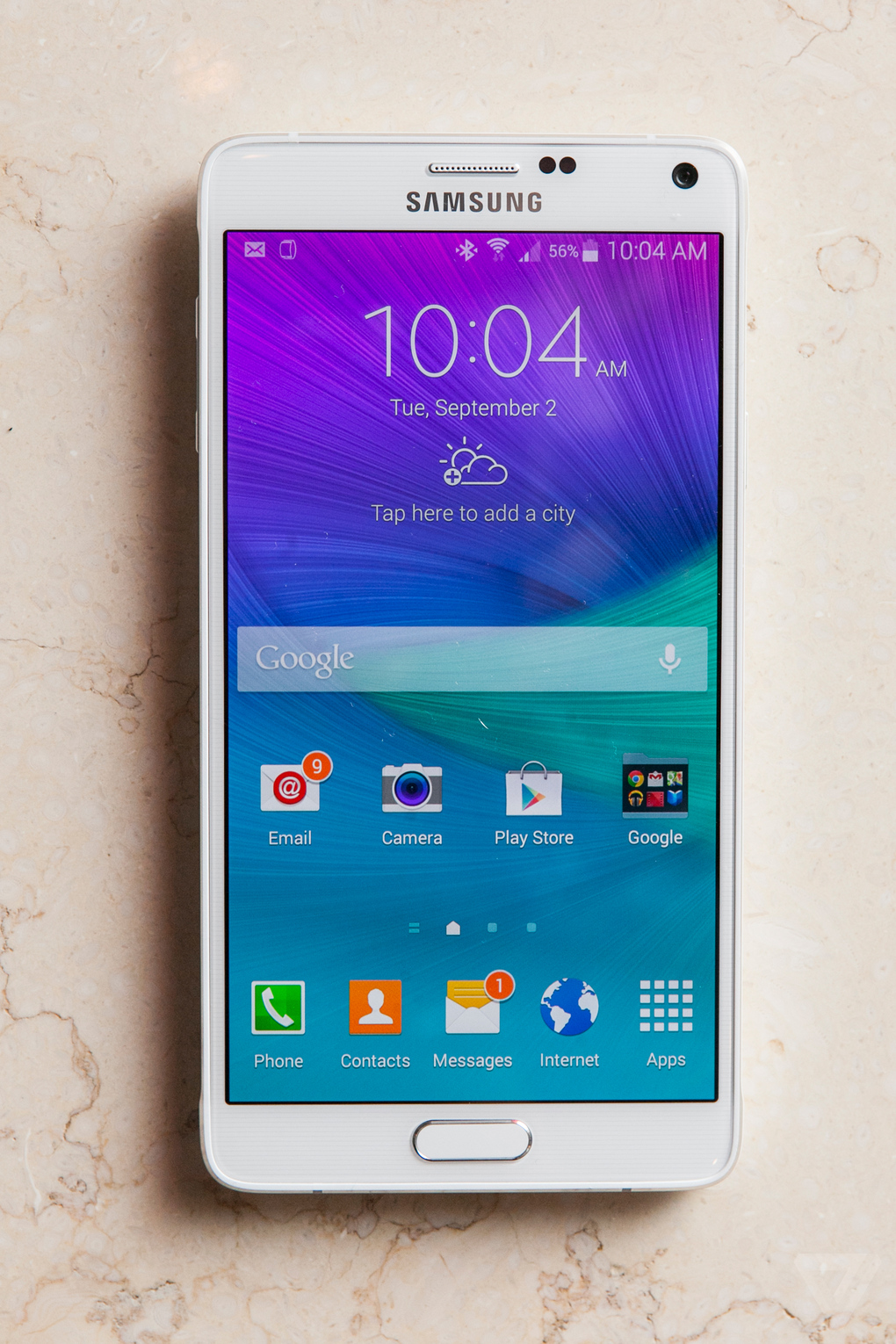
The season of big ticket releases has been kicked off by Samsung in an optimistic fashion. The company flaunted an assortment of products at its pre-IFA event in Berlin. The company finally unveiled the Galaxy Note 4 which gets quite a few upgrades over its predecessor both on the hardware, as well as the software front.
The presentation was done by three presenters who were well prepared for the show, though it got a bit annoying when they tried to over-reach. Most of the features presented were affirmative of the leaks.
Looks
Image Credit: The Verge
The new generation Note flagship comes with a 5.7 inch Quad HD Super AMOLED screen. It has a thickness of 8.5 mm and weighs 176 gm. The device is LTE category 6 ready.
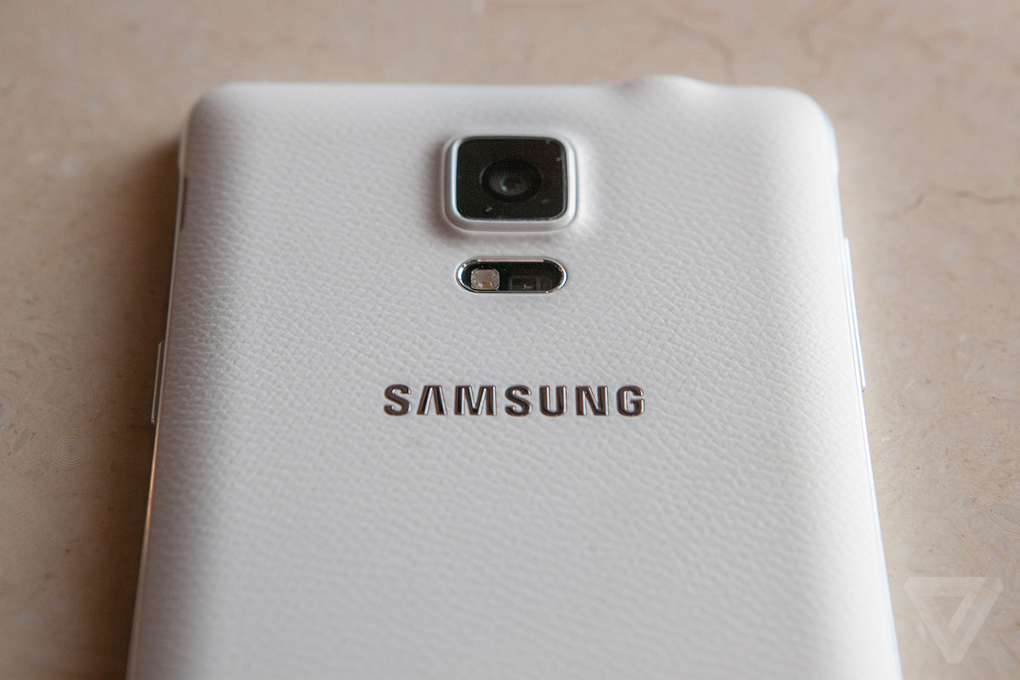
On the looks front, the device borrows the design language from the Samsung stable while going for an edgier design. The device is built on a metal frame which strengthens the device to minimize damage from dropping of the device. It has a soft textured back cover.
Camera
The cameras on the Note 4 get a lot better. Image Credit: The Verge
The Galaxy Note 4 comes with a 16 MP camera on the back with Optical Image Stabilization (OIS.) With the OIS, Samsung claims, you’ll get professional quality HD videos with minimum jitters.
The company has gone out of its way to bring a superior selfie experience, and it was truly innovative of them. The 3.7 MP front camera has a wide f/1.9 iris which will ensure brightness of the image. To make selfie taking more convenient, the Note 4 utilizes the heart rate sensor on the back as a shutter release. To take a selfie all you need to do is hold the heart rate sensor and release, when you are ready for a click. For taking a wider selfie or a “Weefie” with multiple people, the device offers a wide 90-degree frame. There is also an option for Wide Selfie that lets you take an even wider 120-degree selfie by moving the phone till everyone is in view. The presenters took the photo of the entire auditorium using the feature.
The camera also has an extremely useful feature called the Snap Note through which you can take an image, and the phone will extract the data from it. So when sitting in a classroom you can simply click the photo of the board, and the phone scan the image and will take the information out. You can then add annotations to the information and have an easy learning experience.
S-Pen
The S-Pen also gets upgrades and added functionalities. The pressure sensitivity has been increased to give a more natural pen-like feel. The pen now also acts as a mouse with features like click and drag which lets you select multiple files at once.
The Smart select feature lets you select text and images from multiple sources and lets you bring them all together. It also lets you easily share them on the internet.
Audio Recorder
The audio recorder on the device has also received some really handy and functional upgrades. The device can now track voices in 8 distinct directions so it great for getting quality sounds in multi-people environment. The interview mode on the device cancels out the unnecessary ambient noise and hence gives a clearer audio output.
Multi-Windows
Using multi-window gets easier with the new device. You can now access the multi-window feature through the recent apps menu. It has become a lot easier to resize, relocate or minimize the screens during multi-window usage.
Note 4 comes in four color options: White Black, Gold and Pink. It also provides customizability with 4 covers. There is the S-View, Flip wallet, S-view Flip wallet and LED cover which reminds of the Dot case by HTC. The device also comes with a back panel encrusted with Swarovski Crystals.
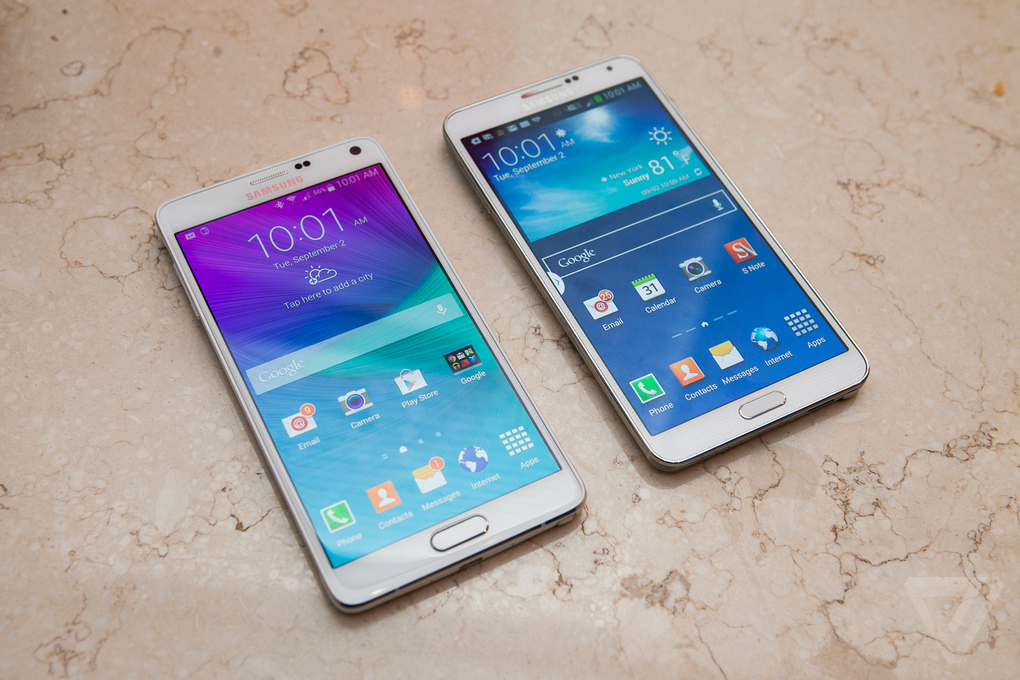
The device is sleeker and edgier than the Note 3. Image Credit: The Verge
Battery
The device gets its juice from a 3220 mAh battery which is a slight increase over the predecessor. Samsung claims that with advanced optimization of their product, the battery will last longer than before. They have also brought the ultra power saving mode from the S5 onto this device.
Mont Blanc
As the phone flaunts its USP of a writeable screen, it was only natural for them to partner with a writing instrument manufacturer sooner or later. So Samsung has partnered with Mont Blanc to bring stylish writing instruments for the Note 4. The pens have multiple usability as they come with interchangeable refills for the paper and the screen. They also offer several nib options for different needs. The pen is connected with the device using a chip that lets the user have a fulfilling writing experience on the device’s massive 5.7 inch screen.
The Samsung Galaxy Note 4 comes with 50 GB of Dropbox storage for two years. The phone will be available in the market in the month of October.
Samsung has done well on its presentation, and this will help calm some of the criticism that it has been facing for a while. The Note 4 is without a doubt a new era for the company. This was a good launch event, and we’ll be updating you when more information surfaces.
Samsung has recently announced its flagship and the latest addition to the Note series, the Galaxy Note 3 is available in the market for around 46,000 INR. The device is undoubtedly packed with some great features but what we are going to talk about is the latest S-Pen features which Samsung proudly likes to talk about as the Dot, Circle and Square.
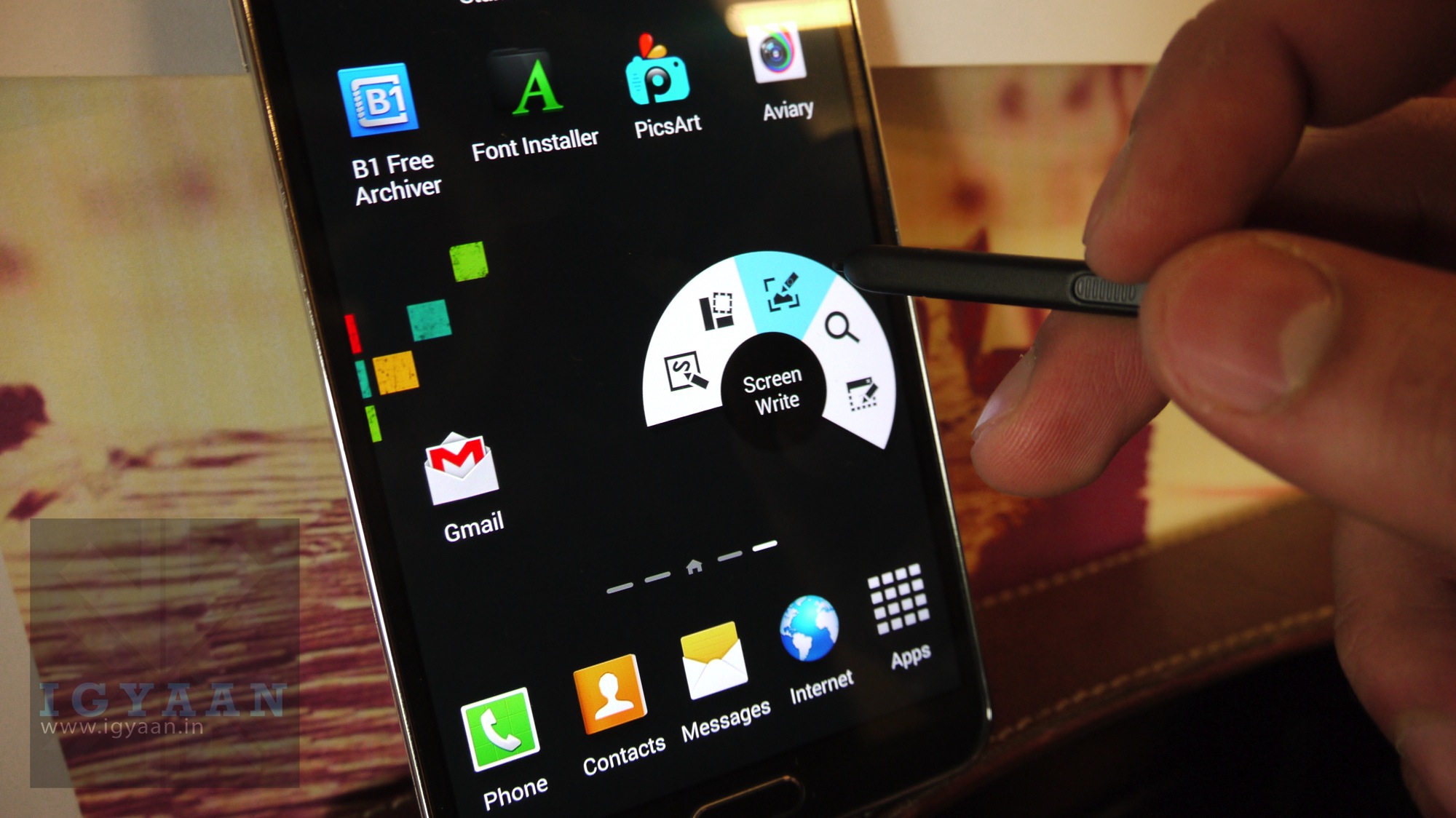
Simply pull out the S-Pen and place it over the screen and tap the button on the pen, you will get a air command window which will have five options:
Action Memo – The Dot feature is useful for taking quick notes, easily to jot down numbers and email addresses, but the great thing is that this feature can help you to link things down, you just type an address and you can directly open maps for navigation for that address or simply jot down a number link it and call directly. Watch our video to get an idea of how this can be beneficial in your daily life.
Scrapbook – Basically a mobile Evernote Web Clipper, this allows you to grab pieces of web page — text or photo — and save it in various notebooks. It can be of great use in our daily life, if your are surfing the internet and you find something interesting that your friends should know about you can simply take out the S-Pen and make a circle around the stuff you want to share and the Note 3 will do rest of the magic for you. The Circle will link the page with what you selected and once the person receives it at the other end they will be able to land to the page you selected. You can check out our video above to see how is this helpful in the daily routine.
Screen Write – Full screen memos with annotations anywhere during any app.
S Finder – Finds content that you have saved with scrapbooker or with S Note, also searches online.
Pen Window – The Square feature allows users to open a separate app in a window size of your choosing, overlaid on top of another app. This feature can be your best friend at times, it is fairly simple to make calculation no matter what you are doing on the phone. You just have to take the S-Pen out and make square of your desired size, you will get a window of the same size giving you some option like Calculator, YouTube, Phone, Whatapp and alot more. Check out our video for a daily life demonstration on this feature.
The Samsung Galaxy S4 rumor mill got heated up Friday when a new report, coming straight from South Korea, hit the web saying that the next generation Galaxy S smartphone would be released in April 2013 with S Pen functionality.
This would imply Samsung’s looking to go at least 5 inches as far as display size goes, but that’s another story for another day. The S4 would introduce all the familiar S Pen features we’ve come to know and love, as well as new features that Samsung’s sure to be cooking up as we type.
A refresh of previous rumours had Samsung launching this in April 2013 and once again increasing the size of their flagship Android to a 5-inch display (1080×1920 resolution) with 441 pixels per inch (ppi), embedding a quad-core processor and a 13-megapixel camera, plus running Jelly Bean.
In addition, the report also indicated that the GS IV will be 9.1mm thin, which is also a bit thicker than the current Galaxy S III at 8.6mm thin.
Samsung found quite the niche market with the Samsung Galaxy Note, and combining the two would help line its pockets even more. After all, what sense does it make to have your main flagship play second fiddle to the “little big brother” each year? While some characteristics of the Galaxy S3 — such as its less encumbering size — are more desirable for some people, it’s no secret that the Samsung Galaxy Note 2 either matches it or outclasses it in every other way.
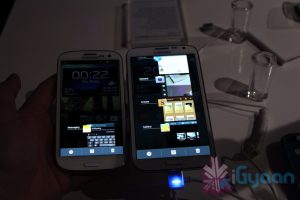
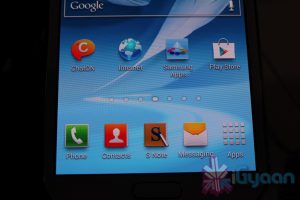
The Galaxy Note 2 is a wonderful device and even so is also the most prominent smartphone in the Android Market, but what really sets this phone apart is its ability to interact with the S Pen ( or should be call it the S Pen 2? ) Completely redesigned from the bottom up the new S Pen is more ergonomical and precise. Lets look as some of the new things you can do with the new S Pen on your Shiny new Galaxy Note 2.
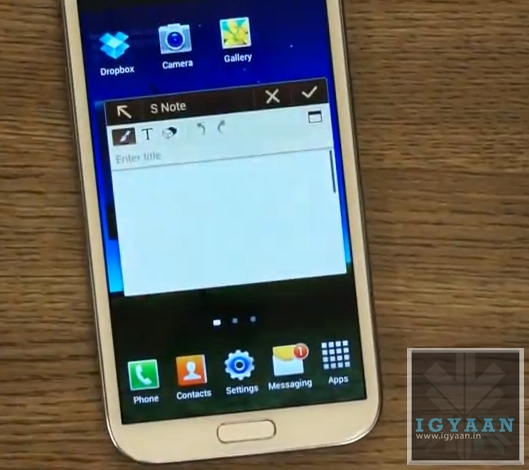
Pop Up Note.
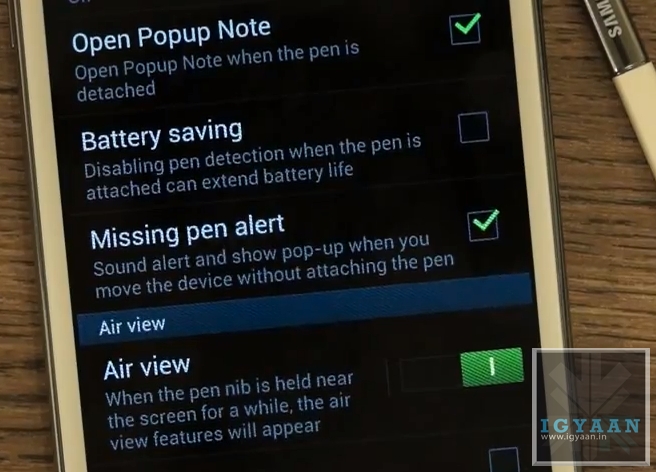
This feature allows you to enable a Pop Up Note to show up every time you pull the S Pen from the new Galaxy Note 2. This feature Can Be anablet from Settings > S Pen Settings > Enable Pop Up Note
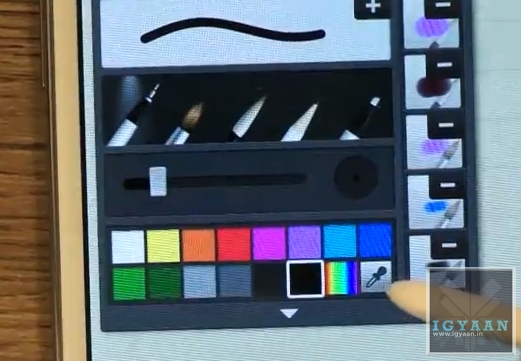
Color Selector in S Note
A new Color Selector dropper tool in the S Note application allows you to choose a custom color that you may pick up from the image you are editing or anywhere on screen. This will allow artists more flexibility with their designing.
Air View
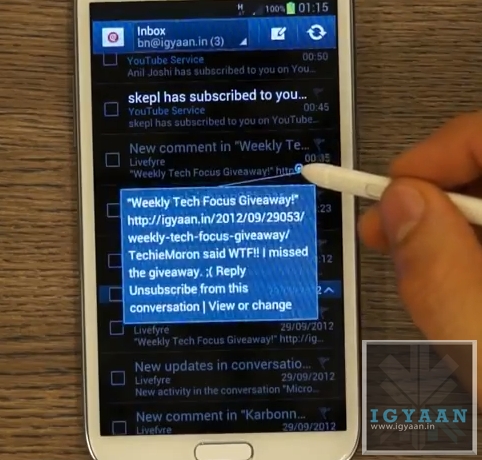
One of the most versatile features of the new S Pen on the new Galaxy Note 2, the Air View feature adds a context menu to the Galaxy Note 2 and performs better than Samsung claims.
Air view adds a lot of new features :
Scrolling: Just by hovering the Pen over the Top or bottom of Email and Message lists, you can scroll up or down. This feature will work in any app including browsers and music players. Mostly anywhere where scrolling can be enabled.
Tooltip : Don’t know what a button is for? The Air view tooltip feature gives you a quick introduction to any button or menu item you will hover your S Pen over.
Quick Preview : The Most useful AirView feature is the new quick preview, hovering the S-Pen over any EMail or SMS received on the new Galaxy Note II will give users a quick preview of what the content of the message is. This feature will also give you a preview of the pictures in a Gallery.
Quick Command
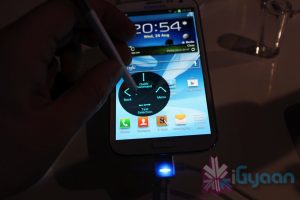
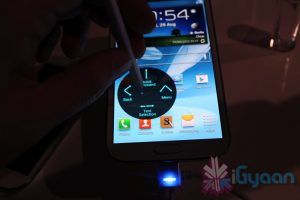
The new interface that lets you perform tasks and open applications with a quick swipe of your S Pen. Holding the button on the S Pen and dragging it an an upward direction opens up a quick command dialogue box. You can now use one of the pre set gestures or create your own, allowing you to open applications, turn on/off services like WiFi, Data, Bluetooth, etc.
Handwriting to Text
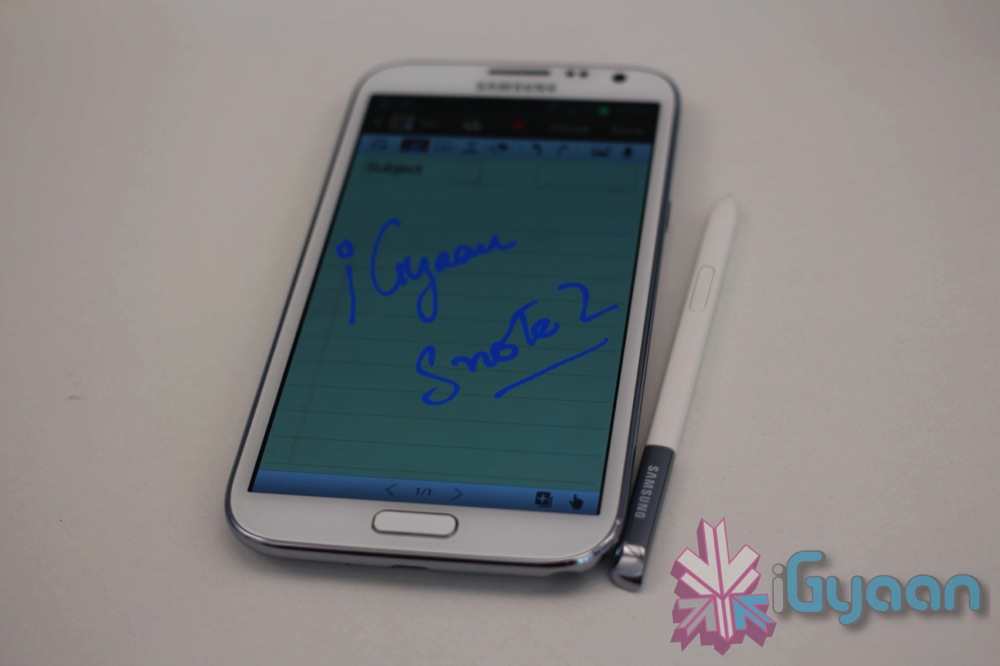
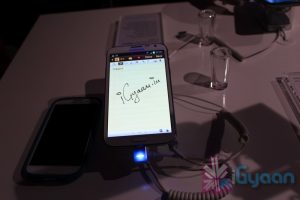
The Galaxy Note 2 mixed with the new S Pen has the best Handwriting to Text algorithms available today. It instantly converts the poorest of handwriting styles into crisp text. Although not a lot of people will use this features, but in some cases it may turn out to be much faster than typing.
Pressure Sensitivity
The new S Pen is really pressure sensitive allowing you to create thin or thick lines without actually changing the settings form the the pen menu. while creating strokes, a light touch will create a thin line whereas a thick stroke will create a thick line.
Missing Pen Alert
Once this feature is enabled from the Galaxy Note IIs Pen Settings Menu, the phone will vibrate every time you move 10 ft away from your phones S Pen, reminding you that you have left your S Pen somewhere. This is a feature that will really help those people who lost a lot of S Pens with the original Note.
OLD FEATURES
The Note 2 also retains most features from the original Note, including the slide left to close app gesture and slide right for menu function, among others.
Screenshot and Edit
Hold down on the Pen Button and long tap the screen with the S Pen to click a screenshot. The screenshot will immediately open up in the image editor and allow for editing, annotations and cropping. You can then share the image to various apps and services.
Samsung will Launch the new Galaxy Note 2 in India at 2:00 PM IST at an even that will be held in Hyderabad. Make sure you bookmark this page to get the latest updates and watch the Live Video stream.
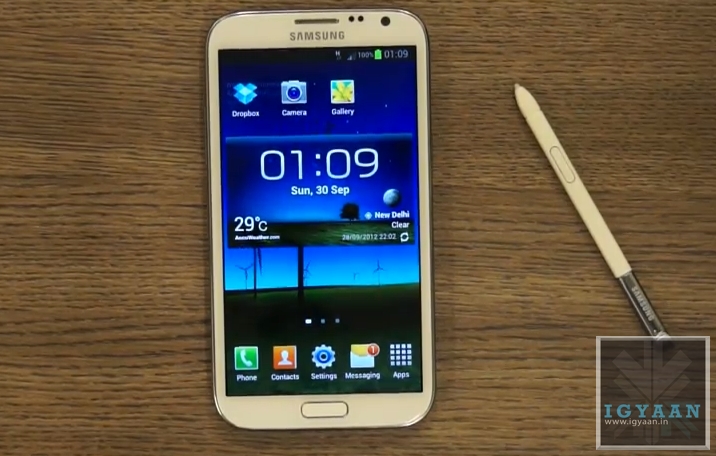
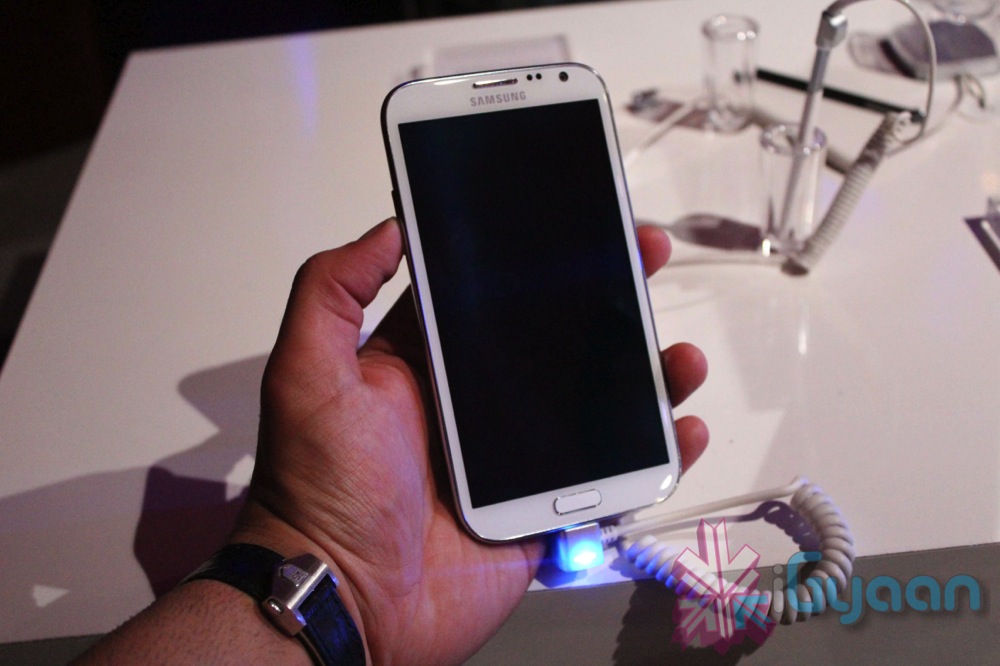
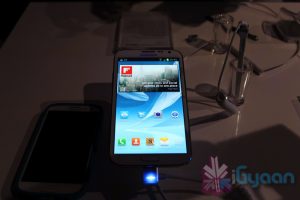
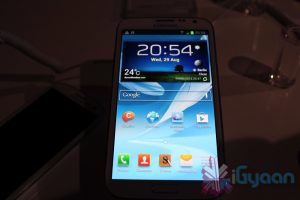
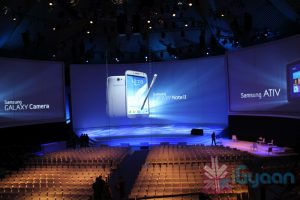
Samsung today alongside many other products, announced the new Galaxy Note 2. The newer highly hyped Smartphone-tablet hybrid was introduced into the world at an event held by Samsung at IFA 2012.
The Note 2 has a lot of new interesting features :
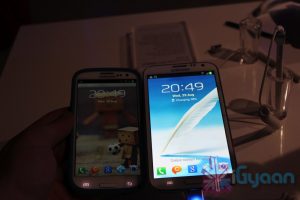
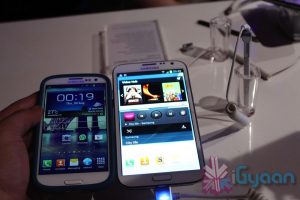
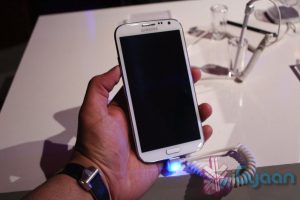
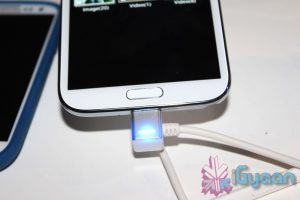
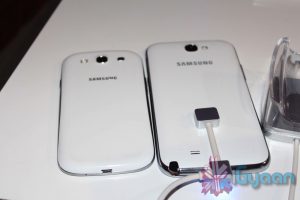
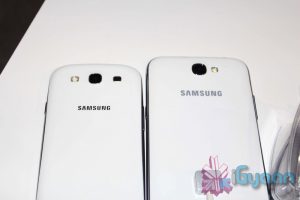
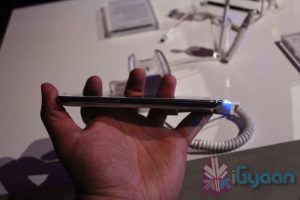
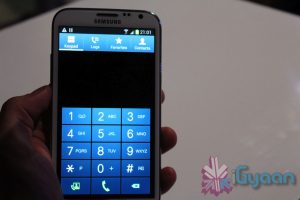
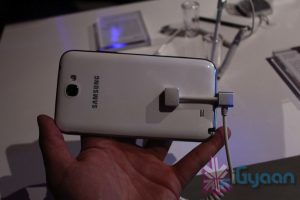
A newer 5.5 inch HD Super AMOLED display at 1,280 x 720. The note is now 9.4mm thick, has a larger 3,100mAh battery and a quad-core Exynos processor clocked at 1.6GHz. In terms of design it follows along the Galaxy S3 while retaining the feel of the original Note. Samsung has been smart enough to launch the phone with Jelly Bean and their new Touchwiz UI.
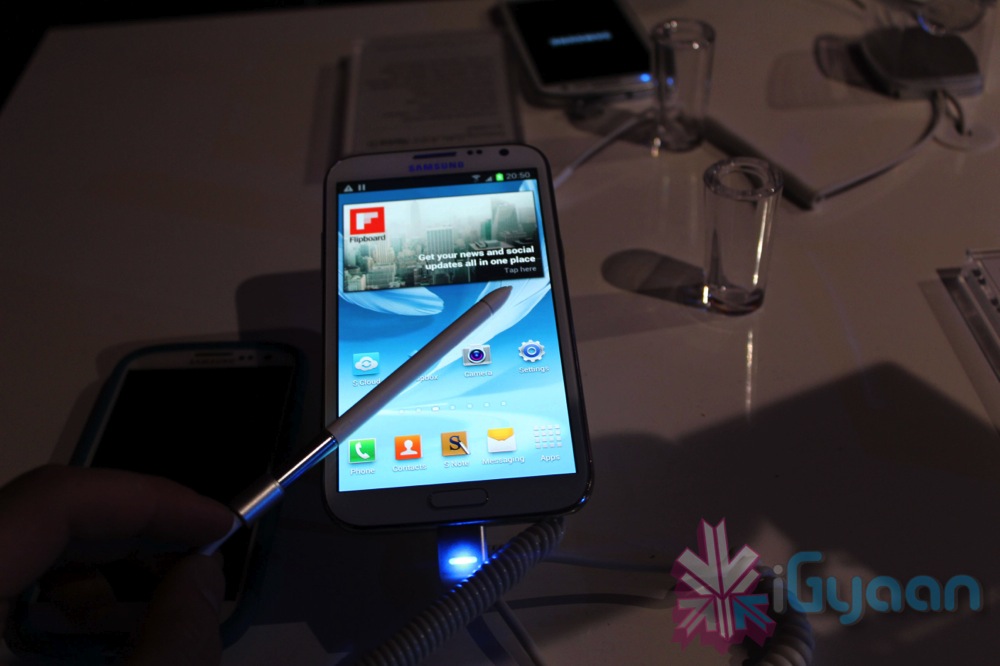
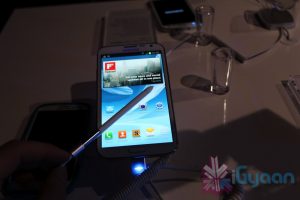
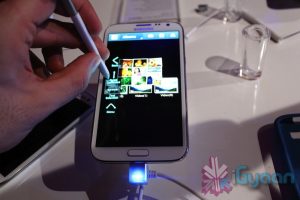
The S-Pen now has a rubber nib, which Samsung claims “will offer an experience closer to pen and paper”. Users can add “Quick Commands” to their stylus gestures, while “Air View” allows you to peruse galleries and folders by floating the stylus just above the screen.
The S Pen functionality has been added to the calendar (S Planner) and the native email app. The S Pen is further integrated so will notify the owner if left behind.
Check out the images, and the Video and stay tuned for more magic.
[toggle_box title=”Press Release” width=”Width of toggle box”]
Be Creative, Be Expressive with the GALAXY Note II
The most powerful smartphone sparks everyone’s creative inspirations
BERLIN, Germany-29 August 2012- At the Samsung Mobile Unpacked event held today at IFA, in Berlin, Samsung introduced the GALAXY Note II, a whole new level of innovation for the GALAXY Note category. The new Samsung GALAXY Note II enables unique experiences in personalized and expressive content creation, making it the ultimate smartphone for on-the-go creativity.
“Last year at IFA, we launched the GALAXY Note, which opened a new category of smart mobile devices. This year, again at IFA, I am proud to announce the GALAXY Note II, which will encourage users to ‘unleash their inner creativity.’ With a perfect viewing experience and unique and differentiated features, users can discover information and capture their ideas faster, express thoughts freely and manage tasks more efficiently. For anyone who wants to be creative, expressive and unique, the Samsung GALAXY Note II will be the ideal device, allowing users to live a life extraordinary,” said JK Shin, President of IT & Mobile Communications Division at Samsung Electronics.
Since the first introduction of the GALAXY Note category, Samsung has continued to enhance and expand the GALAXY Note product experiences. In May 2012, Samsung introduced ‘Premium Suite,’ a software upgrade which provided enhanced user experiences. With the Ice Cream Sandwich OS upgrade, Samsung offered innovative new features such as Shape Match and Formula Match, providing a new way for organizing and expressing ideas in their personal and professional life. Also in August, Samsung expanded the category further with the GALAXY Note 10.1, which has a 10.1-inch large screen, a Multiscreen feature for the ultimate multitasking, and enhanced features for users’ productivity, creativity and learning abilities. With further enhancements, Samsung GALAXY Note II will help users unleash their inner creativity by letting them discover information faster, capture ideas, and express them in a more organized and efficient manner.
Perfect viewing experience
The GALAXY Note II features a 5.5″ (140.9mm) HD Super AMOLED screen, providing breathtaking visuals and crystal clear detail. Its 16:9 screen ratio ensures an immersive and enriched cinema-like video viewing experience, perfect for watching HD videos on-the-go. Its larger screen allows users to see content clearly and vividly, with much enhanced readability. In addition to the stunning content consumption experiences on a larger screen, users will also be able to accomplish more tasks efficiently and create content freely on-the-go, as the GALAXY Note II comes with a thinner and portable body.
Easy multitasking
Air View allows users to hover with the S Pen over an email, S Planner, image gallery, or video to preview the content without having to open it. This feature enables users to quickly search and see more information in one view without screen transitions.
Thanks to the breadth of the GALAXY Note II’s amazing viewing experience, a feature called Popup Note extends the concept of Popup Play, which lets users open an S Note instantly as a pop-up window anywhere on the screen. For example, when a user pulls out the S Pen during a phone call, the S Note application automatically pops up on the screen, allowing users to jot down a quick note.
In addition, the device’s new gesture pad feature, called Quick Command, lets users quickly activate frequently used apps with the S Pen. The command pad appears when a user just swipes upward on the screen with the S Pen button pressed. Users can quickly send an email, make a call, or search a location as they draw pre-registered marks on the command pad or register a unique mark to allow for quick and easy access.
Furthermore, users will be able to share their experiences with others quickly and easily using Screen Recorder. It allows users to record a whole sequence of actions taken on their screen – a demonstration of how to use an application, for example – and then share it with friends for comment, or just for fun.
Amazing expression tools – Advanced S Pen & S Note
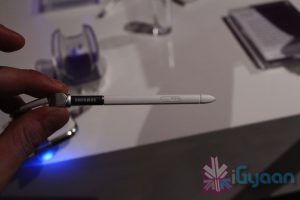
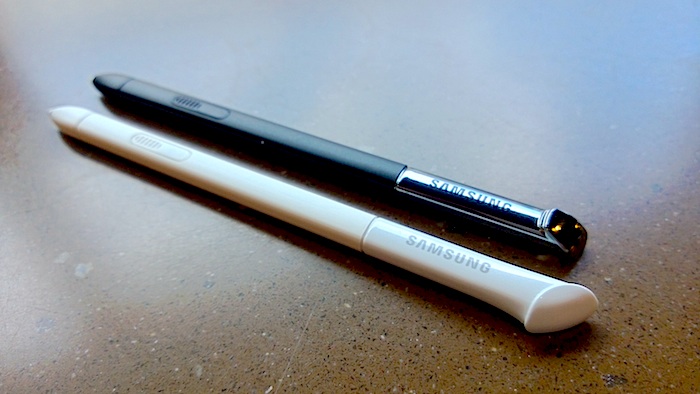
The new S Pen is longer, thicker and ergonomically designed for the perfect grip. Therefore, it provides a more precise, comfortable, and natural writing and drawing experience.
The S Pen’s advanced features also provide enhanced capabilities to capture ideas and inspirations instantly, and to combine handwriting with any digital content directly on the screen. By simply pressing the dedicated S Pen button, the S Pen magically recognizes that users want to clip or edit the selected content on the screen. The Easy Clip feature allows users to instantly outline and crop any content on the screen in any shape to save, share or paste. Once done cropping the image, users can freely edit the cropped content through coloring, shading, or their own personal handwriting. It is quick and easy.
Another amazing expression feature called Idea Visualizer allows users to easily add illustrations by handwriting keywords on the S Note. It provides illustration images that match the handwritten keywords. It’s a fancy illustration match function that will allow users to express, organize and visualize ideas in a more innovative and creative way. Users can even customize and add in their own illustrations library.
Powerful Performance
Powering content creation, sharing and multitasking capabilities, the GALAXY Note II comes with the latest hardware technologies. A mighty 1.6GHz Quad-Core processor and HSPA Plus or 4G LTE connectivity delivers easy multitasking, lightning-fast screen transitions, powerful browser performance, and minimal app load time. The GALAXY Note II is powered by Android™ 4.1, Jelly Bean. This brings stunning graphical capabilities and an upgraded Google Now service, including new features such as contextual search, to the GALAXY Note II. The memory options are 16 GB, 32 GB, and 64 GB with an expandable micro SD memory slot. Thanks to a 3,100mAh battery, users can enjoy multimedia content, always be productive on the go, and capture ideas whenever, wherever without suffering from power limitation.
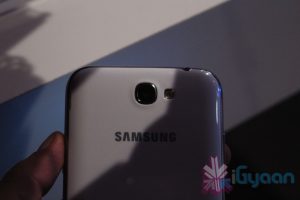
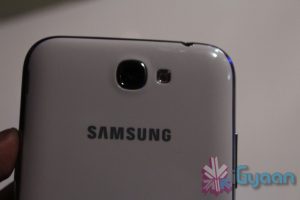
The GALAXY Note II comes with an 8 megapixel rear-facing and 1.9 megapixel front-facing camera with HD video recording. The camera has great features like Buddy Photo Share, Burst Shot and Best Photo, which were introduced on the GALAXY S III earlier in the year. In addition to that, the GALAXY Note II features a unique camera function called Best Faces. Best Faces allows users to choose the most preferred face or pose of each person from group portrait photos. Users can also personalize photos by leaving handwritten notes on the backside of a photo using the S Pen. Handwritten Photo Notes can be shared with others in jpg format.
Available in Marble White or Titanium Gray color options, the Samsung GALAXY Note II is set to launch in October starting in major European, Asian, and Middle East markets.
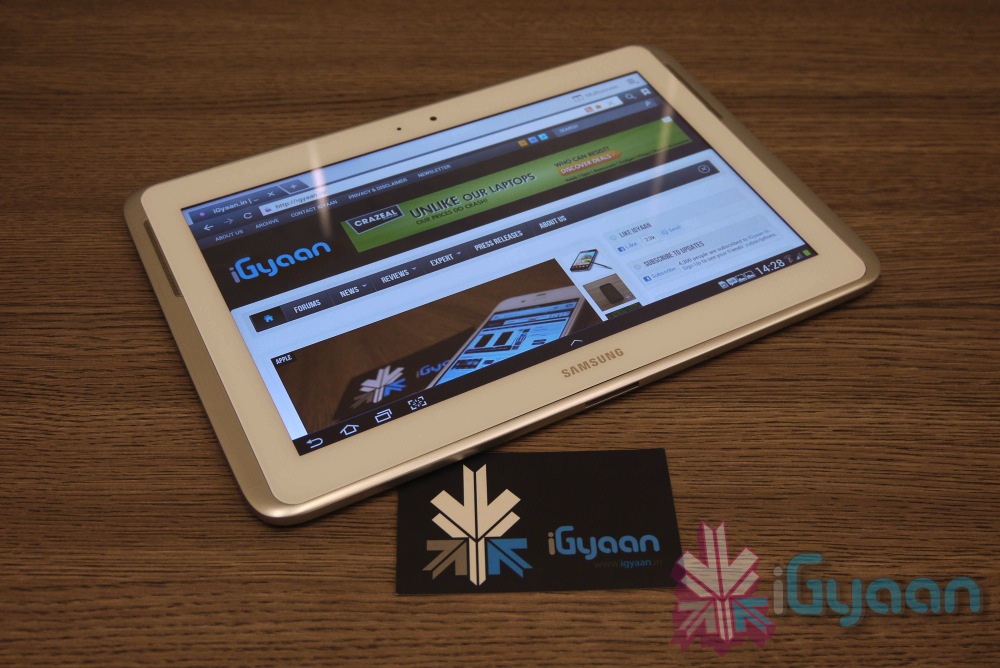
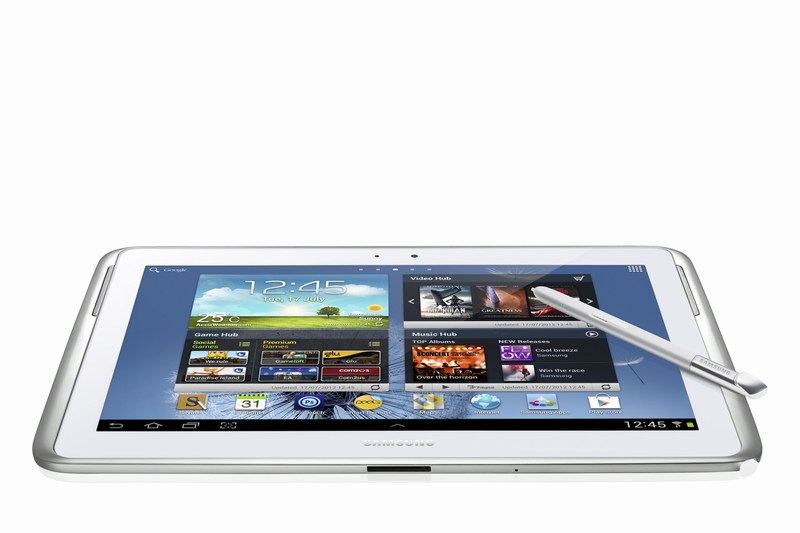
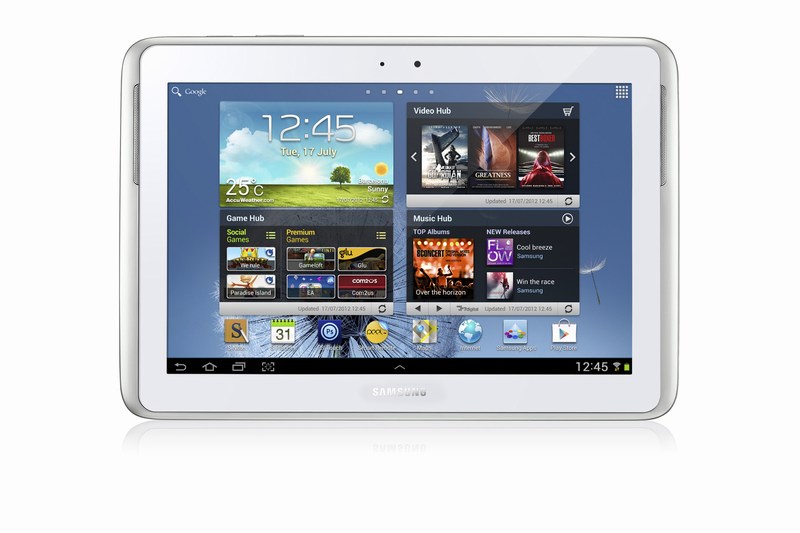
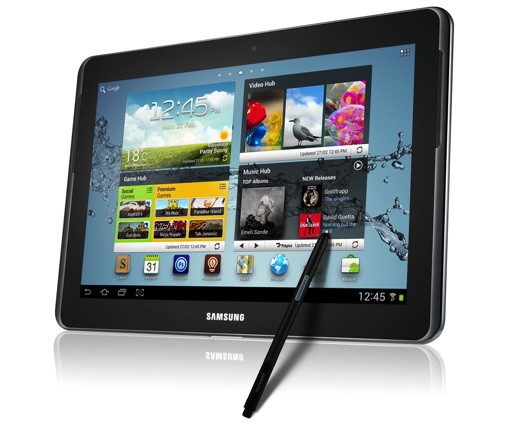
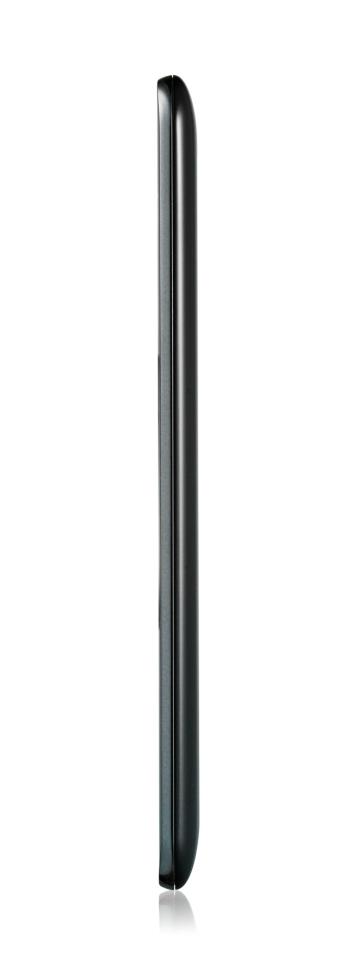
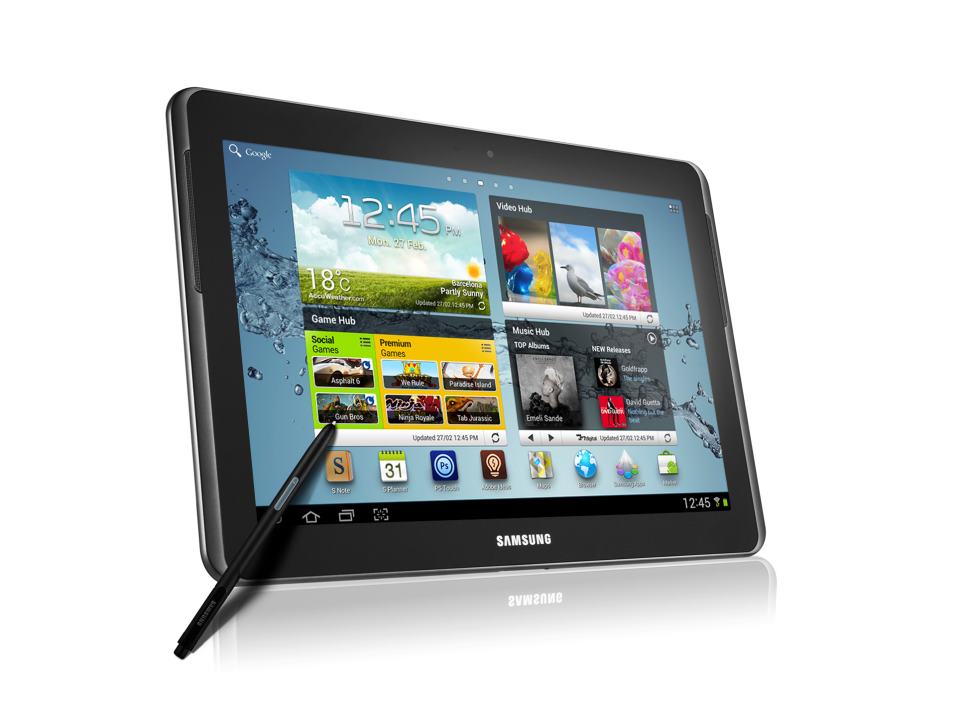
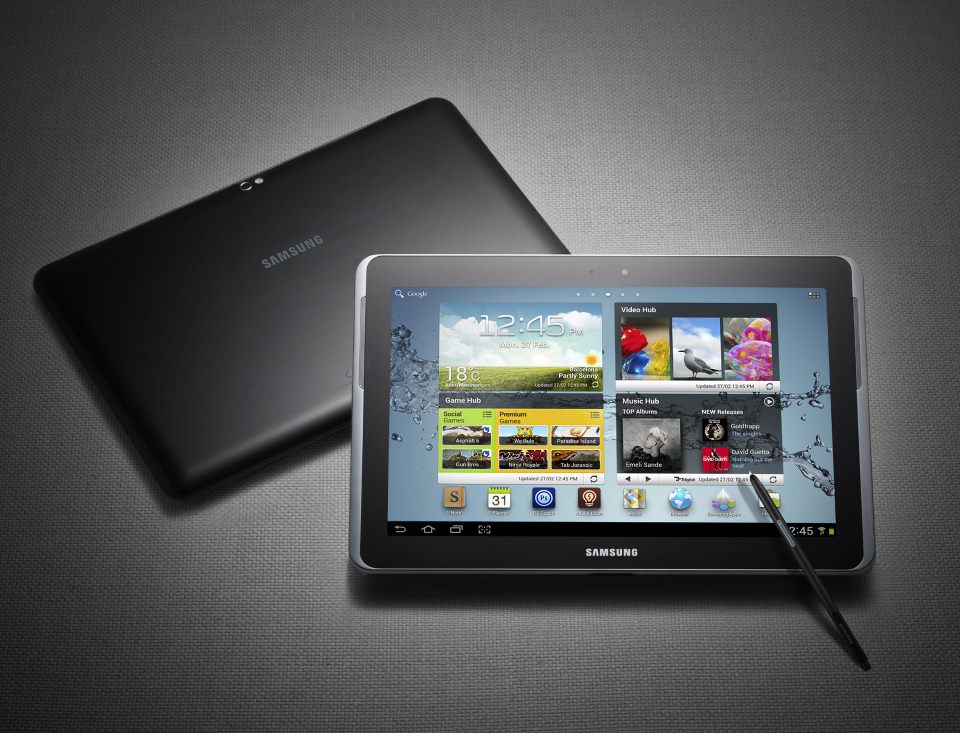
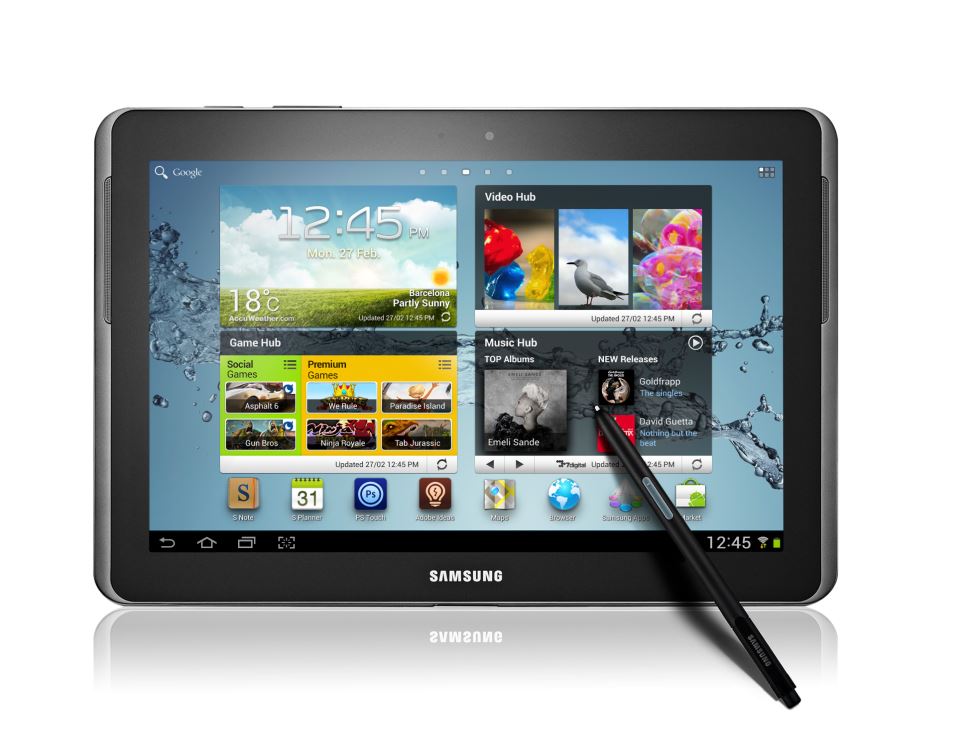
The Samsung Galaxy Note 10.1 is a larger version of the Galaxy Note smartphone launched in Nov 2011. The Note 10.1 smart tablet was announced at the Mobile World Congress 2012 and has some exciting features that should intrigue a lot of potential customers.
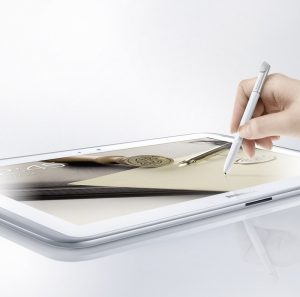
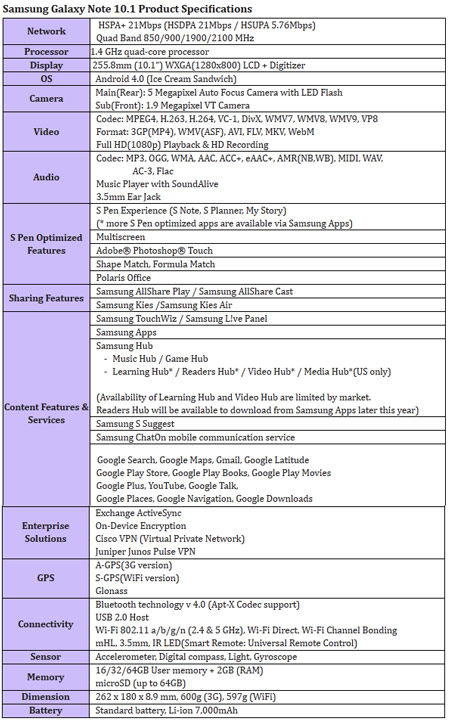
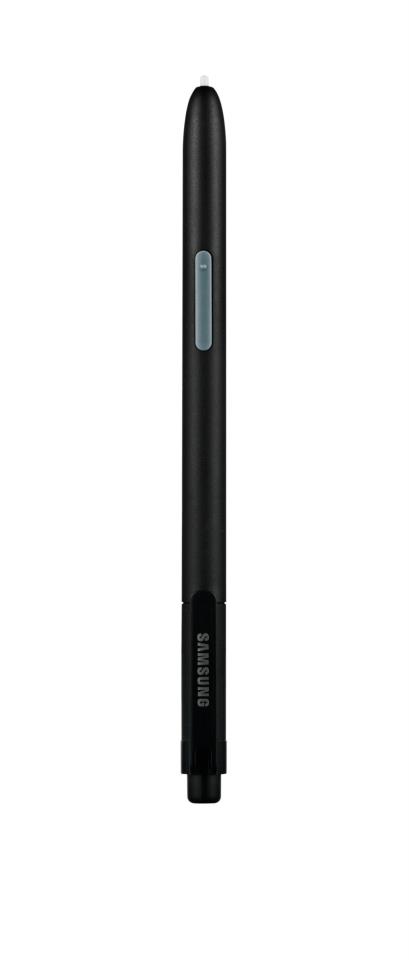
The device runs Android 4.0 (Ice Cream Sandwich) operating system. It is powered by a 1.4GHz quad-core processor and 2GB RAM, and It also comes packed with a 7,000mAh Li-ion battery. But that is not what makes the Note 10.1 special. The tablet features a 6.5mm S Pen, similar to the one on the original Galaxy Note, which is optimised for the creation of personalised and expressive content. The S Pen is embedded directly in the device and, when removed, automatically launches specially-optimised applications, including S Note and S Planner
New level of multitasking can be achieved on the Note 10.1 thanks to a new multiscreen feature, users can effortlessly utilise two different applications side-by-side. Galaxy Note 10.1 also incorporates Learning Hub for accessing educational curricula and Adobe’s premium creative application Photoshop Touch.
Optics are there : The device also includes a 5-megapixel main camera and a 1.9-megapixel front-facing camera. both capable of HD video. The Galaxy Note 10.1 comes in three connectivity options: WiFi-only and WiFi-and-3G HSPA-Plus connectivity, which are both available at launch, and WiFi-and-LTE which will be available later this year.
The Tablet is supposedly going to be announced in India a day or two. Expect a full iGyaan Treatment soon after.
[toggle_box title=”Press Release of the Note 10.1″ width=”Width of toggle box”]
SAMSUNG GALAXY NOTE 10.1 AVAILABLE GLOBALLY IN AUGUST
Samsung inspires a culture of active content creation, productivity and learning
London UK, August 6 2012 – Samsung today announced the launch of the Galaxy Note 10.1, an extension of the Galaxy Note category. The Galaxy Note 10.1 offers the functionality and precision of a pen and paper on a 10.1-inch large display, which will enable people to amplify their creativity, productivity, and learning ability.
Providing an intuitive experience and armed with a 1.4 GHz quad-core processor and 2GB RAM for enhanced performance, the Galaxy Note 10.1 is designed to simplify the process of capturing ideas, accessing information and multi-tasking, making each easier and faster and allowing people to express their ideas in an efficient way.
Simon Stanford, Vice President, UK & IRE Telecommunications & Networks Division, Samsung UK and Ireland said: “Following the success of the very first Galaxy Note which we launched at the end of last year, we’re delighted that our UK customers will now be able to experience the evolution of this device for themselves. The Galaxy Note 10.1 is a product we are very excited about and will offer our customers a new way to use and experience a tablet device. As well as being able to consume content such as videos, photos, document and the Internet, the Galaxy Note 10.1 also gives them the power to produce, create and customise that same content – something they won’t get from any other product on the market.”
The Galaxy Note 10.1 incorporates key intuitive features and capabilities such as side-by-side multitasking. This is thanks to its ‘Multiscreen’ on a 10.1-inch large screen; unique S Pen with a variety of S Note templates and productive tools (Shape Match and Formula Match); Learning Hub* for accessing educational curricula and Adobe’s premium creative application Photoshop® Touch.
True Multi-Tasking with Multiscreen feature
With the Galaxy Note 10.1’s Multiscreen feature, it’s possible to use two different applications side-by-side simultaneously. So Web pages and videos can be viewed, or applications launched using one half of the screen, at the same time as the other half is used for writing or sketching ideas with the S Pen. What’s more, customers can capture and crop images, and paste them onto the other screen to make personal notes. The Multiscreen feature allows people to be more productive and efficient whilst also enjoying multimedia content. Galaxy Note 10.1 brings a new culture of creation through the owner’s own notes, and enables an entirely new experience to improve productivity and enjoyment.
S Pen & S Note for Personalised and Organised Note-taking
Featuring its advanced 6.5mm S Pen, the Galaxy Note 10.1 is optimised for the creation of personalised and expressive content in the most natural and intuitive way. The S Pen’s feel and functionality are specifically designed for an optimal experience on the 10.1-inch screen. The S Pen is embedded directly in the device and, when removed, automatically launches specially optimised applications, including S Note, S Planner, Crayon physics, Adobe® Photoshop® Touch, and Polaris Office.
Alternatively, people can easily set their preferred application to be launched instantly. For example, S Note can be launched instantly when the S Pen is taken out from the device. Owners can also tap the screen twice while pressing the S Pen button for quick S Note access via the S Note-dedicated widget, which can be easily moved anywhere on the display, never hindering or obstructing creativity or productivity.
The S Note is a unique tool that enables notes and sketches to be combined with other digital content in ready-to-use templates. The Shape Match and Formula Match features help correct and digitise geometric shapes and solve numeric formulas hand-written with the S Pen. The S Note is also integrated with knowledge search engines so that content can be searched for and information obtained, and then easily drag and dropped onto S Notes without having to switch between screens. Exclusively pre-loaded on Galaxy Note 10.1, the Adobe® Photoshop® Touch application means owners can professionally edit photos with the ease and precision of the S Pen.
Active Learning Experience
The Galaxy Note 10.1 is an ideal learning tool that allows students to take notes directly on an eTextbook whilst in lectures, or research the Web at the same time as writing an essay. Samsung’s Learning Hub service is optimised for Galaxy Note 10.1 allowing owners to access extensive multimedia educational content whatever their age. This content includes eTextbooks, video lectures, interactive coaching and much more, and can be shared with multiple Samsung devices. Furthermore, Learning Hub comes with a learning management system providing schedule management and performance and achievement management tools so students of any age can learn at their own pace.
Superior Hardware Performance
Galaxy Note 10.1 is designed with advanced hardware technology, including a 1.4GHz quad-core processor and 2GB of internal RAM. Seamless multi-tasking, high-standard graphics, and blazing-fast performance without any lag are essential features of the device. The Galaxy Note 10.1 also includes a 5- megapixel main camera and a 1.9 megapixel front-facing camera.
Several other features have been added to the Galaxy Note 10.1, including Smart Stay, which tracks the owner’s eye to ensure that the screen is always on while being looked at; and Pop Up Play, which allows a video to be watched anywhere on the screen while simultaneously running other tasks. With AllShare® Play, content can be shared with a large group in real-time by connecting the Galaxy Note 10.1 to Samsung HD TVs, mobile tablets, laptops, and other consumer electronic devices on the same network. With AllShare Group Cast, people can also share and collaborate on documents, presentations, or images without loading the files separately.
The Galaxy Note 10.1 comes in three connectivity options: WiFi-only and WiFi-and-3G HSPA-Plus connectivity, which are both available at launch, and WiFi-and-LTE which will be available later this year.
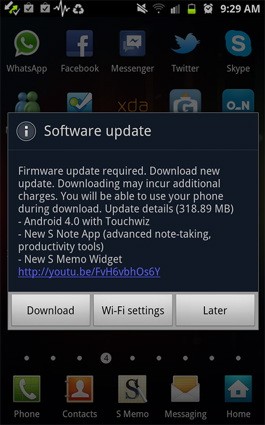
Samsung has been smart to include India in the list of countries getting the ICS update for their Galaxy Note smartphone. Owners received a surprise notification alert yesterday and were able to download the 318.89MB software update over wifi to enjoy the new Touchwiz on Android 4.0.3.
So if you have a Galaxy S2 or a Galaxy Note hit the updates section to enjoy the new official update.
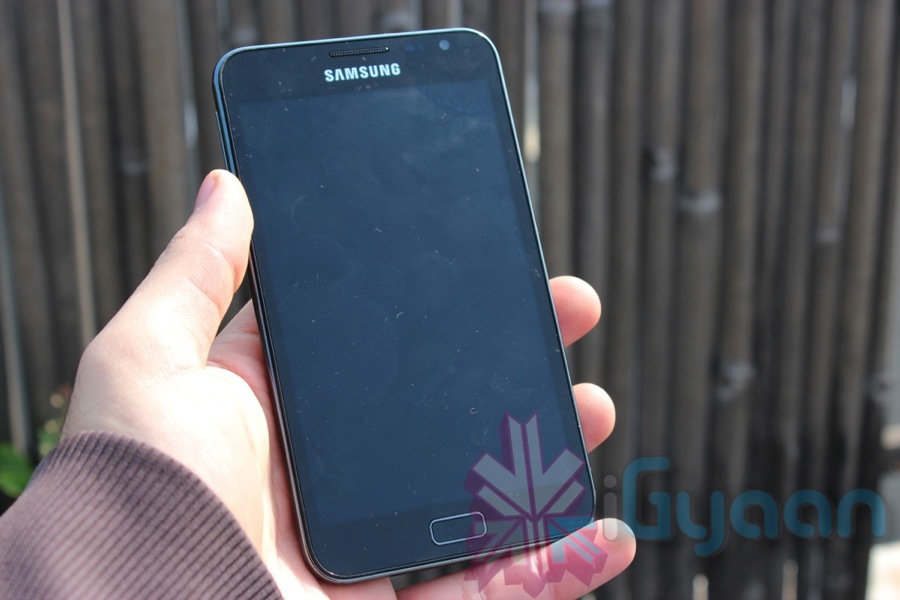
The mammoth Galaxy Note, a device that changed the perception of Samsung as a major player, has been in the news quite often in the past. The company announced that it has shipped 5 million units of the uberly popular device since launch. Now shipping does not translate into sales, but it means that 5 million units left Samsung warehouses to be delivered to sellers and dealers.
The phone/tablet hybrid has also been launched in LTE equipped versions in the US as well as will be launched in Japan on 6th April.
Wow, Sammy has just announced a new Tablet at MWC 2012, and its a large size Galaxy Note. The Galaxy Note 10.1 is an S-Pen equipped version of the similar Galaxy Tab announced earlier. The Tablet will run on TouchWiz customized version of Android Ice Cream Sandwich and has a 1.4GHz dual-core CPU with 1GB of RAM. Unfortunately you cannot use the phone features on the Note 10.1, but it does have a sim card slot capable of HSPA+. Standard WiFi and Bluetooth 3.0 are also in the mix, with the cameras from the original Tab, 3-megapixel rear and 2 Mp front. The Tab also has the newer higher res display – 1280 x 800px WXGA.
Of course you can expect S-pen specific applications including the S-Memo and picture editing, Adobe’s recently announce Photoshop Touch and Ideas also come preinstalled and operate fully with the S-Pen. The new Note 10.1 will come with both GPS and Glonass, along with enterprise compatible Exchange ActiveSync, on-device encryption, Juniper Junos Pulse and Cisco VPNs.
For the 3 versions of 16, 32 and 64GB you will have both 3g+WiFi or Wifi only options and each carries a 32GB MicroSD slot. No pricing or actual release date available at this time.
Boost your Creativity and Productivity with GALAXY Note 10.1
A new device category, GALAXY Note 10.1 comes with an immersive 10.1” screen and S Pen versatility to unlock your creativity and productivity
Barcelona, February 27, 2012 – At Mobile World Congress, Samsung announced the launch of GALAXY Note 10.1, which expands the GALAXY Note experience in creativity, productivity, and learning.
With its large display, GALAXY Note 10.1 provides multi-screen functionality to maximize efficiency in learning, work and creative endeavors. Its multi-screen functionality enables you to do a true multi-tasking, by viewing Internet pages, videos or other applications side by side while writing or sketching your ideas.
GALAXY Note 10.1 features S Note, a unique and efficient tool that lets you combine notes or sketches together with web content, images and other digital media into your own personalized storyboards. It gives you a new way to create stories as S Note provides various ready-to-use templates such as meeting minutes, recipe, cards, diary, magazine and more. Also, hand-drawn geometric shapes can be perfectly digitized by using the Shape Match function, which helps users to create more organized idea sketches and storyboards.
Moreover, by using the S Note’s integrated knowledge search engines, users can quickly search, obtain information, and easily drag & drop the cropped images and content onto S Notes without having to switch between screens.
GALAXY Note 10.1 enables an extraordinary learning experience. Students can watch a lecture live-streamed on video while writing down comments on S Note; research a college essay on the web while taking notes; or even read a full e-textbook while annotating it. Similar to the Shape Match, Formula Match function helps to correct and digitize formulas hand-drawn with S Pen, making the device a more powerful education tool.
Users can fully enjoy PC-like premium photo editing and drawing experiences with Adobe® Photoshop® Touch and Adobe Ideas. Photoshop Touch lets users transform images with core Photoshop features and combine multiple photos into layered images, make popular edits, apply professional effects, and more. Adobe Ideas is an easy-to-master drawing tool that allows users to sketch ideas, choose amazing color themes and import images. Both are specially optimized for S pen and are exclusively pre-loaded on Samsung GALAXY Note 10.1.
“GALAXY Note 10.1 takes productivity on a Note to a whole new level. With a larger, fully utilizable screen and superior performance, it combines the intuitiveness of handwriting with all the versatility of digital content to let users be more productive across all of life’s demanding tasks-whether working, learning, or simply creating their own stories,” said JK Shin, President of IT & Mobile Communications Division at Samsung Electronics. “With GALAXY Note 10.1 we are demonstrating Samsung’s commitment to extend the mobile category and are working with key partners like Adobe to provide extraordinary experiences for users that enable them to be more productive, express themselves creatively and add a touch of fulfillment to their lives.”
Ensuring intuitive multitasking and web browsing, GALAXY Note 10.1 runs on AndroidTM 4.0 (Ice Cream Sandwich) and features a 1.4GHz dual-core processor and HSPA+ connectivity. Its real-time video streaming and Full HD video playback add to the device’s content versatility.
GALAXY Note 10.1’s innovative S Pen, the most advanced pen input solution on the market, is completely integrated into the device’s original applications. It provides enhanced pressure sensitivity, superior accuracy and control when editing or writing, providing an analog pen writing experience on a digital device.
The GALAXY Note 10.1 is exhibited at Samsung stand (Hall 8), Mobile World Congress 2012. For multimedia content and more detailed information, please visit www.samsungmobilepress.com.
 Also Read : Samsung Galaxy S10 Will Support Reverse Wireless Charging, WiFi 6