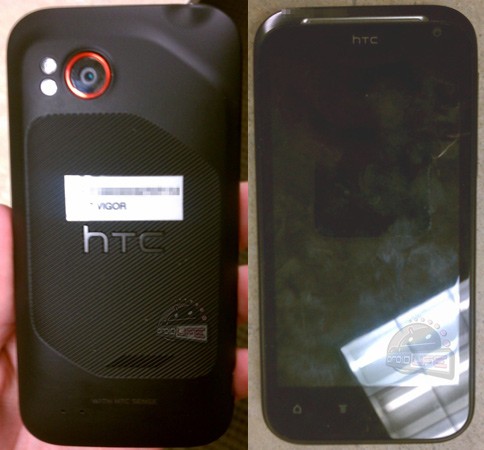
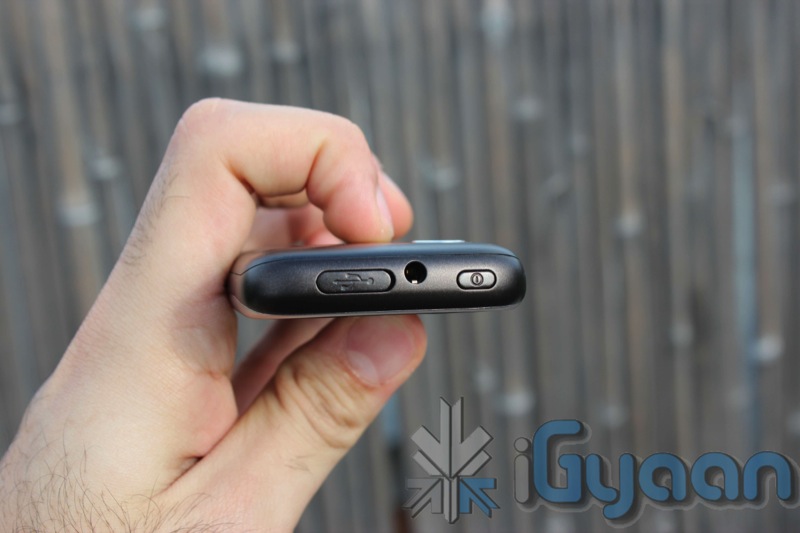
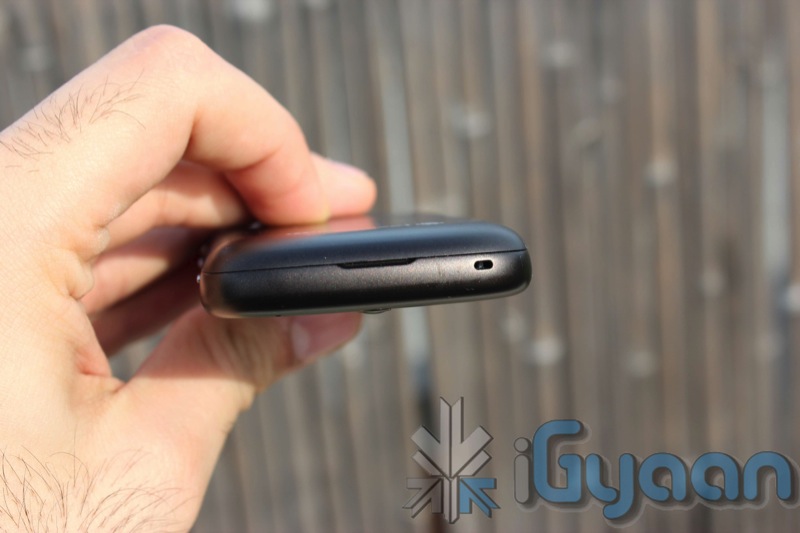
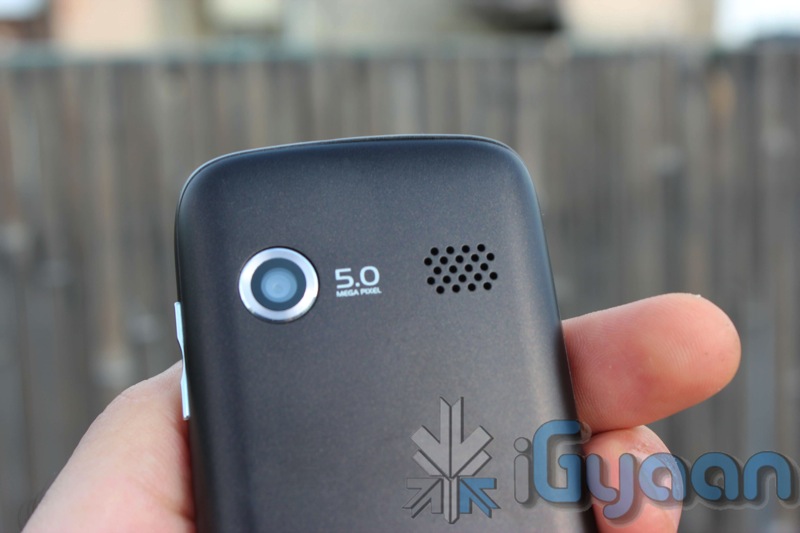
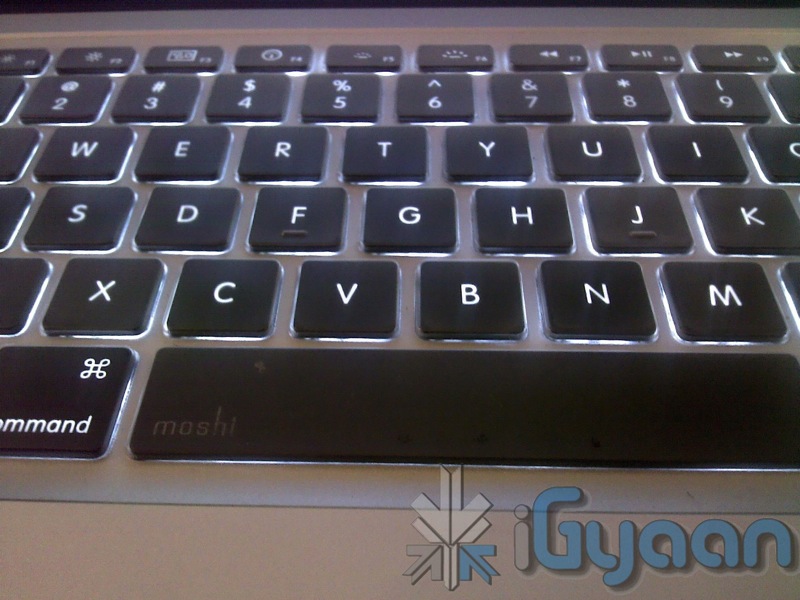
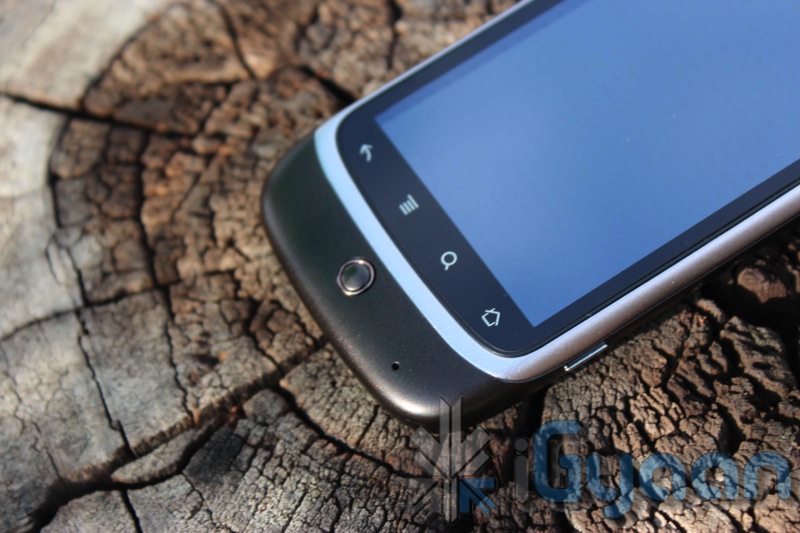
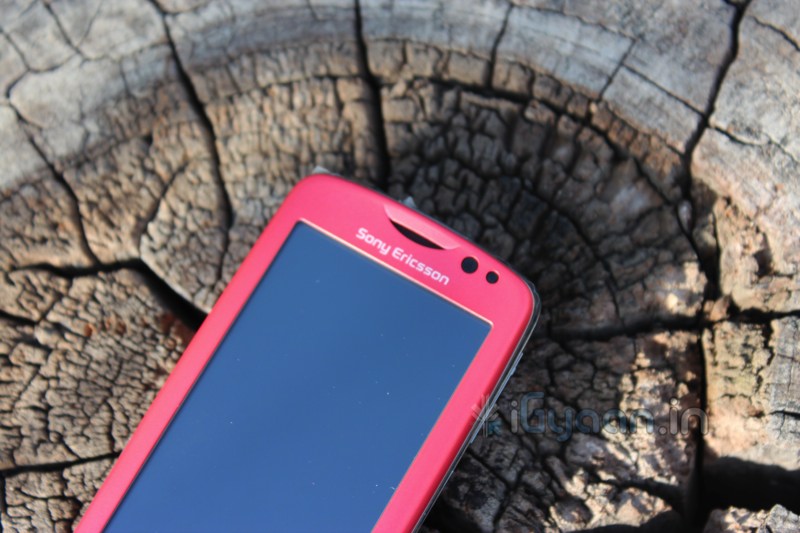
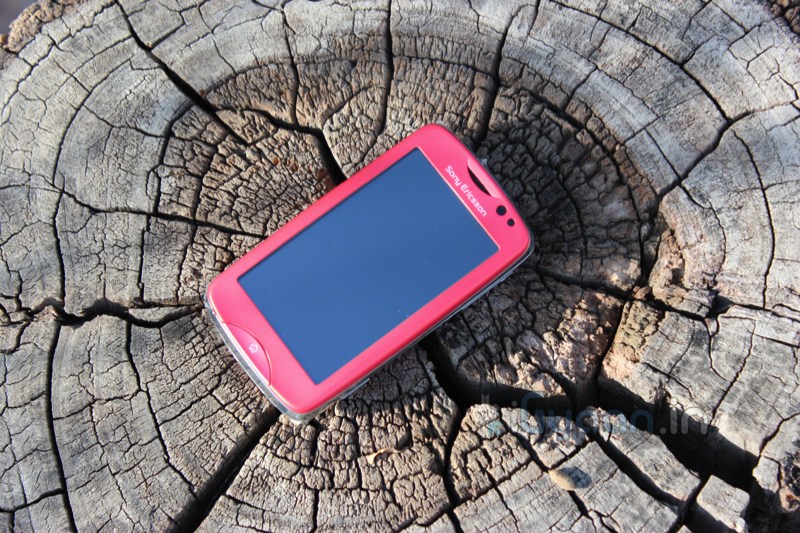
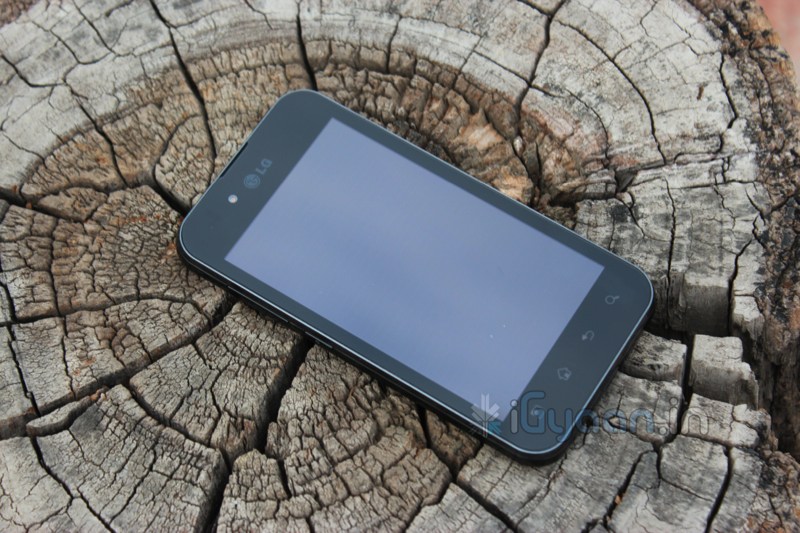
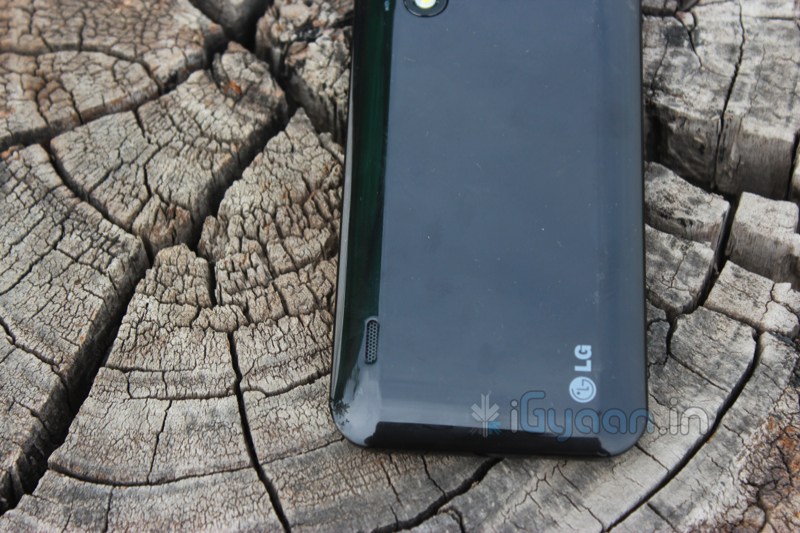
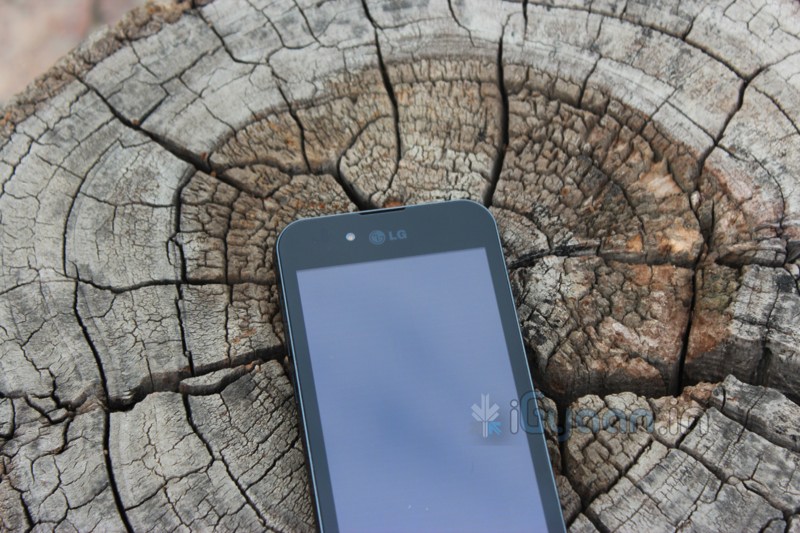
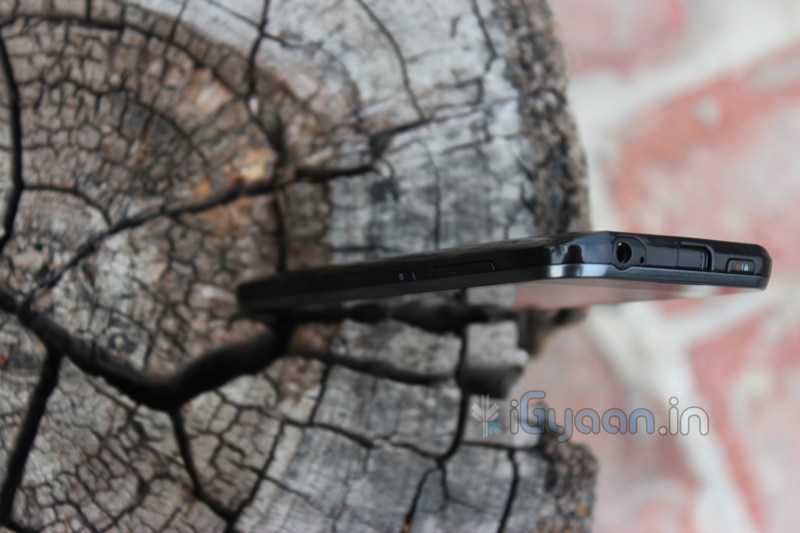
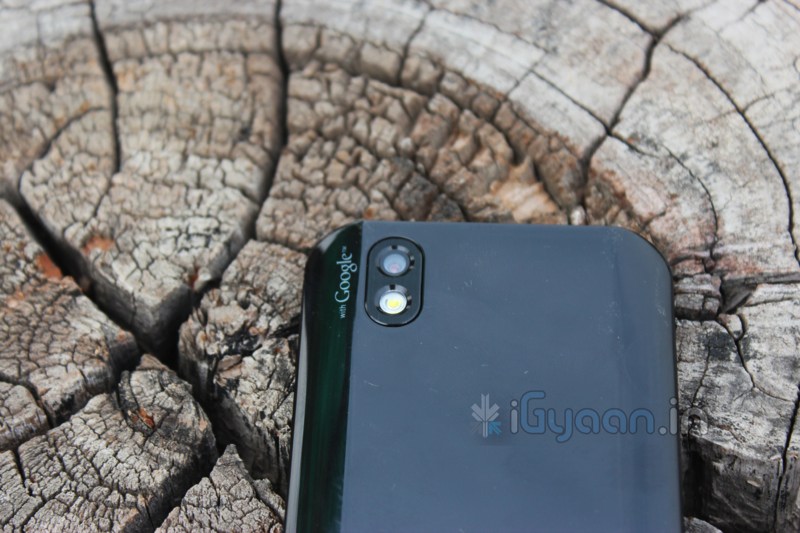
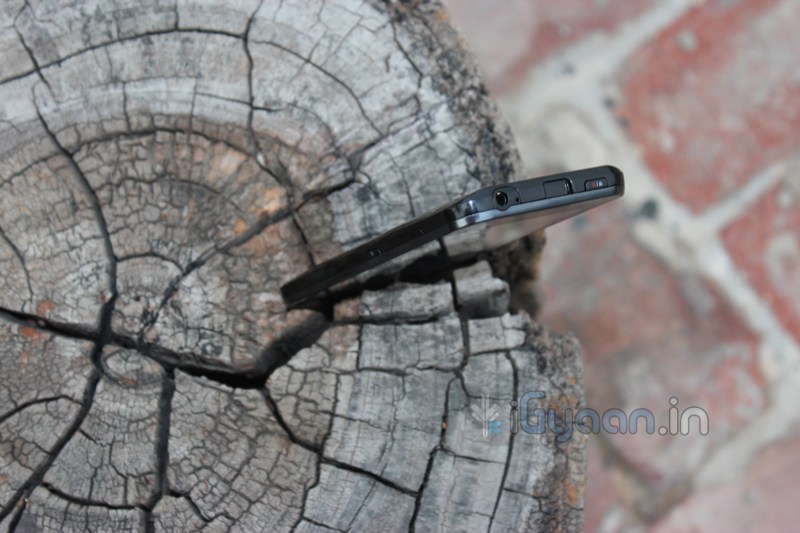
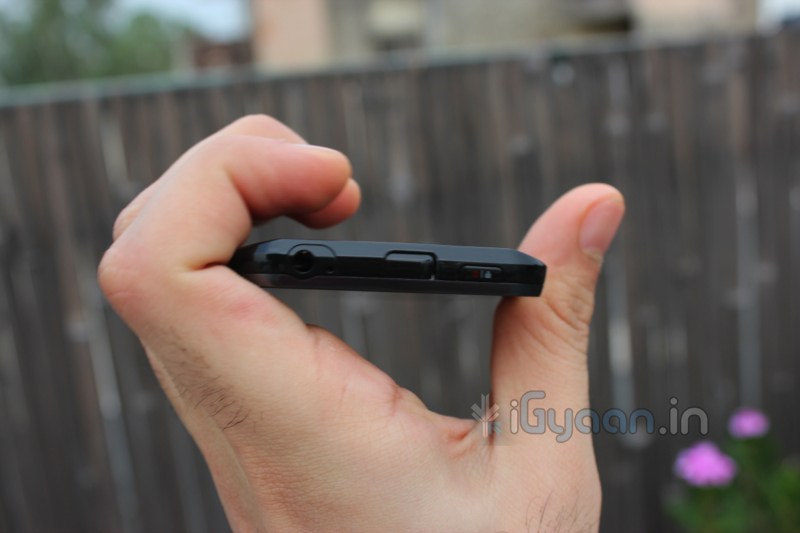
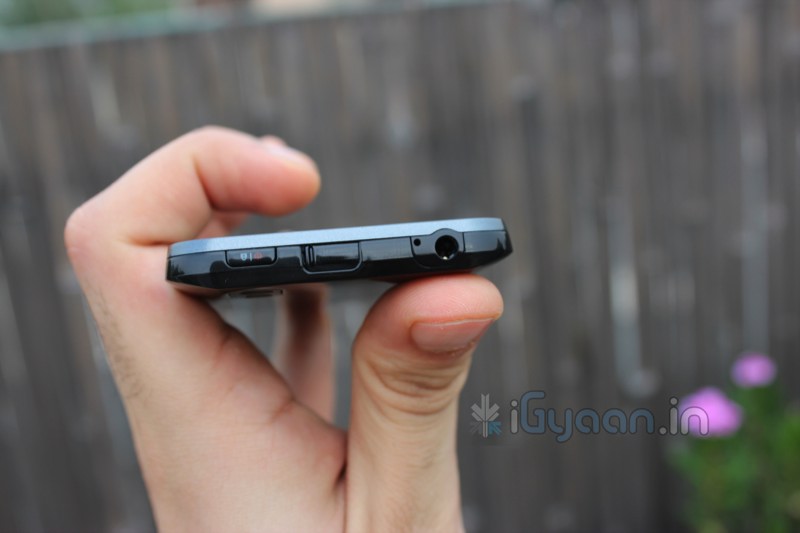
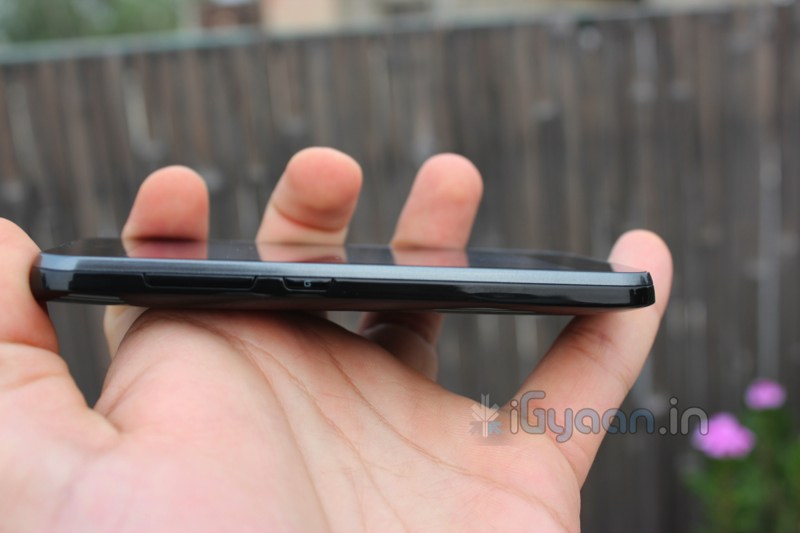
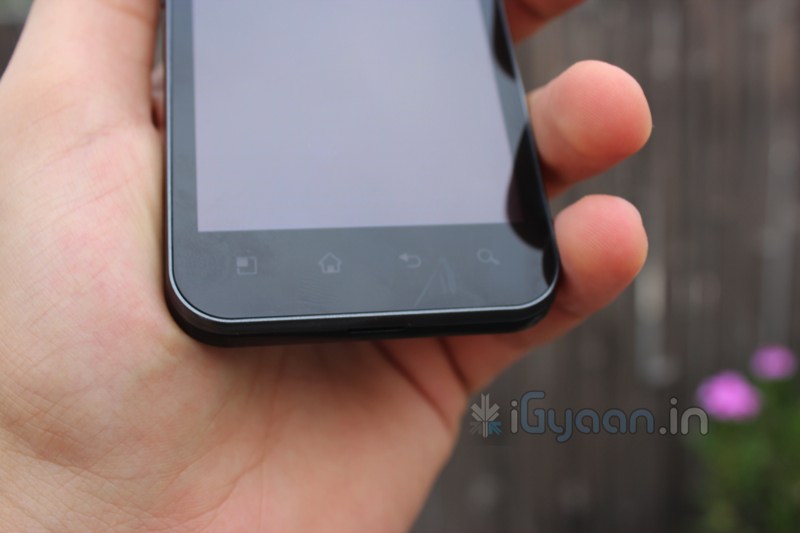
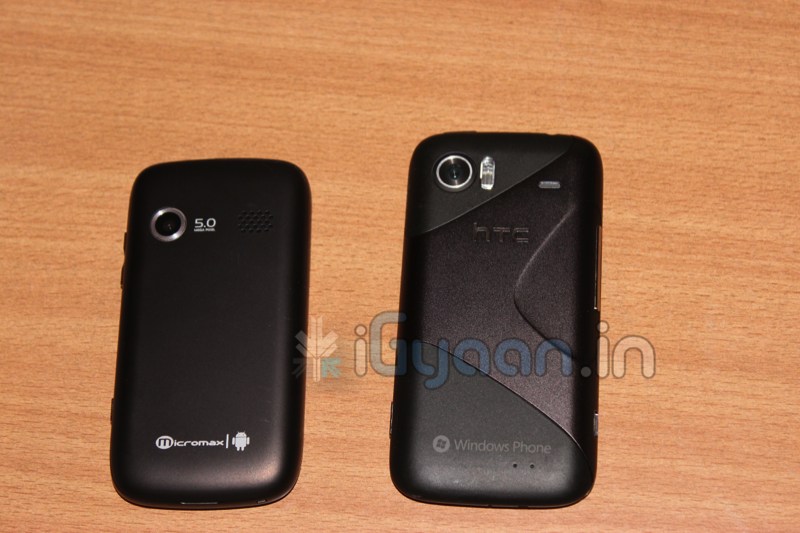
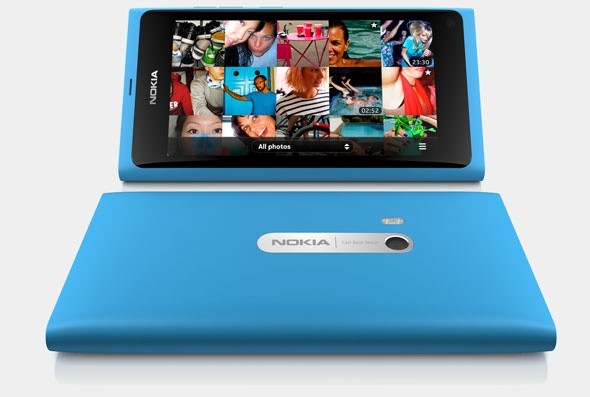
Droidlife has got its hands on new images of the HTC Vigor, the device is rumored to have a texturized backplate comes “WITH HTC SENSE” a dual LED flash, a front-facing camera along with four capacitive buttons its also rumored to have a 1.5GHz dual-core processor, 1GB of RAM and 16GB of internal storage. The popular Beats by Dre Sound engine will also possible premiere in this device.
Looks like this device is heading to Verizon, so it may never reach the Indian Shores.
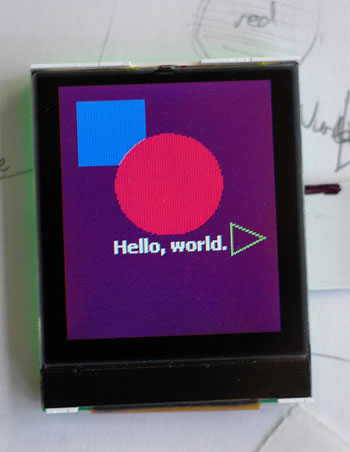
In a very interesting development, researchers from the UCLA Henry Samueli School of Engineering and Applied Sciences, have created an LCD screen which can charge its own batteries from any ambient light source such as the sun, an incandescent bulb and even its own backlight!
We took a look a little while ago at How Modern LCDs Work. As you might remember, each LCD has a polarizing sheet that controls the amount of light that passes through any given pixel. These polarizers are very inefficient, and waste most of the absorbed energy. With this new development however, the standard polarizers have been replaced by a polarized sheet made with organic photovoltaics. These photovoltaics convert any absorbed energy, into electricity, thereby increasing the battery life of any device that it is used in.
The researchers say that they are speaking to manufacturers so that this technology may be incorporated into future products.
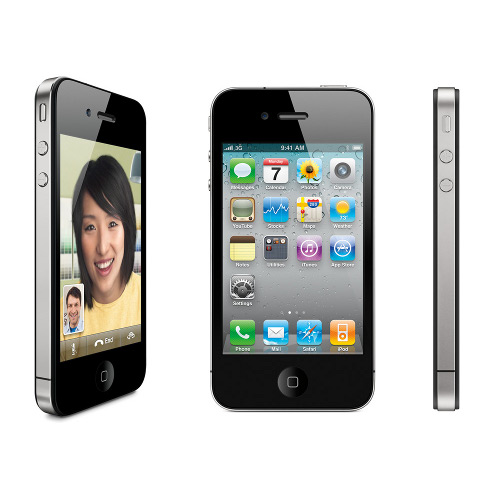
A the heat begins to mount for the impending launch for the next big iOS device, reports are pinging to a cheaper 8GB iPhone 4 this september itself, that could also means an end September release for the the upcoming iPhone 5.
Reports are also mentioning that Apple has warned their manufacturers that the demand of 45 million iPhones need to be shipped when the lower price is announced. The rumors of an early october launch are also shunted to show a end-september Launch of the iPhone 5
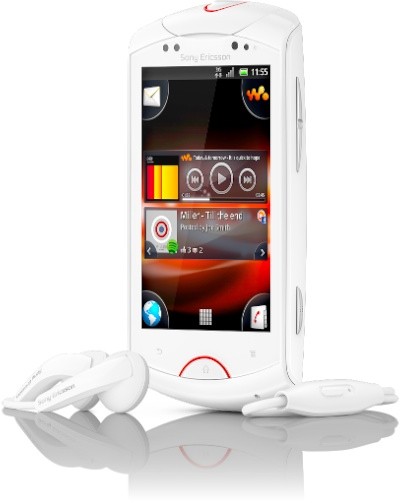
What’s this? Just after announcing the poor bashed W8 walkman series phone Sony Ericsson has launched their second Walkman handset in the market. The only difference is that this one looks a little more promising than the first.
The new Sony Ericsson Live features
1GHz processor
3.2 inch capacitive touchscreen HVGA resolution
5 megapixel AF shooter with 8x digital zoom capable of capturing HD video in 720p
Sony Ericsson Live with Walkman™ delivers unique social music experience for smartphones
22 August 2011
Smartphone with Walkman™ on the latest Android platform (Gingerbread 2.3) Unique Facebook™ integration enables instant music and media sharing Content services from Sony provide access to the latest music and video titles
22 August 2011, London, UK – Sony Ericsson today announced Sony Ericsson Live with Walkman™, an Android smartphone that delivers a unique social music experience. A dedicated Walkman™ hardware button provides instant access to the music player and consumers can also like, share and discover content through a deep Facebook™ integration. The infinite button lets the consumer explore even more and the *Qriocity service from Sony provides music and video content for the consumer to enjoy.
With attractive curved design, a glossy finish and a mineral glass display, the phone has a 3.2″ screen and a powerful 1Ghz processor. A front facing camera is enabled for Skype video calling, while a 5MP AF camera can capture 720p HD video recording. *Sony’s xLOUD™ enhances audio output, while the latest Android platform for smartphones (Gingerbread 2.3) provides access to over 250,000 applications on the Android Market™.
Nikolaus Scheurer, Head of Product Marketing, Sony Ericsson said: “Consumers want smartphones to deliver a rich and social entertainment experience. Rather than a one dimensional music experience, they want instant and seamless access to new content, combined with the ability to share and connect with their friends. The Sony Ericsson Live with Walkman™ provides exactly this, in a powerful package with great style.”
A perfect combination of social networking and music entertainment:
Deep Facebook™ integration: Allows users to instantly access Facebook through the most used areas of the phone such as the picture gallery, music player, phonebook and calendar. Media Discovery Application: A dynamic application placing the world of music and videos at consumer’s fingertips including Facebook™ recommendations from their friends. Infinite button: Tapping it within the media player enables consumers to have instant access to new content about their favourite artist, such as music videos, artist information and lyrics search. Qriocity music and video content services from Sony: Consumers can access millions of songs from all major labels and watch thousands of movies from all major studios. Only Sony Ericsson Android smartphones provide consumers with unique access to the entertainment services from *Sony. *Sony’s xLOUD™ technology: Enhances audio output of the inbuilt speakers at high levels. TrackID™: Identifies the music track you are listening to within the FM radio and music player. The track can then instantly be shared or downloaded.
Sony Ericsson Live with Walkman™ will be available globally in selected markets from Q4 2011. For full details all products news, please visit the press room and the product blog: http://www.sonyericsson.com/cws/corporate/press/pressreleases/latestnews http://blogs.sonyericsson.com/products/
Sony Ericsson Live with Walkman™ at a glance. *Please note that all services mentioned may not be available in every market.
Colours
Black and White
Facts
Size: 56.5 x 106 x 14.2 mm Weight: 115 g
Camera
5 megapixel camera 8x digital zoom Auto focus Face detection Flash/Photo light Flash/Photo flash Flash/LED Front-facing camera (VGA) Geo tagging HD video recording (720p) Image stabiliser Red-eye reduction Scene detection Self-timer Send to web Smile detection Touch capture Touch focus Video light Video recording
Music
Album art Bluetooth™ stereo (A2DP) Music tones (MP3/AAC) PlayNow™ service Stereo speakers TrackID™ music recognition Walkman™ player xLOUD™
Internet
Android Market™ Bookmarks Google™ search Google Voice™ Search NeoReader™ barcode scanner Pan & zoom Web browser (WebKit)
Communication
Call list Conference calls Facebook™ application Google Talk™ Polyphonic ringtones Skype Sony Ericsson Timescape™ Speakerphone Twitter™ (Timescape™ integration) Vibrating alert Video chat ready
Messaging
Conversations Email Google Mail™ Handwriting recognition Instant messaging Multimedia messaging (MMS) Predictive text input Sound recorder Text messaging (SMS) Type & Send widget
Design
Auto rotation Four-corner Home screen Keyboard (on-screen, 12-key) Keyboard (on-screen, QWERTY) Live wallpaper Picture wallpaper Touch screen
Entertainment
3D games Media browser Radio (FM radio with RDS) Video streaming Video viewing YouTube™
3.5 mm audio jack aGPS Bluetooth™ technology DLNA Certified™ Google Latitude™ Google Maps™ for Mobile Google Maps™ with Street View Media Transfer Protocol support Micro USB support Modem Native USB tethering Synchronisation via Facebook™ Synchronisation via Google™ Sync Synchronisation via Sony Ericsson Sync Synchronisation with computer Synchronisation via Microsoft® Exchange ActiveSync® Synchronisation: Microsoft® Exchange ActiveSync® via Moxier client USB mass storage USB High speed 2.0 support USB support Wi-Fi™ Wi-Fi™ Hotspot functionality Wisepilot™ turn-by-turn navigation
Phone memory (user-free): Up to 320MB Memory card support: microSD™, up to 32GB
Battery life
Talk time GSM/GPRS: Up to 14 hrs 15 min* Standby time GSM/GPRS: Up to 600 hrs*
Talk time UMTS: Up to 6 hrs 42 min* Standby time UMTS: Up to 850 hrs*
Music listening time: Up to 17 hrs 30 min Video listening time: Up to 6 hrs 30 min
*According to GSM Association Battery Life Measurement Technique. Battery performance may vary depending on network conditions and configurations, and phone usage.
Sony Ericsson Live with Walkman™ 1200 mAh battery stereo headset 2GB microSD™ memory card Charger micro USB cable for charging synchronisation and file transfer user documentation
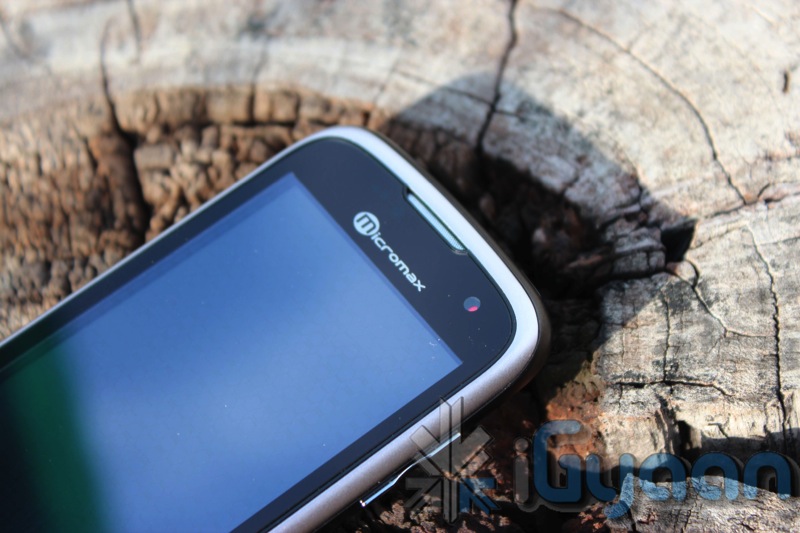
The Micromax Andro A70 was one of the most anticipated phones of this quarter, especially in the sub Rs. 8000 bracket. To be honest, at first we thought of it as just a minor upgrade to the existing Andro A60. But as we reviewed this little marvel we began so see a major change in its operation. Lets see why the Andro A70 is our pick for the price range.
Build Quality and Design
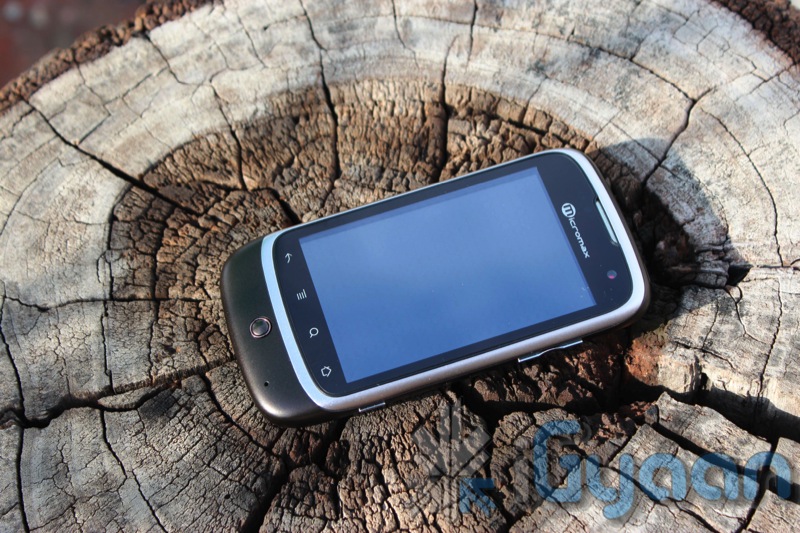
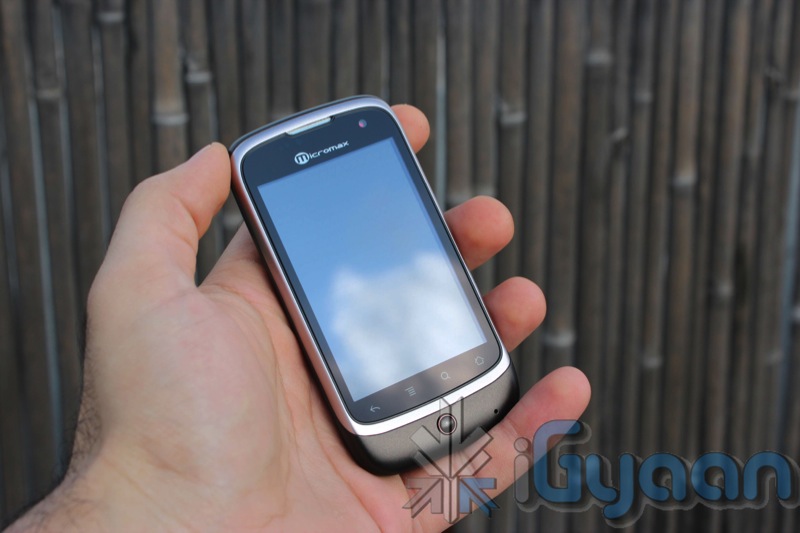
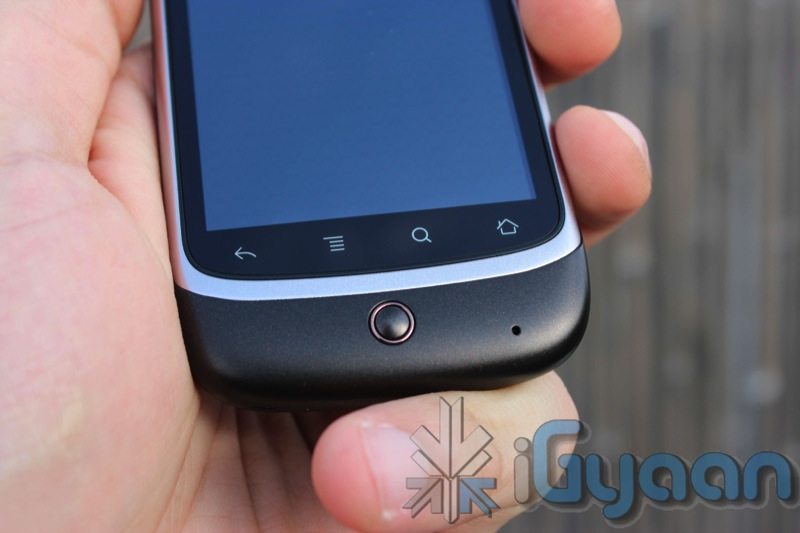
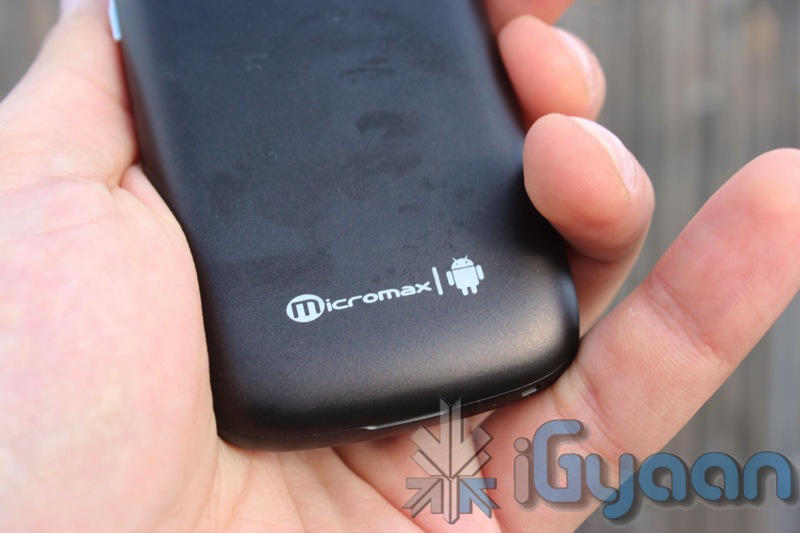
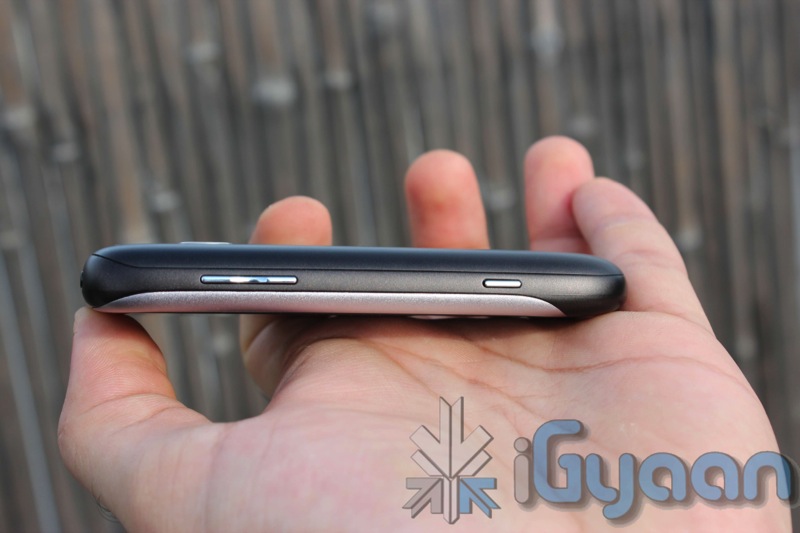
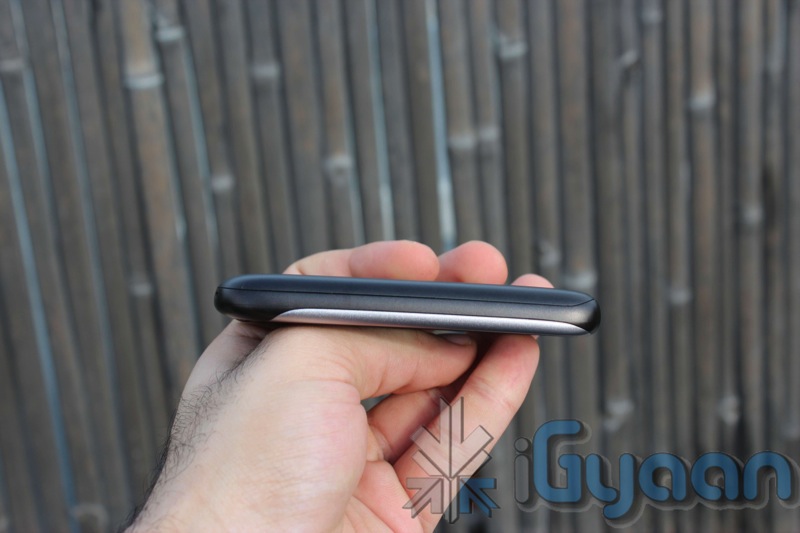
Reminiscent of the Nexus One’s design, the Micromax Andro A70 is built with sturdy plastics. Nice curvaceous ends make it an extremely attractive design, and very comfortable to hold in the hand. The screen on the front is tough and provides the extra protection required for a touch phone of this nature. The buttons are tactile and easy to use, the overall standard of construction is quite impressive.
The front of the display is also glass and not plastic unlike its predecessor, Which makes the overall build of the device impressive. The phone is sturdy and does not make rattling noises even when tossed around.
Hardware
Android 2.2 (Froyo)
Camera Primary 5.0 MP Secondary – VGA
600MHz Processor
3.2 inch Multi Touch Capacitive Screen
Mi – apps – application store by Micromax
Full Android Market
WCDMA 2100 MHz
HSDPA 7.2 Mbps
Mi-Fi Pocket Wireless Internet
GPS
Wi-Fi 802.11 b/g
Battery 1450mAh
Proximity Sensor
Gravity Sensor
Camera and Multimedia
A surprisingly interesting 5 MP camera with autofocus that delivers exceptionally good pictures. The camera displays great skill when it comes to auto-focus and cannot be tackled down by any other device in this price range. Although colors appear washed out at first but a little playing around with the settings gives a good picture.
Video on the other hand is simply OK, you cannot expect much from the VGA video capability. A simple tweak, by changing the video quality settings to custom in the camera we were able to get VGA video. If you leave the video quality to high, it captures a much lower resolution video. A sample of the video can be seen in the videos below.
The Front facing camera, is a simple VGA camera and can be used for nothing but clicking self portraits and video. We tried several times to initiate a camera response from Skype /fring etc, but failed to do so.
The screen of the Andro A70 is great for watching videos and browsing the internet. It is also a capacitive 2 point multitouch screen, so pinch to zoom works great and with the 3.2 inch 320x480px screen text is crisp and easily read.
Speakers are loud and clear when it comes to watching videos or simply listening to music. Overall multimedia experience was satisfactory and a lot more than you can expect from a device which costs only 7500 Rs.
Phone and Messaging
No complaints here, the phone call capability was excellent , little or no dropped calls, clear speaker and earpiece. the microphone also pics up sound aptly and delivers to the other side. One thing with mentioning is the number of connection errors faced in process of dialing a number were far more than any other device tested.
Messaging and emailing has also improved vastly over the previous A60 thanks to the inclusion of the capacitive screen. This makes the device almost brilliant, keyboard is nice and spread out and easy to type on even with relatively large fingers. The keyboard can also be easily replaced with customizable keyboards from the Marketplace, including Better Keyboard. Swype however does not work with the Andro A70.
Internet and Portable Hotspot
This section is dedicated to connectivity and utilization of the Internet, Data and WiFi.
The A70 has a very weak WiFi antenna, and mostly requires you to be relatively close to the router to get a decent signal. This was kind of a let down especially after the excellent WiFi antenna on the Andro A60.
The Portable Hotspot also fails throughout the board, dropping WiFi and asking for reactivations several times.
Apart from the above, browsing works great on the A70 especially 3G networks perform as good as high end phones.
Battery Life
We were quite impressed with the battery life on the A70, with over 5 hours of talk time, and a good 7-8 of internet usage, upto 3 days of standby, make it an excellent device in terms of battery life. But with Android as an OS, you never know what app you install, suddenly battery life is critically lower than before. Overall great battery , be sure to inspect your apps if you face battery issues.
Conclusion
While its an extremely awesome device for its price, it definitely has its ups and its down . With limited WiFi range and useless front camera this device lacks little and gives more. Good things include impressive build quality, a great photo camera, Android 2.2, wifi hotspot, easily root-able ( with possibility of custom rome). This device is a little understated by the company. The UI is much improved and a launcher from the market like ADW launcher can make this device a gem with pinch home screens, and smooth scrolling.
The Micromax Andro A70 is a good package for someone who wants to enter the Android ecosystem, or even a good upgrade for an A60 user. This device is also an excellent secondary device for a expensive smartphone.
Dell has stopped selling the Streak 5 in the western hemisphere. iGyaan recommends end of cycle for India too. In a similar strategy it is expected that the Streak 5 will become cheaper in India.
Do not buy the Dell Streak 5, unless you get an absolutely irresistible offer.
The company now hosts a web page that declares its spacious smartphone / compact tablet has met end-of-life status, and it’s offering little information other than the ominous phrase, “Streak 5 is no longer available.”
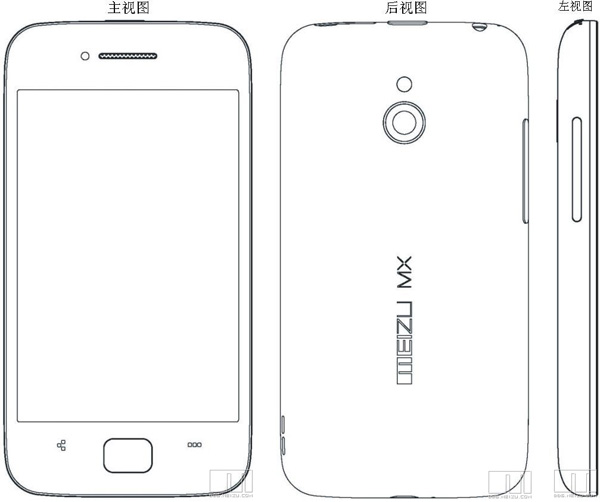
Meizu CEO Jack Wong , announced on tuesday ( in a discreet fashion) that the company upcoming 4 inch phone will be released in China at the end of September this year. The interesting bit here is that the device will have two versions, the 16GB version will come with a dual-core chip, while the 32GB version will sport a quad-core one.
No other relevant information was released about the device. We will keep you updated as we get more.
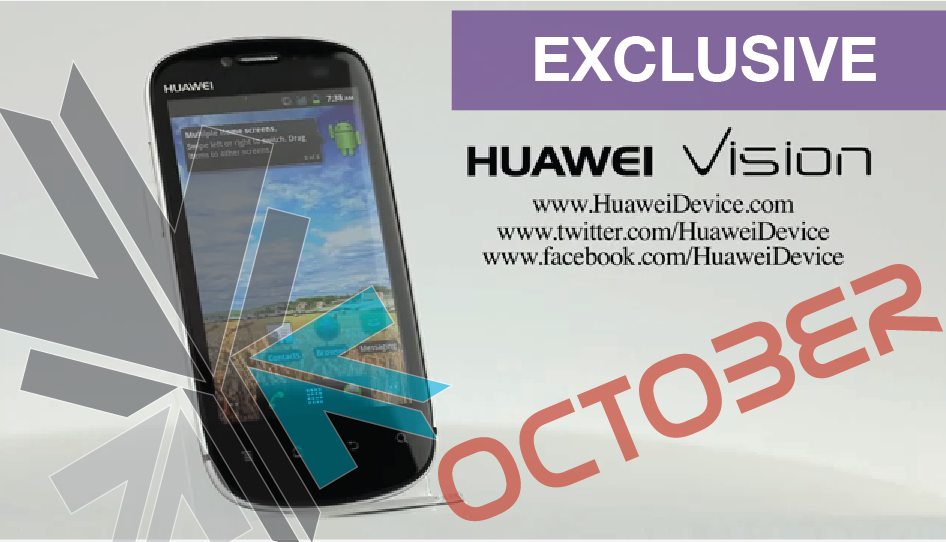
Huawei impressive 9.9mm unibody construction device, The Vision, has appeared in a demo video made by the company. iGyaan also has exclusive information that the device is launching in India in October with a price bracket of INR 15k . The device features a Qualcomm 1 GHz MSM 8255-1 Snapdragon chipset and a 3.7″ high res capacitive display.
The device also features a 5 MP camera at the back with 720p video capabilities, a front facing camera for Skype et video calls and a 1400mah battery pack. Other features include 512MB of RAM, 2GB of ROM, Bluetooth 2.1 with A2DP support, WiFi 802.11 b/g/n, a microSD slot that can take cards up to 32GB, a microUSB 2.0 port, Android 2.3 Gingerbread and a 3D UI.
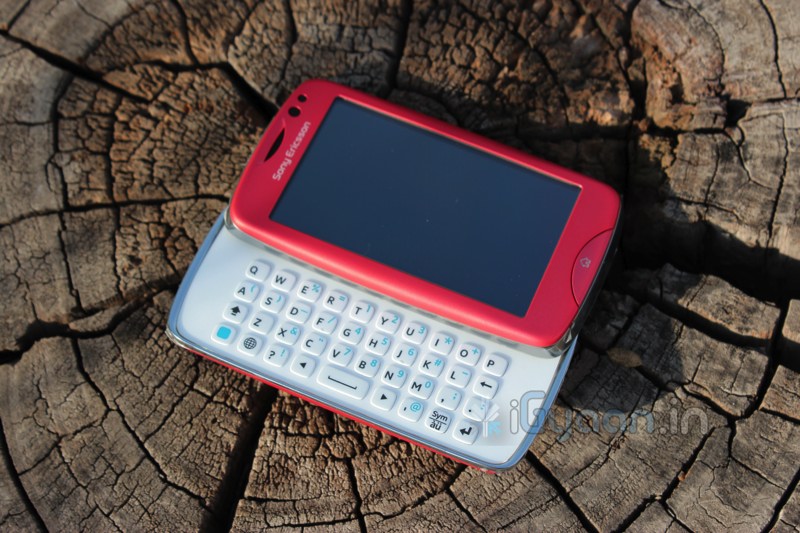
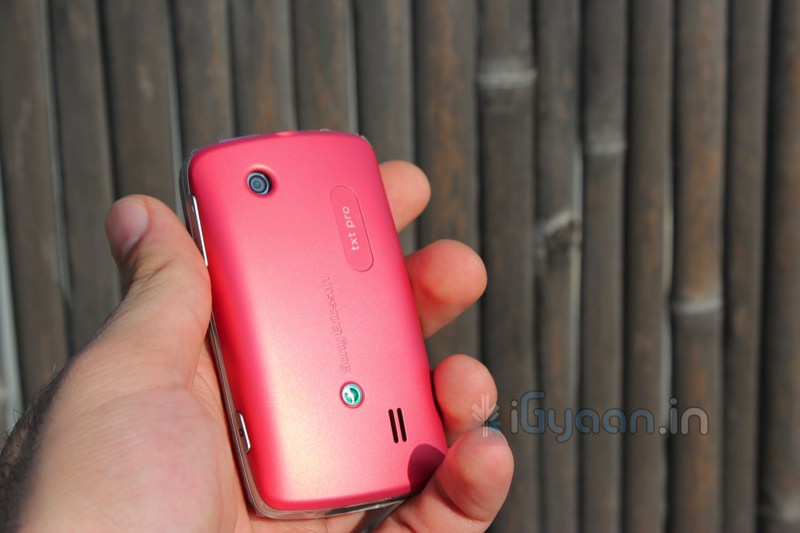
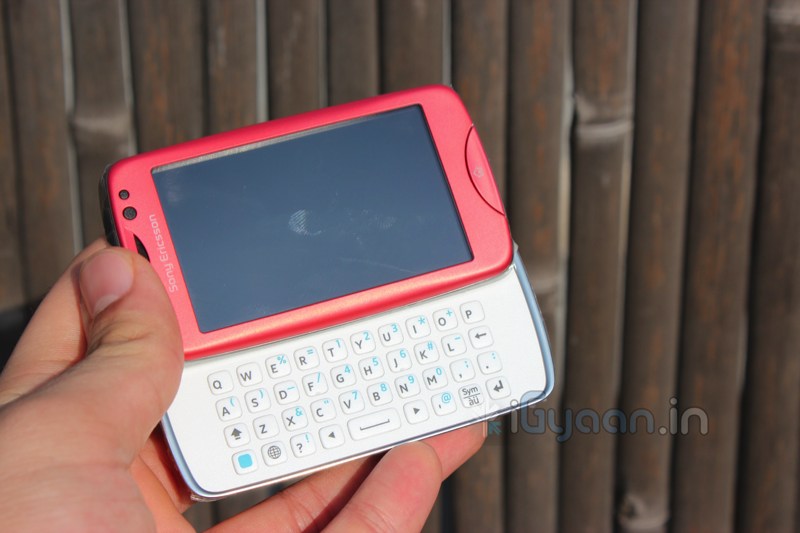
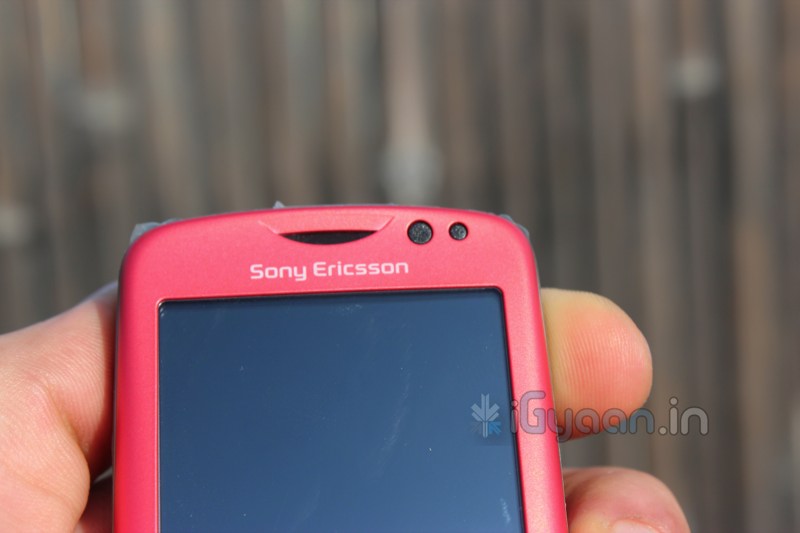
The Sony Ericsson Txt Pro is a budget yet spec’d out phone, with a proprietary OS on the device the Txt Pro offers Xperia like UI , without the frills of an Android Interface.
Build Quality
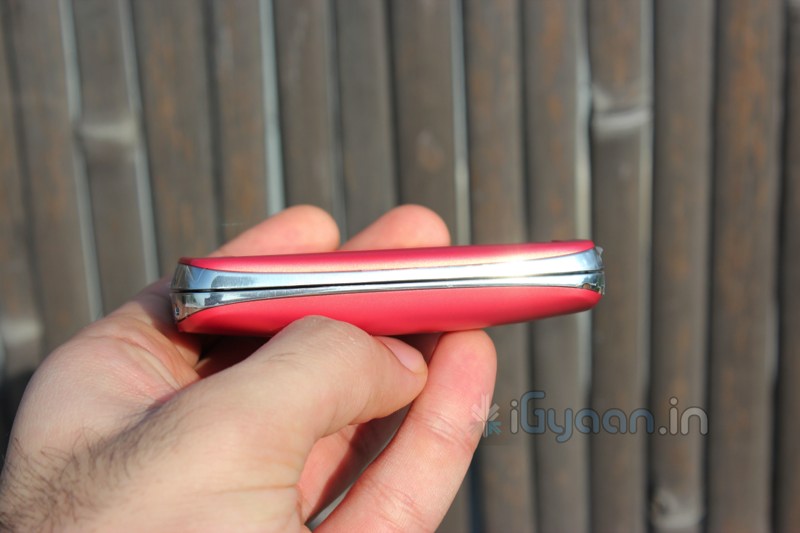
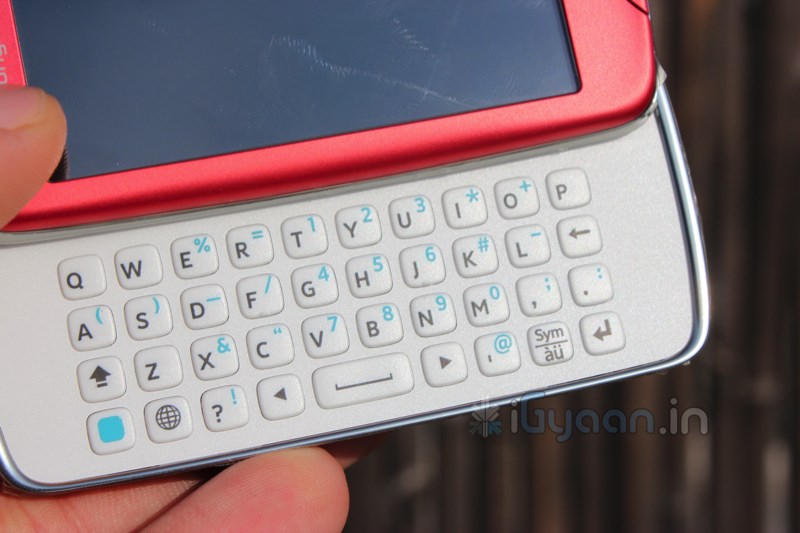
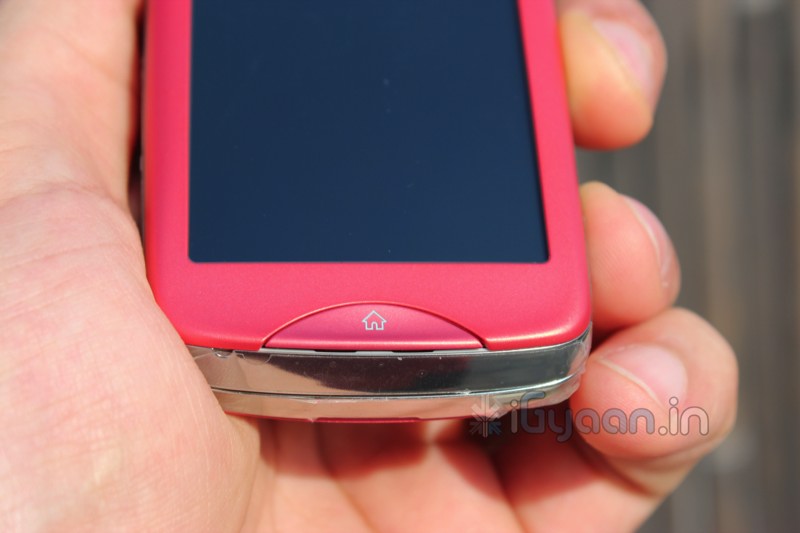
Surprising well built for its price, with a spring loaded robust slide mechanism, the device seems up to mark with any premium slider phones back in the day. the overall construction is also quite stable and the device does not rattle at all despite a 2 part design. The soft touch plastic is a great addition to the handleability of the device,and its extremely comfortable in the hand. The Keyboard is a chiclet style keyboard and has wonderfully tactile buttons.
Hardware
The device has interesting specs
Network
2G Network
GSM 850, 900, 1800, 1900 MHz
3G Network
–
Dimensions
Size
93 x 52 x 18 mm
Weight
100 grams
Form Factor
Side-Slider
Display
Type
TFT Capacitive Touch Screen
Size
3.0-inch
Colors & Resolution
256K Colors & 240 x 400 Pixels
Input/ User Interface
Full QWERTY Keyboard Single Touch Scratch-resistant Surface Accelerometer sensor for UI auto-rotate Proximity Sensor Touch-sensitive controls
System Properties
CPU
PNX-4910 Processor 64MB RAM
Storage Capacity
Internal Memory
100MB Internal Storage
Expandable Memory
Micro-SD card slot for expansion up to 32GB
Browser & Messaging
HTML, xHTML, WAP 2.0 MMS, SMS, IM, Email
Camera
Still
– 3.2 Megapixels – 2048×1536 Pixels
Secondary
NO
Video Recording
Capable
Video Playback
Capable
Connectivity
DATA
GPRS, EDGE
Bluetooth & USB
v2.1 with EDR & v2.0 Micro USB
Headset
3.5mm stereo headset jack
Radio
Stereo FM Radio with RDS
WLAN
Wi-Fi 802.11 b/g
GPS
A-GPS
3G
NO
GPRS
Up to 85.6 kbps
EDGE
Up to 236.8 kbps
Video & Audio
Audio Formats
MP3, WAV, WMA, eAAC+
Video Formats
H.264, MP4
Battery
Type
Li-Ion 1000mAh Standard Battery
Stand-by Time
Up to 400 Hours
Talk-Time
Up to 5 Hours 10 mins
Other Features
TrackID music recognition Friends application Facebook, Twitter, YouTube Google Talk, Multiple IM
Colors Availability
Black Pink White
Full Review
Although priced at Rs. 7,500, the phone does not offer too many features. One can get decent Android phones for around that price. So why would anybody consider this phone? Well for starters overly-smart operating systems (read android) require constant attention and care, consume a lot of battery and become the centre of your life. Some people still like to buy phones for their basic abilities.
The txt pro offers basics with a little bit of add ons , you do get all your social networks included – Facebook, Orkut, twitter and Picasa apps come preloaded. Allowing you to fully utilize the qwerty keyboard for chatting messaging and emailing. The device also features WiFi connectivity , but unfortunately has no 3G.
The touchscreen is a capacitive screen and is extremely responsive, the UI is easy on the eyes and breeze to use. The camera is a simple 3.2 MP fixed focus camera and does not deliver great pictures.
Our recommendation is that for this price be a little thrill seeking and make the switch to Android, and get a different device, Optimus One, Galaxy Pop, Galaxy 551, Mini, or even the Dell XCD 35. The phones will actually make you happy.
This phone (Txt Pro) is extremely loud and an excellent phone, but why buy it when you can get much more.
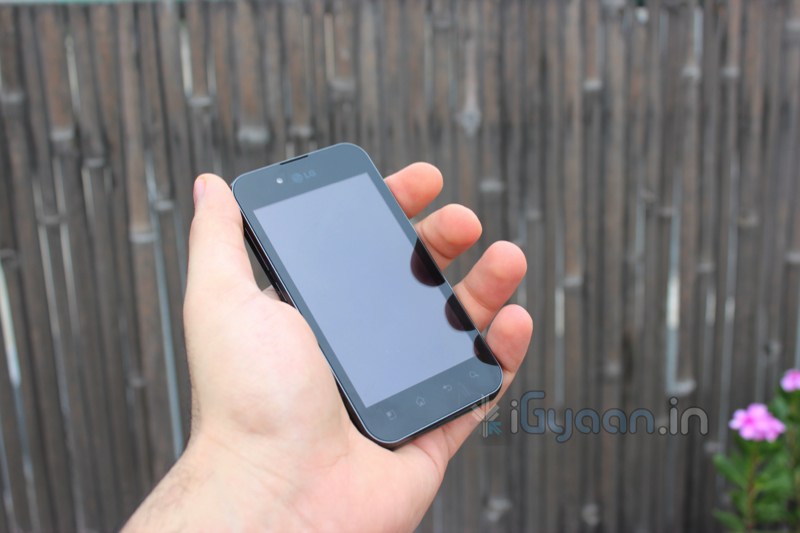
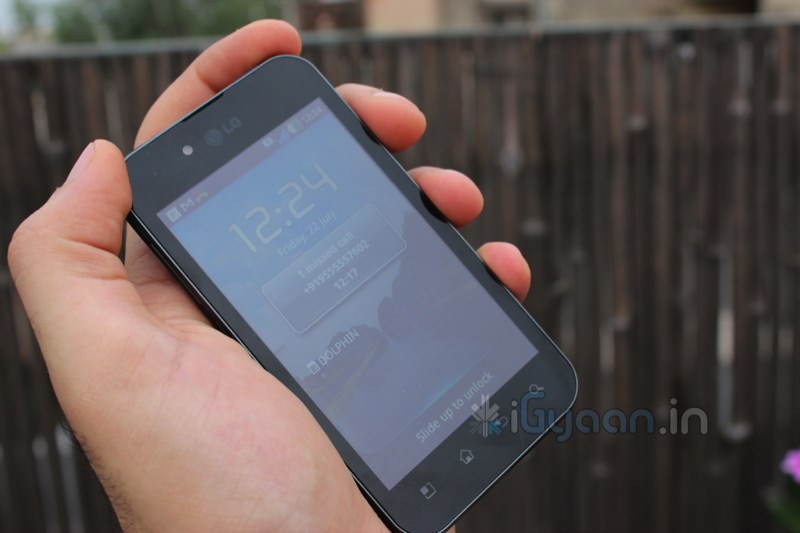
The LG Optimus Black was announced a while back, March 2011 to be precise, but the device appeared on our shores much later in July. People awaited the LG Optimus Black with much anticipation as it offered brilliance on a budget.
Does it really stand up to its name? Does it deliver brilliance? Lets Find Out!
Build Quality
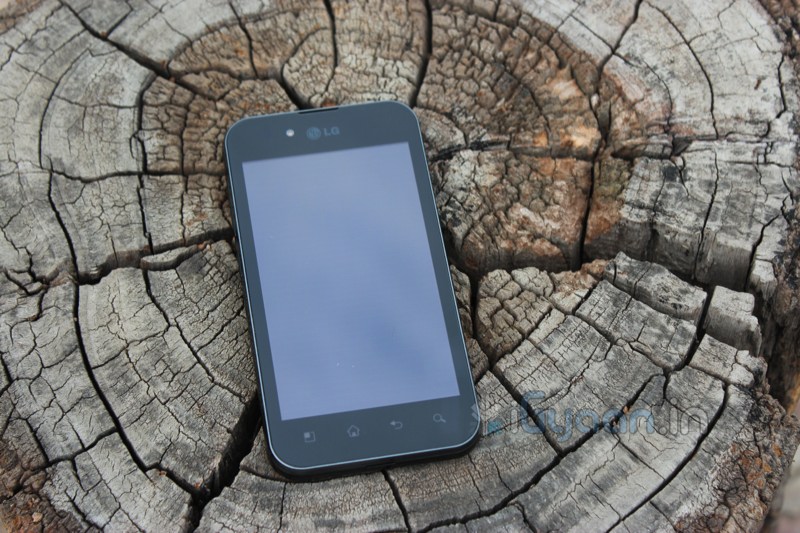
The Optimus Black is possibly the most well built phone in LG’s stable, only after the 2X. With a slim profile and tapered glossy black accents, the device also has a tough front glass and a brilliant camera. The device is built to last and will not fail to deliver in that respect. The plastic is of superior quality and the device does not rattle or squeak from anywhere.
Name
Type
Operating System
Android OS v2.2
Dimensions
122mm x 64mm x 9.2 mm
Weight
109g
Display Screen
4 inch WVGA IPS LCD
Processor
1 GHz Cortex A8 Processor
RAM
512 MB
Storage
2GB Internal + 32GB Optional
Camera
5 MP Rear : 2 MP Front (AF)
Video
720P VIDEO @30 fps
Connectivity
Wi-Fi, 3G, GPRS, EDGE, A-GPS, Bluetooth v3.1 with EDR
Battery
1500 mAh Li-Ion
The Price of the Device is about : Rs. 19,800 in the Market
Camera & Multimedia
The device features a brilliant 5mp Autofocus camera on the back that does HD video at 720p (watch sample below). The picture quality from the 5mp snapper is absolutely stunning, the camera focuses with precision and the LED does a wonderful job of eliminating darkness. The camera is also snappy at taking pictures and responds quickly.
Video quality is pretty great and almost close to what the iPhone 4 has to offer in good light, but kind of waivers in low light.
The front facing camera is simply superb quality and works just fine with Skype and other video softwares.
Audio from videos is low, but in game audio and music sounds are loud. The preference file some where needs to be tweaked to output proper audio. the speaker is fairly loud when the audio is proper. But, not as great as we would have like it to be.
The display is absolutely brilliant with a 700NIT brightness. The brightest display on a mobile device ever, makes the quality of the display that much better, whether indoors or outdoors. The only drawback of a very bright display is low battery life.
Phone & Messaging
The earpiece and microphone are great to pick up sound, but one unfortunate error in the design of the Optimus black prevents you from using the phone as a PHONE. every time you hold the phone in your hand, the network drops. So much so that we went able to get through a decent phone call to test audio quality. At first we thought the device was defective and got a replacement test unit, but alas!, still no proper network. So how good is a phone thats not a phone? its pathetic, is what it is, purely pathetic.
The touchscreen is a 4 point multitouch which allows for a simply great messaging experience, not to forget the iPhone style keyboard. The network issue prevails here as well, as you grip the phone to type, the device looses network.
Data & Battery
The Optimus Black is almost Satan’s child when it comes to how hot it gets on a data connection, its almost impossible to handle. The device gets blazing hot and starts to loose battery at an alarming rate, flat dead in 25-40 minutes. With data off, you get about 4 hours of talk time along with about two days of standby.
Not having been able to test internet performance we can’t comment on the battery life beyond that.
Conclusion
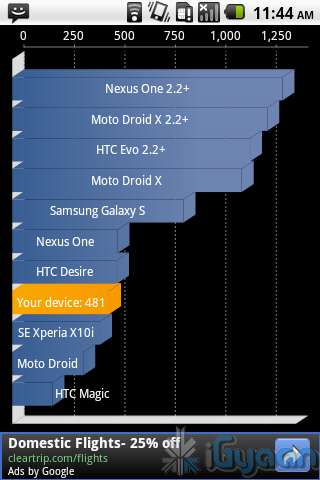
Its a pity that LG let us down yet again, we really liked the device when we got it at first. The device has good specs, excellent build, brilliant cameras and a very – very bright display. A great touch screen and decent hardware, but the device basically fails at being a phone. The death grip network loss issue is beyond excuse and cannot be mended with any kind of fix. ( except a full silicon cover or gloves on the users hands) the phone also performed poorly in the benchmarks.
We had a lot of expectations from this device and feel totally let down. LG really needs to step up their game, they have possibly good hardware, but something somewhere went wrong with the Optimus Black.
[xrr rating=2.5/5 label=”We Rate The Optimus Black : ” imageset=shiny_yellow_star display_as=fraction_stars]
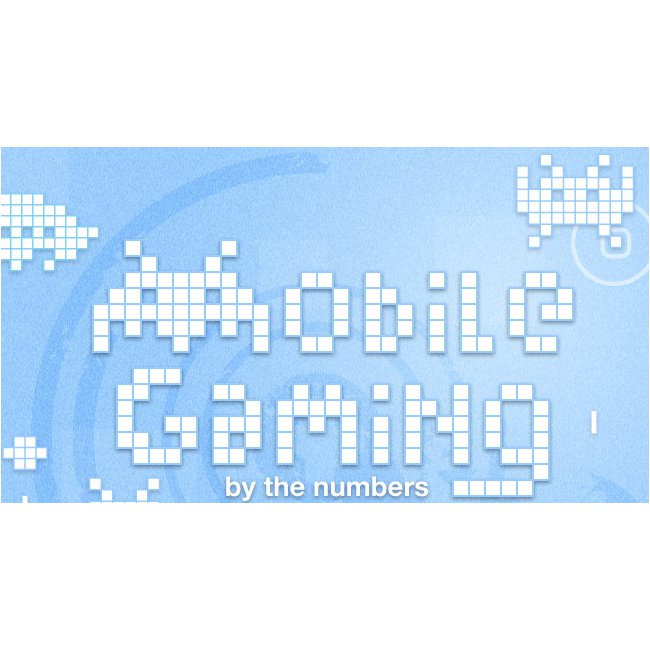
The mobile gaming industry was worth $33 Billion in 2010. Statistics show that you are more likely to leave home without your wallet than your phone. While most people would rather play a game on a console or computer, the mobile market is rising. Check out the info-graphic below for more facts on mobile gaming:
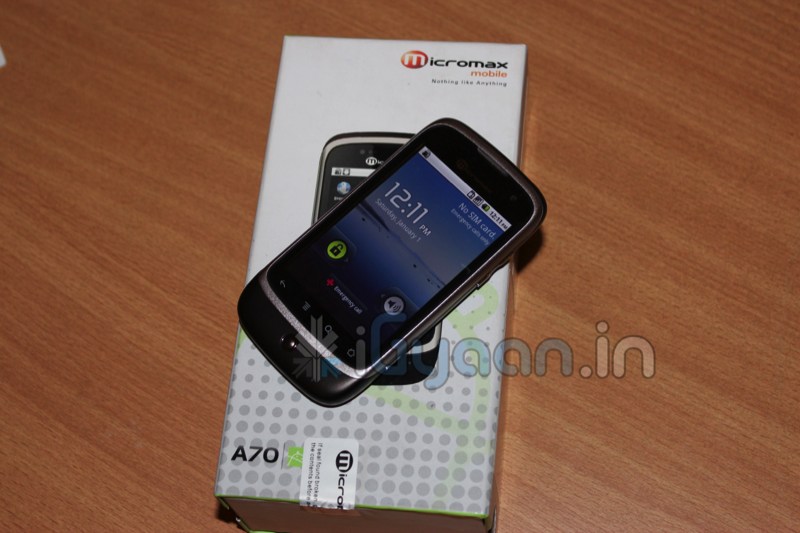
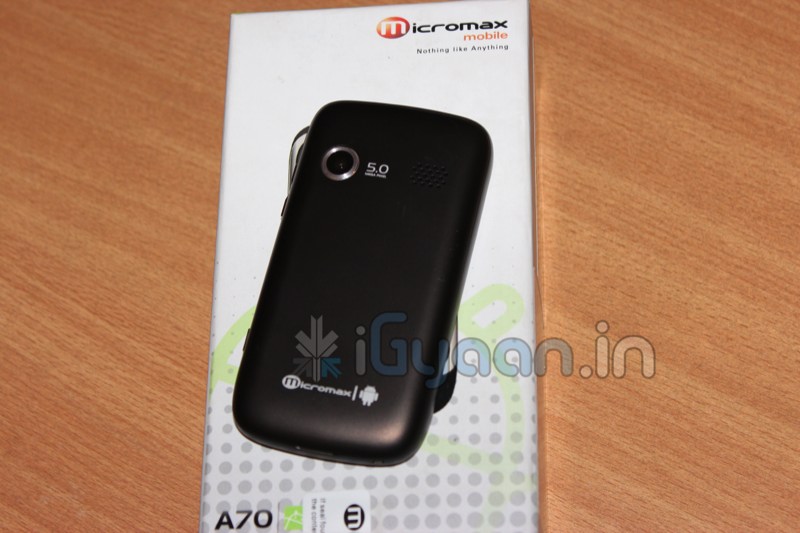
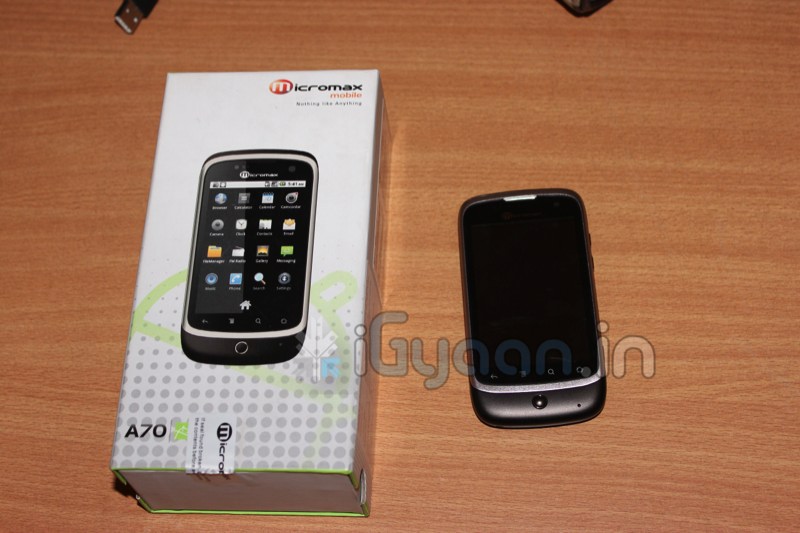
Here it is, we got over a thousand requests for the Andro A70 Unboxing and Review, while the review process is on, check out the unboxing and hands on below.
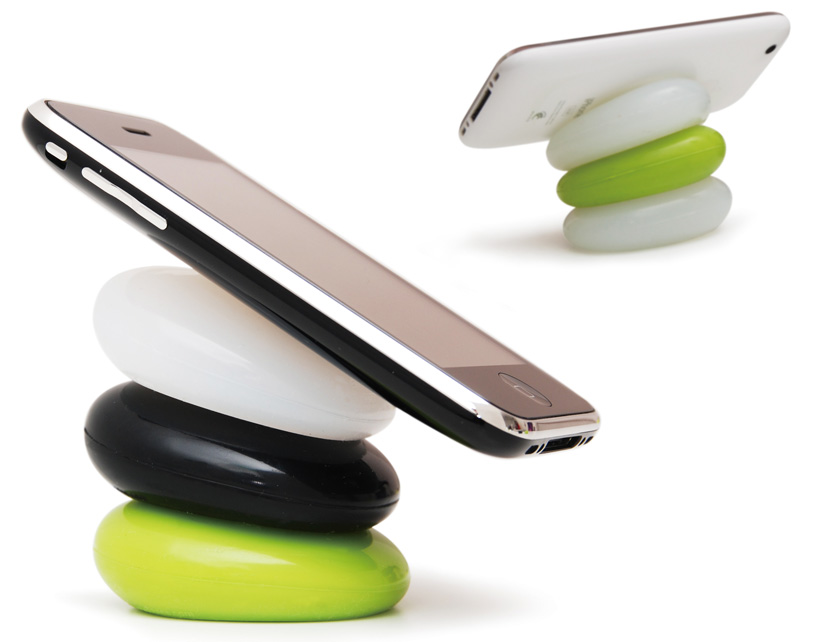
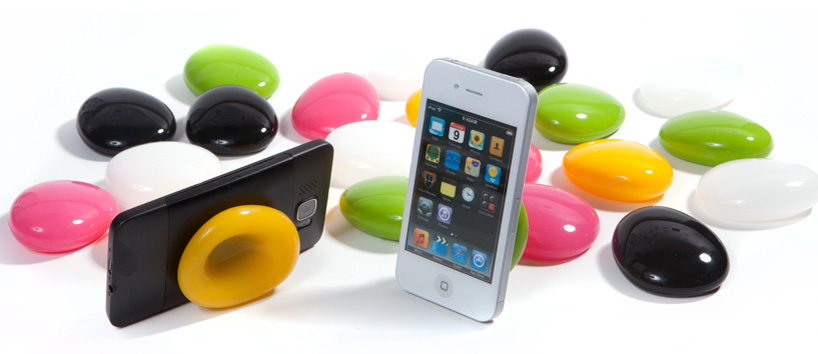
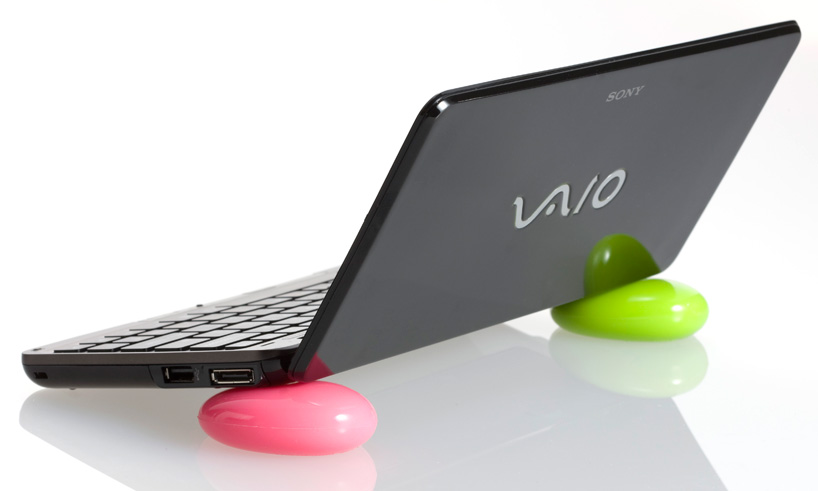
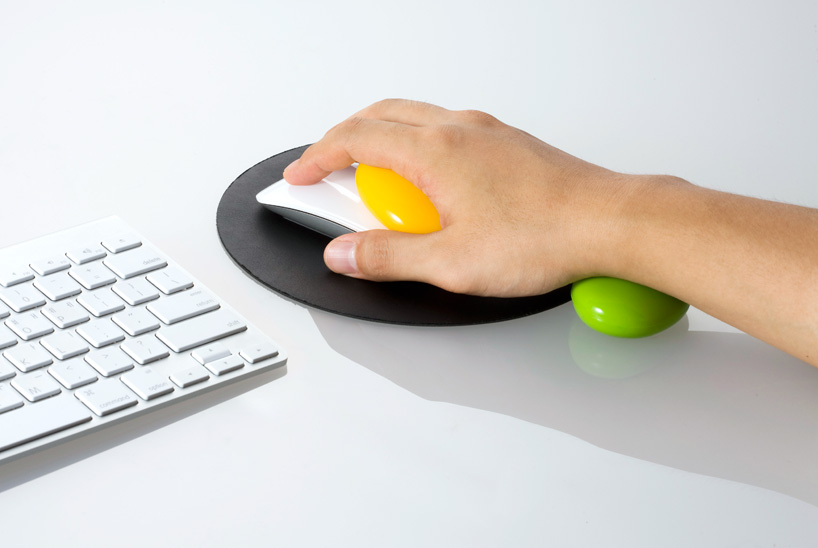
Every now and again we find a product which we look at and go, “That’s cool, I want one”. Well the smart pebbles are one of those products. These colourful pebbles created by Korean designer Kijin Shin of Designmaxx provide a comfortable resting spot for your phone, tablet, laptop or any other device that you want. They can also be used as a wrist support while you’re using the mouse. To use the pebbles, simply press them in the center and you can then proceed to place your phone, laptop or tablet on them. The pebbles are available for 15 USD for a pair.
Touch Screens are all the rage today. You’ll find them in many devices like tablets, smart-phones, computer monitors, PDAs, ATMs, table tops, kiosks etc. A touch screen can use multiple inputs from your fingers to styluses and even sausages! But how does this marvel of technology really work? There are many different types of touch screen displays. You will hear many marketing gimmicks regarding capacitive or resistive technology, but most people just don’t know the difference. Read on to learn more about this fascinating technology.
The first touch screen was made all the way back in 1965 by E.A. Johnson at the Royal Radar Establishment, Malvern, UK. Since that first prototype, many methods of detecting touch on a display have been developed. The most widely used touch screen technologies are explained below:
Resistive Touch Screens
A resistive touch screen is composed of many layers. The two most important layers are made of a flexible polymer which are coated with a resistive material and are separated with an air gap or microdots. The resistive material is applied in lines on each sheet and they are placed perpendicular to each other. When a person touches their finger to a resistive touch screen, the two layers are pressed together, and the points of intersection on the two layers allow the processor to accurately measure the position of the touch.
When pressure is applied to the screen, a uniform voltage is applied to the first sheet, and the second sheet measures the voltage as distance along the first sheet, which gives the X coordinate. Similarly, when the X coordinate has been ascertained, a voltage is applied to the second sheet, and the first sheet is used to measure the distance, which gives the Y coordinate. These measurements take place in only a few milliseconds, which means that a touch is registered as soon as contact is made.
Since these types of touch screens rely on a point of contact between the two resistive layers, any pointing device like a finger or stylus can be used on them. These screens are also quite inexpensive to manufacture as they don’t require any specialized components. Due to the design of these screens, registering multiple points of contact was not possible due to vectoring issues. However, new technology is now available that overcomes these vectoring issues and allows multiple points of contact to be measured.
Capacitive Touch Screens
Capacitive touch screens can be based on two different technologies:
Surface Capacitance
This is the most basic form of capacitive touch screen technology. One side of the insulator is coated with a conductive layer. A voltage is applied to this conductive layer, which results in a uniform electrostatic field. When you bring your finger in contact with the screen, a capacitor is formed dynamically. This changes the electrostatic field across the screen and this change is measured by sensors placed in the four corners of the screen. The point of contact can be accurately measured based on the change in capacitance in the four corners of the screen. The greater the change in any corner, the closer the point of touch is to that corner. As there are no moving parts, these types of capacitive touch screens are very durable and are used in industrial applications as well as kiosks.
Projected Capacitance
Projected capacitive touch screens work on a principle similar to the matrix found in Liquid Crystal Displays. There can be either a single layer on which an X-Y grid is etched to form a grid pattern of electrodes or two separate perpendicular layers on which parallel lines are etched to form the grid. There are two basic types of projected capacitance technologies – Mutual capacitance and self capacitance.
Mutual Capacitance: These types of capacitive displays have a capacitor at every intersection along the grid. A voltage is applied across the rows or columns which creates a local electric field across the display. When it is touched with a finger or capacitive stylus, the capacitance at each point on the grid changes, which can be measured and gives an accurate location of the point o contact. This technology can measure multiple points of touch.
Self Capacitance: This type of capacitive touch screen can have the same grid pattern as a Mutual Capacitance screen but the rows and columns operate independently. With this type of screen, the capacitive load of a finger is measured on each row and column by a current meter which gives the point of touch. These types of screens can only measure one point of touch at a time.
Projected Capacitance touch screens can operate without direct contact and can have a layer of insulation between the user and the screen itself. However, they require the use of a capacitive input device in the form of a human finger or a specialized stylus with a capacitive foam tip. These types of touchscreens are more expensive to manufacture than resistive touch screens. They also face issues when in contact with any capacitive material like water.
Infrared Touch Screens
These types of touch screens work on a very simple principle. Infrared LEDs or lasers are used to form an X-Y grid on the surface of the screen. These transmitters are coupled with receivers that monitor the grid pattern. When a touch event occurs, the infrared light from the transmitters is blocked in that region. The receivers that are no longer detecting an infrared signal are used to measure the exact point of contact.
Infrared touch screens face many problems from objects that obstruct the infrared grid such as smudges on the screen and dust particles. Any kind of input can be taken on these screen from fingers to gloves to styluses.
So now that you know how a touch screen works, we hope that you can have a new-found appreciation for all the devices that use this technology. A tremendous amount of research and hard work has been put in to make an input interface for a sense that most of us take for granted – Touch.
Nokia has announced that its Ovi Store has served a record 7.62 million downloads, this figure is more than twice of the 3 Million seen in October last year.
In addition, Nokia said downloads more than tripled in India, which remains at the top in terms of downloaded volumes. Calculating on basis of totals, the Apple App Store serves about 16 million downloads a day.