Tag: softwareupdate

  • Windows Phone 7.5 ‘Mango’ update being pushed from today

    Windows Phone 7.5 ‘Mango’ update being pushed from today

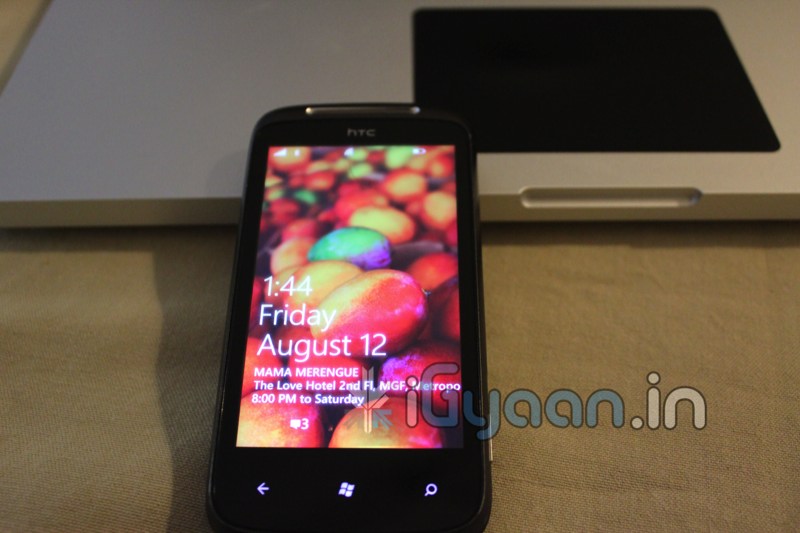
    Microsoft has already started seeding the Mango 7.5 builds of Windows phone to existing device holders.  The company’s eager to do a much more efficient job , considering they wern’t able to do it properly during the NoDo update.

    As far as supported devices go, According to MS almost all phones are covered in their update schedule. The new update brings over 500 new features and additionally allows users to install apps from third party developers without the need of sideloading them. Microsoft confirmed that Internet Sharing — the long-awaited mobile hotspot functionality — will not be available for existing devices. Which may be a big deal breaker for some users.

  • ALL Existing Windows Phone 7 Devices to get the official Mango Update within 2 weeks

    ALL Existing Windows Phone 7 Devices to get the official Mango Update within 2 weeks

    According to Microsoft’s official Windows Phone Blog, the Windows Phone 7 Mango Update should be available to all existing WP7 devices within another week or two. The Windows Team indicates it won’t be pushed to your phone OTA when the time comes, so you’ll need updated versions of the Zune for PC or Windows Phone 7 Connector for Mac installed on your computer.

    Looks like this time around the Update may come out the same day, unlike with No-Do when it was over several weeks.


  • VMware Fusion 4 brings full Mac OS Lion support to Windows 8 – Mission Control et all

    VMware Fusion 4 brings full Mac OS Lion support to Windows 8 – Mission Control et all

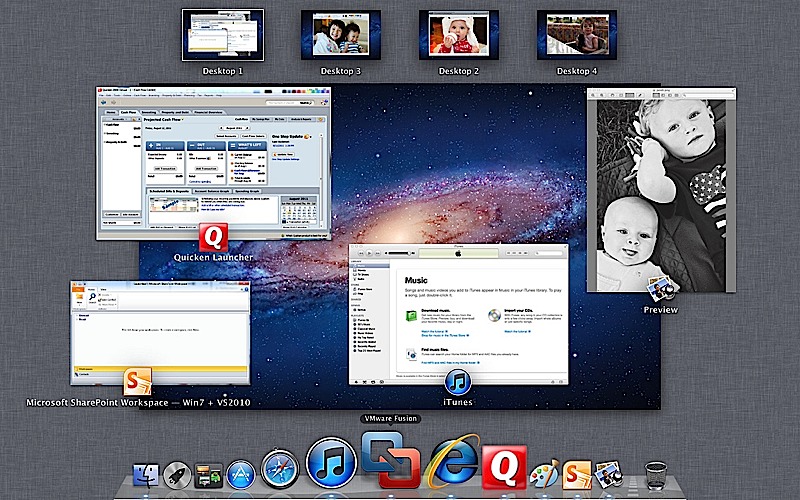
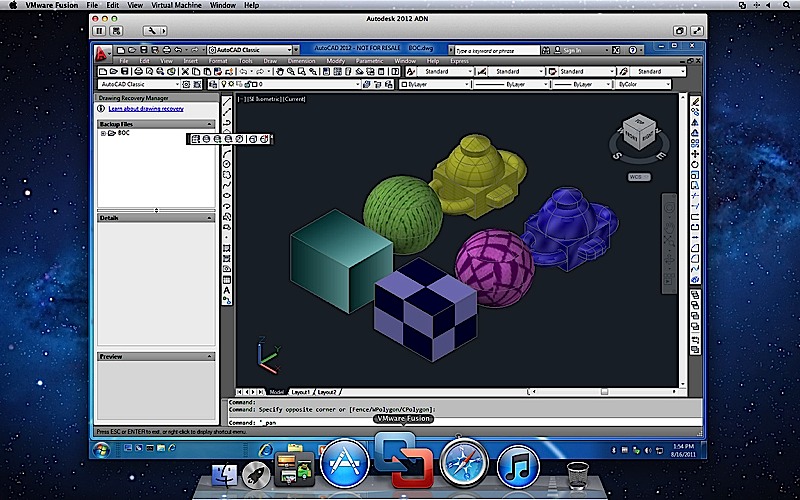
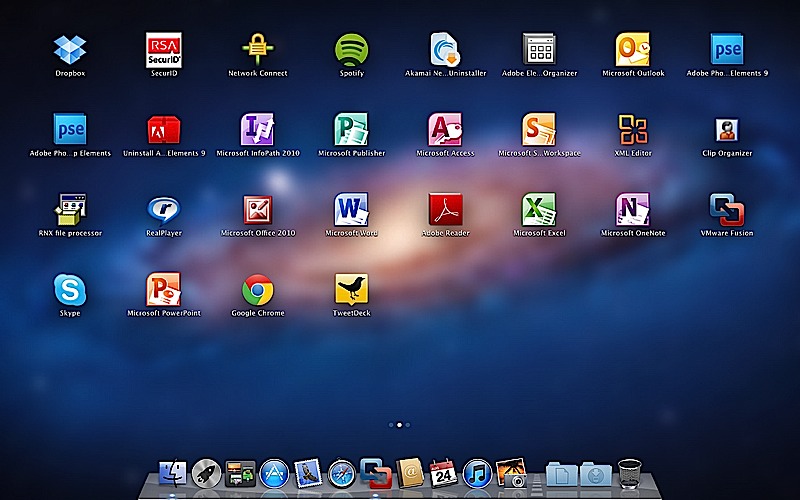
    To fully enjoy the killings of Microsofts new OS, VMware has introduced the new Fusion 4 the latest version of its virtualization software. This version fully works with Mac Lion, there is also support for Expose and Spaces on the Windows side, it also adds the ability to use Mission Control and launch Windows apps from Launchpad.

    The new software costs only US $ 50 or INR 2500 till december when the price goes up to US$ 80( do the math). If you recently bought VMware Fusion you get an upgrade free of cost. 

    The most important thing to note here is that our version of Parallels for Mac has already been doing this for about two months now. Full PR below.


    [toggle title_open=”Press Release” title_closed=”Press Release” hide=”no” border=”yes” style=”default” excerpt_length=”0″ read_more_text=”Read More” read_less_text=”Read Less” include_excerpt_html=”no”]VMware launches VMware Fusion® 4 – The Best Way to Run Windows on a Mac Just Got Better

    PALO ALTO, Calif., Sept. 14, 2011 – VMware, Inc. (NYSE: VMW), the global leader in virtualization and cloud infrastructure, today announced VMware Fusion® 4 – the best way to run Windows on a Mac. Available now at VMware.com for a promotional price of $49.99, VMware Fusion 4 makes it easier than ever for users to run Windows applications with Mac simplicity.

    “Enhancements to VMware Fusion® 4 make it a breeze to run Windows and Mac Applications side by side on a Mac,” said Pat Lee, director, client product management, VMware. “Offering full integration into Apple OS X Lion, VMware Fusion 4 builds on our proven, award winning platform to provide an easy, fast and reliable way to run Windows applications on a Mac.”

    With more than 90 new features and now optimized for today’s multi-core Macs and OS X Lion, key features in VMware Fusion 4 include:

    – Built for OS X Lion – VMware Fusion 4 is designed to provide the best Windows experience on OS X Lion. Add Windows programs to Launchpad, experience them in Mission Control, view them in full screen or switch between them using Mac gestures.
    · Better Performance and Faster Graphics – VMware Fusion 4 has been engineered to run Windows and Mac applications side-by-side with incredible speed and reliability. As a 64-bit Cocoa application, it is optimized for today’s multi-core Macs and delivers 3D graphics up to 2.5-times faster.
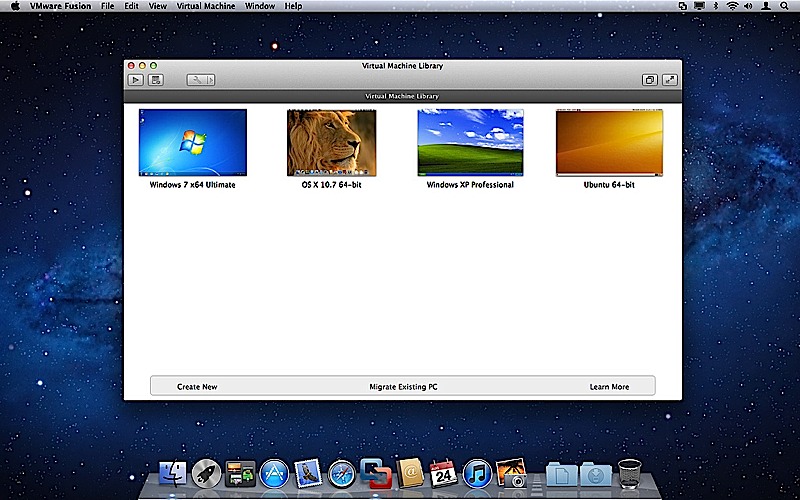
    – Even More “Mac-like” Experience – VMware Fusion 4 enhances the way Windows programs run on a Mac. From the brand new settings menu to the redesigned virtual machine library and snapshot menu, users have even more Mac-like experiences when running Windows programs.
    – Lion Squared – VMware Fusion 4 now supports OS X Lion in a virtual machine, allowing users to get more from their Mac by running OS X Lion, OS X Lion Server, Mac OS X Snow Leopard Server and Mac OS X Leopard Server in virtual machines.

    Switching Made Easy
    VMware Fusion’s migration assistant for Windows makes it easier than ever for users to transfer their entire PC to a Mac, allowing them to make the most of their existing Windows software investment. With VMware Fusion 4 users can get the best of both worlds and have access to Windows programs and files from their PC directly on their Mac, whenever they need them.

    Availability and Pricing
    VMware Fusion® 4 is available until the end of the year for a promotional price of only $49.99. The suggested retail price for VMware Fusion 4 is $79.99. Customers who have purchased VMware Fusion 3 on or after the July 20, 2011 are eligible for an electronic upgrade to VMware Fusion 4 at no additional cost. Volume pricing for corporate users is available from select resellers and www.vmware.com/fusion.

    VMware Fusion 4 is available immediately for download and purchase from vmware.com. VMware Fusion box products will be available at key resellers including Apple, Apple.com, Amazon.com, Best Buy, Fry’s Electronics and many other stores in the coming days. VMware Fusion is available in English, German, French, Italian, Spanish, Simplified Chinese and Japanese.

    Additional Resources
    Learn more about VMware Fusion on the VMware Fusion Blog[/toggle]
  • Mac OS 10.6.8 Released, The Last Version Before Lion

    Mac OS 10.6.8 Released, The Last Version Before Lion

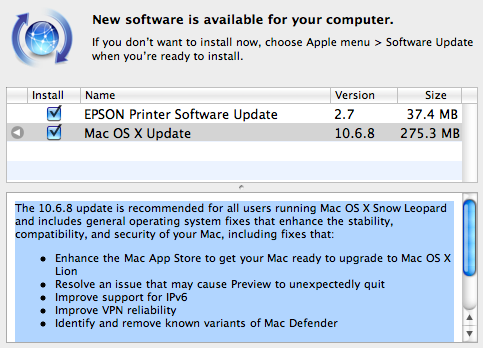
    Apple has just released version 10.6.8 of Mac OS X Snow Leopard. Mac OS 10.6.8 prepares Macs for the Lion upgrade through the Mac App Store and also fixes some errors and bugs in the current build.

    The 10.6.8 update is recommended for all users running Mac OS X Snow Leopard and includes general operating system fixes that enhance the stability, compatibility, and security of your Mac, including fixes that:
    • Enhance the Mac App Store to get your Mac ready to upgrade to Mac OS X Lion
    • Resolve an issue that may cause Preview to unexpectedly quit
    • Improve support for IPv6
    • Improve VPN reliability
    • Identify and remove known variants of Mac Defender

    [Apple]

  • Sony Ericsson Xperia Play and Arc will get Android 2.3.4 Next week + Facebook Integration

    Sony Ericsson Xperia Play and Arc will get Android 2.3.4 Next week + Facebook Integration

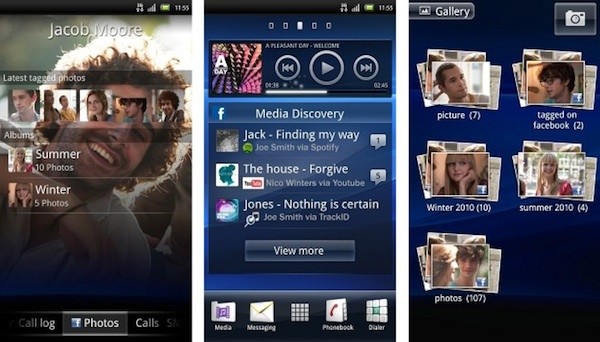
    Recombu is reporting that the Xperia Arc and Play will get updated to the new version of Android OS 2.3.4. The report also states that both phones will be getting the Sony Ericsson’s so-called “Facebook inside Xperia” update which will integrate your calendar, contacts, and music with facebook accounts. The company confirms that Facebook integration will come to all upcoming and existing Xperia Phones.

    [Recombu]

  • Nokia announces Symbian smartphone event for April 12 we will cover it

    Nokia announces Symbian smartphone event for April 12 we will cover it

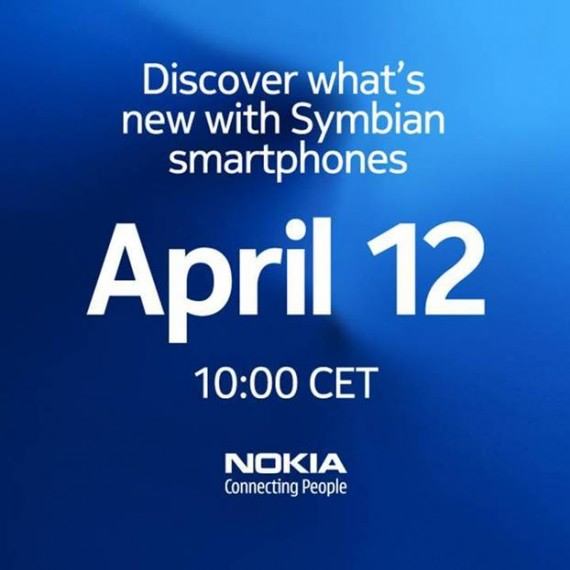
    Nokia is planning an even to talk about the upcoming OVER THE AIR update for Symbian in its last life cycle. it will happen on April 12th at 2:30 PM IST. And we will cover it for you.

  • DIY : How to Update HTC HD7 to NO-DO

    DIY : How to Update HTC HD7 to NO-DO

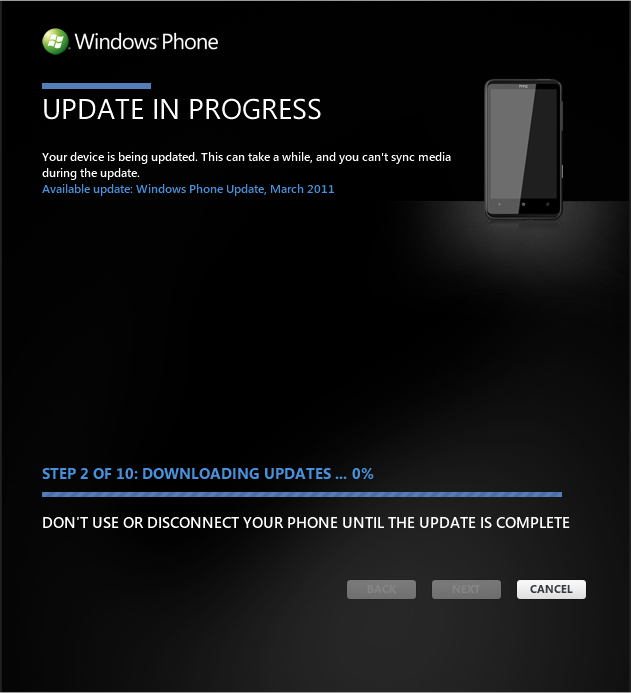
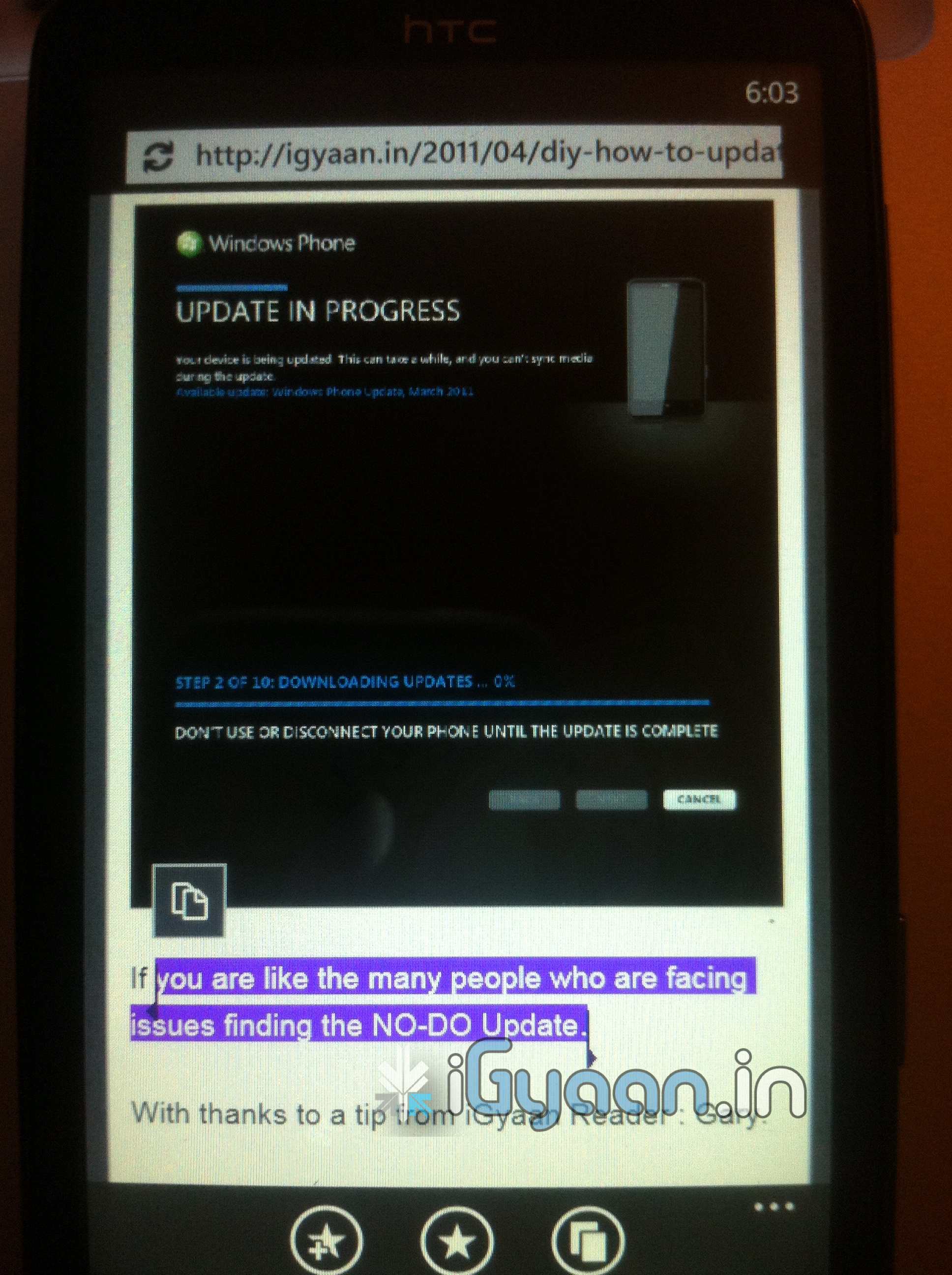
    If you are like the many people who are facing issues finding the NO-DO Update.

    With thanks to a tip from iGyaan Reader : Gary.

    We have the Step by Step Solution for You


    1. Start Zune
    2. Turn off Data connection and Wifi on the Phone
    3. Connect the Phone with the PC (USB)
    4. Start the update search in Zune
    5. About 3 seconds later, disconnect your PC from the internet (Turn WLAN off).
    6. Zune finds NoDo-Update. Press OK.
    7. Connect to the internet again and install the update.

    As we tested this works brilliantly on all those devices which don’t see the update.

    Also if it fails the first time, simply try the process again.

  • HTC HD7 gets the NoDo update for WIndows Phone 7, Copy Paste is a Go

    HTC HD7 gets the NoDo update for WIndows Phone 7, Copy Paste is a Go

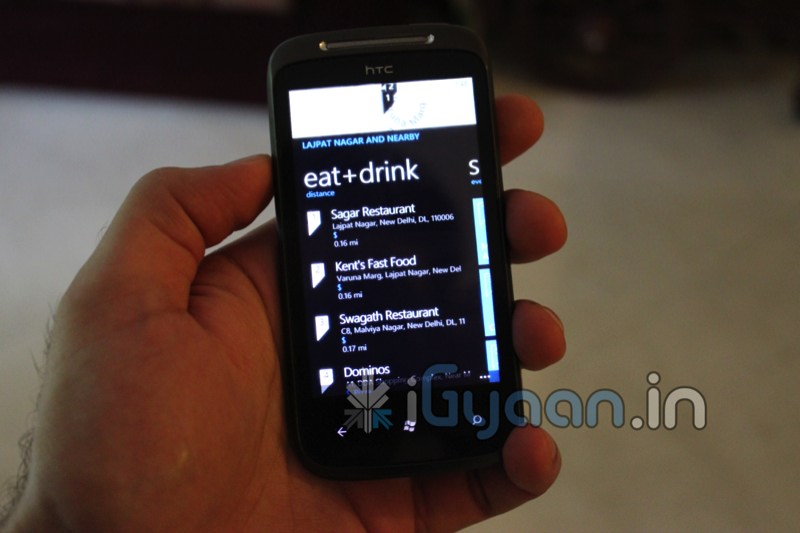
    Looks like here it is, we just had a Phone Update POP-UP on our HD7 and it looks like copy paste is now available on the HD7. To simply get the update, sync up your phone with Windows or Mac computer and enjoy!

  • New Revamped Symbian coming by August

    New Revamped Symbian coming by August

    Marc Driessen, Nokia Benelux product manager has let out some details on the unannounced updates that Nokia will be offering to Symbian Lovers. Talks about a symbian revamp have been going on for quite some time now, but now the companys own people are spilling the juicy details. According to Driessen, Nokia is targeting a major UI overhaul in the fall, an update rumored to include

    • dedicated pull-down status bar up top
    • new iconography
    • new flexible widgets
    • simplified navigation bar
    • better menus

    Any of those sound familiar to the “rejected by Nokia” OS?

    It is also Rumored that that N8 and E7 will get this update faster than others, possibly by Summer 2011.

  • Google Rolls out Chrome 9 Update adds WebGL, and apps

    Google Rolls out Chrome 9 Update adds WebGL, and apps

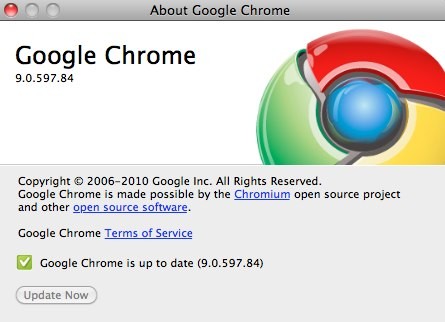
    Googles Latest Chrome browser v 9.0.597.84 has just been auto updated on our system. Google says that the browser has been tweaked to add lots of speed along with the 3D WebGL graphics, Google Instant search results, and the Chrome Web Store already available in Chrome’s beta versions.

    Source Chrome Blog

iGyaan Network
Privacy Overview

This website uses cookies so that we can provide you with the best user experience possible. Cookie information is stored in your browser and performs functions such as recognising you when you return to our website and helping our team to understand which sections of the website you find most interesting and useful.