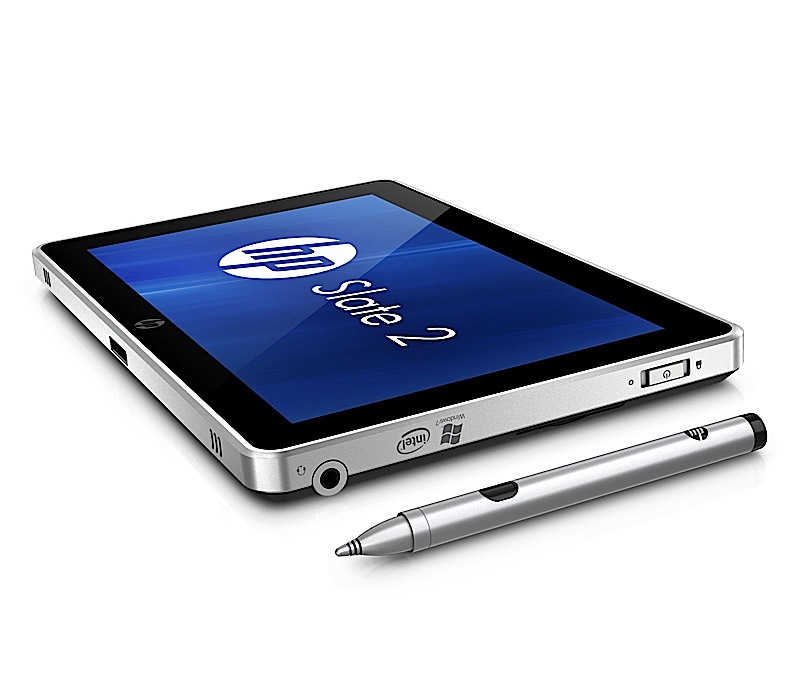
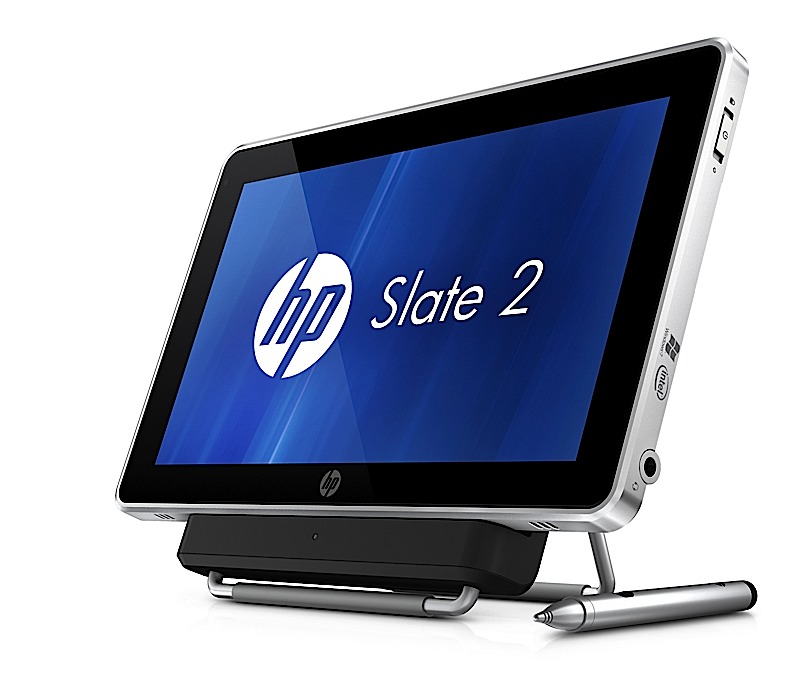
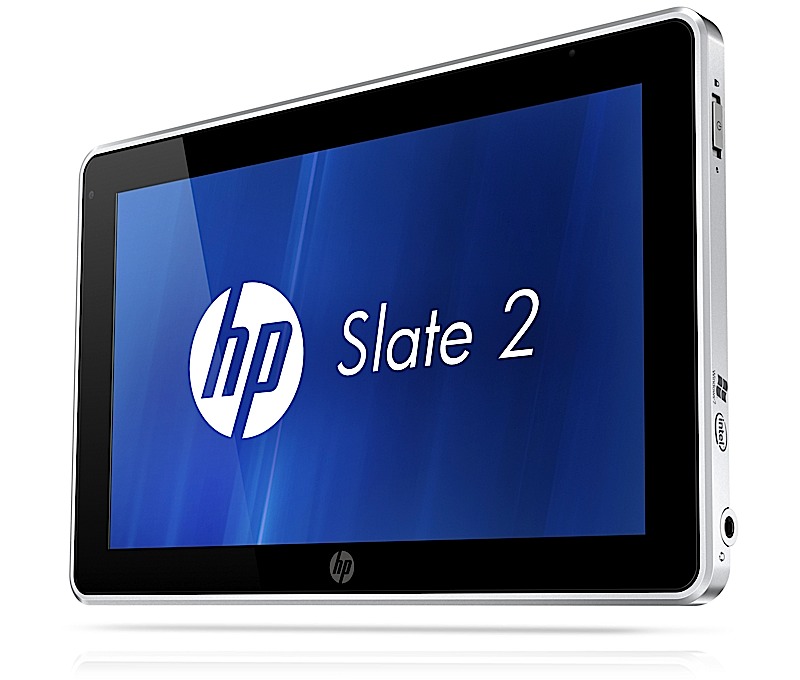
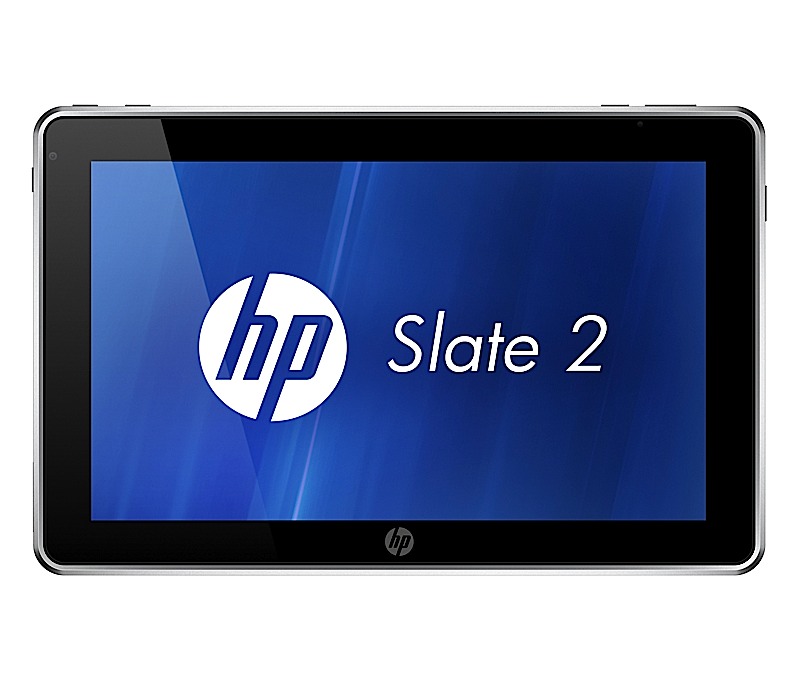
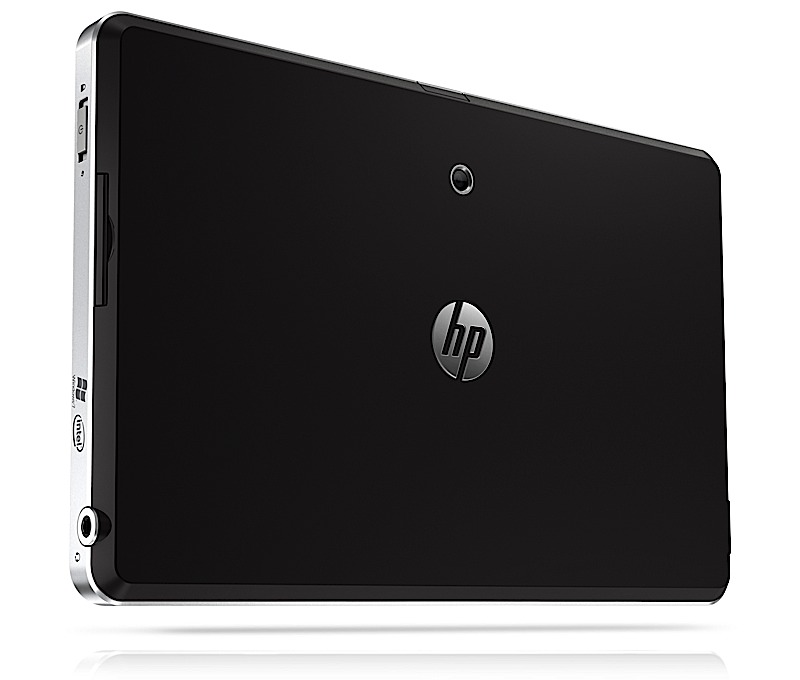
Remember the HP Slate 500? Well we don’t either. Thats possibly because it never made it to consumers let alone India. But, HP plans to change that with the new HP Slate 2, the next version of the unpopular HP Slate 500.The device still remains mostly targeted at the enterprise level users, but will be available to the general public as well. The device still looks and feels the same with the same outer shell and an 8.9 ” display. The price however has been lowered to US $ 699 ( approx. INR 35,000/-) . The interior however is a bit changed, it packs Windows 7 with a HP UI on top, a Z670 Intel Atom processor and a smaller 32GB SSD. The added layer of security includes TPM circuitry and Computrace Pro for tracking lost or stolen laptops and then deleting the data remotely. The device goes on sale worldwide by the end of this month.
[toggle title_open=”HP Slate 2 Press Release” title_closed=”HP Slate 2 Press Release” hide=”yes” border=”yes” style=”default” excerpt_length=”0″ read_more_text=”Read More” read_less_text=”Read Less” include_excerpt_html=”no”]HP Introduces Multitouch Slate Tablet PC for Business
PALO ALTO, Calif., Nov. 3, 2011 – HP today announced the HP Slate 2 Tablet PC with expanded touch capabilities, enhanced multitasking performance and embedded security, providing added flexibility to mobile business users.
The company also announced a new notebook PC targeting business, education and government customers.
The HP Slate 2 Tablet PC provides instant deployment for business and vertical markets such as education, healthcare, government and retail, where jobs frequently take users away from a traditional desk. With a full-featured Microsoft Windows® environment, the 1.5 pound HP
Slate 2 Tablet PC provides professionals with the flexibility to create, edit and review content on one highly mobile and lightweight device.
“HP is dedicated to the tablet PC category and continues to listen to customers and improve the product in ways that best address their business needs,” said Dan Forlenza, vice president and general manager, Commercial Managed IT Segment, HP. “The HP Slate includes the right mix of rich features, support for custom-built applications, and the security and connectivity needed for today’s highly mobile and rigorous day-to-day professional environment.”
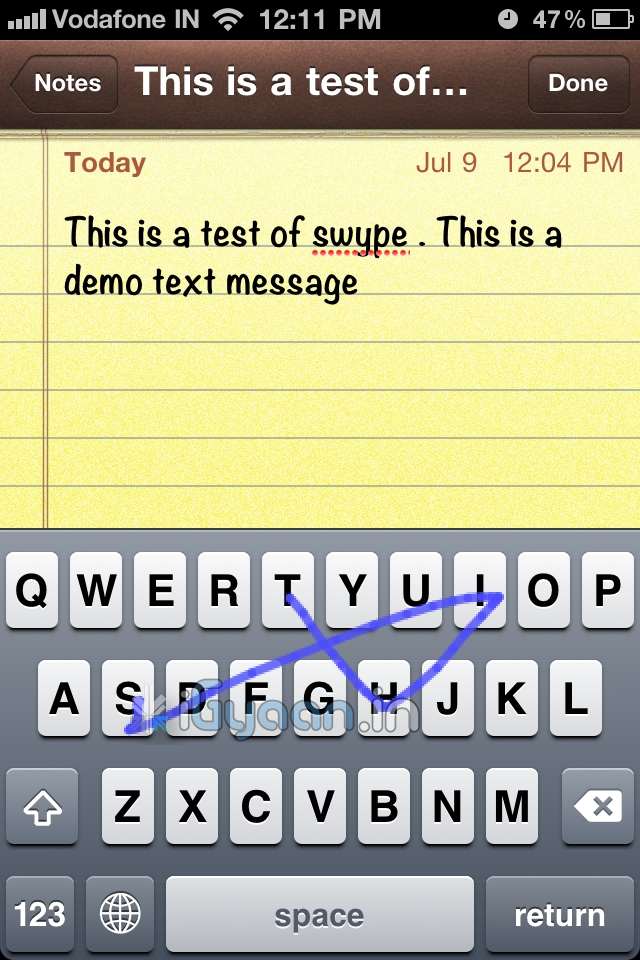
The HP Slate 2 Tablet PC features an 8.9-inch diagonal capacitive multitouch display for touch and pen input plus includes a new Swype keyboard. The Swype applet enhances the touch experience with comfortable and efficient data entry via one continuous finger or stylus motion across the screen keyboard.
The HP Slate 2 Tablet PC comes with an Intel® Atom Z670 processor with mSATA SSM technology to deliver faster boot times, improved battery life of up to six hours and increased performance for business customers.
“The Slate Tablet PC’s combination of an Intel Atom processor and flash memory deliver excellent performance,” said Dr. Rick LeMoine of Sharp HealthCare in San Diego. ?I don’t know how they do it, but sometimes it seems to me that the Slate runs these applications faster than my desktop PC does.”
Additional hardware and software enhancements to the HP Slate 2 Tablet PC’s security and experience include:
– A TPM Embedded Security Chip protects data – from email to information on the hard drive.
– Embedded Security for HP ProtectTools provides user control and management of the TPM chip to increase secure user authentication, improved personal secure drive integrity, secure email and support protected digital certificate applications.
– BIOS support for Computrace Pro helps protect against data theft by allowing customers to remotely delete data at the file, directory or operating system level and keep confidential information more secure.
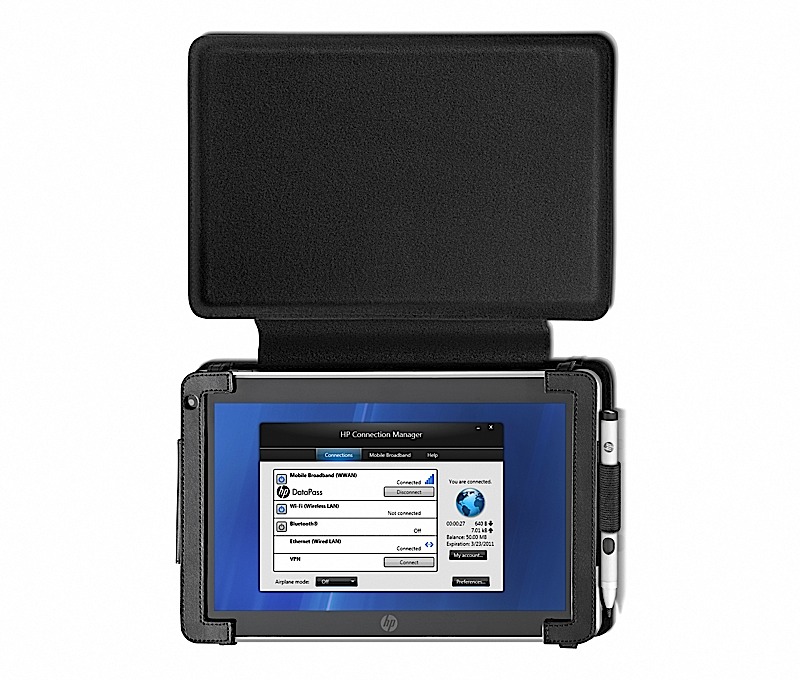
– Through a single user interface, HP Connection Manager offers easy control over wireless connections, including Wi-Fi, Ethernet, Bluetooth® and optional integrated 3G Mobile Broadband for convenient internet and intranet access from more places around the world.
For remote workers, a front-facing VGA webcam enables videoconferencing, and a 3-megapixel camera on the back allows for still image and video capture. SRS Premium Sound provides optimized audio settings for voice and multimedia applications and an SD card slot allows for expanded storage and sharing capabilities. The HP Slate Dock provides device connection via two USB 2.0 ports and an HDMI port.
Flexible HP Slate solutions for business
The HP Slate 2 Tablet PC comes with optional additional accessories and business solutions including the HP Retail Mobile Point of Sale (POS) Case, which features an integrated magnetic stripe reader and barcode scanner for retailers. The case attaches to the HP Slate 2 and creates a secure portable POS solution that personalizes transactions, boosts productivity and sales, and integrates into existing application and hardware infrastructure. In addition, the HP Slate 2 helps retailers combine online and enterprise access to applications and services including task management workflows, inventory data and custom orders. The optional HP Slate Bluetooth® Keyboard and Case accessory is a new sleek, stylish executive-class carrying solution that bundles the HP Slate 2, a rechargeable Bluetooth keyboard, HP Slate Digital Pen, and ID, business, or credit cards inside a single case.
Lightweight business notebooks
Designed for mobile professionals, the HP 3115m offers up to 11.5 hours of battery life, flexible wireless capabilities, an 11.6-inch diagonal LED-backlit HD display, Beats Audio™ and a high-definition webcam for collaboration with peers. The new AMD E450 dualcore Fusion APU with AMD Radeon HD 6320 graphics provides greater performance than a netbook without weighing professionals down.
Pricing and availability
– The HP Slate 2 Tablet PC starts at $699 and is expected to be available worldwide later this month.
– The HP 3115m starts at $429 and is expected to be available Nov. 11 in the Americas only. More information about the products, including product specifications and images, is available at www.hp.com/personal.[/toggle]