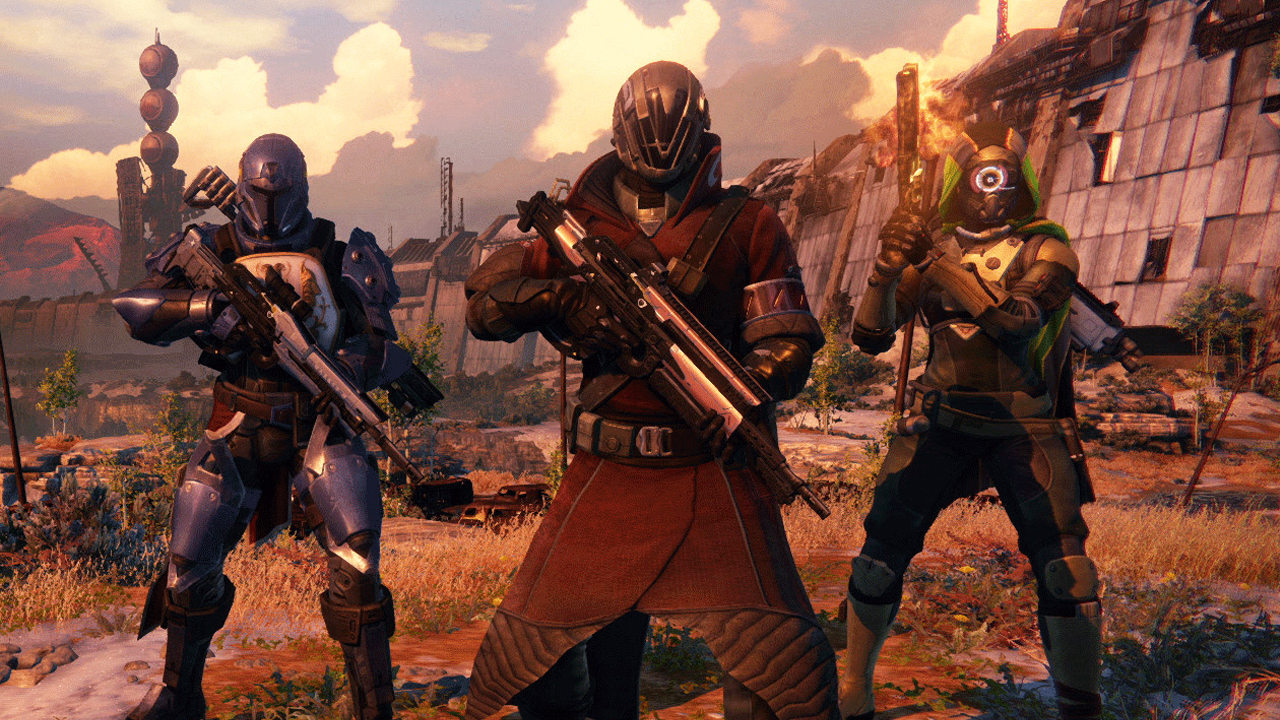
Hello, Destiny-fans. Right around the time when preparations for the Destiny‘s Valentine’s Day event are underway, there is a new update from the front. Developer Bungie informs that the much-anticipated, and delayed, sequel to the game is all set to arrive – wait for it -next year.
Along with this, the game is also set to get an update this Spring which would include a “significant” Light level increase, new gear and challenges. The official blog post further mentions a larger expansion later this year, and the biggest news of them all, a sequel to Destiny in 2017.
The developer had been quiet for a while as to the plan of action, leaving fans a little lost in terms of what to expect next from their favourite game. During the first year post Destiny‘s release, there had been a fairly clear blue-print provided to players about the next stages of development. However, the same blueprint had been missing from the scene lately. Consequently, this new update comes as a much-welcomed news for the gaming community.
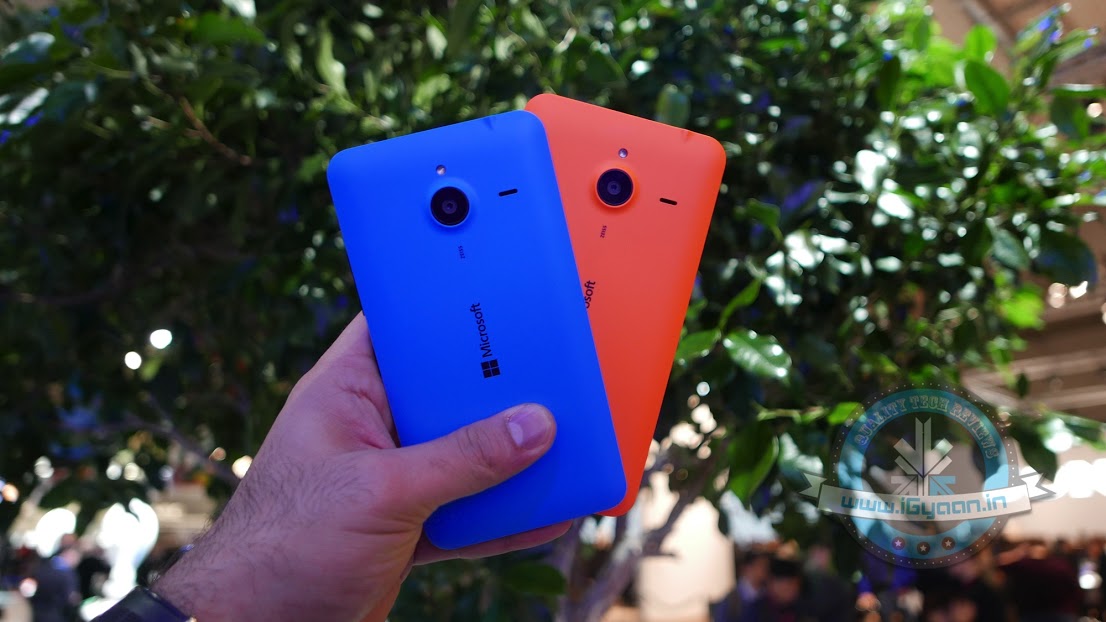
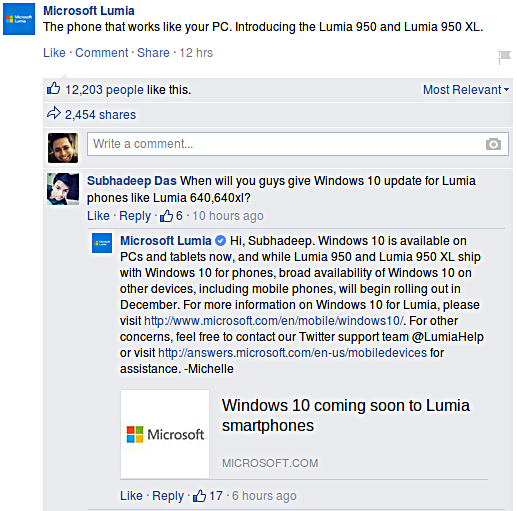
After Microsoft’s mega event yesterday, we found out that both its Lumia 950 and 950 XL will be powered by the new Windows 10 software. The current Lumia users though, had nothing to gain from this announcement, until now. Recent reports suggest that the existing Lumia owners will also be receiving the Windows 10 update by December.
This bit of information was seen on Facebook when Microsoft responded to a comment on its official Lumia page. Here is what the conversation looked like :
Furthermore, they also added that they would “make an upgrade available for majority of Lumia smartphones running Windows Phone 8.1,” however, this announcement is only good for Lumia phones that have an internal memory of 8GB or above. Fair enough. What do you think?
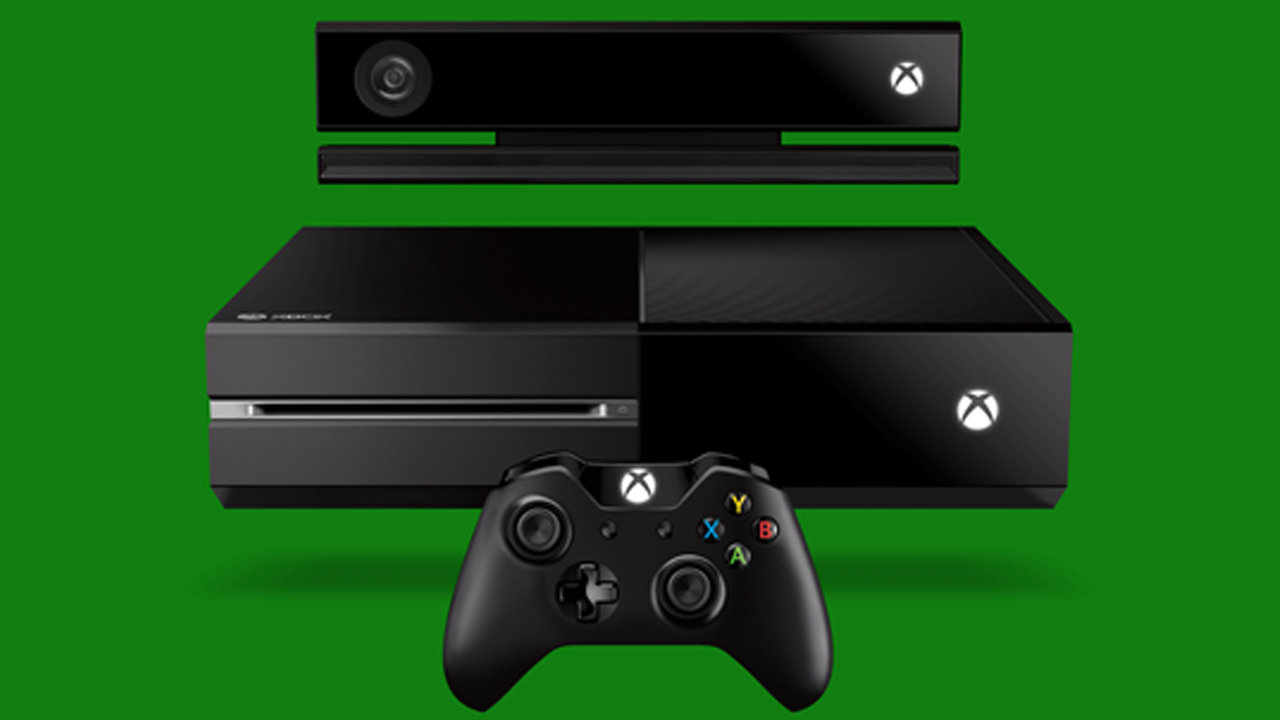
A new Xbox One is soon to come with a Windows 10 upgrade. Microsoft announced a redesign to the Xbox One dashboard that promises fast, easy-to-use experience. The Xbox One Experience will be available to members of the preview program over the course of this week.
Participants of the preview will get to test out the console so as to provide a feedback to the Xbox team on the Xbox One’s new UI, which is still “a work-in-progress”. Here’s an eight-minute video of Microsoft’s Larry Hryb and Richard Irvine of the Xbox engineer team providing a detailed look at the consoles new design.
Some of the major features of this new UI are a cleaner home page, faster access to essential apps such as Friends, Parties, Messages and Notifications, and an emphasis on vertical placement. It also appears that Microsoft is moving away from the tiled interface that was introduced with the Xbox One.
Another major feature is Cortana. Microsoft’s Kinect system will get a big upgrade which will provide a whole new experience of gaming where you can start a party and invite friends or record videos all without lifting a finger. So you can say “Hey Cortana, record the last minute and share it to my activity feed” and she will publish a game clip straight away. However, it appears you will need to have a Kinect in order to let Cortana to work.
For existing Xbox One owners, the new update will be available sometime in November.
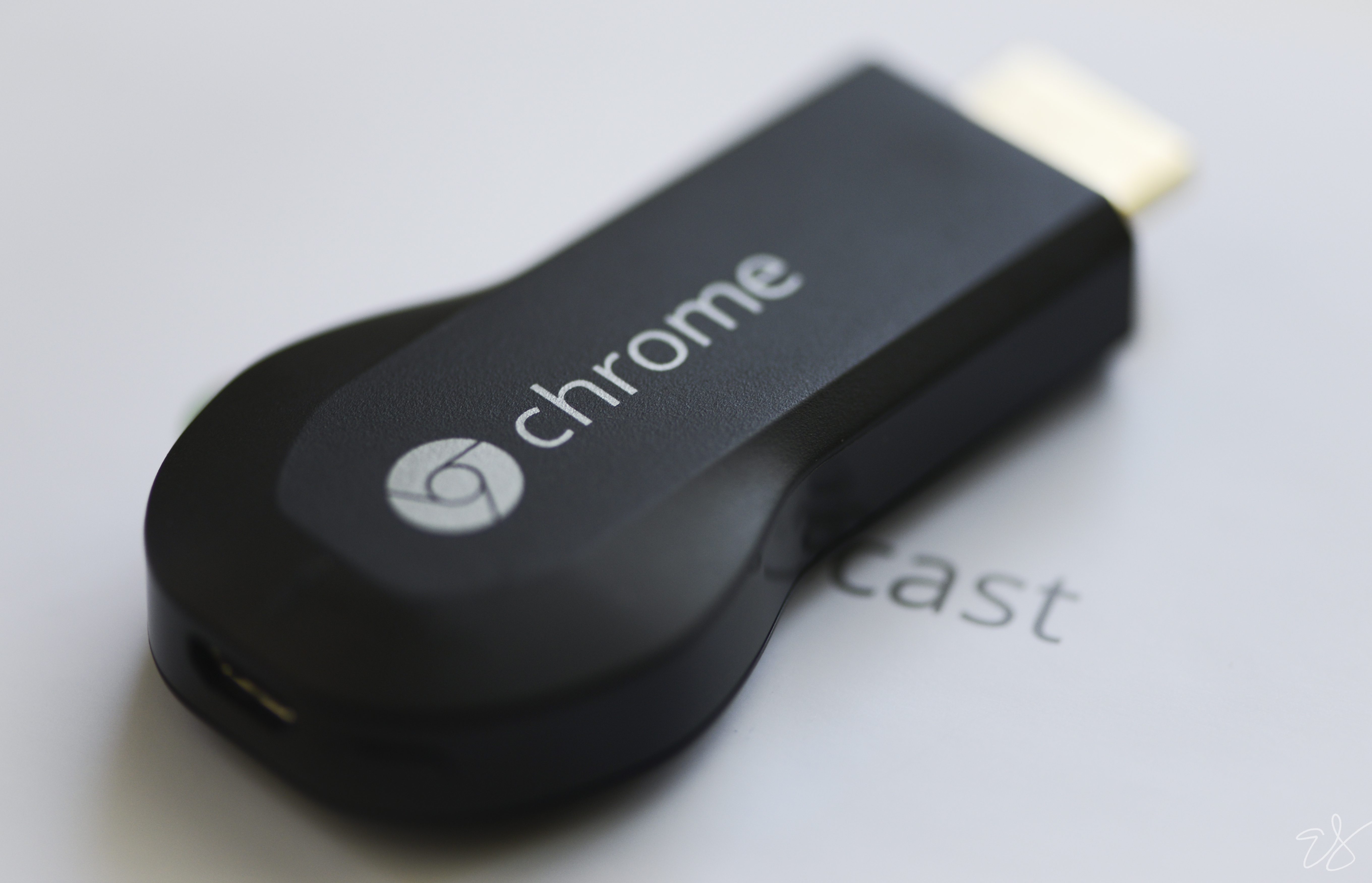
According to 9to5Google, via some ‘internal documents’, Google is planning to unveil a new Chromecast streaming-media device at their upcoming San Francisco event on the 29th of September 2015.
Chromecast is a pen-drive type device that you can connect to the back of your TV in order to stream content from your laptop or phone. It was a great hit back when it was announced in 2013, and has continued to thrive because of its 35$ price tag; that’s a mere Rs.2,305 approximately, as compared to other similar devices which are priced between 50 to 100 dollars.
The new Chromecast is also expected to come with a new rounder looking design, thereby doing away with the whole ‘dongle’ look.Other upgrades include faster WiFi and something called Fast Play. We should also note that Google’s competitors, Amazon and Apple have since unveiled new streaming-media boxes, in the two years that Google did not upgrade theirs. So let us wait and watch how successful this new Chromecast will be, especially with the holiday season around the corner.
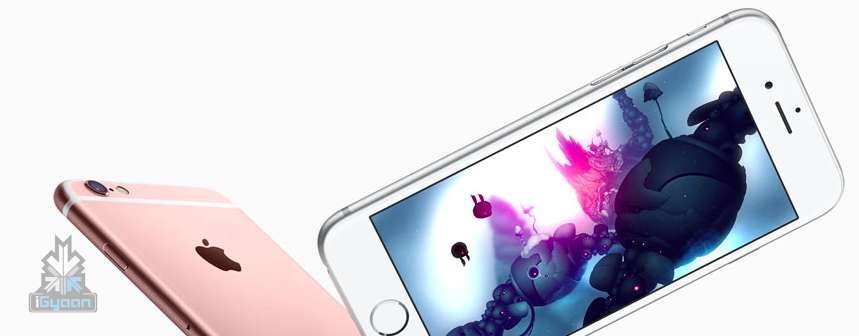
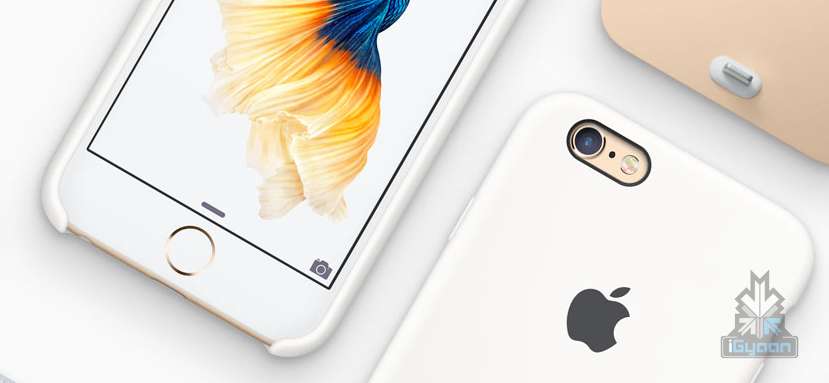
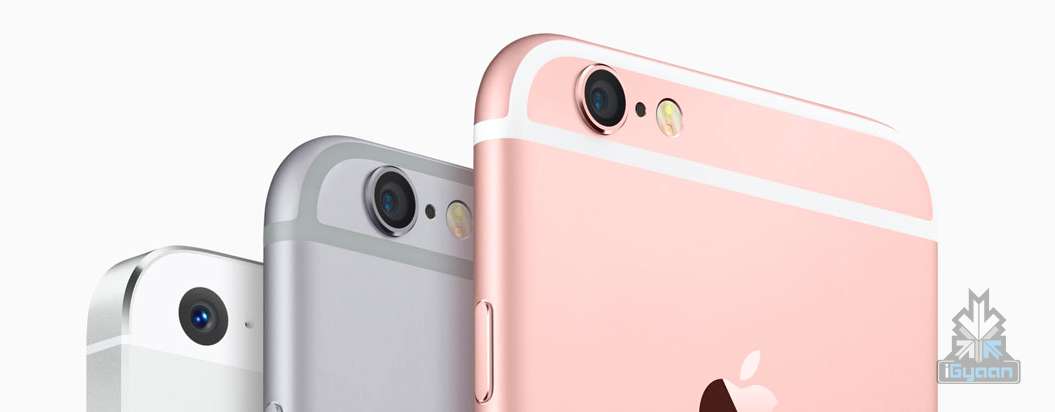
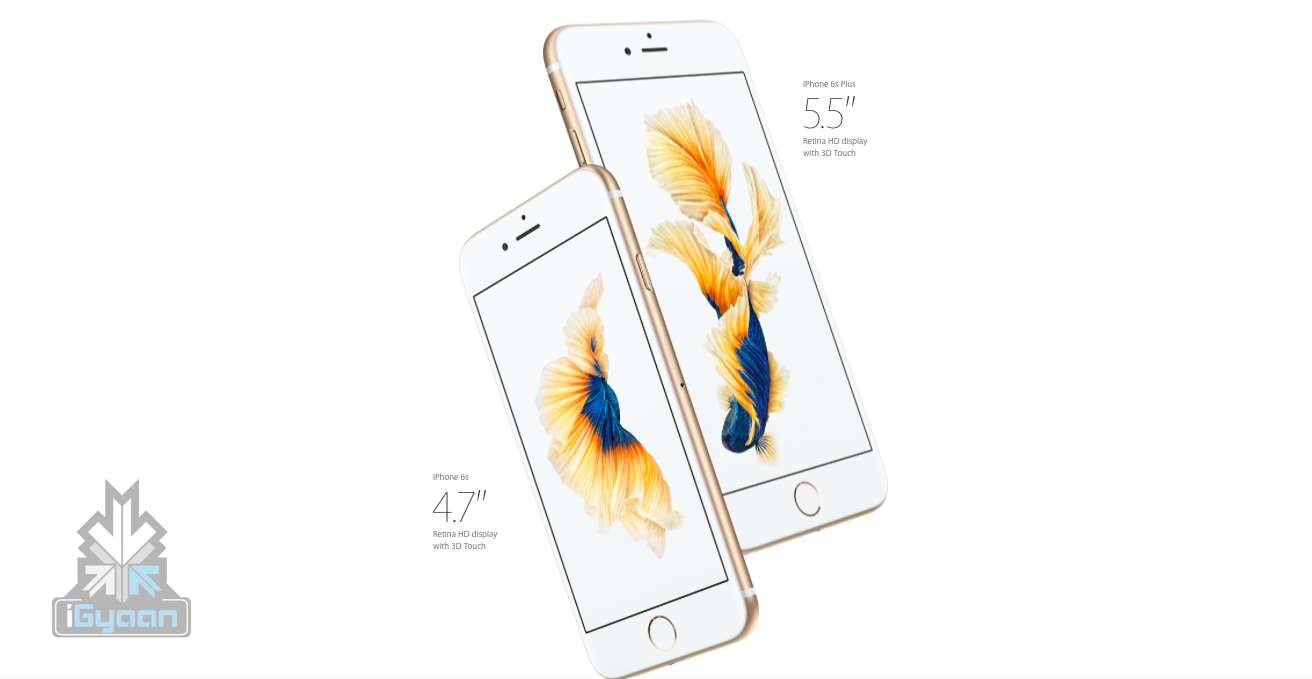
Now that you’ve had a good look at the iPhone 6s, we’re going to move forward to the expected and anticipated iPhone 6s Plus. As Apple tradition goes, the respected iPhone is always released with an upgraded ‘S’ option.
We have also seen much of a difference between the previous year’s iPhone 6 and 6 Plus. For example, the iPhone 6 came with a 4.7-inch display while the 6 Plus came with a 5.5-inch one. Apart from this, the 6 Plus also came with a higher resolution and pixel density, a longer battery life and most importantly the camera that came with the optical image stabilizing technology.
What’s the big difference between the iPhone 6s and 6s Plus?
The iPhone 6 and 6 Plus had come out with a mind blowing storage capacity of up to 128GB for the high-end models of its two new handsets. Is the iPhone 6s Plus any different? No it isn’t. It comes with the same storage options. But we already told you that before.
Here’s a detailed spec table showing you minor or major differences, if any:
Specifications
iPhone 6s
iPhone 6s Plus
Display
Retina HD display with 3D Touch, 4.7-inch (diagonal) LED-backlit widescreen
Retina HD display with 3D Touch, 5.5-inch LED-backlit widescreen
Resolution
1334 X 750-pixel resolution at 326 ppi
1920-by-1080-pixel resolution at 401 ppi
Processor
Embedded M9 motion coprocessor
Embedded M9 motion coprocessor
Chipset
A9 chip with 64-bit architecture
A9 chip with 64-bit architecture
OS
iOS 9
iOS 9
Internal Storage
16GB/64GB/128GB
16GB/64GB/128GB
Exapandibility
N/A
N/A
Rear camera
12-megapixel iSight camera with 1.22µ pixels, ƒ/2.2 aperture
12-megapixel iSight camera with 1.22µ pixels, ƒ/2.2 aperture, Optical image stabilization
Rear Camera Video
4K video recording (3840 by 2160) at 30 fps
Optical image stabilization for video, 4K video recording (3840 by 2160) at 30 fps
Front Camera
5-megapixel photos, ƒ/2.2 aperture, Retina Flash
5-megapixel photos, ƒ/2.2 aperture, Retina Flash
Front Camera Video
720p HD video recording
720p HD video recording
Body Dimensions
143 grams
192 grams
Special Features
Fingerprint sensor, 3D force touch, live photo
Fingerprint sensor, 3D force touch, live photo
Connectivity
23 LTE and faster Wi-Fi
23 LTE and faster Wi-Fi
Variants
Silver, Gold, Space Gray, Rose Gold
Silver, Gold, Space Gray, Rose Gold
Price
$199, $299 and $399 respectively for 16GB/64GB/128GB on contract.
$649, $749, $849 for 16GB/64GB/128GB respectively unlocked
$299, $399 and $499 respectively for 16GB/64GB/128GB on contract.
$749, $849, $949 for 16GB/64GB/128GB respectively unlocked
Lenovo today announced its ‘smart connected device collection’ with almost 40 devices, that includes smartphones, wearables, tablets and PCs. Here’s a list of some of the upgraded and new devices that have featured this year:
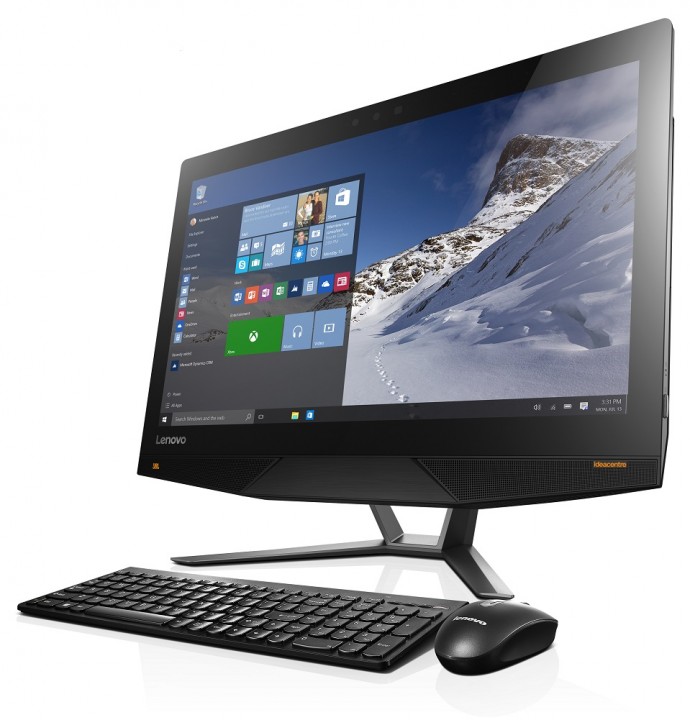
Ideacentre AIO 700
The Moto 360: Now comes with more features and an extended battery life. It includes a refined case design with extended lugs, a new women’s line designed “by women and for women”, a new Moto 360 Sport for fitness enthusiasts with GPS and heart rate sensors. Along with all this, Lenovo has also included an AnyLight Display so that things can be read even in the sunlight, and an extended battery life than the first gen tech wear.
VIBE P1 Smartphone: Comes with a 5000mAh battery, OneKey Power Saver and Rocket Charge. It also supports the 5G WiFi with its very own WiFi Boost and is run by the Qualcomm Snapdragon 64-bit Octa-Core processor. It comes with a Near Field technology and fingerprint reader and a starting price of $159 which is Rs.10,532. Lenovo has also unveiled the VIBE S1 which comes with an 8 MP primary and a 2MP front camera.
iDeaPad : Lenovo has also announced seven new desktops, laptops and tablets from its ideacentre. It has paired with Intel RealSense cameras and Windows 10 for this. The new ideapad MIIX 700 12 inch, 2-in-1 tablet comes with a dual watchband hinge kickstand. The AIO 700 desktop has doubled up its CPU performance, screen resolution and memory capacity. Last but not the least, the ideapad 300 and 500 laptops are thinner and lighter and have even thinner versions called the ideapad 100S, 300S and 500S.
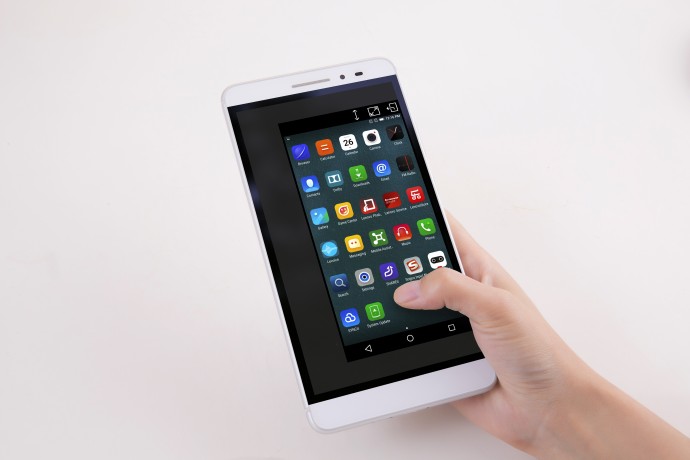
Lenovo PHAB Plus: This comes with a 6.8-inch full HD display and a battery that promises to last you an entire day along with fast internet. The Phab Plus will be priced at $299 which is approximately Rs.19,795; it will be available September onwards in select countries.
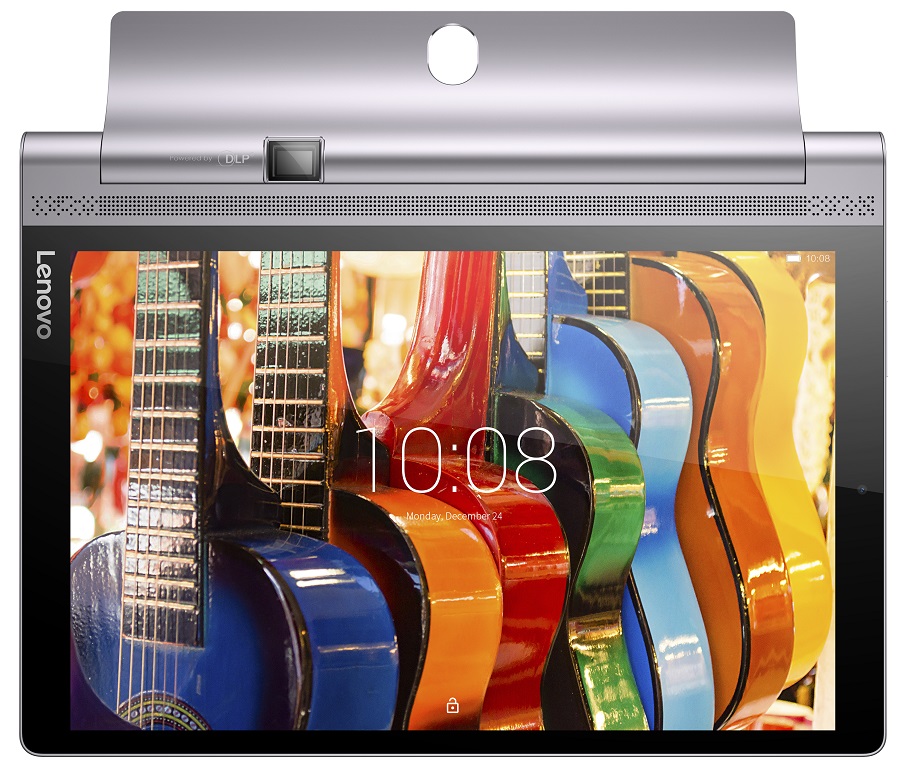
YOGA Tab 3 Pro and YOGA Tab 3: With a 70 inch projector, this tablet is perfect for Netflix. It also features four front-facing JBL speakers and a virtualized Dolby Atmos 1 experience over built-in speakers. The tab comes with the Netflix app in full HD display along with Dolby Digital Plus.
The Yoga Tab 3 comes in two variants – an 8 inch and a 10 inch display. Both come with a rotating camera and a great battery capacity with LTE support.
Keep watching this space for more live updates, straight from IFA Berlin 2015.
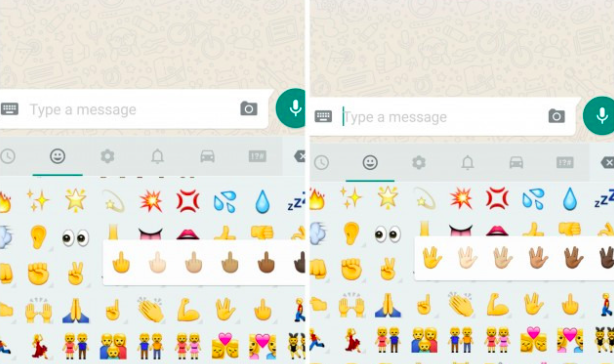
WhatsApp has introduced a couple of new emojis for its users. The new emoji includes the middle finger and the Vulcan Salute from Star Wars. Both these emoji are available in different skin tones within the app. While the middle-finger emoji seems Android-only for now, the Vulcan emoji is also supported on iOS, though it is not part of the stock emoji keyboard.
WhatsApp has recently upgraded itself and comes with a bunch of new features. Among them, is a new custom notification setting that allows you to set different notifications for the different chats you’re in or mute specific conversations entirely.
You can also mark your chats as read or unread and WhatsApp has even included an “low data” usage feature to make voice calls. This reduces the amount of data that is used during phone calls made through the app.
Apart from all of this WhatsApp has also made sharing contact information easier, by allowing you to save the information or even start a new WhatsApp message from within the app itself.
The Windows 10 update for desktops, laptops and tablets is on a roll. Yesterday, Microsoft began rolling out the update yesterday and it managed to be downloaded by over 14 million people, worldwide. But serious questions were asked by consumers about the availability of the new operating system on their smartphones. The company said the OS will start rolling out smartphones from November. Today, the company has confirmed which Lumia devices will receive the updates first.
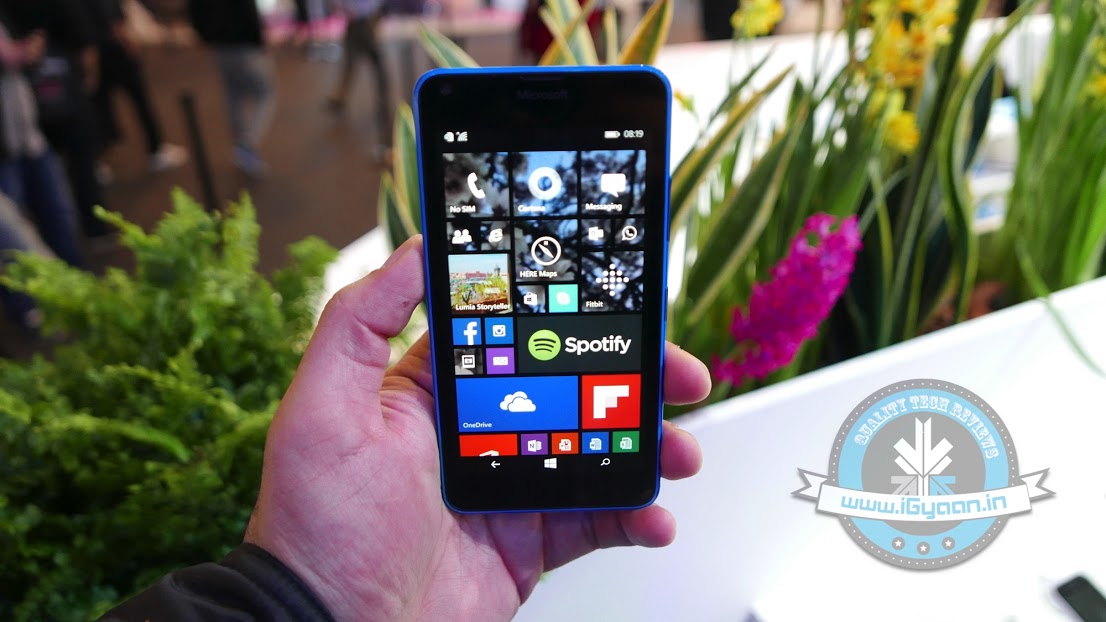
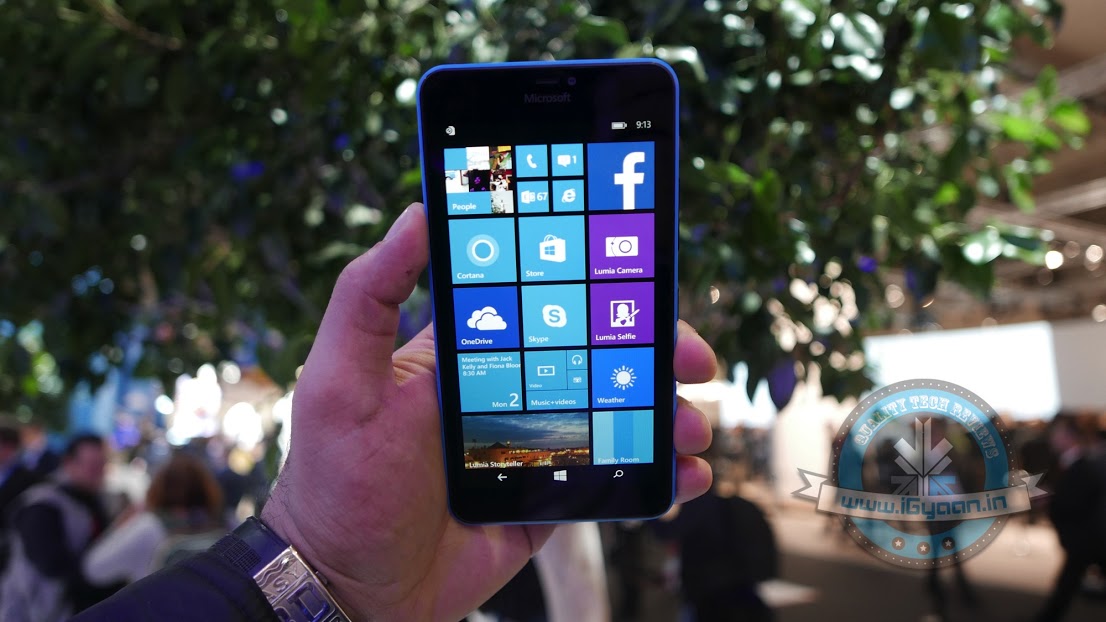
Microsoft announced that the devices which will receive the OS update are: Microsoft Lumia 430, Lumia 435, Lumia 532, Lumia 535, Lumia 540, Lumia 640, Lumia 640 XL, Lumia 735, Lumia 830, or Lumia 93. The firm announced the list which it said “will receive a free upgrade when available”, but vague wording made it unclear if these devices would be the first to be upgraded, or if they might be the only ones to get updated.
Nokia Lumia 640 XL will be receiving the Windows 10 upgrade.
Many notable devices like the Lumia 520 and the Lumia 630 and 635 are missing from the list. The company assured that the upgrade will eventually be brought to every device running on Windows Phone 8.1 Update 1 or Update 2, with the most recent Lumia Denim firmware. But, Microsoft also said that not every Windows 10 feature will be available in the mobile version. One of them is the Windows Hello biometric security feature.
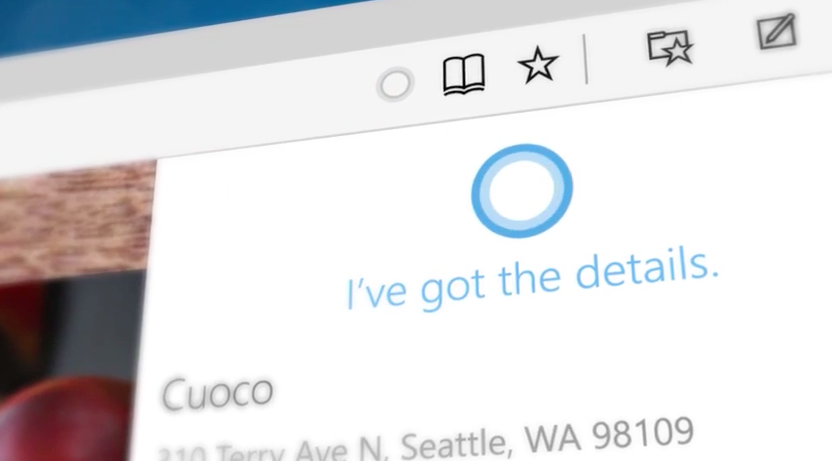
Windows 10 Mobile will be bringing in a lot of positive changes to the whole Lumia interface, introducing an updated Action Centre, new Microsoft Edge browser, and universal apps like Maps, Calendar and Photos, among others. Cortana would also be starred in the OS, now with cross-platform and cross-device integration stretching to Android and iOS, apart from desktops. Also new, are features like the One-Handed mode.
The Windows 10 Operating System is taking place on a global scale. Microsoft’s official online store has listed the Home version under Rs 7,999 and the Pro version for Rs 14,999. For those users who are using Windows XP and earlier versions, or are assembling new PCs or laptops need to purchase the software. And, for those who are operating original Windows 7 and Windows 8, you are eligible for the free upgrade.
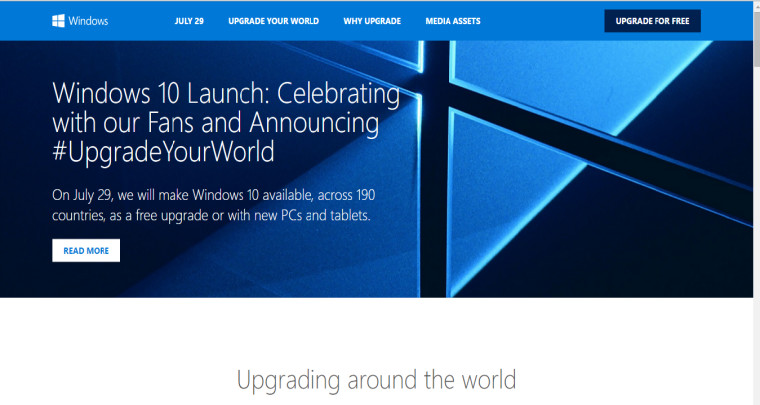
All Windows users have been anticipating this day for months now, and it is finally here. The Windows 10 launches today, though with mixed reviews. It is being called a great combination of the Windows 7 & 8, especially with the return of features like the Start Button. Other features include Cortana, a new browsing experience with different modes such as the reading mode.
source: PCworld
One can upgrade to the Windows 10 by clicking on the ‘get windows 10’ icon on the Systems Tray of your PC. Otherwise, Windows has also provided a Quick Guide along with a website pertaining to the launch. Those of you who have already clicked on this button and have registered for the new Windows, have only to wait till Windows updates you about the download. The installation might take a day or two, depending on the traffic.
Most reports don’t call it a ‘traditional launch,’ since Windows 10 has been available to several users for a couple of months. Although, Microsoft says, that Windows 10 will perhaps be the last version of the Windows software program, which will keep updating itself gradually for free, over months and years.
As of now the Windows 10 will come with many guide videos to help upgraders use the new features such as, the cortana, XBox game streaming, built-in universal apps, and the improved security of Windows 10.
However, with mixed reviews, it is yet to be seen, whether Windows 10 will tighten its hold on the market. Let us know about your Windows 10 upgrade.
It is safe to say, that the most awaited update of this month is the Windows 10 update. While many Windows users have still not received the little Windows 10 notification button on their System Tray, what is it that you can do to get your system to step up?
source: PCworld
The process to prepare your laptop for this upgrade will differ according to the Windows version you are using. If you are running the Windows 7, then the solution is to simply update, because the older version of the Windows 7 is not equipped to a new OS without intermediary updates. What you can do is go over to the Control panel, click on System and then choose the Automatic Updates option, moreover, one can also manually update everything. Once your computer is through with the process, just reboot it and you should be able to see the notification icon for the Windows 10 upgrade.
What is to be noted here, is that, the icon works solely for the Windows 7 SP1 version and not the Windows 7 Enterprise yet. If the updates aren’t working properly, or if you don’t want to update everything then you can manually update the necessary requirements. The two necessary updates are here and here, after which you can download the app itself. Without these updates, Windows 7 won’t be equipped to upgrade to the Windows 10.
For more detailed information on the upgrade click here.
Similarly, for the Windows 8 or 8.1 user, you will need to upgrade your operating system. If you haven’t chosen the automatic updating option then you will have to go to your Settings and select the Change PC Settings option then pick the Update and Recovery button. There are different options to update your PC on a Windows 8/8.1, so if you want to control the update installation, then simply pick the Choose How Updates get Installed option.
Here also, however, the Windows 8/8.1 Enterprise and Windows RT/RT 8.1 cannot get the Windows 10 update icon or app. Although, for a manual update, the process is similar to that for Windows 7, for which the links have been given above.
For computers on a professional network, the option to upgrade is out of your hands. This is because, most schools, colleges and business organizations run networks with a tight firewall protection which is managed by the administration or IT department. Therefore, in these cases one can only hope that one’s organization also plans to eventually update their version of Windows.
Finally, for older Windows operating systems, if you have picked the “no update for you” option on Windows 7 and 8, one might have already noticed that the new upgrade cannot be downloaded on to your system yet. But, according to sources such as PCgamer.com, Windows is offering an upgrade even for ‘non-genuine’ users. As posted in a Windows blog on May 15th, Terry Myerson wrote that the company would be releasing an attractive Windows 10 upgrade for those running older devices on a non-genuine state.
So let us wait and see, what the much anticipated Windows Upgrade, holds for us.
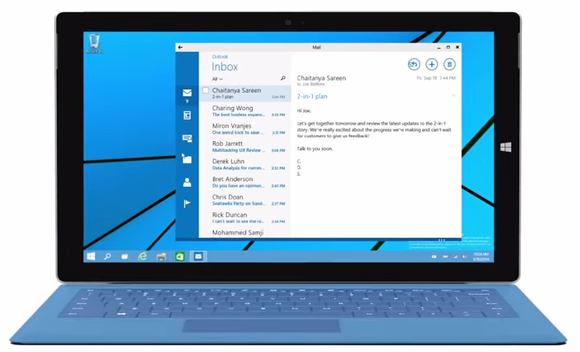
Microsoft has presented its new operating system, Windows 10, and it has impressed a lot of its critics. The latest Windows offering will act as Microsoft’s initiative to create an ecosystem for its devices. It will work on all the Microsoft devices – from desktops to tablets to smartphones. Microsoft just announced that even the lower end smartphones running on Windows 8.1 will also be getting the Windows 10 upgrade.
In a tweet, Joe Belfiore, the Corporate Vice President of Operating Systems Group for Microsoft has said that they are making a version of Windows 10 for devices running on 512 MB RAM. The tweet specifically mentions the Lumia 520. But he also added that the features would vary in these devices. It would probably be a stripped down version of the operating system made to run on devices with lower specs.
Hey all: we ARE working on Win10 for 512MB, including 520. Our ambition is to make #Win10 available for these devices but features may vary
Microsoft has been struggling with its smartphone business. Its smartphone operating system runs in just about 3% of the devices sold. It has some good features, but the mass appeal of Android and iOS from Apple has not given it a chance to grow. Joe also announced that the insider build announced at the Windows event would be coming out sometime in February.
Also, we’re on track for Insider build coming “in Feb” as Terry said at our 1/21 event. We need to complete internal testing 1st, hang in!
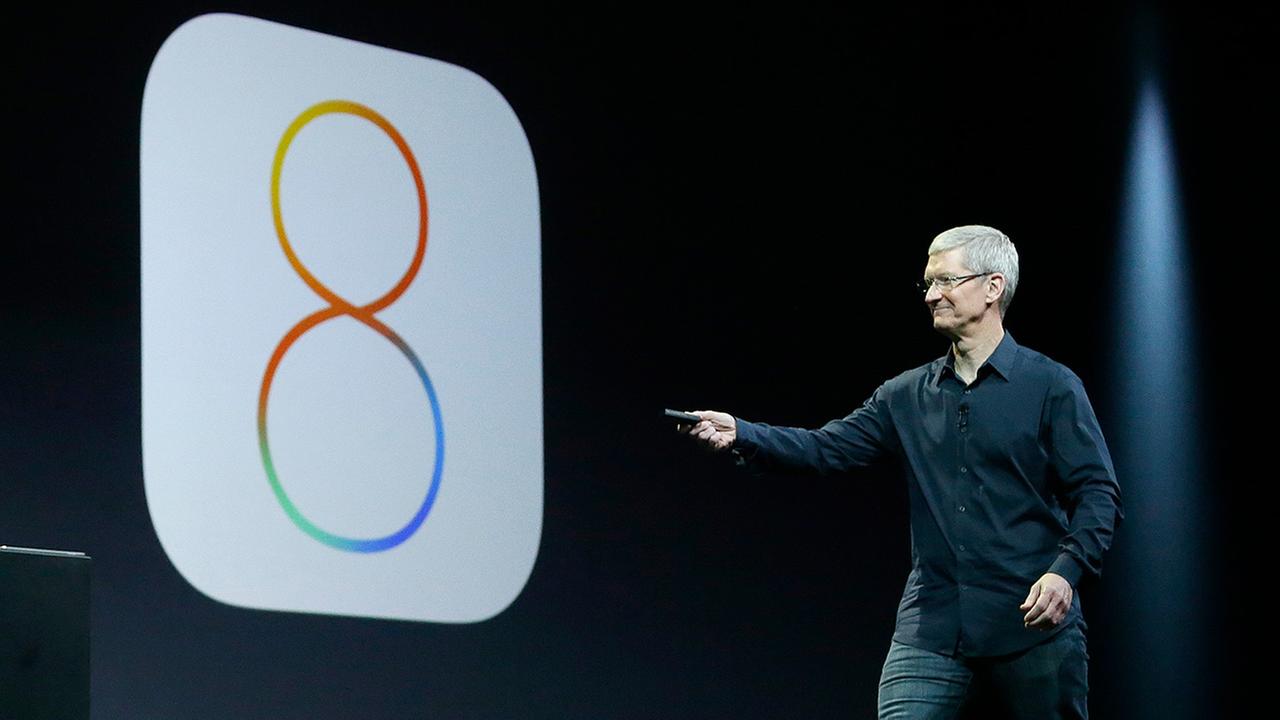
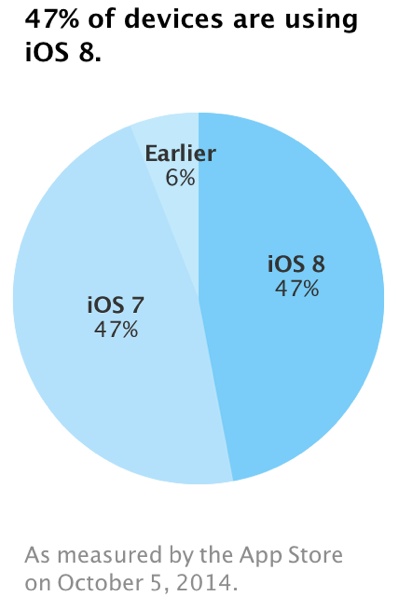
Latest figures show that Apple’s iOS 8 usage has grown by a mere 1 per cent in the last three weeks. Which means fewer than half of its users are running iOS 8, nearly three weeks after launch. Compared to previous roll outs of new versions of iOS, these figure are shockingly low.
Despite the introduction of custom keyboards, the Notification Center widgets and a lot more, there has been a slow adoption. By September 21, iOS 8 was installed on 46 per cent of devices, 47 per cent of iOS users continue to stick to iOS 7, possibly due to a number of bugs that had plagued the launch of iOS 8.
By this point last year, iOS 7 uptake was already hovering around 60 per cent, according to analytics firm Fiksu. Apple said on its developer pages that it measures usage from App Store visits over a period of time. Figures are typically released every two or three weeks. iOS 8, which comes re-installed on the iPhone 6 and iPhone 6 Plus, has been dogged with problems from its initial release.
Just ahead of the launch of iOS 8, all Health Kit-enabled apps were pulled from the App Store due to a major HealthKit bug. A fix was quickly released, but the update, iOS 8.0.1, disabled the cellular service and Touch ID functionality on iPhone 6 and 6 Plus devices. iOS 8.0.2 fixed the problems introduced with iOS 8.0.1 and brought several other bug fixes. The publicity surrounding the iOS 8.0.1 issue may have discouraged some users from updating.
It is said that the major problem with the new iOS 8 is also the large file space; it needs almost 4.6GB of free space to install and then update. Users with 16GB and 8GB iPhones struggle to spare that much memory for the upgrade.
While, Microsoft is preparing a second update to its Windows 8.1, it is also focused on the larger “Windows 9” release. The new upgrade of the not entirely successful Windows 8 and now Windows 8.1, seems to be in focus.
Leaker WZOR claims that either Windows 9 will come out as a free update for those who installed Windows 8.1/Windows 8 Update 2 or these users could have the Windows 9 update with a good discount. Despite rumors of an aggressive development and shipping schedule, there’s no official word about what’s in the next version of Windows, however there are plenty of rumors.
ZDNet reported that “a preview of codename Threshold — which may or may not be named Windows 9 once it’s released — will be available later this year.” It is said that the public preview will be released this fall, and it may be after Windows 8.1 Update 2 is released. Microsoft had been planning to bring the Start Menu back with Update 2, but the company is now planning to deliver that change with Threshold.
There are also rumors that Microsoft is looking to merge Windows RT and Windows Phone into one “Phone/Tablet” SKU that will just use the Modern UI and will run on ARM-based tablets and phones, along with Intel Atom tablets. That version could also run two apps side by side, which is already a feature on Windows 8 and 8.1 but has yet to be added to Windows Phone. The Desktop/Tablet version of Threshold could offer the desktop UI as default.
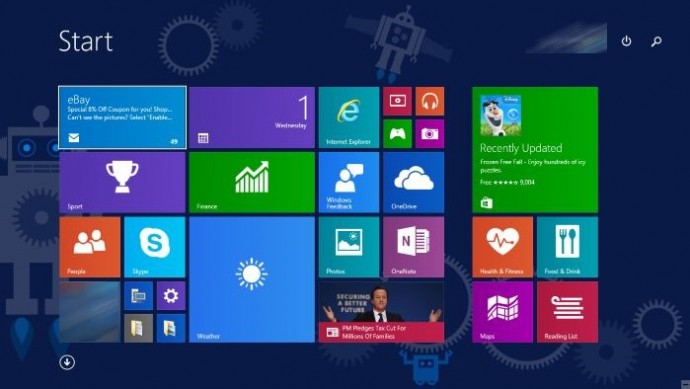
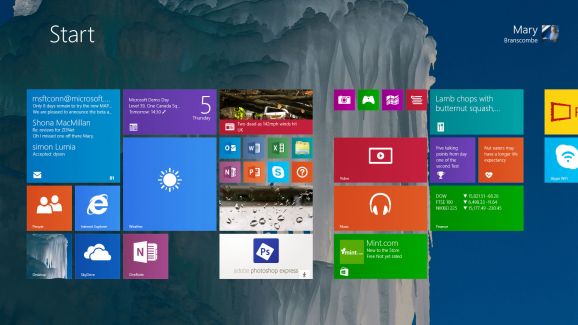
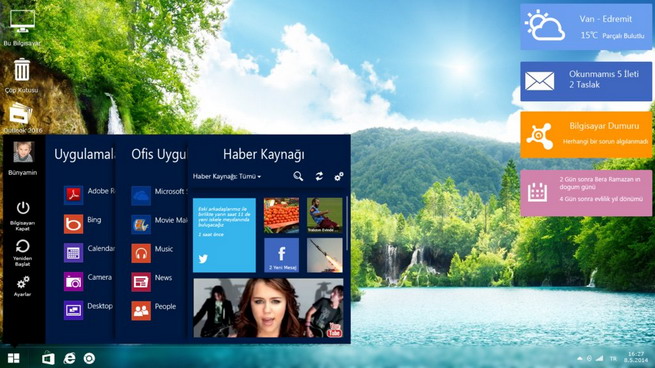
The new update also features improvements to the Start Screen including the ability to boot straight into the Desktop, the return of shutdown on the Start menu and a more familiar task bar to unify the old and new user interfaces. The update was announced at Build 2014, along with features teased for Windows updates to come. Microsoft Communications Chief Frank Shaw said the company wasn’t ready to talk about how often Windows updates might come out.
Meanwhile, Windows 8.1 Update 2 is expected to arrive as part of Microsoft’s monthly security patches in August. The update will include the usual bug fixes, and improvements for upcoming hardware ahead of the holiday season. Windows’ 8.1 Update included a number of interface changes and functionality tweaks, and Update 2 is expected to include some additional minor interface tweaks.
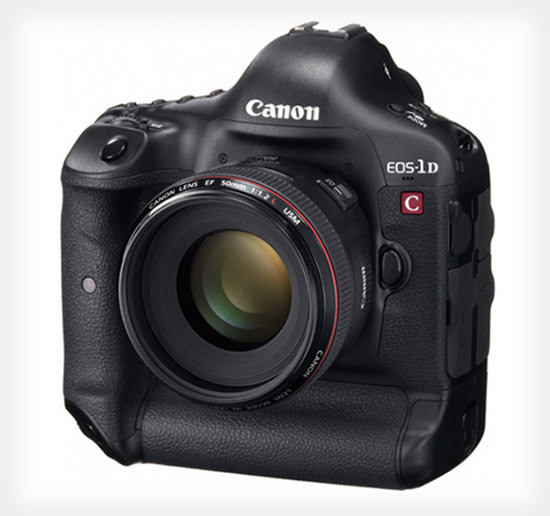
Few months back Sony released a firmware update for its fs700, which upgraded the ISO to 64,000. Canon seems to follow Sony’s path as it announced a firmware update for all its cameras in the cinema EOS range, which includes C500, C300, C100 and 1D C. Canon’s website shows:
Developed in response to market feedback, the feature upgrades will offer greater creative flexibility and enhanced operability, and clearly demonstrate Canon’s continued commitment to supporting the ever-evolving needs of the professional video community.
Owners of the Canon EOS C500, C300, C100 and 1D C 4K models will all see a huge increase in light gathering, with the maximum ISO going up from 20,000 to 80,000. That is one of the highest ISO settings on a pro camcorder.
Meanwhile, the C500 model will get new DCI-P3+ and Cinema Gamut color options, along with a new high-speed, 120fps shooting mode at a resolution of 4,096 x 1,080. The C300 will also get a new Wide DR color gamut and all the models will get various feature upgrades and bug fixes.
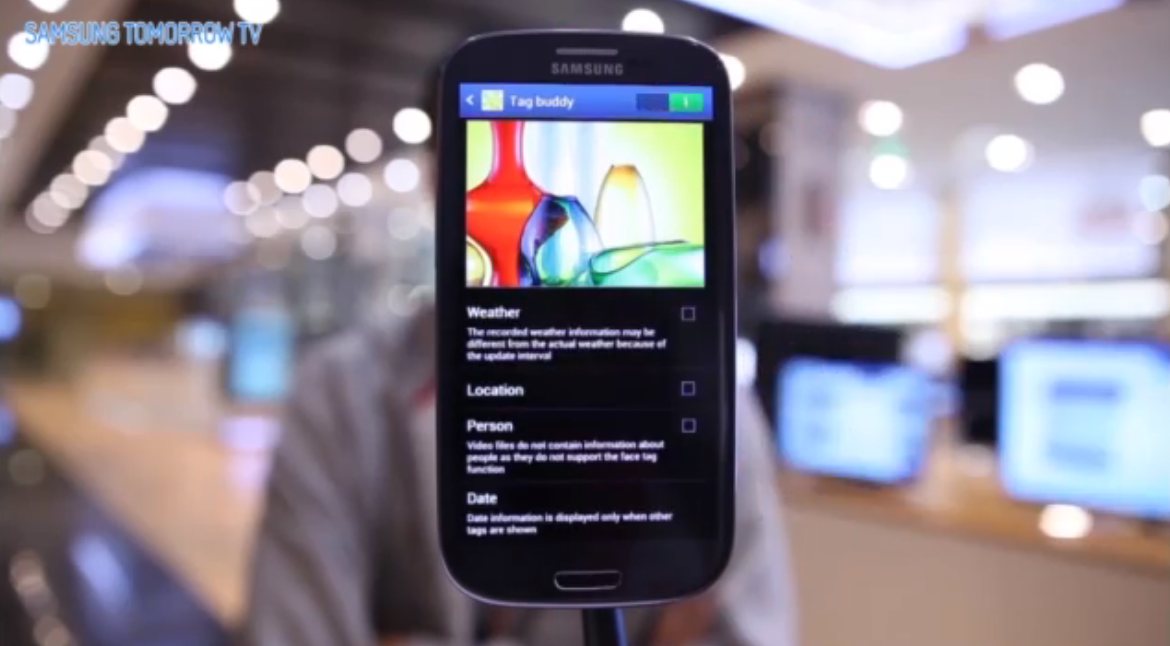
Samsung had started pusing out Jelly Bean 4.1.2 to some phones yesterday, but has now made an official video highlighting the features and calls it a Premium Suite. The Galaxy SIII Premium Suite brings a lot to the already popular SIII, including most of the features that are shared by big brother the NOTE II. A customizable notification panel, smart rotation, Page Buddy, Multi Window, new multitasking, NFC and reader features, plus contextual awareness tweaks that adjust the phone around your actions.
[box_light]
Contextual Awareness
(1) Page Buddy: Galaxy SIII Premium Suite will smartly predict what you intend to do according to your actions. For example, when you plug in your earphones, the device automatically opens up a page with the music player.
(2) Galaxy SIII Premium Suite Contextual Menu: When you list up apps, you can now choose to see the most frequently used ones first. Especially convenient when you’re looking through apps to find files to attach.
(3) Contextual Tag: When you take a picture on the Galaxy SIII Premium Suite, you can tag the weather, date, and place immediately.
Enhanced Features
(1) Multi Window: You can open two different apps at the same time into two different windows on the mobile screen.
(2) Auto Share Shot Pairing using NFC: By setting the camera to ‘Auto Share Shot’ mode, you can quickly share your photos and videos by simply tapping their Galaxy SIII Premium Suite with other NFC and S-Beam enabled devices
(3) Reader Mode: You can easily control the size of the text on your browser! Also, you can just click the webpage to share it!
(4) Facebook Lock Ticker: The easiest way to see your Facebook News Feeds – set your Galaxy SIII Premium Suite to show it on your lock screen.