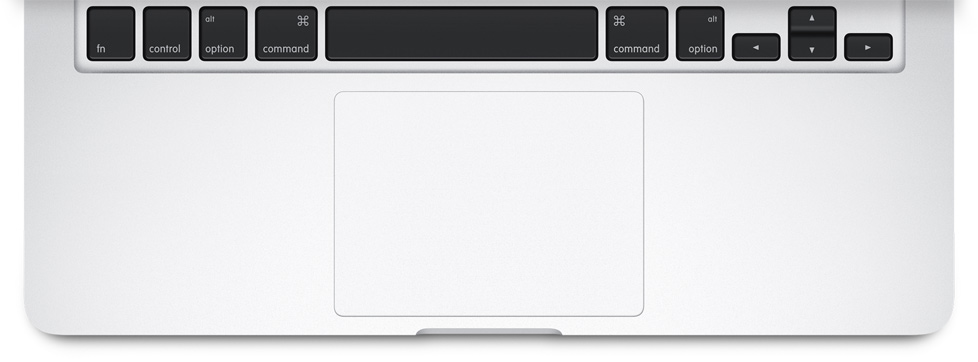
Steve Jobs had a vision, years ago, that the mouse needed only one button, and it seems his vision is finally realised with the newest addition to its ecosystem, the Apple MacBook. One of the most nerdy aspects about the newly unveiled device is the fact that it comes with a Force Touch trackpad. Force Touch was first introduced months ago with the Apple Watch.
So, what exactly is ‘Force Touch’ technology?
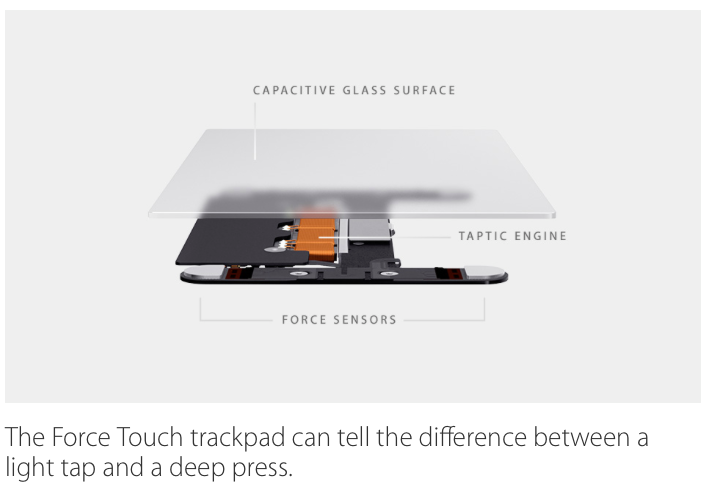
Simply put, it is the mechanism which senses pressure. It is an entirely novel innovation that merges the previously released Multi-Touch with force sensors. That means besides sensing the multiple points of contact on your screen, the new feature can also gauge the amount of pressure put on each contact; detecting the subtle difference between the quantity of pressure imposed. This makes the technology infused devices smarter than any other smartphones and smartwatches in the world.
The current generation of MacBook’s use a ‘Diving Board’ design. The top part of the trackpad remains stable, any part of the lower end can be used to click or right click. The new Force Touch trackpad, gets four new sensors – allowing you to click using any part of the designated surface.
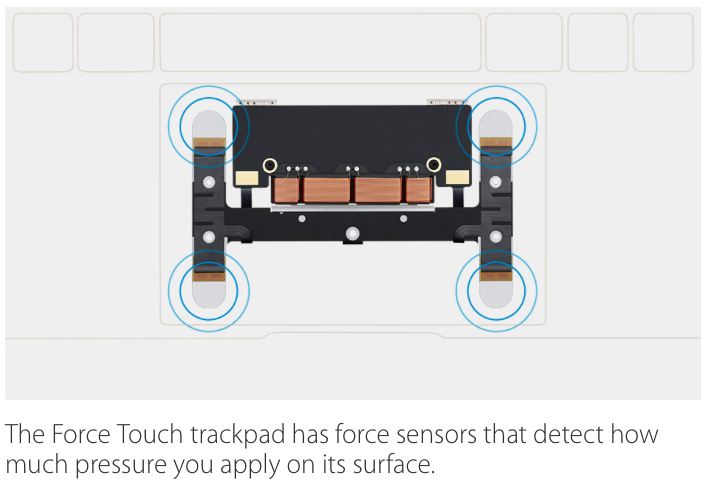
Through the sensors on the trackpad of the gadgets, it can judge a light tap and a deep press, bringing a broad range of contextual controls right to your fingertips. The actions can be categorised in three forms: Force click, Accelerator and Pressure-sensing drawing.
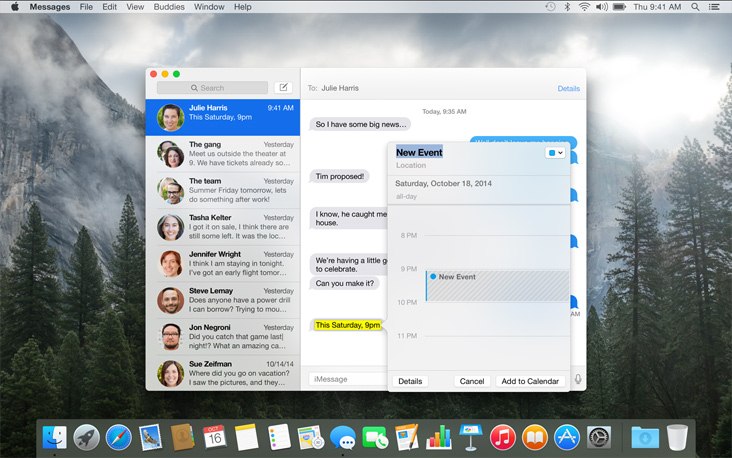
The Force click gives users access to different websites without switching to the other pages. It can bring up the Wikipedia by clicking a word, preview a file in the Finder, and create a new Calendar by applying a little push on the trackpad. You will be in control of adding new shortcuts to apps, such as bringing up the a map of the location just by force clicking the address.

The next is accelerator that accelerators the speed of a QuickTime movie. Press harder to fast-forward the shot quickly and if you wish to proceed gradually, steadily apply force on the trackpad. One can also zoom in Maps through the same tactic.
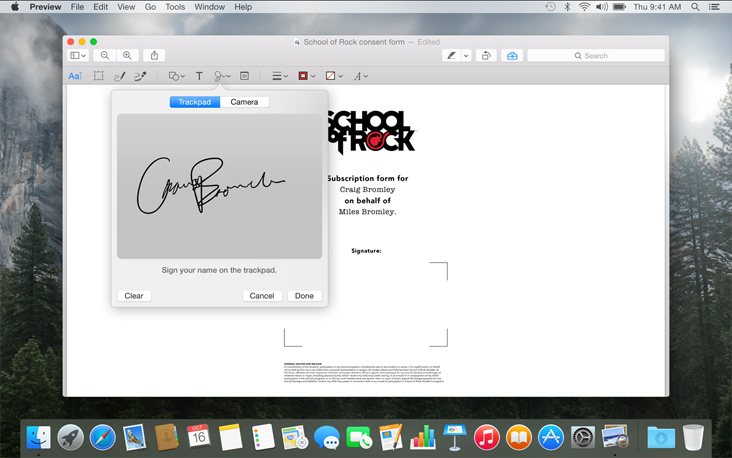
The next forte of Force Touch trackpad is pressure-sensing drawing. Draw a signature on the device just like a pen on paper. Put more pressure for a bold stroke and press lightly to get a thin line. This drawing can be used as an attachment for emails.
Apple has slipped the technology in Macbooks and the Apple Watch for now, but it has been learnt that the next iPhone is likely to come with the same feature.
Leave a Reply