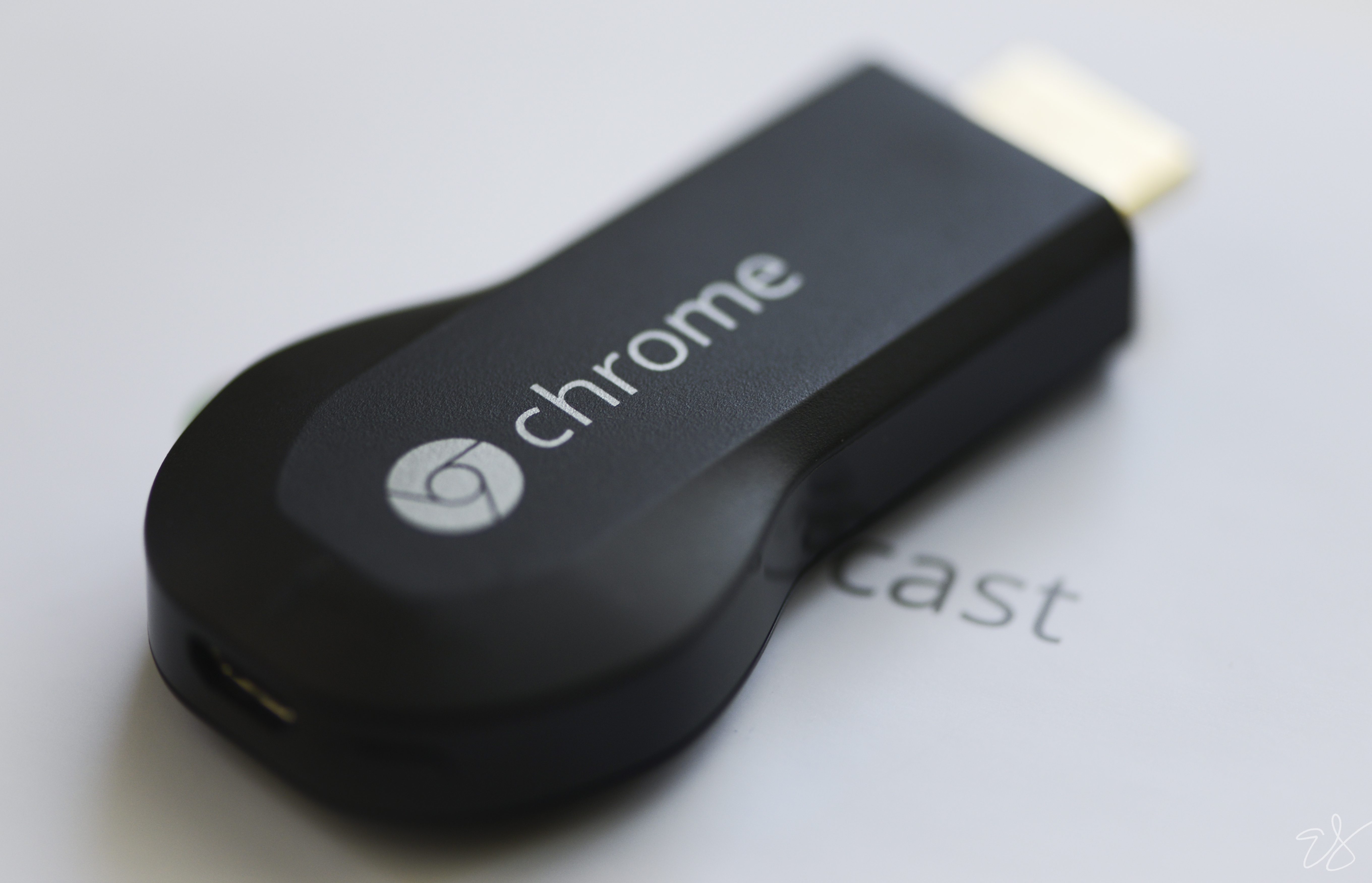
The Google Chromecast has given a new meaning to entertainment by allowing us to stream content onto our television sets with minimum difficulty. The only minute problem with this had been, that you could only control the content using your smartphone or laptop, by opening the app you are running on Chromecast and put in the commands like play/pause. But now, for the first time, Google’s Chromecast allows you to pause and play videos using your television’s infrared signals, thanks to the device’s 27946 firmware update. So basically, you can now control Google Chromecast using your TV’s remote.
The device works on HDMI-CEC, the same modus operandi which allows the Chromecast to turn on the Smart TV. This feature was tested with selected applications like WatchESPN, HBO Go, YouTube, Google Play Music.
For this to work, you can check whether your television has HDMI-CEC enabled from the manual, and a remote with a dedicated play/pause button. The HDMI-CEC enabled device, the Chromecast or the TV, can then be controlled using the one remote without any further setting up.
Chromecast already supported HDMI-CEC from day one, but the feature was limited only to switching on/off the television set or switch inputs to cast media. Also the fact that there was no surety whether it would work on all the television sets since not all sets are HDMI-CEC enabled.
Leave a Reply