
Your smartphone is concealing a secret tool under the hood that can save the browsing data to a large extent. The feature is already available for the desktop version of Chrome as an extension called Data Saver (Beta). The nifty data saving feature in the Setting menu of Chrome compresses the pages and allows quick access to websites.
With this feature on, Chrome uses Google servers to compress pages you visit before downloading them. Users can make extended use of their internet data pack by spending the same amount. The feature is available on Android and iOS both. Here’s how you can activate it:
1. Go to your Chrome Web Browser and tap on the left touch-sensitive button.
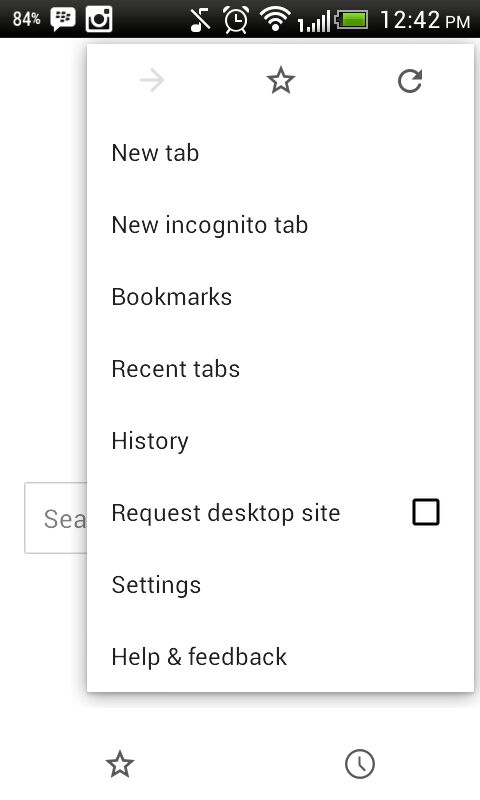
2. Tap on Settings and you will see a few options under Basic and Advanced category.
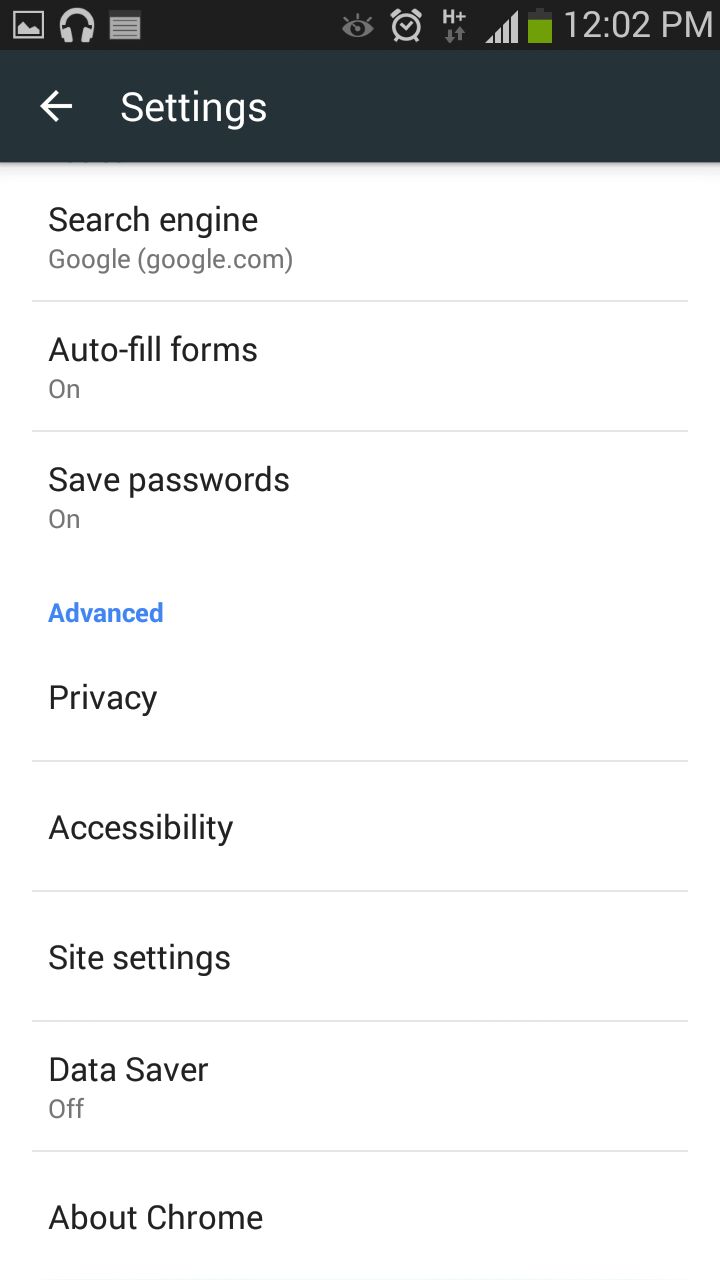
3. In the Advanced section, search for Data Saver and turn it on.
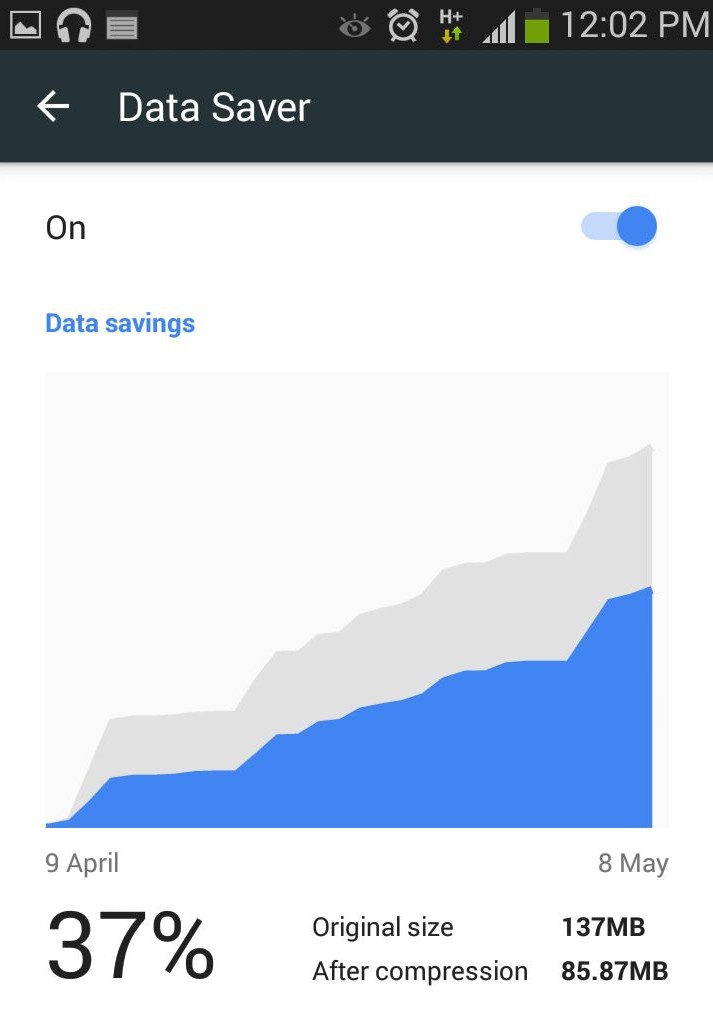
Chrome will now start compressing pages for you to load it fast and will also save the data.
Leave a Reply