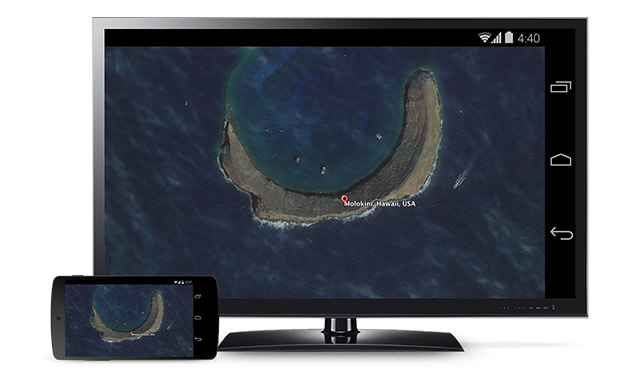
The new update of Chromecast is the first step of introduction to some awesome features Google unveiled at this years I/O. The Chromecast 1.7 update for Android smartphone and tablet users will have the ability to mirror their screens.
The new update not only allows users to display their Android homescreens on a Chromecast-connected TV or other device, but you can also use any application now on your television through the pocket-friendly streaming dongle.
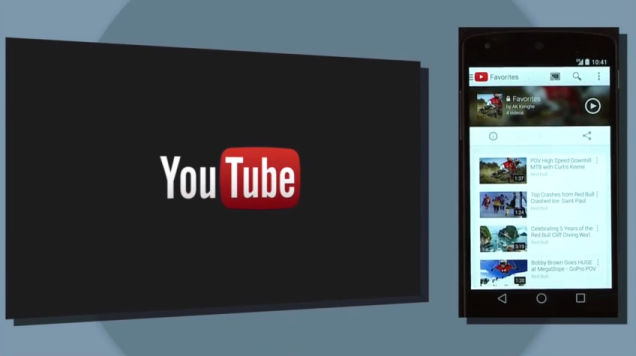
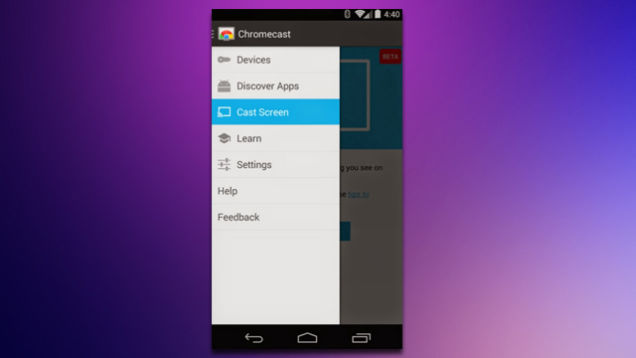
Upon downloading the new update, you can find the ‘Cast Screen’ option on the left drag navigation menu in the Chromecast app. Nexus devices will see a toggle for screencasting directly in the Android quick settings menu. Once enabled, the user can navigate their phone in the normal manner with a one-to-one projection appearing via Chromecast.
It is still considered to be a beta version and it is sadly not available for everyone immediately. Google said that Samsung, HTC, LG and some others will be first to roll out the new capabilities of Chromecast soon. Though you may not have the device that is on Google’s compatibility list, but don’t worry too much. We hear there are third-party mirroring apps will solve this problem soon. The company also pointed out the new update will be available at Google Play store soon.
Leave a Reply