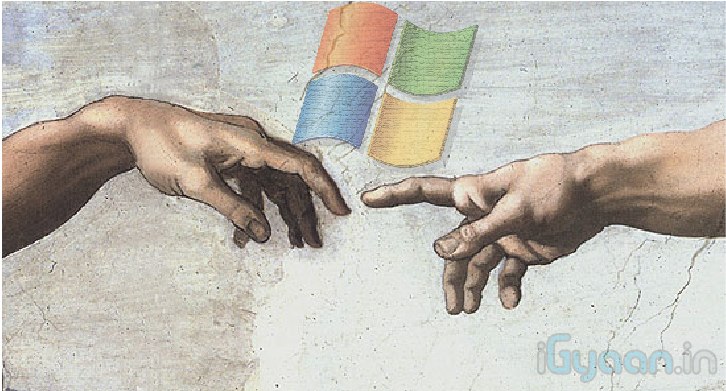
Activate GOD MODE in Windows


WARNING: DO NOT TRY THIS ON VISTA 64-bit!

I wonder how many of you have used cheat-codes in games?? Quite a few i presume. Well here’s a cheat code for windows that gives you God like powers to control your machine. To enable it, create a folder on your desktop and name it:


GodMode.{ED7BA470-8E54-465E-825C-99712043E01C}


This should give you an icon like this             


Double click on the God Mode icon to open a control-panelesque folder which contains over 48 different setting groups which let you control EVERY aspect of your windows computer.  Have fun being God!


WARNING: DO NOT TRY THIS ON VISTA 64-bit!

Comments

9 responses to “Activate GOD MODE in Windows”

  1. Himanshu Avatar
    Himanshu

    works on windows 8 as well :)

  2. sumanth Avatar
    sumanth

    cool… it works on win 7 ultimate… :)

  3. Vishwaprakash26 Avatar
    Vishwaprakash26

    Can I try it on my Vista 32bit OS????????

  4. Debankar Avatar
    Debankar

    it is not working for windows xp..!!! :(

  5. ankit Avatar
    ankit

    yes, works really fine and easier than control panel ……………….very very nic………!!!!!!!!!!!!!!!!!!!

  6. Shwet_flyhigh1990@yahoo.com Avatar

    GodMode.{ED7BA470-8E54-465E-825C-99712043E01C} is this God mone no….. after creating folder on desktop????????

  7. Sudarshanbodke1990 Avatar
    Sudarshanbodke1990

    Does it work on Xp?? If so what is it that u exaclty have to name the folder?

  8. Abhishek Kumar Avatar

    works on Win7 x64 Ultimate Edition

Leave a Reply

Your email address will not be published. Required fields are marked *

iGyaan Network
Privacy Overview

This website uses cookies so that we can provide you with the best user experience possible. Cookie information is stored in your browser and performs functions such as recognising you when you return to our website and helping our team to understand which sections of the website you find most interesting and useful.

Share via