
Last year, Apple announced that it would discontinue its consumer photo library, iPhoto, and Aperture, the professional photo editing suite. The company has finally made up its mind. Recently, the firm released a developer version of the iPhoto successor app called Photos for OS X and soon it will be followed by a public Photos beta. The update will be absolutely free and will release for Mac users by spring this year.
The new app is expected to have a cleaner design and a file management system that is more convinent. As per the previous declaration by Apple, the new Photos app will be linked to iCloud, which is Apple’s photo backup.
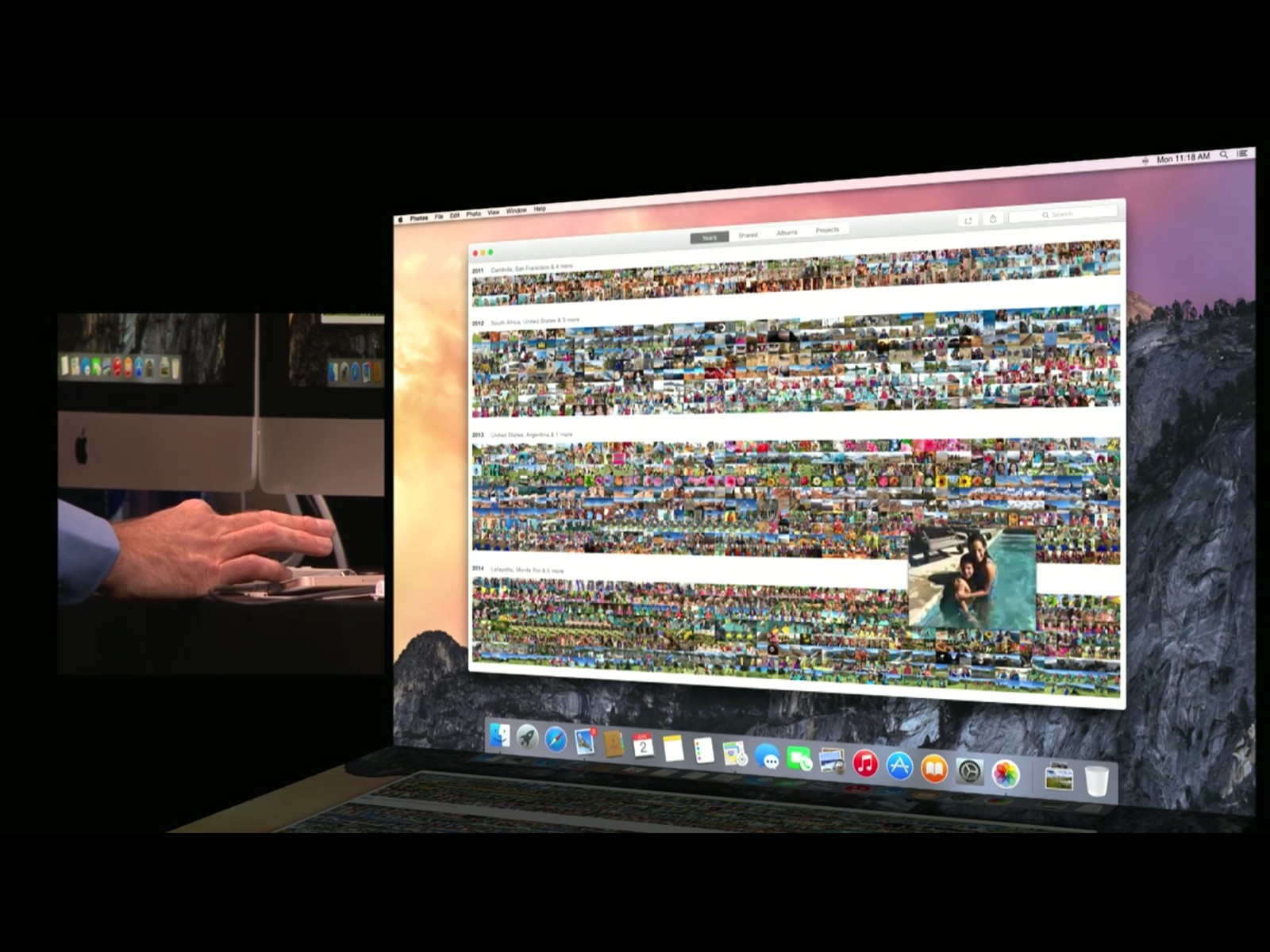
As per The Verge, the new Photos app is just like iPhoto, so users would not have any problem navigating the app. Photos for OS X has four main tabs – Photos, Shared, Albums, and Projects. It contains all your photos in chronological format. Shared holds images from the shared photo streams, and an activity feed for likes and comments on those streams. Albums simply carries albums created by users and Projects stores slideshows. It’s a storefront for products with printed photos like cards, books, calendars, and so on.
Not just this, Phtotos for OS X can perform many other functions. The Albums section can segregate different kinds of images, e.g. panoramas, slo-mo videos, and time lapses. The app is said to be really fast, no matter how many pictures you stuff in it.
The central feature is its amazing syncronization capabiliy. If someone clicks on a picture from the iCloud-connected iPhone, it will automatically appear on the Photos app on Mac. Overall, the new app sounds quite promising and with this big step, the app should be able to gain some attention.
Leave a Reply