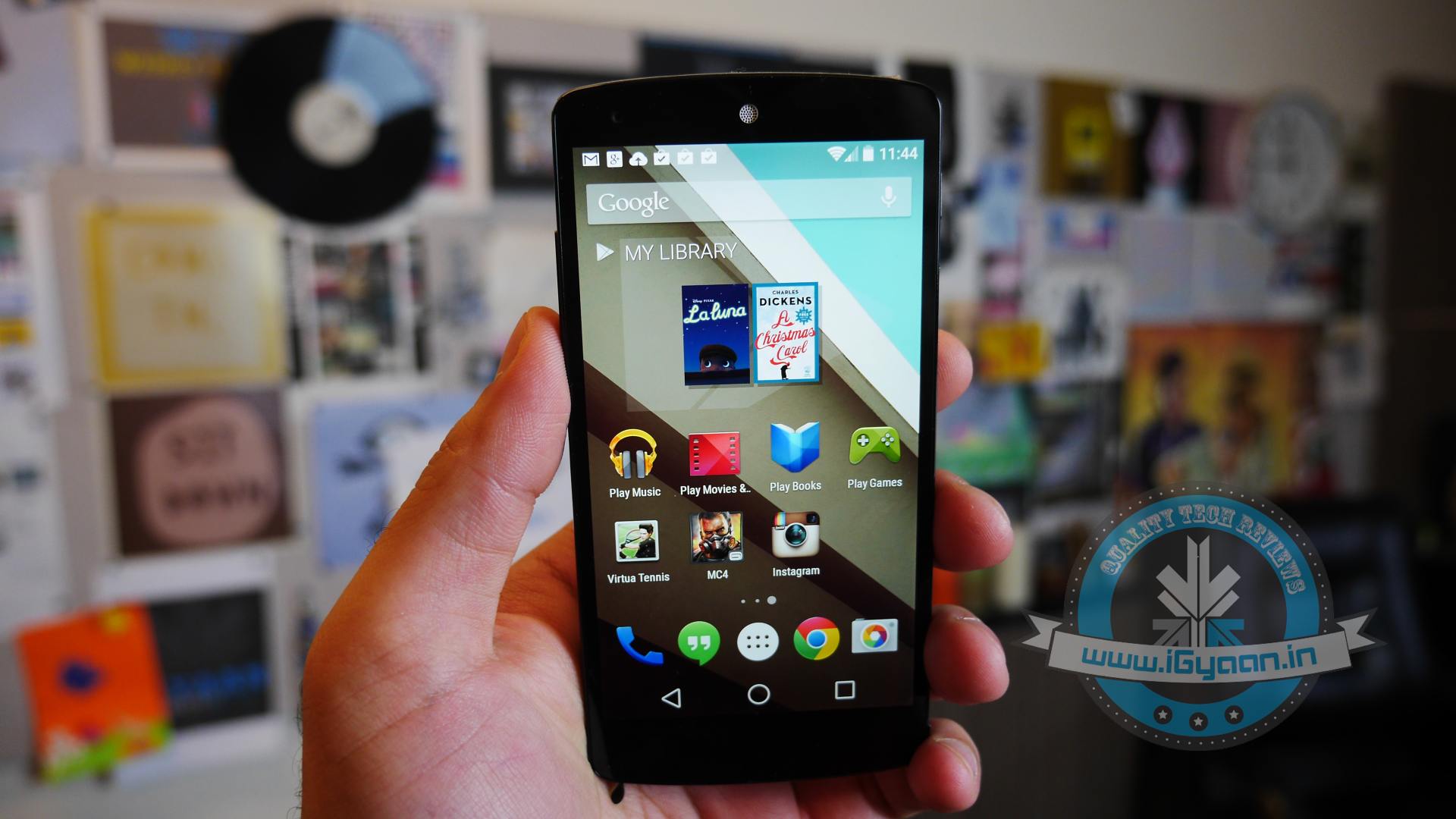
Category: Android

  • DIY : Install Android L On a Nexus Device Right Now

    DIY : Install Android L On a Nexus Device Right Now

    At the I/O 2014 conference, Google showcased the latest version of Android, known only as L until its official launch later this year. Now, Google is offering an Android L Developer Preview, which is essentially an Android L Beta that comes complete with Android L factory images for the Nexus 7 and Nexus 5. You will need these Android L factory images to install the Android L Beta on your device. In addition you will need to install the Android SDK or at least ADB and Fastboot.

    Android L may not yet be ready for prime time, but a preview version is now available for Nexus 5 and Nexus 7 (2013 Wi-Fi model), giving users the option to get comfortable with the slew of changes it introduces. Here is how you can download and install it.

    P.S. Don’t forget to Back-up first.

    Also, if you are just interested in our detailed look at Android L : Hit the bottom ! or Click Here.
    google_android_l_developer_preview_screenshot_googleio

    What you Need

    • The Android SDK Tools, that you can download from Google Developers
    • The Android L preview factory image for your Nexus 5 and/or 2013 Wi-Fi Nexus 7, that you can also download from Google Developers.
    • A program that can handle archived files, like 7-Zip or WinRAR.

    How to do it

    Step 1.

    Before you can install the Android L Beta to Nexus devices you will need to install ADB and Fastboot to your computer. This is a program that runs on your computer to connect to your Android through a USB cable and flash the Android L Beta to your device.

    HOW TO INSTALL ADB ON WINDOWS

    If you are using a Windows machine, including up to Windows 8 and Windows 8.1 you can use the 15 second adb installer to streamline the process.

    Download the ADB installer for Windows. Find the file, right-click on it and choose Run as Administrator. When prompted you need to give the app access to run as an administrator. After the app launches type a Y and enter to select yes to Install ADB & Fastboot, to intsll ADB/Fastboot systemwide and to install Drivers. When a new window pops up follow the steps to install the drivers.

    After this is installed you should be ready to install the Android L Beta on the Nexus 5 and Nexus 7.

    HOW TO INSTALL ADB ON MAC, LINUX & CHROMEOS

    Nexus Tools makes it easy to install ADB on a Mac, Linux or even ChromeOS. All you need to do is open Terminal on your computer and paste in the code from xda.

    This will install ADB and Fastboot on Mac, Linux and Chrome OS without the need to do anything else.

    After the script completes you can type ADB or Fastboot to start running either program.

    Step 2.

    If you are on a Mac/Linux/Chrome OS jump to Step 12
    Windows PC folks; go to the folder where Android SDK Platform-tools is located (in my case, its path is C:\Program Files (x86)\Android\android-sdk\platform-tools) and copy the following files to the Root folder:

    • AdbWinApi.dll;
    • AdbWinUsbApi.dll;
    • fastboot.exe.

    Step 3.

    While in the Root folder, extract the Android L preview factory image to the same location. This will create a new folder inside Root, which name depends on the device.

    Step 4.

    Open the folder and copy all of its contents to Root.

    Step 5.

     Now, you have to install the correct drivers for your Nexus 5 and/or Nexus 7. Here is what you need to do:

    • After connecting the device to the PC, power the Nexus off.
    • Turn on your device in fastboot mode; the key combination for your device is either volume down + power  or volume up + volume down + power.
    • From Device Manager (Computer -> Properties -> Device Manager) identify your device (it will show up with a yellow exclamation mark icon).
    • Right click on it, select Update Driver Software and then select Browse my computer for driver software.
    • Select Let me pick from a list of device drivers on my computer.
    • From Have Disk… option manually install the android_winusb.inf driver ( its location may be same as C:\Program Files (x86)\Android\android-sdk\extras\google\usb_driver). Accept any prompts that may appear.
    • Select the Android ADB Interface option when given the option. Accept any prompts that appears.

    Step 6.

    Enter fastboot mode, open a command prompt window in the Root folder (while pressing the Shift key, right click inside it and select Open command window here) and use the fastboot devices command.

    Step 7. 

    Open a command prompt in the Root folder. Use the fastboot oem unlock command to unlock the bootloader. A prompt will show up on your Nexus device; use the volume keys to select Yes and press the power button to validate. This command will erase all personal data from the device.

    Step 8. 

    Use the flash-all.bat command to perform a clean install of the Android L preview. Alternatively, you can also open the file with the same name from the Root folder.

    Step 9.

    Using Notepad, open the flash-all.bat file (or, right click on it and select Edit). To avoid any issues make sure that your Nexus device is disconnected from the PC beforehand.

    Step 10.

    Identify the fastboot -w update sequence. Remove the -w so the sequence is fastboot update. Save the changes.

    Step 11. 

    Connect your Nexus device to the PC in fastboot mode. Open the flash-all.bat file in the Root folder.
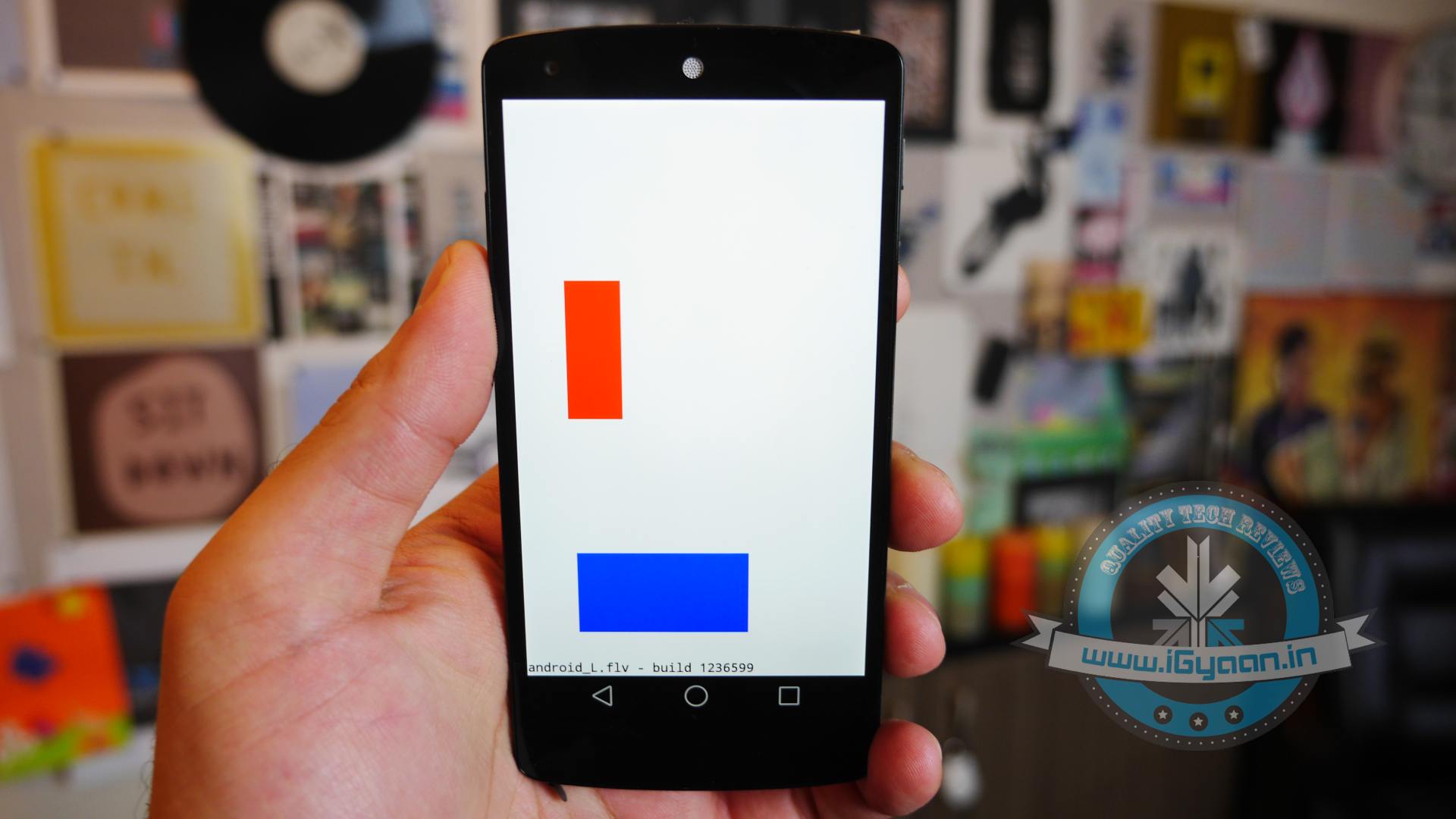
    Android L 1

    Step 12

    For Mac/Linux/ Chrome OS users

    Extract the downloaded Android L file onto a folder on your desktop named “android”

    Now open a Terminal window and type the following:

    adb reboot bootloader
    (this will reboot your device into fastboot mode)

    In Fastboot type:

    fastboot oem unlock

    Then hit enter. Follow the on-screen instructions and choose to erase the device. Wait a minute or so for it to unlock. This removes everything on your device.

    Now Go into your desktop folder in Terminal

    cd /USER/desktop/android
    (replace "USER" with your username)
    
    Then type in the following
    sudo ./flash-all.sh
    (wait about 5 minutes and your phone will reboot into Android L)

    And you’re done. Following these steps your device will run the Android L preview. Be aware that you may encounter bugs due to it being in an earlier stage of development. In case you wish to go back to KitKat, you can apply the same steps as detailed in this article, but using a KitKat factory image instead. 

    Hands on with Android L

    Here is what the Animation looks Like:

  • This Start-Up is Recycling Old Smartphones to Save Trees

    This Start-Up is Recycling Old Smartphones to Save Trees

    A lot of us have our old smartphones lying around as junk. Selling them wouldn’t add much to our bank accounts and fixing them would cost too much. What if you could donate it for a good cause? Well, a San Francisco based start-up called Rainforest Connection may have found the perfect solution. The company is planning on recycling old smartphones into devices that detect deforestation and alert authorities to illegal logging activity or poaching.

    The smartphone is connected to a solar panel that will power the smartphone which is programmed to pick up destructive sounds, such as chainsaws or alarmed animals. Hidden in the trees, this device will alert local authorities via text message, who can then respond immediately. Also, anyone who downloads the Rainforest Connection app can listen live to the sounds of the Sumatra rainforest.

    Rainforest-Connection

    The start-up has conducted an experiment which built a security network of devices in the Air Tarusan reserve in western Sumatra to prevent illegal logging.

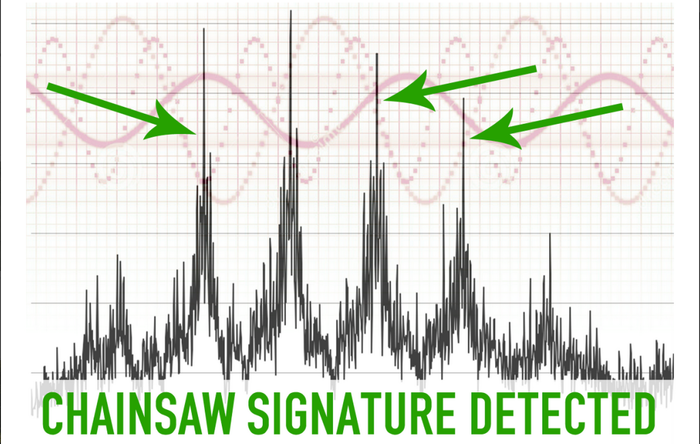
    It is a simple idea, that will make a huge difference. Ambient sounds in the rainforest will be continuously recorded and screened using the phones’ microphones and onboard software. Any noises that match the sound-signature of a chainsaw will trigger an alert, providing rangers with information to intervene and stop the deforestation, according to Rainforest Connection’s website.

    dfe1b4a8878854bf30673eee13590c92_large

    Alerts can be sent using cell networks that already exist wherever the devices are installed. For instance, in Sumatra Rainforest,  home of a small batch of phones the company is installed and unlimited cell phone data cost was just $2.89 per month.

    Each phone covers a circular area of about a third of a square mile, which means 15 phones are insufficient for all of Air Tarusan’s 96 square miles of old-growth forest, but it’s a start.

    Current anti-deforestation efforts are aided mainly by satellites, which do not provide live updates. This means responders are often too late to stop environmental crimes before they happen. But Rainforest Connection’s device can detect exact locations and times, instantly providing information on which areas of the forest are in danger.

    Right now, Rainforest Connection has able to collect 21% of it’s pledged goal which is $100,000. The company’s effort to raise funds is backed by singer Neil Young, who appears in a video on Rainforest Connection’s Kickstarter page.

  • Nike Finally Makes Nike+ Fuelband App for Android

    Nike Finally Makes Nike+ Fuelband App for Android

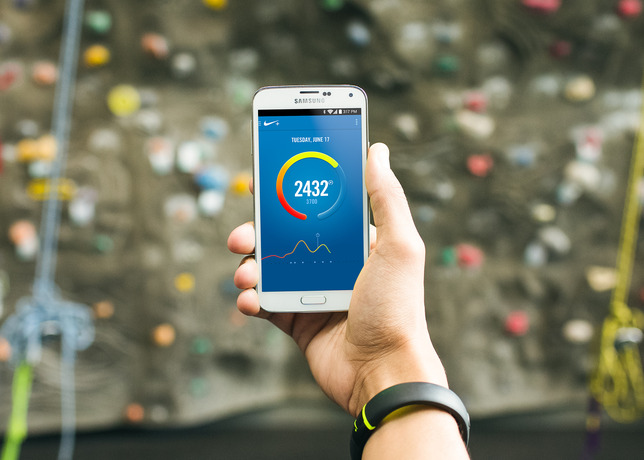
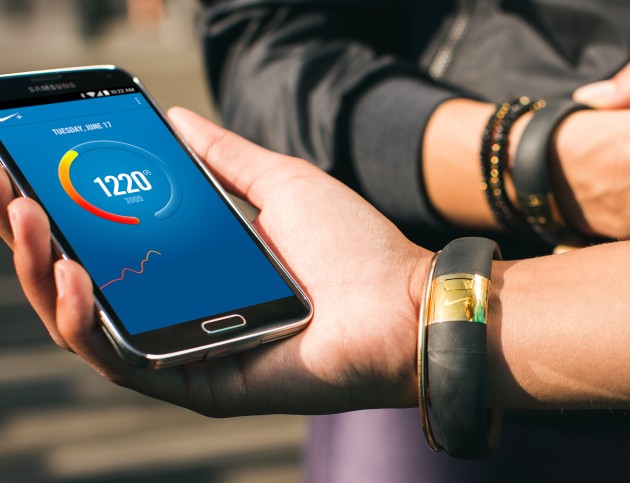
    Nike has finally answered millions of Android owners demands by making the Nike+ Fuelband App now available on Android OS.

    [quote text_size=”small” author=”Stefan Olander- Nike” link=”http://nikeinc.com/news/nike-fuelband-app-for-android-now-available#/inline/30666″]

    With 30 million users, NikeFuel is rapidly becoming the universal measure of activity. Now, with the launch of the Nike+ FuelBand App for Android we’re delighted to help even more athletes get better, This is another important step in the continued growth of our powerful ecosystem of digital products and services.

    [/quote]

    NikeFuel_Android_PR_6_original

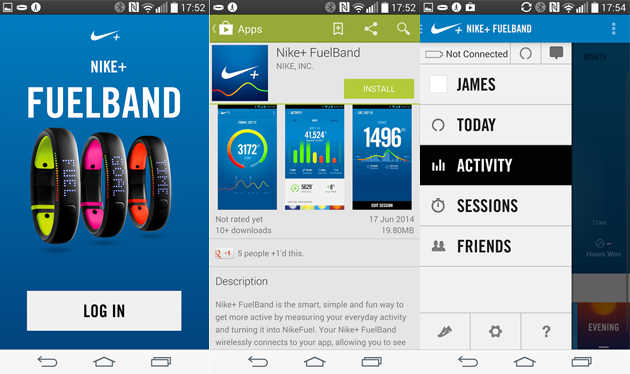
    Just like the iOS app, the Fuelband app on Android communicates with the fitness band via Bluetooth and syncs up your information. Any Android phone running Android 4.3 and UP and Bluetooth LE support can download and run this app, right now that list includes the Samsung Galaxy S3, Samsung Galaxy S4, Samsung Galaxy S5, HTC One, Nexus 5 and the Moto X.

    So if you were waiting to get your hands on the fuel band and the Android device in your pocket was the only hurdle, you might want to get to it. Now should we wait for the Windows Phone variant?

    fuelbandandroidyup

    The app will monitor the same activity, and users can sign in using their Nike accounts or Facebook Logins, once you have your Fuelband registered to your account all you need to do is log-in from the same account to get up and running. Some of the features highlighted by Nike:
    NikeFuel Daily Goal – Create a goal, edit and view progress toward that goal.

    Sessions – Track deliberate periods of movement, such as workouts and games, by starting and ending a Session on the Nike+ FuelBand SE. Review session data afterward for a focused analysis of movement. Users can calibrate and share sessions via Nikeplus.com.

    Move Reminders and Win The Hour – Users can set up Move Reminders on their Nike+ FuelBand SE so they will remember to get moving for five minutes out of every hour. The Nike+ FuelBand App allows users to track their success with Win The Hour stats.

    NikeFuel Leaderboards – Compare data with friends and the community by using Nike+ Friends and the NikeFuel community.

    Activity and Session History – Analyze past activity data to see progress and patterns.

    NikeFuel Daily Goal Recognition – When a goal is achieved, an onscreen celebration will appear.

    Automatic Syncing – Bluetooth LE seamlessly syncs Nike+ FuelBand data to a compatible Android handset.

    Profile and Settings – View and edit Nike+ account information and Nike+ FuelBand SE device settings on the app.

  • Here is What to Expect from Google Android 5.0

    Here is What to Expect from Google Android 5.0

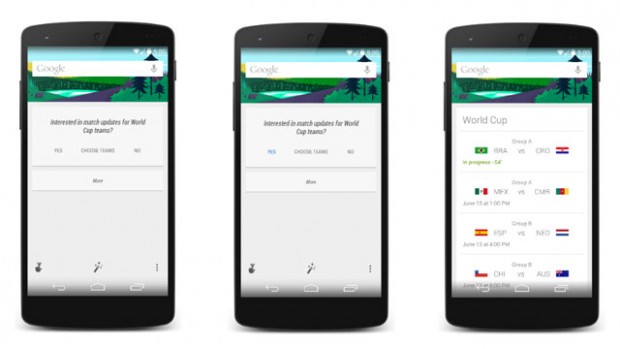
    Google teased anxious tech-heads with a hint of the existence of a new Android 5.0 through a picture they posted on their official Twitter page. They posted a photo of Google Now to introduce a new feature where users can view World Cup scores and schedules via the intelligent personal assistant. Each of the phones in the images had their time set to 5.0.

    Android-5-0-Lollipop-Google

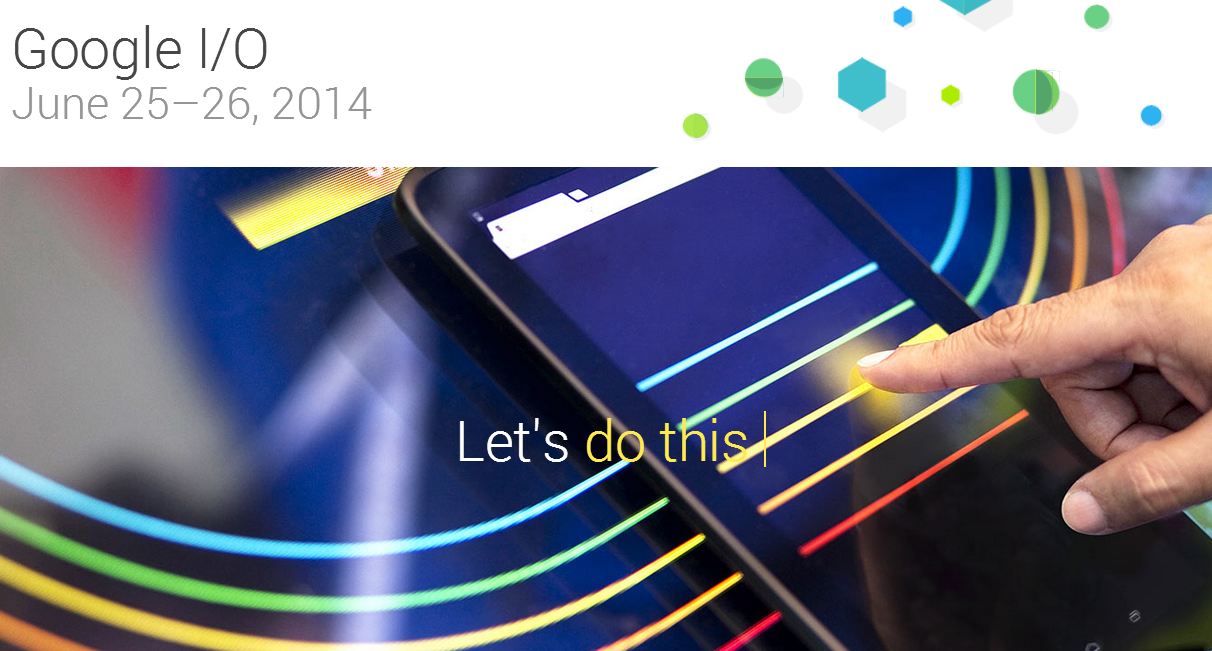
    The developer conference will be held on June 25th and 26th and is one of the biggest Android and Google themed events. During the conference, we can anticipate new introductions; both on the software and hardware side of things. Here is exactly what we’re expecting from the new operating system:
    The Name

    There is no real sign of the dessert-based name that will follow its predecessor. Having astonished everybody with its choice to go for Android 4.4 KitKat, rumor suggests that Google will slip back to its general naming principle by calling the next installment Android Lollipop. That will be a major problem because people may not like it for obvious reasons. Some reports also suggested that the new Android’s name will start with either M or L. We are wildly guessing and hoping in vain that Google will come up with some Indian-sweet inspired name like Android 5.0 Ladoo or Android 5.0 Matka Kulfi.

    New Phones

    The first handset to run Android 5 will either be a Nexus phone or a tablet. Given the timing of the announcement we think it might be the latter. The Google Nexus 5 launched Android 4.4 at the tail end of last year, and we reckon the Nexus 10 (2014) will appear soon – meaning a tablet launch for the new OS. HTC looks like the front runner to bring this tablet to the market, so we’re thinking that this could happen mid-2014, which makes it likely that the productions would be starting soon. We’re also hearing a lot of rumblings about a Nexus 8, a slate which will supposedly launch with Android 4.5, so maybe that’s the device that Android Lollipop will make its debut on.

    Fitness First

    Also, recent idea is that Google’s next version of Android will have more fitness smarts built-in. Apple is set to go big in this area with the iWatch and iOS 8, and other brands, such as Samsung and LG, are making strides in this segment too. The idea is that future versions of Android will allow the software to harness “fitness data from sensors on your Android device.” These could be built into future Android phones and tablets, but it’s also likely that the API will play nicely with Android-based smartwatches and even Google Glass.

    Integrated Messaging

    We would love to have one integrated app that can squeeze Google Talk, Google Voice, SMS, Gmail, and the Google+ Messenger into one service that’s easily accessible on Android. Assuming that the new messaging service shows up at Google I/O or in a near future, we would expect Google to integrate the app or client into the new release of Android.

    Google Now

    Google Now is one of the more go-getting evolutions of Google’s search software. The idea is simple — it’ll predict what you want or need to know before you know you need or want it, and serve it up in an easy-to-read format. And the execution of this idea has been excellent. And now, Google has been working with brands and partners on Google Now cards that will touch our lives more than we know. It would be great if  Google Now would automatically remind me that my favorite show is coming on TV or remind me to water my plants because it knows that it hasn’t rained since two days.

    google oi

    Google Music Subscriptions

    According to some reports, Google has been in talks with several record labels in an attempt to come up with a Spotify-like music service that would integrate into Android. At present, Google Play Music offers users to upload their own music to Google’s servers and provide streaming options from different Android devices and Web browsers. It seems like Google will offer unlimited music access through Google Play and/or YouTube for a monthly fee. Google recently struck a deal with Warner Brothers and is said to be working with Universal Music Group, Sony Music Entertainment, and other labels too.

    Google Play News

    The Google Play experience may swell into newspaper subscriptions. We guess that is the same as their old magazine service where users are able to purchase single editions and/or subscribe to newspapers from around the world.

    Google Gaming Center

    This is the freshest rumor we have heard, Google is reportedly about to test its fish in the Android gaming waters. Earlier this month, Google hired a chief game designer; titled very aptly “Chief Game Designer at Android Play Studio.” Google may also publish its own games and create a gaming hub through which you can connect to your friends and other players which provide Leaderboards and achievements. Google+ seems to be the most rational way to tie users together.

    Google is said to announce big updates and hardware in this year Google I/O. If all the above rumors turn out true, then it is going to be bigger than this year’s Apple’s WWDC. Google and Apple are contesting hard to have an edge above each other; who will win only time will tell.

  • Oppo joins the 2K club with Find 7 and 7A Launch in India

    Oppo joins the 2K club with Find 7 and 7A Launch in India

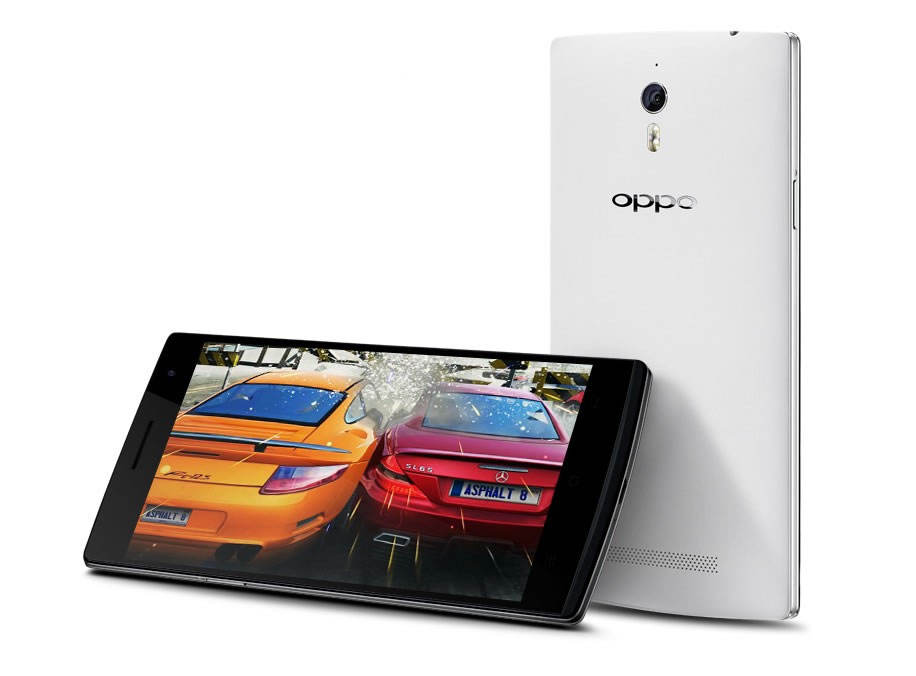
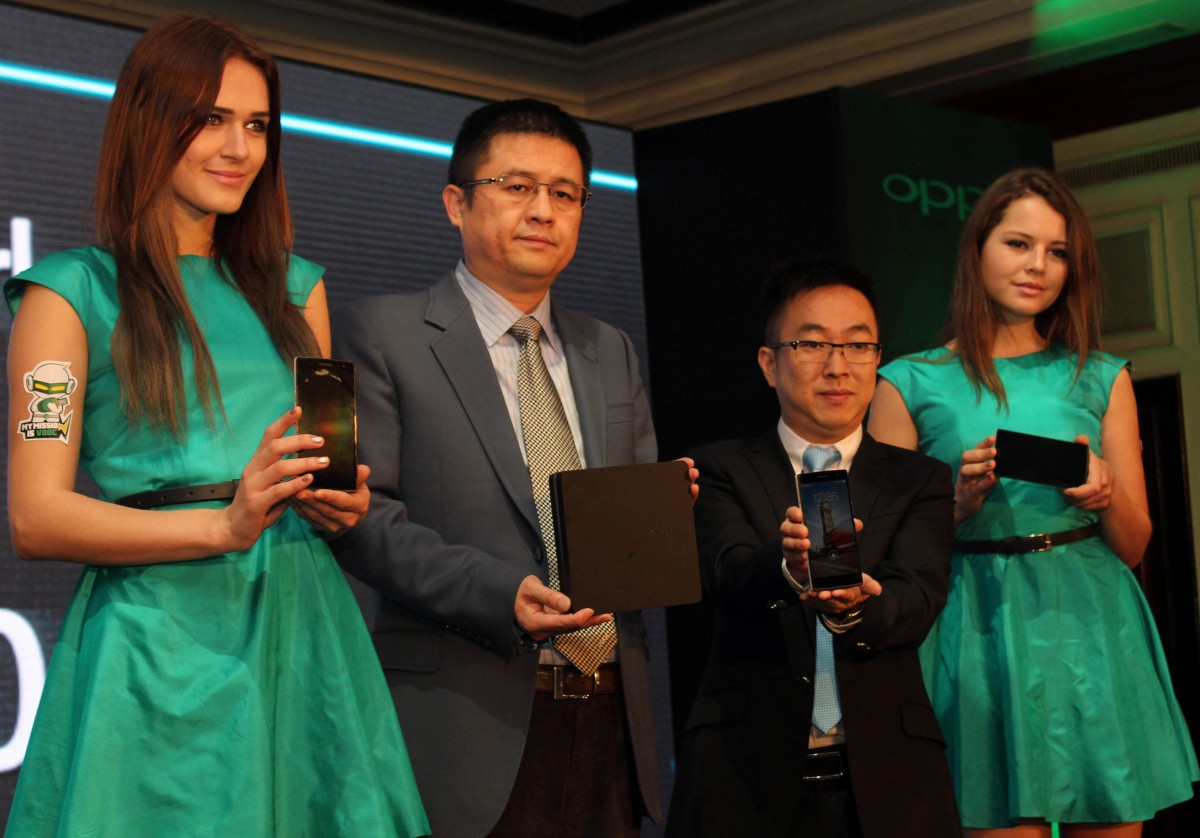
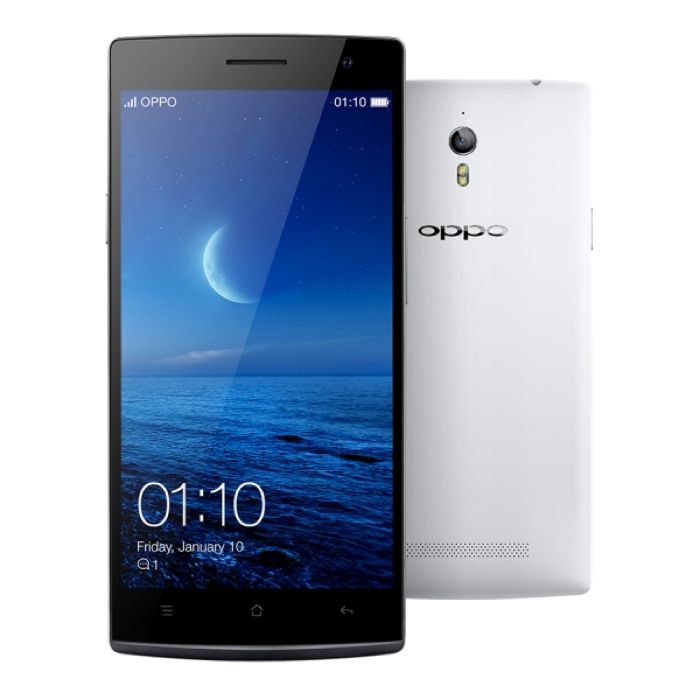
    Chinese phone manufacturers, Oppo has announced the launch of the Find 7 and its mini version the 7a. Both these phones are beautiful to look at and are LTE capable. People who love edges over curves are going to in for a treat.

    General Managers Steven-shi-feng and CEO Tom-lu releasing the Find 7 and 7a
    General Managers Steven Shi Feng and CEO Tom Lu releasing the Find 7 and 7a

    First up the Find 7 takes on the Oppo Find 5 design quotient and makes it even better. The Find 5 was one of the first phones with a 1080p display and continuing the tradition of firsts, Find 7 has a 1440p Quad HD display. The 2K space is heating up. Overall sleek and sexy looking body with steel elements is enticing to look and is an aspirational phone.

    The Find 7 and Find 7a both have 5.5 inch screens. The 7a has a 1080p FHD screen. The unique feature of these devices is an erotic blue light at the bottom of the screen. Its called the Skyline notification and it starts from the center and spreads across the bottom edges. The textured Carbon fibre removable back panel is good to look at.

    The Phones edgy design makes it great to look at.
    The Phones edgy design makes it great to look at.

    On the processing power front the Find 7 boasts of 2.5GHz quad-core Snapdragon 801 chipset with 3GB of RAM. This high configuration is necessary for the stunning Quad HD screen. The 7a on the other hand has a slightly shrunk 2.3GHz quad-core Snapdragon 800 chipset.

    Find 7 is powered by a 3000 MaH removable battery. The 7a holds a 2800 MaH version. Oppo has introduced a charging technology called the Multi step constant current charging (quite a mouthful ha?). This helps to go from 0 to 75% in 30 minutes. For this the phone needs to be charged with the provided charger.

    The Quad HD screen of the Find 7 is a delight to look at. Its 538 ppi display is one of the best in class and was released globally before the LG G3. The Find 7 was released globally in March so that makes Oppo the first company to cross the 2K barrier.

    The Find 7 has an internal storage of 32GB whereas the 7a has 16 GB storage. Both the phones have expandable memory options which will come handy if you want to play high quality audio-visual entertainment.

    The Camera on the devices is 13 mega pixel shooters and are powered by the Sony IMX214 CMOS sensor. It has a wide 2.0 aperture which will help with better night and shallow focus shooting. Camera has the ability to shoot Raw and here too the expandable storage be extremely advantageous. It is also capable of 4K video recording.The camera is also capable of taking massive 50 Megapixel images. It achieves this by clicking multiple images and creating one huge 50 mpix images.

    The phone currently runs on a clean looking UI. It runs on Oppo’s propriety Android 4.3 based Color OS. It has some really functional elements like the gestures feature. This feature lets you open certain apps like the camera or the torch just by making gestures on the screen. This works even when the screen is on stand-by to let you reach the Apps with ease.

    Overall both devices look really enticing and we can’t wait to get our hands on them. Keep checking this spot for more.

    The Find 7 is priced at Rs. 37990 and the Find 7a is priced at Rs. 31990 in India.

  • The Asus Transformer Book V is a Laptop, Tablet and a Phone

    The Asus Transformer Book V is a Laptop, Tablet and a Phone

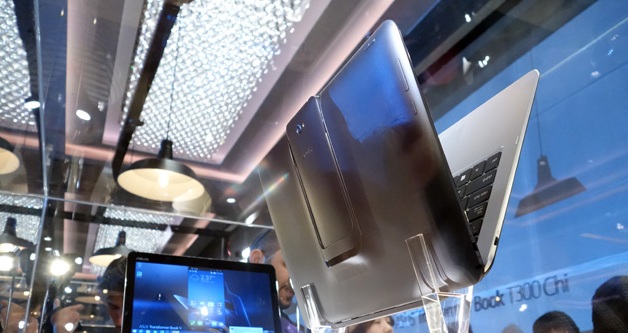
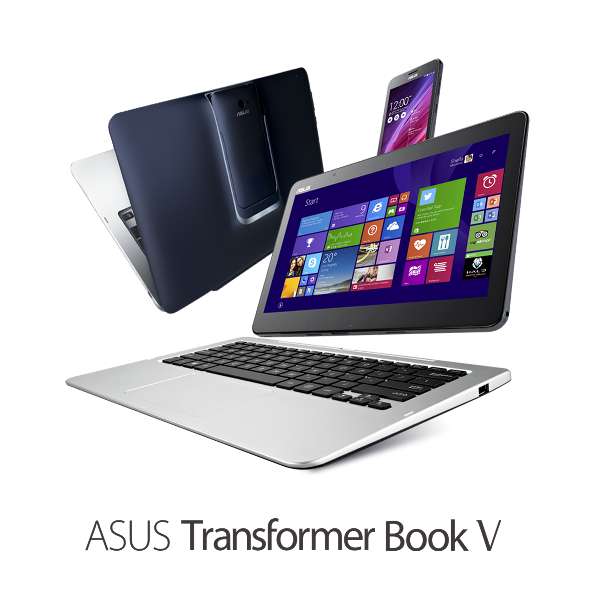
    New technology and innovations are flooding in everyday. With the ever growing laptop and smartphone market, companies are trying to woe buyer by introducing crazy ideas and innovation in their products. Asus Transformer Book V is an outcome of this rat-race. Asus announced that they are working on this new piece of hardware which can be used as a tablet, laptop and a phone.

    ASUS Transformer Book V_PR01

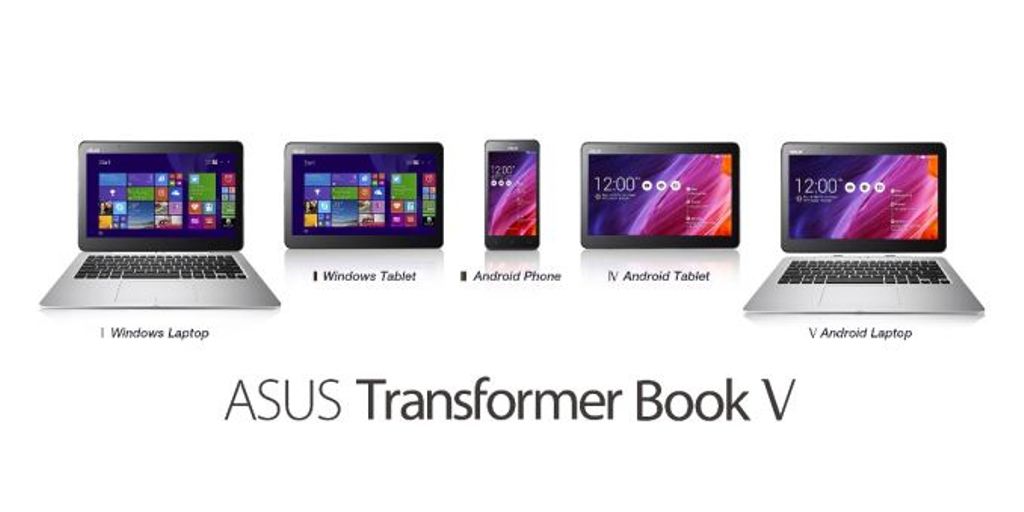
    The 3-in-1 device with dual operating system support means it offers five different modes. These include an Android smartphone, an Android tablet, a Windows tablet, a laptop running Android and a Windows 8.1 laptop.

    A 12.5 inch laptop/ tablet screen run on Windows 8.1 is powered by Intel Broadwell Chip. The tablet can be used independently as an Android device, when combined with a keyboard dock it turns into an Android laptop and with a mere switch of a key it will turn into a powerful Windows laptop.

    ASUS Transformer Book V_PR02_678x452

    With a tap on the screen,the user can switch between Windows 8.1 tablet and an Android 4.4 Kitkat tablet, but only when the phone is docked. The tablet alone has built-in storage of up to 128GB. The un-docked phone of the Asus Transformer Book V runs Android 4.4 Kitkat, and Asus claims it is the world’s first 5in LTE smartphone powered by a quad-core Intel Atom processor. The phone is also powered by a impressive 2,500mAh battery that provides up to 10 hours of web browsing time.

     Asus is known for its amalgamation of several form-factors in the same device. Earlier they have promoted this hybrid structure through their FonePad, PadFone and Transformer Book.  We may not see this amazing hardware soon. Unless it is powered by an Intel Broadwell chip and launches at the same time as the processor, they it may hit the market this autumn. Asus did not give any pricing or availability details for the Transformer Book.

    The company is attempting to create the perfect device for multi-taskers. The Transformer Book V is aimed to bring in greater flexibility for users so that they can easily switch between work and entertainment.

  • HP Brings the Droid on the New 14-inch Slatebook

    HP Brings the Droid on the New 14-inch Slatebook

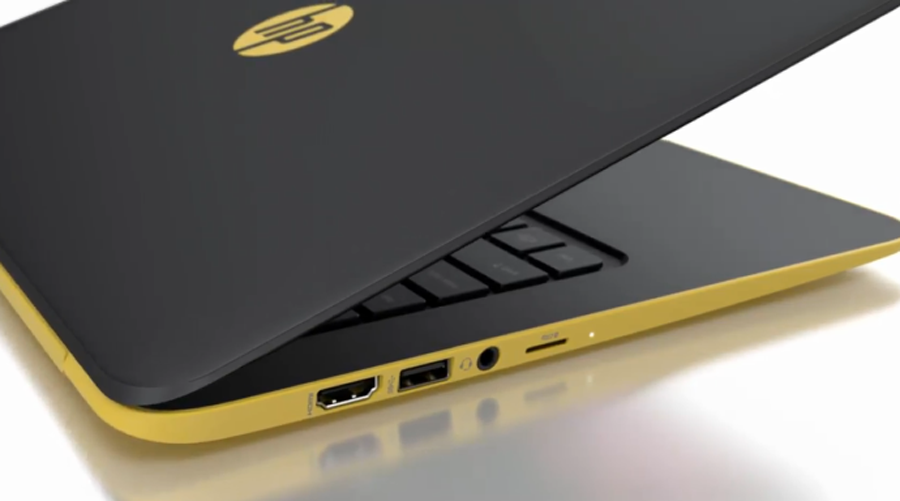
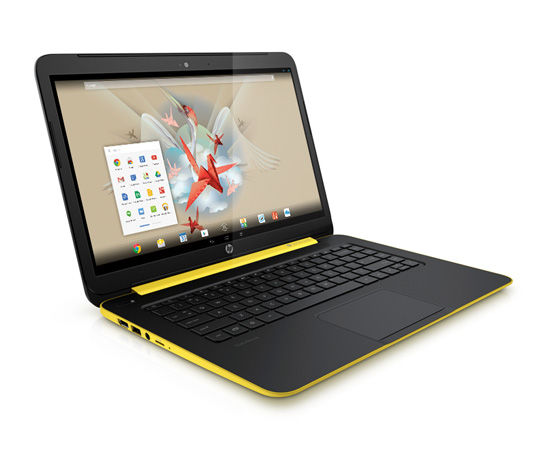
    HP is close to releasing a 14-inch Slatebook, which will run on the Android operating system(OS). An Android operating system sounds more functional than an internet only Chrome OS. This also begs the question why Google went with the chrome OS when they already had a winner in the Android.

    This Slatebook will be on the shelves in the US markets on 20thJuly. It is powered by a NVIDIA® Tegra® 4 mobile processor with quad-core CPU (1.8 Ghz) GPU to run high-end graphics and optimize performance. Also a powerful processor is needed for the Full HD 1080p touchscreen on the device.

    Slatebook 2The memory included is a 2GB 1600MHz DDR3L SDRAM which is good enough for the Android Jellybean 4.3. Its a lighter OS in comparison to the other notebook operating systems. This will be a device for people who prefer functionality over performance. A touchscreen will also add to the convenience for such users. The stated 9 hours of battery life is great for multimedia enthusiasts.

    This slatebooks dual color design(yellow and black) adds to its youthful appeal. The integrated Beats Audio™ – Quad speakers will be a treat for the multimedia lovers. HP could have added a swivel to the device so that it could be used as a tablet. This would have probably created a MOTO G like revolution laptop devices, but maybe they wanted to keep this one plain and simple.

    The increased connectivity between the laptop and an android phone will certainly attract a lot of people towards this device. Android is the world’s most used OS and this might just be the big break that Google was looking for to enter the laptop OS market.

    With its SuperSpeed USB 3.0, a USB 2.0 and an HDMI version 1.4b Jacks, the device will give a complete laptop experience with a portable OS. The device is priced at $399 on the website, but it is expected to sell at $429.

    Looks like HP has found the droids it was looking for.

  • LG G3: Beginning of the 2K Run?

    LG G3: Beginning of the 2K Run?

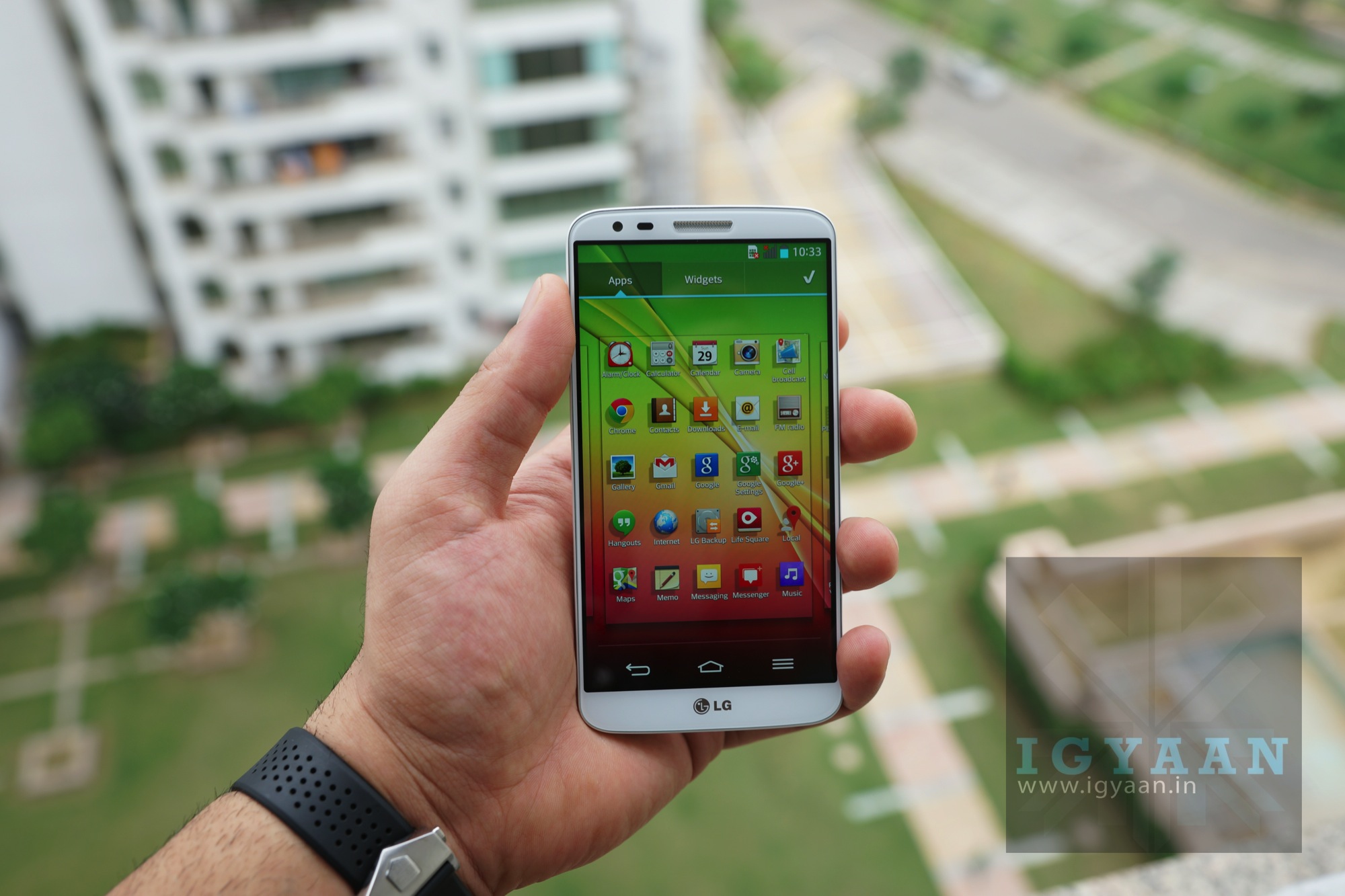
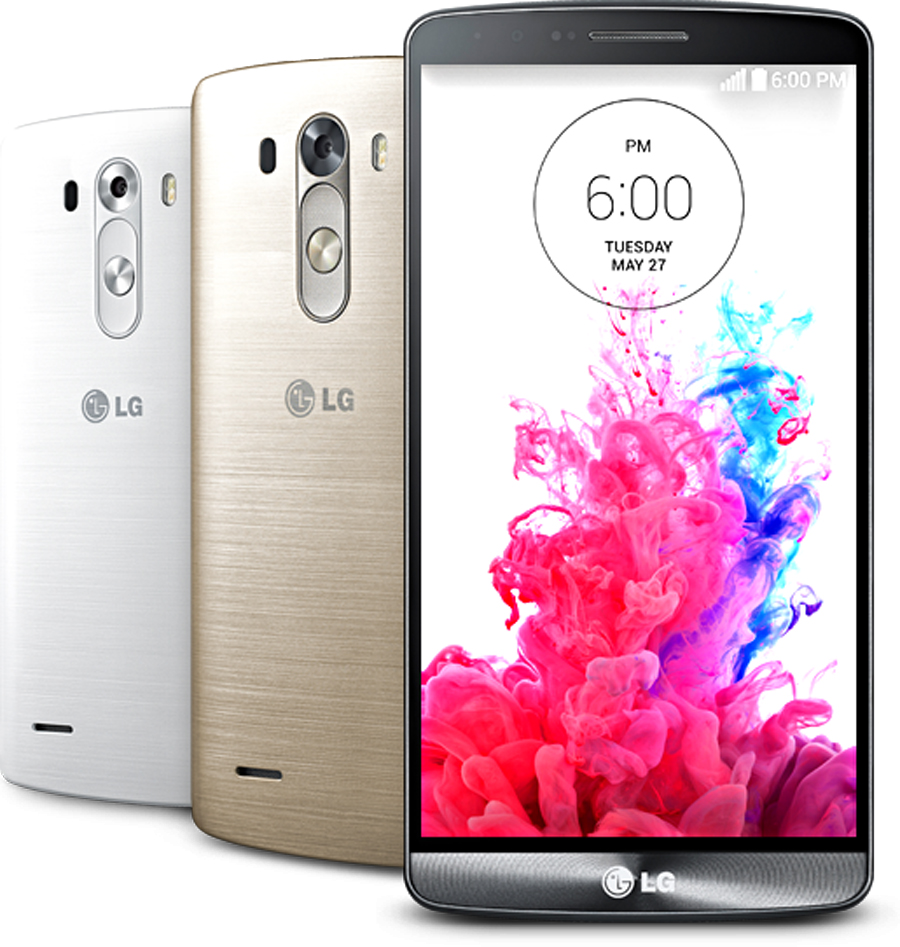
    The Flagships are engaged in some real battles now. LG G3 dropped in and made it a lot more interesting. Packed in with a quad-core Qualcomm Snapdragon 801 processor clocked at 2.46 GHz, expandable memory upto 128 GB and a laser focus support for the camera, the phone sure has some unique features to look forward to.

    lg g3
    The G3 brings the First 2K Display

    The phone’s display is its champion. The G3 has a best in class 5.5 inch Quad HD display with 538 pixel density that gives a resolution of  2560 x 1440 px(2K). With this release LG brought in the first 2K phone in the market.

    Quad HD displays have been promised to the market by several manufacturers. Oppo’s Find 7 and Lenovo’s Vibe Z2 are some of the example. But why haven’t the rest of the manufacturers jumped on board with a 2K display market, we try to see the issues with running a Quad HD screen.

    The screen on the LG G3 is substantially better than most of the screens this article is being read on. It is been said that the human eye cannot distinguish pixel density after 300ppi which Apple terms as its Retina display at 326 ppi in the iPhone 5S. But the images are just so mesmerizing on a Quad HD screen that you  loose the reasons for the debate in the first place.

    One of the major reasons why manufacturers are not encouraged to adopt a Quad HD display is because of the massive power required to run the display. It especially puts a heavy strain on the processor. But on a processor like the one G3 has, this might not be a major issue. A massive battery like the 3000 MaH on the G3 will take care of the excessive resource drain.

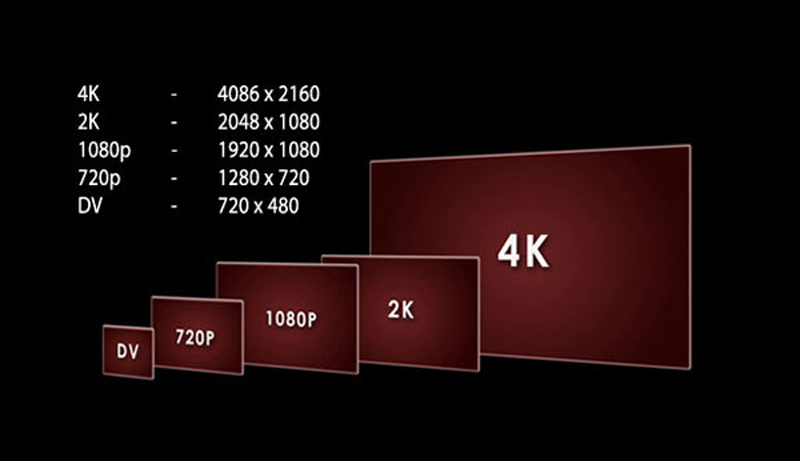
    4k_resolution
    There isn’t enough content for the 2K and 4K displays.

    There also aren’t a lot of apps that are ready for the 2K display. There is a serious shortage of content at the moment, as it is resource intensive to create the content in the first place. As the technology is still young, the content producers will wait for a while before investing in a heavy process like creating videos or games for such screens. They will wait for the device market to get populated with more products with such high definition displays.

    Since HD is now the norm across many platforms, it is rather easy to create content for it. To create HD content you just need a computer system with decent specifications. The investment for making an HD content is comparatively lower than that for 2K or 4K productions.

    So the question we really need to ask is that, are Quad HD phones worth buying at the moment or maybe we should just shut up, wait for the content to show up and enjoy the insane crispness of a handheld 2K screen.

  • Nexus 6 and Nexus 8 Show up in Chromium Code

    Nexus 6 and Nexus 8 Show up in Chromium Code

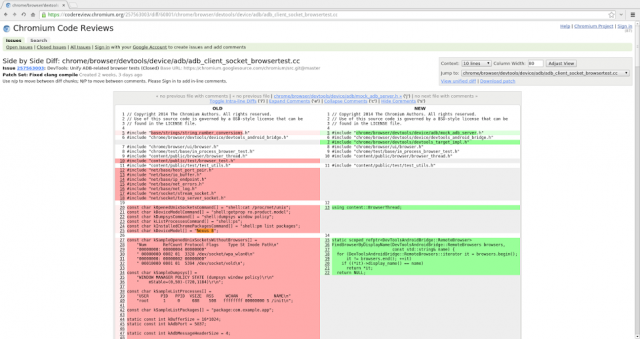
    Google’s next edition of Nexus devices have been spotted in the new Chromium code, hinting confirmation of the Nexus 6 and the 8.9 inch tablet Nexus 8.  While it’s not much to go on, references to the two devices have recently appeared in Chromium’s source code, as dug up by Florian Kiersch on Google+.

    nexus-8-6-chromium-code-640x339

    The reported changelog of Android 4.4.3 KitKat published on the Android Open Source Project (ASOP) has referred to HTC-made Flounder, and another product codename Molly. Where flounder is suggested to be the Nexus 8 which this time around could be an HTC built device. Molly on the other hand could be  Android TV, both of which are expected to be launched at Google I/O Conference on the 25 and 26 June in San Francisco

    Earlier, reports had claimed that the next-generation Nexus smartphone would come from LG, based on their new flagship device G3.The G3 could be a mix of the LG G Flex and the G2, So it may sport a 5.2-inch full HD curved LCD display. Everyone has their money down on the handset being powered by a 64-bit version of Qualcomm’s Snapdragon 800-series chipset with 3GB RAM and running on Android 4.5 Lollypop.

    The Nexus 8 on the other hand, if made by HTC, could mark the long awaited return of the taiwanese manufacturer in the tablet market. The push that a Nexus device could bring to HTC’s tablet line, may be as good as a push LG got.

    It is also rumored that the Nexus 6 will be the last Nexus from Google, ending the Nexus saga from the Android maker. It is also assumed that Google will be developing a new name for its series of devices going forward, naming them with a different moniker.

  • Android was not a Touchscreen platform in the Pre Apple Era

    Android was not a Touchscreen platform in the Pre Apple Era

    New documents filed in the never ending Apple vs Samsung battle have revealed that Google’s plans for Android back in 2006 involved physical keys for control and no touchscreen input support.

    Google vice president of Android, Hiroshi Lockheimer, walked the jury through early development of Android and said engineers actually tried to make software that was very different from Apple’s iOS mobile operating system. He emphasised that the company liked to have its own identity and ideas, adding that it was very passionate about what it was doing, and it was important that it had its own ideas.

    According to the file “the product [Android] was designed with the presence of discrete physical buttons as an assumption. However, there is nothing fundamental in the product’s architecture that prevents the support of touchscreen in the future.”

    A lot of differentiating factors also came into light, including  removable storage, third-party application support, widgets, notifications and all those Google services. The design of the 2006 Android beta build lacked touchscreen and required cursors and physical keys, this was changed to a “Touchscreen Required” minimum, in 2007 post the launch of the first Apple iPhone.

    Read the full filed document below:


  • Samsung Sees Underwhelming Sales of the Galaxy S5 in India Drops Price to Rs. 50,500

    Samsung Sees Underwhelming Sales of the Galaxy S5 in India Drops Price to Rs. 50,500

    Update : The Price appears to have further dropped to Rs. 49,000 as of April 14th 2014, just 3 days post launch.

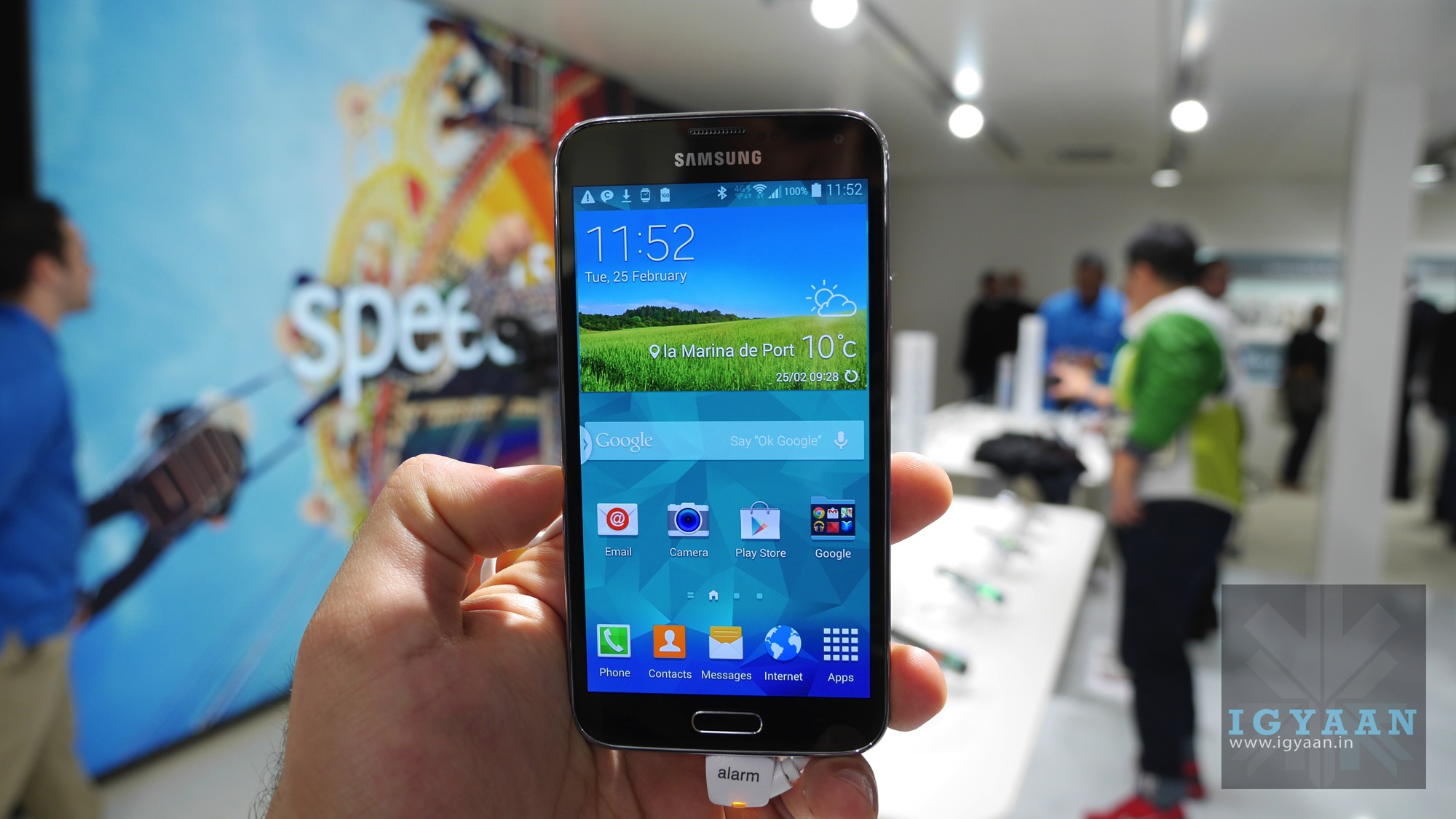
    Yesterday Samsung launched the Galaxy S5 into the Indian market on retail sale for a price of Rs. 51500. After seeing more than disappointing sales, the execs at the Korean company’s India office have authorized distributers and dealers to offer discounts and deals to users. 

    One of the south Delhi distributors said that Samsung issued notices last night to their chain ; asking them to be a lot more aggressive in selling the Galaxy S5. 

    Samsung has usually seen excellent response from the Indian market for their smartphones, however this time around the company may have hit up on its worst nightmare. 

    According to people, the biggest reason for the general disappointment with the flagship device, is that Samsung has launched the Galaxy S5 with the Exynos chipset and not the latest Qualcomm Snapdragon 801 in India. 

    Samsung has been following this policy in the Indian market since the time of the Galaxy S2, after initial sales of the dual core Galaxy S2 a special India edition was launched which actually had a single core processor vs the Dual Core offered in the Global variant at the time. The performance of the Galaxy S5 handsets on these separate chipsets differ in many ways. The Exynos based version also lacks several features including LTE but now includes 4k Video capture, which was missing from the Indian version of the Galaxy Note 3. 

    While the price has been fluctuating since last night, the Galaxy S5 is available from a price bracket of Rs. 50,000 – 51,000 depending on the mood of the seller. If you were considering buying this phone, we expect huge drops in price in the coming weeks so holding out may actually not be such a bad idea. 

    Do you think that Samsung should further reduce the price of the Galaxy S5? Or feel that they should launch the Snapdragon 801 variant ? Let us know below or tweet us @iGyaan and include @SamsungMobileIn ! We will ensure that Samsung gets the message.

    Our review of the Galaxy S5 will be up shorty ! Stay Tuned.


  • Hands On: Gionee ELife S5.5 Slimmest phone in the World

    Hands On: Gionee ELife S5.5 Slimmest phone in the World

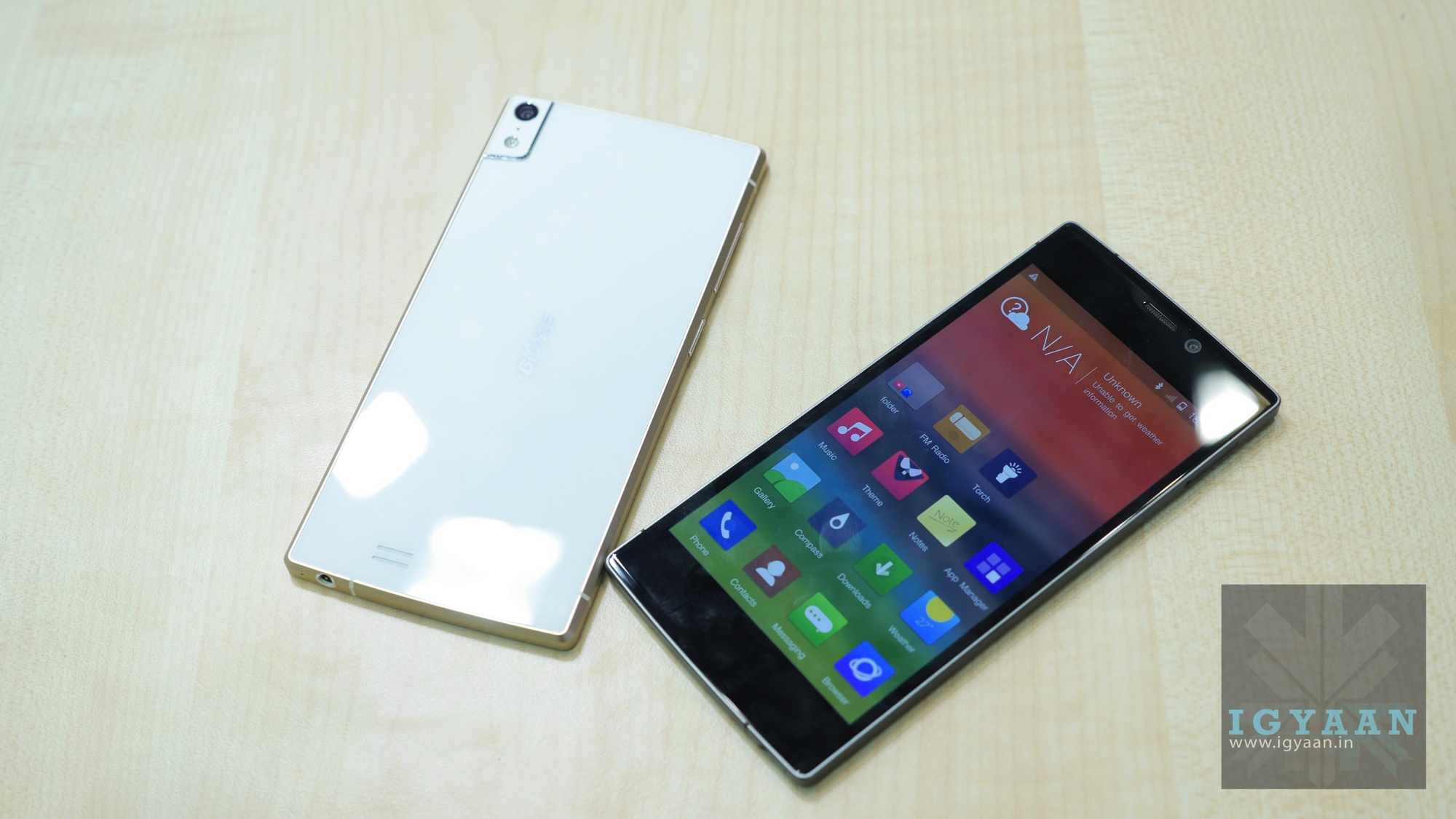
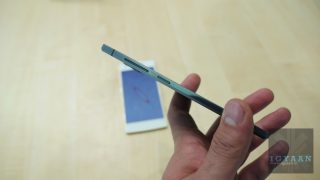
    The Slimmest Phone in the world moniker goes to the Gionee E Life S5.5, but it does impress us in other domains as well.

    Gionee held a mega event in India and launched the slimmest phone in the world. The company launched a smartphone that is only 5.5 mm thick or should we say 5.5 mm thin. The Gionee Elife S 5.5 was globally launched at MWC 2014 where the company showed off a pre build version of the device. The final version meant for India will be available for purchase starting April 27th for a price of Rs 22900 .

    First Impressions

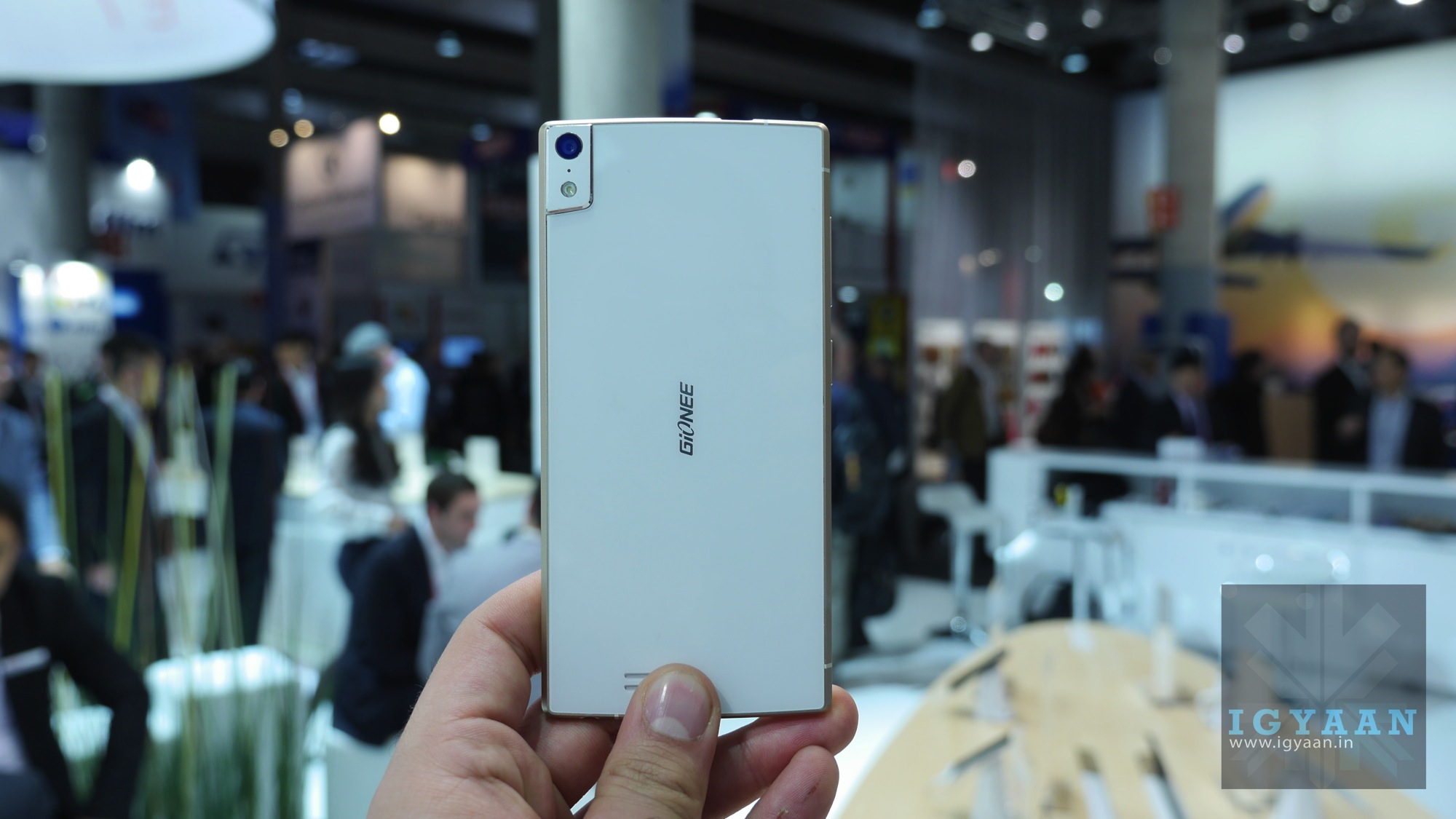
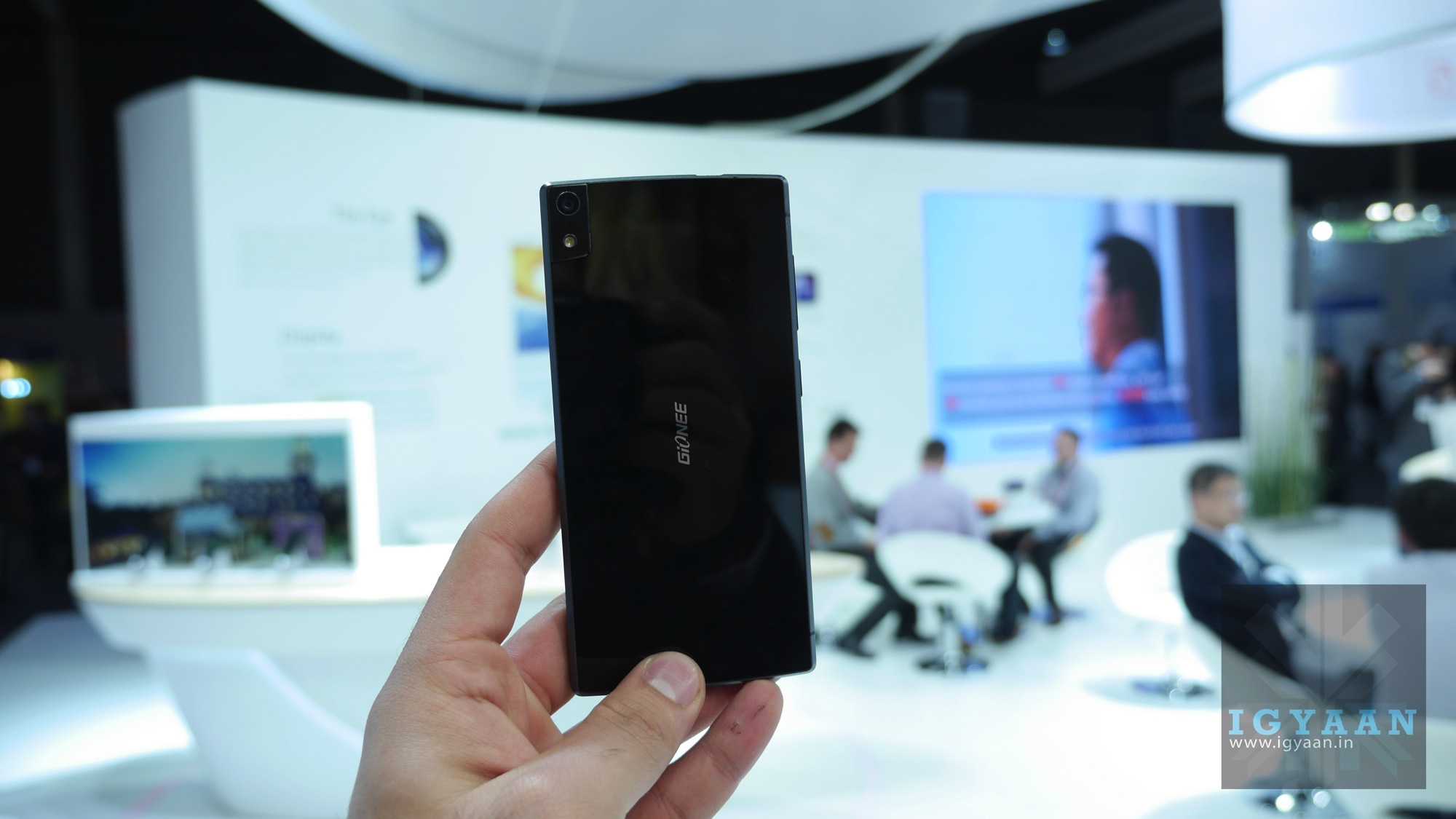
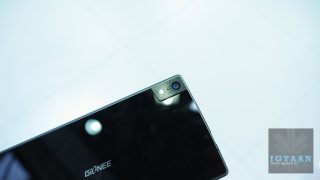
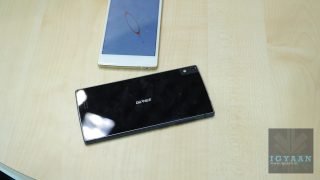
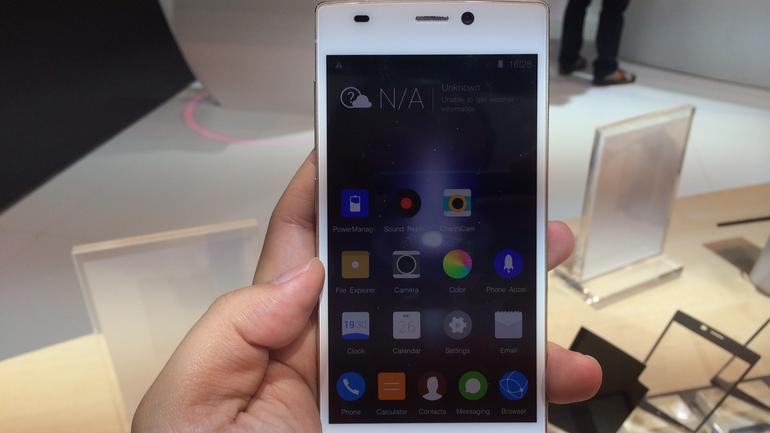
    The Elife S 5.5 does not only seem to aim to be the slimmest phone by any means necessary, it actually impresses in many other domains. The handset is superbly well built with a great mix of metal and glass, with the later taking care of the front and back of the handset.

    Gionee Elife S 5.5 17

    [quote text_size=”small”]5.5 mm is about as slim as we can take[/quote]

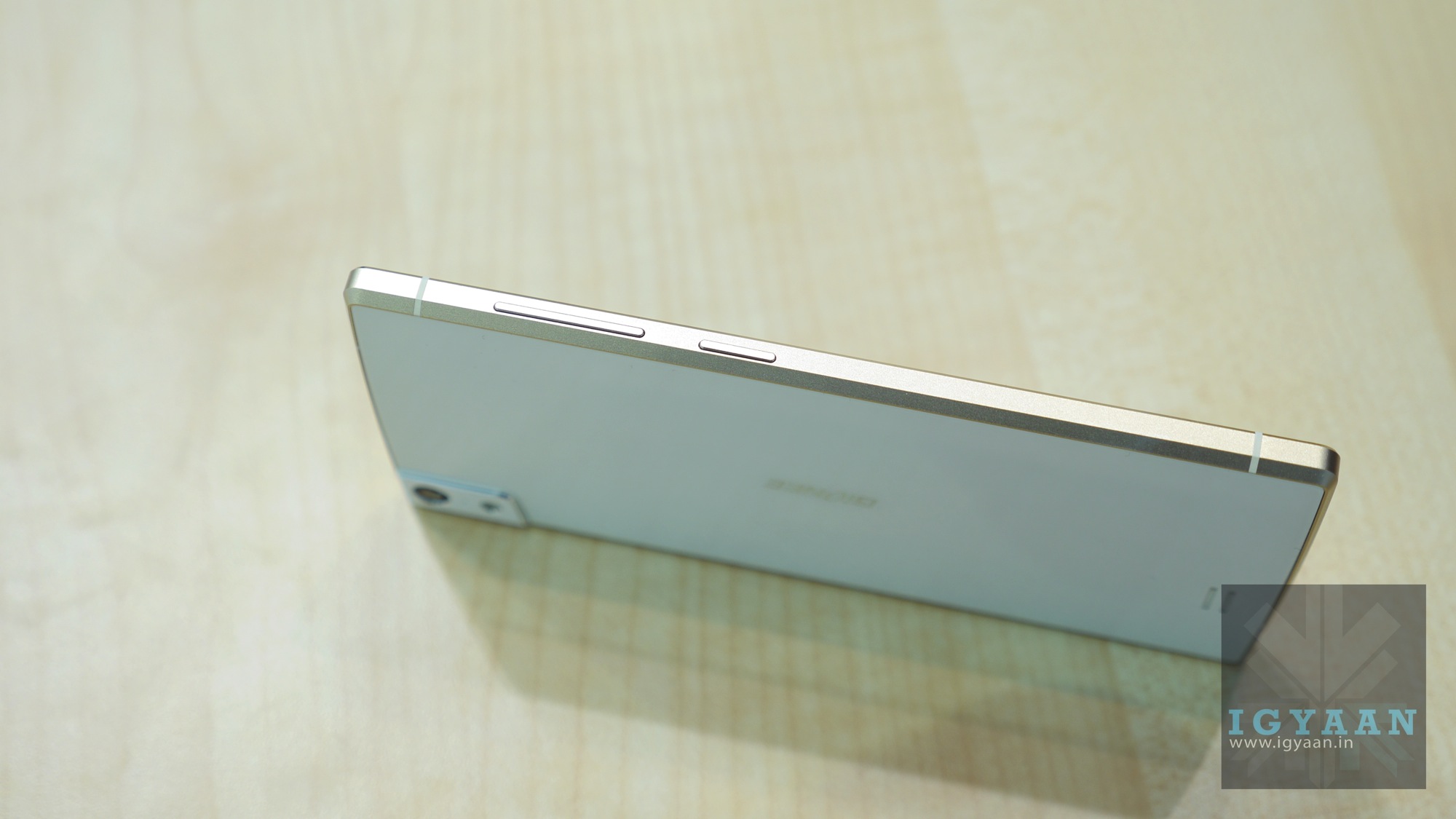
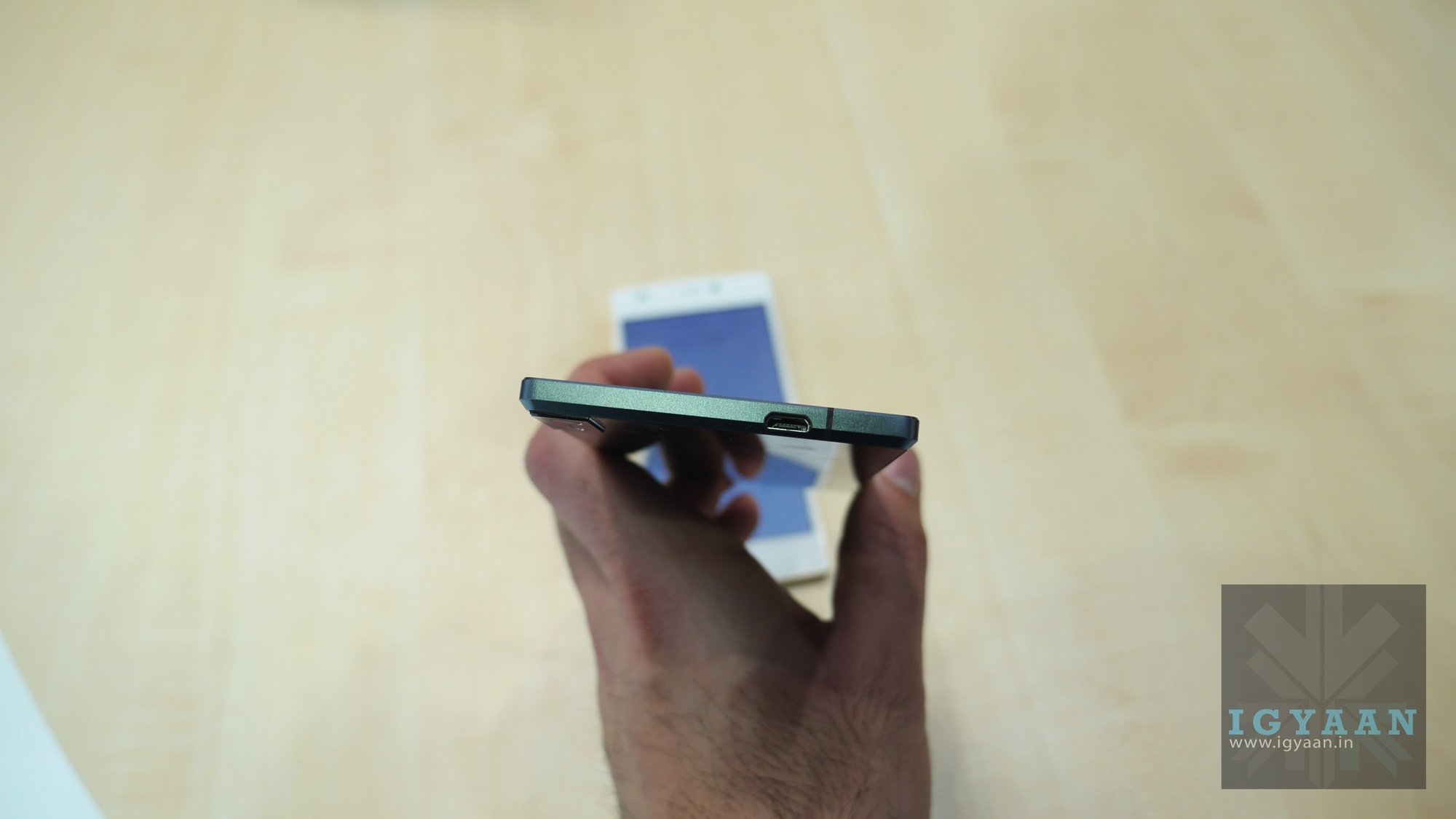
    Honestly 5.5 mm is about as slim as we can take, any slimmer and a smartphone will become uncomfortable. The ELife S 5.5 despite its metal and glass appearance manages to not be very sharp at the edges. The S 5.5 has rounded off edges at the back to give it a more tapered design making it more easily handle able and pocketable.

    Gionee Elife S 5.5 14

    Hardware on the Elife S5.5 is on the up side as well, with a true octacore Mediatek chipset clocked sat 1.7 GHz, no its not the turbo version seen on the Micromax Canvas Knight, but it is the same chipset sans turbo of course. You also get 2 GB of RAM and 16 GB Storage, with a 13.0MP AF +5.0MP camera combination both with wide angle lenses and 1080 p video capture.

    Gionee Elife S 5.5 1

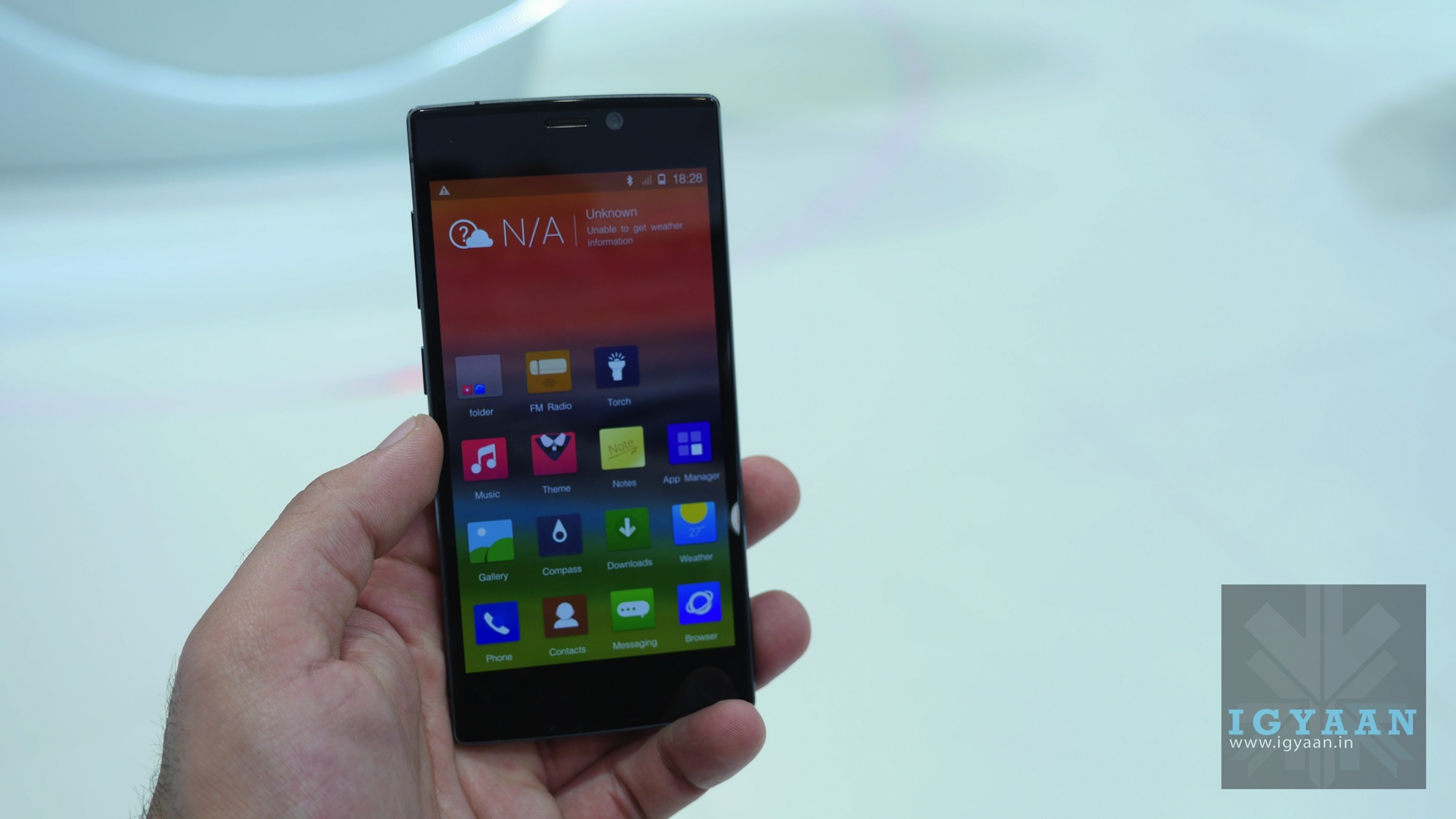
    Gionee has come leaps and bounds in terms of the user interface, the new Amigo 2.0 is not only faster and more responsive it also looks a lot better and has interesting elements which were earlier missing from the UI. The new themes and colors option along with smoother transitions and good looking animations make the S 5.5 slim smartphone look and behave the part of being a smooth operator (pun intended)

    Gionee Elife S 5.5 4

    The battery life also seems to have come really far on the new S 5.5 with the handset doing much more with less drainage. One thing the unit lacks is LTE capability, however our country mostly lacks that too so can’t really complain.

    Gionee Elife S 5.5 12

    The handset turns out to be a beautiful mix of design, looks and capability for an impressive price, however only extended testing will reveal the true outcome.

    [quote text_size=”small”]Beautiful mix of design, looks and capability for an impressive price[/quote]


    Stay tuned for our hands on video.

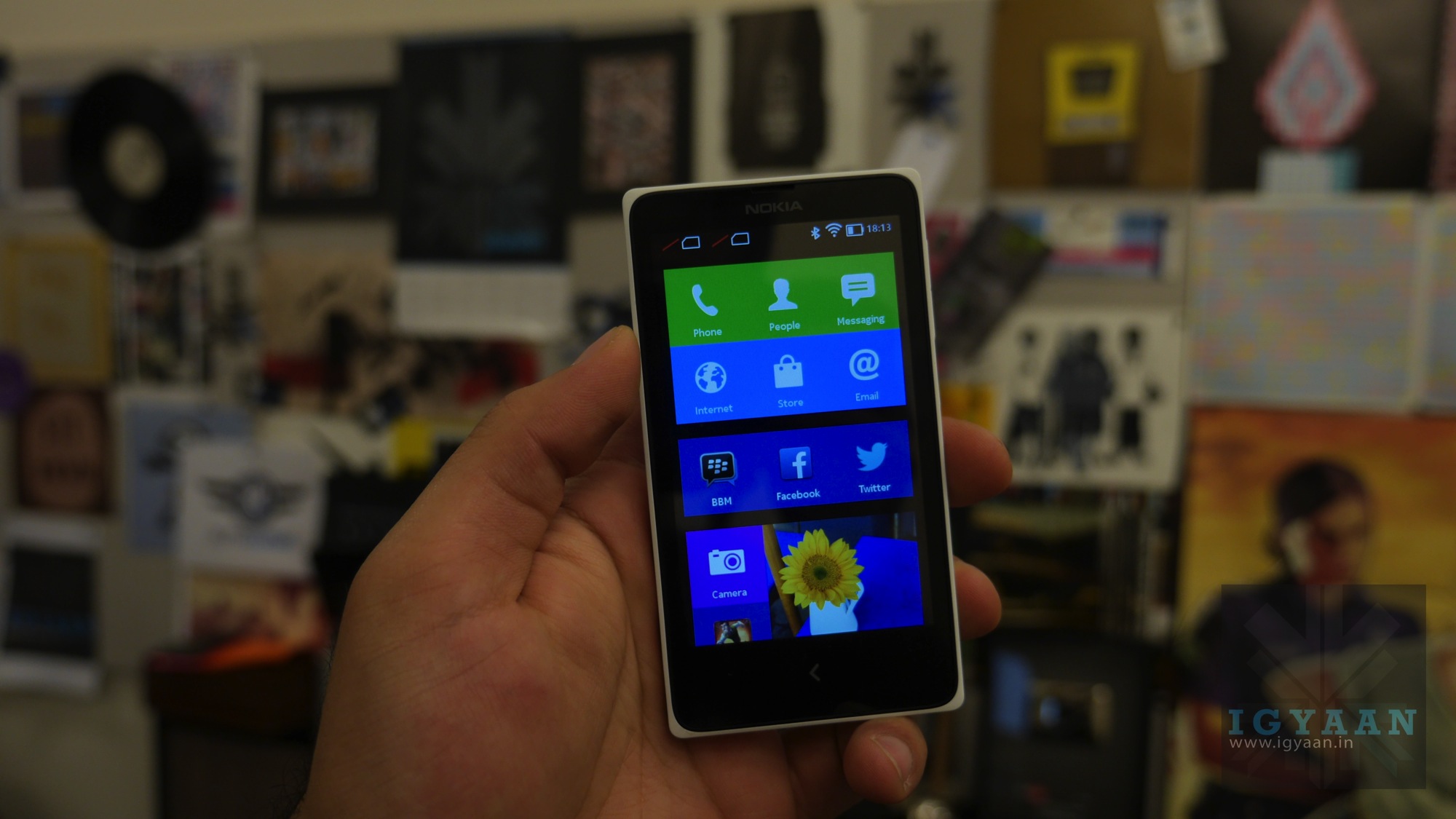
  • Nokia X Dual Sim Hands On

    Nokia X Dual Sim Hands On

    Nokia’s First Android Handset Targets the Budget Audience with Dual Sim Capabilities


    Nokia launched the Nokia X (aka Normandy) earlier this year at Mobile World Congress 2014. The handset was a first of a kind for a company which basically started off by purely thrashing Android as an OS and now embracing it in their products.

    Nokia X Dual Sim 15

    The Nokia X has a very basic strategy, it is a cheap android phone with build and promise of Nokia, without the actual support of Google. 

    The Nokia X runs a Hybrid OS, An Unlicensed Android 4.1.2 alongside Nokia’s own Fastlane UI from the Asha lineup of devices. What that means is, you get the Android experience but you don’t get Google Apps, including the Play Store, Gmail etc. But there are always workarounds considering that the whole UI is essentially built on Android.

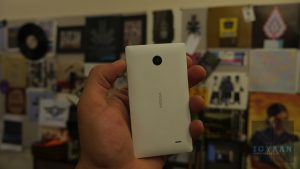
    Nokia X Dual Sim 9

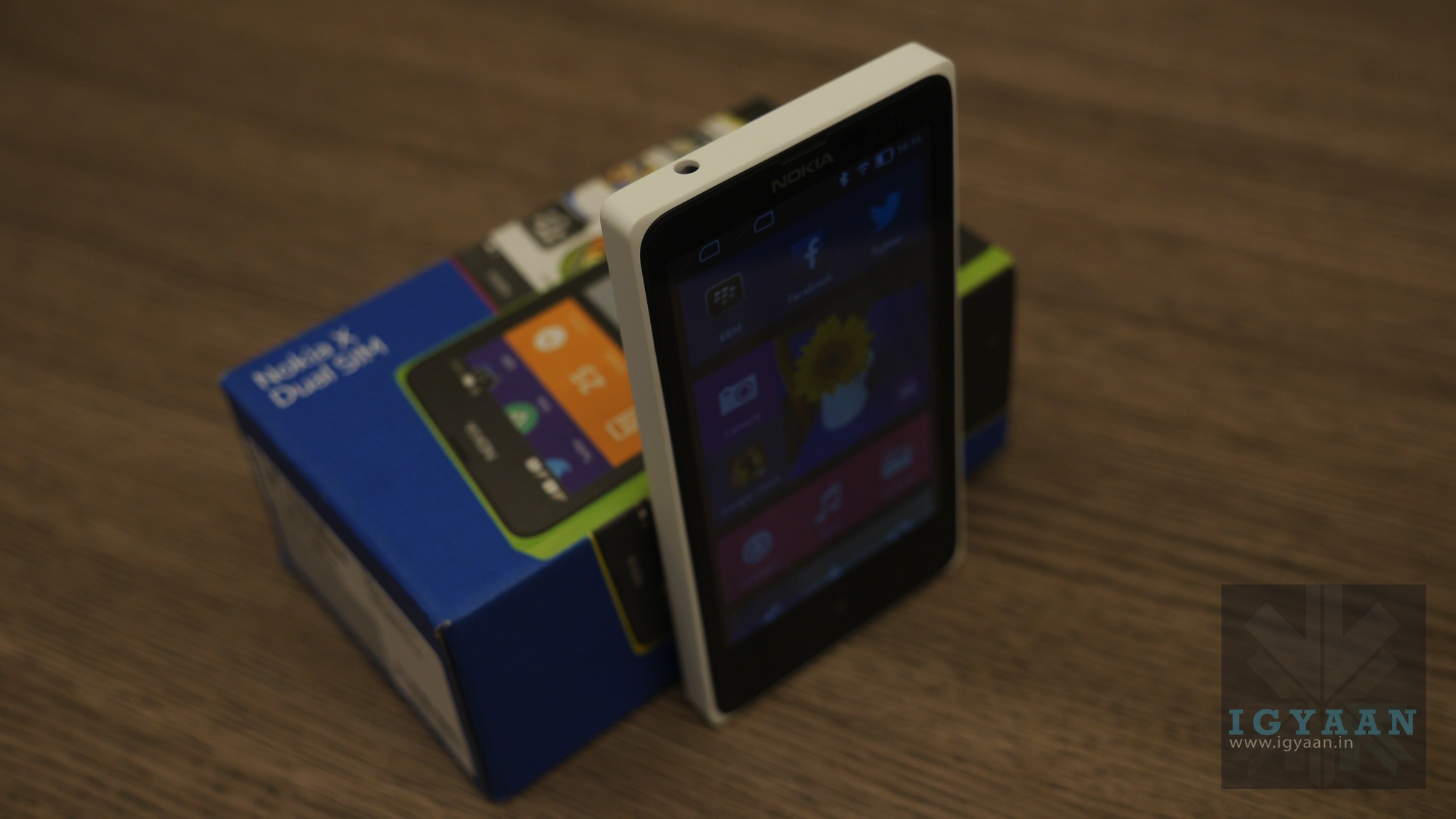
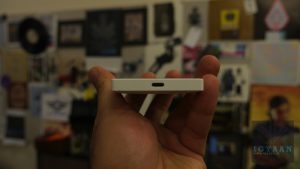
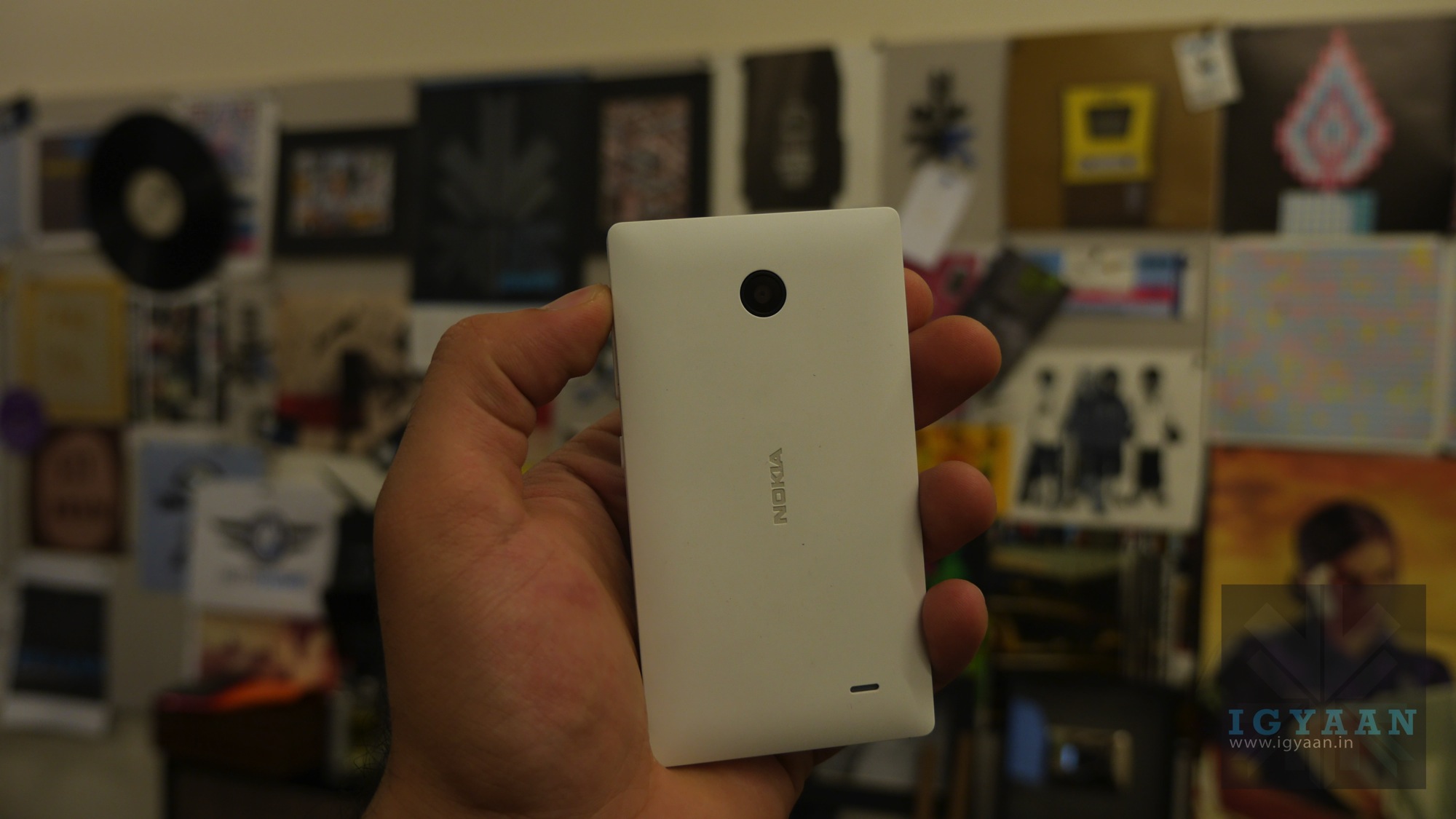
    Build is impressive, the Nokia X has a sturdy matte finished back, with replaceable panels. Its like a better built version of the Nokia Asha 502/503 lineup almost as good as high end Lumia phones. The back is smooth and fits well in the hand thanks to its polished off round edges. The layout of the buttons and ports is also very identical to the Asha 503 so it looks like a design lift. 

    On the hardware front the Nokia X is loaded with a Qualcomm MSM8225 Snapdragon S4 Play with a Dual-core 1 GHz Cortex-A5 CPU. You also get an Adreno 203 GPU all of this is supported by a 1500 mAh battery. On the memory front you have 4 GB Storage and 512 MB RAM along with microSD card expandability up to 32 GB.

    The handset runs Nokia X platform 1.0 UI essentially Android 4.1.2, on a 4 inch 480 x 800 px IPS LCD capacitive display with 2 point multitouch. There is no front camera and the main 3.15 MP camera only does 480p video and lacks a LED flash.

    Check out our hands on images and the Video Unboxing Up Top. Stay tuned for a final review.

  • Gionee Launches Elife S 5.5 in India for Rs. 22900

    Gionee Launches Elife S 5.5 in India for Rs. 22900

    Gionee has officially launched the new Gionee Elife S 5.5 in India for a price of Rs. 22,900/- at an event held in Goa. The ELife S 5.5 comes just weeks after its global launch at MWC 2014 in Barcelona. 

    The Gionee S5.5 sports a 5? display with a resolution of 1920 x 1080p, a 1.7Ghz Octa Core chipset from MediaTek 2 GB of RAM and 16 GB Of storage. The Sleek phone has a 13 MP rear camera, and 5 MP  front shooter.

    The Gionee Elife S5.5 is the slimmest smartphone yet and measures only 5.5 mm. Retaining the slim structure, the devices manages to be equipped with a 2300 mAh battery. 

    The phone has been launched in India in all five colors, and will be available starting April 27th.

    Specifications

    5.0” Super AMOLED Plus display
    Octa- Core 1.7GHz CPU
    Single SIM
    13.0MP AF +5.0MP AF Camera 95 Degree Ultra-Wide Angle
    AMIGO OS 2.0 (based on Android OS, V4.2)
    Memory: 16GB+2GB
    Ultra slim 145.1 x 70.2 x 5.55mm
    GSM-850/900/1800/1900MHz
    WCDMA-850/1900/2100MHz or 900/1900/2100MHz
    3.5 mm Earphone Jack
    WIFI/GPS/BT4.0/FM/G-sensor
    Non-removable 2300mAh Battery
    OTG


  • Samsung Launches Galaxy S5 in India with True Octa Core Processor

    Samsung Launches Galaxy S5 in India with True Octa Core Processor

    Samsung today launched its first flagship product for this year, the Samsung Galaxy S5. However, the company has not revealed any pricing of the product. Alongside, the Samsung Galaxy S5, the company has also launched three of its newly launched wearable devices; the Gear 2, Gear 2 Neo and the Gear Fit.

    The Galaxy S5 is IP67 Dust and water Resistant, which means; it can be used in rain, and wet condition, but keeping in mind it is not water proof. The Galaxy S5 also features a heart rate sensor, located just below the back camera and next to the new layout led flash. It also offers a Fingerprint Scanner, providing a secure, biometric screen locking feature and a seamless and safe mobile payment experience to the users. 

    The Samsung Galaxy S5 sports a 5.1 Full HD Super AMOLED display with a resolution of 1920 x 1080 pixels. The Galaxy S5 is powered by a true Octa-Core chipset which Samsung India failed to elaborate more on, but we believe it to be the Exynos 5422 (Octa-core application processor Quad 1.9 GHz + Quad 1.3 GHz) processor with Heterogeneous Multi-Processing and has XMM6360 for HSPA+ connectivity. 

    This new Galaxy is packed with a 2 GB of RAM and 16/32 GB of storage which is expandable to 128 GB via MicroSD card. Just like the global variant it has a 16 MP camera with an enhanced menu and user interface that allows users to take, edit and share photos. The Galaxy S5 offers the world’s fastest autofocus speed of 0.3 seconds. The new Selective Focus feature allows users to focus on a specific area of an object while blurring out the background. Most importantly, the Galaxy S5 also is capable of shootin 4K videos.

    The device is packed with a 2800 mAh battery which is removable if required. Samsung has introduced a Ultra Power Saving Mode which turns the display to black and white, and shuts down all unnecessary features to minimize the battery consumption. During the keynote, the company said if the S5 is at 10% battery level and if you switch on the Ultra Power Saving Mode, the device will further be active on standby for 24 hours.

    Stay tuned, as we will share more details as soon as we get them. Moreover, going through the leaks, the device is expected to launch around the price tag of Rs. 51,000. Even though our earlier reports pegged the price down to Rs. 41,000 it seems the company will be selling it much higher.


iGyaan Network
Privacy Overview

This website uses cookies so that we can provide you with the best user experience possible. Cookie information is stored in your browser and performs functions such as recognising you when you return to our website and helping our team to understand which sections of the website you find most interesting and useful.