Category: iGyaan

Everything Exclusive to iGyaan

  • Coding for the Entrepreneurial Heart

    Coding for the Entrepreneurial Heart

    Prime Minister Narendra Modi’s visit to the Silicon Valley was a lot more than just a meeting to bring the heads of Google, Microsoft and Facebook together to invest in India. Beyond the ‘Digital India’ campaign lies a call for young computer engineers in India to create.

    The PM has seen the future, and it is a digital future. Think about it. Everything we see, hear about, learn, or need is most likely found on the internet or through an app. There’s practically an app for everything today. There was a time when standard phone messaging was all that existed until someone developed Whatsapp and Snapchat and completely changed the way people interact through messages. Now standard SMS has practically become obsolete.

    Coding

    Every programmer needs to know coding to bring their ideas online. If you’ve always dreamed of creating an iOS or Android app, or full-fledged website, then Siddhant Puri, an Electric Engineer and Computer Science graduate from UC Berkeley, has some tips and suggestions on how to get started.

     Why learn coding?

    “Obama & will.I.am tried to learn how to code. It’s strange how the tables have turned. Society suddenly respects that kid who used to be on the computer on IRC channels just derping on the internet and learning more about it.” – Siddhant Puri

    Until a few years ago, you would be scouring all over your city looking for various products, and then there came apps such as Amazon and eBay that made sure you wouldn’t need to leave your house to buy something.

    Apps

    Apps have not only made life ridiculously easy for us but it has also opened up new possibilities and opportunities for those who have created the apps and made them what it is today. Anyone can create an app based on a simple idea. But before they can do that, they need to know the ‘how to’ aspect. This is where coding comes into play.

    A programmer fails 10,000 times before progressing.

    The first thing you need to do is know what you want to create. “Instead of learning for the sake of learning, learn with a purpose,” says Puri. It can be an app or a personal website, as long as it is something definitive. Secondly, patience is the key for any programmer. Every website or app will come with its own set of bugs and glitches which can drive you insane if you’re not patient enough about it.

    You can always Google for help related to what you want to do and how to go about it. However, here are a few helpful sites suggested by Puri that can help you get started.

    Treehouse: This is a paid website where you can learn practically everything from web designing to app development. The site offers hundreds of courses across various topics such as HTML, Javascript, WordPress, iOS, and Android that allows for an in-depth study. The website is useful for both beginners and professionals alike, and it’s worth every penny.

    StackOverflow: This is basically Reddit for programmers. It is a place where questions related to bugs and glitches or any programming related queries can be posted and can be answered by anyone.

    Coursera: This is a course conducted by University of Michigan. It is a 2-month course that covers the fundamentals of programming using Python and is useful for anyone who has a lot of time on their hands. The applications have already begun and the deadline for the current session (September 15 – November 9) end on October 6th.

    Codecademy: With over 25 million users, Codecademy is a great place to learn the basics of coding and connect with other young entrepreneurs. Watch how one developer made it big by joining Codecademy.

    Udacity: Offers full programs that guide you step by step. This is perhaps one of the most thorough sites out there that helps you immerse yourself in coding, but it is an expensive affair. “I’ve personally met the team and the course managers and they are a very determined group of people trying to make this process very fruitful for you. This would be my recommendation if money was not an issue,” Puri says.

    Finally, whatever course you do plan on taking, and if you are determined to learn the art of coding, you need to stick to it. Having a mentor or finding a community will really help you with your goal.

    “And make sure the first line of code you print is HELLO WORLD.”

    Why ‘Hello World’? It’s because it is typically one of the simplest programs possible in most programming languages, it is by tradition often used to illustrate to beginners the most basic syntax of a programming language.

    So get to it, dreamers.
    hello_world

    A special thanks to Siddhant Puri for sharing his experience straight from Silicon Valley.

  • How and Why You Should Disable Autoplay on Facebook

    How and Why You Should Disable Autoplay on Facebook

    Facebook’s newest change has been the addition of the autoplay feature in its videos. One day you’re happily scrolling down your homepage, and suddenly you hear a cat meowing in the background. Yes, the video has begun to play simply because you happened to stumble across it on your homepage. No, you did not give the command for it to start meowing.

    Other than causing the annoyance of unnecessary cat-noises, this new feature is also a big toll on your internet data, not to mention taking away your right to completely ignore other people’s videos on your homepage.

    So here’s a quick look at how you can disable autoplay:

    iPhone:

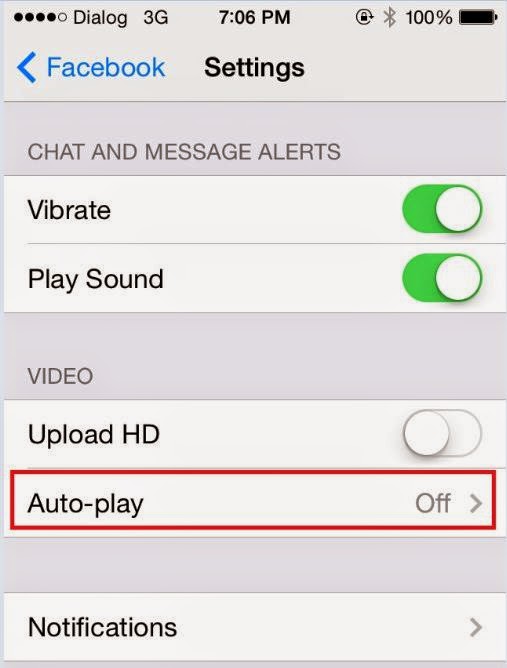
    facebook video autoplay


    Go to your settings, scroll down until you find Facebook and then select Settings again. Once there you could choose either ‘Wi-Fi Only’ or switch it off entirely.

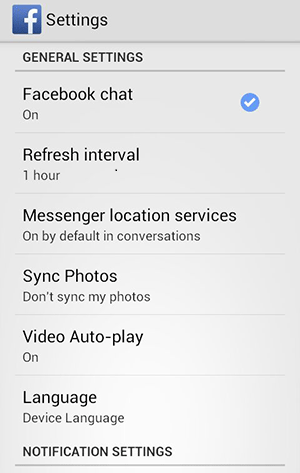
    Android:Autoplay on Android

    You will find the autoplay settings in your Android app. Choose the Menu button followed by Settings and therein lies your answer.

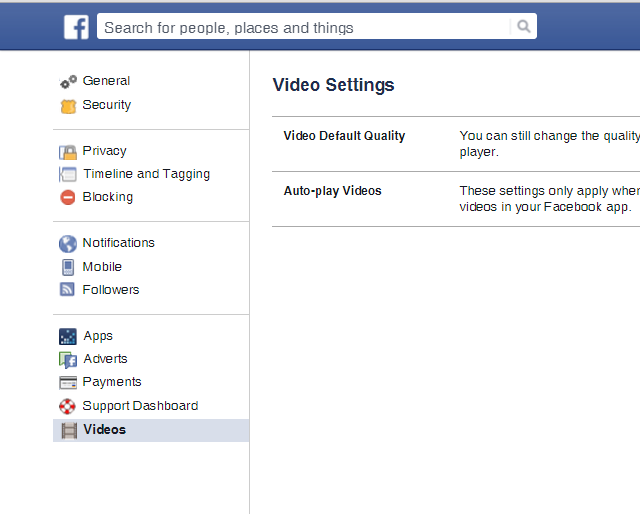
    Desktop:Autoplay on Desktop

    Click the arrow in the upper-right corner of your Facebook profile and choose Settings. There will be Videos on the bottom left of your screen now. Click on it, which will take you to the autoplay settings and from there you can switch it off.

  • These Ultra Cheap Feature Phones Are Still Worth Every Penny

    These Ultra Cheap Feature Phones Are Still Worth Every Penny

    With all the news of smartphones getting bigger, costlier, and more tech-savy, we tend to forget about the good old feature phones that remind us of a simpler time. Though companies like Samsung are working on the next flagship smartphones, they still make time out to focus on ultra low budget phones so that everyone’s happy.

    Here’s a list of some popular feature phones under Rs. 4000 for those in the market looking for something cheap and good. We’ve steered clear of Chinese companies offering substandard products and brought you a list of the best:

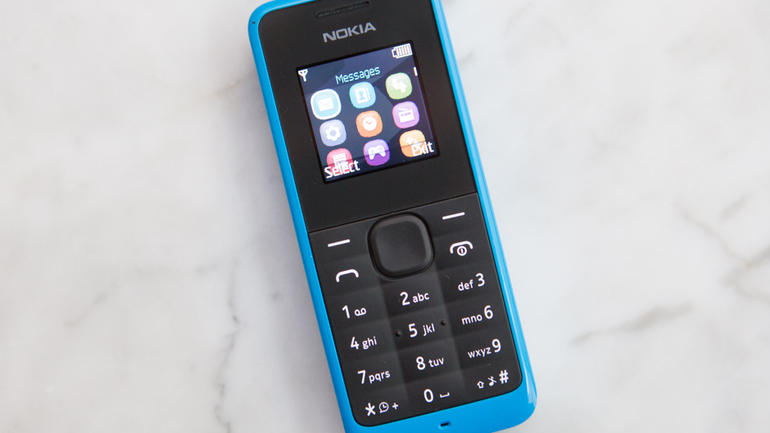
    Nokia 105

    Nokia 105

    We start the list with a brand we know and (used) to love before it went extinct. The Microsoft-owned Nokia 105 was launched in 2013 and got an upgrade in 2015, with a little more internal storage, a rounder shape, and better audio. You also get 15 hours of talk-time, which is an improvement over its 2013 model that gave 12.5 hours. The phone is priced at Rs. 1495 on Snapdeal and Rs. 1249 on Amazon. It is available in Red and Cyan colours. The Nokia 105 is one of the best feature phones in this range and is a favorite amongst many.

    Specs

    • 1.45-inch LCD screen, 16-bit, 64k colors
    • Dimensions: 108.5 x 45.5 x 14.1mm
    • 800mAh removable battery
    • Micro-USB charger
    • Dual SIM card

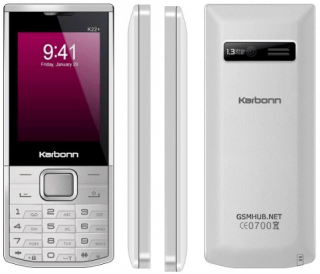
    Karbonn K22 Plus

    Karbonn-K22-Plus

    When it comes to low budget phones, both feature and smartphones, Karbonn leads the pack. The Karbonn K22 Plus is an ultra low budget feature phone that looks sleek and stylish, and packs in a lot for less. It comes with FM Radio, USB connectivity and up to 8 GB expandable memory slot. It features a 1.3-megapixel camera. With a 1050mAh lithium-ion battery, the phone provides only 5 hours of talk time on a full charge.

    With a 2.4-inch scree, the phone provides great colours and and a clean display. It is available in Black, Grey and White and you can find it on Amazon (Rs. 1290), Snapdeal (Rs. 1099) and Flipkart (Rs. 1190).

    Specs

    • 2.4-inch TFT display
    • Dimensions: 15.5 x 8.1 x 4.8 cm
    • 1050mAh lithium-ion battery
    • 1.3 MP Camera
    • 8GB Expandable Memory

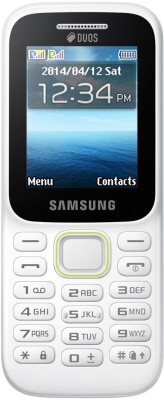
    Samsung Guru Music 2

    Samsung Guru Music


    The Samsung Guru Music 2 emphases music for a reason. The phone gives a loud and clear sound quality and comes with an FM and MP3 player. Other features also include dual-sim, 800mAh lithium-ion battery providing talk-time of 11 hours, and an expandable memory up to 16 GB. Go for this if you want a phone that can store all your favorite music and still gives you enough space for everything else. 

    The Samsung Music 2 is available in Amazon and Flipkart for Rs. 1698 and Rs. 1599, respectively.

    Specs 

    • 2 inch TFT Display
    • FM radio
    • 800mAH lithium-ion battery
    • Up to 16 GB expandability

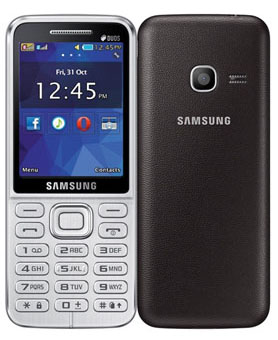
    Samsung Metro Duos 360

    Samsung Metro


    This phone falls in the 3k range and with that you get some neat features that include a 2.4-inch screen with 3.1-megapixel camera. The 312 MHz Single Core processor lets your phone run smoothly without lags. and a 1000mAH lithium-ion battery providing a talk-time of about 12 hours.

    The handset is available in Amazon and Snapdeal.

    Specs

    • 3.1MP primary camera
    • 2.4-inch (6.12 centimeters) TFT display with 240 x 320 pixels resolution
    • 1000 mAh battery
    • 312 MHz Single Core processor
    • USB version 2.0 and Bluetooth version 3.0

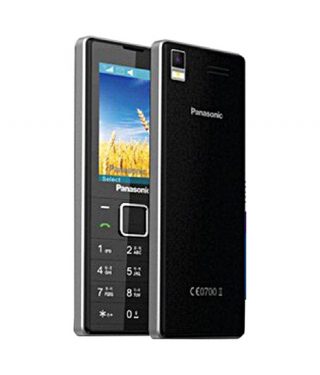
    Panasonic GD22

    Panasonic GD22


    The Panasonic GD22 falls just below the 2k mark and perhaps the best feature about this phone is a 1800mAh lithium-ion battery that gives a talk-time of 15 hour. Other features are standard for a phone in this range. The 2.4-inch TFT display offers a comfortable viewing  with a resolution of 240 x 320 pixels and a pixel density of 167 ppi, 

    The phone is available in Amazon and Snapdeal and is offered in Black, Grey, Red and White.

    Specs

    • 1.3MP primary camera
    • 2.4-inch (6.0 centimeters) QVGA TFT display
    • Memory expandable up to 16GB
    • 1800mAh lithium-ion battery


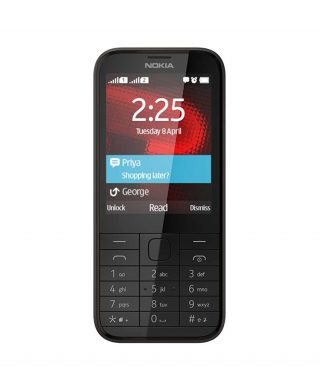
    Nokia 225

    Nokia 225

    Another great Nokia device under the 4k range is the Nokia 225. The handset boasts of great features that make it worth buying if you have a budget between Rs. 3000 – Rs. 4000. The phone’s main attraction is its sharp 2.8-inch LCD display that brightens everything up. It also comes with a powerful 1200 mAh battery that will give you a whopping 21 hours of talk-time which is the highest in this list.

    Nokia 225 can be found on Amazon and Snapdeal for Rs. 3055 and is available in Black, White, Yellow, and Red.

    Specs

    • 2MP primary camera
    • 2.8-inch QVGA LCD display with 320 x 240 pixels resolution
    • 1200mAh battery
    • 32 GB Expandable Memory
    • Dual SIM


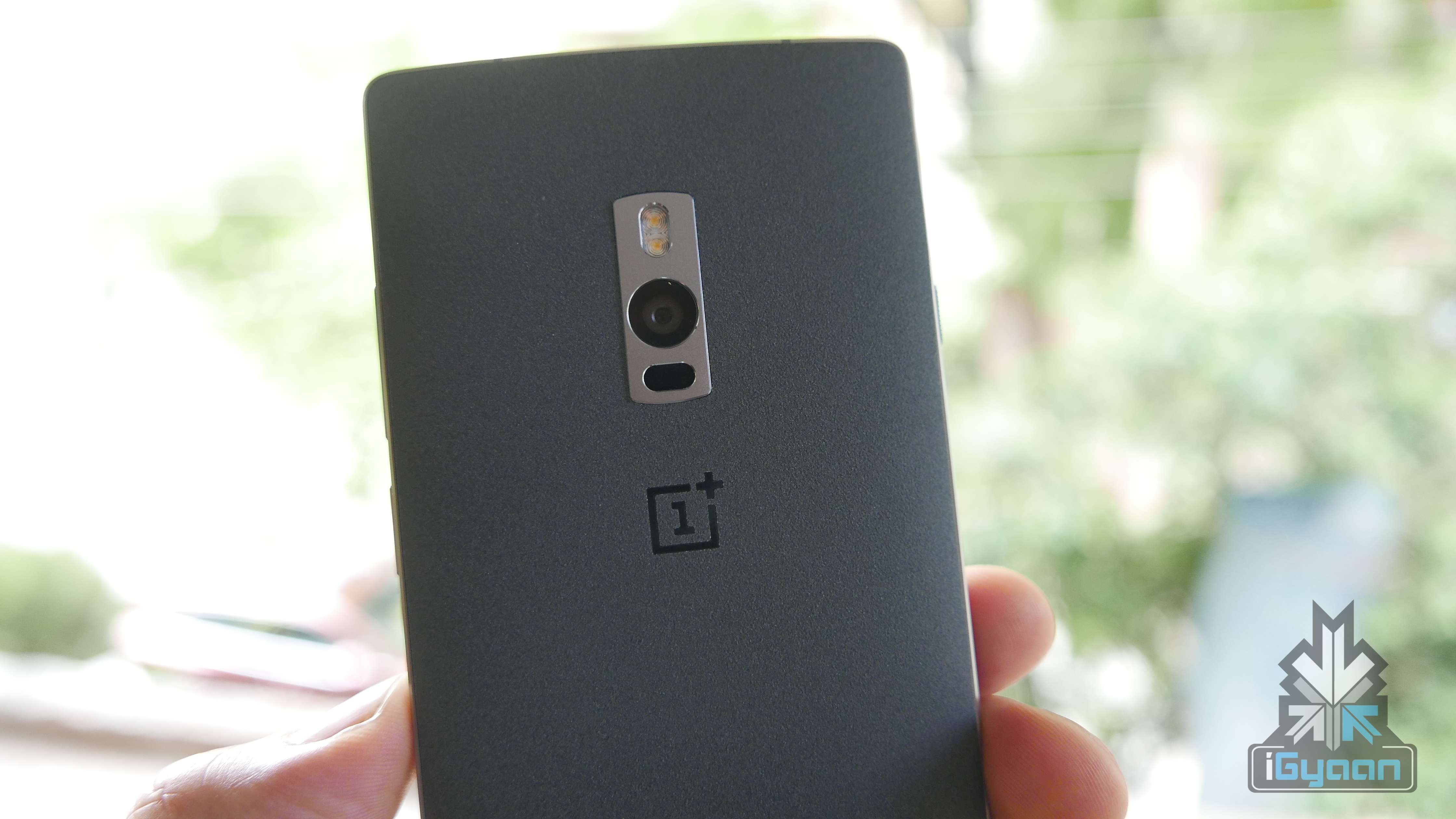
  • Video : OnePlus 2 Review – Get in Line

    Video : OnePlus 2 Review – Get in Line

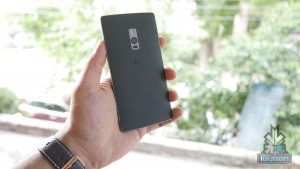
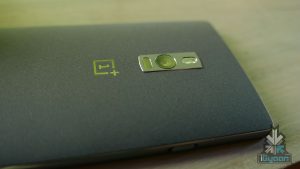
    A good revision to the Oneplus One, But, Misses major features. With battery life issues and heating under the hood. Alternatives may be better.


    Specification OnePlus Two
    Display 5.5-inch TPS LCD in cell, Corning Gorilla Glass
    Resolution 1080 x 1920 pixels, 401 ppi
    Chipset Qualcomm MSM8994 Snapdragon 810 v2.1
    Processor Quad-core 1.5 GHz Cortex-A53 & Quad-core 2 GHz Cortex-A57
    GPU Adreno 430
    RAM 3/4 GB LPDDR4 RAM
    Storage 16/64 GB
    Expandability N/A
    Rear Camera 13 MP with OIS, 1.35 sensor size and fast laser focus and 2.0 aperture
    Rear Camera Video 2160p at 30fps, 2160p(DCI) at 24fps, 1080p at 60fps, 720p at 120fps, HDR, stereo sound recording
    Front Camera 5 MP
    Front Camera Video 1080p at 30fps
    Battery Non-removable Li-Po 3300 mAh battery
    Operating System Android 5.1 Lollipop-based Oxygen OS
    Connectivity SIM: Dual Wi-Fi 802.11 a/b/g/n/ac, Wi-Fi Direct, DLNA, hotspot
    Bluetooth v4.1, A2DPGPS with A-GPS, GLONASS
    Type-C reversible connector
    Miscellaneous Fingerprint sensor
    Price Rs 22,999 for the 16GB variant; Rs 24,999 for the 64GB variant
  • How To Port Your Number Using Mobile Number Portability

    How To Port Your Number Using Mobile Number Portability

    On the 3rd of July, telecom companies around India launched the National Mobile Number Portability (NMNP). This means that you can now move from one city to another and still retain your mobile number. While many may be aware of this already, we decided to provide a step-by-step guide for those who may not know the proper procedure to port their number and a few things to keep in mind before doing so.

    Step 1 : Generate An Eight-Digit Unique Porting Code

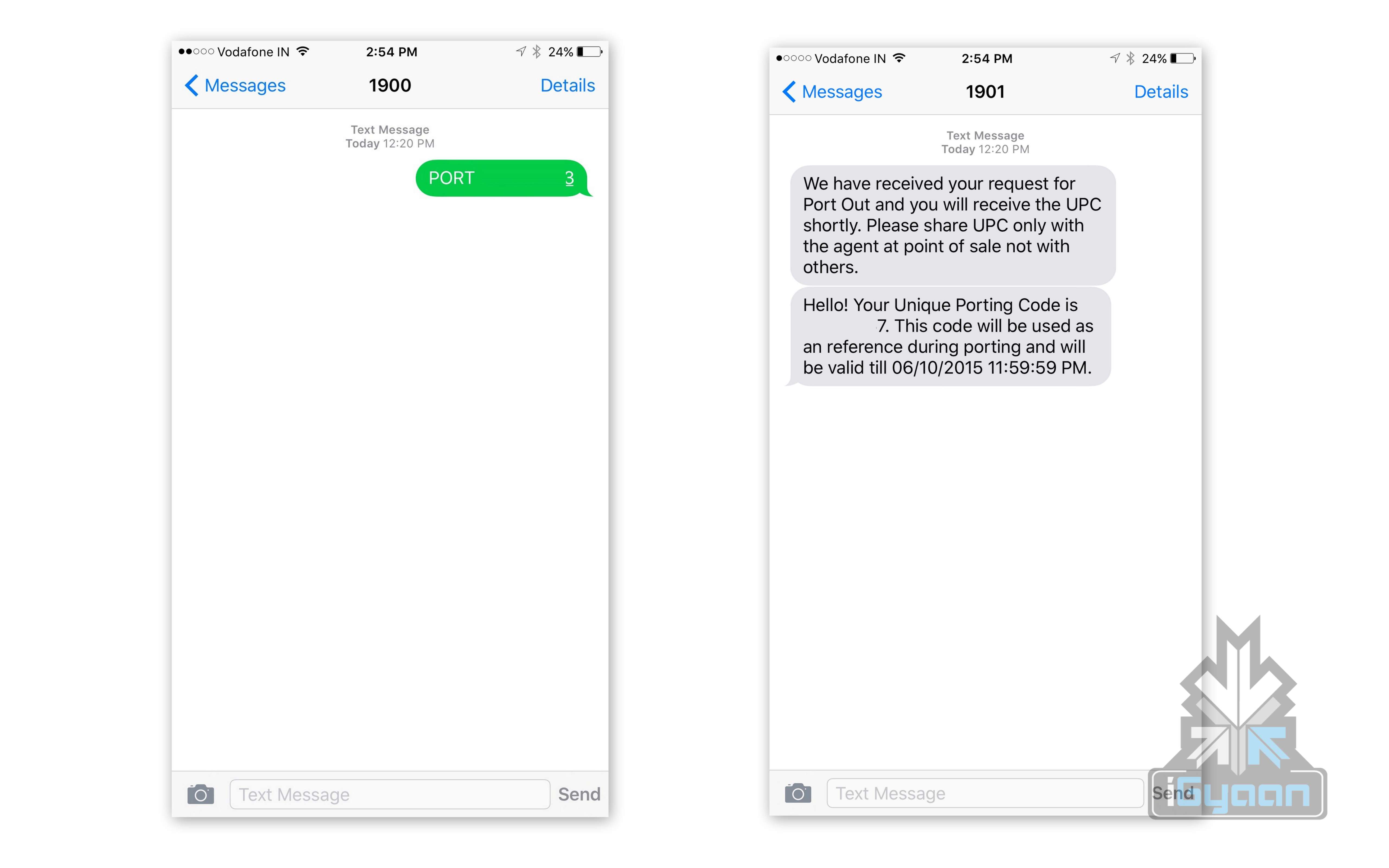
    The first thing you have to do is generate an eight-digit Unique Porting Code by sending “PORT <10-digit mobile number>” to 1900. You will then receive an SMS of the UPC code and the UPC expiration date.

    Number portability India igyaan 0

    Step 2 : Get The Required Documents

    Before you head to your mobile operating store, you’ll need to carry along a few documents. You will need an ID proof, address proof, a passport size photograph, and a copy of your last paid bill (in case of post-paid customers). Airtel customers can carry forward the existing talk-time or outstanding/pending bills to the new telecom service.

    Step 3 : Visit The New Mobile Operator Store

    Once you have your UPC code and required documents ready, you can visit the mobile operator store you wish to switch to and fill out the number porting form. You will also buy a new sim card. The whole porting process costs Rs. 19.

    STEP 4 : Choose Your Plan

    Both pre-paid and post-paid customers will have the option to either retain their original plan or to choose a different one based on their needs. Every operator has its own range of plans and you can pick yours at the store.

    Number portability India igyaan 3

    Step 5 : Processing Time

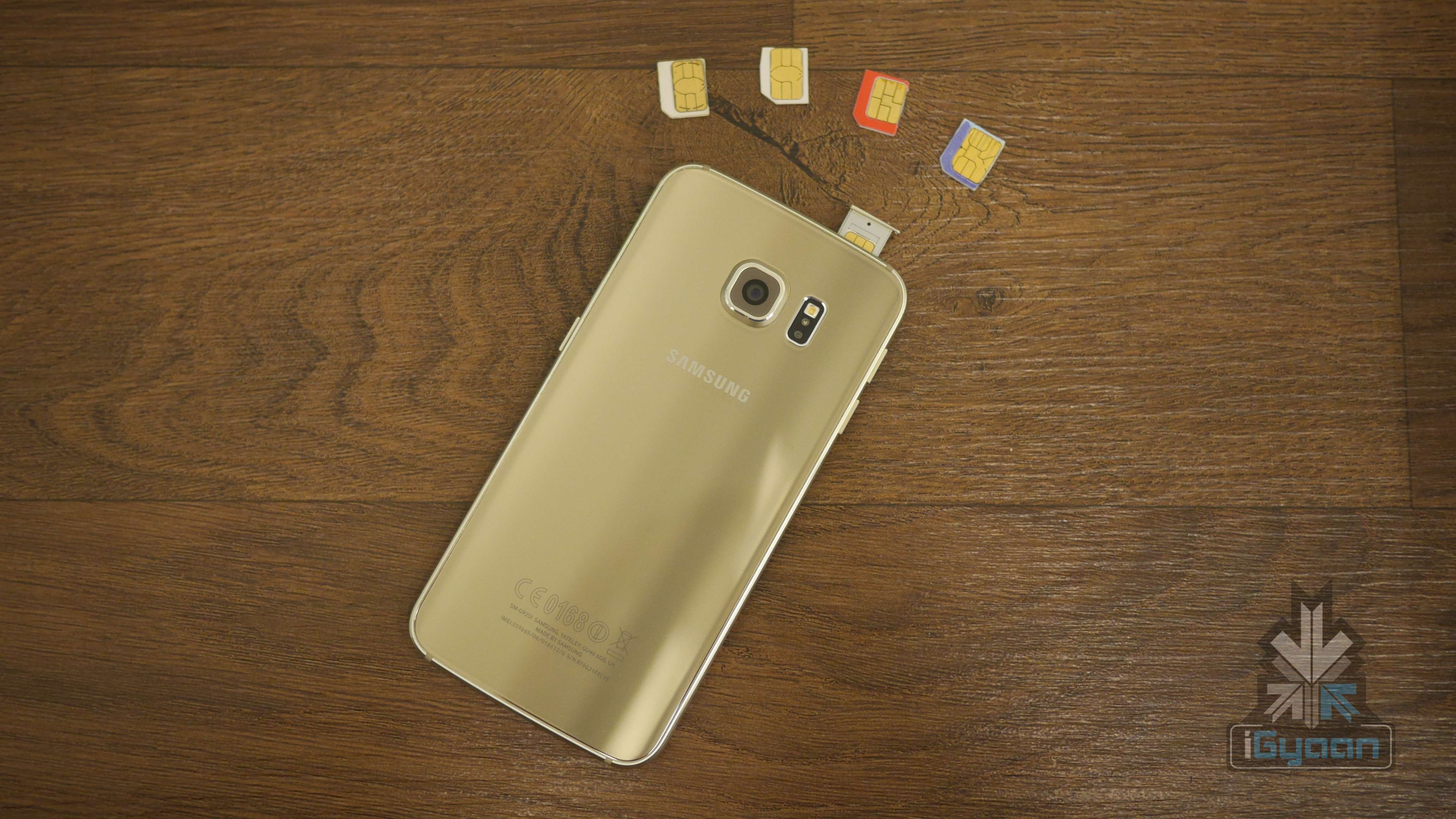
    Some operators like Airtel promise that all NMNP requests will be processed within 24 hours. You will receive an SMS regarding the deactivation of your old sim card. Once deactivated, you can insert your new sim. Generally, most operators complete the porting process within 7 days.

    Note : Some Important Points

    • Post-paid customers must make sure any unpaid bills are paid before porting as this can hold up the porting process
    • Make sure your active connection is at least 90 days old
    • Some operators like Airtel and Idea require you to call 59059 for tele-verification once the new sim is activated.
  • Introducing : Let’s Game

    Introducing : Let’s Game

    India is still figuring out technology, yet it is one of the largest consumers of new technology in the world. Smartphones reach India faster than ever and now other categories of tech are starting to pay interest in the growing market.

    Gaming is also an industry that has been synonymous with the international market, and while a lot of people are interested in gaming, the scope of engagement has stayed outside the borders of our country.

    Let’s Game wants to change that!

    A community of gamers, game lovers, game developers and enthusiasts. While iGyaan will do its bit in providing news and information along with reviews. Let’s Game will allow direct interaction with gamers. iGyaan will share community videos and crowd sourced gameplay, tips and tricks.

    We are working on a mega event for 2016 where 2000 people will get together for the largest gaming festival in India. We can’t be excited enough!

    While we iron out the details on this. Tell us what you would like, how you would like this to work. Your ideas for engagement, and your methods of communication. What you would like to see and how you would like to see it grow.

    Motorola India is backing this project by iGyaan and are helping us develop and engage the community.

    So stay tuned for updates and more exciting news, and till then watch our intro to Let’s Game below. Soon you and us will be on projects like these together.

  • Top 5 HD Games That Will Push Your Flagship to its Limit

    Top 5 HD Games That Will Push Your Flagship to its Limit

    Gaming nerds with powerful smartphones need a good game or two that fully showcases what their phones are capable of. The games we’re talking about are the console-like high-definition games that are heavy, processor-consuming, and feature kickass visuals.

    Give your Pac-Man 256 and Crossy Road a break and let your smartphone shift into overdrive with these high-definition games.

     Walking Dead: The Game

    Are you a fan of The Walking Dead TV show or the comics? Well, you don’t have to be to enjoy this 5 episode zombie apocalyptic game. Yes, the game is set in the same fictional world as the comics, but the characters are mostly new. There’s plenty of zombie killing and gore if you’re thirsty for blood. The story keeps you hooked and the game hinges on the choices that you make. The graphics are pretty great and the zombies are clear enough to put some genuine fear in your movements.

    The 1st Season is free but you’ll have to  pay via in-app purchase for season 2-5. Download it here for Android and here for iOS.

    Implosion – Never Lose Hope

    Implosion is an all out hack-and-slash action game developed by Rayark Games. The game has impressive graphics and control systems and works well within the limitations of the hardware to give you something exciting.

    In the game, you wear a mech-suit with a number of weapons at your disposal, travelling through a post-apocalyptic wasteland. The game is simple enough: slash and dash your way through mutant armies and monsters. Honestly, do you need anything more? The game is free for Android users, but iOS users will have to shell out Rs. 620 for it.

    Brothers in Arms 3: Sons of War

    This is Call of Duty for your mobile. Brothers in Arms is your traditional war game with loads of gun fight. Released in December 2014, The 3rd game in the series is set during World War II that sees you shooting, stabbing, and blasting your way through the Nazis. The levels are small and just right for those who want to be able to stop and get back to work.

    If you’re in for a simple, shoot and kill video game that boasts of a pretty neat sound design then you should definitely download Brothers in Arms 3. Click here for Android users and here for iOS.

    Gangster Vegas

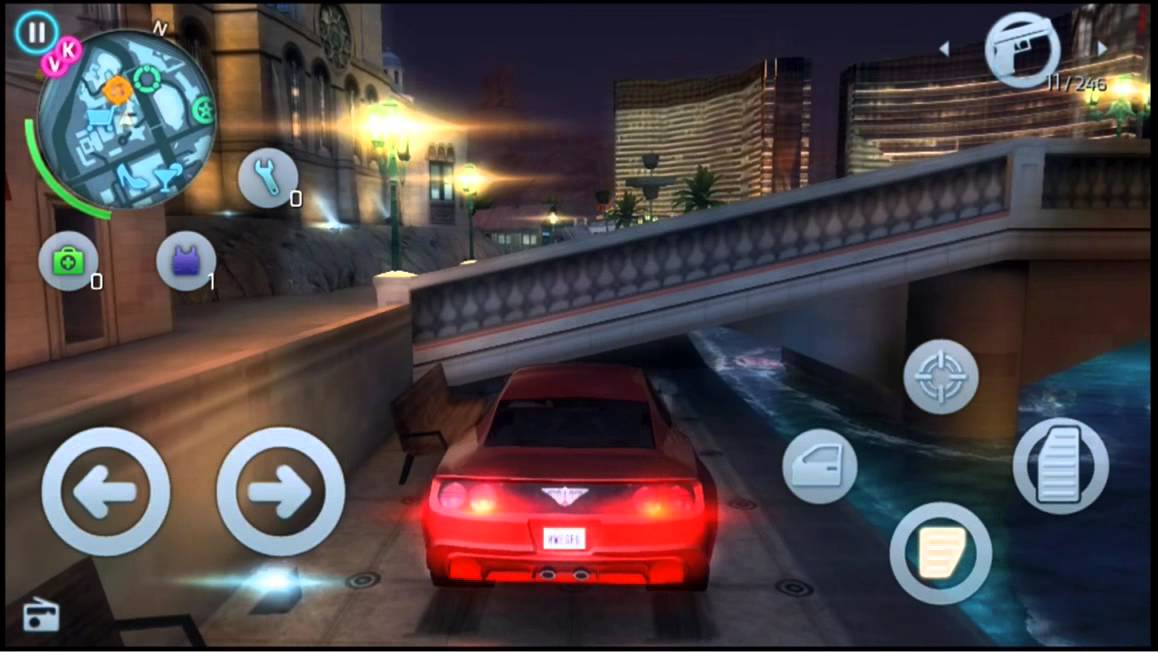
    Now this is the Grand Theft Auto for the mobile. Gangster Vegas released in 2013 and is still among the top downloaded games today. The game is set in Las Vegas and the story is set around Jason Maloe, a mixed martial arts fighter. The game employs many of the elements from popular driving games, third-person shooters and features a GTA-like “open world” gameplay.

    Let it be known that Grand Theft Auto is also available for the mobile for Rs. 300. So, if you want a free solution to your ‘gangsta’ needs, you can download Gangster Vegas here for Android and here for iOS.

     Leo’s Fortune

    Okay, we’ve saved the best for the last. Leo’s Fortune is a super fun ride and beautifully crafted for your smartphone. This highly rated Swedish game features a mustachioed “fluff ball” and his goal is to recover stolen treasure in the form of gold coins. The player guides Leopold and slides him through various platform levels. The game is not free and costs around Rs. 300 but this one is guaranteed to deliver on the ultimate fun quotient.

    We’d recommend you to go for Leo’s Fortune just to be able to slide Leo left and right, which is really fun and the game’s graphics is one of its highlights. If you’re still a little skeptical about this game, you can read the reviews on the App Store and Google Play and decide whether its worth your money.
    Have more games you think, will blow your mind? Let us know in the comments below.


  • List of the Best Budget Phones Under Rs.10,000

    List of the Best Budget Phones Under Rs.10,000

    Planning to buy a cheap, affordable phone right now but don’t know where to start looking? We’ve made a list of 5 phones under Rs. 10,000 that you can look up.

    Xiomi Redmi 2 Prime

    Xiaomi-Redmi-2-Prime-_fonearena-03


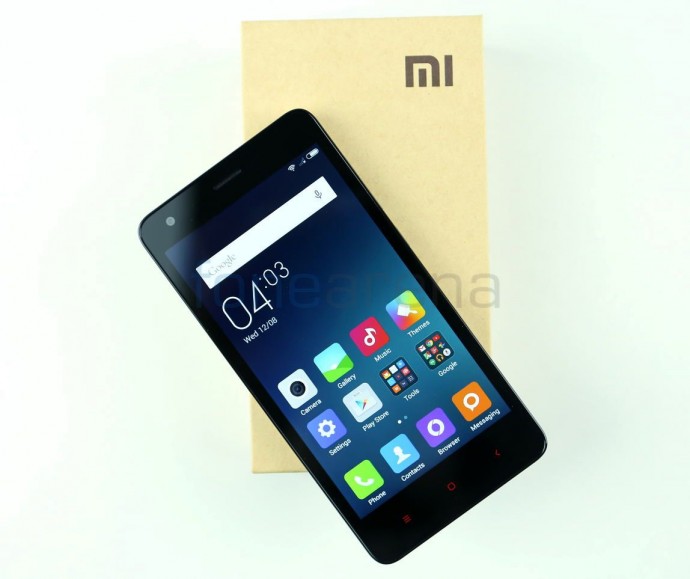
    The Redmi 2 Prime is a simple, elegant looking phone that packs a lot at at a very low cost. The phone is powered by a 64-bit Cortex-A53 processor and 2 GB RAM with 1.2GHz MSM8916 Qualcomm Snapdragon 410 processor, Adreno 306 GPU, with 16GB internal memory that is expandable to 32GB.

    It has a 4.7 inch HD IPS Display with 1280 x 720 pixels resolution and 312 ppi pixel density and an 8-megapixel primary camera and 2-megapixel front. The takeaway of this phone is its 2200mAh lithium-polymer battery that will provide you with enough for your daily needs. It also comes with the latest Quick Charge technology that will speed up your charge by 30%. If these are the features you’re looking for, you can purchase it from Flipkart, Amazon, and Snapdeal for Rs. 6999.

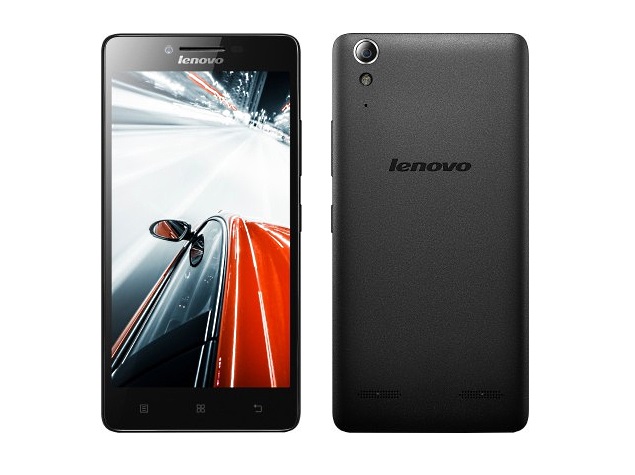
    Lenovo A6000 Plus

    lenovo_a6000_plus_flipkart_listing


    The Lenovo A6000 Plus is a loud phone that comes with twin Dolby-Digit Plus speakers and boasts of crisp, clear sounds. So if you’re looking for a phone that provides the best clarity for music, videos, and games, then this is the phone for you.

    The A6000 Plus is powered by a 64-bit quad core Qualcomm Snapdragon 410 processor, Adreno 306 GPU and has a 2300mAh battery that should last about 13 hours on 3G. It has a 5-inch,  IPS capacitive touchscreen display with 1280 x 720 pixels resolution.

    The phone runs on Android  v4.4.4 KitKat, with 2GB RAM and 16 GB internal memory expandable up to 32GB. The Lenovo A6000 Plus is available on Flipkart for Rs. 7499

    Moto G 2nd Gen

    Moto G Gen 2 0

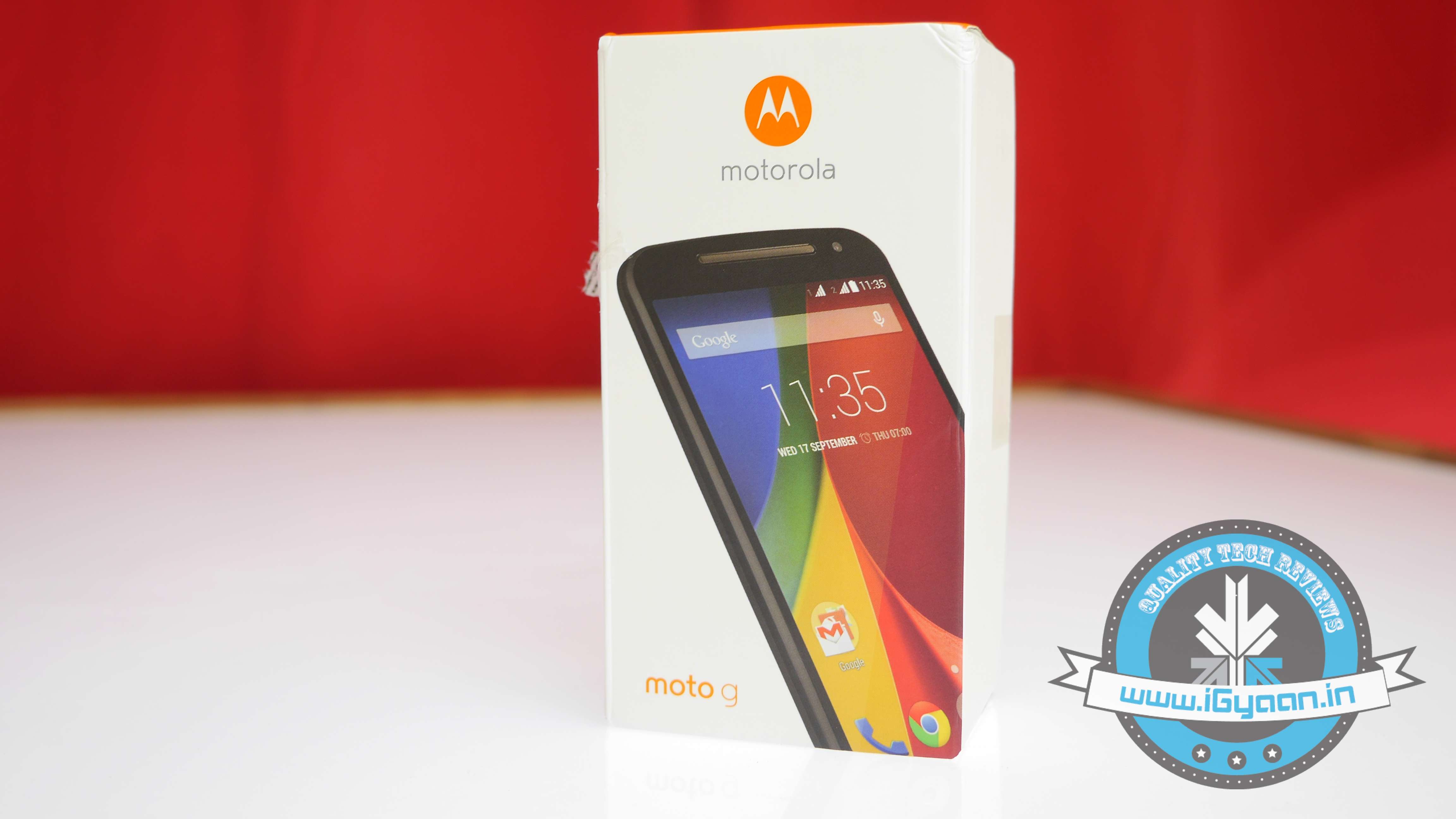
    This is one of the most popular low budget phones currently out there. The 2nd gen Moto G has a large 5-inch screen and has a great build that is comfortable to hold with dual speakers on the front that provide great sound quality.

    The 8-megapixel camera in the Moto G 2nd gen is an improvement over its predecessor. It features a Quad-core 1.2GHz Qualcomm Snapdragon 400 processor, and runs on Android v4.4.4 KitKat that can be updated to Android 5.0 Lollipop. The phone’s 2070mAh battery will last you a whole day on medium screen brightness. The Moto G 2nd Gen is available on Flipkart for Rs. 9999.
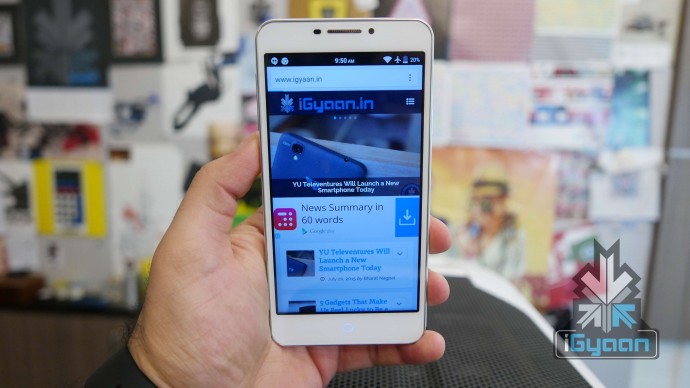
    Karbonn Titanium Mach five


    source: Gizbot

    At Rs. 5999, the Karbonn Titanium Machfive offers an impressive 2 GB RAM and 16 GB internal storage. The phone has a 5-inch HD capacitive touchscreen display with 1280 x 720 pixels resolution, an 8-megapixel rear camera and 5-megapixel front with LED flash.

    The Machfive is powered by a 1.3GHz quad-core Mediatek processor with Mali 400 GPU. The phone has an impressive 2200mAH lithium-ion battery. Perhaps the best feature of the phone is the front camera with LED that is a sure winner for selfie lovers. You can find the phone here.

    Yu Yureka Plus

    YU Yureka Plus 16

    Yureka Plus is the third smartphone in the Yu series after Yureka and Yuphoria. The Yureka Plus comes with a Full HD display and is powered by a 64-bit Octa Core Qualcomm Snapdragon 615 processor, 2 GB RAM and 16 GB internal storage, which means the phone can handle its games quite well, though, issues of heating may arise like it did with the Yureka and may dran considerable amount of battery life.

    Other features include a 13-megapixel primary camera and 5-megapixel front, 2500mAH lithium-ion battery, and is available in Moonstone Grey and Alabaster White. The phone runs on Android v5.0 Lollipop and is available on Amazon for Rs. 8999.

    Remember that there are a lot more smartphones out there that are available under Rs. 10,000. This list is just to get you started. Once you have an idea of what you’re looking for, you can explore away. If you have any more suggestions for phones under Rs.10,000, leave them in the comments below.

  • Top 4 Ways to Get Your Apple Device Ready For iOS 9

    Top 4 Ways to Get Your Apple Device Ready For iOS 9

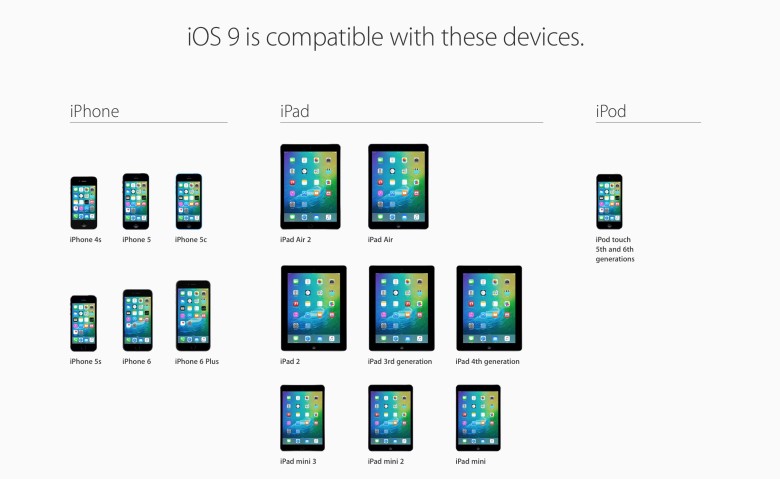
    Those of you who were up-to-date with the Apple event that took place last week will remember that the new iOS 9 update is scheduled for a September 16 release, which is today. The update is compatible for all current iPhones and iPads.

    However, before you press that ‘Download and Install’ button, here are a few things you can do to prepare your phone for the update.

    Check Compatibility

    All the way back to iPhone 4s and iPad 2.

    Before you get too excited, you should check whether you iPhone is compatible for an iOS 9 update. This is especially the case for those who are using really old Apple devices (we’re talking almost ancient). The new iOS 9 is compatible devices as old as the iPhone 4s, iPad 2, and 5th generation iPod touch, but will not work for the iPhone 4.

    Free up some storage

    The new iOS 9 comes as a huge relief for 16 GB users as it will take up only 1.3 GB of space compared to iOS 8’s massive 4.58 GB. We can almost here the cries of joy over this news. However, before you can enjoy all that extra free space chances are that you’ve already filled up your 16 GB device to the brim. Any update requires some free space, so now would be a good time to delete some of the really old apps that you no longer use. You can press and hold on an icon till it does its little jig and then tap the X on the upper left to delete it, or you can go to the Usage option in Settings to find out which app is taking the most space and delete it from there.

    Back-up your data

    There’s always that hint of fear when you go for a new update. Sometimes due to some bugs, your device may crash a lot like it did with iOS 8 in its initial months, or you may find that some of your data missing. Hence, we suggest you back-up your data using either iCloud or iTunes to be on the safe side.

    If you’re backing up using iCloud simply go to Settings > iCloud > Storage & Backup and toggle iCloud Backup to ON and finally tap on Back Up Now.

    If you wish to back up using iTunes simply open iTunes and go to File > Devices > Transfer Purchases and once that is done go to File > Devices > Back Up.

    Clean up your media

    iPhone 6s 8

    The iOS 8 recently introduced the Apple Music in which you can stream unlimited music for a monthly subscription. Those who have subscribed to it most likely stream all their music freeing up a lot of space. However, those who still have a lot of music or videos saved to their devices should take some time out and delete the ones you no longer listen to or watch.

    Once you’ve sufficiently freed up your space, you can go ahead and download the new iOS 9. Wait for your Settings app to show a little red circle on the top-right corner sometime today, and update away.

  • Unboxing and Hands On With the Samsung Galaxy Note 5

    Unboxing and Hands On With the Samsung Galaxy Note 5

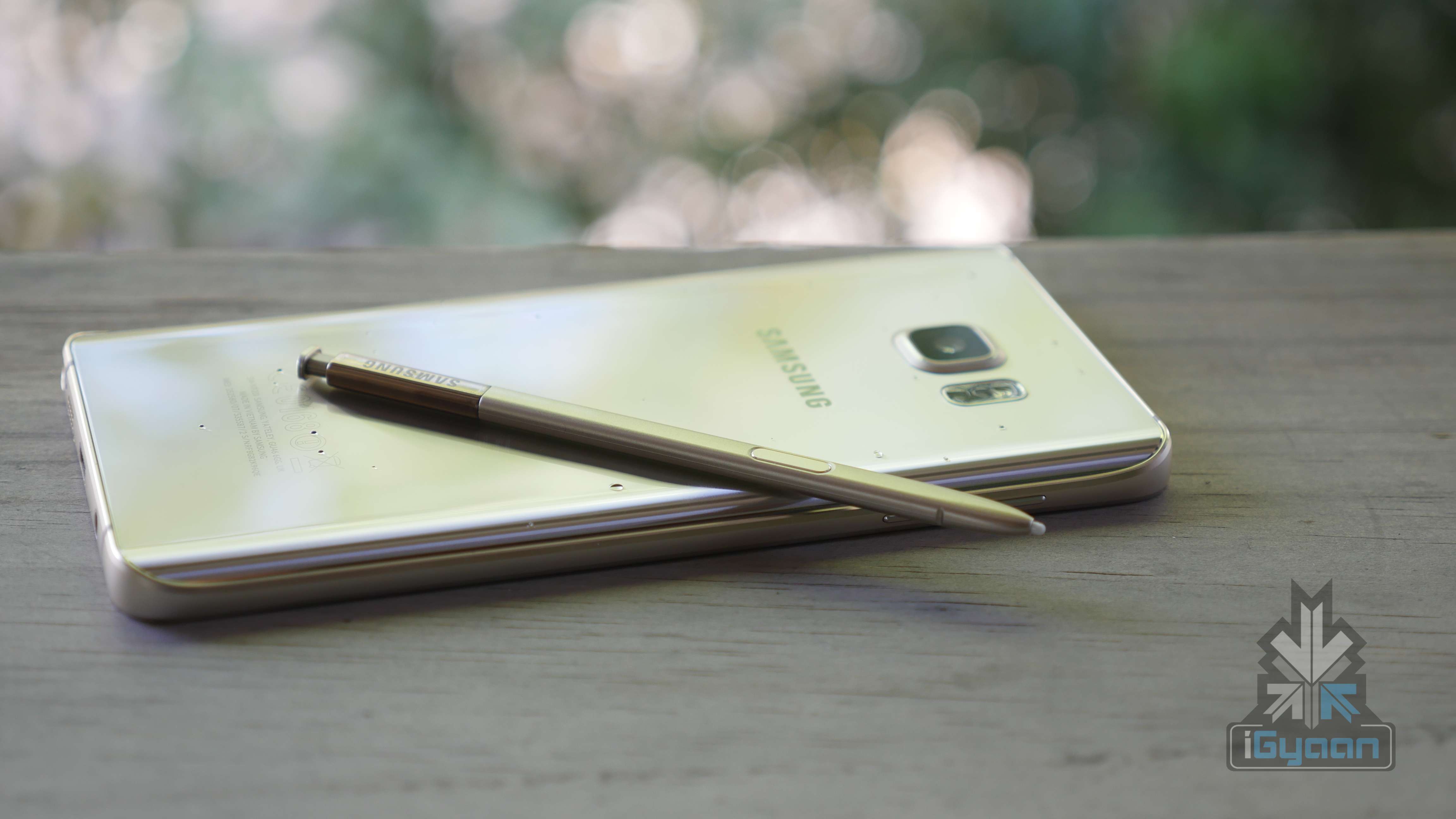
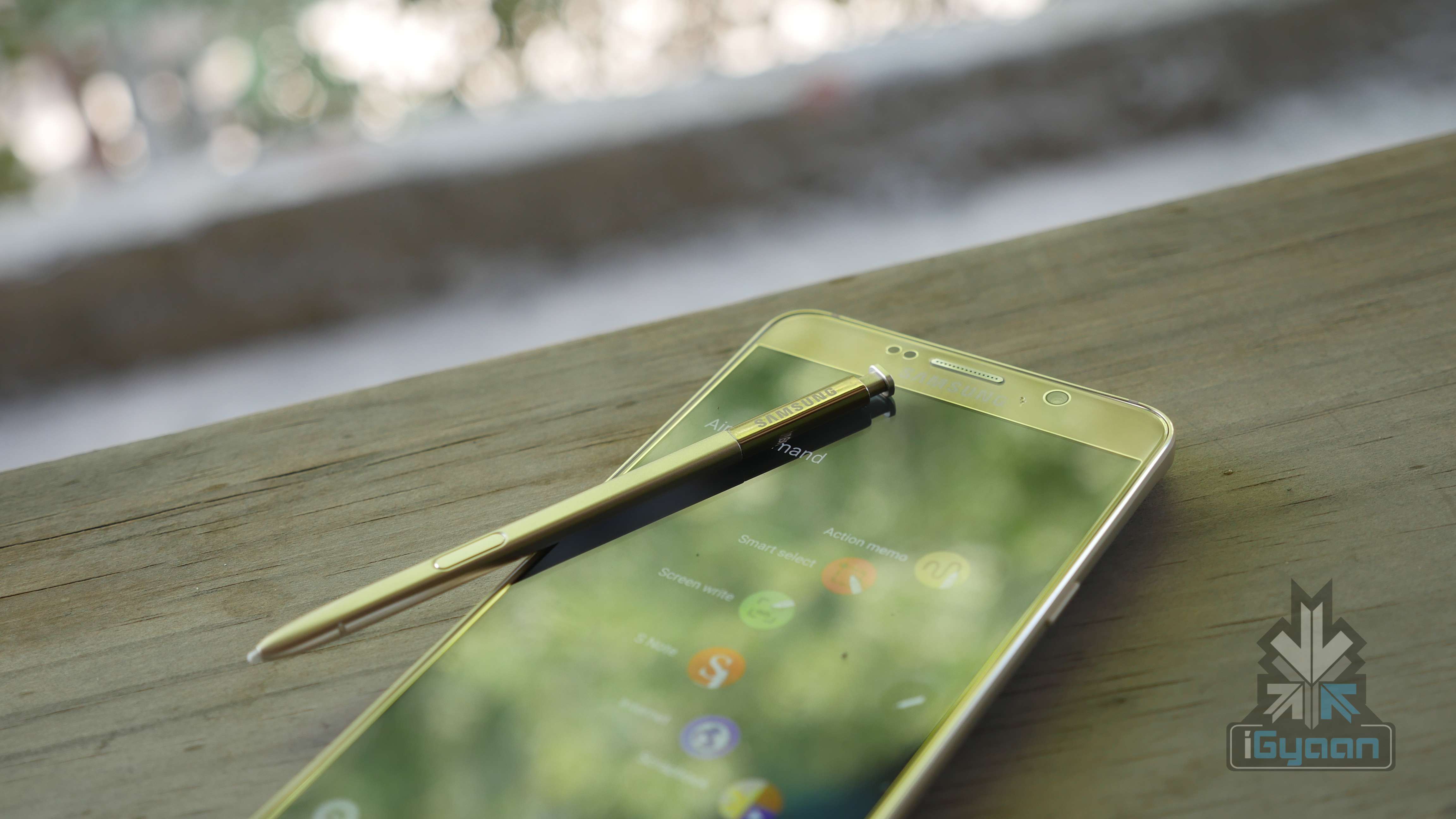
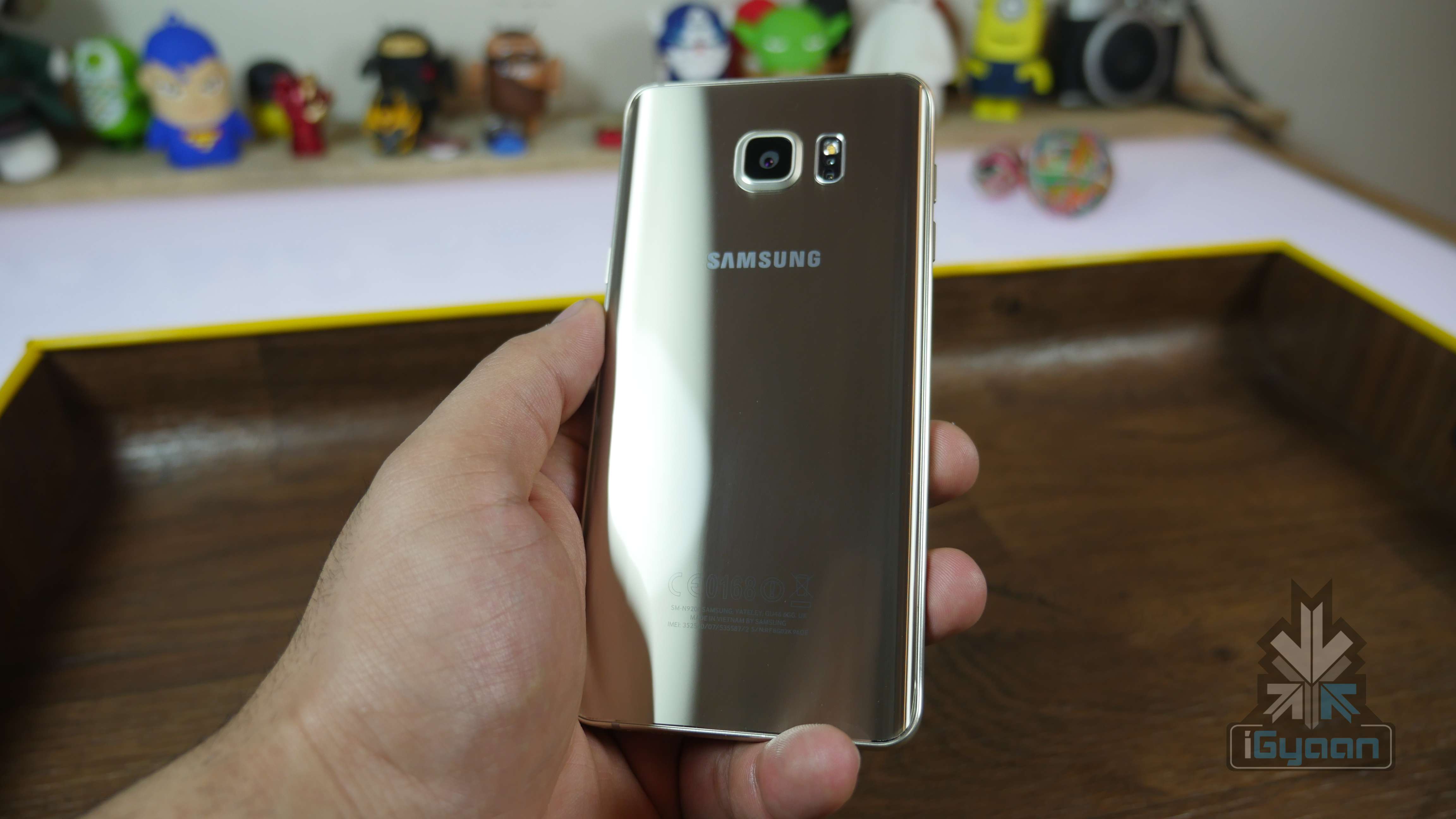
    Touted as one of Samsung’s high-end phones which could give the iPhone some competition, the Galaxy Note 5 was grandly launched last month in New York. Packed with an S-pen and other features, the price of this phablet had been announced in India at Rs.53,900.

    Samsung Galaxy Note 5 30

    The Note 5 runs on the Android OS, v5.1.1 (Lollipop) with an Exynos 7420 chipset, a Quad-core 1.5 GHz Cortex-A53 & Quad-core 2.1 GHz Cortex-A57 CPU and a Mali-T760MP8 GPU. As far as storage capacity is concerned, this handset comes in two variants – 32 and 64 GB along with 4GB of RAM. However, it does not have an expandable microSD card slot.

    Samsung Galaxy Note 5 11

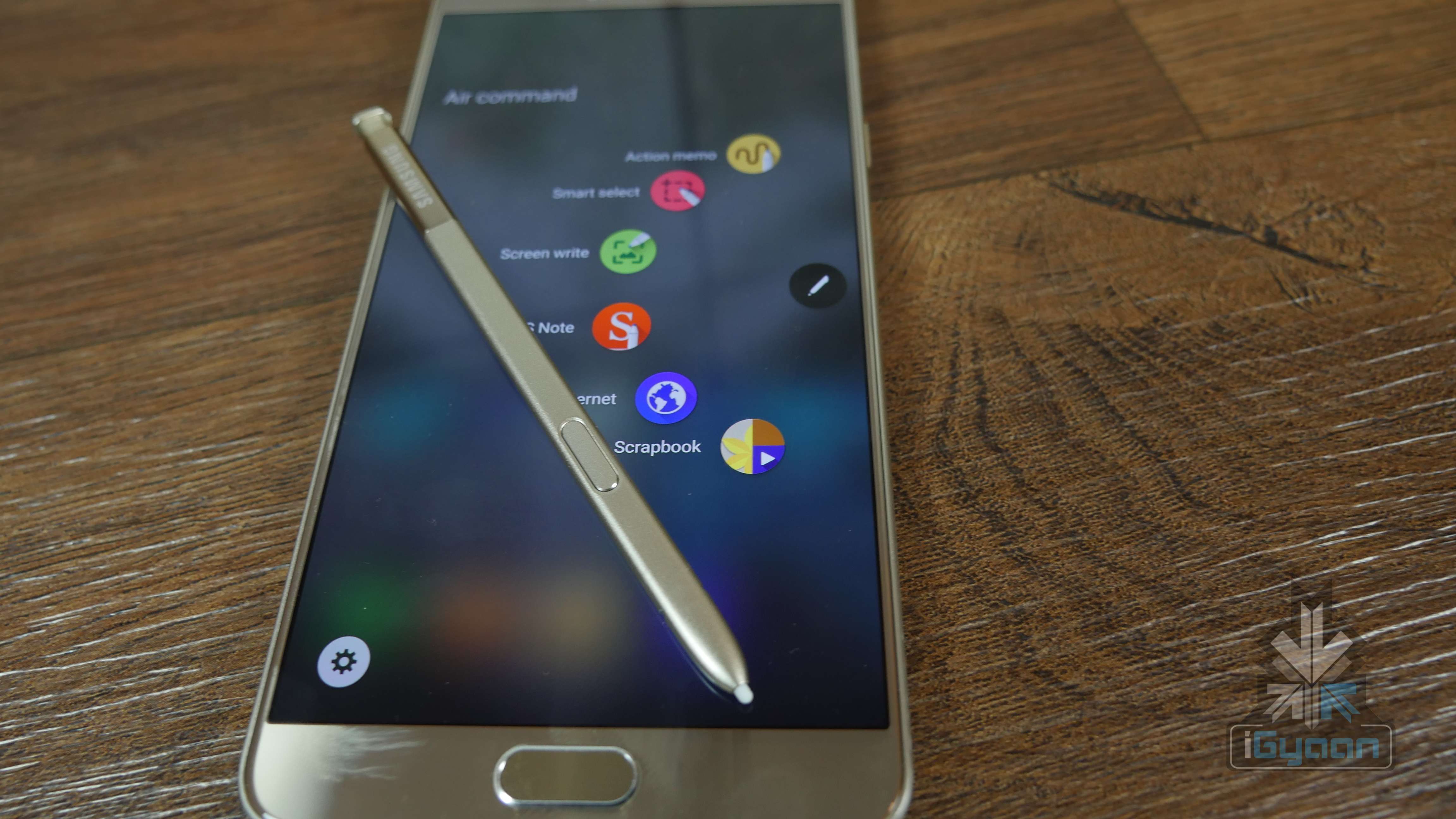
    The phablet runs on the Android OS, v5.1.1 (Lollipop) with a Octa core (2.1GHz Quad + 1.5GHz Quad), 64 bit, 14 nm processor. It does not have an expandable microSD slot, but comes in two variants – 32GB and 64 GB, both with a 4 GB RAM. The S-Pen this time comes at the bottom of the phone with a spring system which makes accessing it a lot more fun.

    Samsung Galaxy Note 5 5

    In the photography section, the Note 5 comes with a 16 MP, 5312 x 2988 pixels, optical image stabilization, autofocus, LED flash primary camera and a 5MP front camera. Other connectivity features include, Wi-Fi 802.11, dual-band, Wi-Fi Direct, hotspot, the Bluetooth v4.2, with GPS and NFC support.

    Samsung Galaxy Note 5 21

    The Galaxy Note 5 has some very interesting features that allow you to perform various tasks such as signing documents with the S-Pen on your PDF directly, instead of having to print it out.

    Samsung Galaxy Note 5 16

    The Galaxy Note 5 is powered by a Non-removable Li-Po 3,000mAh, fast charging, wireless charging compatible with WPC and PMA battery.

    We as usual, bring to you the hands on and unboxing of this device, just as promised:

    To give you a better idea, here are the complete specs:

    Features Samsung Galaxy Note 5
    Display  5.7 inches
    Resolution  1440 x 2560 pixels
    Processor  Octa core (2.1GHz Quad + 1.5GHz Quad), 64 bit, 14 nm process
    OS  Android OS, v5.1.1 (Lollipop)
    RAM  4GB
    Storage  32GB and 64 GB
    Primary Camera  16 MP, 5312 x 2988 pixels, optical image stabilization, autofocus, LED flash
    Front Camera  5MP
    Connectivity  Wi-Fi 802.11, dual-band, Wi-Fi Direct, hotspot, the Bluetooth v4.2, with GPS and NFC
    Battery  Non-removable Li-Po 3,000mAh, fast charging, wireless charging compatible with WPC and PMA
    Price Rs.53,900

  • 5 Easy Ways To Cool Down Your Laptop

    5 Easy Ways To Cool Down Your Laptop

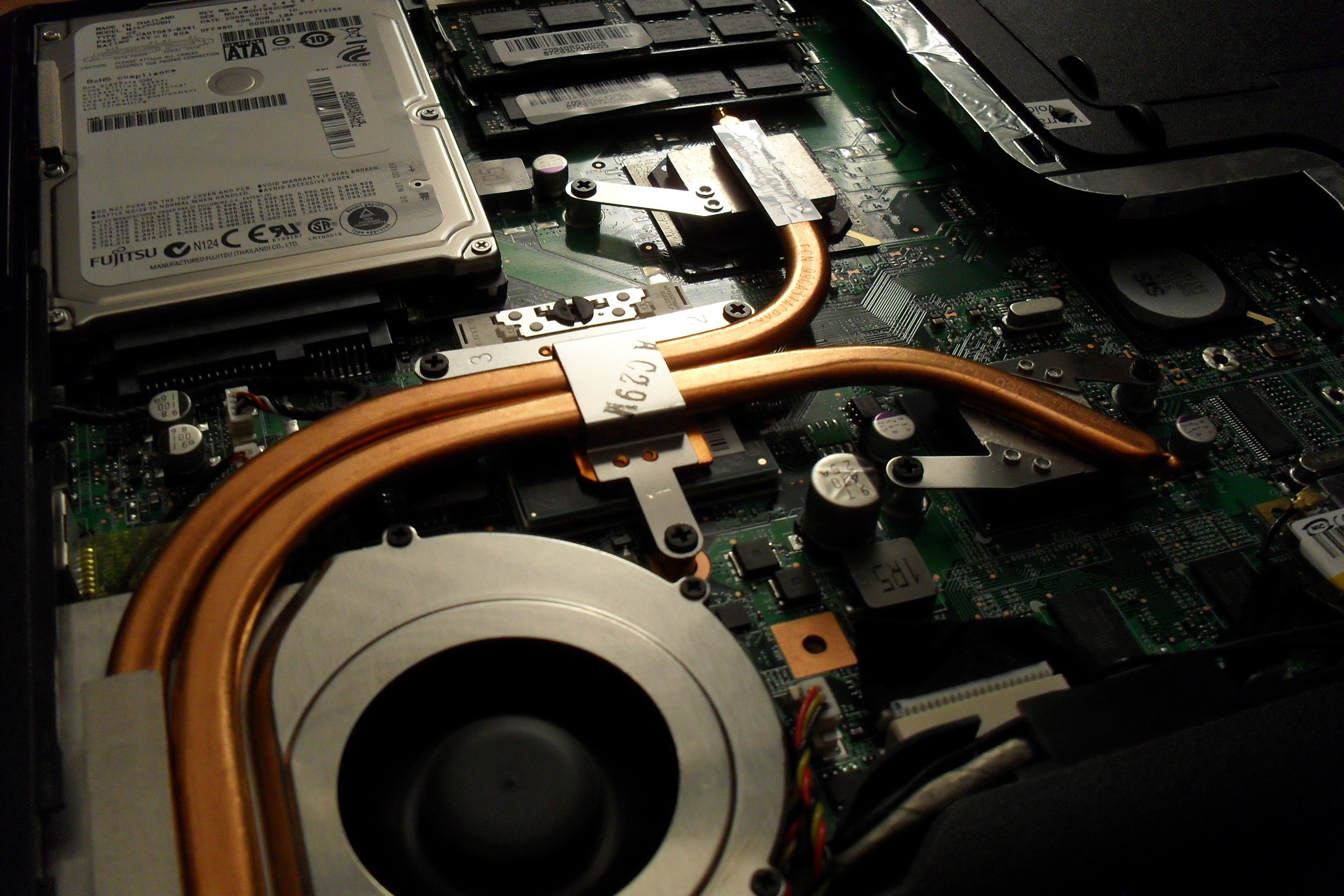
    Has your laptop been heating up way too often for the past few days, making you worried about it crashing or burning your fingers? You know you’ve got a heating problem when your laptop sounds like an airplane taking off. We understand your plight and have a few ways to beat the heat.

     Find a flat surface

    One of the reasons your laptop is burning up is because you’re keeping it in all the wrong places. Keeping the laptop on your lap, or the bed, or any soft surface will cause it to heat up as you’re blocking the airflow vent that’s under the laptop. Make sure your laptop is sitting on a flat, hard surface and try to work in a cool room on a hot summer day.

    Don’t keep it constantly charged

    Make sure that the moment your laptop reaches a hundred percent charge, you take it off the charger. Keeping the laptop constantly charged won’t increase the battery life, but will only harm the battery further. The charger adds to the heat that is already being produced inside your laptop.

    Keep limited open tabs

    We tend to keep multiple tabs open when browsing the net. You may have YouTube open in one tab, Facebook in another, Gmail in one more, and so on. While its perfectly okay to do that because background tabs become inactive, however, having multiple tabs open in your internet browser (which include video and heavy data sites) does take its toll on the processor. So keep as few tabs open as possible.

    Close all idle apps

    Sometimes we tend to minimize apps not being used rather than closing it. Minimizing the apps such as VLC player, or Office programs, only clears up the screen, but the app is still active in the background. These apps continue to take up processing space and consume battery, so it’s recommended you close the apps not being used. Basically, close down those apps that demand excessive amounts ( 90% and above).

     Use a cooling pad

    Finally, the most obvious tip is to use a cooling pad. This is so obvious that almost all of you might already be using it. However, some may find it a troublesome affair to carry around a cooling pad everywhere you go. A cooling pad is handy if you plan to use your laptop in one fixed place. The important thing is to find a cooling pad that is right for your laptop and your work environment.

    Here is a neat pad that you can keep on your lap, desk, or even on one leg while lounging around.

    Though many of you may already be aware of some or most of these tips, there are always some tech novices out there who could use a little help. We hope these suggestions are helpful. If you know of more ways to cool a laptop, leave a comment below.

  • Hands on Moto X Play

    Hands on Moto X Play

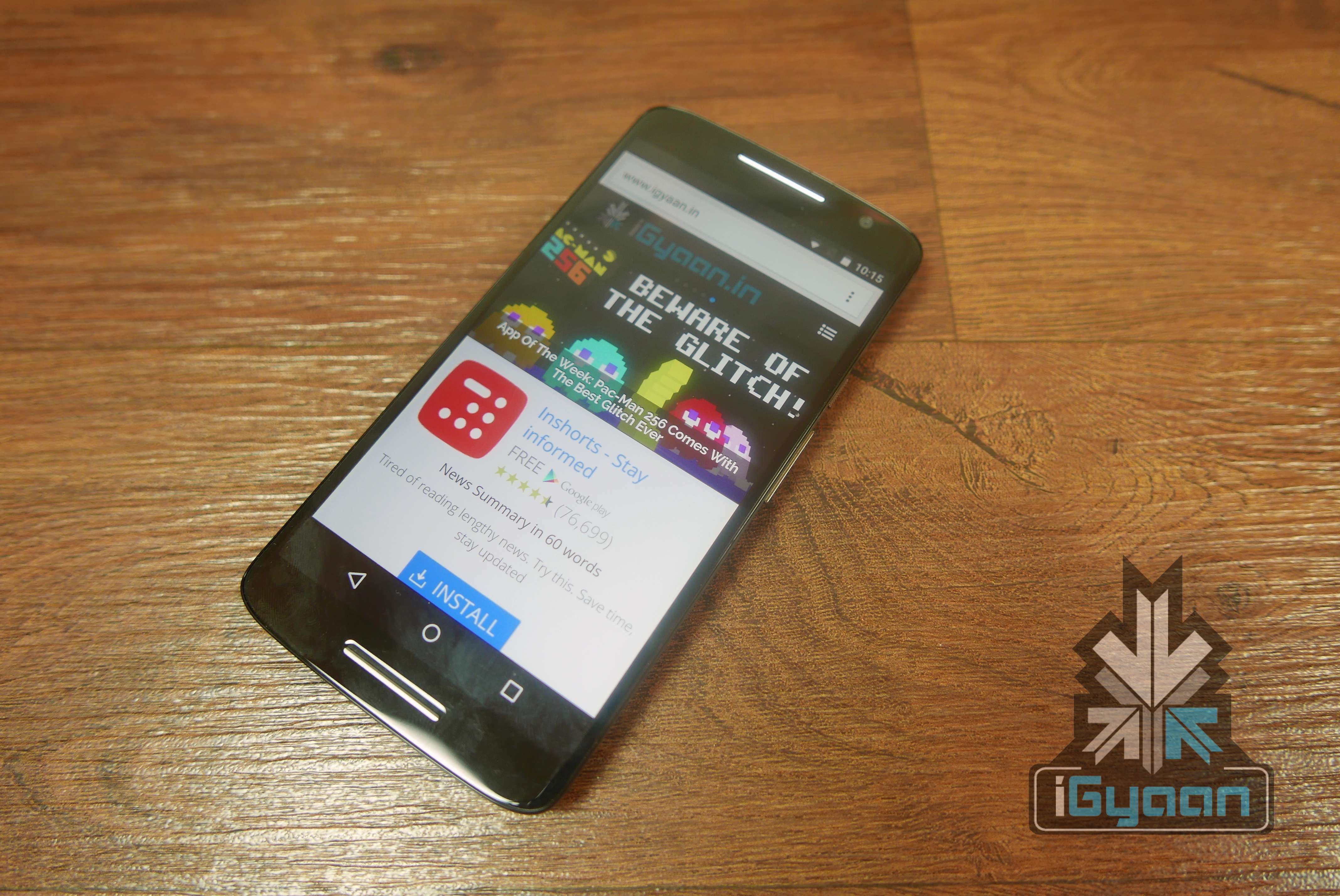
    With Motorola’s launch of the newest gen Moto X Play edition in India, the company is showing that it is keeping India’s price conscious consumer in mind. Motorola has stabbed competition from the Chinese region, with this one.

    The new Moto X Play has been launched in India starting at Rs.18499 for the 16 GB variant and Rs.19999 for the 32 GB variant.

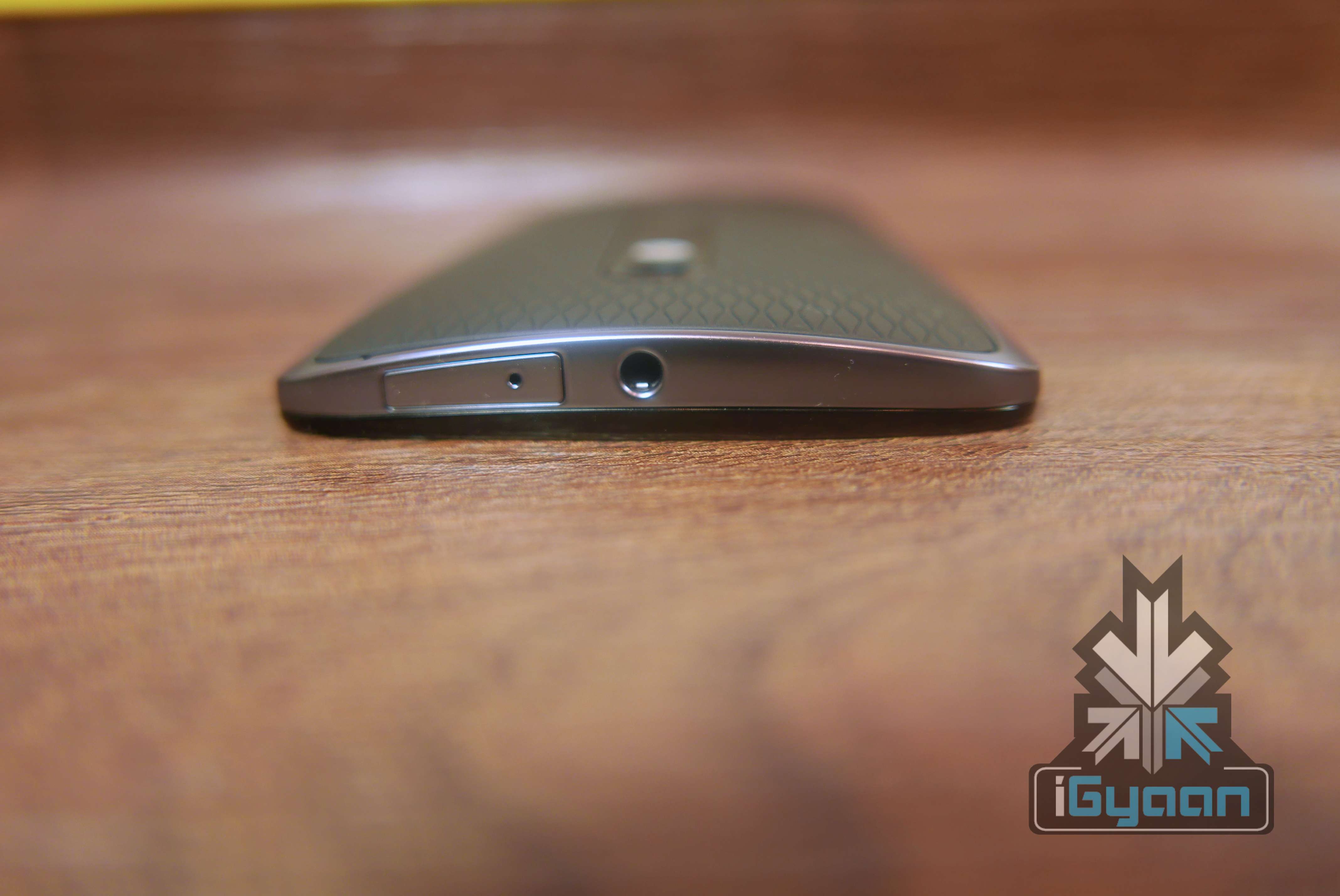
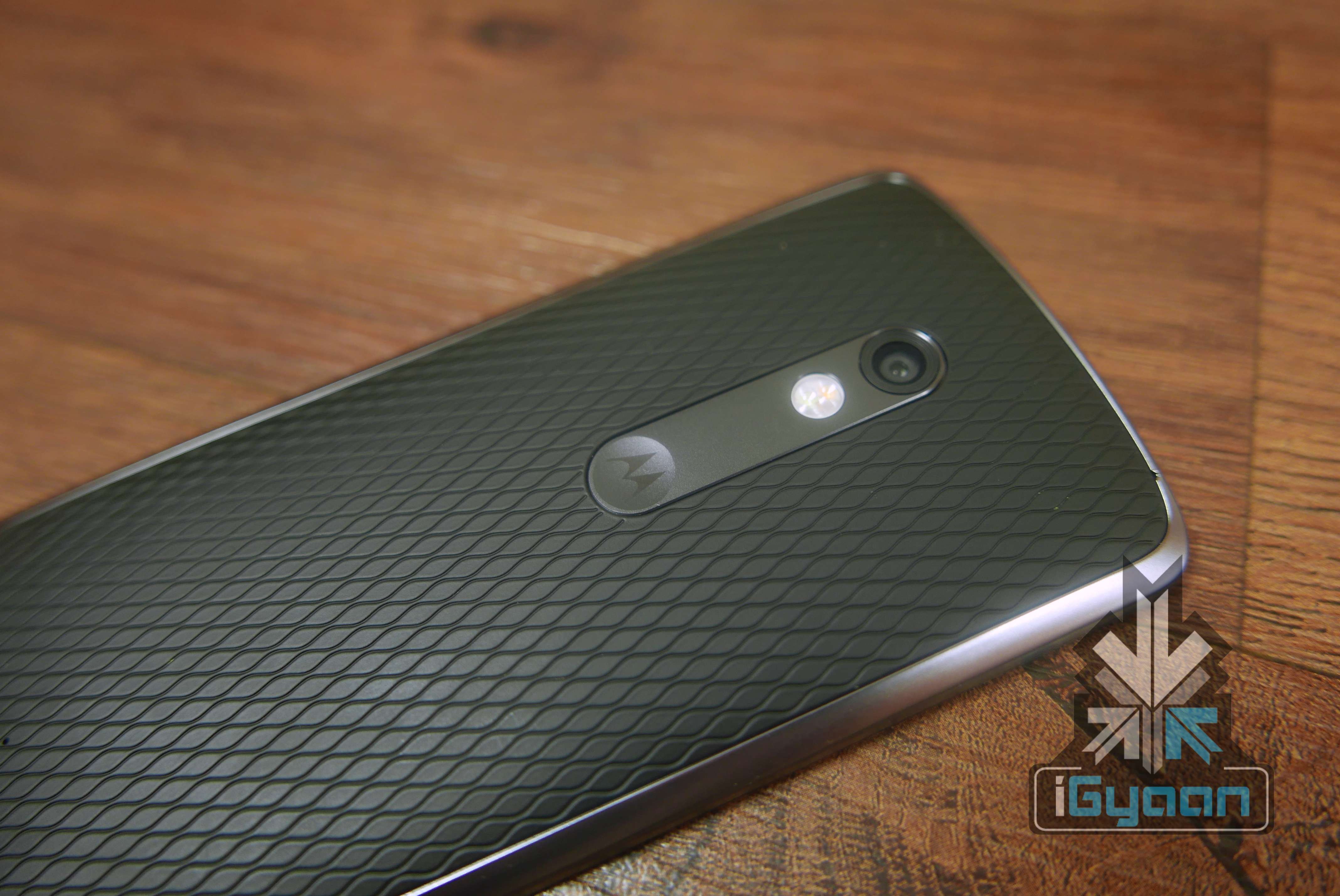
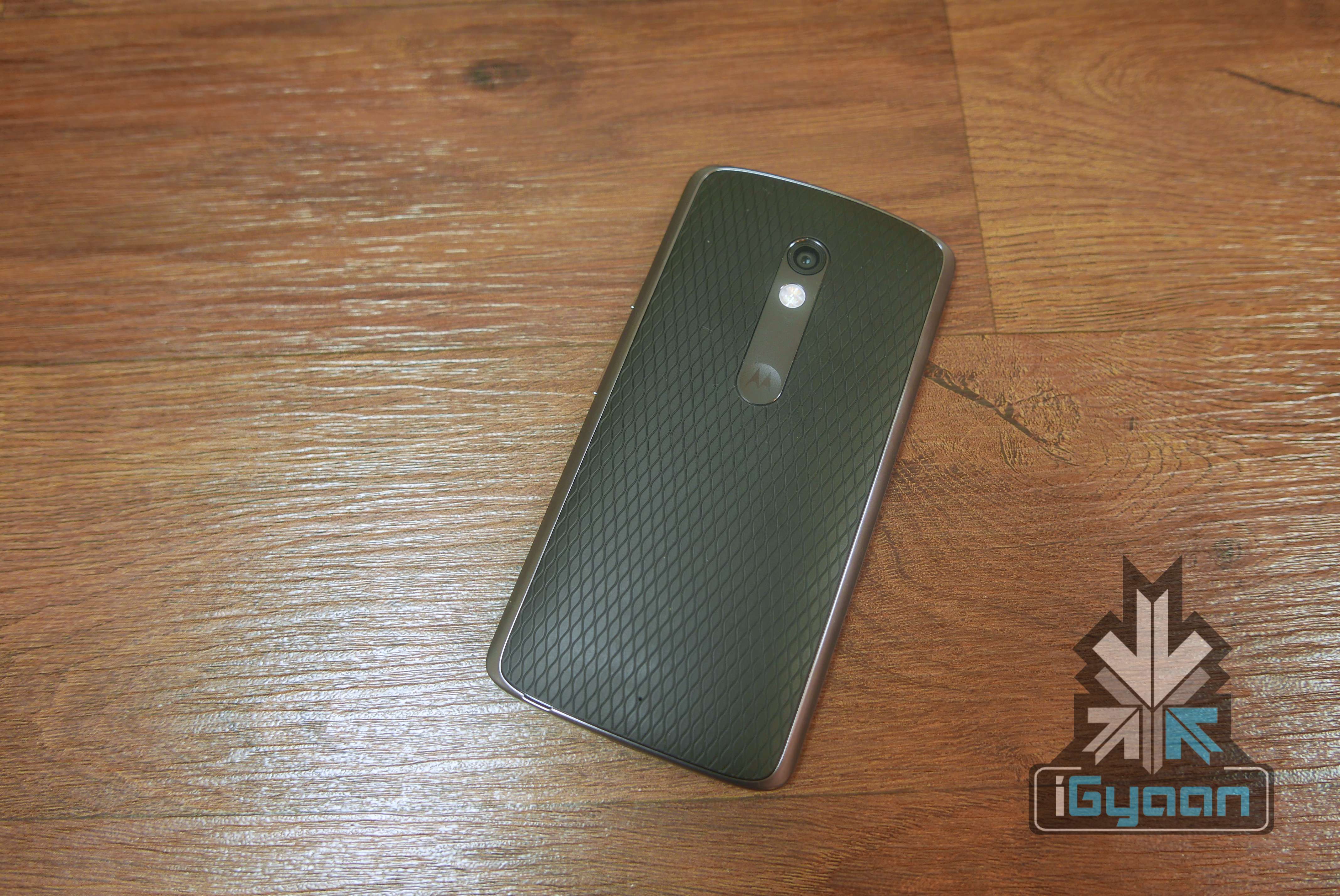
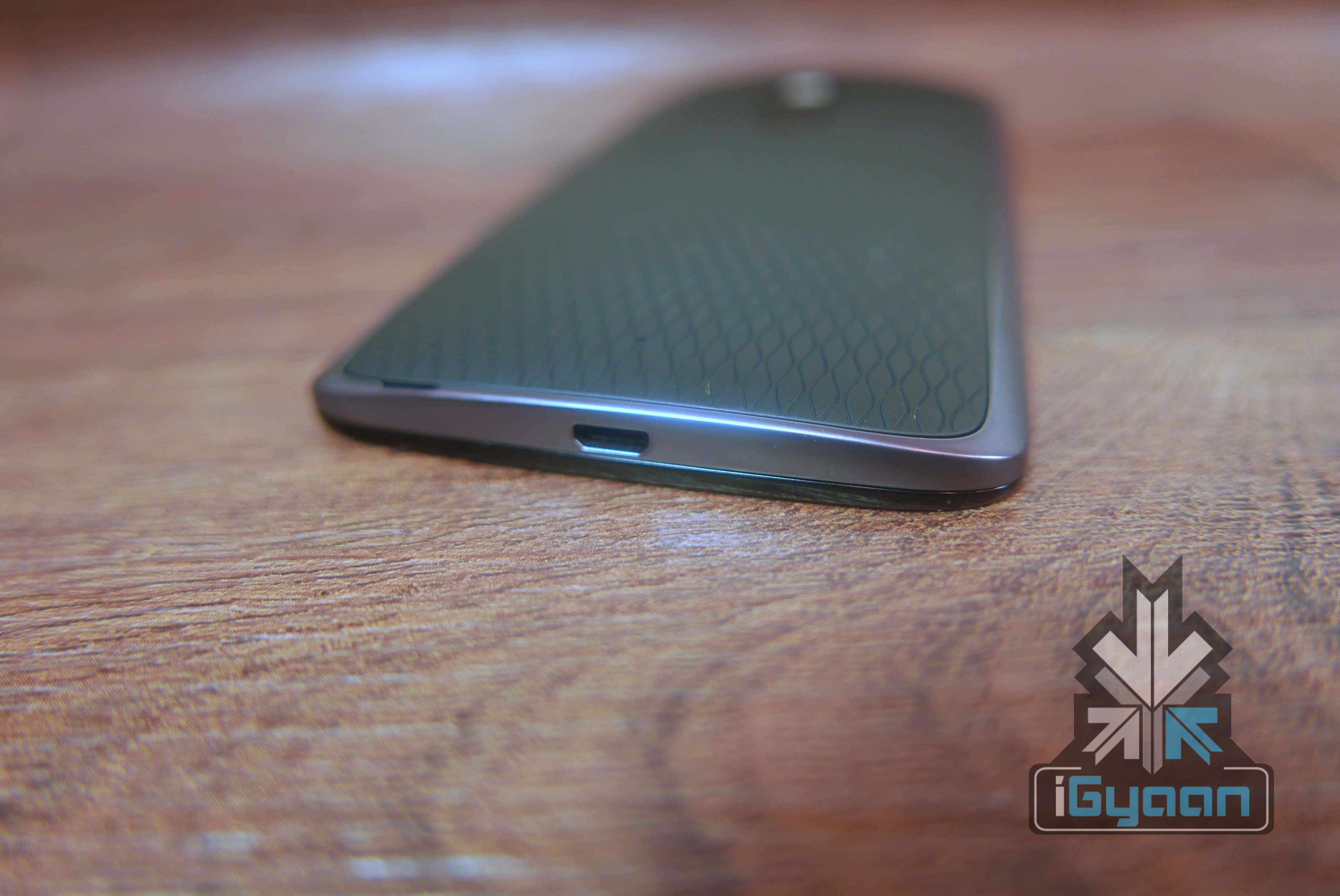
    Build Quality is top notch on the new Motorola devices, with the new X built on a metal chassis and on the outside a metal rim. The front has a Gorilla Glass 3 protected display which also counters down on either side of the phone, which feels great to use and avoids the pointy edges of the metal rim from hurting your fingers. The Moto X play is ip52 rated water resistant and can easily resist splashes or basic water damage.  The back panes are replaceable too, Motorola calls them “shells”, these can be bought and swapped out to give a different look or material finish to the handset. Available in wood and leather as well, it allows the user to buy the phone at a lower price than add a cover to improve the finish and aesthetics, later on.

    Moto X Play 7

    On the inside, is a new set of hardware, while the Qualcomm Snapdragon 615 Octa-Core chipset has been seen on a variety of handsets, it seems like a good fit for the Moto X. Supporting it is 2 GB of RAM and 16 / 32 GB storage options along with expandability via micro SD.

    Moto X Play 3

    Interestingly the 21 MP snapper is quick and snappy, but does not support 4k video, as the chipset may not manage to moderate the heat generated during capture. 1080p video is the maximum you will get and that too only at 30fps.

    Moto X Play 2

    The new Moto X comes with a massive 3630 mAh battery and a turbo power charger , allowing for a quick charge and giving you multiple hours of usage in just minutes of charging. Motorola seems to have found the right mix of hardware and pricing. For India’s low price market, One Plus and Xiaomi need to rethink their strategy, as Motorola’s aggressive pricing for the Moto X play while cost them some major sales.

    Moto X Play 6

    Stay tuned for our full review.

    Specifications

    Moto X Play (2015)

    Display 5.5 inches, Corning Gorilla Glass 3
    Resolution FHD, 1920 x 1080 pixels
    Chipset Qualcomm  Snapdragon615
    Processor Quad-core 1.7 GHz Cortex-A53 & quad-core 1.0 GHz Cortex-A53
    GPU Adreno 405
    RAM 2GB
    Storage  16 GB / 32 GB
    Expandable Upto 128 GB
    Rear Camera 21 MP
    Front Camera 5 MP
    Video 1080p HD video, 30 fps
    Battery 3630 mAh
    Operating System Android 5.1.1 Lollipop
    Connectivity Bluetooth v4.0, A2DP, Wi-Fi 802.11 b/g/n, GPS, AGPS, GLONASS
    GSM 850 / 900 / 1800 / 1900
    HSDPA 850 / 900 / 1900 / 2100
    LTE band 1(2100), 3(1800), 7(2600), 20(800)
    Price  Rs. 18499 for 16GB anf Rs 19,999 for 32 GB
  • How To: 5 Things You Can Do With Your Old Android Phone

    How To: 5 Things You Can Do With Your Old Android Phone

    So you have an old Android phone and you’re wondering whether you should trade it in for a newer one. How about you keep the old phone and get a new one anyway? There are plenty of things you could do with your old Android phone than you probably thought. So, before you plan on selling it for a price much lower than what your phone is still worth, here are 5 things you can do instead:

    1. Turn it into a home media controller

    chromecast-despicable-me

    Your smartphone can actually do a lot if you know the right apps for it. It can be used as a home entertainment controller through a couple of ways.

    If you pair your device with Google’s Chromecast streaming stick, you can stream content wirelessly from apps like YouTube, Netflix, Google Play Movies, Wynk, YuppTV, and Eros Now to your TV over your Wi-Fi network. The device is available on Amazon, Flipkart, and Snapdeal.

    Another way to set-up your home media controller is by downloading an app called Plex. This is a free app that allows you to stream content to your TV.

    2. A permanent GPS system for your car

    Quad-Lock-Car-Mount-01

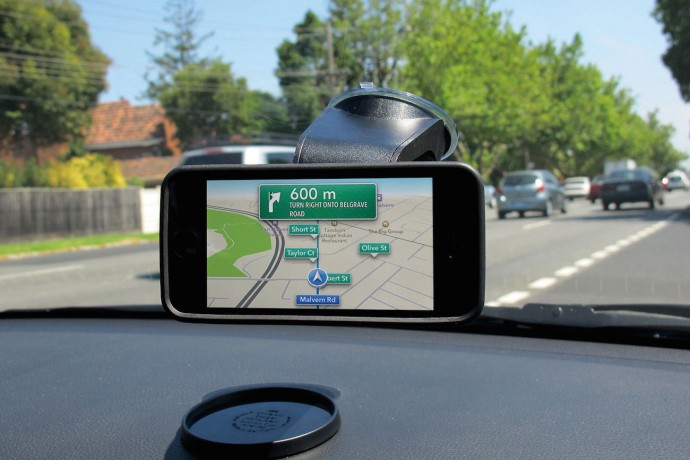
    Why buy an expensive GPS system when your old Android smartphone can do it for free (apart from the data charges, of course). Mount your phone into your car’s dashboard and let it serve you as a dedicated GPS device.

    The added advantage to this is that, since you can leave it permanently in your car, the device can also serve as a tracker via. apps like “Wheres My Droid”, if you ever you find your car missing from the parking spot.

    3. An MP3 player for the car

    If you are going to use the device as a permanent GPS system, you might as well use it as an MP3 player by attaching an aux cable or connecting the phone to your car via Bluetooth. Just fill her up with all your favorite music using as much storage as you want (since you won’t need it for anything else) and you can forget about CDs or the radio.

    A home security cam

    Android-Mobile-Surveillance-Camera-App

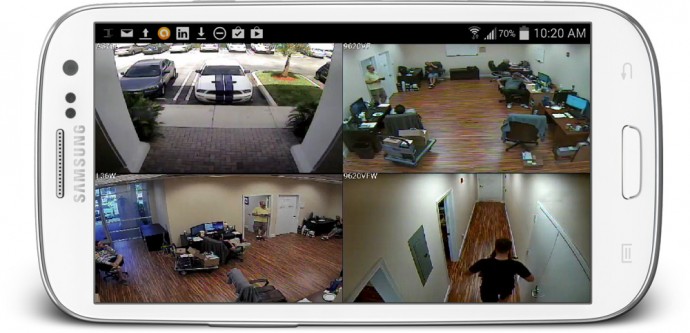
    Chances are your old smartphone still has a decent camera. And if you want a little more security in your office or home, you can turn that phone into a web-security camera.  All you need to do is download the free IP Webcam app and follow the instructions to set it up. Within seconds you’ll be able to view your camera from any platform using VLC player or web browser.

    Another popular app called Presence can turn your old smartphone into a security camera and motion detector.

    Make it kid-friendly

    desktop

    Children need something to distract them. Nowadays a Lego set just doesn’t cut it. Your child may just be at peace if you let them fiddle with your old smartphone. Clear your phone of all the apps that do not concern them and add a few apps made just for toddlers, and then let them take it from there. Not only is it a great way to distract your child allowing you time alone with your TV, but a few educational apps and games can really be fun and helpful as well.

    If you can think of more ways to get the most out of your old smartphone, let us know in the comments below.

  • Ask iGyaan : What is ppi (pixels per inch) ?

    Ask iGyaan : What is ppi (pixels per inch) ?


    We often get similar questions from multiple users, this new section is to address exactly that, and we begin with the most asked question in recent times.

    User Question :

    Bharat Addresses to “ppi” in his videos, what does this mean? and does it have any relation to the camera resolution?

    iG Answer :

    PPI (pixels per inch), often referred to as pixel density is a measurement of the resolution of display of the device in question. this can also be the density of the images captured by a camera, but in Bharat’s reference it is always in terms of the display of the device in question.

    PPI, is an actual count of the number of pixels found in one inch of a display, which varies depending on the resolution of the display and the overall size of the display.

    Lets clarify further:

                 1. Calculate d_p.

    d_p = \sqrt{w_p^2 + h_p^2}

    2. Calculate PPI:

    PPI = \frac{d_p}{d_i}

    where

    • d_p is diagonal resolution in pixels,
    • w_p is width resolution in pixels,
    • h_p is height resolution in pixels and
    • d_i is diagonal size in inches.

    The HTC One M9+ has a screen resolution of 1440×2560 px

    So,  d_p =  [underoot of = (2073600 + 6553600)] =2937.2 (approx)

    The diagonal size in inches is 5.2 inch, therefore d_p/d_i = 2937.2/5.2 =  564.84

    Therefore the pixels per inch (ppi) of the HTC One M9+ = 565 (rounded)

    Stay tuned for more Ask iGyaan!

  • Samsung Galaxy S6 edge+ Hands On Impressions

    Samsung Galaxy S6 edge+ Hands On Impressions

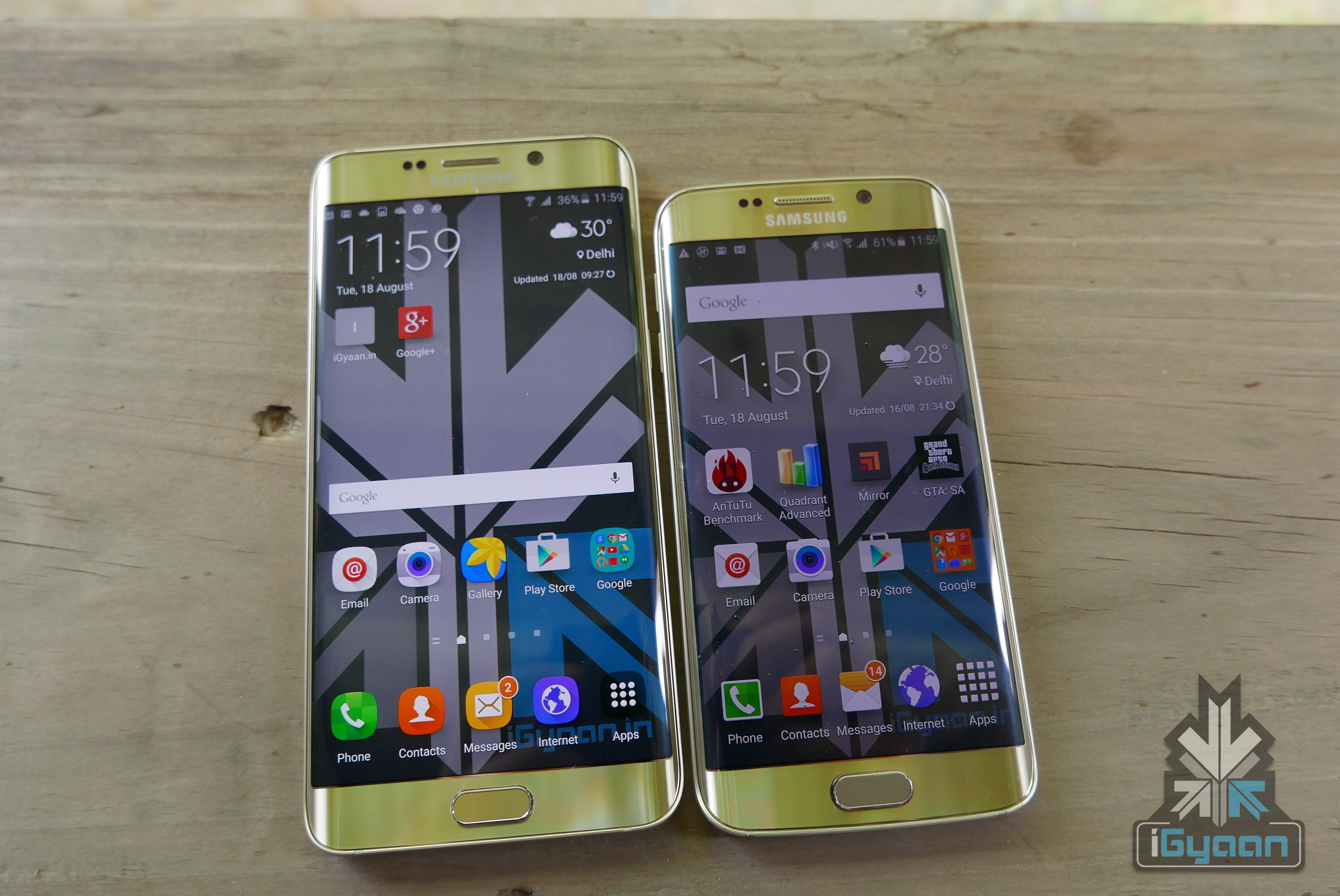
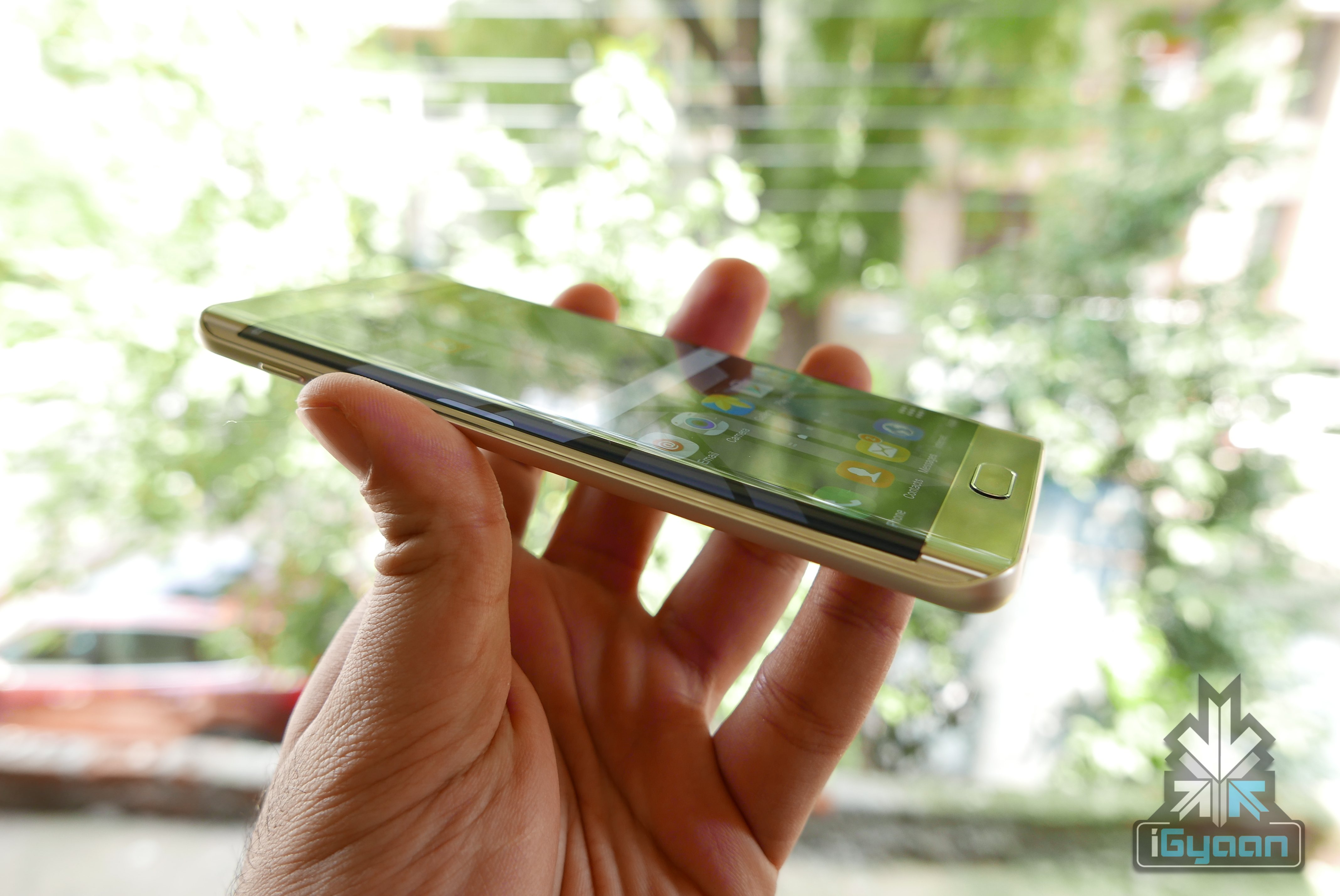
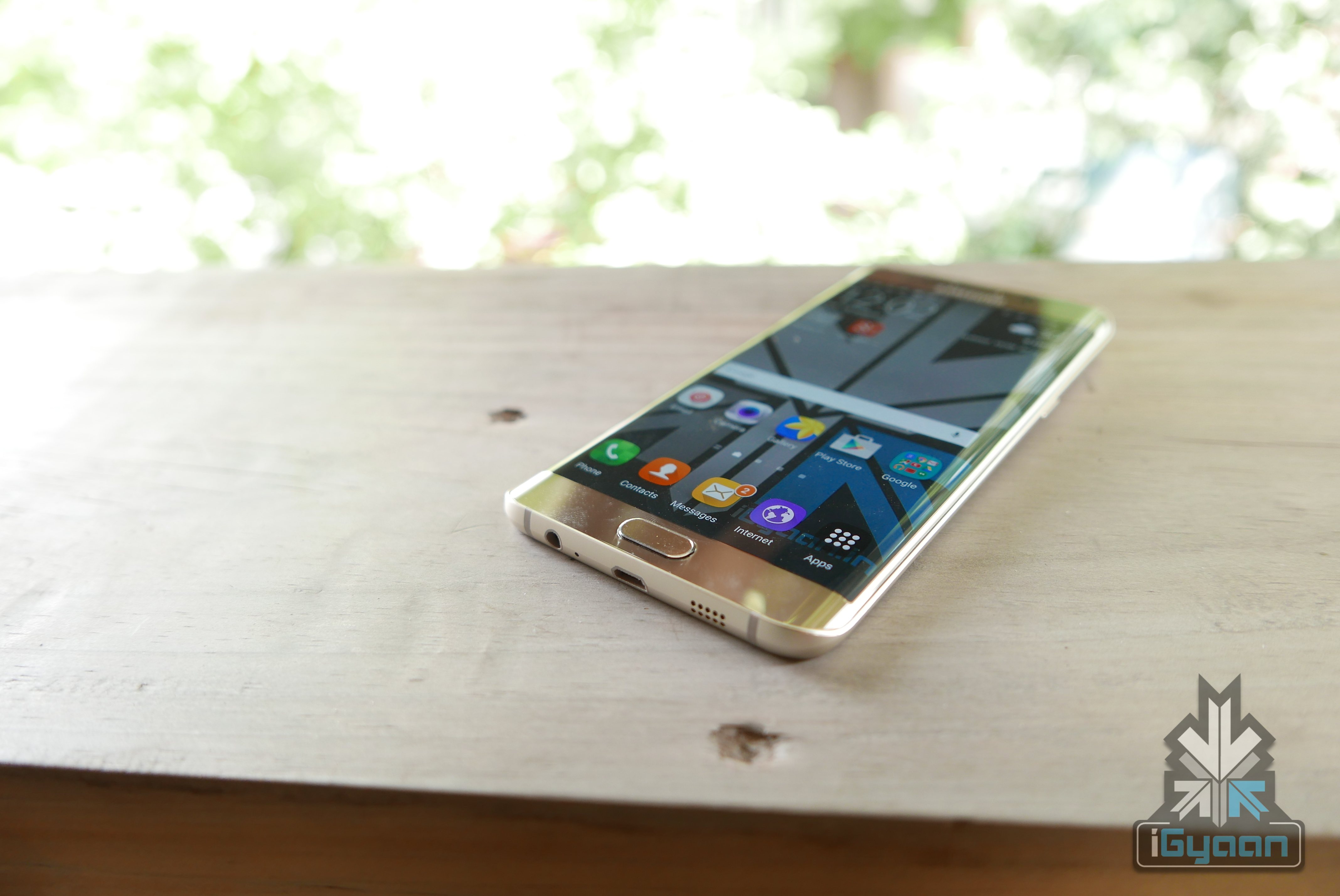
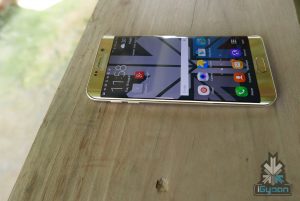
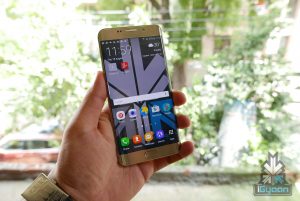
    The Samsung Galaxy S6 edge+ is the company’s first big S series phone, as an add-on to the Galaxy S line of devices. Last year the company thought it better to launch an edgier Note in the form of a Note Edge. However, this year Samsung found it more favourable to make a bigger S6 edge.

    The Galaxy S6 edge+ also marks a new chapter, one where the line between a smartphone and a phablet is basically blurring out. Samsung has slowly killed the category it created with the Note in 2010. Large screen phones are now mainstream and Samsung is basically reinforcing that with the S6 edge+.

    The Galaxy S6 edge+ is designed to one up the iPhone 6 Plus in terms of specifications and hardware. The Galaxy S6 and the S6 Edge both had huge success in the global markets and Samsung expects no less from the Galaxy S6 edge+.

    Galaxy S6 Edge + plus iGyaan 18

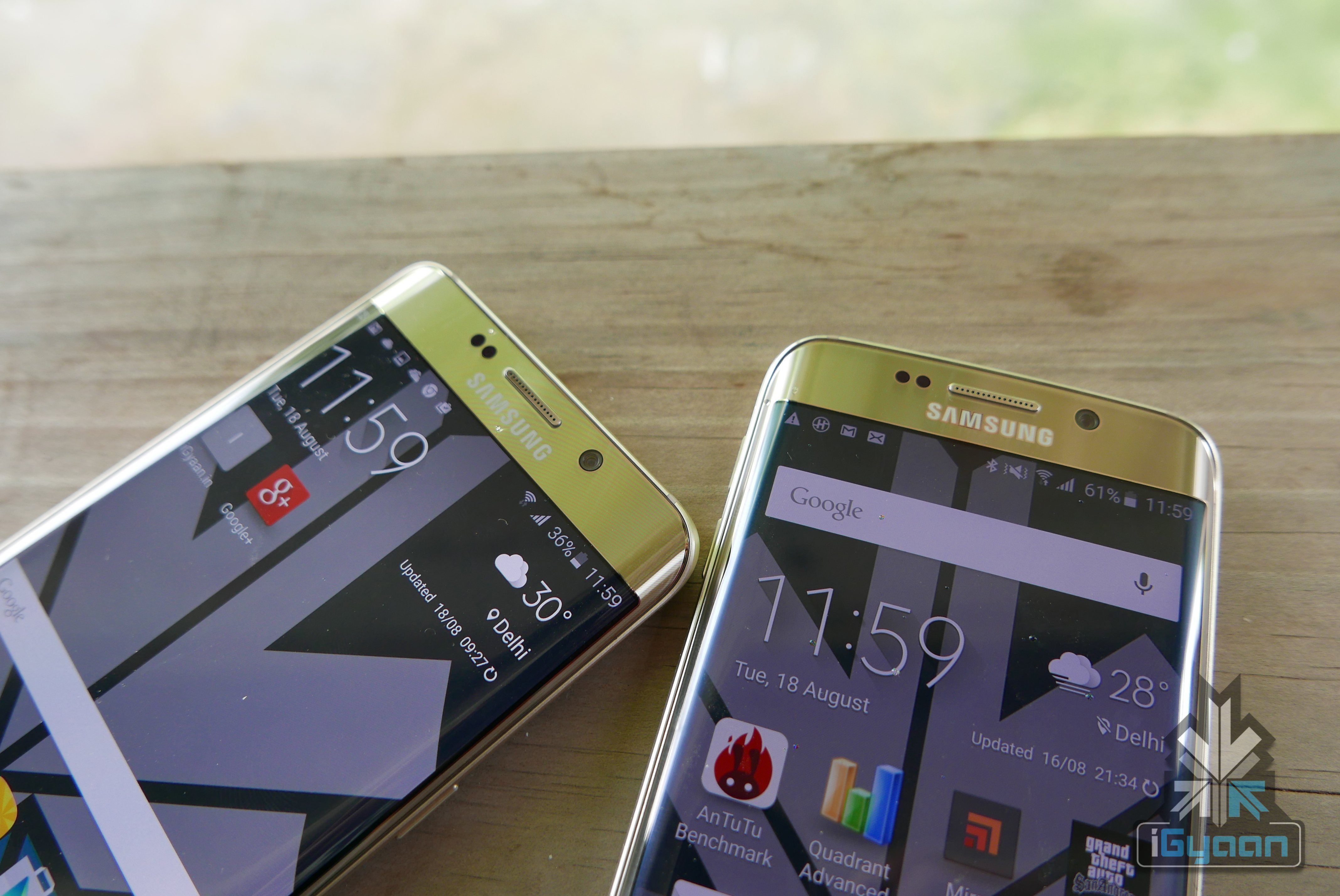
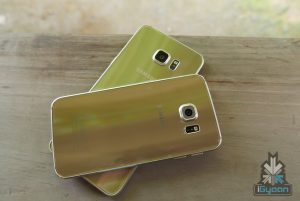
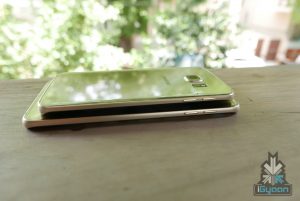
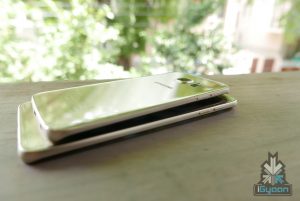
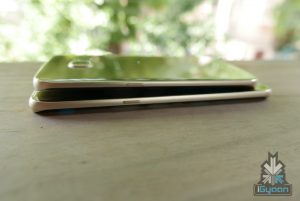
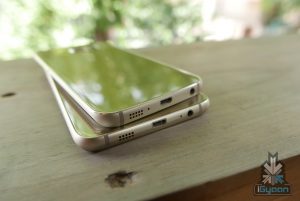
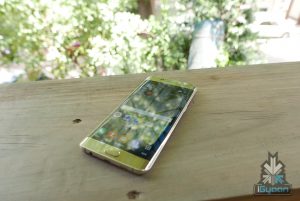
    The elder and bigger sibling is identical to the Galaxy S6 Edge, so identical that you won’t be able to tell them apart unless you put them together. There is a massive screen size different however a minor change in actual dimensions. The S6 edge+ just like the S6 Edge is flanked on both sides with edge displays.

    The Galaxy S6 edge+ does become slightly more difficult to handle, and hence Samsung has added one handed operation and screen size reduction, similar to Apple’s double tap to pull down screen on the iPhone 6 Plus. This feature was also seen on the recent Galaxy A8 from Samsung.

    Galaxy S6 Edge + plus iGyaan 20

    The Galaxy S6 edge+ is actually slimmer at just 6.9mm vs the 7 mm of the Galaxy S6 and the feel in the hand is very premium. Samsung has really done a good job with the design of the S6 Edge and hence they, didn’t change anything, but make the phone bigger with the S6 edge+.

    Everything from the display resolution to chipset and cameras are identical to the Galaxy S6 Edge, however thanks to the new large display of the S6 edge+ the pixel density drops to 515 ppi vs the mammoth 577 ppi on the S6 Edge. The Edge Plus variant also sports a larger 3,000 mAh battery to combat the drain from the larger QHD Super AMOLED display. An additional 1 GB of LPDD4 RAM, takes it upto 4 GB on the edge+ however the phone is missing the 128GB storage option as only the 32 and 64 GB variants will go on sale.

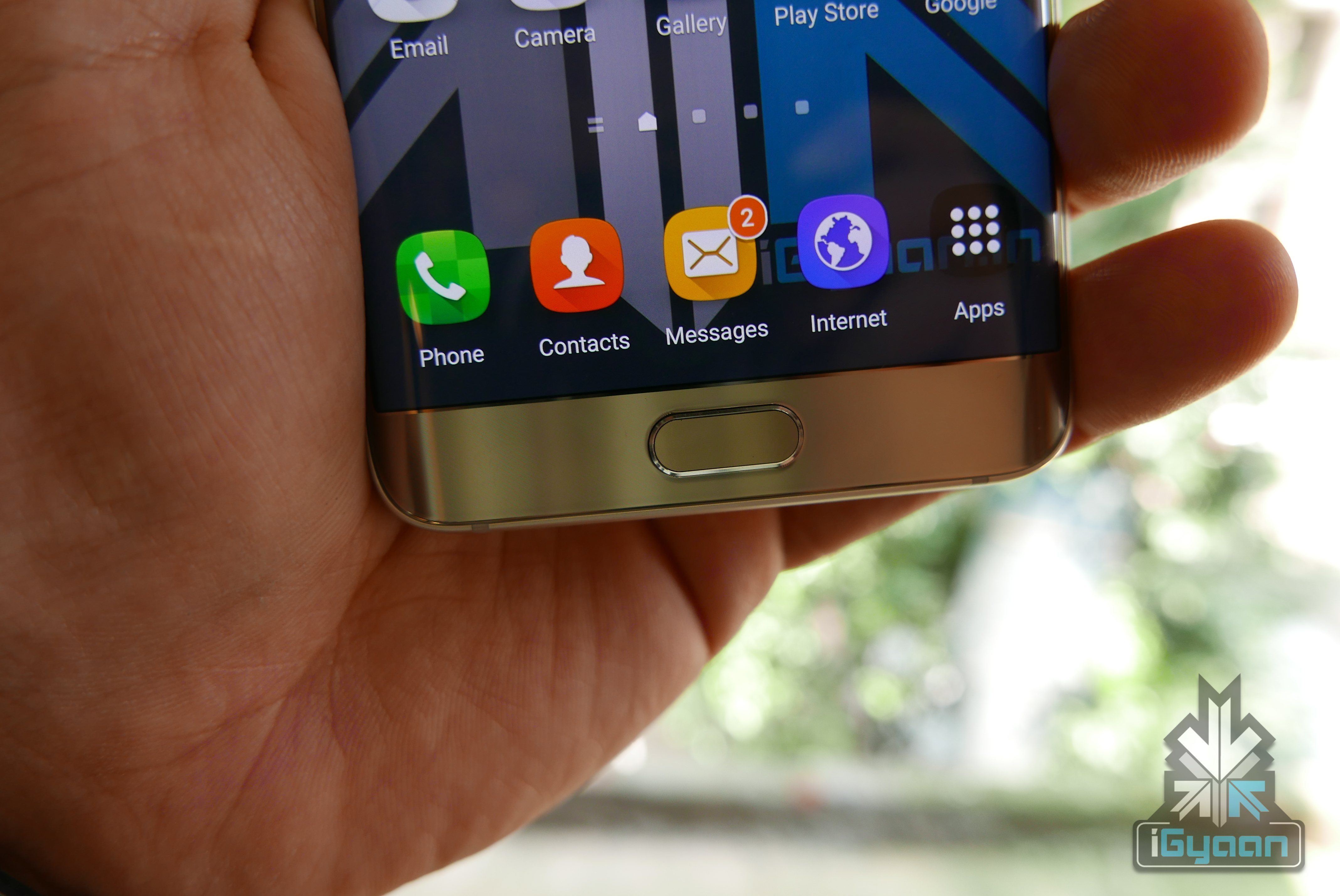
    The software department on the edge+ too remains same as the S6 and the S6 Edge, with a cleaner and simplified UI and new apps window to the edge display Samsung is trying to leverage the screen real-estate. You will also still get a Flipboard news feed to the left of the home screen and gestures like flipping a ringing phone to mute the call. Double clicking the home button will quickly launch the camera.

    You still get the fingerprint scanner and ability to remember internet passwords and Samsung Account details using your fingerprint as a security mechanism.

    Galaxy S6 Edge + plus iGyaan 21

    Some would argue that the Galaxy S6 Edge was the right size handset and that it fit well in almost all departments. Whether you were an executive or college student, the S6 and the edge variant seemed to be the right size for your hands.

    Galaxy S6 Edge + plus iGyaan 2

    With the Samsung Galaxy S6 edge+ the company is trying to reach to those who liked the iPhone 6 Plus and those who loved the Note category but found it to be a niche. With the S6 edge+ Samsung is trying to make the page size phone more mainstream, and by the looks of it, it seems to be headed in the right direction.

    Stay tuned for our Full Review of the Galaxy S6 edge+

iGyaan Network
Privacy Overview

This website uses cookies so that we can provide you with the best user experience possible. Cookie information is stored in your browser and performs functions such as recognising you when you return to our website and helping our team to understand which sections of the website you find most interesting and useful.