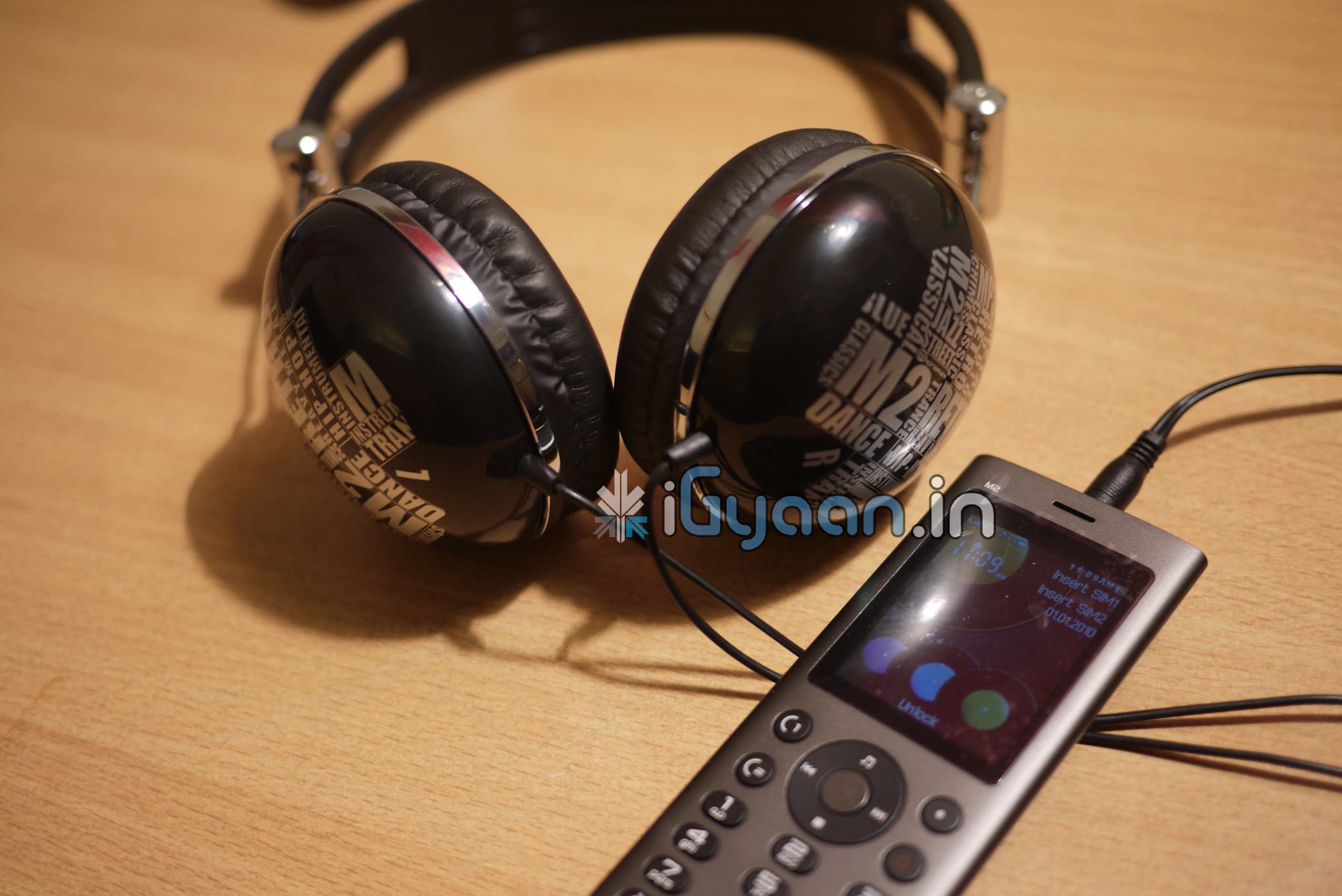
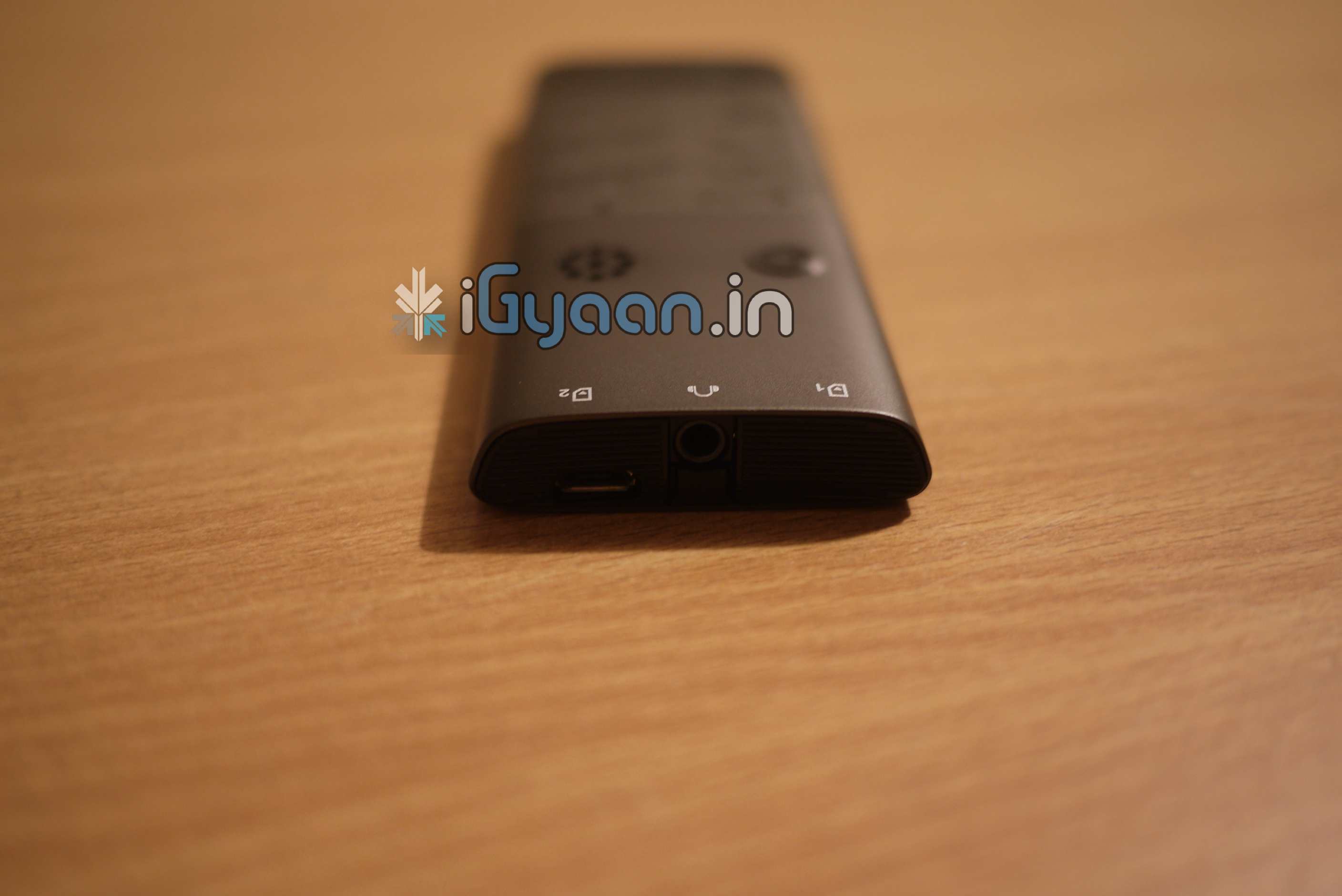
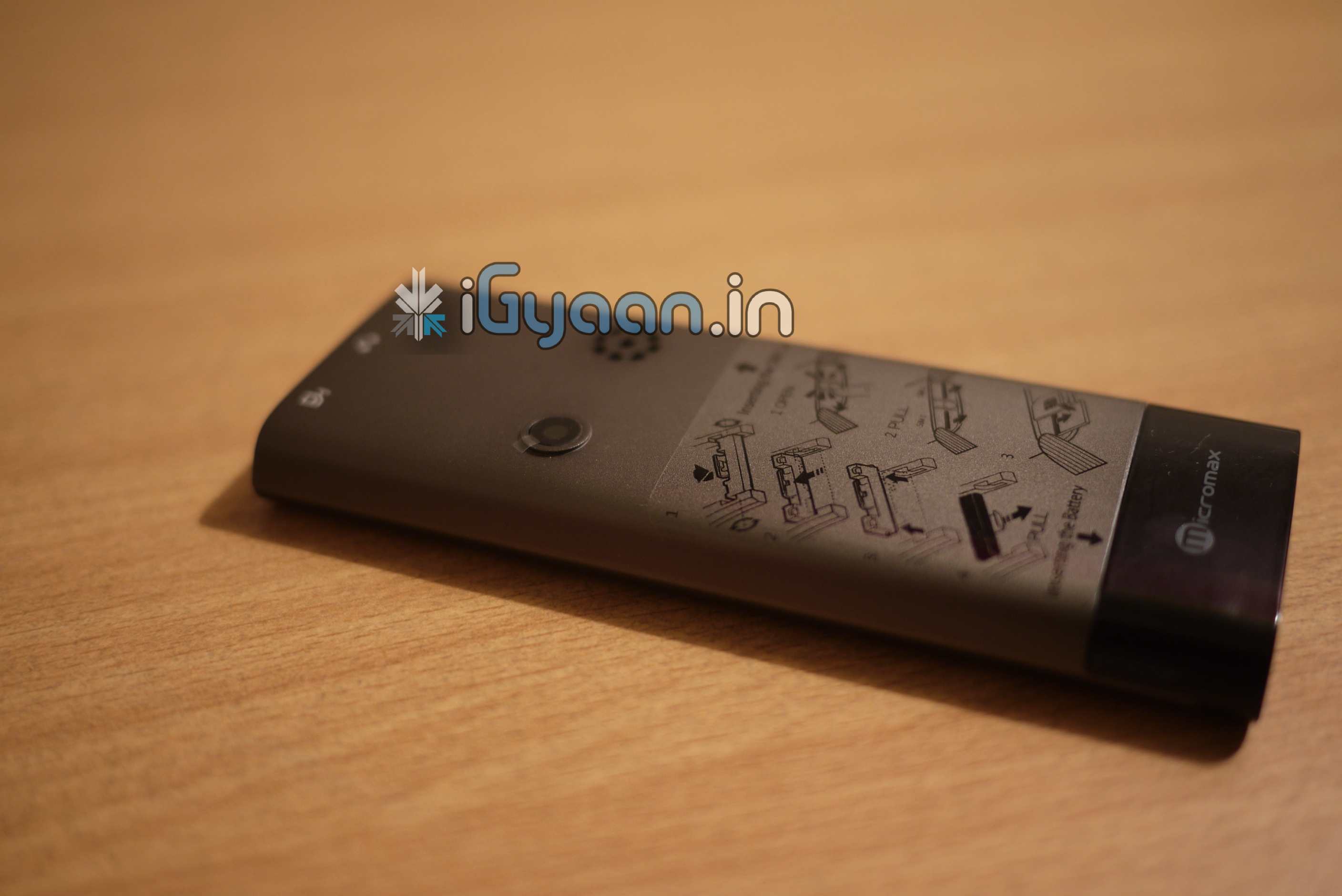
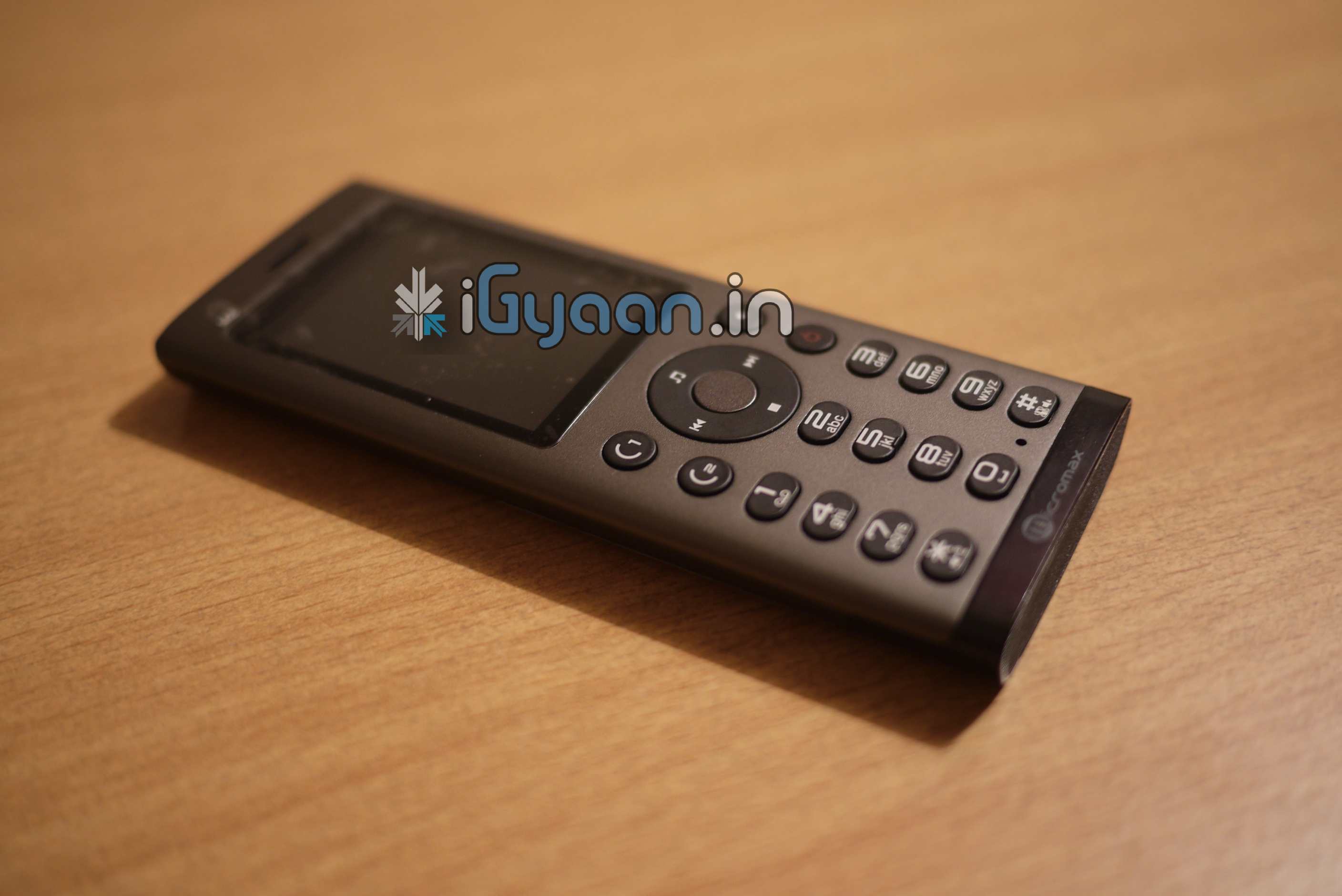
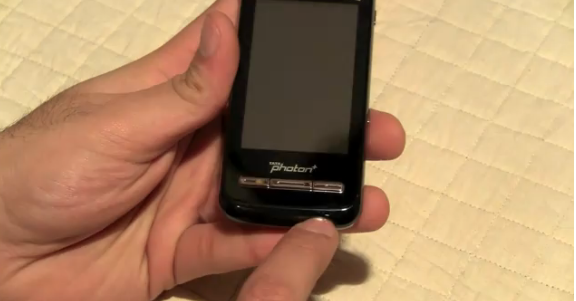
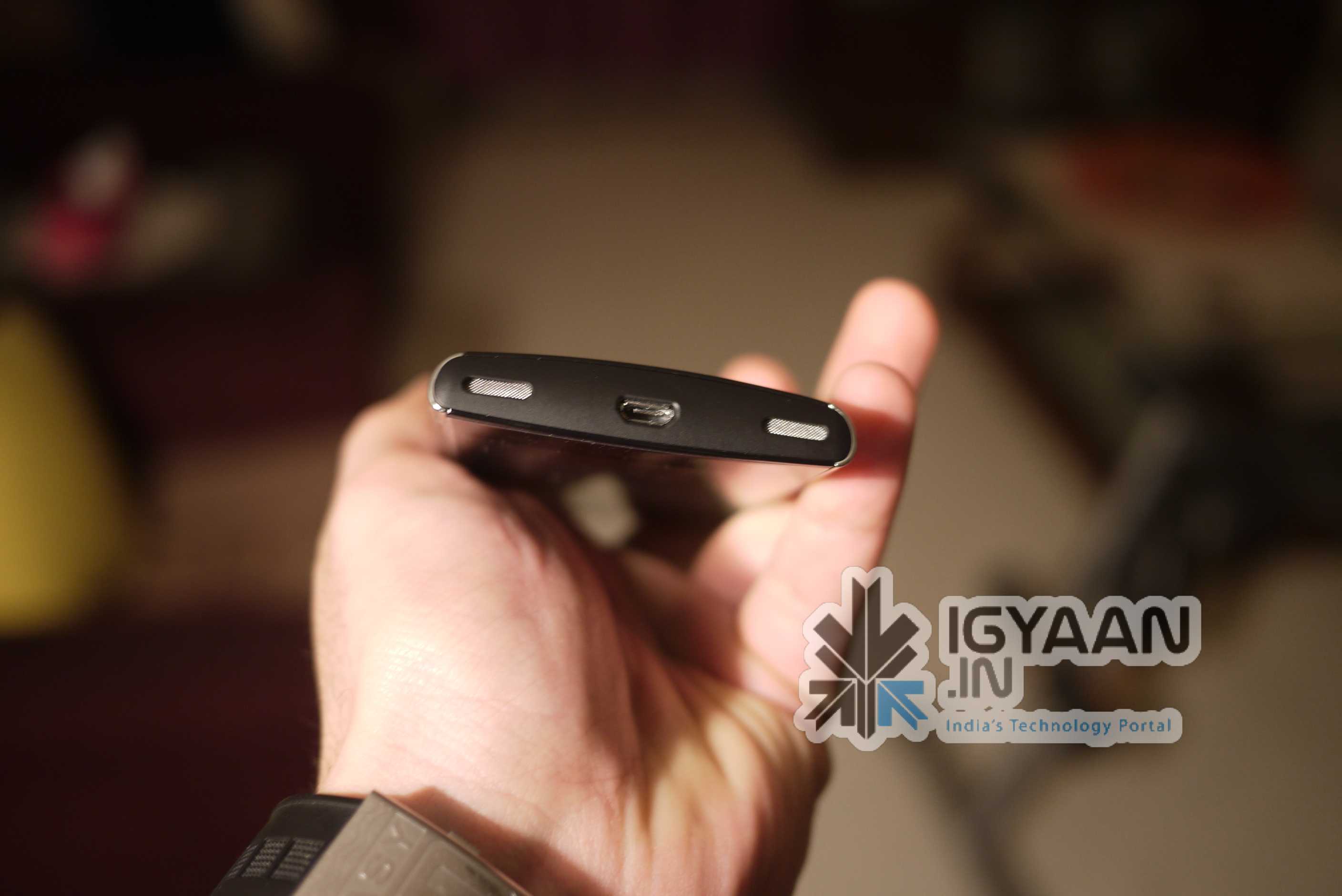
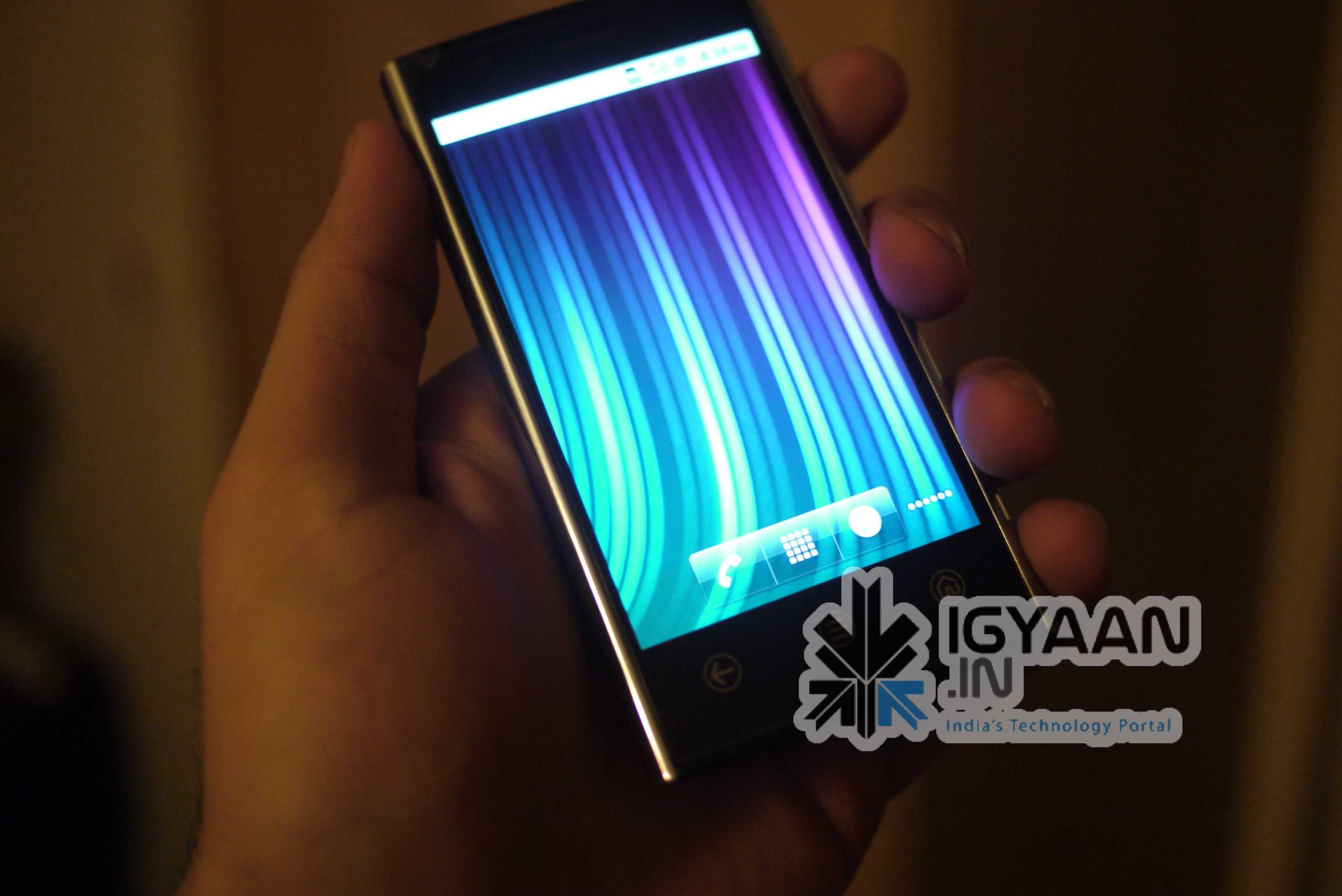
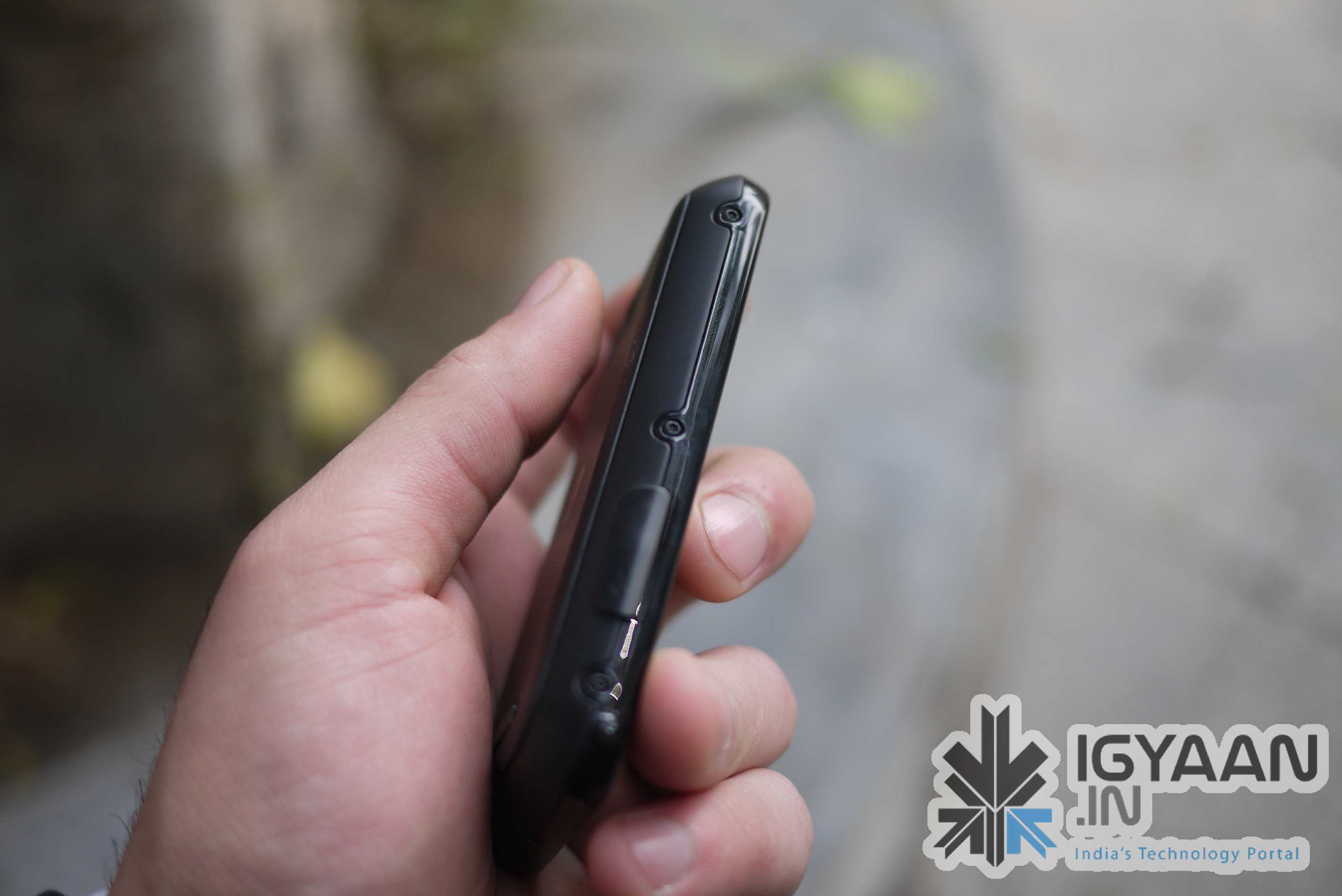
Whats up guys, remember the leaked iPod killer phone from Micromax we talked about . Yup we have it now, it is going to be announced soon and we have an exclusive leaked handset.
Take a look at exclusive pictures of the device.
The device features a unibody construction, true to the name MicroMax has included dual sim capabilities in the device. It also has a touch wheel in the front, comes with awesome massive headphones. Unlike previous rumors the device does have a changeable battery, and comes with an authentic SRS wow HD engine with certification from SRS labs. Device will be slated at the sub 5,000 INR price bracket.
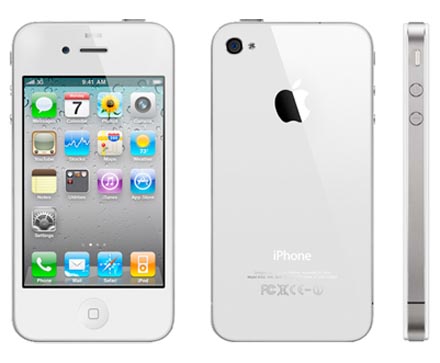
Recent rumors that the Apple iPhone 4 will be launched with BSNL, seem to be coming true. Sources close to us, have notified us that the Apple iPhone 4 for India will be launched very – very soon. Will be available unlocked through the Reliance – Apple – iStores and through other resellers. Price point is set at 40k for 16 and 45k for 32 gigs. Hopefully India gets the white version instantly!
Android, Android and more Android! Are you already sick of it? We sure are not!
The latest flagship Android smartphone from Dell’s stable is less of a shocker. Check out our Review
The Build Quality
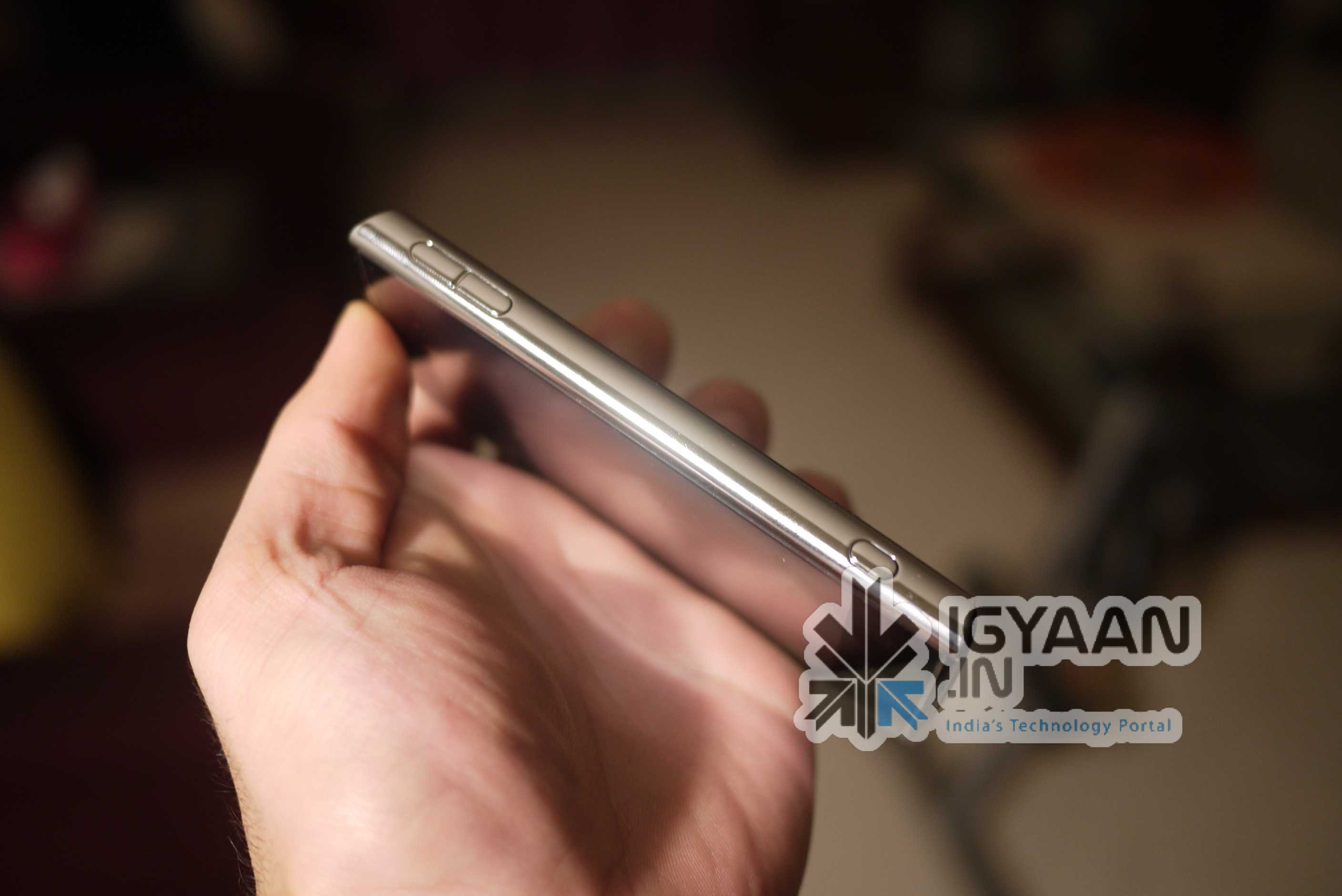
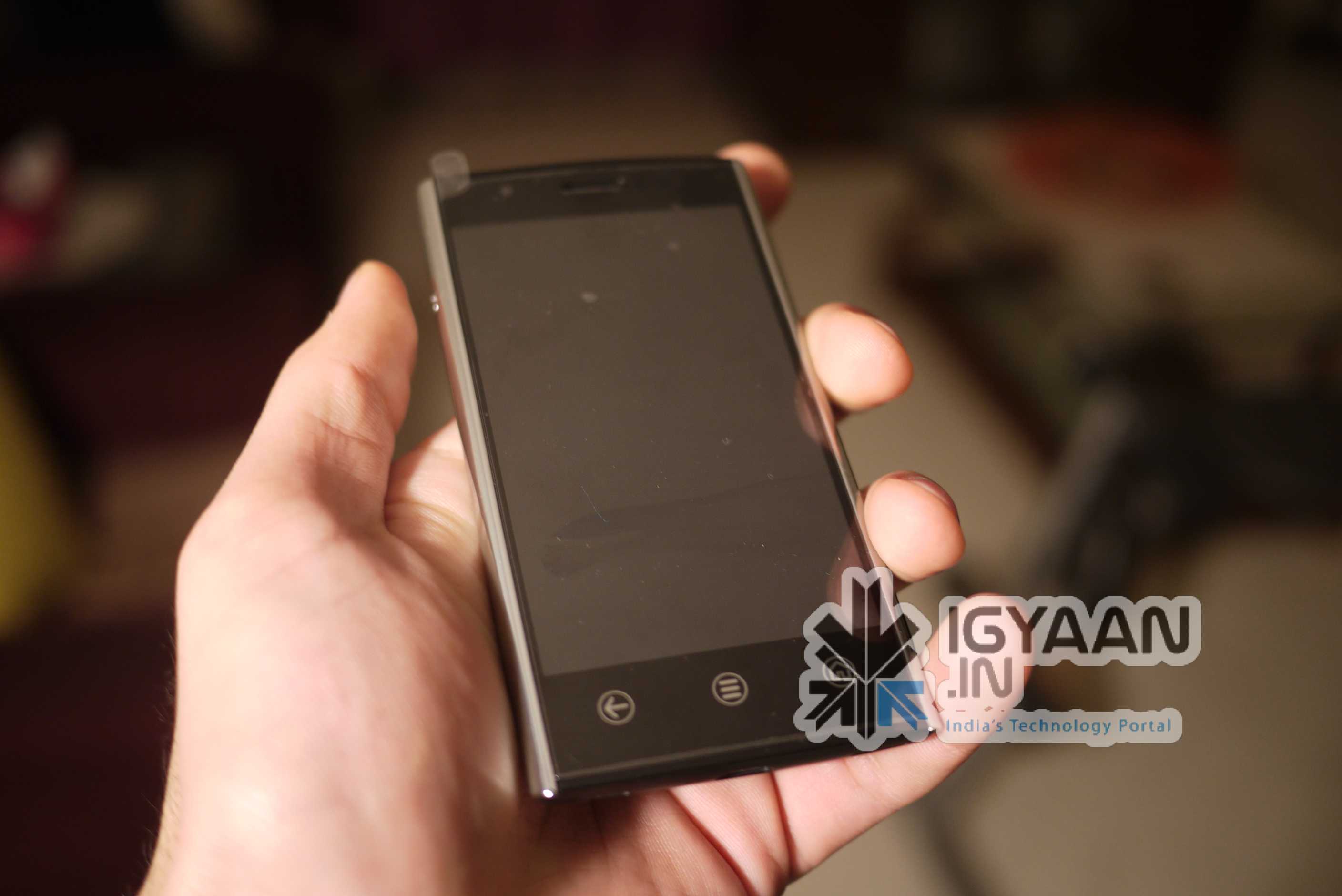
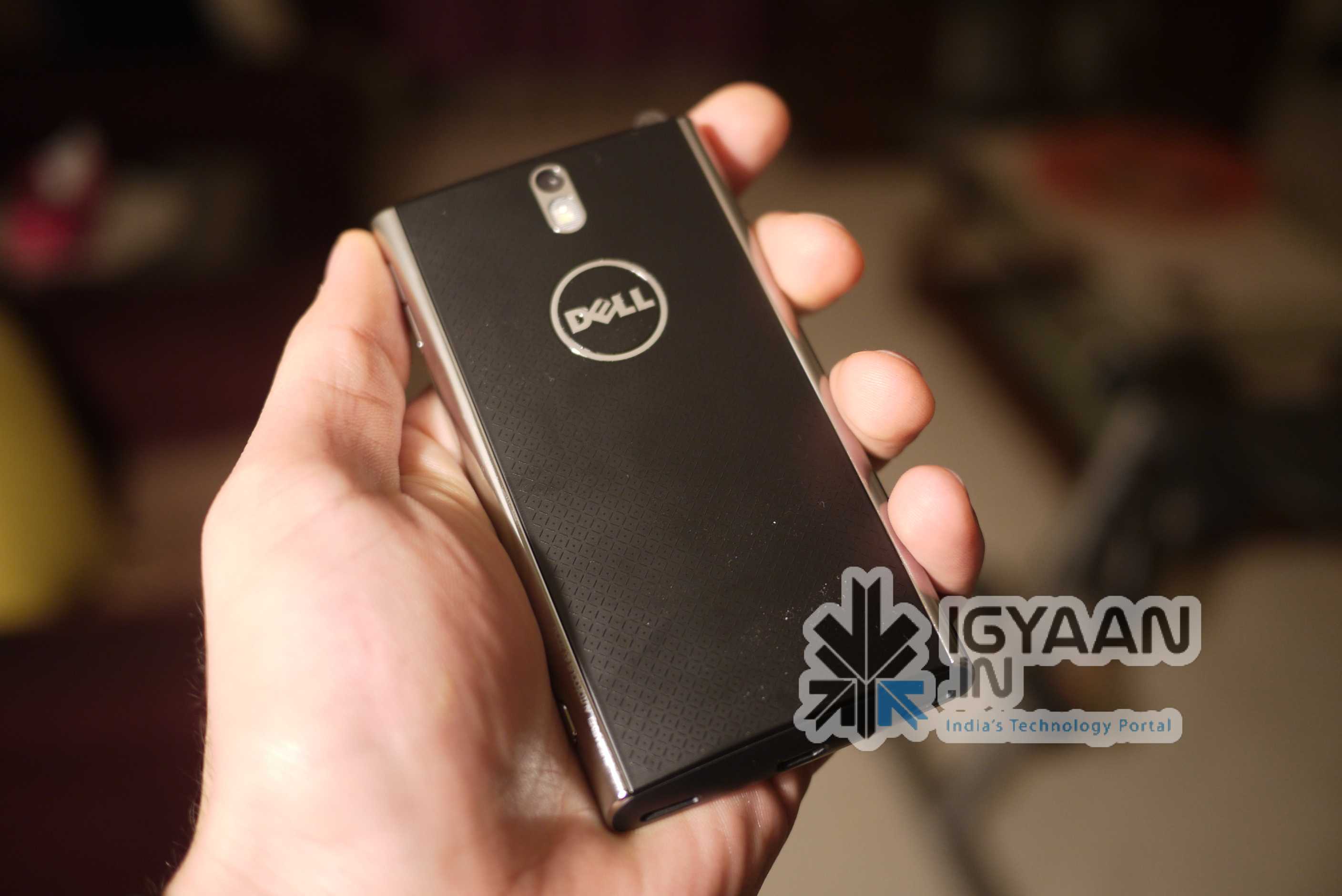
For the Dell Venue , we have two independent views when it comes to build. The front of the device is this shiny, rugged and curved gorilla glass. The chrome trim and good tactile buttons make it an added bonus. But, the poorly designed back cover and cheap plastic utilization suddenly turns our view around.
The overall construction of the device is pretty solid and delivers where most leave off squeaking and rattling. The Dell Venue seems really bulky in the hand and not as refined as the Desire HD when you hold it in your hand.
Hardware Specs
The Dell Venue like others in this price range comes with a whole set of Top notch hardware, But in this age of technology, what was top notch yesterday is a poor mans tale today.
8 MP, 3264×2448 pixels, autofocus, LED flash(Bah!)
4.1 inches, 480 x 800 pixels, AMOLED, 16M Colors capacitive touchcreen.
(Now this is wow! resolution still a tad low if you ask us)
Android 2.2 (why not 2.3, why, why ?)
Those are the only specs worth talking about the rest comes down to the usual WiFi, BLuetooth, MicroUSB, MicroSd- upto 32Gb.
Overall hardware is good and the performance of the device is also good. But, the Quadrant Score shows a whole new story, averaging from 600-700 on the scorecard. The result is simply pathetic!
Multimedia and Camera
Now this is where the Dell Venue raked up on the Points. The Amoled screen is simply superb! The Blacks are so deep that you don’t see the difference between the screen and the surrounding bezel.
The video performance is extraordinary thanks to the display, and possibly the curved glass front. The display makes video on this almost lifelike –
Now, if only we could stretch the display (rolls eyes)
The Loudspeaker is best in class period, Dell has somehow managed to stuff their Android lineup with superior quality speakers. Surprisingly, no one seems to talk about them, But, how could they not? These Phones have possible the best in device speaker we have heard ever. The bass is so good it makes you want to play he song over and over again. The speaker delivers quality sound with high volume, great bass and mid, trebles can be tweaked.
Camera on the Dell Venue is an 8 Megapixel snapper which has autofocus, touch to focus, macro mode and the works when it comes to effects/ brightness settings and timer etc. Images look not so great on the device but great on a computer screen. This may be due to a mis-calibration between the Amoled screen (which displays colors differently) and the Camera, who knows? This however didnt bother us much, and we were happy as long as the images were the way they should be.
Video on the device is also good and smooth – 720p HD video with a whole flurry of effects and settings makes the video mode a lot of fun to use. The 1Ghz chip allows for fast processing and you can download several apps from the marketplace and do your editing right on the device.
Phone and Messaging
We always stress that a smart phone should at first be a smart – PHONE. The Dell venue was a bit of a let down in performing that, we got frequent signal drops and connection failures. It even failed to get a proper signal at times. The “no service” signal bothered us for quite some time, a couple of reboots and it was gone.
3G Connectivity was (the best word for it ) a “Bi$%h” we couldn’t get the damn thing to connect to 3G.
Messaging on the other hand was a breeze the onboard keyboard comes with swype and a bunch of other input options, The reponsiveness of the touchscreen along with clear letters makes typing fairly simple and quick. This makes emailing and sms on the Dell Venue a fun exercise.
Gaming and Internet
We never talk about gaming in our reviews, But, this time we just had to make an exception. The Screen (have we mentioned before how much we love it) makes gaming so much fun with the deep colors, it almost makes you never want to stop, become game playing zombies tilting the device and driving your car, shooting the other zombies or blowing up those crazy “egg stealin” Pigs.
Uhhhhh. Brains!!!!
Internet browsing is a breeze, kinetic scrolling, accelerometer, pinch to zoom and slide to scroll work brilliantly without showing any form of LAG. Did we mention the greatness of the Amoled display? makes browsing and reading on websites atleast 4x better. The Venue comes preloaded with flash for the browser so seamless internet for all the folks.
Battery Life
The Venue had a phenomenal battery life in our tests.
Phone Calls : 5.5 hours
Web browsing 8 – 9 hours
We couldn’t test web browsing over 3G because well the damn device wouldn’t get a connection. piff!
Video Review
Conclusion
A strong device from Dell, in terms of build and hardware capability, Beautiful screen, great battery life.
But it all boils down to poor connectivity and phone call ability and that has let us down a lot. Unless phone calls is not your main criteria for buying a “Phone”,
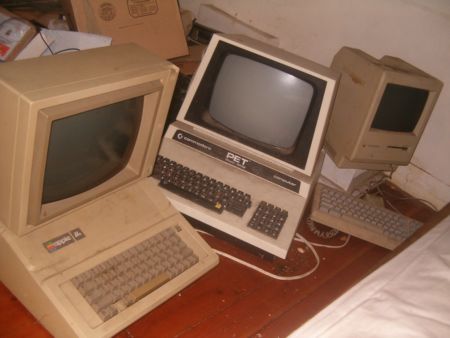
Lots of people today are looking for a new computer. Their reasons for doing so are varied but there are many common complaints that people have with old computers. The primary complaint i receive from users is that their computer is ‘too slow’. While the day to day tasks of the end-user remain pretty much the same (using Microsoft Office, surfing the web, watching movies,playing games etc.), the computing power required to perform those tasks has increased significantly. So does this mean that your old desktop/laptop is now useless and obsolete? Should you throw it away or let it collect dust in a corner? NO. There are many uses for an old computer, a few of which i will be listing below:
Make a Home Server
The home server is one of the easiest and most common uses for an old computer. The basic home server can do simple tasks like sharing files over your home network, while more advanced setups can perform a plethora of tasks such as file sharing, website hosting, torrent downloader, a dedicated firewall for your network, controlling electronic devices in your house etc. The requirements of each user will be different and you should decide the tasks that you would like your server to perform in advance to ensure an easier setup.
The Basic Setup:
I recommend using FreeNAS as an OS for your home server. It is an open-source OS based on FreeBSD which means it is free to download, use and distribute. The most basic task performed by FreeNAS, as the name suggests, is to provide Network Attached Storage in your home. It can perform a wider variety of tasks but we’ll get to that later.
Things you’ll need:
FreeNAS Live CD (Link Below)
Old Computer
Monitor & Keyboard for installation only (you can disconnect them after the install)
Insert the Live CD into your CD drive and wait for the computer to boot up. This can take some time, 5-10 minutes, and you will hear a *chirp* from your PC speaker when the system is ready. At this moment, the system is ready to use as-is from the Live CD or it can be installed onto our hdd or pen drive. I would personally recommend installing the system on your pen drive if your PC supports USB Boot. This leaves more SATA/IDE ports free to attach extra storage.
When you reach the above screen, the system is booted. Since we dont want to run our system off a CD, choose option 9.
We are going to be installing our system on a pen drive so we will choose option 1.
You will receive a warning, Press OK.
Choose your installation media and press OK. In most cases you will have only one option in this step.
Choose your install destination and press OK. In most cases you will have a few options here. Please remember to choose your pen drive at this stage. If the device names (ad0, ad1, etc.) are confusing, you can identify your device with the capacity or manufacturer details.
After this step, FreeNAS is installed on your system. Press Enter and choose the Exit option and you will be returned to the main menu. Choose option no. 7 to reboot your system. To ensure that the system boots from the pen drive, please remove the Live CD and ensure that the pen drive is selected as the primary boot device in your BIOS.
After the reboot, the first thing you have to do is to configure your network interface and LAN IP. These are the last things you need to configure on your FreeNAS box. When you get to the Console Menu, Choose option 1.
Select your Primary interface. If you have multiple interfaces, you can select optional interfaces from the same menu.
After assigning all interfaces select none and press OK.
You will be given a list of assigned interfaces. Press OK and you will be taken back to the Console Menu.
Select option 2 to assign your ip address. I recommend assigning a static ip to your server, so select No when given the option to use DHCP. Enter your ip address, subnet mask, internet gateway and DNS addresses. You do not need to configure an ipv6 address.
So here it is, a lot of people asked us for it and we tried, tell us how you like our first Hindi Video of the Micromax EG333 mobile handset. For those, who don’t understand Hindi, an quick english version is also included.
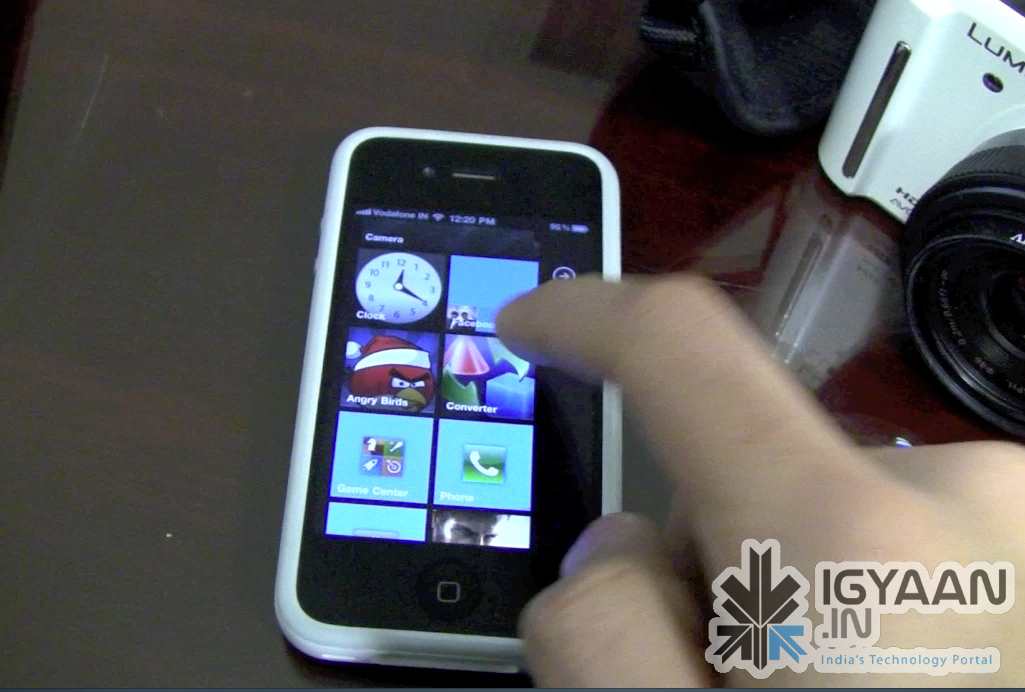
You have a Jailbroken iPhone/iPod/iPad? Do you love the new Metro UI from Microsoft Windows Phone 7? Then this bit of information might just make you very very excited! Don’t get naughty!
The video below previews a beta version of a Theme designed by Wynd, The theme is called OS7 and is fairly easy to Install. Check out the video Below and head on over to the source link to try it for yourself.
A long time ago, Nokia came out with the 5210 and later the 5500, both these phones were extremely rugged and water resistant. But, they were no smart phones, in fact the devices were poor built versions of Nokia’s existing line.
From then till now no one thought that, post the smartphone era, we would see a Smartphone which would defy the elements and prove to be a valuable competitor in the Market.
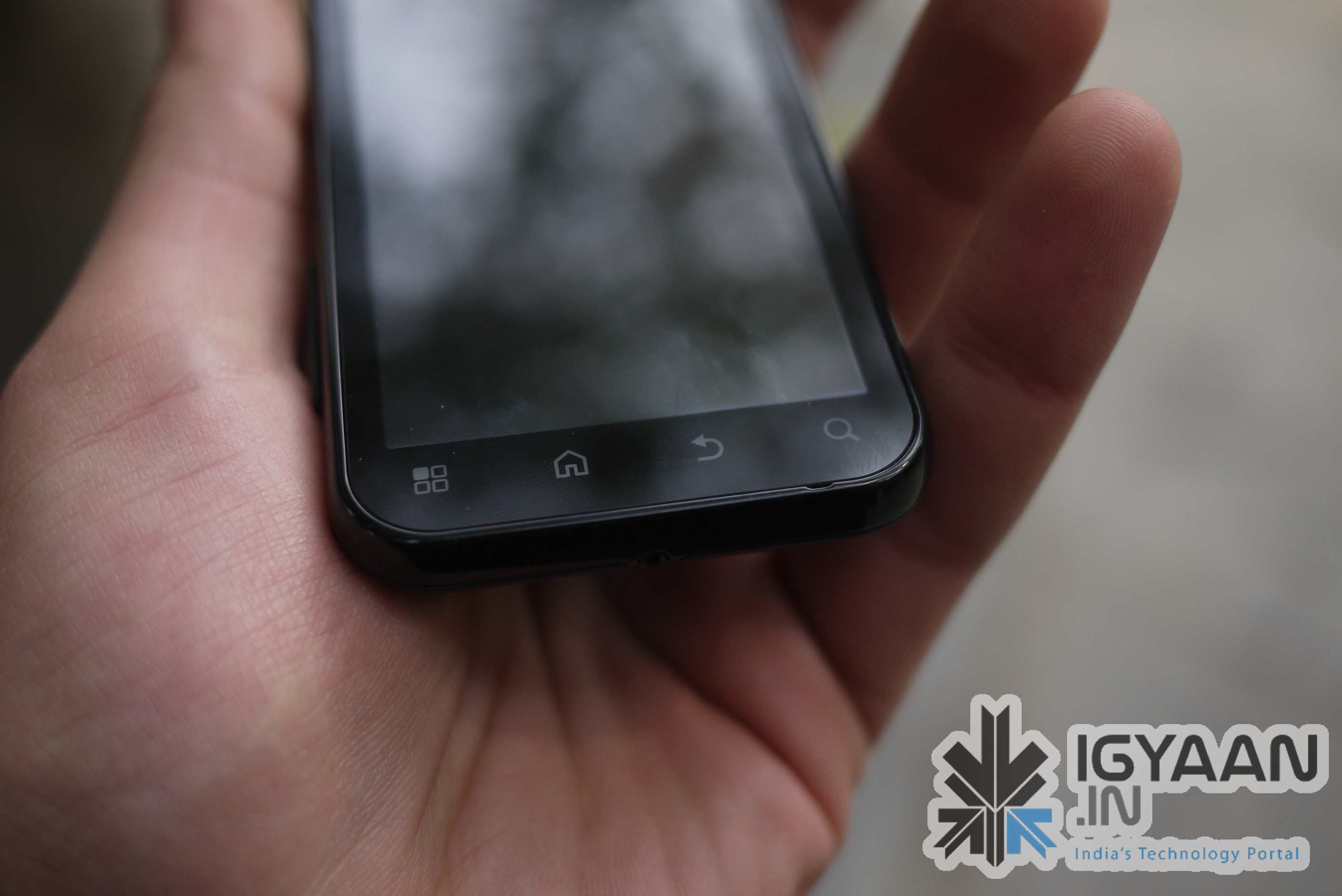
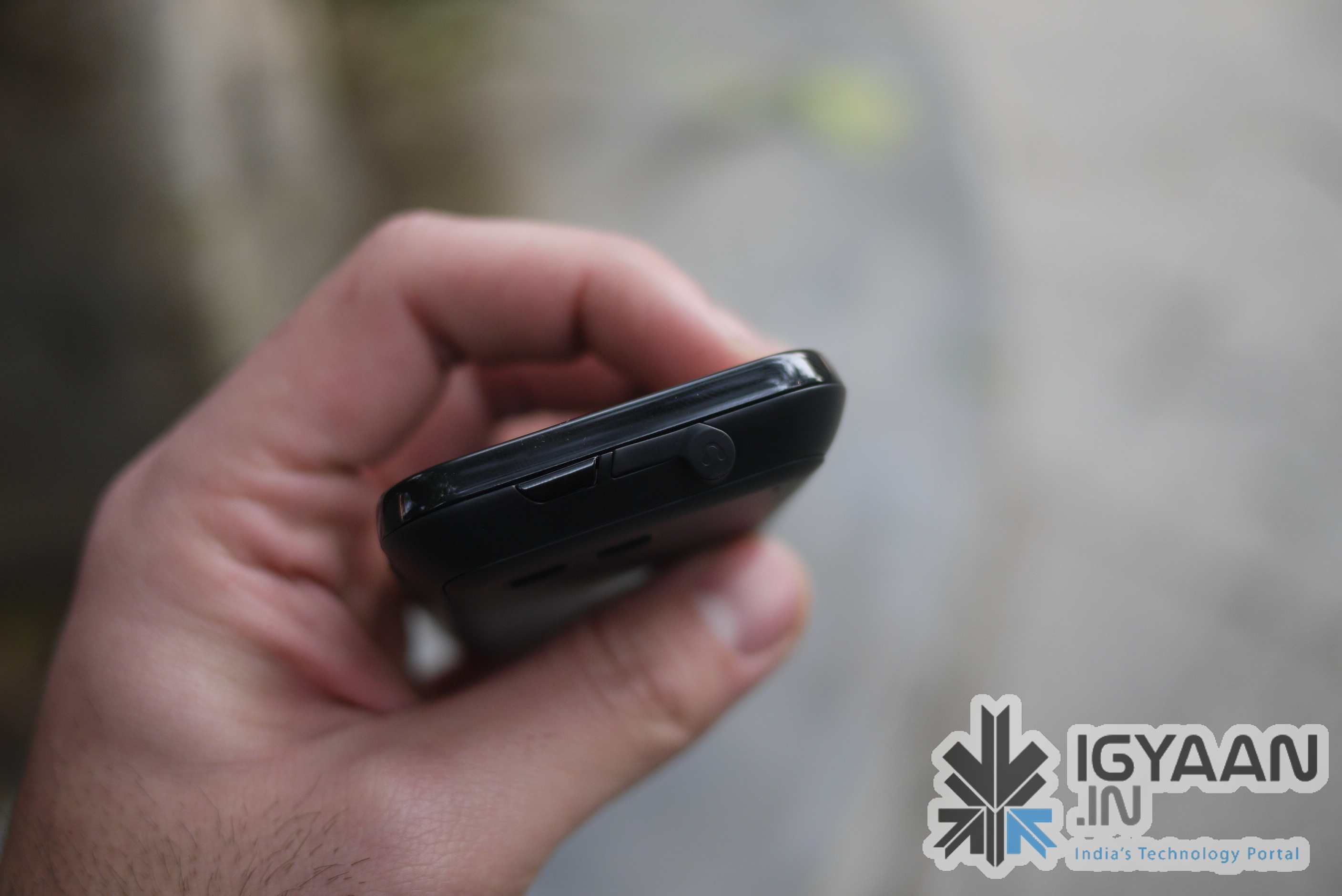
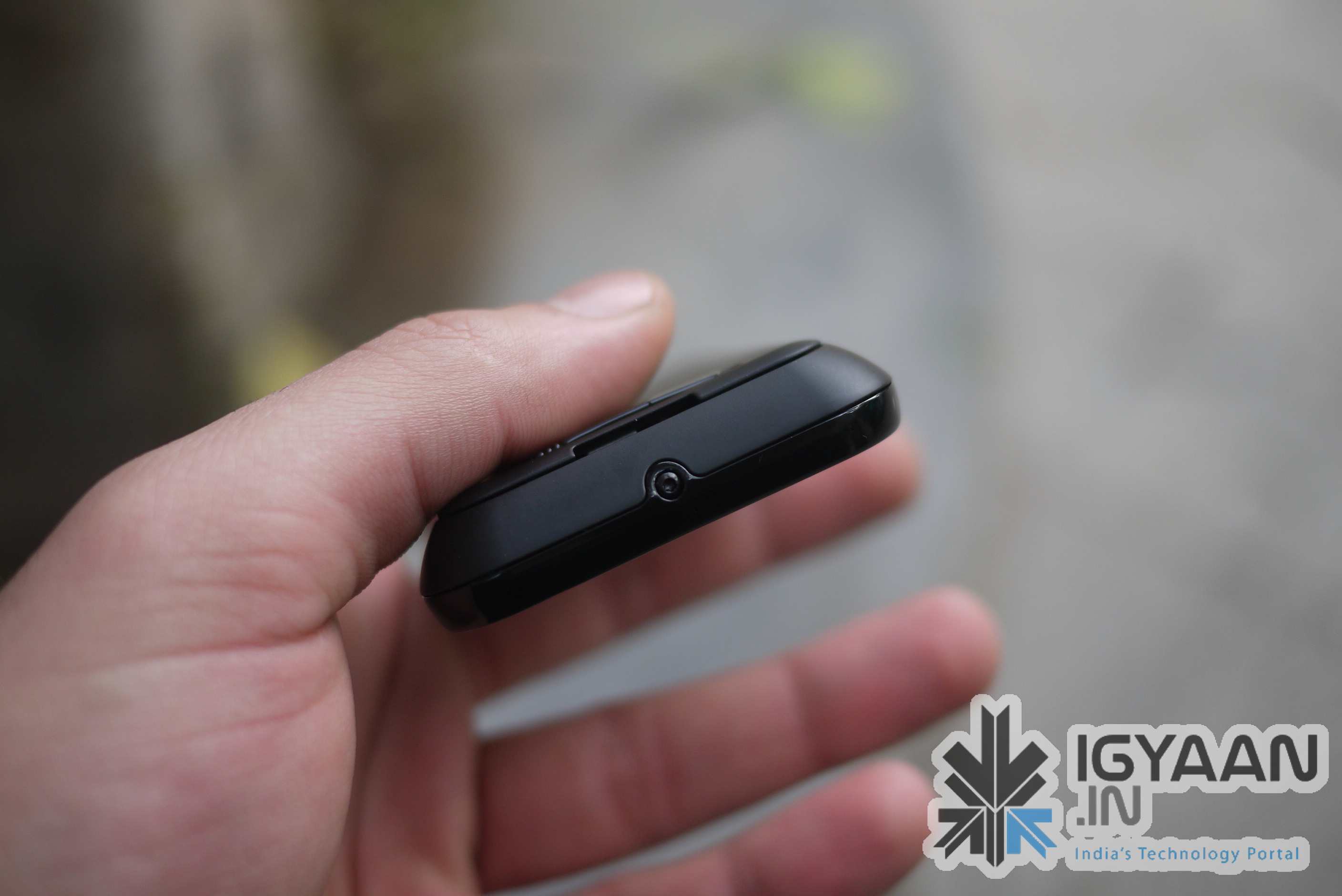
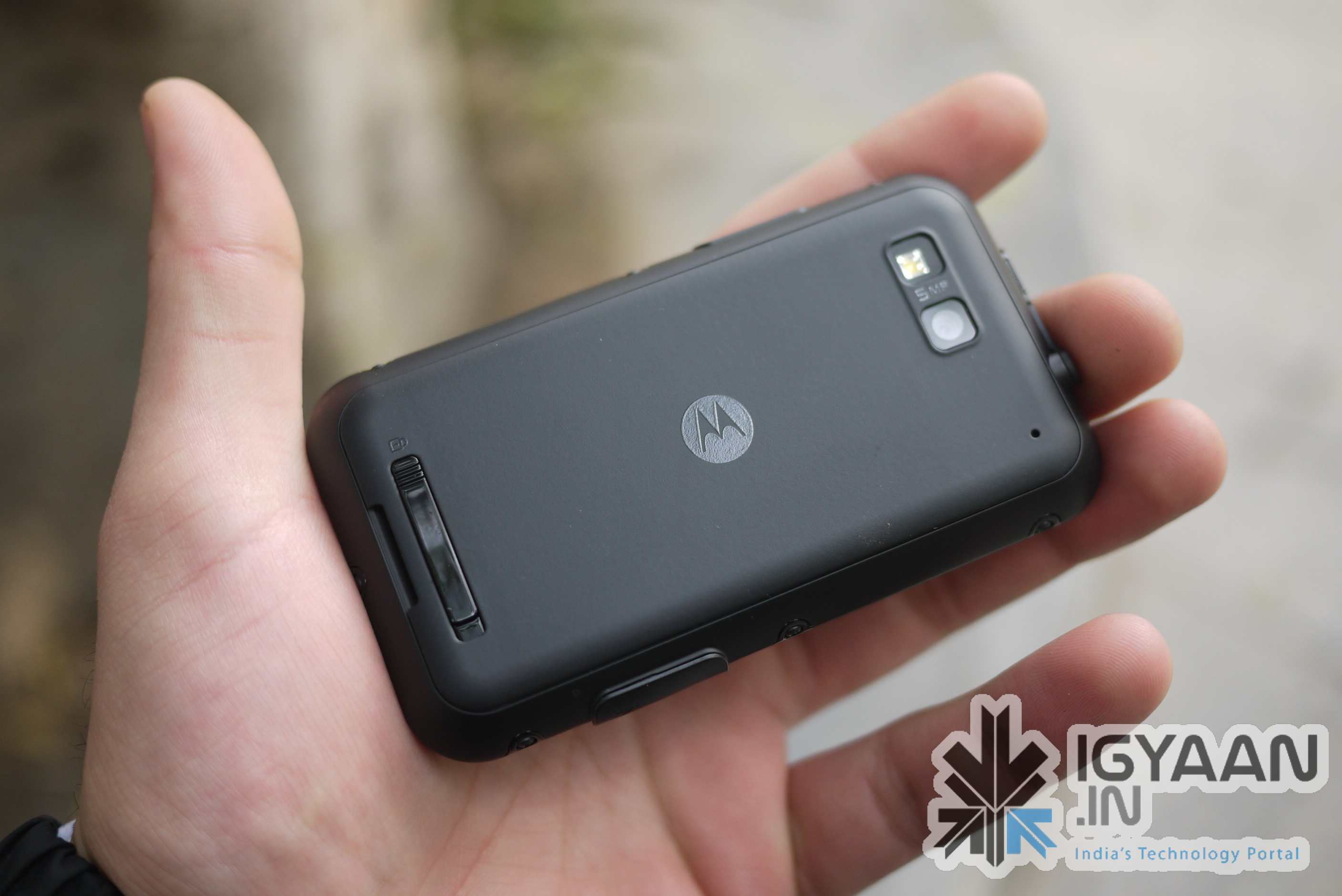
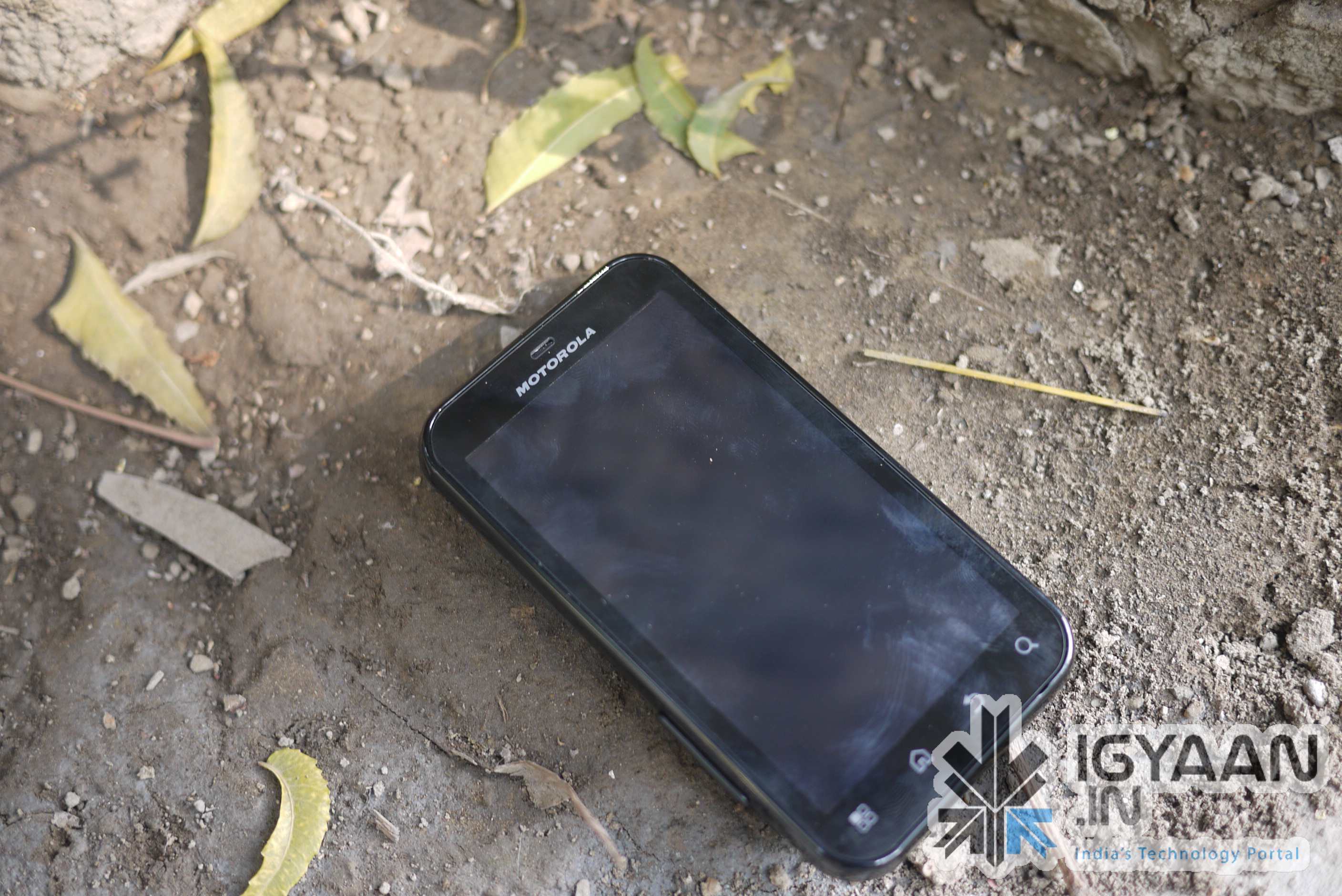
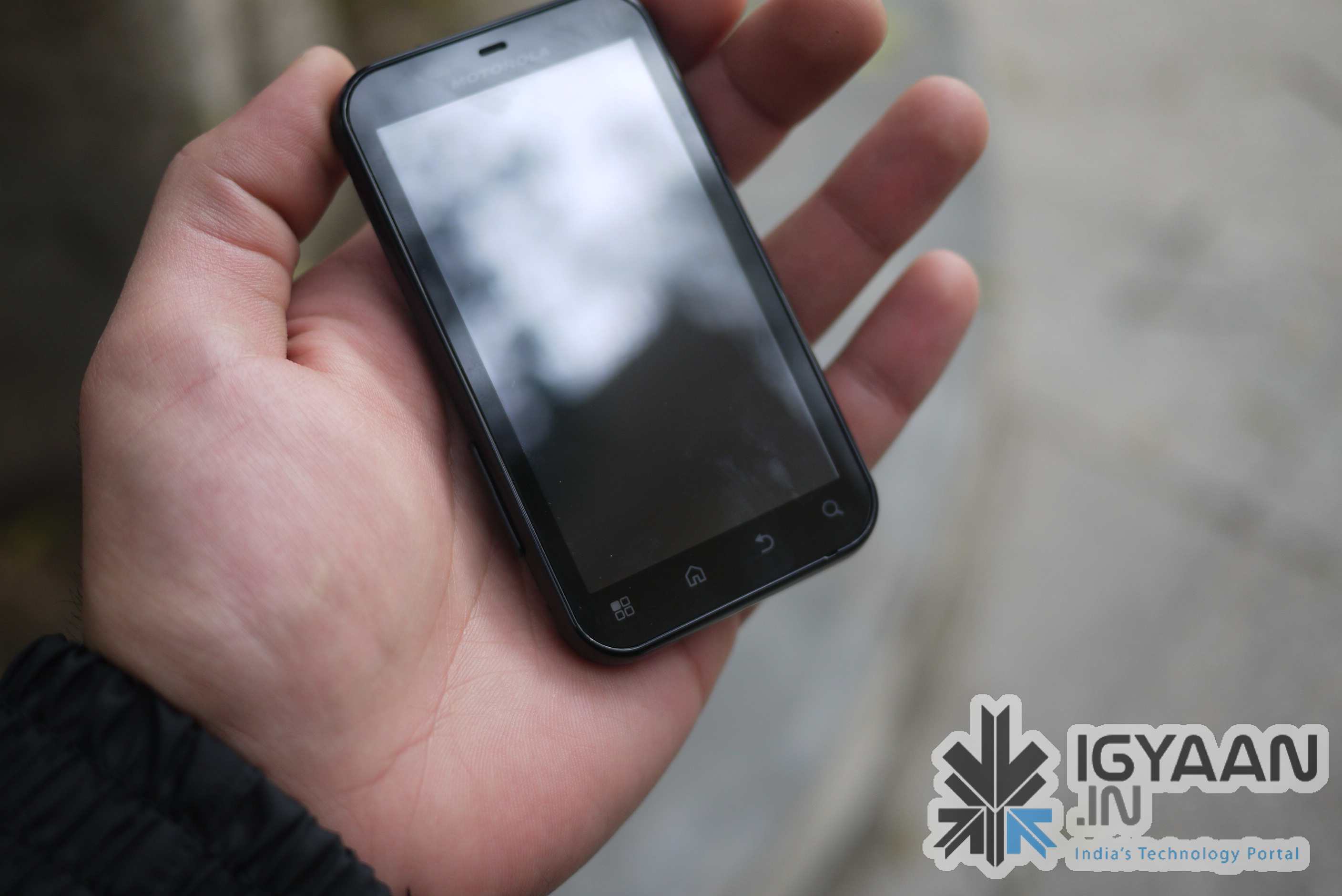
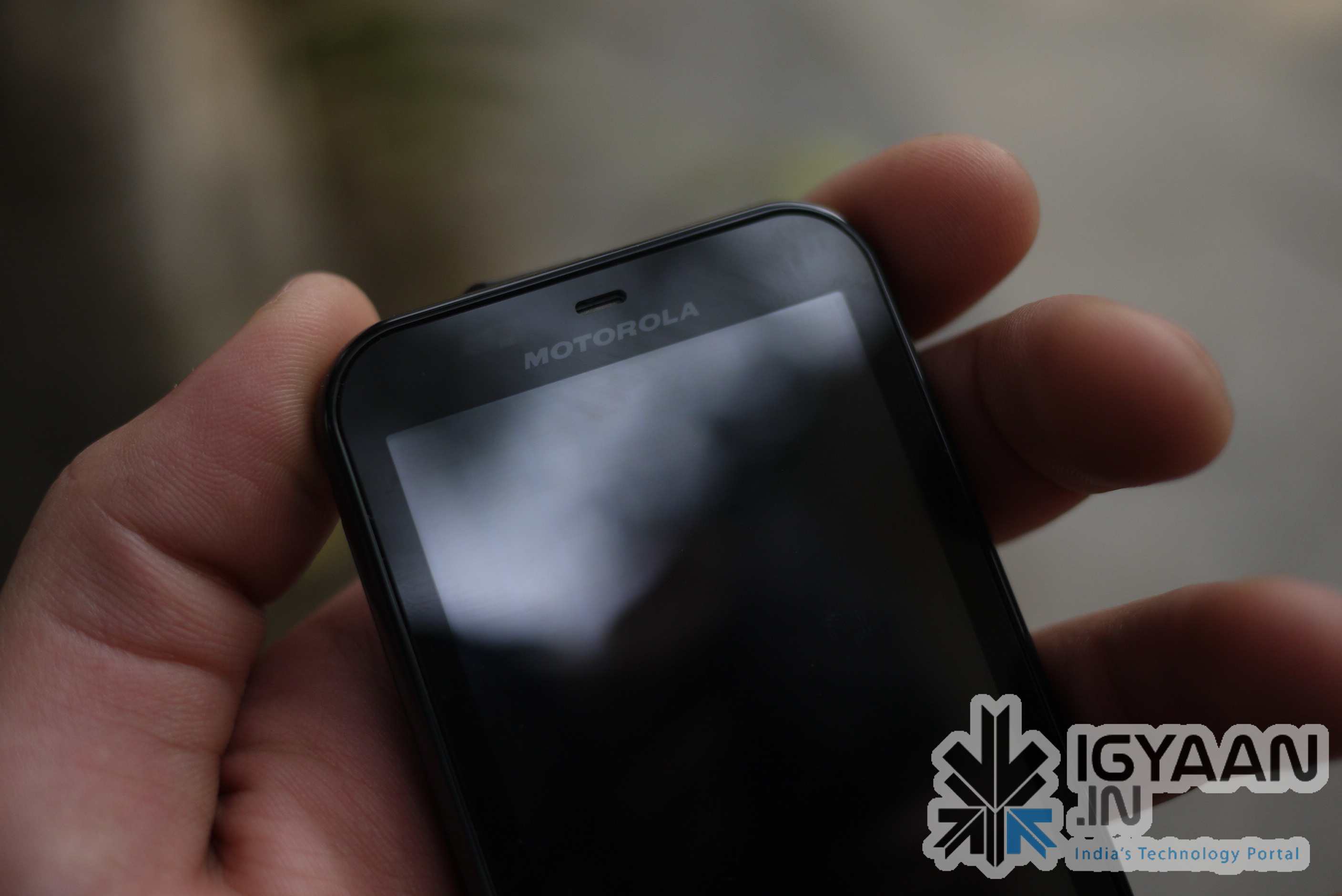
Enter the MOTOROLA DEFY, lets take an in-depth look at the interior and exterior of the device.
Build Quality
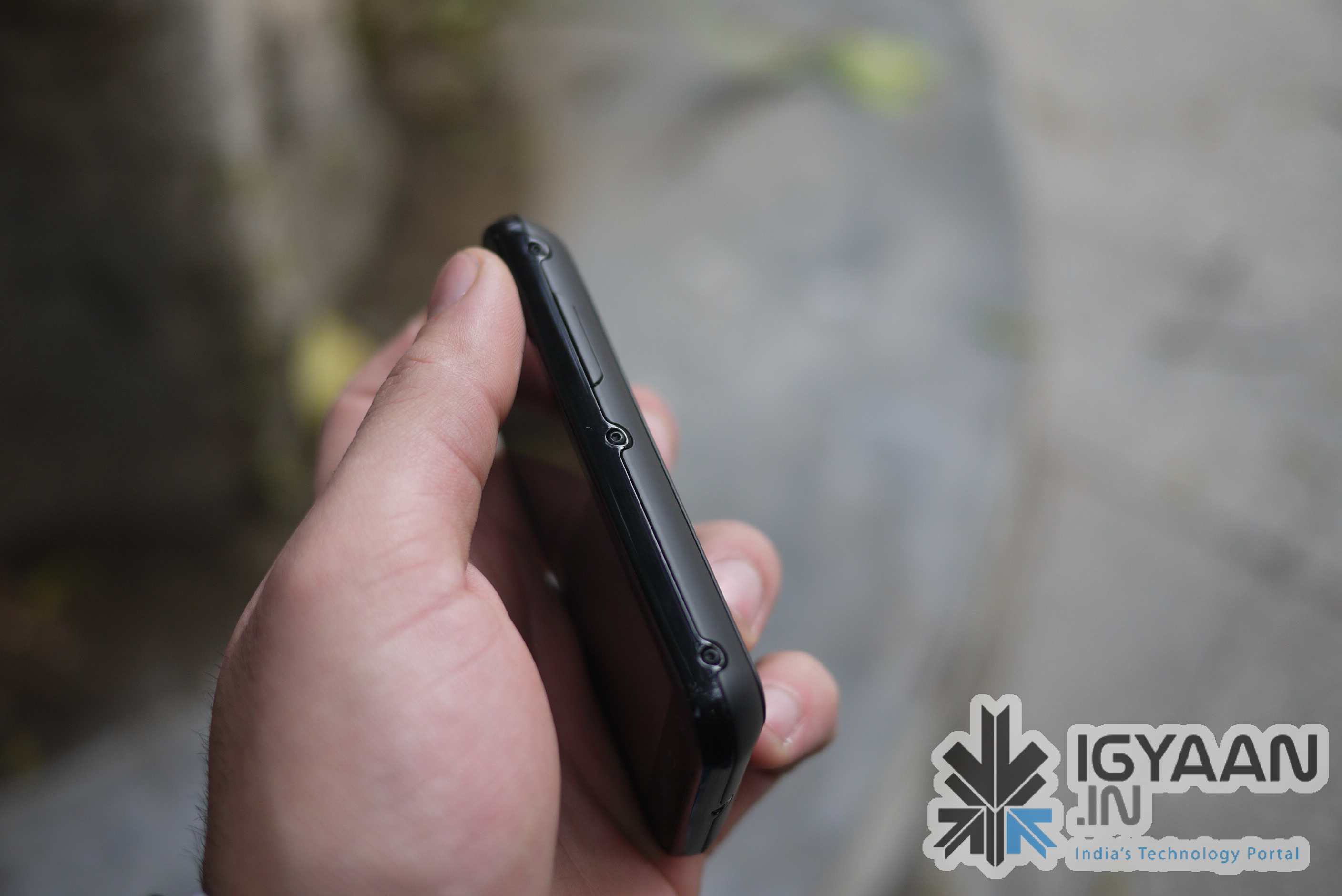
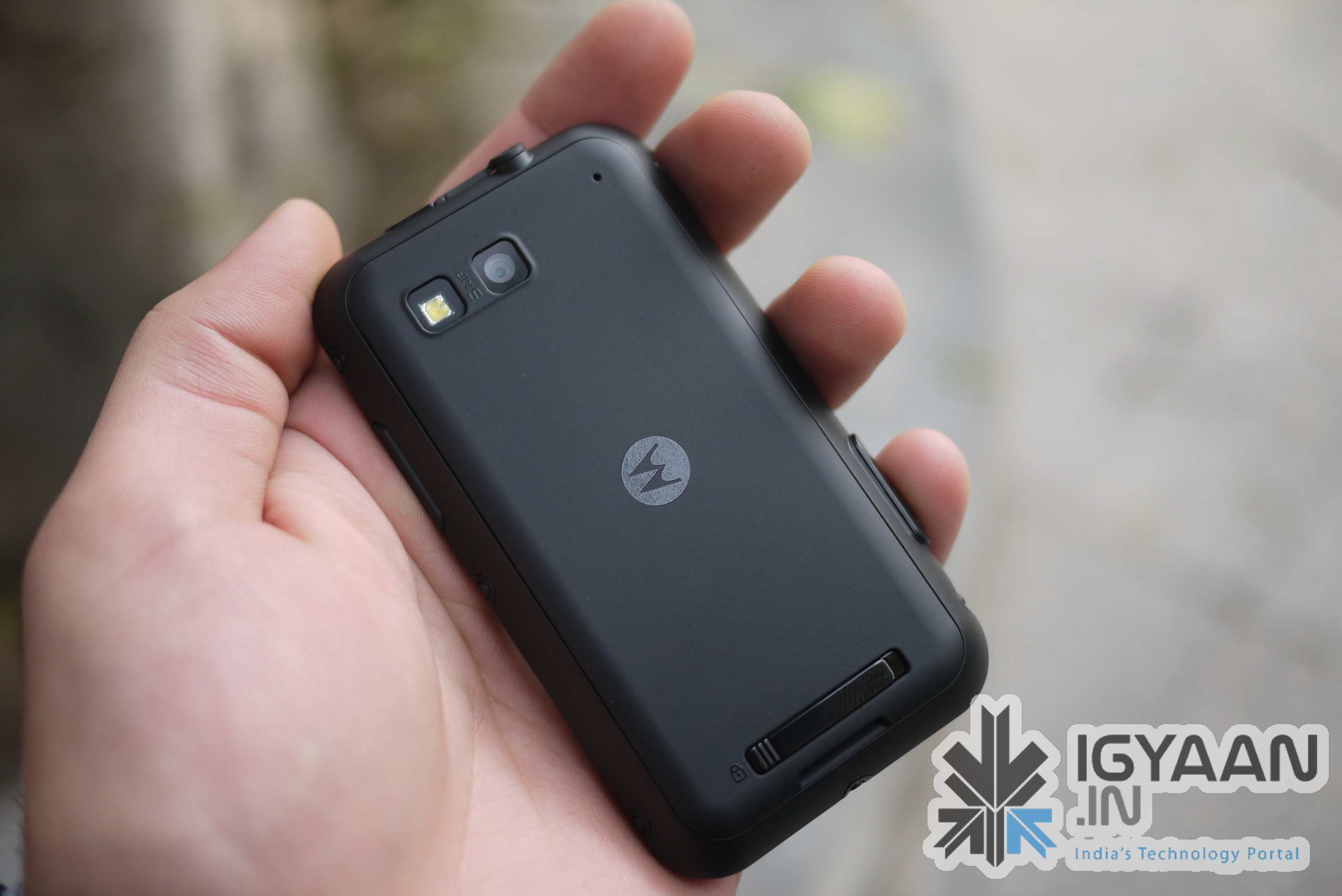
This device exceeds many others by leaps and bounds and does exactly what everyone wants, resists water and dust, the screen is tough and scratch proof, the construction is super rigid and environment proof, Drops on concrete and mis-pocket events wont deter the DEFY from doing what it promises to do, Stay with you till the absolute end.
Rubber backing, Rigid metal frame and outer body, along with gorilla glass and masculine rivets, which man would not want a defy?
The device delivers as promised and can live up to harsh expectations, dip it in water , throw it around even go through a wash cycle. check out our quick test video below
Hardware
Buying a smartphone today leaves you expecting more for less. Lets see what we like about the device:
Stunning 3.7″ touchscreen
480×854 px Resolution
Gorilla Glass
Rubber back seal
Water resistance
Dust resistance
Wifi
FM RADIO
5 Megapixel Camera
1500mah Battery
impact resistant design
Accelerometer
Proximity Sensor
800MHz Cortex-A8 processor
TI OMAP3610 chipset
The device has all the fancy stuff you can get at the price + it has the rugged construction. We still miss HD video.
Camera & Multimedia
The Defy packs a 5 MP shooter which has auto focus, but, lacks tap to focus. Hopefully, an upgrade from motorola can add that feature to the device. I
mages come out sharp from the device and extremely quickly. Video on the other hand is just VGA and could have been HD video at 720p. That would make the camera on the defy, a complete package. The fact that you can shoot images and video underwater is what makes the camera an extremely fun instrument to use. Video at pool parties anyone?
As far as media playback goes, since the device runs Android, it is capable of a vast variety of formats and supported codecs. Everything is available either free or at a premium from the marketplace. The device packs enough power to play all sorts of videos and stream movies from the internet. The loudspeaker on the device is simply “superb” packs a punch has great sound coming from a sealed speaker.
Call Quality and Battery Life
Here at iGyaan we stress on Call quality a lot. Especially since the DEFY is priced slightly higher than other phones, we wanted that the device perform well. We got exceptionally clear sound from the earpiece, even as the device was dipped into water several times it continued to sound clearer than ever. the microphone is also exceptionally good at doing its job. Motorola made sure that the earpeice issue was resolved before launching the device.
We got zero dropped calls in our 4 hours of testing and no signal issues what so ever. The device is just plain a good phone.
Battery life was also pretty impressive we got on an average 5 hours of talk time on the device. About 8-9 hours on media playback, 6 hours of internet browsing and about 20-24hours of music playback. All of this with the WIFI on. The battery is a 1500mah battery, the large capacity plays a huge role in such battery performance.
OPERATING SYSTEM
The Defy runs Android 2.1 with MOTO BLUR- (yes MOTO BLUR works perfectly in INDIA). The performance of the device is great with a few hiccups here and there. The upgrade to ANdroid 2.2 should be rolled out soon, and should remove the lagging in the processor. Since this device has a 800 mhz cortex A8 processor , flash would work perfectly in the browser. We would also definitely love the move to sd card option.
Currently in its state the Moto Blur and customized UI from Motorola add to the experience of the OS. The OS is color-ful and has a lot of unique customizations that make life that much easier while using the DEFY.
Conclusion
An extremely well built phone / device with somewhat all the latest features. It does lack a few things (HD video, Android 2.2) but atleast a software upgrade would bring one of them. Water resistant and dust proof had us from the get go. The device is an absolute must for the outgoing individual, an outdoor person or even a clumsy fellow.
Priced at 18,000/- INR
This device gets a 4.5/5.0 from iGyaan
WE SAY POCKET IT!
Check out the full Review Video and the remaining images below.
So we just finally got word from Motorola. As we reported, The defy was officially announced yesterday in New Delhi and was made available simultaneously across vendors and distributors.
We will be uploading the unboxing video tonight followed by the review video sometime later this week.