Tag: App iOS

  • iOS 16 Public Beta Has Arrived, And Here’s How You Can Download It Right Now

    iOS 16 Public Beta Has Arrived, And Here’s How You Can Download It Right Now

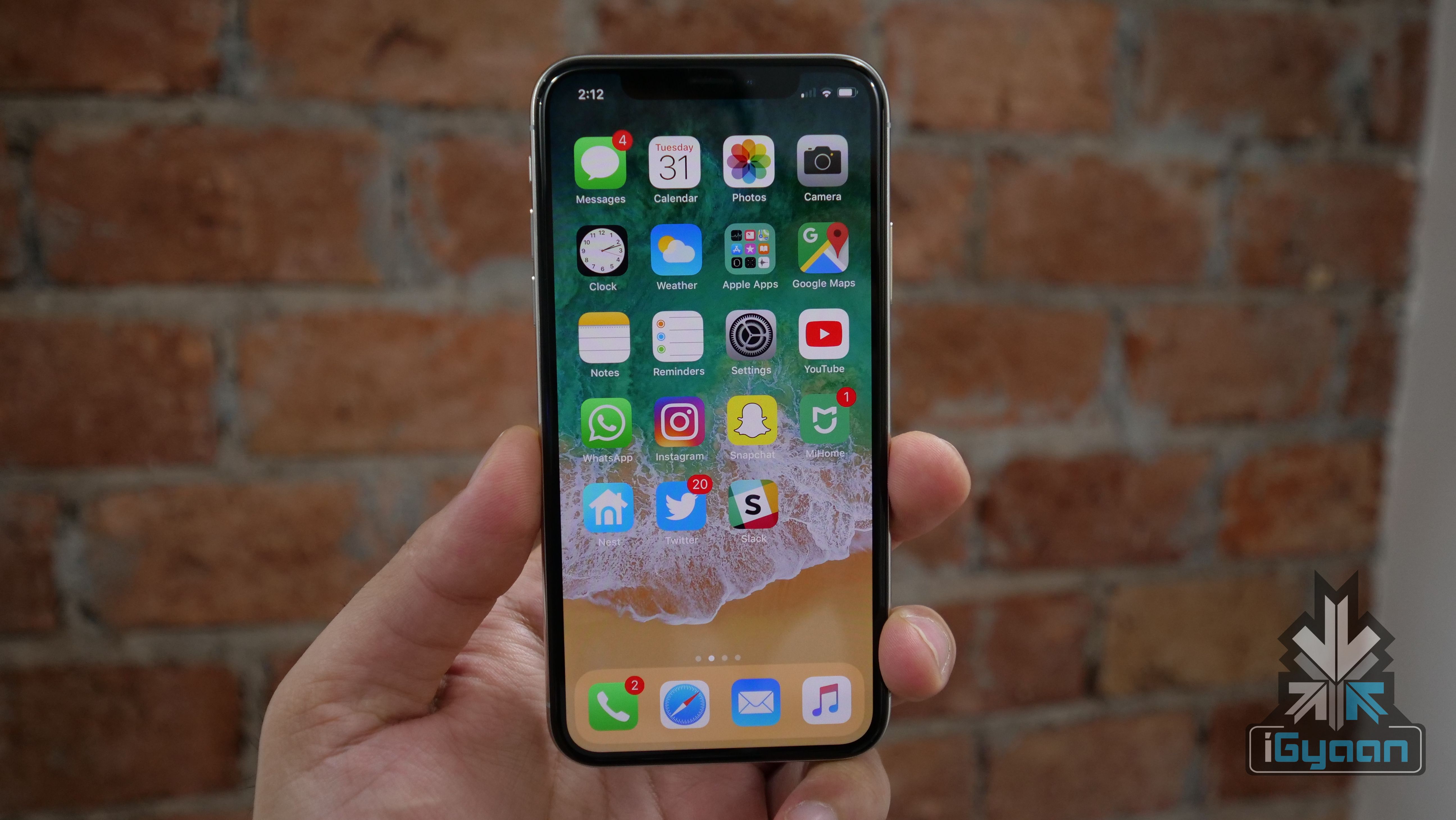
    Apple released the latest iOS 16 developer beta last month during WWDC 2022. However, since developer betas require an Apple Developer Program membership and the OS is not considered stable, not many download it. Beta software is also not recommended for daily use as it can be super buggy and problematic. Apple has just launched the public beta for iOS 16, which is free and should be a bit more stable, since it is designed for public testing. All one has to do is sign up to the Apple Beta Software program, enrol your device and install the config file to get iOS 16 on your device.


    Here’s how you can update your iPhone to iOS 16.

    Do note that you should take the necessary precautions before updating like backing up your device if you want to roll back to iOS 15.

    Step 1: Sign up for Apple Beta Software Program

    After backing up your device, here are the steps you should follow

    • Go to the Apple Beta Software Program website on your iPhone.
    • Tap on the Sign-Up button at the bottom of the page.
    • You can use either Touch ID or Face ID to login into the Apple ID attached to your iPhone.
    • Read and accept the Apple Beta Software Program Agreement.

    On the next page, scroll to the bottom to Get Started enroll your iOS device, which should be hyperlinked. This will take you to another page, where Apple will give you everything you need to do to download and install iOS 16 public beta on your iPhone.


    Step 2: Installing the iOS 16 public beta configuration profile

    Once you scroll down the page, you’ll reach a section called Install Profile. You will need to install a configuration profile on your iPhone if you want to download and install the iOS 16 public beta to your device.

    A configuration profile basically allows a third party to manage your device, Apple in this scenario. While one can have valid concerns about whether this is a privacy breach or not, this configuration profile simply allows Apple to deliver and manage the iOS 16 public beta on your iPhone.

    To install the profile, click on the blue Download profile button and then tap Allow in the following pop-up prompt. After that, go to the Settings app and click Profile Download at the top of the page, after which it should you a window for the iOS 16 public beta configuration profile. Click install, enter your passcode and further follow onscreen instructions. Finally, restart your phone to get the OTA iOS 16 public beta update.

    Step 3: Download and install iOS 16 public beta
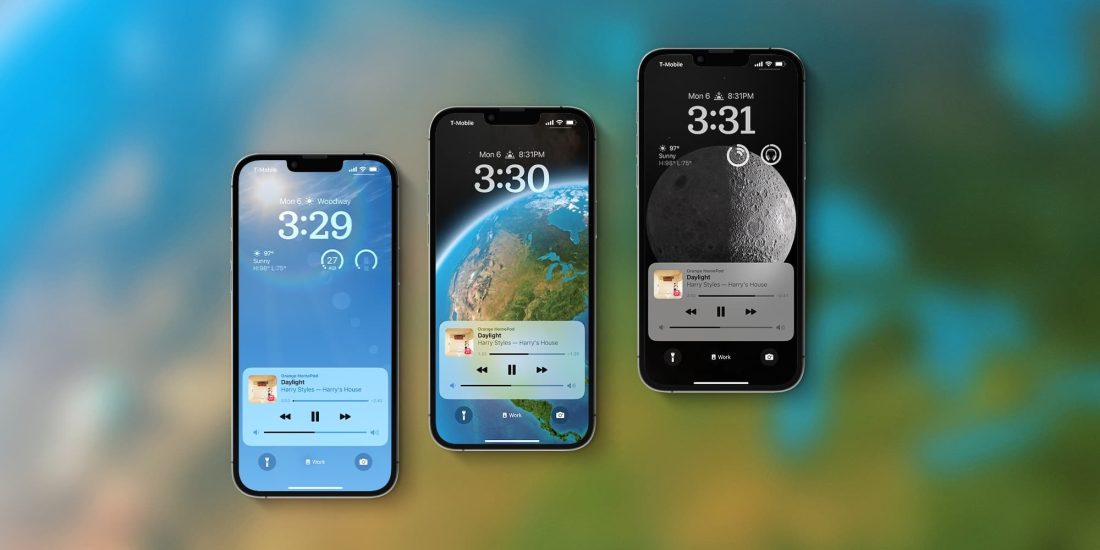
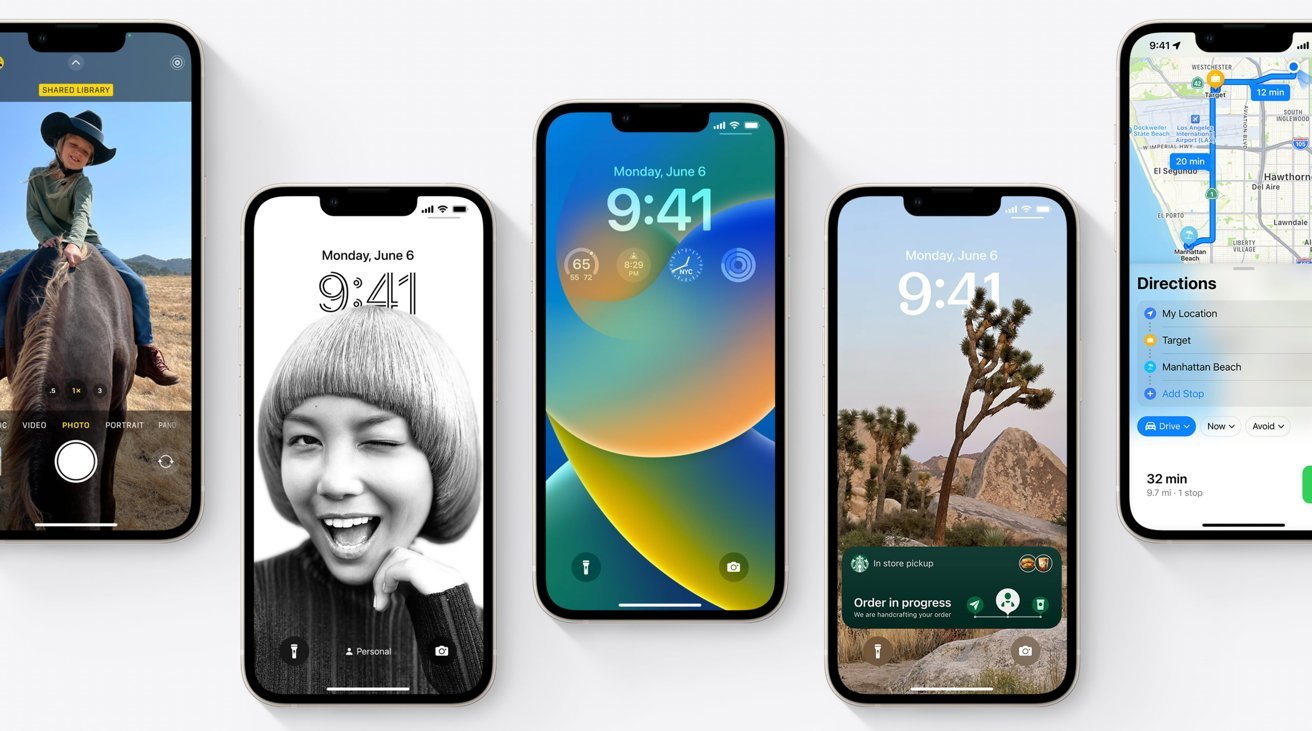
    iOS 16 Lockscreen

    After your iPhone boots up, go to Settings > GeneralSoftware Update, hit Download and Install and enter your passcode to begin the process of updating to iOS 16 public beta. If for some reason you do not see the Download and Install option, try waiting for a short while or clear some of your memory to make space.
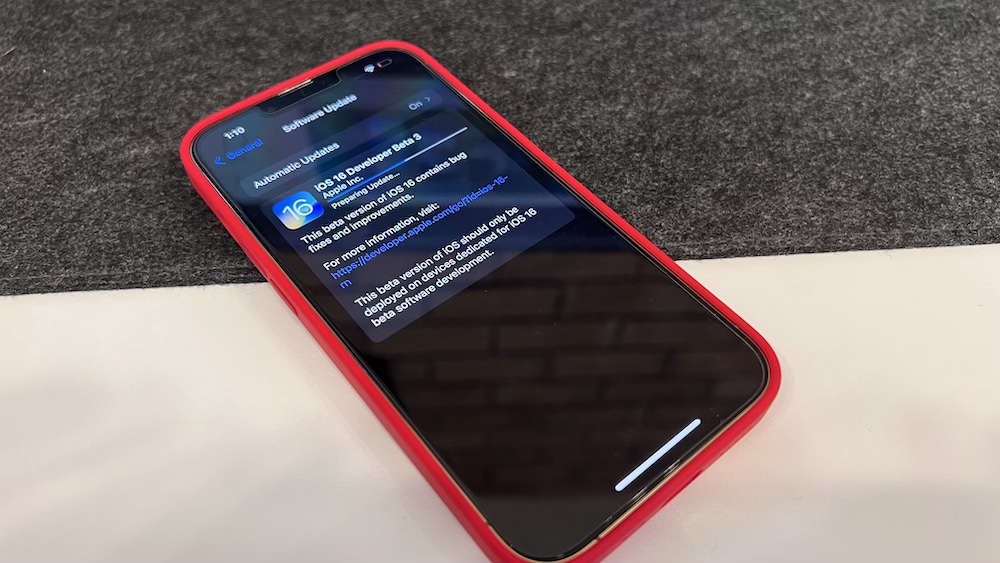
    You won’t be able to download and install iOS 16 on your device if you don’t have enough internal memory. Once everything is sorted, you should be seeing a loading bar that will show the estimated time of download. After the download is complete, reboot your device and wait for iOS 16 public beta to install. Once your iPhone is booted up, you should be seeing the new iOS 16 public beta running on your device.
  • Apple To Roll Out iOS 12.1 Update With New Emojis & Group FaceTime

    Apple To Roll Out iOS 12.1 Update With New Emojis & Group FaceTime

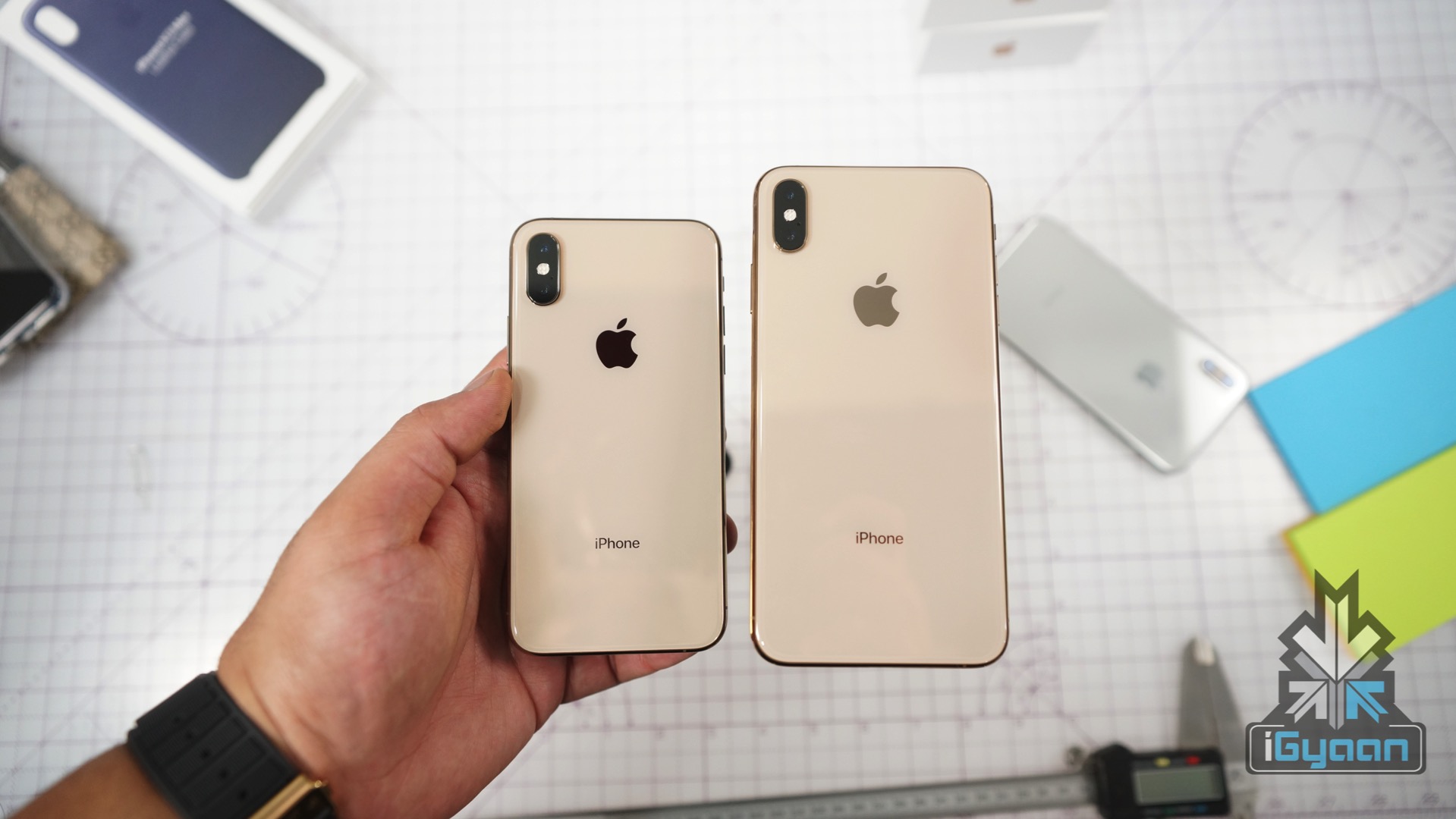
    The latest Apple iOS 12.1 for the iPhone, iPad & iPod Touch will be released today under the free software update. The update will add multiple new features to the current devices like new emojis, real-time Depth Control for portrait mode, Group FaceTime and dual SIM support. Additionally, the update might fix the ‘beauty-gate’ issue that has affected iPhone XS & iPhone XS Max’s front selfie camera.

    Dual SIM iPhone

    The Dual SIM support is new to the latest Apple iPhones which include the iPhone XS, iPhone XS MAX, and iPhone XR. The new iPhones have one physical sim card slot and an additional in-built eSIM which is programmable for the second number. This iOS update will bring support for the second SIM to other phones as well. The update also displays the currently active SIM and the network indicator in the Control Centre.

    However, the Chinese variant of iPhones doesn’t support eSIM card. Hence, the Chinese variant has a slightly different hardware to accommodate the two physical SIM cards.

    All New Emojis

    The initial release of iOS 12 added the customizable memojis and four new Animoji characters. The latest iOS 12.1 will add human-like emojis including bald people, redheads and several other characters.

    Group Facetime

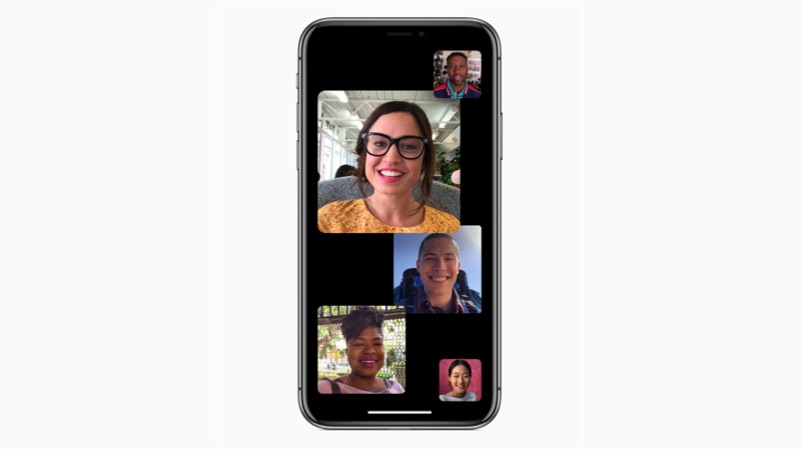
    With iOS 12, Apple completely redesigned the video and audio calling app, FaceTime. The redesign adds memoji, animoji support and effects like stickers. The latest iOS 12.1 will support group video calling between up to 32 individuals. The latest FaceTime software is built with Apple’s iMessage and it allows users to leave or join the ongoing call without reconnecting.

    It is noteworthy that some devices running on the iOS 12.1 will not support group video chat due to hardware limitations. The unsupported devices include iPad mini 2, iPad mini 3, iPad Air and phones released prior to the iPhone 7. However, they do support audio group chat.

    Real-Time Depth Control Support

    The Portrait mode on the new iPhones creates a dept effect by adding a background blur to the subjects in the photo. The iPhone XR, XS, and XS Max already allow editing the amount of background blur from the photos app.

    Also read: OnePlus 6T Unboxing And Hands On Video

  • iOS 11.3: Top Five Features

    iOS 11.3: Top Five Features

    Apple is expected to release the iOS 11.3 update for compatible iPads and iPhones in the next few days. This will be one of the biggest software updates, after iOS 11.2, which introduced Apple Pay cash.

    The company was highly criticised for slowing down older iPhones to save battery life without user’s consent. After this fiasco, Apple also decreases the price of battery replacement from Rs 6,000 to Rs 2,000.

    The main focus of this update is to resolve that issue, where, owners of older iPhones will be able to toggle between the performance and battery life with a touch a button. Additionally, this also introduces some other features as well. So, here are the top five features to look forward to in iOS 11.3.

    Privacy

    If the company decides to introduce a feature, that might interfere with the performance of the device, one might see this option. Additionally, when Apple collects personal data to personalise the user experience, the same icon will be displayed on top of the device. This provides a transparency between the user and company to build a strong foundation of security. Similarly, the setting app icon for privacy has been updated from a grey icon to blue coloured one.

    Battery Health

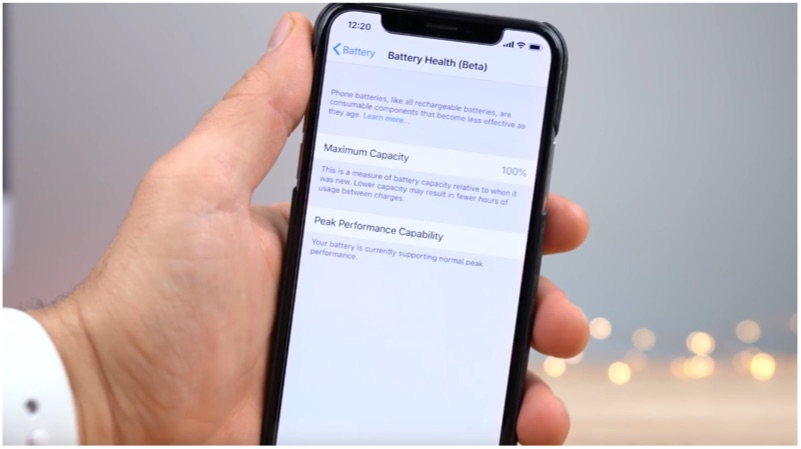
    This feature will help users to get detailed insights on iPhones battery condition. Depending on the condition, a user will be able to toggle the switch between performance and battery life. Additionally, Apple says, manually toggling the switch will affect battery life. This means user’s with older iPhones will be able to get back the device performance without replacing the battery.

    iOS 11.3

    Four new Animojis

    This feature is only limited to the iPhone X users. With this new software update, Apple adds four new Animojis characters. Lion, Dragon, Skull, and Panda are the four new characters that have been added to this update.

    Messages on iCloud

    iMessages now seamlessly sync with iCloud to free up storage on your phone. This also means that one can access messages on devices like iPad and Mac by signing into your Apple ID. Additionally, if you delete a message on one device, it will be deleted from other devices as well.

    Multi-Room support for AirPlay 2

    This is one nifty feature, which helps you to play the same music on more than one Apple devices. If you have a Home Pod and an Apple TV, now you will be able to play music on both devices simultaneously.

  • This Device Can Break Into Any iPhone

    This Device Can Break Into Any iPhone

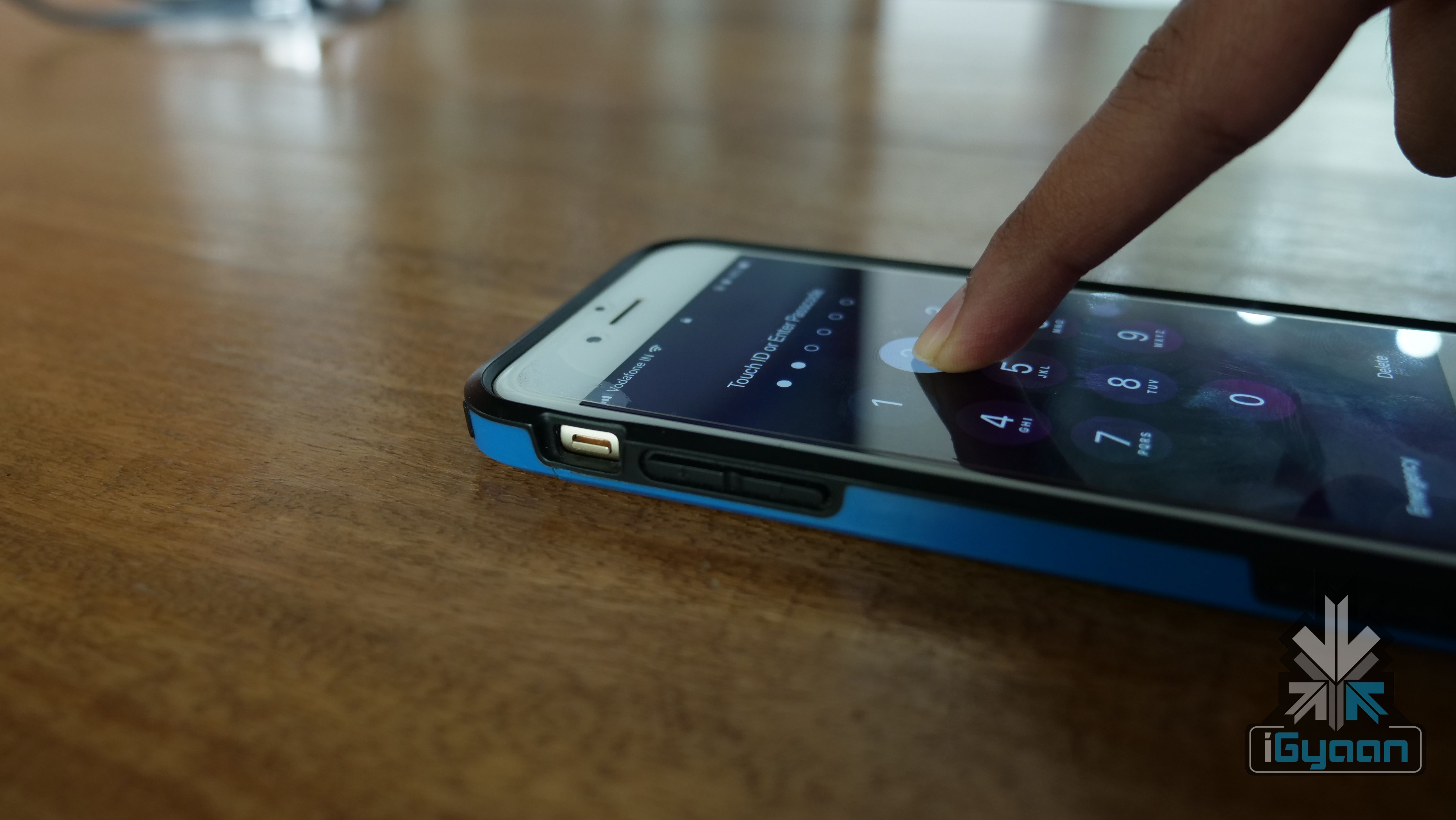
    Smartphones have become our primary devices very quickly. Our documents, pictures, music, everything resides in our palm thanks to smartphones. Also, over the years, smartphones have come under scrutiny for their lacklustre security. A few months ago, OnePlus 5 was found to be vulnerable to hacking. While that was software based, a new device claims to be able to break into any iPhone.

    GrayKey

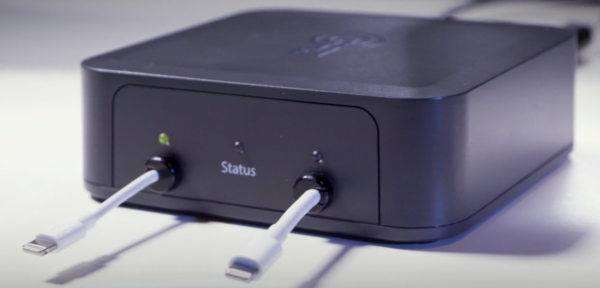
    A new device called GrayKey looks, ironically, like an Apple TV and can bypass any iPhone’s security code. The device is made by Grayshift, an Atlanta, US-based company and comes to light after the recent debate around company ethics and smartphone security. A couple of years ago, FBI asked Apple to give it access to the iPhones of San Bernardino shooters. Apple declined and FBI discovered that there are third-party services that can break into iPhones. While FBI was able to bypass those iPhones, it is surprising that Apple has not yet closed that backdoor access.

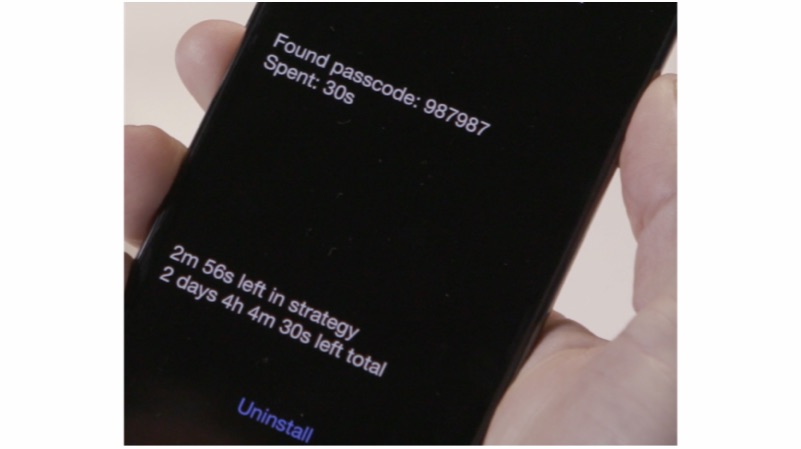
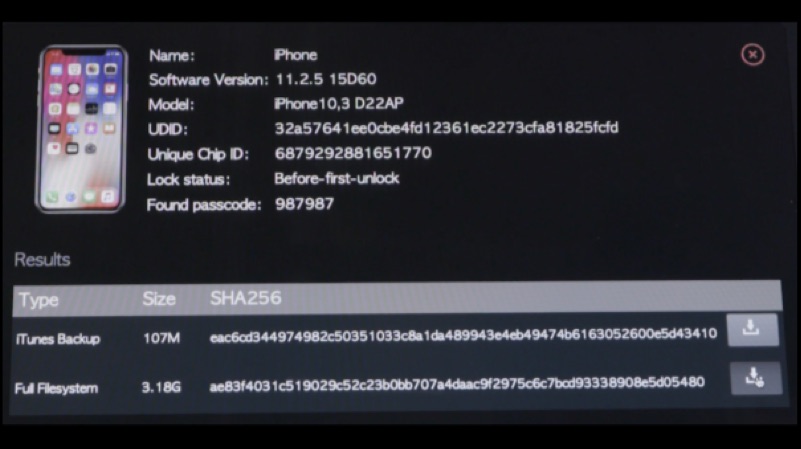
    GrayKey has two lightning cables attached to it. The process of hacking into an iPhone starts with the iPhone being connected to the device for two minutes. After two minutes, the iPhone is disconnected and it shows a black screen. The black screen then displays the passcode and other information. However, it is worth noting that this process depends on how complex the passcode. It can even take up to two days to crack the code.

    Grayshift claims that even disabled phones can be cracked. Once the iPhone is unencrypted, all the data is downloaded to the GrayKey device. What is even more mindboggling is the price of this device. The GrayKey is available in two variants, the US$ 15000 (Rs 975,675 approx.) model needs an internet connection, and is geofenced to work on a single network. The other variant costs a whopping US$ 30,000 (Rs 1,951,350 approx.) which doesn’t need an internet connection and can bypass devices as the owner wants.

    It is worth noting that these devices will be nullified if and when Apple comes up with a fix for this vulnerability.

  • Florence Game Coming Soon To Android

    Florence Game Coming Soon To Android

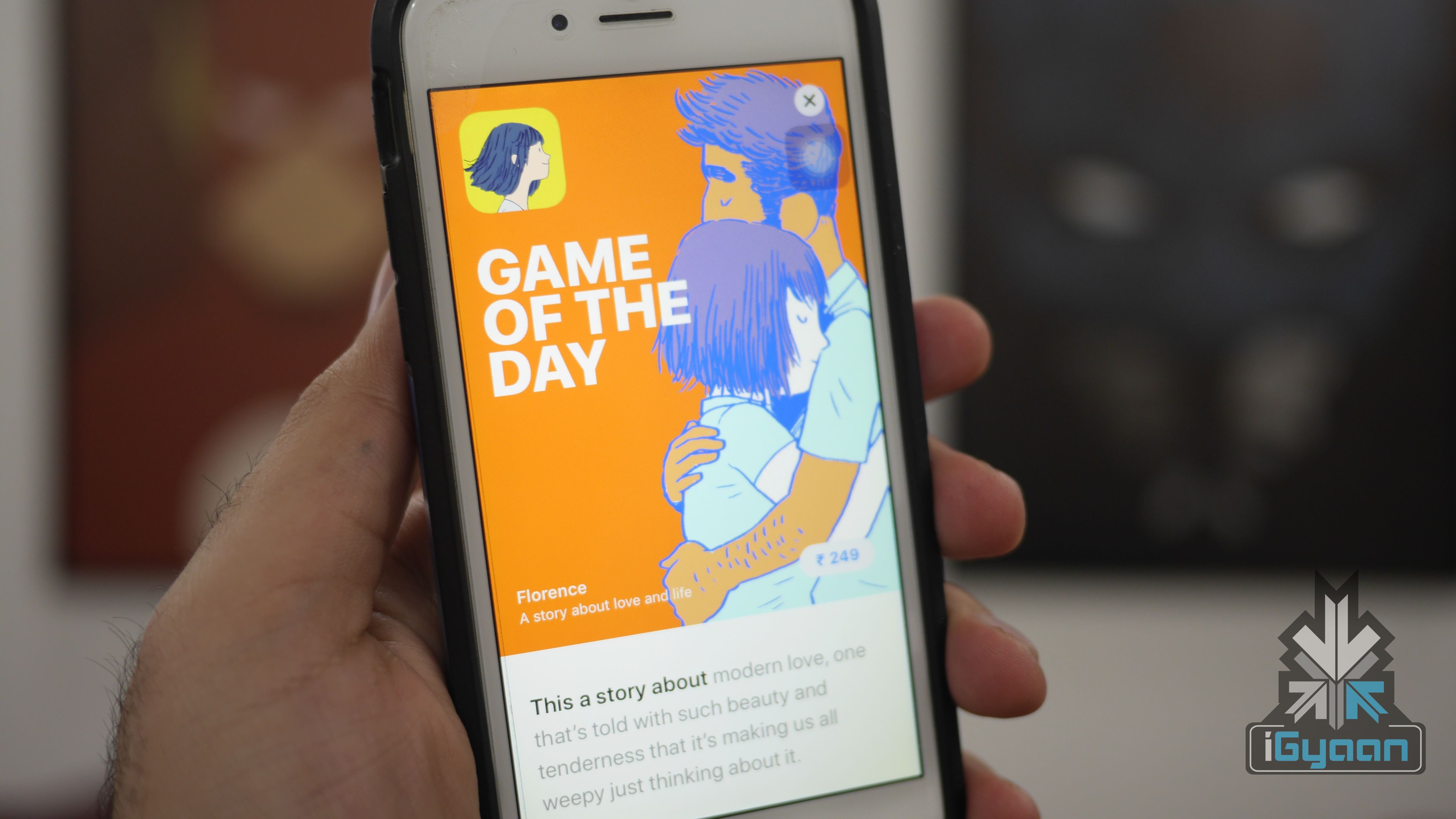
    Annapurna Studios is all set to launch it’s critically acclaimed Florence Android OS. The novel-like game is already available on iOS for US$ 2.99. The game is based on the romantic situations of the lead character Florence Yeoh. The app was originally released for iPhones and iPads on Valentine’s day. In fact, the game has received a positive response from users as well as reviewers.

     The studio behind “Florence”

    Florence

    Florence is the first gaming title from the Monument Valley designer Ken Wong’s Mountain studio. The concept has been brought to the mobile platform by Annapurna Interactive. In fact, this is the company that is behind the trending iOS titles like Flower and the puzzle game, Gorogoa. So, the company might launch the Android versions of these as well.

    The game has webcomic-like visuals which look really impressive. In fact, it looks similar to old-school oil paintings. The game is all about discovering yourself by solving simple puzzles. If you are looking for a game with a narrative screenplay, then this could be the game that you can consider.

    As of now, the company has not announced any launch date or pricing. However, it will be a paid app, just like the iOS counterpart.

  • Apple Releases iOS 11.2.6 To Fix Telugu Character Bug

    Apple Releases iOS 11.2.6 To Fix Telugu Character Bug

    Apple has rolled out a new software update for iOS devices. The new iOS 11.2.6 update fixes the Telugu character bug, that we reported a few days before. The software update patches the vulnerability of iOS devices, which crashed upon using a specific character combination. The update comes with a size of 163.2 MB and the users have to connect their devices to a Wifi network to download and install the update.

    The new software update also patches connection of third-party apps with the external accessories. This is a critical software update and all the iOS users are prompted to install the latest patch as soon as possible to prevent crashing of certain apps.

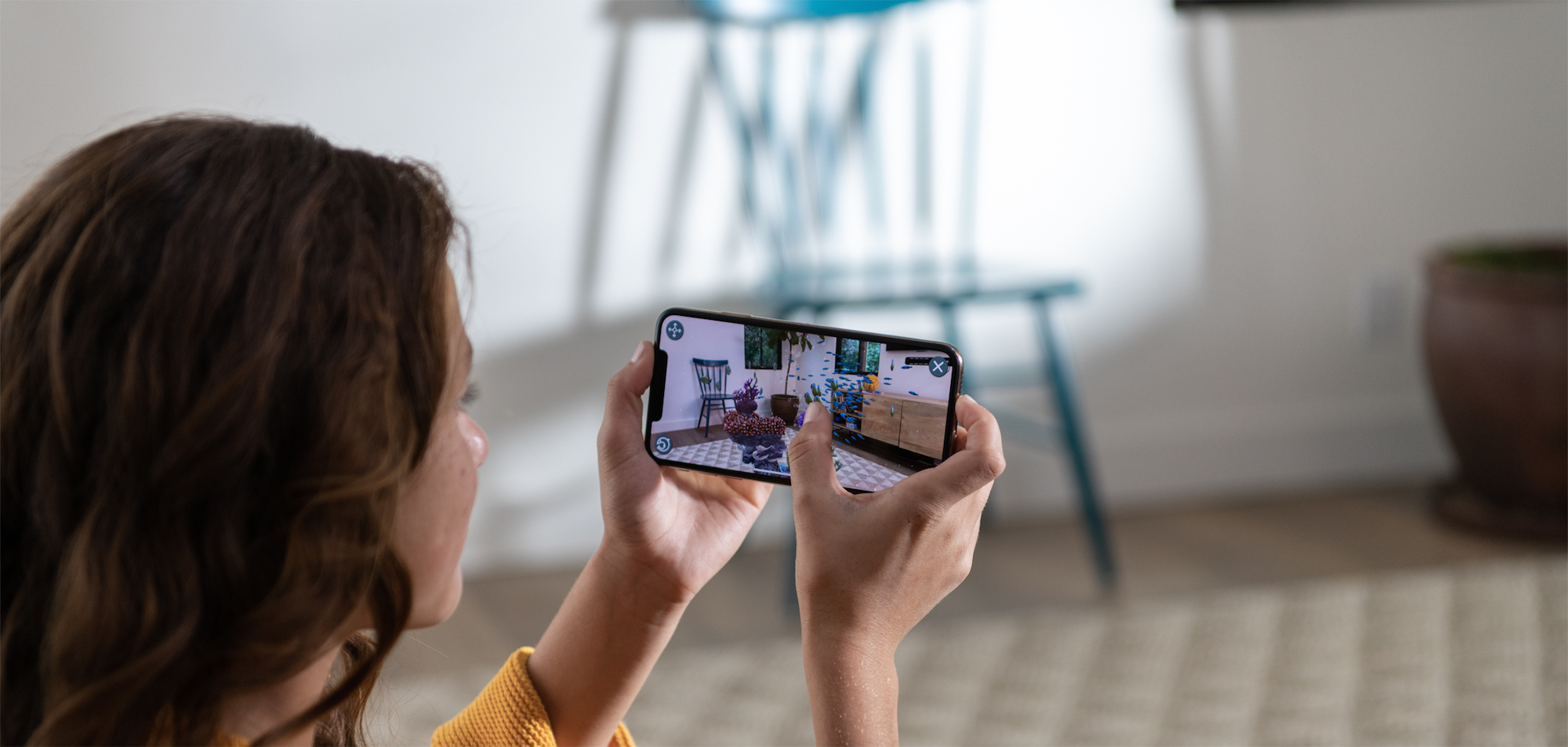
    The company is also expected to roll out iOS 11.3 soon, which brings in new animoji and support for AR. The iOS 11.3 will also enable users to toggle the performance of the device on older iPhones. With this update, the user can switch between performance or balanced mode depending on one’s requirement. This will also enable a transparent layer to check the health of the battery on iPhones.

    How to install iOS 11.2.6?
    • Plug your device into power socket
    • Connect to a wireless Wifi network
    • Go to setting > General > Software update
    • Tap download and install
    • If it prompts for password, then enter your password
    • Do not turn off your device at the time of installation at any cost
    • After successful software installing, the device will reboot itself
    • Vila, you have updated your iPhone or iPad to the latest available software


  • One Telugu Letter Can Crash Your iPhone Or iPad

    One Telugu Letter Can Crash Your iPhone Or iPad

    A Telugu character is all over the internet, causing massive app-crash on iOS devices. Some users have reported, whenever they receive a message with the specific Telugu character, the app crashes and becomes unresponsive. The bug is affecting the iPhones and iPads running on iOS 11.2. However, if the iPhone/iPad runs on iOS 11.3, then your device will not be affected. So, if a user receives a text with the Telugu character on WhatsApp, iMessage, or Gmail the app goes unresponsive.

    Apple has officially responded, stating that the company is working on a software update to fix the issue. So, we might expect an interim iOS update, which should patch the bug.

    Apple has responded to iMore stating:

    The bug has been patched on the beta version of iOS 11.3. Users will receive a software update very soon that patches the bug.

    How to fix this on an affected iPhone or iPad:
    • If the third-party app like WhatsApp or Gmail are affected, then uninstall and re-install the app (delete the complete thread after re-installing)
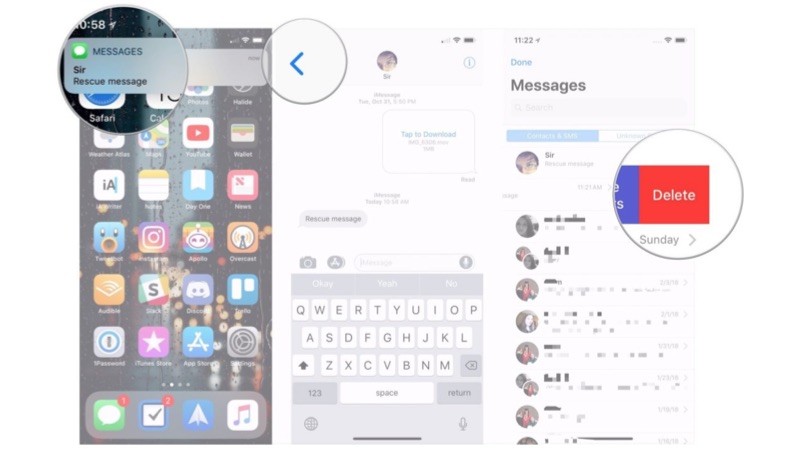
    • If the iMessage app is affected, then tell your other friend to send a text and open the text message from notification shade, go back to the main page and delete the complete thread.


  • WhatsApp’s Latest iOS Update Allows You to Mute Individual Chats

    WhatsApp’s Latest iOS Update Allows You to Mute Individual Chats

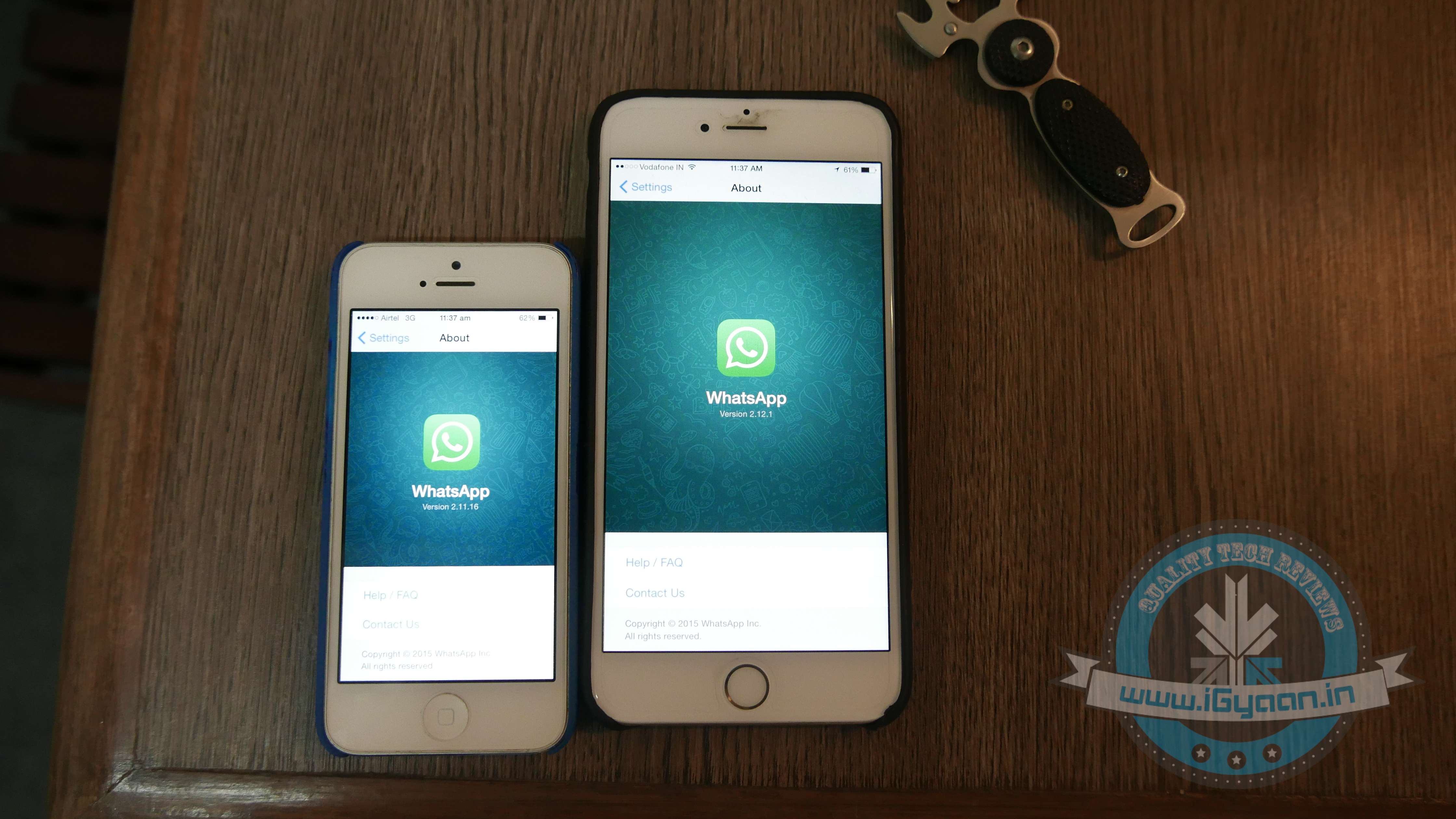
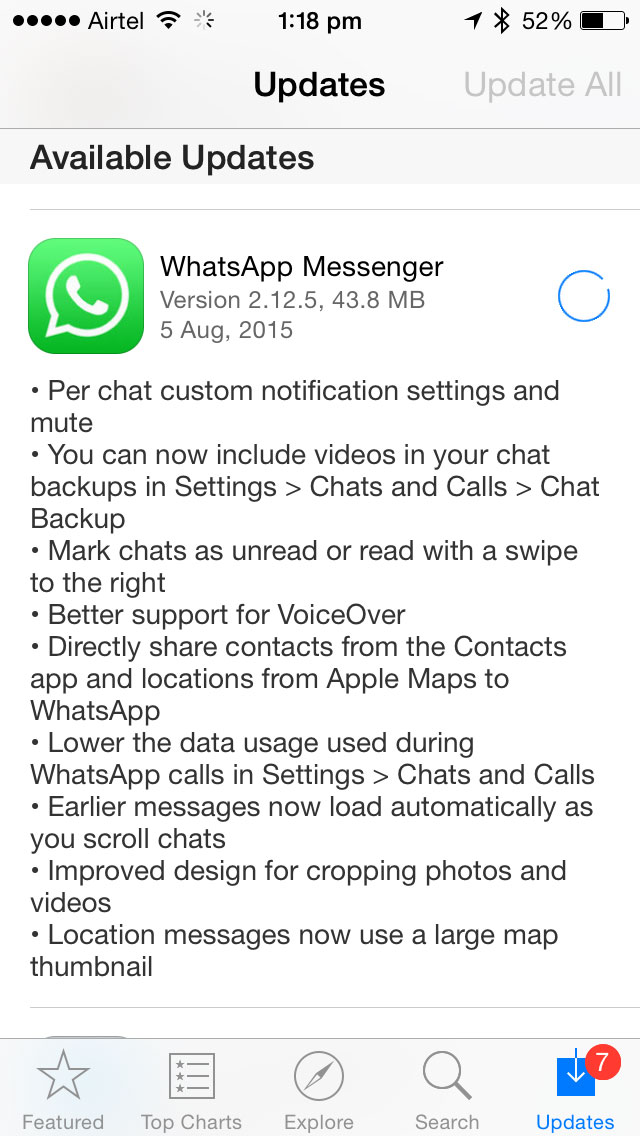
    Whatsapp has been rolling out quite a few updates only for Android devices, leaving iOS users with absolutely no new features that the Android user enjoys. Today, it looks like Whatsapp for iOS has bought in some noteworthy and useful features, while some of these are not available for Android.

    whataspp

    The new update brought in features like backing up video chats, improved VoiceOver support and sharing location directly on Whatsapp, which will show a large map thumbnail for improved reading. If that is not good enough, Apple Maps can also be shared to Whatsapp directly.

    Messages can now be marked as Read/Unread. A feature already present in Whatsapp for Android, this allows users to mark messages as unread. For iOS devices, a swipe to the right marks the message as read or unread which earlier gave the option to delete a conversation.

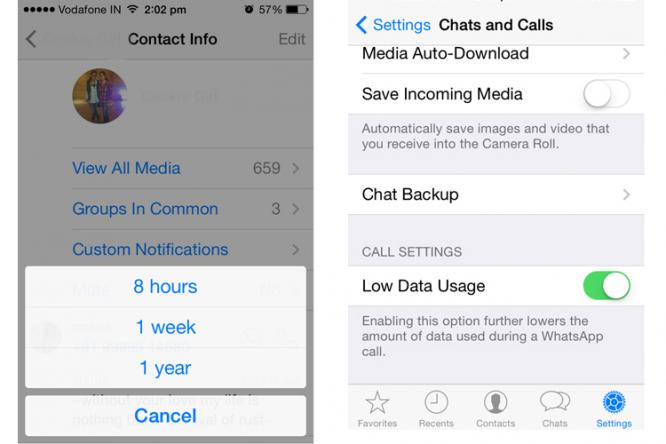
    One of the most exciting new features is the Mute Individual Chat. This feature is for now, absent in Android and as the name suggests, allows you to mute individual contacts. Earlier, you could mute only group chats. You can also customize chat notifications, setting up specific message tones for different people now.

    Whatsapp has also disabled the ‘Show Preview’ in the iOS update to provide better security and privacy and gives the option of lowering data usage on Whatsapp calls.

    Whatsapp-for-iOS1

    You can download the new update for iOS here.

iGyaan Network
Privacy Overview

This website uses cookies so that we can provide you with the best user experience possible. Cookie information is stored in your browser and performs functions such as recognising you when you return to our website and helping our team to understand which sections of the website you find most interesting and useful.