The biggest roadblock to adoption of the Blackberry 10 is simply getting the device and the experience into peoples’ hands. The average smartphone user rarely walks into a mobile store searching for new operating systems to use, so instead of of BlackBerry waiting impatiently for its chance to shine, it’s decided to come to the people.
The company launched an HTML5-powered smartphone portal for iOS and Android users this week which attempts to emulate the BlackBerry 10 experience. By swiping, tapping and experiencing, users can ascertain a taste of the real thing, it’s nowhere near as smooth as the Z10 itself.
Even if you’re a dedicated iOS or Android fan, you still might have some curiosity about BlackBerry 10. And by using your mobile browser to head to the BlackBerry 10 Demo page, you can get to experience exactly what it feels like to use the virtual QWERTY on the BlackBerry Z10, check your messages and social networks with BlackBerry Hub, select the best head shot with BlackBerry Time Shift and check out BBM with Screen Share.
It introduces users to the swipe-and-peek navigation of the new operating system, hoping its innovation will shine through in person rather than on billboards or commercials.
It’s a brilliant idea, one that more mobile makers should take on. Online demos are a great way to let potential users test-drive a platform or major update without making a major commitment.
The Time for a change, in the way we look at smartphones, has come to India, funnily enough technology has started to come to our shores than faster the time it takes to penetrate the Western Hemisphere.
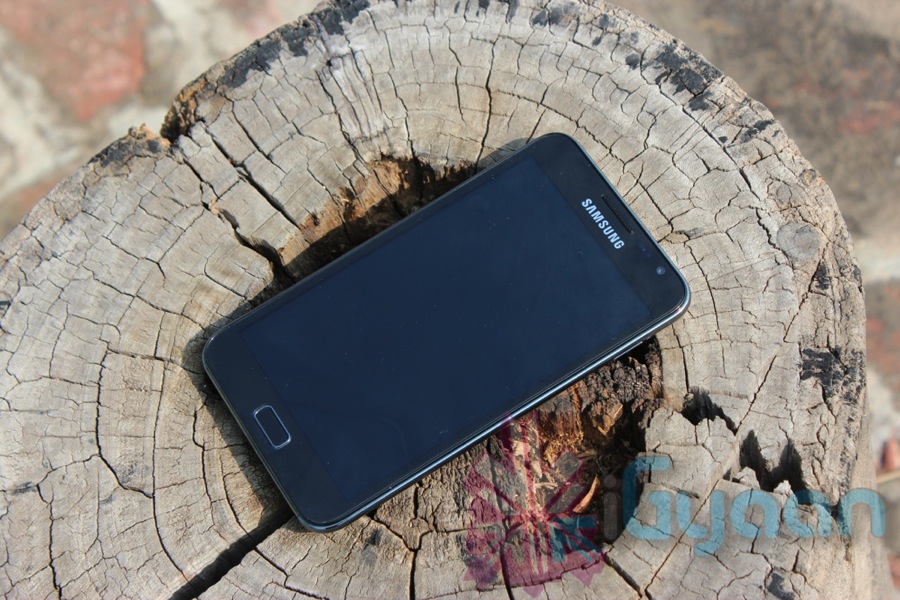
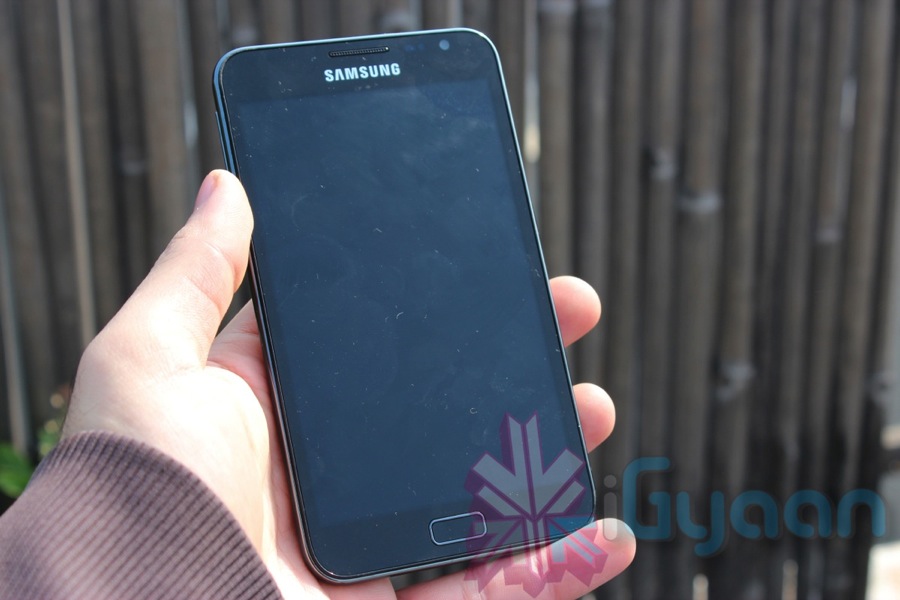
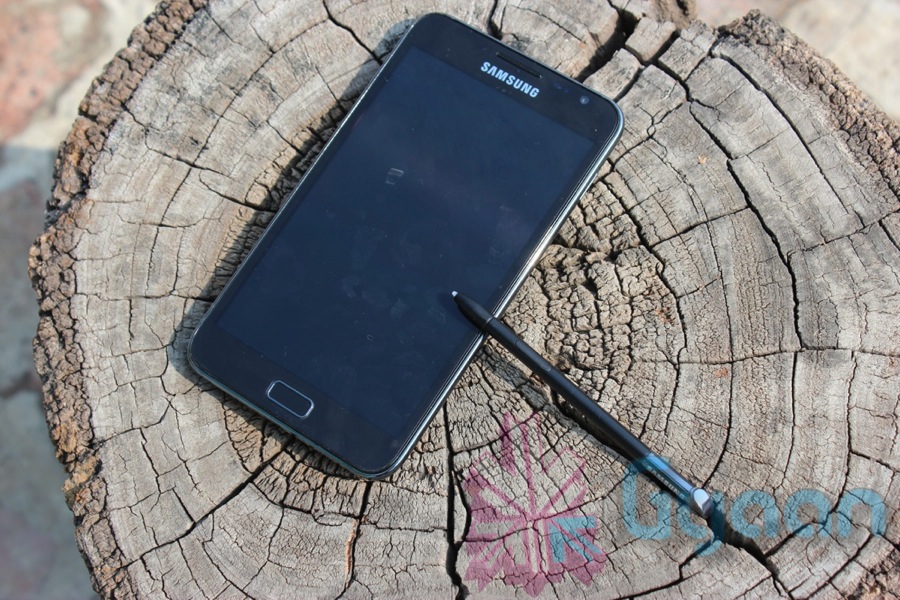
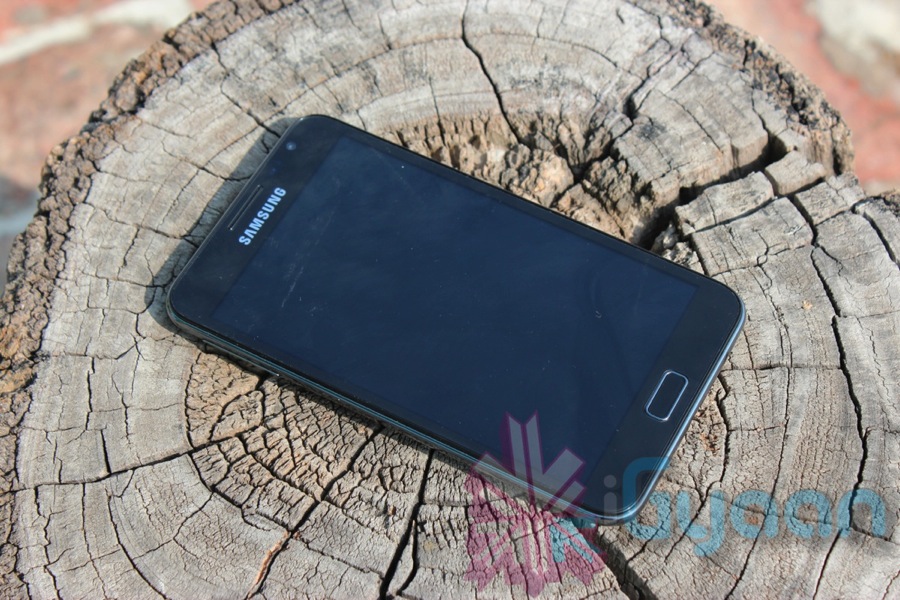
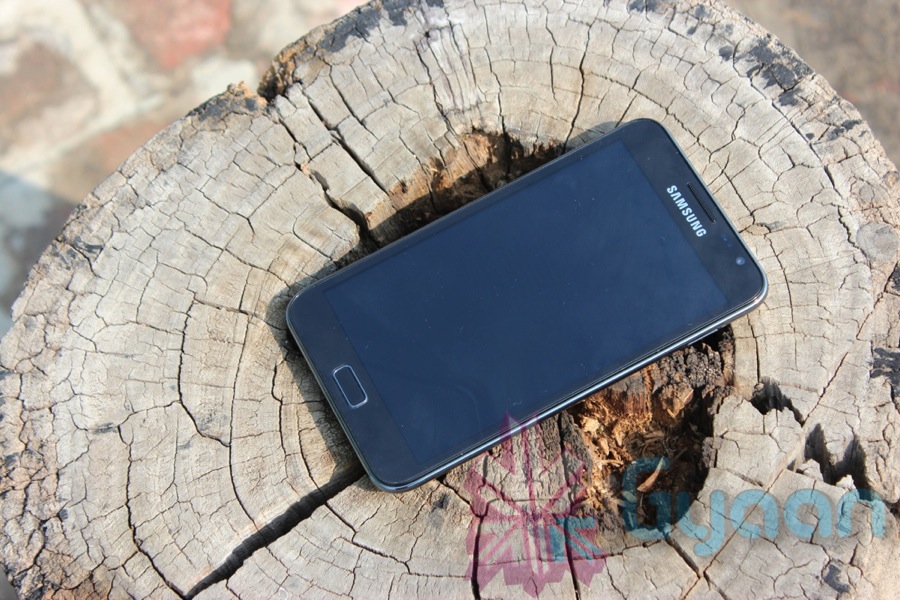
The Samsung Galaxy Note is a device that is being targeted as a Hybrid device and trust us, its doing wonders for Samsung aswell. So why does the Samsung Galaxy Note spin a different note? We’ll tell you why!
Build Quality
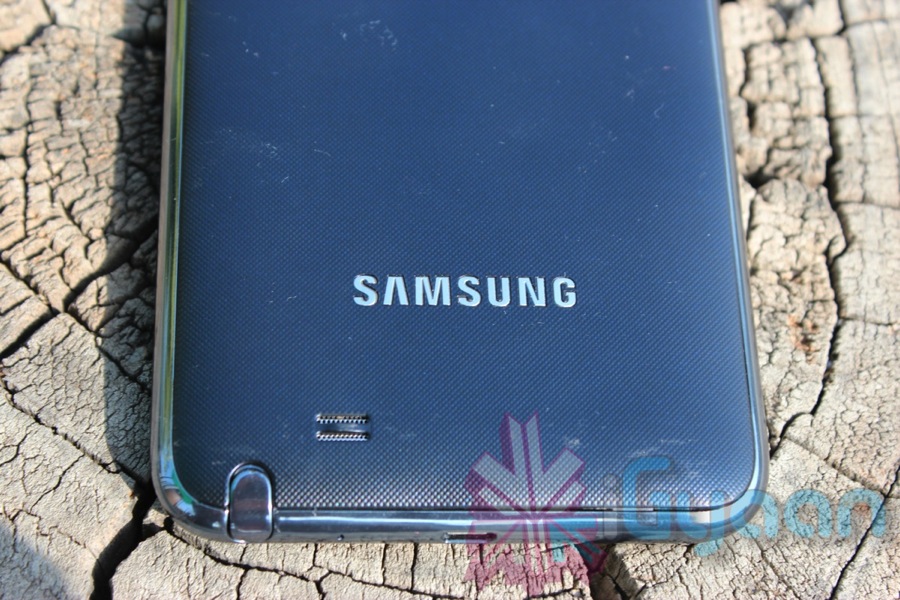
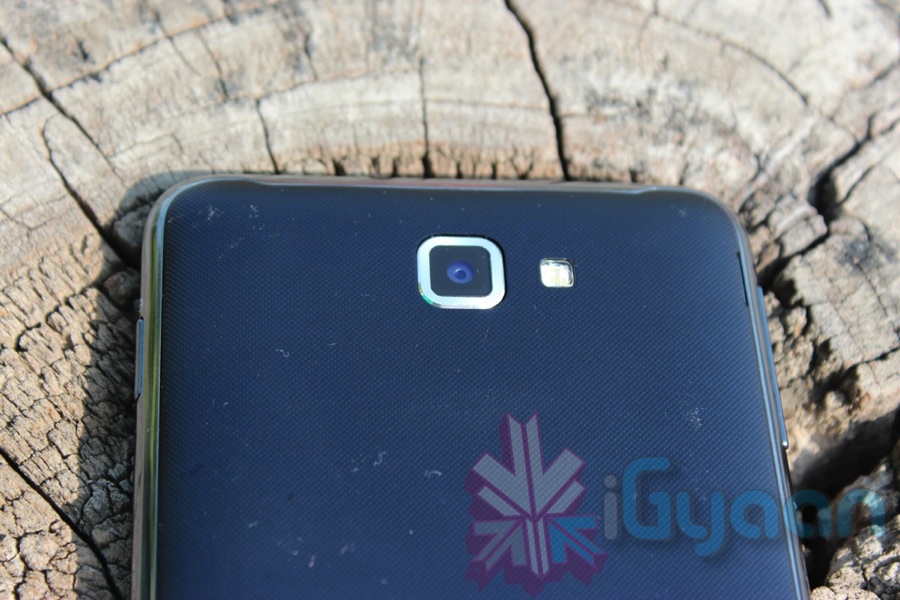
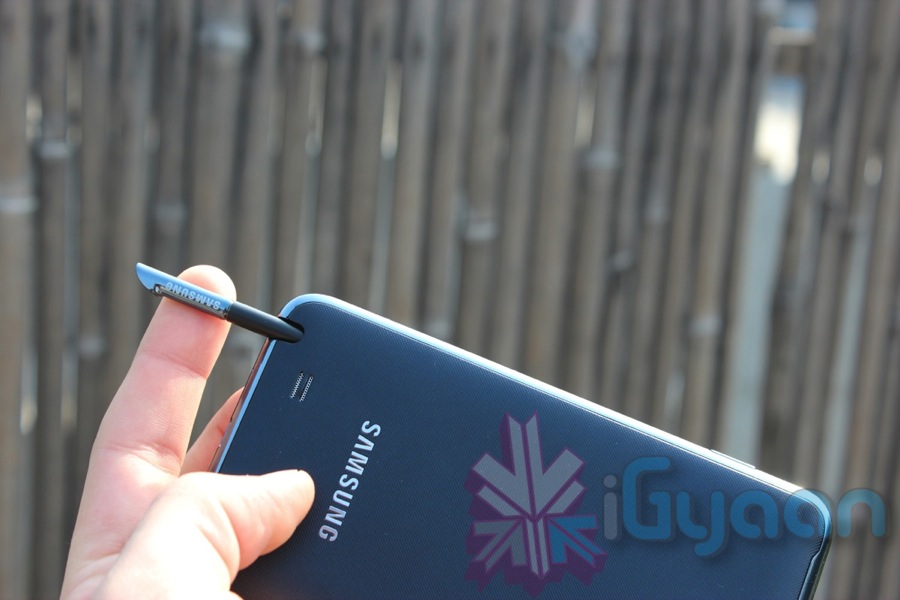
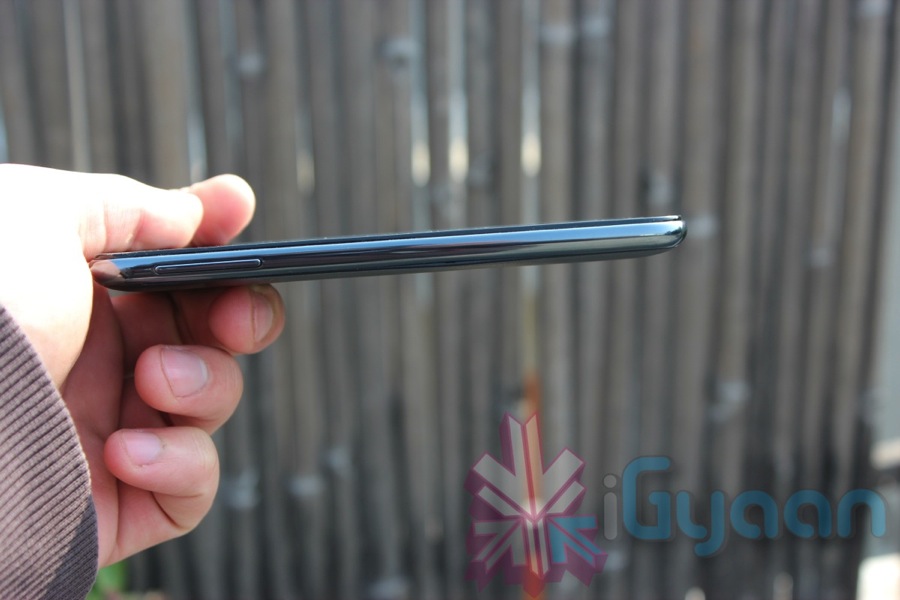
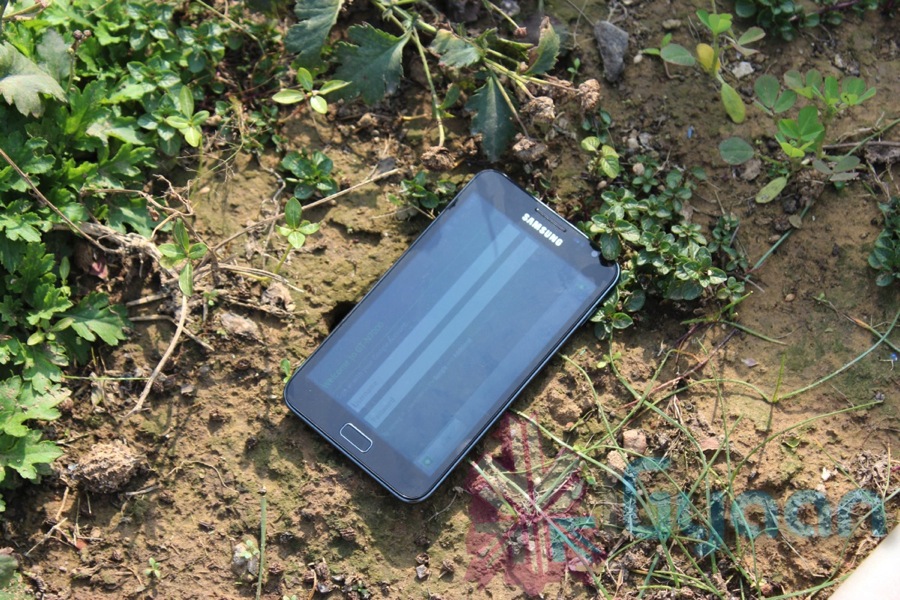
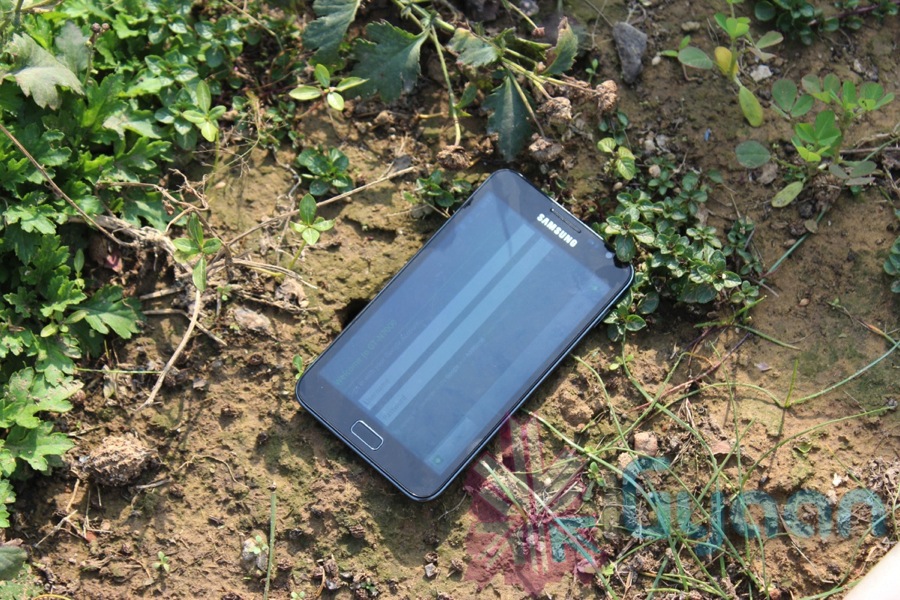
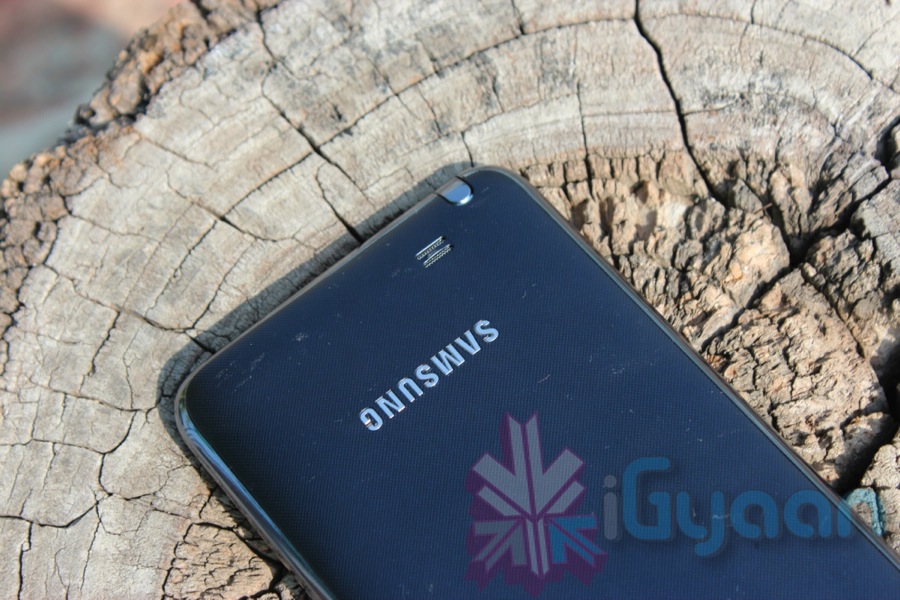
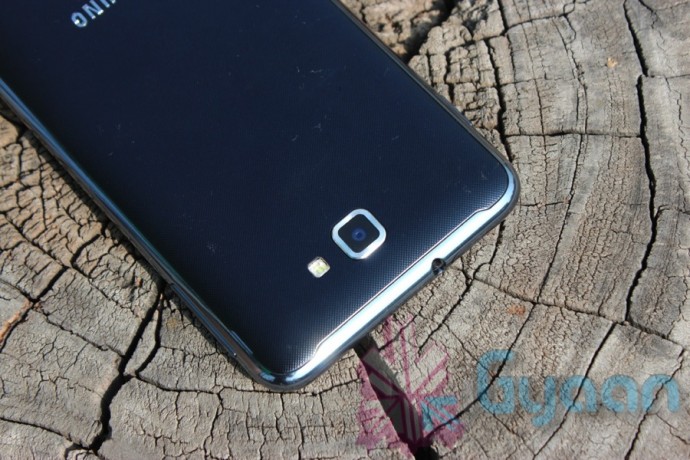
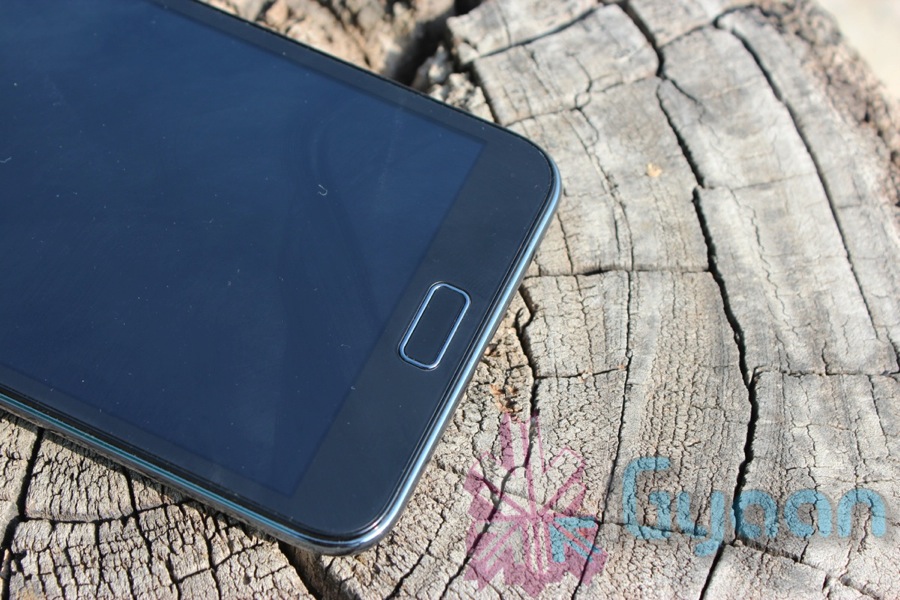
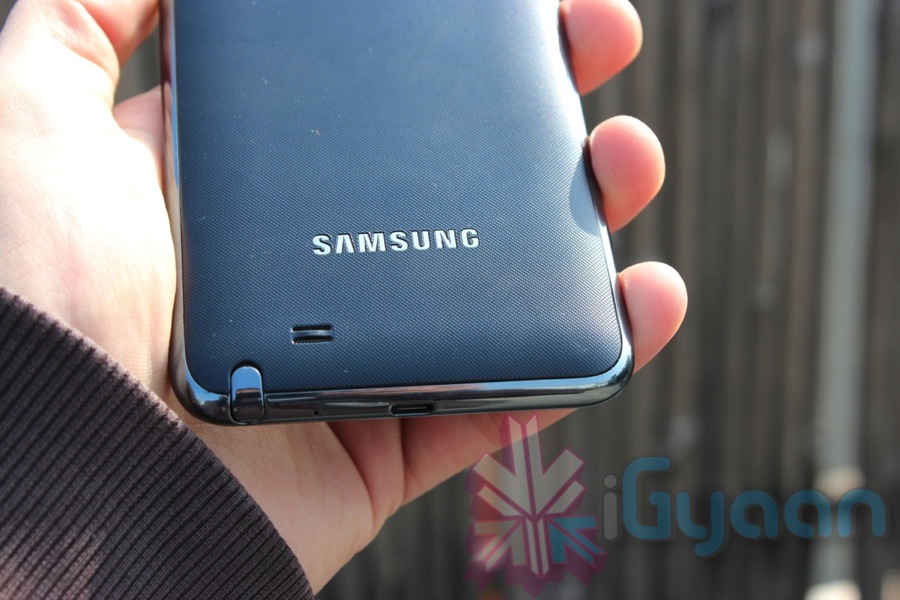
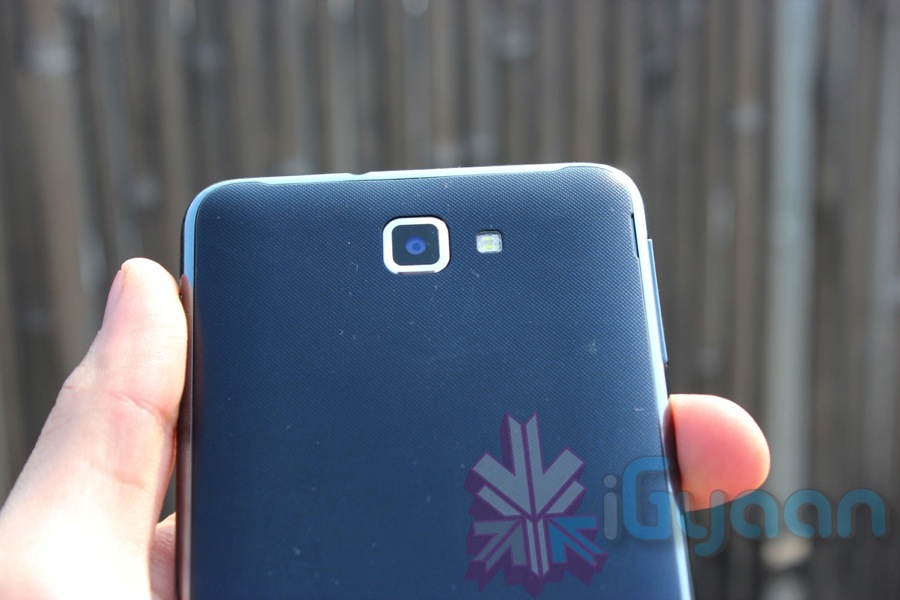
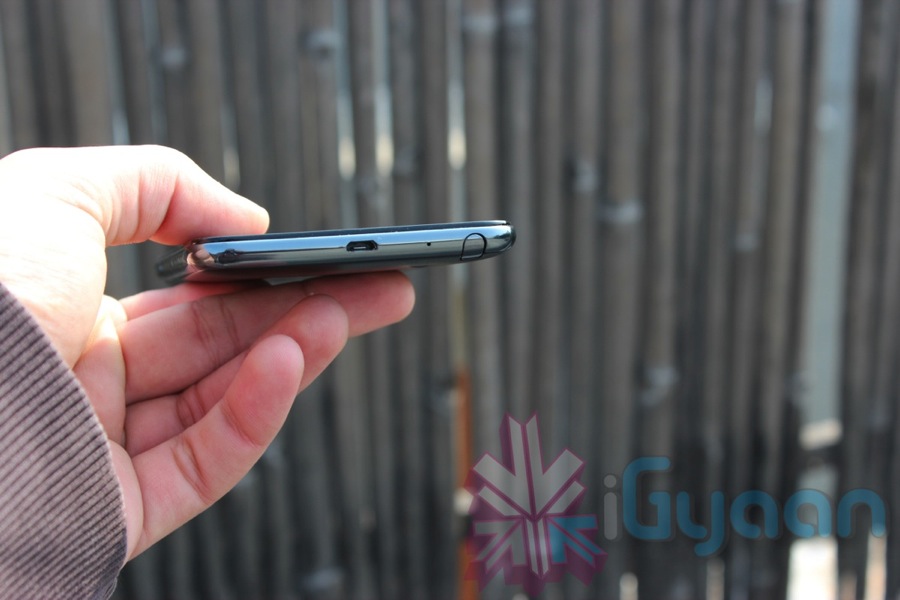
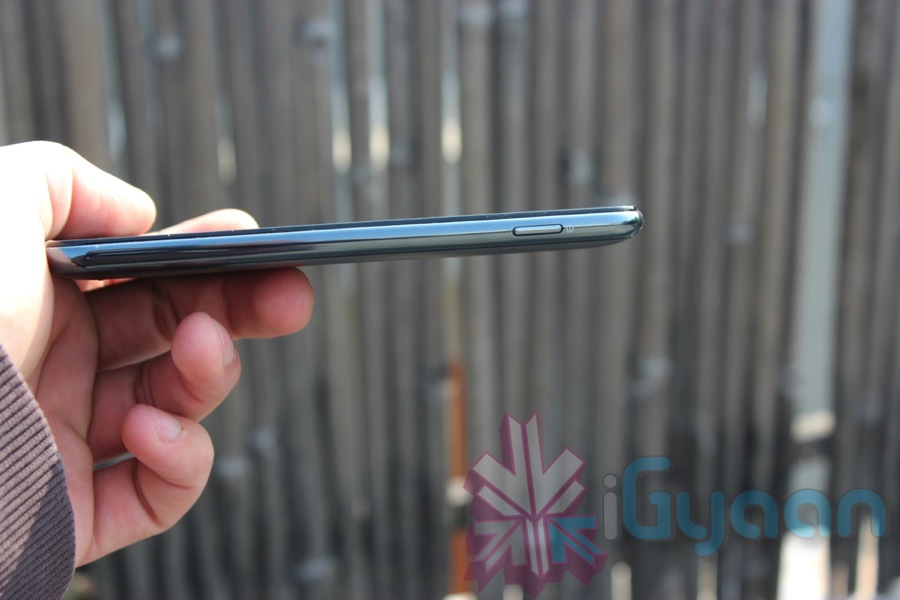
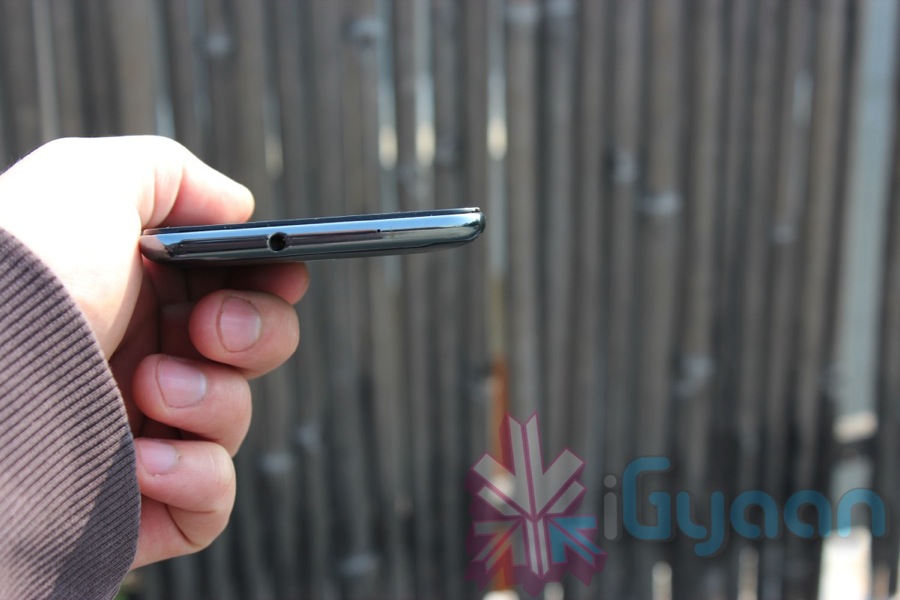
The Galaxy Note is simply well built, with an awesome bezel that looks like metal – feels like metal – is strong like metal, but is actually a plastic composite. The back cover is a larger version of the flimsy plastic we saw on the S2 Review, somehow it seems a bit more durable on the Note. The front of the Note features a gorilla glass-type reinforced display, which is a very tough, scratch and impact resistant glass. But, its not invincible and the glass is raised above the bezel, which makes it a point of worry for us considering the large size of the Note (5.3 Inch Display).
Hardware
In terms of specs, the Note is really top notch. check out the full list below.
Manufacturer
Samsung
Phone Style
Touchscreen + Hybrid Pen Input
OS
Android 2.3.5 Gingerbread + Touchwiz
Thickness
9.7 mm
Length
146.9mm
Width
83mm
Weight
178g
Built-in Memory
16/32GB, 1 GB RAM
Additional Memory
Up to 32GB, 2 GB included
High-speed Data
GPRS, HSDPA,Wi-Fi,
Connectivity
Bluetooth, USB
Screen Size
5.3-inch screen Super-Amoled Display
Processor
Dual-core 1.4GHz ARM Cortex-A9 proccessor
Screen Colours
16M colors
Camera
8 megapixels + LED flash + HD Video 1080p
Radio
Yes
Speaker
Yes
Internet
Yes
Browser
HTML
Games
Yes
Battery
Li-Ion 2500 mAh
Display, Camera and Multimedia
One of the most beautiful displays to cross our paths the Note has a gorgeous 5.3 inch Super AMOLED display which has a resolution of 1280x 800 px. The display replicates black on the screen and the depth of color actually shows on the screen. Pioneers in the AMOLED display industry, Samsung has really proved their point. Watch movies or play games, the end resultant is stunning Visuals. The MultiTouch capacitive display has 10 point input system, which makes for a brilliant touch experience. Fruit Ninja anyone?
The camera has an 8MP sensor that does wide angle imaging and a stunning video at full hd 1080p. The endless list of settings in the Note allow for users to really tweak their cameras before they go about snapping the world or themselves using the 2MP front camera.
Sound quality from the device is good, the speaker is loud enough and media is simply amazing considering the large AMOLED monster of a display. The movies playback really smooth and its actually an experience to watch on this device. Brilliance in all multimedia aspects, including the most unused feature of an FM radio.
Tablet-Phone and S PEN.
The device is not quite a tablet and is definitely much more than a simple phone, hence a hybrid title. The device has the most impressive form factor to deal with both aspects. Although it runs Android 2.3 GB, it going to be one of the first devices to get ICS by Samsung. The TouchWIz user interface cleans up the Note to a much deeper level than ever possible on Android. The custom editing and look of the device when you power it on is very clean and therefore is preferred by users.
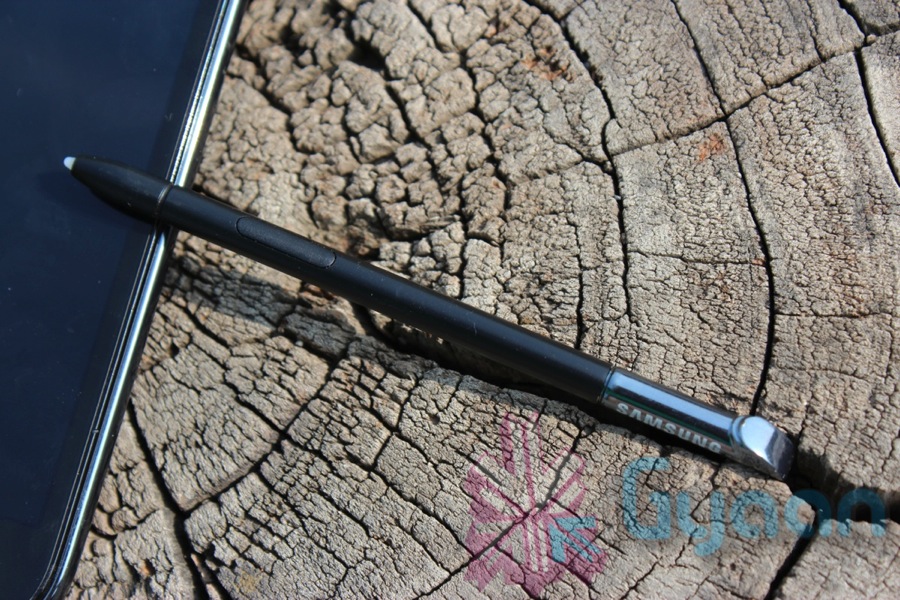
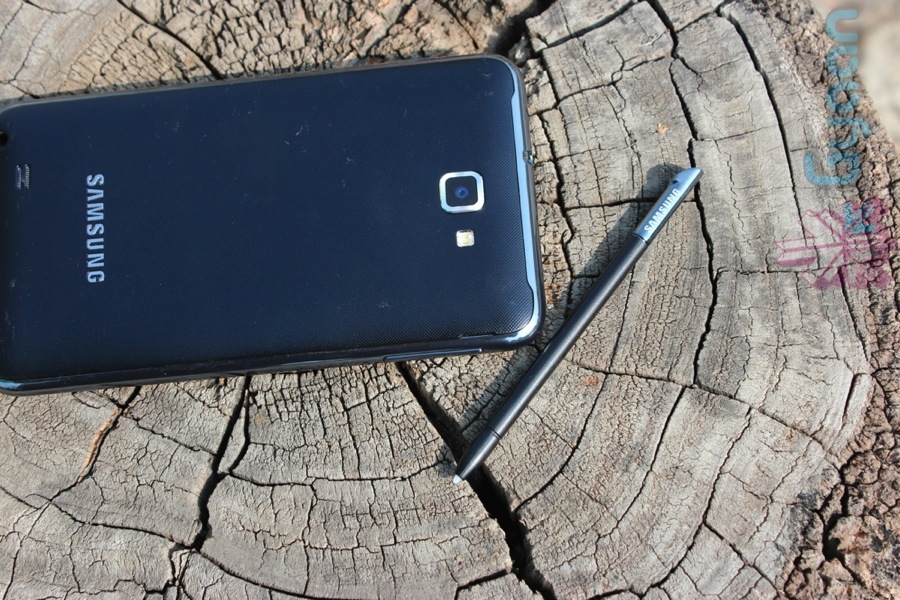
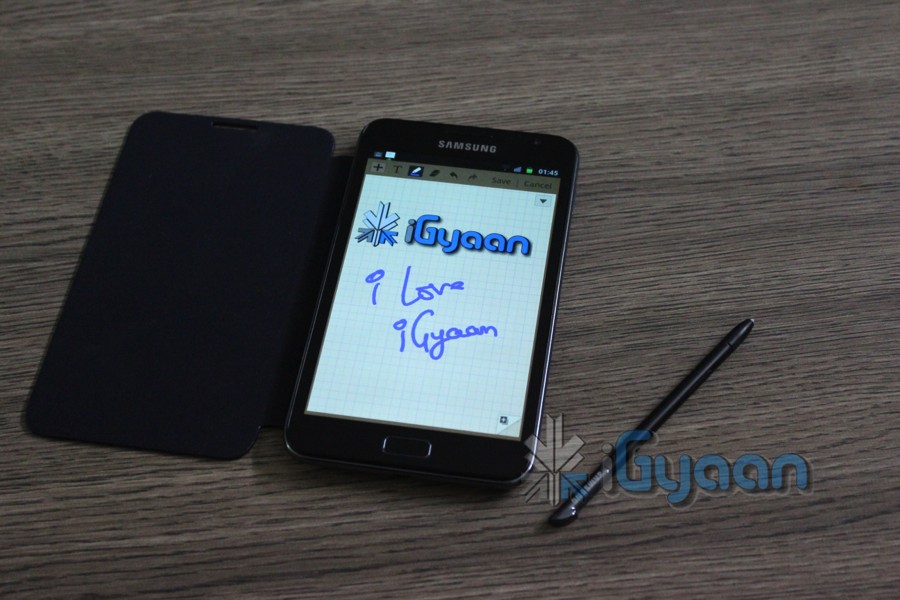
From Editing documents , to making presentations, the Note has the screen real estate and the juice to do what the work demands. Combined with the realistic and lifelike S Pen the Note actually hands you a Magic Wand to play around with. We detailed the S Pen in a video you will find in the links below, but to sum it up, you can crop, edit, scribble, write and draw, convert writing to text and even sign documents with the SPen, great job Samsung!
Phone Calling and Messaging
The Samsung Galaxy Note is a brilliant phone, considering it comes with a loud earpiece and a very good quality mic. The network reception on the Note is also very solid. With no dropped calls and excellent network connections including HSPA and 3G , we were impressed with the network handling of the chipset within the Note.
The screen is large enough to accommodate the largest of fingers, and with a 10 point input, its practically impossible to miss the keys while typing. The standard keyboard includes swype for the drag and type – types. The Samsung keyboard can also be replaced with a host of others available in the Android Marketplace for free as well as a minor premium.
Internet and Battery Life
We found the performance of the Galaxy Note great in all aspects especially the internet and data transfer access. The Note handles all apps in a wonderful fashion so allows the full use of the World wide web and its applications. The device is a great bit of joy to read your books on , or even get the latest news, get updates on your stock purchases all with the flick of your wrist.
Battery life was bit of a shocker initially, especially when we got really low run times with a massive 2500 mAh battery pack. The culprit was data usage, and the OS is not optimized in the best possible fashion to handle media. A few tweaks of the background data usage setting and we got the following usage life :
2G Usage
3G Usage
Wifi Usage
Calling
7 Hours
4.8 hours
– NA-
Standby Time
3 Days
2 Days
7 Days
Internet
7 Hours
4 Hours
11 Hours
Gameplay Multiplayer
4 Hours
3.75 Hours
5 Hours
Conclusion
The Galaxy Note is an amazing device, the best possible device, but only if you plan to use it intensively the way its meant to handle the usage. The S-Pen adds functionality we only dreamt of on devices during the time of i-mate and O2 XDA phones. Its definitely a great device for a business user, also for a person looking to make a consolidated investment b/w phone and Tablet. The screen is beautiful the performance great and the experience difficult to replicate with any other device available today. The device is slim enough to fit a pocket, yet large enough to feel awkward when you hold it to your face.
The Galaxy Note Review is long pending, and coming soon. But before we really look at that, we take out the time to highlight the features of the S-PEN, the stylus type capacitive pen. The PEN is actually ( according to us) one of the major reasons the Note is such a wonderful device. Check out the full video below.
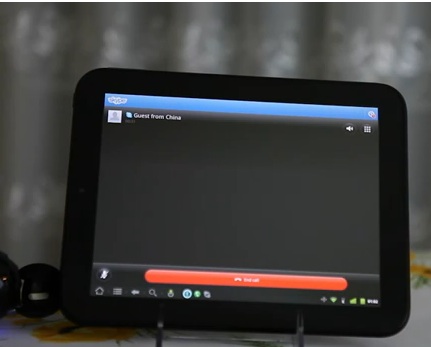
The folks over at Rootzwiki and the Touchdroid team (whatever is left of it anyway) has finally managed to get CM7 running on the Touchpad, worth noting. The device looks be be running pretty smoothly with most of the aspects working well including Skype calling.
Note that the build is still alpha and while most things work there is a high chance that things can go wrong. Head over to the link below if you feel like doing it anyway.
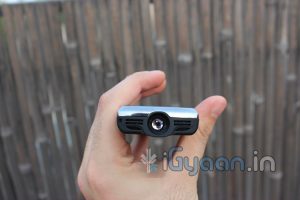
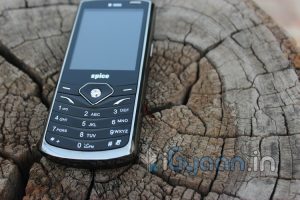
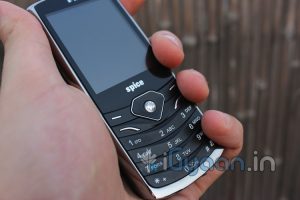
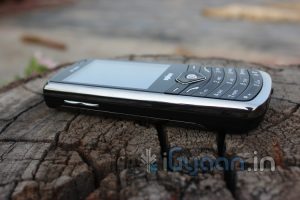
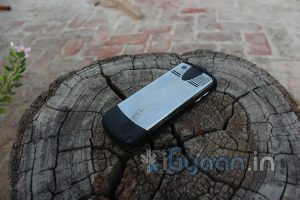
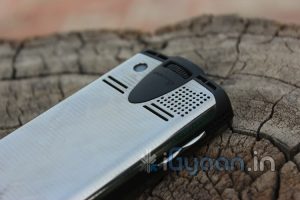
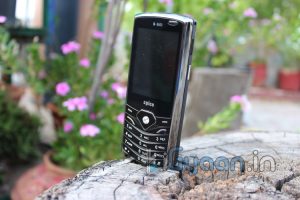
The Spice Popkorn is the first phone in India to have a built in projector and as such sets the standard for all future devices with this technology. Lets find out how it fared at the iGyaan Lab.
Build Quality, Hardware & Design
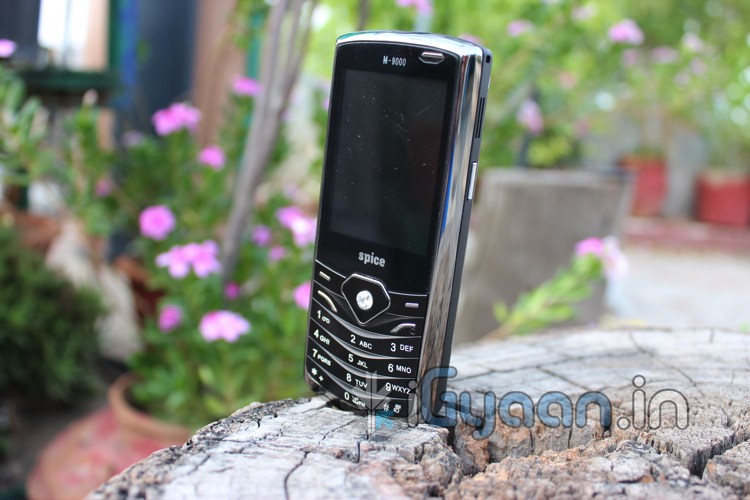
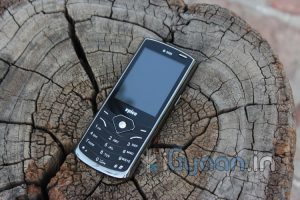
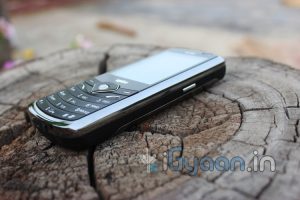
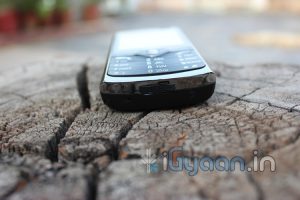
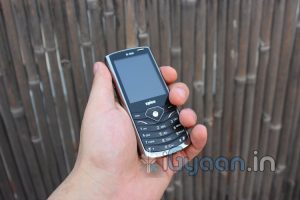
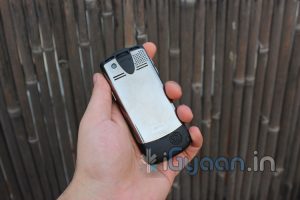
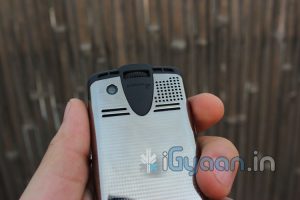
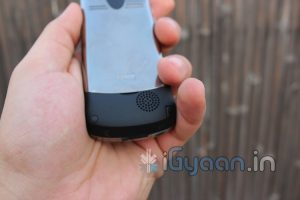
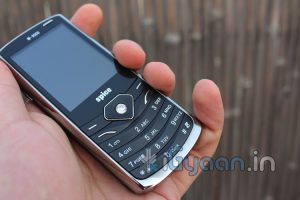
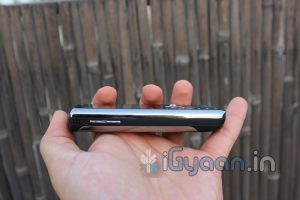
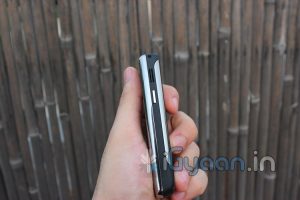
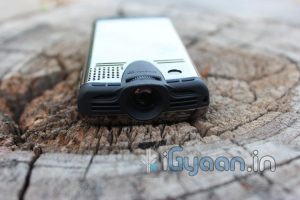
The Popkorn has a standard candybar design that is much thicker than a regular candybar phone due to the inbuilt projector. It feels quite solid and is comfortable to hold with its metal and rubberized plastic body. The phone weighs 123g and is quite a bit heavier than phones of a similar design, but due to its form factor, it still feels quite comfortable in the pocket.
One feature that we thought was a little delicate was the telescopic antenna. Its quite thin and fells like it will bend if a little too much pressure is applied. Be careful when expanding and retracting the antenna as you use this device.
The screen on the Popkorn is a 6cm 320x240px QVGA display which is quite vivid and displays good contrast in colours. Its nothing to boast about, but then its not the only display the phone has. The device has Dual SIM capabilities and supports GPRS and WAP connectivity. It also has built in bluetooth to allow you to connect your phone to a bluetooth device. It does not support 3G or WiFi.
Included Accessories
The phone comes with a tripod and a tripod mount. We felt that the quality of the tripod could be improved as it feels like it might tip over with the weight of the phone, but such is not the case. The tripod mount holds the phone securely and keeps it nicely balanced on top of the tripod.
Overall, the build quality of this device is exceptional, when you consider the fact that Spice has managed to stuff a projector into a device that weighs only 123g.
Camera and Multimedia
The Popkorn has a 3.2MP rear facing fixed focus camera that can capture images upto 2048 x 1536 px. It can also record video at a maximum of 15fps and also comes with a 4x digital zoom.The camera can be used as a webcam as well, once you plug it into your computer via the included USB cable.
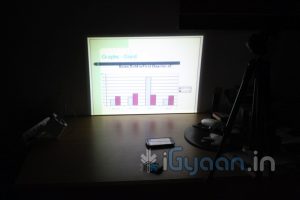
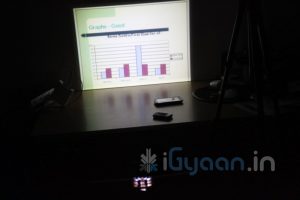
The projector on the device, in our tests, has given a readable display of approximately 40 inches at its largest and 2″ at the smallest. That’s a HUGE screen from a tiny device. We recommend that the phone be setup so that the display is approximately 27″ to 30″ large as this gives the best picture quality. However, the projector is not extremely bright so using it in a well lit room is not advisable. Keep the lights off and the curtains drawn when using the projector. With many air vents around the phone, we did not notice any significant heating of the device, even after extensive use of the projector.
Another great use of the projector is to watch TV. The Popkorn catches analog TV signals from its telescopic antenna. Channels can be programmed and saved to the device so that you can view them at your leisure. While watching TV is a nice recreational activity, the phone also has a feature that can come in handy while at work. It has the ability to playback PowerPoint Presentations, and with the included laser pointer, you can make excellent professional presentations. You no longer need to carry your laptop to your meetings. Simply copy your ppt onto the memory card and carry the phone.
The phone also has built a built in FM radio, and with the telescopic antenna, you do not require headphones to catch a signal. It also has the ability to schedule and record FM radio so you can catch all your shows at your pleasure. The speaker phone is very loud and gives sufficient sound to be clearly heard in a large room. Spice has also included an external speaker which increases the audio output of the device many-fold. The speaker also has a built-in battery so it does not drain the battery on the phone while in use. A few cables have been included to connect as well as charge the speaker.
Phone and Messaging
The Popkorn supports Dual SIM cards. It also has a standard numpad which makes dialing and placing calls a breeze. The microphone and earpiece perform as expected and we have no complaints. As stated, the loudspeaker is really loud and provides a good hands free experience.
Typing on the phone is also easy as the keypad is quite responsive and the keys are easy to press.
Data & Internet
The Popkorn supports GPRS and WAP. It has a browser that leaves a lot to be desired. One feature we found lacking was WiFI. It would have been great if we could use WiFi to browse the internet on the projector or even stream videos directly to the device via our desktops/laptops. Maybe they will include this feature in the next version of the device.
Conclusion
When we got this device, we had low expectations of its performance. However, after using it for a while, we were, quite literally, blown away. The phone by itself is comparable to any number of Dual SIM phones that are on the market today, but the other features that it packs set it a world apart. The Projector with its Video playback, Analog TV and Presentation capabilities left us in awe. For its price, it is possibly the most inexpensive projector on the market today. The fact that its a phone and can fit in your pocket just adds icing to the cake.
MRP: Rs. 6699/-
[xrr rating=3.75/5 label=”We Rate it : ” imageset=shiny_yellow_star display_as=fraction_stars]
Havok has announced that it will bring high level physics to Android, along with all of the requisite development tools. Smartphones with Android 2.3 can now enjoy the same physics and graphics that we have seen on PCs and Consoles for years.
Check out the video of the engine running on the Xperia Play to demonstrate the mammoth phones ability to deploy high graphic games.
Official Press Release
Havok and Sony Ericsson Push Smartphone Boundaries
Mar 1, 2011
Optimised Havok tools available now for Android™ Developers to create games for Xperia™ PLAY
March 1st, 2011, San Francisco – Havok and Sony Ericsson are delighted to announce the availability of Havok’s product suite to Android™ developers, optimized for Xperia™ PLAY, Sony Ericsson’s recently announced smartphone. Havok, the leading provider of game technology, has a fully optimized build of its industry leading product line ready for licensing by Android™ developers on Xperia™ PLAY as part of its entry into Android™.
David Coghlan, Managing Director, Havok said: “As part of Havok’s overall support for the Android™ platform, we are very pleased to partner with Sony Ericsson to put the full power of the Havok product line into the hands of Xperia™ PLAY developers. We were extremely impressed by the performance of the Xperia™ PLAY and the ease with which we were able to port and optimise our technology to the platform. This will enable developers to use Havok technology to create cinematic, rich 3-D immersive games for Android™ smartphones with Xperia™ PLAY in the forefront.”
Steve Walker, Head of Marketing at Sony Ericsson said: “Xperia™ PLAY is not only a fantastic smartphone on the latest Android™ platform, it also offers the best mobile gaming experience available. We are very pleased to be working with Havok to bring new levels of cinematic and immersive gaming experiences, never before seen on smartphones, to the Android™ platform.
Havok has now fully ported all seven of its products to Gingerbread (version 2.3), the latest version of Google’s Android™ platform and partnered closely with Sony Ericsson to deliver a specifically optimized runtime ahead of launch.
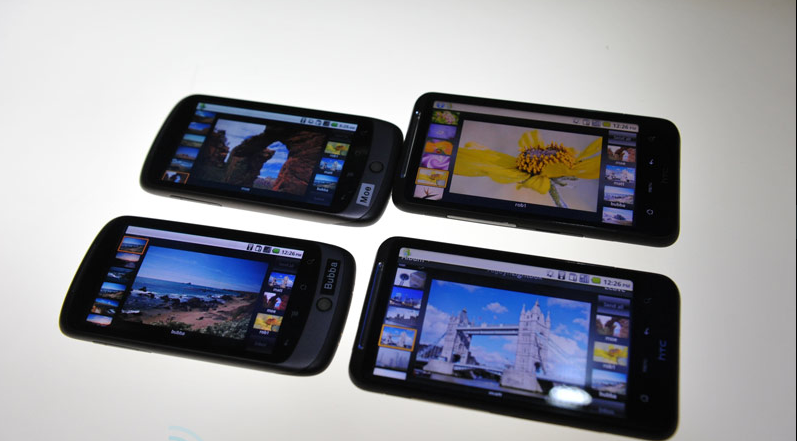
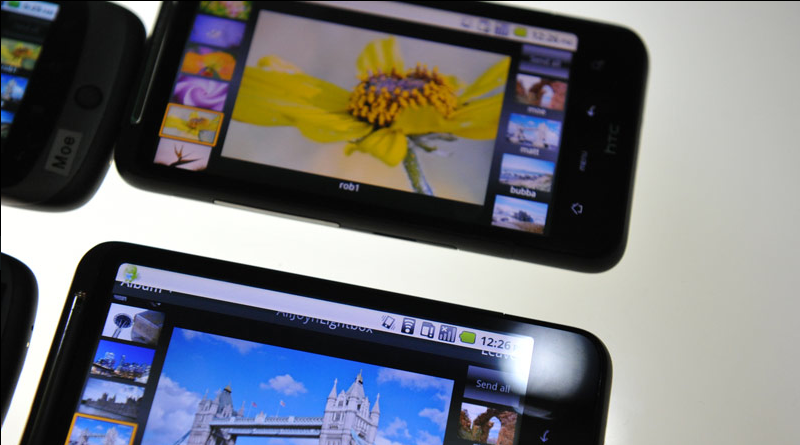
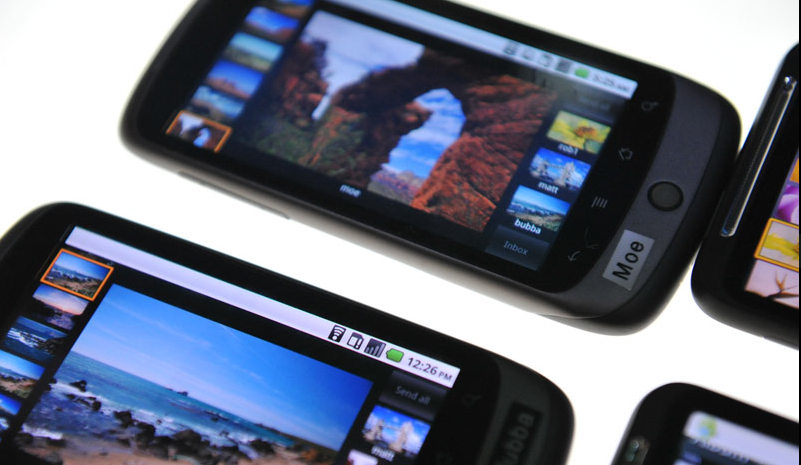
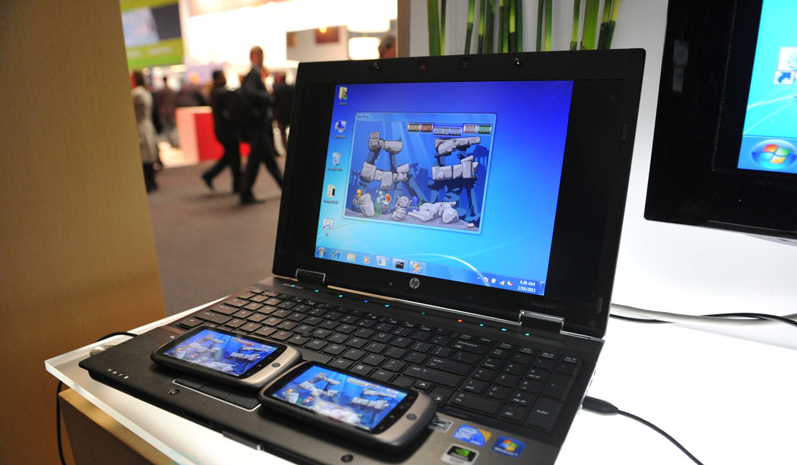
Qualcomm has introduced an open source software system that doesn’t actually have with Qualcomm hardware, if implemented in a particular app, it can enable peer-to-peer sharing with others similar devices et apps based on location.
The system works on interlinkage which is based on a webkit browser integration, that allows devices to be seamlessly to be connected via either bluetooth, WiFi, Infrared, Wi-Fi Direct and fast track naming a bunch of connections, which lets connections happen from 20 ft upto several kilometers. So basically we will rock games between communities without paying for cloud integration. Next Level Multiplayer!