Tag: Google Drive

  • Google One Brings Expanded Storage, Live Support To Google Drive

    Google One Brings Expanded Storage, Live Support To Google Drive

    Ever since the Google I/O 2018 concluded, the company has been hard at work introducing new features to its services. YouTube got a new feature called ‘Take A Break’ recently while Gmail has also received some exciting new features. The company has also decided to rebrand its cloud storage service and call it Google One as well as introduce new plans. It is worth noting that it isn’t the Drive that is being rebranded but, the storage plans.

    As part of the new moniker, Google has unveiled new expanded storage plans, access to live support and more storage sharing plans. The company has added a new, 200GB plan that costs US$ 2.99 per month in the US. This plan will be available along with the existing plans that start at US$1.99 for 100GB and goes all the way up to US# 299.99 for 30TB. Interestingly, Google also dropped the price of its 2TB plan from US$ 19.99 to US$ 9.99.

    These storage plans are already live in the US along with other new features. In the coming months, everyone in the US will be automatically upgraded to Google One plans. The company has claimed that Google One will roll out globally in the coming months which includes India as well. As of now, the plans in India have not been upgraded and the 100GB plan remains the cheapest at Rs 130 per month.

    The live support feature is also very interesting. Google already offered 24/7 support for paying business users with a G Suite account, but this is the first time the live support is offered to consumers. It is worth noting that this is an access to Google Experts for help with any Google consumer product and service. You won’t be connected with an AI bot, but a human being with the necessary knowledge and communication skills.

    Going forward, users will also be able to share their storage with up to 5 family members. The company says:

    Everyone gets their own private storage space as well as the additional benefits of Google One.

    The new features are very useful for people who have subscribed to Google Drive. The new plans also make monetary sense for consumers and the 24/7 live support will be appreciated by many. It will be interesting to see when these features are rolled out to the rest of the world.
  • Google is Offering $240 Worth Cloud Data Free With Chromebooks

    Google is Offering $240 Worth Cloud Data Free With Chromebooks

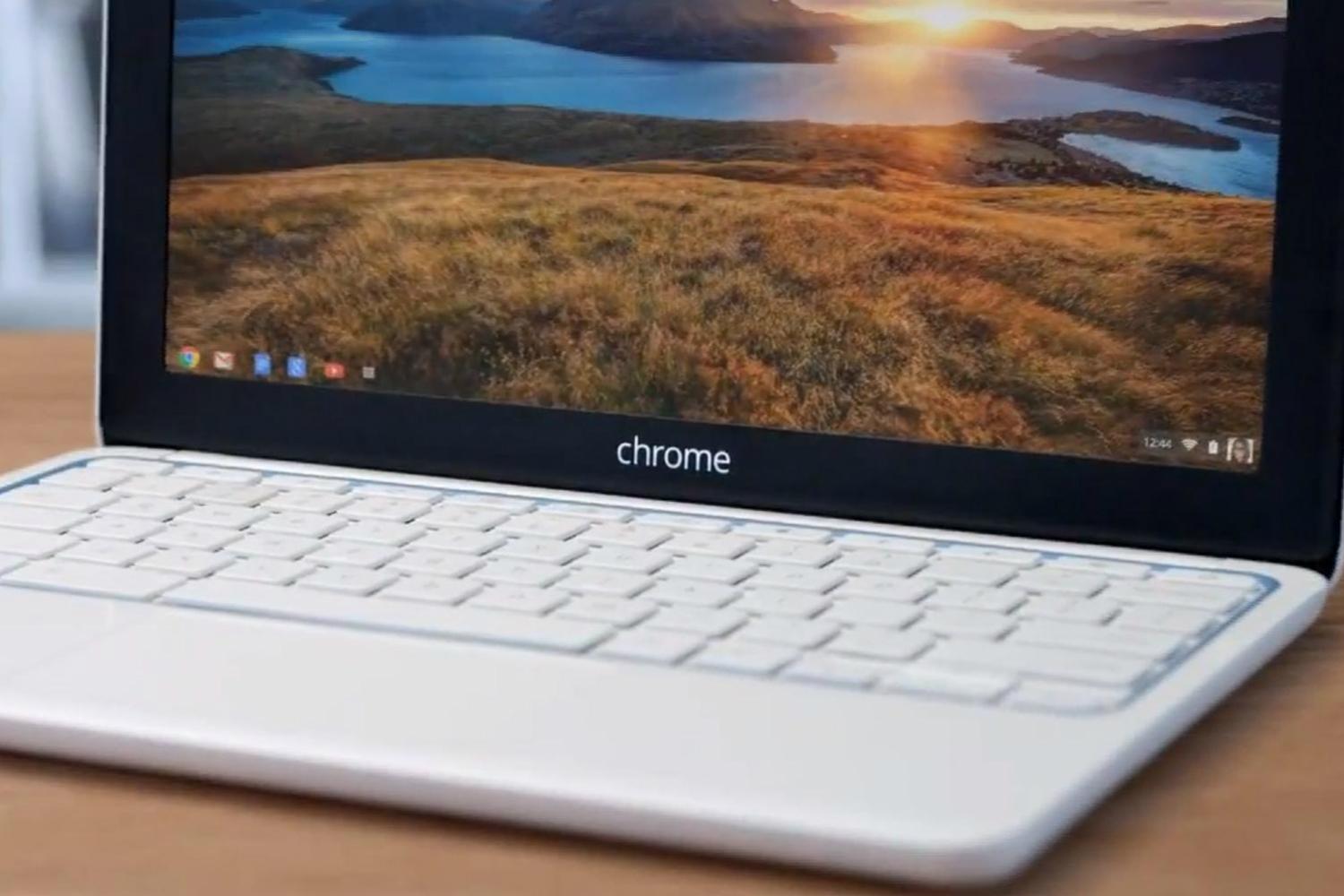
    Chromebooks are basically Cloud-driven netbooks, which according to most industry watchers is the future of computing in both consumer and enterprise ecosystem. Even though, we have seen a serious price cut on the Cloud data this year, there’s nothing better than free.

    Google, wooing customers this holiday season, is offering new Chromebook buyers 1 TB of Google Drive storage to go along with their purchase for two years. To take advantage of the deal, you just have to buy any new Chromebook between now and 1st January, 2015.

    Chromebooks run Chrome OS, an operating system based on the Chrome web browser. Everything you want to do on your Chromebook, you have to do on the web. So, instead of saving your Microsoft Word document on your desktop, you use Google Drive to store your docs, spreadsheets, slides etc. in the Cloud. And for that reason, the free data is a sweet deal. That amount of space would usually cost you almost $240.

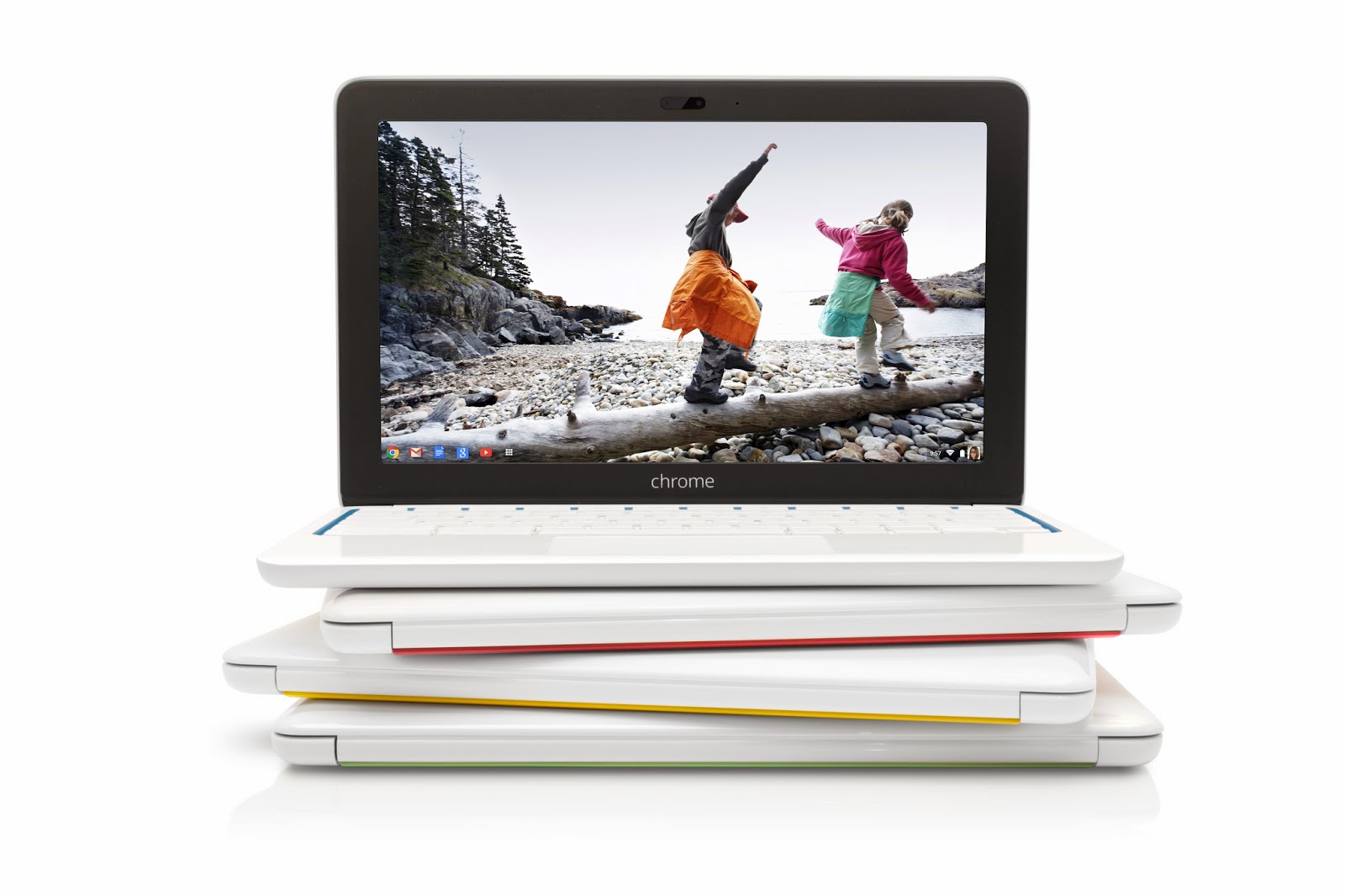
    8_HP_Chromebook_11_Color_Stack

    Google said, “Chromebooks make day-to-day computing fast, simple and secure, whether you’re searching for a great pumpkin pie recipe or sharing a family photo from Google Drive. And now, as a bonus for the holiday season, new Chromebook buyers can get 1 TB of Google Drive storage for two years – a $240 value – absolutely free. That’s enough space to keep more than 100,000 awkward holiday sweater pics safe and shareable in Drive. With that much free storage, you can use your Chromebook for work, play and pretty much everything else you’ll do this holiday season.”

    Chromebooks like Acer’s C720 start at $199, though you’d do well to spend more money and get more than 2 GB of RAM. If the Cloud model doesn’t work for you, a new class of cheap Windows laptops like HP’s Stream have been creeping down into the $200 price category lately.

  • Top 4 Cloud Office Suites To Make Your Working Life Easy

    Top 4 Cloud Office Suites To Make Your Working Life Easy

    Working online has become an integral aspect of the corporate world. The cloud, as we call it, contains everything we need to work on the go and is available 24X7. Online office suites make that work easy with their varied tools, document and slide show creators and much more.

    Three features that particularly help the Cloud stand out: the ability to access files from any internet-connected systems, ease of file-sharing, and automated back up with versioning. The suites may not be as comfortable to use as Office, nor as feature-packed, but as long as the basics are in place, most users are unlikely to complain – especially if they’re getting them for free, as is usually the case for personal use.

    We are listing 4 of the best online office suites you should use while working:

    1. Google Drive/Docs

    google drive

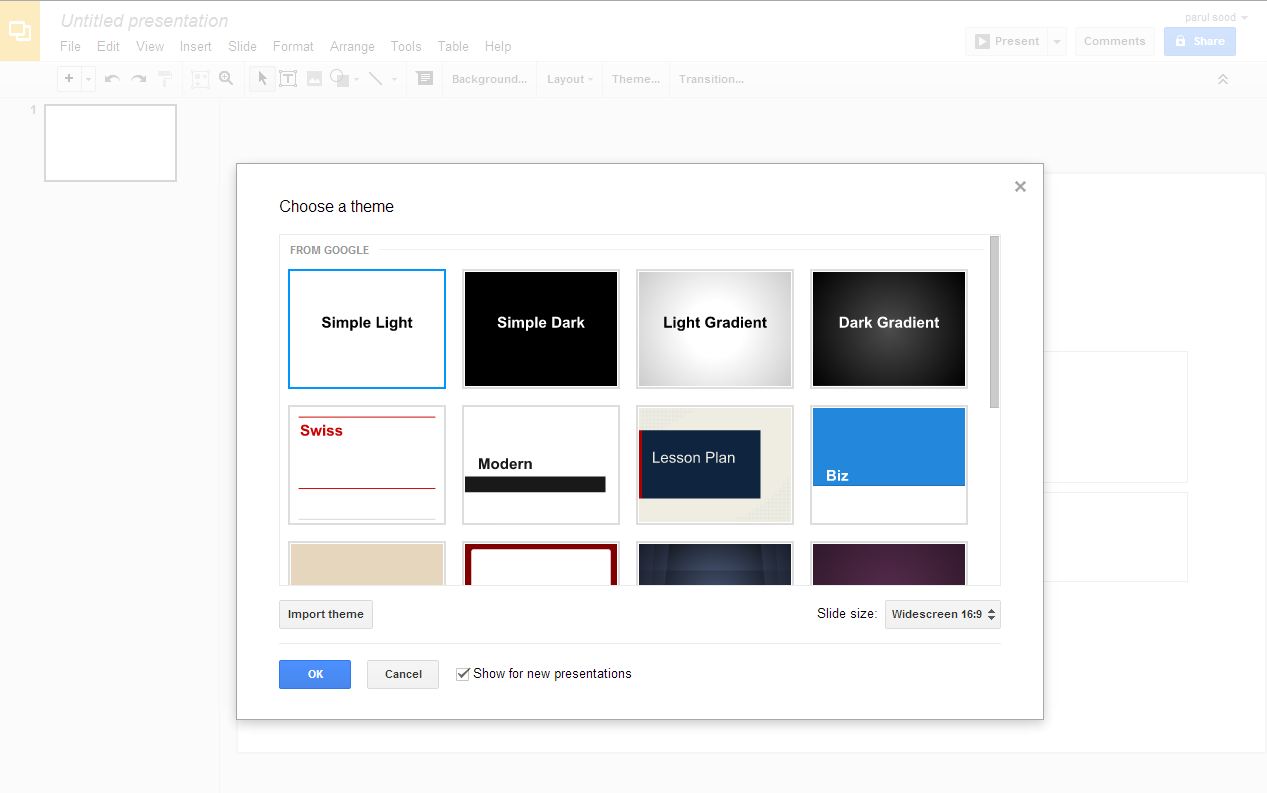
    Google Docs was the first online office suite which actually worked as needed, and is still one of the most popular ones out there. Compared to when it was first launched, it has improved tremendously. Now it looks and feels far more like Microsoft Office, from the virtual sheet-of-paper view used by its word processor to the availability of multiple fonts, including Office’s current default, Calibre. Docs doesn’t offer anything close to Office’s power. It rather focuses on the basics that everyone needs for word processing, spreadsheets, presentations and simple vector-based drawing. Along with this it provides online storage space for additional files and decent file conversion options from Office formats. Google adds features on a regular basis, but don’t hold your breath for specific improvements. Development on Docs feels slow – too slow, and there is still a long way to go.

    2. Zoho

    zoho

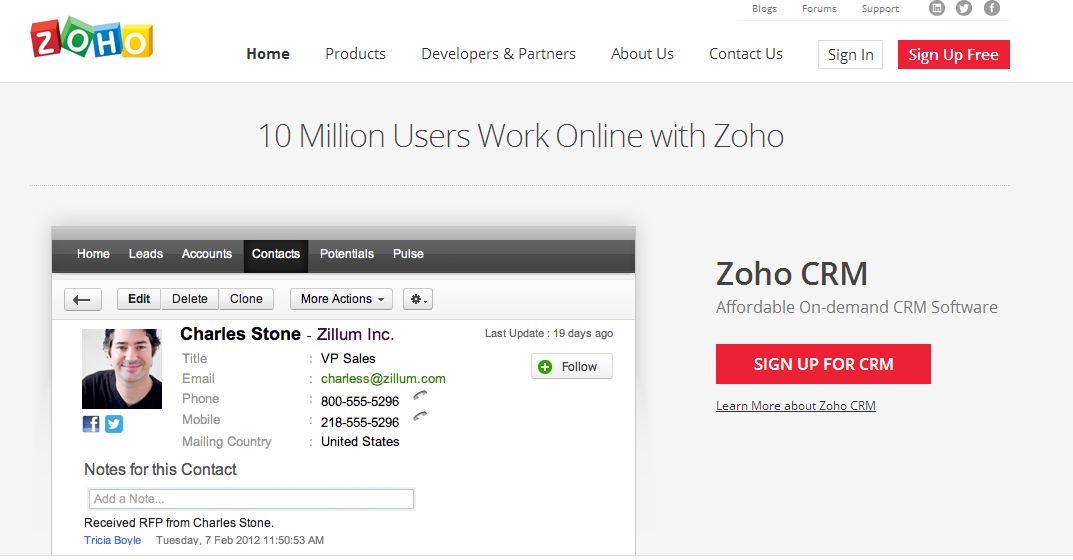
    Zoho is the king of online office suites and the reason is the variety of feature provide by this office suite. With text documents, accounting, spreadsheets, presentations, mail, calendars, notebooks, wikis, discussion groups, invoicing and more, Zoho offers a jaw-dropping number of features. Better yet, all of them are available free for personal use. They’re geared towards business use though, with the idea being that you pay for additional users and features in specific apps. The website doesn’t do a great job of explaining this up front, but at least you can try everything without having to pay first. You can’t argue with its power though. If you want all of your business and editing tools in one place, this is where you’ll find them waiting for you.

    3. ThinkFree Online Office

    thinkfree office

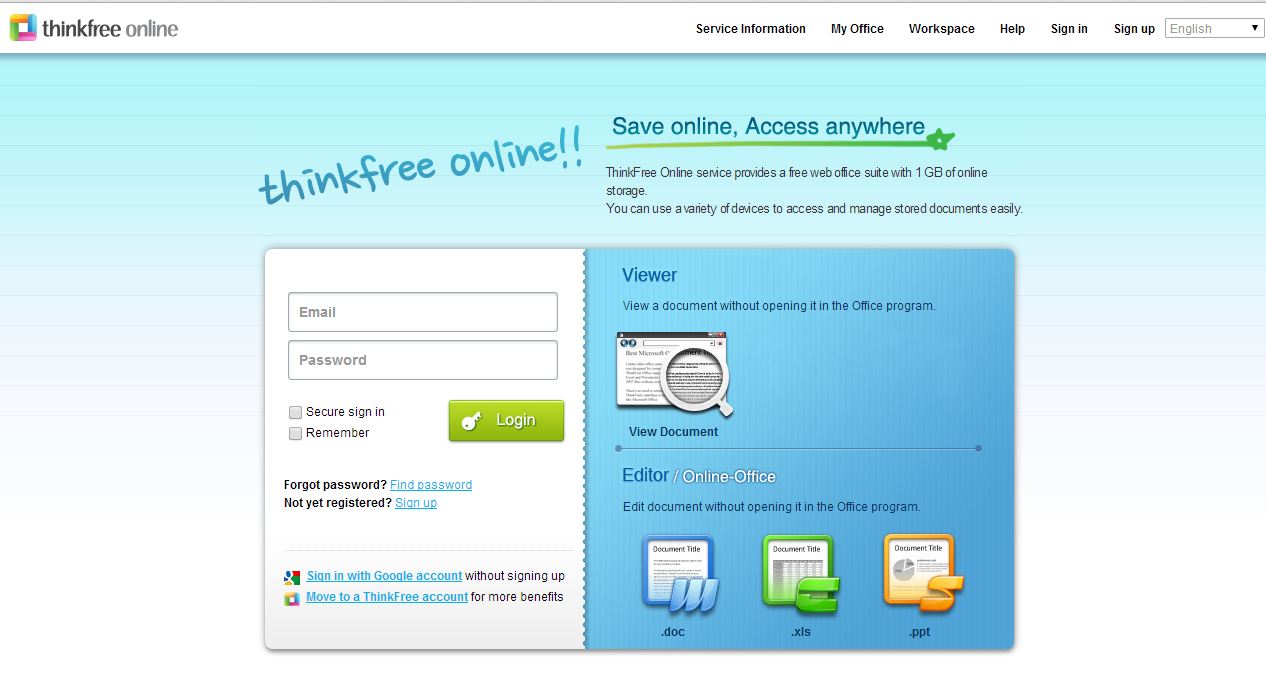
    ThinkFree is a Java-based office suite, which needs a download on your desktop. Being a Java app, it’s not the speediest – and you don’t get to use it offline just because you’ve installed it. If you want to do that, you have to buy the slightly misnamed ThinkFree Office, which costs £35. Not a huge amount compared to a copy of Microsoft Office, but still lightens up your wallet. There is, however, a dedicated syncing tool that you can download, so that you can at least fire up another tool and continue working until your internet connection resumes, and there are mobile apps available to access and share files too.

    4. iWork

    iwork

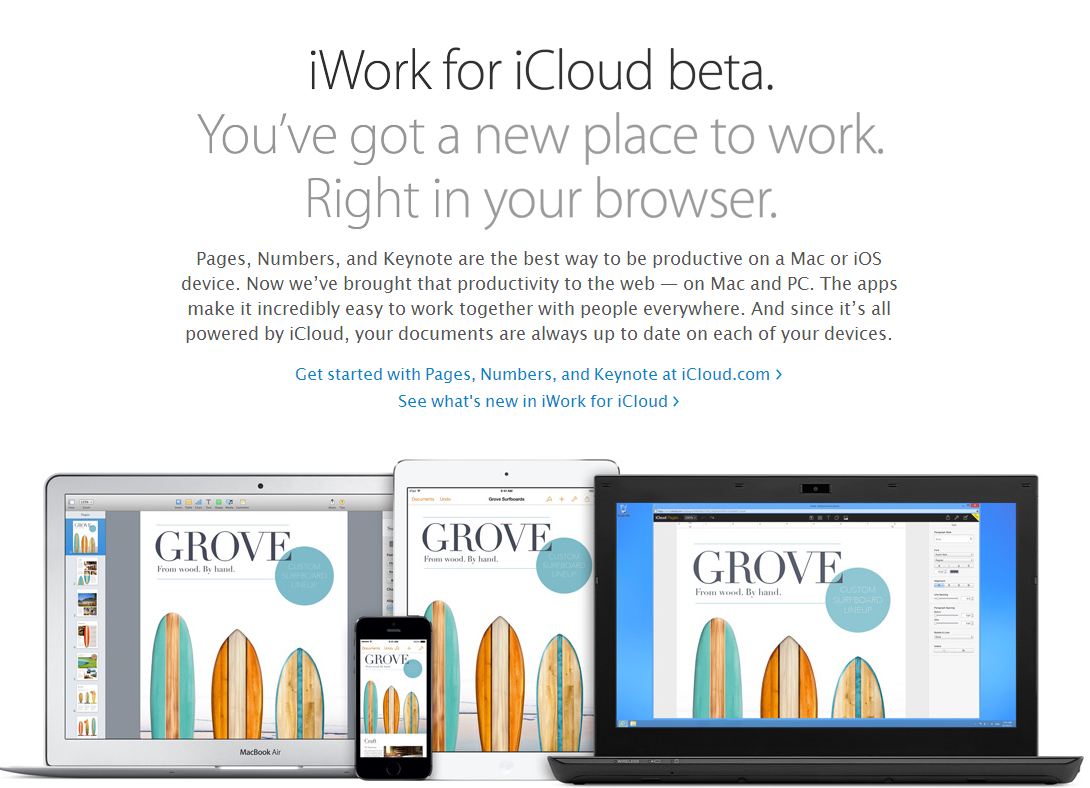
    Apple’s hallmark intuitive interface and extensive help and support make their feature-rich products a pleasure to use. If you’re an all-Mac (or mostly Mac) business or a personal Mac user/student, iWork is the Mac office software for you. It will provide you with all of the power you will need to make your work look professional and well-polished. The different programs Pages, Numbers and Keynote give you the ability to tackle just about any assignment, whether it’s for school or work. If you need the more ubiquitous presence and collaborative options of Microsoft, you’d be well-advised to choose Microsoft Office for Mac.

  • Google Unifies Cloud storage b/w GMail, Drive and Google + also For Enterprise

    Google Unifies Cloud storage b/w GMail, Drive and Google + also For Enterprise

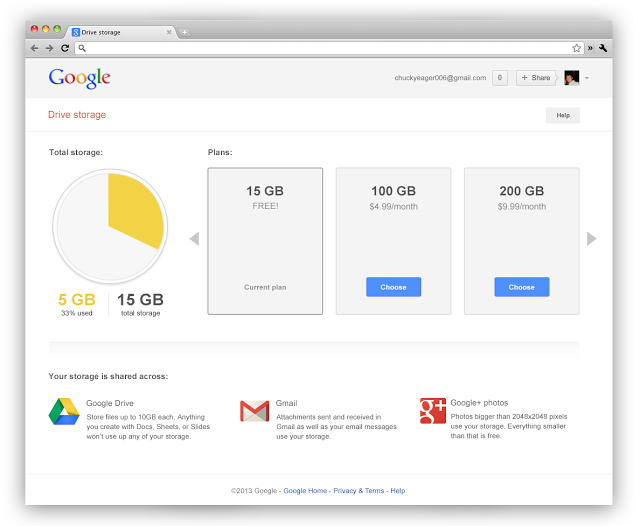
    Google has unified its cloud services starting yesterday offering a total of 15GB of storage to people using multiple Google services. With the same ID now you get 15GB of total storage across the three services, giving a boost to those who use drive more vs email or vice-versa. 

    Businesses using Google Apps will see their storage increase from 25 Gb to 30 GB across the services. 

    This move from Google comes as no surprise, as the company aligns with their storage model and frees up a lot of space from those people who were not using services on either side of Drive. 

    Shared storage

    This bigger number also makes the Google Service a lot more appealing than the lower free storage from say Dropbox.

    What’s more Google’ has added significantly cheaper upgrade plans to Drive, starting $4.99/month for 100GB which would get shared across the services, removing the previous 25 GB Gmail upgrade limit.

    These changes to Google Drive storage will roll out over the next couple of weeks.

    [VIA]

iGyaan Network
Privacy Overview

This website uses cookies so that we can provide you with the best user experience possible. Cookie information is stored in your browser and performs functions such as recognising you when you return to our website and helping our team to understand which sections of the website you find most interesting and useful.