Tag: navigation

  • Xiaomi Redmi Note 5 Pro Gets iPhone X Like Gestures For Navigation

    Xiaomi Redmi Note 5 Pro Gets iPhone X Like Gestures For Navigation

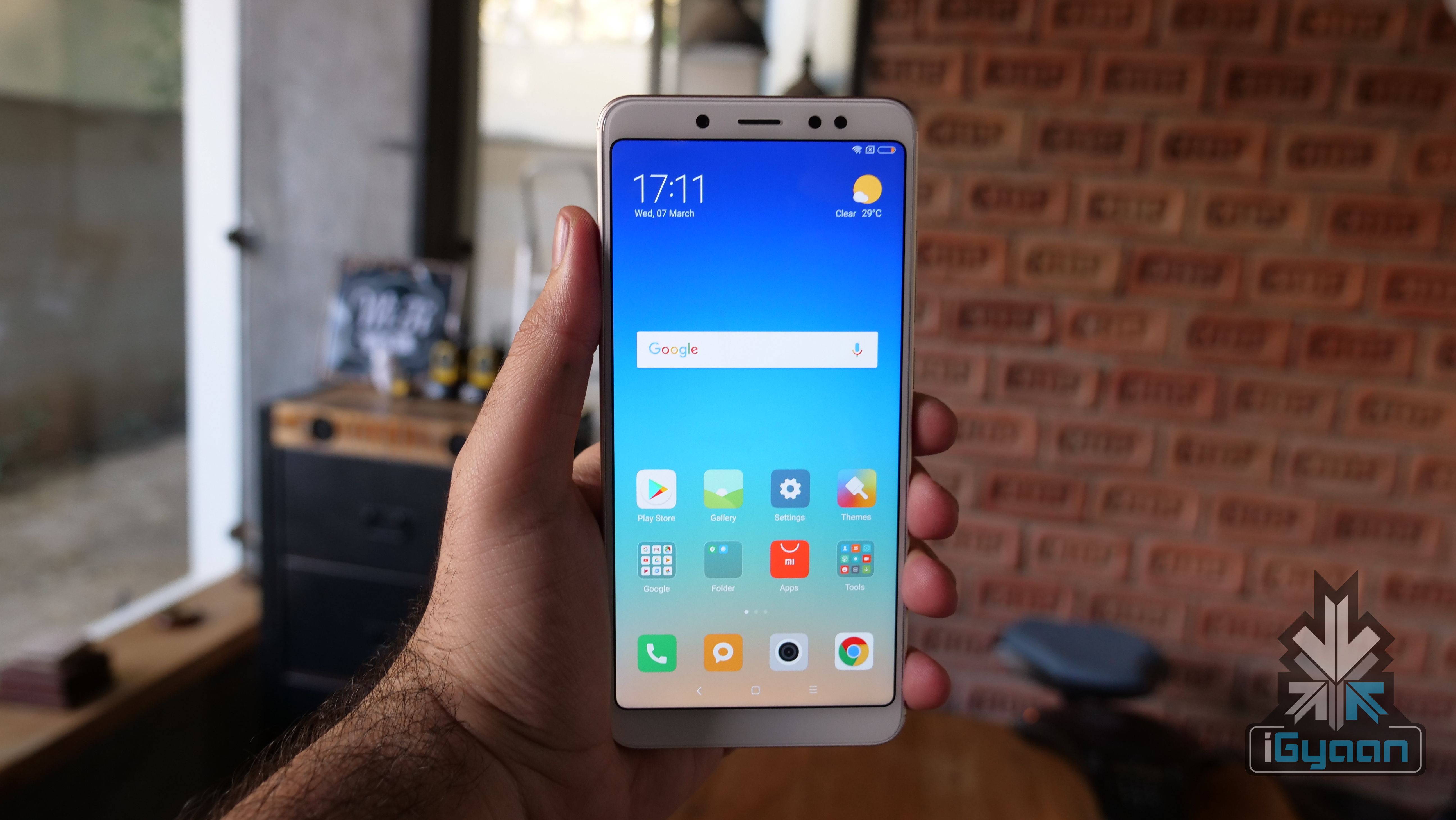
    The Apple iPhone X has a display with 19.5:9 aspect ratio with almost no chin, which eliminates the space for a home button. So, the company introduced gesture-based navigation, which replaces the home button.

    Similarly, Xiaomi has also started testing the gesture-based UI on its “Full-Screen” devices. The list of compatible devices includes the Xiaomi Mi MIX, MIX 2, Redmi Note 5 Pro, and the Redmi Note 5. Similarly, OnePlus is also testing gesture-based navigation for the OnePlus 5T on an open beta ROM.

    Xiaomi introduced the gesture-based navigation system in the Mi MIX 2 initially. This comes after Apple introduced similar gestures in the iPhone X. With devices moving toward an all-screen and no bezel design, gestures could be the future. While the transition for iPhone users from the home button to gestures was organic, same can’t be said for Android users.

    iOS used gestures before the introduction of the iPhone X as well. Swiping from left to right on the screen to go back in an app was one of them. However, Android has always used three buttons for navigation. Hence, the transition could be a bit more cumbersome. That being said, we expect more smartphone makers to introduce gestures within their UI as time goes by.

    It is worth noting that one has to install Global MIUI 9.5 Beta ROM to test out the feature on this smartphone. Similarly, as this is a beta ROM, we do not recommend installing this on a daily driver. To enable gesture control, go to Settings, full-screen display, select full-screen gestures. Go through the tutorial ones to understand basic commands.

    Basic Gestures
    • Swipe from the middle bottom to go Home from anywhere
    • Swipe and hold from the middle to open multi-tasking tray
    • To go back swipe from the left edge

  • Cool Things Your Smartphone Can Do

    Cool Things Your Smartphone Can Do

    Smartphone is one of the best things to have happened to the realm of technology. With an endless list of features that make it such an amazing gift of technology to mankind, here’s a list of some of our favourite features:

    Identifying Songs:Shazam Logo
    Apps like Shazam and SoundHound have made life so much better for music lovers. Remember that gnawing, annoying feeling of trying to identify a song you happen to hear at a restaurant? Yes, you don’t because your smartphone identifies songs for you and saves you the torture of obsessing over a tune or rhythm.

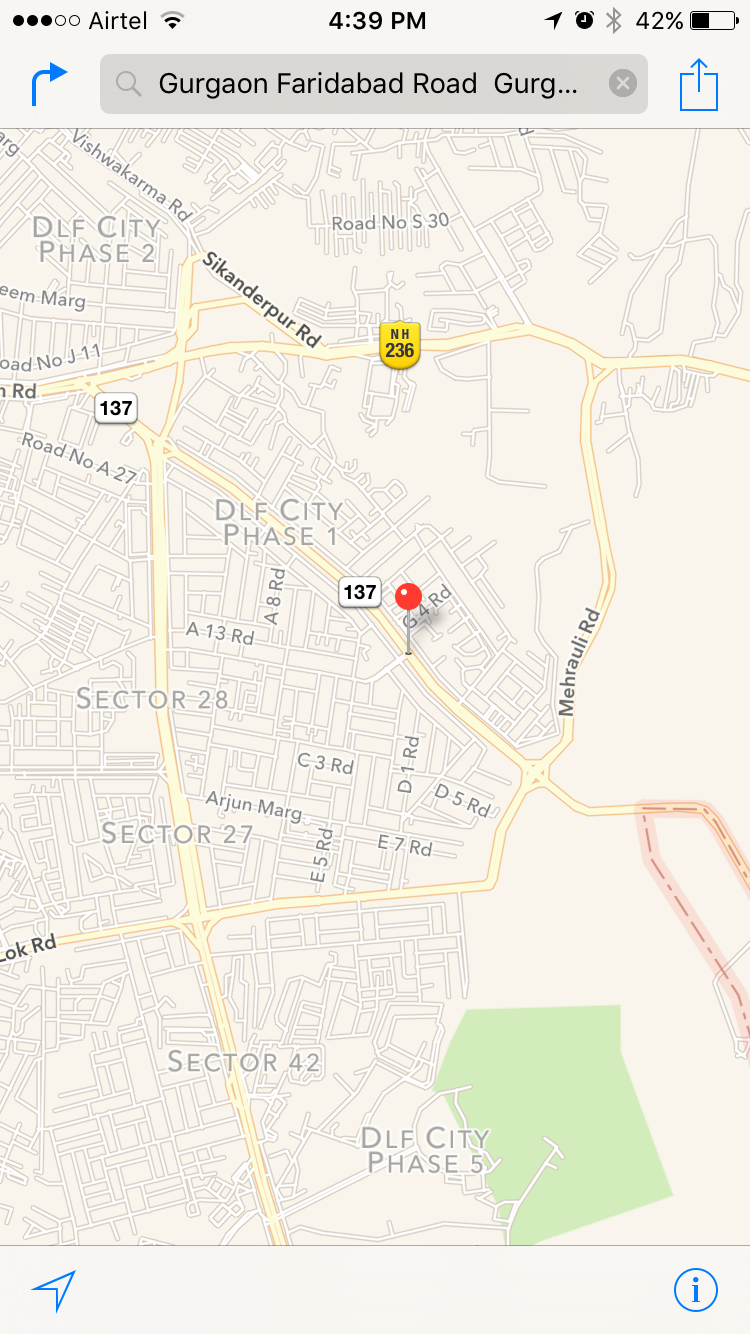
    Navigation:AppleMaps
    Any geographically-challenged smartphone user would agree about how wonderful life has been ever since the introduction of apps like Google Maps and Apple Maps. Navigation has never been easier. Whether or not geography has been a source of bother for you, smartphone navigation has come to the rescue of many lost travellers more than once.

    Fitness Tracker:Nike+ Fitness
    Hello, fitter bodies and healthier minds. Nike+, Daily Yoga and many such apps help users maintain a fitness regime with regular updates about their progress and motivation in the form of points earned or badges won. Water Drink Reminder and Waterlogged are examples of two other fitness-related apps -they remind you to drink water at regular intervals and keep your body hydrated.

    Fake Calls:Smart Phone Kill SwitchThis is by far one of the coolest features of smartphones. Ever tried getting out of an awkward situation by pretending to be busy with your phone? There, there -we have all done that. Fake Call is an app which takes it a step further to help you be a better liar in situations that require an immediate exit. We wonder what awkward situations looked like before smartphones.


  • Is Apple Maps a Better Choice Than Google Maps?

    Is Apple Maps a Better Choice Than Google Maps?

    The company introduced Apple Maps in 2012 and ushered in a series of glitches which involved the Madison Square Garden, New York being labelled as a ‘park space’ because of the word ‘garden’ in its name. However Apple acted promptly, fixed these goof-ups and now three years later Apple Maps has overtaken Google Maps as the most used navigation app on iPhones.

    Even though Apple Maps lacks many features which Google Maps provides, users end up using the former more because it is already installed on their devices. Even if the phone has third party apps, Siri and Mail automatically take the user to Apple Maps. This, along with Apple’s efforts to improve the over-all experience of the app, has helped them get more users to choose Apple Maps over other options.

    AppleMaps

    Google Maps, on the other hand, has not lagged behind either in improving itself. Starting last month, it now allows users to store maps and data on their phones to refer to it even without internet access. It also includes search tools for landmarks and business listings, transit maps that cover more region than Apple and options to exclude highways and toll roads.

    As more and more iPhone users switch to Apple Maps, do you think Google Maps could be a better choice?

  • India Preps its Own Navigation System With the Launch of IRNSS-1D

    India Preps its Own Navigation System With the Launch of IRNSS-1D

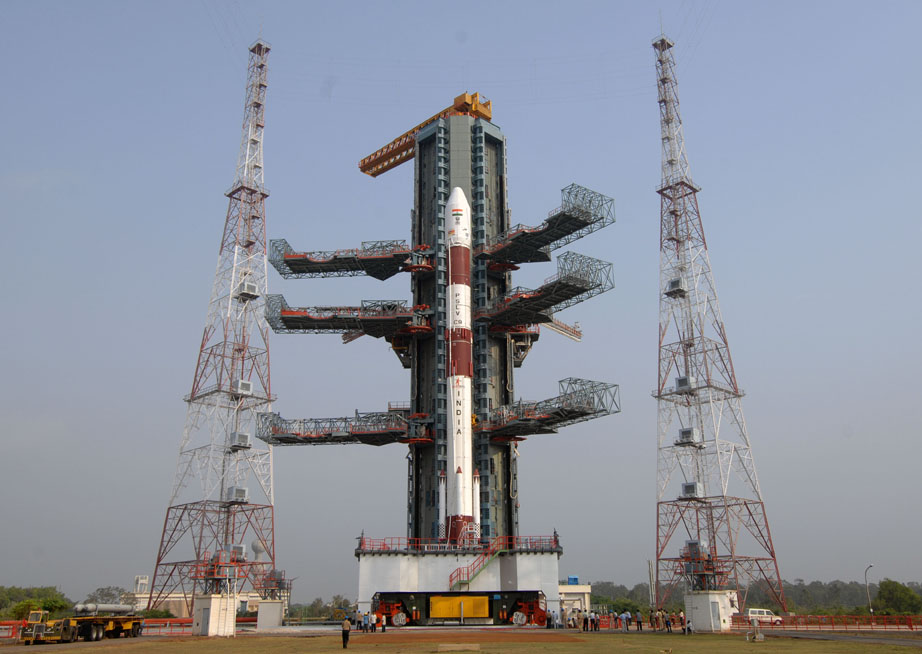
    We have known for a while that India is working on its satellite-based positioning system called Indian Regional Navigation Satellite System (IRNSS.) This will be a competitor to the US-operated GPS system which is the most prominent navigation system around the world. ISRO has launched PSLV-C27, which carries in itself the IRNSS-1D, which is the fourth satellite in the constellation of seven satellites which will make up for India’s own operating system.

    Today’s launch was previously supposed to be held March 9th, but it was postponed due to technical issues in one of the sub-systems. IRNSS-1D has a mission lifespan of 10 years. It will provide navigation, tracking and mapping services. This is the fourth satellite in the constellation of seven satellites. The four satellite will be capable of offering navigational assistance on their own, but the other three satellites will add more accuracy to the system. Once completed, the IRNSS would be on par with US-based GPS system.

    IRNSS will be made of a constellation of seven satellites.
    IRNSS will be made of a constellation of seven satellites.

    IRNSS will be accessible from mobile devices and navigational systems, just like GPS. It will offer terrestrial and marine navigation, assist in disaster management, help track vehicles and will also provide visual and voice navigation for drivers. The system will be established this year and cost the taxpayers a sum of Rs. 1420 crores. IRNSS will focus on South Asia so India’s neighbours can also benefit from it.

    The Kargil War of 1999 had incited a need for an in-country navigation system. The US government back then had refused the request of the Indian government to use the navigation system to keep track of enemy movement. This led to the inception of the IRNSS, and now it has reached the half way mark to completion. India is not the only country which wants to break the dominance of GPS and US influence in the navigational front. Russia with its GLONASS system is already in the market while European Union’s Galileo positioning system and China’s Beidou Navigation Satellite System are in the planning stages.

  • DARPA is Developing a Real-Time Positioning Technology That Will Replace GPS

    DARPA is Developing a Real-Time Positioning Technology That Will Replace GPS

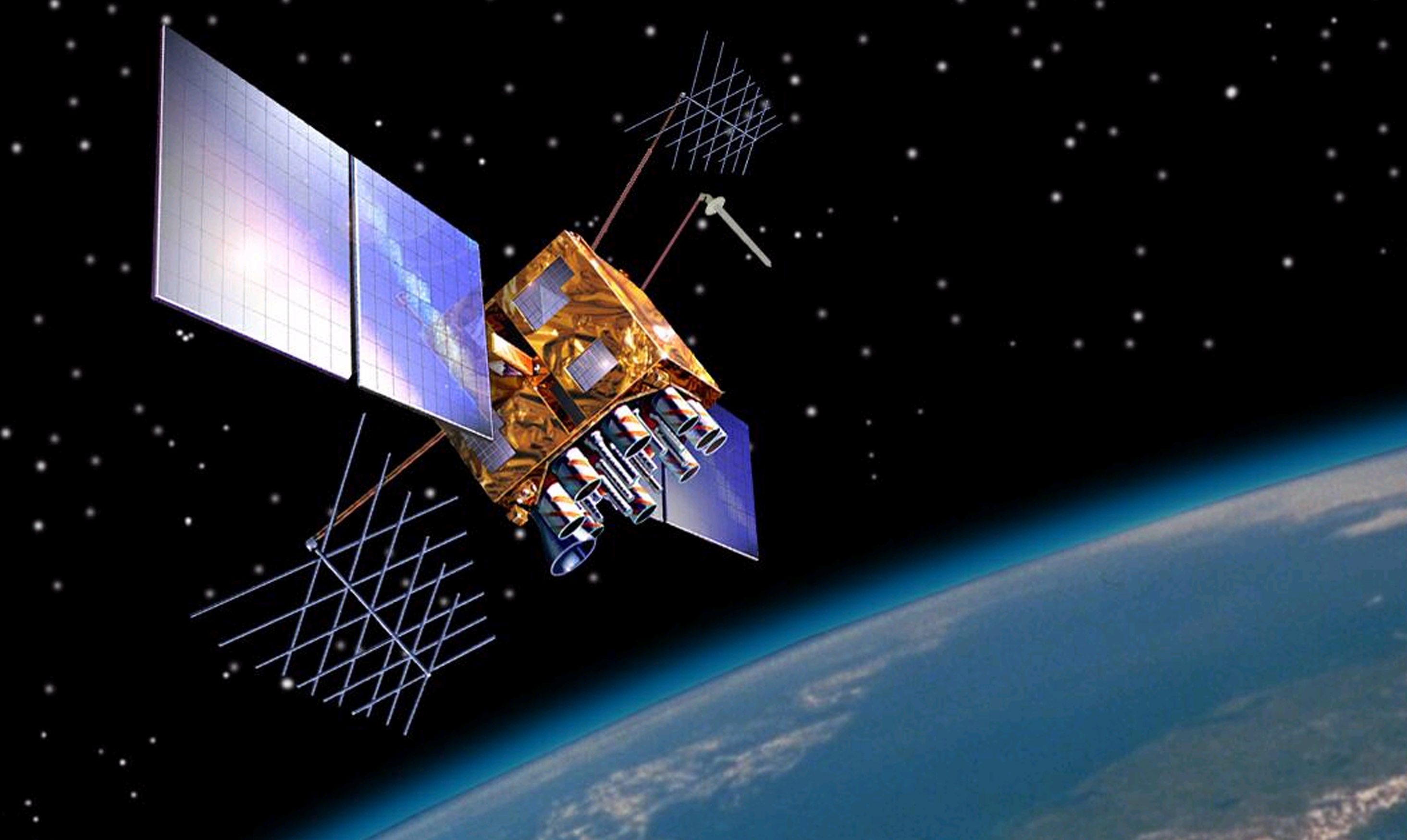
    The Global Positioning System (GPS) technology has been in use from many years now. Different sections of the society like military, civil, and commercial sector make use of GPS to track down accurate location and time information. However, the satellite navigation system has its own limitations and gets obstructed by weak signals. To rise above the vicious circle, DARPA, the agency of U.S. Department of Defense, is working on an alternative of GPS.

    The advanced research wing of US Military is building up a cutting edge location technology that will offer real-time navigation-tracking inspite of blind spots and jammers. This will lend a hand for the U.S. Defense department to get instant information about the location of their soldiers and tanks and also the rivals. The research wing of U.S. Department of Defense said in a statement :

    The need to be able to operate effectively in areas where GPS is inaccessible, unreliable or potentially denied by adversaries has created a demand for alternative precision timing and navigation capabilities.

    This technology won’t just benefit the military; a range of new self-contained instruments are under development that will give real-time details about time, location, and motion to civil and commercial users. The organization is working on self-calibrating gyroscopes, accelerometers, high-precision clocks and navigation instruments that work without wireless signals or other external sources.

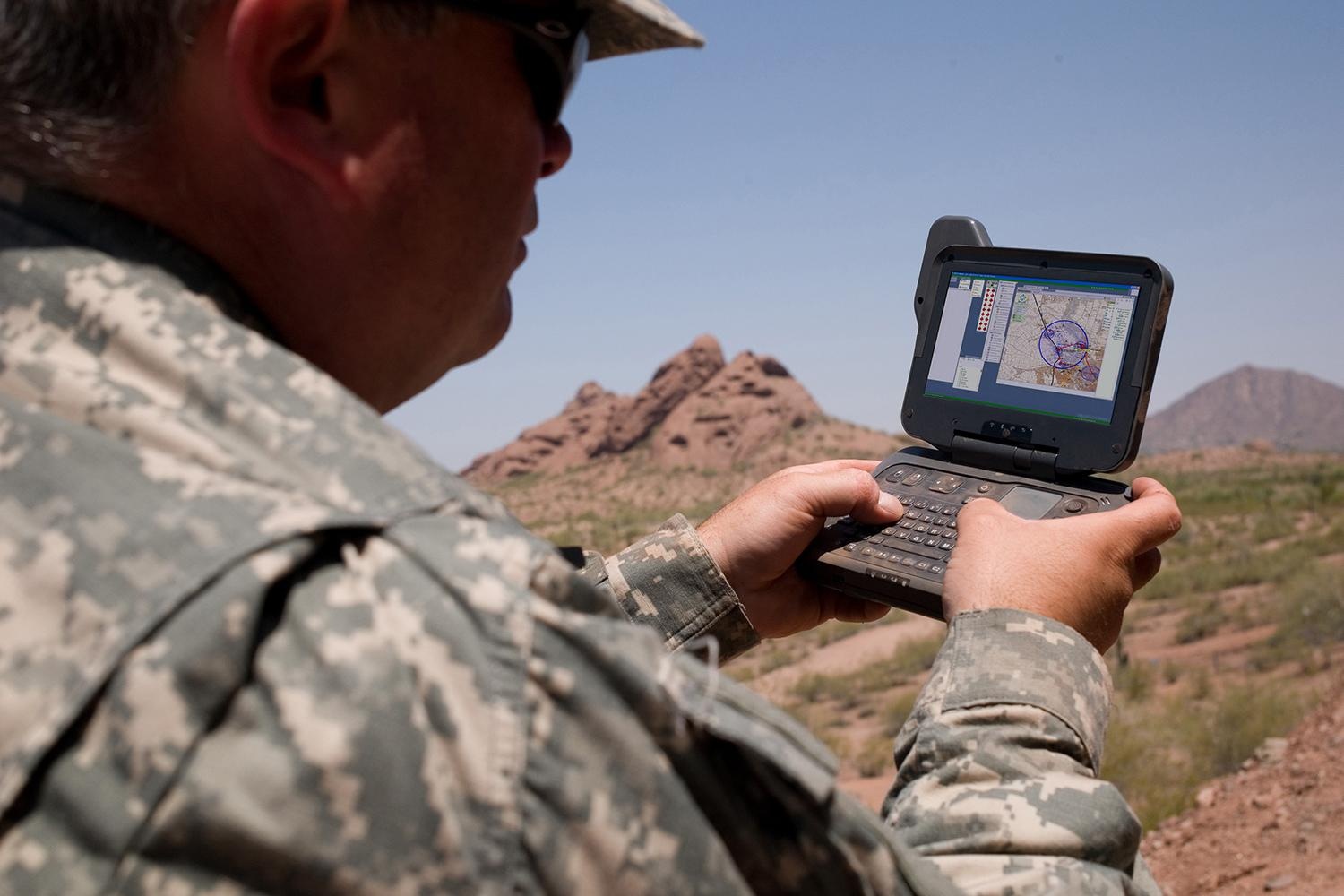
    darpa soldiersThe agency is reportedly eyeing on new technological sensors that could pick up “signals of opportunity” such as television, radio, cell towers, satellites, and even lightning, and assist the receiver in navigation and real-time positioning. Termed as ASPN (All Source Positioning and Navigation), the innovation will help soldiers in harsh conditions such as in dense jungle, underwater or underground, deep foliage, etc. In short, it will reach all the places where GPS access gets obstructed.

    Also it is learnt that the upcoming device will be compact in a way that it can be carried by the soldiers or can be installed on tanks to know about their positioning. The sensors will be cut down in size to reduce power consumption.

    All this sounds good, but don’t expect it to come to your hands anytime soon. This GPS alternative is presently under development and it will take a few years to come to the market.

  • Google Maps 9.1 Update Adds Destination Info, Alternate Routes and More

    Google Maps 9.1 Update Adds Destination Info, Alternate Routes and More

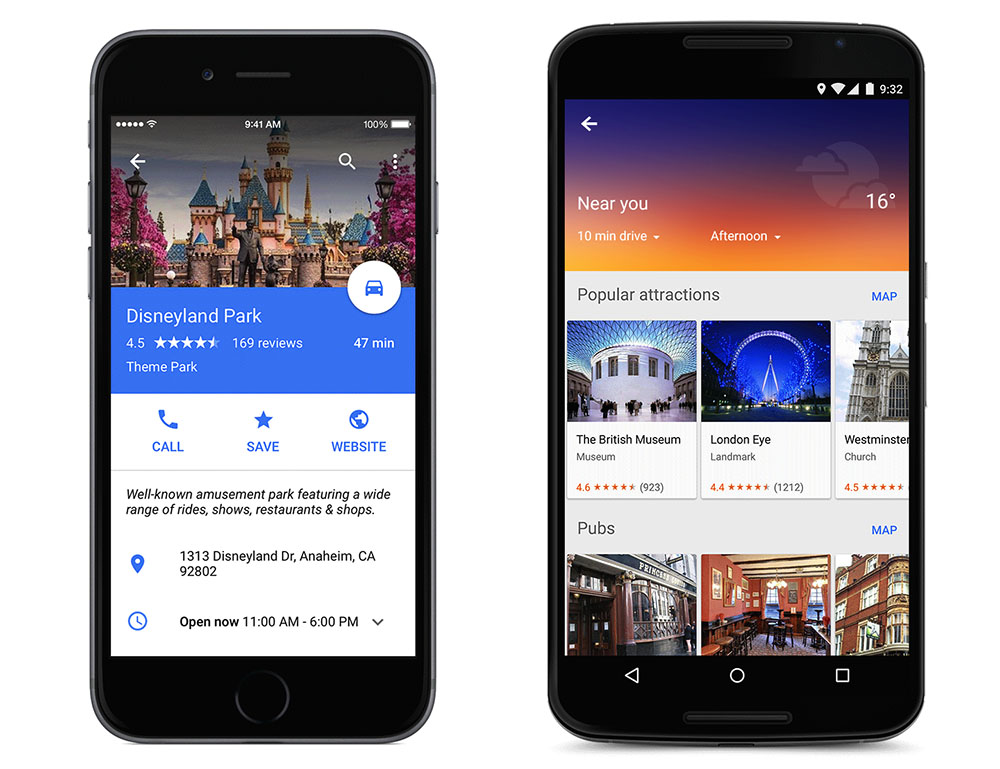
    A month ago, Google Map received the Material Design makeover and revamped the in-app restaurant reservations for good measure (only in the US). Now, a new version is rolling out with much-needed new navigation tools.

    Earlier, the update to Google Play services was rolled out by the company. This update brought Play services to version 6.5 and added improvements to Google Maps, Google Wallet, Google Drive and Google Fit. The majority of the update was aimed at Maps, bringing additional features which allowed third-party apps to take advantage of a more seamless integration with Maps.

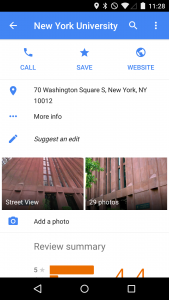
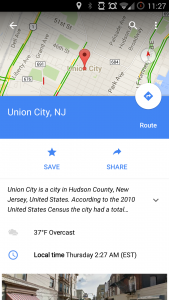
    Now, in addition to letting you know exactly how much time that alternate route will save, the app will display estimated time, weather and a smattering of facts about your destination. Google has also added the ability to show and hide traffic with a simple voice command. Of course, there are also some features hiding under the surface and to know that, you have to juggle with the app yourself.

    Google Maps 9.1 will also offer improved rerouting options, telling users how much time can be saved by rerouting, and offering ‘route-around’ alerts for closed roads. The application will also offer transit schedule changes for early or late arrivals.

    If Google Maps is your go-to app for checking out hotels, restaurants, or scanning other cool stuff, then these new features could save a couple of steps by putting them all in one app. Google is working to make Maps the all-in-one travel and destination tool so that you don’t have to check out competitors like Yelp for information.

    The 9.1 version will be rolling out soon to your device, however, the apk for the new version is available here.

  • Google Maps Now Available in 25 More Countries

    Anyone who has used Google Map Navigation will probably know how important it can be at some point or other. Be it searching a good place for a meal or searching the way to home from an unknown place, Google Maps has helped in most cases.

    While, some people enjoy using Google Maps Navigation others do not have access to it yet. This will soon change as Google has added 25 new countries to take an advantage of this features. Here are the countries which recently got access to Google Navigation:

    • Andorra
    • Bangladesh
    • Bhutan
    • Burundi
    • Central African Republic
    • Croatia
    • Djibouti
    • Gabon
    • Guadeloupe
    • Haiti
    • Lesotho
    • Libya
    • Maldives
    • Mongolia
    • Puerto Rico
    • Republic of Congo
    • Samoa
    • Serbia
    • Sierra Leone
    • Somalia
    • Togo
    • Tonga
    • Tunisia
    • Vanuatu
    • Zambia

    The Google Maps Navigation is now available on approximately 100 different countries. However, few countries like Algeria, Bahrain and Russia do not support the navigation in all regions. The company says’s they are trying to bring the Navigation Beta to more countries gradually. Google Maps Navigation (Beta) requires at least Android OS 1.6 and comes included as part of Google Maps for Android v3.2 and higher. For more information you can check out the source:

    [Google]


  • Vector based Google Maps App for iOS 6 leaks out in blurry images

    Vector based Google Maps App for iOS 6 leaks out in blurry images

    google maps app for ios 6

    If you are as upset as the rest of the world using an iDevice on iOS 6, Google just might come to your rescue with a Google Maps app for iOS 6. San Francisco-based software developer Ben Guild has posted some details about Google’s upcoming maps app, including some super low res blurry a$$ images if we have seen any.  Guild says the app will be “ vector-based,” will feature “two-finger rotation for any angle” and will be formatted for the iPhone 5?s four-inch display.

    Looks like iPhone 5 users, along with other iOS 6 users will be happy after all, now that they can navigate to their favorite Starbucks. Oh wait, we still don’t have those in India!

    [Source]

  • Google Introduces Voice Navigation To India

    Google Introduces Voice Navigation To India

    Commuters in India are all set to get turn-by-turn, voice-guided directions, using the Google Maps Navigation. In addition, if you’re living in Bangalore, Mumbai, New Delhi, Chennai, Pune and Hyderabad, you’ll find that  live traffic updates feature just got activated on your maps menu.

    You can even speak your destination into your phone and have your route set for you. A country-specific option lets you set the voice to an Indian accent for easier comprehension.

    [quote]“Whether you’re heading to the Bengaluru airport for a business trip or visiting Agra’s world-famous Taj Mahal for a weekend of sightseeing with friends, Google Maps Navigation has you covered,” say Darren Baker, product manager and Suren Ruhela, senior program manager, Google Maps, in a statement posted on the Google India blog.[/quote]

    While Navigation app was always a feature of Android phones in India, the service was not supported officially. It used to show just the route and lacked support for voice instructions. Currently, the Navigation feature is in beta and Google tells users to exercise caution while using it.

  • MapmyIndia introduces 3G, Android enabled CarPad 5

    MapmyIndia introduces 3G, Android enabled CarPad 5


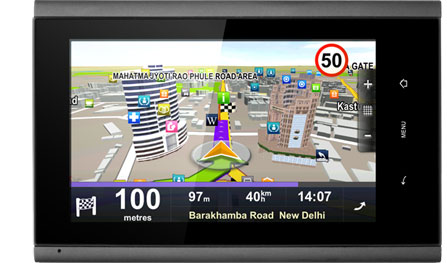
    MapmyIndia, provider of digital maps, navigation and location-based services, has launched CarPad 5, a connected car product. Built on Android OS, CarPad 5 is an all-In-One GPS Navigator, Smart Phone and 3G Tablet. It 5 runs on a 1GHz Samsung processor (Cortex A8, S5PV210) and features a 5 inch capacitive touch screen. It is priced at Rs 19,990 and contains the CarPad windshield mount and Car charger.

    The navigation device has built-in 3G & Wi-Fi and comes preloaded with Aura, MapmyIndia’s fully 3D and connected GPS navigation interface.

    Rakesh Verma, managing director at MapmyIndia said that the CarPad 5 is one of the many in-car productivity gadgets they plan to launch in the near future.

    The company claims Aura maps offers real-time traffic updates, house level search, security (track and trace) and discount offers in the vicinity. It covers over 6.3 million places, 5,79,000 towns and villages, 4000 cities at street-level, house-level data for 36 cities and 3D landmarks and building footprints for 34 major cities. 

    The navigation device is 3G enabled and allows users to call, message, mail and chat, search and browse the web at high speed, and access social networks.

  • Google Maps adds Work and Home Locations bookmarks for the daily navigators

    Google Maps adds Work and Home Locations bookmarks for the daily navigators

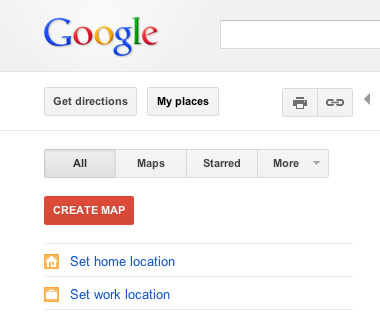
    Do you use Google Maps to navigate to your destinations on a daily basis ? Google just made it a tad bit easy for you to go about your daily business, by adding the option of permanently tagging important places by their familiar names.An update to the web version of Maps now lets you define specific home and work locations that will stay attached to your Google account, and its all computer independent and all you need is a login into your Google Account.

    The update is already live, so check it out.


    [Google Lat Long Blog]

  • Nokia gives free Car Mode for early Belle adopters

    Nokia gives free Car Mode for early Belle adopters

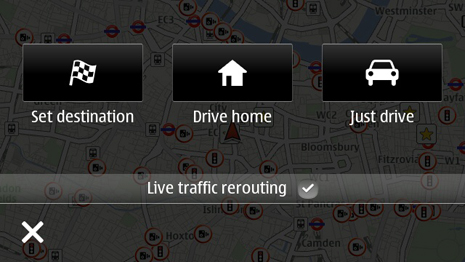
    Nokia’s new Car Mode is the most seamless car connectivity system between a Smartphone and a Head-unit of your vehicle you will ever find. This lets you connect your phone to your car’s infotainment system (if you’ve got one) and control your phone through the car, rather than touching the phone itself. Two apps out of which  One is called Nokia Car Mode that offers Nokia’s leading turn-by-turn navigation, as well as the overall smartphone experience into the car environment, while also bringing Nokia Drive, traffic updates, Nokia Music and voice calls while driving.

    The other is called Nokia Car Mode with MirrorLink that gives additional MirrorLink support and the seamless connectivity of the smartphone within the car at a cost of £17.99 (Rs. 1699).

  • Google Maps on Browser updated for Android and iOS

    Google Maps on Browser updated for Android and iOS

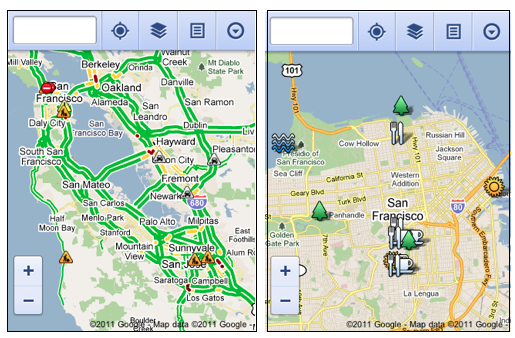
    You already have an App for Google Maps on your Android or iOS device. But admitting that 40% of its Maps users are Mobile based, Google today unveiled a new interface to cater specifically to mobile Smartphone users.

    Offering a lot of the same features that are offered in the Full Desktop version, the mobile version is quite in the scope of the usability aspect. Including the ability to view your location, search nearby areas with suggestions and auto-complete, get directions for driving, transit, biking, or walking, view different lays, view Place pages, and access your starred locations.

    The native iOS app does not store Starred Locations/ or show them for that matter.

    Via : Google

  • App a Day: Waze |Social Maps for iOS, Android, Symbian, Windows Mobile and Blackberry

    App a Day: Waze |Social Maps for iOS, Android, Symbian, Windows Mobile and Blackberry


    Waze. The new social navigation app which provides you with real-time traffic updates as well as turn-by-turn navigation. The app is really fun to use and comes with a host of features. Since the maps are crowd-sourced, they’re always up to date and accurate in areas where google maps fail. The social aspect of the app comes from its ability to create local traffic groups, which help all drivers in the group by providing traffic updates, accident reports, speed trap data etc.


    The app is more of a game than a navigation app as it has a PAC-MANesque interface that has little dots that your car can gobble up while you drive, you also have toffees that appear from time to time  for extra points. If you’re in an area where there are no maps or the maps are wrong, you can re-map them by switching to dozer mode, which turns your car into a bull-dozer so you can pave your own road! This is a great feature and the first time we’ve seen a navigation app providing this level of detail. A full feature list of the app is below.


    NAVIGATION FEATURES:

    • Voice-guided, turn-by-turn navigation
    • Live crowdsourced traffic information
    • Real-time monitoring of road conditions and automatic re-routing as conditions on the road change
    • Alternative route options
    • Notification when approaching police traps and speed cams
    • Learns and personalizes your preferred routes
    • Free, community-updated map

    SOCIAL DRIVING FEATURES:

    • Road reports from nearby drivers – speed cams, police traps, accidents hazards and more, with the ability to add a photo to your report
    • Ability to create or join local driving groups
    • See your Facebook friends on the map
    • Check in via Foursquare to earn the ‘Road Warrior’ badge
    • Fun avatars to choose from
    • Ability to ‘ping’ other wazers
    • Twitter integration to share your road reports
    • ‘Road goodies’ for extra points, scoreboard, plus other cool geo-gaming elements

    SAFETY AND OTHER FEATURES:

    • Typing disabled while car is in motion
    • Voice-alerts when approaching a hazard
    • Automatic shut-down after 10 minutes of no movement to preserve battery life


    You can download the app from the following links. Remember to join the iGyaan Waze group called iGTraffic.


    Waze – Social GPS navigation, traffic & road reports – Waze Inc.

    Waze – Social GPS navigation, traffic & road reports - Waze Inc.


    For all other devices, visit http://m.waze.com from your mobile browser. The Blackberry version is still in Beta and does not have the full feature set.

  • Windows Phone 7 New Mango Update features revealed

    Windows Phone 7 New Mango Update features revealed


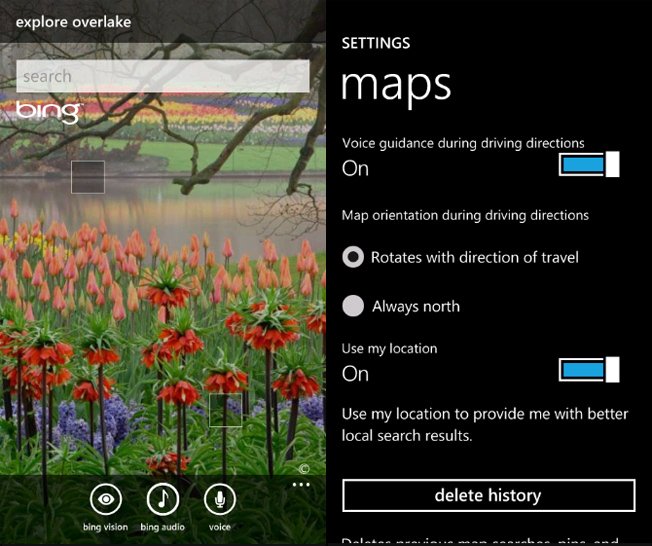
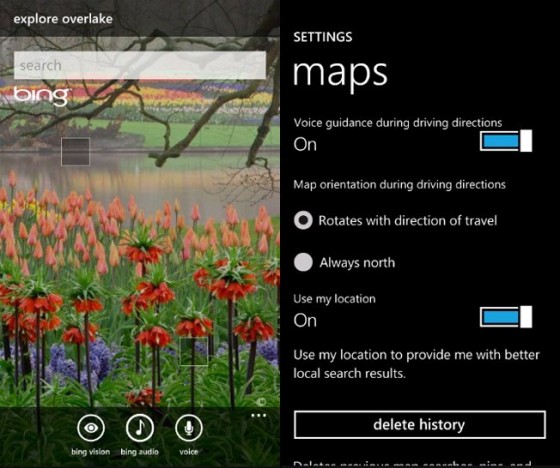
    Microsoft’s upcoming “Mango” update is the next exciting thing for all Windows Phone 7 users. Windowsphonesecrets.com revealed the new features of the upcoming update and they seem to be adding quite a few interesting things.

    • Bing Audio, which will identify songs by listening to music
    • Bing Vision, which will provide barcode scanning + Camera assisted search
    • Turn-by-turn navigation in Bing Maps
    • Speech recognition support in messaging
    • Native podcast player
iGyaan Network
Privacy Overview

This website uses cookies so that we can provide you with the best user experience possible. Cookie information is stored in your browser and performs functions such as recognising you when you return to our website and helping our team to understand which sections of the website you find most interesting and useful.