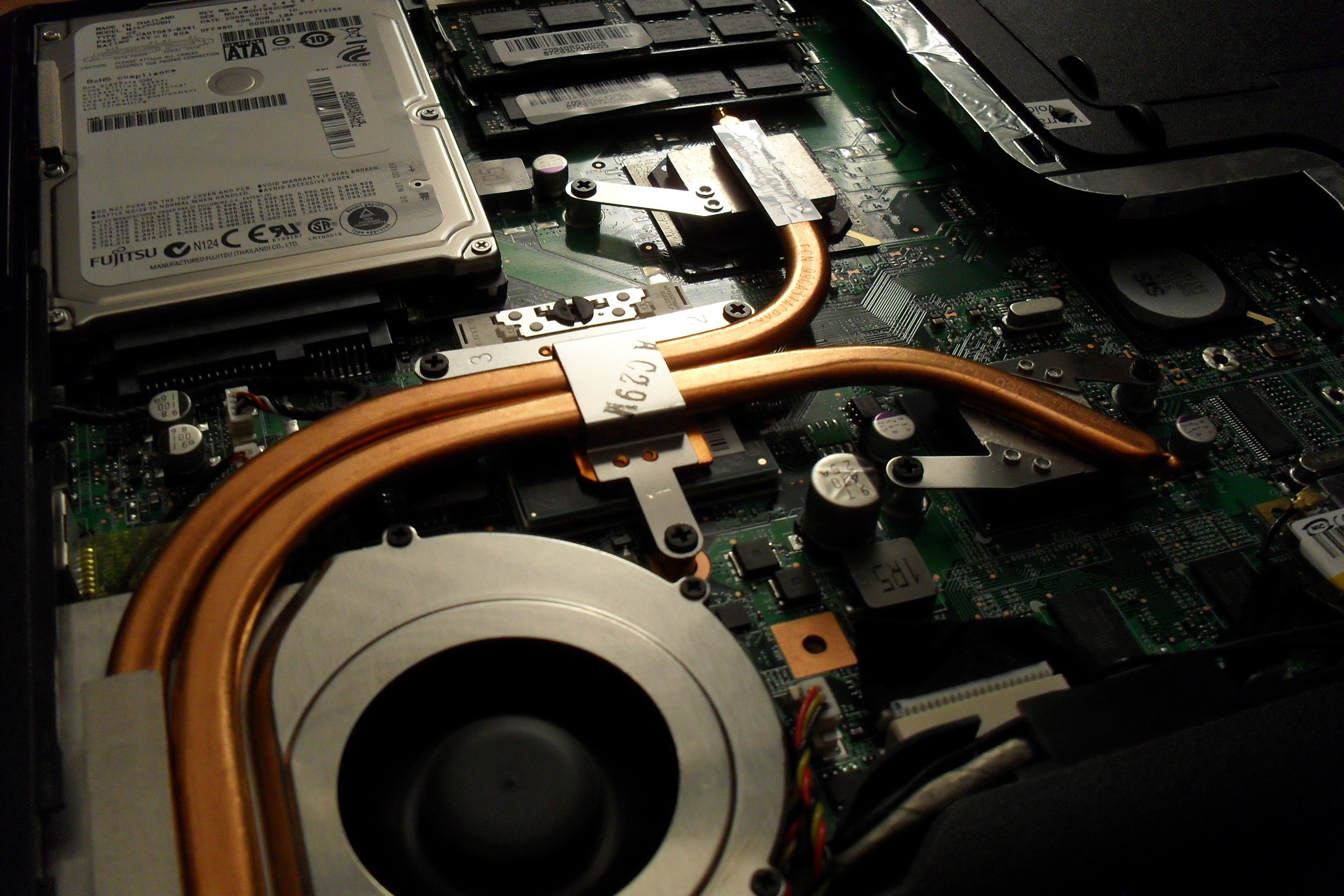
Has your laptop been heating up way too often for the past few days, making you worried about it crashing or burning your fingers? You know you’ve got a heating problem when your laptop sounds like an airplane taking off. We understand your plight and have a few ways to beat the heat.
Find a flat surface
One of the reasons your laptop is burning up is because you’re keeping it in all the wrong places. Keeping the laptop on your lap, or the bed, or any soft surface will cause it to heat up as you’re blocking the airflow vent that’s under the laptop. Make sure your laptop is sitting on a flat, hard surface and try to work in a cool room on a hot summer day.
Don’t keep it constantly charged

Make sure that the moment your laptop reaches a hundred percent charge, you take it off the charger. Keeping the laptop constantly charged won’t increase the battery life, but will only harm the battery further. The charger adds to the heat that is already being produced inside your laptop.
Keep limited open tabs
We tend to keep multiple tabs open when browsing the net. You may have YouTube open in one tab, Facebook in another, Gmail in one more, and so on. While its perfectly okay to do that because background tabs become inactive, however, having multiple tabs open in your internet browser (which include video and heavy data sites) does take its toll on the processor. So keep as few tabs open as possible.
Close all idle apps
Sometimes we tend to minimize apps not being used rather than closing it. Minimizing the apps such as VLC player, or Office programs, only clears up the screen, but the app is still active in the background. These apps continue to take up processing space and consume battery, so it’s recommended you close the apps not being used. Basically, close down those apps that demand excessive amounts ( 90% and above).
Use a cooling pad

Finally, the most obvious tip is to use a cooling pad. This is so obvious that almost all of you might already be using it. However, some may find it a troublesome affair to carry around a cooling pad everywhere you go. A cooling pad is handy if you plan to use your laptop in one fixed place. The important thing is to find a cooling pad that is right for your laptop and your work environment.
Here is a neat pad that you can keep on your lap, desk, or even on one leg while lounging around.
Though many of you may already be aware of some or most of these tips, there are always some tech novices out there who could use a little help. We hope these suggestions are helpful. If you know of more ways to cool a laptop, leave a comment below.