Here is the video we know a lot of you have been waiting for. The epic Note in hands of iGyaan, we keep it simple check out the video.

Check out our Hands on at the launch video Below!
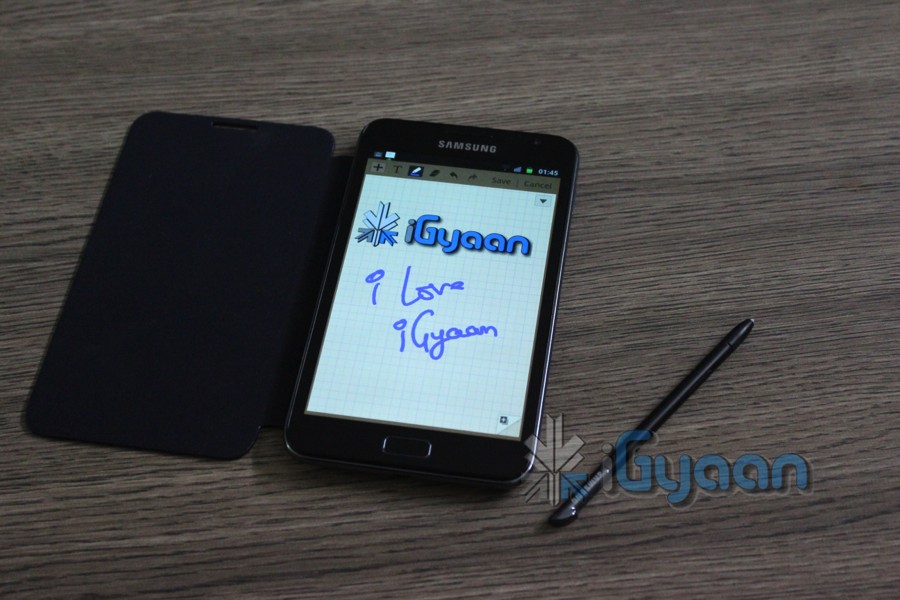
Here is the video we know a lot of you have been waiting for. The epic Note in hands of iGyaan, we keep it simple check out the video.
Check out our Hands on at the launch video Below!
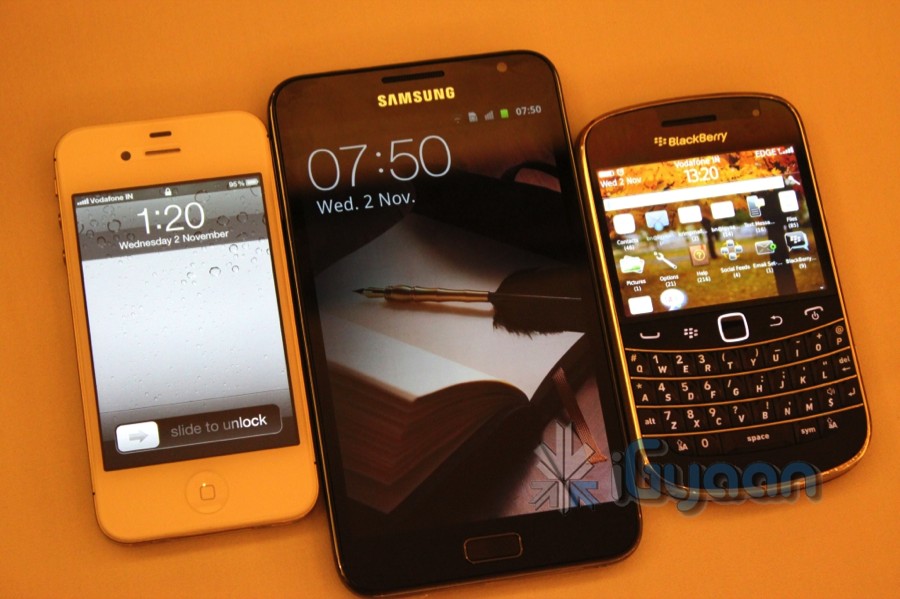
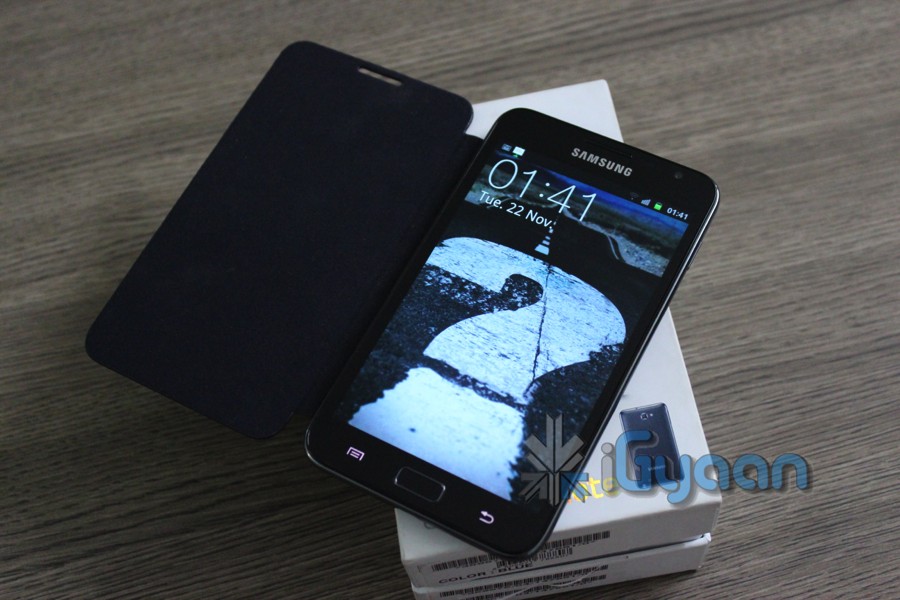
The Galaxy Note has been launched in India for a price of 34,990/- at market price and will go on sale starting today. The first 100,000 buyers will get a complementary leather pouch with their device. The device features the worlds first 1.4 GHz Dual core processor and also the worlds first 5.3″ display on a Smartphone. The device features a Smart Pen which lets you bring back the memories of olden days with a modern twist, the Pen can be used to live annotate and edit files, draw, sketch etc all on the Galaxy Note. The company is pitching it as a replacement for a Tablet and a Phone and unifying the market. The price seems a bit high and expect it to fall under 30K pretty soon. Check out the specs below and wait for our exclusive hands on video.
To sum it up we have a 5.3 inch display, a 1.4 GHz dual core processor, 16GB storage, 32GB expandable a 8 megapixel camera at back and a 2MP in the front. We also get an impressive stylus and a beautiful screen and a 2500 mah battery pack .
And Our First Hands On Here
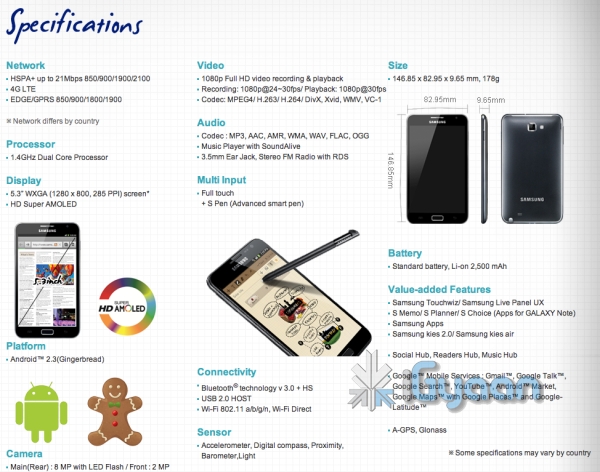
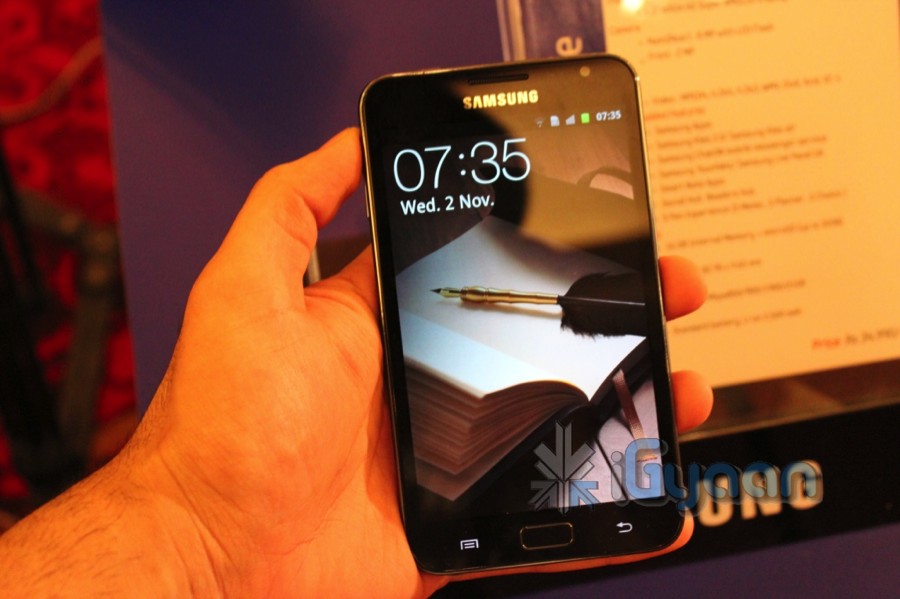
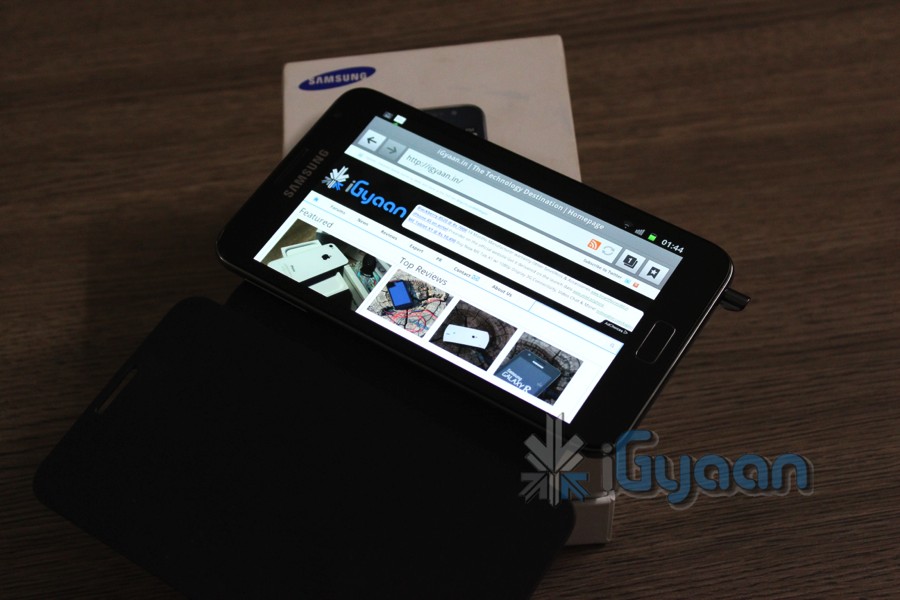
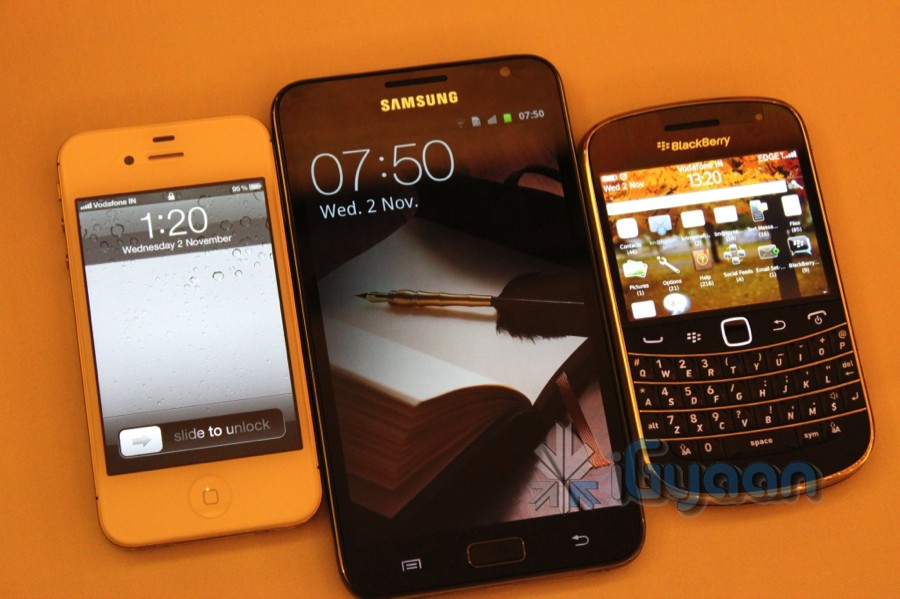
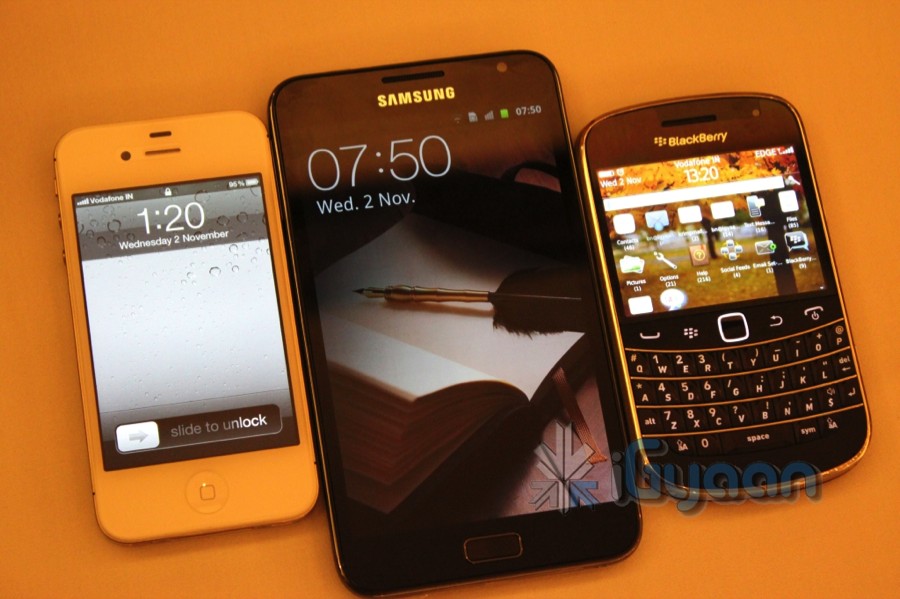
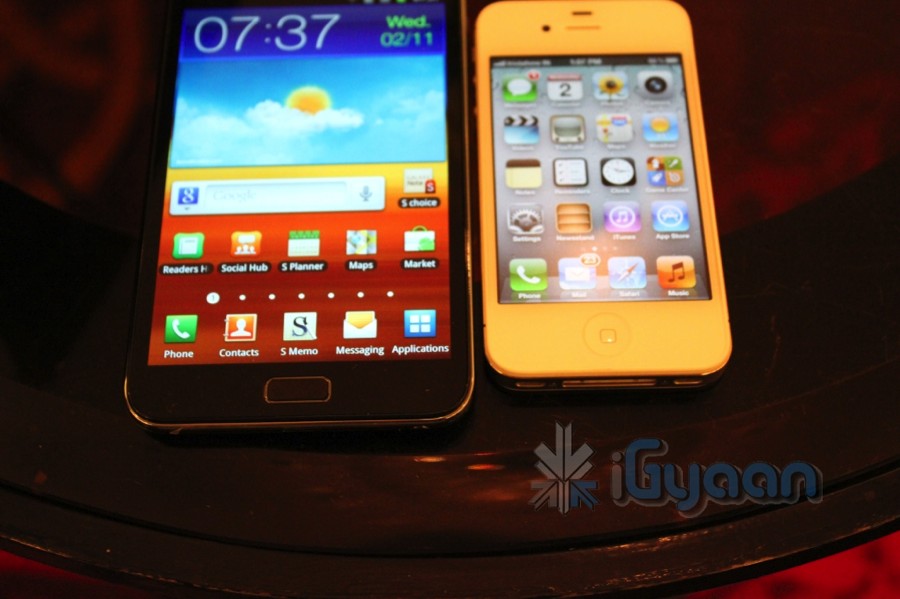
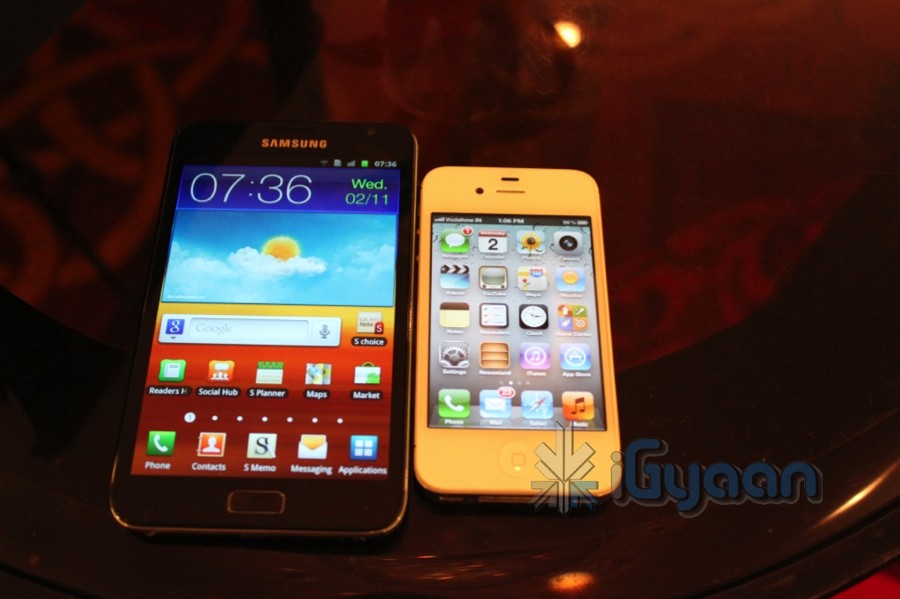
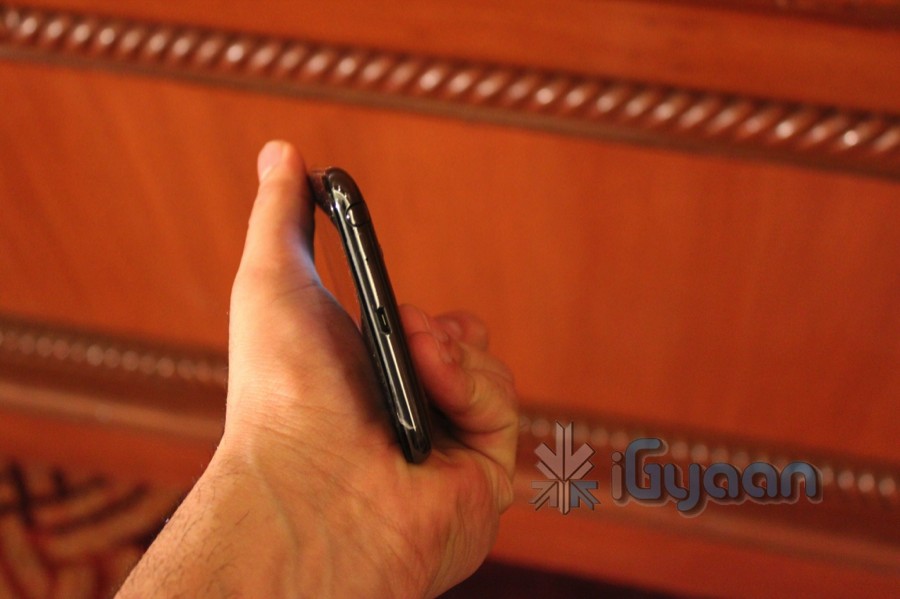
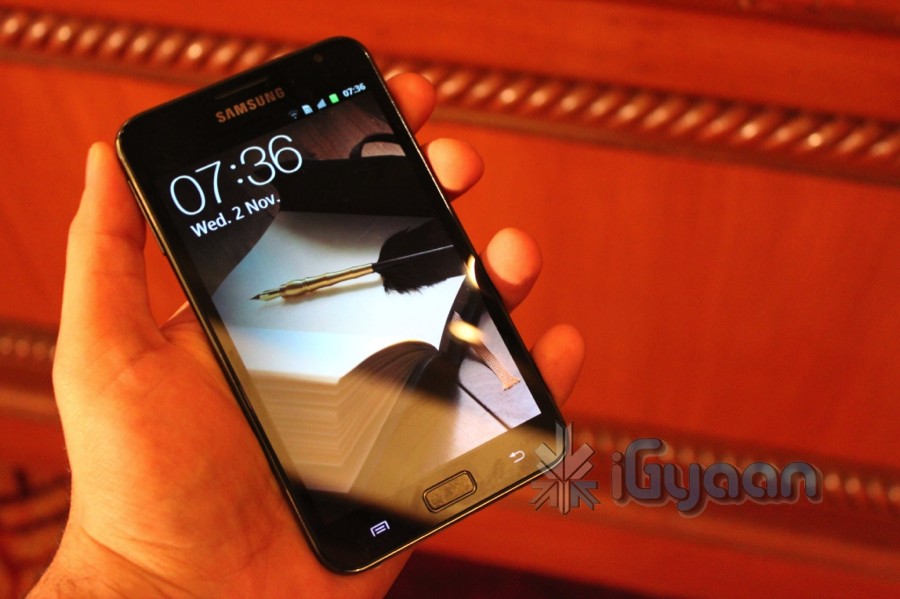
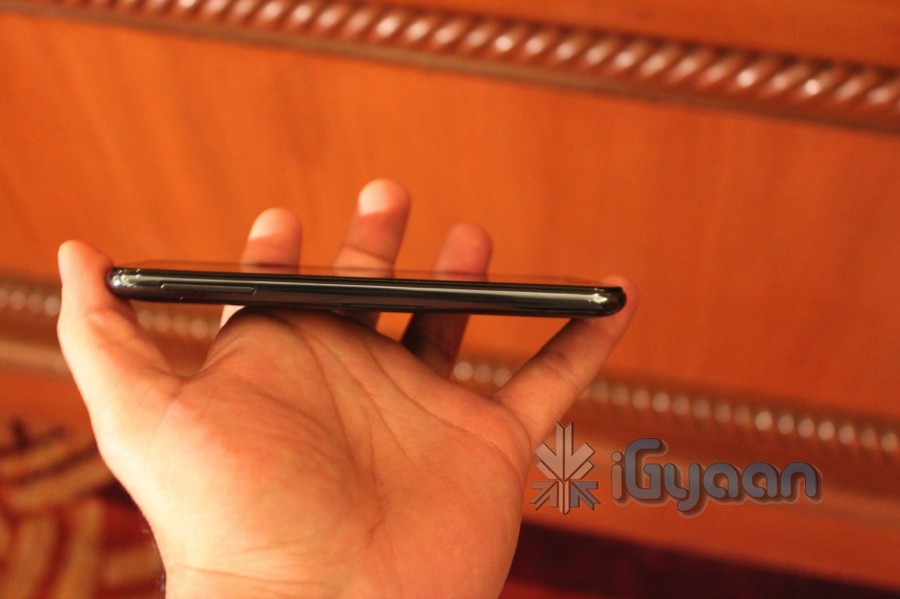
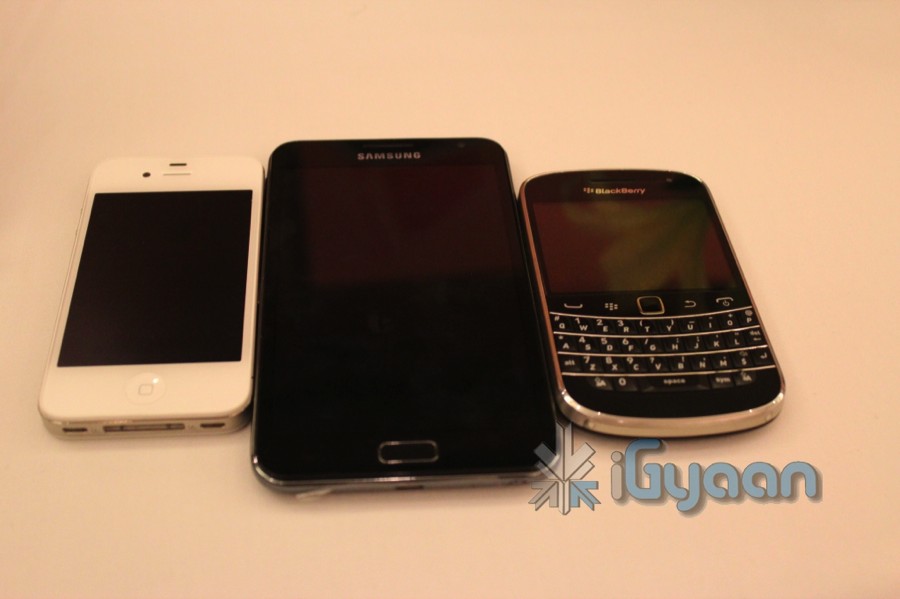
We got our hands on the large size Samsung Galaxy Note GT-N7000 pre-launch in India. The event is about to begin and our initial impressions are mixed, the device is ver very big. The device is quite a middle point between a Tablet and a Smartphone and is pretty comfortable for its size. The display even though is 5.3 inches is very crisp with a Super Amoled screen. The device remains very slim and fares almost close to the iPhone 4S at just 9.65mm. The Note is possibly the first smartphone you will enjoy using a stylus on, the precision of the point is great. The Stylus is also a great sketch and edit instrument and you will actually use it a lot if you get this device.
The stylus does not work with other screens and not at all with the iPhone (trust us we tested). The device fits into the pockets of your denim in a very uncomfortable fashion, but would do well for a coat/blazer pocket (for those corporate types). Check out our hands on images below and stay tuned for the full hands on Video by the end of the day. The camera is a pretty good snapper and we have attached a bunch of samples we got from it including an indoor 1080p video which should go up by the end of the day.
To sum it up we have a 5.3 inch display, a 1.4 GHz dual core processor, 16GB storage, 32GB expandable a 8 megapixel camera at back and a 2MP in the front. We also get an impressive stylus and a beautiful screen a 2500 mah battery pack . So far so good right.
Update : The price is now confirmed at an MRP of INR 34,990/-
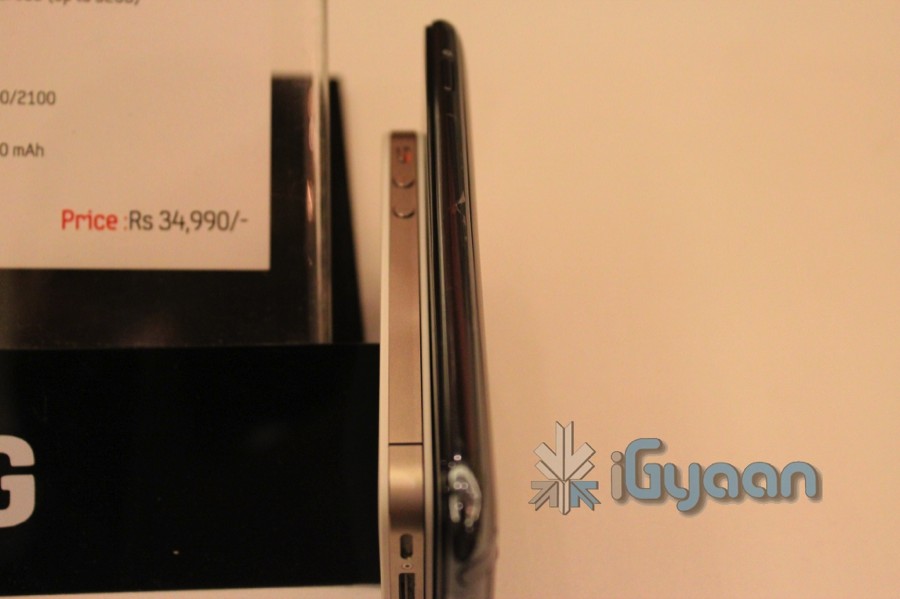
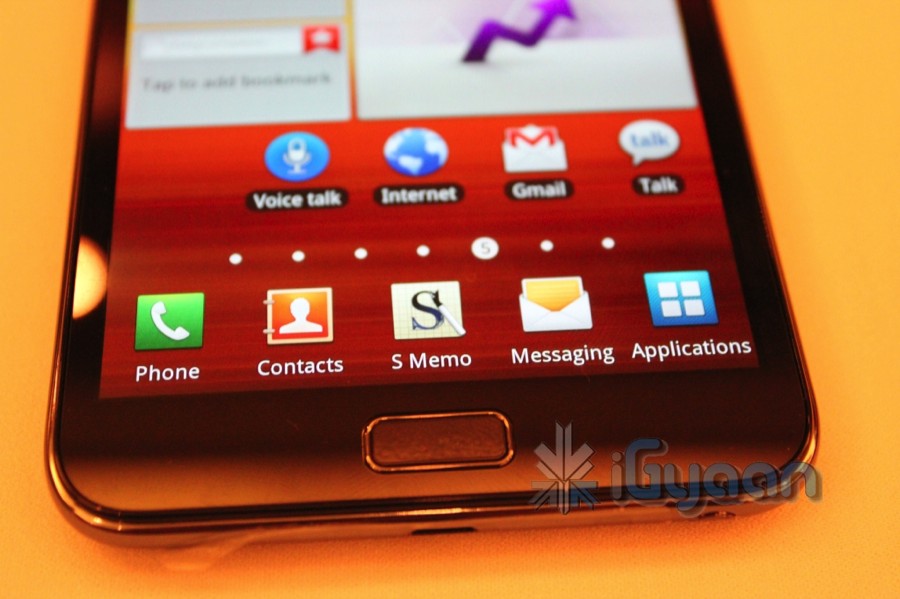
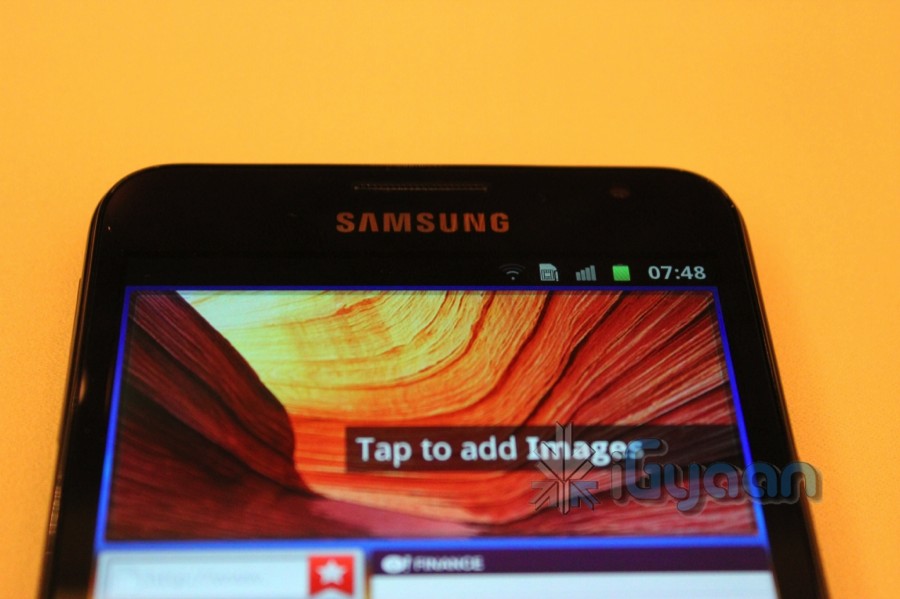
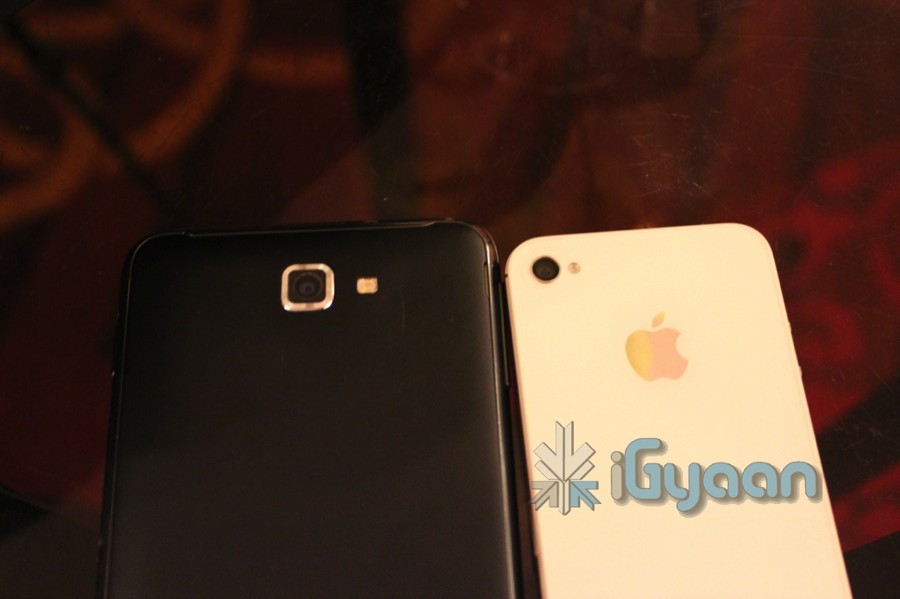
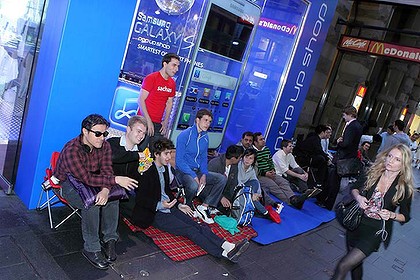
Have a Hundred rupees ? You can now get a Samsung Galaxy S2 for 2 Dollars (Australian) if you are in Sydney. The line apparently stretches beyond the one at the Apple Store, the first 10 people in line at the store get the device at $2.
Customers queuing outside of Apple’s George Street store in Sydney waiting for Friday’s iPhone 4S launch have reportedly been approached by Samsung representatives, encouraging them to switch queues and stand in line at the Samsung store instead.
Unfortunately for Samsung, it doesn’t seem to be working on most, with student Tom Mosca noting:
There’s this guy who has come up to us trying to convince us to buy the Samsung Galaxy S II two days in a row now. He’s an idiot.
Oh the dirty Tricks Samsung!
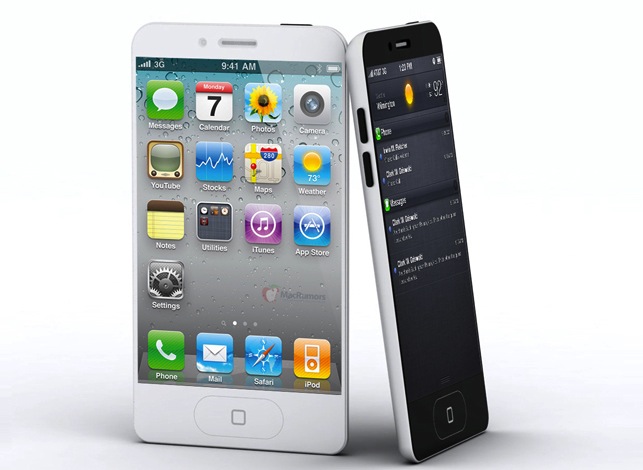
A US $ 20 billion deal between Apple and telecom carrier Sprint, suggests that the 5th variant of the Jesus phone will be locked to a CDMA/EVDO exclusive in the US. The device proposed to be announced in half a day from now is expected to launch alongside two other devices.
A 20 billion dollar deal means over 30 million phones, for a company like sprint getting this exclusive deal could just make their futures perfect. The rumored deal is proposed to last up untill 2014. The remaining carriers will get the iPhone 4s and iPhone 4 8gb versions.
Alternatively a global version of the iPhone 5 will feature a HSPA + 4G chipset capable of the next-gen networks, there you can breathe again.
Either way we will cover the event for you guys in our liveblog.
Some solid rumors for the device include

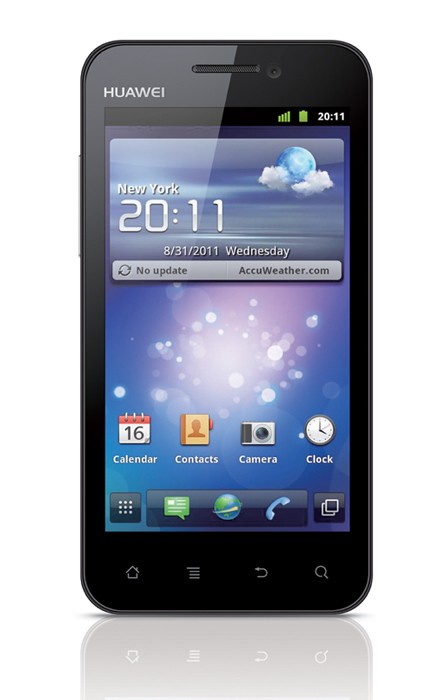
Huawei has defeated all odds and entered the first ever Single Core Device prepped at 1.4GHz processor (not really a first if you ask us).
Lets looks at the full spec list
Shenzhen, 26 September 2011: Huawei today officially unveiled the Huawei Honor, its latest Android 2.3.5 Gingerbread smartphone that features a 16M 16:9 true color high-definition (HD) 4-inch FWVGA capacitive touch screen. Powered by a 1,900 MAh battery, Honor frees consumers from the inconvenience of searching for an electricity source, allowing them to share and connect for up to three days1 on a single charge – the longest battery life among smartphones in the 4-inch screen range. With a 1.4 GHz processor, an 8-megapixel HDR2-enabled camera and a 2-megapixel front-facing camera, Honor is a powerhouse in a sleek 10.9 mm-thin body and weighs just 140g.
“Huawei Honor encapsulates the Huawei brand – it features simple-to-use, advanced technology that allows people to share and connect easily. Honor provides a package of features that elevates the smartphone user experience, including an ultra-long battery life, so critical to the performance of smartphones but yet is often downplayed,” said Victor Xu, chief marketing officer of Huawei Device. “Consumers now have a high-performing smartphone that lets them communicate, connect, entertain and share content for an extended period of time without compromising on looks, technology or style.”
Honor comes with an exclusive Huawei user interface which is easier to customize and manage, as well as a dynamic weather widget. Honor also features a Gyroscope which enables a better gaming experience. The smartphone is DLNA-certified which ensures interoperability with other DLNA-certified devices such as digital cameras, game consoles and TVs. This makes it easier for consumers to share their digital photos, music and videos between different DLNA-certified devices. The DLNA (Digital Living Network Alliance) is a non-profit organization with more than 250 member companies in the mobile, consumer electronics, PC, and service provider industries. According to ABI Research data, as of 2010, more than 440 million DLNA-certified devices have been installed in homes.
Honor will be commercially available in “Classic Black” in Asia-Pacific, China, Russia and the Middle East in Q4, 2011. Honor will be released in more colors closer to the Christmas holidays.
Technical Specs
[/toggle]
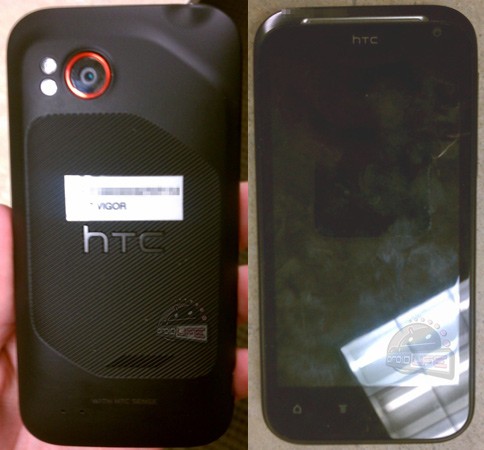
Droidlife has got its hands on new images of the HTC Vigor, the device is rumored to have a texturized backplate comes “WITH HTC SENSE” a dual LED flash, a front-facing camera along with four capacitive buttons its also rumored to have a 1.5GHz dual-core processor, 1GB of RAM and 16GB of internal storage. The popular Beats by Dre Sound engine will also possible premiere in this device.
Looks like this device is heading to Verizon, so it may never reach the Indian Shores.
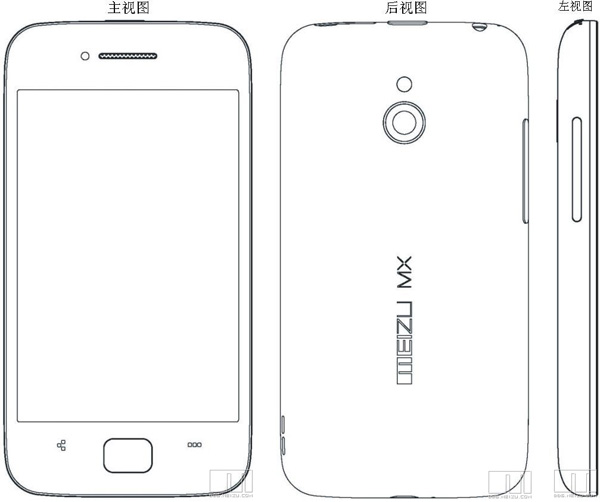
Meizu CEO Jack Wong , announced on tuesday ( in a discreet fashion) that the company upcoming 4 inch phone will be released in China at the end of September this year. The interesting bit here is that the device will have two versions, the 16GB version will come with a dual-core chip, while the 32GB version will sport a quad-core one.
No other relevant information was released about the device. We will keep you updated as we get more.
 [Meizu]
The mobile gaming industry was worth $33 Billion in 2010. Statistics show that you are more likely to leave home without your wallet than your phone. While most people would rather play a game on a console or computer, the mobile market is rising. Check out the info-graphic below for more facts on mobile gaming:

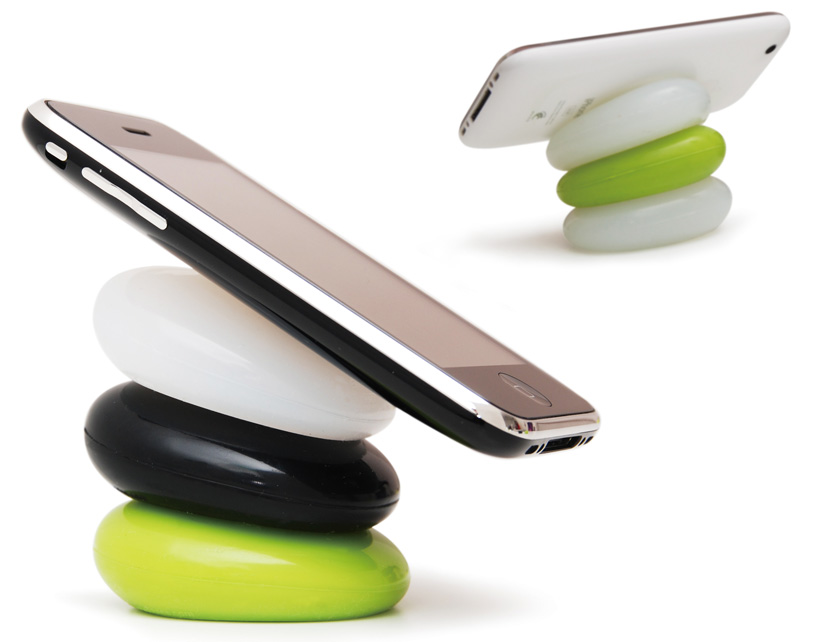
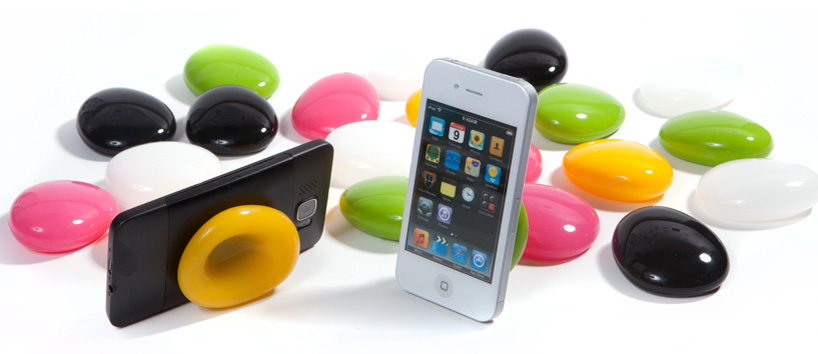
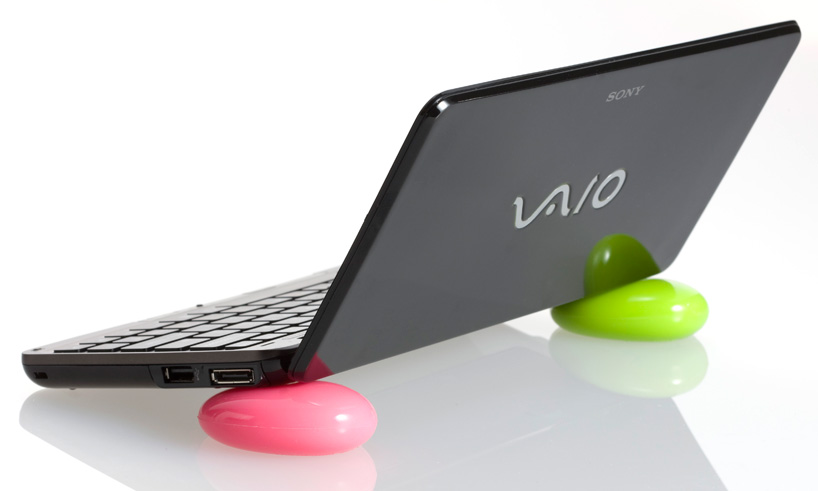
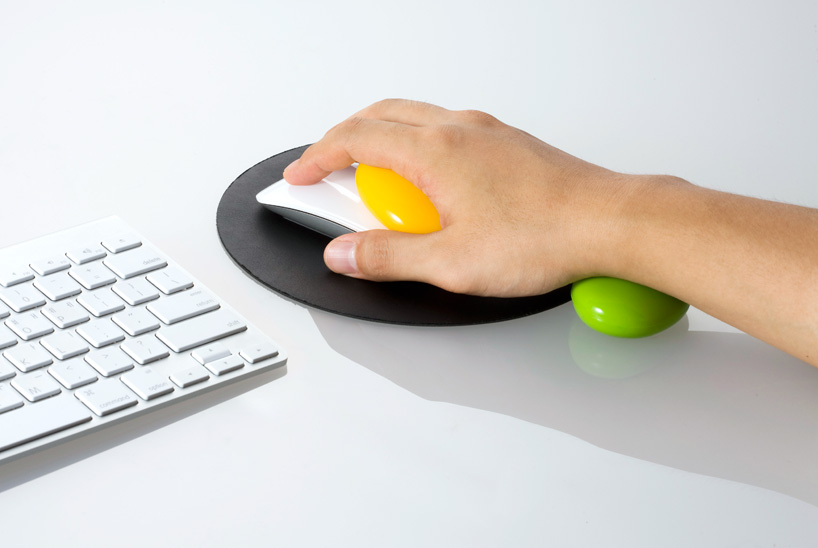
Every now and again we find a product which we look at and go, “That’s cool, I want one”. Well the smart pebbles are one of those products. These colourful pebbles created by Korean designer Kijin Shin of Designmaxx provide a comfortable resting spot for your phone, tablet, laptop or any other device that you want. They can also be used as a wrist support while you’re using the mouse. To use the pebbles, simply press them in the center and you can then proceed to place your phone, laptop or tablet on them. The pebbles are available for 15 USD for a pair.
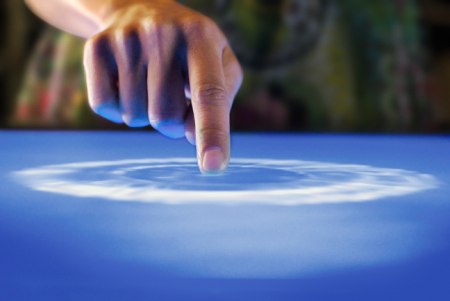
Previously, we’ve explained How Liquid Crystal Displays Work as well as How OLED Displays Work. Today, we’re going to explain how Touch Screens Work.
Touch Screens are all the rage today. You’ll find them in many devices like tablets, smart-phones, computer monitors, PDAs, ATMs, table tops, kiosks etc. A touch screen can use multiple inputs from your fingers to styluses and even sausages! But how does this marvel of technology really work? There are many different types of touch screen displays. You will hear many marketing gimmicks regarding capacitive or resistive technology, but most people just don’t know the difference. Read on to learn more about this fascinating technology.
The first touch screen was made all the way back in 1965 by E.A. Johnson at the Royal Radar Establishment, Malvern, UK. Since that first prototype, many methods of detecting touch on a display have been developed. The most widely used touch screen technologies are explained below:

A resistive touch screen is composed of many layers. The two most important layers are made of a flexible polymer which are coated with a resistive material and are separated with an air gap or microdots. The resistive material is applied in lines on each sheet and they are placed perpendicular to each other. When a person touches their finger to a resistive touch screen, the two layers are pressed together, and the points of intersection on the two layers allow the processor to accurately measure the position of the touch.
When pressure is applied to the screen, a uniform voltage is applied to the first sheet, and the second sheet measures the voltage as distance along the first sheet, which gives the X coordinate. Similarly, when the X coordinate has been ascertained, a voltage is applied to the second sheet, and the first sheet is used to measure the distance, which gives the Y coordinate. These measurements take place in only a few milliseconds, which means that a touch is registered as soon as contact is made.
Since these types of touch screens rely on a point of contact between the two resistive layers, any pointing device like a finger or stylus can be used on them. These screens are also quite inexpensive to manufacture as they don’t require any specialized components. Due to the design of these screens, registering multiple points of contact was not possible due to vectoring issues. However, new technology is now available that overcomes these vectoring issues and allows multiple points of contact to be measured.

Capacitive touch screens can be based on two different technologies:
This is the most basic form of capacitive touch screen technology. One side of the insulator is coated with a conductive layer. A voltage is applied to this conductive layer, which results in a uniform electrostatic field. When you bring your finger in contact with the screen, a capacitor is formed dynamically. This changes the electrostatic field across the screen and this change is measured by sensors placed in the four corners of the screen. The point of contact can be accurately measured based on the change in capacitance in the four corners of the screen. The greater the change in any corner, the closer the point of touch is to that corner. As there are no moving parts, these types of capacitive touch screens are very durable and are used in industrial applications as well as kiosks.
Projected capacitive touch screens work on a principle similar to the matrix found in Liquid Crystal Displays. There can be either a single layer on which an X-Y grid is etched to form a grid pattern of electrodes or two separate perpendicular layers on which parallel lines are etched to form the grid. There are two basic types of projected capacitance technologies – Mutual capacitance and self capacitance.
Projected Capacitance touch screens can operate without direct contact and can have a layer of insulation between the user and the screen itself. However, they require the use of a capacitive input device in the form of a human finger or a specialized stylus with a capacitive foam tip. These types of touchscreens are more expensive to manufacture than resistive touch screens. They also face issues when in contact with any capacitive material like water.

These types of touch screens work on a very simple principle. Infrared LEDs or lasers are used to form an X-Y grid on the surface of the screen. These transmitters are coupled with receivers that monitor the grid pattern. When a touch event occurs, the infrared light from the transmitters is blocked in that region. The receivers that are no longer detecting an infrared signal are used to measure the exact point of contact.
Infrared touch screens face many problems from objects that obstruct the infrared grid such as smudges on the screen and dust particles. Any kind of input can be taken on these screen from fingers to gloves to styluses.
So now that you know how a touch screen works, we hope that you can have a new-found appreciation for all the devices that use this technology. A tremendous amount of research and hard work has been put in to make an input interface for a sense that most of us take for granted – Touch.

Over 15,000,000,000 apps have been downloaded by some 200,000,000 users from the Apple App Store. In total, the App Store has around 425,000 applications available for sale. Last Thursday, Google announced that over 6,000,000,000 app downloads had been made by some 135,000,000 users form the Google Marketplace, which has around 250,000 applications available for sale.
The growth of Android is spurred on by the release of new Android smart phones and tablets in the market. While the tablets might not be able to dislodge the iPad from the top spot, the smart phones are giving the iPhone a run for its money. Google CEO Larry Page said that new Android devices are activated at a rate of around 50,000 per day. Despite the number of activations, the iPad, iPhone and iPod Touch still lead the pack.
At present, Apple’s iOS remains the number one mobile operating system but speculation is ripe that its just a matter of time before Android overtakes iOS to become the leading mobile operating system.
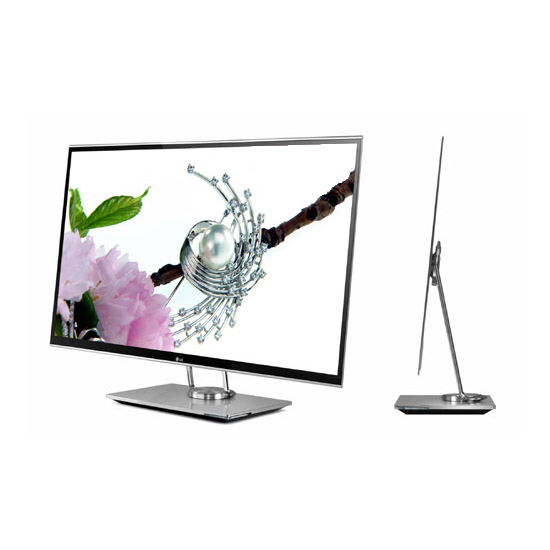
In our previous article, we explained How Modern LCDs Work. In this article, we’ll be exploring how the new generation of displays based on OLED technology work.
There are a lot of products in the market today ranging from TV’s to Laptops and even Smart Phones that contain an OLED display. But what are these displays and how do they work? OLED stands for Organic Light Emitting Diode. This technology is named after the organic polymers that are used in its construction. For a long time, organic compounds have been assumed to be electrical insulators but new research and manufacturing techniques have allowed the industry to use these polymers for many applications on a vast scale.
OLEDs are solid-state devices which are composed of thin films of organic molecules which emit light when a current is applied. OLEDs can provide brighter crisper displays that use less power than conventional Light Emitting Diode (LED) and Liquid Crystal Display (LCD) technologies. Another application for OLEDs is in the form of lights to be used in homes and offices. These lights have a long life and are very efficient.
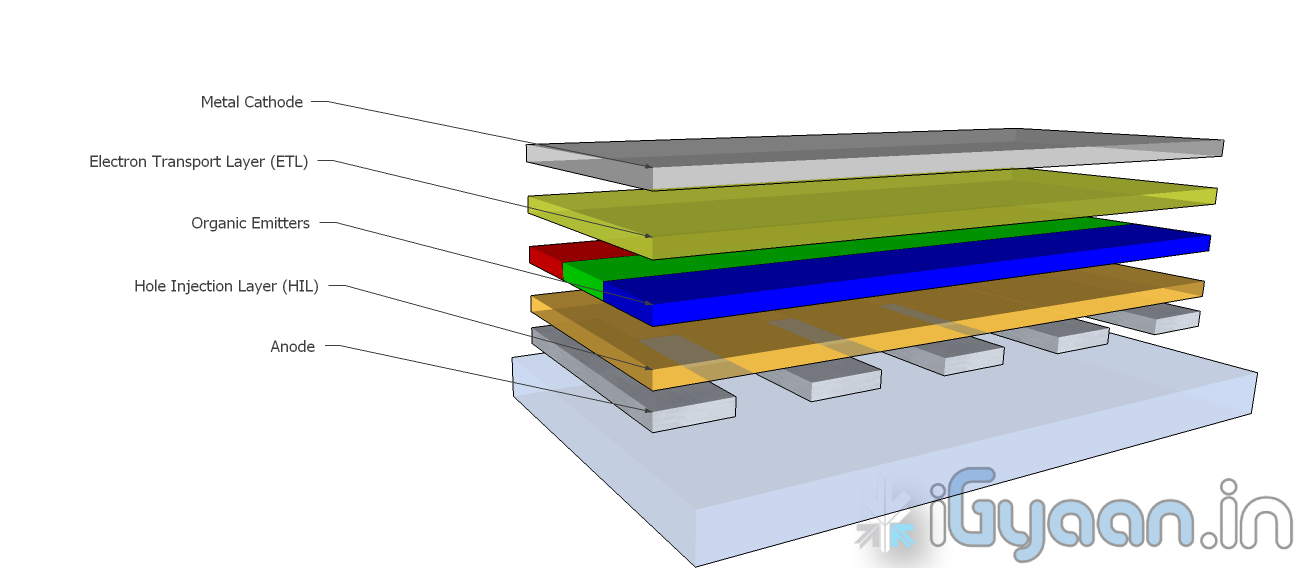
OLEDs are basically layers of organic material sandwiched between an anode and a cathode and mounted on a substrate. This entire device is usually between 100 to 500 nanometers thick or is about 200 times thinner than a human hair.
The substrate is usually a sheet of glass which is coated with a transparent conductive oxide which works as the anode. The next layer consists of hole injection material, the organic emitters and the electron transport layer which are together referred to as the organic stack. On top of the organic stack is the inorganic cathode. The device operates as follows:
This is the process by which a single OLED works. To turn them into colour displays, manufacturers place several layers of OEs on a display. There are various methods with which these individual pixels can be turned into a full colour display.
There are several types of OLED Display
PMOLEDs are designed in a hash pattern. The anode and cathode are made in strips that are arranged perpendicular to each other. The points of intersection of the strips of anode and cathode make up the individual pixels where light is emitted. External circuitry is used to control which pixels are on and what colour they emit. The brightness of each pixel is dependent on the amount of current in the system.
AMOLEDs have a full layer of anode and cathode materials but they borrow a technology from LCDs to produce a visible display. Sandwiched between the anode and the organic layer is a layer of thin film transistors or TFTs that makes the array. The TFT array is the circuitry that decides which pixel is on and what colour it displays. AMOLEDs are more efficient than PMOLEDs because the external circuitry used to run the PMOLEDs consumes more power. AMOLEDs also have a faster refresh rate which makes them more suitable to larger displays used in televisions and computer monitors.
TOLEDs are constructed with only transparent components, and are upto 85% as transparent as the substrate used when they are turned off. When it is turned on, the display still allows light to pass both ways and remains transparent. It can have either an active matrix or a passive matrix. This technology would be perfect for Heads Up Displays and Medical Equipment.
TEOLEDs are constructed with a substrate that is either opaque or reflective. They are perfectly suited for an active matrix design. They are used in smart-cards.
FOLEDs are constructed with a highly flexible substrate which could either be a plastic or metallic foil. These types of OLEDs are very lightweight and durable. They are used in cell phones and can reduce breakage. They could also potentially be integrated into fabrics to create smart clothing.
WOLEDs emit pure white light that is brighter and more uniform than the light which is emitted by fluorescent lights. . WOLEDs can be made in large sheets and can reduce energy costs massively if used to light homes and buildings due to their low power consumption.
OLEDs offer many advantages over the current favorite, LCDs and LEDs.
For all their advantages over LCDs and LEDs, OLEDs have a few problems as well.
While LCD and LED technology remains in the mainstream, OLEDs are making headway into the television, computer and mobile segments. Manufacturers and engineers are realizing the potential benefits of using OLED technology for their devices. In the next few years we should see an increase in OLED sales as well as some novel applications of the technology.
Stay tuned to the Tech 101 segment to learn more about what makes our everyday devices tick.

McAfee has issued a Press Release regarding its Mobile Security and WaveSecure security softwares for smartphones and tablets on the Android Platform. Read the full PR for more information.
[toggle title_open=”Collapse Press Release” title_closed=”Expand Press Release” hide=”yes” border=”yes” style=”default” excerpt_length=”0″ read_more_text=”Read More” read_less_text=”Read Less” include_excerpt_html=”no”]
McAfee today announced the it is extending its mobile device portfolio for consumers with McAfee Mobile Security and McAfee WaveSecure Tablet Edition. These mobile device offerings change the mobile security landscape by offering security safeguards that help consumers secure their mobile devices for personal use, commerce and work.
According to a mobile security report released last week by McAfee and Carnegie Mellon University titled, “Mobility and Security: Dazzling Opportunities, Profound Challenges,” respondents named their top three security concerns to be the loss of personal or work data through the accidental loss of a device, physical theft of the device, or loss of their data due to their device “crashing.” In addition, close to half of all respondents said they were using their smartphones both for personal use and work, demonstrating that consumers want more than just personal device security.
McAfee Mobile Security software, available for both smartphones and tablets, provides a comprehensive mobile security solution by combining three leading McAfee mobile security products: WaveSecure, VirusScan Mobile and SiteAdvisor® for Android. It is ideal for users who want protection for their data and privacy in the event of loss or theft, protection against the growing threats of viruses and spyware targeting mobile devices as well as protection from Web based threats, such as phishing sites that probe for personal and sensitive information.
With McAfee Mobile Security, consumers can now access the following features and functionality in a single download:
The WaveSecure Tablet Edition offers Android users with WiFi the ability to find their missing device with alarm and location tracking, prevent misuse with remote lock and wipe and preserve important memories and personal data with remote backup, even from a lost or misplaced device. Users can also trigger an audible alarm to help them find the device or disrupt a thief, and send a brief SMS message with instructions for returning it.
“With device growth eclipsing PCs, consumers need tools to not only protect their personal information, but also to provide safeguards for business data should they decide to use that device for work,” said Todd Gebhart, senior vice president and general manager of consumer, small business and mobile, McAfee. “It’s far too easy to leave a mobile device in a cab or at the airport, which can mean lost photos, contacts and other important content. Also, the threats to mobile devices are in many ways the same as in the online world. Beyond device lost or theft, users can be hacked, infected or phished on a mobile device just as easily as they can online.”
Availability and Pricing:
McAfee Mobile Security and WaveSecure software are available in the following languages; Chinese (Simplified and Traditional), Dutch, English, French (European and Canadian), German, Indonesian, Italian, Japanese, Korean, Portuguese (European and Brazilian), Swedish, Spanish (European and Mexican) and Russian. McAfee Mobile Security software is available as an annual subscription of $29.99 USD per year from McAfee and the Android Market. McAfee WaveSecure software is available as an annual subscription of $19.99 USD from McAfee and the Android Market.
[/toggle]
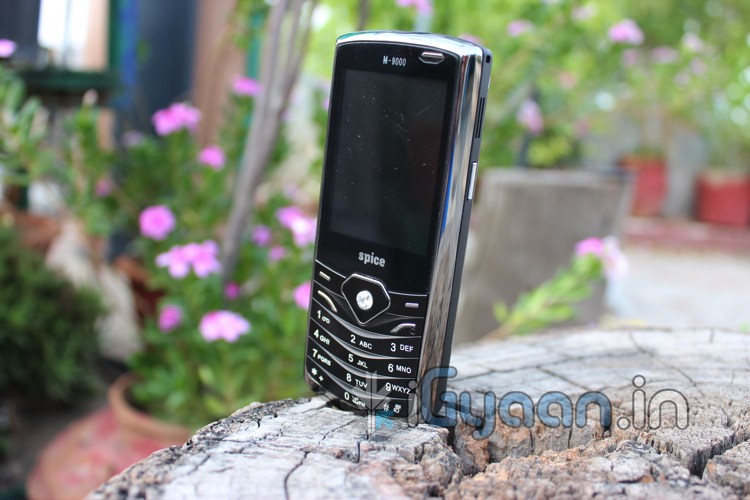
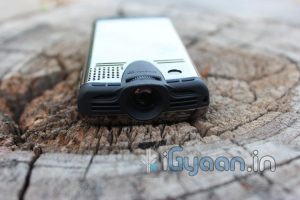
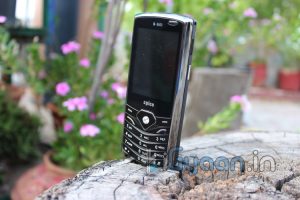
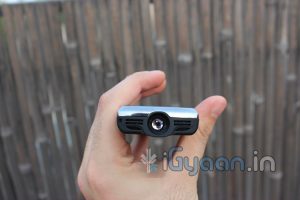
The Spice Popkorn is the first phone in India to have a built in projector and as such sets the standard for all future devices with this technology. Lets find out how it fared at the iGyaan Lab.
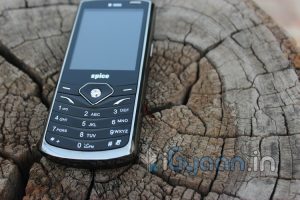
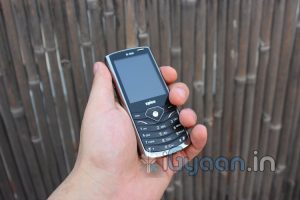
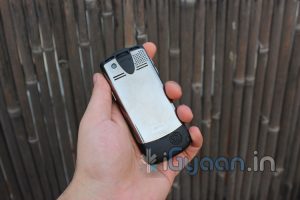
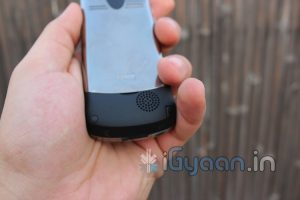
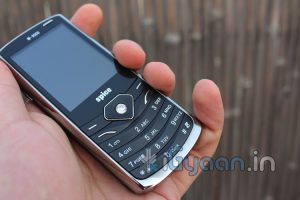
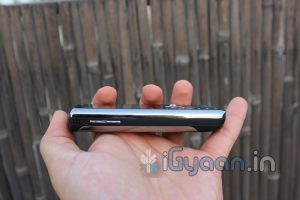
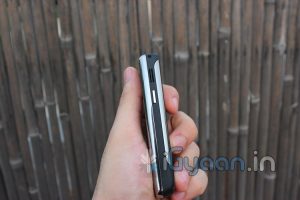
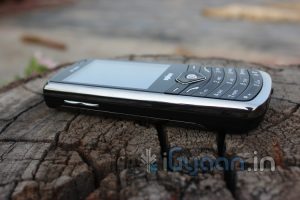
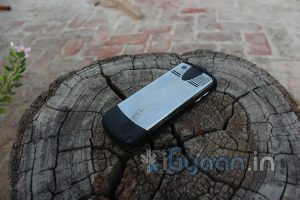
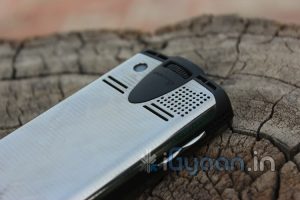
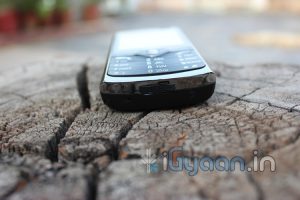
The Popkorn has a standard candybar design that is much thicker than a regular candybar phone due to the inbuilt projector. It feels quite solid and is comfortable to hold with its metal and rubberized plastic body. The phone weighs 123g and is quite a bit heavier than phones of a similar design, but due to its form factor, it still feels quite comfortable in the pocket.
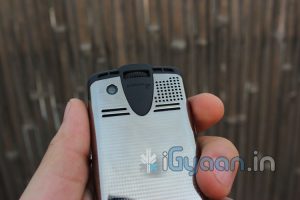
One feature that we thought was a little delicate was the telescopic antenna. Its quite thin and fells like it will bend if a little too much pressure is applied. Be careful when expanding and retracting the antenna as you use this device.
The screen on the Popkorn is a 6cm 320x240px QVGA display which is quite vivid and displays good contrast in colours. Its nothing to boast about, but then its not the only display the phone has. The device has Dual SIM capabilities and supports GPRS and WAP connectivity. It also has built in bluetooth to allow you to connect your phone to a bluetooth device. It does not support 3G or WiFi.
The phone comes with a tripod and a tripod mount. We felt that the quality of the tripod could be improved as it feels like it might tip over with the weight of the phone, but such is not the case. The tripod mount holds the phone securely and keeps it nicely balanced on top of the tripod.
Overall, the build quality of this device is exceptional, when you consider the fact that Spice has managed to stuff a projector into a device that weighs only 123g.
The Popkorn has a 3.2MP rear facing fixed focus camera that can capture images upto 2048 x 1536 px. It can also record video at a maximum of 15fps and also comes with a 4x digital zoom.The camera can be used as a webcam as well, once you plug it into your computer via the included USB cable.
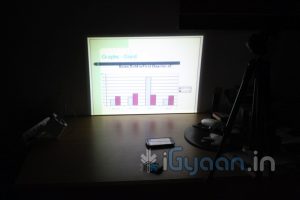
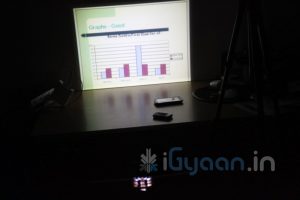
The projector on the device, in our tests, has given a readable display of approximately 40 inches at its largest and 2″ at the smallest. That’s a HUGE screen from a tiny device. We recommend that the phone be setup so that the display is approximately 27″ to 30″ large as this gives the best picture quality. However, the projector is not extremely bright so using it in a well lit room is not advisable. Keep the lights off and the curtains drawn when using the projector. With many air vents around the phone, we did not notice any significant heating of the device, even after extensive use of the projector.
Another great use of the projector is to watch TV. The Popkorn catches analog TV signals from its telescopic antenna. Channels can be programmed and saved to the device so that you can view them at your leisure. While watching TV is a nice recreational activity, the phone also has a feature that can come in handy while at work. It has the ability to playback PowerPoint Presentations, and with the included laser pointer, you can make excellent professional presentations. You no longer need to carry your laptop to your meetings. Simply copy your ppt onto the memory card and carry the phone.
The phone also has built a built in FM radio, and with the telescopic antenna, you do not require headphones to catch a signal. It also has the ability to schedule and record FM radio so you can catch all your shows at your pleasure. The speaker phone is very loud and gives sufficient sound to be clearly heard in a large room. Spice has also included an external speaker which increases the audio output of the device many-fold. The speaker also has a built-in battery so it does not drain the battery on the phone while in use. A few cables have been included to connect as well as charge the speaker.
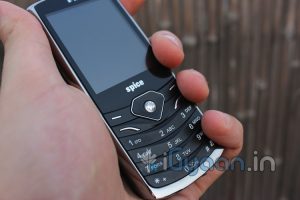
The Popkorn supports Dual SIM cards. It also has a standard numpad which makes dialing and placing calls a breeze. The microphone and earpiece perform as expected and we have no complaints. As stated, the loudspeaker is really loud and provides a good hands free experience.
Typing on the phone is also easy as the keypad is quite responsive and the keys are easy to press.
The Popkorn supports GPRS and WAP. It has a browser that leaves a lot to be desired. One feature we found lacking was WiFI. It would have been great if we could use WiFi to browse the internet on the projector or even stream videos directly to the device via our desktops/laptops. Maybe they will include this feature in the next version of the device.
When we got this device, we had low expectations of its performance. However, after using it for a while, we were, quite literally, blown away. The phone by itself is comparable to any number of Dual SIM phones that are on the market today, but the other features that it packs set it a world apart. The Projector with its Video playback, Analog TV and Presentation capabilities left us in awe. For its price, it is possibly the most inexpensive projector on the market today. The fact that its a phone and can fit in your pocket just adds icing to the cake.
MRP: Rs. 6699/-
[xrr rating=3.75/5 label=”We Rate it : ” imageset=shiny_yellow_star display_as=fraction_stars]