Tag: Project Spartan

  • Microsoft Introduces ‘Microsoft Edge’, the New Windows 10 Browser

    Microsoft Introduces ‘Microsoft Edge’, the New Windows 10 Browser

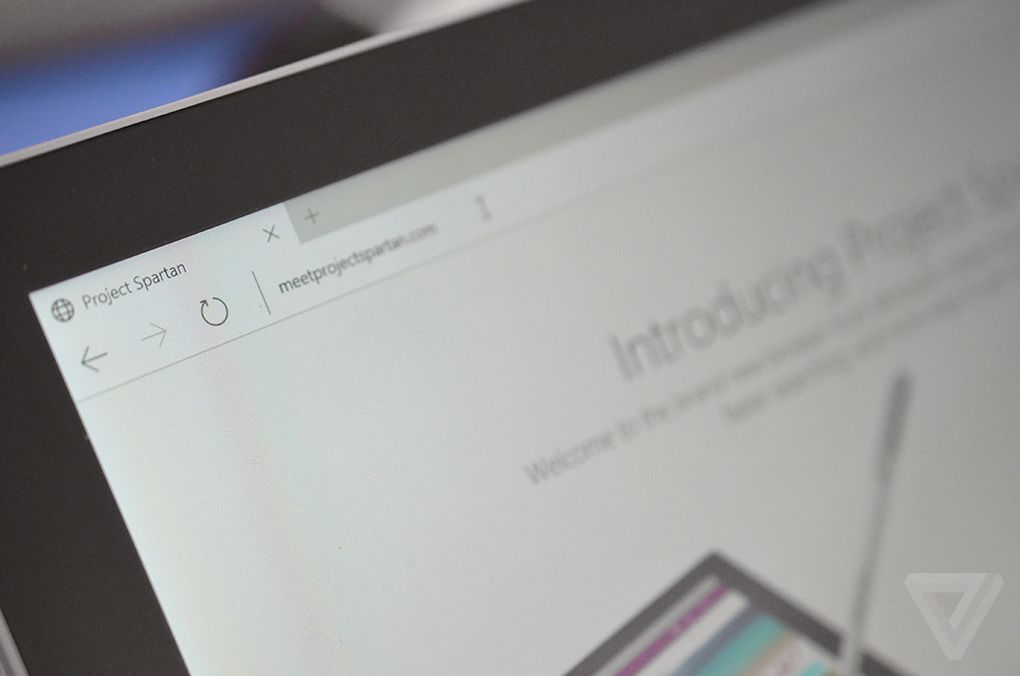
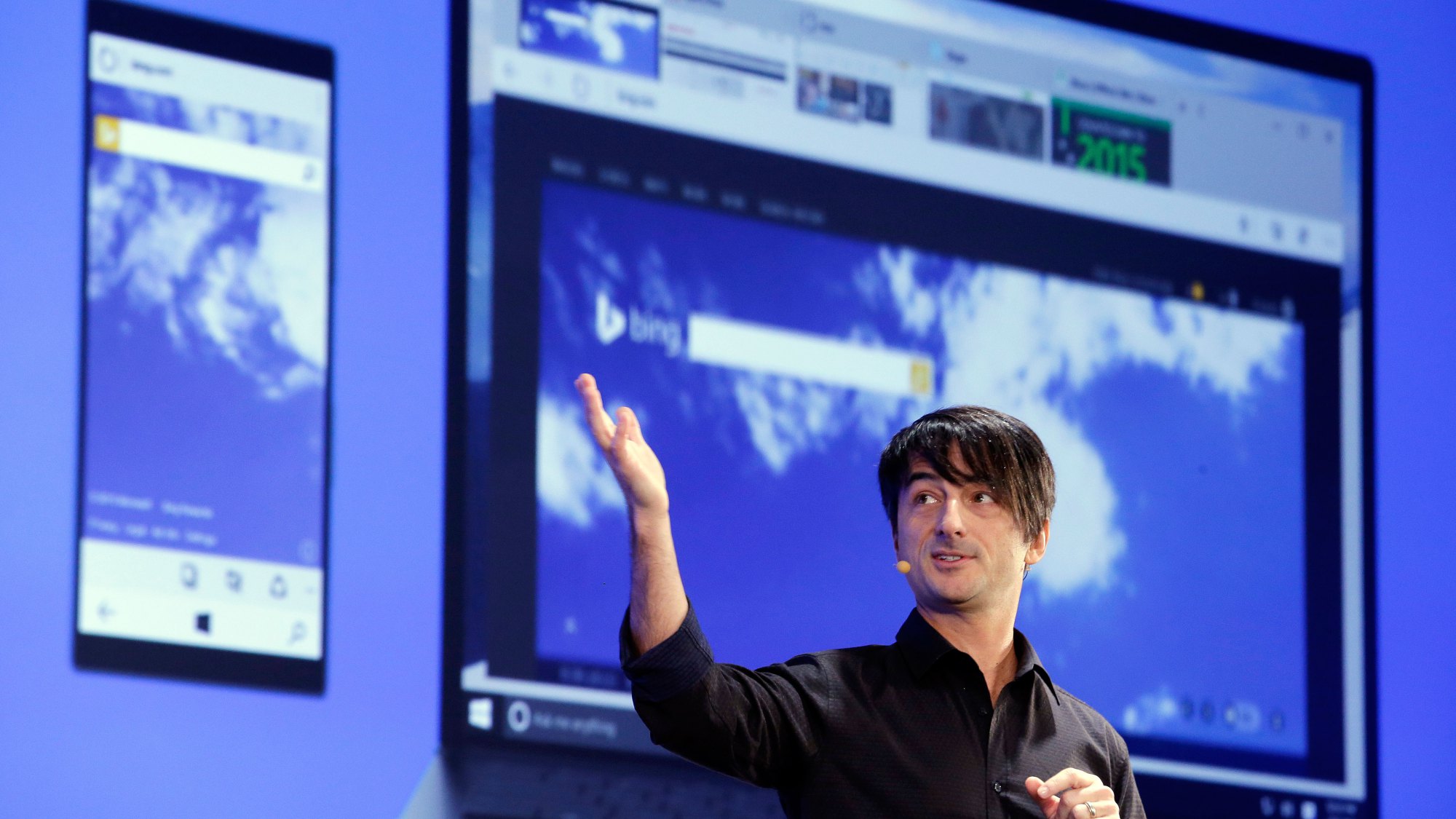
    Work on a new browser for Windows 10 has been underway since January. For months it  had been codenamed as Project Spartan, today Microsoft has finally unveiled this browser with a new name, Microsoft Edge. New features like faster rendering, voice assistant Cortana, note-taking mode, customizable reading note, these gave the Project Spartan an ‘edge’ upon the traditional Internet Explorer.

    Here are the new developments:

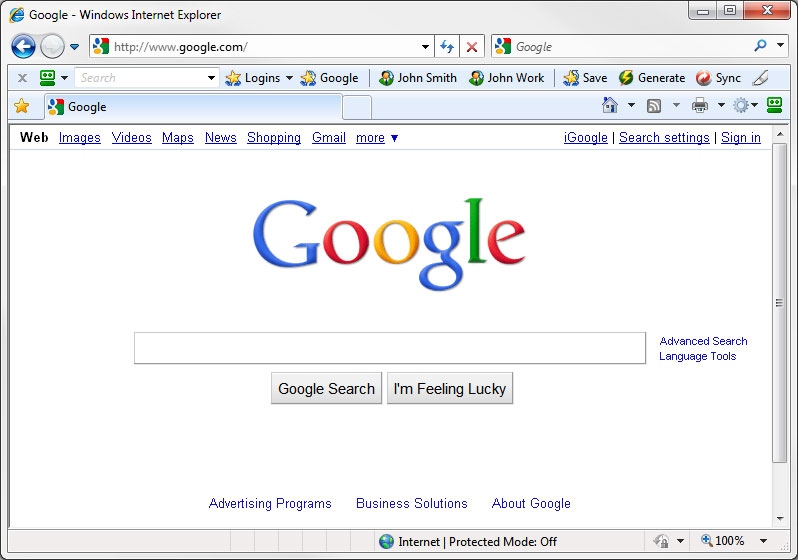
    Break-up with Internet Explorer

    It is definitely a replacement for the Internet Explorer because it features a new and faster rendering machine called EdgeHTML. With a basic and minimal designing layout, it looks like a browser from the future. It will be set as the default browser for Windows 10 and, as claimed by Microsoft, the only one that will be used by the customers.

    windows 10

    Microsoft Edge’s logo

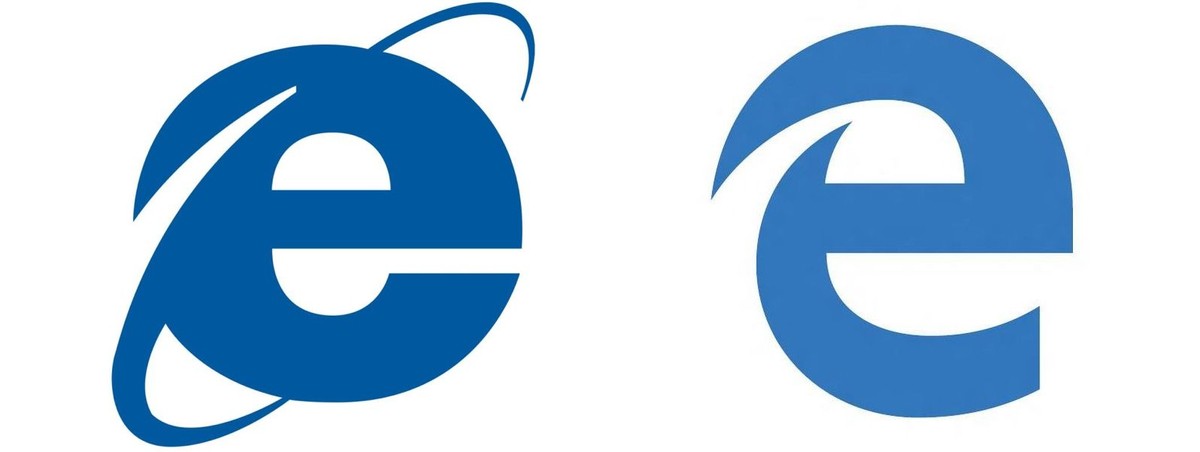
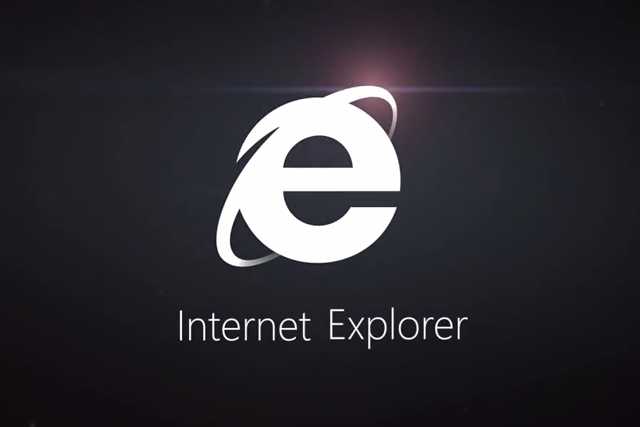
    Logo of the Edge browser does not stray far from its original logo of the Internet Explorer. The lower-case Explorer ‘e’ was not exactly a favourite among users after the entry of Mozilla or Chrome. The Edge’s logo is almost the same, just added a futuristic look to convey a message that it knows where it came from.

    edge logo
    Then and Now

    Edge will not support Extension until after RTM

     Though the browser is loaded with new features like Cortana, customizable reading note, etc., the company says the browser is not yet ready to be integrate RTM support on Microsoft Edge. It has said the Edge will continue to iterate through updates in the Windows Insider Program. Although still far off, Microsoft is now making it easier for developers to port extensions from other browsers.

    Check out the video below by Microsoft introducing Microsoft Edge

    https://www.youtube.com/watch?v=iH1D31YHsgY

  • Microsoft Expected to Roll Out Windows 10 by July End

    Microsoft Expected to Roll Out Windows 10 by July End

    Back in March, Microsoft announced the release of the highly-anticipated Windows 10. The company said that the latest OS would come this summer in over 190 countries and 111 languages. Microsoft hasn’t yet disclosed when the latest Windows is going to debut, but we have some details about its arrival.

    As stated by TechCrunch, Windows 10 will release at the end of July. The online tech publisher contacted some officials who disclosed the release date of the next Windows OS.

    continuum windows 10

    In October 2014, Microsoft released the Technical Preview of Windows 10 that allowed users to view and test the new OS first hand. The Redmond-based firm has high expectations from its latest operating system and is offering it free for its Windows 7, 8.1 and Windows Phone 8.1 users for one year. The new Windows marks the comeback of the Start Menu, which was absent in the previous Windows 8 version. It has some exceptional features like Project Spartan and Cortana. With Project Spartan, users can have an all-new experience while browsing the web. Further developments include tweaks and enhancements to its menu, screen, and other features like Cortana.

    For more information on the unique features of Windows 10, click here.

  • Spartan Vs Internet Explorer : 6 Factors That Give Microsoft’s New Browser an Edge

    Spartan Vs Internet Explorer : 6 Factors That Give Microsoft’s New Browser an Edge

    When Microsoft made official its biggest innovation of the year, Windows 10, everybody was excited to hear about all the modifications it brought with it. It was not just another Windows upgrade, but was a whole new effort to push something fresh. Among other revelations that thrilled the audience, a huge amount of attention was gathered by the modern browser Spartan.

    Spartan is an entirely new web browsing platform for Windows 10 that holds a bunch of really cool new features. The browser has been designed to meet the demands of the today’s fast striding world with a pinch of simplicity. Spartan is the way ahead for Internet Explorer (IE) and a dive into the revolutionary world of the future.

    Here are some of the major differences that makes Spartan stand apart from the fast-fading Internet Explorer.

    1. Faster Rendering Engine:

    spartan edge

    The most vital and unnoticeable change that makes Spartan a real spartan is the all-new rendering engine ‘Edge’. It is the core of Spartan and is much faster than the existing renderer, Trident. It loads complex pages many times faster than the IE, making it a strong competitor of Google Chrome.

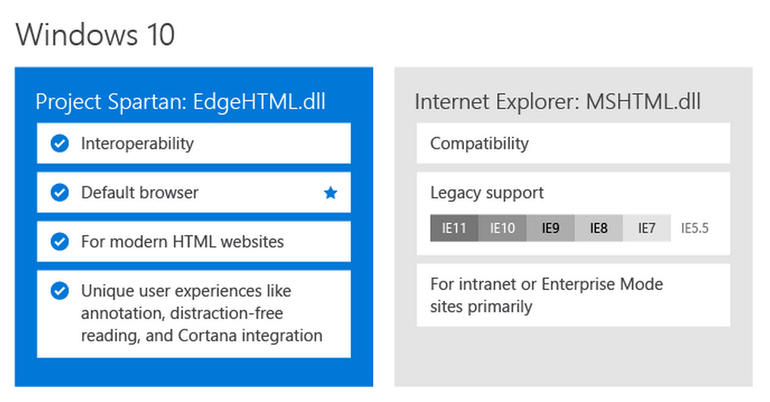
    Meanwhile, Windows 10 comes with two rendering engines as the latest Windows version comprises of two browsers. The Explorer works on Trident, while Spartan is powered by Edge; the latter is the default rendering engine on Windows 10.

    2. Voice Assistant Cortana:

    cortana-03

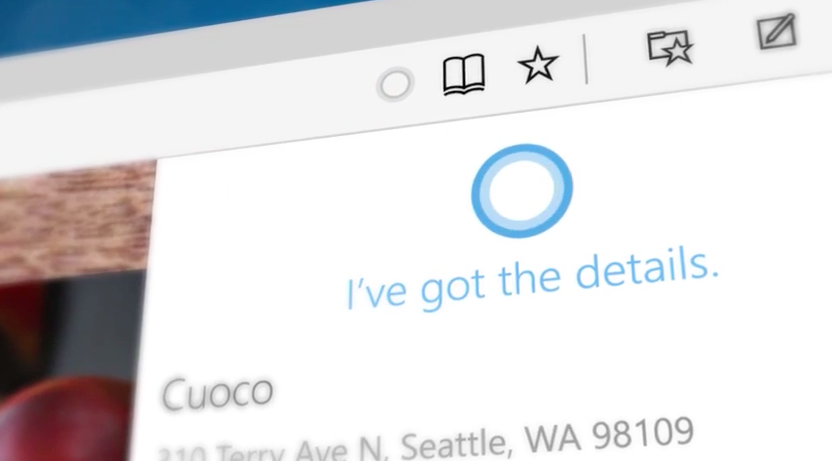
    Cortana is another significant development that has made Windows and Chrome users restless to try their hands on it. The web browser assimilates with the company’s digital assistance service, Cortana. Through the smart assistance, Windows 10 users can get information on flights, hotel bookings and other vital data on their browser. One can track a particular flight just by typing its name and all the data like departure time, arrival time and current status will appear.

    3. Note-Taking Mode:

    project spartan

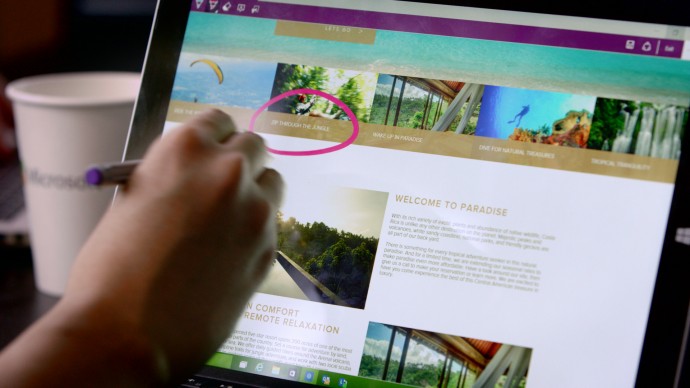
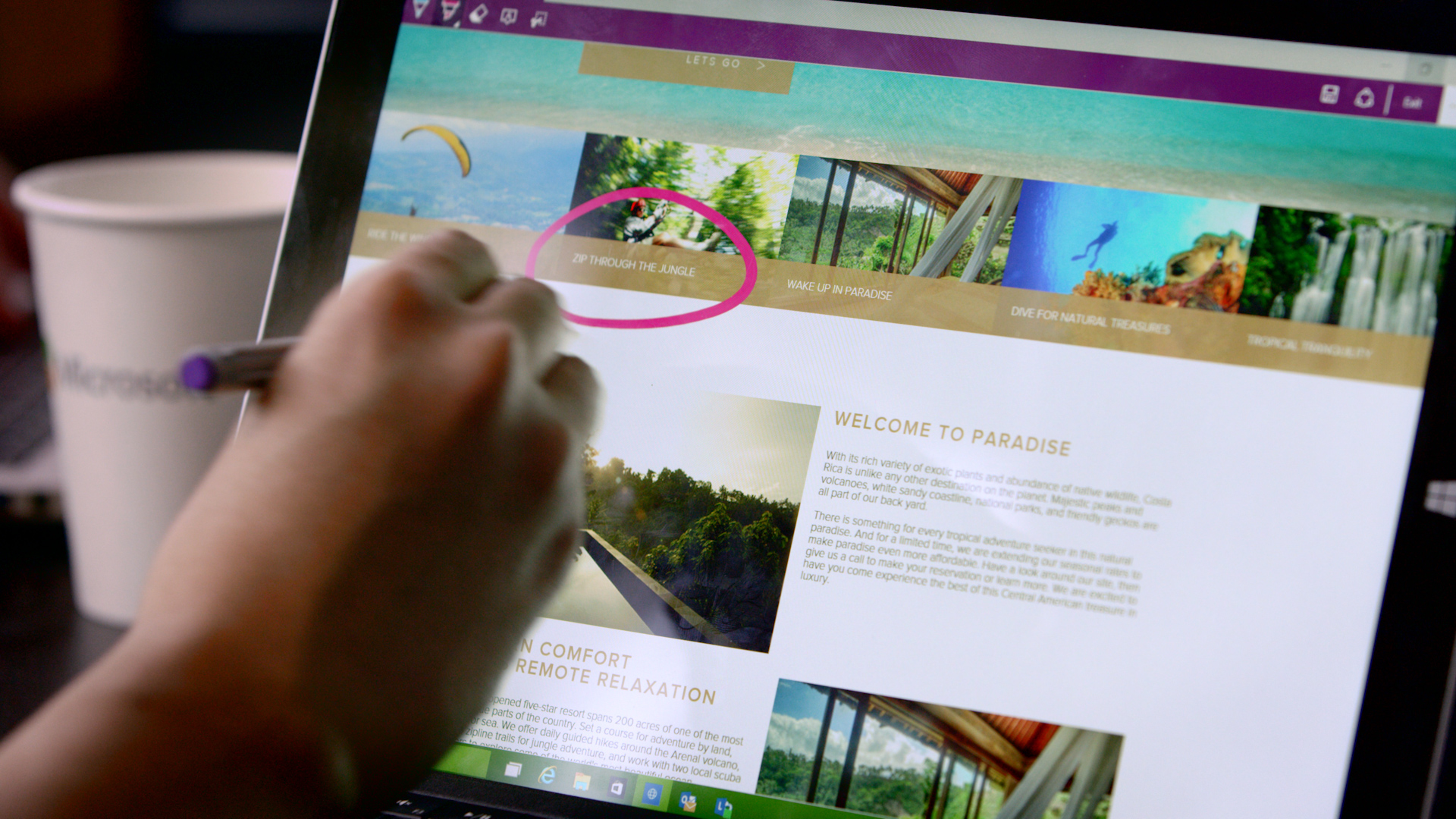
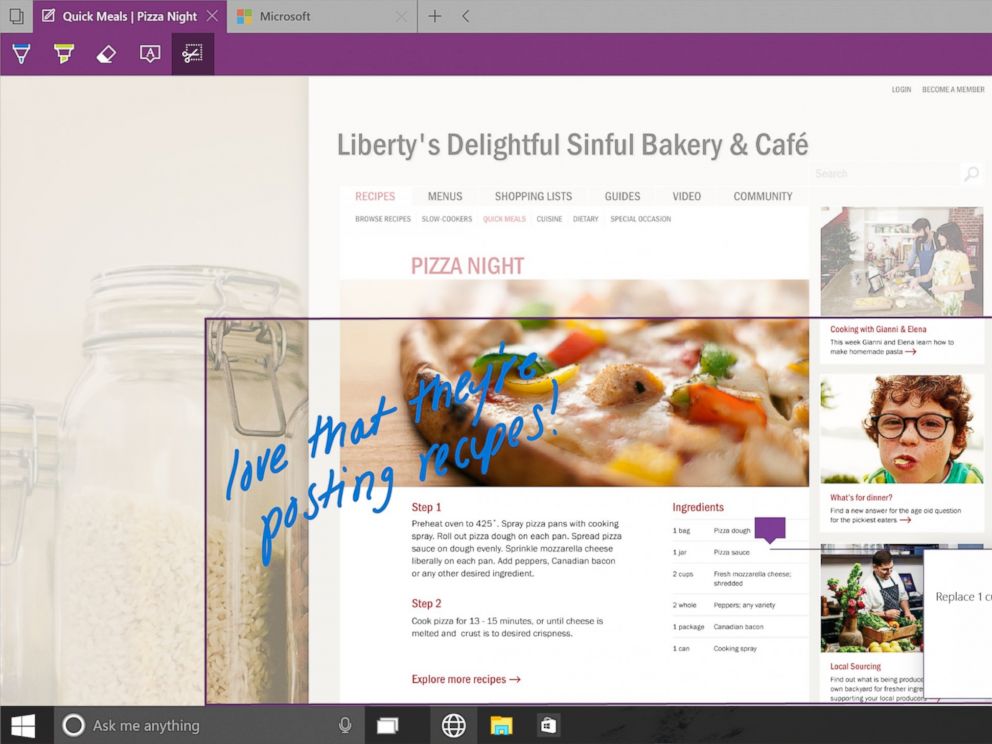
    Spartan has made it easy for users to highlight a specific section on the web page. The note-taking tool facilitates users to add comments and annotations to the web pages with the help of stylus. These pages can also be sent to a friend. As all the browsers support the web note service, the messages can easily be read by any of your friends or colleagues using a different version or OS.

    4. Clutter-free reading mode:

    IE will be replaced with Spartan which will be the browser of the future for Microsoft.
    IE will be replaced with Spartan which will be the browser of the future for Microsoft.

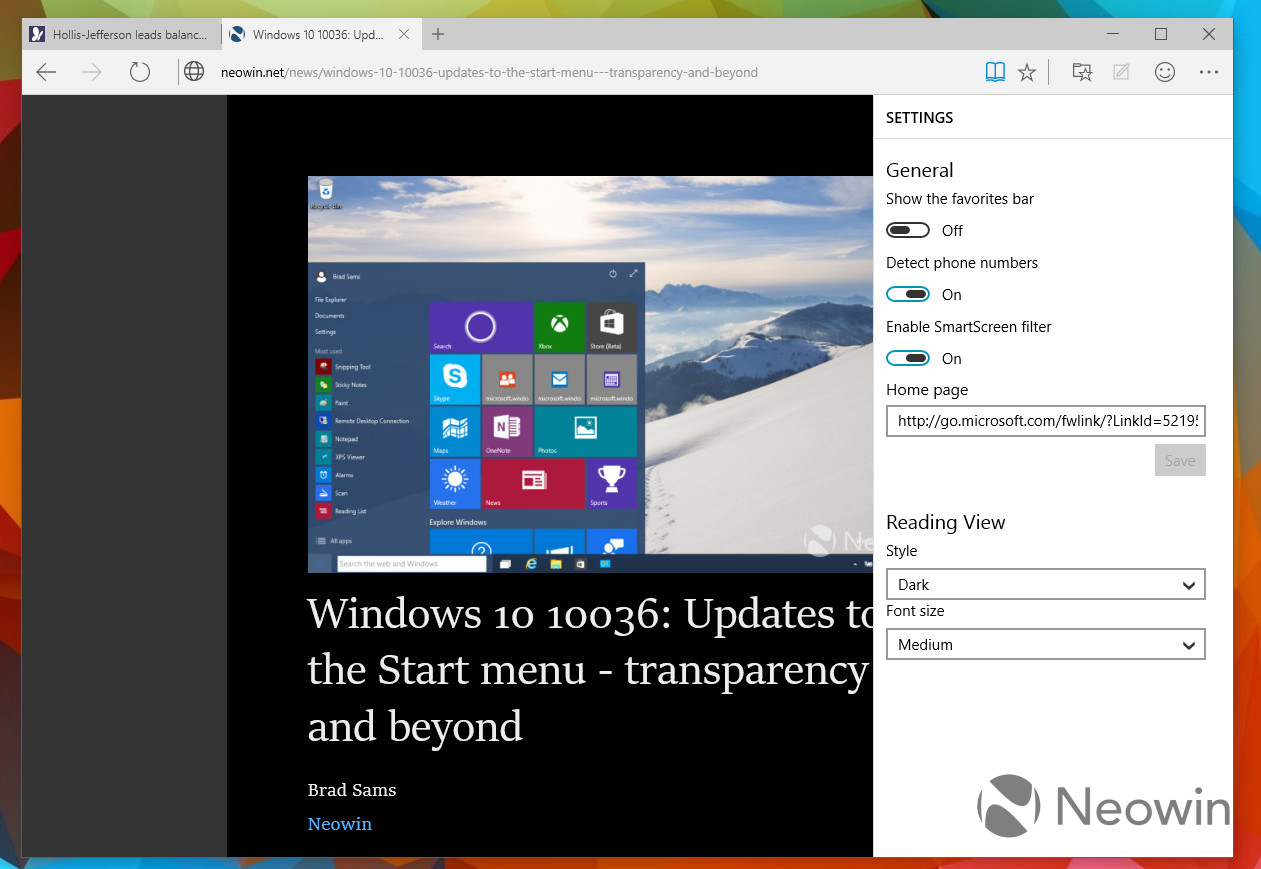
    One of the major modulation that is sure to mesmerise users is the clutter-free reading mode. The feature crops the important details and throws it ahead to focus on the information. The rest unwanted stuff is dumped in the background by default, giving users a de-cluttered view of the web page.

    5. Customizable reading list:

    spartan reading list

    It’s an another new feature in Spartan that offers users a facility of read PDFs and web pages offline. It’s a cross-platform feature that syncs URLs between devices. The feature is almost exactly like what Apple has already offered with its Safari browser.

    6. Simple interface with Group Tab Feature

    spartan interface

    Microsoft has kept its web browser simple because the more simple, the more elegant it looks. The interface is quite light, which makes it all the more appealing, and the icons have been designed for easy and quick understandability. Along with that, there’s a group tab feature that keeps multiple tabs in an organized manner. One can split work tab from personal tab to declutter the messy screen.

    With the launch of Spartan, Internet Explorer – one of the vital means to bring internet to the masses since 1995 – has taken a backseat in Windows 10. It is estimated that Project Spartan will soon be a pivotal part of the golden tech history.

  • Microsoft Releases Project Spartan For Testing With Windows 10 Technical Preview

    Microsoft Releases Project Spartan For Testing With Windows 10 Technical Preview

    Microsoft is going for a major revamp with its new operating system, Windows 10. The latest OS will also come with an all new browser, known at present as “Project Spartan”. Microsoft has unveiled Spartan during the consumer preview of Windows 10 in January, and it looked competent enough to take on the likes of Chrome, Safari and others. The latest technical preview of the Windows 10 has now been released, and Microsoft is now giving developers the chance to play with the new browser.

    Project Spartan comes with a brand new rendering engine. This new engine will be faster and will facilitate the new sharing features. The preview also features the most talked about feature of inking, where users can add annotations to existing pages and share them through various channels.

    Cortana, Microsoft’s voice assistant, presently found in Windows Mobile will also be available in Windows 10. Cortana will lead to faster searching capabilities and can be easily conjured up when required. Cortana in Spartan will be available in the US versions of this build, and available more broadly later.

    Project Spartan was unveiled at the Windows 10 consumer preview event held in January.
    Project Spartan was unveiled at the Windows 10 consumer preview event held in January.

    Project Spartan will offer a reader friendly view to spare you from the usual distractions of a regular website. The browser can collect all that you read and lets you save any web page or PDF to let you access them in a distraction-free reading space.

    If you want to take Project Spartan out for a spin, you need to sign-up for the Microsoft Insiders Program and get started for free. You would need to install the Windows 10 Technical Preview, Build 10049. As Project Spartan gains more prominence, Microsoft’s premier internet browser, the Internet Explorer will be pushed into the background. With Windows 10, Microsoft is attempting to take down its competition, who have got an opportunity to advance, thanks to its own folly called Windows 8. So Microsoft has to offer several unique features in Windows 10 to maintain its dominance in the operating system market.

  • Microsoft is Breaking Up With Internet Explorer, Nice and Slow

    Microsoft is Breaking Up With Internet Explorer, Nice and Slow

    It was once the only way to connect to the internet in most personal computers. For years, Microsoft’s Internet Explorer brought internet to the masses. Before the arrival of multiple tabs, search from address bars, and a multitude of browsers to choose from, there was the Internet Explorer (IE). Now it’s the year 2015, and we have come a long way from 1995 when IE first came into existence. The browser landscape has changed dramatically, and Microsoft has decided to slowly say farewell to the good old IE.

    Microsoft launched the Internet Explorer in 1995 as an add-on package Plus! for Windows 95. After its launch, Microsoft had to face a much publicised lawsuit against the American government who alleged that by integrating the internet browser with the operating system, the company was engaging in monopolistic behaviour. It was said Microsoft’s inclusion of a web browser would be severely detrimental to other browsers of that time such as the Netscape Navigator. Microsoft used its monopoly power and eventually won the war of browsers as well as reached a settlement, in that case.

    Over the years, IE has constantly lost ground to newer browsers like Firefox and Chrome.
    Over the years, IE has constantly lost ground to newer browsers like Firefox and Chrome.

    In recent years, there have been immense developments in the field of browsers and IE has now taken a back-seat. Not just that, it has received much ridicule over the internet for not keeping up with the times. Browsers like Mozilla Firefox and Google Chrome are fast eating into the IE’s market share though IE still enjoys a comfortable majority with almost 40% of the market share as its present by default in most systems.

    Coming to the future of IE, Microsoft has already announced that it would be replacing IE for a whole new default browser for Windows 10 OS with what is presently known as Project Spartan. Internet Explorer will still be present on a few Windows 10 systems, for enterprise consumers who use it for its business applications. Microsoft had previously said that the new rendering engine for Spartan will also be shared with IE, but the company said that it would not be doing that any more.

    IE will be replaced with Spartan which will be the browser of the future for Microsoft.
    Internet Explorer will be replaced with Spartan which will be the browser of the future for Microsoft.

    In Windows 10, IE will be carried forward unchanged from Windows 8.1. Spartan, on the other hand, will offer unique features that would let it take on the present giants of the business. Microsoft’s voice assistant, Cortana, will also feature in this new browser to make it easier for you to find what you are looking for.

    Every journey has its end, and IE is on the last leg of its journey. As the enterprises and governments who still use IE shift to newer browsers, IE will rapidly lose its share in the market. But considering the iconic stature of the browser, Microsoft needs to send it off in style. We hope Microsoft gets this message, and it hosts a legendary farewell event for the grand old Explorer.

  • 9 Super Cool Features of Windows 10

    9 Super Cool Features of Windows 10

    Last night, Microsoft lifted the veil off the consumer version of its much-anticipated operating system Windows 10. The event saw some amazing offerings that were absent in the business version of Windows 10, launched in September the preceding year. Microsoft announced that its new upgrade would be same on all platforms and would be more user-friendly and impressive that ever before.

    We have summed up Top 9 features that make Windows 10 unique-:

    1. Start Menu
    Start-screen-in-Windows-10

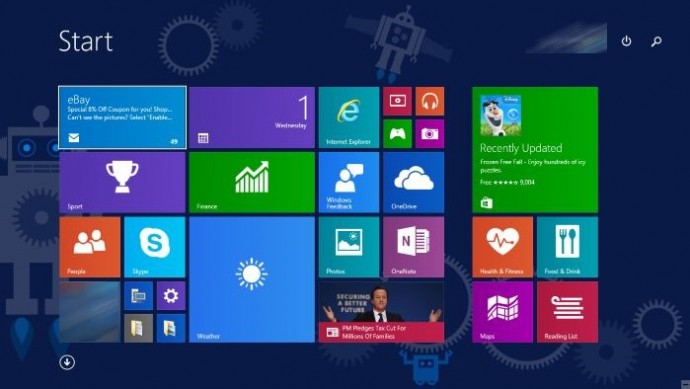
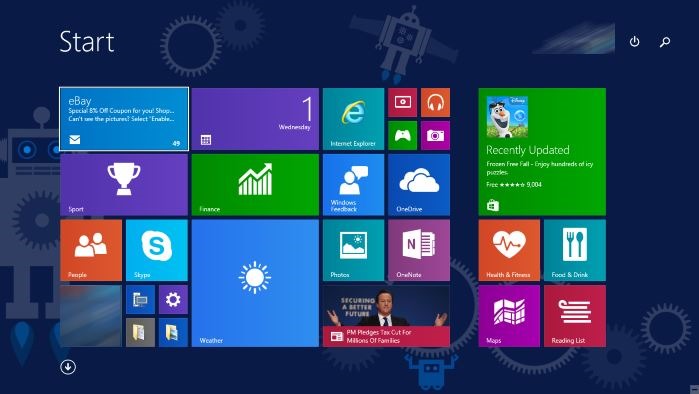
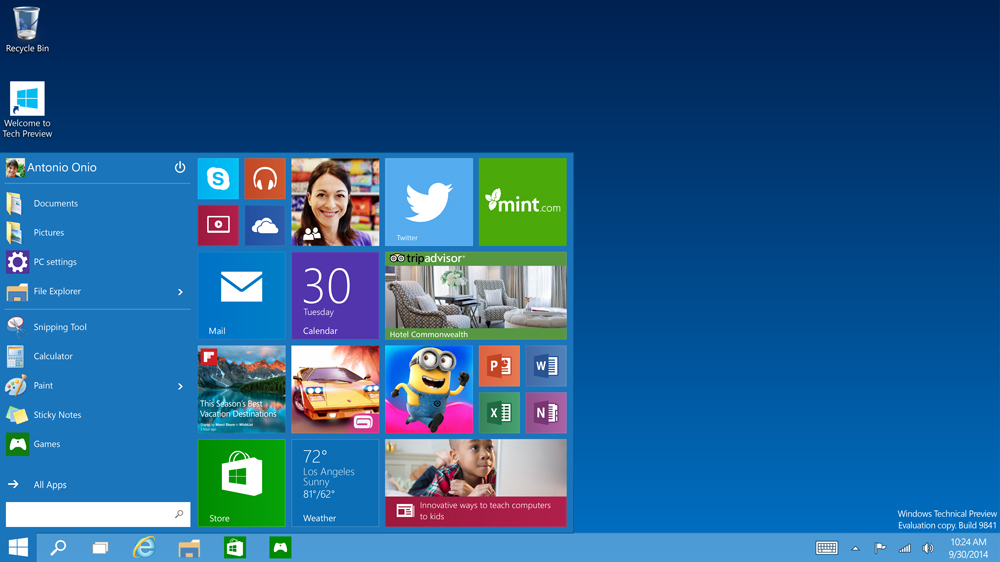
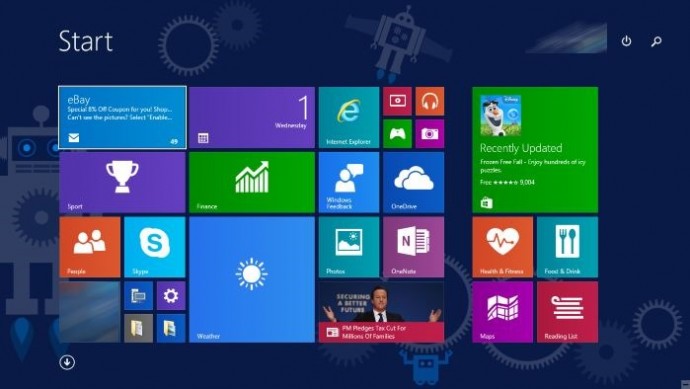
    To start off, Microsoft has added the much-needed tool that was absent from Windows 8 and 8.1 – the Start Menu. People longed to see this on their desktop for past three years, and finally Microsoft has put it back. The new Start menu combines the old-school start icon along with the modern user interface that makes it more comfortable for users to go through.

    2. Action Center
    Windows-10-Action-Center

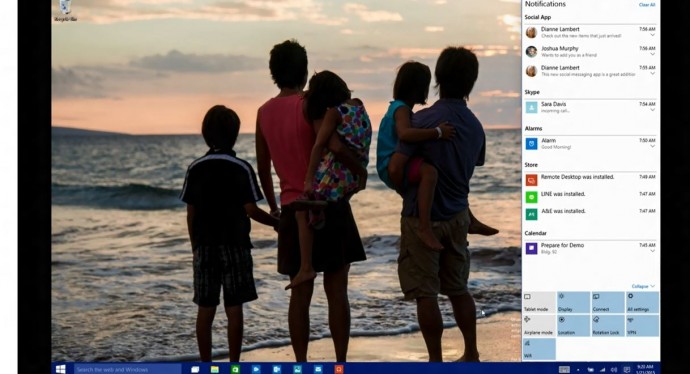
    Settings have tweaked, to give a cleaner and more understandable look. Windows 10 pushed the fragmented Settings menu and Control Panel out to encompass a unified settings menu called Action Center. Action Center brings together all the frequently used options like Wi-Fi, Bluetooth and more. The refreshed settings shelter all the regular buttons, through which one can instantly switch the Wi-Fi, Bluetooth and other selections on and off.

    3. Continuum
    continuum windows 10

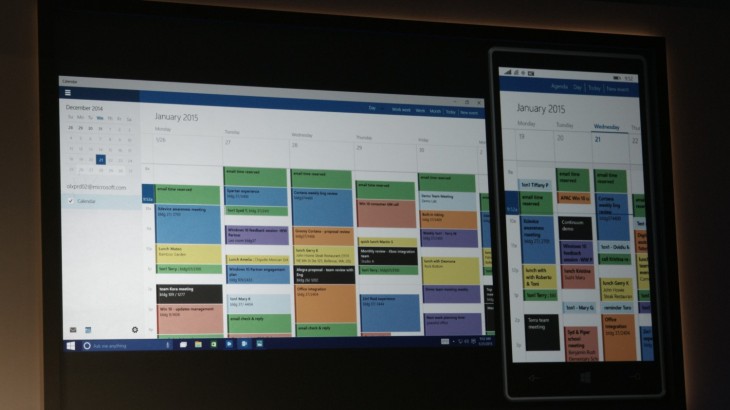
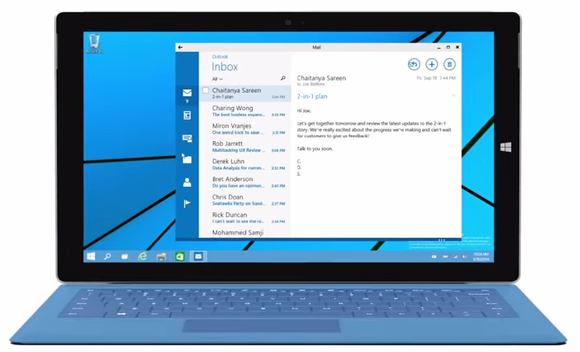
    Continuum is a highly anticipated addition to the Windows 10. Continuum is just like Apple’s Continuity feature that allows you to switch from PC to mobile or tablet from where you left. The feature is designed specifically for convertible devices, switching almost instantly from a mouse and keyboard to a tablet screen.

    4. Notifications Sync
    windows 10 sync

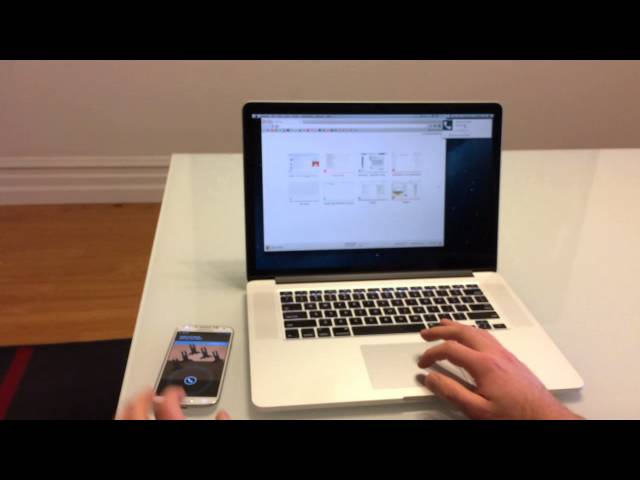
    Microsoft has made full use of its ‘common interface for all platforms’ and has included the notifications syncing feature. With this new tool, notifications will get synced across devices, and once you have dismissed some notifications on a mobile, it will not obstinately pop up again when you switch on your laptop or tablet. Now that’s something really thoughtful by Microsoft.

    5. Cortana
    cortana pc

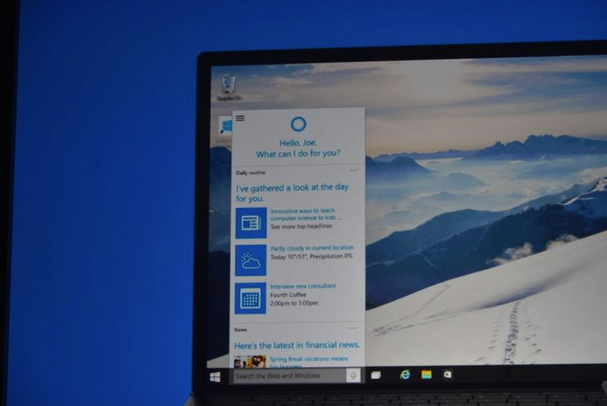
    The special feature that separates Windows 10 from its predecessors is the intelligent personal assistant Cortana. Cortana will serve as a primary search tool that will look for you. Its reminder capabilities are unparalleled. Not only this, Cortana is much more than a simple robot. Through Cortana you can interact with the device making lif very easy on the go.

    6. Universal Windows Apps
    Windows_10_universal app

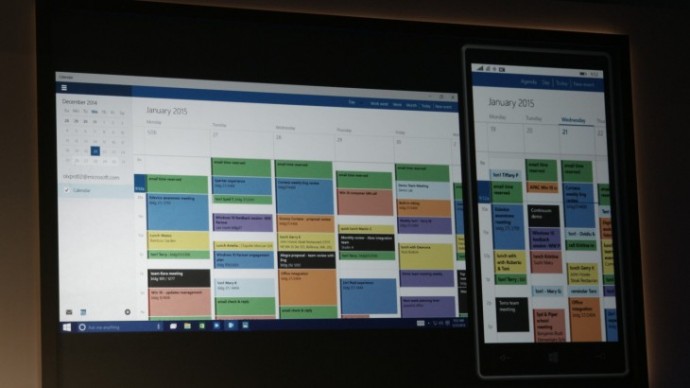
    One thing that will benefit Window Phone users is the universal Windows apps. The company has added some new apps that will run on computers, mobile, tablet and as well as on the Xbox One, and has improved the already existing apps. The list of new adoptions includes Outlook that has been modernised to cover comprehensive styling and extra formatting capabilities. Calendar app has been made consistent on all the platforms and Photos has been pinched to remove duplicates.

    7. Project Spartan
    spartan

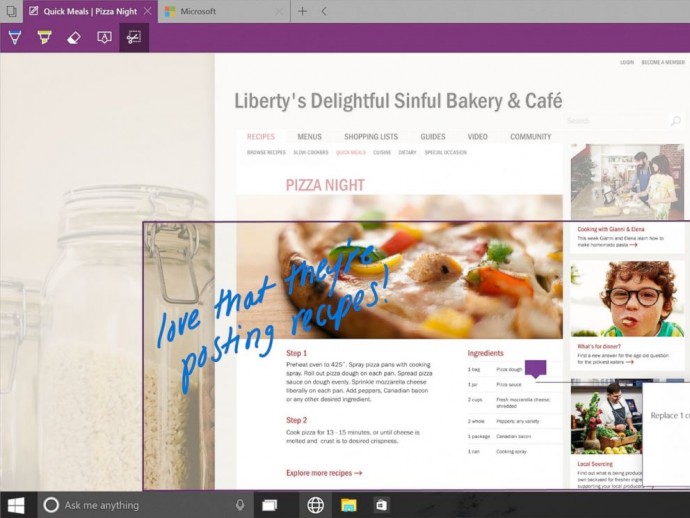
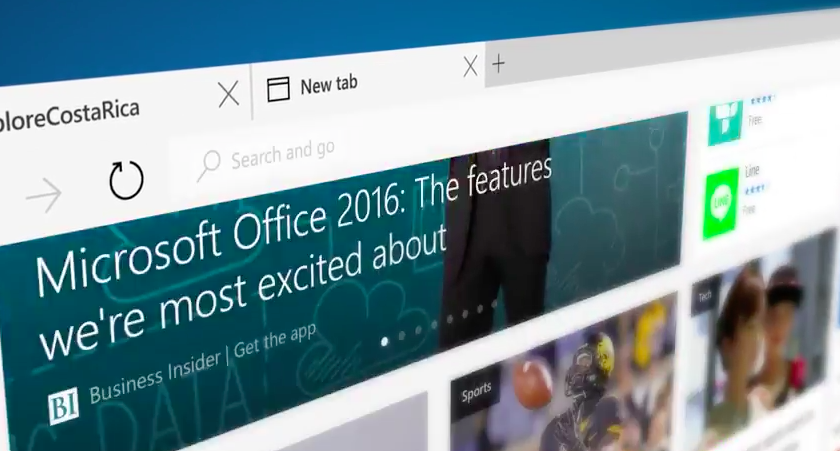
    The new browser that’s launched with Windows 10 is dubbed Project Spartan. The main highlight of this browser is its use in social networking. With Spartan, users can send websites with highlights and annotations added to them, something which is not available in any web browser right now. Also, Cortana is deeply integrated with Spartan to make life easier for the non savvy folk.

    8. Xbox Live
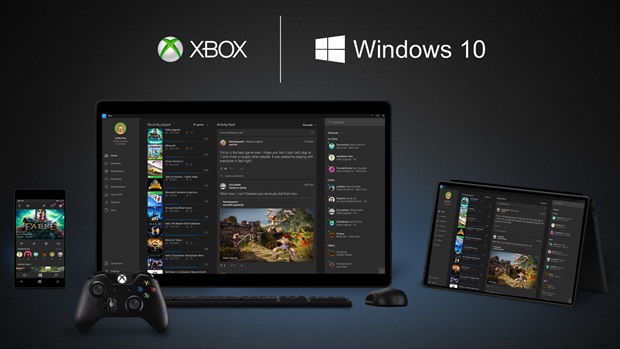
    xbox live windows 10

    There is something for hardcore gamers as well. With the new Xbox app, Xbox Live, on Windows 10, gamers can chat with their pals, share browsed video game clips and can record their games as well. The app also enables you to edit videos as per your willing.

    9. Improved Design and Interface
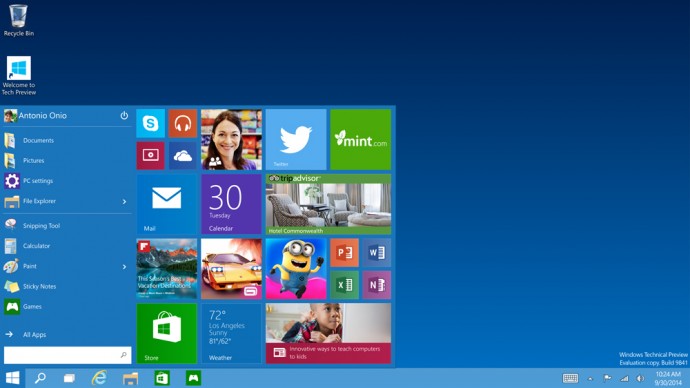
    windows_10

    Microsoft has proved that it has an eye for details. Users will notice the modern touch given to the icons. With fully-adjustable keyboard, integrated Message and Skype app, Windows 10 is more clean and swift.
  • The 7 Most Important Announcements Made at Microsoft’s Windows 10 Event

    The 7 Most Important Announcements Made at Microsoft’s Windows 10 Event

    Microsoft was serious when it called yesterday’s Windows 10 event as the unveiling of the ‘next chapter’ for the software giant. The company not only showed that it’s slowly moving away from its past failures but also managed to introduce some wildly futuristic concepts.

    We are listing the top 7 announcements from yesterday’s Windows 10 event.

    1. Cortana Comes to the desktop

    cortana pc

    Microsoft’s sassy virtual assistance has become first amongst others to get a desktop support. As rumored earlier, you can find Cortana just next to the task bar on your Windows 10 desktop. Cortana will be able to answer your typed or spoken questions and open documents from your local library or OneDrive. The PC version of Cortana can also take notes and tailor your experience. For example, Cortana is also integrated with a new Maps app which enables her to remind you where you have parked your car or how much time will it take to reach home. Along with this, Cortana will regularly pop-in with the latest updates on flights, football scores, stocks or whatever she understands you like, with course of time.

    2. Gamers Delight

    microsoft-xbox

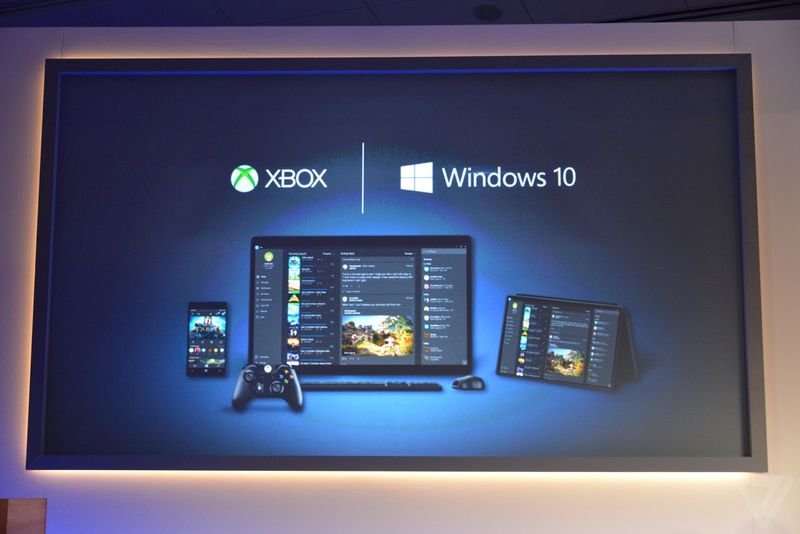
    This is the announcement that made us exclaim in delight. We have been ranting about the defunct PC gaming network and Games for Windows Live being inadequate. Well, Microsoft changed it with yesterday. The company announced a new Xbox app on every Windows device allowing you to view your games collection and chat with people on Xbox Live. And the bigger news is that with Windows 10, you can stream Xbox One games to any PC or tablet. You’re no longer restricted to the gaming console. Streaming will require a one-time set up to establish a relationship between the devices, after which Xbox One games can be accessed on a Windows 10 device by clicking on the game’s name in the Windows 10 Xbox App.

    3. Goodbye Internet Explorer, Hello Spartan!

    spartan

    Spartan has been in the news for sometime now. Microsoft’s new browsing app is a cleaner browser with a lot of shiny new features. There’s a “note-taking mode” that lets you draw over pages with a stylus or add comments with a keyboard, then save the results on OneNote. A clean “reading mode” formats a page like a book and adds a syncable reading list that’s basically “Pocket for Microsoft” or Safari’s page-saving feature. Another added bonus – Spartan has Cortana built into it.

    4. Return Of the Start Menu

    Start-screen-in-Windows-10

    The new OS update is so radical it prompted Microsoft to skip straight from Windows 8 to 10. One of the biggest iterations in Windows 10 is the return of Start Menu. It not only made its come back with the new upgrade but is also said be better than ever. Windows 10’s Start Menu will now expand to a full-screen view that looks like Windows 8.1’s home screen. A new Android-style Action Center provides quick access to Wi-Fi options, Bluetooth, and other settings. Along with this Microsoft has also added the Continuum feature which is designed specifically for convertible devices, switching almost instantly from a mouse and keyboard to a tablet screen.

    5. Giant Display For Enterprise

    surfaceHub

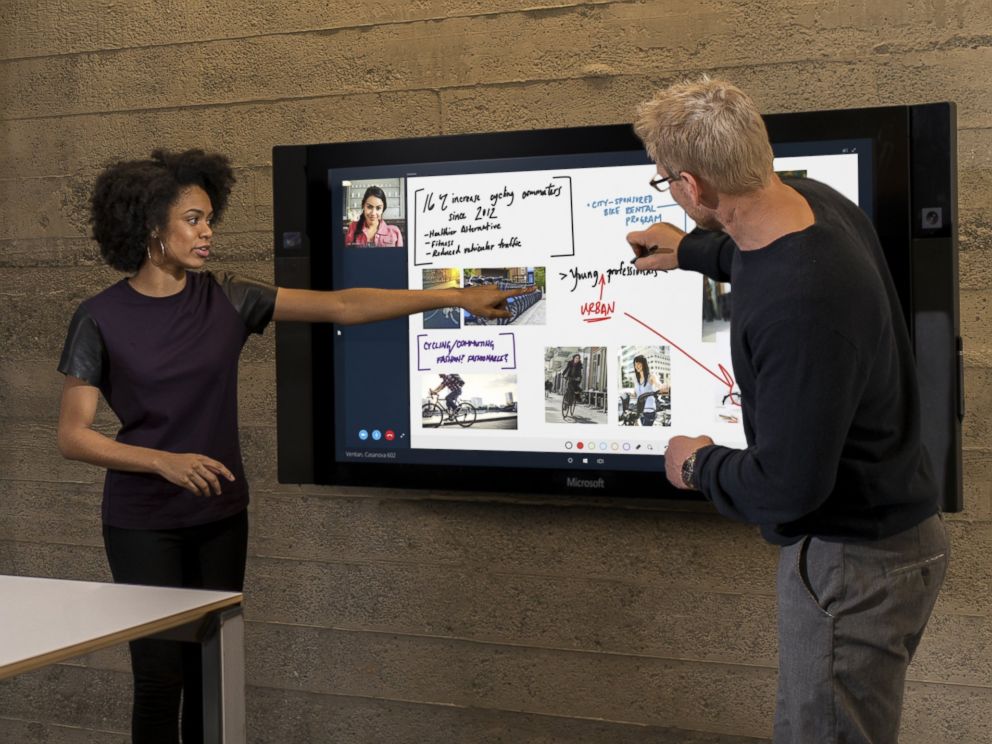
    Surface hub is a giant 84-inch 4K screen meant for the workplace.The 4K display has a built-in camera, speakers, mics, Bluetooth and NFC along with a stylus as a main input device for its touchscreen interface. The new display is the outcome of Microsoft’s acquisition of Perceptive Pixel, a research company it acquired in 2012. The idea is to provide enterprises with a one stop solution for meetings with members – appearing via Skype, drawing on screen and easily sharing work between everyone’s devices.

    6. HoloLens

    MSHoloLens_MixedWorld_LivingRoom_LongBrowser_RGB-500x333

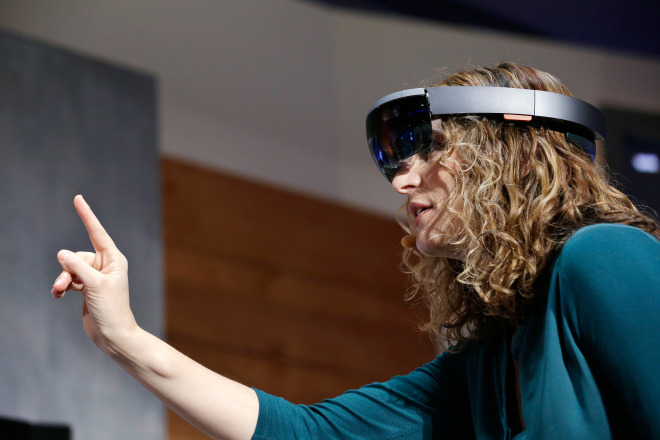
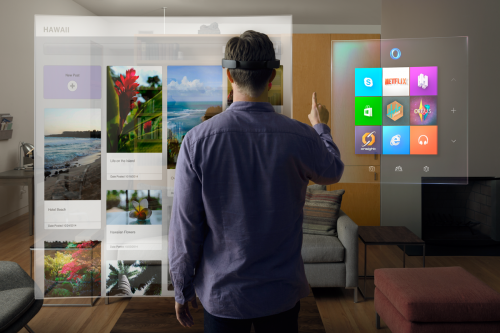
    As mentioned above, the company has also announced a wild and futuristic hardware. We were talking about HoloLens. The Microsoft HoloLens is a see-through visor that overlays holographic imagery over the real world. Born as the project codenamed as Project Baraboo, or sometimes just “B”, Hologram is powered by a new processor, what the company called a holographic processing unit. It’s equipped with sensors to detect the real world and gestures of the users, as well as holographic sound. It has no wires and doesn’t need to connect to phones or PCs.

    7. Unified Role of OneDrive

    microsoft_onedrive

    With Windows 10, OneDrive will become an important aspect of the unified app system. It will allow documents to sync across devices. Cortana has also been integrated with OneDrive and now can search documents in your cloud storage through your PC. OneDrive will also play a bigger role in photo and music section with Windows 10. For example, music will sync between devices using OneDrive. Up until now, OneDrive was focused on just photo and document sharing.

  • Check Out Microsoft’s New Browser ‘Project Spartan’

    Check Out Microsoft’s New Browser ‘Project Spartan’

    Anyone who has been a fan of Windows, has also made fun of Internet Explorer. With the rise of new and lighter internet browsers like Google Chrome and Mozilla Firefox, Internet Explorer lost the race miserably. The main reason was the heavy size of the browser and its inability to catch up with the latest trends such as extension support, tools and much more.

    However, with an exciting new announcement at yesterday’s event, Microsoft has taken its first step to change all that. At the Windows 10 event, Microsoft announced the much-talked about browser app which is codenamed Project Spartan. Microsoft’s new browsing app is a clean browser with a lot of shiny new features and convenient integrations with other Microsoft services.

    There’s a “note-taking mode” that lets you draw over the pages with a stylus or add comments with a keyboard, then save the results on OneNote. So picture this, while you’re browsing through a webpage, you spot an important sentence; you can use this tool to highlight the section and then share it further.

     A clean “reading mode” formats a page like a book and adds a syncable reading.

    spartan
    Note Taking Mode

    But these are not the major features of the new browser app. Just like everything else Microsoft announced yesterday, Spartan has Cortana built into it. Microsoft has taken a big leap with Cortana for Windows 10. Considering that the company joined the race much later than rivals Apple and Google, it’s good to see that Cortana has been deeply integrated in the company’s offering.

    With a slew of interesting new features, Spartan seem like a great replacement for the Internet Explorer. It promises to be a simple, fast and smart browser that efficiently ditches Internet Explorer’s dismissal brand image.

iGyaan Network
Privacy Overview

This website uses cookies so that we can provide you with the best user experience possible. Cookie information is stored in your browser and performs functions such as recognising you when you return to our website and helping our team to understand which sections of the website you find most interesting and useful.